






To make a mind map with AI, you write one prompt, let a tool draw the branches, and then edit the map until it matches what you know. This guide shows the 5 steps, 9 prompts you can copy, and the other tools that do the same job. To compare the apps side by side, read the best mind map apps.
TL;DR: To make a mind map with AI, write one prompt that names the topic, the goal and the depth, let the tool draw the branches, then edit and expand them. Taskade, Xmind, Mapify and MindMap AI all do this. Taskade Free covers 2 members and starts with no AI credits. Pro is $10 a month billed annually. Try the AI mind map generator
Quick answer
You can make a mind map with AI in about 10 minutes. Pick one center topic, write a prompt with a goal and a depth, and generate the map. Then edit the branches by hand and turn the useful ones into tasks. Free plans limit AI use, so check the credits first. The mind map maker is one place to start.
Prompt, file or chat: 3 ways to start an AI mind map
An AI mind map starts from one of three inputs: a topic you type, a file you already have, or a chat where you refine the map turn by turn. The input decides how much you must check afterward. A topic prompt draws on general knowledge, so it needs the most editing. A file keeps the map tied to your own source.
| Start from | Best for | What to check after | Example |
|---|---|---|---|
| A topic prompt | New ideas, plans, brainstorms | Generic branches that do not fit your case | "Create a mind map for a 30-day podcast launch" |
| A file or a link | Study notes, reports, long videos | Missed sections and wrong summaries | A PDF, a web page or a YouTube video |
| A chat | Messy topics that need several passes | Branches that drift off the goal | "Now split the Promotion branch by channel" |
Most tools accept all three. The 5 steps below start from a topic prompt, because it needs no file and works in every tool. If you start from a file, skip Step 2 and paste the file in Step 3.
Make a mind map with AI in 5 steps
The 5 steps below work in any AI mind map maker. The screens come from Taskade, where the map is one view of a project. Prompts that generate or expand a map use AI credits. Taskade Free starts with no AI credits, and Pro includes 50,000 a month.
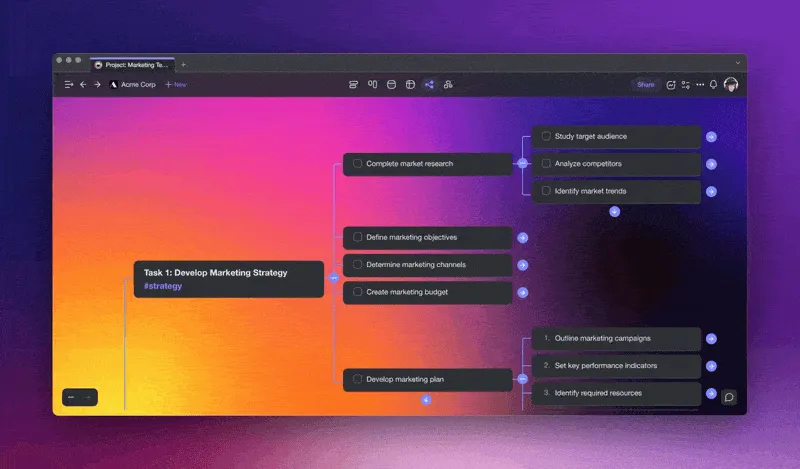
A Taskade mind map for a marketing strategy, with branches that expand into sub-tasks.
Step 1: Pick one center topic and a goal
Write the center topic as a short noun phrase, such as "podcast launch" or "Q3 hiring plan". Then write the goal of the map in one sentence: what you want to decide or do when the map is finished. A topic with no goal gives a map of facts. A topic with a goal gives a map of actions. If the topic is too broad, split it and make one map for each part.
Step 2: Write a prompt with scope and depth
A good AI mind map prompt names four things. The table shows each part and an example.
| Part | What it does | Example |
|---|---|---|
| Center topic | The node in the middle | "Launching a podcast" |
| Goal | Keeps branches useful | "A 30-day launch plan" |
| Breadth | Number of main branches | "5 main branches" |
| Depth | Sub-branches for each branch | "3 to 4 sub-branches each" |
Join the four parts into one prompt. This template works in every tool in this guide:
Create a mind map about [center topic].
Goal: [what the map must help me decide or do].
Use [4-6] main branches, with [3-5] sub-branches each.
Write each branch as a short action, not a sentence.
Audience: [who reads the map].
Step 3: Generate the map
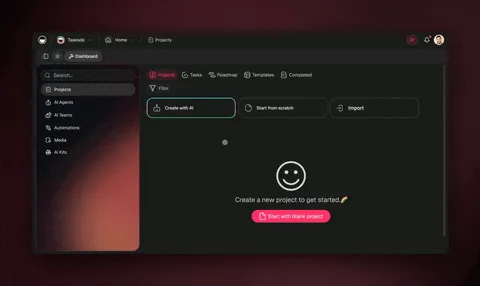
Paste the prompt into your tool and run it. In Taskade, open the AI mind map generator or click Create with AI in a workspace, describe the map, and open the result in Mind Map view. The first map takes a few seconds. If the branches miss the goal, change the prompt and run it again before you edit by hand.
Step 4: Edit, merge and expand the branches
Read every branch and fix it. Delete branches that repeat, merge two that say the same thing, and rename vague ones. Then select one branch and ask AI to expand it with more sub-branches. Expanding one branch at a time keeps the map on one screen and keeps the AI focused on one idea.
Use this check before you call the map finished:
| Check | Pass when |
|---|---|
| One center topic | The middle node is a short noun phrase, not a question list |
| Branches match the goal | Every main branch helps you decide or do the thing in your goal |
| No repeats | No two branches say the same thing in different words |
| Short labels | Each branch is under 8 words |
| Balanced depth | No branch has 10 sub-branches while another has 1 |
| Facts checked | Every name, number and date is correct for your case |
Step 5: Turn the branches into tasks
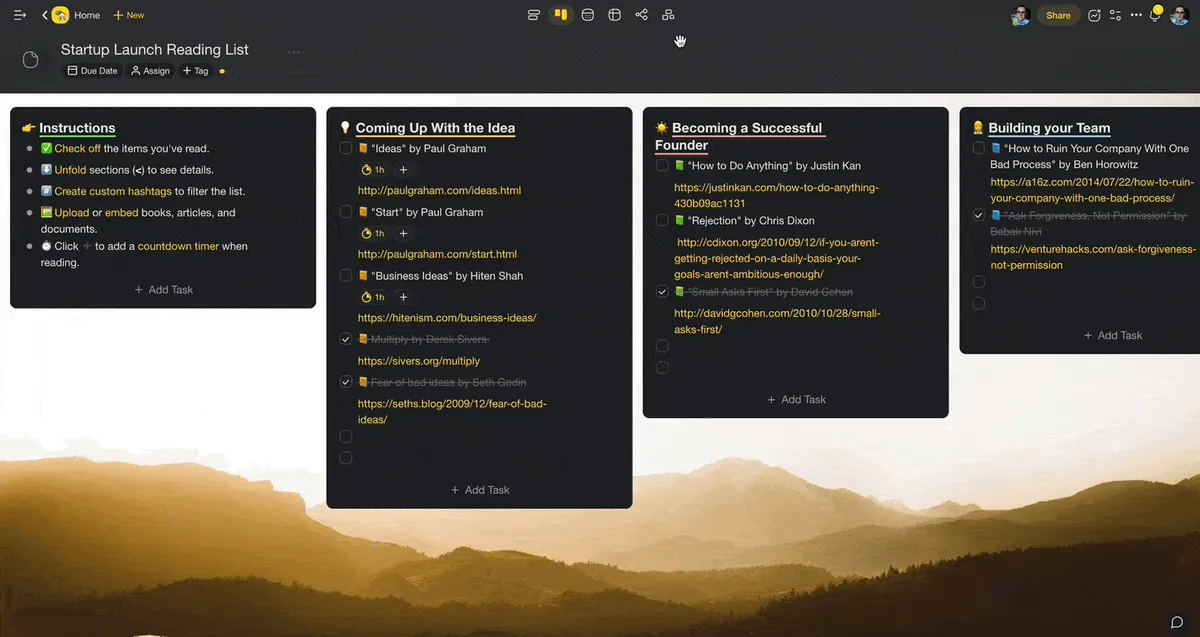
A finished map is a plan only when each branch has an owner and a date. In Taskade, switch the same project to List view or Board view, and every branch is already a task. Assign each task and add a due date. Both views are on every plan, Free included.
This is what the 5 steps produce for the podcast example:
                        ┌─ Pick a niche and a name
          ┌─ Concept ───┼─ Define the listener
          │             └─ Write the show format
          │             ┌─ Buy a mic and headphones
          ├─ Equipment ─┼─ Choose recording software
          │             └─ Test sound in your room
 Podcast ─┤             ┌─ Record 3 episodes
 launch   ├─ Episodes ──┼─ Edit and add music
          │             └─ Write show notes
          │             ┌─ Pick a host and submit the feed
          ├─ Publishing ┼─ Make cover art
          │             └─ Set a weekly release day
          │             ┌─ Tell 20 people you know
          └─ Promotion ─┼─ Post clips on social media
                        └─ Ask 5 guests to share
9 mind map prompts you can copy
Each prompt below fills the template from Step 2 for one common job. Copy it, change the words in brackets, and run it in any AI mind map maker. Each one also has a ready Taskade generator for the same job, with a screenshot of the result.
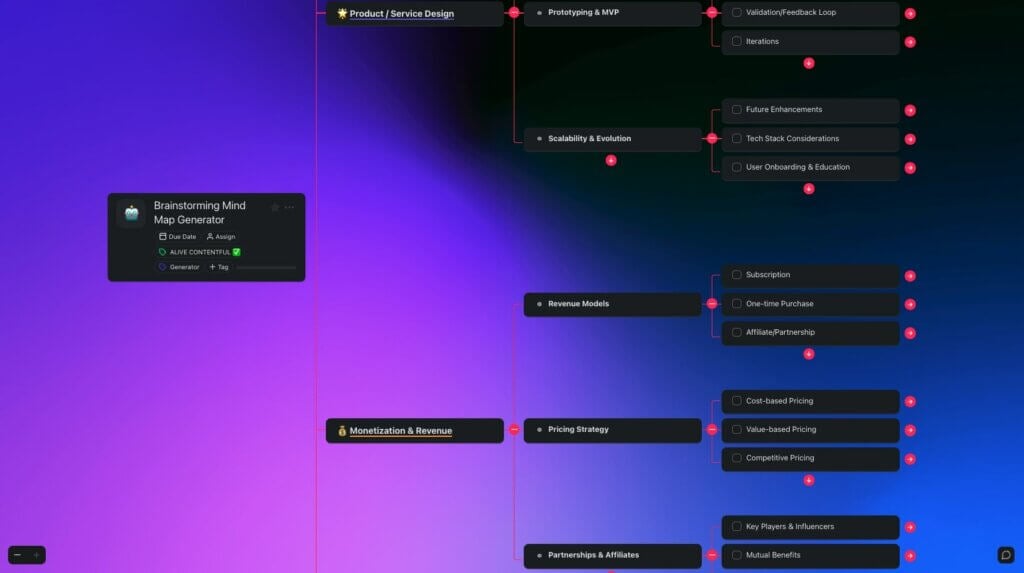
Brainstorming mind map prompt
Create a mind map to brainstorm [new product ideas for a coffee shop].
Goal: a short list of 3 ideas to test this month.
Use 5 main branches with 4 sub-branches each.
The map spreads ideas across themes first, so you see the whole space before you judge any single idea. Pick the 3 best leaves and move them to a new list. Ready generator: brainstorming mind map.
Problem-solving mind map prompt
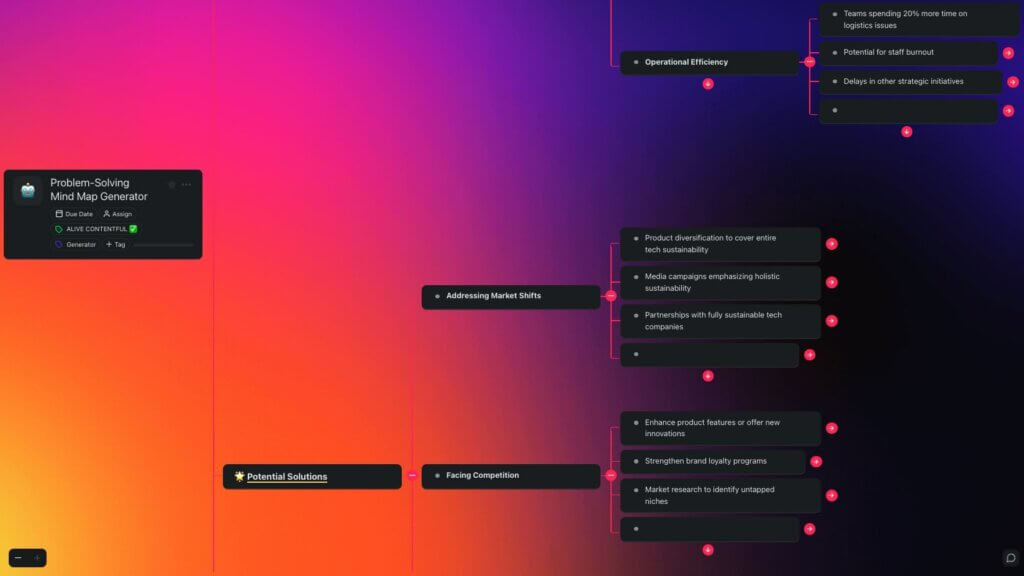
Create a mind map to solve this problem: [our website signups dropped 20% this month].
Branches: possible causes, how to check each cause, and fixes.
Use 4 main branches with 3 sub-branches each.
The map separates causes from fixes, so the team checks a cause before it spends time on a fix. Ready generator: problem-solving mind map.
Meeting agenda mind map prompt
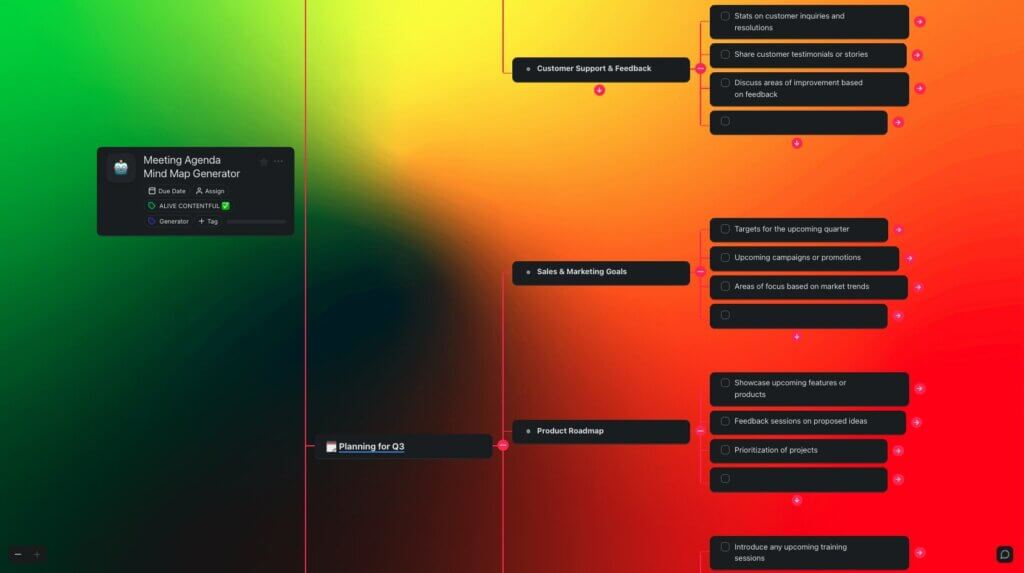
Create a mind map agenda for a [45-minute] meeting about [the Q4 marketing budget].
Include the goal, 4 talking points, the owner of each point, and the decisions we need.
Each branch is one talking point with an owner and a time, so the meeting ends with decisions, not only notes. Ready generator: meeting agenda mind map.
Marketing strategy mind map prompt
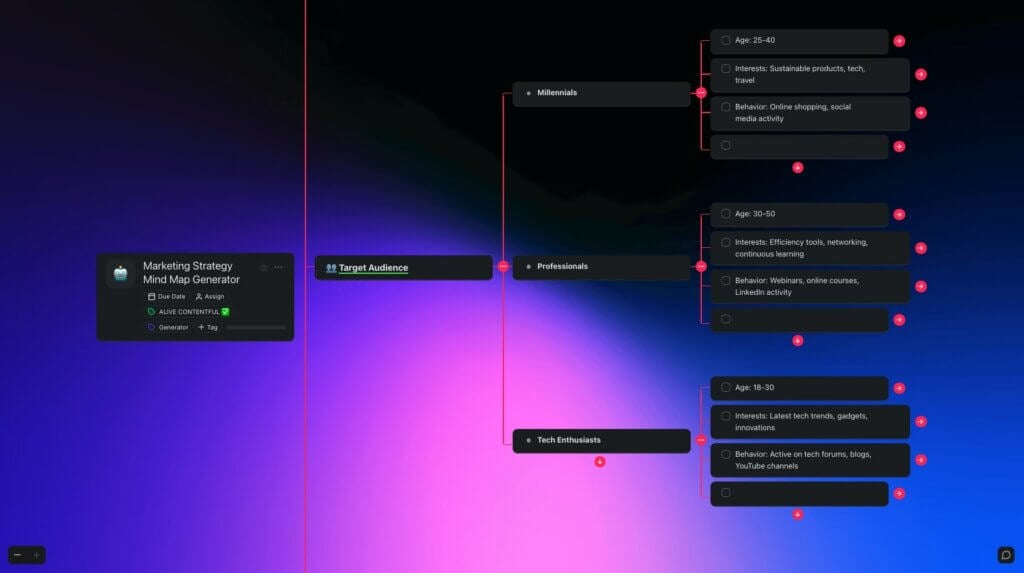
Create a mind map for the marketing strategy of [a new meal-prep service in Austin].
Branches: audience, value proposition, channels, budget, and metrics.
Use 3 to 4 sub-branches for each.
The map puts the audience and the offer before the channels, which keeps the plan focused on who buys. Ready generator: marketing strategy mind map.
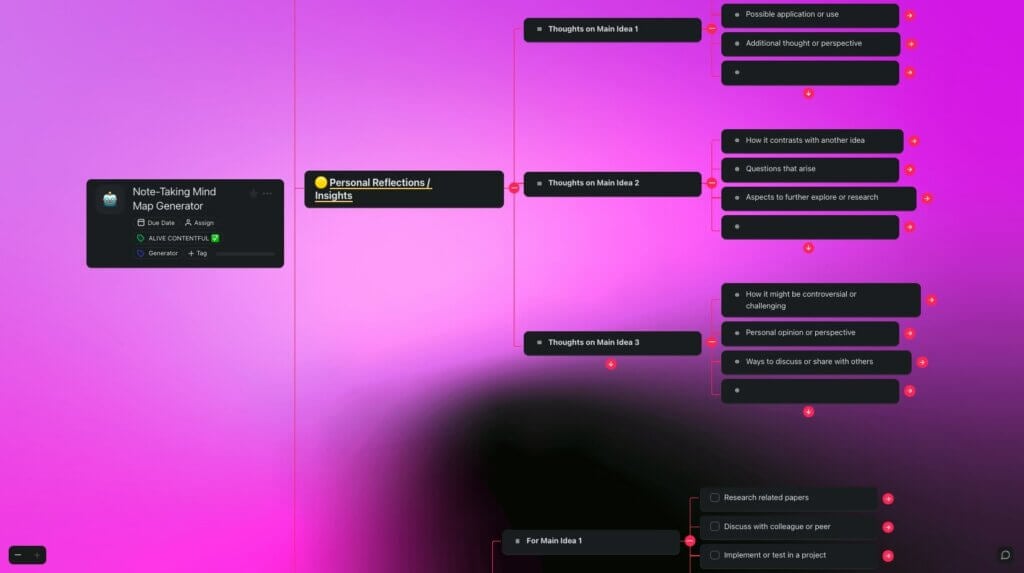
Note-taking mind map prompt
Turn these notes into a mind map: [paste your notes].
Group them into 4 to 6 main topics, and keep each branch under 8 words.
The map turns a long page of notes into a structure you can review in one minute. Switch to List view later to write in a top-down outline. Ready generator: note-taking mind map.
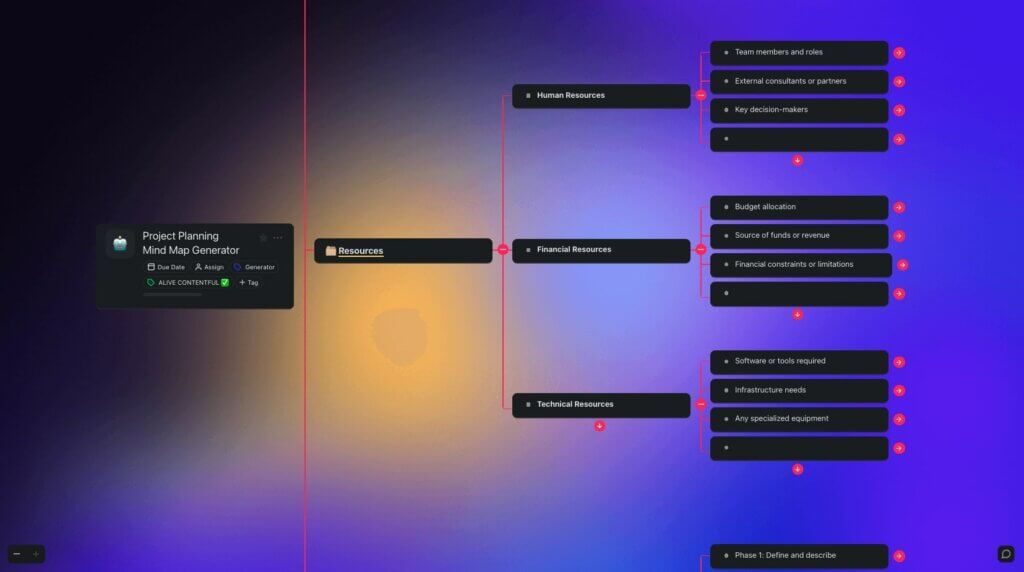
Project planning mind map prompt
Create a mind map to plan [moving our office to a new building].
Branches: milestones, tasks for each milestone, risks, and the people involved.
Use 5 main branches with 4 sub-branches each.
The map shows the milestones and the tasks under each one, so it is ready to become a project in Step 5. Ready generator: project planning mind map.
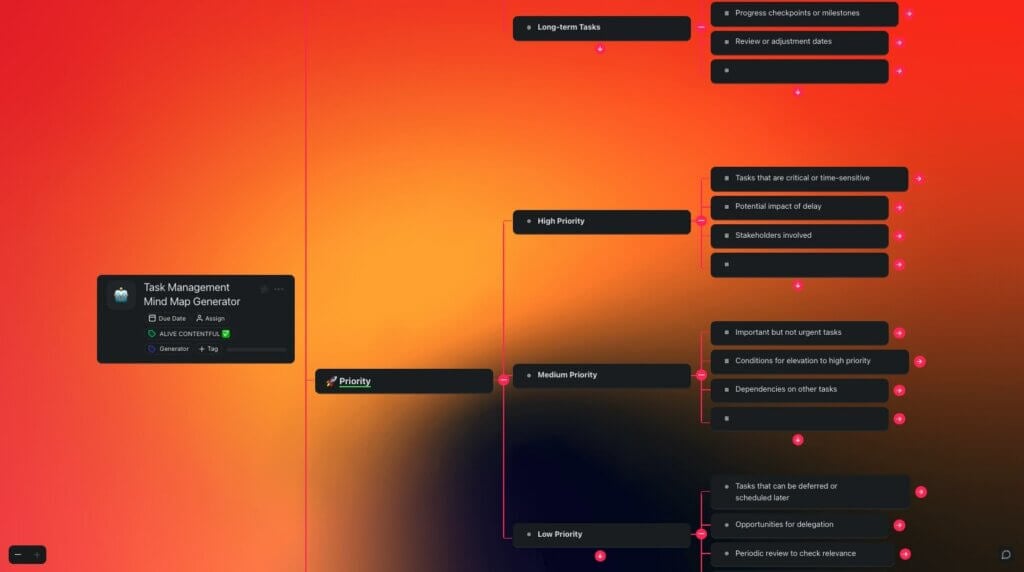
Task management mind map prompt
Create a mind map of my tasks for [this week].
Group the tasks by urgent and important, and split each large task into 2 to 3 steps.
The map sorts a long to-do list by priority, then breaks the large items into steps you can finish in one sitting. Ready generator: task management mind map.
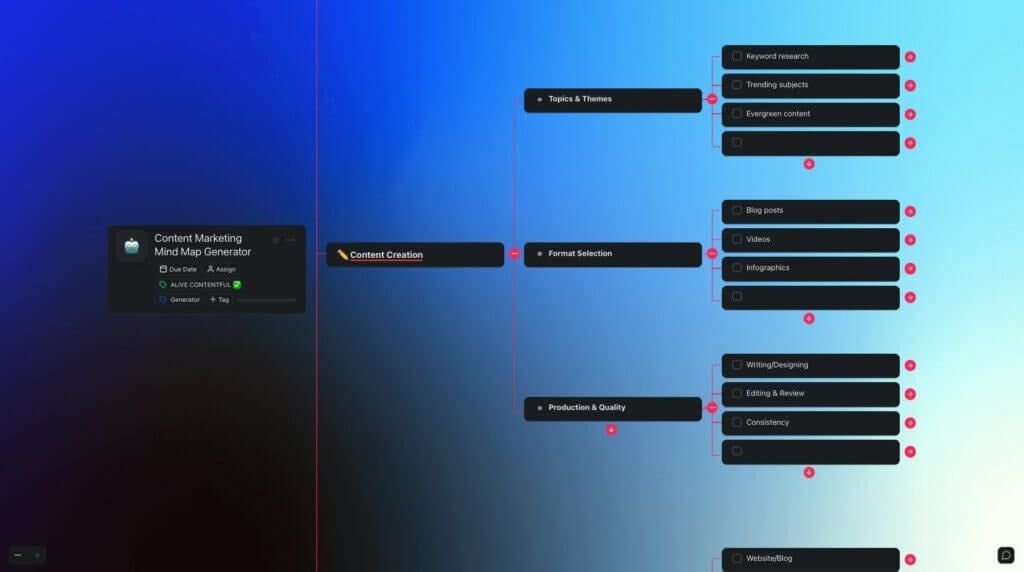
Content marketing mind map prompt
Create a content marketing mind map for [a blog about home gardening].
Branches: 5 topic clusters, 3 article ideas for each, and the search question each article answers.
The map groups article ideas into topic clusters, so each new post links to the posts around it. Ready generator: content marketing mind map.
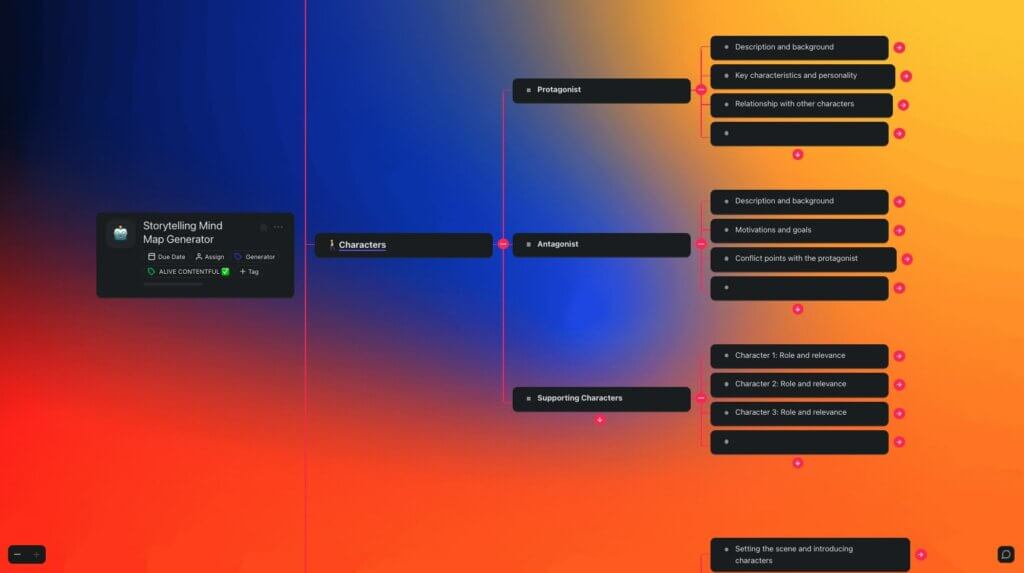
Storytelling mind map prompt
Create a mind map for a short story about [a lighthouse keeper who finds a message in a bottle].
Branches: characters, setting, conflict, 3 plot turns, and the ending.
The map lays out the parts of the story before you write a line, so the plot turns and the ending fit together. Ready generator: storytelling mind map.
Other ways to make a mind map with AI
Taskade is one way to make an AI mind map, and several other AI mind map generators do the same job from a different starting point, for students and teams alike. Mapify and MindMap AI lead when you start from a file or a video, Xmind leads on desktop editing, and whiteboard tools such as Miro and Lucidspark fit teams that already plan on a shared canvas. Prices and free AI limits below came from each vendor's pricing page on 2026-10-19.
| Option | Better fit when | Free AI | Paid from |
|---|---|---|---|
| Mapify | You start from a PDF, a web page or a YouTube video | 30 one-time credits, 5 PDF and 5 YouTube maps | $5.99/mo billed yearly ($9.99 monthly) |
| Xmind AI | You want detailed editing in a desktop app | 50 Xmind AI credits | US $4.92/mo (Pro, yearly) |
| MindMap AI | You start from audio, a web page or a prompt, and want monthly free AI | 50 credits a month | $4.99/mo billed annually ($9.99 monthly) |
| A chat assistant | You only need the branches as text | Depends on the assistant | Depends on the assistant |
The AI button sits in a different place in each tool. These click paths come from each vendor's own help or product page, read on 2026-10-19:
| Tool | Where the AI mind map lives | Click path |
|---|---|---|
| Miro | A shared whiteboard | Create with AI, select Diagram, choose Mind Map, then type the prompt |
| Lucidspark | A shared whiteboard | Organizers, then Mind Map. Select a node, click Collaborative AI, then Expand with ideas |
| EdrawMind | A mind map app | Edraw AI, type the prompt, then One-click generating |
| Taskade | A project with a Mind Map view | Create with AI in a workspace, describe the map, then open Mind Map view |
Miro states on its AI mind map page that its free plan includes Miro AI. Lucidspark works the other way round: you place an empty map first, then ask AI to expand one node at a time.
A chat assistant writes the branches as an indented outline or as diagram text, and you rebuild the map by hand in a map app. That works for a quick draft, but you lose the drag-and-edit canvas. For a file, the PDF to mind map guide compares the file-first tools, and the Taskade PDF to mind map converter and YouTube to mind map converter do the same job inside a project.
To compare all 12 apps on free plans, platforms and price, read the best mind map apps.
Go further: turn a mind map into a live app
A mind map is a plan on one screen. In Taskade, the same plan can become a working tool. Describe it to Taskade EVE in chat, and one prompt builds a live Taskade Genesis app with its own database, such as a tracker, a dashboard, a form or a client portal. Taskade EVE also edits the app when you ask in chat.
  MIND MAP                 PROJECT                  LIVE APP
  (the plan)               (the tasks)              (the tool)
 ┌────────────┐   view   ┌────────────┐  prompt  ┌──────────────────┐
 │ Podcast    │ ───────► │ List/Board │ ───────► │ Episode tracker  │
 │  launch    │  switch  │ owners and │  Taskade │ database + agent │
 │ 5 branches │          │ due dates  │   EVE    │ + automations    │
 └────────────┘          └────────────┘          └──────────────────┘
     Memory                  Memory                  Intelligence
                                                     + Execution
| Part | What it does for the plan |
|---|---|
| AI agents | Agents with knowledge and tools work inside the app or on their own, for example drafting show notes |
| Automations | Connect 100+ integrations: triggers pull events in, actions push data out |
| App kits | Clone a ready-made app, share it with a link, and add a custom domain on Pro and up |
| Workspace DNA | Projects are memory, agents are intelligence, automations are execution |
Taskade Free includes 3 apps and 1 agent and starts with no AI credits. Pro is $10 a month billed annually, and the pricing page lists every plan. The Taskade Genesis wiki explains each part in more depth.
Limitations
AI writes a fast first draft of a mind map, but it does not know your project, your numbers or your audience. Check every branch before you share the map. Free AI also runs out at a different point in each tool, and on Taskade Free, AI generation needs credits, and Free starts with none.
| Limit | What it means | What to do |
|---|---|---|
| AI does not know your context | Branches can be generic or wrong for your case | Add your facts to the prompt, then edit by hand |
| Large maps get shallow | A 60-node first draft repeats itself | Ask for 4 to 6 branches, then expand one at a time |
| Free AI runs out | Each tool caps free AI in a different way | Check the free AI before you start a big map |
| A map is not a plan | Branches with no owner or date do not get done | Turn branches into tasks (Step 5) |
If you are new to the method, what is mind mapping explains why the format works, and the mind map guide shows how to build a strong map by hand. For finished examples, see mind map examples or start from a mind map template.
Frequently asked questions
How do I make a mind map with AI for free?
Write one prompt that names the center topic, the goal and the depth, then paste it into an AI mind map maker with a free AI allowance. On 2026-10-19 MindMap AI gave 50 free AI credits a month, Xmind 50 credits and Mapify 30 one-time credits. Taskade Free starts with no AI credits, so you earn them with referrals and invites, or buy a credit pack.
Can ChatGPT make a mind map?
A chat assistant can write the branches of a mind map as an indented outline or as diagram text, but it does not give you a map you can drag and edit. Use the outline as a draft, then rebuild it in a mind map app, or use a tool that generates an editable map from the prompt directly.
What is the best prompt for an AI mind map?
The best prompt names four things: the center topic, the goal of the map, the number of main branches, and how deep each branch goes. For example: "Create a mind map for launching a podcast. Goal: a 30-day launch plan. Use 5 main branches with 3 to 4 sub-branches each."
Can AI turn a PDF into a mind map?
Yes. Mapify, MindMap AI and Taskade can read a PDF and return a map of its main points. Mapify gives 5 PDF or document maps on its free plan. In Taskade, the PDF to mind map converter turns the file into a project you can edit as a map, a list or a board.
Can I edit an AI mind map?
Yes. Every tool in this guide returns an editable map, not a picture. You can rename, move, merge and delete branches by hand, and most tools also let you select one branch and ask AI to expand it. Check every branch before you share the map.
Can a mind map become a task list?
Yes, in tools where the map is one view of a project. In Taskade you switch the same project from Mind Map view to List or Board view, and each branch becomes a task. Mind Map, List and Board views are on every plan, Free included.
How many branches should an AI mind map have?
Start with 4 to 6 main branches and 3 to 5 sub-branches each. That gives 15 to 30 nodes, which fits on one screen and is easy to check. Ask for more depth on one branch at a time.
What is the difference between a static and an editable AI mind map?
A static AI mind map is a picture: you can look at it and export it, but you cannot move or rename a branch. An editable AI mind map is a canvas where every branch is a node you can drag, rename, merge, delete or expand with AI. Pick an editable map if you plan to keep working on it.
Can AI make a mind map from a YouTube video?
Yes. Mapify and MindMap AI turn a YouTube link into a mind map of its main points, and Mapify gives 5 YouTube maps on its free plan. In Taskade, the YouTube to mind map converter turns the video into a project you can edit as a map, a list or a board.
Is Taskade's AI mind map generator free to use?
The Mind Map view is free on every Taskade plan, so you can build and edit maps by hand on Free. AI generation uses AI credits, and Free starts with none: you earn credits with referrals and invites, or buy a credit pack. Pro is $10 a month billed annually and includes 50,000 AI credits a month.