






Hi Taskaders 🎉
We have an incredible update for you this week. Enjoy!
TL;DR: Task views, workspace sorting, and browser tab icons shipped in 2021 — today they've grown into multiple project views and multi-layer search across every workspace. Taskade Genesis builds living apps from a prompt, with AI Agents and 100+ integrations handling the routing.
Then → Now: A single My Tasks list and basic sort in 2021. Today, multiple project views plus full-text + semantic search slice your workspace any way you want — and AI Agents auto-prioritize across Automations.
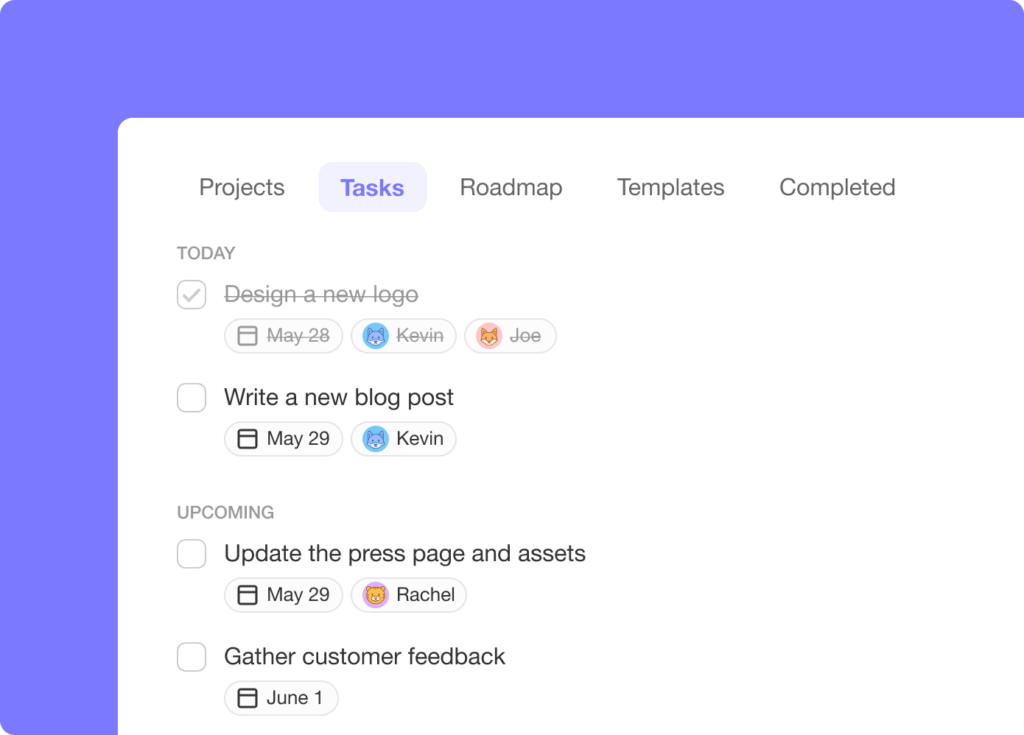
✅ Complete Tasks in Task Views
You can now complete tasks inside My Tasks and workspace Tasks tab without leaving the page.
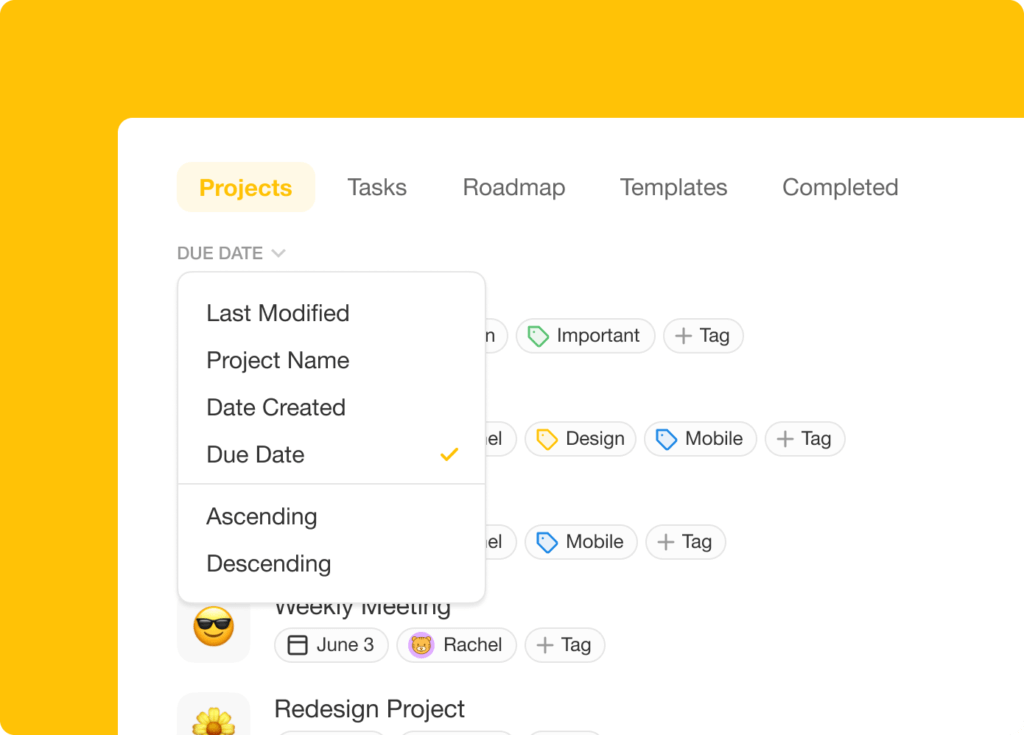
📅 Sort Workspace by Due Date
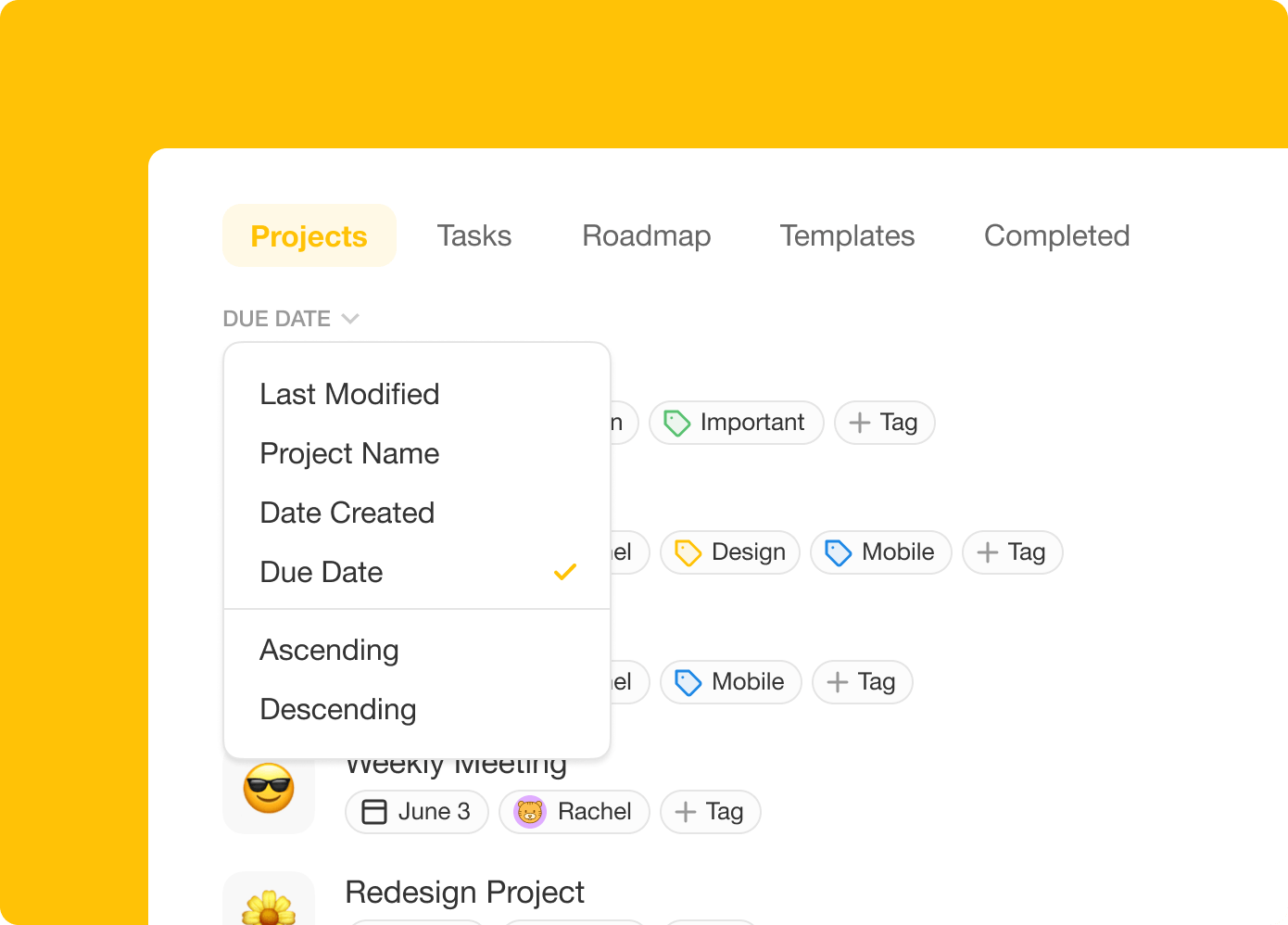
Sort workspace projects by Due Date in ascending or descending order.
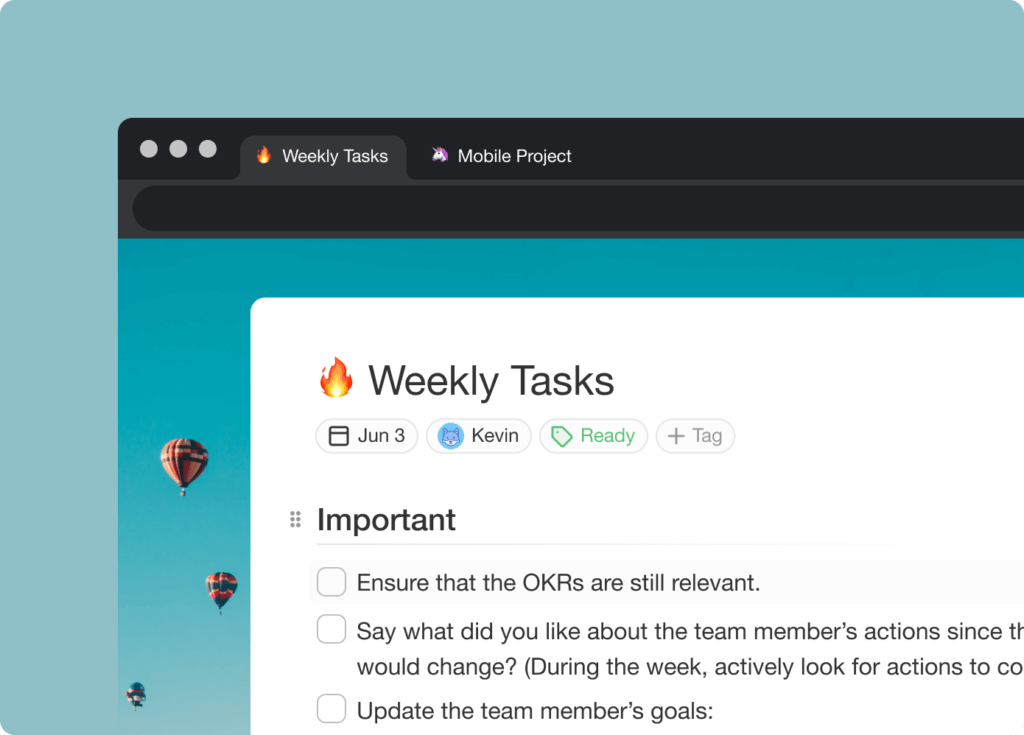
🧠 Project Icons in Browser Tabs
Have trouble finding your project? Each tab will now display your project icon.
🎉 Other Improvements
- Taskade for Desktop updated with performance improvements.
- Email notifications will now deep-link to the project items.
- Improved multi-select support, selections can be deleted, cleared, indented, and styled without losing focus.
- Project history has improved activity and styling.
- Google Calendar integration improved.
- Comments now support emojis.
- Various performance improvements and bug fixes across all platforms.
2021 H1 vs Today (2026)
| Dimension | 2021 H1 | Today (2026) |
|---|---|---|
| UX polish | Sort workspaces by due date + project icons in browser tabs | Multi-layer search + custom domains + command palette |
| Task aggregation | My Tasks view + check directly | Same + AI auto-prioritize + agent inbox |
| Sorting | Manual ascending/descending | Same + AI smart-sort + custom field filters |
| Notifications | Email deep links | Same + reminders + comment triggers + agent push |
| Intelligence | None | 15+ frontier AI models + Automations react to status changes |
🔎 Browser tab icons → Multi-layer search
A project emoji in your browser tab was 2021's wayfinding hack. In 2026 you don't hunt — you ask. Multi-layer search (full-text + semantic HNSW + OCR) and AI Agents answer in seconds.
Browser tab strip
 ┌──────────────── BROWSER TAB ROW (2021) ─────────────────┐
 │  [📄 Launch]  [🚀 Roadmap]  [🐛 Bugs]  [📅 Calendar]    │
 │     active        bg            bg          bg          │
 │ ──────────────────────────────────────────────────────  │
 │  Each tab now shows its project emoji as its favicon.   │
 │  2026: same favicons + ⌘K command palette + AI search   │
 └─────────────────────────────────────────────────────────┘
📚 Related reading — hub & spoke
- Taskade Genesis · AI Agents v2 · Automations · Community Gallery
- All project views · 100+ integrations · Pricing
- Learn — My Tasks
- Learn — Search
- Learn — Keyboard shortcuts
- Learn — Reminders
- Learn — Genesis FAQ
| Thanks again for supporting Taskade, and as always, don’t hesitate to reach out or visit our help center if you need help. We’re here for you! 😊 — Team Taskade 🐑 |
|---|
Frequently Asked Questions
Can I complete tasks from the My Tasks view in Taskade?
Yes. You can check off tasks directly inside the My Tasks and workspace Tasks tab without navigating to the individual project. This lets you quickly mark items as done from a centralized view, saving time when processing tasks across multiple projects.
Can I sort workspace projects by due date in Taskade?
Yes. Sort workspace projects by due date in ascending or descending order to see which projects have the nearest deadlines. This sorting option is available in the workspace view and helps you prioritize work across your entire team's project portfolio.
Do Taskade projects show icons in browser tabs?
Yes. Each browser tab displays the project's emoji icon, making it easy to identify and switch between multiple open Taskade projects. This is especially helpful when you have several projects open simultaneously and need to find a specific one quickly.
Does Taskade send email notifications with deep links?
Yes. Email notifications from Taskade include deep links that take you directly to the specific task, comment, or project item that triggered the notification. Click the link in the email to jump straight to the relevant content without manual navigation.