






Are you overwhelmed with work? Do you spend hours working on tasks only to realize they aren’t even important? Are you always in a rush? If you answered “yes” to at least one of those questions, it’s about time you learned how to improve your time management!
Here’s the thing. Time is your most valuable asset, and “lost time is never found again” (thanks Ben). If you’re not spending it well, you’re running up a bill you won’t be able to pay back. The good news is we have a few common-sense tips that’ll help you get back on track.
TL;DR: Better time management starts with clear priorities, focused single-tasking, and regular progress tracking. Use the Pomodoro Technique, Eisenhower Matrix, and a trusted tool like Taskade with multiple project views and built-in AI agents to plan, schedule, and execute your day. Start free -->
But first, let’s start with some basics.
👹 Procrastination, Your Arch Nemesis
In a nutshell, procrastination is the action of putting things off for as long as possible. And we’re all guilty of it. Chances are you regularly procrastinate on work responsibilities, personal obligations, chores, and other tasks you don’t feel like doing right here and now.
“One of my favorite sayings is, 'Everyone procrastinates, but not everyone is a procrastinator.' We all put tasks off, but my research has found that 20 percent of U.S. men and women are chronic procrastinators. They delay at home, work, school and in relationships. [...]”
Joseph Ferrari, Ph.D. via The American Psychological Association
Procrastination leads to low productivity and frustration because you never seem to get anything done. And poor time management skills are often the culprit.
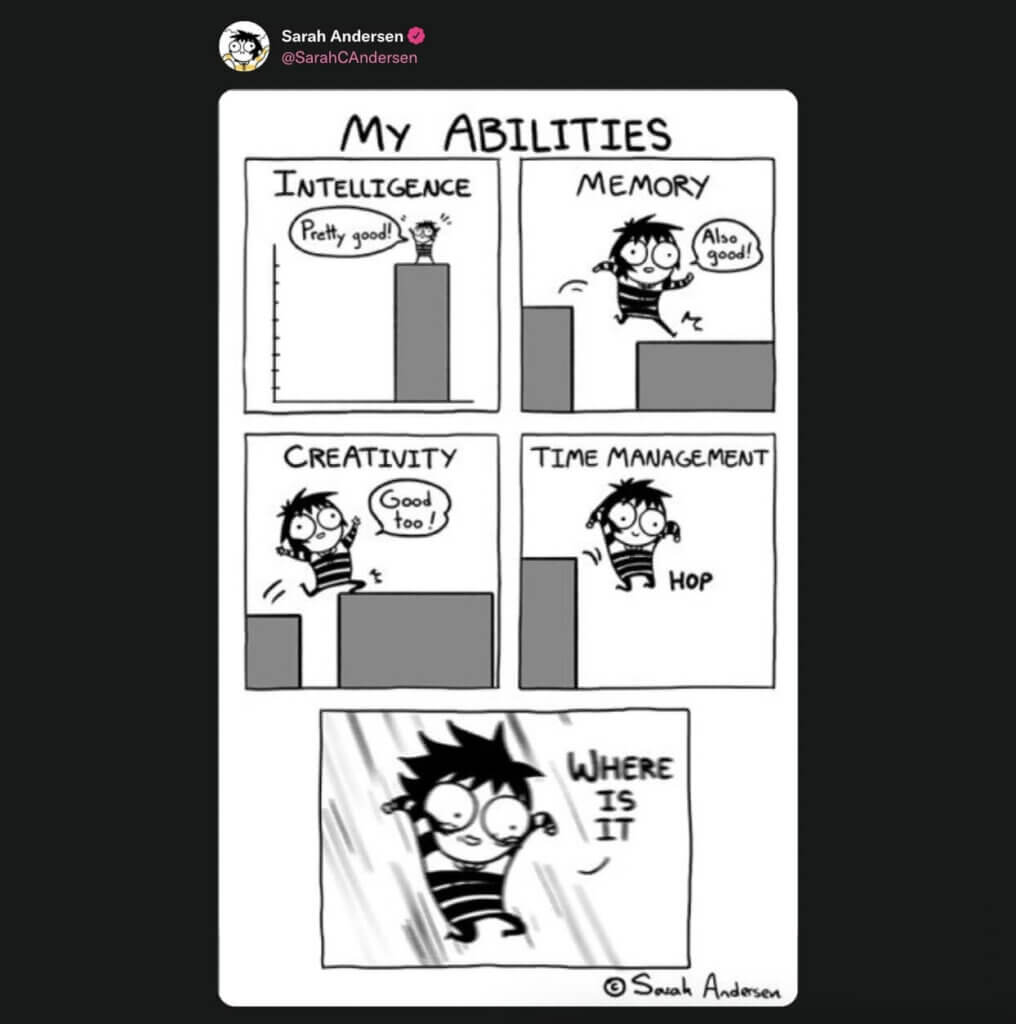
To curb procrastination, you must know how to create clear priorities, prioritize tasks, and track progress. In other words, you need to manage your time effectively.
But what does that even mean?
🤔 What Is Time Management?
Time management is the process of planning and scheduling your activities so that you can achieve your goals effectively. It involves becoming more mindful of how you spend your time, maximizing productivity, and minimizing stress. But that’s just part of the story.
It's important to understand that managing your time doesn't mean you need to be perfect at everything all the time. It means you should focus on achieving your most important tasks first while delegating other things to someone who will do them as well as or better than you.
Finally, time management doesn’t exist in the void; it's not an isolated action. Time management is an umbrella term for a range of soft skills, tools—this can include to-do lists, time trackers, Pomodoro timers, or calendar apps—and techniques for optimizing the way you use your time.
Time management is one of the most important skills for getting ahead in life. But getting it right is tricky. Here are 7 awesome tips that'll help you do just that.
🚀 7 Steps to Better Time Management
✋ 1. Don't Procrastinate
Procrastination is one of the biggest enemies of success. It's a common problem among people who want to get things done but are too busy doing something else instead.
The solution?
Spend 5-10 minutes every morning to make a list of everything you need to do in a day, and then prioritize it by importance. Make sure to stick to the most important tasks for the day.
If you can’t decide what to prioritize, ask yourself what would happen if you didn't complete those tasks today. This will help you figure out which tasks need special attention.
🚥 2. Use Prioritization Tools
Another great way to prioritize tasks is to use a prioritization matrix. A prioritization matrix helps you decide which tasks you should do next based on their importance and urgency.
There are many different types of prioritization frameworks available online. Some examples include MoSCoW, Kanban, Kano, and Rice. You can implement them using pen & paper (not a good idea) or use dedicated task management software (see the next section).
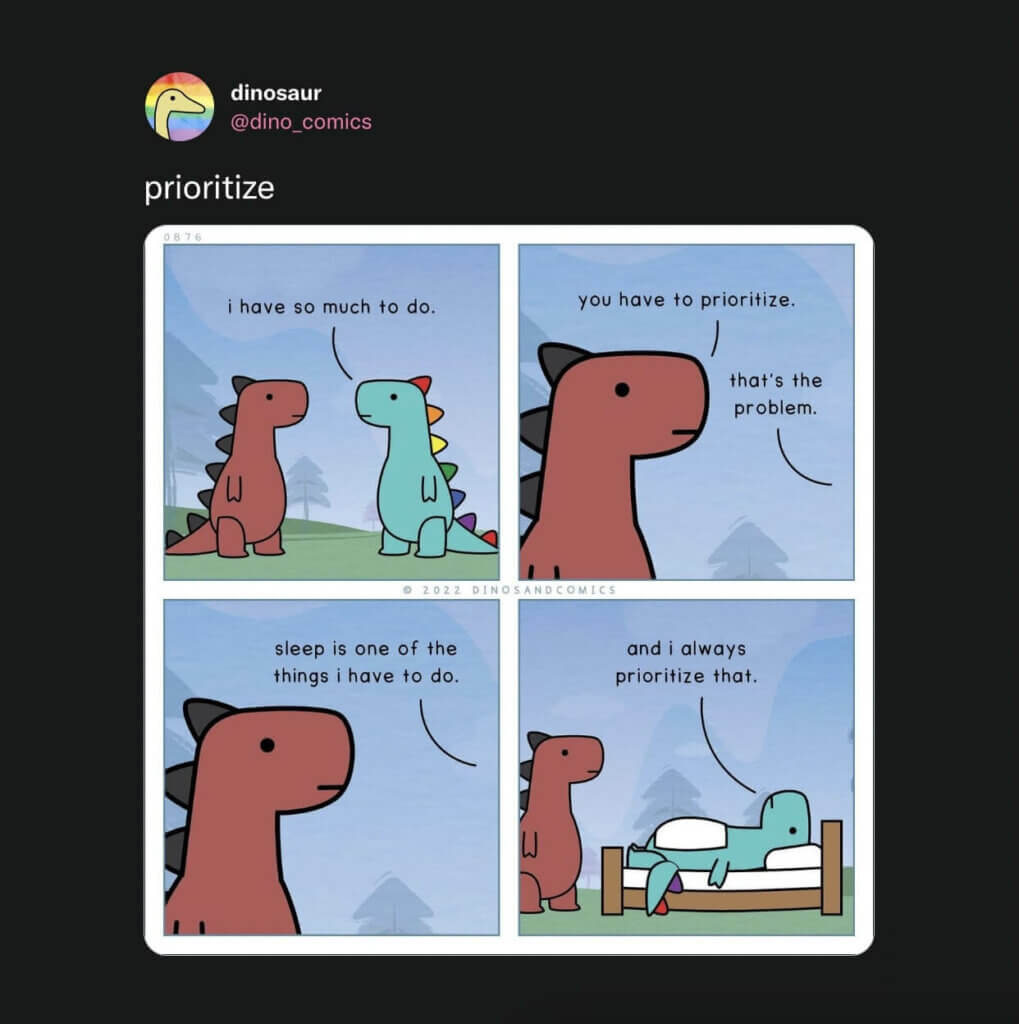
Setting priorities is important for improving productivity. If you don't know what to work on first, you'll simply waste time trying to figure out which tasks to start on first.
⏱️ 3. Track Your Progress
Once you've identified your priorities, make sure you track the progress you're making.
You can gain a better insight into how you spend your time by using tools like the Pomodoro technique. In Pomodoro, you work on tasks in 25-minute increments and take 5-minute breaks between sessions. Every four cycles, you take a longer break before starting over.
It’s that simple!
The Pomodoro technique helps you focus on one task at a time. It also makes it easier to keep a detailed log of how much time you spend on tasks based on the number of completed cycles.
There are many Pomodoro apps out there. But why not use the one integrated with your to-do list app of choice? Taskade is a powerful task management app that lets you track tasks, manage projects, and collaborate with others. It also comes with a free Pomodoro timer!
If you want an alternative to the Pomodoro Technique, check out our guide on the Flowtime Technique!
Check this short video and sign up for a free Taskade account today! 👈
And now back to our list.
🗓️ 4. Set Realistic Goals and Plan Ahead
You only have 24 hours in a day. So, when setting your priorities, consider if they are realistic.
For instance, if your goal is to learn 12 new skills each year, you don’t want to push the deadline till December. You need to plan ahead and create a feasible schedule you’ll stick to.
You need to understand how much time you have available and be realistic about how long it would take to complete a task. This is especially important when managing big, complex projects that involve multiple people from different teams/departments.
Sometimes, you won’t be able to hit your personal goals. Heck, you may even flunk some projects at work and feel pretty bad afterward. But if you plan ahead and draw a clear path for each task and project, you'll reduce the risk of failure to a reasonable level.
🤹 5. Don't Multitask (Seriously)
Multitasking doesn’t work. In fact, it’s one of the most unproductive habits, both at home and around the office. The human brain is not wired to focus on more than one task at a time.
Multitasking drains your energy and focus. It also prevents you from completing important activities because you think doing two things at the same time is more productive.
Some examples of multitasking include:
📖 ❌ 🎞️ Reading a book while watching a movie
✏️ ❌ 🧑💻 Doodling during a team meeting
📱 ❌ 📤 Talking on the phone while replying to an email
📱 ❌ 🚗 Texting while driving
🎮 ❌ 👁️ Playing video games during a remote meeting
Sounds familiar?
Your mind works best when it's fully focused on completing one task at a time. So if you want to avoid multitasking, you need to A) learn how to prioritize (we've already discussed that), B) block time for tasks in your calendar, and C) learn how to say “no” to things that don’t matter.
So far so good. Moving on!
🗂️ 6. Organize Your Workspace
Glean’s "Hybrid Workplace Habits & Hangups" survey found that knowledge workers waste over two hours each day looking for documents and information.(1) Ouch.
A well-organized workspace—both digital and physical—will help you save a lot of time throughout the day. Not only will it boost your focus, but it’ll also make it easier to find relevant documents and materials faster. That’s not a bad tradeoff for regular cleaning.
Follow these steps to keep your workspace organized:
🤖 Digitize documents to reduce paper waste.
🧘♂️ Keep your work and personal spaces separate.
🙈 Move the things you don’t need out of view.
🍌 Don’t eat at your desk (it’s gross).
🧹 Regularly dust your desk and equipment.
That’s just a basic list, but it should help make a few adjustments. We made an entire video on how to organize your digital workspace, so be sure to check it out when you're done reading.
⏸️ 7. Take Regular Breaks
Taking regular breaks is essential for maintaining high levels of concentration, and breaks help you stay alert and energized. They also give your brain a chance to rest and recharge.
"So, how often and how long?"
It really depends on your workflow and the type of work you do. The rule of thumb is to stand up (if you’re sitting all the time) and take a 5-minute break every 45 minutes.
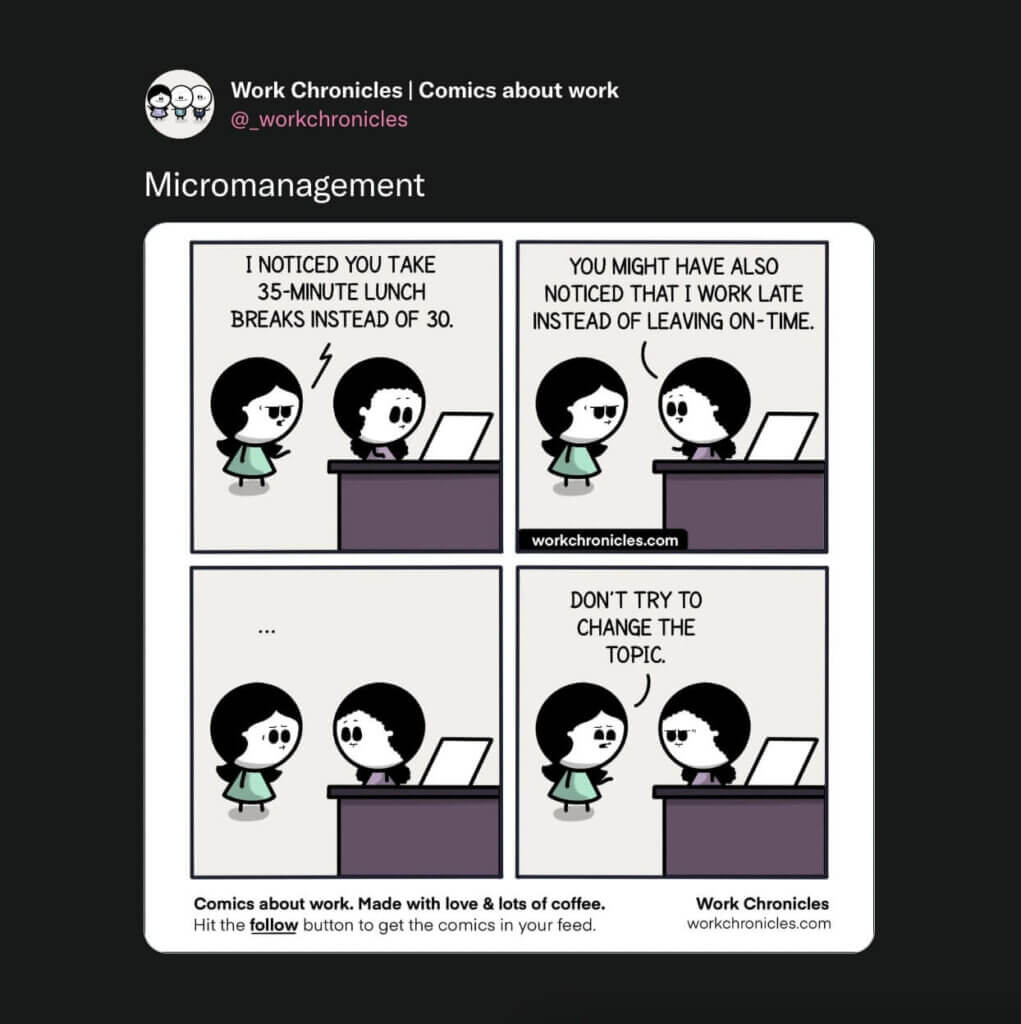
Of course, you can adjust the break frequency and duration to match your unique workflow. Just make sure to hit pause and move a bit every hour. If you tend to miss work breaks, try using the Pomodoro technique we discussed in one of the previous sections.
You can take breaks however you like—walk around the office, stretch, meditate, or even do a few push-ups and sit-ups. Choose whatever works for you, and your body will thank you later.
🍪 Bonus Tip: Reward Yourself
Celebrating completed tasks and projects will make you feel better about yourself and the work you’ve done. It’ll also encourage you to continue working toward your goals.
So, when you finish a task or make progress, make sure to reward yourself for the hard work. The reward can be a sweet treat or a relaxing time with your favorite video game.
This is especially important if you work from home. When there's no one around to applaud your work, giving yourself a pat on the back will keep you motivated throughout the day.
Time Management Techniques Compared
| Technique | How It Works | Best For | Taskade Feature |
|---|---|---|---|
| Pomodoro | 25 min work / 5 min rest cycles | Deep focus sessions | Built-in timer |
| Eisenhower Matrix | Prioritize by urgency + importance | Daily planning | Board view |
| Time Blocking | Assign time slots to tasks | Structured schedules | Calendar view |
| GTD | Capture, organize, review, engage | Complex workflows | List + Gantt views |
| Eat the Frog | Hardest task first each morning | Overcoming procrastination | AI task prioritization |
| Flowtime | Flexible focus, natural breaks | Adaptive workers | Built-in timer |
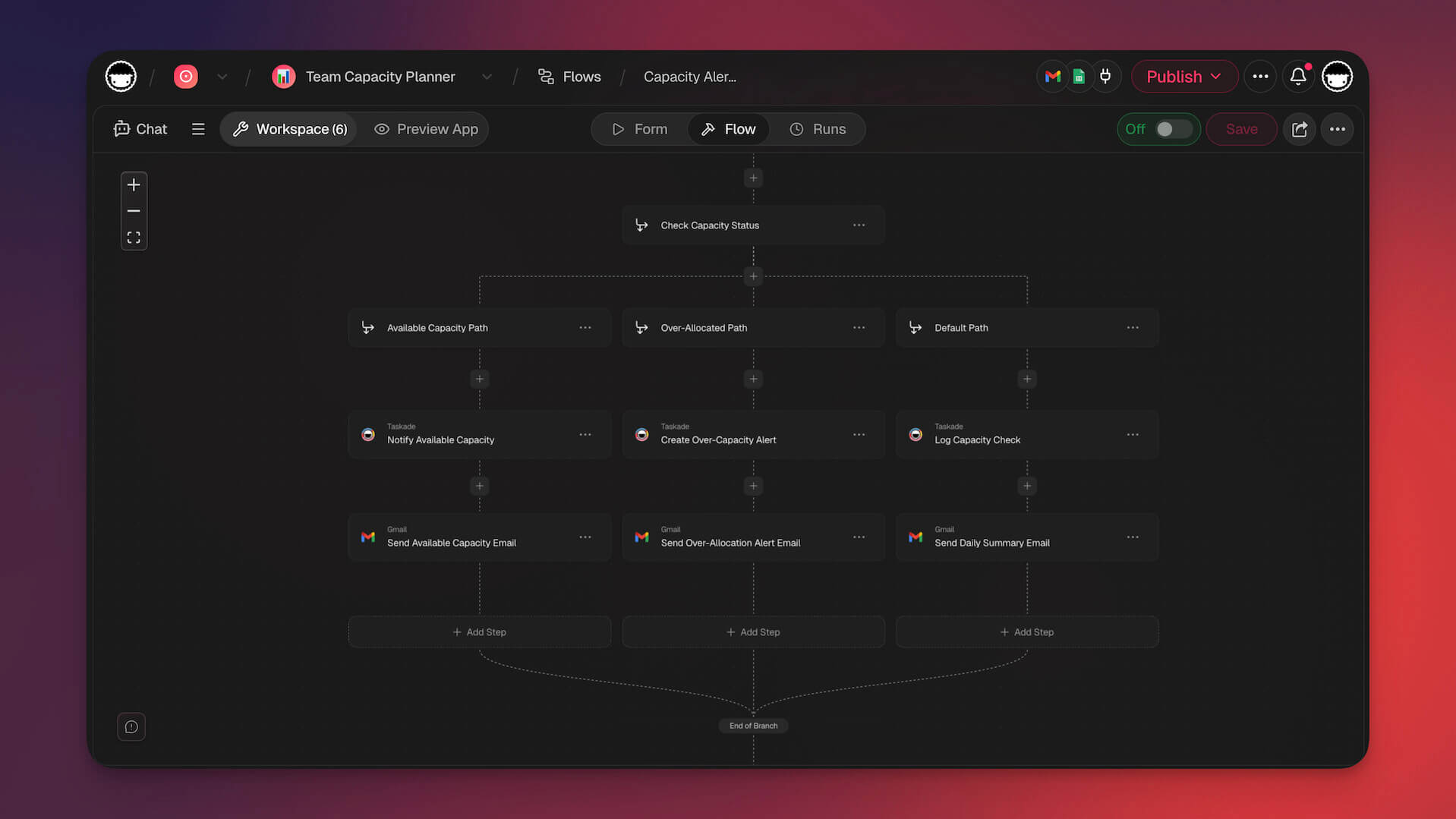
Build your own time management system with Taskade AI agents, 100+ integrations, and community-built productivity apps.
Workspace DNA: Time Management That Runs on Autopilot
The best time management system is one you do not have to think about. Taskade's Workspace DNA framework — Memory, Intelligence, and Execution — creates a self-reinforcing loop that keeps your schedule structured and your priorities clear.
Memory stores your tasks, calendars, time blocks, and project plans in one persistent workspace. View your schedule across multiple project views — Calendar for time blocks, Gantt for deadlines, Board for priorities, and more — so you always know what needs attention. Intelligence works through AI agents equipped with built-in tools and powered by frontier models from top AI labs. These agents can analyze your task load, suggest time-block schedules, flag overcommitted days, and reprioritize tasks when plans change.
Execution handles the follow-through. Automations with 100+ integrations and durable execution send reminders, reassign overdue tasks, trigger daily planning prompts, and update your team — all without manual intervention. The cycle is continuous: your tracked time feeds the AI, the AI adjusts your plan, and automations keep you on schedule.
Want a time management tool built for your exact workflow? Taskade Genesis lets you describe it in natural language and get a live app in seconds. Over 150,000 apps have been built this way. Explore community-built productivity apps or start with the Free plan, scaling to Pro ($10/mo) or Business ($25/mo), billed annually.
🐑 Parting Words
We hope the tips from this article will let you build a healthy relationship with time. Apply them gradually, test different techniques, and see what works and what doesn't for your workflow.
Ready for a recap? Here's a video version with all the tips from this article:
Everyone has their own definition of success. You just have to figure out what success means to you. So, roll up your sleeves and get work done faster and smarter!
Till next time! 👋
Frequently Asked Questions
What are the most effective ways to improve time management?
The most effective time management strategies include setting clear priorities using frameworks like the Eisenhower Matrix, breaking large tasks into smaller actionable steps, timeboxing your day with dedicated focus blocks, eliminating or batching low-value activities, and using a trusted system to capture all tasks so nothing falls through the cracks. Consistency matters more than any single technique — pick one method and practice it daily.
How does poor time management affect productivity?
Poor time management leads to chronic procrastination, missed deadlines, increased stress and anxiety, lower quality work due to rushing, and a persistent feeling of being busy without being productive. Research shows that workers who do not manage their time effectively can lose up to 2 hours per day to task-switching and unfocused work, which adds up to over 500 hours of lost productivity per year.
What tools can help with better time management?
Effective time management tools combine task organization, scheduling, and progress tracking. Taskade offers multiple project views (List, Board, Calendar, Table, Mind Map, Gantt, Org Chart) so you can plan your day on a Calendar, prioritize tasks on a Board, and track project timelines on a Gantt chart. AI agents can also help by automatically breaking down goals into scheduled tasks and sending smart reminders.
How do I stop procrastinating and manage my time better?
Start by identifying why you procrastinate — common causes include unclear tasks, fear of failure, or feeling overwhelmed. Then apply the two-minute rule (if a task takes less than two minutes, do it immediately), break large projects into the smallest possible next action, use a timer to commit to just 25 minutes of focused work (Pomodoro Technique), and reward yourself after completing focus sessions. Building these micro-habits gradually replaces procrastination with productive momentum.