

An AI study planner turns your courses, exam dates, and free hours into a day-by-day study plan. Add the syllabus or a topic list, set the exam date and how many hours you can study each week, and the AI schedules topics, review sessions, and practice tests with spaced repetition. Tick off each session as you go.
How to Create a Study Plan With Taskade
Type your courses, exam dates, and weekly availability into a Taskade project, or import your syllabus. The AI Assistant generates a day-by-day study schedule with topic assignments, review sessions, and practice test dates. Use Calendar project view for daily planning and Gantt view for semester-wide visualization. Also check out our PDF to Study Guide converter for turning textbooks into study materials.
Use Cases
Exam Preparation
Build structured study schedules for midterms, finals, and standardized tests.
Distribute study sessions across weeks with increasing intensity near exam dates.
Include spaced repetition intervals for maximum long-term retention.
Schedule practice tests and self-assessments at regular intervals.
Multi-Course Semester Planning
Balance study time across multiple courses and competing deadlines.
Allocate study hours proportionally based on course difficulty and credit weight.
Color-code courses on Calendar view for visual time management.
Use Board view to track topic mastery across all courses simultaneously.
Professional Certification Study
Prepare for professional certifications with structured, long-term study plans.
Break certification exam domains into weekly study modules.
Schedule practice exams and identify weak areas for targeted review.
Track study hours and completion rates on Table view.
Language Learning Schedules
Create progressive study plans for language acquisition.
Alternate between vocabulary, grammar, listening, speaking, and reading practice.
Build spaced repetition schedules for vocabulary retention.
Track proficiency milestones on Timeline view.
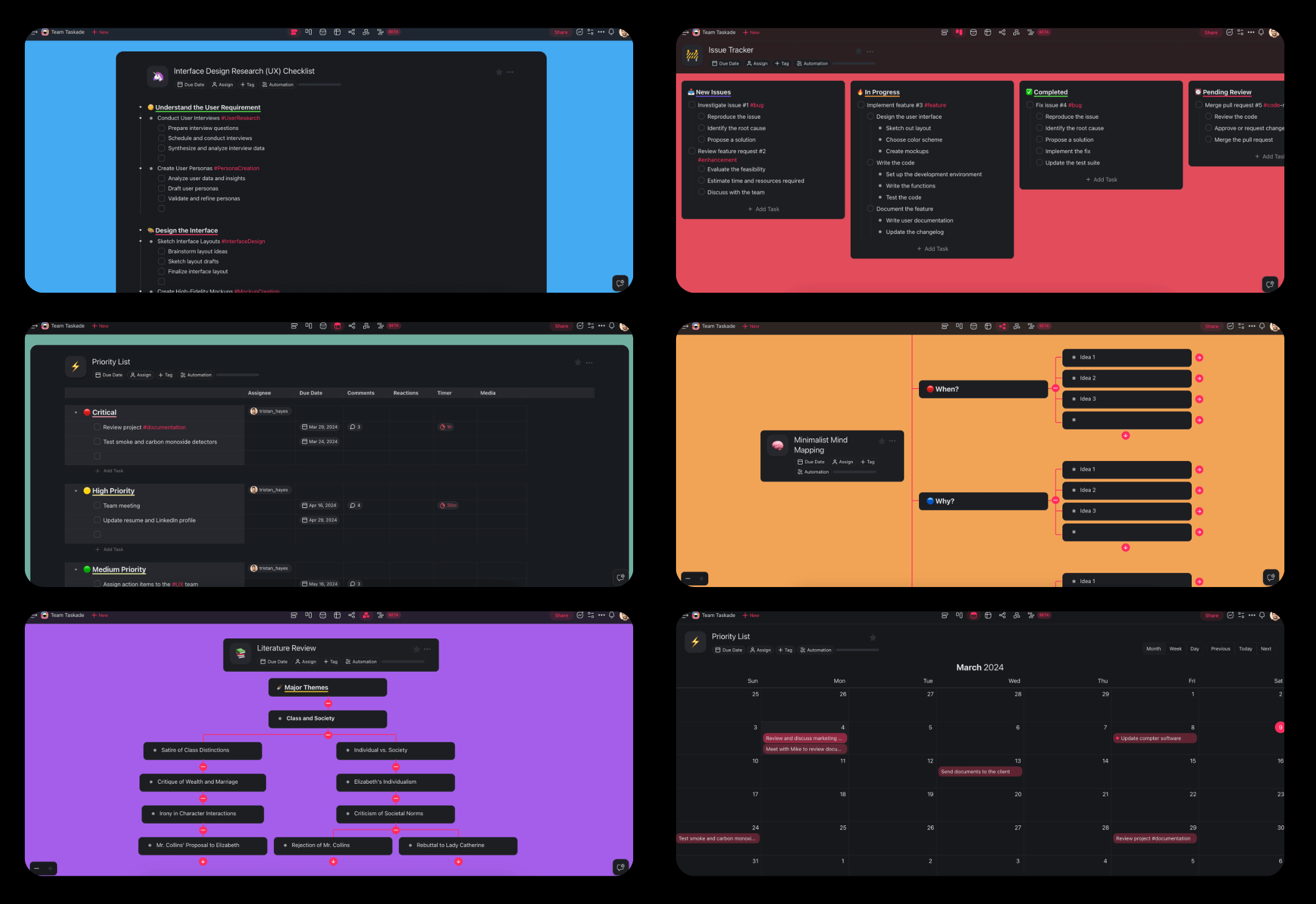
How To Use This Study Plan Generator
Enter your courses, exam dates, and available study hours into a Taskade project.
Use the AI Assistant to generate a personalized study schedule.
Switch to Calendar or Gantt project views for visual scheduling.
Check off completed study sessions and track your progress on Board view.
Adjust the plan with AI Agents as you identify weak areas.
Frequently Asked Questions
Is there a free AI study planner?
You can start on the Free plan. On Free, you earn free AI credits with referrals and invites to generate the plan, and you can upgrade any time. Pro is $10/month billed annually.
Can an AI study planner use spaced repetition?
Yes. Ask for review sessions at growing intervals before the exam date. For a schedule built only around review, use exam topics to spaced repetition schedule.
Study plan or study schedule: which one do I need?
A study plan maps topics to dates across a term. A study schedule blocks the hours of each day. Build the hour blocks with the study schedule generator, turn a syllabus into dates with academic syllabus to study plan, and compare apps in our AI study planners guide.
Start your study plan and add your first exam date.