






Exciting news! 🎉
Taskade now supports Undo and Redo! Revert your changes safely while editing a project or collaborating with others on the same page.
TL;DR: The 2020 undo/redo and project changelog were the early signal of full version history — now expanded to AI Agent activity streams, Automation run logs, and the Community Gallery. Across multiple project views, 15+ frontier models, and 100+ integrations, Taskade Genesis tracks every change as your living app evolves.
Then → Now: A daily email changelog became today's full project history plus AI Agent activity stream — see Learn Taskade: Projects for current versioning.
| Dimension | 2020 (this release) | Today (2026) |
|---|---|---|
| History | Cmd+Z undo + email changelog | Full version history & rollback |
| Granularity | Per-edit undo, daily email digest | Per-keystroke + per-agent-action logs |
| Collaboration | Independent undo per user | Real-time collaboration + agent activity feed |
| Visibility | Email summary only | In-app activity feed + automation run logs |
| Intelligence | None (no AI yet) | Agent actions tracked alongside human edits |
Undo: Ctrl or ⌘ + Z
Redo: Ctrl or ⌘ + Shift + Z
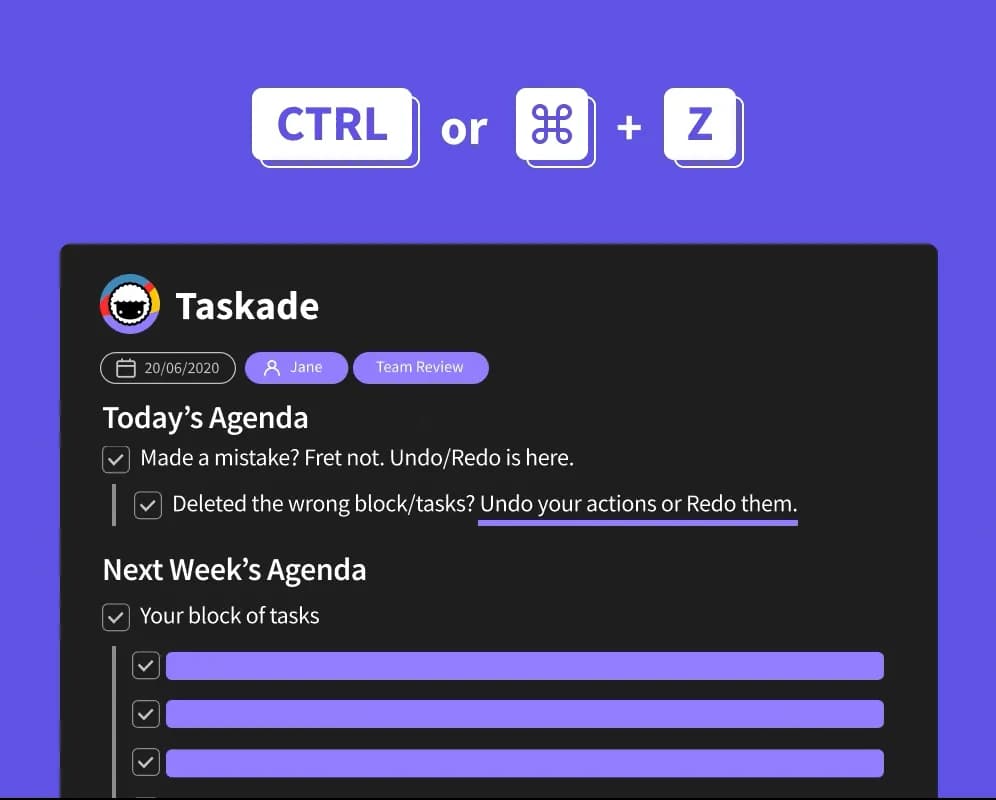
⚡️ Undo Deleted Tasks
You can now have peace of mind when deleting tasks and blocks.
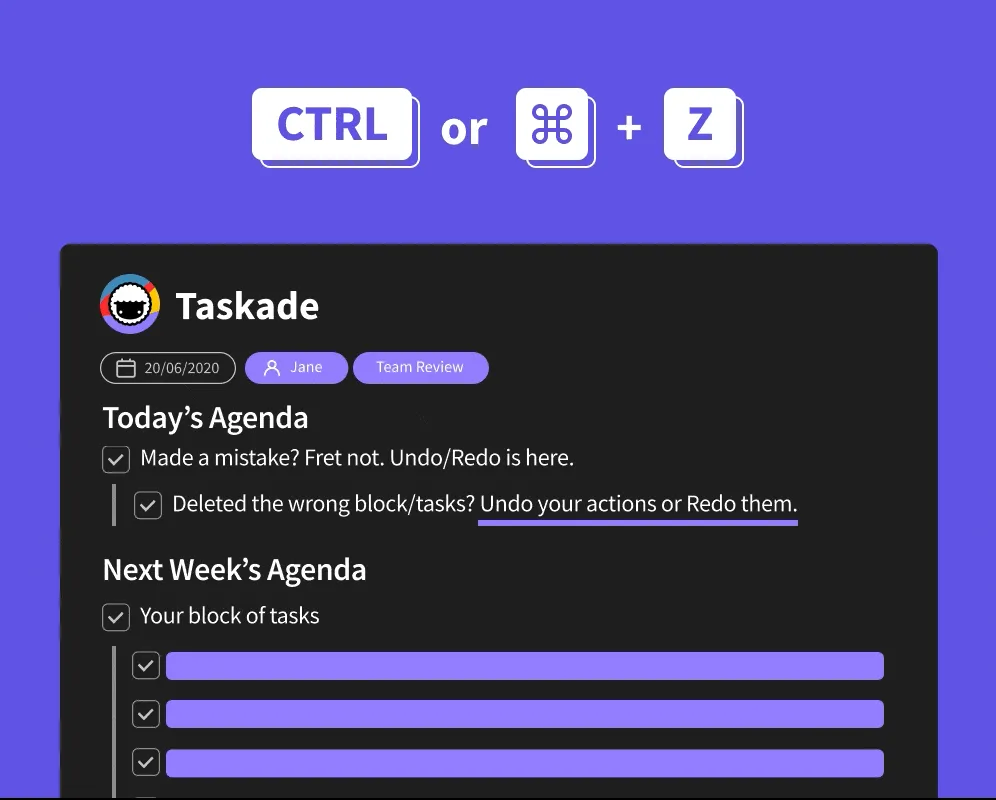
⚡️ Undo Collaboratively
Undo changes in real-time while collaborating with others on the same page.
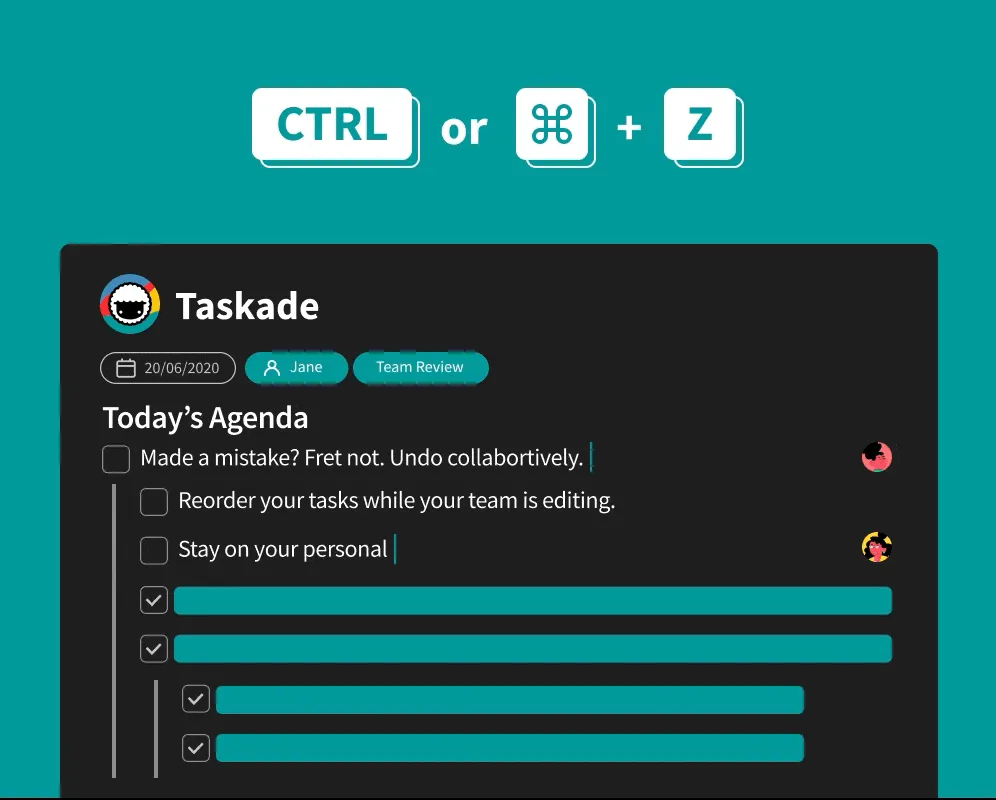
⚡️ Undo Task Reordering
Did you drag and drop a task into the wrong place? Simply undo the mistake and restore the previous position of the task or block.
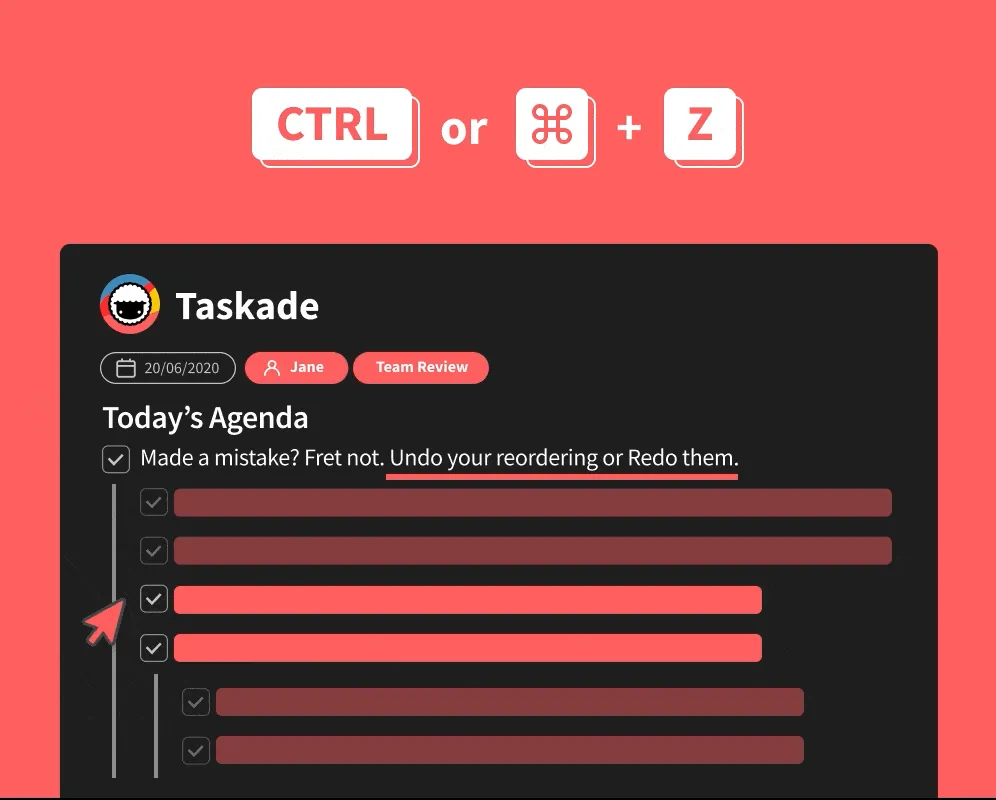
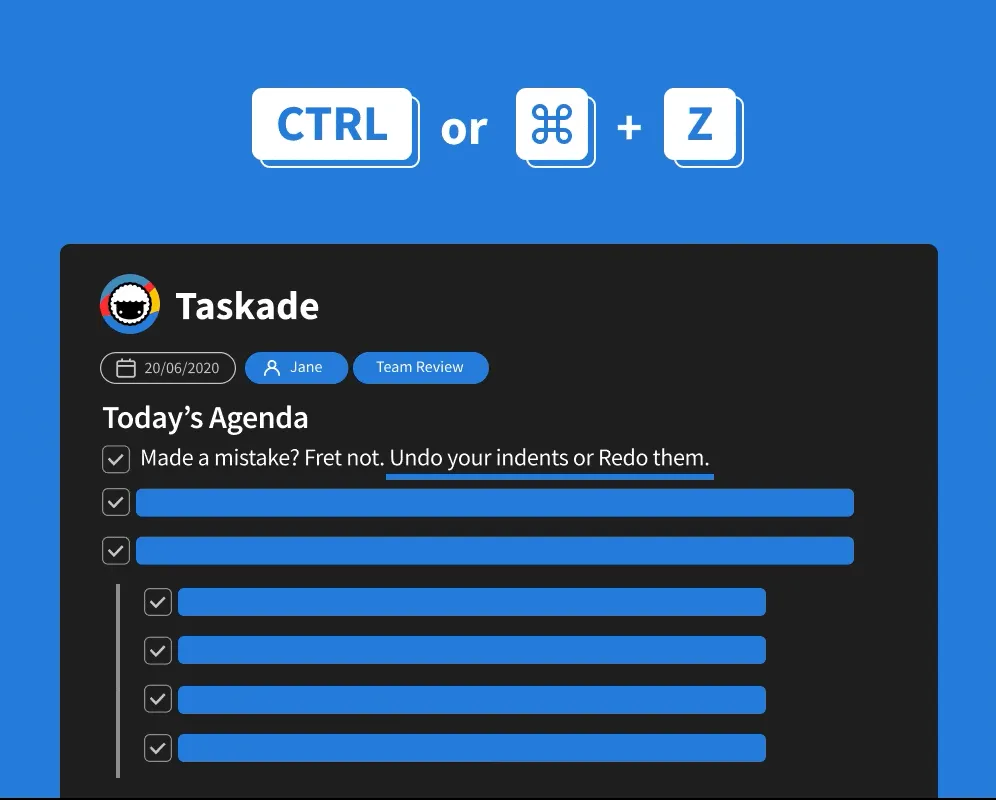
⚡️ Undo Indent and Outdent
If you indent (Tab) or outdent (Shift + Tab) tasks while organizing your project, instantly put them back the way they were with undo.
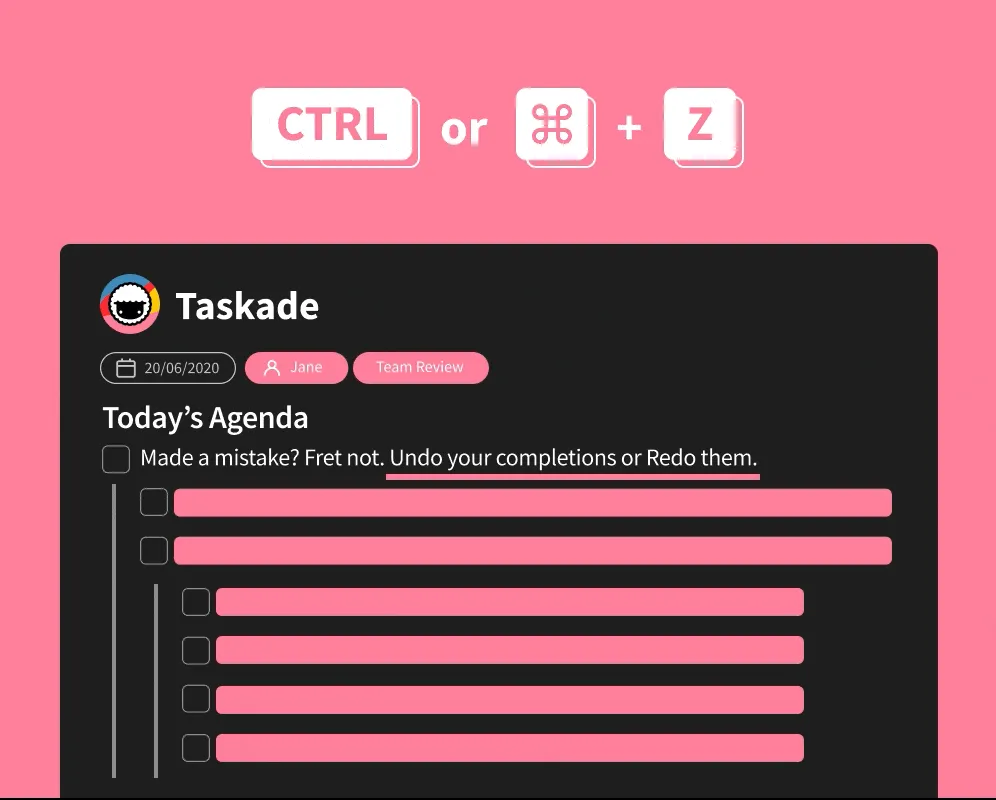
⚡️ Undo Completed Tasks
Check (⌘ or Ctrl + Enter) a task by mistake? Simply undo the checkbox.
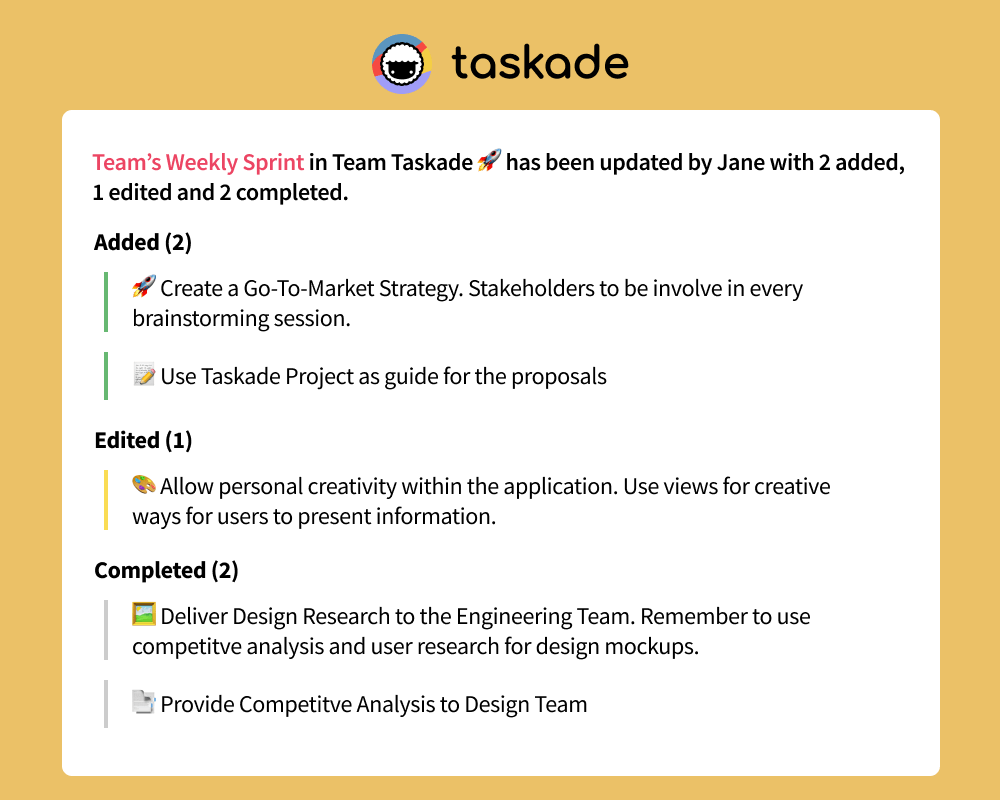
⚡️ Project Changelog via Email
Your project update emails will now include all changes made by your team members. This includes added tasks, edited tasks, and completed tasks.
↩️ The Undo Stack, Up Close
Undo in 2020 wasn't just a nice button — it had to work safely while five people were typing in the same project. Each user got an independent stack so nobody could erase a teammate's work.
   User A's stack             User B's stack
   ─────────────              ─────────────
   [3] indent task            [2] add task
   [2] type "ship release"    [1] complete checkbox
   [1] delete subtask         ▲
   ▲                          │
   │ ⌘Z                       │ ⌘Z
   │ pops only A's edits      │ pops only B's edits
   ▼                          ▼
   ──────────────── shared CRDT document ────────────────
   2026: each [agent action](/agents) appears here too,
   labeled with the agent that ran it.
Related Reading:
- The History of Keyboard Shortcuts
- Best Productivity Tips to Supercharge Your Workflow
- Multi-Select Enhancements — undo has your back during bulk ops
- Multiselect Tasks, Reorder Shortcut — Oct 2020 sequel
- Learn Taskade: Version History · Activity Feed · Real-time Collaboration
- Today, undo travels through agents, automations, and Taskade Genesis.
Thanks again for supporting Taskade, and as always, don’t hesitate to reach out if you need help. We’re here for you! 😊
— Team Taskade 🐑
Frequently Asked Questions
Does Taskade support undo and redo?
Yes. Press Cmd/Ctrl+Z to undo and Cmd/Ctrl+Shift+Z to redo. Undo works for all editing actions including deleted tasks, drag-and-drop reordering, indent/outdent changes, and completed checkboxes. It also works during real-time collaboration so each user can independently revert their own changes.
Can I undo deleted tasks in Taskade?
Yes. If you accidentally delete a task or block, press Cmd/Ctrl+Z to instantly restore it. Undo supports multiple levels, so you can step back through several actions to recover deleted content even after making additional changes.
Does undo work during real-time collaboration in Taskade?
Yes. Each collaborator has an independent undo history. When multiple people edit the same project simultaneously, pressing undo only reverts your own changes without affecting edits made by other team members, ensuring safe collaborative editing.
What is the Project Changelog in Taskade?
The Project Changelog is an email summary of all changes made to a project by your team members. It includes added tasks, edited tasks, and completed tasks — giving you a digest of project activity without needing to check the app, ideal for async team updates.