







Looking for alternatives to Jotform?
Jotform is a powerful form builder with thousands of templates.
But forms in 2026 aren't just about collecting data.
They're about acting on it intelligently.
AI-powered form builders can analyze responses, route submissions, and trigger workflows automatically.
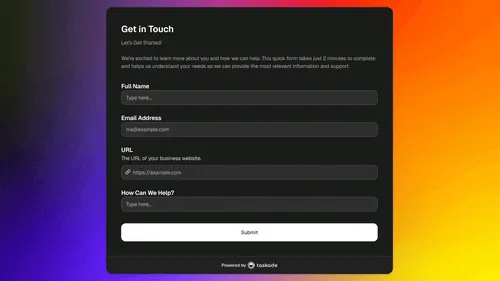
📊 Quick Comparison: Jotform vs Alternatives
| Platform | AI Processing | Automations | Database | Pricing |
|---|---|---|---|---|
| Taskade Genesis | ✅ AI agents analyze | ✅ 100+ integrations | ✅ Built-in | Free / $10/mo |
| Jotform | Limited | ✅ Basic | ❌ Export | $34/mo |
| Typeform | Limited | ✅ | ❌ | $25/mo |
| Google Forms | ❌ | Limited | Sheets | Free |
| Tally | ❌ | ✅ | ❌ | Free / $29/mo |
| Fillout | ❌ | ✅ | ❌ | Free / $15/mo |
💡 Key Insight: Traditional form builders stop at data collection. AI-powered forms understand sentiment, categorize responses, and trigger intelligent workflows—all automatically.
🤔 Why Look for Jotform Alternatives?
Jotform is feature-rich but has limitations:
| Limitation | Impact |
|---|---|
| No AI processing | Can't analyze or categorize responses |
| Limited automations | Basic integrations only |
| No built-in database | Need to export or connect |
| Pricing scales fast | Enterprise features costly |
| Just forms | Can't build complete apps |
⚡ Bottom Line: Jotform excels at traditional form building but lacks AI intelligence. If you're still manually analyzing responses and routing submissions, you're leaving automation on the table.
If you want forms that think and act, you need an AI-native approach.
🏆 The 10 Best Jotform Alternatives in 2026
#1 Taskade Genesis ⭐ Best AI-Powered Forms

Taskade Genesis doesn't just build forms.
It builds intelligent systems that process, analyze, and act on responses automatically.
Why Genesis Transforms Form Building
Why Genesis beats Jotform:
| Feature | Jotform | Taskade Genesis |
|---|---|---|
| Form builder | ✅ | ✅ + AI generation |
| AI response analysis | ❌ | ✅ Automatic |
| Smart routing | ❌ | ✅ AI decides |
| Built-in database | ❌ | ✅ Projects |
| AI agents | ❌ | ✅ Process 24/7 |
| Automations | Basic | ✅ 100+ integrations |
| Build apps | ❌ | ✅ Complete apps |
💡 Game Changer: With Genesis, describe your form in plain English and AI builds it complete with intelligent processing, routing, and follow-up workflows.
What makes Genesis forms different:
Traditional forms collect data. Genesis forms understand and act.
The Workspace DNA Difference
Jotform gives you a form. Genesis gives you a living system with four layers:
- 🧠 Projects (Memory) — Form responses stored in a built-in database with multiple views (table, board, calendar, Gantt, etc.).
- 🤖 Agents (Intelligence) — AI analyzes responses, with persistent memory and custom slash commands.
- ⚡ Flows (Execution) — 100+ integrations (Shopify, Stripe, Slack, Gmail, HubSpot, Telegram, and more) with 5 trigger types. Forms trigger workflows that route, notify, charge payments, and follow up automatically. Agents can invoke automations as custom tools. When a high-priority submission arrives, the agent checks your CRM, drafts a response, and schedules a call from one conversation.
- 🎨 App UI (Interface) — Published form apps with password protection and branded sign-in. Custom domains on Pro+. Background agents (Pro+) process submissions 24/7 even when nobody is logged in.
See the Difference in Action
Example: Customer Feedback Form
| Traditional Form | Genesis Smart Form |
|---|---|
| Collect responses | Collect responses |
| Export to spreadsheet | ✅ AI categorizes automatically |
| Manually analyze | ✅ AI identifies trends |
| Send to team manually | ✅ Routes to right person |
| Follow up manually | ✅ AI sends personalized responses |
✅ Choose Genesis if:
- You want forms that analyze and act, not just collect
- You need AI to categorize, route, and respond automatically
- You want to build complete apps, not just forms
- You're tired of manually processing responses
❌ Skip it if:
- You only need basic data collection
- You prefer manually reviewing every submission
Build this with one prompt:
"Create a customer feedback form that categorizes responses by
sentiment, routes complaints to support, and sends thank-you
emails for positive feedback."
What You Can Build
Smart Form Examples:
| Form Type | AI Features | Clone |
|---|---|---|
| 🎯 Lead Capture | AI qualification + routing | Clone → |
| 💬 Support Intake | Auto-categorization + assignment | Clone → |
| 📅 Event Registration | Confirmation + reminders | Clone → |
| ⭐ Feedback Collection | Sentiment analysis | Clone → |
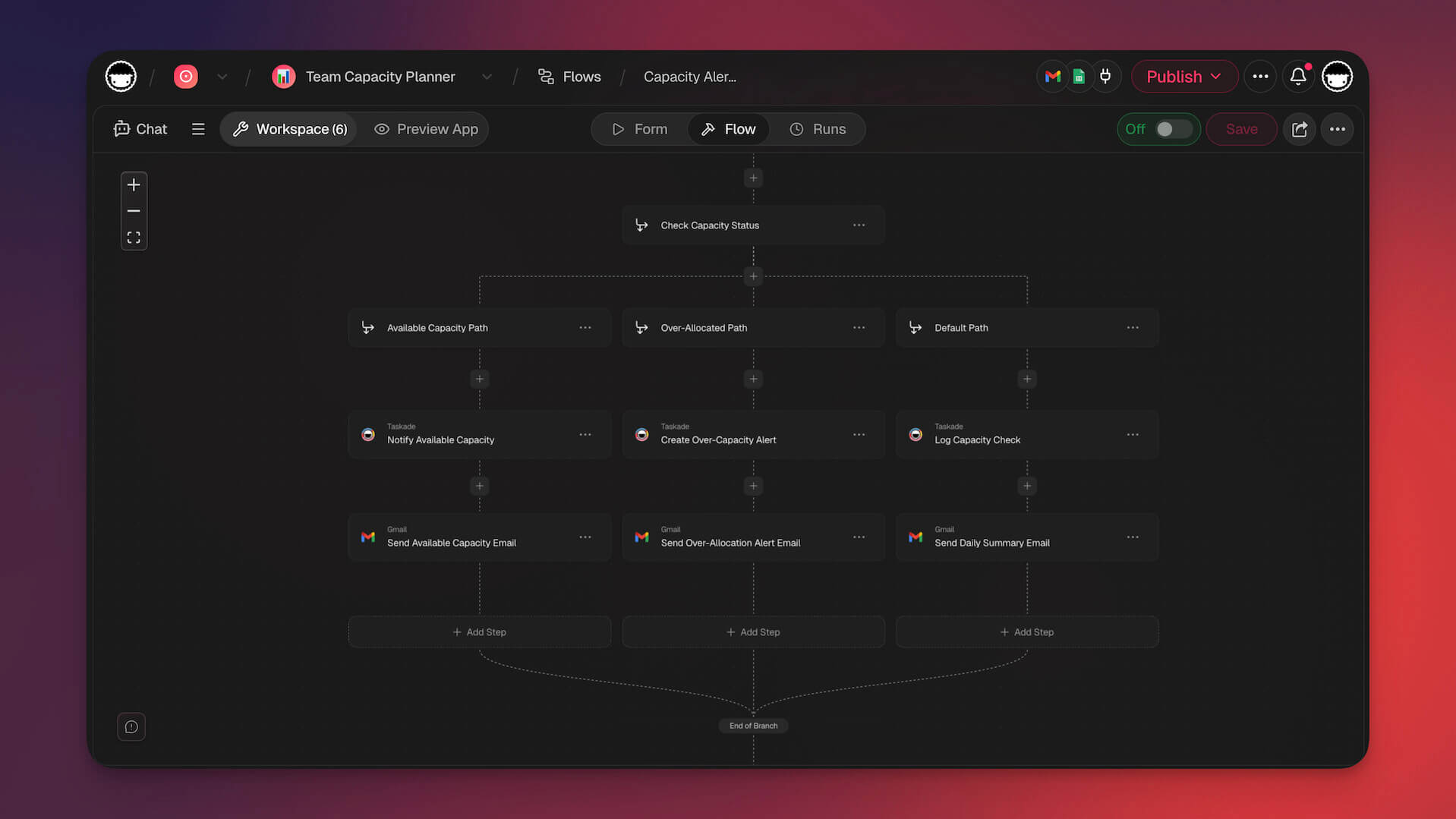
Taskade Genesis Pricing 💸
- 🟢 Free: Unlimited forms
- 🔵 Pro ($10/month): 10 seats, unlimited apps
- 🟣 Business ($25/month): Team features
📊 Quick Pick: Genesis turns forms into intelligent systems. Best for teams who want AI to handle categorization, routing, and follow-up automatically.

👉 Build AI-powered forms with Genesis
#2 Typeform
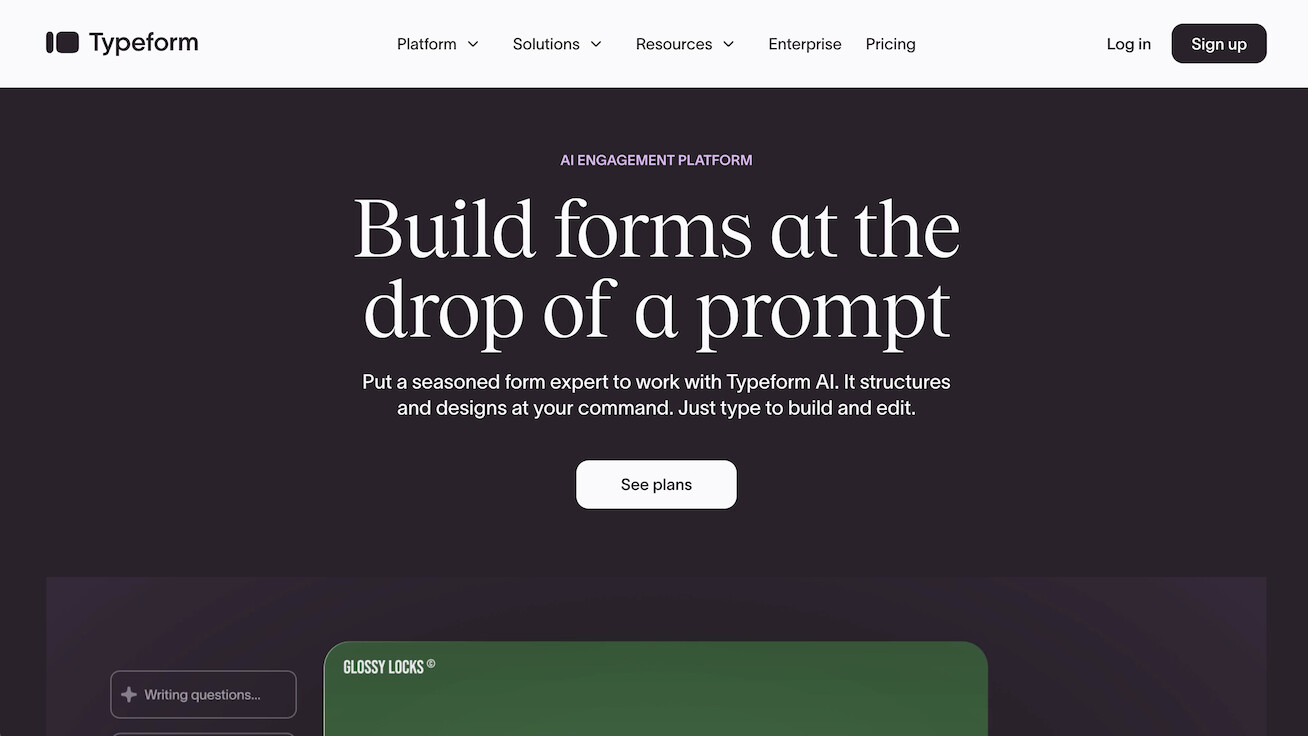
Typeform is known for beautiful, conversational forms with high completion rates.
The Design Leader
Typeform vs Jotform:
| Feature | Typeform | Jotform |
|---|---|---|
| Design | ✅ Beautiful | Good |
| Conversational | ✅ One question at a time | Traditional |
| Templates | 500+ | 10,000+ |
| AI features | Limited | Limited |
| Pricing | $25/mo | $34/mo |
✅ Choose Typeform if: Beautiful UX is your top priority and you value completion rates
❌ Skip it if: You need AI processing or generous free tier
Best for: User experience-focused forms with high completion rates.
Typeform Pricing 💸
- 🟢 Free: 10 responses/month
- 🔵 Basic ($25/month): 100 responses
#3 Google Forms
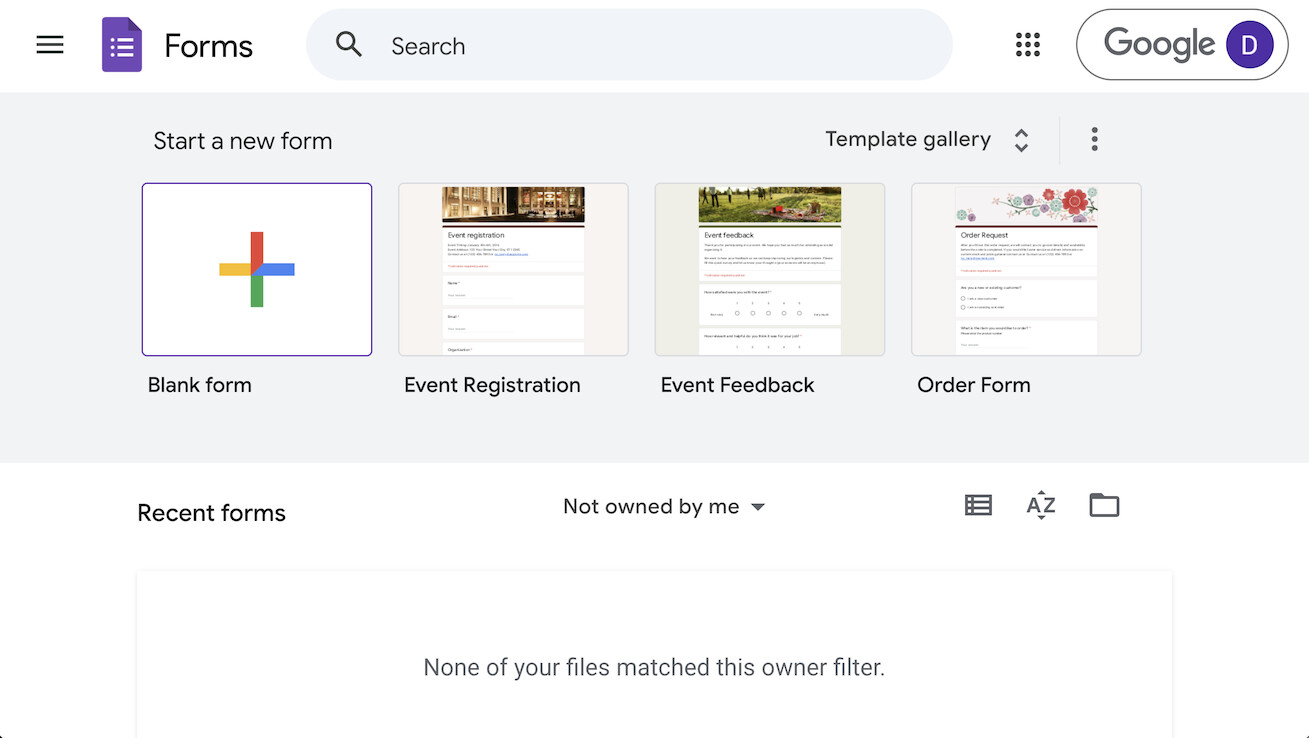
Google Forms is free and integrates seamlessly with Google Workspace.
The Free Workhorse
Google Forms vs Jotform:
| Feature | Google Forms | Jotform |
|---|---|---|
| Pricing | ✅ Free | $34/mo |
| Design | Basic | ✅ Customizable |
| Features | Basic | ✅ Advanced |
| Google integration | ✅ Native | Via connector |
| AI features | ❌ | Limited |
✅ Choose Google Forms if: You need simple, free forms within Google Workspace
❌ Skip it if: You want advanced features or beautiful design
Best for: Simple forms within Google ecosystem.
Google Forms Pricing 💸
- 🟢 Free: Unlimited forms
#4 Tally
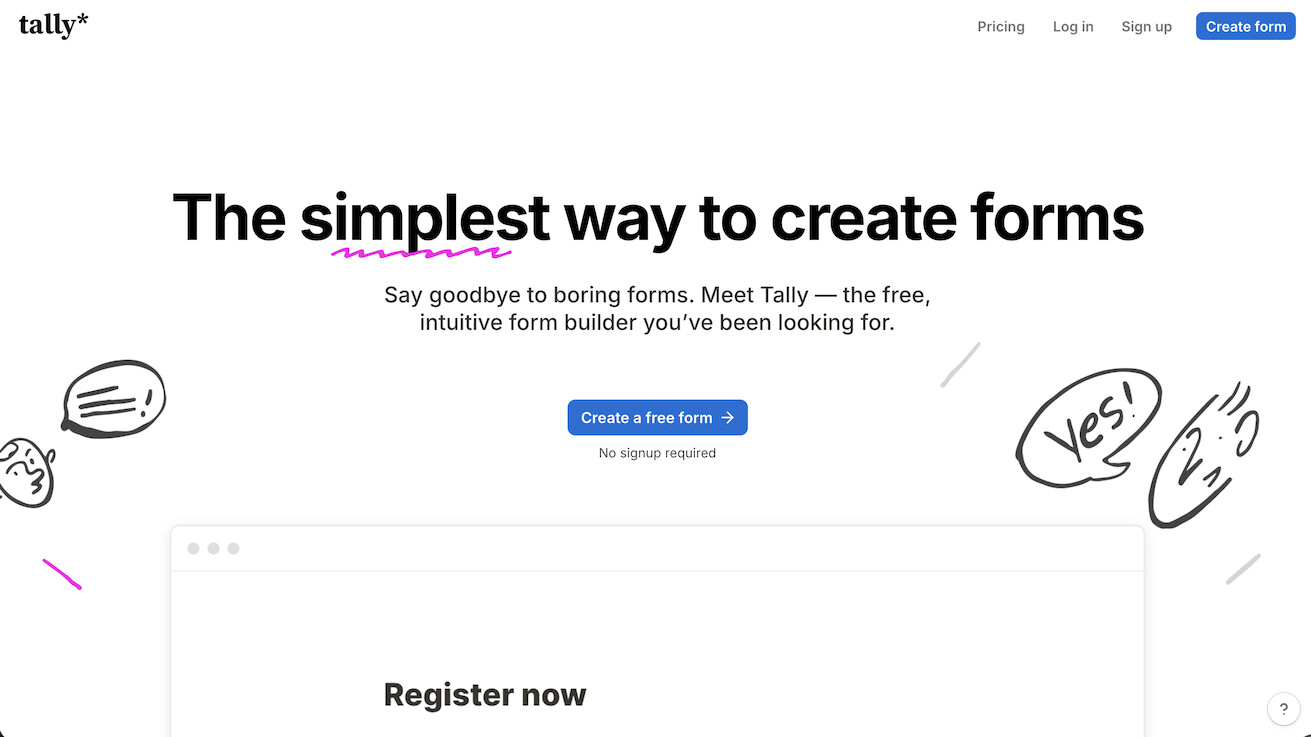
Tally offers a generous free tier with Notion-like form building.
The Notion Alternative
Tally vs Jotform:
| Feature | Tally | Jotform |
|---|---|---|
| Free tier | ✅ Generous | Limited |
| Design | ✅ Modern | Good |
| Notion integration | ✅ Native | Via connector |
| AI features | ❌ | Limited |
✅ Choose Tally if: You're a Notion user wanting free, unlimited forms
❌ Skip it if: You need AI processing or advanced features
Best for: Notion users wanting simple, free forms.
Tally Pricing 💸
- 🟢 Free: Unlimited forms + responses
- 🔵 Pro ($29/month): Custom domains
#5 Fillout
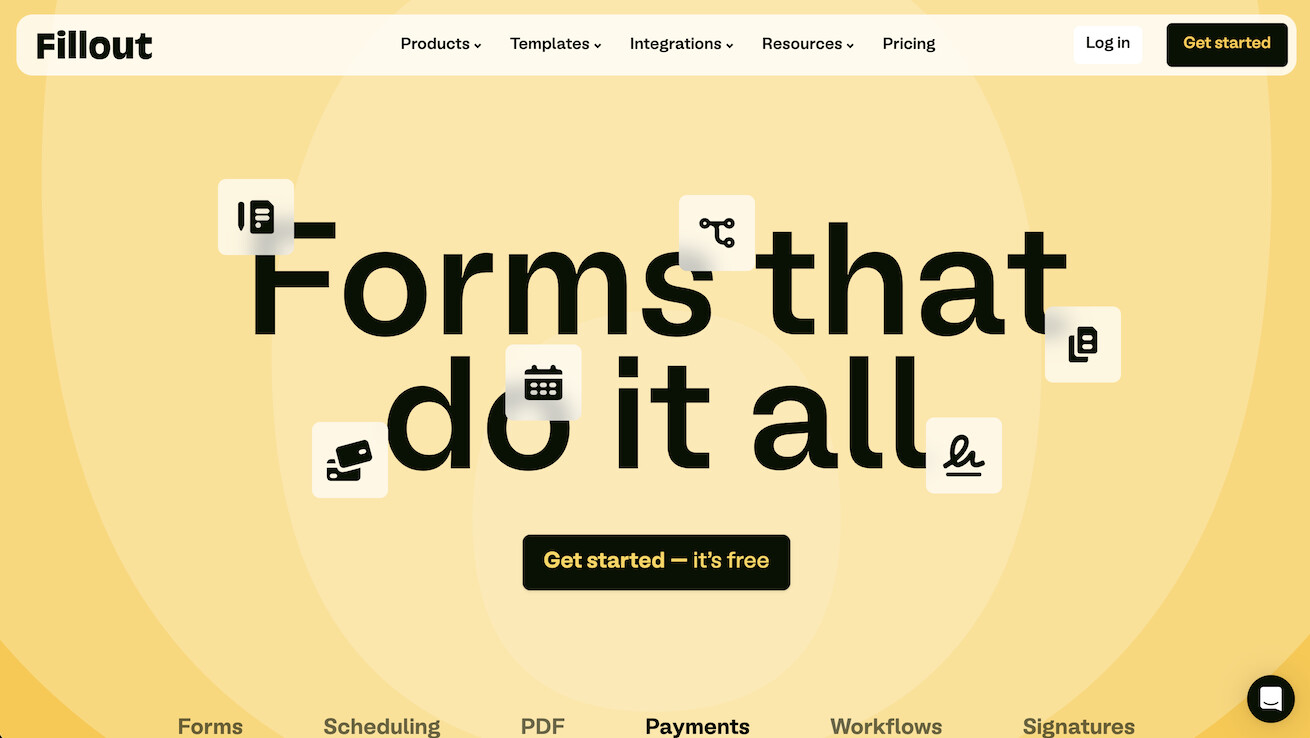
Fillout connects forms directly to Airtable, Notion, and other databases.
The Database Connector
Fillout vs Jotform:
| Feature | Fillout | Jotform |
|---|---|---|
| Database sync | ✅ Native | Via connectors |
| Design | ✅ Modern | Good |
| Pricing | Lower | Higher |
| AI features | ❌ | Limited |
✅ Choose Fillout if: You use Airtable/Notion as your database
❌ Skip it if: You need AI-powered form processing
Best for: Teams using Airtable or Notion as a database.
Fillout Pricing 💸
- 🟢 Free: 1,000 submissions/month
- 🔵 Pro ($15/month): More features
#6 Microsoft Forms
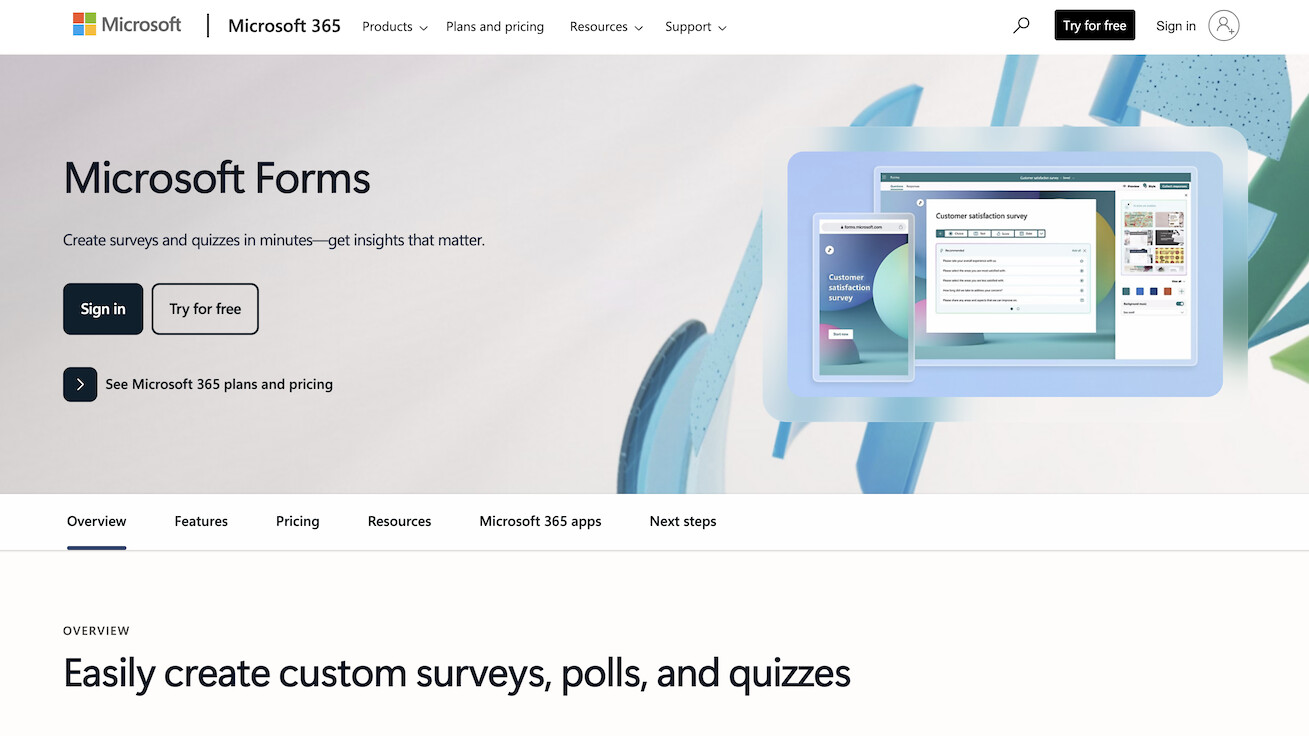
Microsoft Forms is included with Microsoft 365 and integrates with Power Automate.
Microsoft Forms vs Jotform:
| Feature | Microsoft Forms | Jotform |
|---|---|---|
| Pricing | Included in M365 | $34/mo |
| Microsoft integration | ✅ Native | Via connector |
| Features | Basic | ✅ Advanced |
| Automations | Via Power Automate | Basic built-in |
✅ Choose Microsoft Forms if: You're already in the Microsoft ecosystem
❌ Skip it if: You need advanced features or AI processing
Best for: Organizations already using Microsoft 365.
Microsoft Forms Pricing 💸
- 🟢 Included with Microsoft 365
#7 Paperform
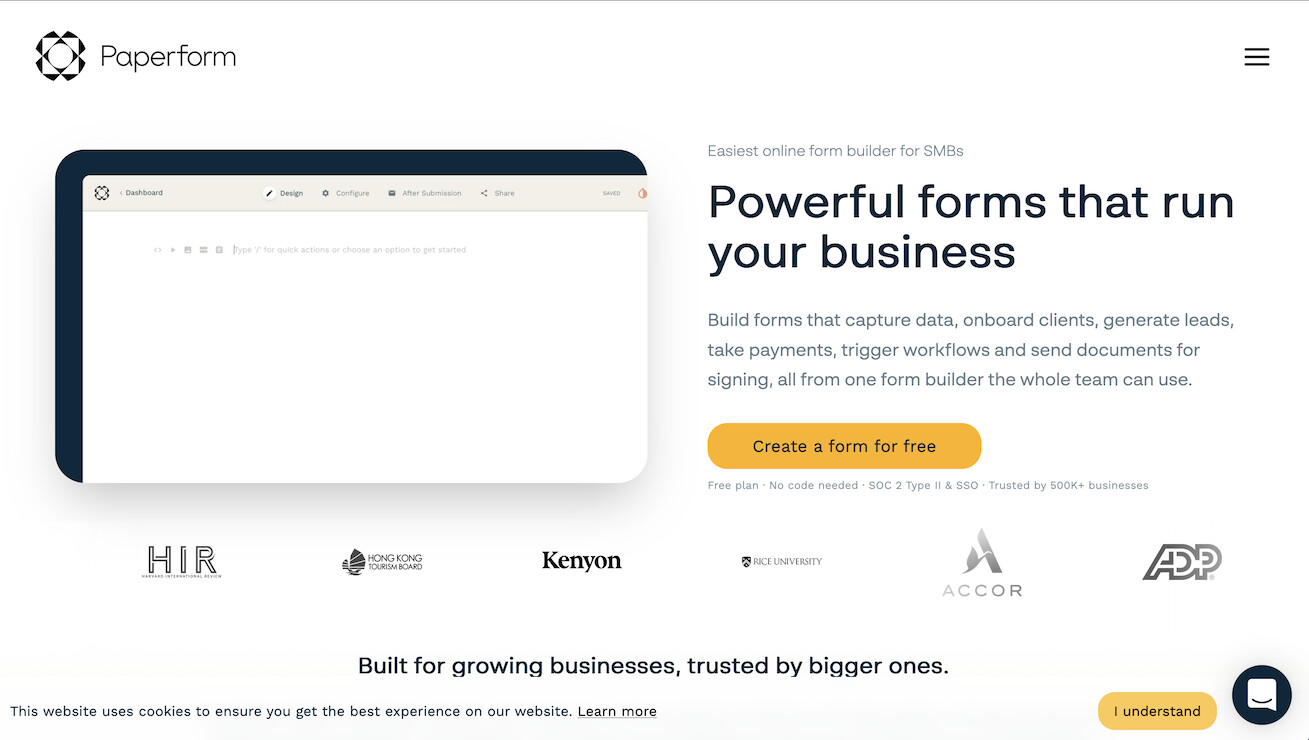
Paperform combines forms with e-commerce and payment capabilities.
Paperform vs Jotform:
| Feature | Paperform | Jotform |
|---|---|---|
| E-commerce | ✅ Strong | Good |
| Payments | ✅ Built-in | ✅ |
| Design | ✅ Beautiful | Good |
| AI features | ❌ | Limited |
✅ Choose Paperform if: You need beautiful forms with payment processing
❌ Skip it if: You don't need e-commerce features
Best for: Businesses needing forms with payments.
Paperform Pricing 💸
- 🔵 Essentials ($24/month): Unlimited forms
#8 Cognito Forms
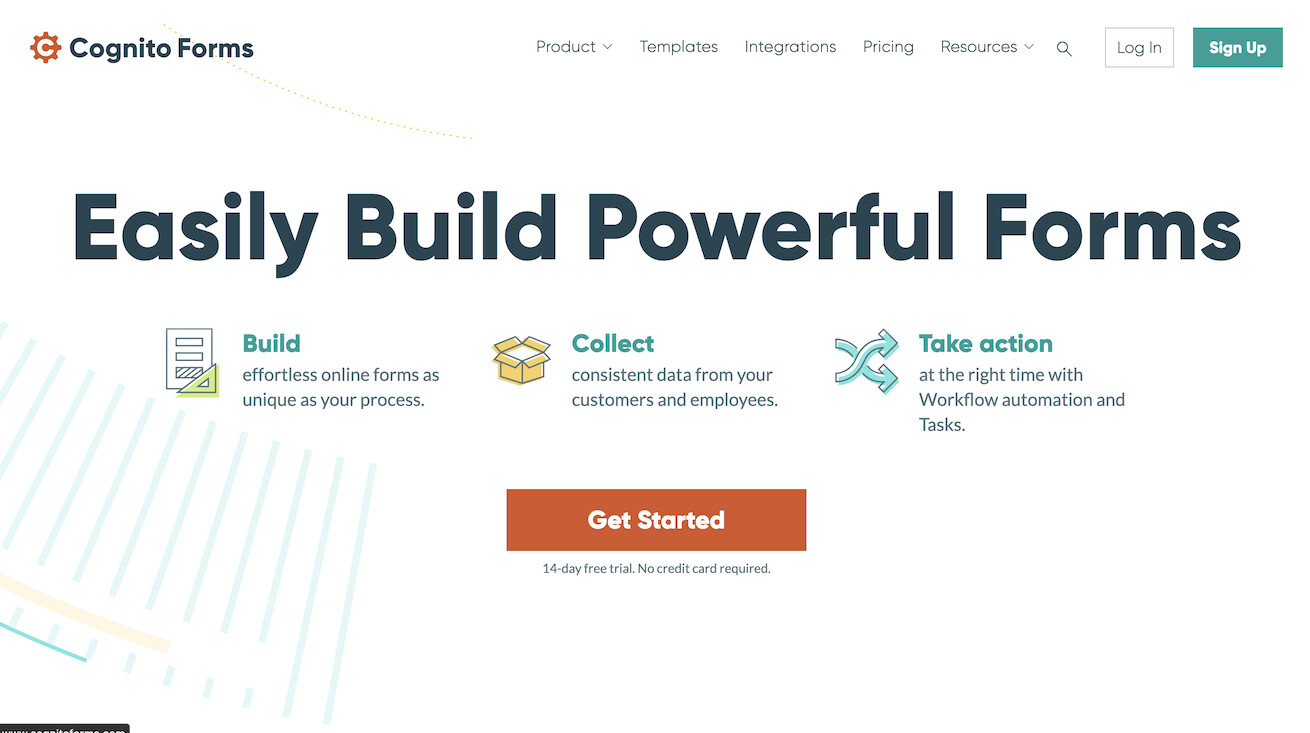
Cognito Forms offers powerful conditional logic and calculations.
Cognito Forms vs Jotform:
| Feature | Cognito | Jotform |
|---|---|---|
| Conditional logic | ✅ Powerful | ✅ |
| Calculations | ✅ Advanced | Good |
| Free tier | ✅ Generous | Limited |
| AI features | ❌ | Limited |
✅ Choose Cognito if: You need powerful calculations and conditional logic
❌ Skip it if: You want AI-powered processing
Best for: Complex forms with calculations.
Cognito Forms Pricing 💸
- 🟢 Free: 500 entries/month
- 🔵 Pro ($15/month): 2,000 entries
#9 Formstack
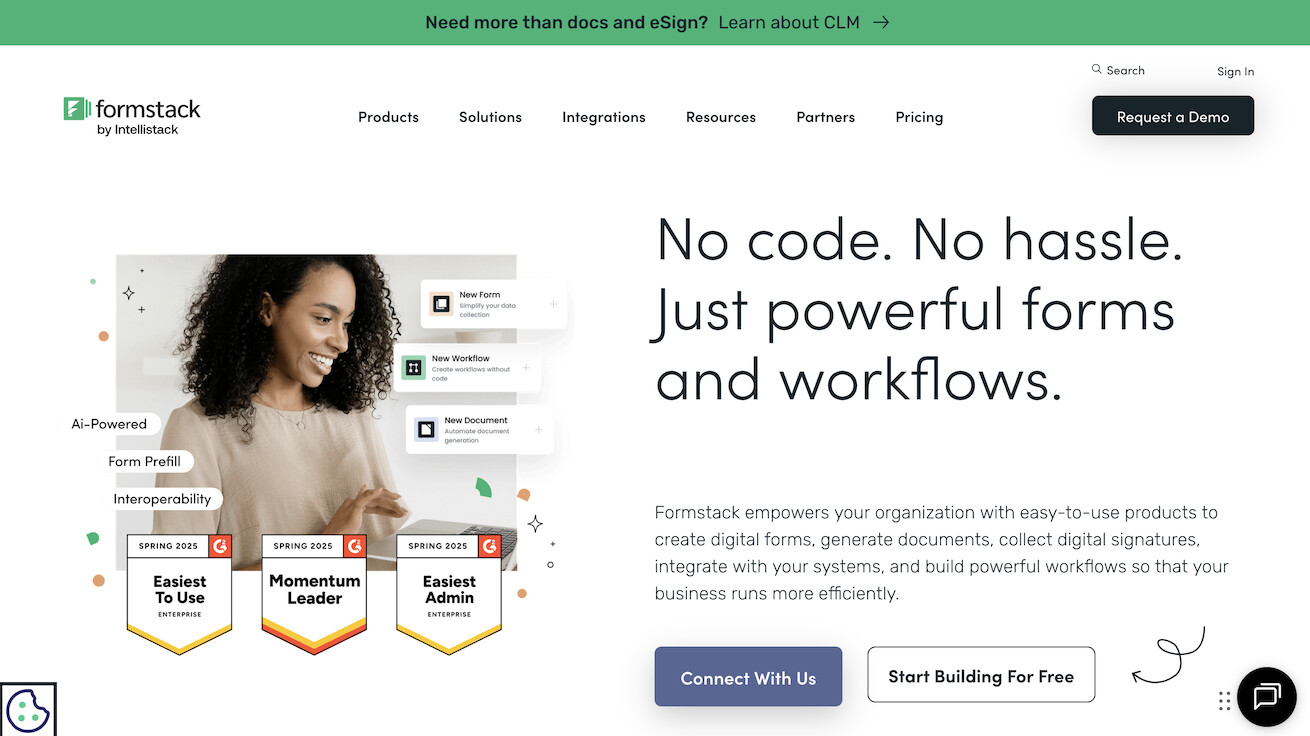
Formstack is enterprise-focused with workflow automation.
Formstack vs Jotform:
| Feature | Formstack | Jotform |
|---|---|---|
| Enterprise | ✅ Strong | Good |
| Workflows | ✅ Advanced | Basic |
| Compliance | ✅ HIPAA etc | ✅ |
| Pricing | Higher | Mid |
✅ Choose Formstack if: You need enterprise compliance and advanced workflows
❌ Skip it if: You're a small team or need affordable pricing
Best for: Enterprise with compliance needs.
Formstack Pricing 💸
- 🔵 Starter ($50/month): Basic forms
#10 SurveyMonkey
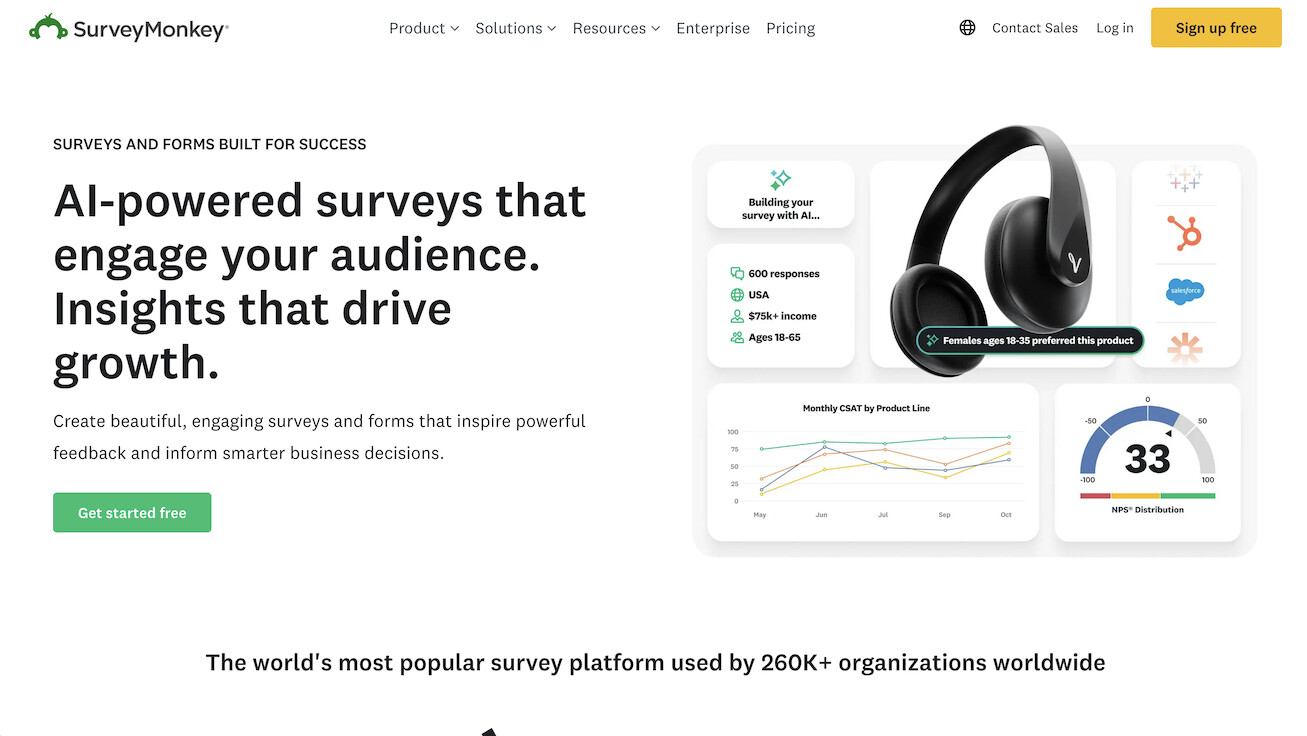
SurveyMonkey specializes in surveys with strong analytics.
SurveyMonkey vs Jotform:
| Feature | SurveyMonkey | Jotform |
|---|---|---|
| Surveys | ✅ Specialized | General |
| Analytics | ✅ Strong | Basic |
| Forms | Limited | ✅ Strong |
| AI analysis | ✅ Some | Limited |
✅ Choose SurveyMonkey if: You need specialized survey analytics and research tools
❌ Skip it if: You need general-purpose forms
Best for: Research surveys with analytics.
SurveyMonkey Pricing 💸
- 🟢 Free: 10 questions, 40 responses
- 🔵 Team ($25/user/month): Full features
🤔 How to Choose
Find Your Perfect Match
By Use Case
| If You Need... | Best Choice |
|---|---|
| AI-powered form processing | Taskade Genesis |
| Beautiful conversational forms | Typeform |
| Free unlimited forms | Google Forms, Tally |
| Database sync | Fillout |
| Microsoft ecosystem | Microsoft Forms |
| Payments | Paperform, Jotform |
| Enterprise compliance | Formstack |
| Survey analytics | SurveyMonkey |
🎯 Pro Tip: Most form builders excel at collection. Genesis excels at intelligent action. Choose based on whether you want to process responses manually or let AI handle it.
By Budget
| Budget | Best Choice |
|---|---|
| Free | Google Forms, Tally, Taskade Genesis |
| Low ($10-25/mo) | Fillout, Cognito, Typeform |
| Mid ($25-50/mo) | Jotform, Paperform |
| Enterprise | Formstack |
📊 Quick Pick: For AI-powered forms at any budget, choose Genesis. For beautiful design without AI, choose Typeform. For free unlimited, choose Tally.
📊 Feature Matrix
| Feature | Genesis | Jotform | Typeform | Tally | |
|---|---|---|---|---|---|
| AI agents | ✅ | ❌ | ❌ | ❌ | ❌ |
| AI analysis | ✅ | Limited | Limited | ❌ | ❌ |
| Smart routing | ✅ | ❌ | ❌ | ❌ | ❌ |
| Database | ✅ | ❌ | ❌ | Sheets | ❌ |
| Automations | ✅ 100+ | Basic | Basic | Limited | Basic |
| Free tier | ✅ | Limited | Limited | ✅ | ✅ |
⚡ Bottom Line: Genesis is the only platform that combines AI-powered form analysis with automatic routing and intelligent follow-up. Others collect data; Genesis acts on it.
🚀 The Bottom Line
Jotform is excellent for traditional form building.
For forms that understand responses and act automatically, Taskade Genesis offers an AI-native approach.
💡 Final Verdict: Traditional form builders make you choose between features, price, and design. Genesis adds AI intelligence to beautiful forms at a fraction of the cost.
Our recommendation:
| Priority | Best Choice |
|---|---|
| AI-powered forms | Taskade Genesis |
| Best design | Typeform |
| Free + simple | Google Forms, Tally |
| E-commerce | Paperform |
| Enterprise | Formstack |
Ready for smart forms?
👉 Build AI forms with Genesis →
🔗 Related Resources

Frequently Asked Questions
What are the best free alternatives to Jotform?
Google Forms is the best completely free alternative for basic forms. Tally offers a generous free tier with unlimited forms. Taskade Genesis includes AI-powered form building on its free plan with 1 AI agent and 3 automations (earn or buy AI credits) — forms connect to workspace databases and trigger intelligent workflows automatically.
Which Jotform alternative has the best AI features?
Taskade Genesis offers the most advanced AI capabilities among form builders. It generates complete form applications from natural language descriptions, includes AI agents that can process responses automatically, and connects forms to 100+ integrations for automated workflows.
Can I build conditional logic forms without Jotform?
Yes. Most modern form builders support conditional logic. Typeform, Tally, and Taskade Genesis all support branching and conditional fields. Genesis takes it further by allowing AI agents to make dynamic decisions based on form responses.
How much do Jotform alternatives cost?
Prices range from free (Google Forms, Tally free tier, Taskade Genesis free plan) to $50+ per month for enterprise form builders. Taskade Genesis Pro at $10/month (annual billing) adds unlimited agents, automations, and up to 10 custom domains for 10 users. Business ($25/month) adds unlimited users.