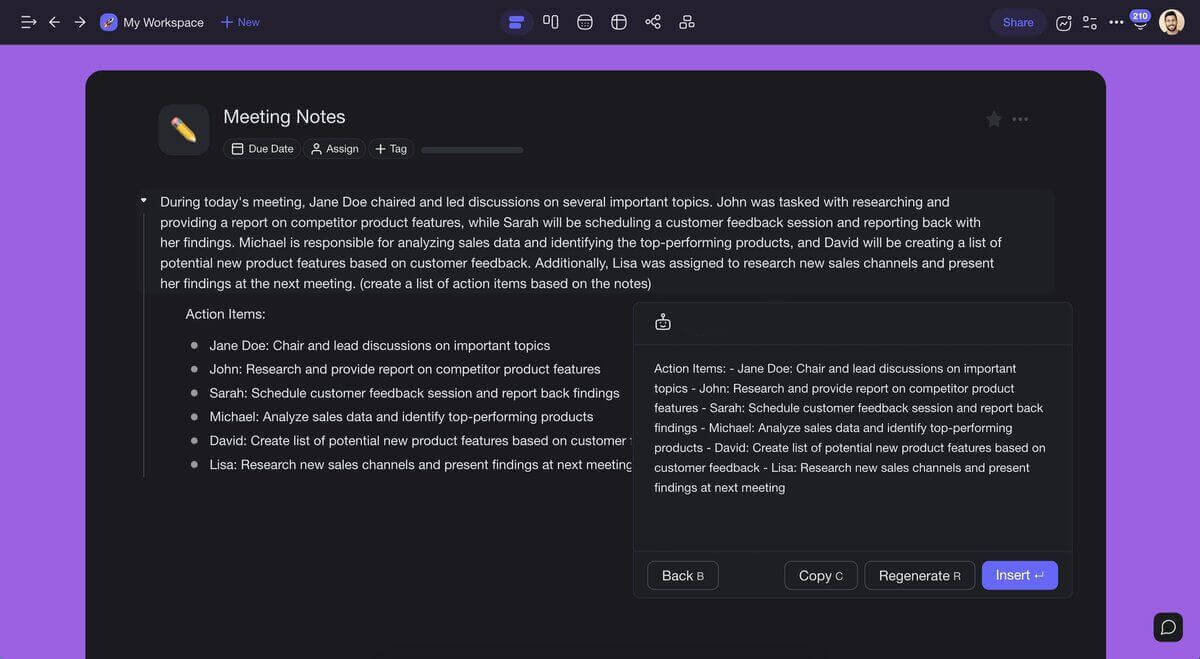
7 Ways to Use Taskade AI: The First Real-Time, Collaborative AI Writer
Can you trust a robot? Any science fiction writer worth their salt would digress. The good news is not every artificial intelligence (AI) holds a grudge against...

Can you trust a robot? Any science fiction writer worth their salt would digress. The good news is not every artificial intelligence (AI) holds a grudge against...
Taskade's 2022 year in review - from launching AI features to new integrations, calendar sync, and collaborative workspaces. See what we built together.

Notion vs Obsidian for a second brain in 2026: where your notes live, how linking works, AI, teamwork and checked prices, plus when Taskade fits better.

Did you know that 64% of American adults drink coffee? There's nothing like a rich, refreshing aroma of roasted beans in the morning. But you don't have to rely...

Hi Taskaders! 🎉 We are thrilled to announce the beta launch of Taskade AI. 🤖 W...

Being a leader means that you're responsible for making key decisions that can make or break your company. But how can you do that confidently? The short answer...

What makes your company tick? How do you know you're heading in the right direction? A SWOT analysis (acronym for strengths, weaknesses, opportunities, and thre...

“How to run an effective meeting?” If you’re a team manager, this question is probably enough to keep you up at night. And you’re not alone. Many senior manager...

Find the best Asana alternatives for 2026, including AI-native options like Taskade Genesis. Compare 7 top project management tools with AI agents, automations, and custom app building.

Tackling projects without a project plan is like solving a jigsaw puzzle without looking at the box. It’s frustrating, time-consuming, and counter-productive. S...

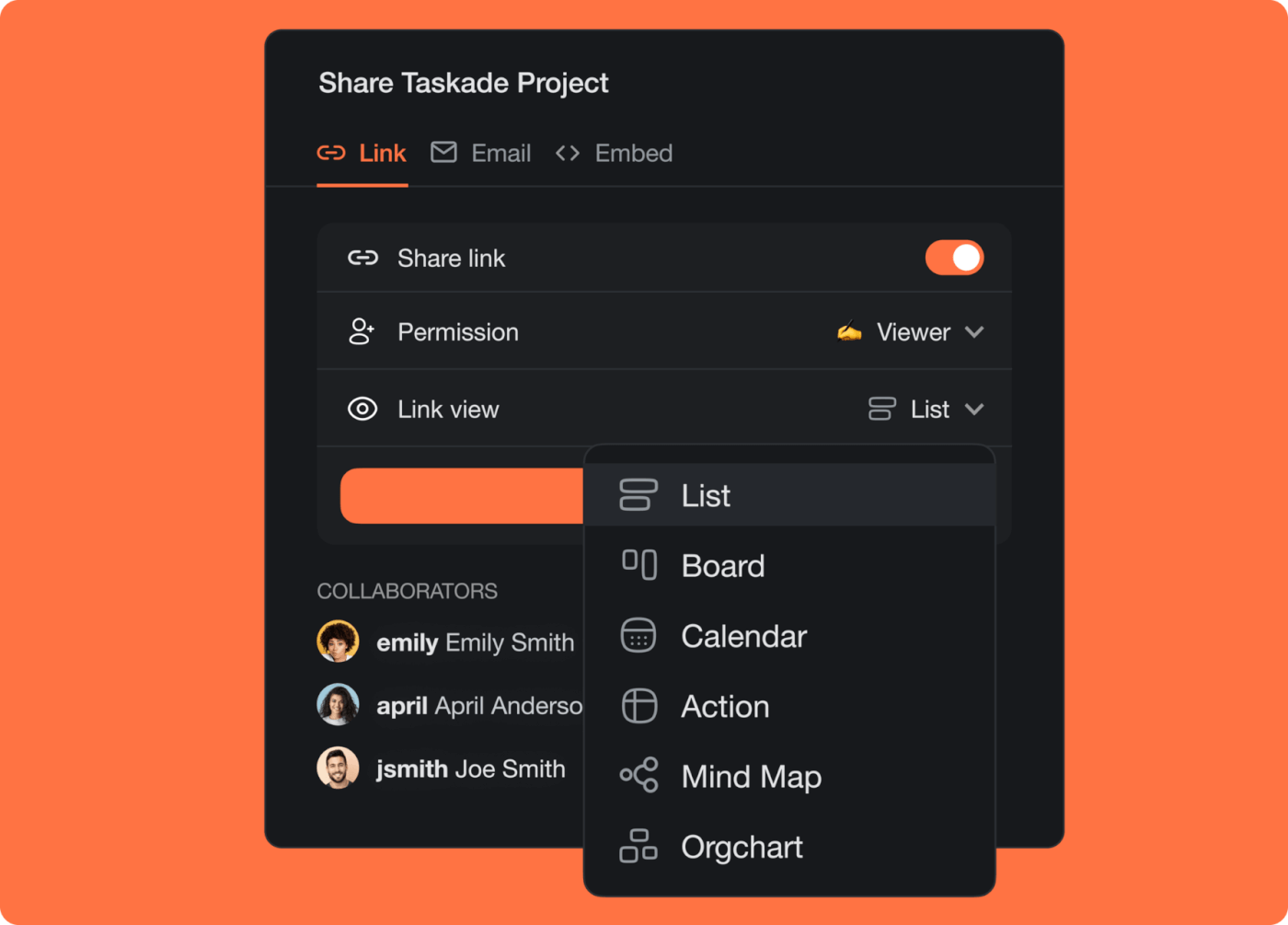
Hi Taskaders 🎉 We've worked hard to make Taskade work better for you. This 2022 update added share links, embeddable projects, and a calendar filter — early steps toward public publishing. Today, Taskade Genesis apps publish to custom domains with password protection.

Create a calendar in Excel two ways: start from a template, or build a month grid with one SEQUENCE formula. Then add events, colors and a print-ready layout.