






Hi Taskaders 👋
Get ready to take Taskade everywhere you go with our new mobile, tablet and desktop apps. We've packed in tons of new features and improvements. Have fun!
TL;DR: The January 2023 mobile, tablet, and desktop refresh marked the moment Taskade became truly cross-platform. Today Taskade ships downloads for every platform, spans multiple project views, 15+ frontier AI models from OpenAI, Anthropic, and Google, and 100+ integrations — and you can build full apps from your phone with Taskade Genesis.
Then → Now: New mobile + tablet + desktop apps (2023) → today's downloads for every platform, AI Agents v2 with built-in tools, and the ability to build live apps from mobile with Taskade Genesis.
| Platform | 2023 H1 | Today (2026) |
|---|---|---|
| Mobile | iOS + Android V4 redesign | Mobile guide + AI Chat on mobile |
| Tablet | iPad + Android tablet | Full 8-view parity incl. Table View |
| Desktop | Native tabs (Mac/Win/Linux) | Rebuilt desktop app + keyboard shortcuts |
| Auth | SAML on mobile | SAML + SCIM + MFA |
   Taskade everywhere — same project, every screen   ┌─────────┐   ┌─────────┐   ┌──────────┐
│ iPhone  │   │ Android │   │  iPad    │
└────┬────┘   └────┬────┘   └────┬─────┘
│             │              │
└─────────────┼──────────────┘
▼
┌───────────────┐
│  REAL-TIME    │  ◄── SAML SSO
│     SYNC      │  ◄── RBAC roles
└───────┬───────┘
▲
┌─────────────┼──────────────┐
│             │              │
┌────┴────┐   ┌────┴────┐   ┌─────┴────┐
│   Mac   │   │ Windows │   │  Linux   │
└─────────┘   └─────────┘   └──────────┘
By 2026 the same architecture lets you build live AI apps from your phone with Taskade Genesis, trigger Automations from any device, and chat with AI Agents v2 on the go. Grab the latest builds at /downloads.
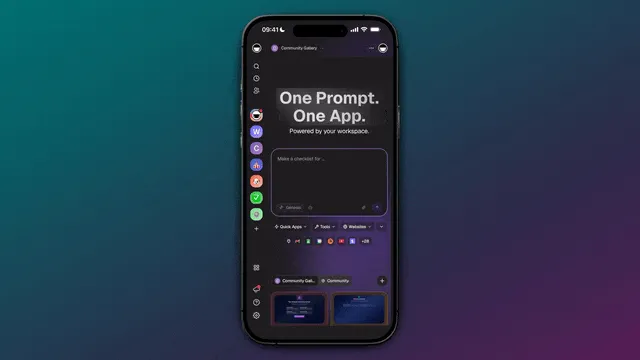
📱 New Mobile Experience
Unleash productivity with our new mobile app. It's like having the power of our web and desktop app in the palm of your hand!
Sleek new tab navigation for quick access to your tasks, projects and activity.
Toggle between workspaces with ease using our new sidebar navigation.
Customize new widgets and display your tasks and projects anywhere.
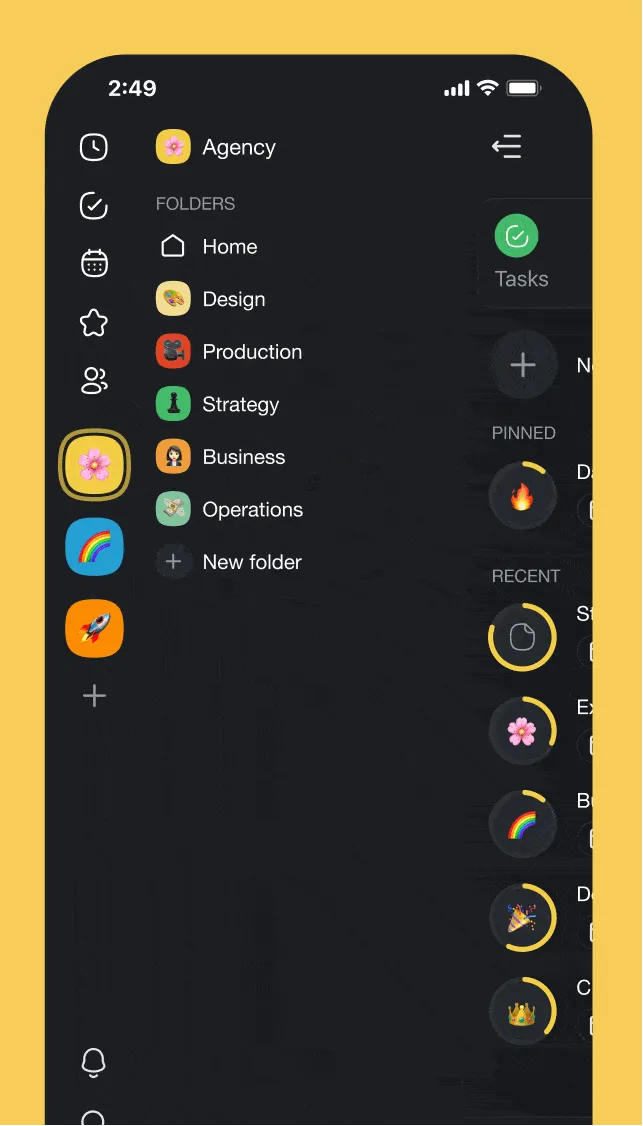
taskade mobile
💻 New Tablet Experience
Introducing the all-new, supercharged Taskade tablet app for iPad & Android.
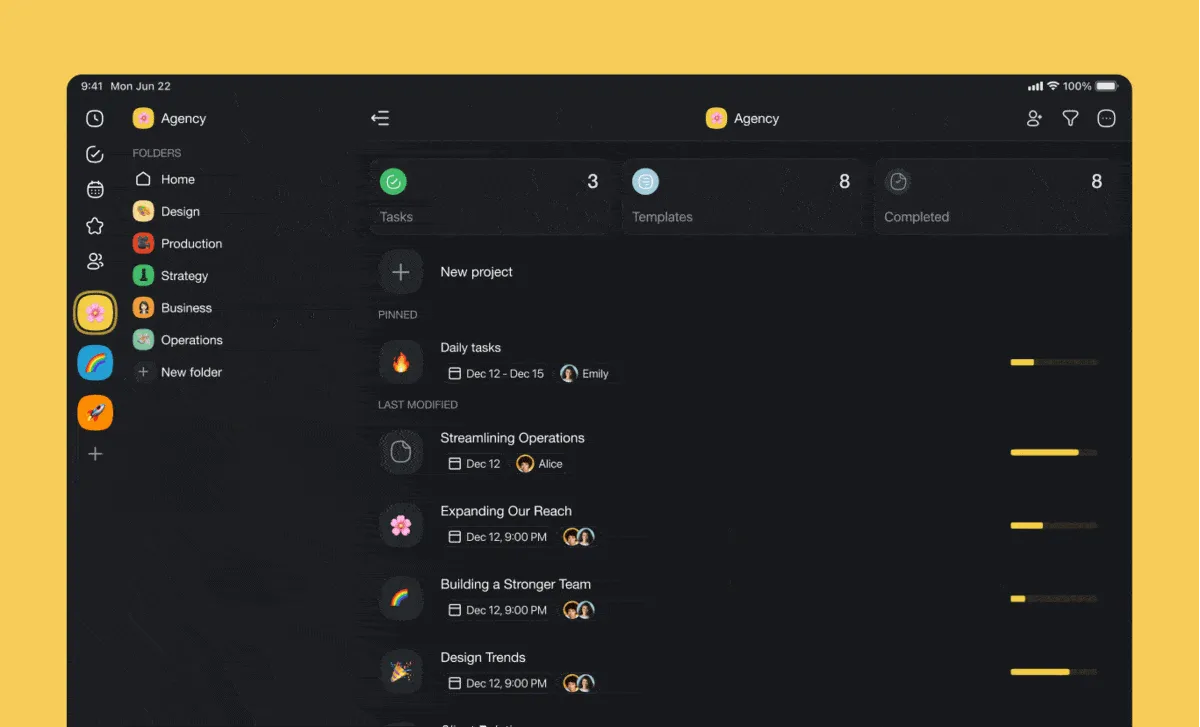
taskade tablets
🖥️ New Desktop Experience
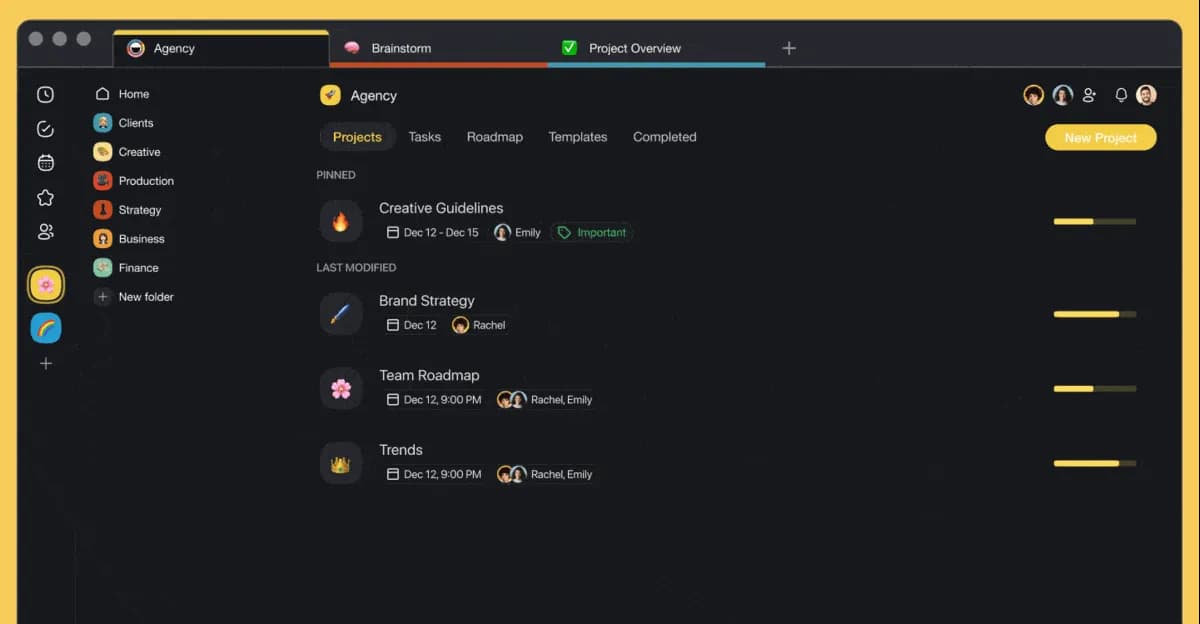
Our desktop apps for Mac, Linux, and Windows have been drastically improved with new native tabs support and performance improvements.
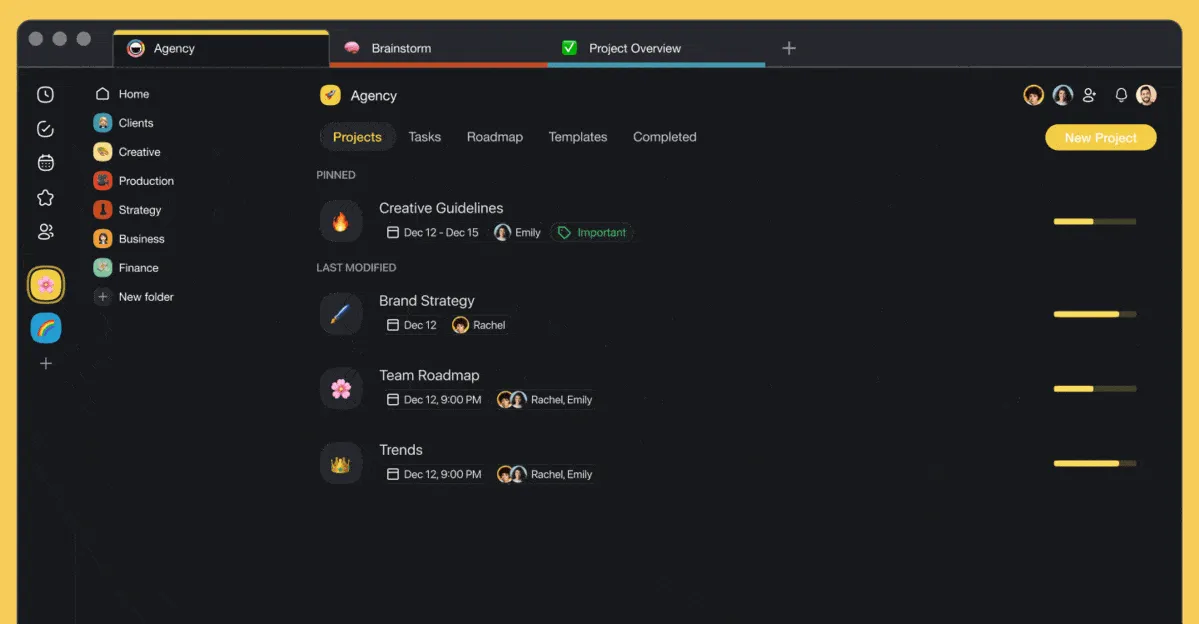
taskade desktop 1
🎉 Other Improvements
Mobile & Tablet Apps (iOS & Android):
Taskade V4 is here! New layout update for quicker access, cross-platform consistency and easier management
New: SAML available on all mobile platforms
Fixed: Move/copy tasks between projects
Fixed: Issue creating due dates
Fixed: Unable to navigate widget
Fixed: Workspace deep link invite
Fixed: Issue creating a new template
Fixed: Attached hardware keys not responsive on iPad
Fixed: Issue starting video calls
Fixed: Redirect share extension to quick add for Android
Fixed: Taskade links not deep linking correctly
Fixed: Emoji picker not opening inside projects
Fixed: Offline mode occasionally getting stuck
Fixed: Widgets unselected configuration for scheduled view
Fixed: Tasks without end times appearing on next day in calendar
Desktop Apps (Windows, Mac, Linux):
Introducing a new splash window for a friendlier startup experience
Added a new tabs list menu for quick and easy navigation
Fixed an issue with copying images in the desktop app
Enhanced the user experience by adding tooltips to tabs
Improved connection reliability with an automatic retry of initial connection attempts
Added the ability to toggle the Taskade icon to hide the Mini Taskade feature
Various bug fixes and performance improvements have been made to enhance the user experience.
And we’re just getting warmed up for 2023! 🎉
Have any questions? Visit our Help Center or let us know. 😊
— Team Taskade 🐑
Frequently Asked Questions
What platforms does Taskade support?
Taskade is available on iOS, Android, iPad, Mac, Windows, Linux, and the web. All platforms share the same feature set and sync in real-time, so you can switch between devices without losing progress or context.
What's new in the Taskade mobile V4 update?
Taskade V4 introduces a redesigned layout with tab navigation for quick access to tasks, projects, and activity. The update includes sidebar workspace switching, customizable widgets, and cross-platform consistency with the web and desktop apps.
Does the Taskade desktop app support tabs?
Yes. The desktop apps for Mac, Windows, and Linux include native tab support, letting you open and manage multiple projects simultaneously. Additional improvements include a splash window, tab tooltips, and improved connection reliability.
Can I use SAML authentication on Taskade mobile?
Yes. SAML single sign-on is available across all Taskade platforms including iOS and Android mobile apps. If your organization uses an identity provider like Okta, Google, or Azure, you can log in securely from any device.