






Hi Taskaders 🎉
We've worked hard to make Taskade work better for you! Here's what's new:
TL;DR: Move tasks, bulk assign, and sub-task sorting shipped in 2021 — today AI Agents auto-route and assign work across multiple project views and 100+ integrations. Taskade Genesis builds living apps from a prompt, with 15+ frontier AI models doing the heavy lifting.
Then → Now: Manual multi-select and bulk assign in 2021. Now AI Agents auto-assign across projects, with Automations reacting to status changes in real time.
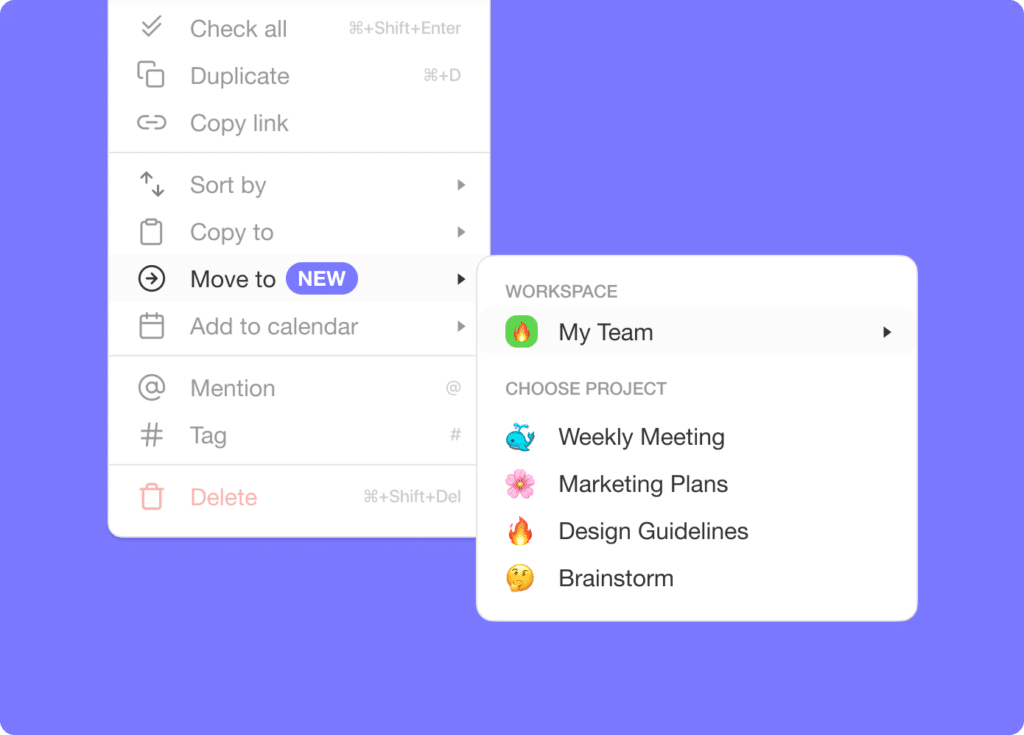
⚡️ Move Tasks
You can now move and copy tasks to any project across any workspace.
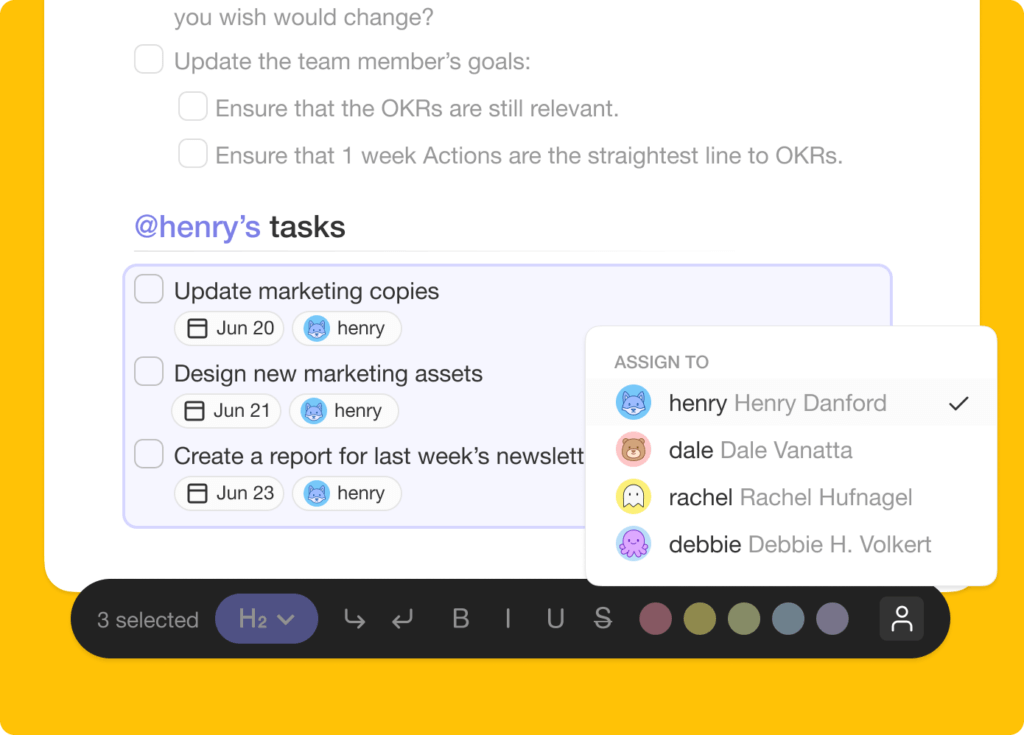
✅ Bulk Assign Tasks
Multi-select tasks and assign yourself or other team members. Learn more.
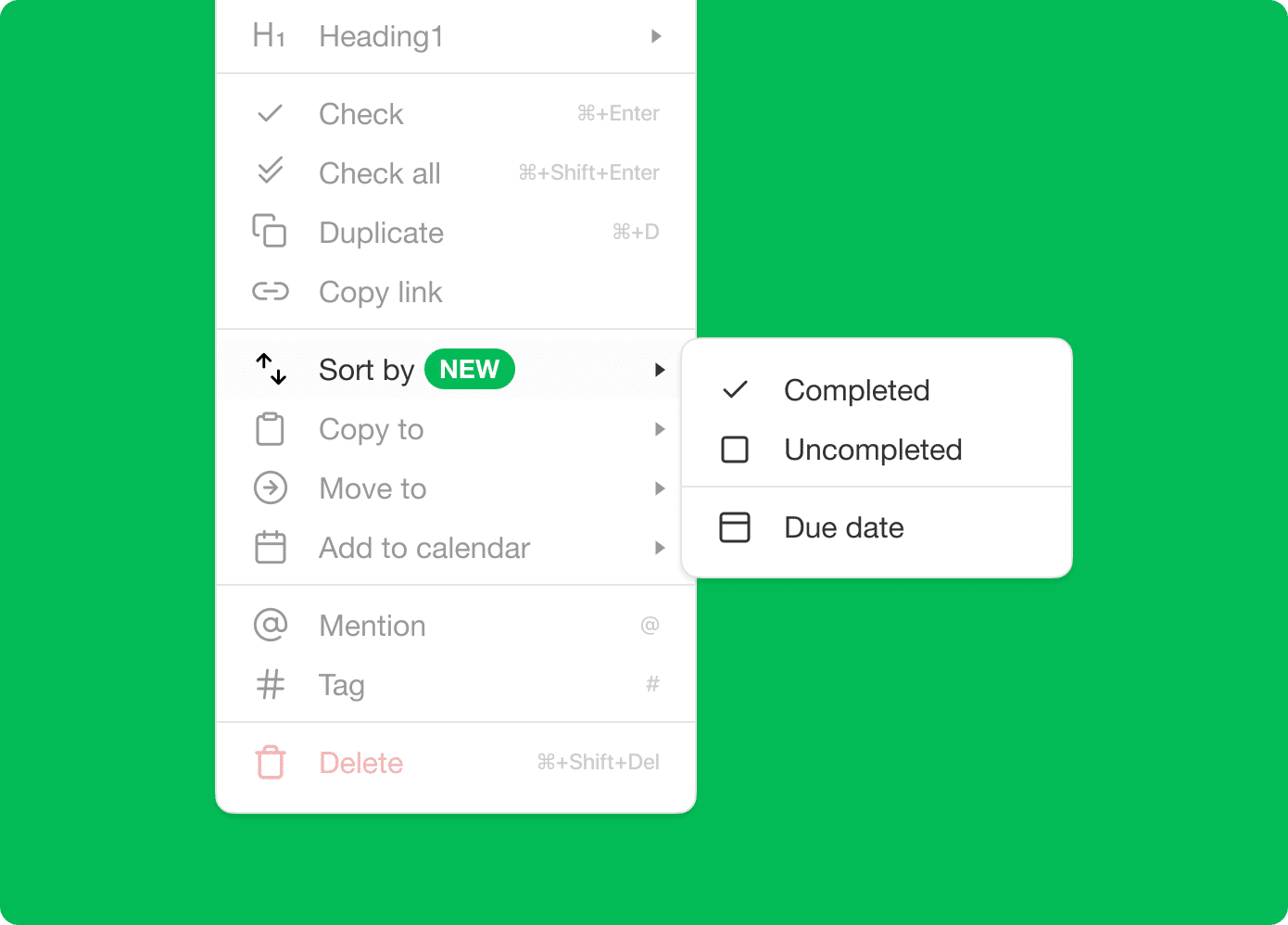
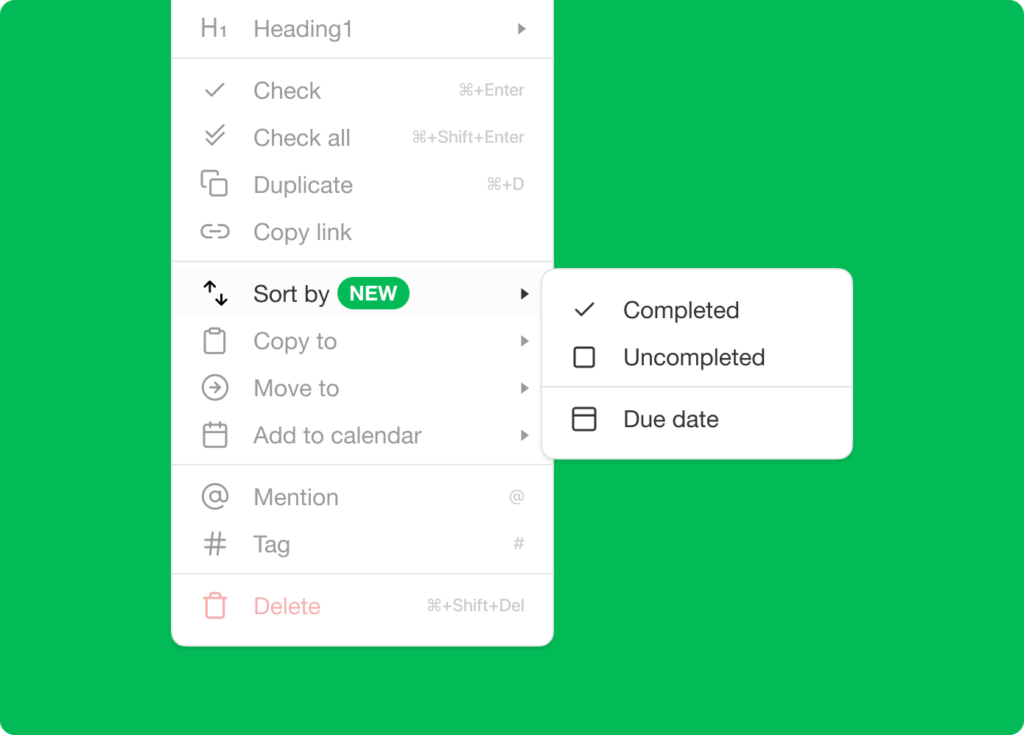
⚡️ Sort Sub-Tasks
Sort sub-tasks by completed or uncompleted as well as the due date.
🎉 Other Improvements
- New: Taskade mobile for iOS & Android updated:
- Added shortcut for My Tasks.
- Added Checker role team permission.
- Sort workspace by project due dates.
- Improved keyboard and editing interface.
- Improved performance and bug fixes.
2021 H1 vs Today (2026)
| Dimension | 2021 H1 | Today (2026) |
|---|---|---|
| Bulk ops | Manual multi-select + bulk assign + sort sub-tasks | Same + agent auto-assign + bulk AI commands |
| Move tasks | Cross-workspace move/copy | Same + Move Task automation + Move Completed Tasks |
| Mobile | iOS/Android shortcuts + Checker role | Same + mobile widgets + AI chat on mobile |
| Permissions | Checker role | RBAC: Owner→Viewer |
| Intelligence | None | 15+ frontier models + Multi-Agent Teams |
🚚 Bulk ops then; AI routing now
Multi-select + bulk-assign was the manual ancestor of today's AI Agent auto-assign and the Move Task automation. Same idea, zero clicks.
Multi-select flow
 ┌─── MULTI-SELECT (Jun 2021) ───┐         ┌─── 2026 AGENT EQUIVALENT ───┐
 │  1. Click first task          │         │  1. /assign all overdue     │
 │  2. Shift-click last task     │   →     │     to @kim                 │
 │  3. ⌘/Ctrl + select more      │         │  2. Agent fans out, files   │
 │  4. Choose bulk action        │         │     them in the right       │
 │  5. Assign / Move / Delete    │         │     project, notifies team  │
 └───────────────────────────────┘         └─────────────────────────────┘
📚 Related reading — hub & spoke
- Taskade Genesis · AI Agents v2 · Automations · Community Gallery
- All project views · 100+ integrations · Pricing
- Learn — Bulk assign
- Learn — Move Task automation
- Learn — Move Completed Tasks
- Learn — Permissions (RBAC)
- Learn — Multi-Agent Teams
| Thanks again for supporting Taskade, and as always, don’t hesitate to reach out or visit our help center if you need help. We’re here for you! 😊 — Team Taskade 🐑 |
|---|
Frequently Asked Questions
Can I move tasks between projects in Taskade?
Yes. Open the more menu on any task and select Move or Copy to transfer it to another project in any workspace. This lets you reorganize work across projects without manually recreating tasks, preserving the task's content, sub-tasks, and add-ons.
Can I assign multiple tasks to a team member at once?
Yes. Multi-select tasks using Shift+Click or keyboard shortcuts, then use the bulk assign option to assign all selected items to yourself or any team member simultaneously. This saves time when distributing work across a team or reassigning tasks in bulk.
Can I sort sub-tasks by due date in Taskade?
Yes. Taskade lets you sort sub-tasks by completion status (completed vs. uncompleted) or by due date. Access sorting options from the task's more menu to organize nested items within any parent task, keeping your project hierarchy clean and prioritized.
Can I sort workspace projects by due date in Taskade?
Yes. In the workspace view, you can sort projects by their due dates in ascending or descending order. This gives you a quick overview of which projects have the nearest deadlines, helping you prioritize work across your entire workspace.