







The blogging game has changed, big time. Thanks to cutting-edge AI models, creating killer content and growing your audience has never been easier. But it has also gotten way more competitive. That’s why we've rounded up the best tools for bloggers that will help you stand out from the crowd.
We organized the tools into complementary categories targeting specific areas of the blogging process. Mix and match to build the perfect blogging toolbox!
Here’s everything you need to get started. 👇

✏️ Writing and Editing Tools
Taskade AI
Every blogger knows what it means to wear multiple hats.
You're the writer, the editor, the social media strategist, and sometimes, the midnight coffee brewer. Juggling all of that can feel like riding a unicycle.
Taskade AI is your one-stop solution for all things creative. It's a beautiful, holistic platform that will help you plan and manage all your blogging projects.
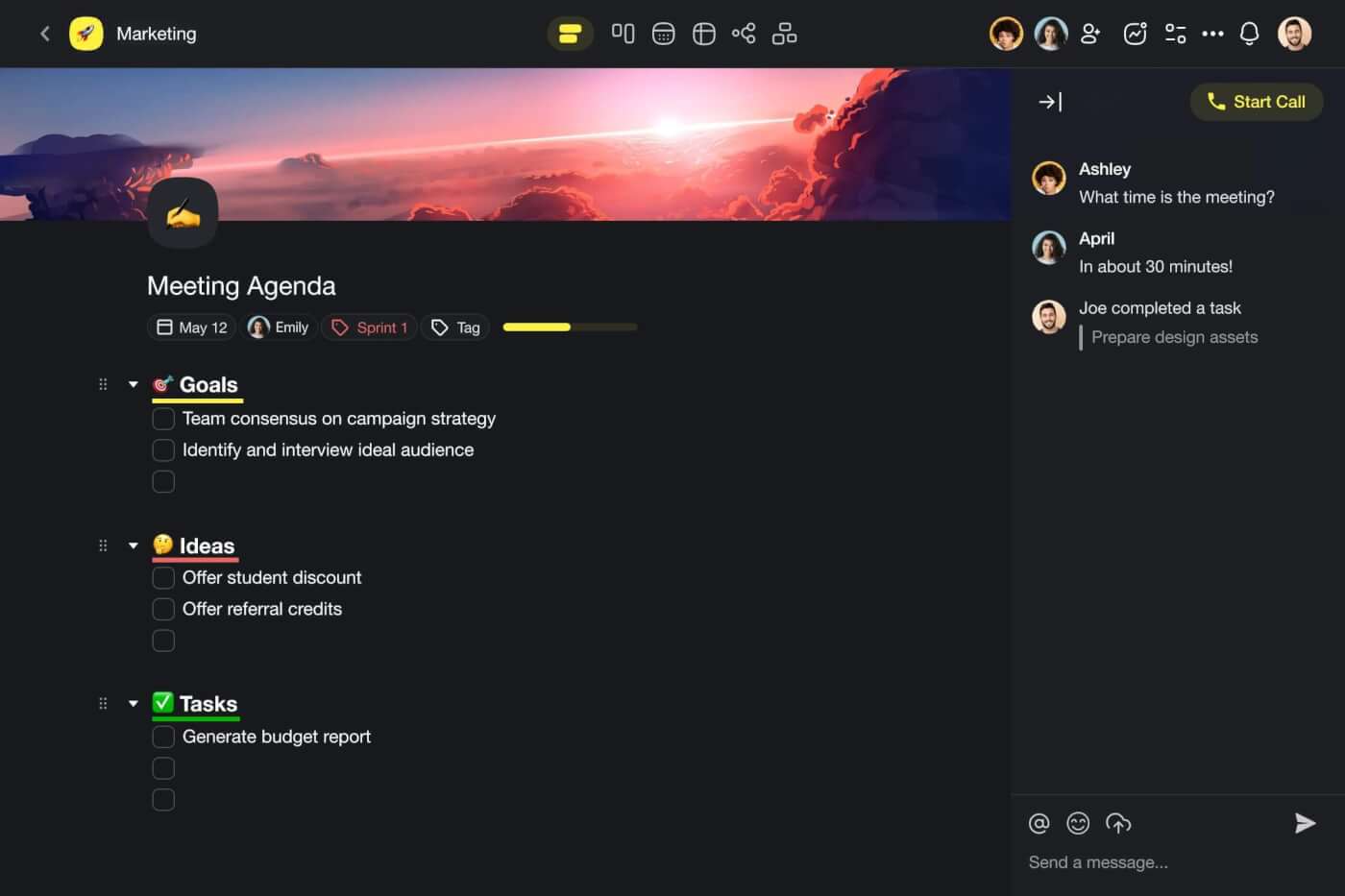
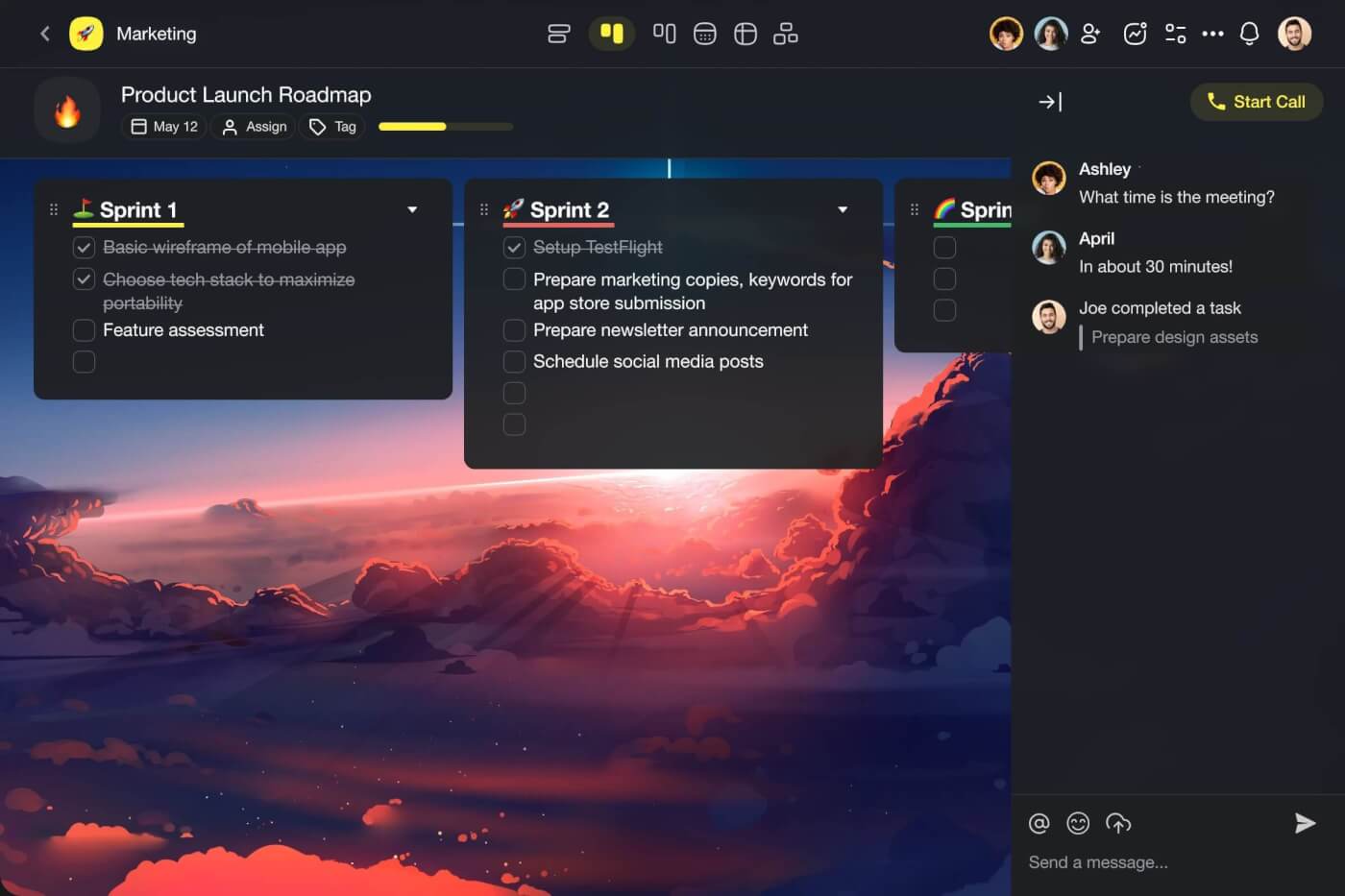
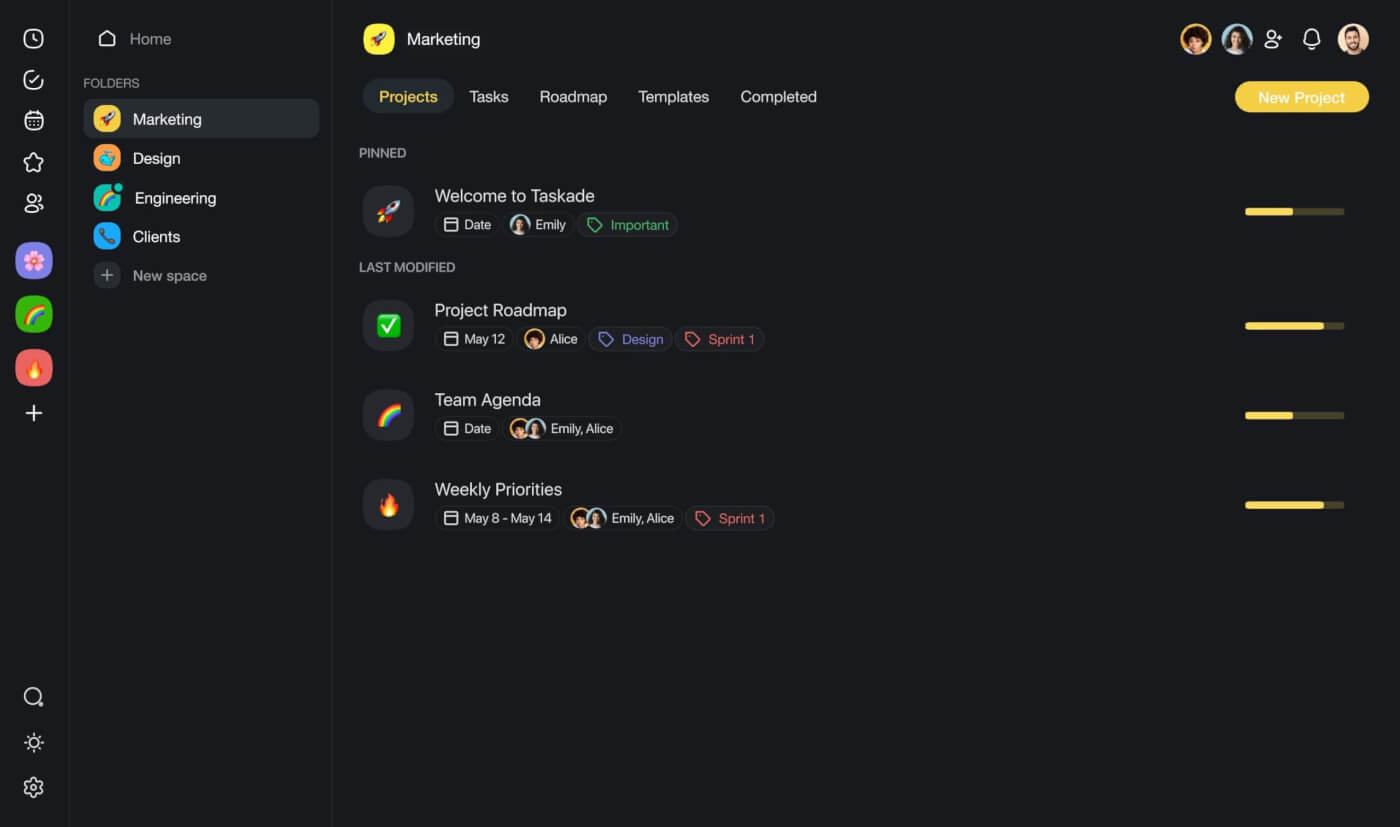
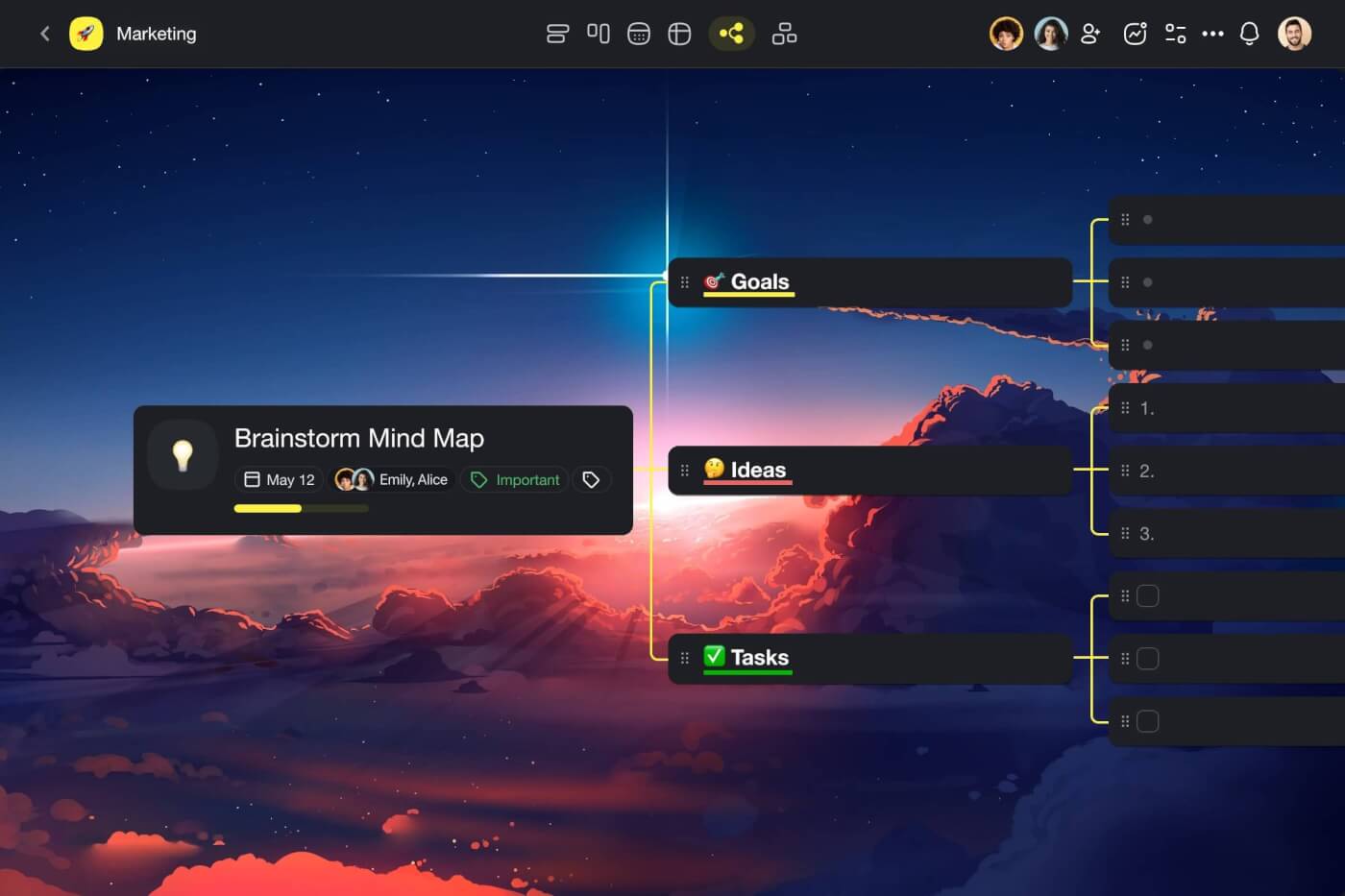
Taskade can hold your notes, article drafts, outlines, visuals, and even chats — everything you need to take your work from ideas to execution.
👀 Taskade at a Glance
🤖 Powerful AI: Craft, research, and edit drafts, automate work, and more. Tap into AI insights anywhere inside Taskade (check details below).
✏️ Simple, beautiful editor: Bring your ideas to life with a sleek editor designed for easy content creation. And once you're done, export your work into several different formats including Markdown.
🗂️ Three levels of organization: Organize your drafts and ideas using a nested system of projects, folders, and workspaces to keep your creative flow under control. Invite others to collaborate and chat in real time.
⚡️ Dynamic workflows: Visualize your work in six different ways. Write in the List view, brainstorm in the mind map view, or build an editorial calendar using the Board view. Switch between the workflows in an instant.
And much more...
🤖 What Is Taskade AI?
There are many AI tools for bloggers out there.
Some will help you write. Others will proofread your work or suggest improvements to enhance readability. Taskade AI does it all and then some.
🔄 Workflow Automation: Connect Taskade to popular apps like Gmail and WordPress to put your blog on autopilot. Auto-generate and push drafts to WordPress or capture and process incoming leads hands-free. Experiment to find your own flow.
✏️ AI Assistant: Write faster smart AI insights and suggestions in the project editor. Choose from dozens of handy /AI commands or build your own. The AI Assistant integrates seamlessly with your workflow without getting in the way.
🪄 AI Project Studio: Articles, press releases, how-to guides, reviews, industry news — describe what you're working on, and the AI generator will outline the content and craft a structure for any project. Cut back on repetitive work and build anything.
🤖 Custom AI Agents: Build a team of AIs to tackle creative and organization tasks while you sip your morning coffee. Train agents with your drafts, documents, or web resources for more tailored content generation and responses.
Visit Taskade's pricing page for a breakdown of AI features and plans.
Ready to up your blogging game?
Supercharge your blog with Taskade AI 🐑
Grammarly
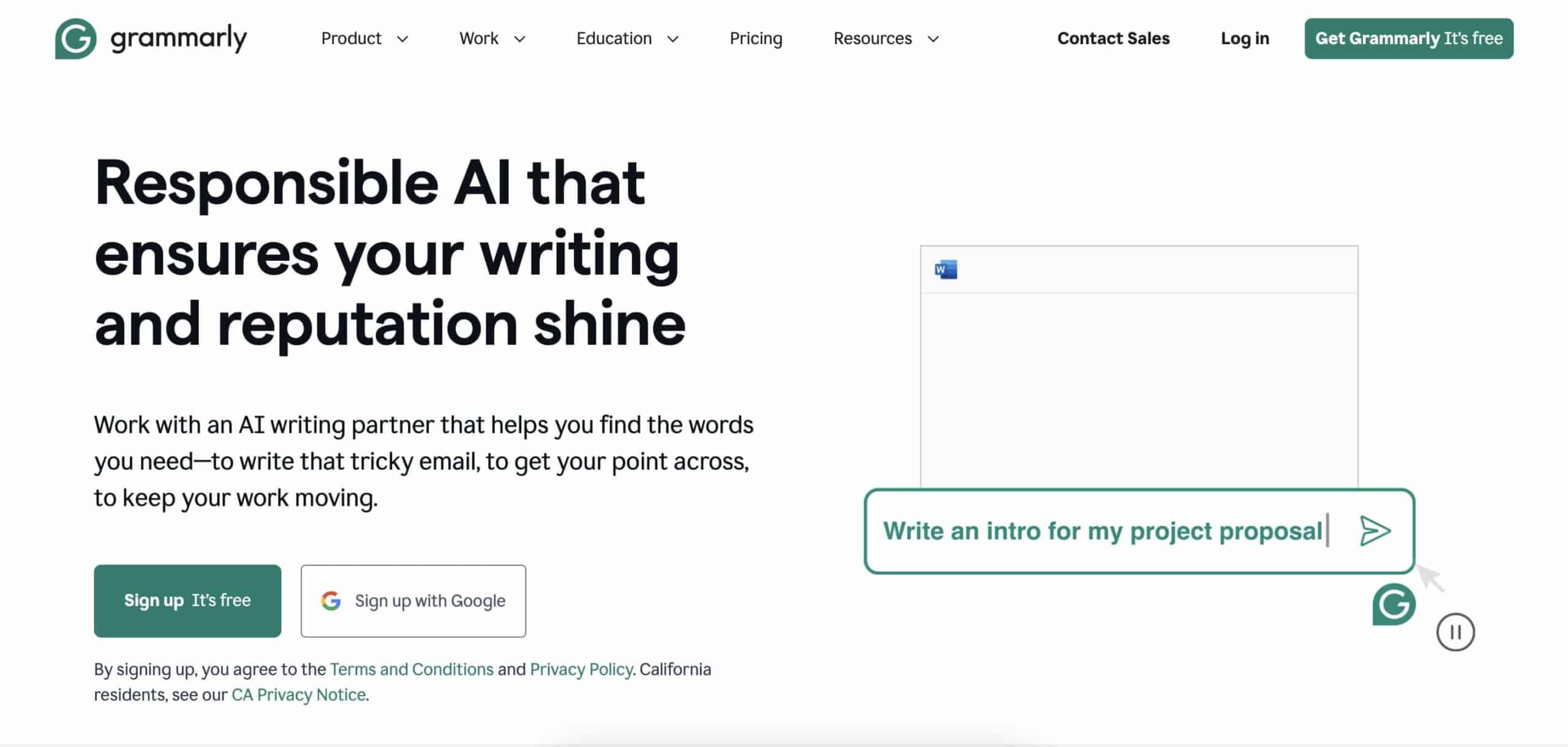
Dealing with typos and grammatical errors after you’ve published is frustrating. Grammarly will review your drafts in real time to prevent wordy disasters.
The app offers corrections for everything from spelling mistakes to complex grammar blunders. It also integrates seamlessly into existing setups, which means that you can type error-free on any device.
What sets Grammarly apart from other similar tools?
It’s the features that enhance writing style and clarity.
Grammarly can suggest vocabulary enhancements and checks for originality, both of which will help you keep your content engaging. Plus, the premium version provides suggestions tailored to a specific audience.
Key Grammarly Features
Advanced grammar checker
Spelling and punctuation corrections
Style and tone suggestions
Plagiarism detection
Integration with various platforms
Personal dictionary option
Hemingway Editor
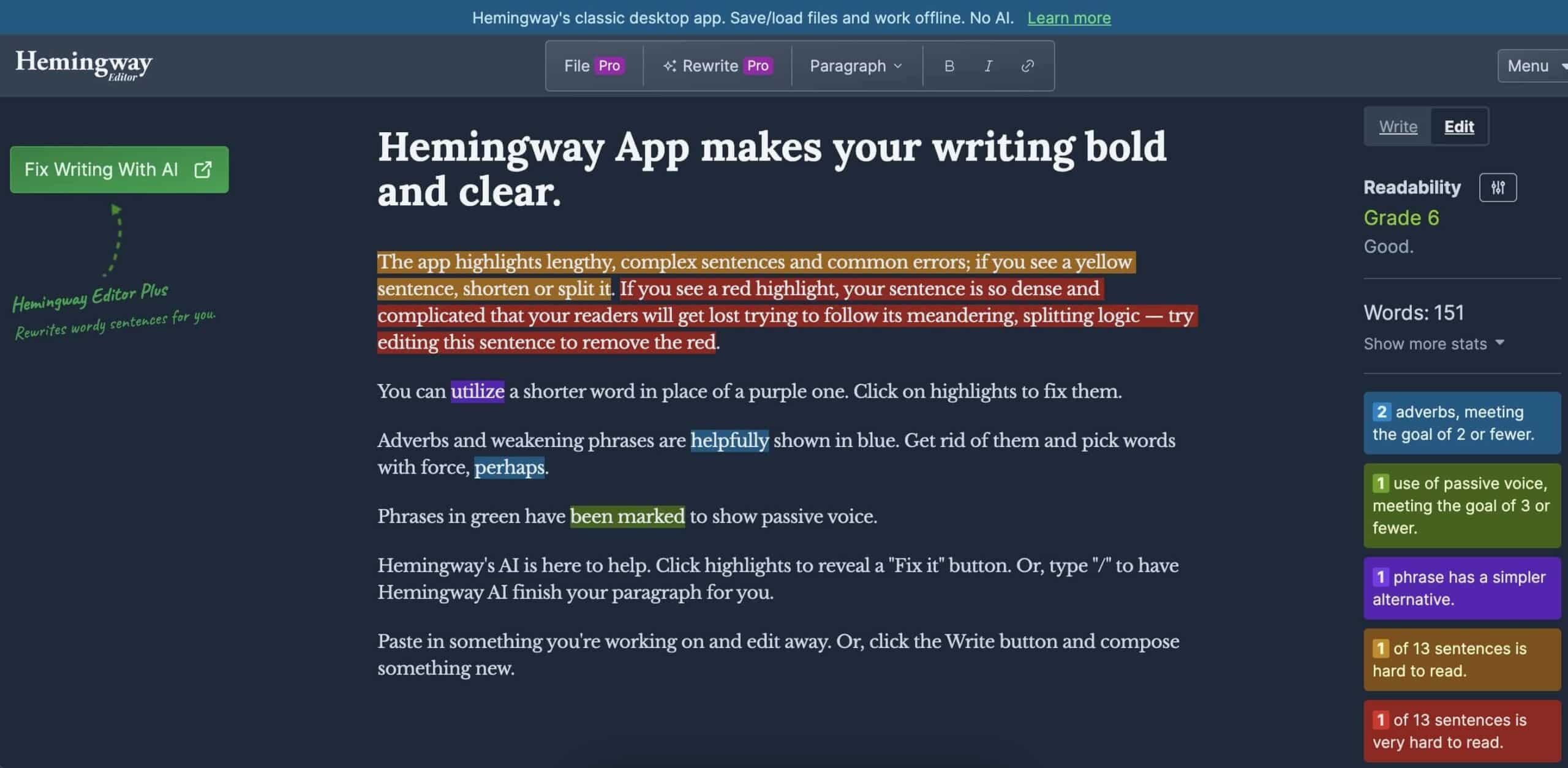
Hemingway Editor is a straightforward tool that highlights complex sentences and common errors that can make your writing hard to follow.
This app does what a fine editor would do — it points out passive voice, excessive adverbs, and convoluted language that could dilute your message.
All that to ensnare obfuscations and extraneous verbosity with aplomb.
Just kidding.
What really makes Hemingway Editor valuable for bloggers is its ability to break down your text's readability grade. You can learn how accessible your writing is to different audiences and see what changes will have the biggest impact.
Key Hemingway Editor Features
Readability score assessment
Highlights hard-to-read sentences
Identifies passive voice usage
Offers simpler alternatives to complex words
Flags excessive adverbs
Direct formatting tools
ChatGPT
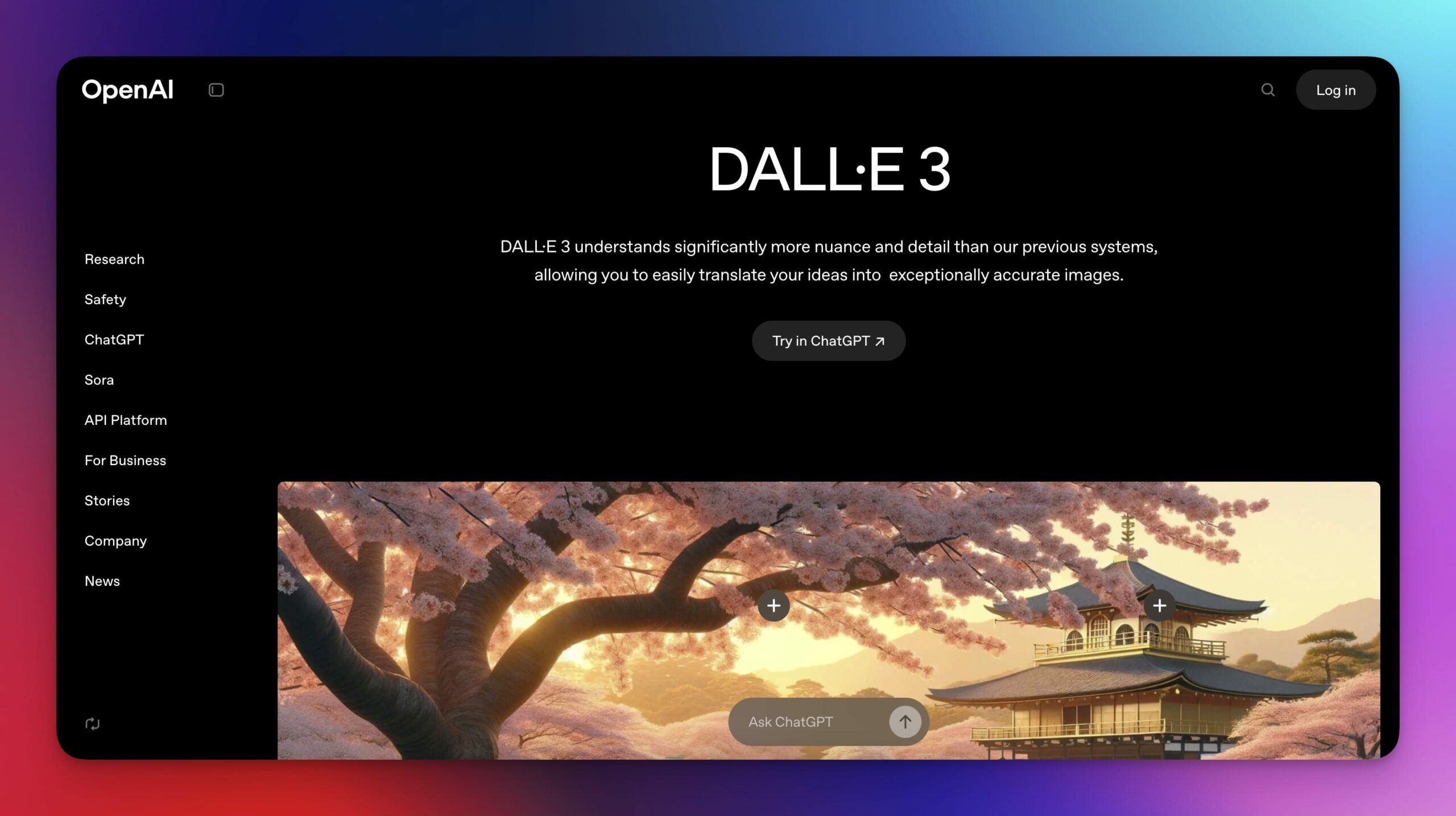
ChatGPT hardly needs an introduction in the blogging sphere. Developed by OpenAI, this chat-like platform is powered by the company’s GPT-4 large language model (the same genie that runs under the hood of Taskade AI).
So, what can you use it for?
ChatGPT will help you overcome writer's block, brainstorm ideas, craft engaging headlines, draft posts, and engage with readers through tailored responses. You can also use it for research and summarizing complex topics.
Interacting with the platform is simple: you input a prompt, and it replies with text. This conversational interface makes it incredibly user-friendly.
All you need to do is type a question, provide a topic, or pass a fragment of text you want to process (run a grammar check, adjust the tone, extract key ideas), and the model will provide detailed, context-aware answers.
Key ChatGPT Features
Text generation and completion
Answers questions with context
Supports multiple languages
Fine-tuning options for specific tasks
Integrates with various platforms
🪄 Content Management Systems (CMS)
WordPress
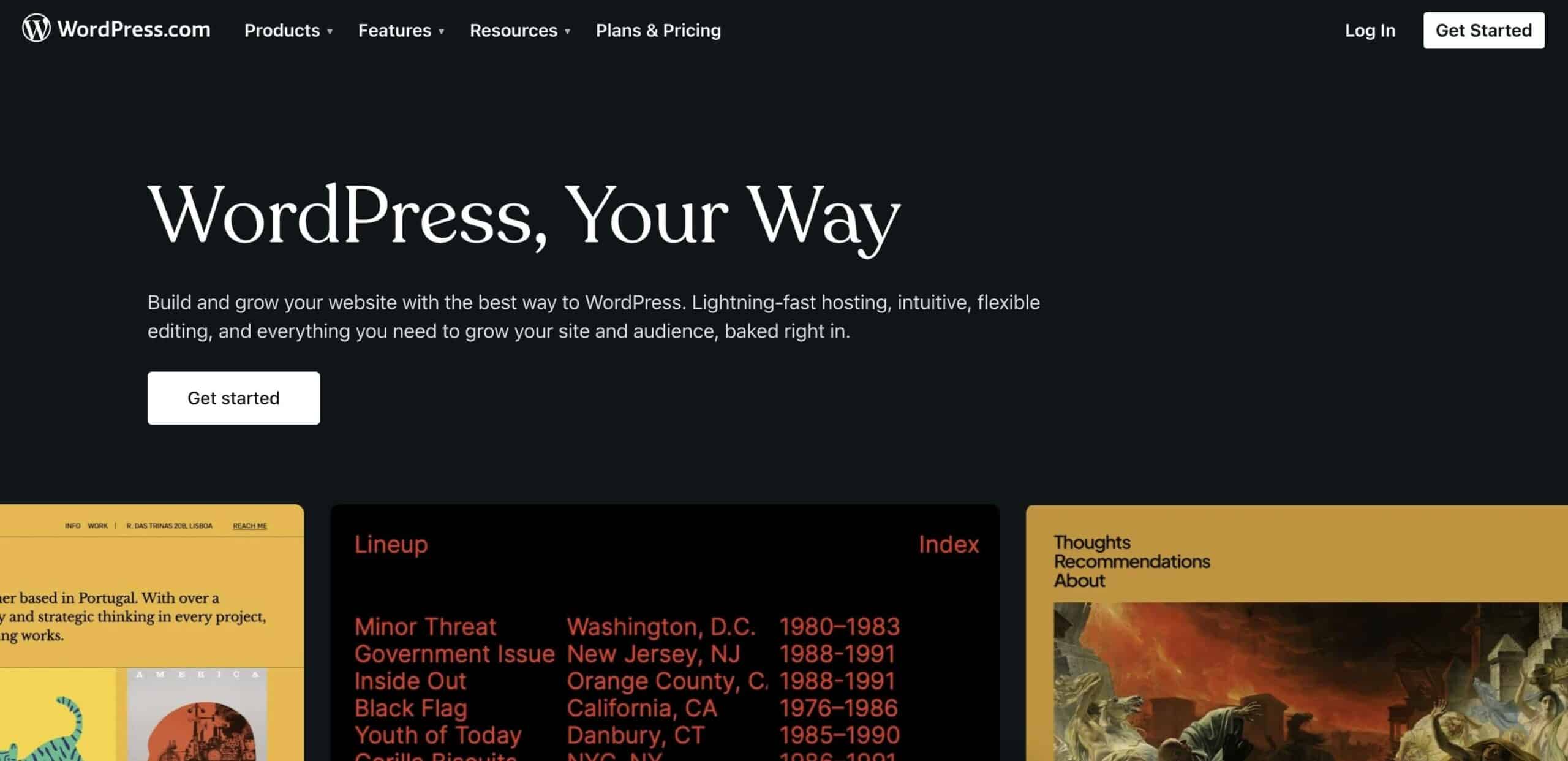
Over 800 million sites in 2024 run on WordPress.
And that makes a lot of sense. The platform is a strong well-rounder that can handle anything from small blogs to millions of monthly page views.
But there are a few other compelling reasons why WordPress is the gold standard among Content Management Systems (CMS).
If you decide to run your blog on WordPress, you get control of every part of your site, from small changes in style to big redesigns. The platform is also incredibly scalable, which means it can grow with you as your needs change.
The freedom is a huge perk when compared to other, more restrictive platforms that don’t offer as much flexibility. But it also means that you’ll have to do most of the troubleshooting yourself to keep your site alive and kicking.
Key WordPress Features
Customizable themes and plugins
SEO friendly options
Built-in blog and comment system
Mobile-responsive design
Robust community support
E-commerce integration with WooCommerce
Ghost
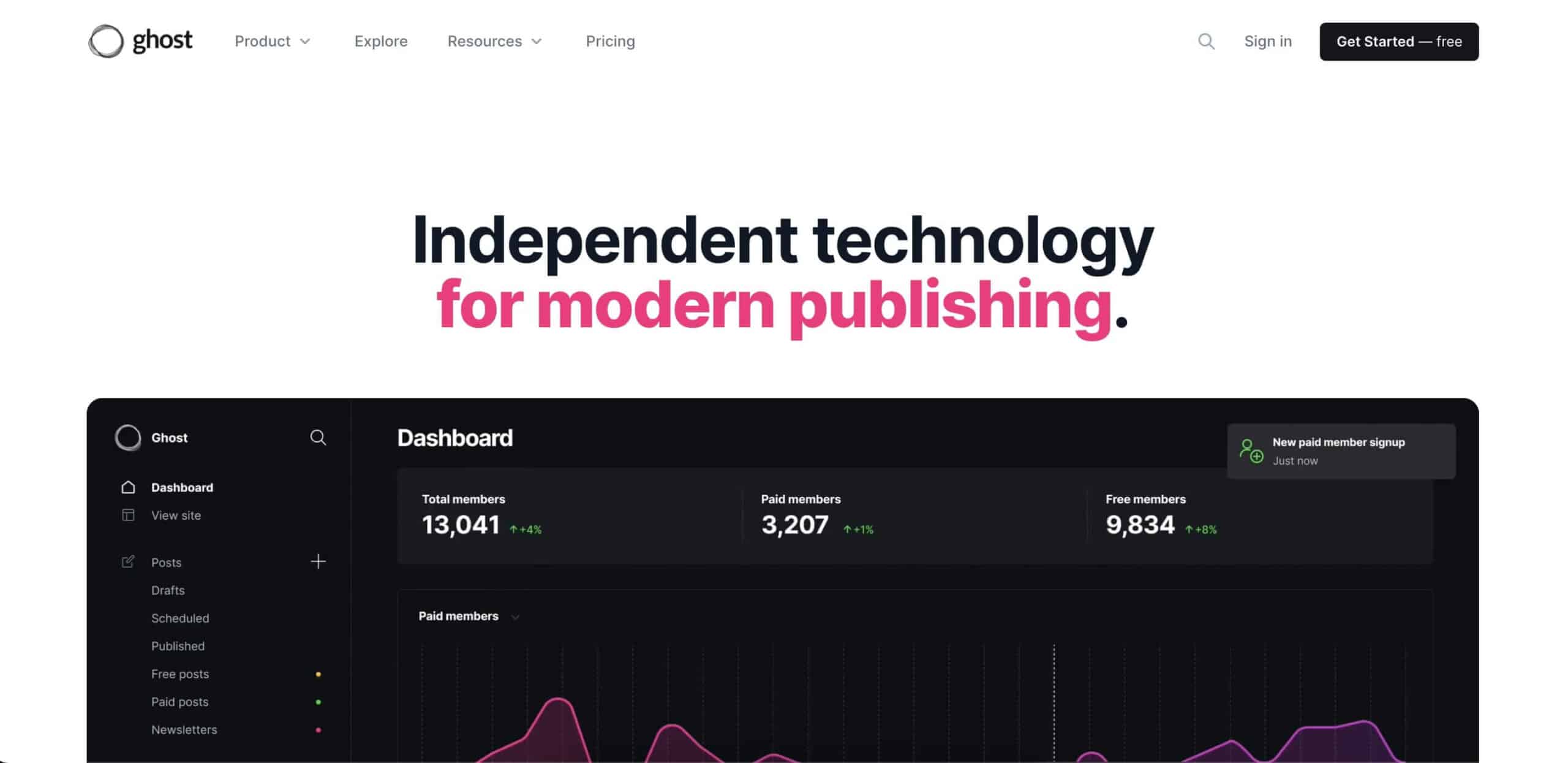
If you're fed up with the heavy, complex CMS platforms out there, you might want to check out Ghost. It's built for speed and simplicity, which is a breath of fresh air if you just want to focus on your writing without all the extra fluff.
Ghost offers a streamlined, intuitive interface that cuts the time you spend on site management and lets you pour all that energy into creating great content.
Of course, the platform is also fully optimized for SEO out of the box.
Ghost is relatively lightweight compared to some of its competitors, but it still provides some headroom to scale up once the traffic picks up.
Key Ghost Features
Clean, intuitive content creation
Built-in SEO tools
Membership and subscription features
Fast and lightweight platform
Custom integrations
Markdown native editor
Wix
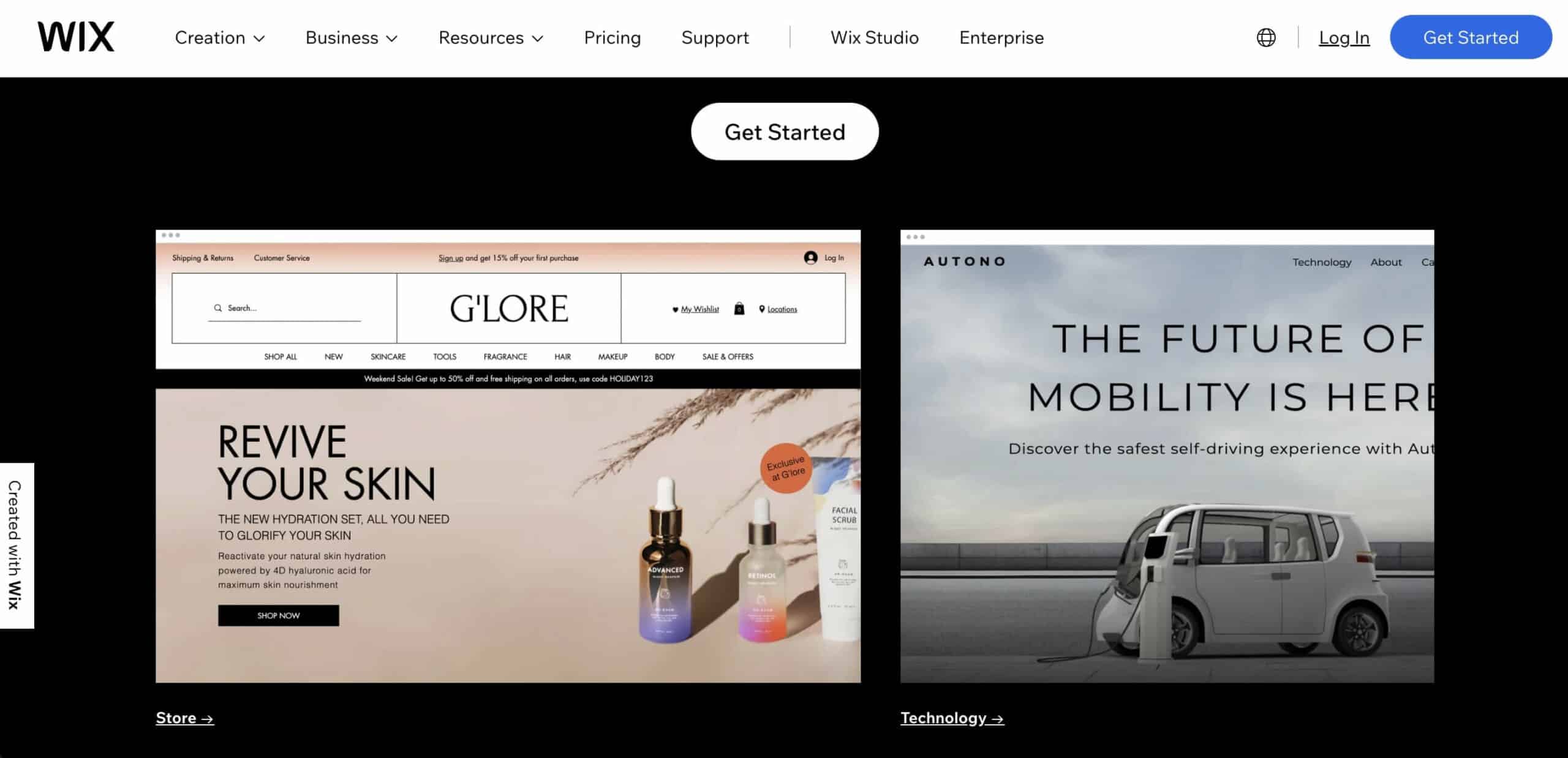
Wix is the perfect CMS if you want to get your site up fast and keep it looking sharp without diving into the nitty-gritty of HTML, CMS, and other arcane arts.
The platform comes with a user-friendly visual interface and a vast selection of templates, so you can get a slick, professional blog live in just a few hours.
And the best part? You can build your blog using pre-made elements and an intuitive drag-and-drop editor that lets you quickly move things around.
On the technical end, Wix is built to handle everything from website creation to management with minimal hassle. It supports responsive design — so your blog will look great on all devices — and packs solid SEO tools to boost visibility.
Key WiX Features
Drag-and-drop website builder
Extensive template library
App market for extra functionalities
Wix ADI for automatic website creation
Built-in analytics
E-commerce capabilities
Squarespace

If you want to create a beautiful blog without too much tech hassle, Squarespace is another solid CMS that does just that.
The platform is perfect for anyone who cares about the visual side of things — think photographers, designers, or anyone into lifestyle blogging. It will also appeal to writers who value a clean, modern aesthetic (that's you, right?).
Like WIX, Squarespace takes the technical strain off by bundling essential services like SEO and hosting into one, user-friendly platform.
There are also several hosting plans each tailored to different needs and traffic levels. Overall, a solid package for beginners and professionals.
Key Squarespace Features
Elegant, professional templates
Built-in mobile optimization
Image and video backgrounds
E-commerce tools
Comprehensive blogging module
24/7 customer support
🎨 Visuals and Design
Canva
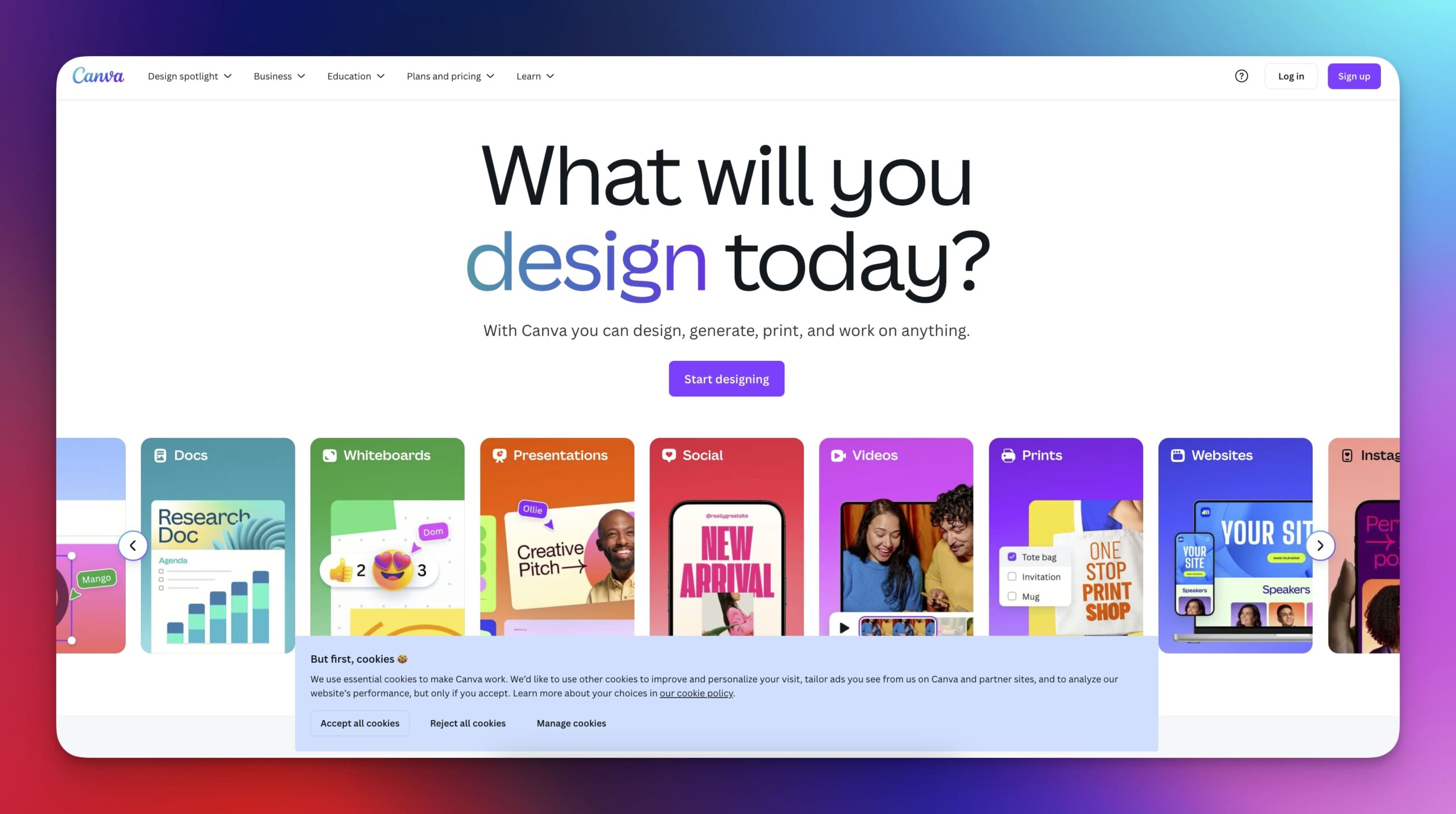
Not everyone has the skills of a graphic designer, but that doesn’t mean your blog can’t look professional (even if you’re on a shoestring budget).
Canva is a great tool if you want to quickly enhance online presence with stylish visuals. It features a drag-and-drop interface that makes it relatively simple to put together everything from blog headers to social media graphics.
So, what else do you get?
The platform comes with an extensive library of templates, fonts, and design elements. You can adjust colors, incorporate your own photos, and even tweak the layout to better fit your brand’s style.
If static designs were not enough, there are also animated graphics and videos.
While Canva may not replace more sophisticated design software for specialized tasks, it offers enough features to cover most blogging needs.
Key Canva Features
User-friendly design tools
Extensive library of templates
Stock photos, videos, and graphics
Collaboration and sharing features
Brand kit for consistency
Print product ordering
Adobe Photoshop
Need a more hands-on approach?
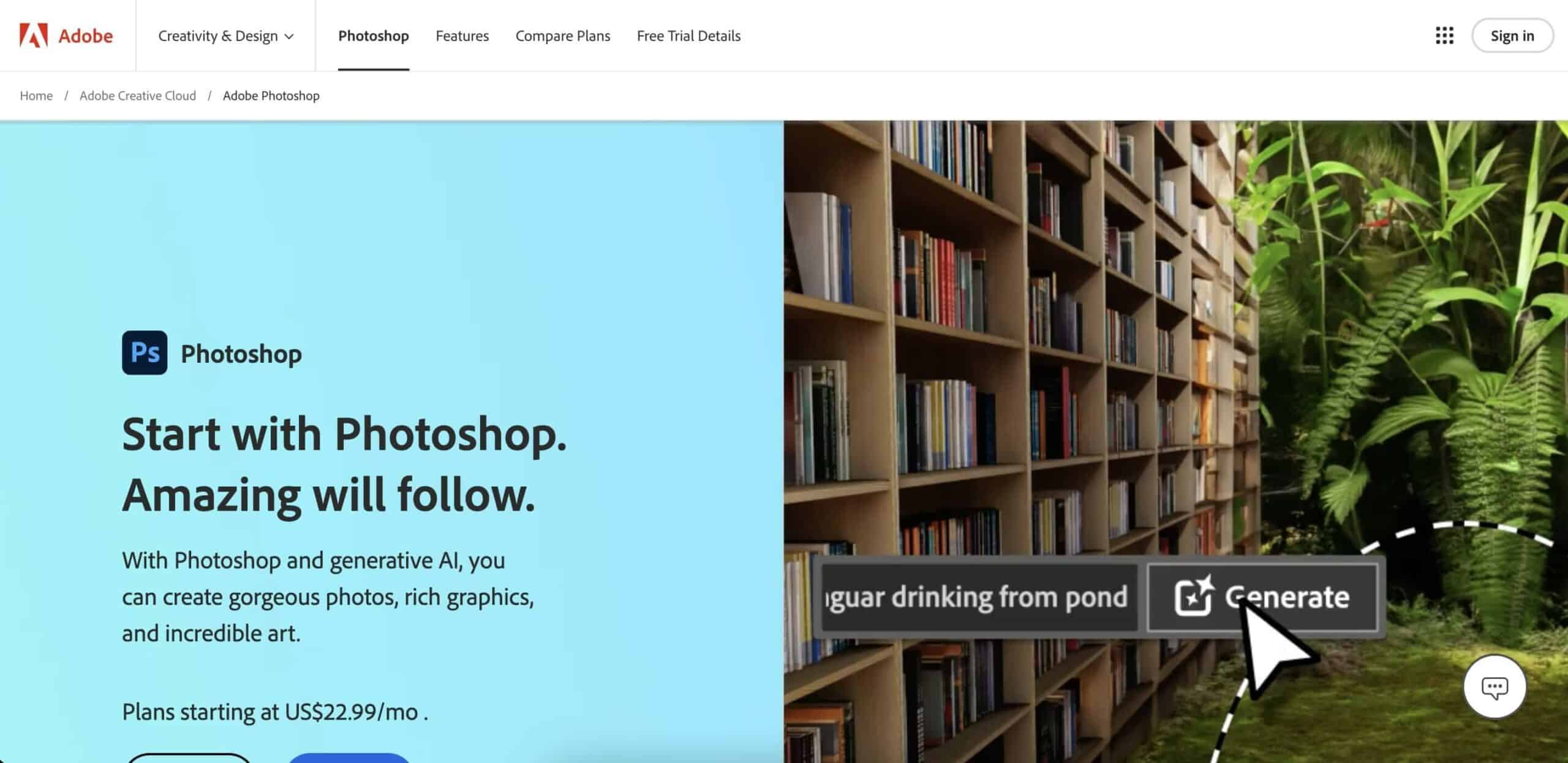
Adobe Photoshop is still a staple for all things creative, especially when you want precise control over the visuals (and don't mind a steeper learning curve).
The software lets you manipulate every detail of your images, which gives you endless possibilities to fine-tune and tailor visuals to match your style.
Whether it's adjusting colors, layering textures, or perfecting lighting, Photoshop provides all the tools you need to create standout visuals.
Of course, Photoshop can go beyond basic photo editing. You can craft custom graphics, animate GIFs, or prepare images for high-resolution printing. There is also a paired-down mobile app that covers basic editing needs on a budget.
Key Adobe Photoshop Features
Advanced photo editing
Layer-based editing system
3D design capabilities
Wide range of plugins
High-end compositing and retouching
Integration with Adobe Creative Cloud
Pixlr
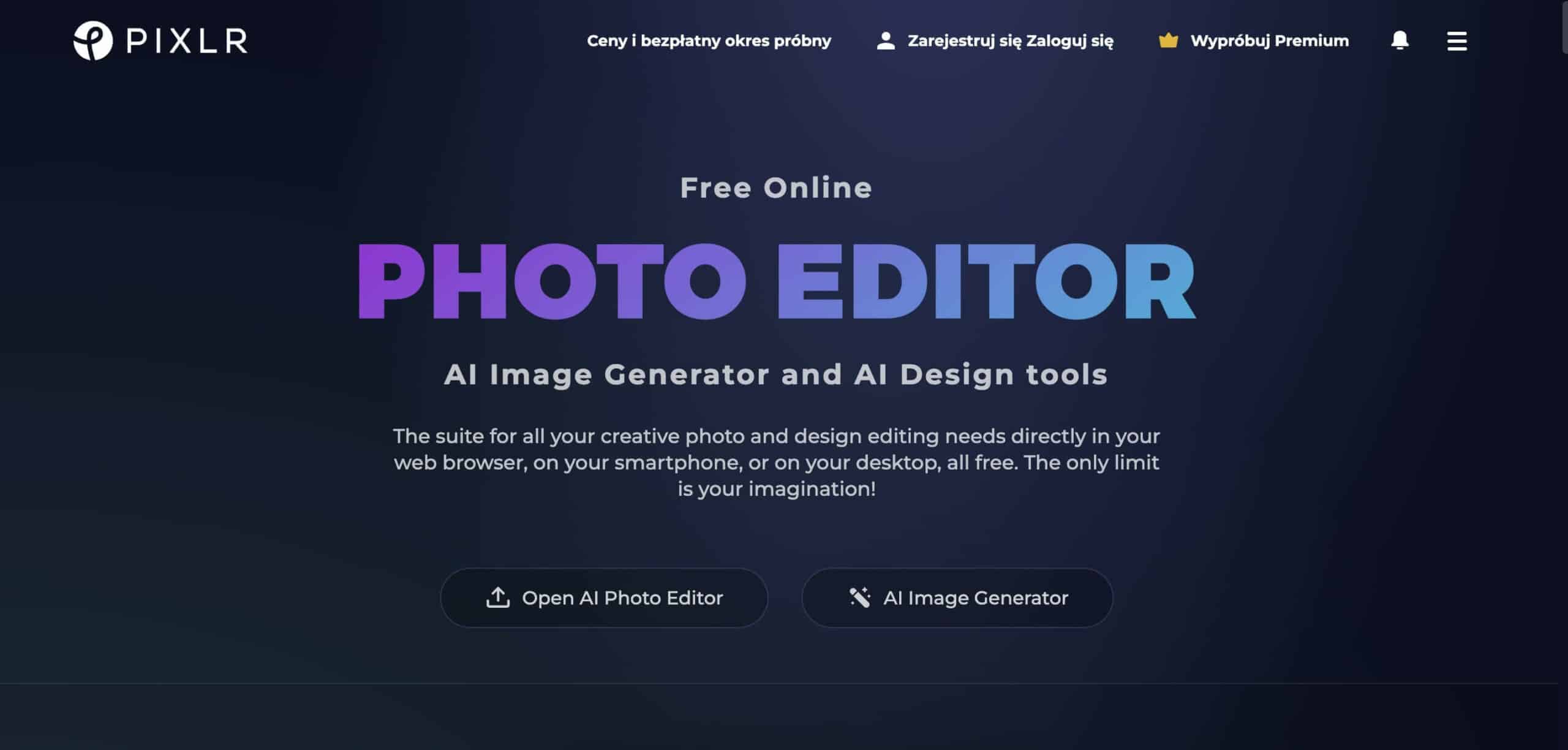
If you find full-blown photo editing software too time-consuming and difficult for your needs, you might like what Pixlr has to offer.
Pixlr is a web-based tool that streamlines photo editing. The app packs features like layers and masks, similar to more sophisticated software, but with a simpler interface. That means high-quality edits with less effort (sign us up).
The platform comes with several of AI-powered tools for tasks like removing backgrounds or adding filters. A great addition that saves a ton of time.
Key Pixlr Features
Web-based editing platform
AI-powered tools for quick edits
Template designs for social media
Easy-to-use interface
Free and premium versions
Layer-based editing
🔎 SEO and Analytics
Yoast SEO
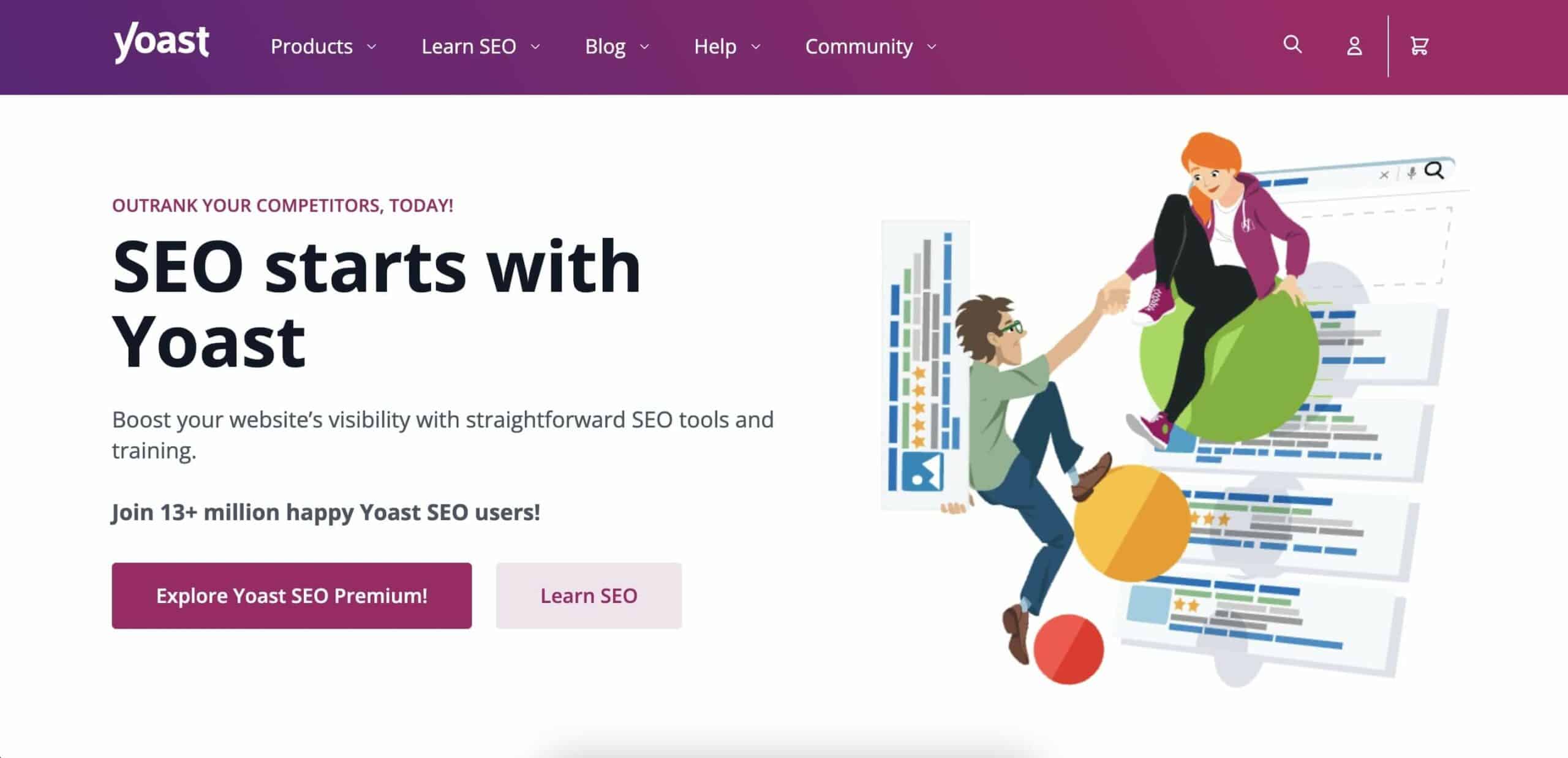
Yoast SEO is a wildly popular addition to sites that live in WordPress.
In a nutshell, the plugin simplifies the process of optimizing content for search engines to increase your chances of ranking higher in search results.
Yoast checks all the boxes of successful SEO, including meta descriptions, SEO titles, and focus keywords, and makes the technical aspects of SEO accessible to anyone. But it has a few other tricks up its (digital) sleeve.
The plugin can also help you improve the readability of your writing. It provides feedback on sentence length and passive voice usage, just to name a few.
Key Yoast SEO Features
SEO score for posts and pages
Readability analysis
Breadcrumb navigation settings
Meta descriptions and title settings
Social media preview
Internal linking suggestions
Google Analytics
Google Analytics is a must-have tool for anyone who wants to get serious about building an online presence. That includes blogging.
The platform tracks who's visiting your blog, how they got there, what pages they're sticking to, and when they bounce. These bits of information will help figure out which posts are hits and which ones flopped.
Plus, it integrates with just about any platform you might be using.
Google has recently replaced the legacy Universal Analytics with Google Analytics 4, introducing a host of new features.
The new iteration of GA offers better data integration and deeper insights across different platforms. This means you can gather more comprehensive insights and make informed decisions about your content strategy.
Key Google Analytics Features
Real-time user data
Audience insights
Behavior flow analysis
Conversion tracking
Custom reports
Integration with Google Ads
SurferSEO
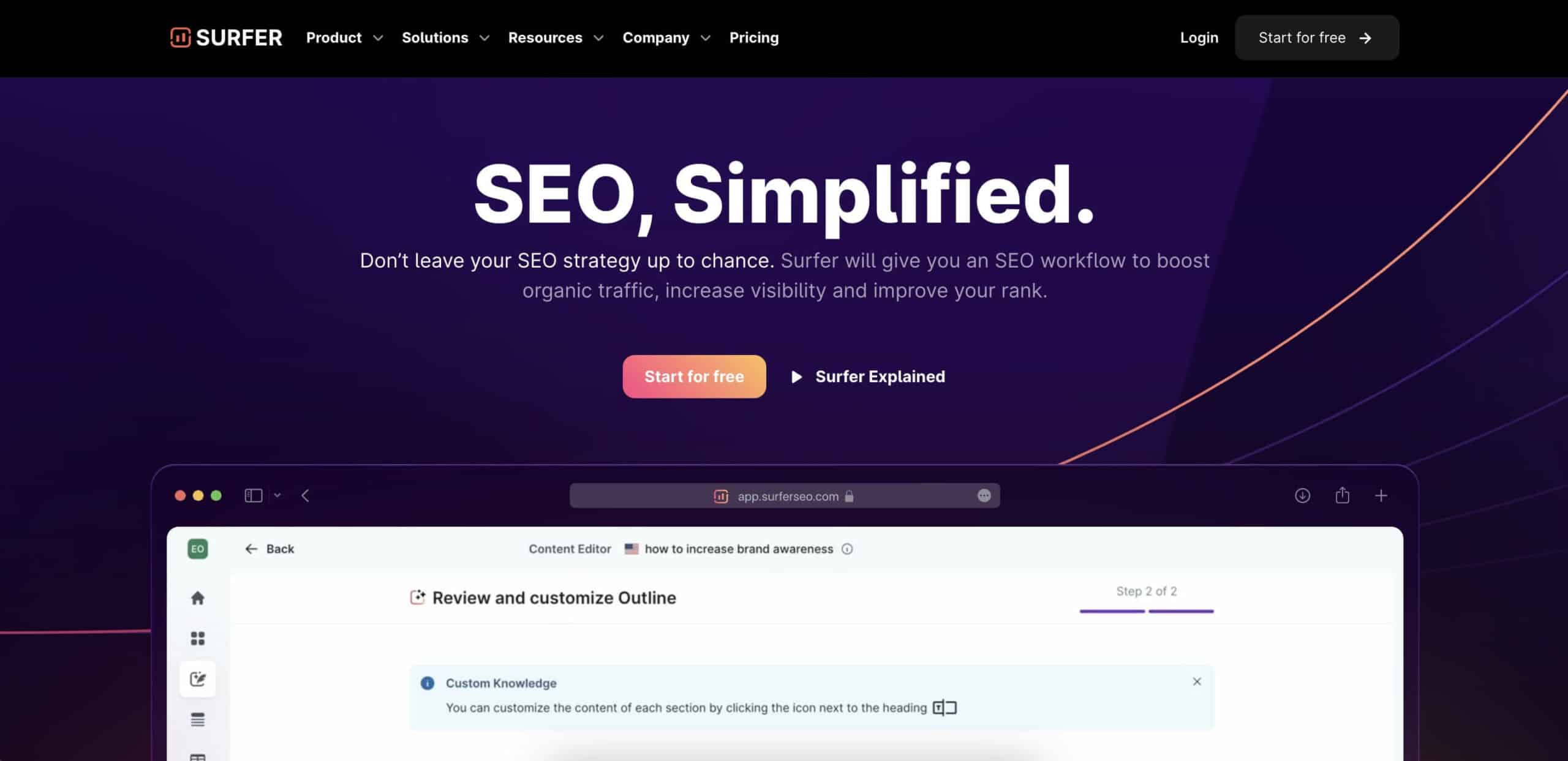
SurferSEO is your go-to if you're looking to crack the code on SEO without diving deep into the technical stuff (we're starting to see a pattern here... 🤔).
The platform checks what’s topping the search results for your keywords and gives you a clear plan to tweak your content just right.
So, how exactly does it do that?
SurferSEO's editor tells you how to structure posts, how often to sprinkle in those keywords, and what topics to cover to make your articles SEO-friendly.
Then there's the audit feature.
Think of it as a health check-up for your blog. It can spot any SEO slip-ups from slow page loads to skinny content. SurferSEO points out exactly what needs your attention and gives you tips on how to fix any issues.
Key SurferSEO Features
On-page SEO audit
Keyword research and analysis
Content editor for SEO optimization
SERP analyzer
Content planner
Competitor analysis
👋 Parting Words
And that's it for today!
Blogging is not dead. Far from it. But the landscape is evolving. So build your blogging toolbox, stay curious, adapt, and keep sharing your unique voice.
Thanks for tuning in, and happy blogging!
Create a free Taskade account to get started!
🧬 Build Your Own Blogging System with Genesis
Taskade Genesis creates complete blogging systems from a single prompt:
| What You Describe | What Genesis Creates |
|---|---|
| "Build a blog content calendar" | Editorial planner + AI writer + scheduling |
| "Create an SEO content hub" | Keyword tracker + outline generator + optimization |
| "Design a blog management system" | Draft workflow + publishing + analytics |
Your living workspace includes:
- 🤖 Custom AI Agents — AI writing assistants
- 🧠 Projects & Memory — Content database
- ⚡️ 100+ Integrations — Publishing automation
Read more:
- 8 AI Creator Hubs — Content publishing systems
- 11 Best AI Tools for Writers — Writing tools
Explore Taskade Hubs:
- AI Blogging Generators — Blog content tools
- AI Blog Writing Prompts — Ready-to-use prompts
- AI Content Agents — Writing assistants
- Browse Community Apps — Clone blogging apps

Frequently Asked Questions
What are the must-have tools for bloggers in 2025?
Essential blogger tools span several categories: AI writing assistants (Taskade, ChatGPT) for drafting and editing, SEO tools (Ahrefs, Surfer SEO) for keyword research and optimization, design tools (Canva) for visuals, and project management platforms for content calendars. The best approach is combining specialized tools for each stage of the blogging workflow.
How can AI help bloggers create better content?
AI helps bloggers by generating topic ideas, creating outlines, writing first drafts, suggesting SEO improvements, and repurposing content across formats. AI writing tools can also analyze top-ranking content for a given keyword and help you create more comprehensive articles. The key is using AI as a starting point and adding your unique expertise and voice.
What is the best all-in-one tool for managing a blog?
Taskade stands out as a comprehensive blogging platform that combines AI writing, project management, content planning, and team collaboration in one workspace. It lets bloggers plan editorial calendars, draft content with AI assistance, organize research, and manage the entire content pipeline from ideation to publication.
Do professional bloggers use AI writing tools?
Yes, many professional bloggers use AI tools as part of their workflow. They typically use AI for research, generating outlines, overcoming writer's block, and scaling content production. However, successful bloggers treat AI as an assistant rather than a replacement — they add personal insights, original research, and authentic voice to differentiate their content.