






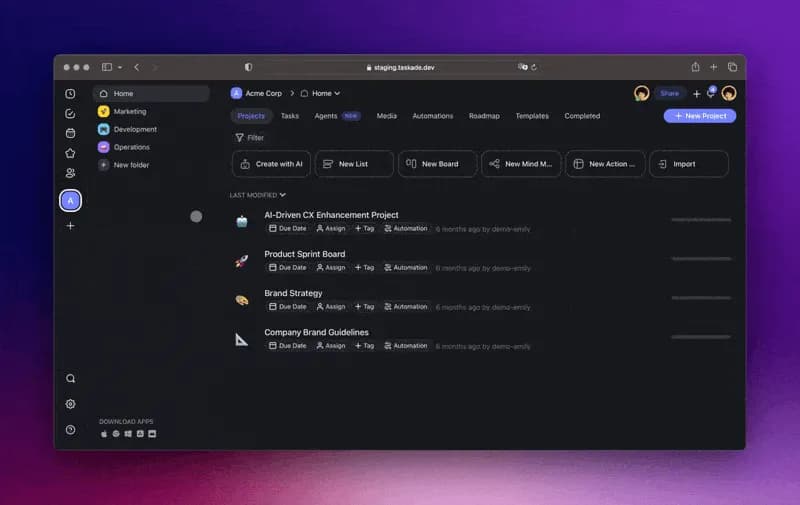
Hi Taskaders 🎉
As we wrap up 2023, we're excited to share our final update of the year, a special thanks to you for being part of this journey towards AI-powered productivity.
Brace yourself for an exciting 2024 with Taskade Automation, enhanced Custom AI Agents, and Autonomous Task Agents, all set to redefine your workflows.
TL;DR: Web & YouTube AI sources, agent sharing, AI block creation, and the Quick Add shortcut shipped in late 2023 were early steps toward today’s Taskade — now with multiple project views, 15+ frontier AI models from OpenAI, Anthropic, and Google, and 100+ integrations. Taskade Genesis turns any prompt into a living app powered by your workspace.
Then → Now: Web/YouTube sources and agent sharing in 2023 evolved into today’s live knowledge sources and public agent embedding on top of AI Agents v2. Pair them with Automations, Taskade Genesis, and the community gallery.
| Dimension | 2023 H2 | Today (2026) |
|---|---|---|
| Knowledge sources | Web + YouTube + AI block creation + agent sharing | Live knowledge sources + public agent embedding |
| Source types | URL, YouTube transcript, file | Docs, web, YouTube, PDFs, file OCR, audio, video |
| Sharing | Shareable agent links | Public embedding + community gallery |
| Creation speed | Quick Add shortcut + AI block | Taskade Genesis — full apps from a single prompt |
🌐 Knowledge Sources, 2023 → 2026
This was the update where Taskade AI learned to read the open web. Web links and YouTube transcripts became first-class citizens alongside uploaded files, and agent sharing turned a single custom agent into something that could travel across workspaces.
   2023 Dec — new inputs                 2026 — Workspace DNA
   ─────────────────────                 ────────────────────Web URL     ┐                          ┌── Memory ─────────────┐
YouTube     │                          │  docs · web · YT · OCR│
PDF / CSV   ├──▶ AI ingest             │  audio · video · APIs │
Agent docs  │                          └───────────┬───────────┘
            ┘                                      │
                                                   ▼
                                      ┌──────────── Intelligence ┐
                                      │  15+ frontier models     │
                                      │  34 built-in tools      │
                                      │  custom tools per agent  │
                                      └───────────┬──────────────┘
                                                  │
                                                  ▼
                                      ┌──────────── Execution ─┐
                                      │  Automations · Genesis │
                                      │  public embeds · apps  │
                                      └────────────────────────┘

                          (Memory → Intelligence → Execution
                           → back into Memory = self-reinforcing)
Modern trail: agent knowledge • AI Agents v2 • custom agents • public agent embedding • multi-agent teams • Automations • Taskade Genesis • Community Gallery • Templates • Integrations • downloads.
🌐 Add Web Links to AI
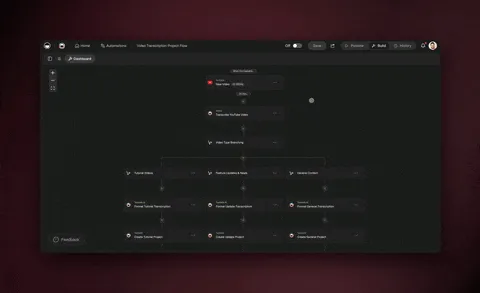
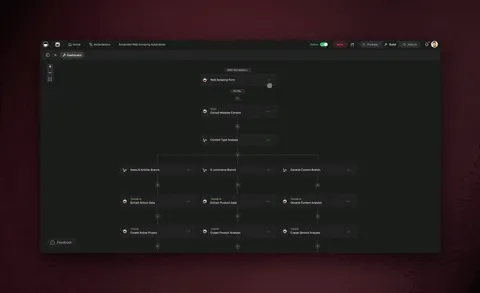
Introducing our first external knowledge source. Now, you can generate new projects, mind maps, and workflows with web sources, and also personalize your Custom AI Agents with deeper insights from any web source. Learn more.
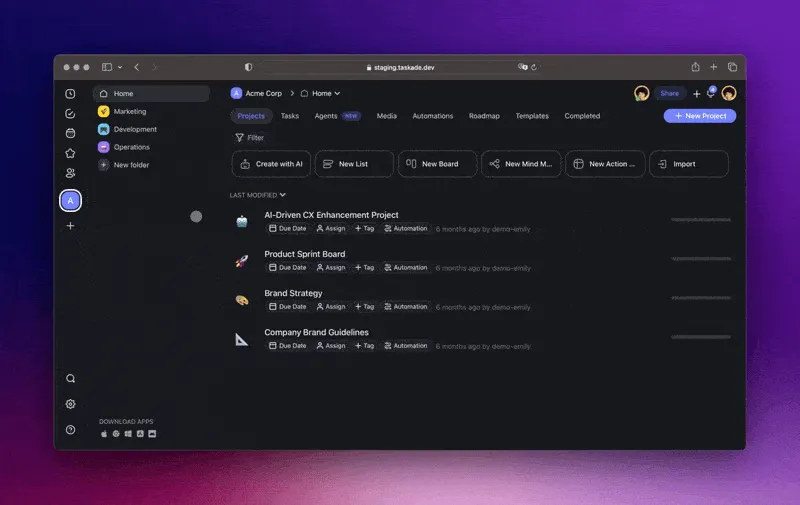
Generate Workflows with Sources (Web Links, YouTube, and more)
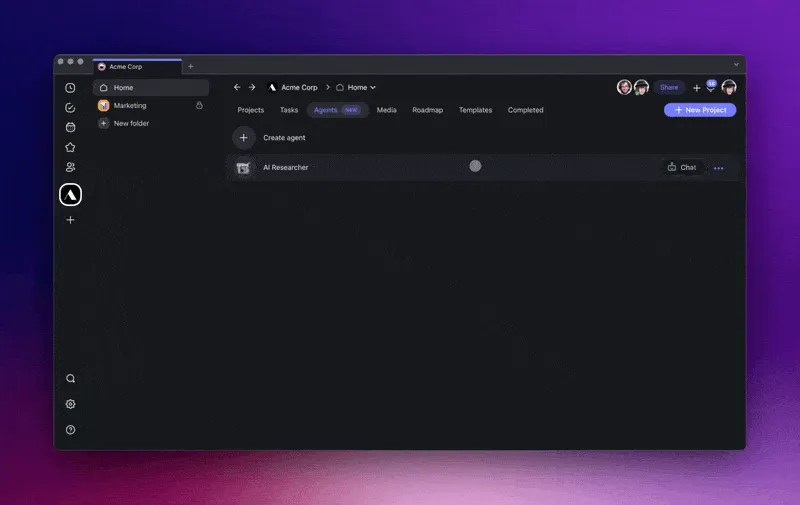
Train your Custom AI Agents with External Sources, Knowledge
📺 Add YouTube Links to AI
Incorporate YouTube videos as knowledge sources for your AI Workflow Generator and Custom AI Agents. Use these new insights to personalize how you brainstorm ideas, generate content, and so much more. Learn more.
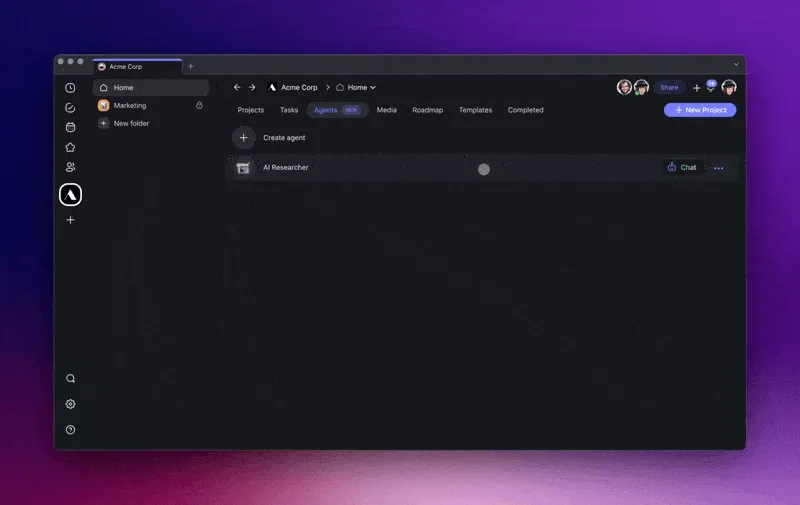
Add YouTube Links to your Custom AI Agents and Workflow Generator
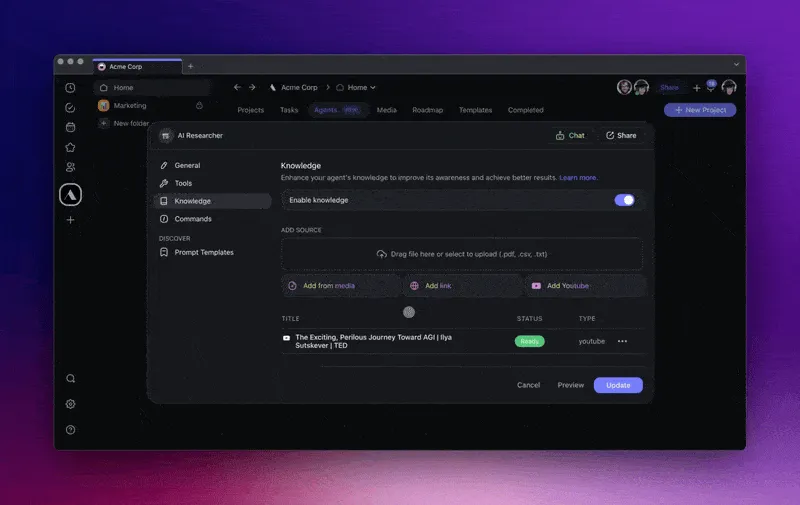
Utilize Personalize Custom AI Agents in your Projects and Mind Maps via /slash commands!
🤖 Share Custom AI Agents
Easily share and copy your Custom AI Agents across workspaces for collaboration. Publish them for broader use and duplication. Learn more.
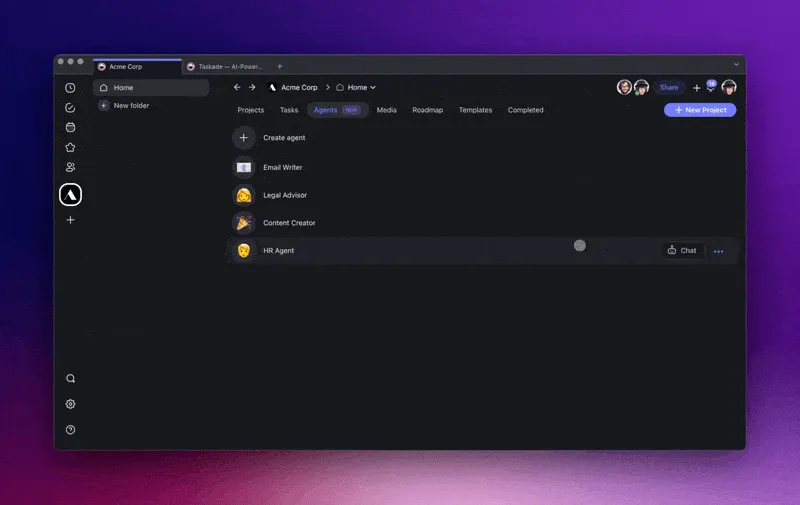
Share & Embed Custom AI Agents
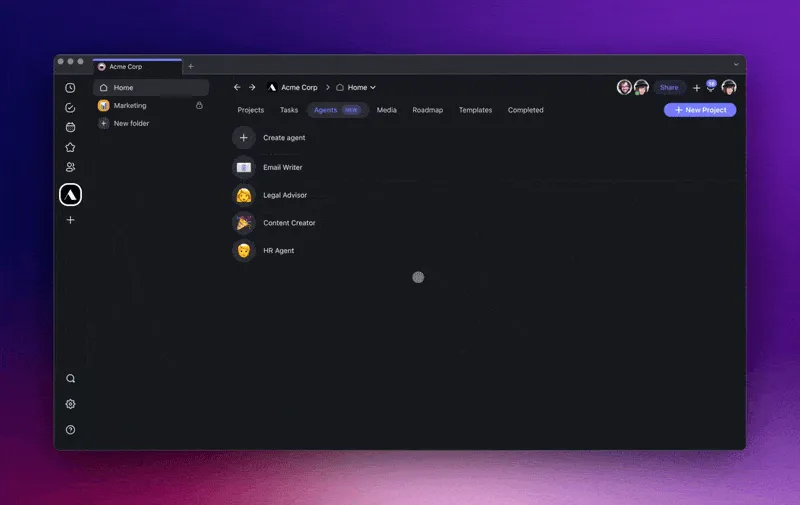
Copy and Duplicate across Workspaces
✍️ Generate Blocks with AI
Instantly create new blocks with AI across all project views, such as generating a new column in your Project Board. Browse our new AI Prompt Library to brainstorm, plan, or organize better with Taskade AI. Learn more.
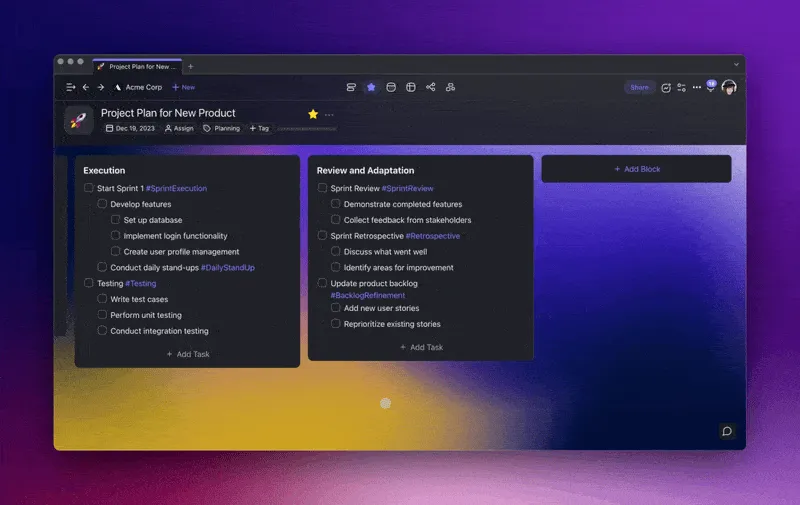
add block generator hd
⌨️ Quick Add Shortcut for Desktop
You can now use CTRL + SPACE to access Quick Add in our Mac, PC, and Linux desktop apps! For the web app, simply use ⌘ / CTRL + K. Learn more.

Quick Add with CTRL + SPACE in Taskade's Desktop Apps
🎉 Other Improvements:
New: Taskade Automation is now in Alpha. Contact us for early access
New: Web & YouTube Links support to enrich Taskade AI & Custom Agents
New: Custom Agent sharing, copying, and improved agent management
New: Custom Agent Templates for a variety of use cases and expertise
New: Language Support for Czech, Slovak, and Bahasa Indonesia
New: Google Contacts Integration in project sharing and collaboration
New: API for AI Agent Creation - Streamline the creation of AI agents
New: API for AI Agent Public Sharing - Easily generate links to share AI agents
Improved: Custom Agent Knowledge Management with new media selection
Improved: AI and Editor Enhancements for a more intuitive user experience
Improved: Media Q&A Chat using the latest OpenAI GPT (frontier models) model and search
Fixed: Various bugs across Taskade AI & OpenAI GPT (frontier models) for increased stability
And many more user experience improvements and optimizations!
🎄 As the holiday season arrives, we take a moment to reflect on 2023 — a pivotal year in shaping the future of productivity and AI at Taskade. This year was filled with advancements in AI technology, culminating in the launch of our AI Workflow Generator, Custom AI Agents, AI Chat, and much more.
The coming year promises even more innovation. Get ready for Taskade Automation, further enhancements in Custom AI Agents, Autonomous Task Management, and other features, all designed to elevate your work experience to new heights.
Happy holidays and best wishes from the entire Taskade team! Keep an eye out for more exciting updates ahead! Questions? Visit our Help Center or just reach out. 😊
Cheers to a year of growth and an even brighter, AI-driven future at Taskade! 🚀
— Team Taskade 🐑
P.S. Love Taskade? Partner with us and join our Affiliate Partnership program today.
Frequently Asked Questions
Can I use web links and YouTube videos to train Taskade AI Agents?
Yes. You can add web links and YouTube videos as knowledge sources for both the AI Workflow Generator and Custom AI Agents. The AI extracts content from these sources and uses it to generate more relevant, context-rich workflows and responses.
How do I share Custom AI Agents across workspaces in Taskade?
Copy your Custom AI Agent to any workspace in your account, or generate a public link to share the agent externally. When you copy or share an agent, all of its trained knowledge, commands, and settings transfer with it.
What is the Block Generator in Taskade?
The Block Generator lets you create new content blocks with AI across all project views — lists, boards, mind maps, and org charts. Browse the AI Prompt Library for starting points or type your own prompt to generate a tailored block instantly.
What is the Quick Add shortcut in Taskade?
Quick Add lets you create tasks from anywhere using CTRL + SPACE in the desktop app or CMD/CTRL + K in the web app. It opens a lightweight input that lets you specify a target workspace, folder, and project so tasks land exactly where you need them.