






Hi Taskaders 👋
We have more exciting updates for you this week!
TL;DR: The 2020 "Add to Block" extension and per-project default views were Taskade's earliest moves toward customizable workflows. Today they live alongside multiple project views (List, Board, Calendar, Table, Mind Map, Gantt, Org Chart), 100+ integrations, and AI agents. Taskade Genesis turns any prompt into a living app.
Then → Now: A 2-view default selector grew into multiple project views, per-role layouts via RBAC, and AI-driven view recommendations. Save snippets via the Chrome extension directly into automations.
| Capture method | 2020 | Today (2026) |
|---|---|---|
| Browser clipper | Chrome + Firefox, save to block | Chrome extension + right-click context menu + Quick Add |
| Default view | Per-project default (from 4 views) | Default view across multiple views, per-project + per-user override |
| Integrations | Browser extension only | 100+ integrations (Slack, Gmail, Drive, Notion, etc.) |
| Trigger-based capture | Not available | Email trigger + RSS + webhook + form trigger |
| Target | A specific block in a project | Block + agent knowledge + automation input |
⚡️ Add to Block via Browser Extension
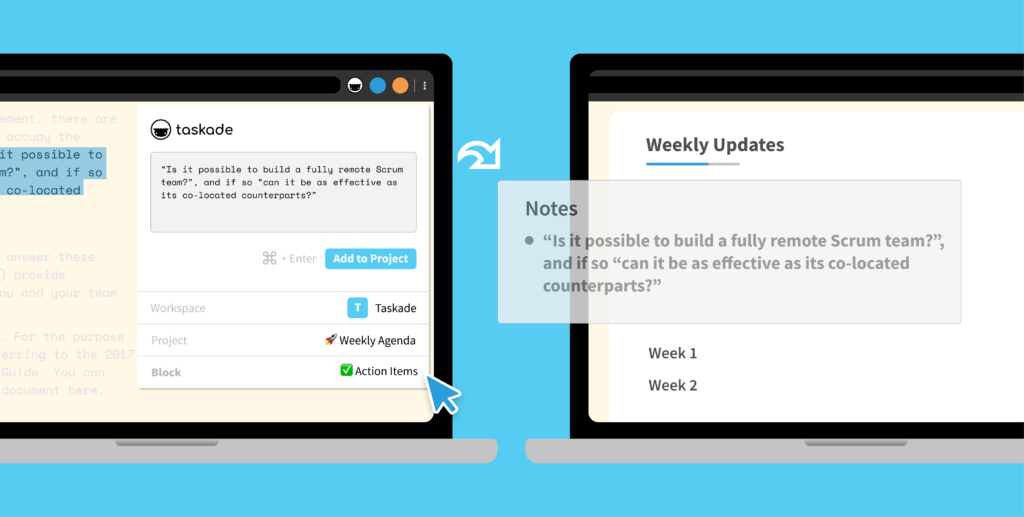
You can now save links and text into a specific block within your Taskade project. Give our new browser extension a try for Chrome and Firefox.
⚡️ Select a Default View for Each Project
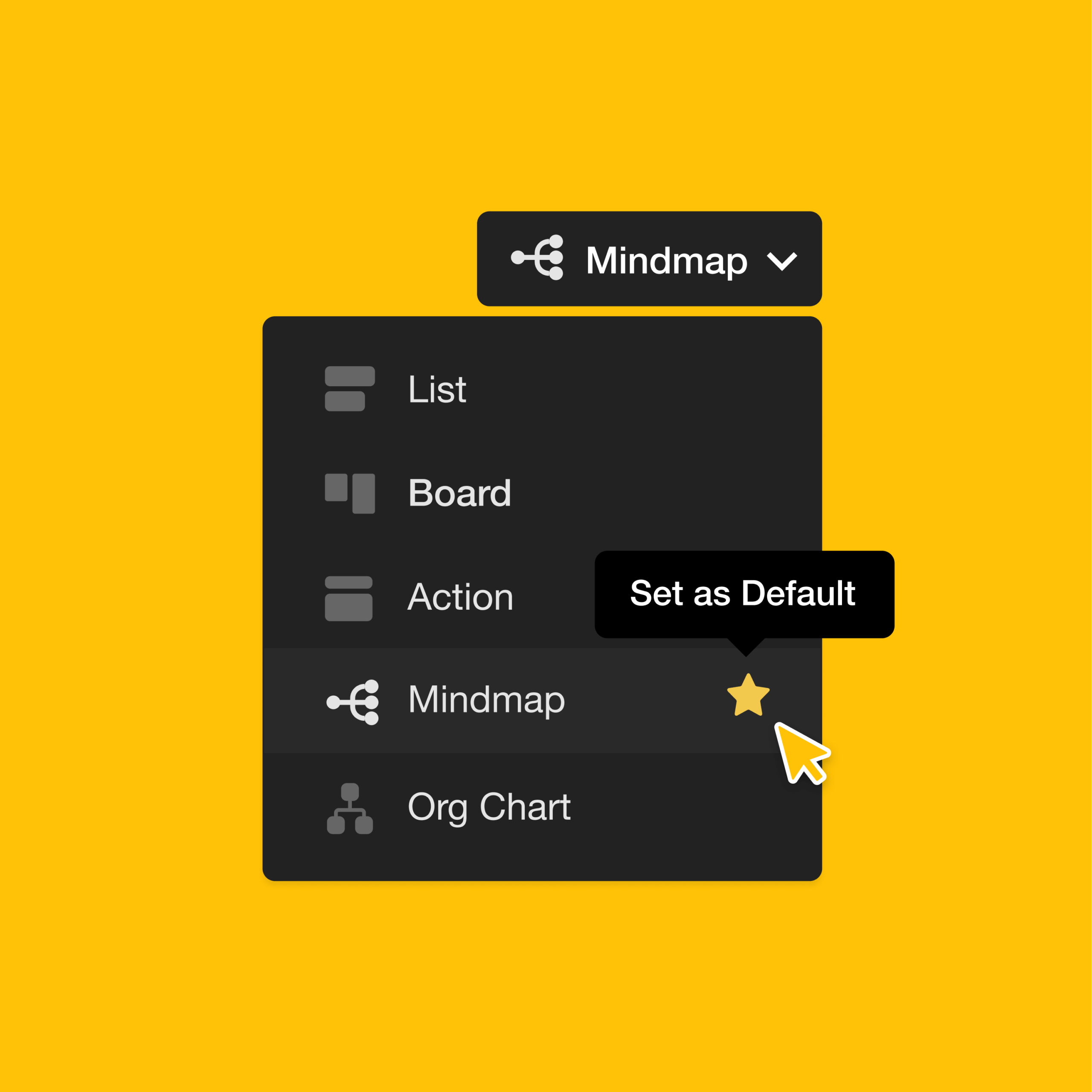
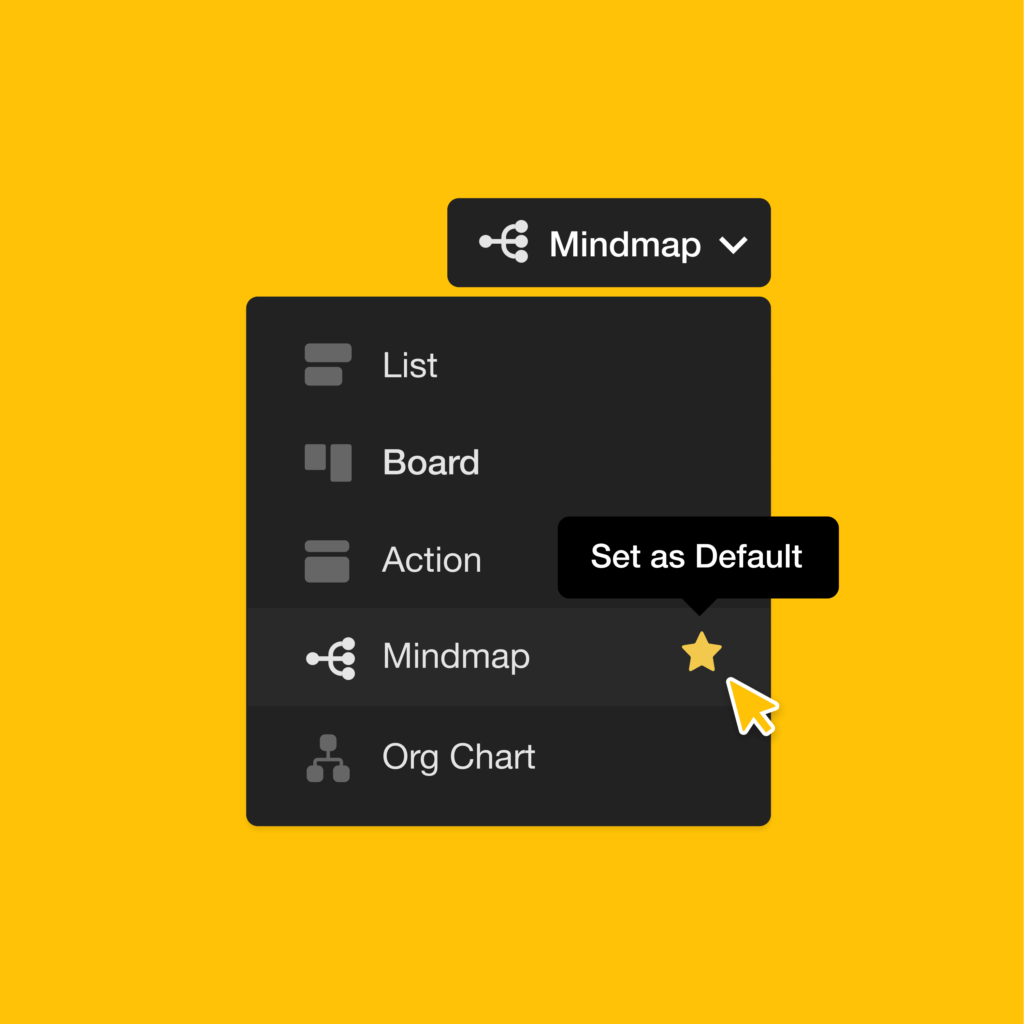
You can now set a default view for any project, so team members will open into the selected view by default. Learn more about Taskade's project views.
🧩 Capture → Block → Workflow
The 2020 extension was deceptively simple. Right-click → pick a project → pick a block. But that "pick a block" idea is what every modern capture surface in Taskade still does — whether the source is a webpage, an email, or a Genesis-built app.
  ┌──────────────┐    right-click    ┌─────────────────┐
  │  Web page    │ ────────────────▶ │ Taskade Clipper │
  │  (any URL)   │                   │  pick project   │
  └──────────────┘                   │  pick block ▼   │
                                     └────────┬────────┘
                                              │ insert
                                              ▼
                          ┌────────────────────────────────┐
                          │  /learn/projects/project-views │
                          │  ─────────────────────────────│
                          │  ▢ List   ▢ Board   ▢ Mind Map │
                          │  ▢ Table  ▢ Gantt   ▢ Timeline │
                          └────────────────────────────────┘
Today the same clipped block can become an AI agent knowledge source, a row in a Table view, or the trigger for an automation.
🔗 Related Reading
- Crosslink, Hyperlink, Mobile Share Widget — capture went mobile in August 2020
- Quick Search — find your clipped blocks instantly
- Learn Taskade: Chrome Extension · Brave
- Try Taskade Genesis, browse agents and automations, or jump into the Community Gallery.
We hope you are staying safe in these difficult times. Thanks again for supporting Taskade, and as always, don’t hesitate to reach out if you need help.
We’re here for you! 😊
— Team Taskade 🐑
Frequently Asked Questions
Can I save web content to a specific task in Taskade?
Yes. The Taskade browser extension for Chrome and Firefox lets you save links and text directly into a specific block within any project. Right-click content on any webpage and choose the target project and block position — no manual copy-pasting required.
Can I set a default view for a Taskade project?
Yes. Set a default view (List, Board, Mind Map, etc.) for any project so all team members open it in the same layout by default. This ensures consistency when collaborating — everyone sees the project in the intended view without needing to switch manually.
Does Taskade have browser extensions?
Yes. Taskade offers browser extensions for Chrome, Firefox, Brave, and Microsoft Edge. Extensions include web clipping (save links and text to projects), Quick Add for instant task capture, and right-click context menu integration for seamless workflow between browsing and task management.
Can team members see the same default view in a Taskade project?
Yes. When you set a default view for a project, all team members and guests who open it will see the project in that view by default. Individual users can still switch to other views if needed, but new visitors always start with the designated default.