






Greetings from New York 👋
We listened to your feedback and made major improvements. Here are five new features to improve your productivity with Taskade.
TL;DR: In 2018 we shipped 5 essentials — uploads, video chat, due dates, comments, and list formats. Today those basics have grown into 7 project views, 15+ frontier AI models, and 100+ integrations, plus Taskade Genesis for turning prompts into living apps.
| Feature | 2018 | Today (2026) |
|---|---|---|
| File uploads | Drag-drop attachments | Attachments + OCR-indexed file search |
| Video / voice | Built-in calls | Calls + AI meeting agents |
| Due dates | Single date per task | Calendar, Gantt, Timeline + auto-scheduling agents |
| Comments | Threaded comments | Threaded comments + AI summaries |
| Lists | Checklists + outlines | 7 views: List, Board, Calendar, Table, Mind Map, Gantt, Org Chart |
Then → Now: 2018 productivity features → today's Workspace DNA: Memory + Intelligence + Execution, with AI agents and automations doing the heavy lifting across your templates.
┌──────────────────────────────────────────────────────┐
│  Taskade 2018 → 2026                                 │
├──────────────────────────────────────────────────────┤
│  Uploads ─────────▶ Attachments + OCR file search    │
│  Video Chat ──────▶ Calls + AI meeting agents        │
│  Due Dates ───────▶ Calendar + Gantt + auto-schedule │
│  Comments ────────▶ Threads + AI summaries           │
│  List Formats ────▶ 7 project views                  │
└──────────────────────────────────────────────────────┘
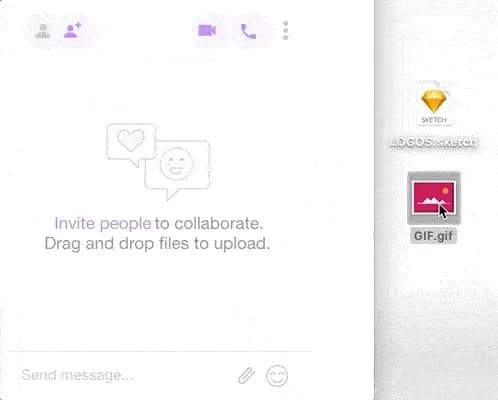
- Uploads — Photos, docs, gifs or any other files.
- Video & Voice Conferencing — Collaborate like never before.
- Due Dates — Stay on track.
- Comments — Discuss anything, anywhere.
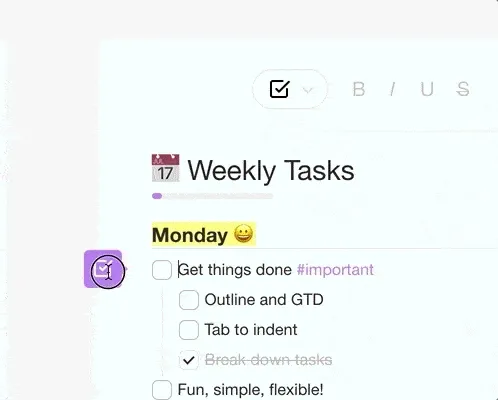
- Format Lists — Customize your list and workflow.
Uploads ⚡️ Attach important files anywhere. Photos, docs, gifs or any other files.
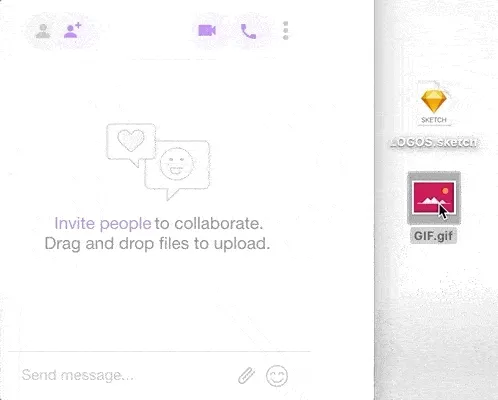
Video & Voice Conferencing 👋 Tap the video or call button to start. Work together on the same list.

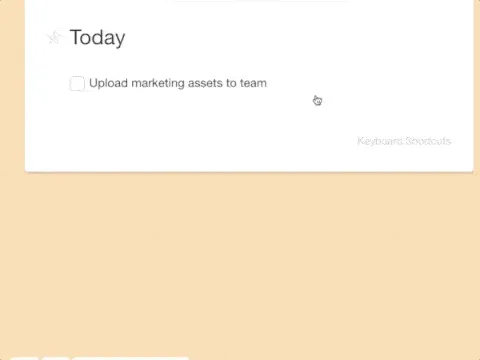
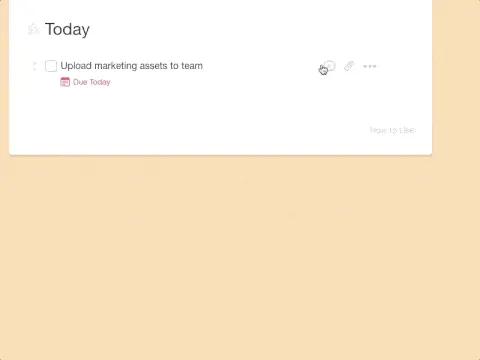
Due Dates ✅ Never lose track of what's important again.
Comments 💭 Discussions on point and in context.
Format Lists ✏️ Checklists, headings, outlines, numbered lists, you can do it all.
Give it a try and let us know what you think!
Read more: AI Agents · Automations · Integrations · Templates · Community Gallery · Learn: Project views
Frequently Asked Questions
Can I upload files to Taskade projects?
Yes. Taskade supports file uploads directly within any project — drag and drop photos, documents, GIFs, or other files anywhere in your task list. Uploaded files are attached inline so your team can access reference materials, mockups, and documents right alongside the related tasks without switching to a separate file storage tool.
Does Taskade have built-in video conferencing?
Yes. Taskade includes built-in video and voice conferencing with no plugins or extensions required. Tap the video or call button in any project to start a live session where your team can collaborate on tasks while talking. Screen sharing is also supported, making Taskade a single tool for both task management and real-time communication.
How do due dates work in Taskade?
Taskade lets you set due dates on any task to track deadlines and keep projects on schedule. Tasks with due dates appear in the Calendar view and can trigger reminder notifications. You can also set start dates, time ranges, and recurring due dates for tasks that repeat on a regular schedule.
Can I add comments to tasks in Taskade?
Yes. Taskade supports contextual comments on any task or block within a project. Click on a task and add a comment to start a threaded discussion directly in context. Comments keep conversations tied to the relevant work item rather than scattered across chat messages, helping teams maintain clear and organized project communication.