






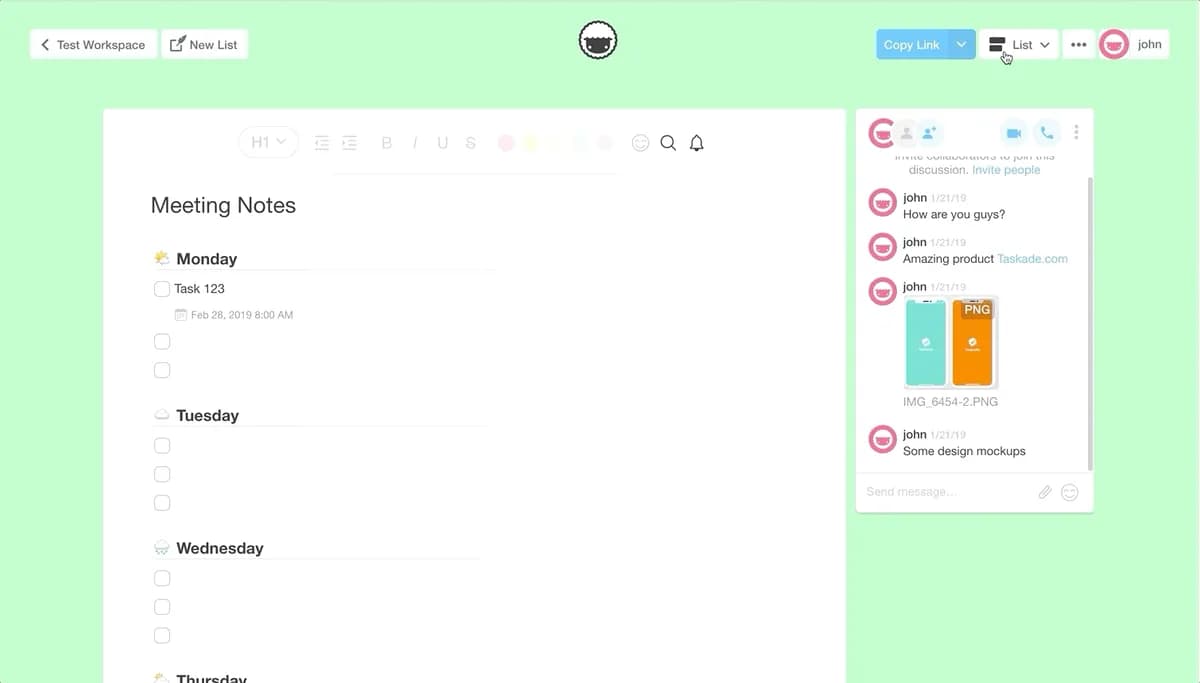
You can now transform your task lists into multiple views and work the way you want. Taskade is one interface to organize and get things done.
TL;DR: In 2019 we shipped 4 toggleable views to transform task lists. Today Taskade offers multiple project views, frontier AI models, and 100+ integrations — and Taskade Genesis generates entire living apps from a single prompt, no view-switching needed.
| Primitive | 2019 | Today (2026) |
|---|---|---|
| List | Default checklist | Default + AI breakdown |
| Action view | First spreadsheet-style view (renamed Table in 2025) | Full Table view with custom fields, filters, and AI aggregations |
| Mind Map | Toggle view for brainstorming | Mind Map + AI-suggested branches |
| Board (Kanban) | — (shipped Sep 2021) | Board view with auto-status via agents |
| Calendar / Org Chart | Added later in 2019 (v2.7) | Dedicated views in today's multi-view set |
| Gantt / Timeline | — (Gantt shipped Feb 2024) | Shipped + auto-scheduled by agents |
Then → Now: 2019's 4 views → today's multiple project views including Mind Map, Gantt, and Org Chart, with AI agents and automations running across them.
┌─────────┐  ┌─────────┐  ┌─────────┐  ┌─────────┐
│  List   │  │  Board  │  │ Mind    │  │ Calendar│
│  ☰      │  │  ▤      │  │  Map ⟁  │  │   ▦     │
└─────────┘  └─────────┘  └─────────┘  └─────────┘
┌─────────┐  ┌─────────┐  ┌─────────┐  ┌─────────┐
│  Table  │  │  Gantt  │  │ Org     │  │ Timeline│
│  ▦      │  │  ▰      │  │ Chart ⌬ │  │   ⟶     │
└─────────┘  └─────────┘  └─────────┘  └─────────┘
       one project · same data · 8 lenses
Toggle the list options at the top right corner to give it a try! 🙂
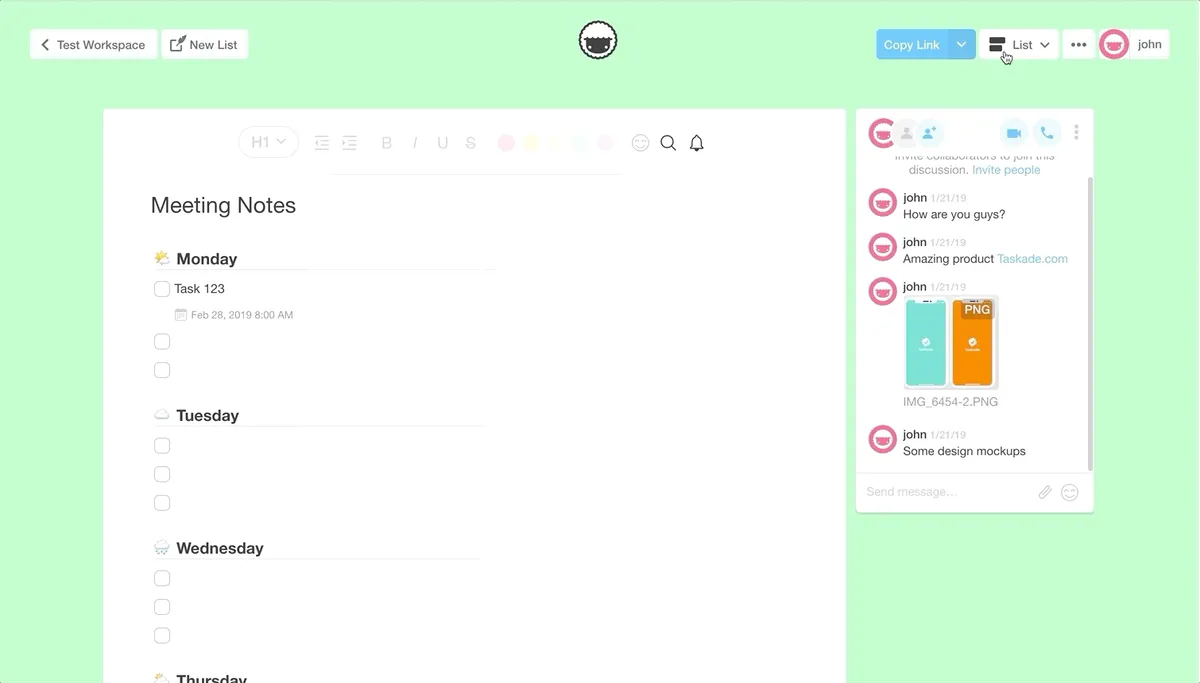
Visualize your data with Taskade Views
List View (Default)
This is the default view for all new lists created on Taskade. Make a new list here: taskade.com/new

Board View
This view lets you work horizontally like a kanban board. Visualize your workflow and tasks in this full width view.

Action View
Work in table view and stay organized with your task due dates, and more.

Tree Flow (Beta) Now Mindmap
This view is in beta, and can be accessed under the three dots more menu.

Generating Flowcharts With Taskade
Flowcharts simplify complex processes into easily understandable visual representations, enabling quick identification of inefficiencies and improvements. Using the power of AI, we've added a new feature that helps you create flowcharts via text input.
Try our AI Flowchart Generator and text-to-flowchart converter today and improve your workflows using flowcharts.
Related Reading:
Frequently Asked Questions
What project views does Taskade offer?
Taskade provides multiple project views: List, Board (kanban), Calendar, Table, Mind Map, Gantt, and Org Chart. Each view displays the same underlying data in a different visual format. You can switch between views instantly using the toggle at the top-right corner of any project, with no data loss.
What is the Board view in Taskade?
Taskade's Board view displays your project as a horizontal kanban board where top-level items become columns and sub-tasks become cards. It is ideal for visualizing workflows with stages like 'To Do,' 'In Progress,' and 'Done.' Cards can be dragged between columns, and all changes sync in real time across collaborators and devices.
What is the Action view in Taskade?
Taskade's Action view (now called Table view) presents your project data in a spreadsheet-style format with columns for task name, assignee, due date, status, and other properties. It gives you a structured overview for managing deadlines and assignments across large projects without losing the context of nested sub-tasks.
Can I switch between views in Taskade without losing data?
Yes. All Taskade project views — List, Board, Calendar, Table, Mind Map, Gantt, and Org Chart — share the same underlying data. Switching views is instant and non-destructive: tasks, assignments, due dates, and nested structures are preserved exactly as they are. Each view simply presents the same project differently.