






Hi Taskaders 👋
We have an exciting update for iOS and Android mobile users this week!
TL;DR: Mobile drag-and-drop and the first Trello importer shipped in 2020. Today both live on across the downloads page and a full import center covering Trello, Markdown, Obsidian, Roam, and CSV — all feeding AI agents, automations, and 100+ integrations. Taskade Genesis turns any prompt into a living app.
Then → Now: The 2020 mobile reorder + Trello import grew into the import center and a refreshed mobile suite on the downloads page, now connected to Genesis-built apps and community workflows.
| Mobility | 2020 | Today (2026) |
|---|---|---|
| Mobile reorder | Drag-and-drop tasks + workspaces | Drag-and-drop across multiple views on iOS + Android |
| Import sources | Trello (first) | Trello, Markdown, CSV, OneNote, Obsidian, Roam, Bear + Import Center |
| Parser | Manual field mapping | Automated parsing + AI-assisted conversion |
| Target | List project | Any project view + agent knowledge sources |
| Post-import | Manual cleanup | Automations + agent follow-up on imported tasks |
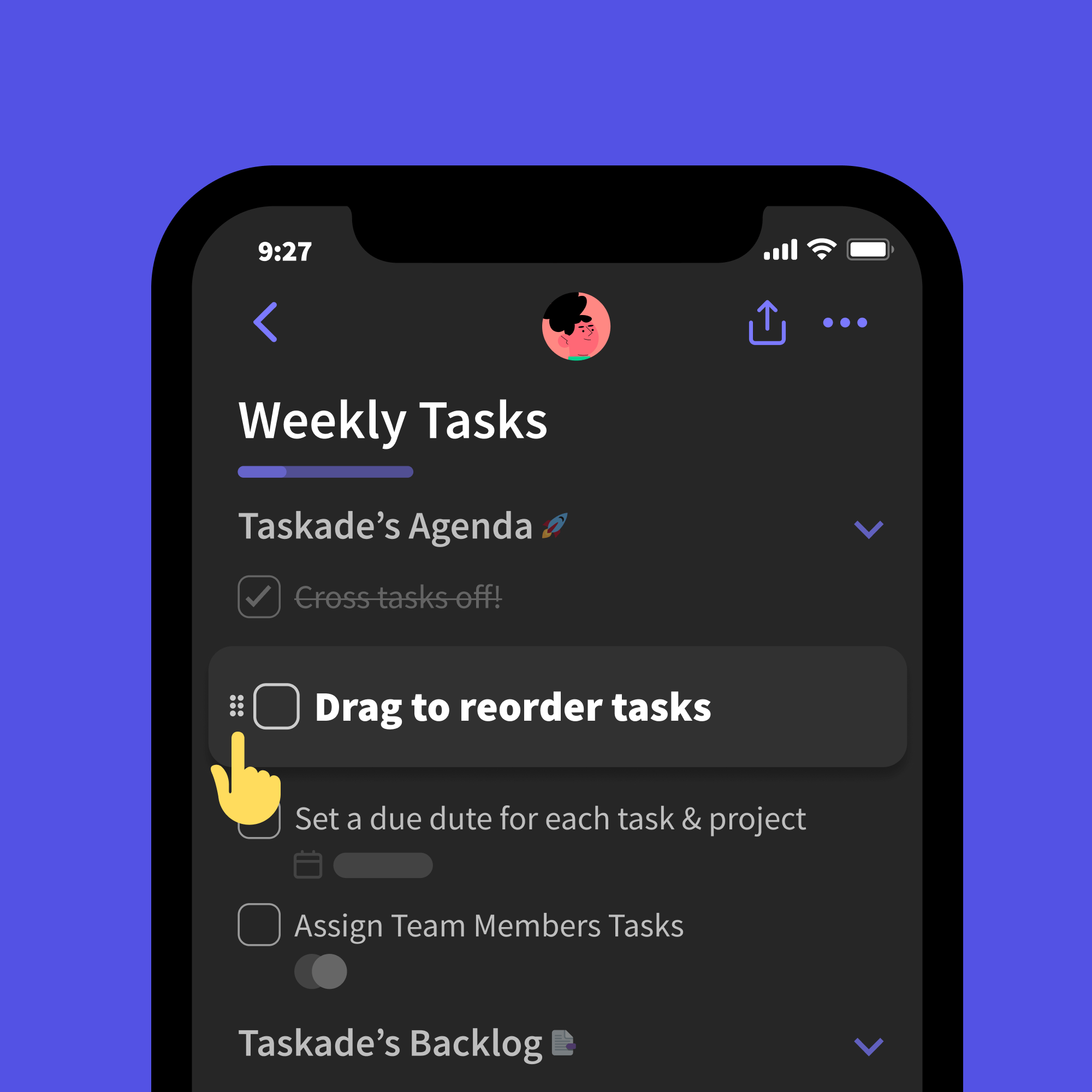
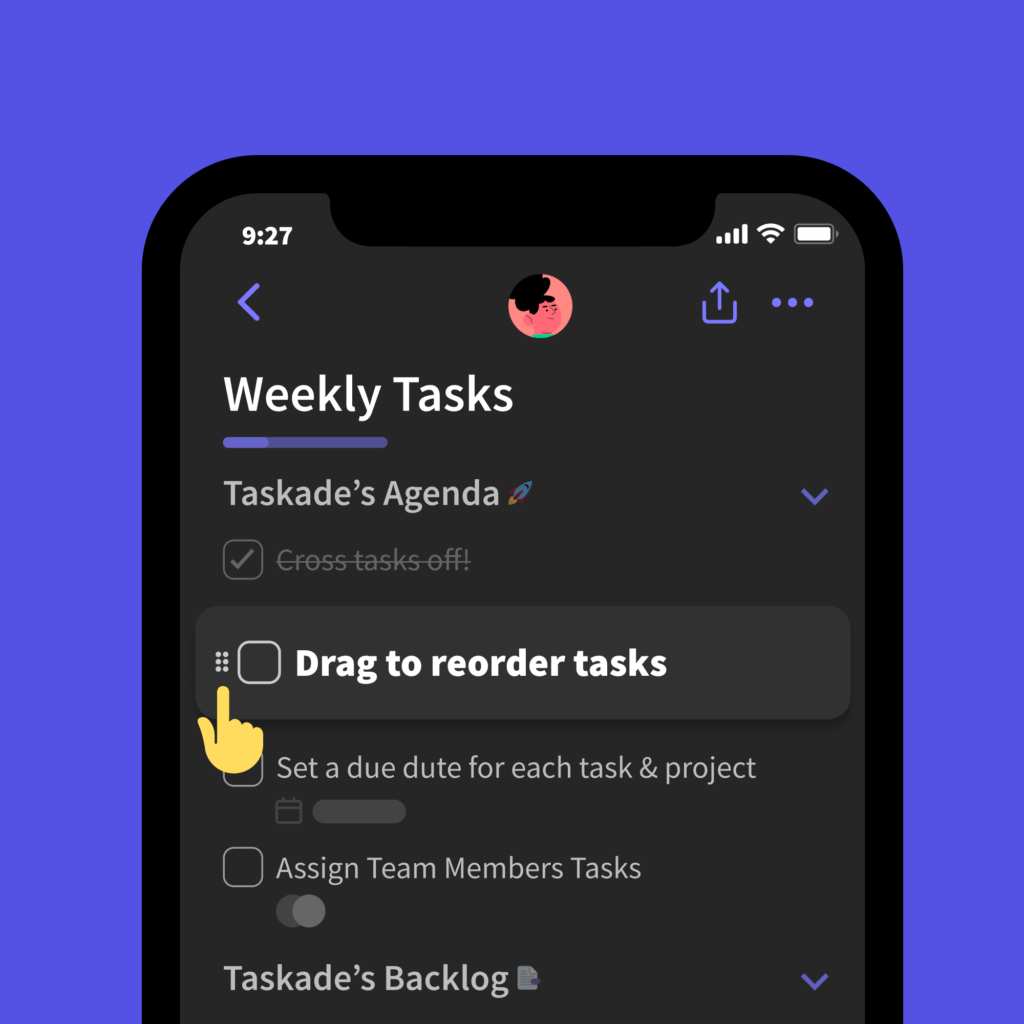
⚡️ Reorder Tasks on Mobile
You can now drag and drop to reorder tasks in any project. Give our new mobile app a try for iOS and Android.
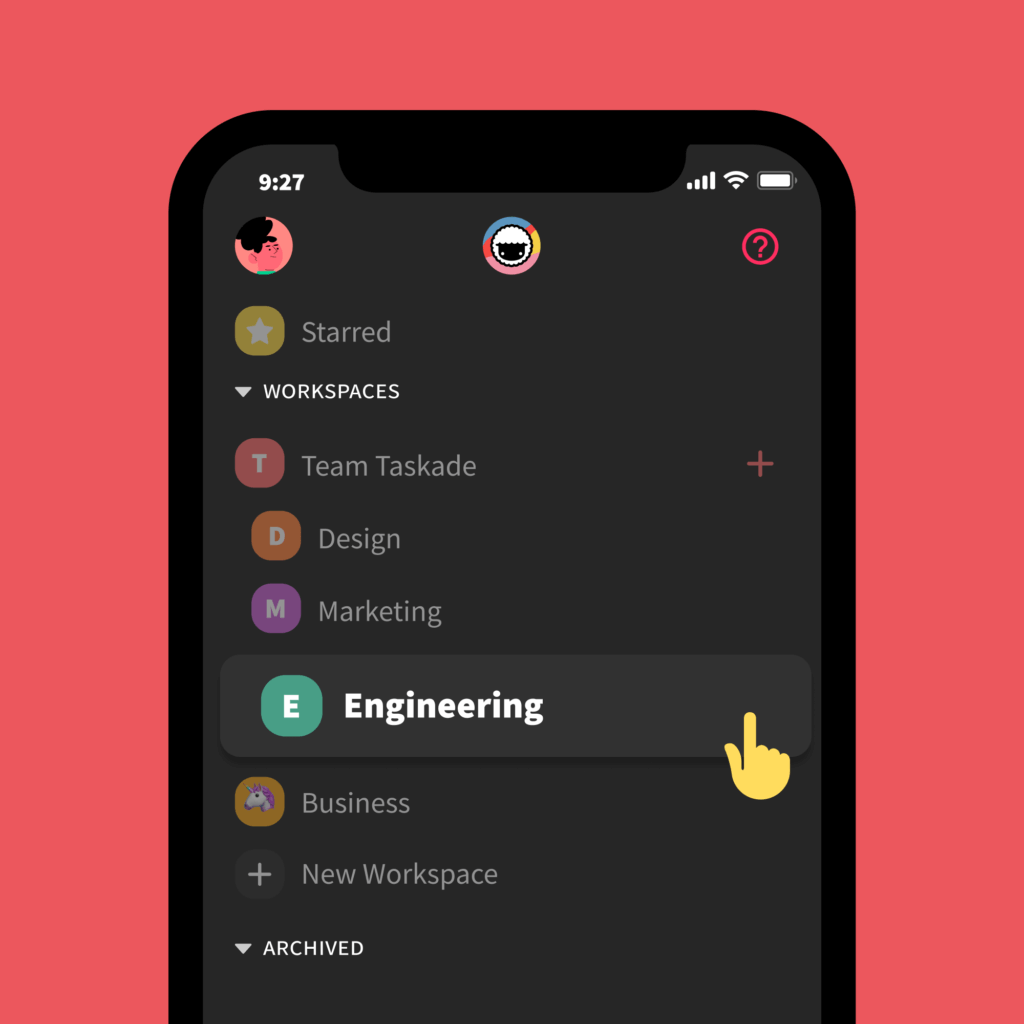
⚡️ Reorder Workspaces on Mobile
Easily drag and drop to reorder your workspaces and subspaces in Taskade.
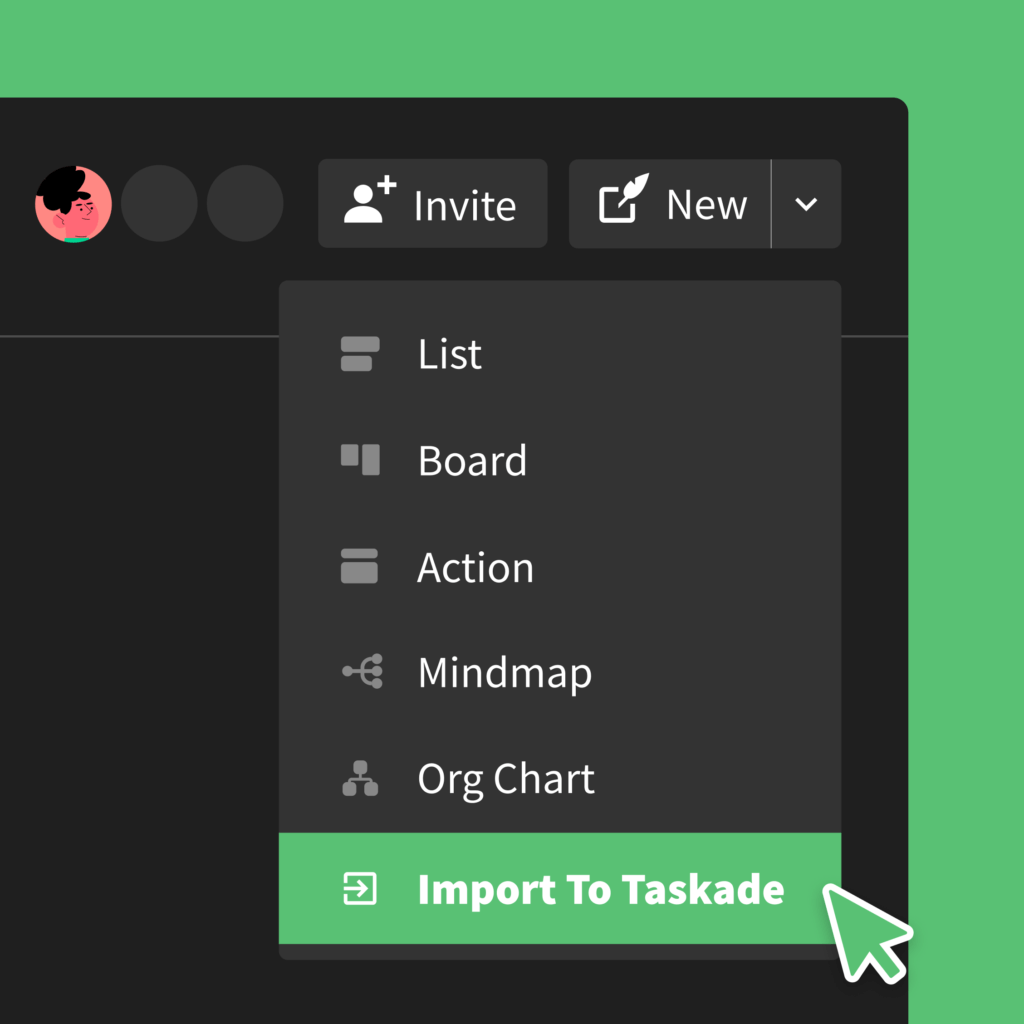
⚡️ Import into Taskade
You can now import into Taskade, starting with Trello. Simply head to your workspace dashboard and select the menu next to New.
📥 The Import Funnel
Trello in 2020 was the first source. Today the same import funnel covers a dozen formats and lands them straight into the view your team prefers — then offers to wire them up to agents or automations.
   Trello  Markdown  CSV   Obsidian  Roam   Bear   OneNote
      \       \      |       /        /      /       /
       \       \     |      /        /      /       /
        ▼       ▼    ▼     ▼        ▼      ▼       ▼
     ┌──────────────────────────────────────────────┐
     │           Taskade Import Center              │
     │  parse → map fields → preview → confirm      │
     └────────────────────┬─────────────────────────┘
                          ▼
            ┌─────────── All project views ───────────┐
            │ List · Board · Calendar · Table         │
            │ Mind Map · Gantt · Org Chart │
            └──────────────────────────────────────────┘
🔗 Related Reading
- Multi-Tabs for Desktop — review your imports across multiple workspaces at once
- Learn Taskade: Import Center · Trello import guide
- After import, try AI agents, automations, 100+ integrations, or build a fresh app with Taskade Genesis.
We hope you are staying safe in these difficult times. Thanks again for supporting Taskade, and as always, don’t hesitate to reach out if you need help.
We’re here for you! 😊
— Team Taskade 🐑
Frequently Asked Questions
Can I reorder tasks on the Taskade mobile app?
Yes. Taskade's iOS and Android apps support drag-and-drop reordering for tasks in any project. Long-press a task to pick it up, then drag it to a new position. This gives you the same task organization flexibility on mobile as you have on web and desktop.
Can I reorder workspaces on mobile in Taskade?
Yes. Drag and drop workspaces and folders on the Taskade mobile app to arrange them in your preferred order. This lets you prioritize your most important workspaces at the top for quick access on your phone or tablet.
Can I import Trello boards into Taskade?
Yes. Taskade includes a built-in Trello import feature. Navigate to your workspace dashboard, click the menu next to New Project, and select Import from Trello. Your Trello board's lists, cards, and structure are converted into a Taskade project automatically.
Does Taskade support importing data from other tools?
Yes. Taskade supports importing from Trello, Markdown files, Obsidian, Bear, Dynalist, Roam Research, iA Writer, and CSV spreadsheets. Each import method preserves the source data's structure, converting it into Taskade's project format with tasks, notes, and hierarchy intact.