






Hi Taskaders 👋
We've got some exciting updates for you today! Scroll down to find out.
TL;DR: Multi-tab desktop apps shipped in 2020 to give power users multiple workspaces at once. Today they live on the downloads page alongside AI agents, automations, and 100+ integrations. Taskade Genesis turns any prompt into a living app you can pin in its own tab.
Then → Now: Multi-tab in 2020 → today's desktop apps running multiple project views, Genesis-built apps, and community workflows side by side.
| Desktop app | 2020 | Today (2026) |
|---|---|---|
| Tabs | Multi-tab Mac + Windows | Multi-tab Mac + Windows + Linux |
| Views per tab | List, Mind Map, Calendar sync, Org Chart | Multiple views (List, Board, Calendar, Table, Mind Map, Gantt, Org Chart) |
| Side panels | Project outline only | Project + agent chat + automation runs |
| Offline | Basic offline | Offline + sync + version history |
| Extras | — | Embedded Genesis apps + downloads manager |
⚡️ Multi-Tab Support for Desktop
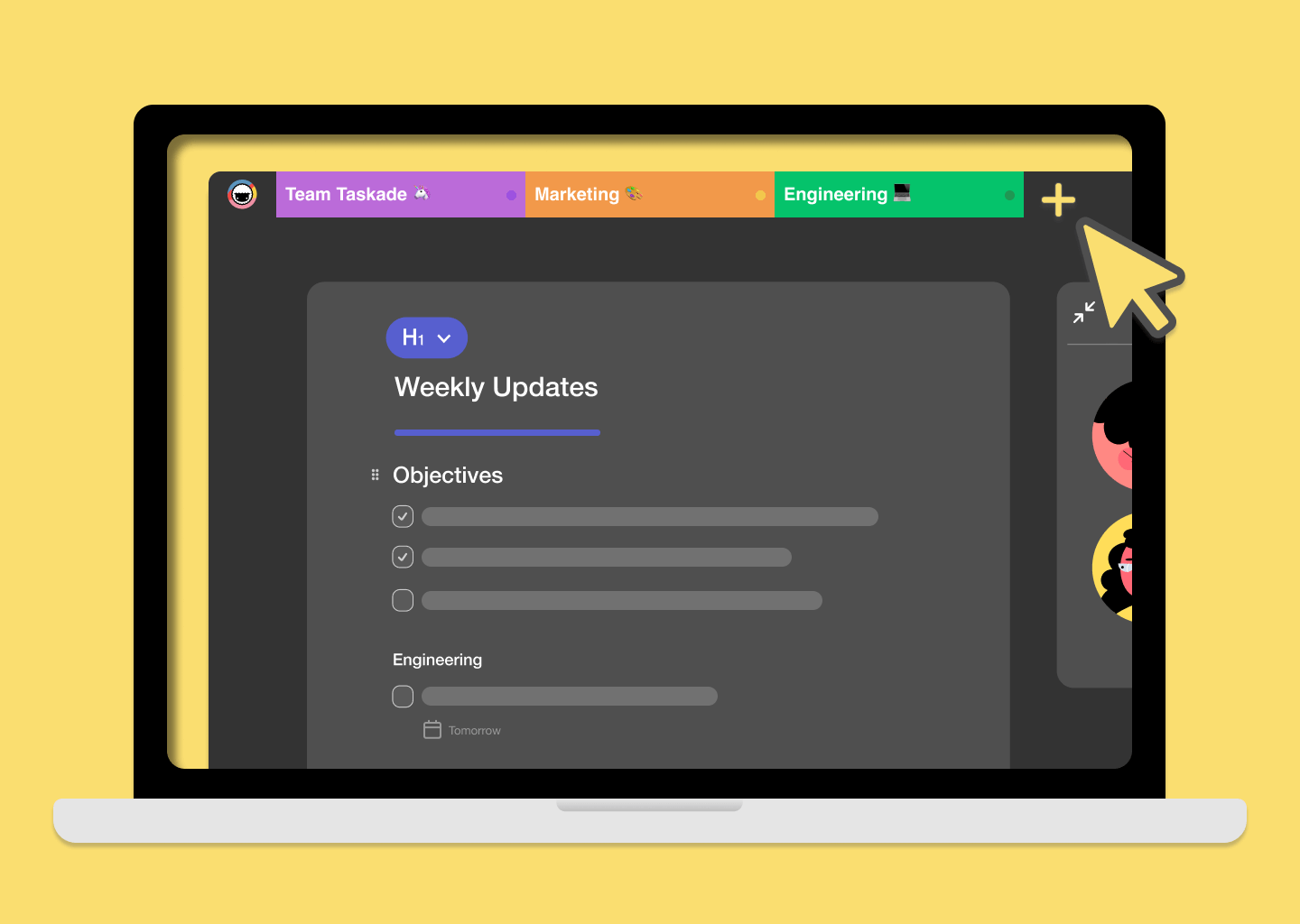
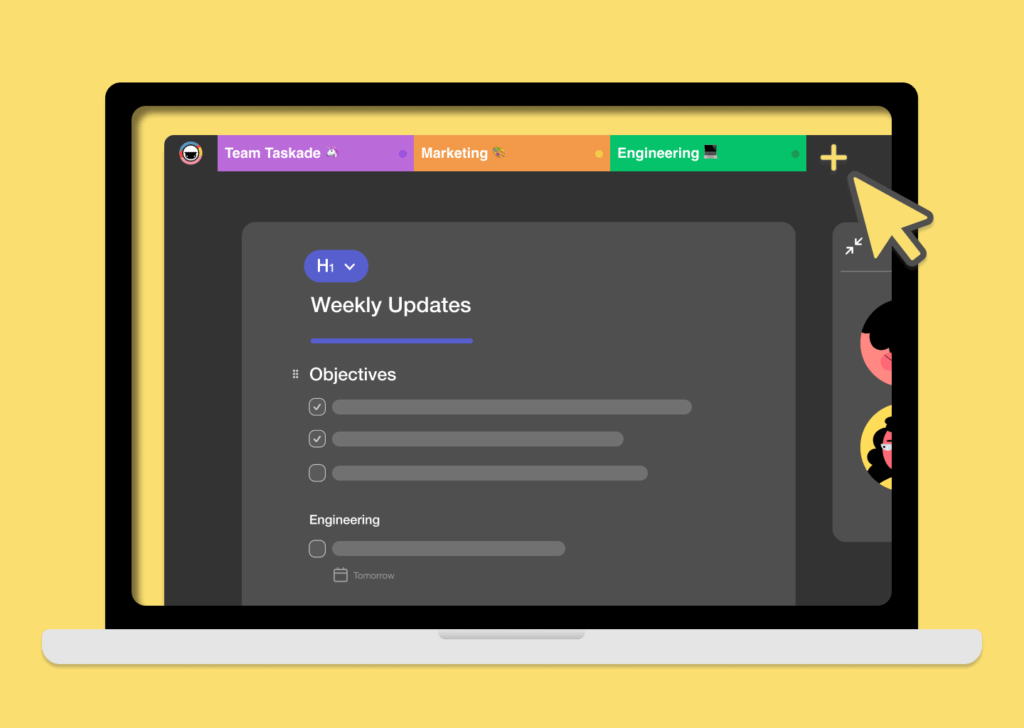
Ever wanted to open multiple projects and workspaces all at once? We've added the ability to open multiple tabs in Mac and Windows! Give our desktop apps a try.
⚡️ iOS & Android App
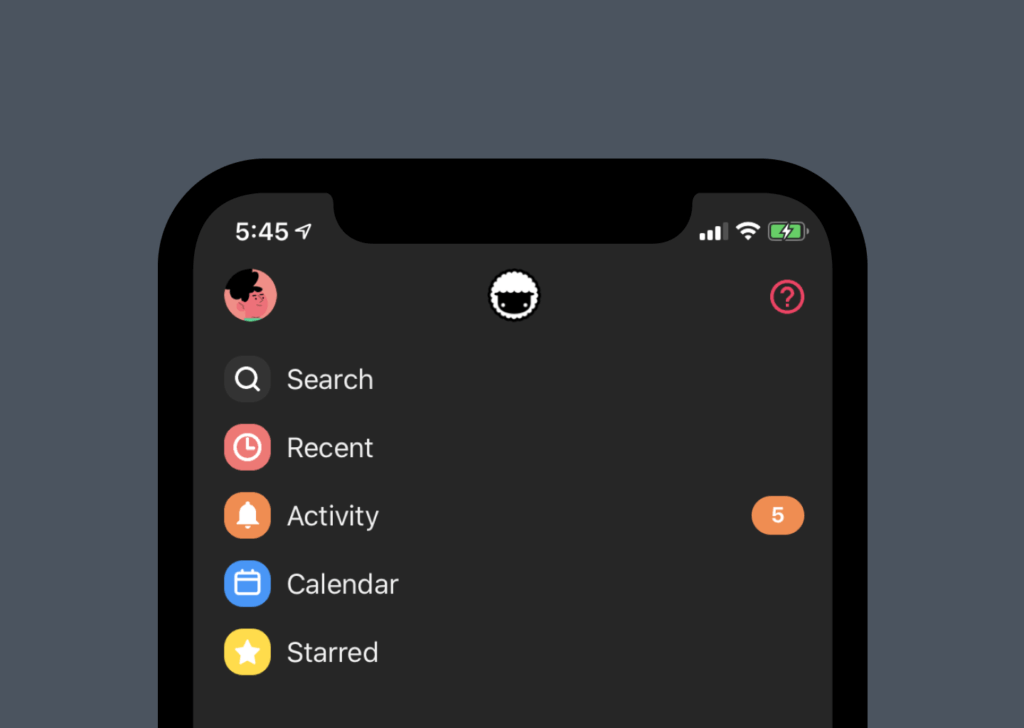
In case you missed it, our mobile apps now include Recent projects and Activity feed. Easily navigate your projects and keep track of your team's progress.
⚡️ Chrome & Firefox Extension
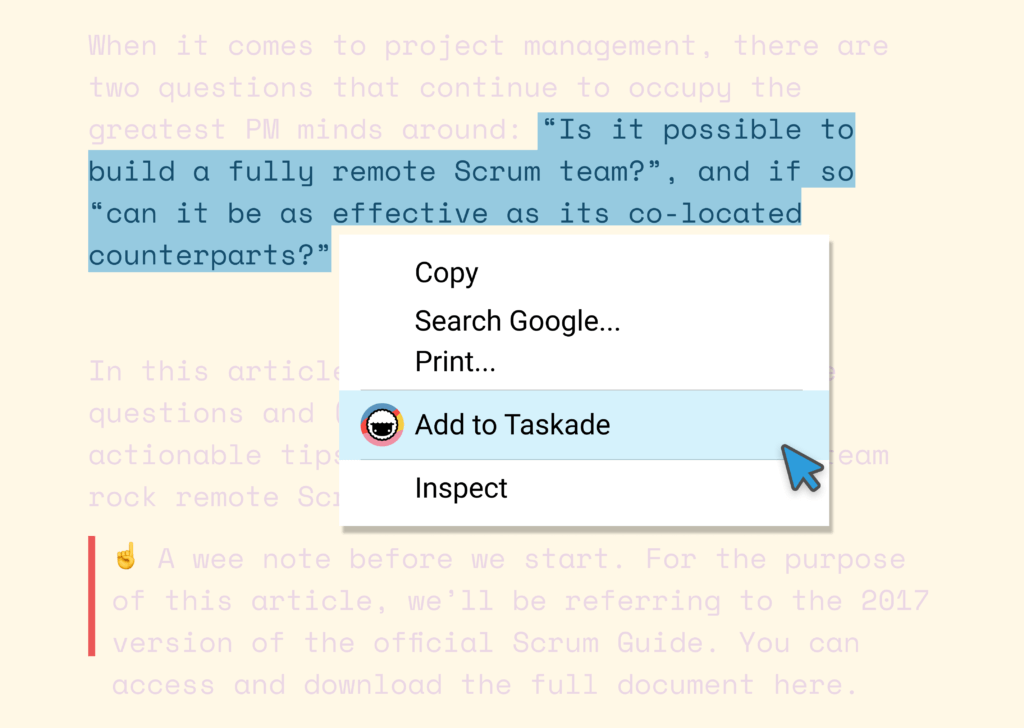
Have you tried our browser extensions? Boost your productivity with our new bookmarking functionality. Simply right-click or select text to add to Taskade.
🎛️ Anatomy of a Multi-Tab Workspace
Picture the desktop app as a browser-like shell — except every "tab" is a fully live Taskade project, syncing in real time with your team and (today) your AI agents.
┌─────────────────────────────────────────────────────────────┐
│ Taskade Desktop                                       _ □ × │
├──[ Roadmap ]──[ Standup ]──[ Genesis App ]──[ + ]──────────┤
│  ▼ Q2 Roadmap                                ⌘1            │
│    ☐ Ship multi-tab to stable                              │
│    ☐ Wire agent activity stream                            │
│    ☑ Mobile recent projects                                │
│  ─────────────────────────────────────────────             │
│  💬 Chat   🟢 3 online   ⏰ SF 10:42 · SG 01:42            │
└─────────────────────────────────────────────────────────────┘
Every tab in 2026 carries an agent sidebar, an automation run log, and the same multiplayer cursors that shipped in June 2020.
🔗 Related Reading
- Quick Search & Project Search — Cmd+K from the same era
- Multi-Select Enhancements — bulk ops for power users
- Learn Taskade: Project Views — all views available in every tab
- Build a tab-pinnable app with Taskade Genesis, browse the Community Gallery, or wire it to 100+ integrations.
We hope you are staying safe in these difficult times. Thanks again for supporting Taskade, and as always, don’t hesitate to reach out if you need help.
We’re here for you! 😊
— Team Taskade 🐑
Frequently Asked Questions
Does the Taskade desktop app support multiple tabs?
Yes. The Taskade desktop app for Mac and Windows supports multi-tab browsing. Open multiple projects and workspaces simultaneously in separate tabs, switch between them instantly, and work across different contexts without losing your place.
Does Taskade have a Recent Projects view?
Yes. The Recent Projects page shows your most recently accessed projects for quick navigation. Available on web, desktop, and mobile apps, it saves you time by eliminating the need to navigate through workspace hierarchies to find projects you were just working on.
Can I bookmark web pages directly to Taskade?
Yes. The Taskade browser extension for Chrome and Firefox lets you bookmark any webpage to a Taskade project with a single click. You can also highlight text on a page and right-click to add it to a specific project, capturing content without leaving your browser.
Does Taskade have an Activity Feed?
Yes. The Activity Feed shows all personal and team notifications in one chronological view. It includes task completions, comments, mentions, due date reminders, and project updates — giving you a complete picture of team activity across all your workspaces.