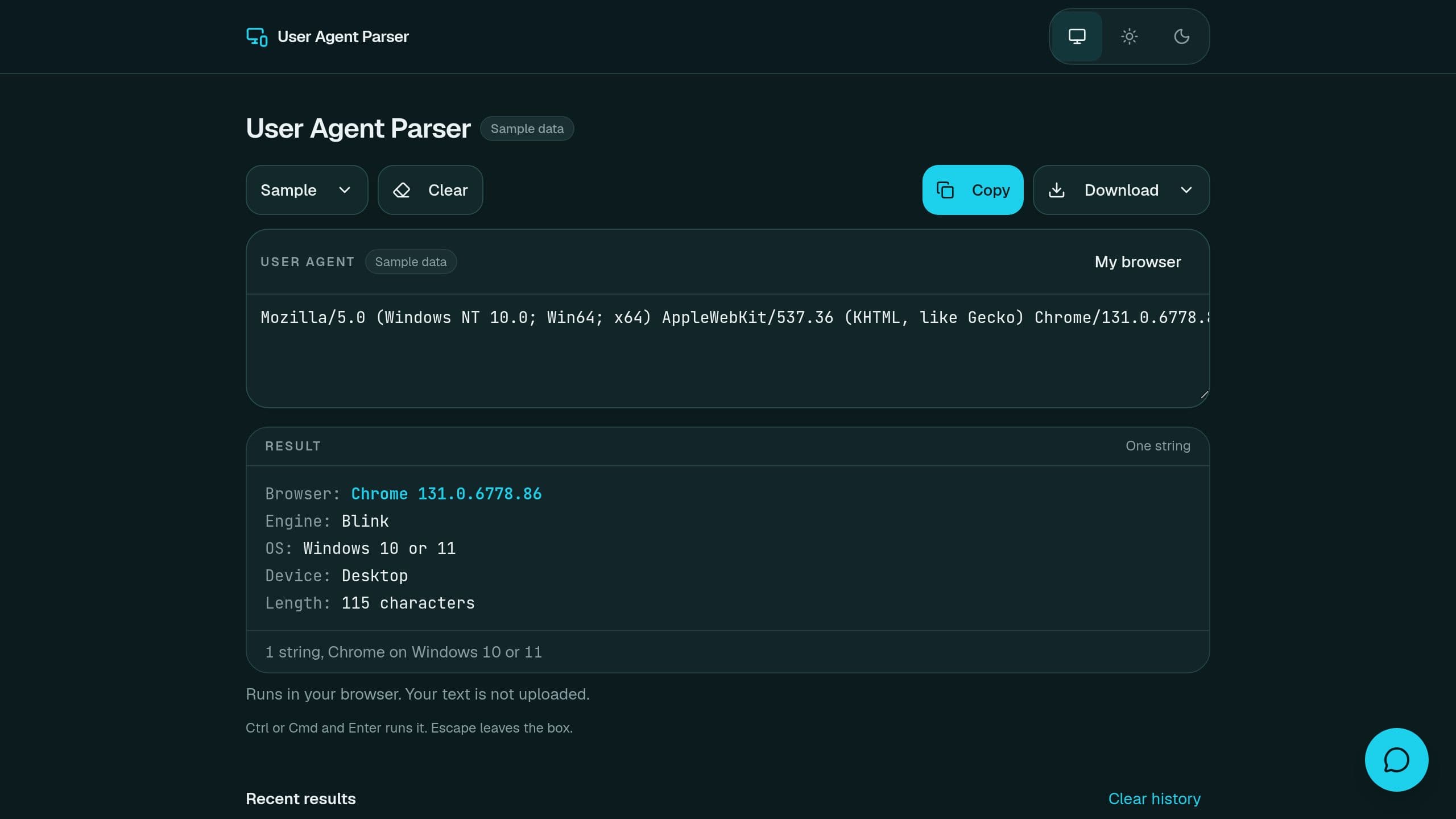
Free
Paste one or many user agent strings to see the browser, engine, OS and device type, free in your browser.
Free to start. Browse apps to clone.
125 kits
Paste one or many user agent strings to see the browser, engine, OS and device type, free in your browser.
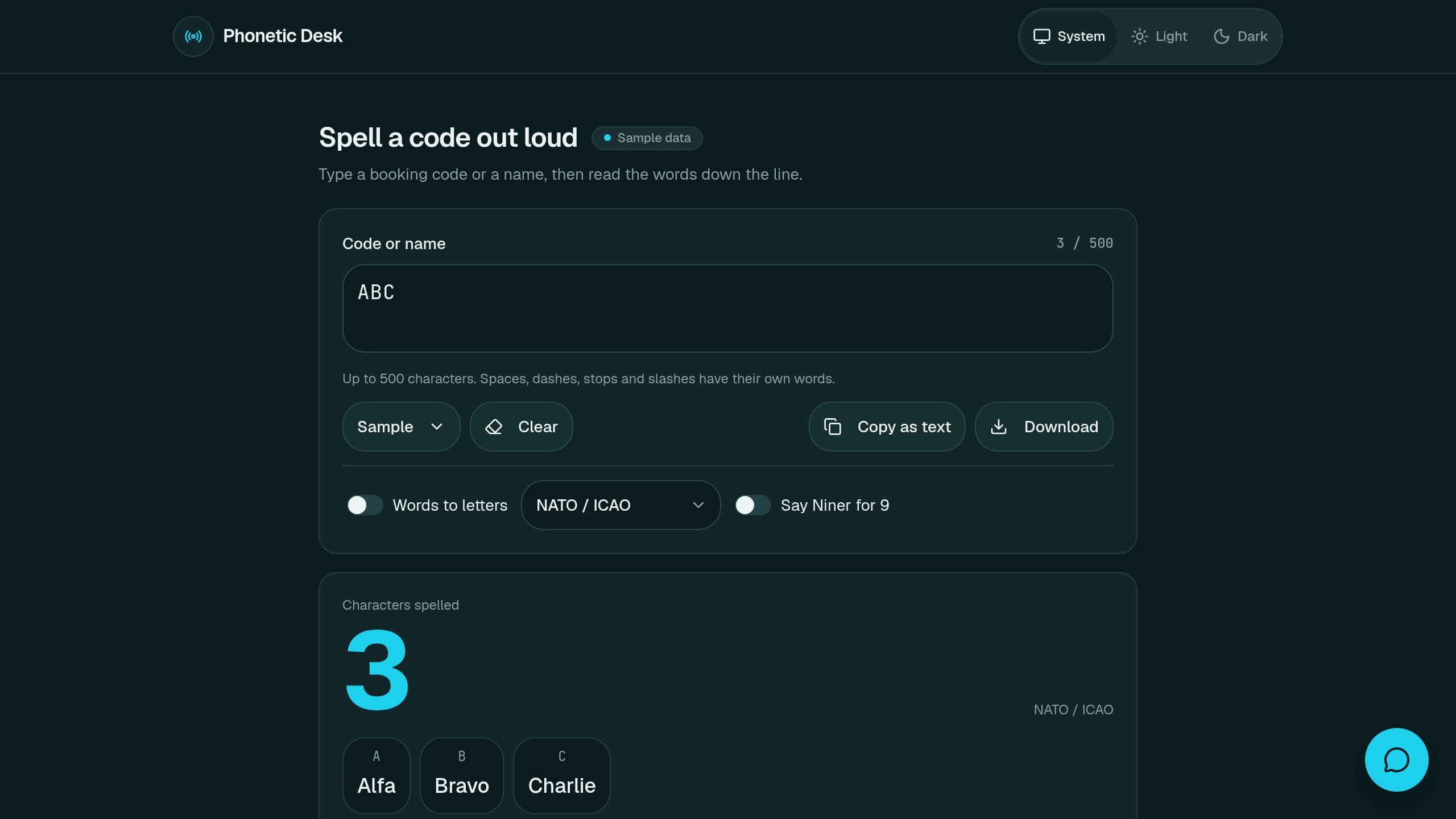
Spell a code or a name in the NATO phonetic alphabet or German DIN 5009, word by word, and hear it read aloud, free in your browser.
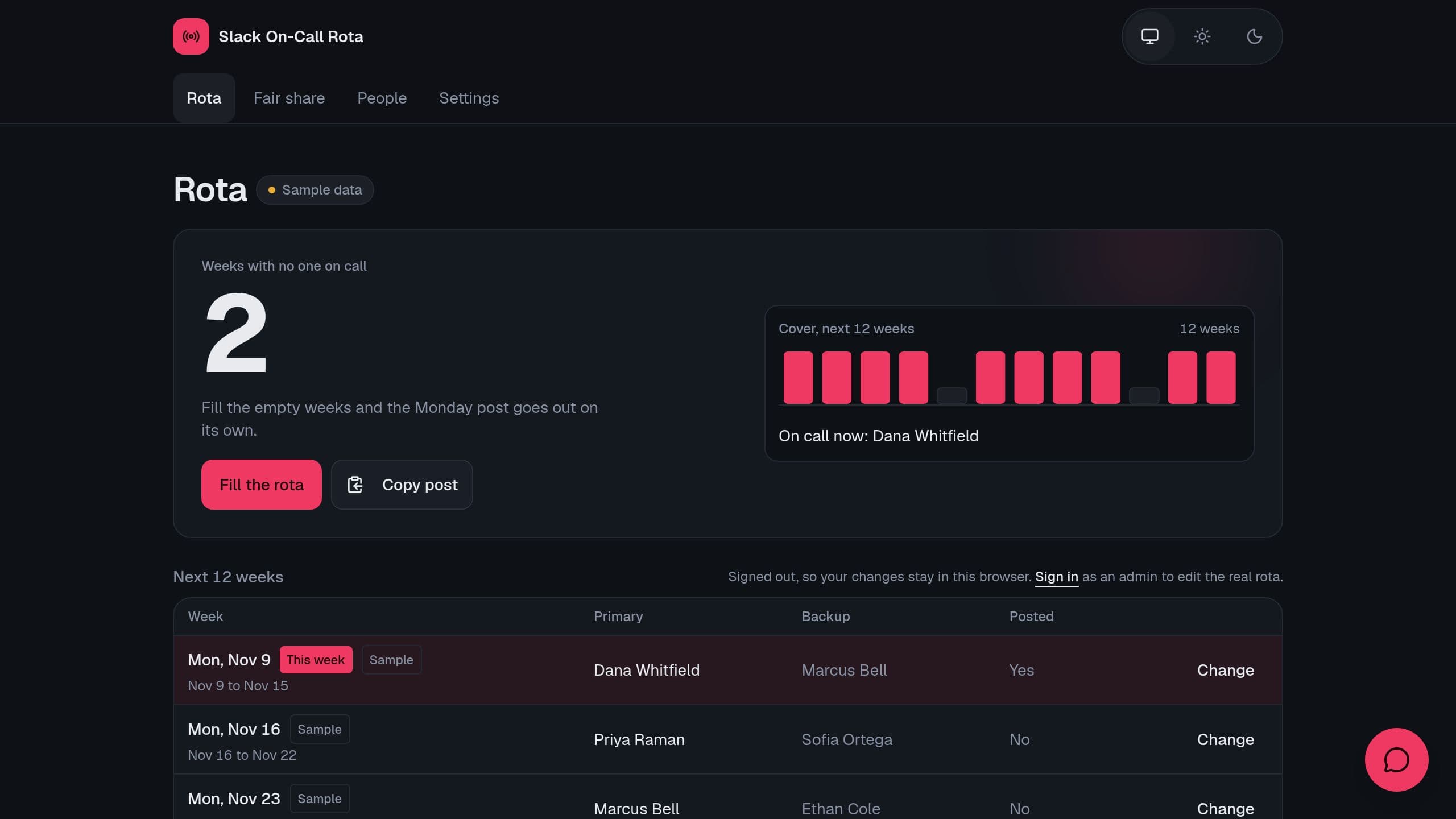
Keep the on-call rota by week, and each Monday the names post to your Slack channel and set the channel topic. Connect Slack (Starter or higher) for the post; the rota and a Thursday email check run on Free. Free to clone, sample data included.
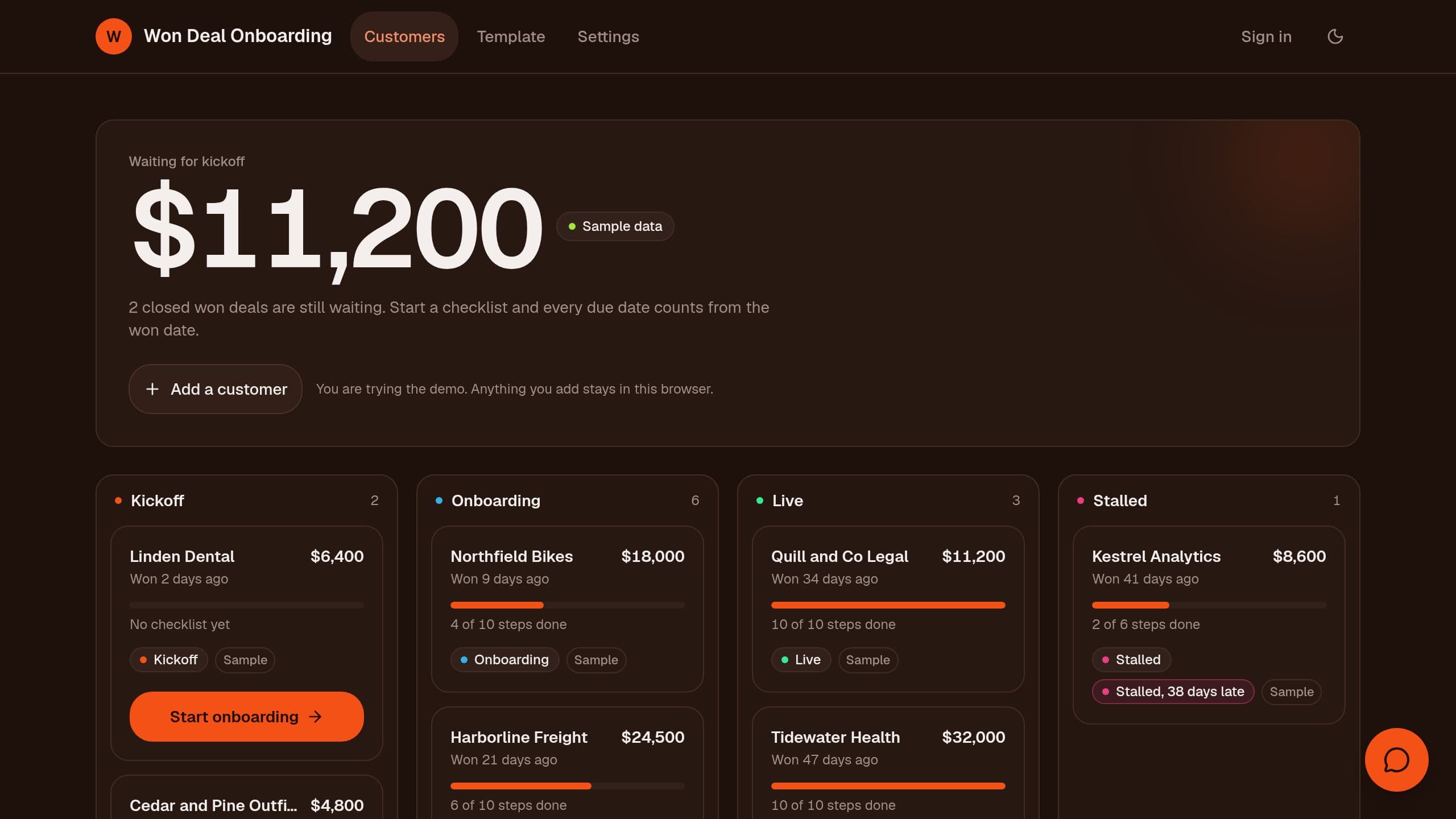
Each deal that reaches Closed won in HubSpot lands on your onboarding board, and one button starts the checklist with due dates from the won date. Connect HubSpot (Starter or higher) for the automatic board. Free to clone, sample data included.
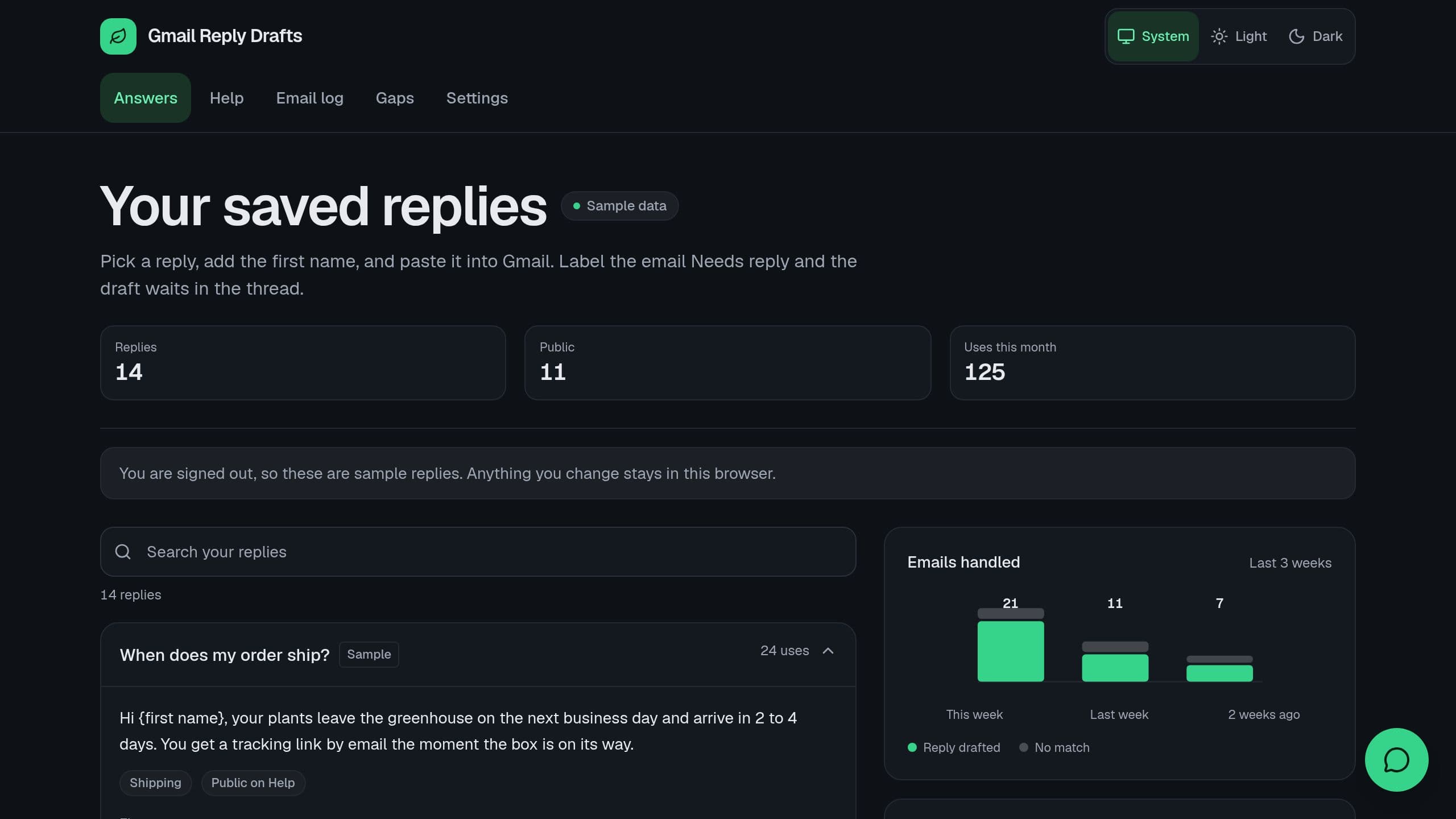
Label an email in Gmail and a draft reply from the right answer waits in the thread for you to check and send. The answer list, the Help page and the Monday email work on Free. The Gmail flow needs Starter or higher and a connected Gmail account.
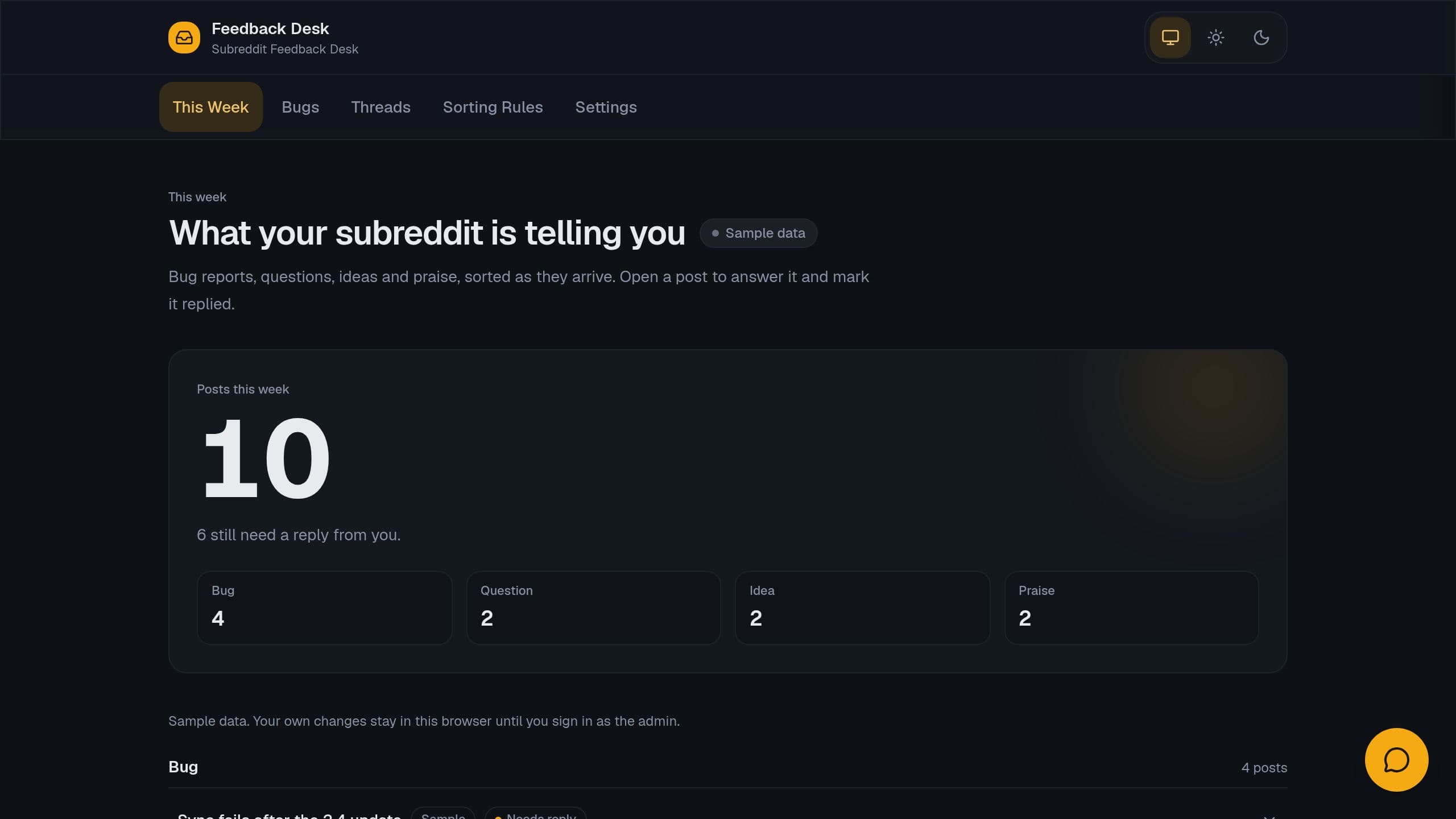
Each new post is sorted into question, bug, idea or praise, and a weekly thread posts after you approve it. Sorting new posts and posting the thread need Starter or higher and your own Reddit connection. Sorting and the thread draft use AI credits. Only an app Admin sees posts and threads.
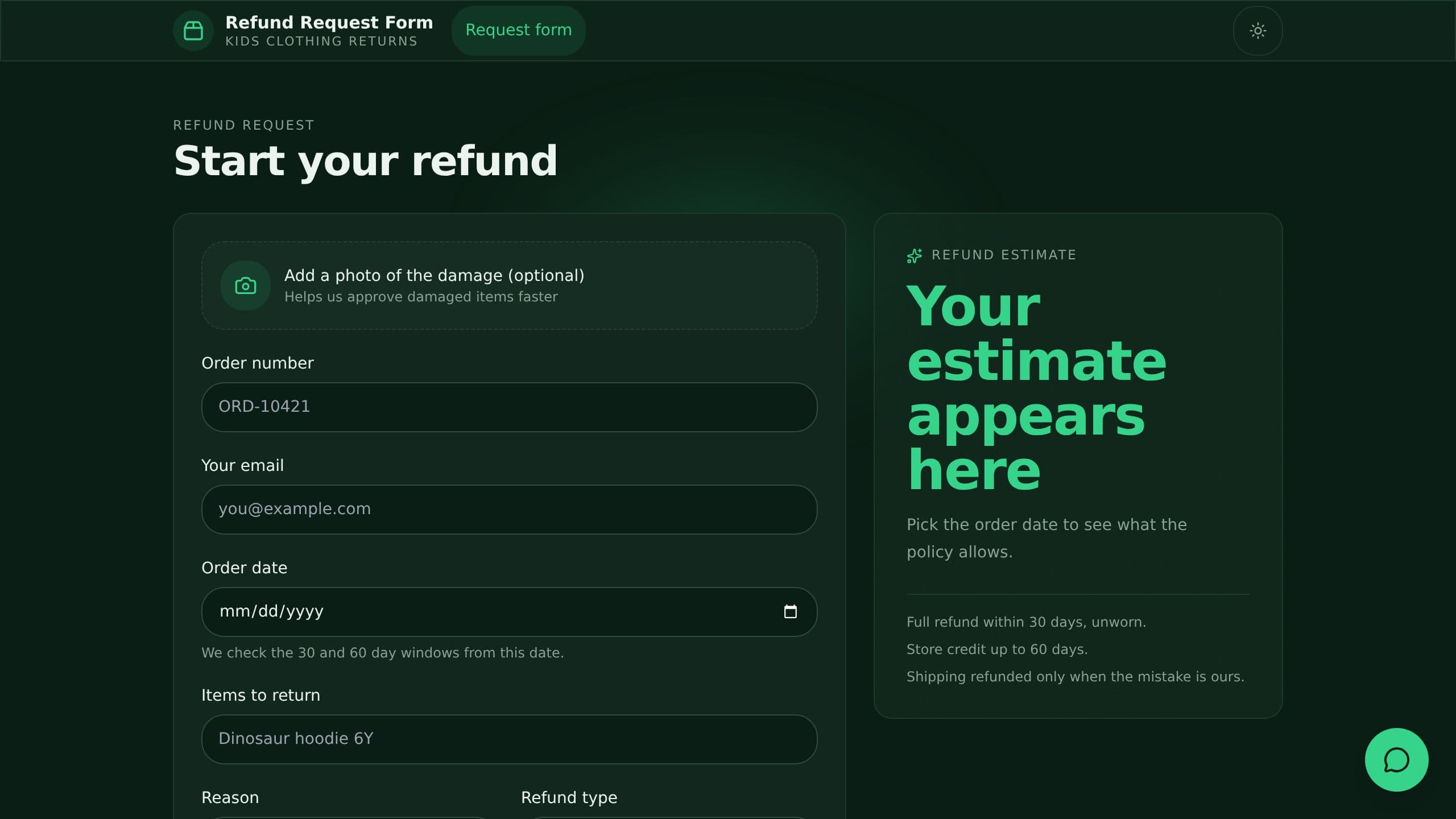
Customers send a complete refund request with the policy checked first, and support works one queue by status and reason.
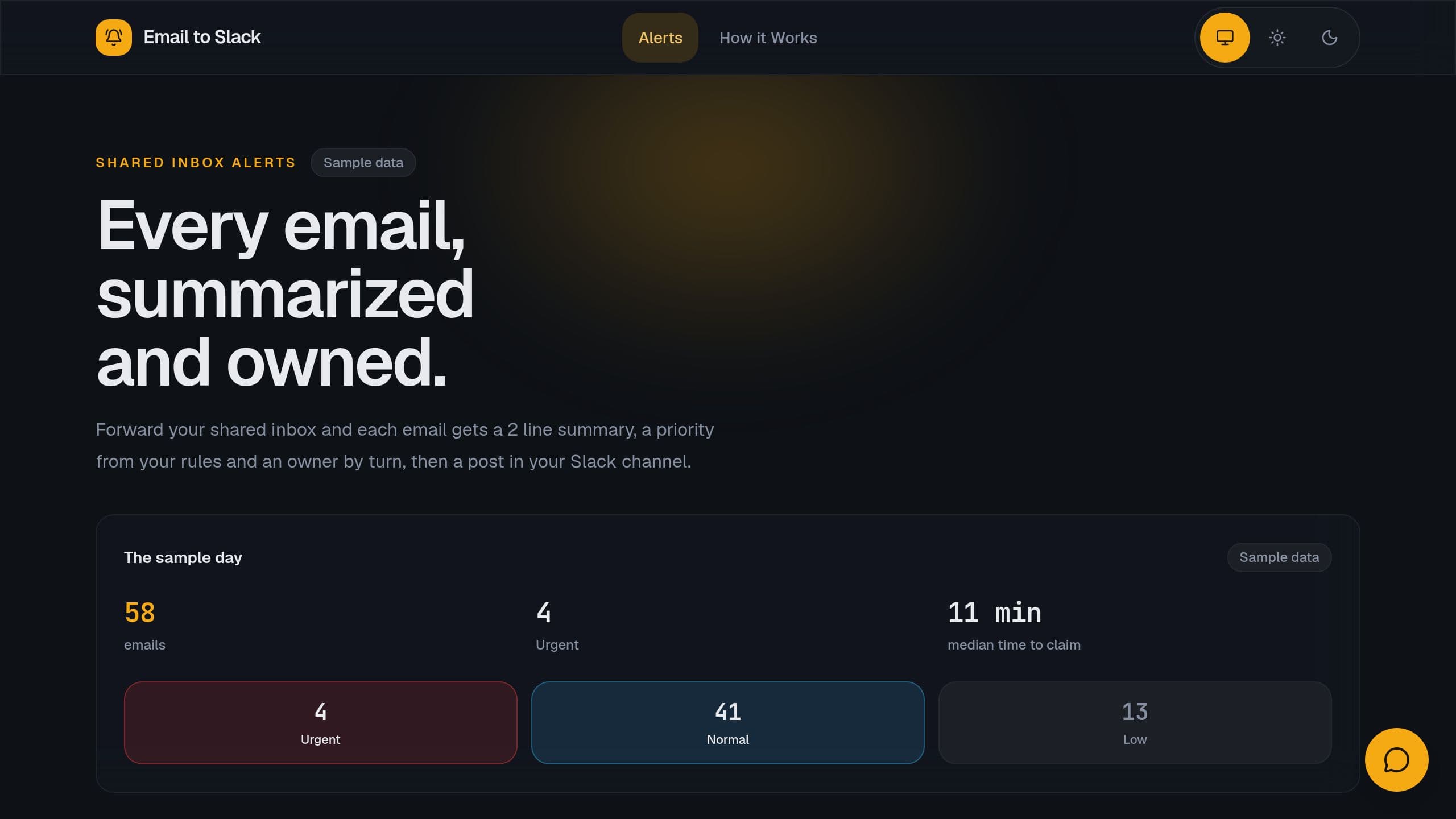
Each forwarded inbox email gets a 2 line summary, a priority from your rules and an owner by turn. The Slack post flow ships off until you connect Slack. A free Taskade Genesis kit. Clone it and make it yours.
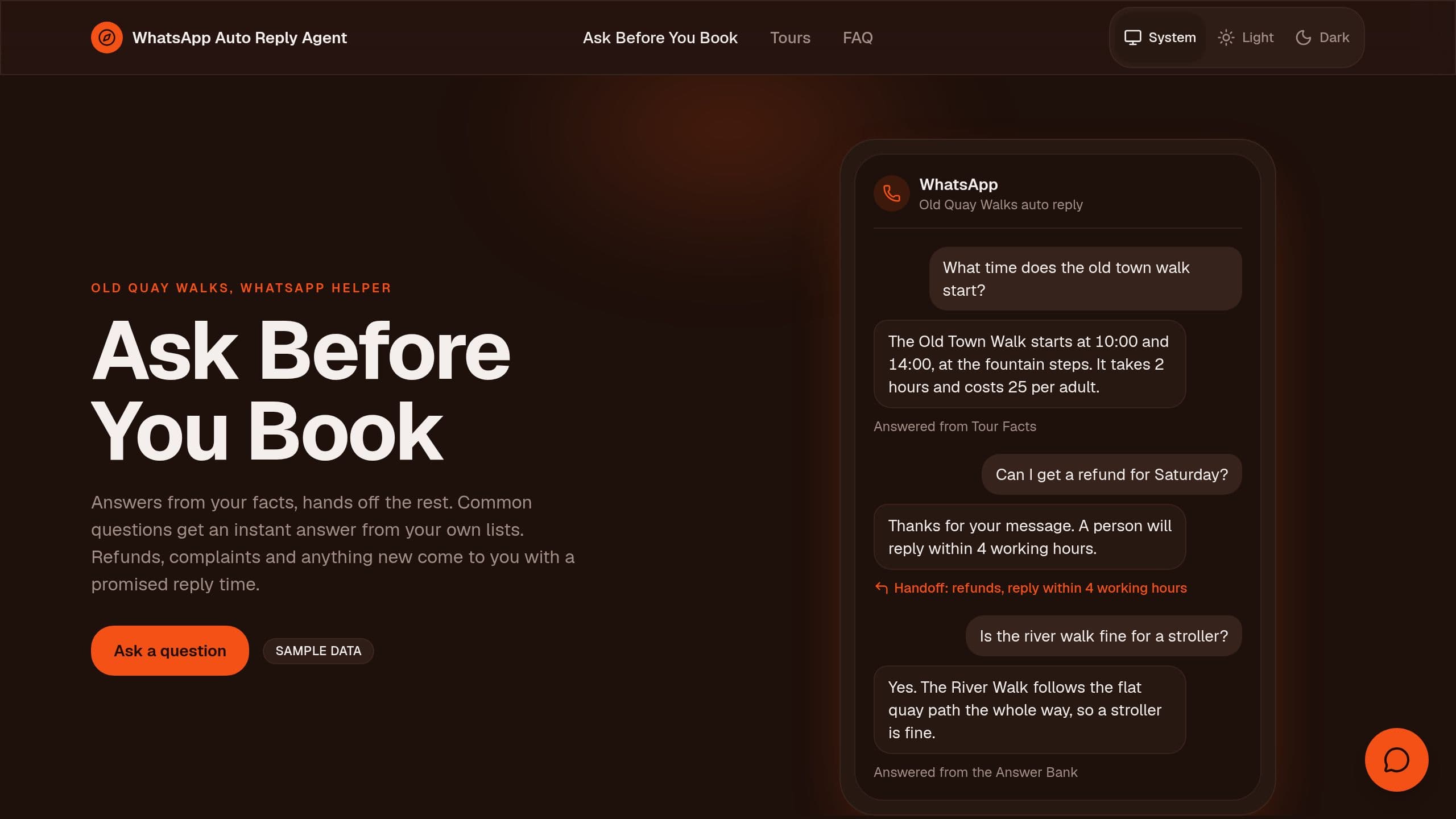
Answer common WhatsApp questions from your own tour facts and answer bank, and hand refunds, complaints and anything unknown to a person with a promised reply time. A free Taskade Genesis kit. Clone it and make it yours.
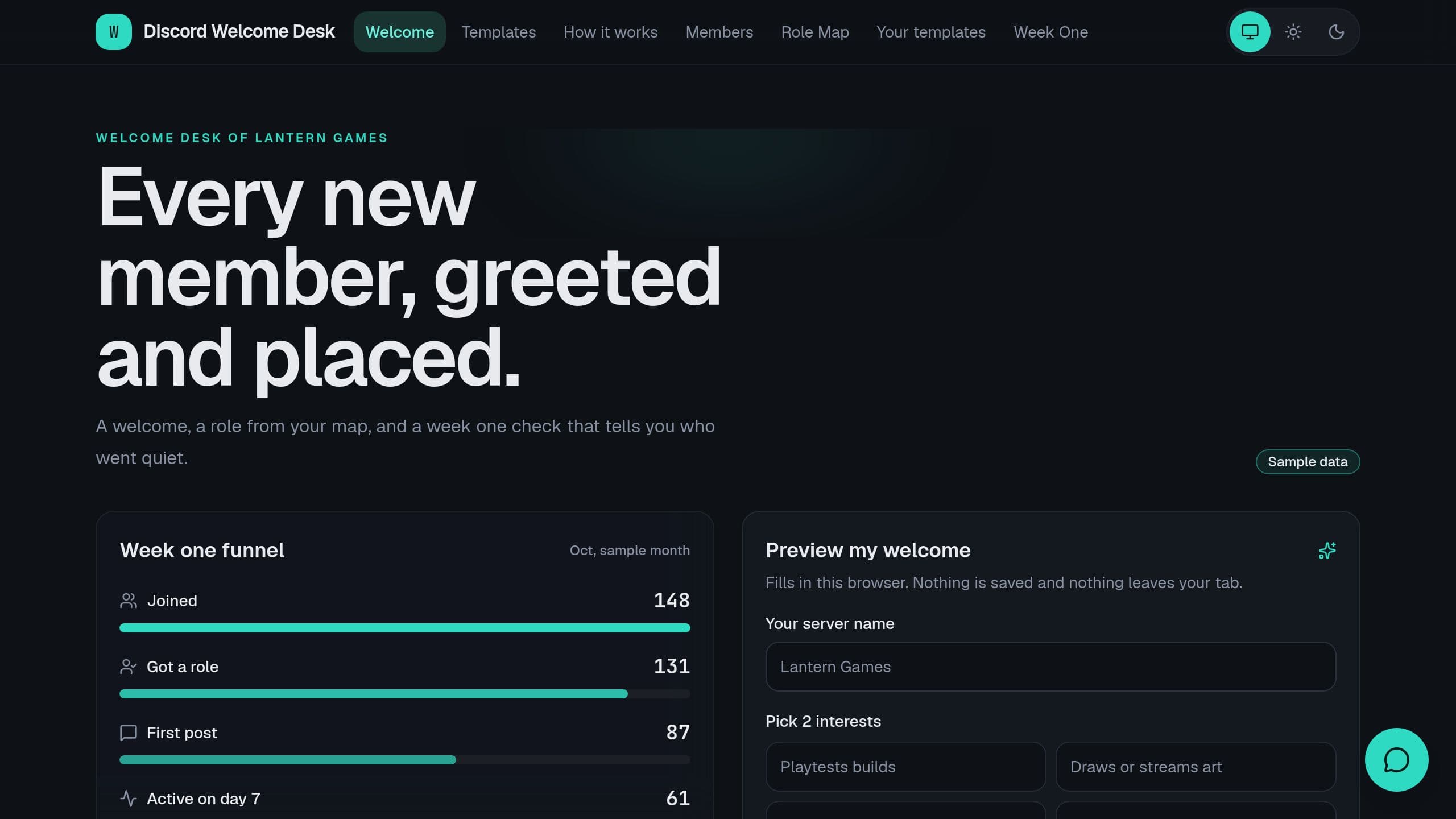
Welcome every new Discord member, give a role from their answers and track week one from joined to first post, with a nudge list for members who go quiet. A free Taskade Genesis kit. Clone it and make it yours.
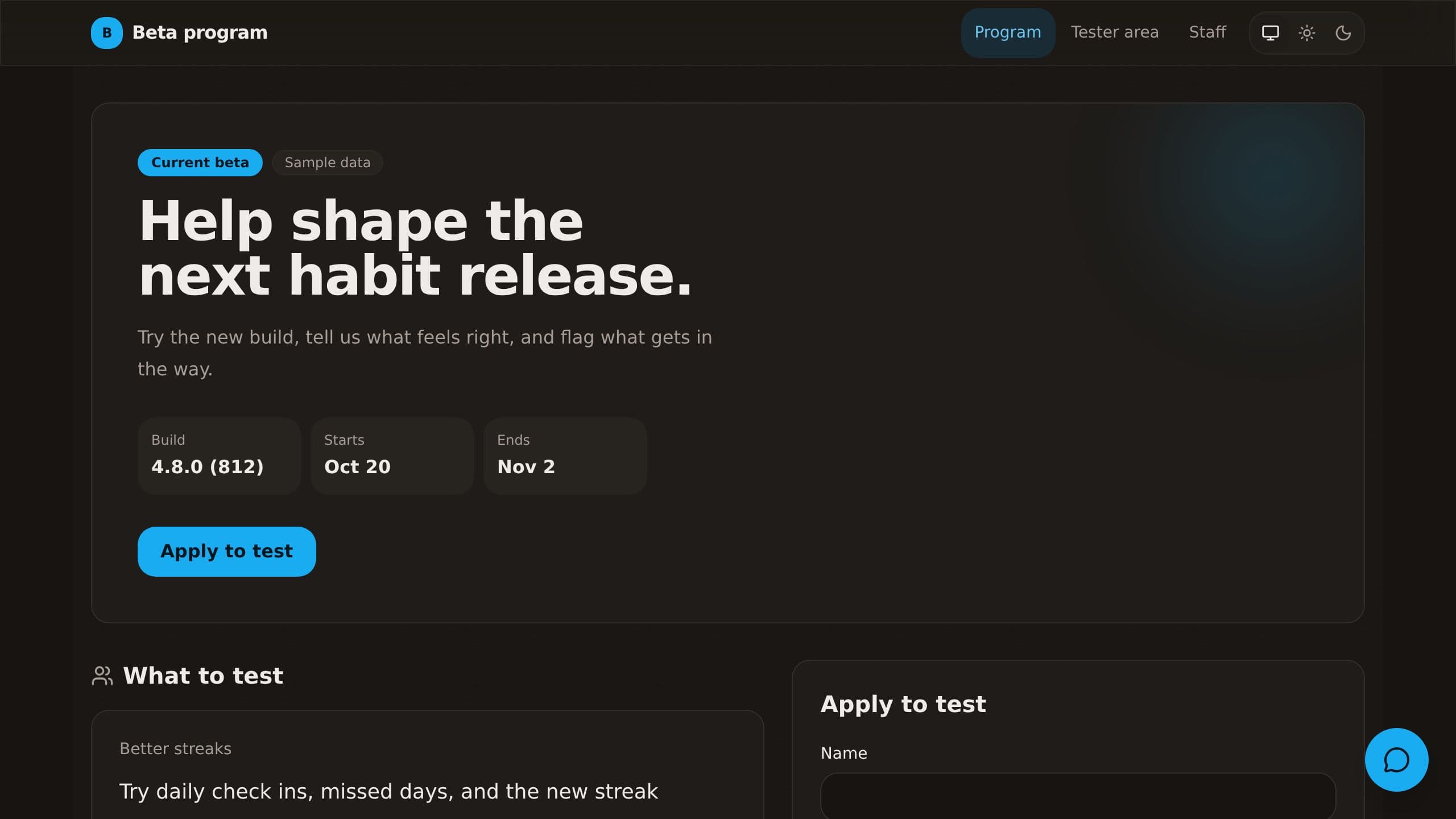
It replaces the form, spreadsheet and email threads of a beta. Testers see only their own feedback. A helper flags duplicates and suggests severity. Made for the founder of a small mobile app who needs one place for applications, rounds and feedback. Clone it free and start with sample data.
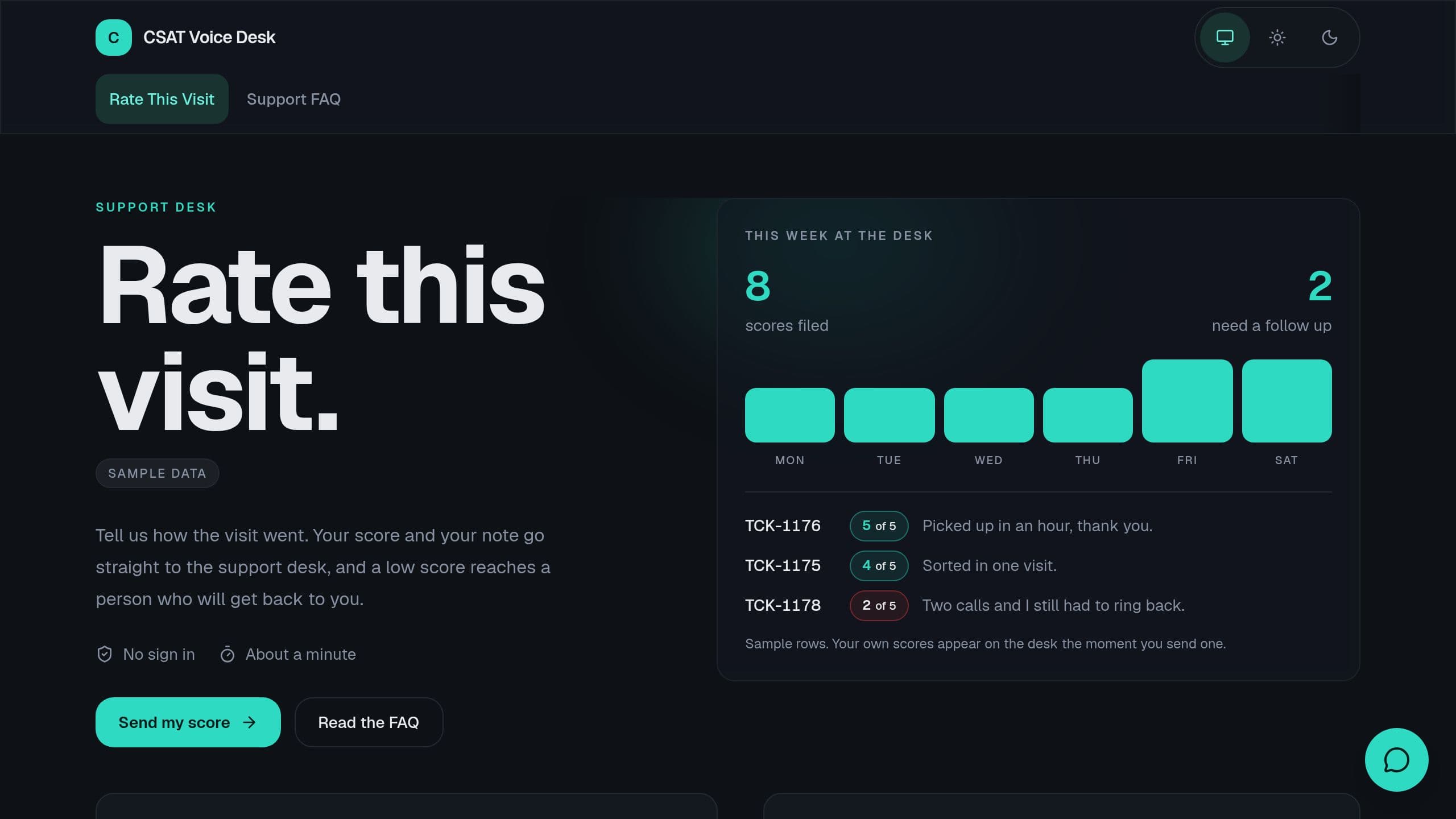
CSAT Voice Desk is a Taskade Genesis kit: tickets you keep, scores a customer types, Follow up when a score is 3 or below, and a helper on the support FAQ.
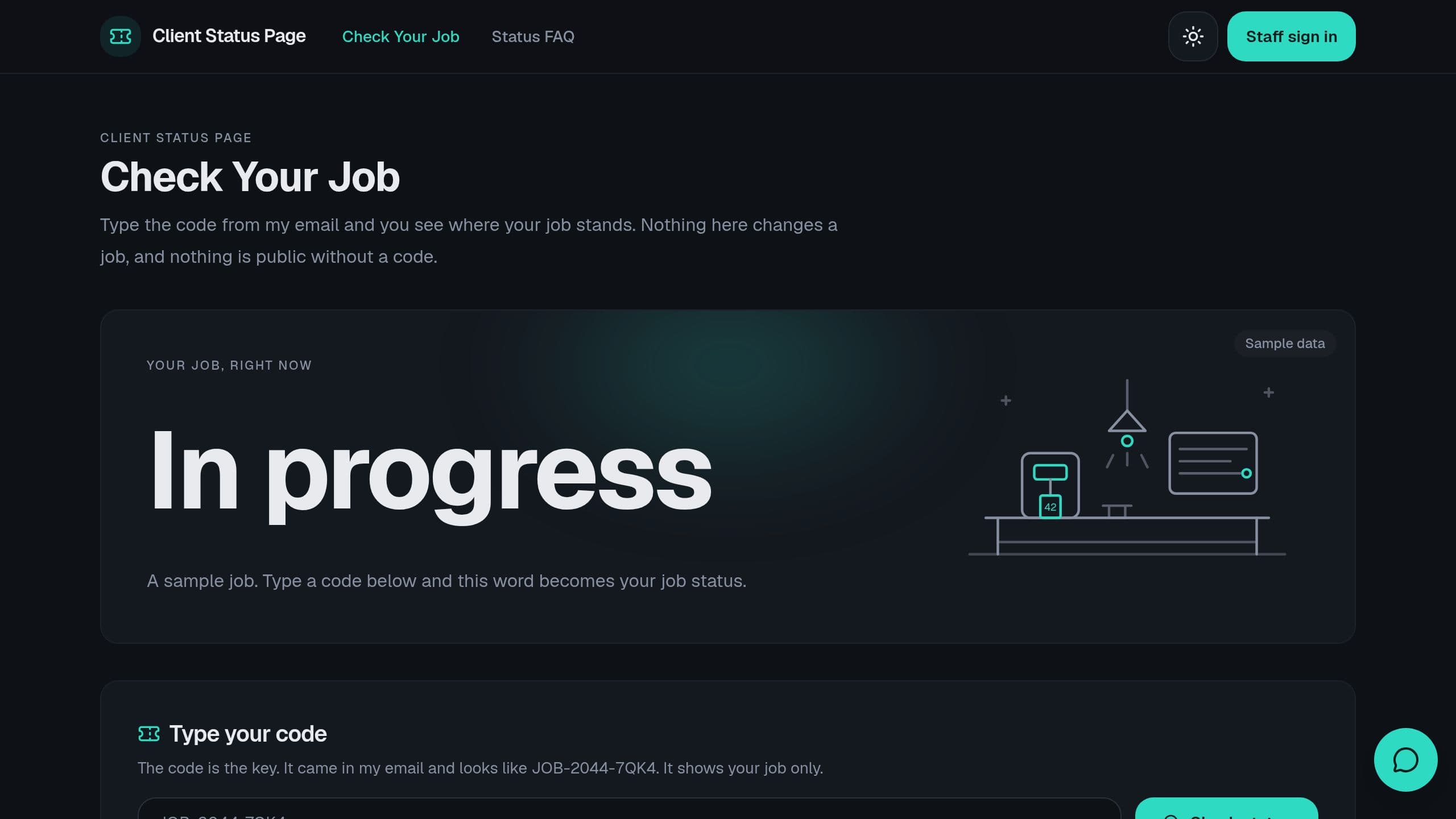
Client Status Page is a Taskade Genesis kit: jobs the owner updates, a public status lookup by code, a question form, and a helper on the status FAQ.

Discord Support Desk is a free Taskade Genesis kit that turns support questions into tickets, drafts answers from your FAQ for a moderator to approve, escalates hard ones, and shows FAQ gaps each Monday, with an optional Discord connection. Clone it and make it yours.


Slack Bug Desk is a free Taskade Genesis kit that turns each bug report into a row with a severity and a likely duplicate, keeps a public known issues page, and drafts a customer note when a bug is fixed, with an optional Slack connection. Clone it and make it yours.
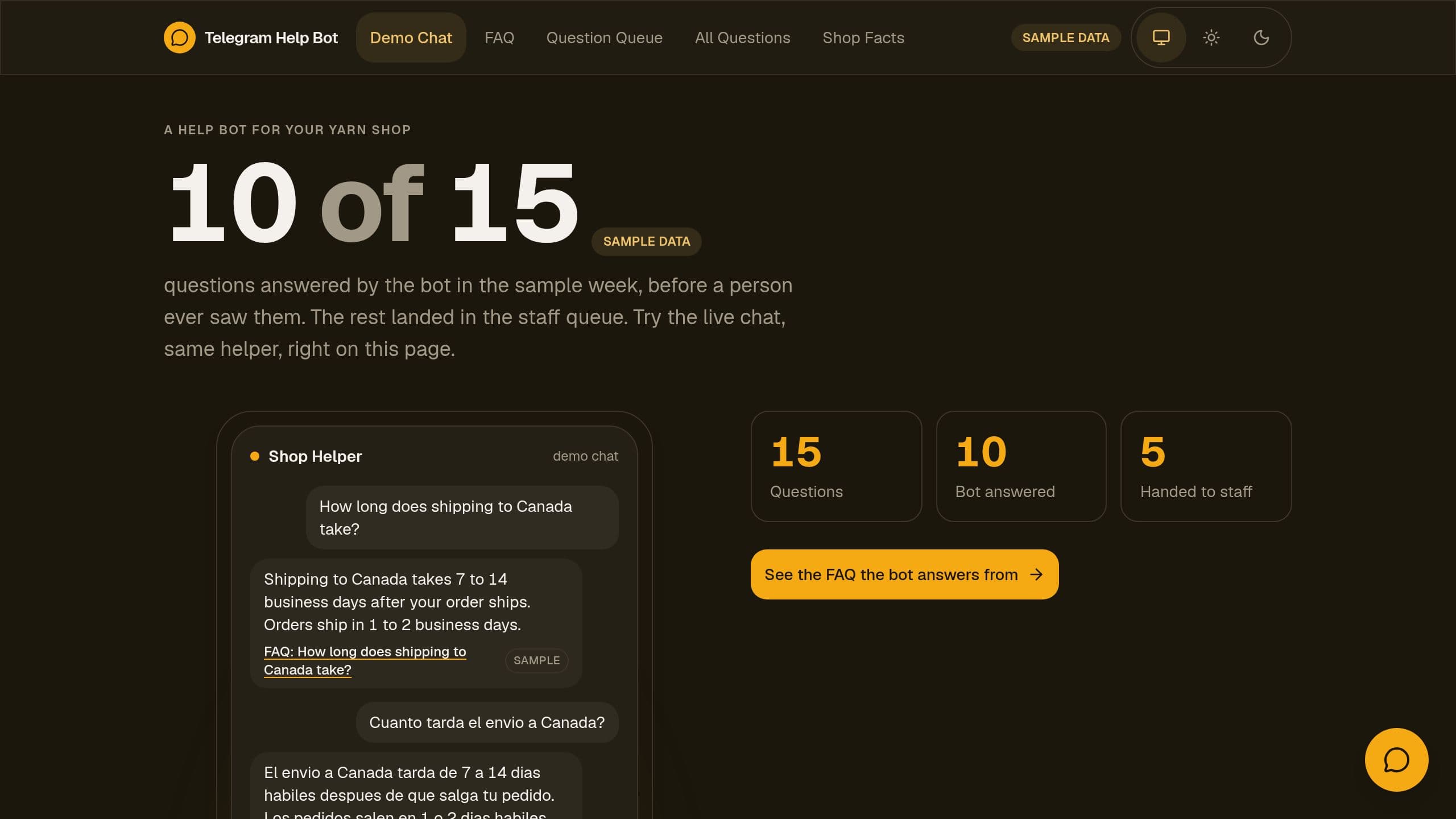
Telegram Help Bot is a free Taskade Genesis kit that answers common customer questions from your shop FAQ, logs every question, hands the rest to staff, and sends the staff answer back to the same Telegram chat. Clone it and make it yours.
Store email templates for order cancellation, refund confirmation, thank you for your purchase and shipping delays, with merge fields you fill in and copy. A Taskade Genesis kit.
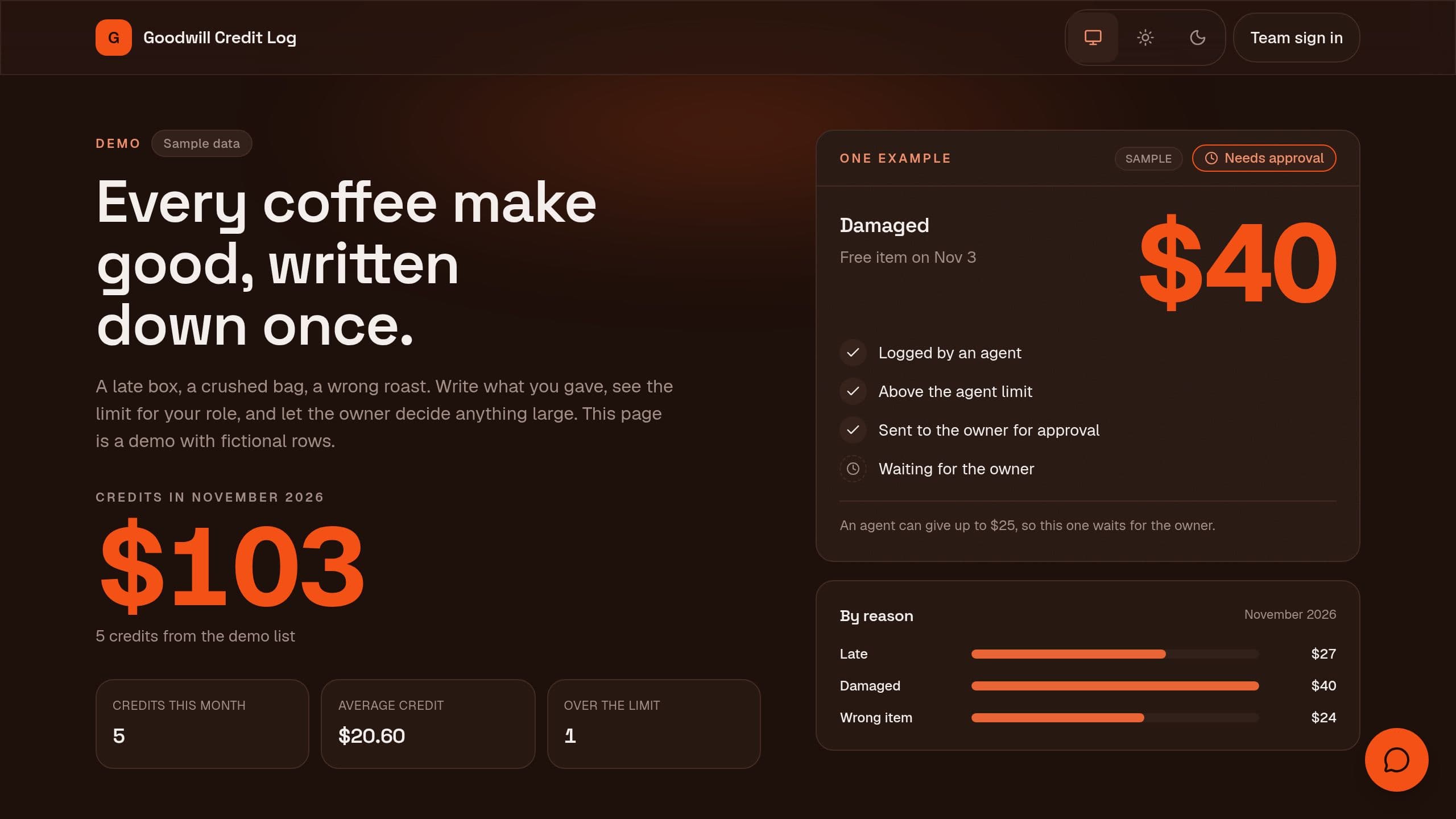
Goodwill Credit Log is a Taskade Genesis kit for a support lead: every make-good credit with reason, amount and agent, a limit per role, and a monthly total.
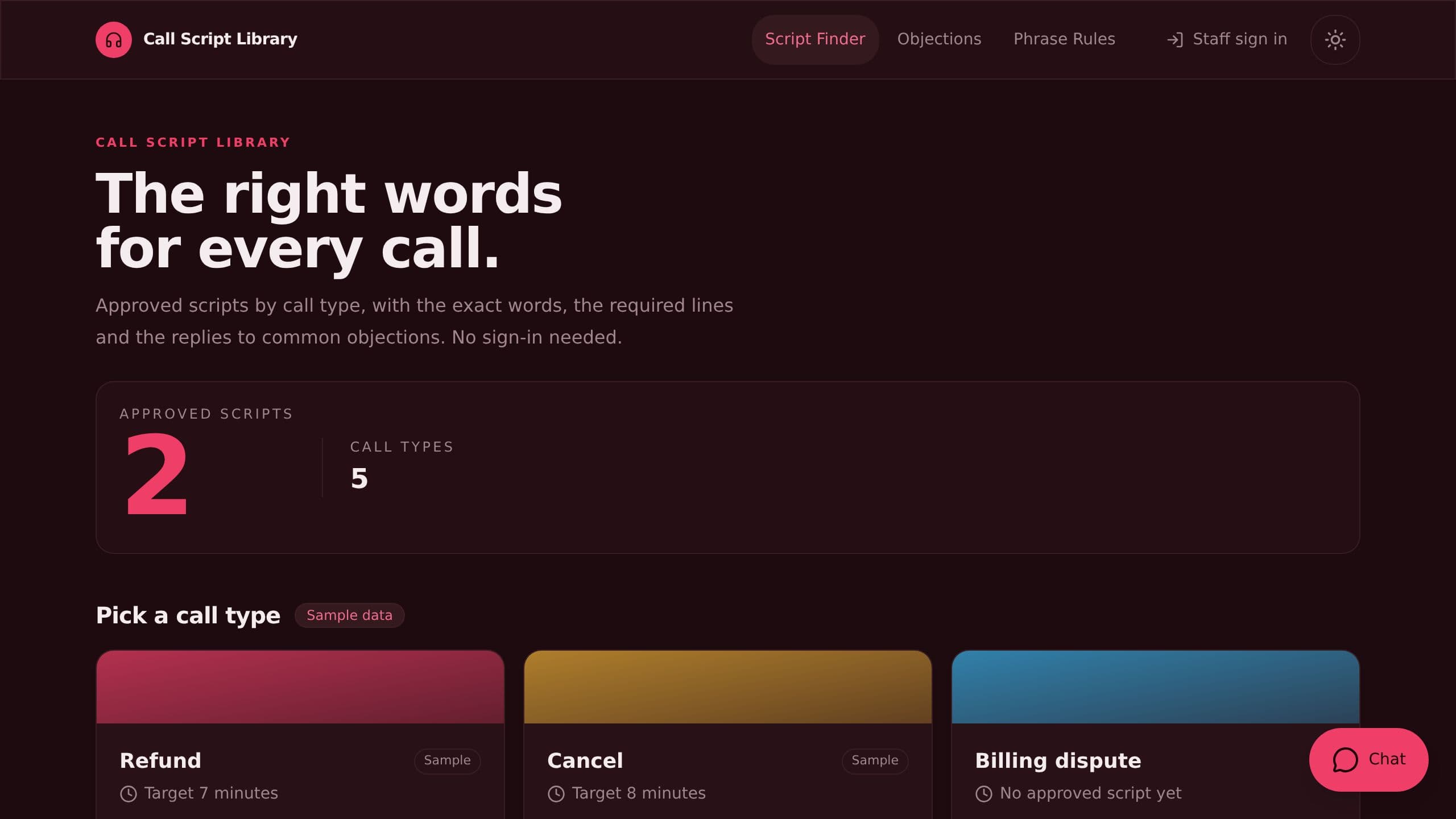
Keep approved call scripts by call type, with exact words, required lines and objection replies.
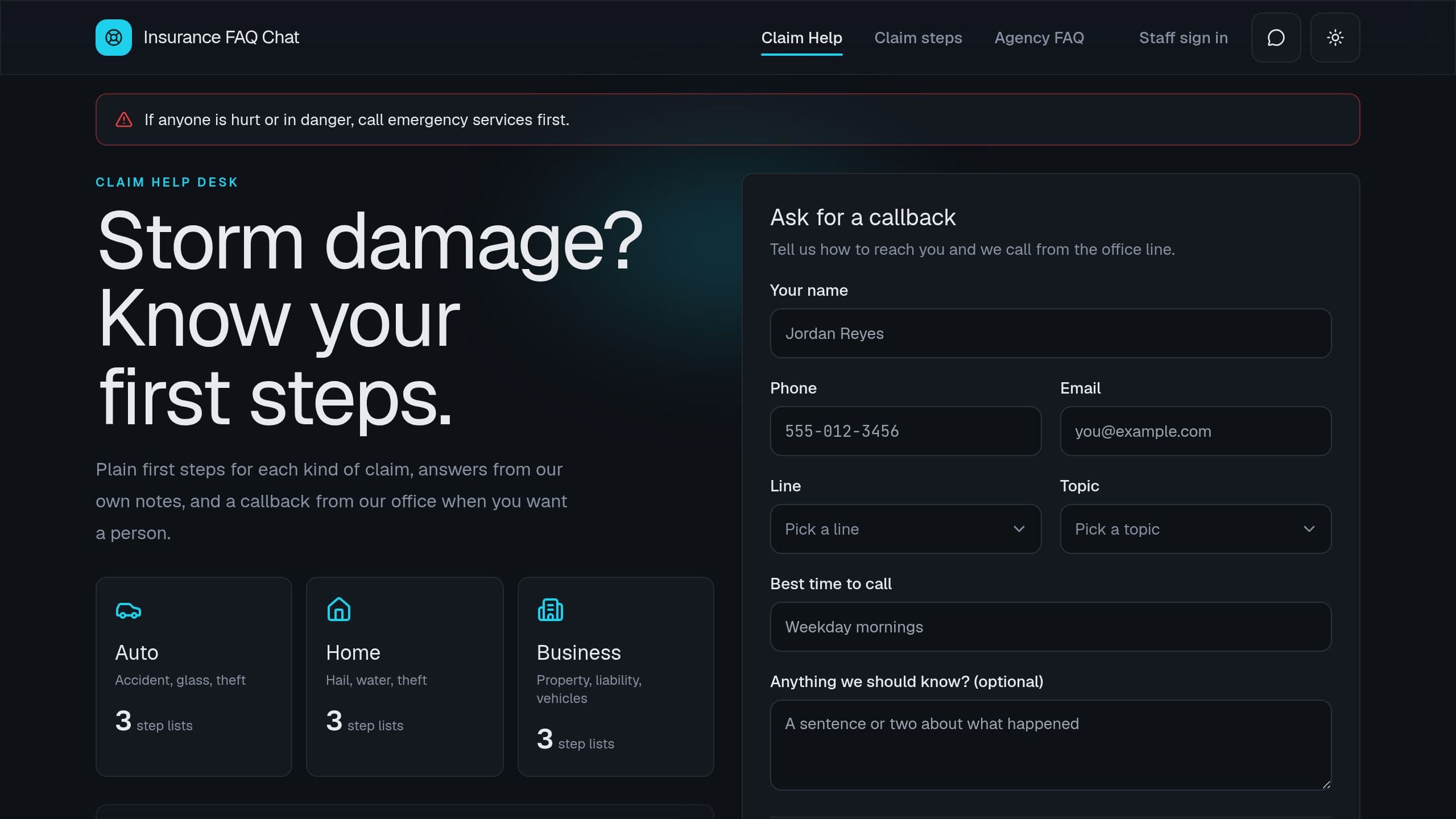
Insurance FAQ Chat is a Taskade Genesis kit: a chat that explains claim first steps from your agency notes, a callback form, a callback board and a Monday list of overdue callbacks.
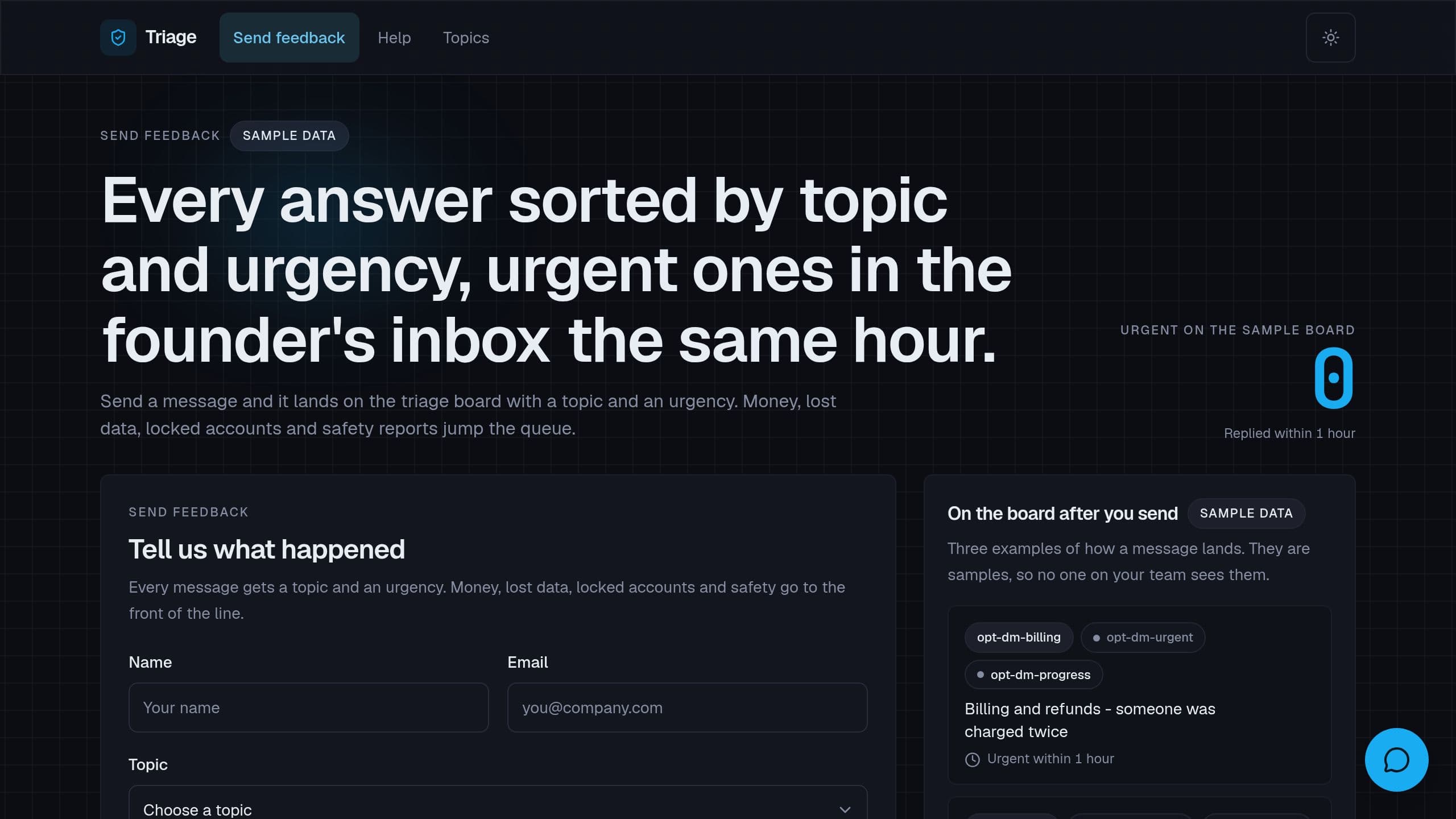
Sort each feedback or form answer by topic and urgency, and get urgent ones by email within the hour. Connect Tally when you are ready.
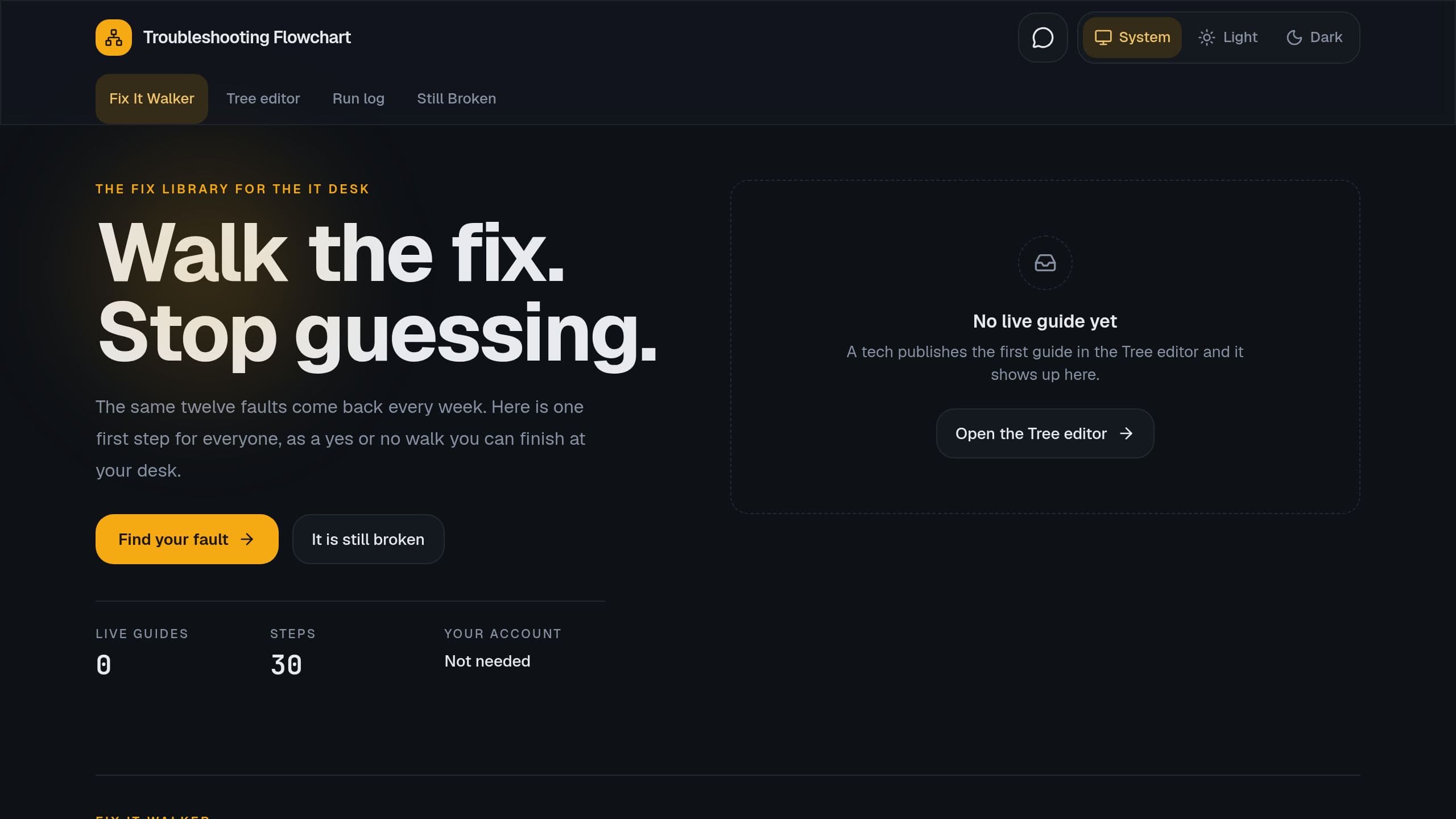
Build yes or no troubleshooting guides that techs and staff walk step by step, log each run, and catch the guides that fail.
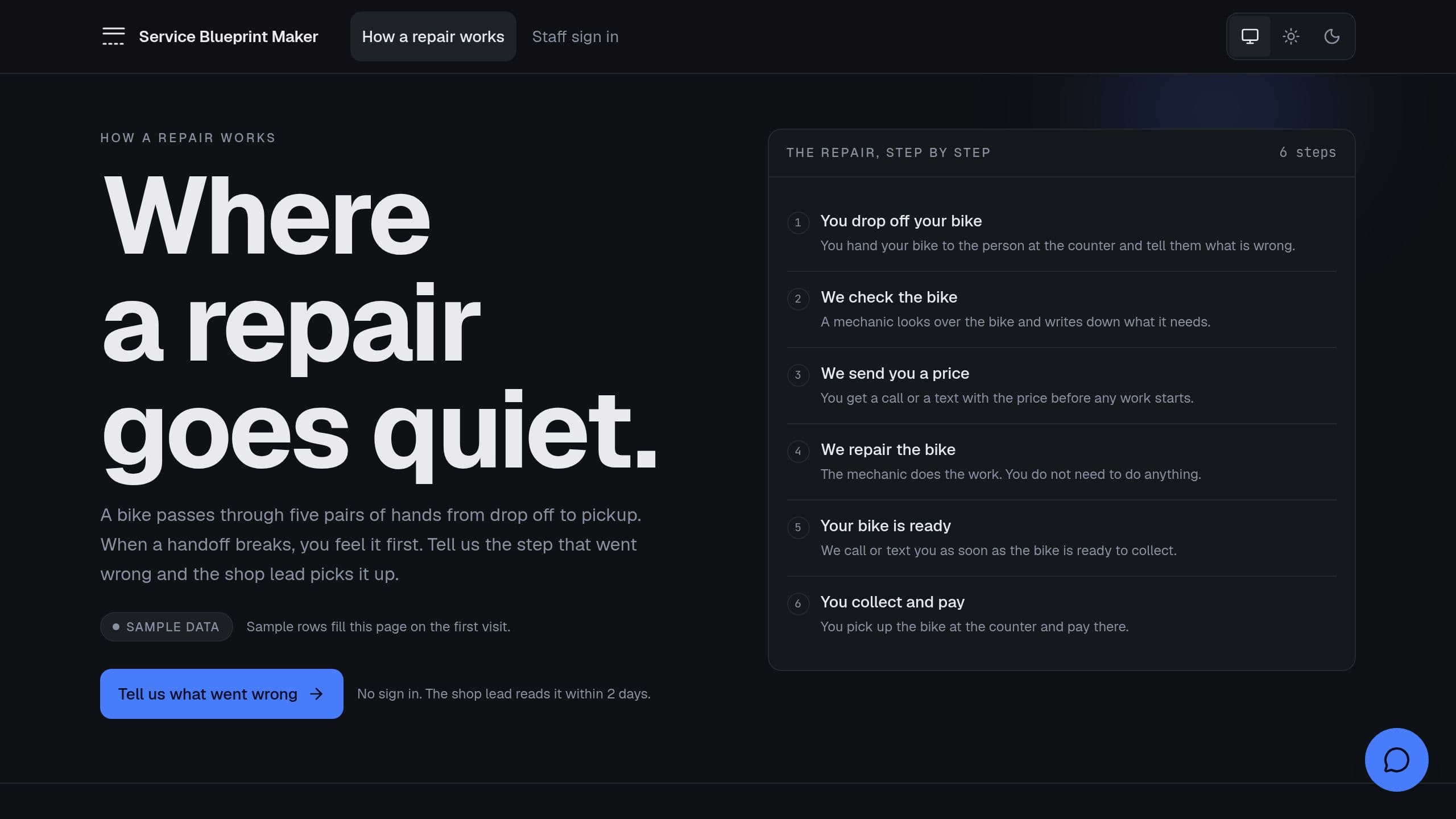
Map a service blueprint in 5 lanes, from customer action to systems, mark fail points and gaps, and collect customer notes.
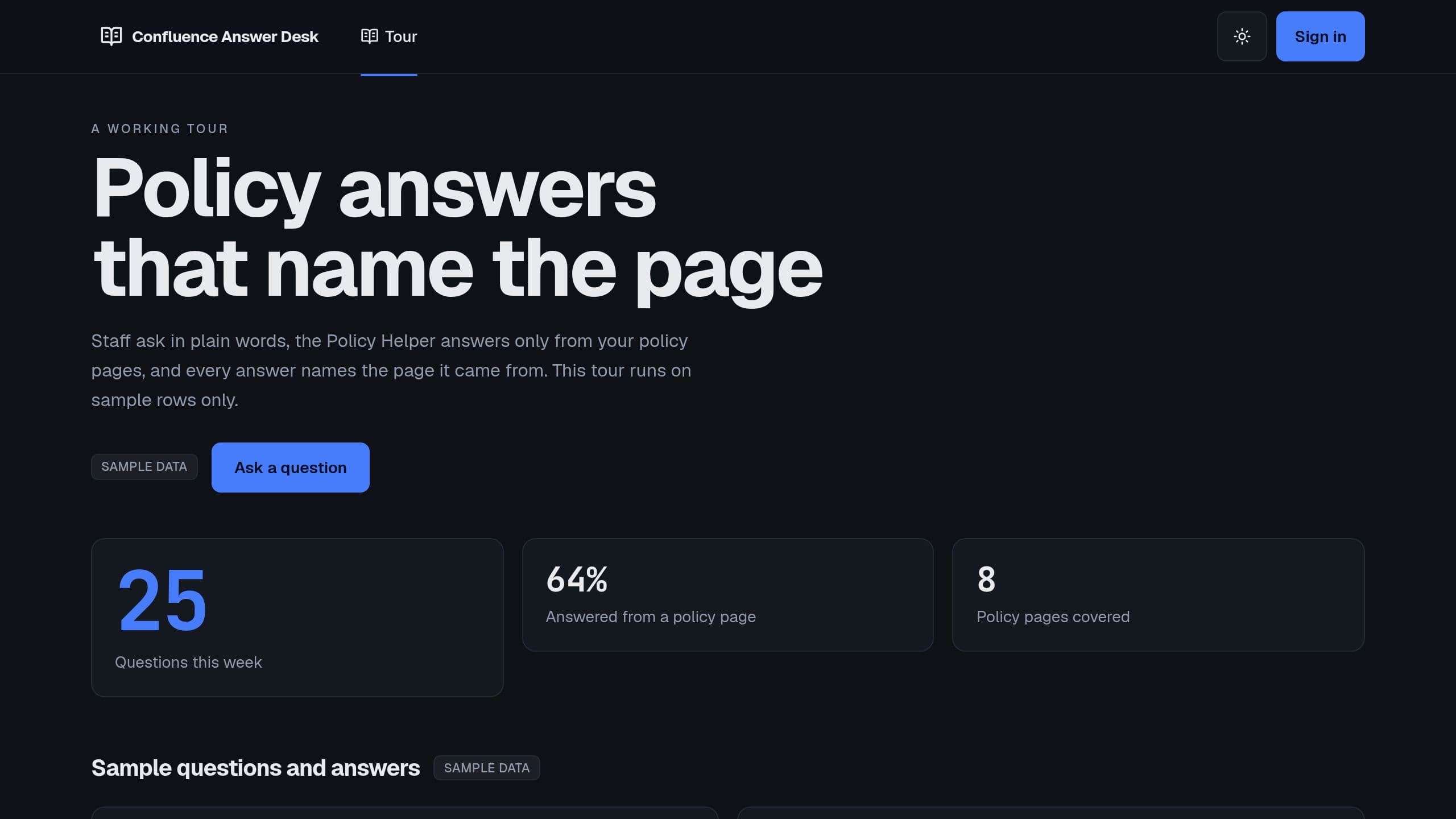
Staff ask a helper that answers from your policy pages and names the page, and each gap becomes a draft Confluence page.
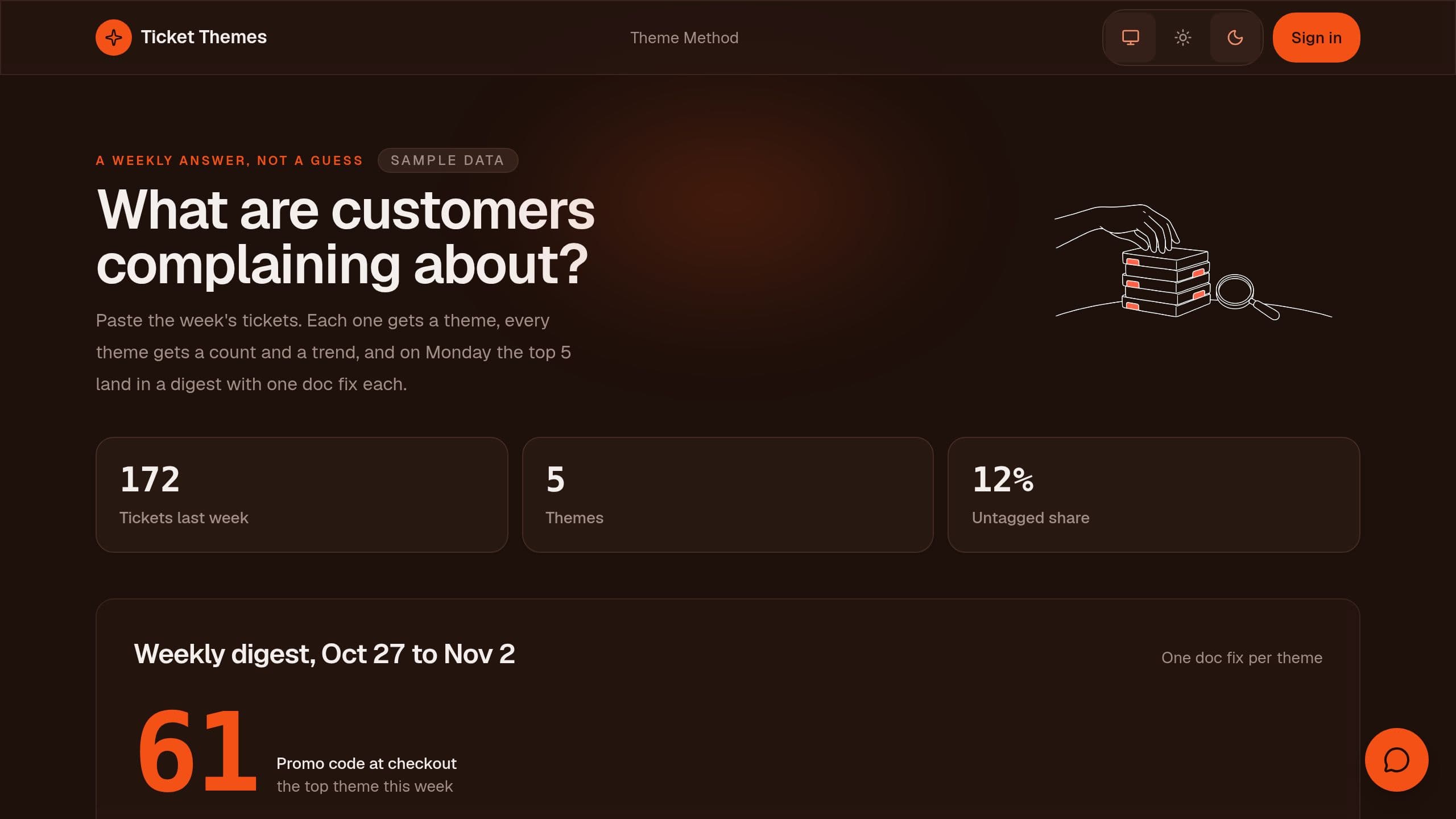
Paste a week of support tickets, tag each to a theme, see counts and trends, and get a Monday top 5 with one help-doc fix each.
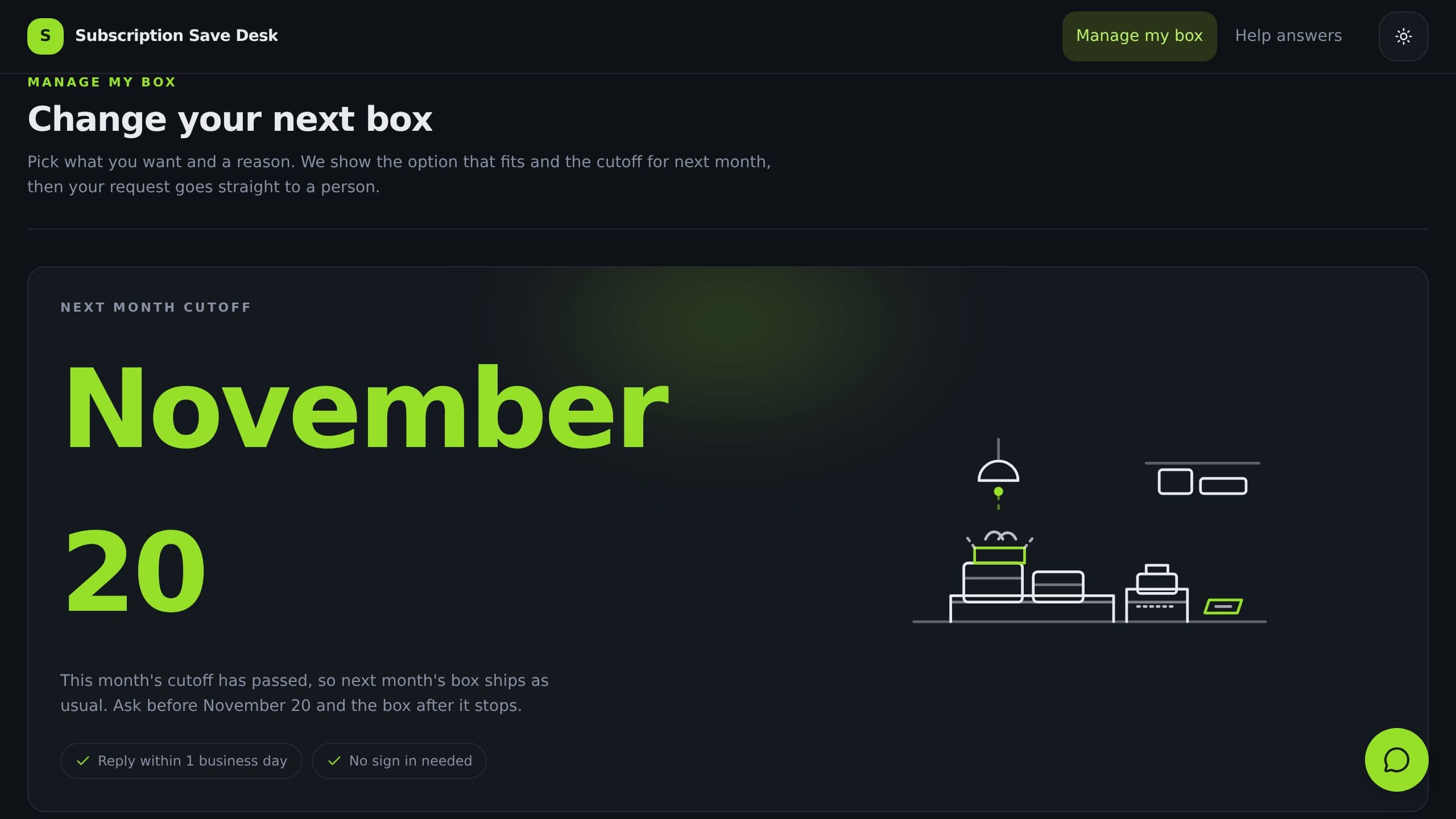
Work cancel and pause requests in one queue, match one save offer to each reason, and track save rate by offer and month.

Log reviews from all your listing sites in one desk, track reply status and collect patient feedback on a public page.
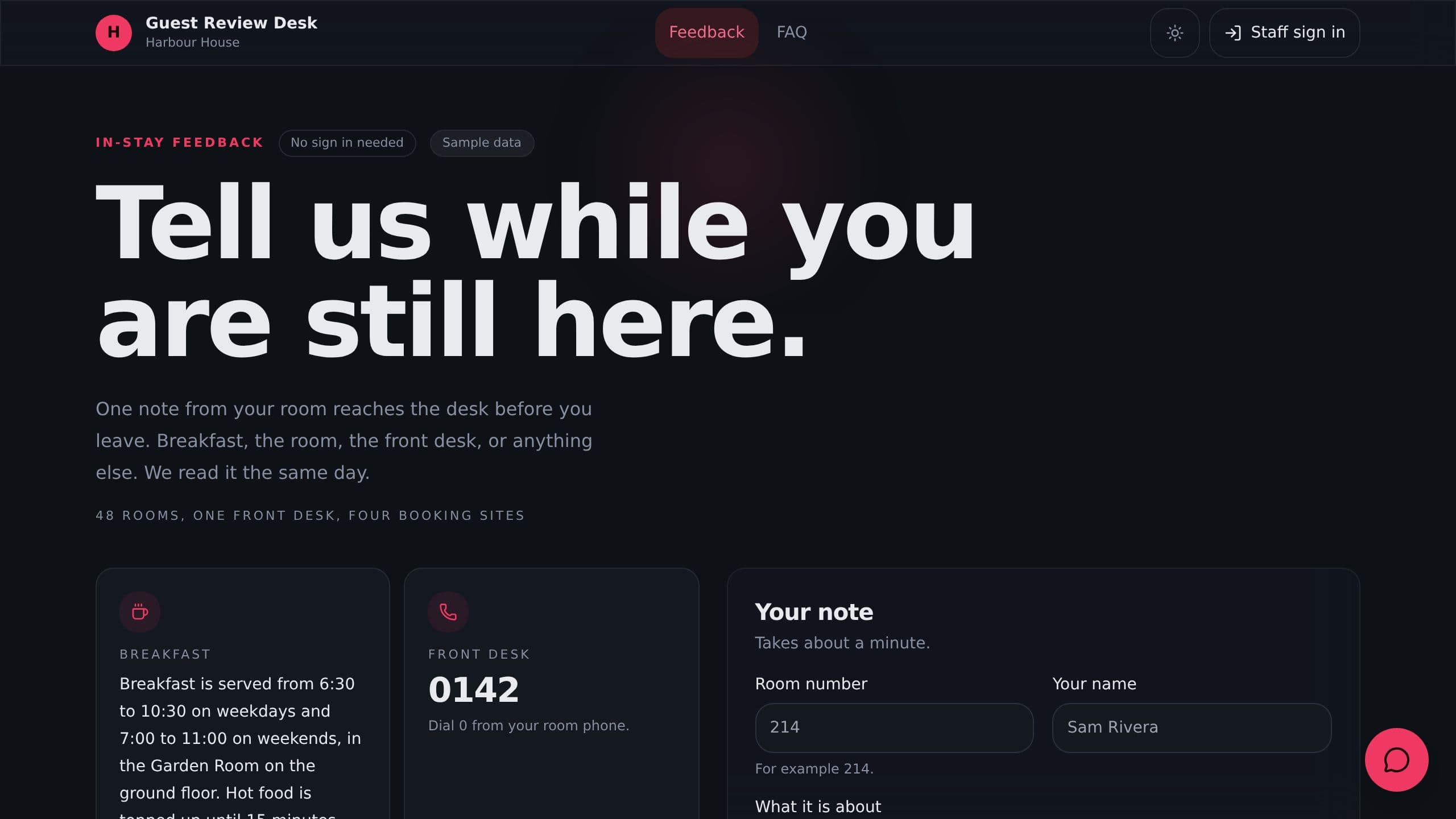
Log guest reviews from your booking sites, tag each by department, draft replies and take in-stay feedback.
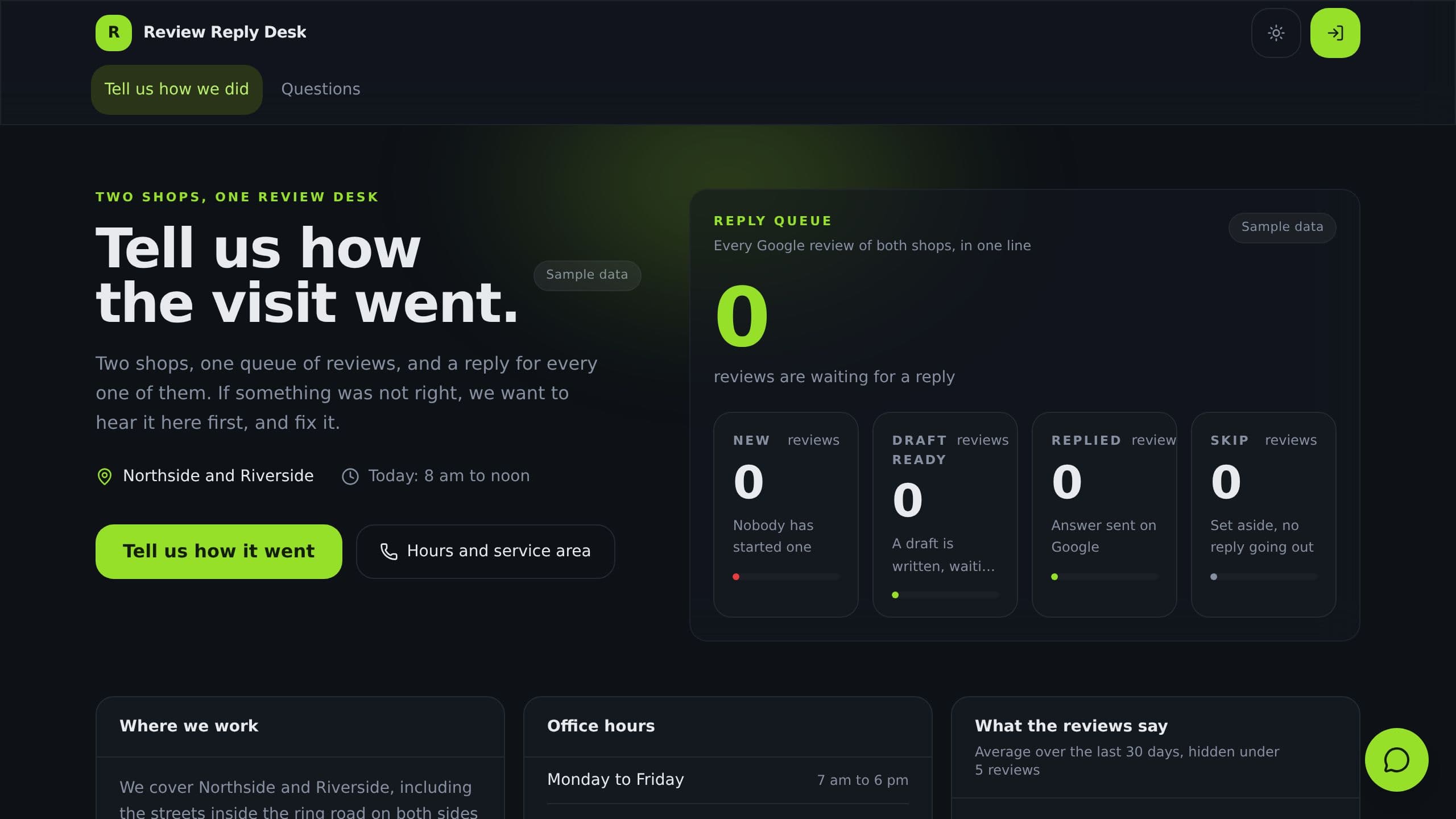
Log your Google reviews in one queue, get a reply draft for each, and collect feedback on a public page.

Log Yelp snippets for your restaurant and named rivals, count themes side by side and take menu feedback.
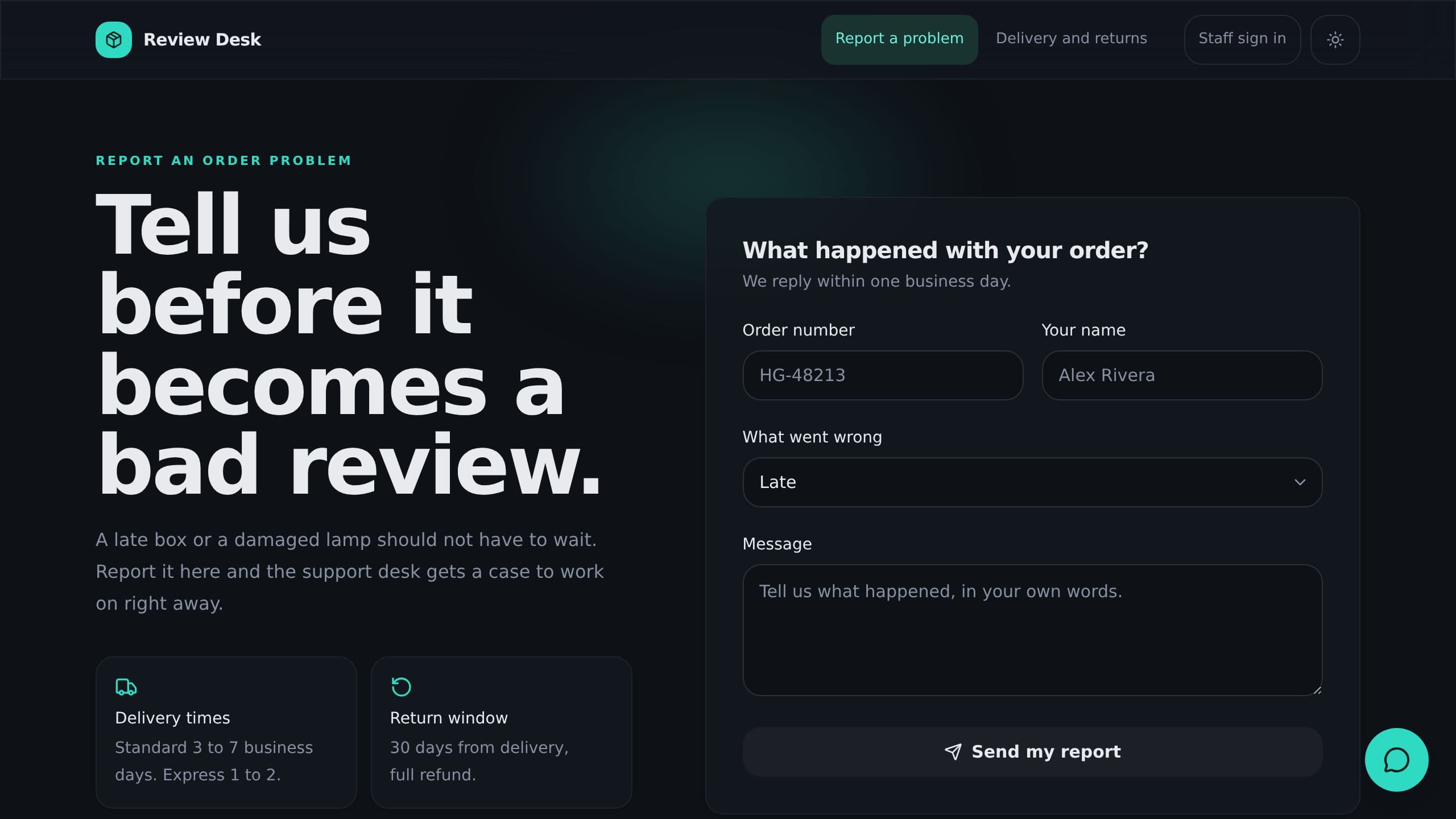
Log your Trustpilot reviews in one queue, get a category and a reply draft for each, and let customers report an order problem before they write a review.
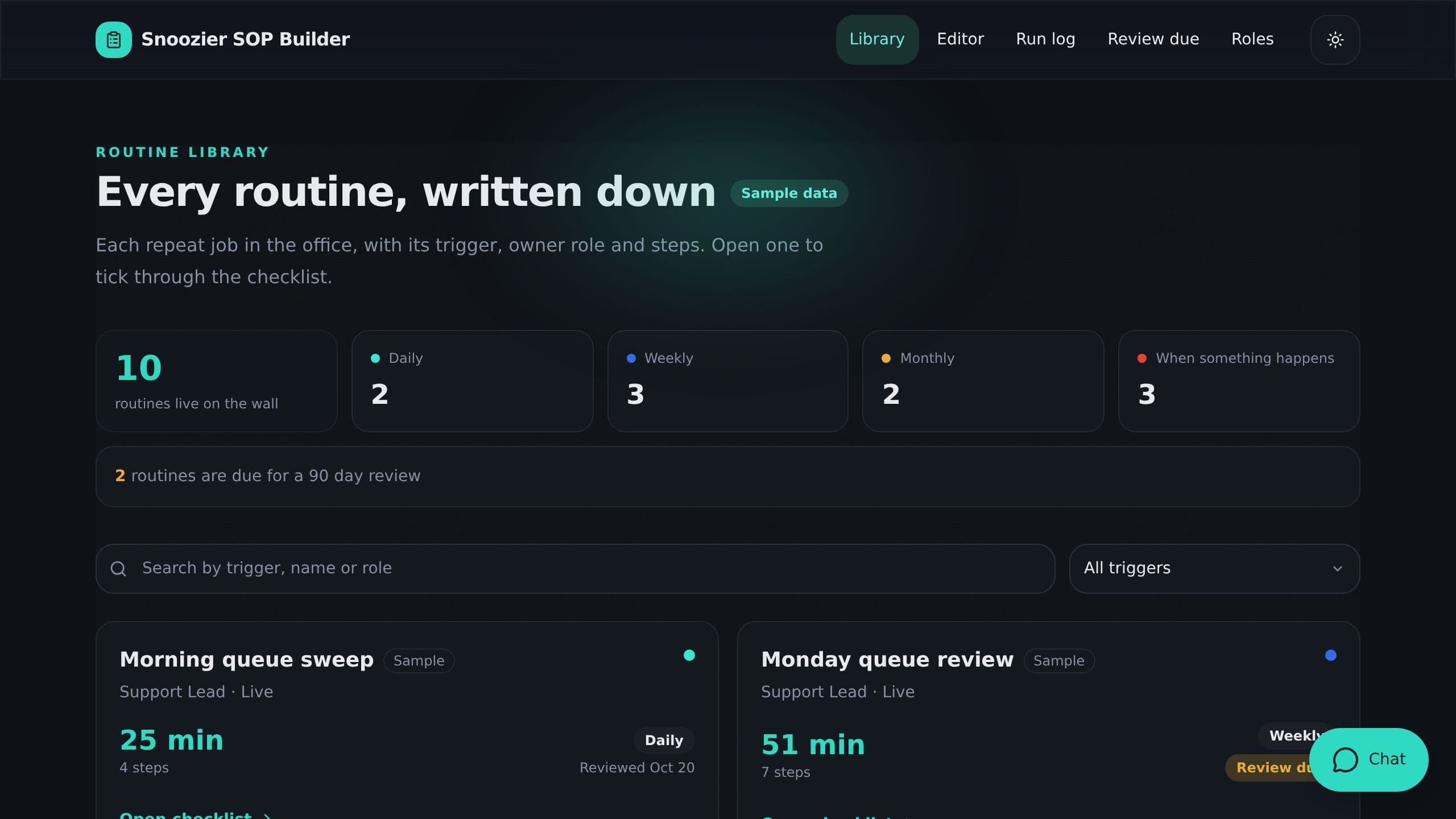
Write each repeat routine as a trigger and steps, track run times and review them on time. Free to clone. A playful parody, not affiliated with Zapier.
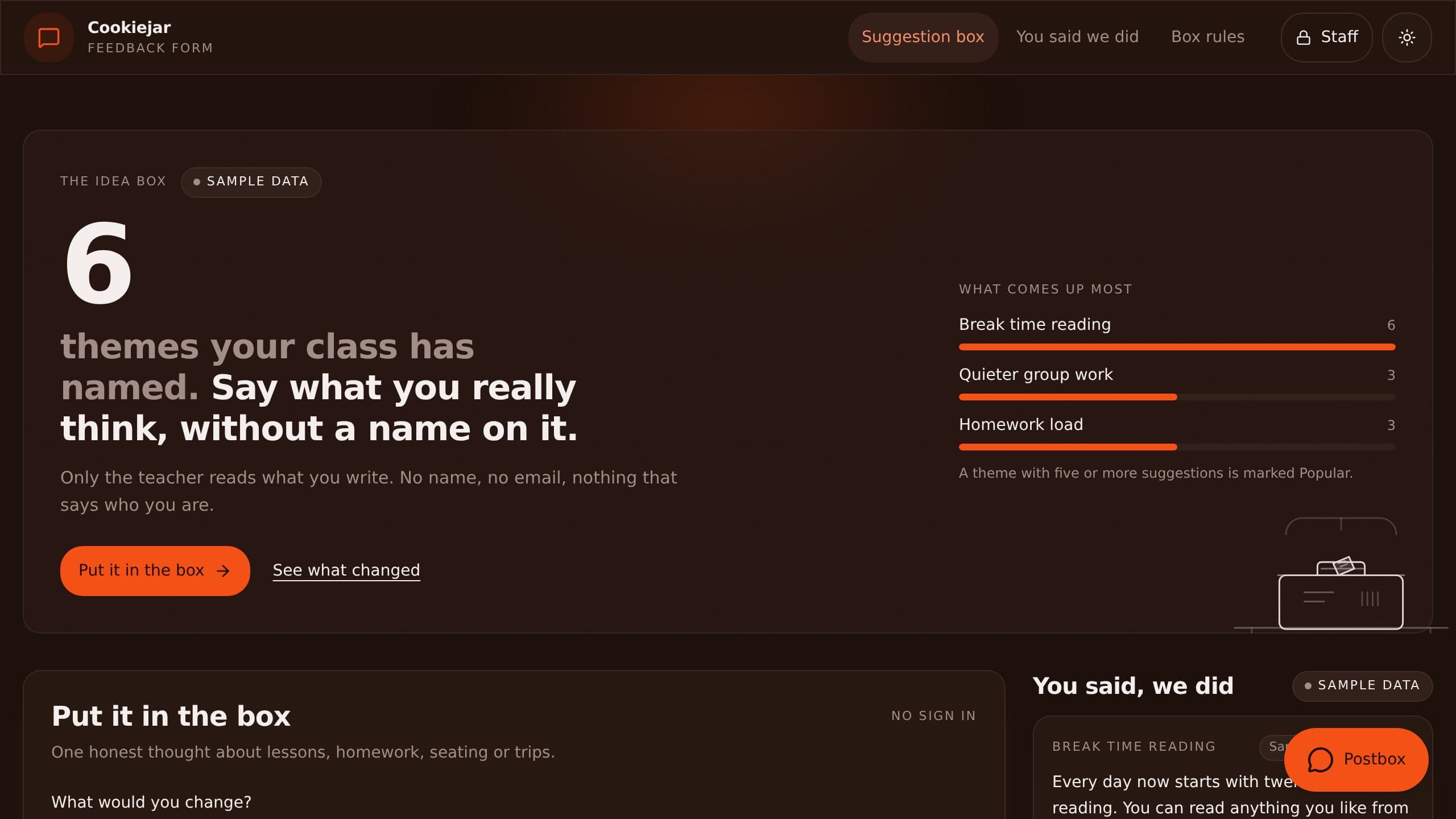
Collect anonymous class suggestions, tag them by theme and show pupils what changed. Free to clone. A playful parody, not affiliated with Hotjar.
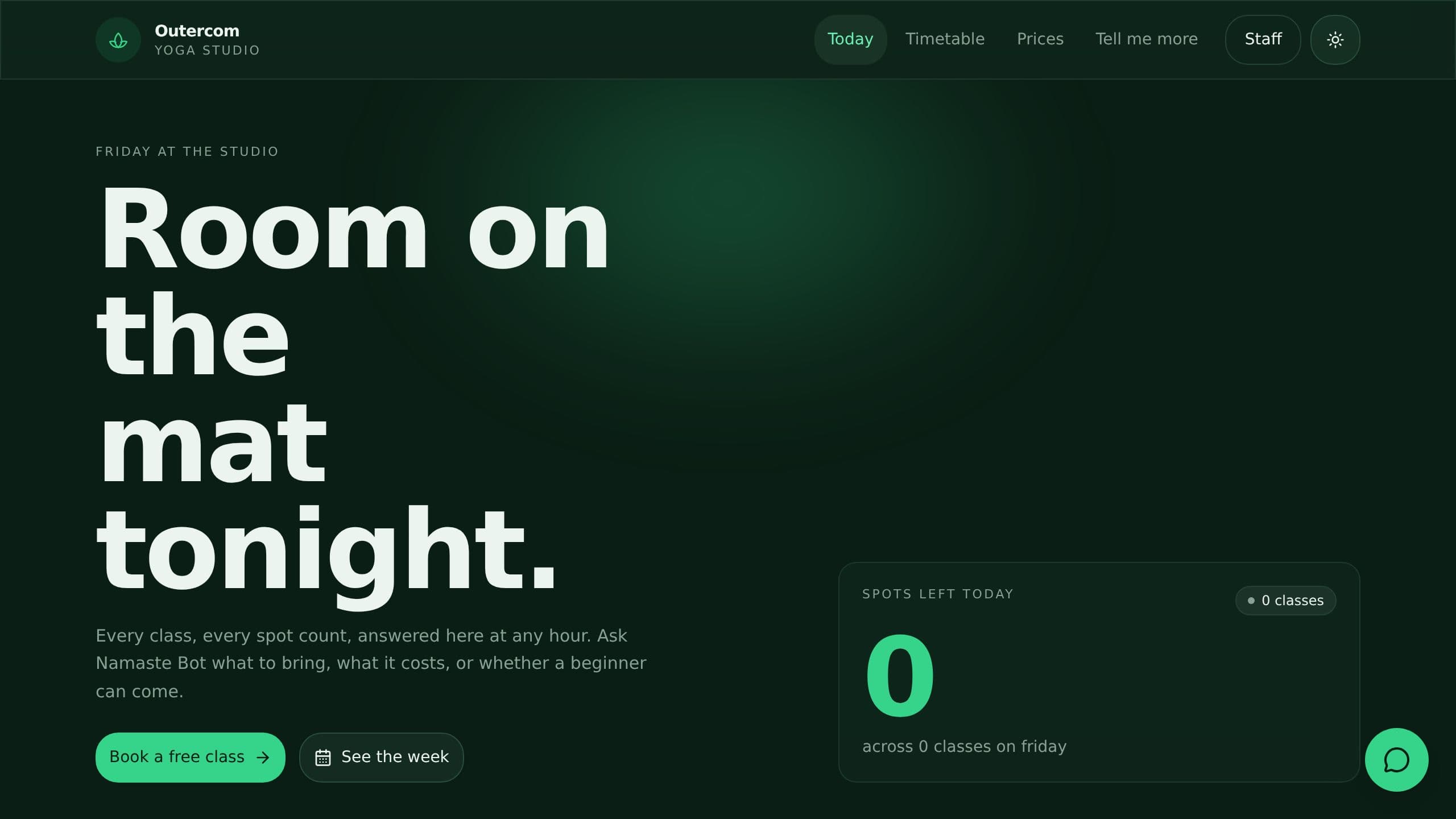
Greet website visitors and answer class times, prices and beginner questions around the clock. Free to clone. A playful parody, not affiliated with Intercom.
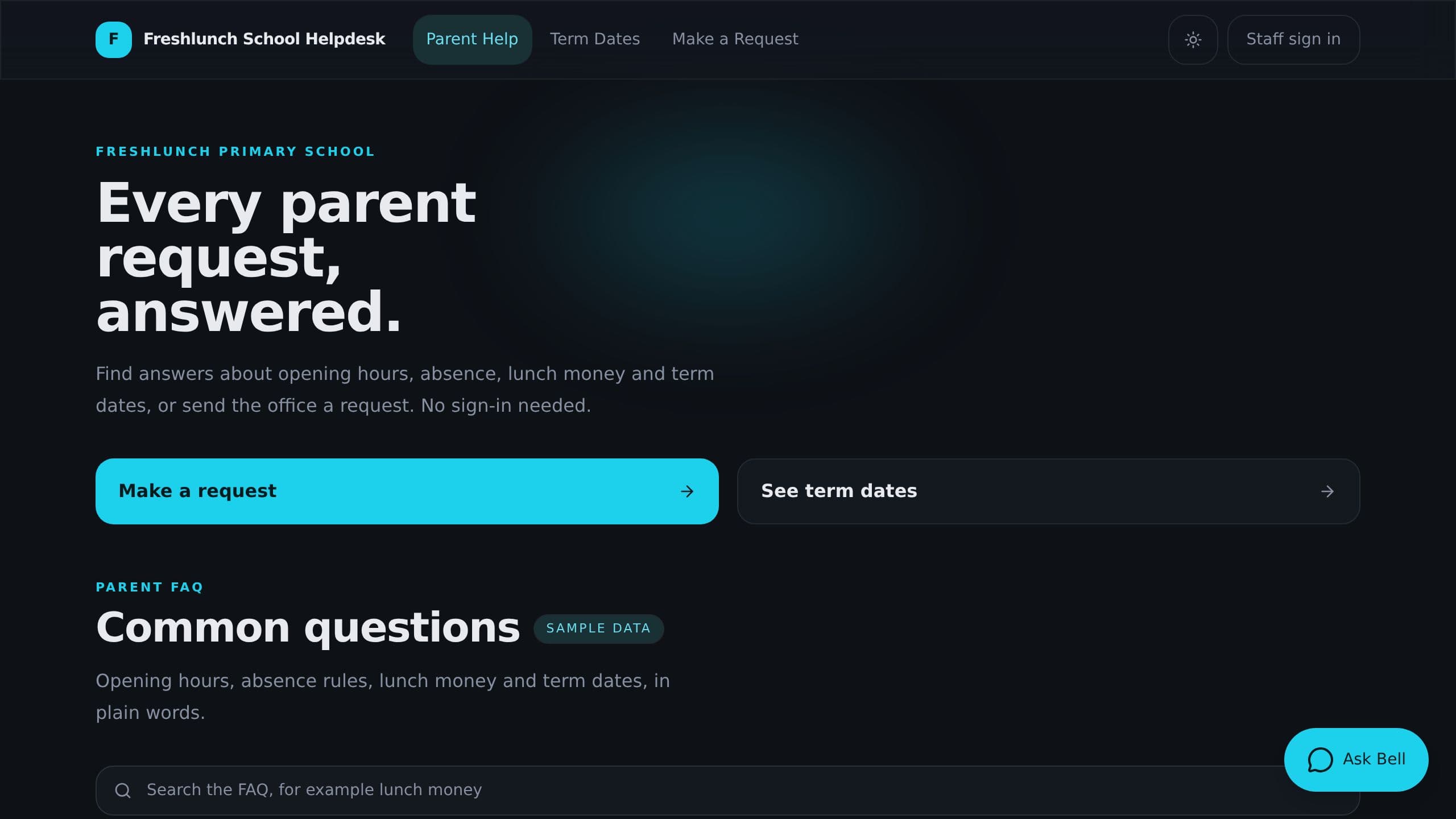
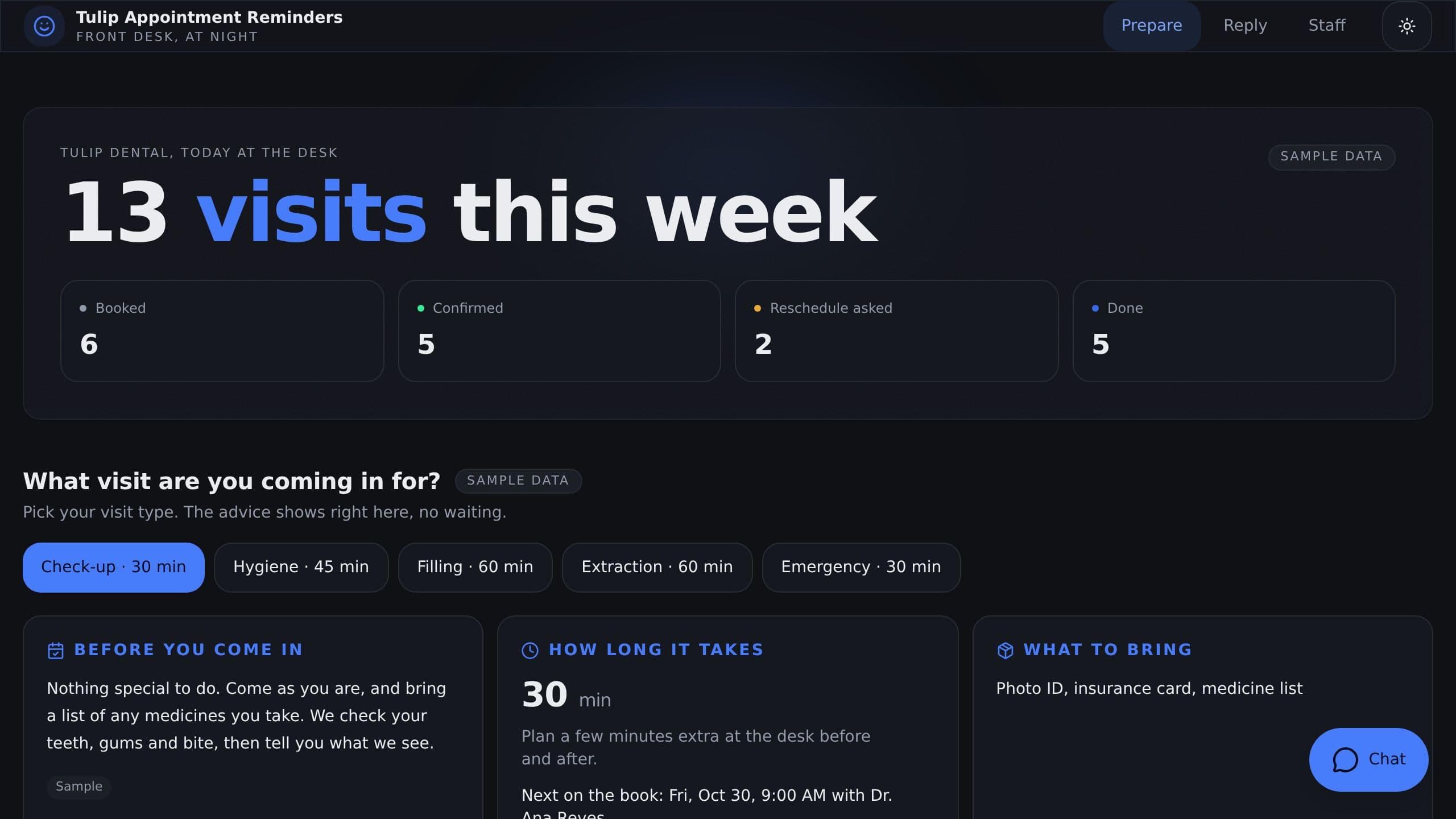
Parents find answers and term dates and send requests, and the front office sorts them by urgency.
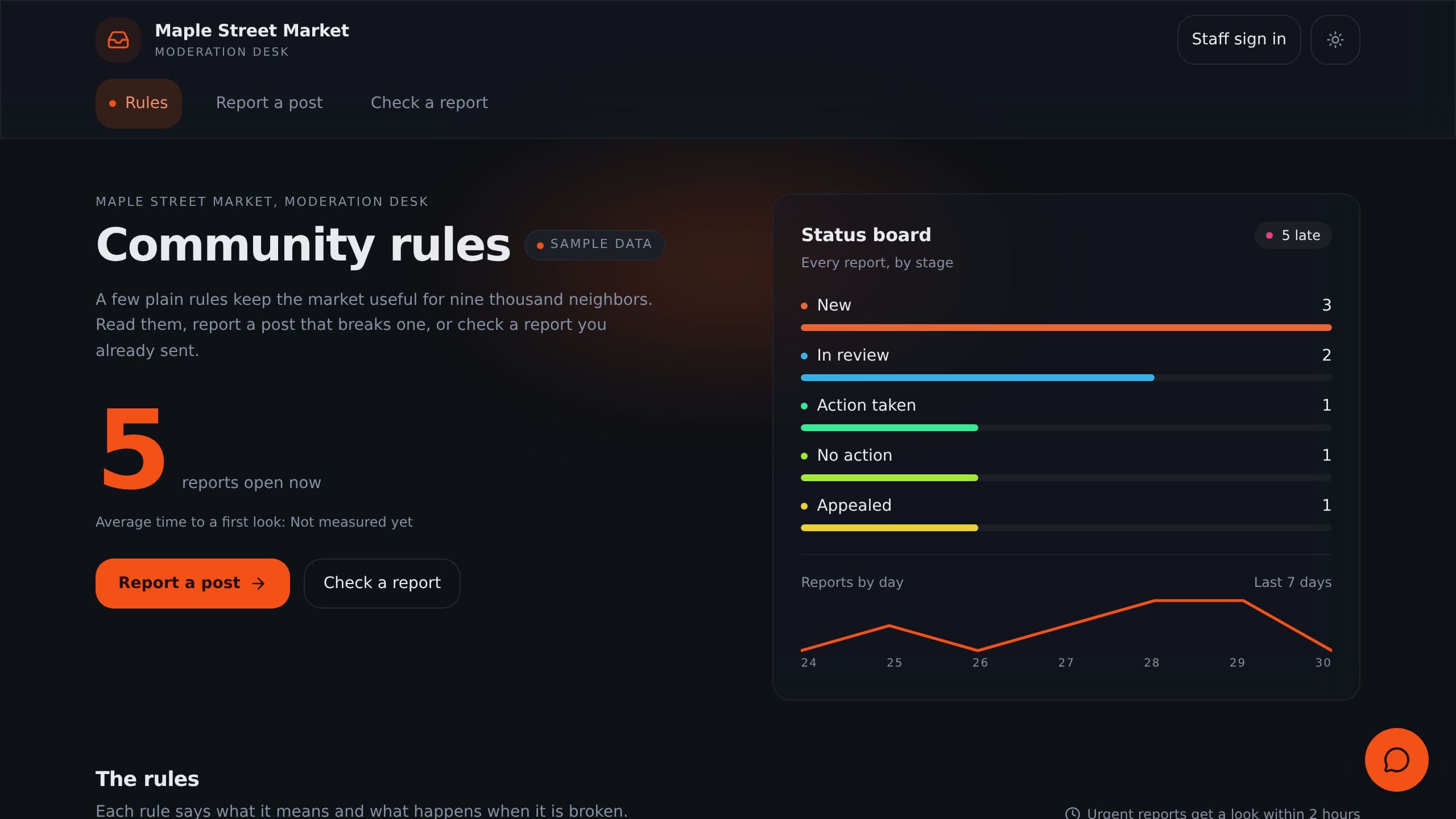
Take reports, set deadlines, log every decision, track strikes and appeals, and publish your community rules.
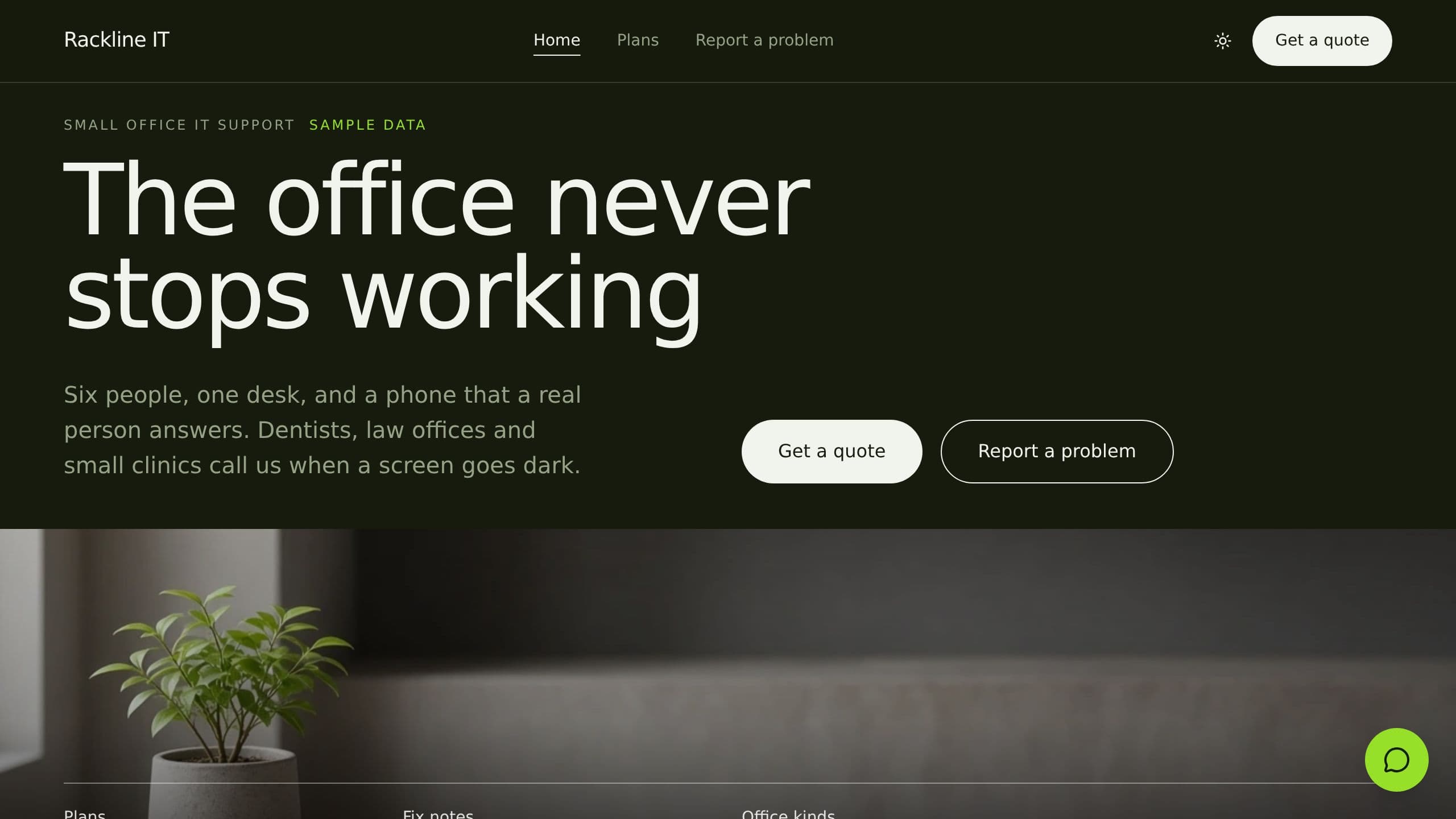
A website for a small IT support firm with plan prices, quote requests, a problem form and client logins that show only their tickets.
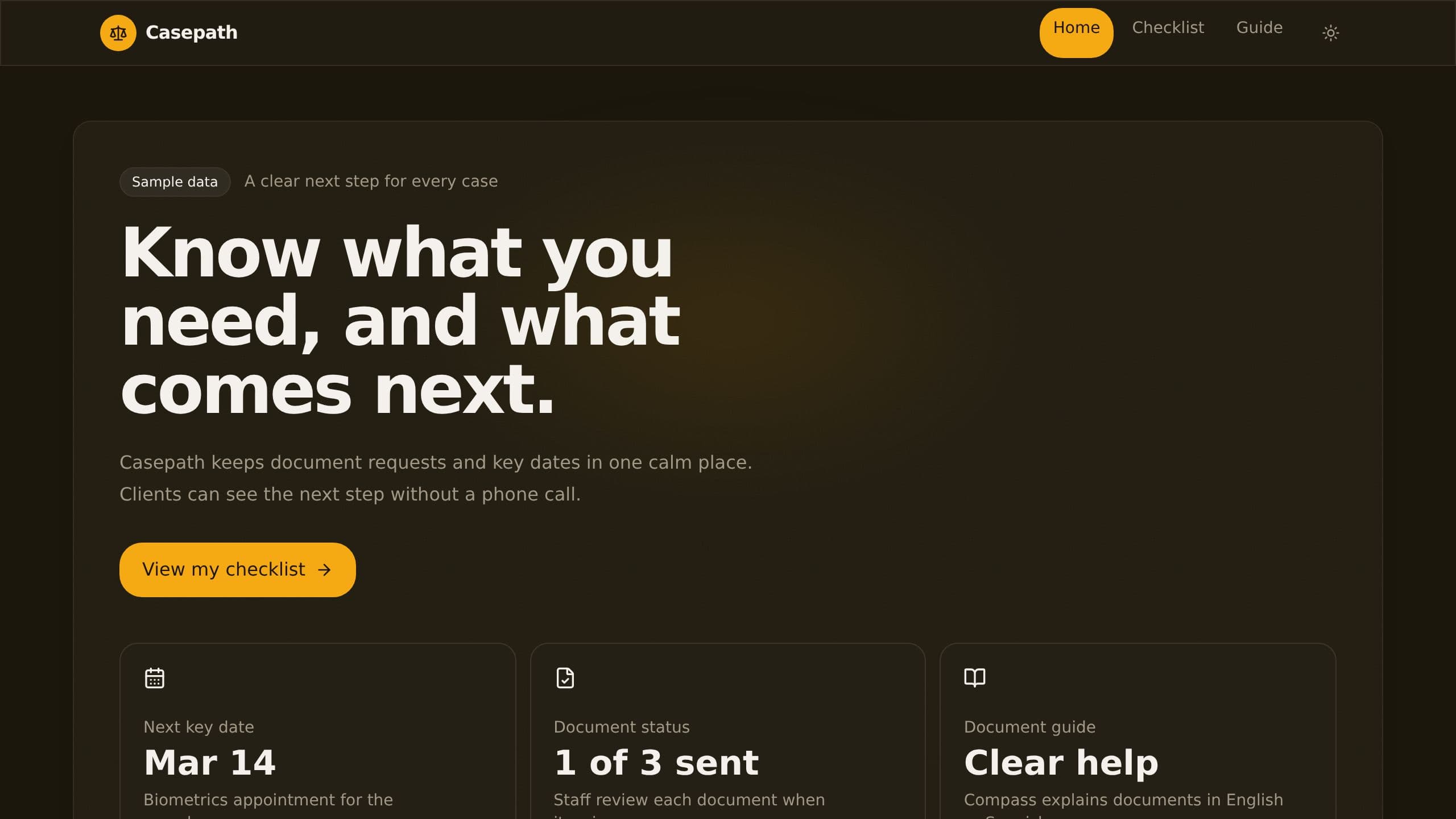
Each client signs in to see and upload their own document checklist, and staff get a weekly overdue list.
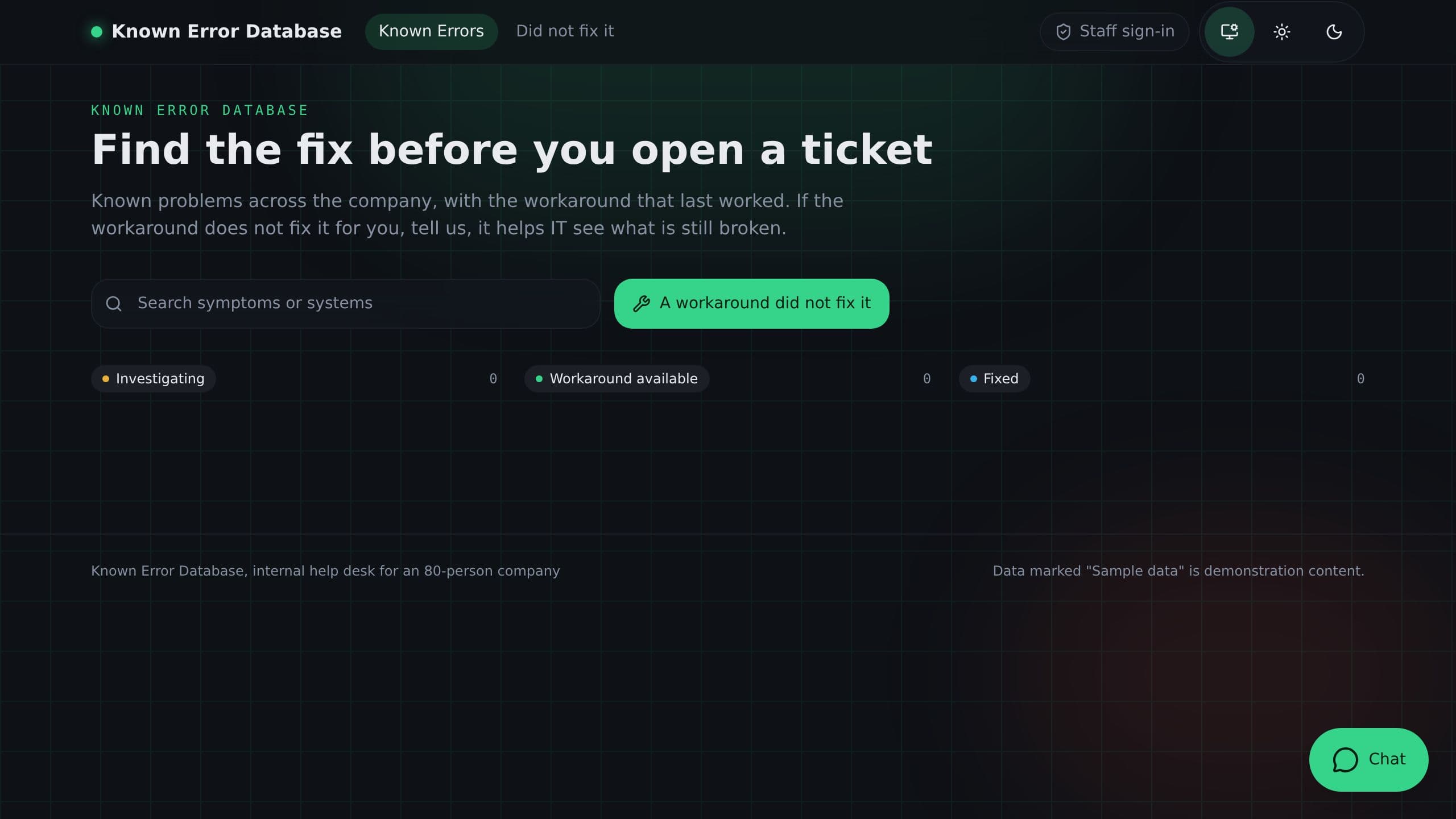
Publish known IT problems with workarounds so staff fix them before they open a ticket.
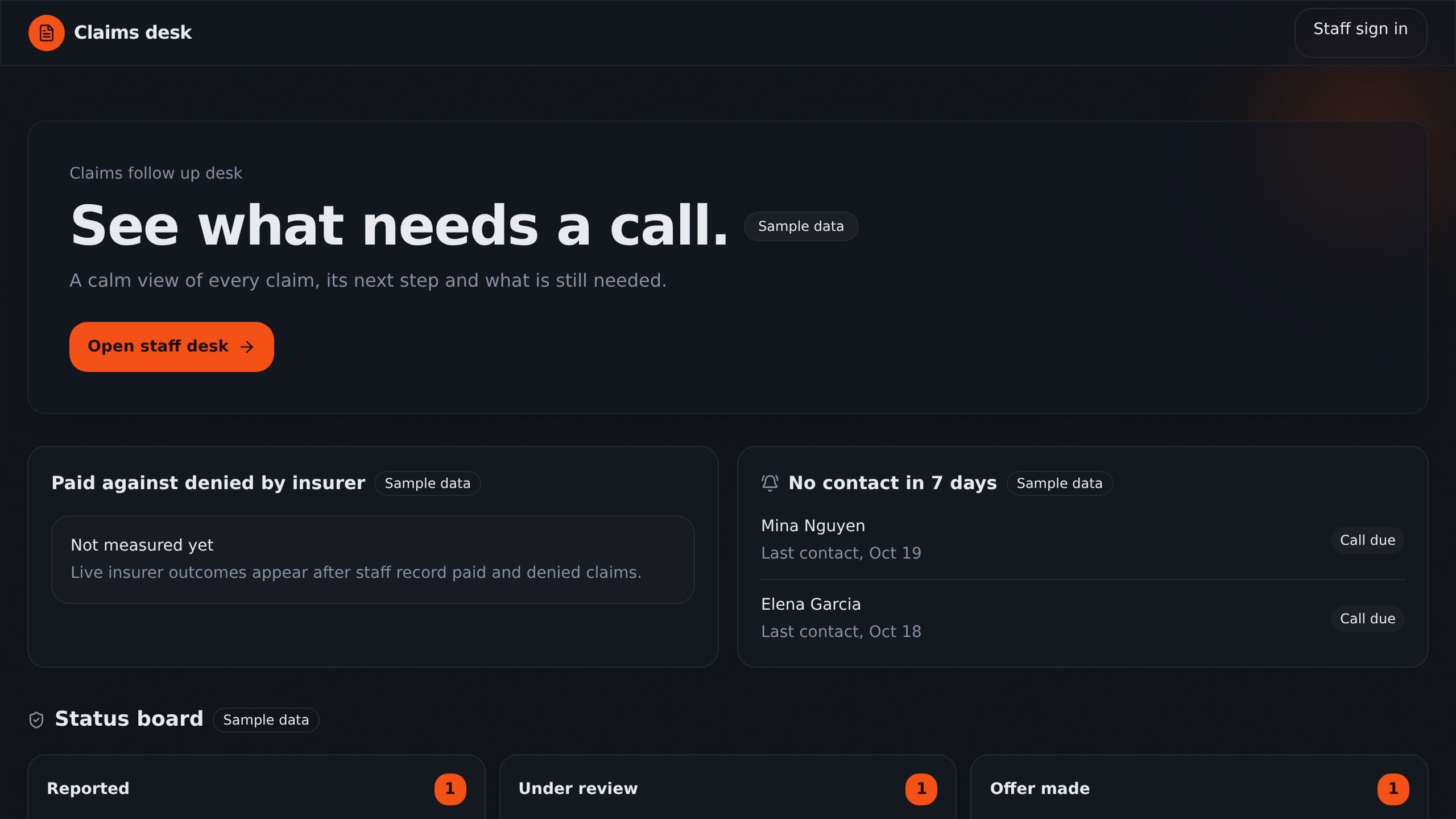
Track every client claim, missing documents and adjuster contact, and get a daily list of next steps due.
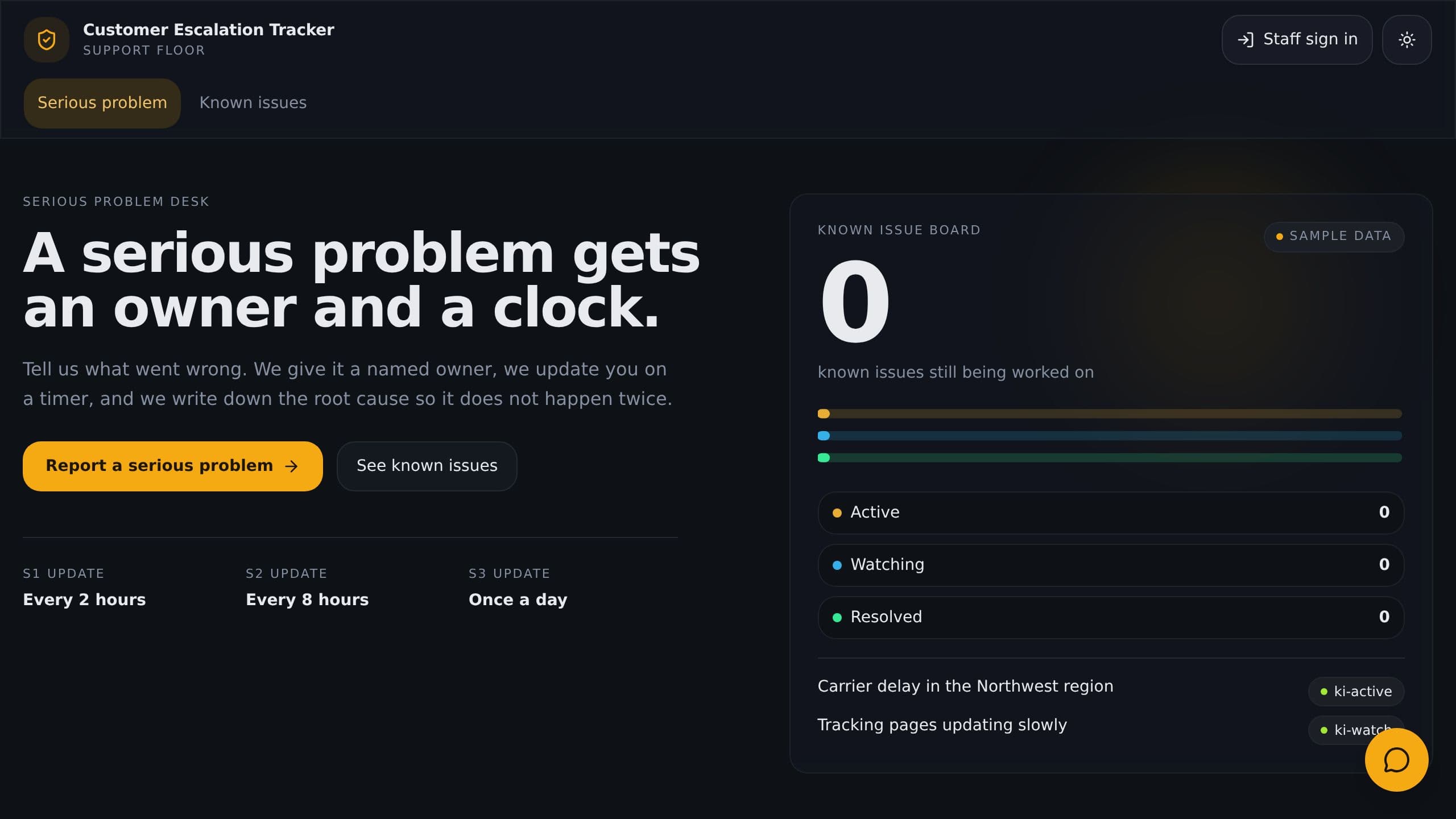
Give every escalation an owner, an update timer and a root cause, and let customers report a serious problem.
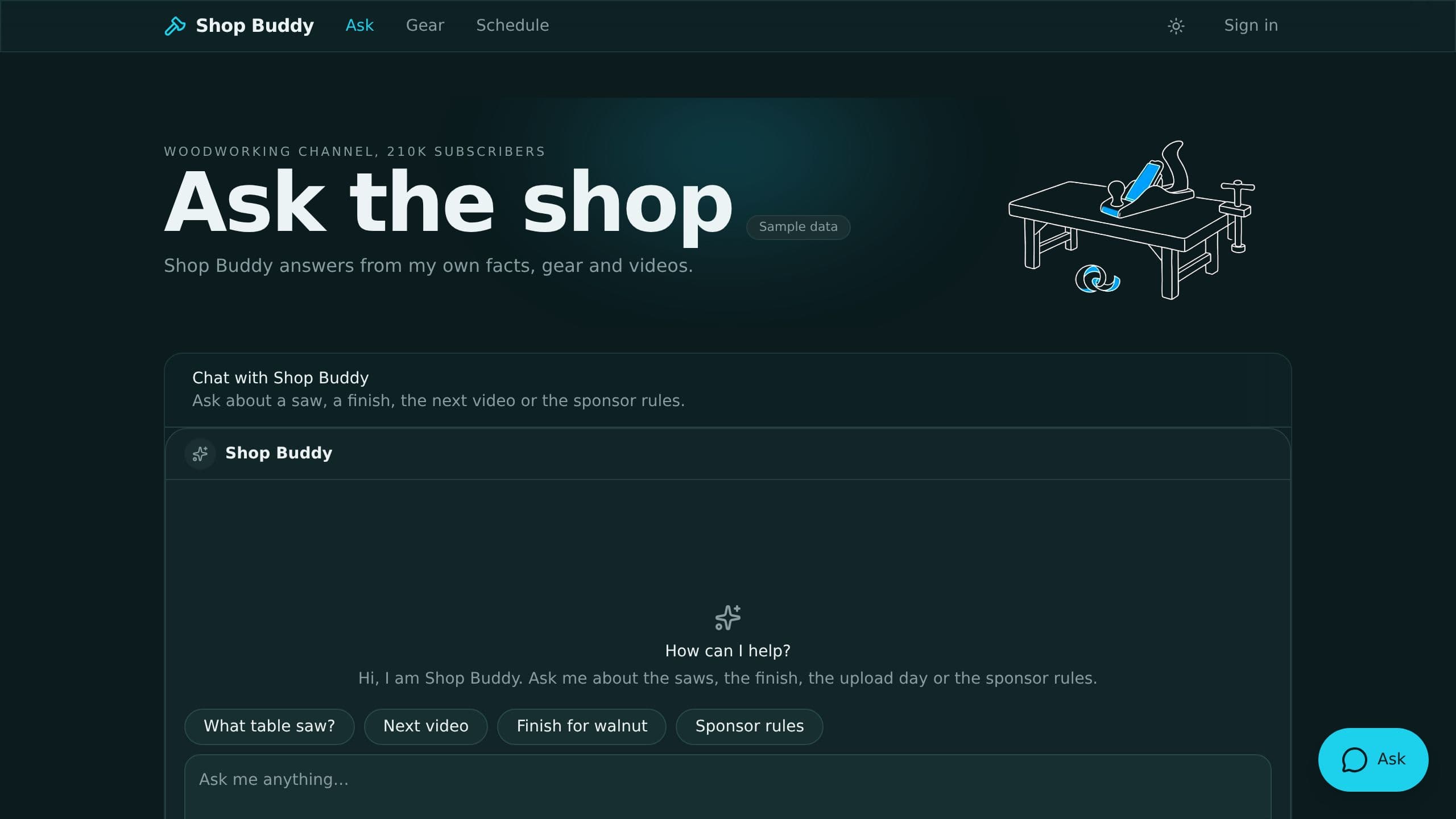
Give viewers a helper that answers from your gear list, upload schedule and rules. See what it could not answer.
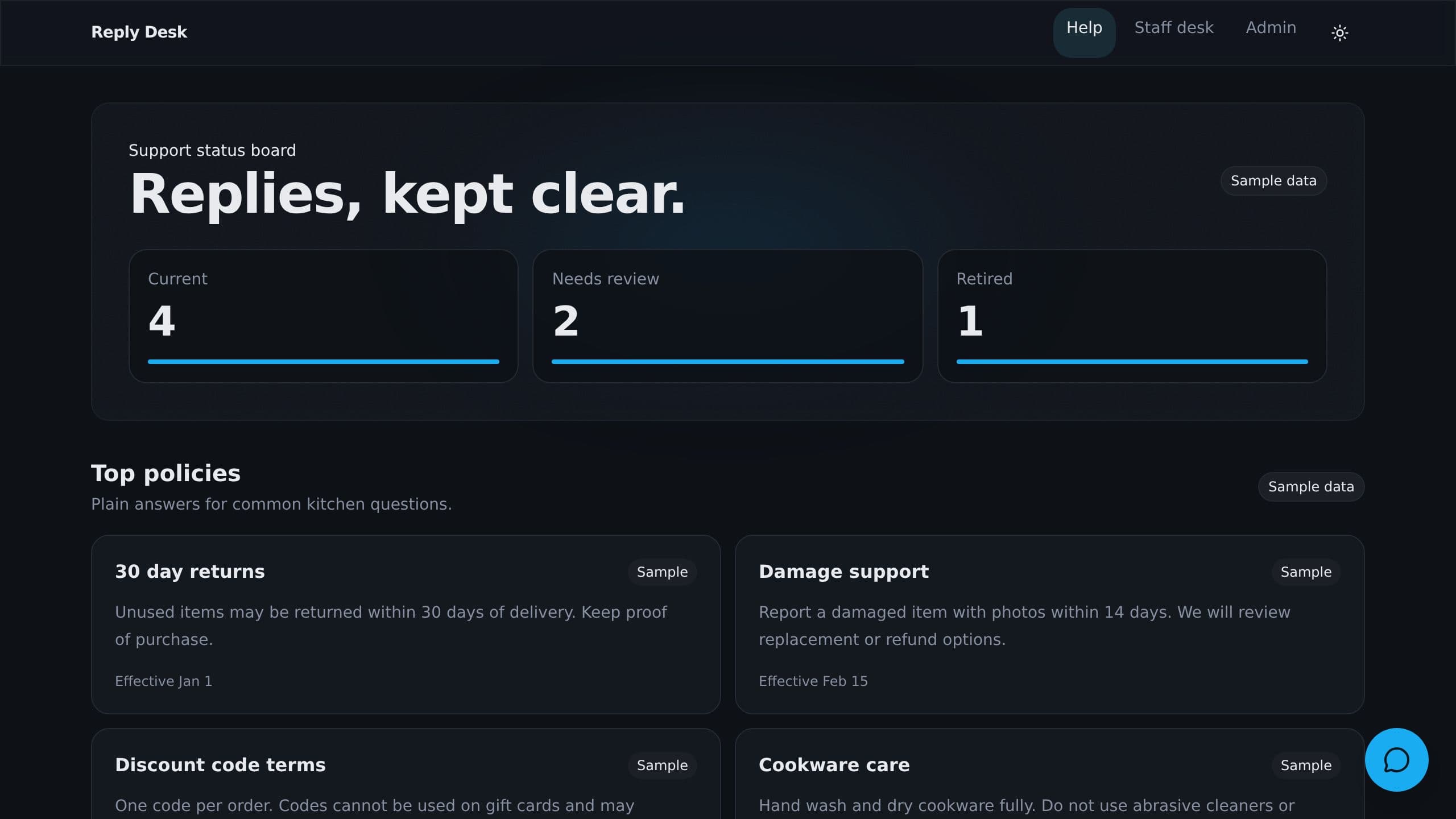
One shared set of saved replies, policy-grounded reply drafts, accuracy ratings and stale macro alerts.
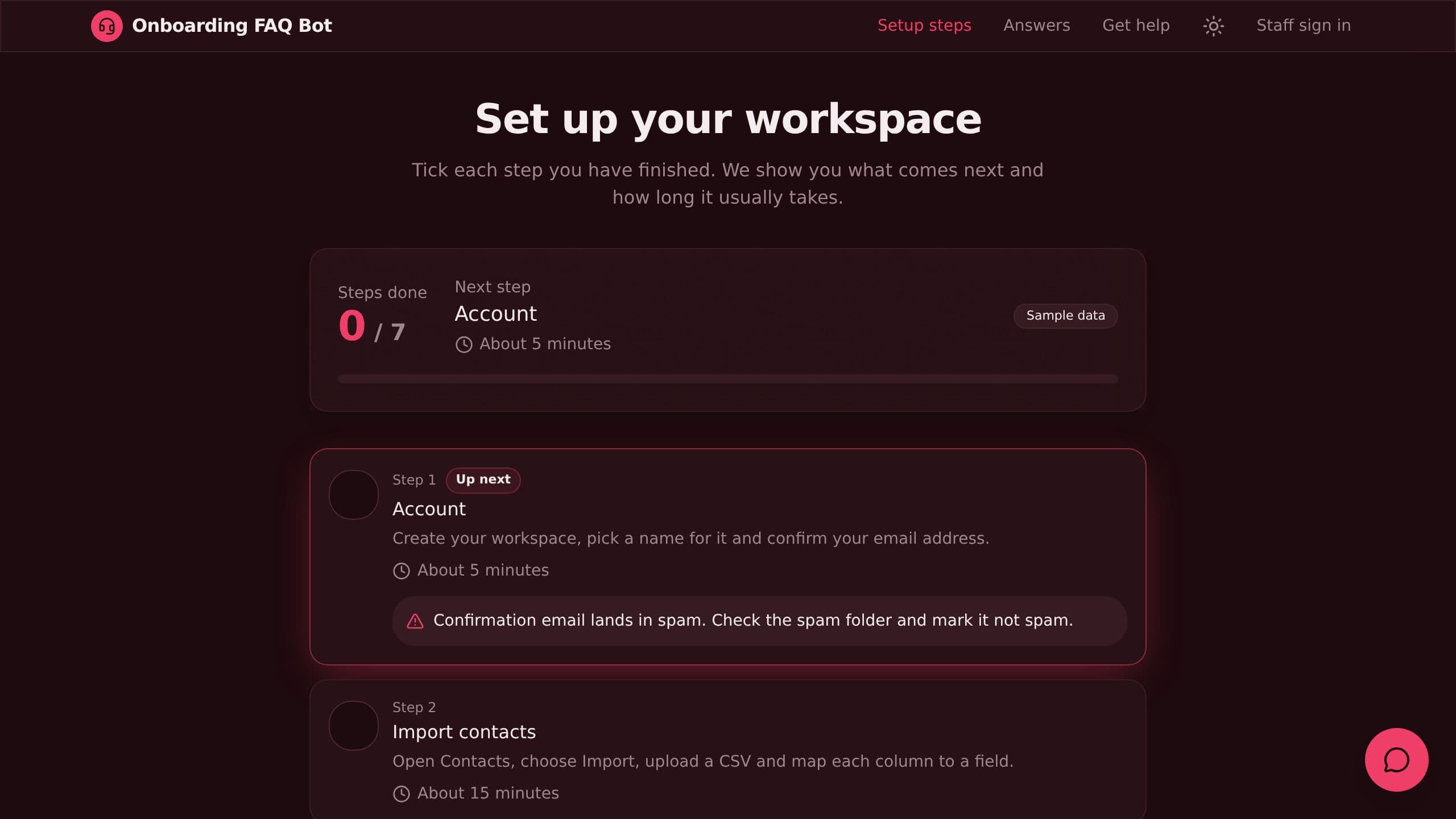
A chat that answers setup questions for new customers and logs the step where each one gets stuck.
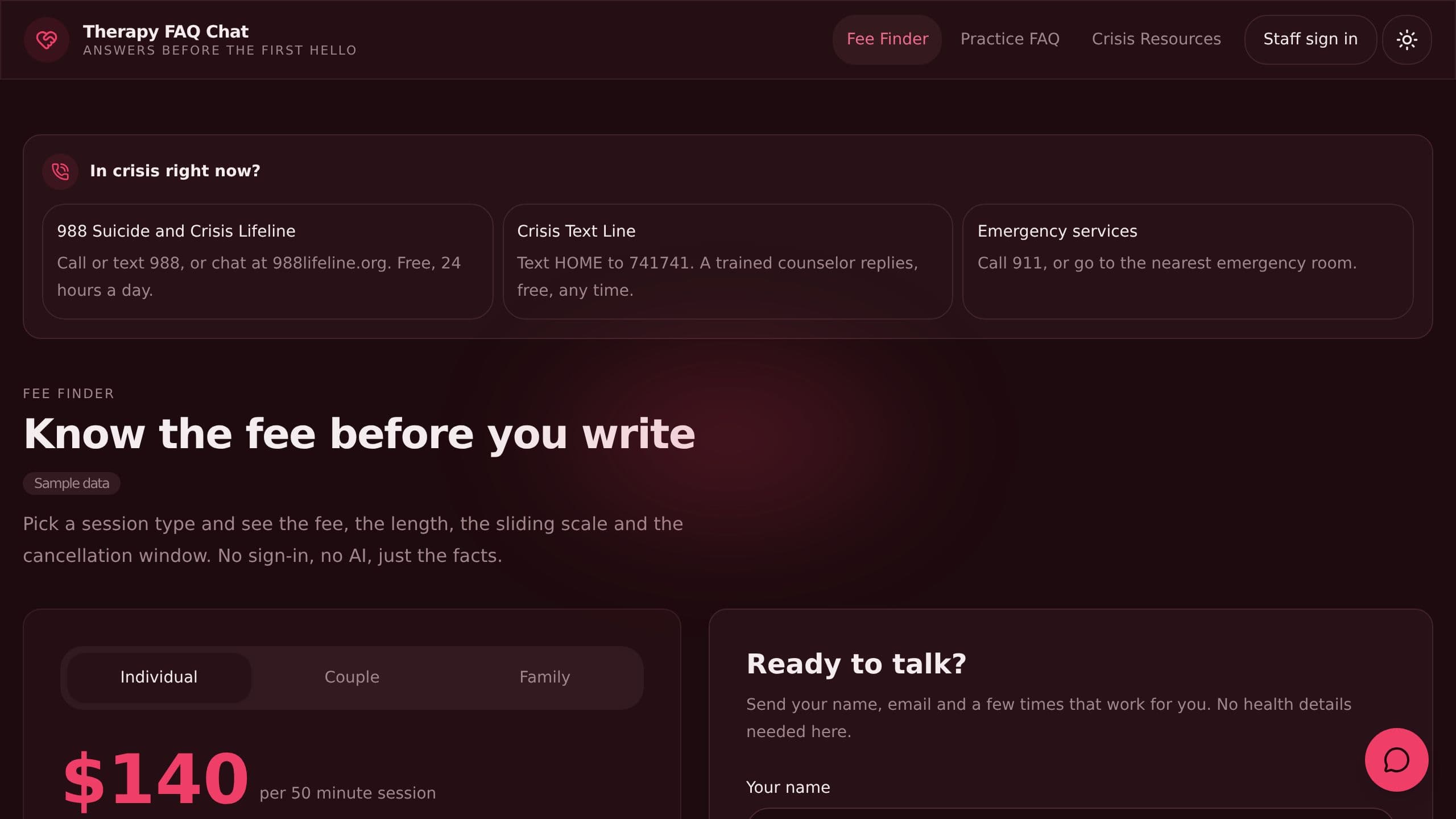
A chat that answers fee, insurance and first session questions for a therapist and saves new client leads.
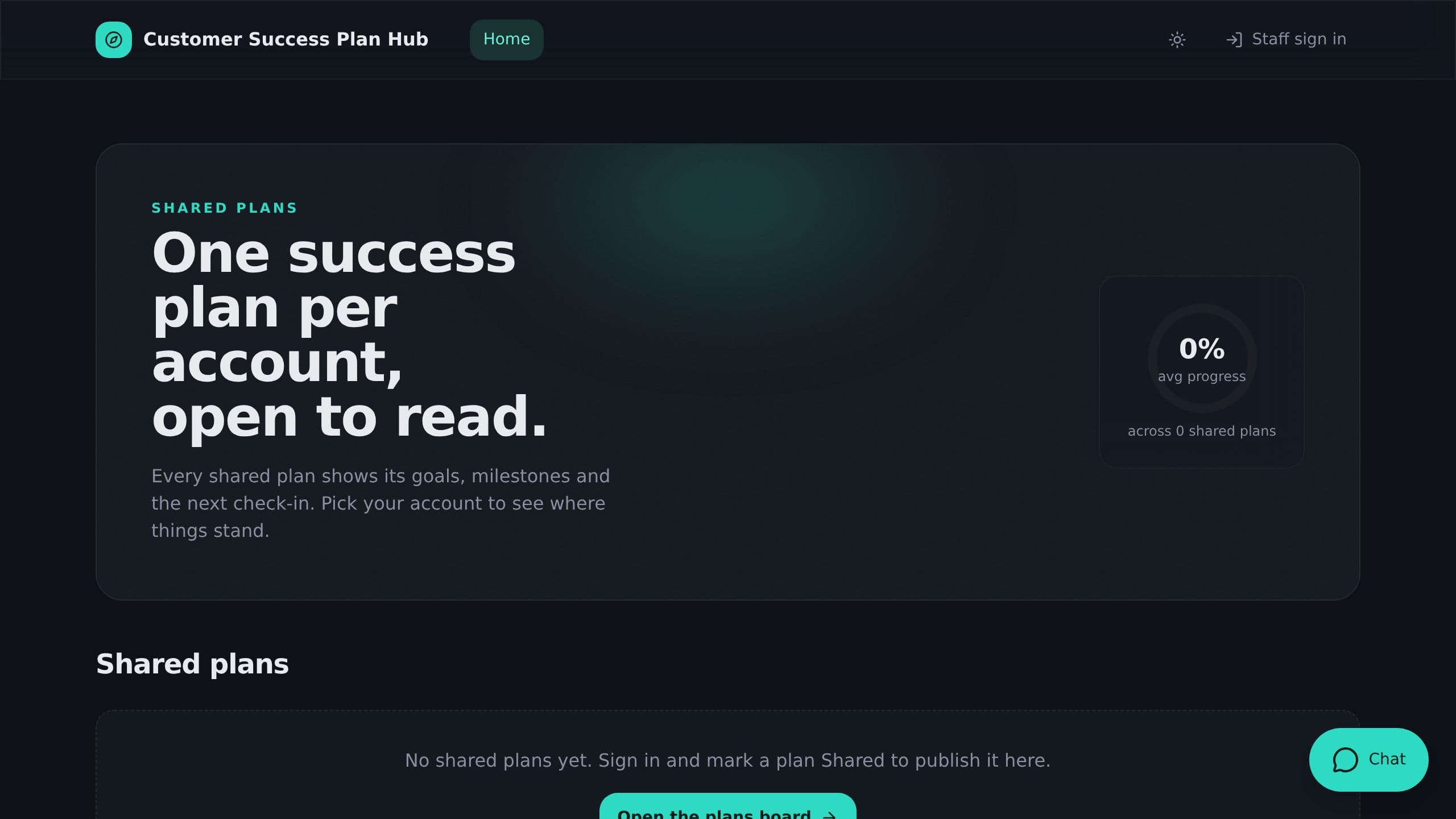
Track goals, milestones and check-ins for every account, and share a plan page with the customer.
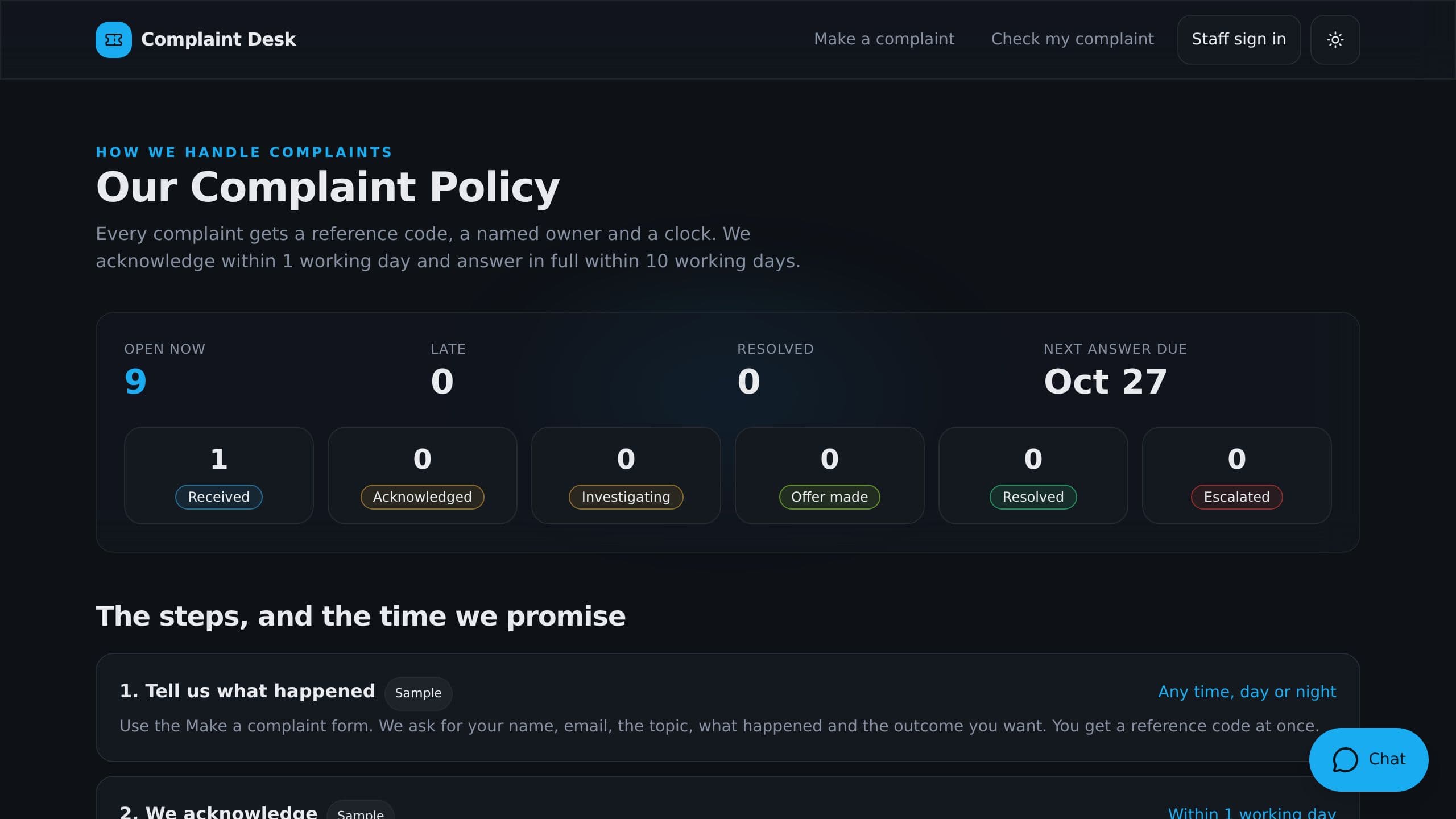
Log every complaint once, run a working-day clock, route remedies by amount, and let customers check status.
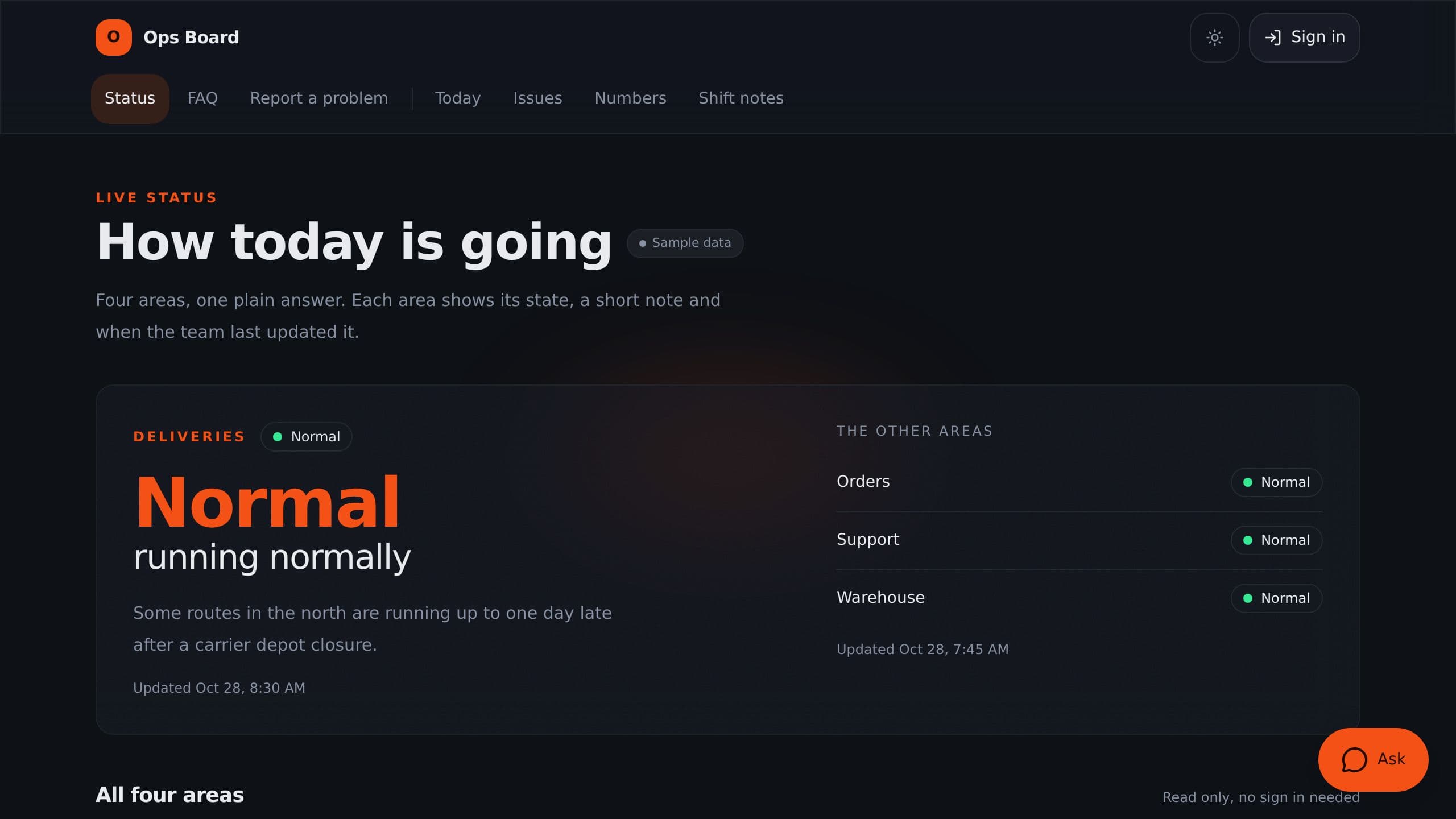
See orders, support, warehouse and deliveries on one board, log issues and shift notes, and publish a status page.
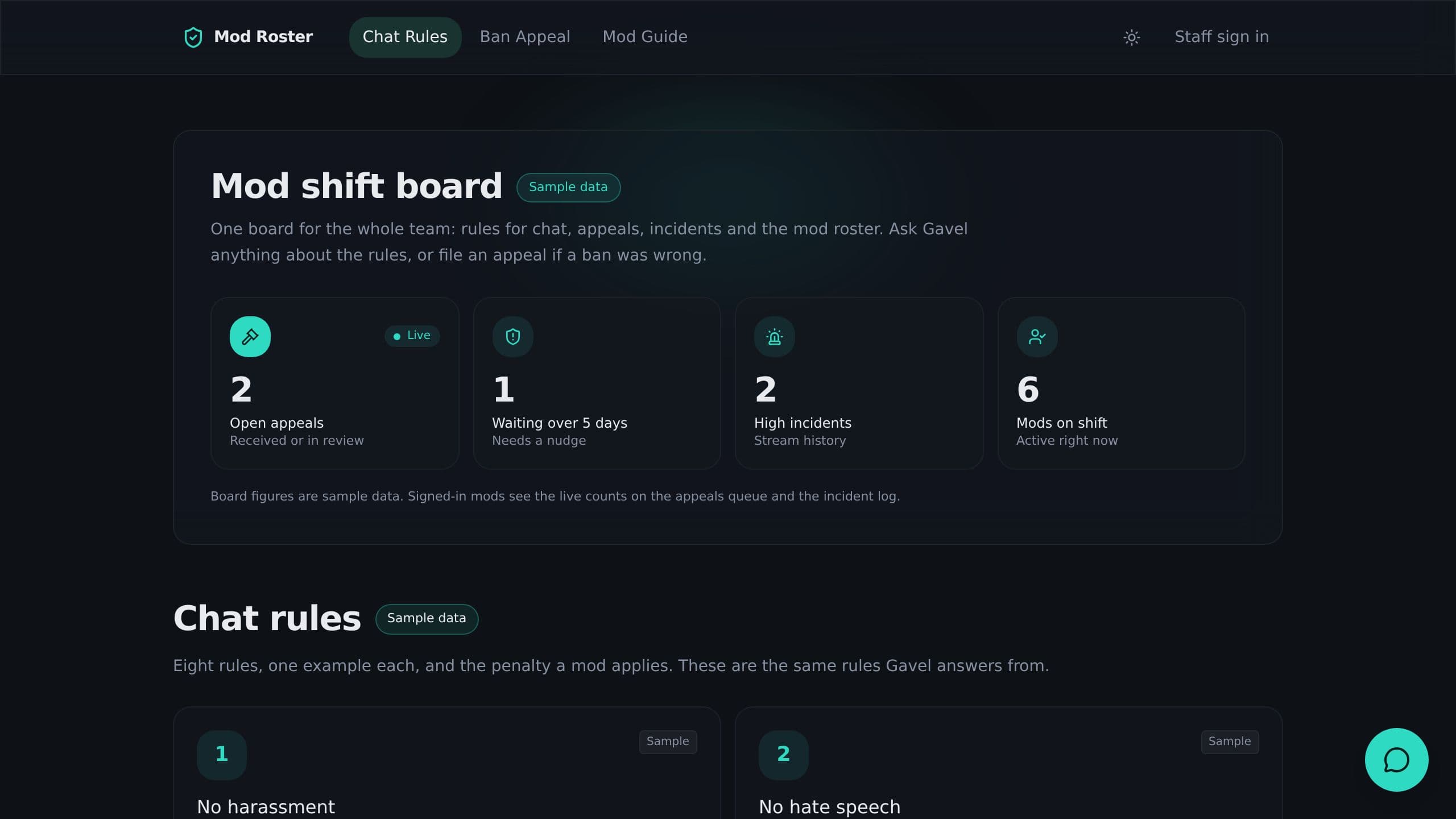
Publish your chat rules, take ban appeals, and run your mod roster and incident log.
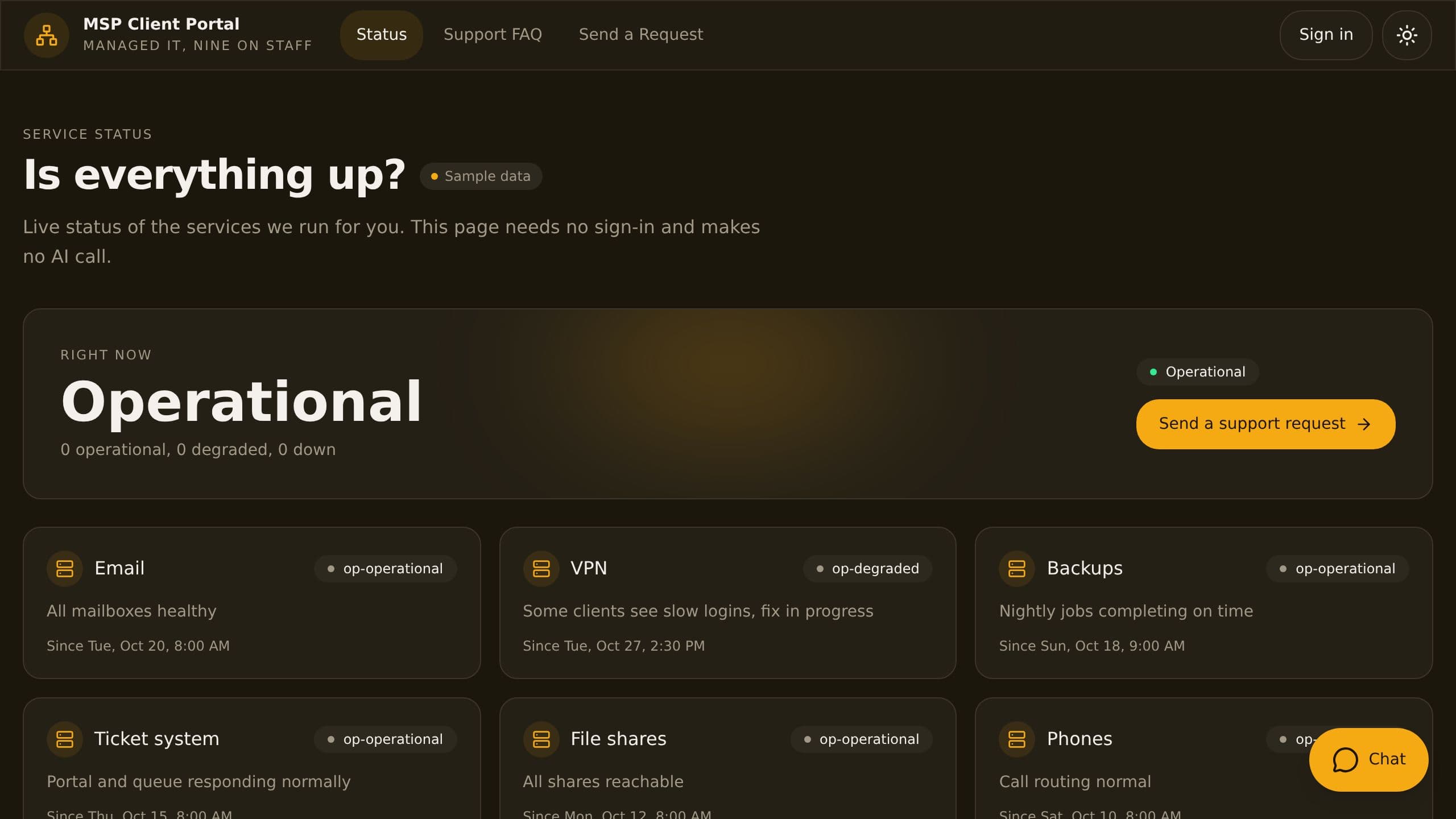
Give each client company its own tickets and devices, and post service status on a public page.
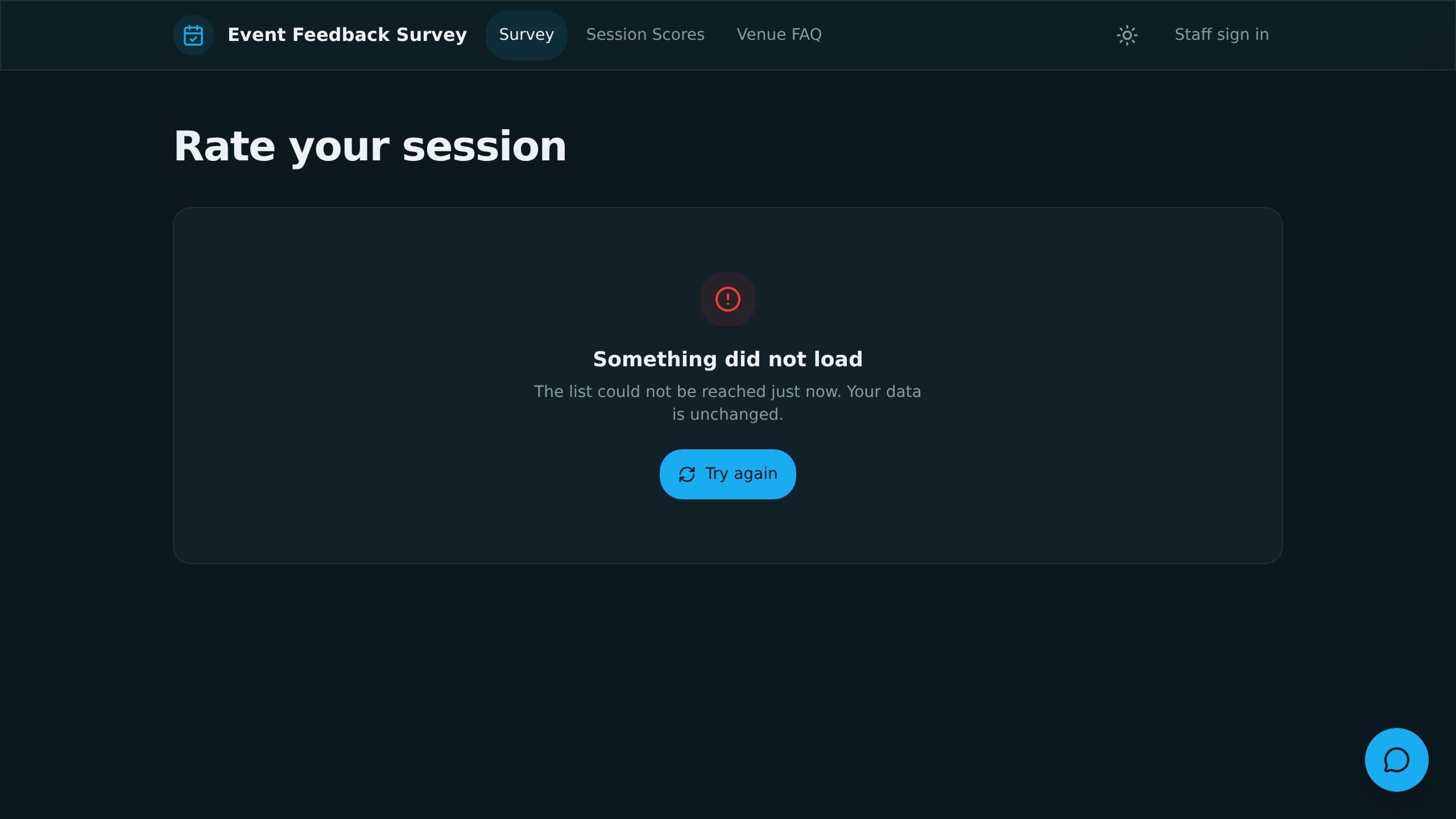
Collect session ratings and comments after an event, flag low scores for follow-up and see trends.
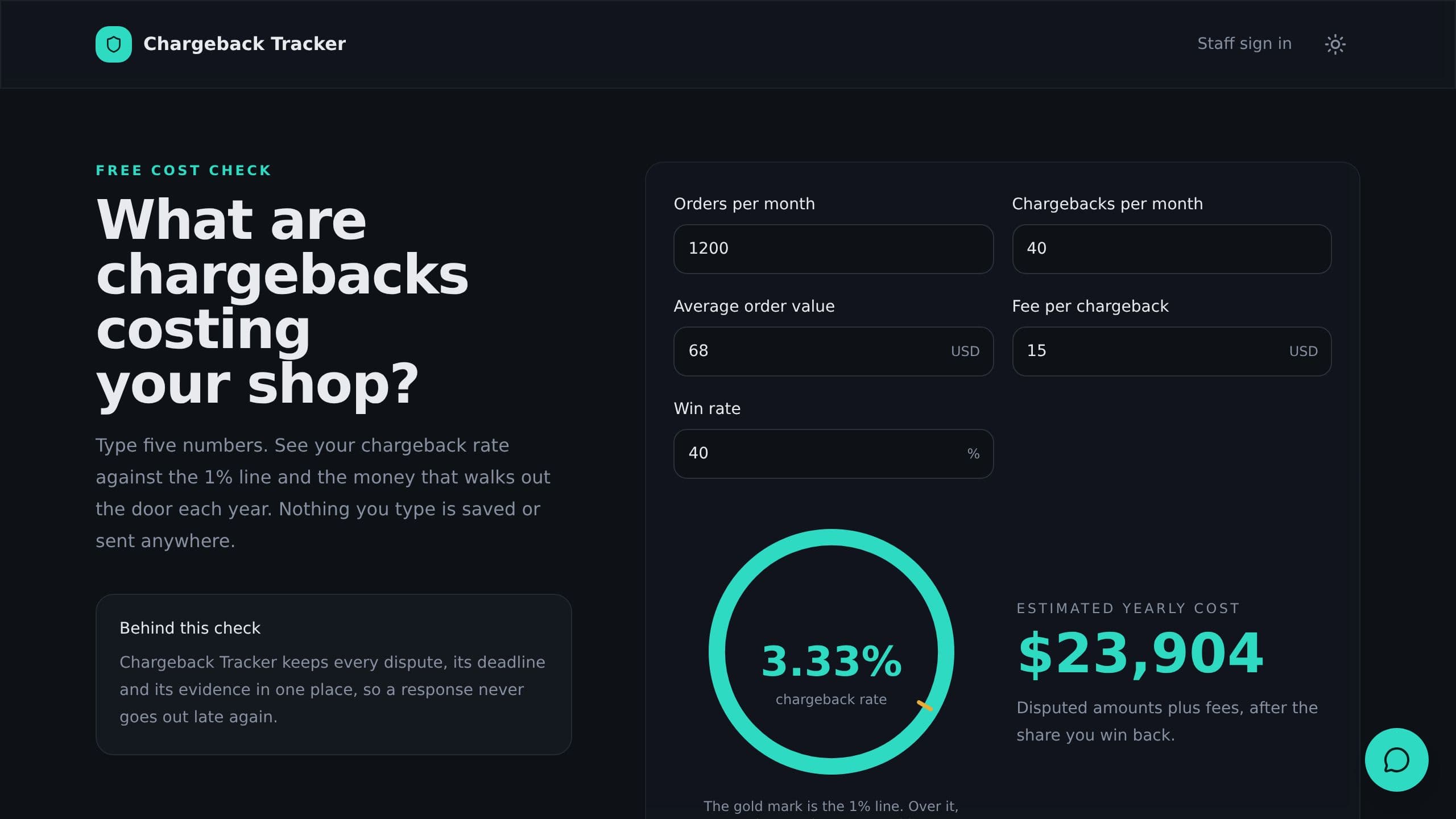
See your chargeback rate and yearly cost for free, then track every dispute, evidence list and deadline.
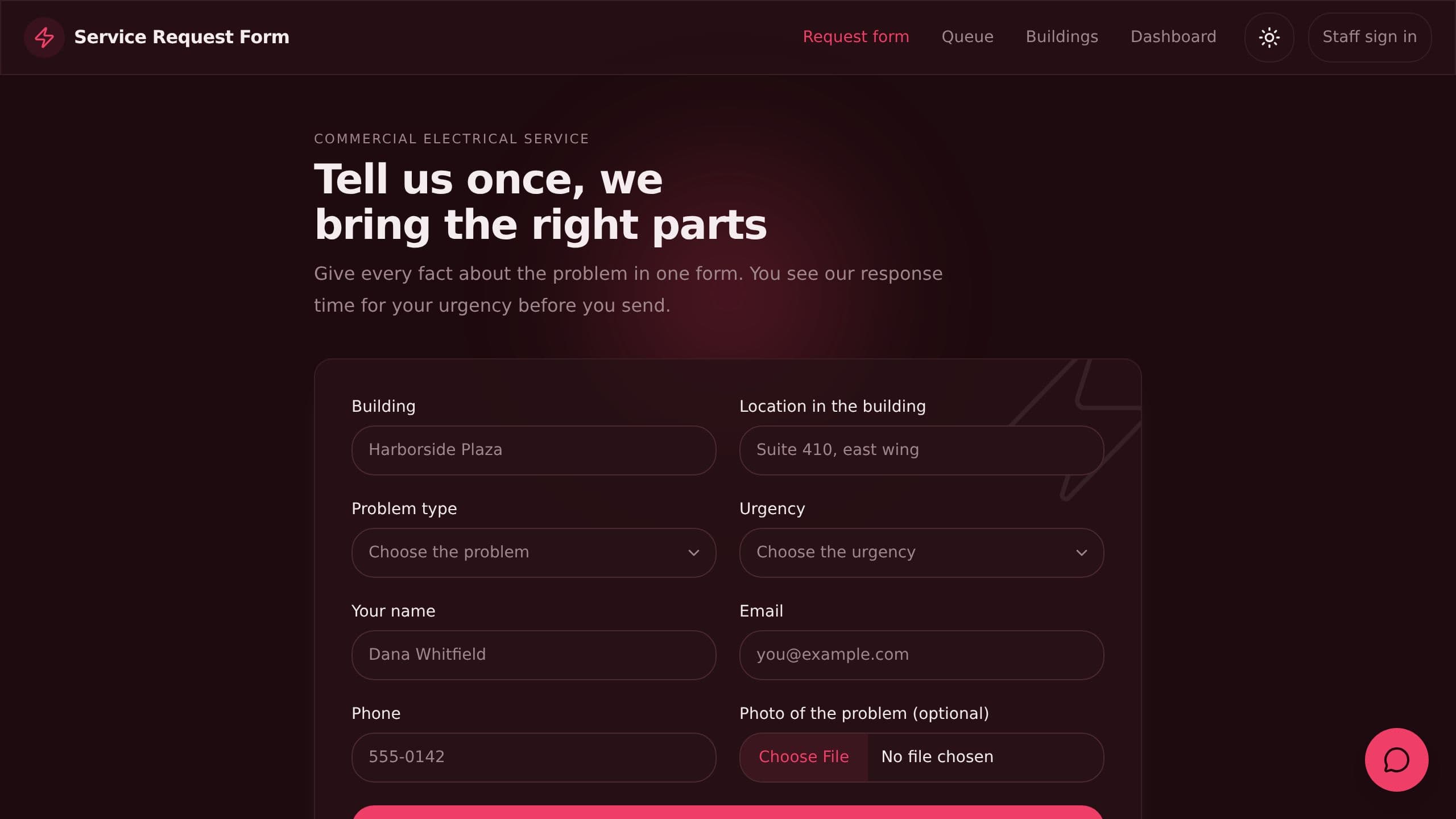
Building contacts send complete service requests with urgency and photos, and the contractor runs one queue with response times.
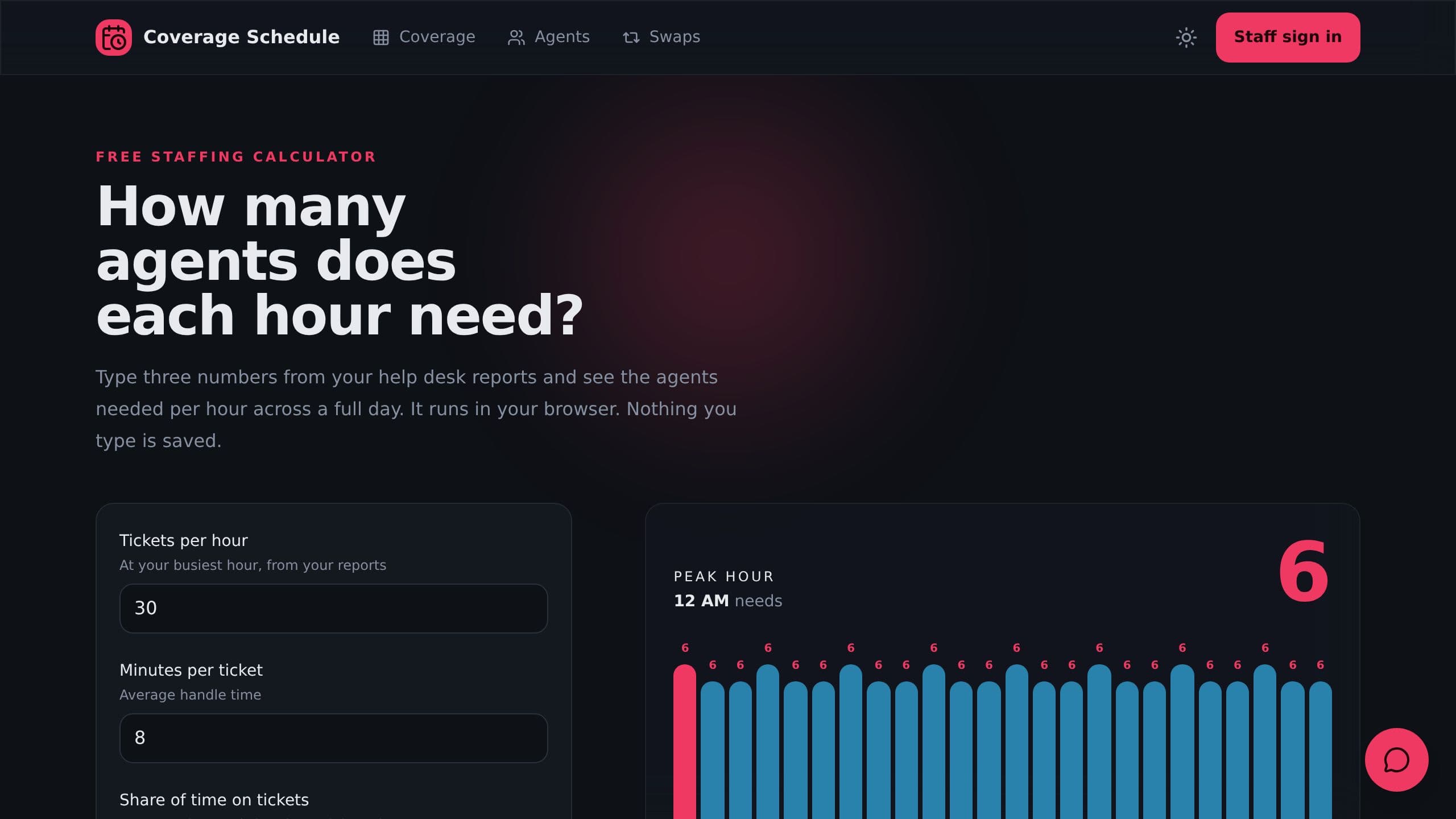
Work out agents needed per hour for free, then plan support coverage by hour across time zones with swaps.
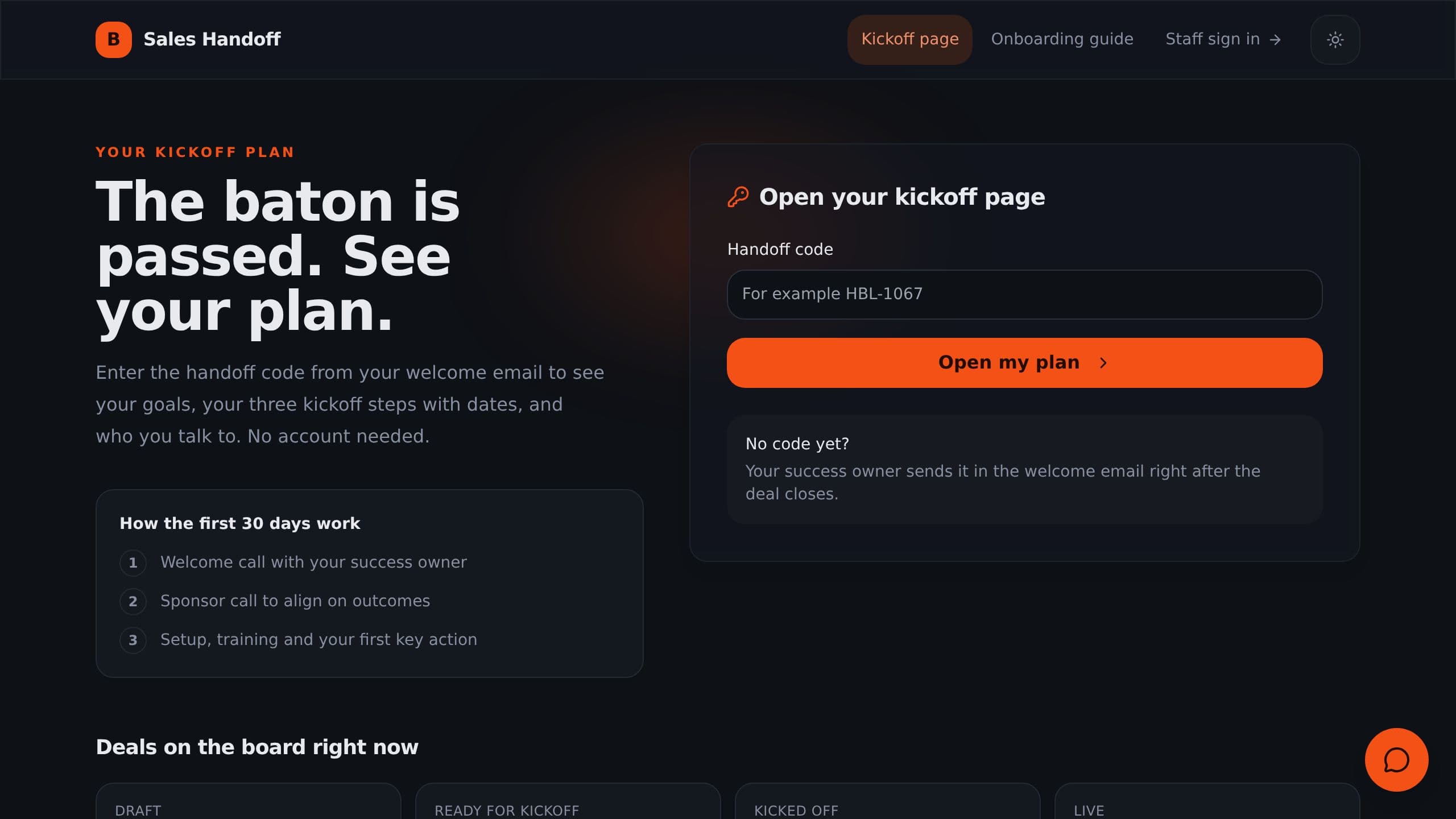
Capture what sales promised, gate the handoff until it is complete, and give the customer a kickoff page.
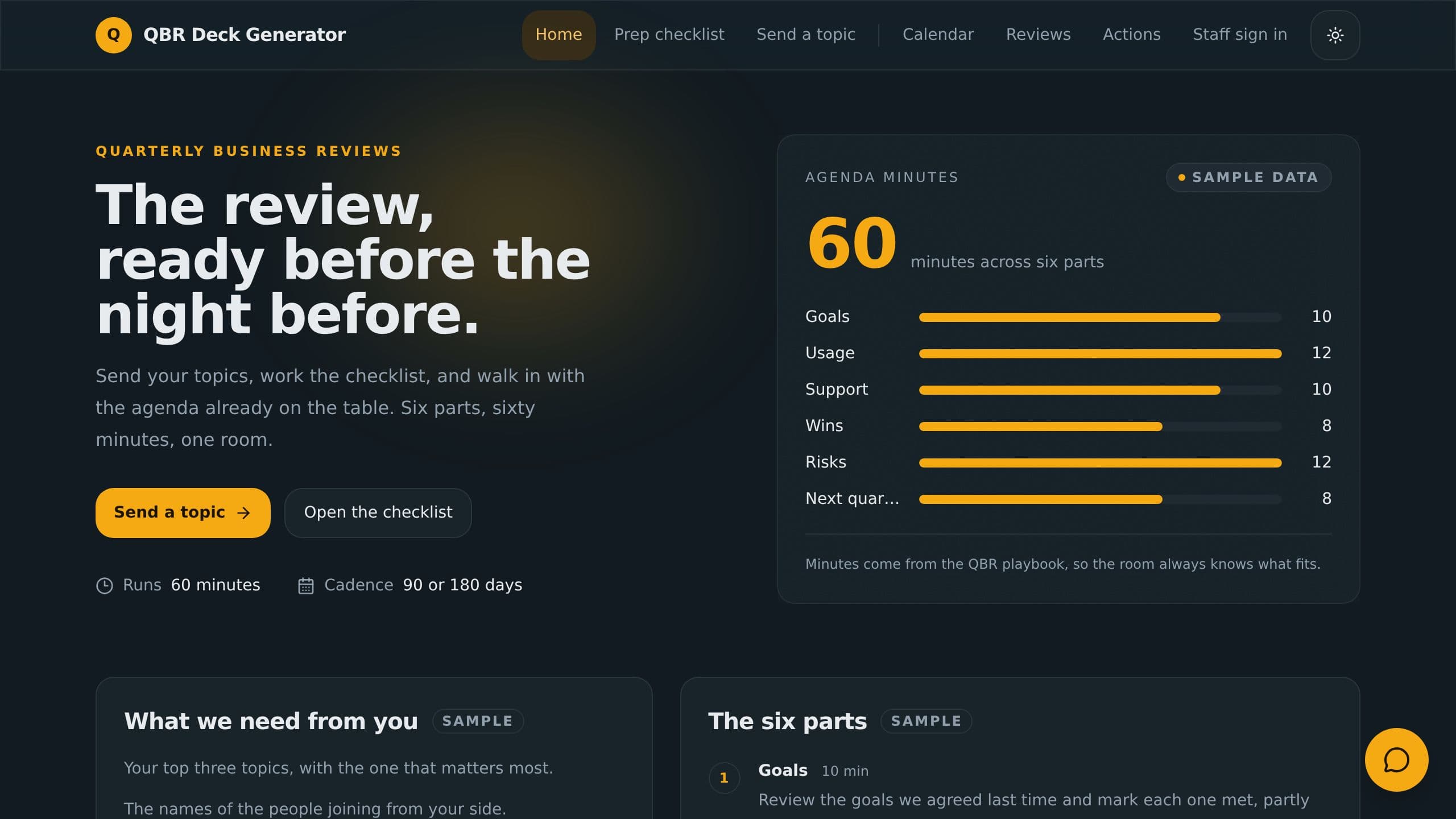
Prepare every quarterly review from one desk, collect topics from customers, and track actions to done.
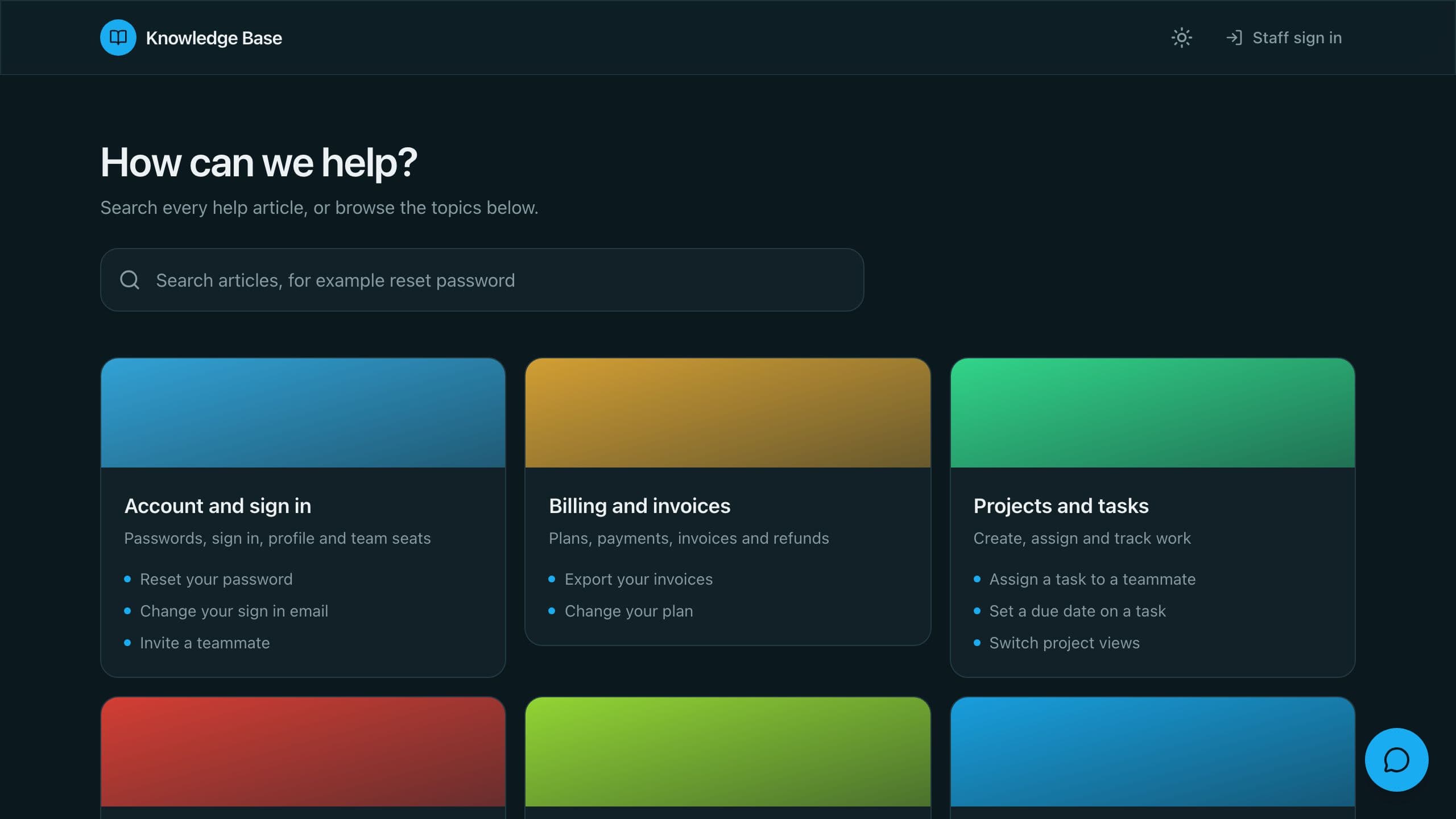
Publish a searchable help site, see which articles fail customers, and fix them from a queue.

It replaces the shared spreadsheet and the status emails of an onboarding manager. Visitors check their readiness on a public page and send a pre-kickoff question. Each customer sees only its own checklist after sign-in. Clone it free and start with sample data.
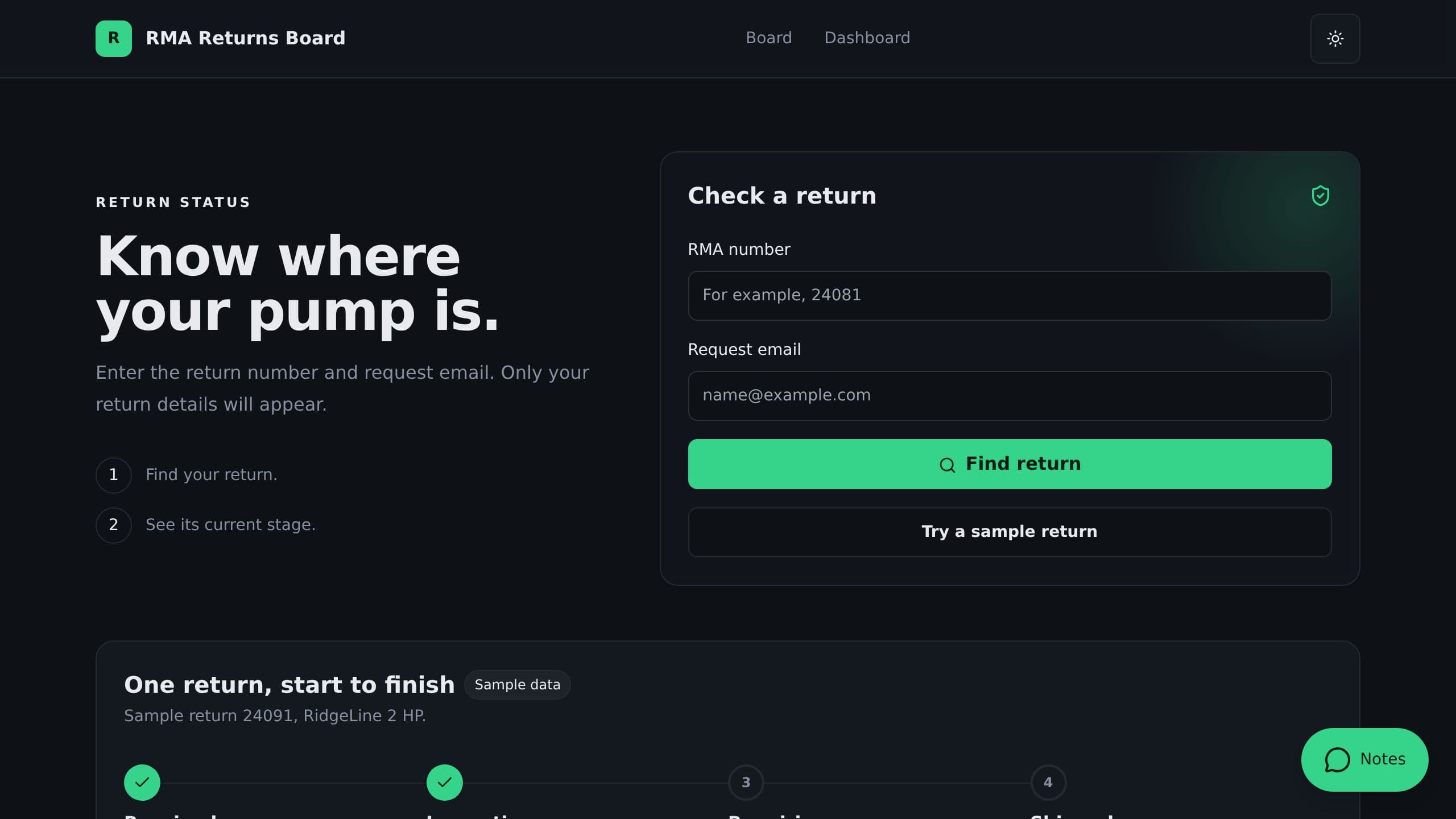
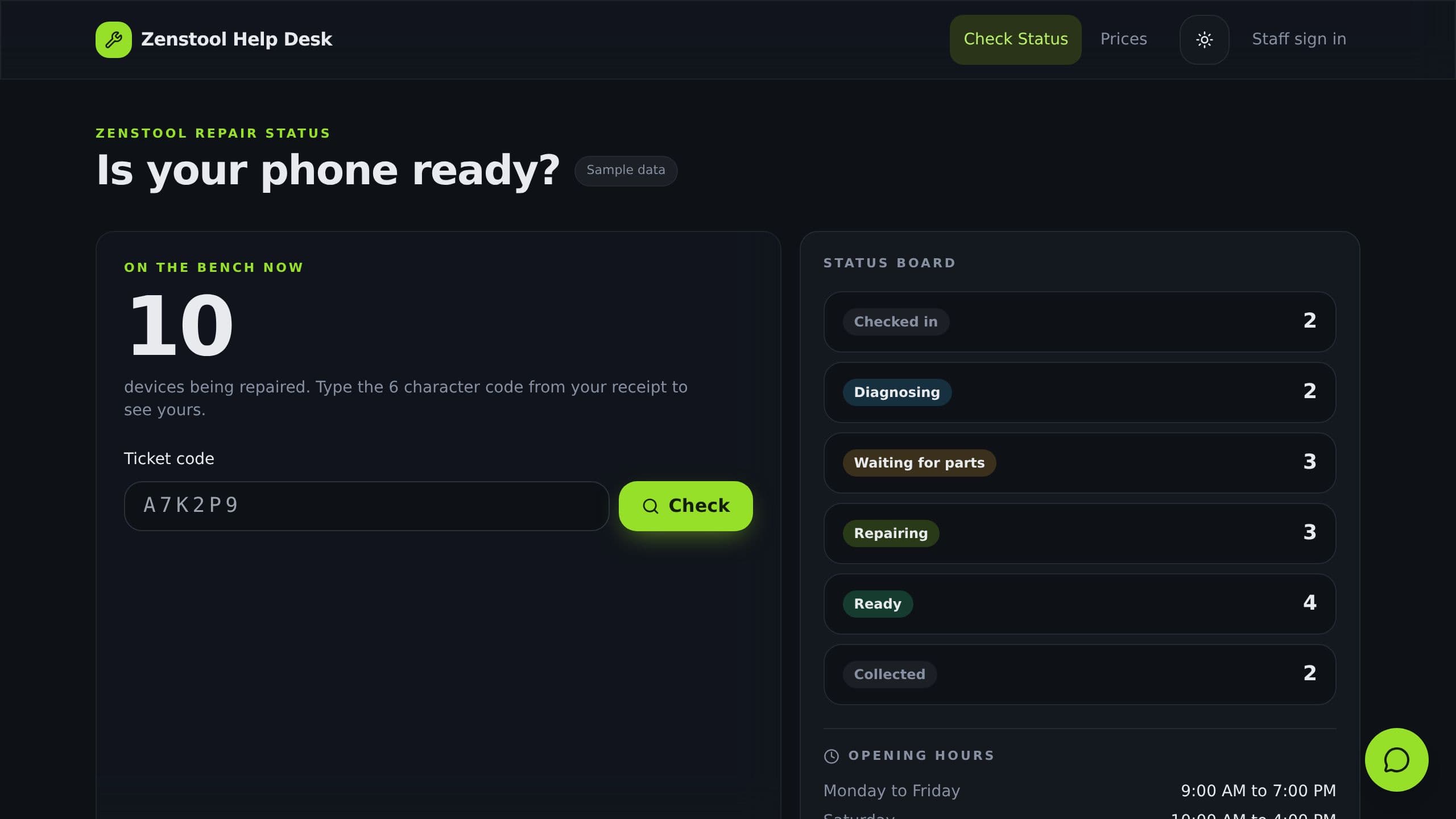
Customers look up their own return status, and the service team tracks every RMA from request to ship back.
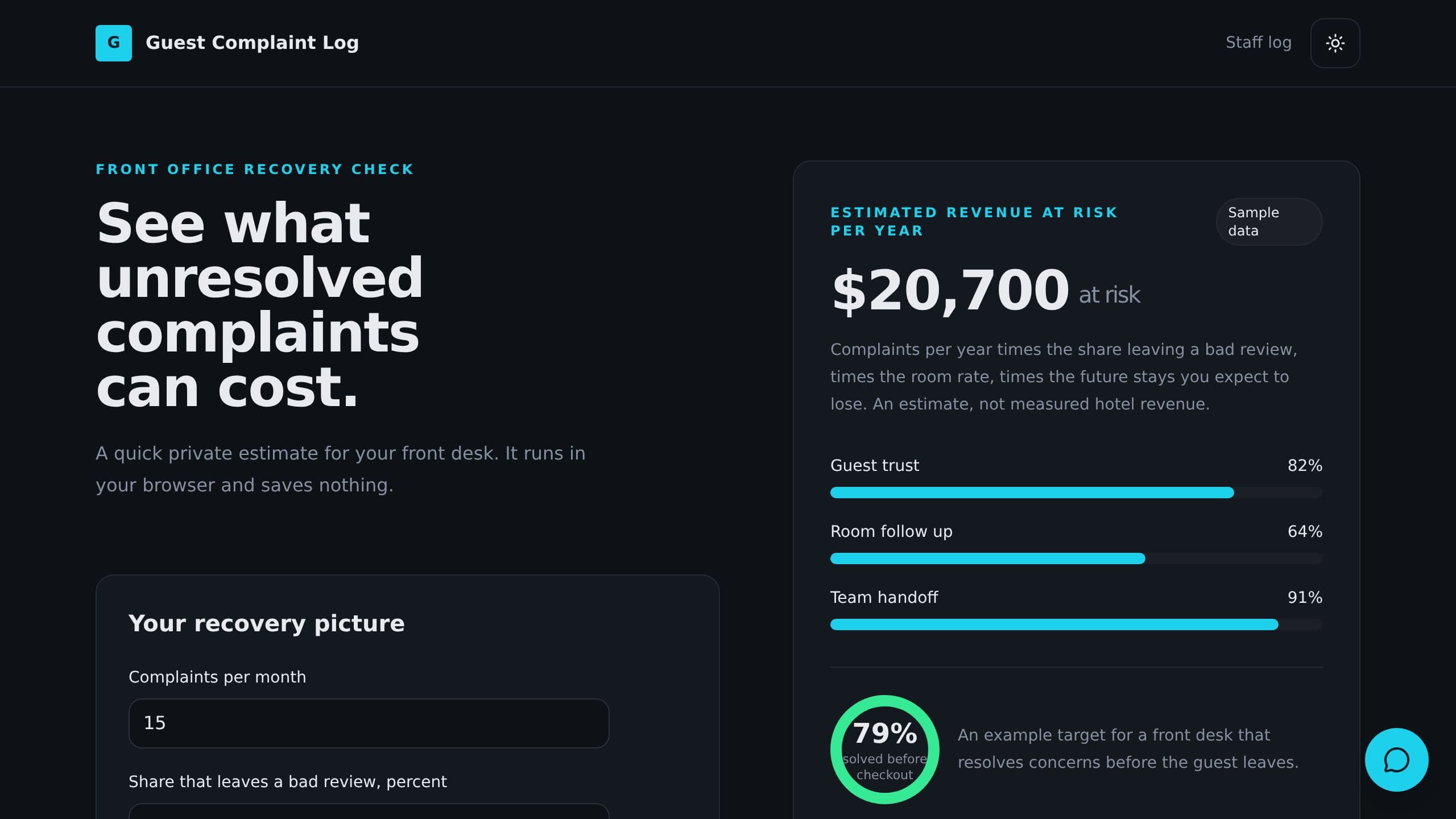
See the revenue at risk from complaints for free, then log every hotel guest complaint, fix and recovery by room.
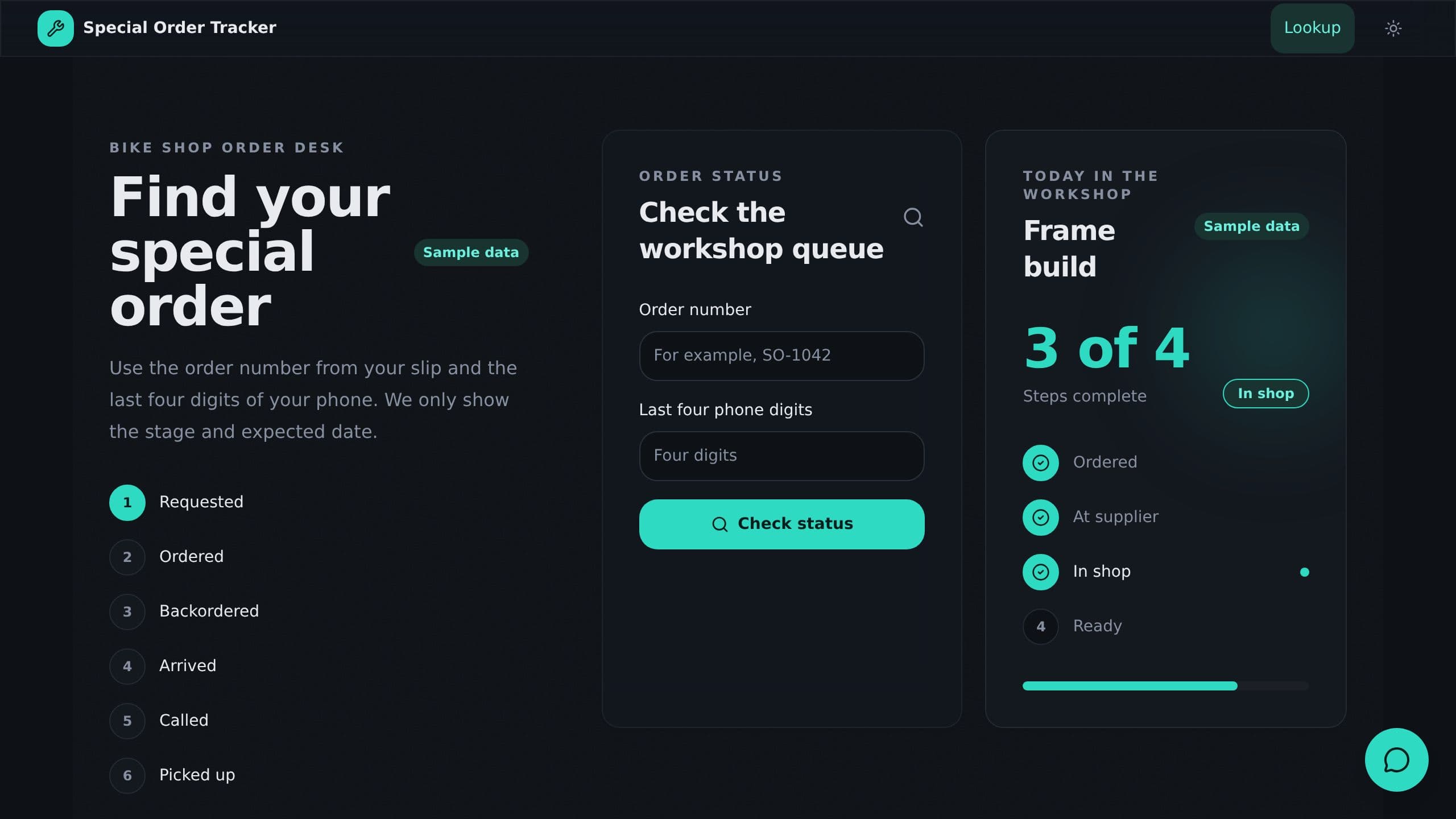
Customers look up an order by number and phone digits, staff track suppliers and arrivals, and reminders go out on schedule. Includes sample data.
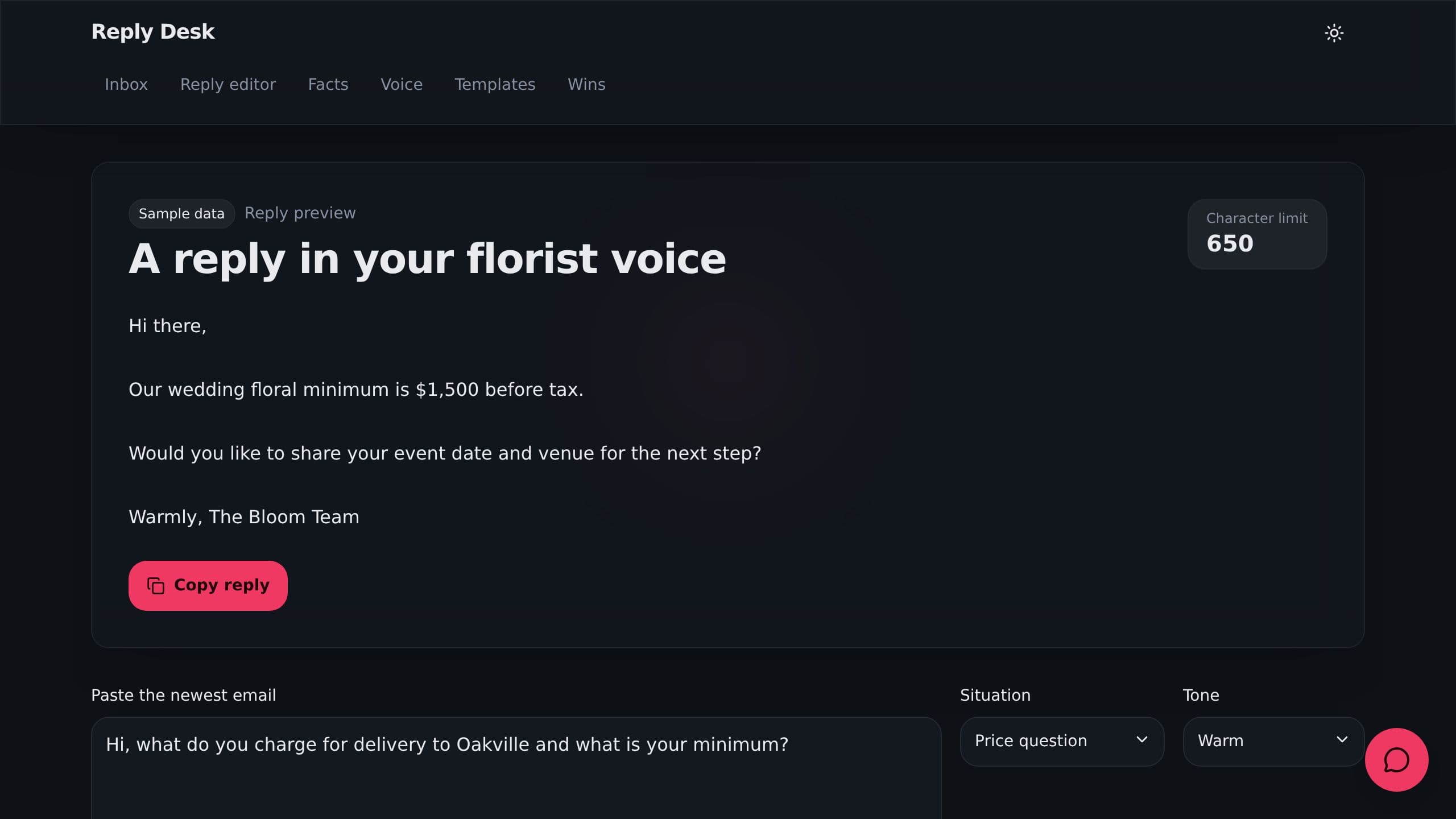
Paste an email and get a reply in your voice that answers every question from your real prices and policies, never a guess.
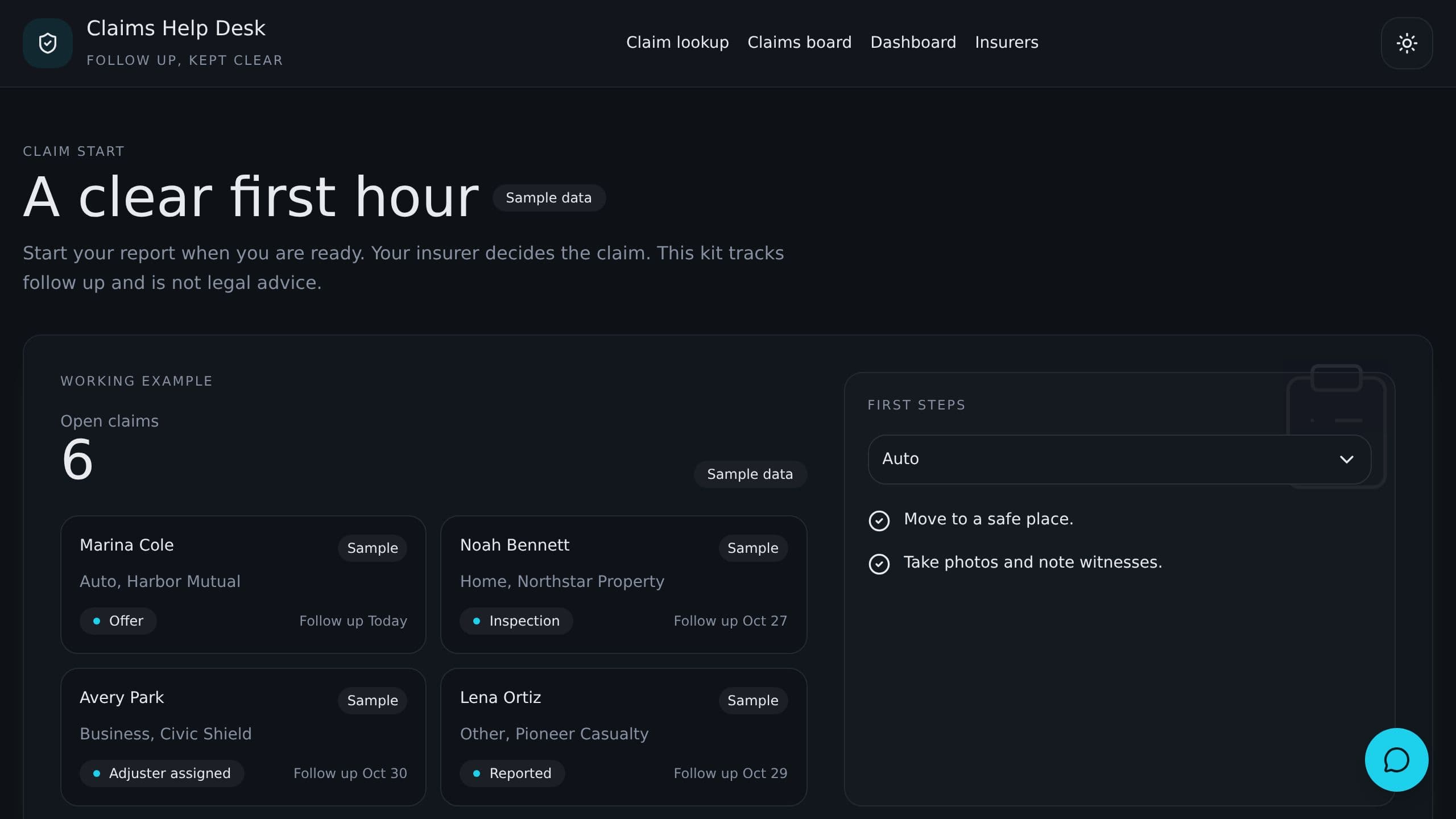
Track every client insurance claim by stage with insurer status, follow up dates and drafted client notes.
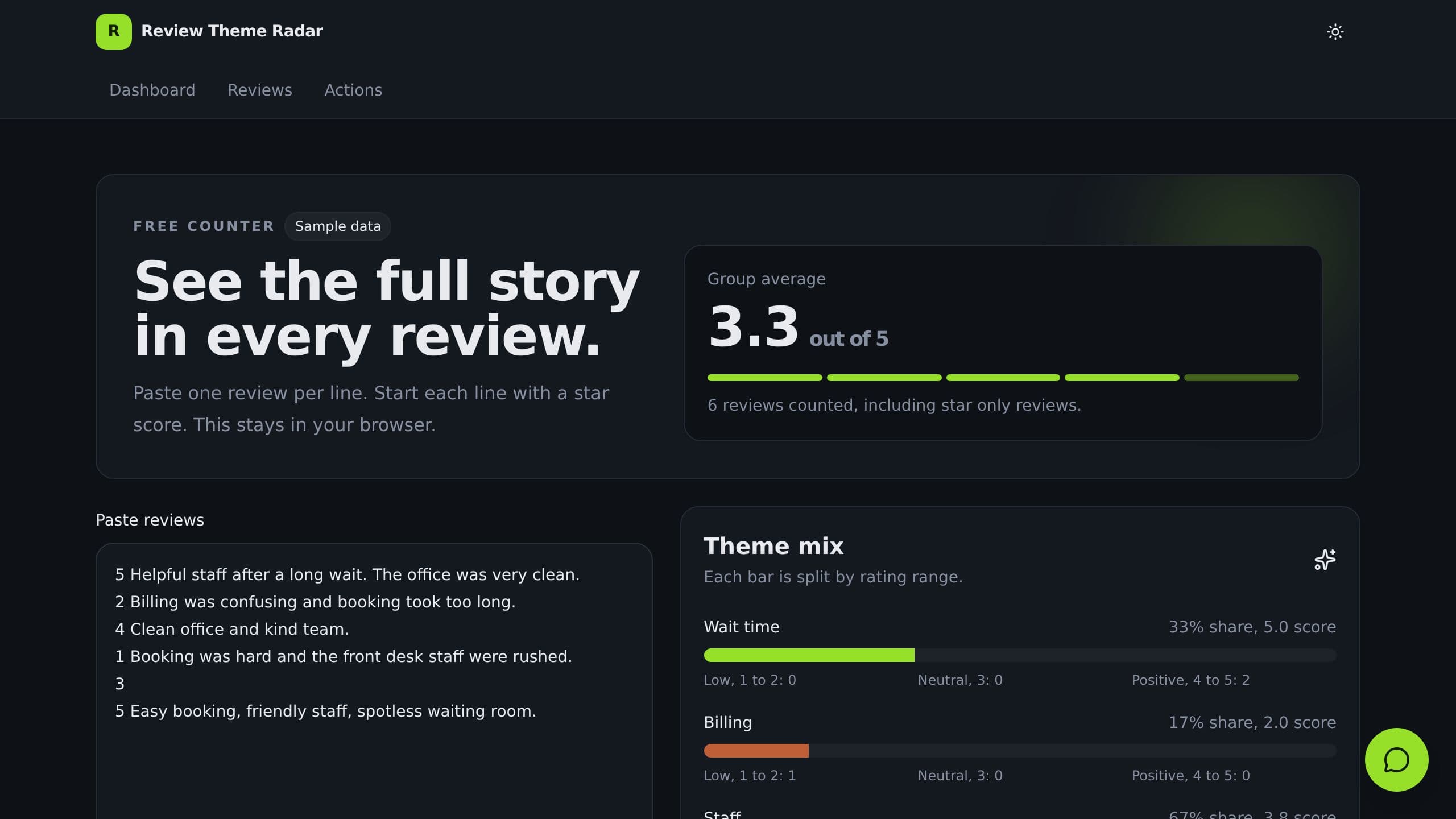
Paste reviews and see which themes come up at which location, with average stars and a weekly email of low ratings.
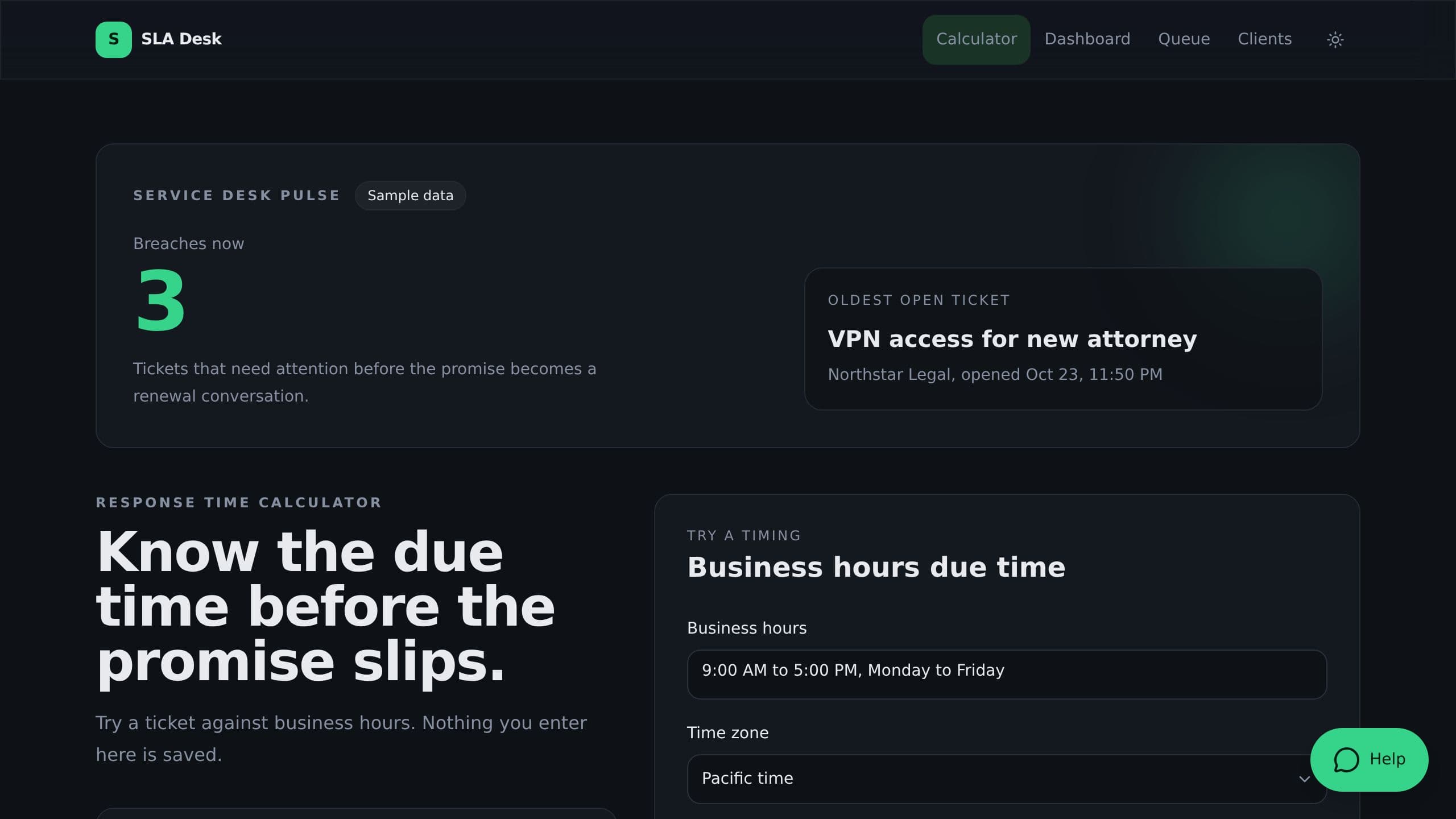
Time every ticket against each client's response promise in business hours and see breaches before clients do.
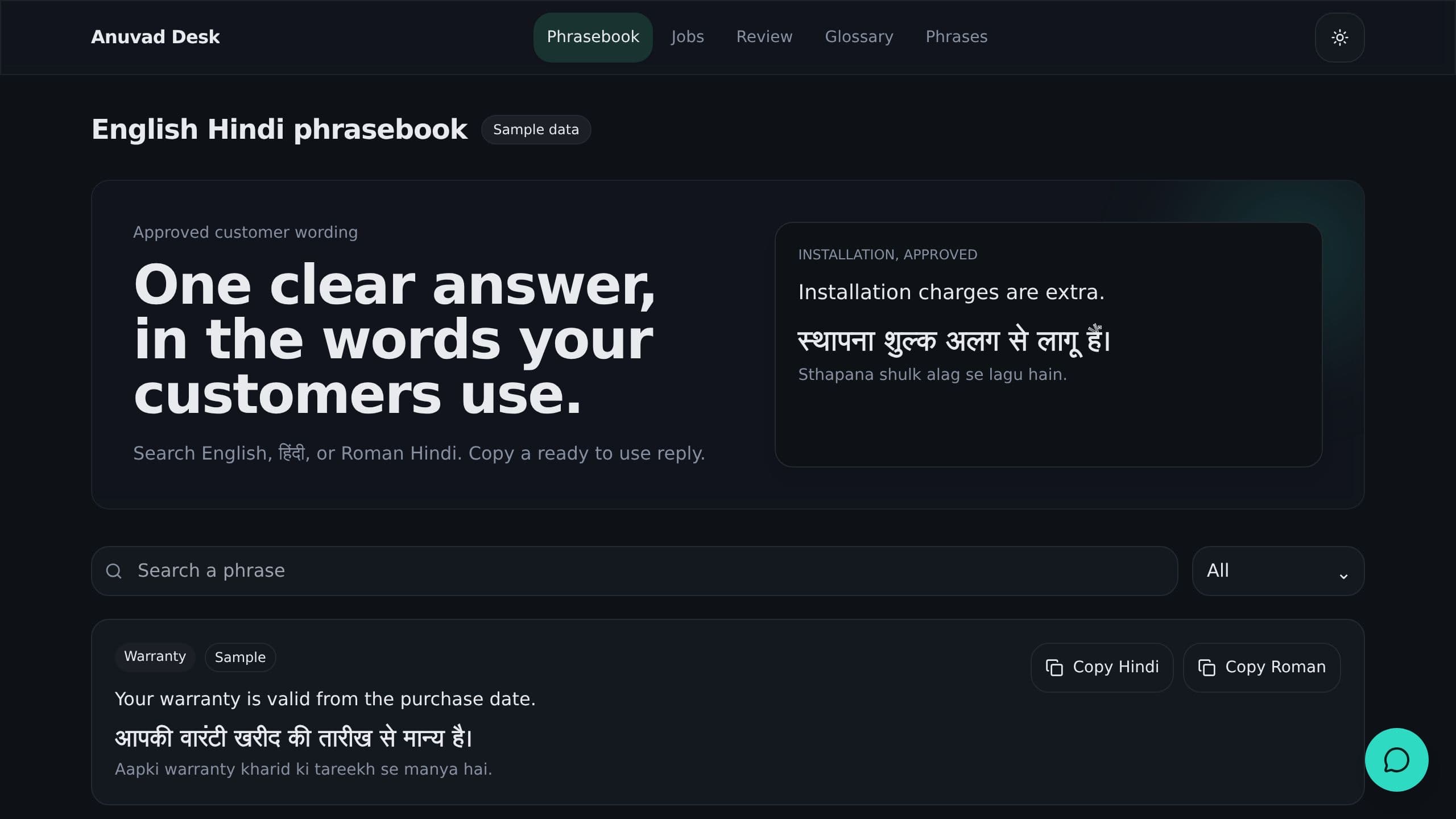
Translate English to Hindi the way your team already approved: glossary terms, approved phrases, reviewer sign-off and a public phrasebook.
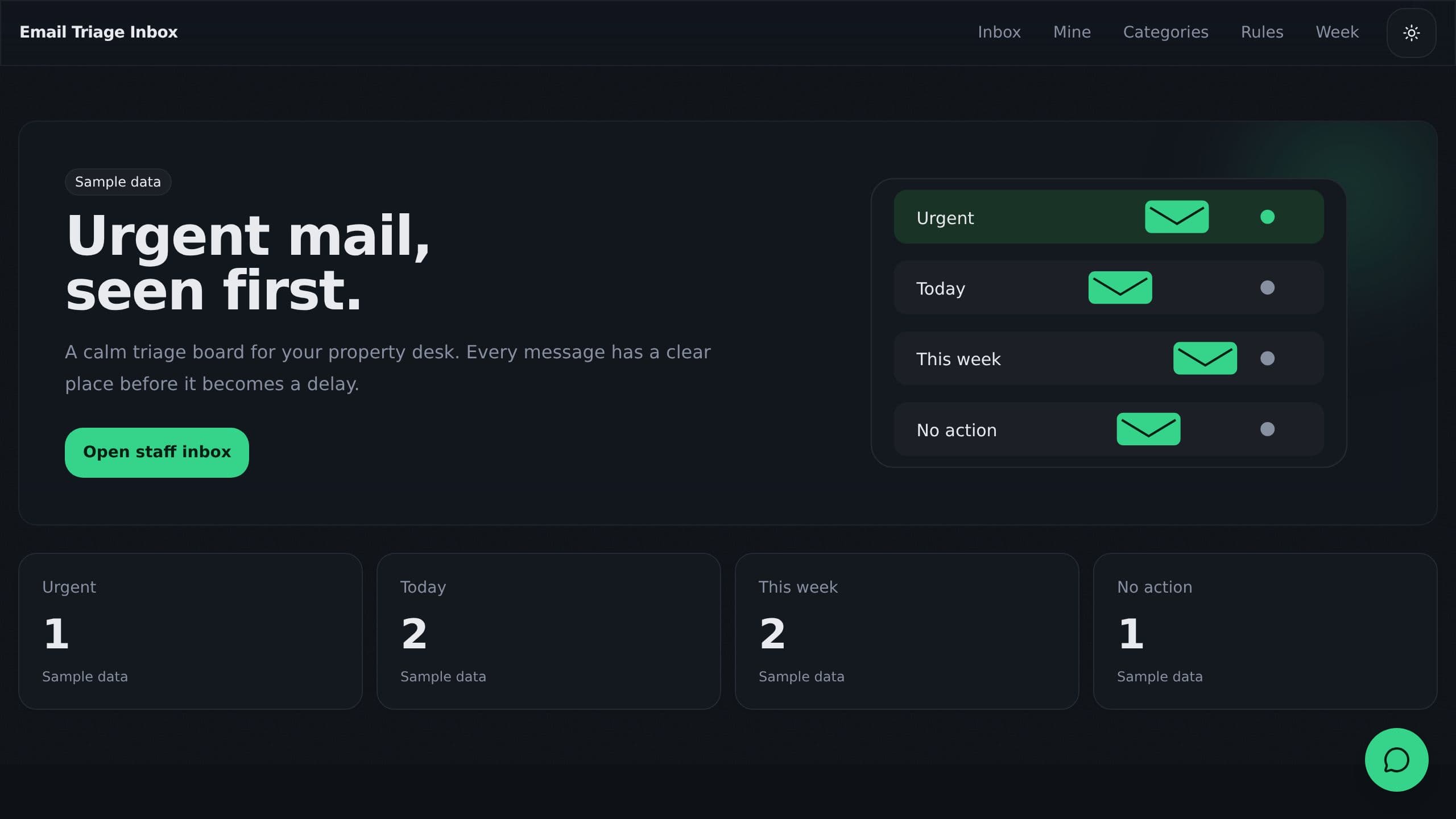
Forward a shared inbox, sort every email by category and urgency, assign it, and get a reply draft.
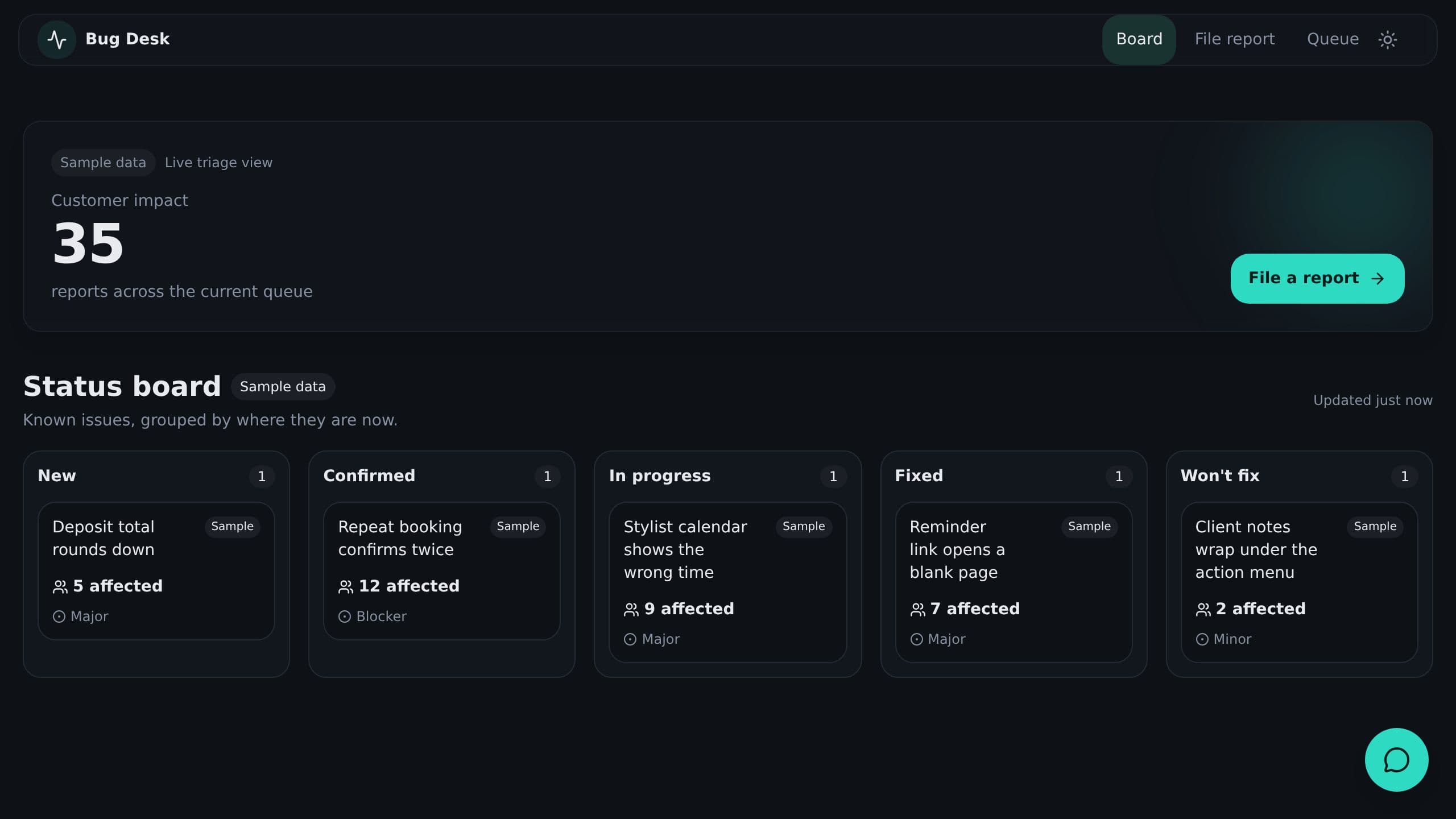
Bug Escalation Desk is an AI bug reporting desk that links every customer bug report to one bug for a software support team. It replaces the chat threads where support pings engineers. Support files each customer report, and a helper links it to a matching bug. Engineers see the queue sorted by customers and paying accounts affected. When a bug is fixed, the app drafts a message for each customer who reported it. Clone it free and start with sample data.
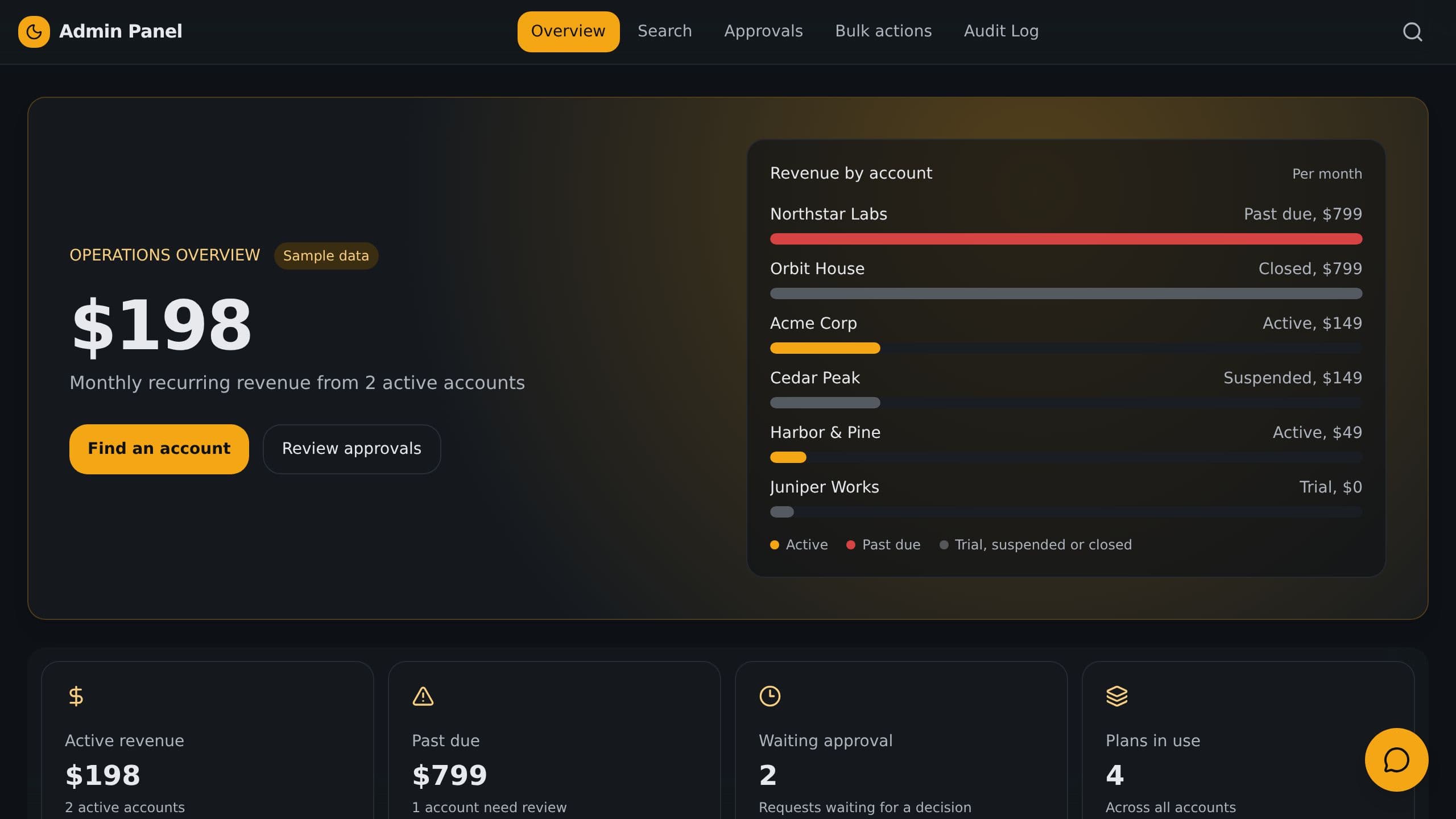
Admin Dashboard Template is a customer admin panel for small software companies where support and operations staff search any account. It replaces the shared inbox and spreadsheet of refund and plan change requests. Refund, plan and seat changes route to the right approver by amount, and every change writes an audit log row nobody can edit. A helper checks each request against the rules. Clone it free and start with sample data.
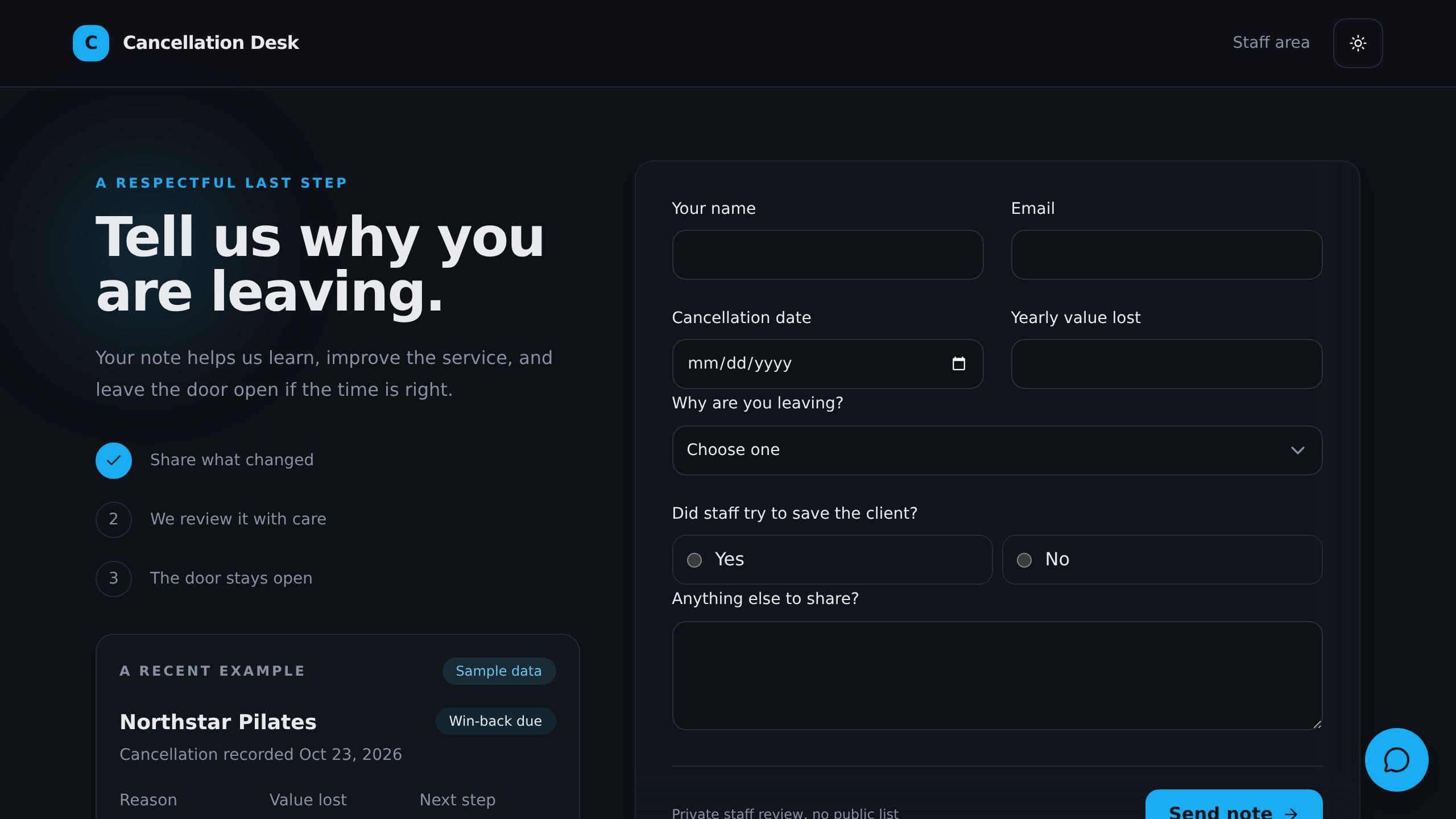
Log why clients leave, see reasons each week, and call the right ones back with a suggested offer.
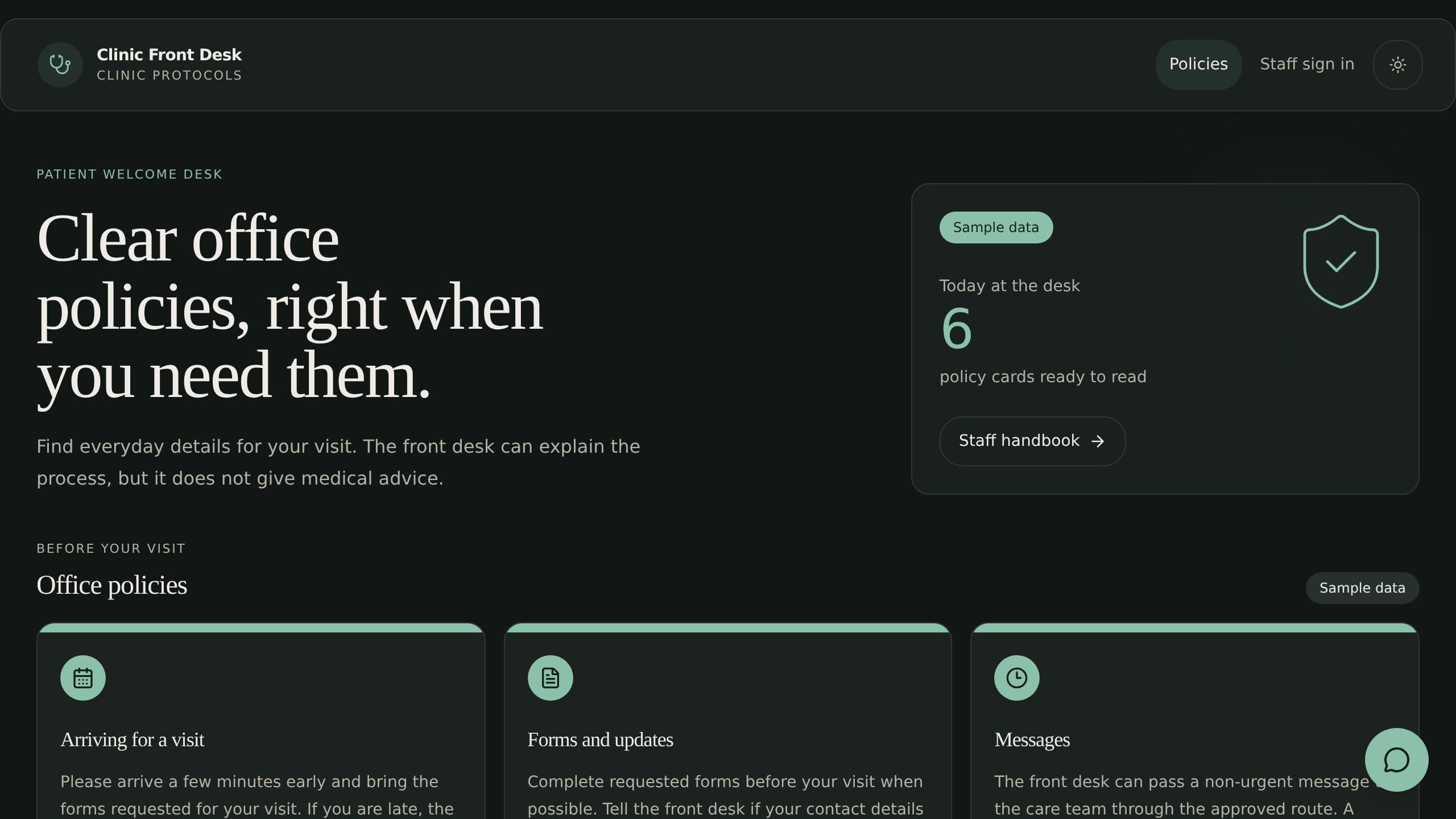
A searchable front desk handbook with scripts, a patient policy page and a helper that never gives medical advice.
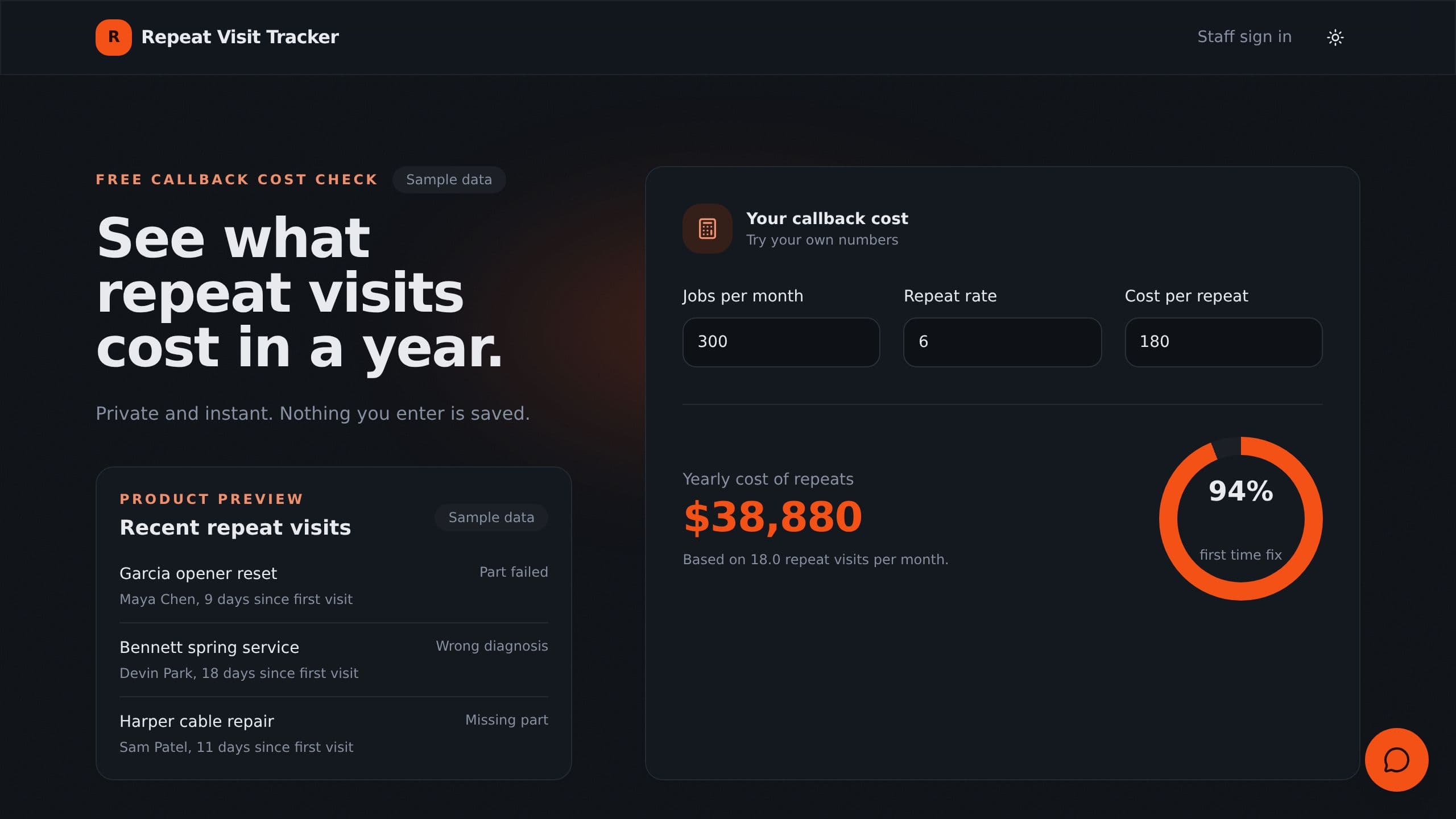
Find out what repeat visits cost a field service team in a year, then log repeats by cause and technician and spot the pattern.
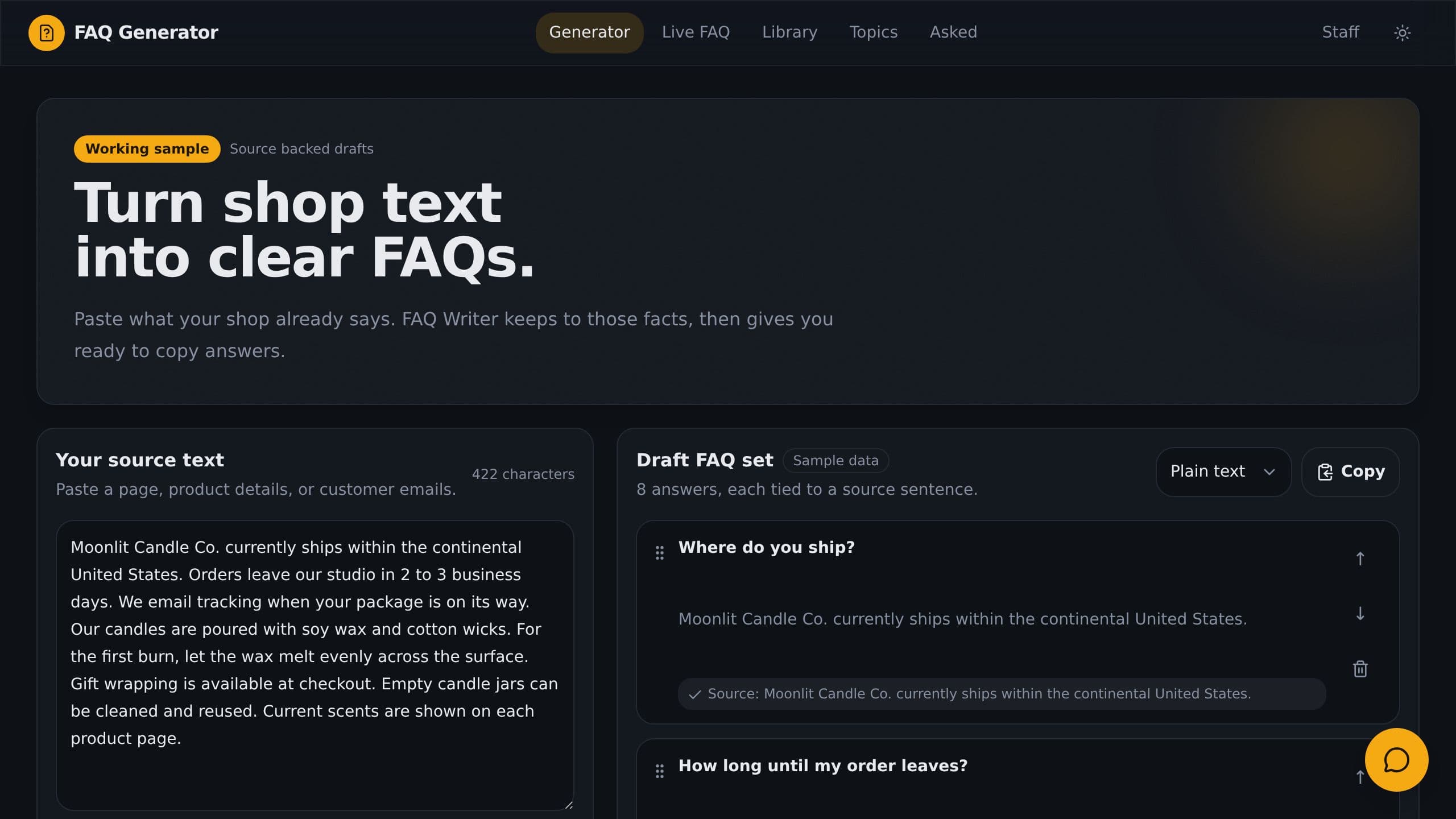
Paste a page or customer emails and get 8 to 12 FAQs from your own words, as text, HTML or FAQPage JSON-LD, then keep them current.
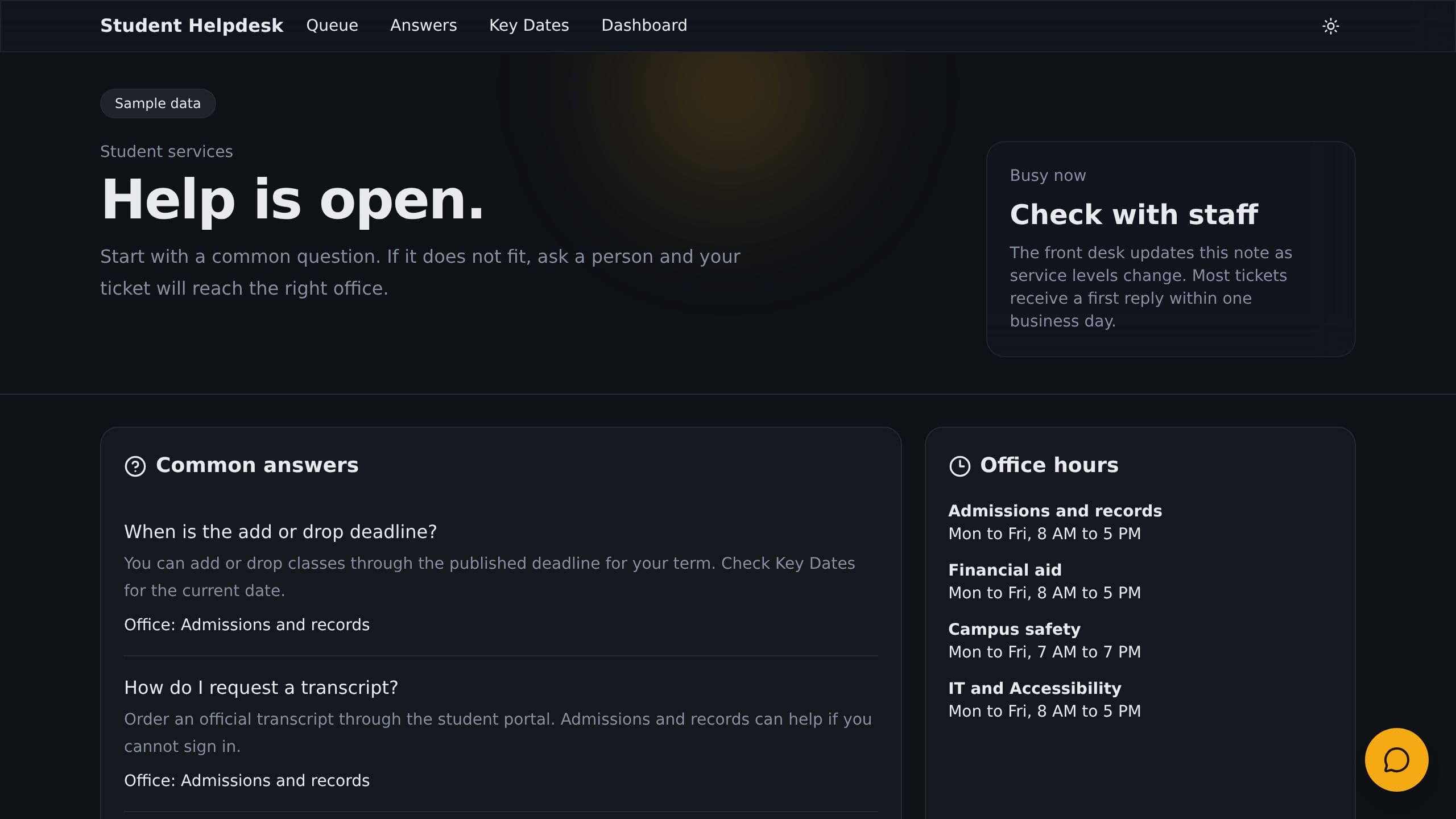
Students get answers from the college's own answers and key dates, and anything else becomes a ticket routed to the right office.
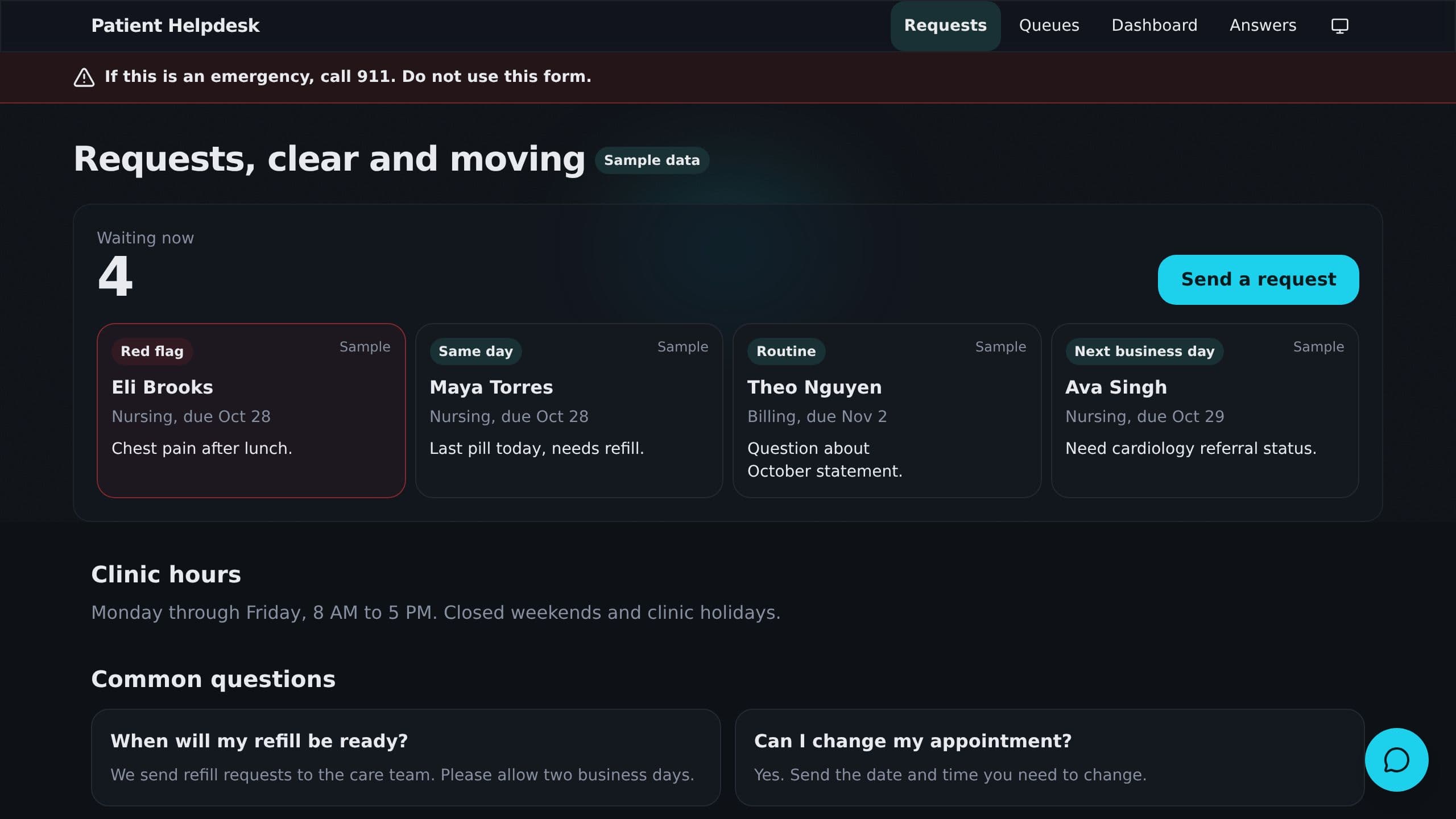
Patients send non-urgent requests through one form, each lands in the right clinic queue with a due time, and red flags jump the line.
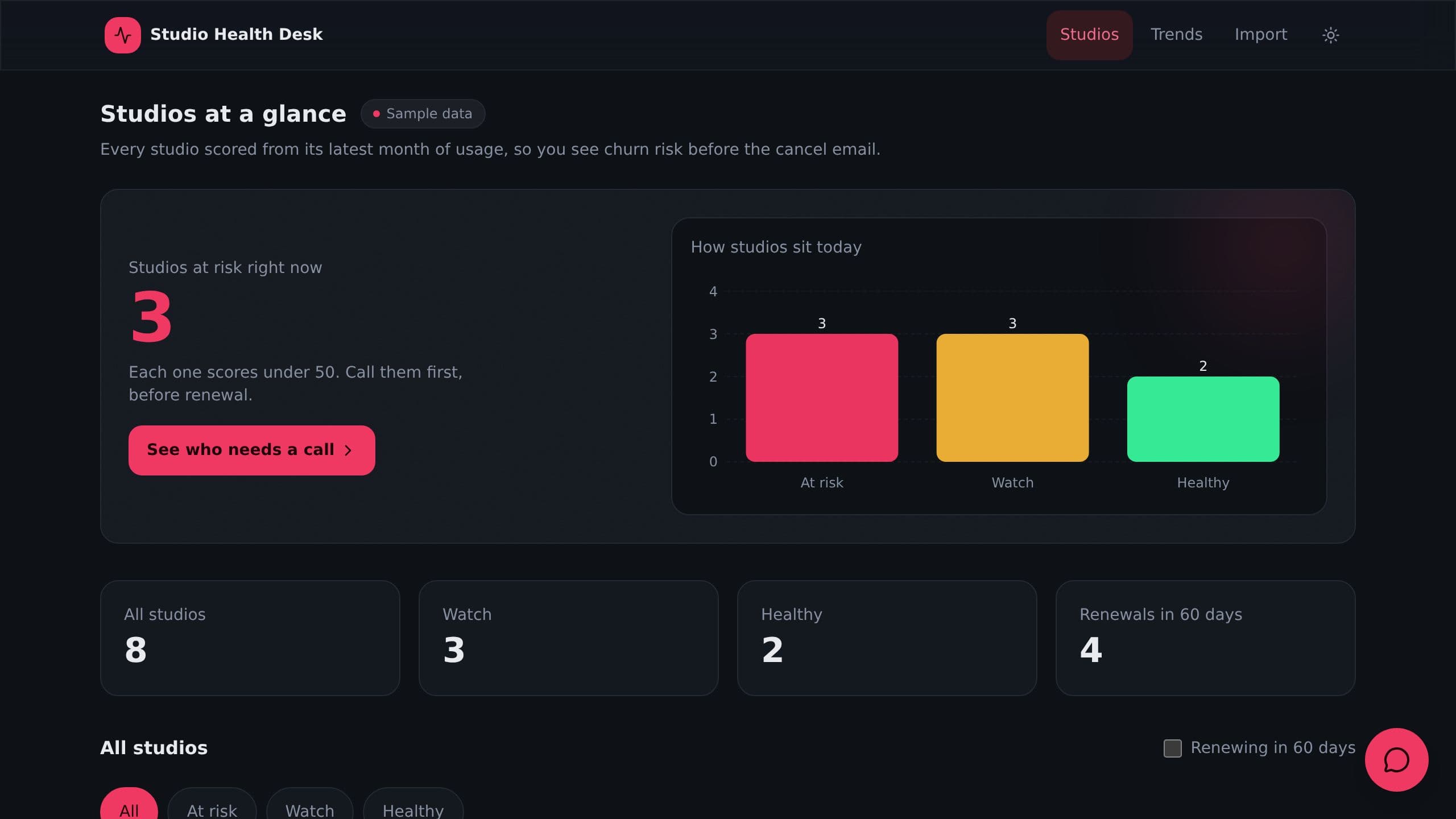
Score every account from usage, tickets, survey and payment data, see who is at risk before renewal, and get a playbook task for each.
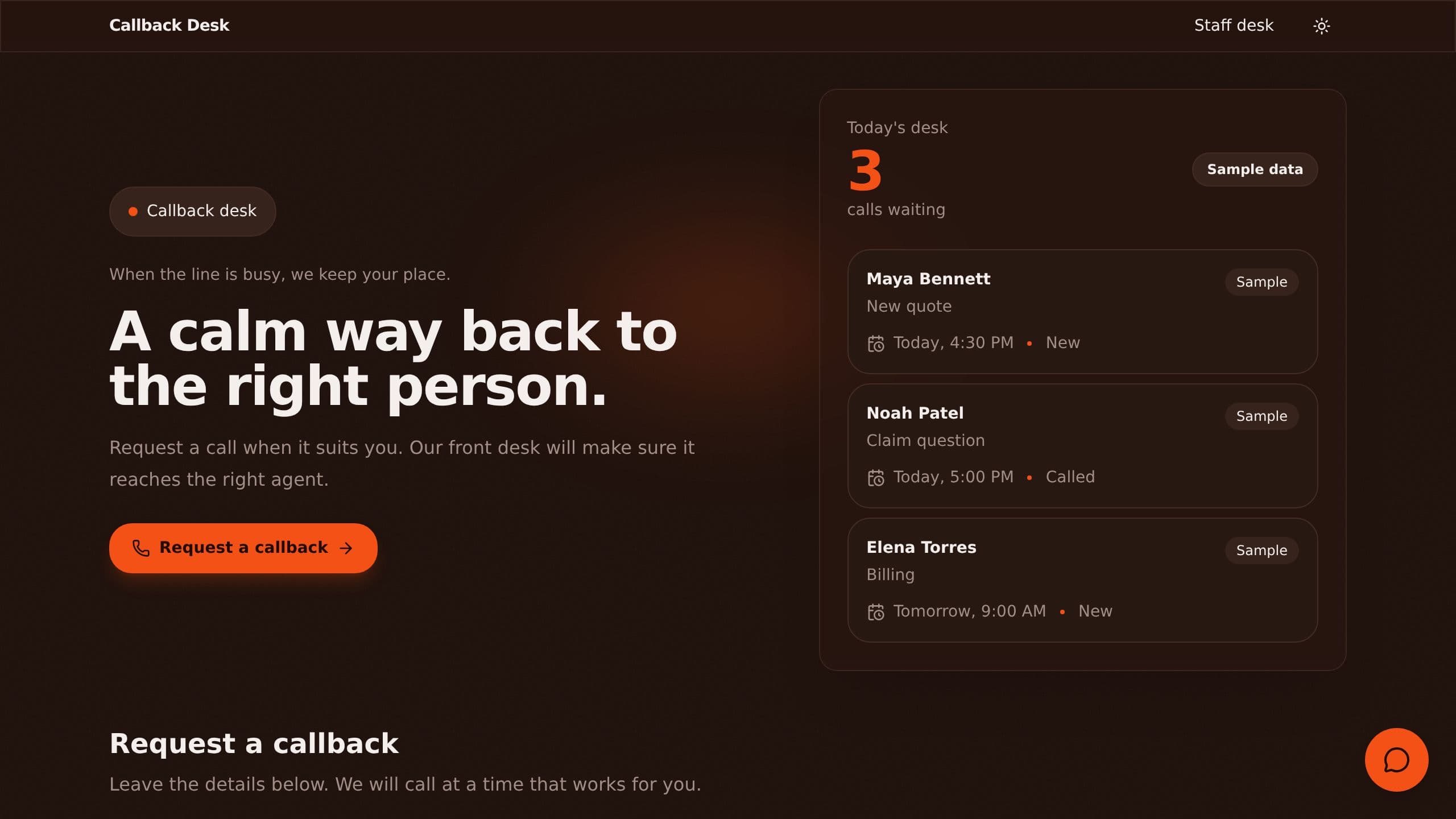
A callback request form and queue for busy front desks, assigned by line of business with twice-daily alerts.
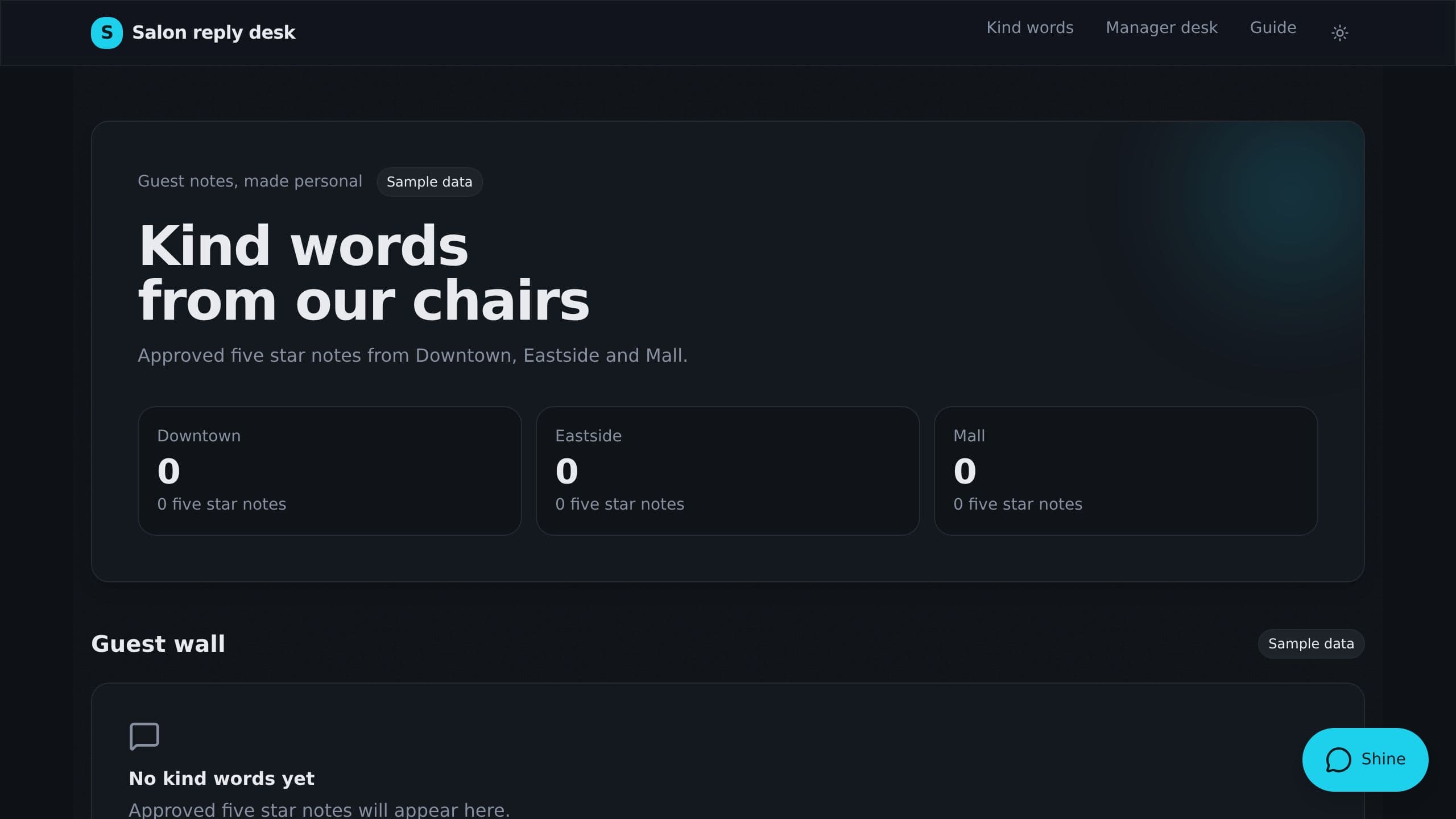
Draft warm, on-policy replies to every review, alert managers on 1 and 2 stars, and track what is posted.

Score tickets on a weighted rubric, show each agent their own reviews, and get coaching notes and a monthly team trend written for you.

A return request form with a 30 day window check, warehouse receiving, refund alerts and top return reasons.
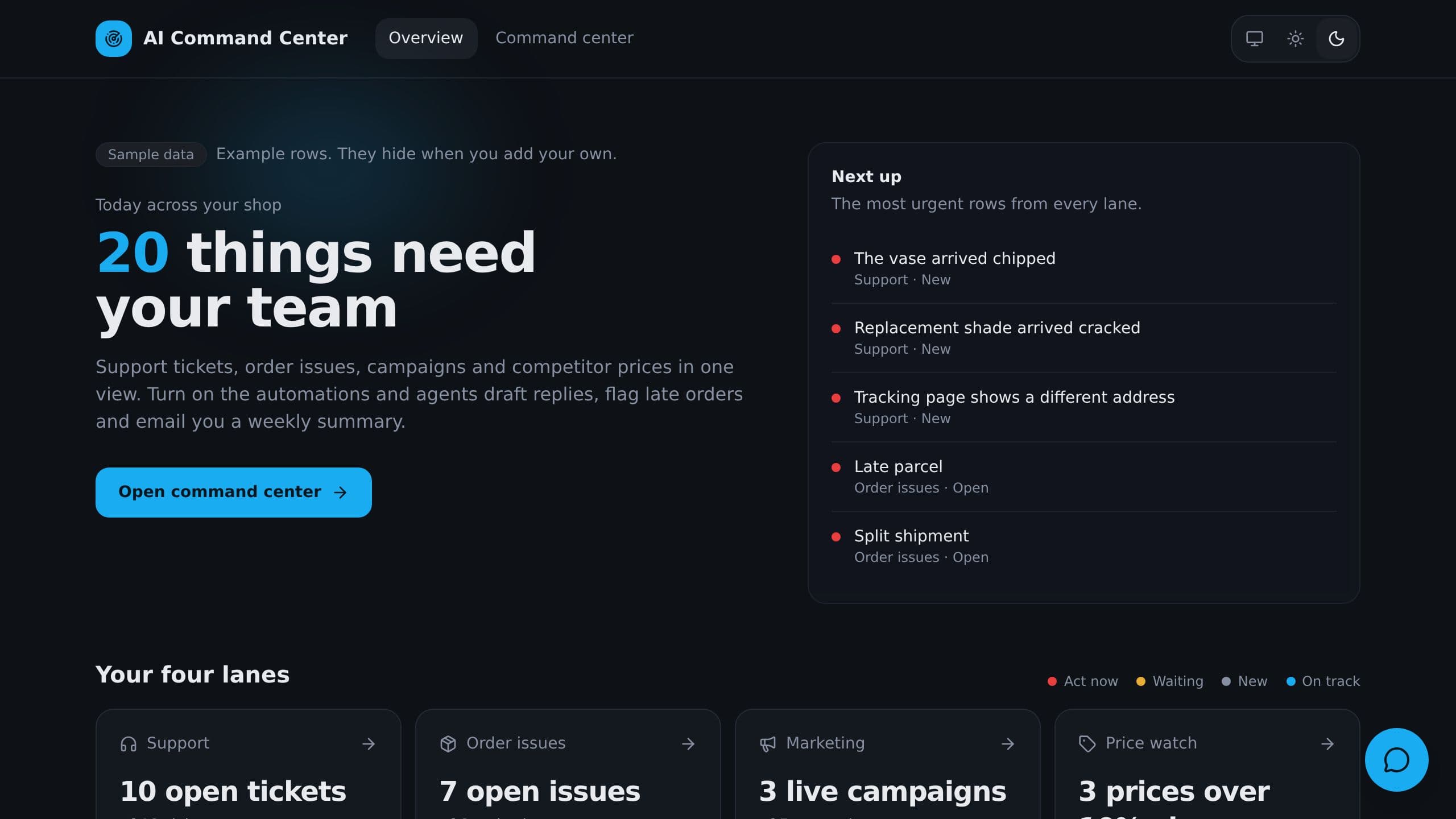
Four AI agents run ops, marketing, support and research lanes, and email one weekly ops brief.
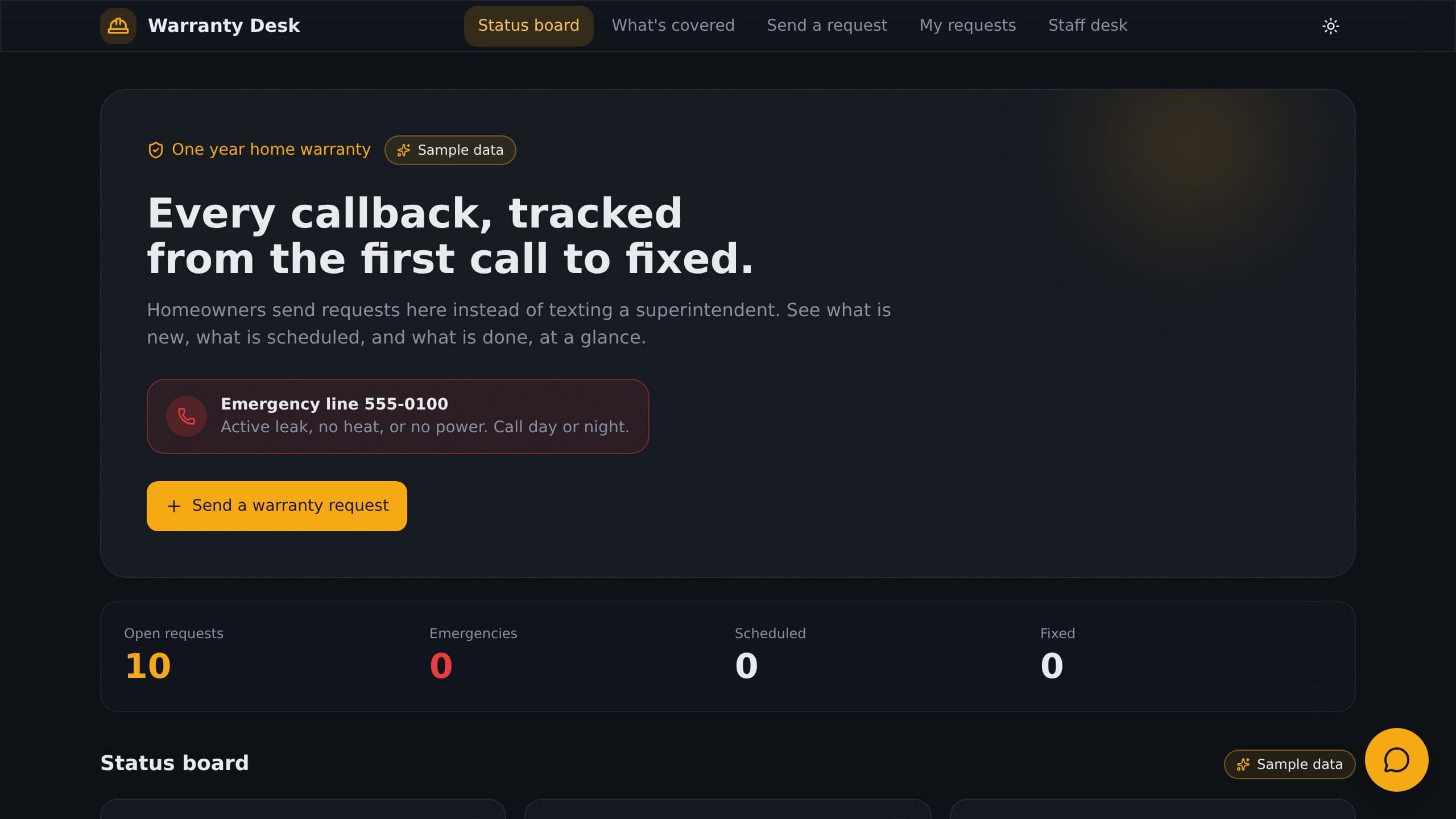
Homeowner warranty requests with coverage rules, emergency flags, trade scheduling and stale request alerts.
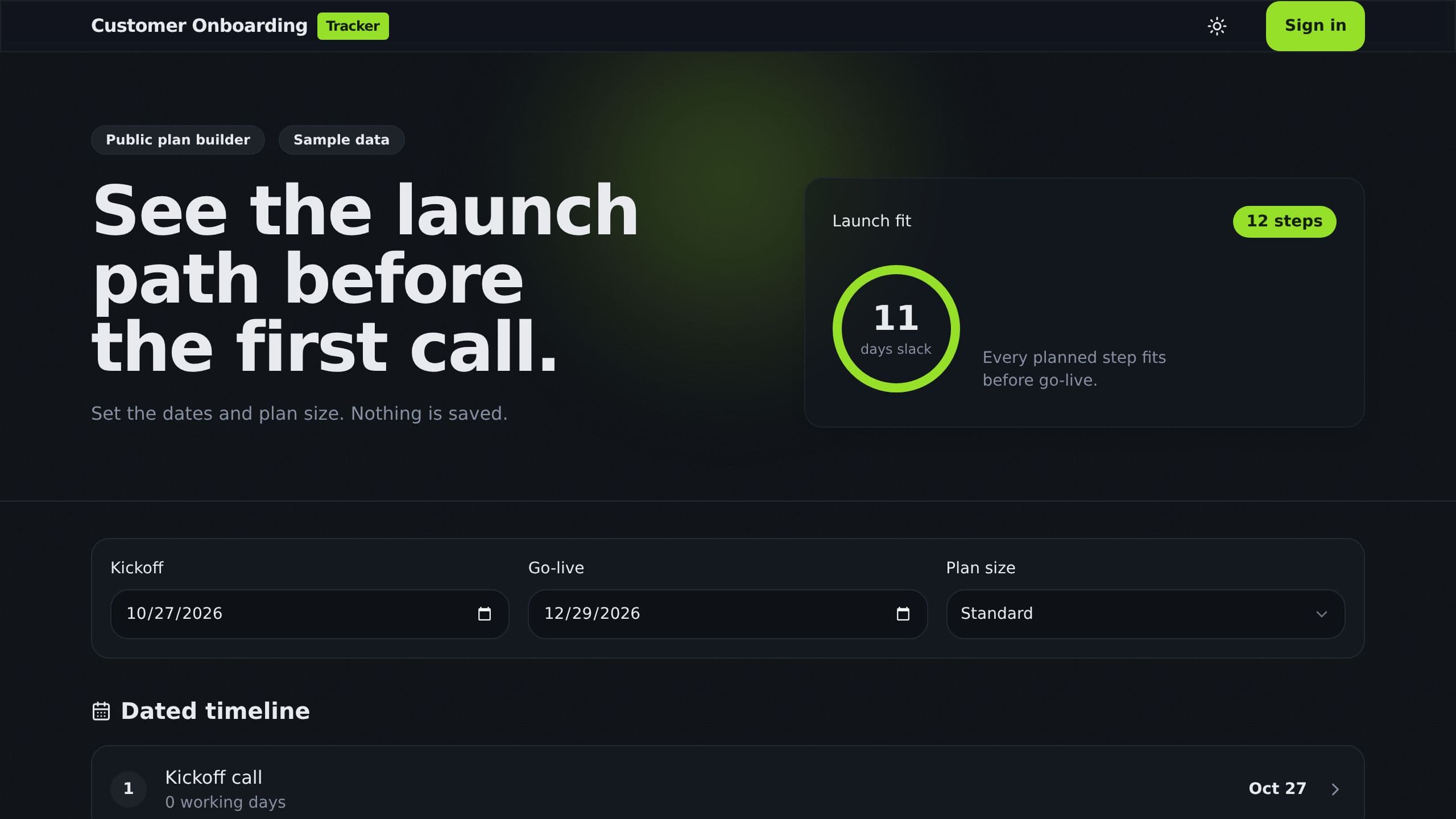
Turn a kickoff and go-live date into a dated onboarding plan, then track each customer's milestones, health and check-ins.
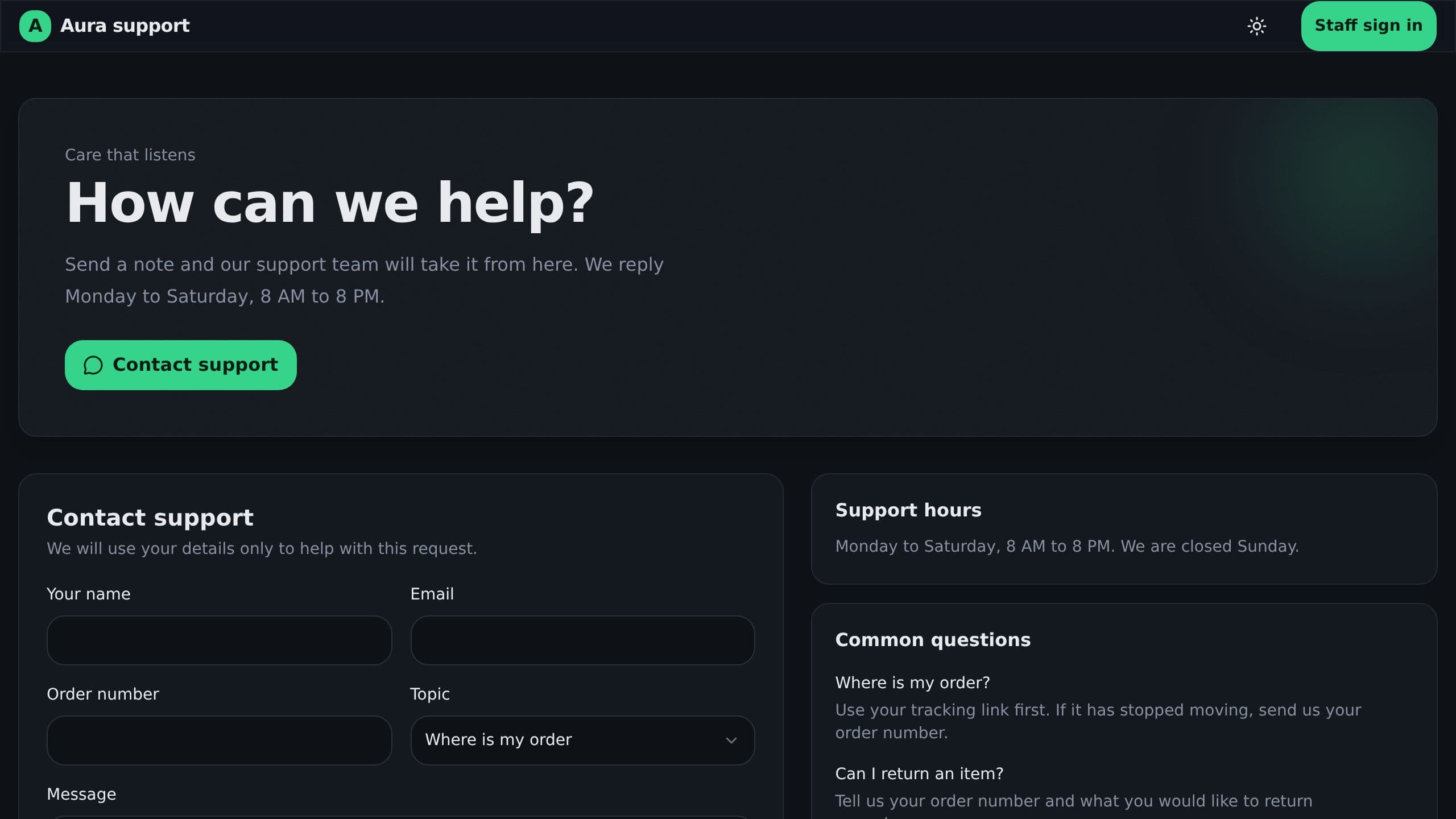
Tickets come in from a contact page and email, agents work a queue, and the dashboard tracks response times, SLA misses and CSAT.
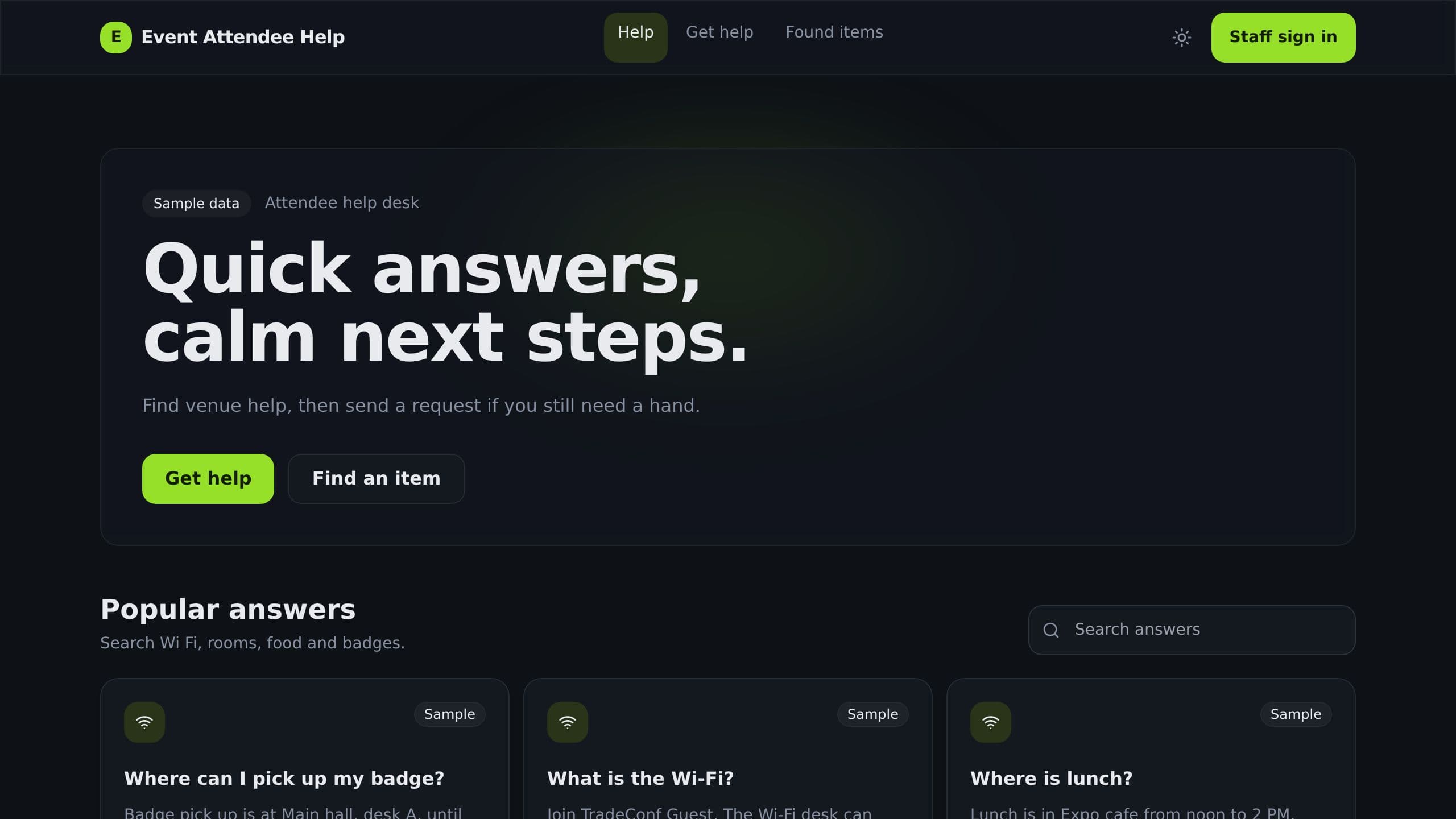
Run the event help desk on one live board: attendee requests, answers, lost and found, and requests per hour.
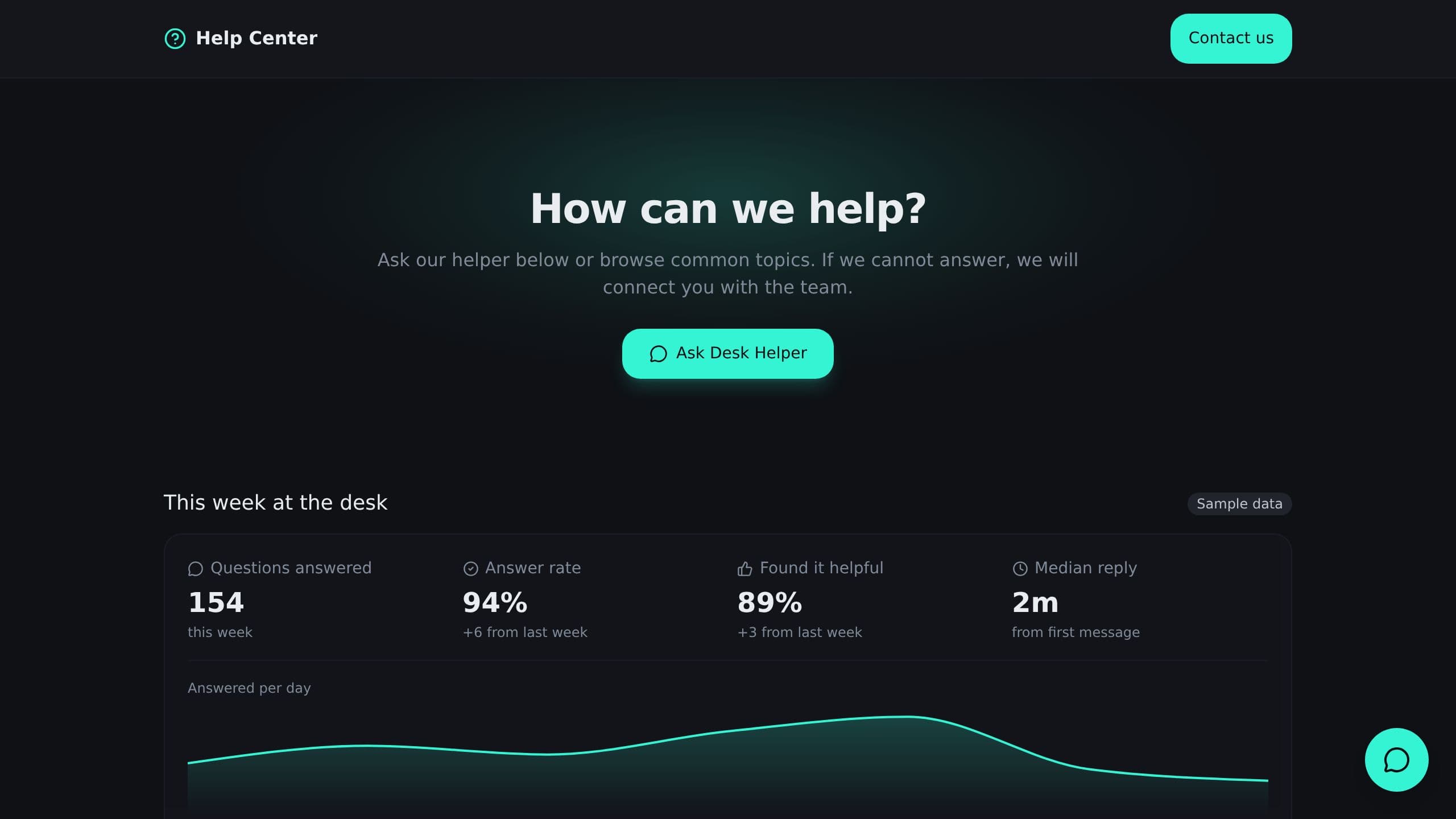
See what your AI helper answers, where it fails, and what to teach it next. Weekly gap reports and one-click knowledge fixes.
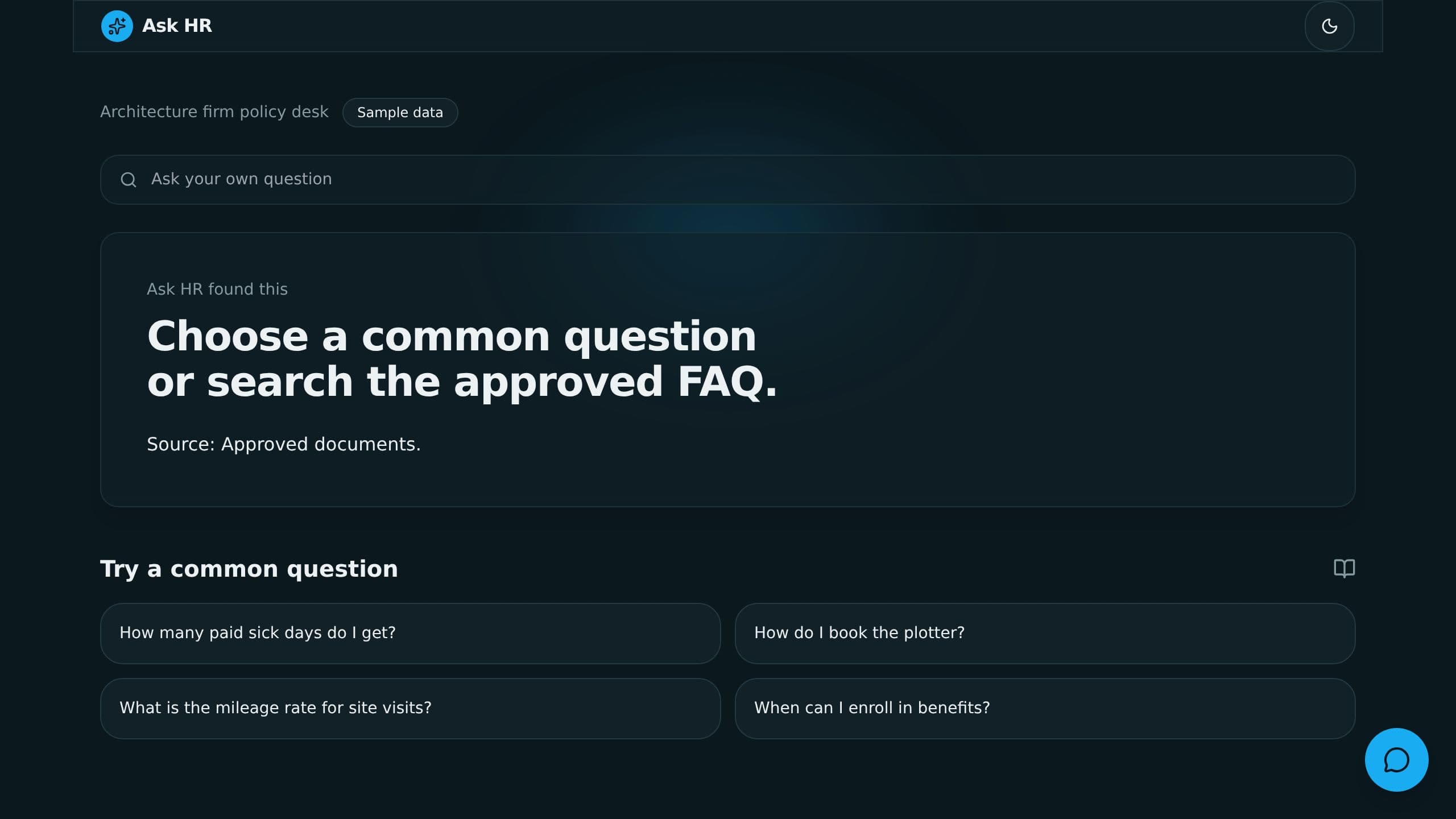
Upload handbooks, policies and manuals, ask questions in plain words, get answers that name the source, and see what it could not answer.
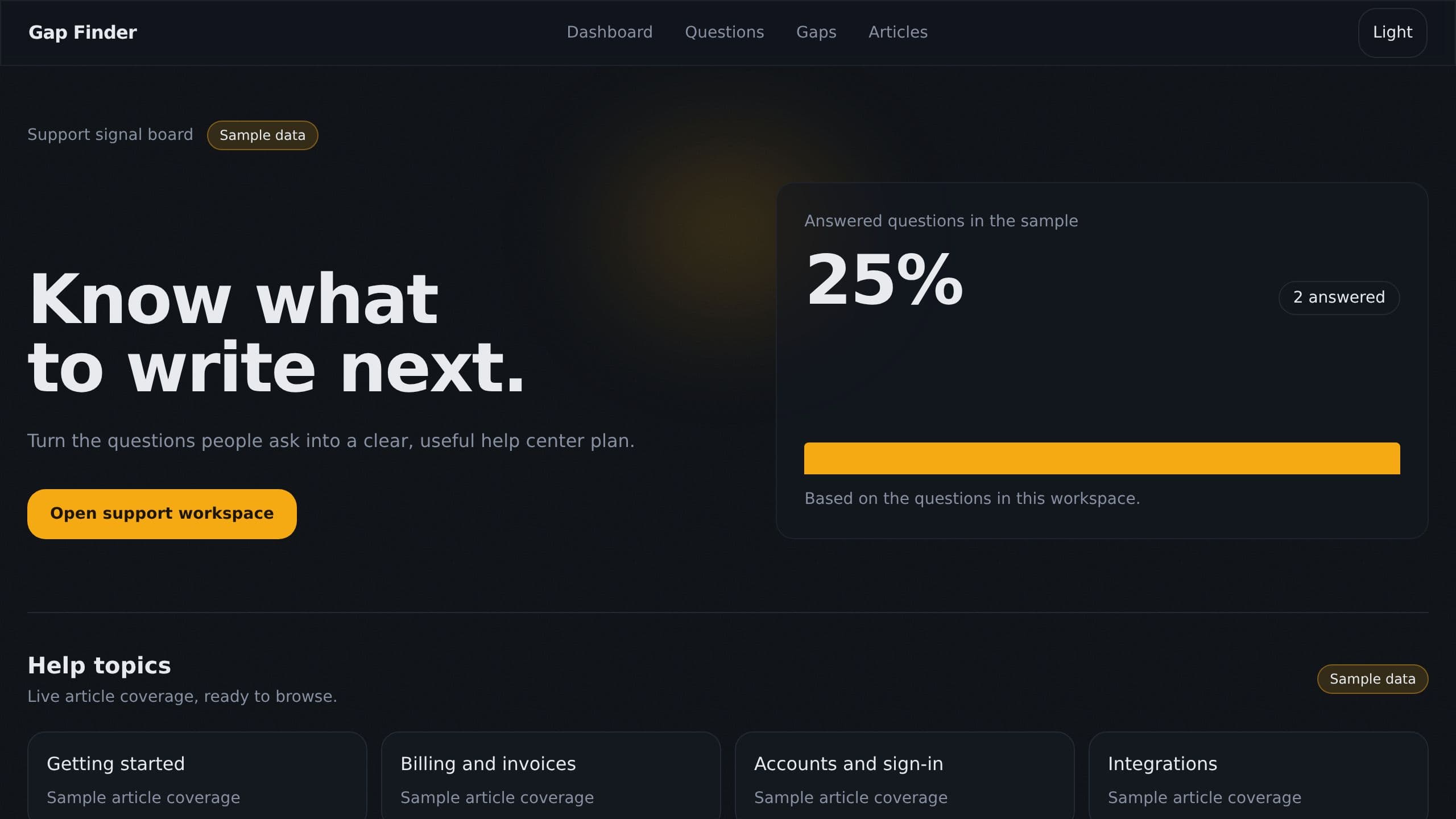
Log the questions people ask, see which ones your articles do not answer, and get a weekly list of missing articles to write.
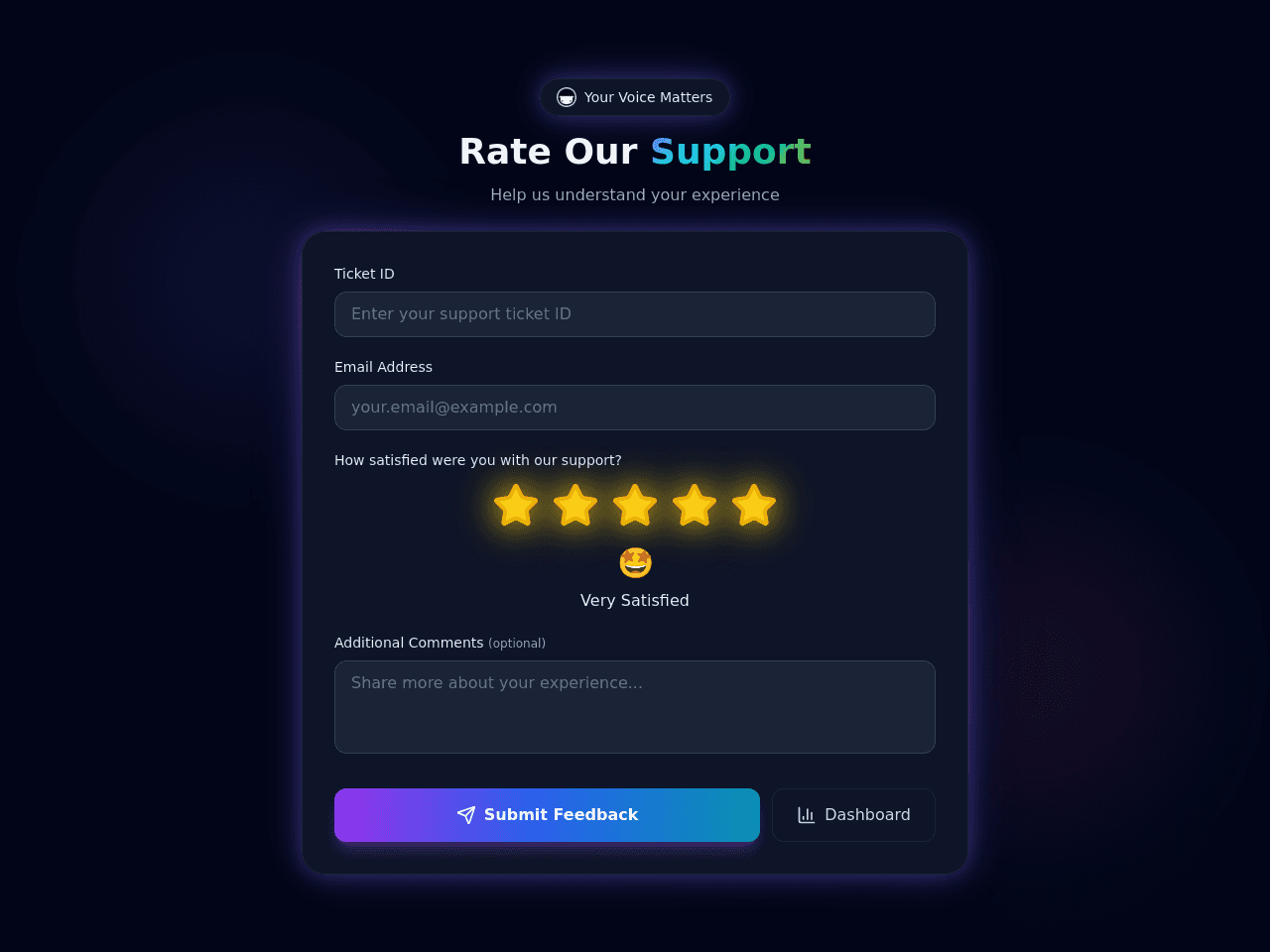
It replaces the spreadsheet of survey answers and the manual count of scores. An AI assistant called Feedback Assistant helps you read the feedback. An automatic summary of your analytics arrives each day. You see how customers rate your support in one place. Clone it free, then switch on the automations you want.
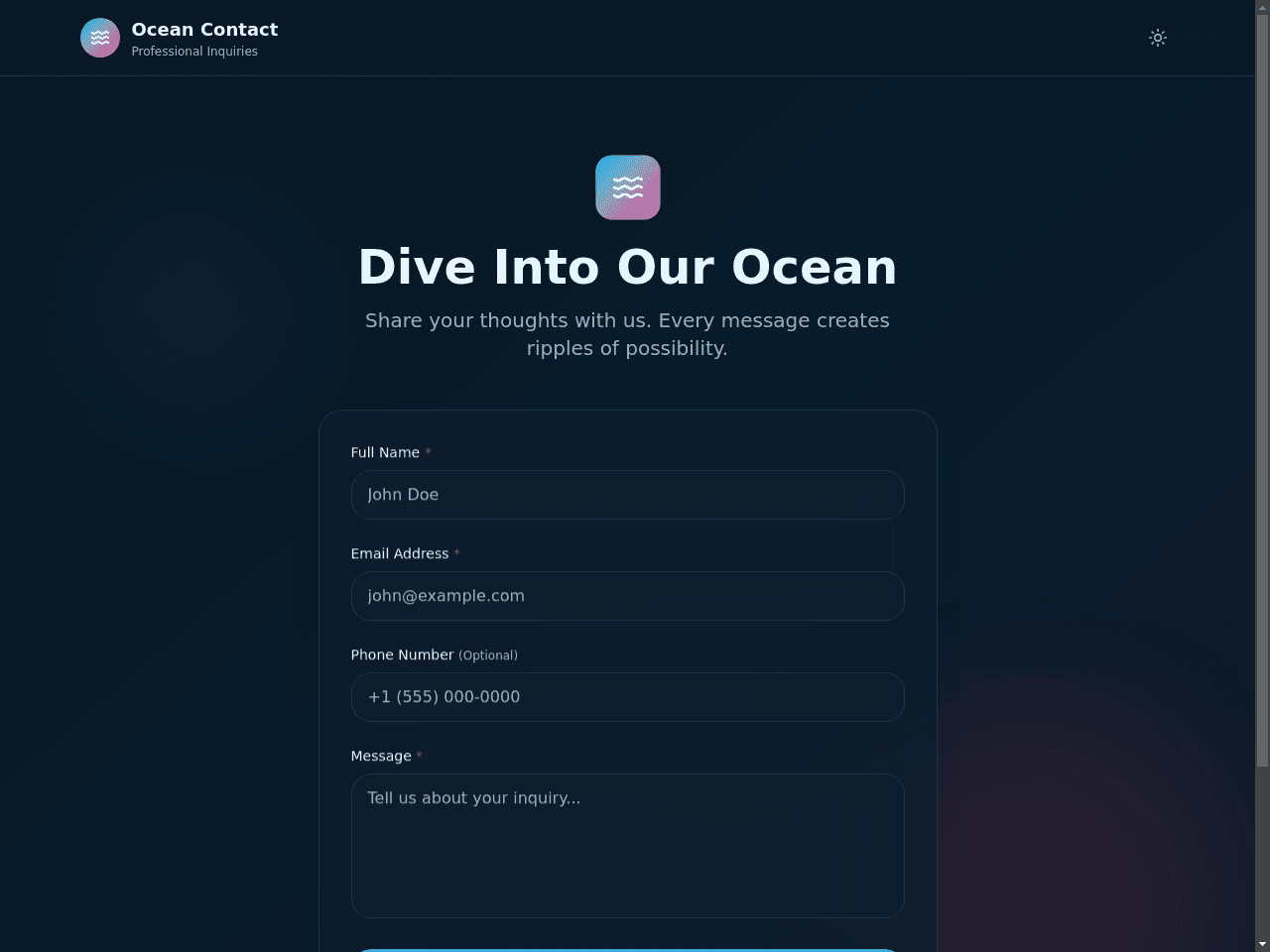
It replaces the email link or phone call that visitors skip. Each message lands in your Contact Submissions project, ready for a reply by email. Inside is 1 project that holds every message you receive, so you read them in one list instead of several inboxes. Clone it free and make it yours.
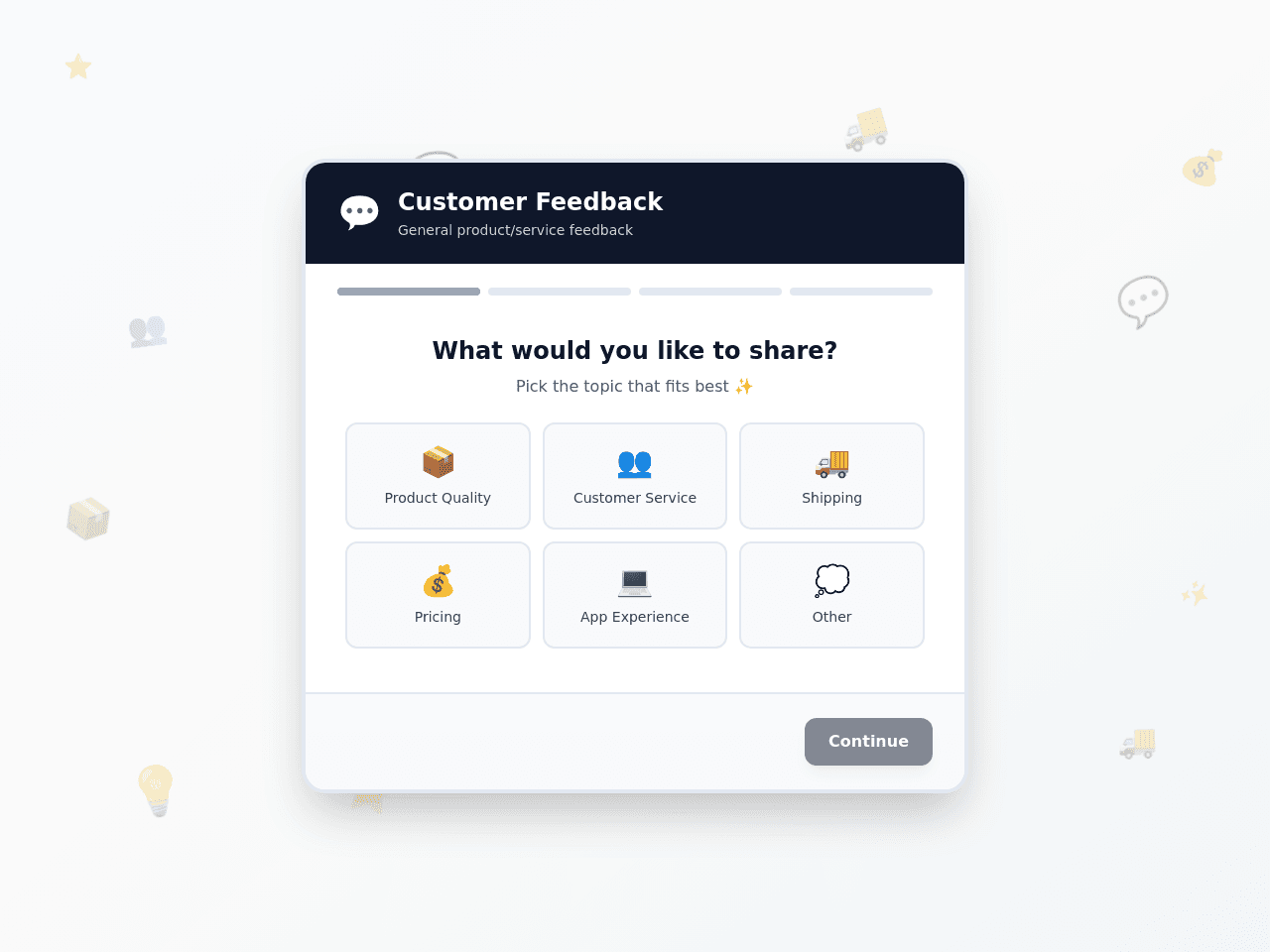
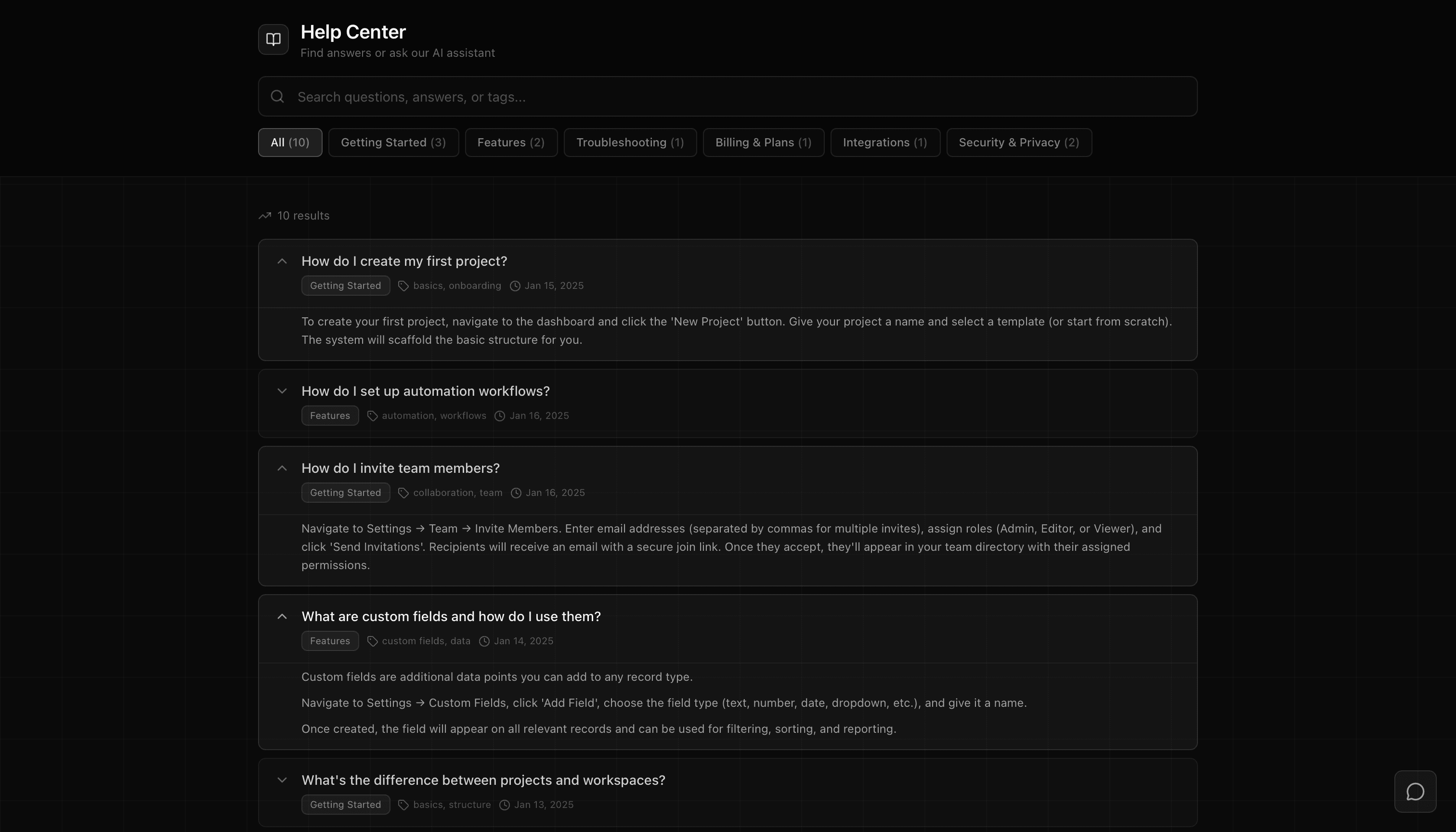
It replaces the email you answer again and again. Visitors search and browse your FAQ by category, and an AI assistant called FAQ Assistant answers the rest from the same answers. Inside is 1 project that holds your questions and answers, ready for you to edit. Clone it free and make it yours.
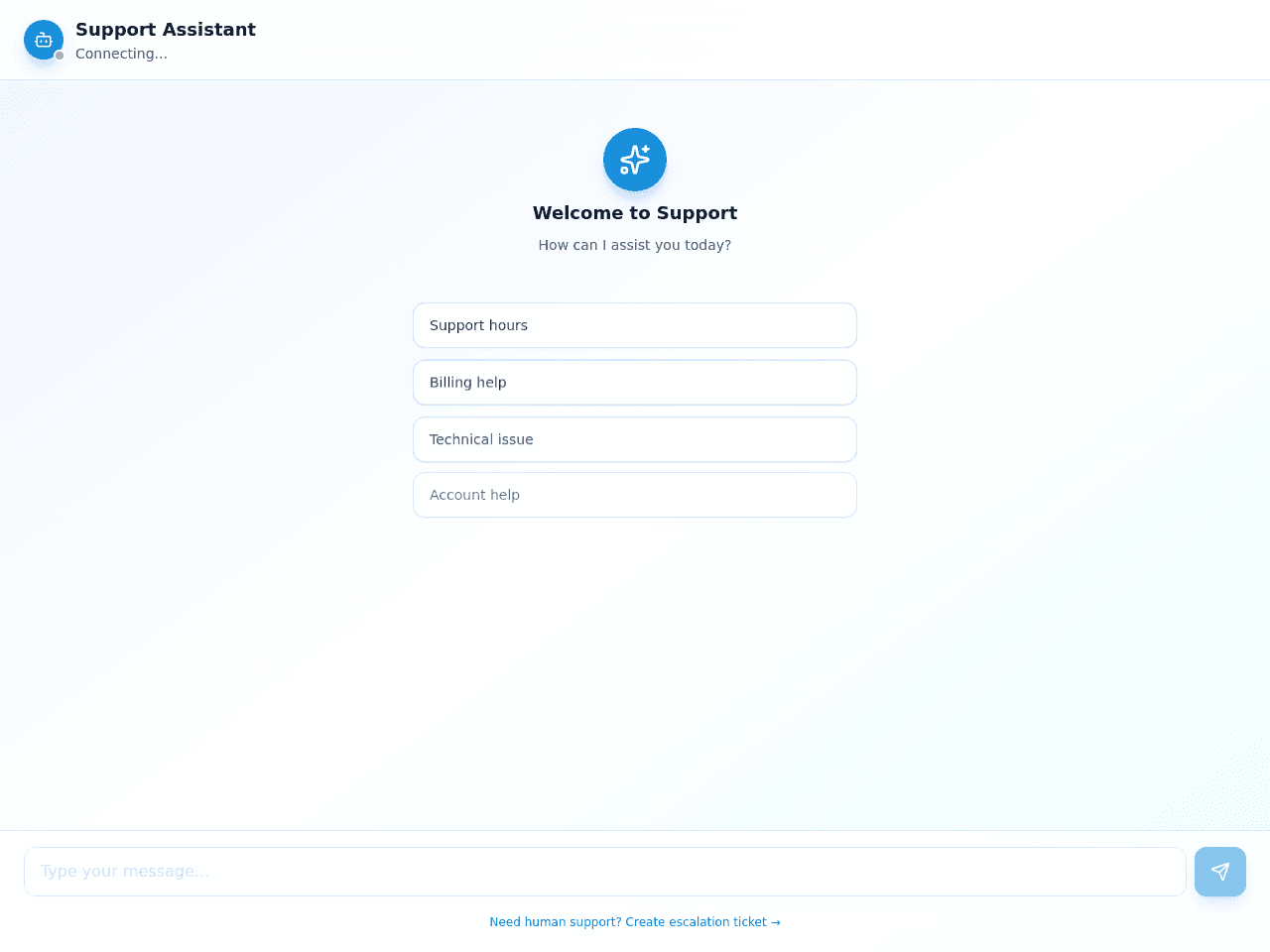
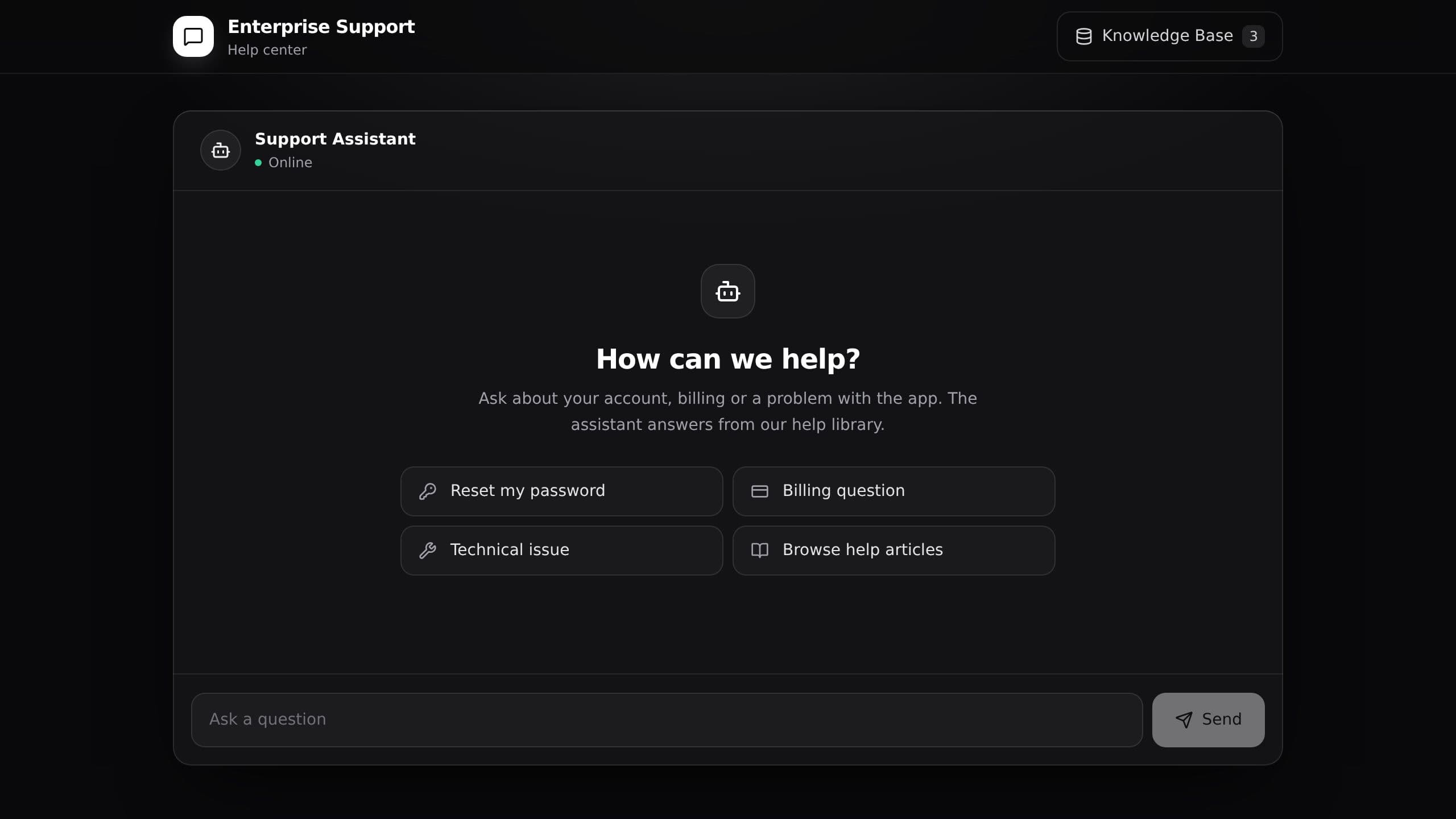
It replaces the shared inbox and the manual follow-up on every question. An AI assistant called Support Assistant answers customers. When a question needs a person, an automatic update creates an escalation ticket for your team. Clone it free, then switch on the automations you want.
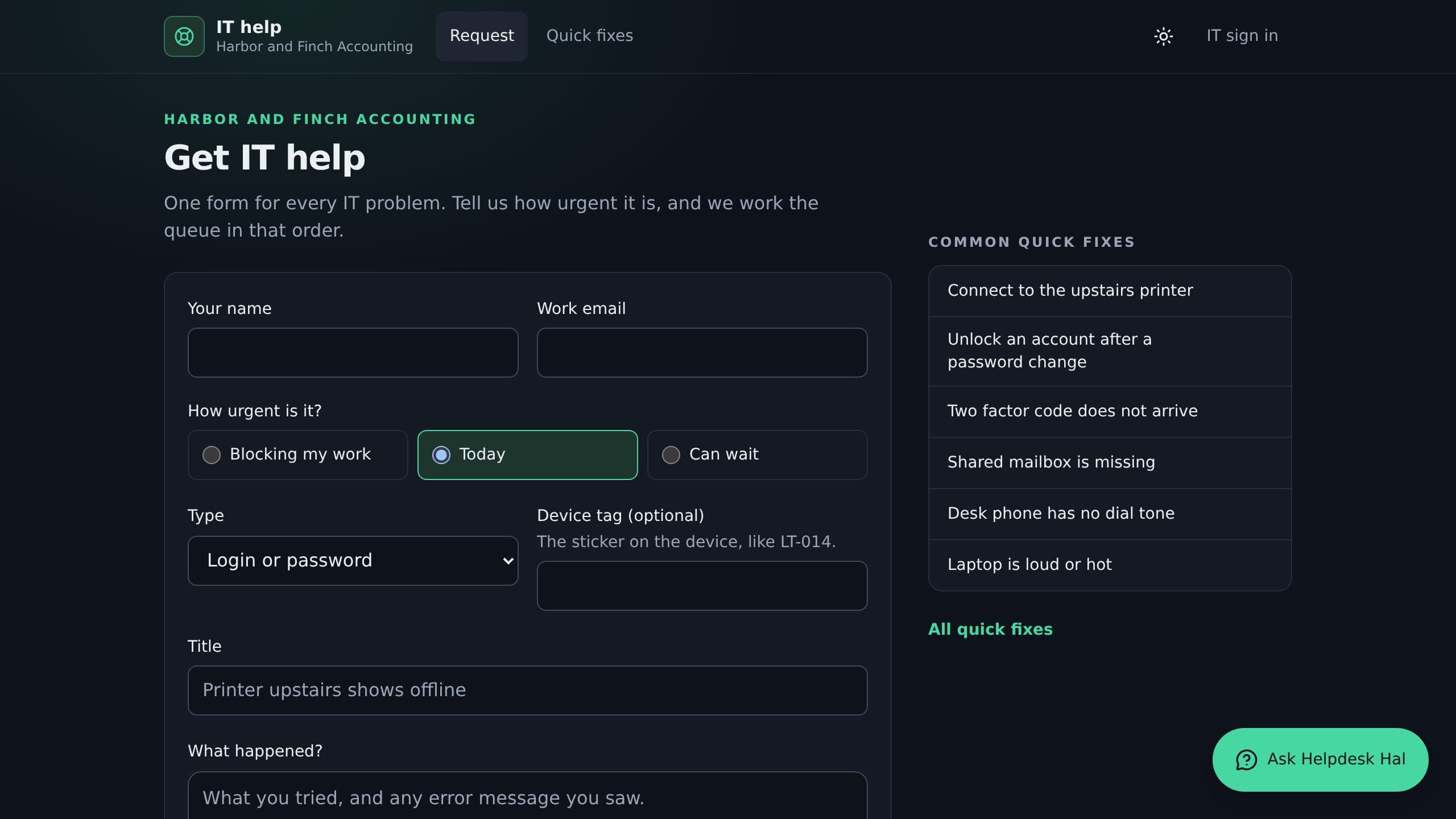
One request form with urgency and screenshots, a quick fixes page, and a queue sorted by urgency for the one IT person. A helper suggests the known fix for each new request and answers how-to questions from your fixes. Devices with warranty dates, new hire setup checks, a morning queue email and a Monday reminder.
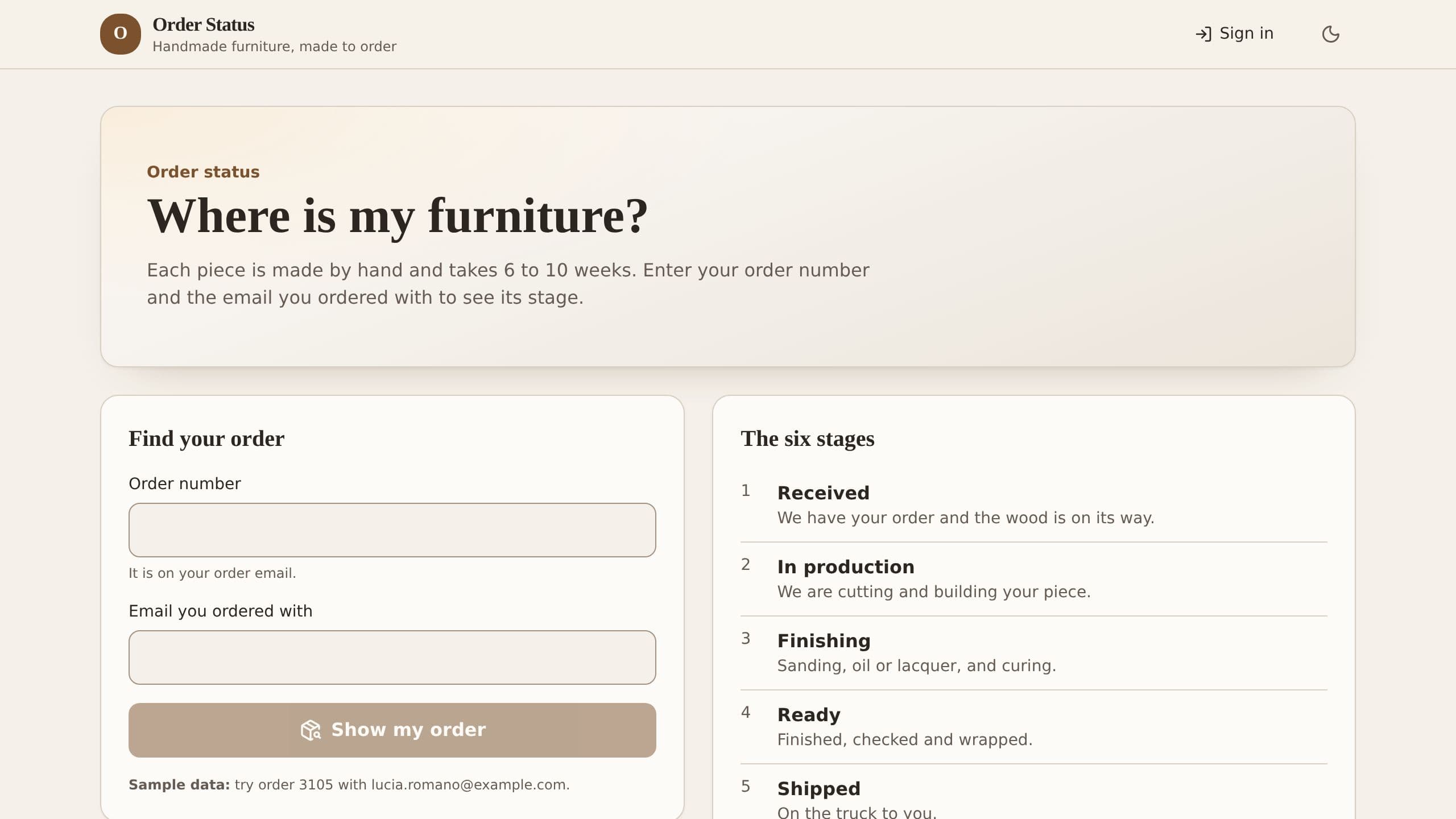
Customers enter an order number and email to see one order: its stage, expected date, tracking and your note, locked so nobody else can read them. Staff move orders on a six-stage board, Order Helper drafts the customer note at each stage, questions land in your inbox, and late orders arrive every Monday. Built for makers with long lead times. Sample data included.
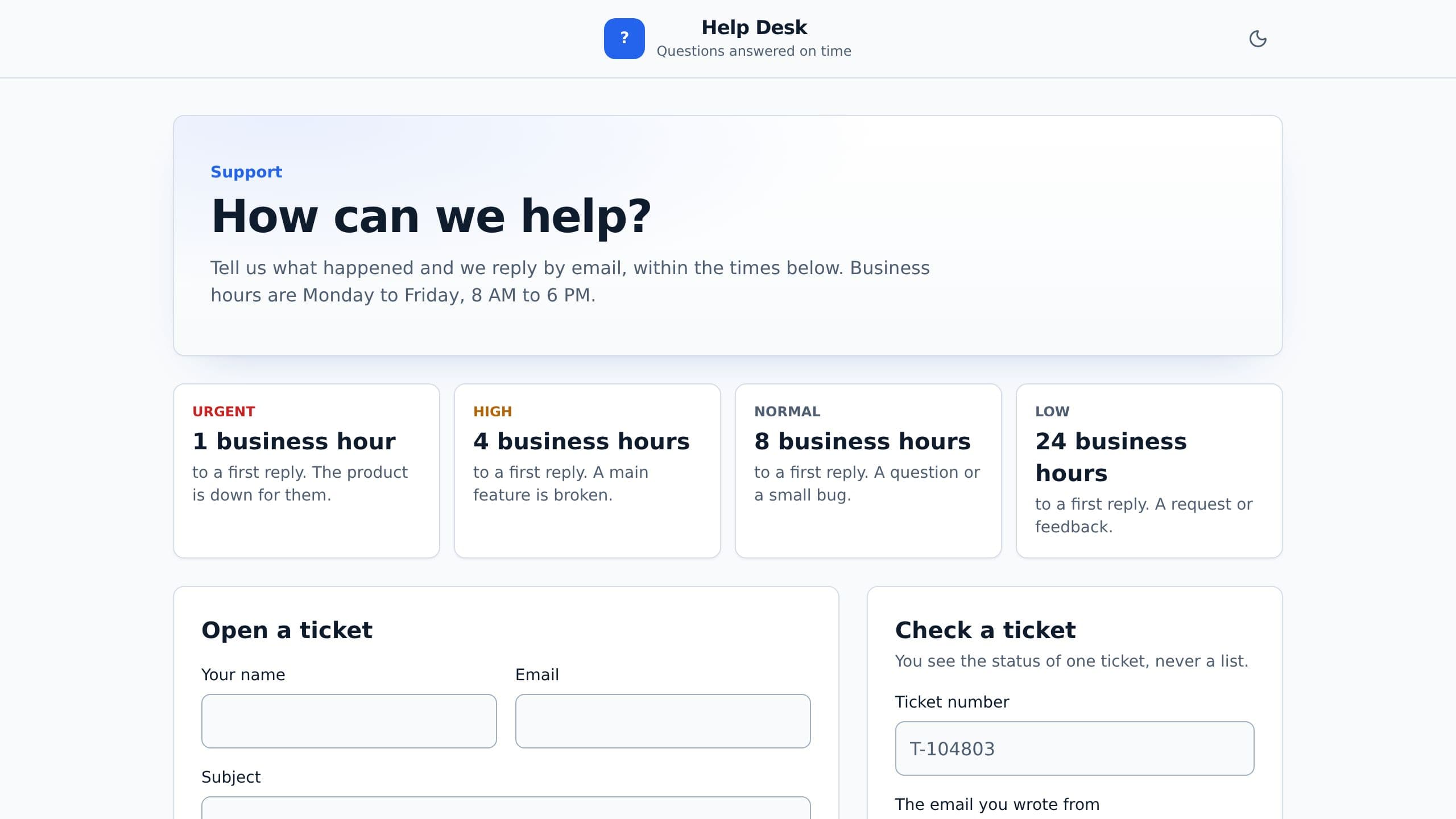
Email and form tickets land in one queue with first reply and resolve timers in business hours, paused while you wait on the customer. Support Drafter suggests a priority and drafts a reply from your saved replies. Customers check one ticket with its number and email, never a list. Hourly breach alerts and an SLA report by priority. Sample data included.