Free
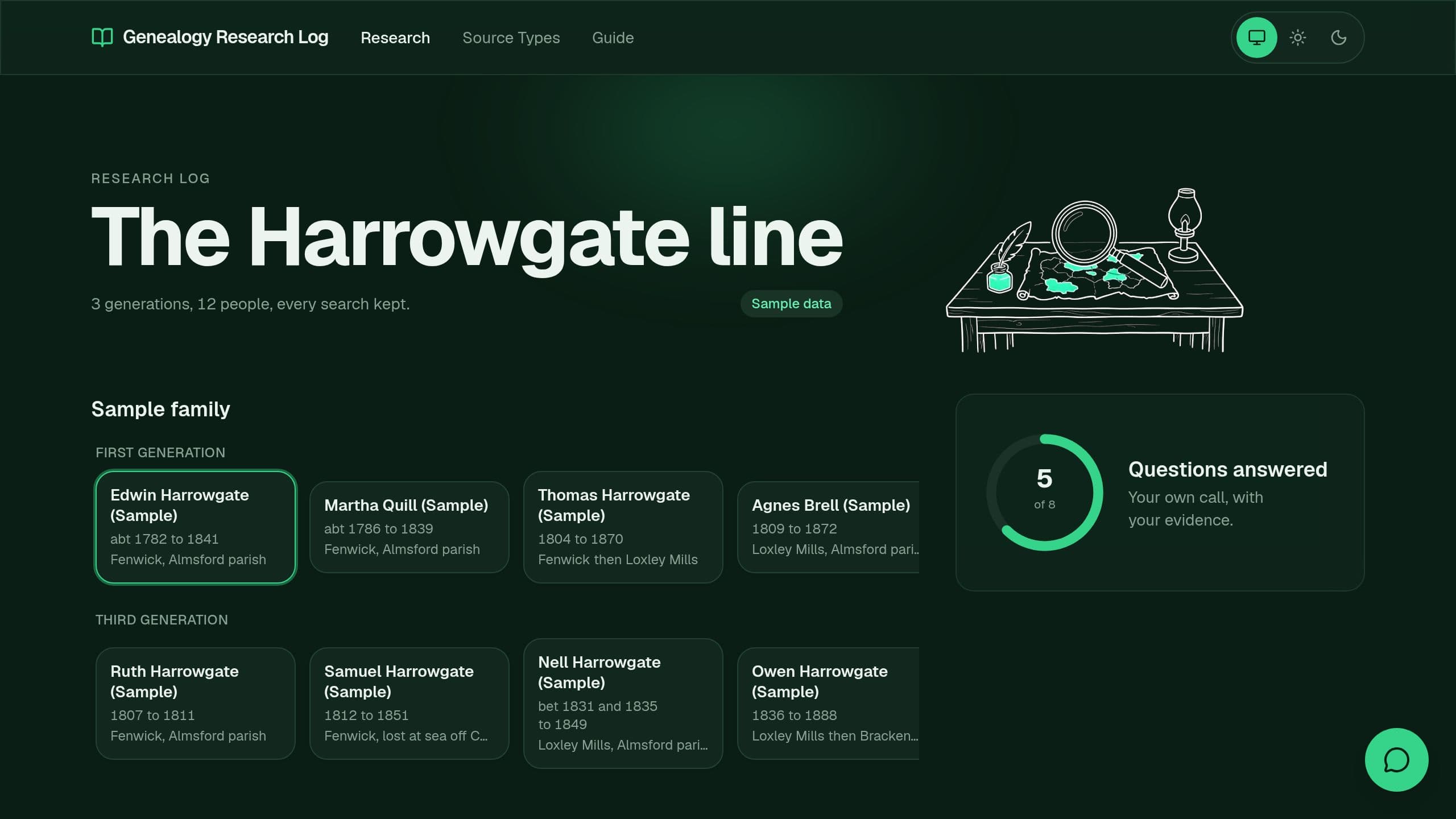
Log every record search, including the ones that found nothing, cite your sources and keep open questions and conflicts in one place with a free Taskade Genesis kit. Clone it and make it yours.
Free to start. Browse apps to clone.
76 kits
Log every record search, including the ones that found nothing, cite your sources and keep open questions and conflicts in one place with a free Taskade Genesis kit. Clone it and make it yours.
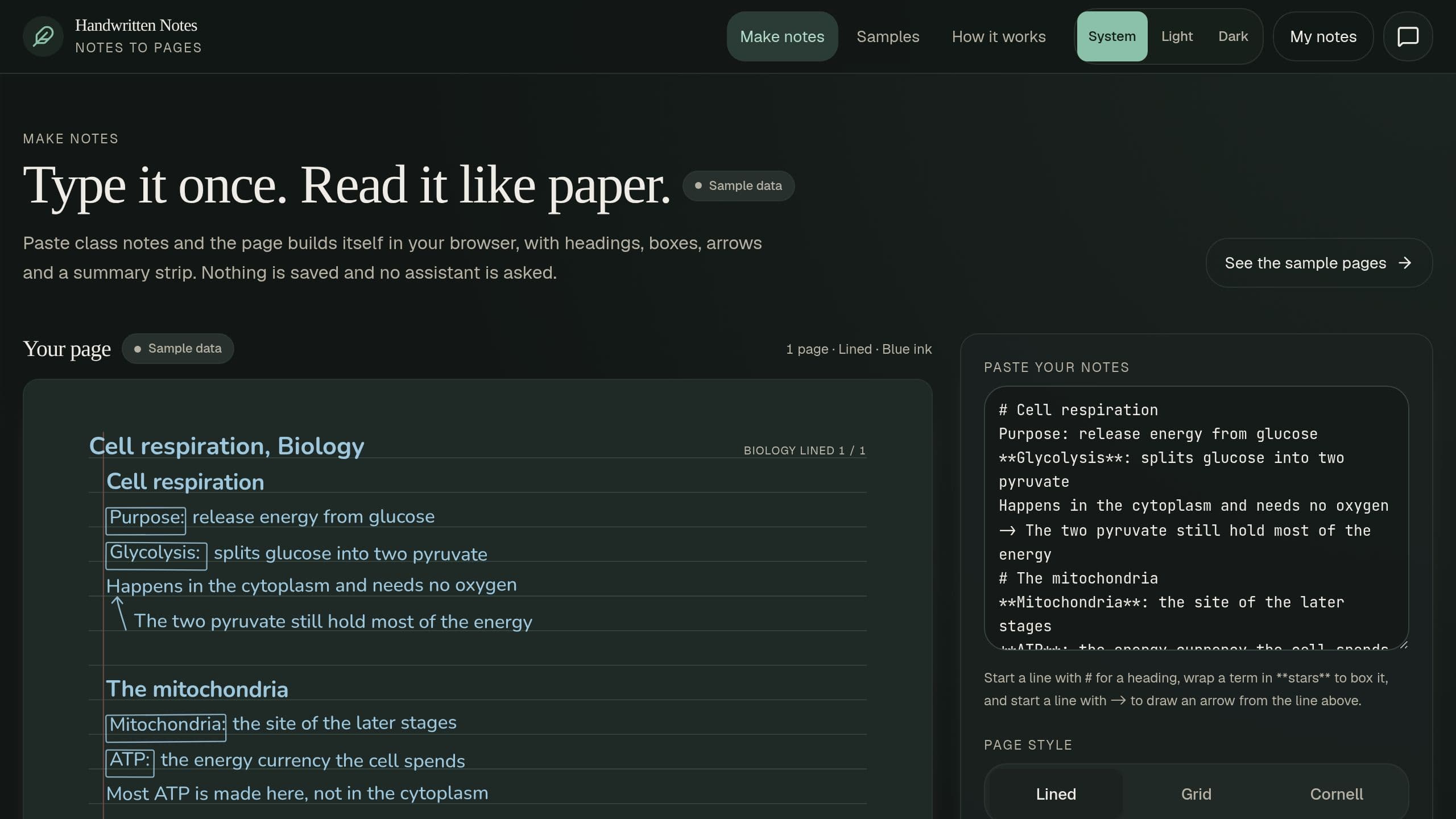
Paste text or upload a PDF and get neat notebook study pages with headings, boxed key terms, arrows and a summary strip, ready to print on A4 or Letter. A free Taskade Genesis kit. Clone it and make it yours.
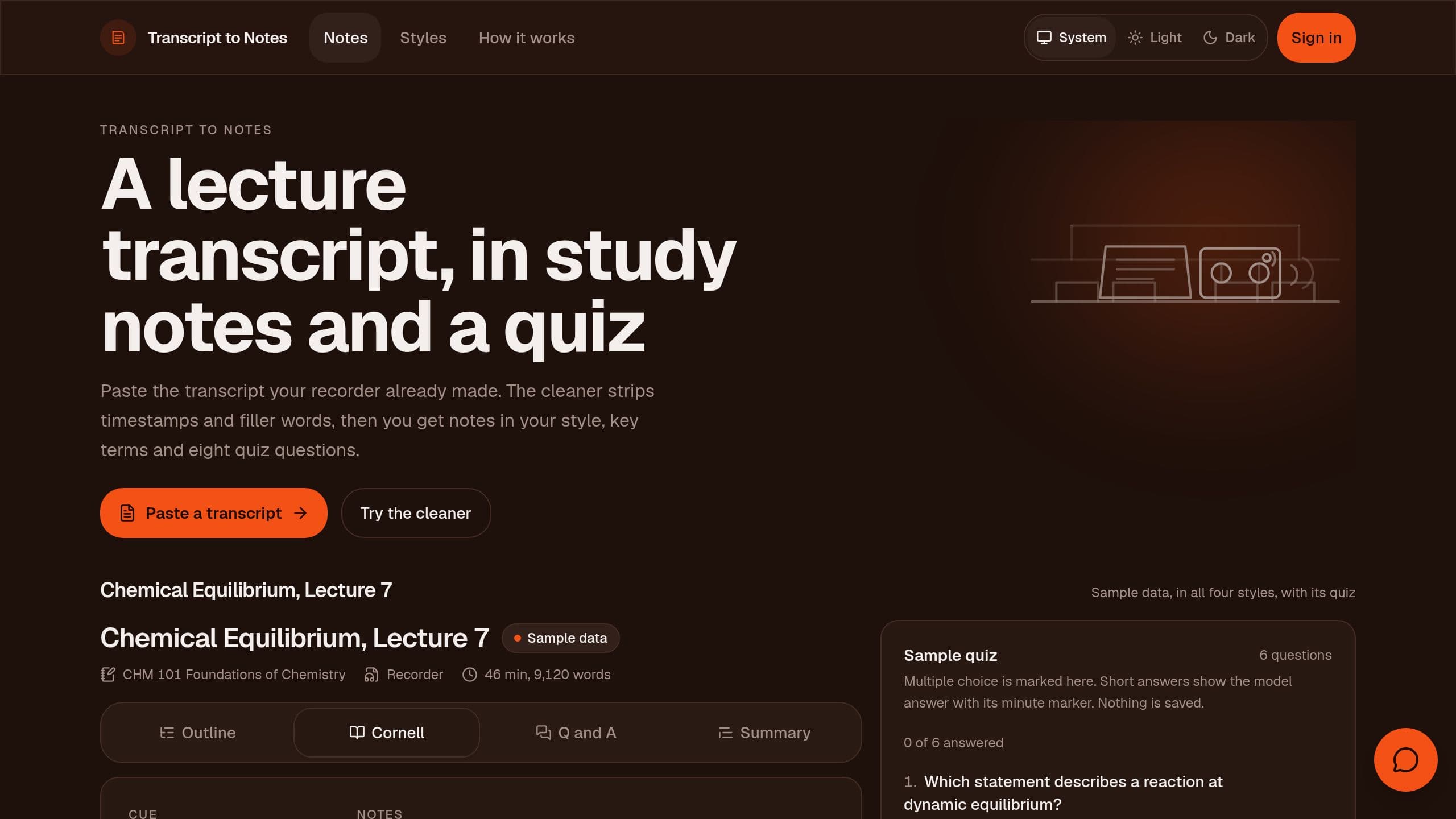
Paste a lecture or class transcript, pick Outline, Cornell, Q and A or Summary, and get clean study notes, key terms with meanings and an 8 question practice quiz. A free Taskade Genesis kit. Clone it and make it yours.
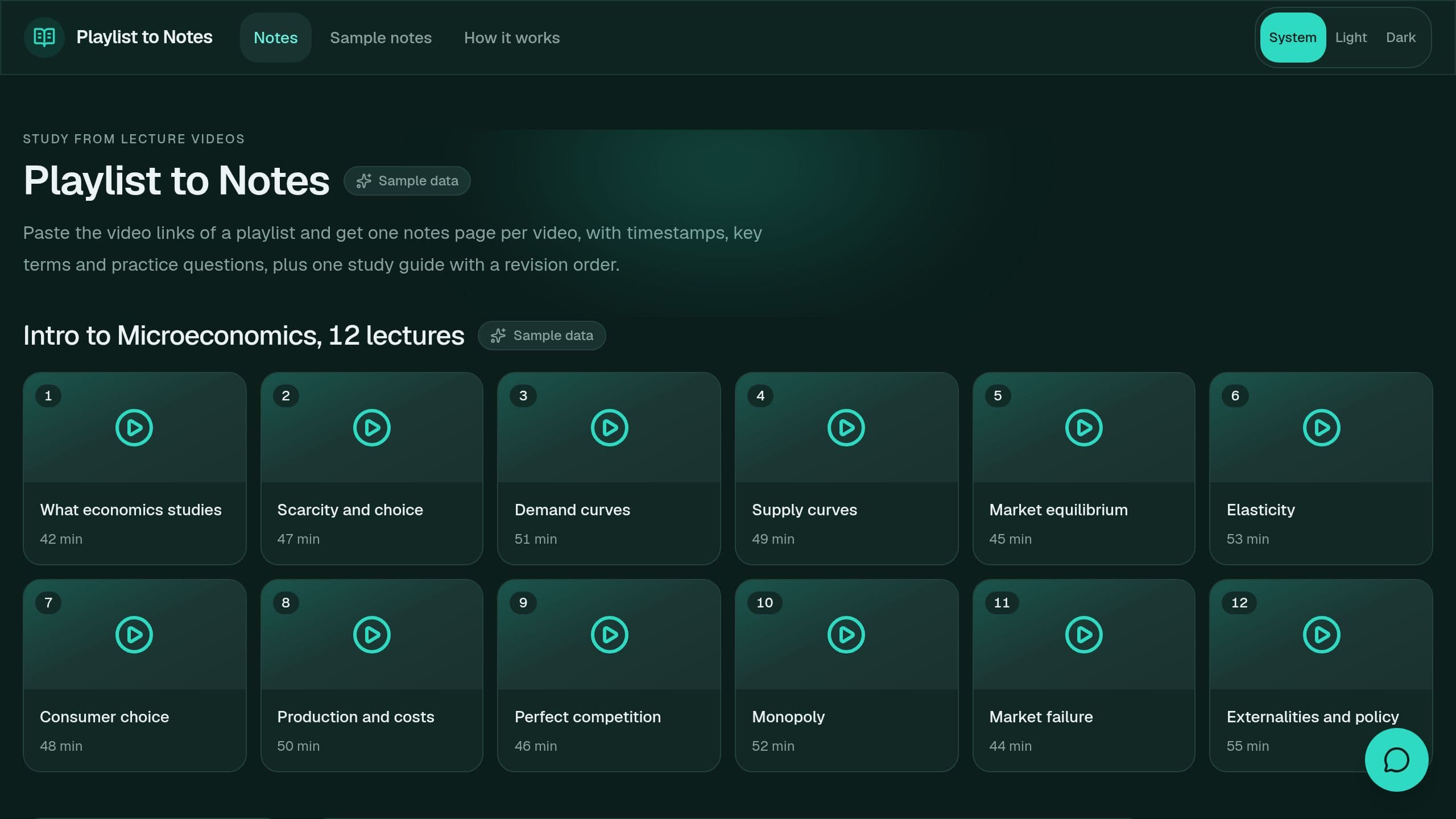
Paste the video links of a YouTube playlist and get one notes page per video, with timestamps, key terms and practice questions, plus a combined study guide with a revision order. A free Taskade Genesis kit. Clone it and make it yours.
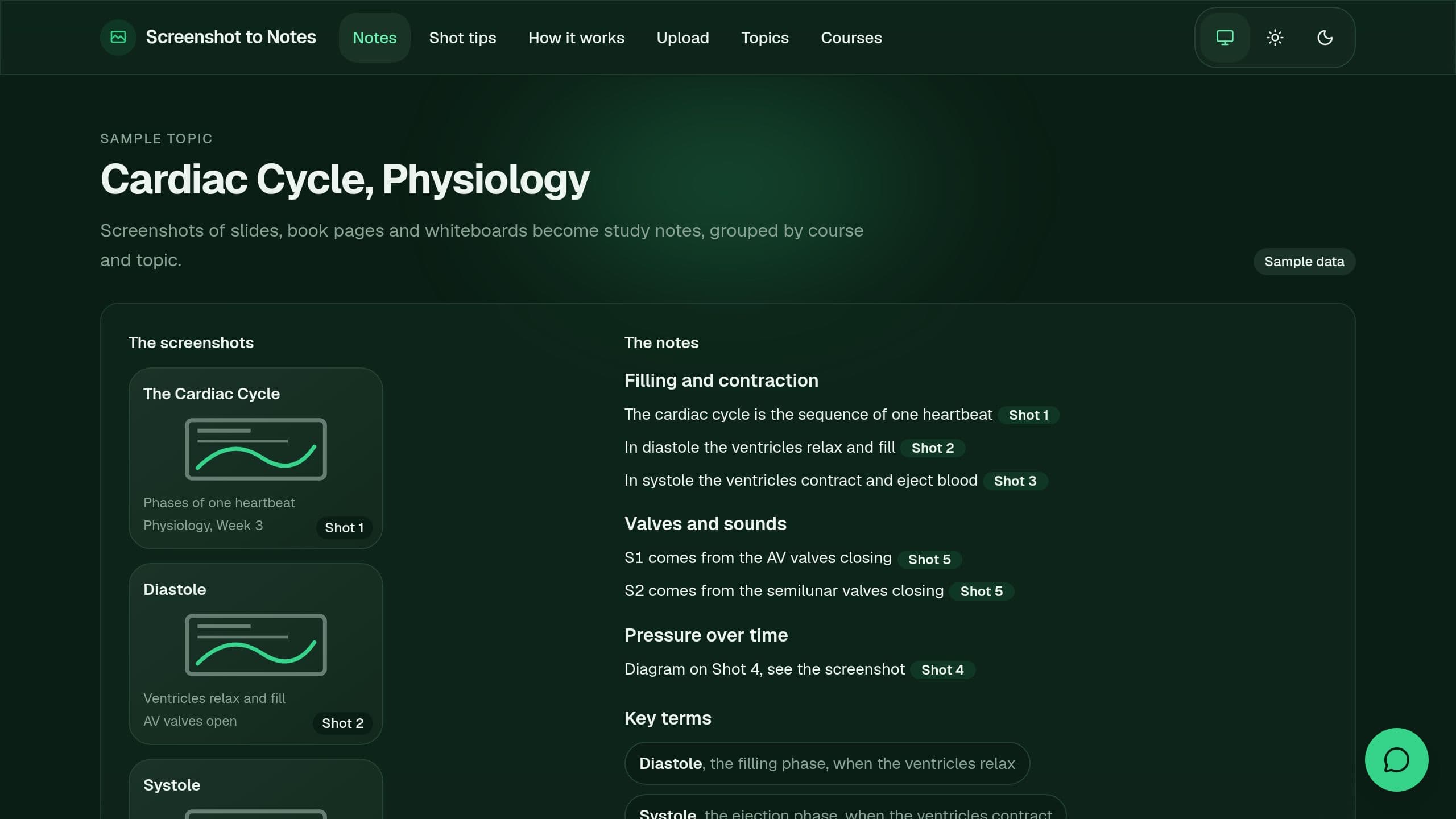
Upload screenshots of slides, book pages and whiteboards and get study notes with key terms and practice questions, grouped by course and topic. A free Taskade Genesis kit. Clone it and make it yours.

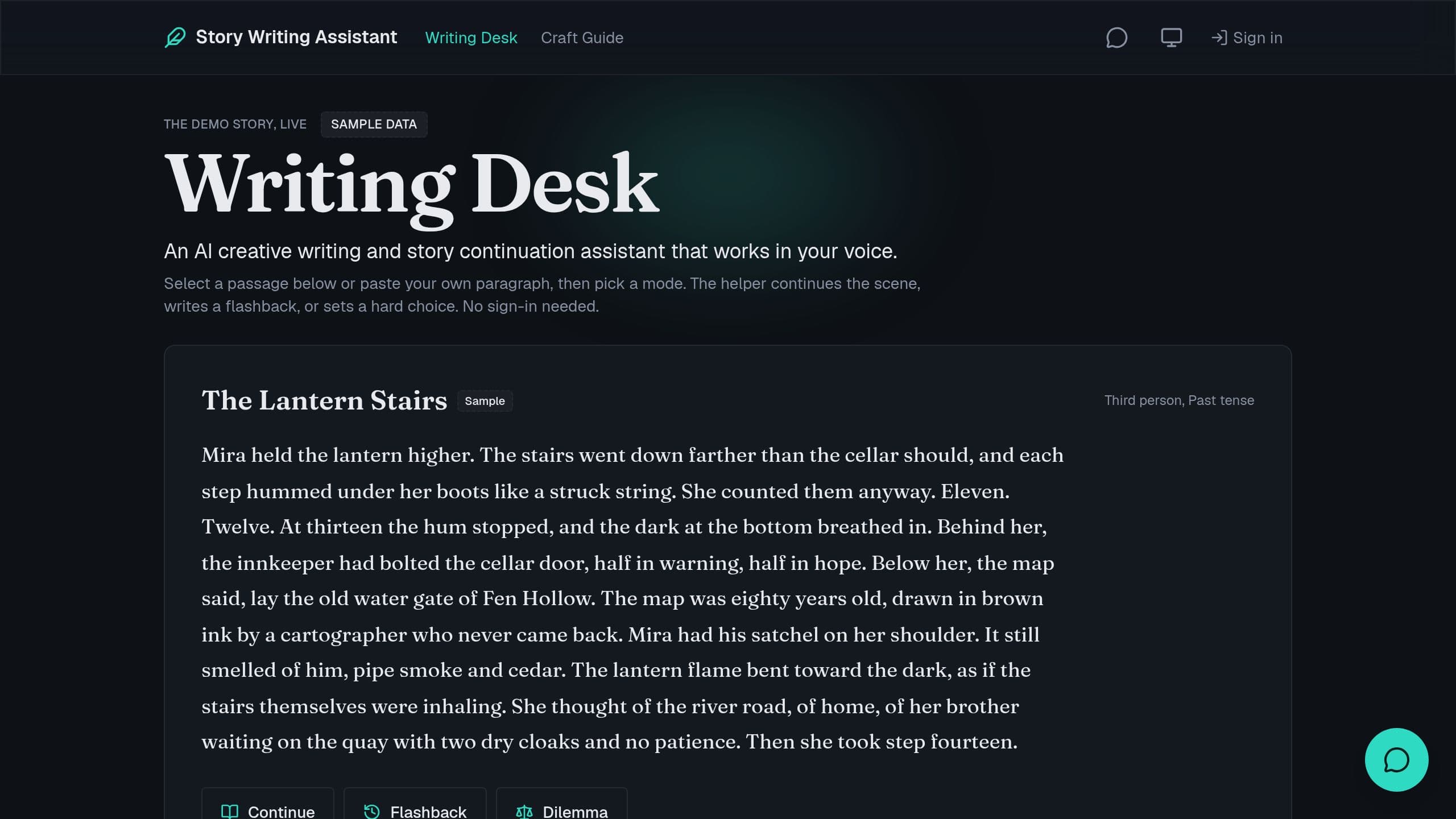
Story Writing Assistant is a free Taskade Genesis kit for fiction writers: continue a scene, write a flashback or set a moral dilemma in your own voice, keep chapters and characters, and track words per week.
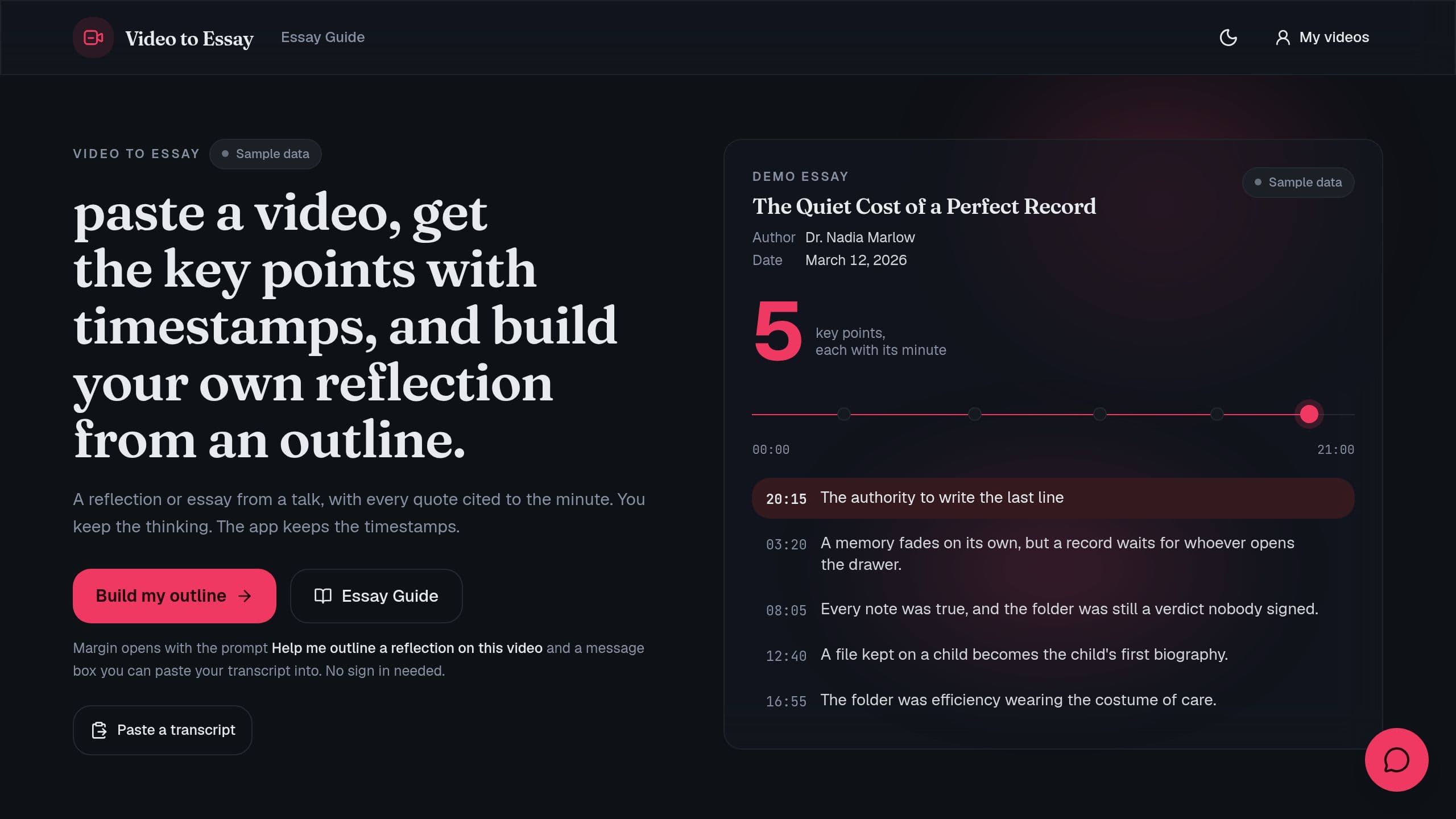
Paste a YouTube link or transcript, get key points with timestamps, outline your own view and write a reflection with quotes cited to the minute in APA or MLA. A Taskade Genesis kit.

Historical Context Writer is a free Taskade Genesis kit: write the historical context of an event, a book or a place in 4 parts, with a date and a source for each claim, a timeline and a checked claim count.
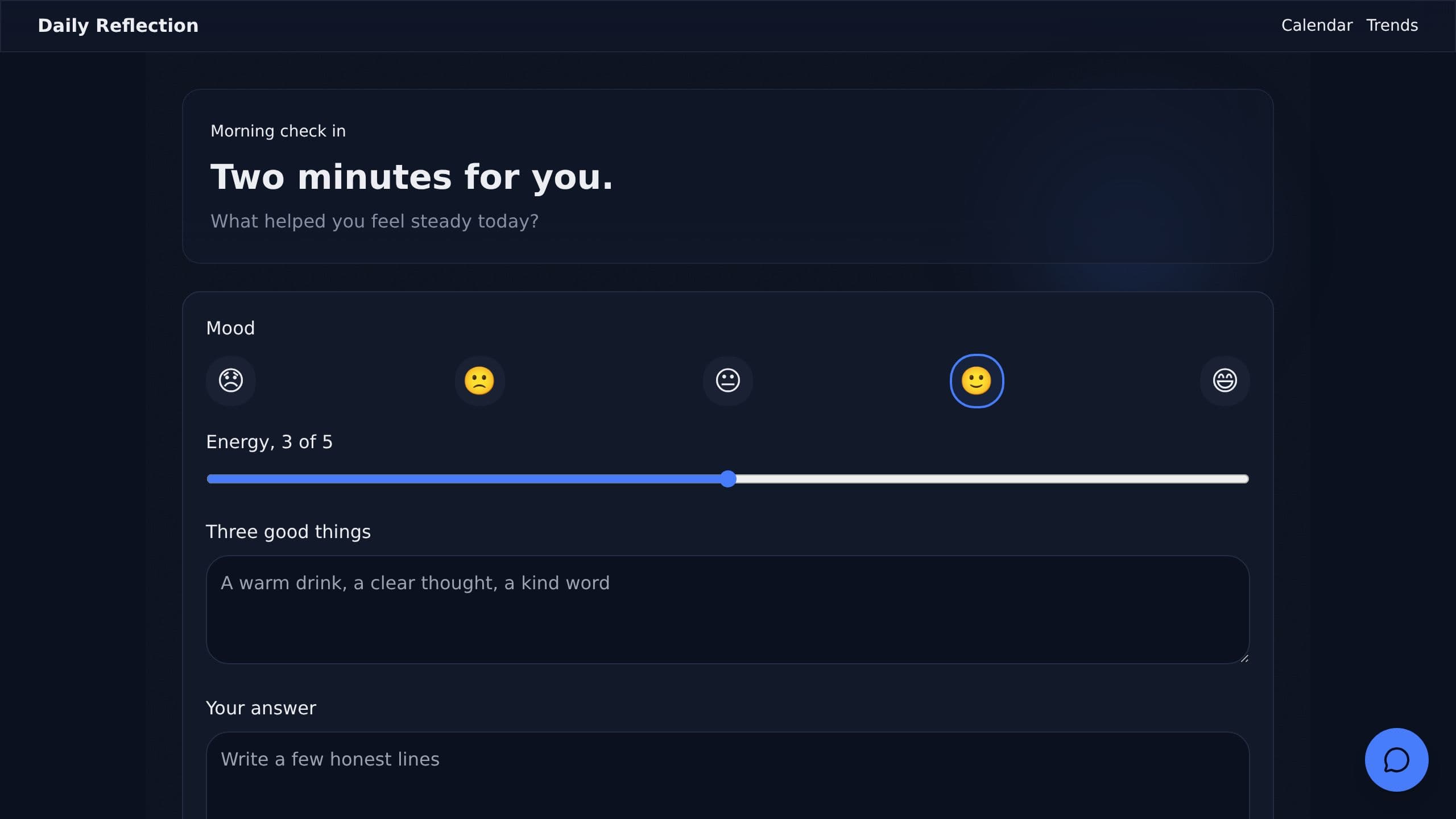
It replaces the paper notebook you stop writing in. Each day shows one prompt, then you note mood, energy and three good things, with a shorter evening version. A calendar colors days by mood, and trends show which tags go with good and hard days. Clone it free and start with sample data.
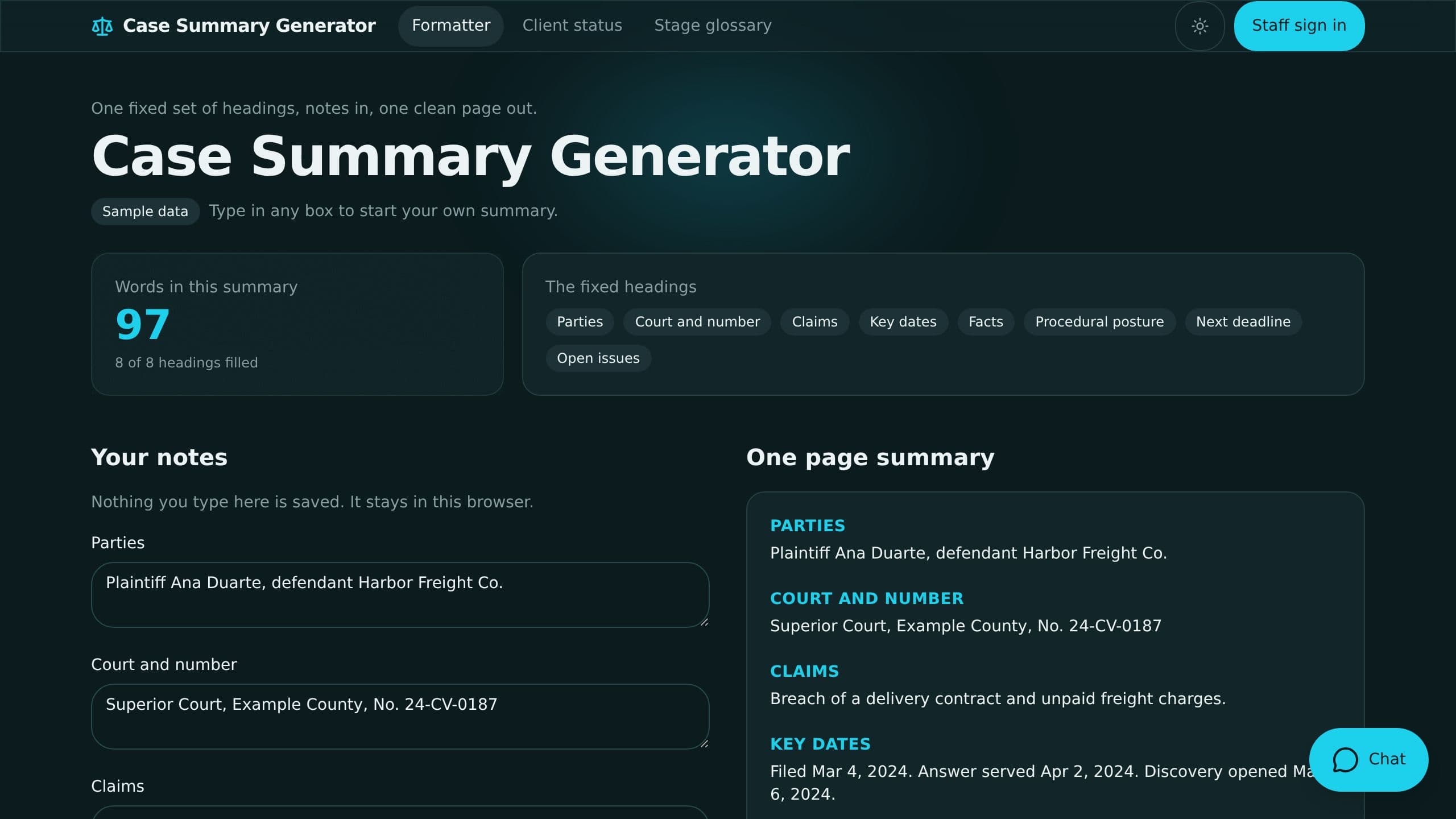
Turn matter notes into a one-page case summary with fixed headings, and show clients an approved status line.
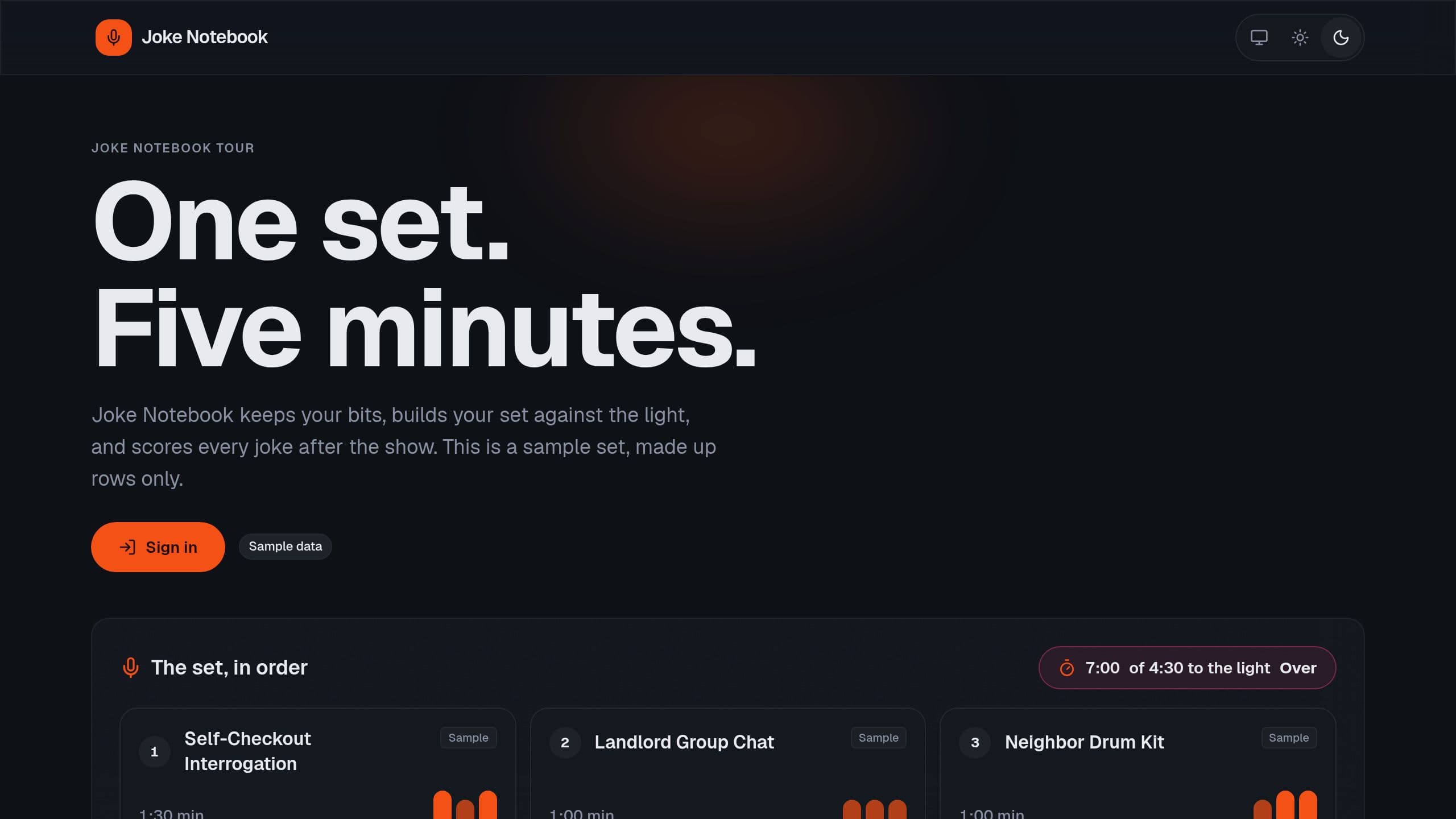
Joke Notebook is a Taskade Genesis kit for stand-up comics: bits with running times, a set builder against the light, a 0 to 3 score per bit after each show, and a Monday list of cold bits.
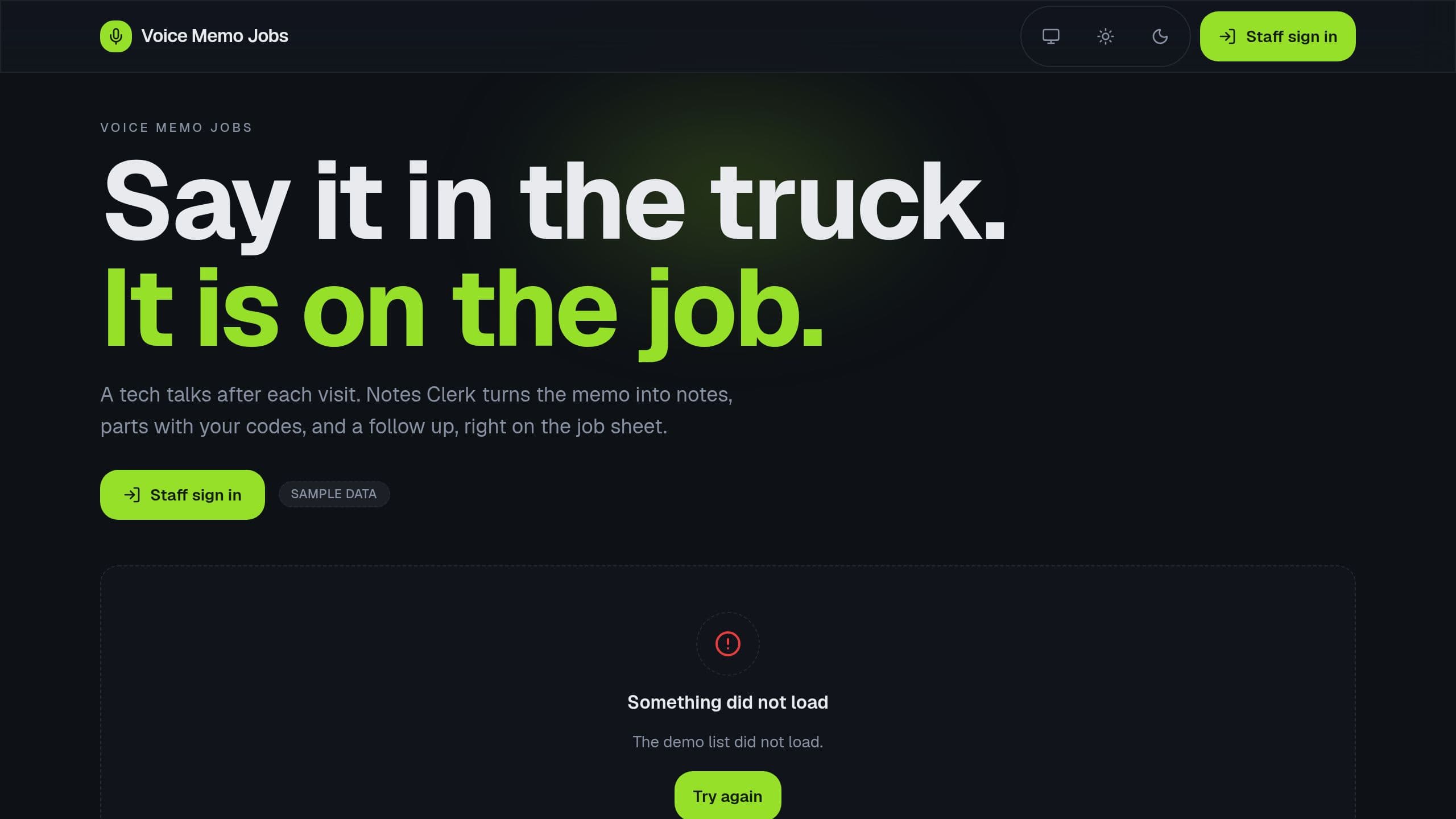
Voice Memo Jobs is a Taskade Genesis kit for field service: a tech voice memo becomes job notes, parts with codes and a follow up list.
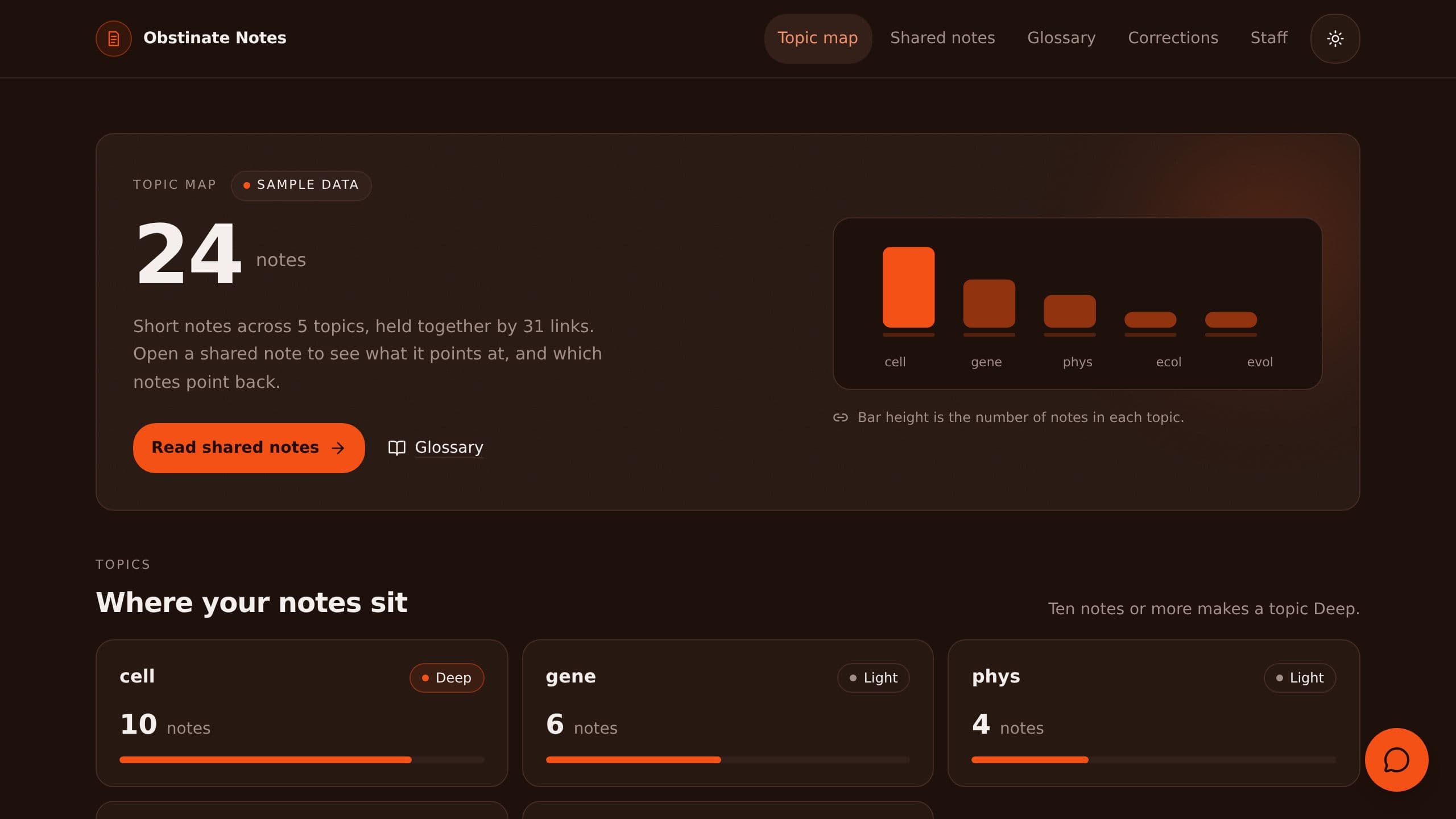
Write short notes, link them by topic, and see which notes point to each other. Free to clone. A playful parody, not affiliated with Obsidian.
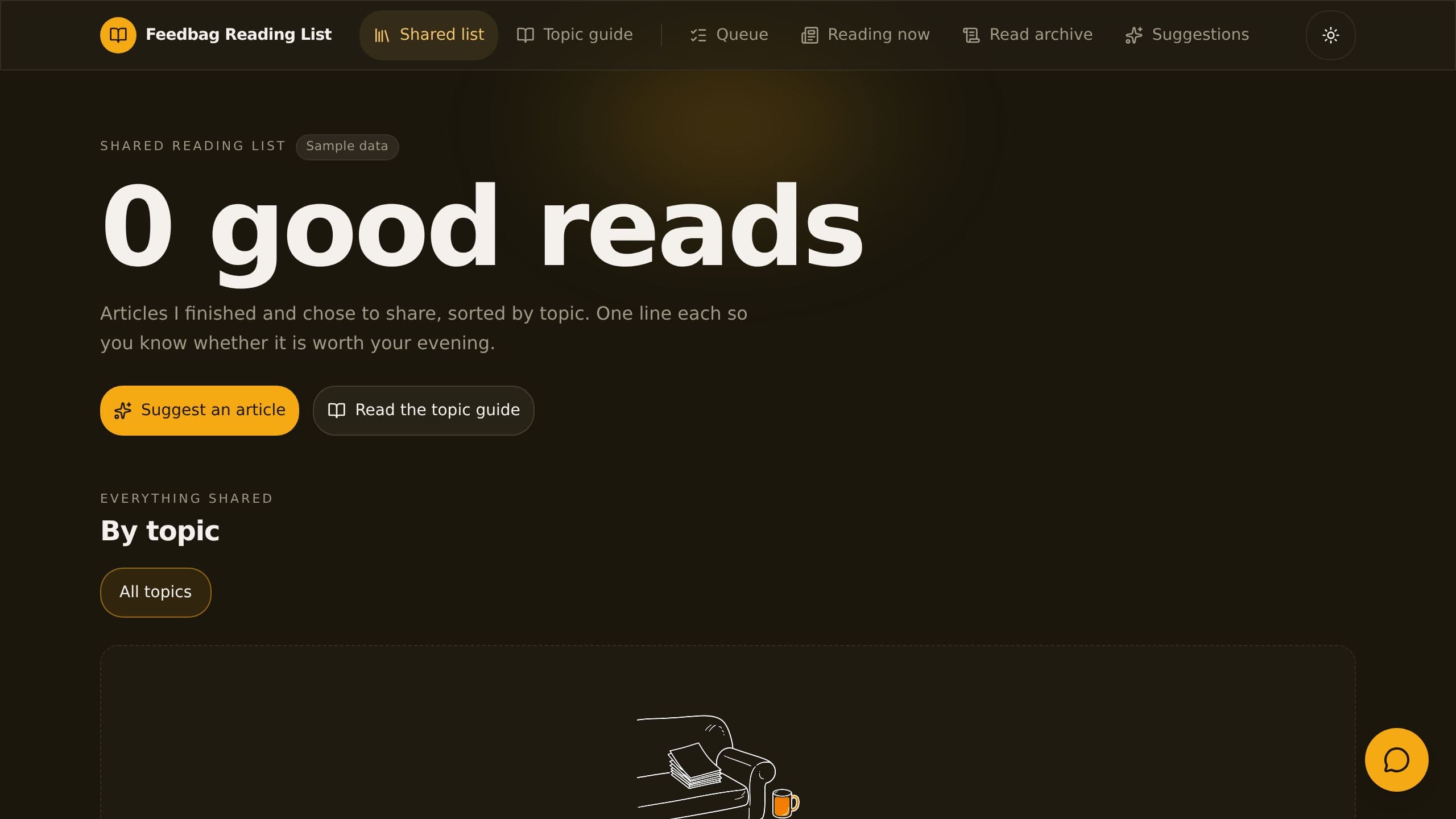
Queue articles by topic, cap your week, and mark each as read with a one line takeaway. Share the best ones on a public list that visitors can read and suggest to.
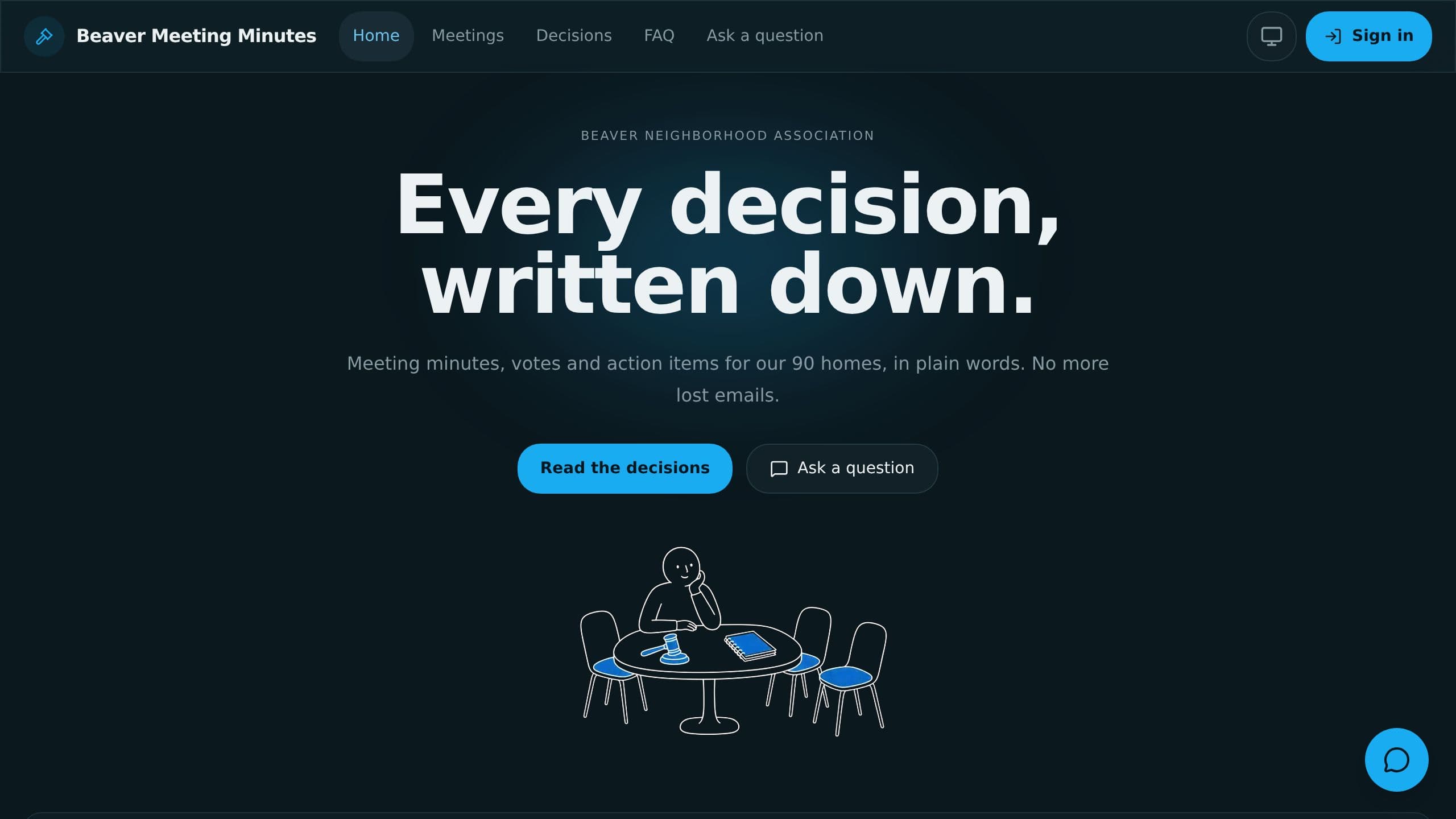
Log each meeting's decisions and action items with owners and due dates, and share them with residents. Free to clone. A playful parody, not affiliated with Otter.ai.
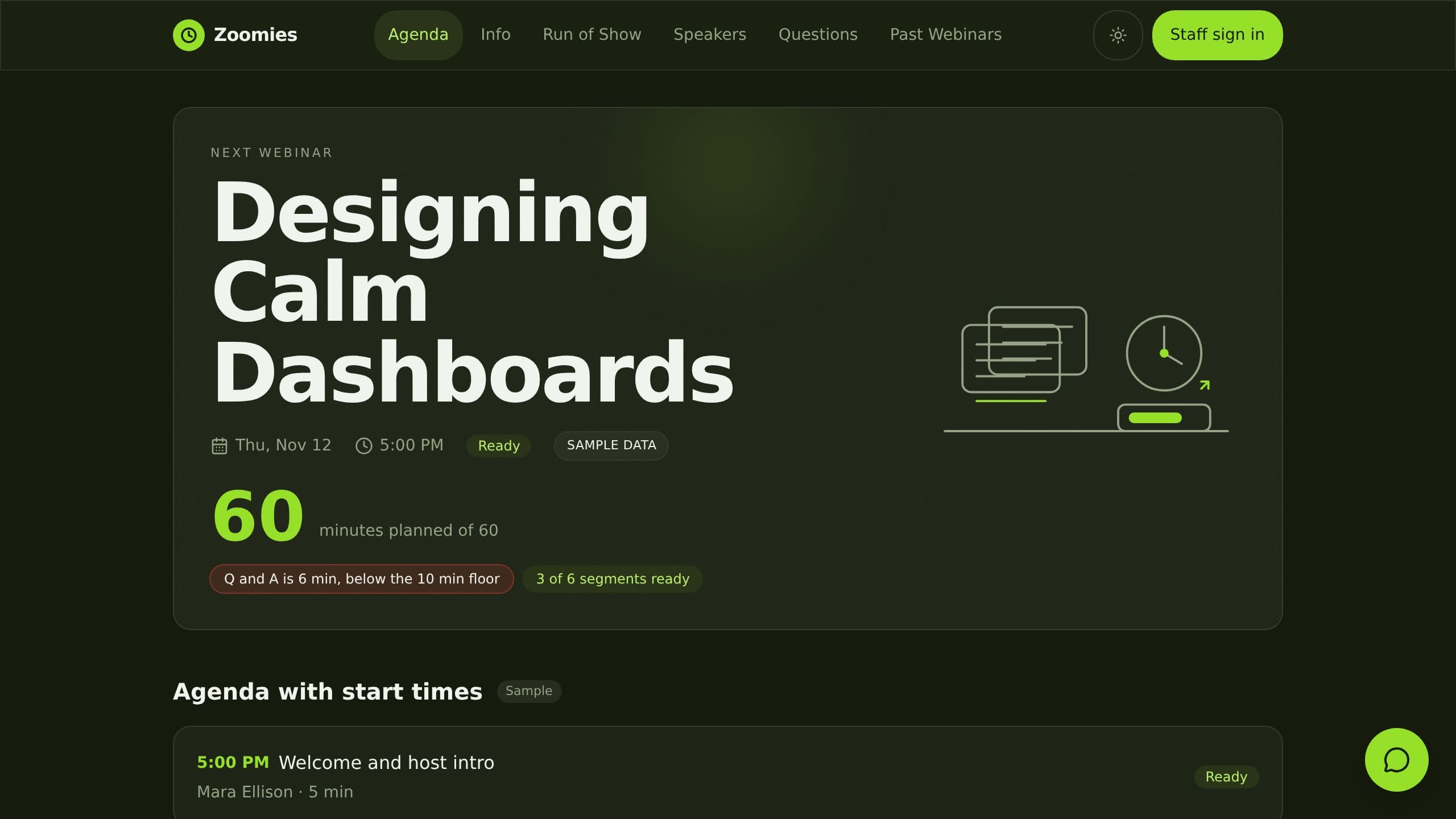
Build a webinar run of show with minutes per segment, speaker cues and a public agenda. Free to clone. A playful parody, not affiliated with Zoom.
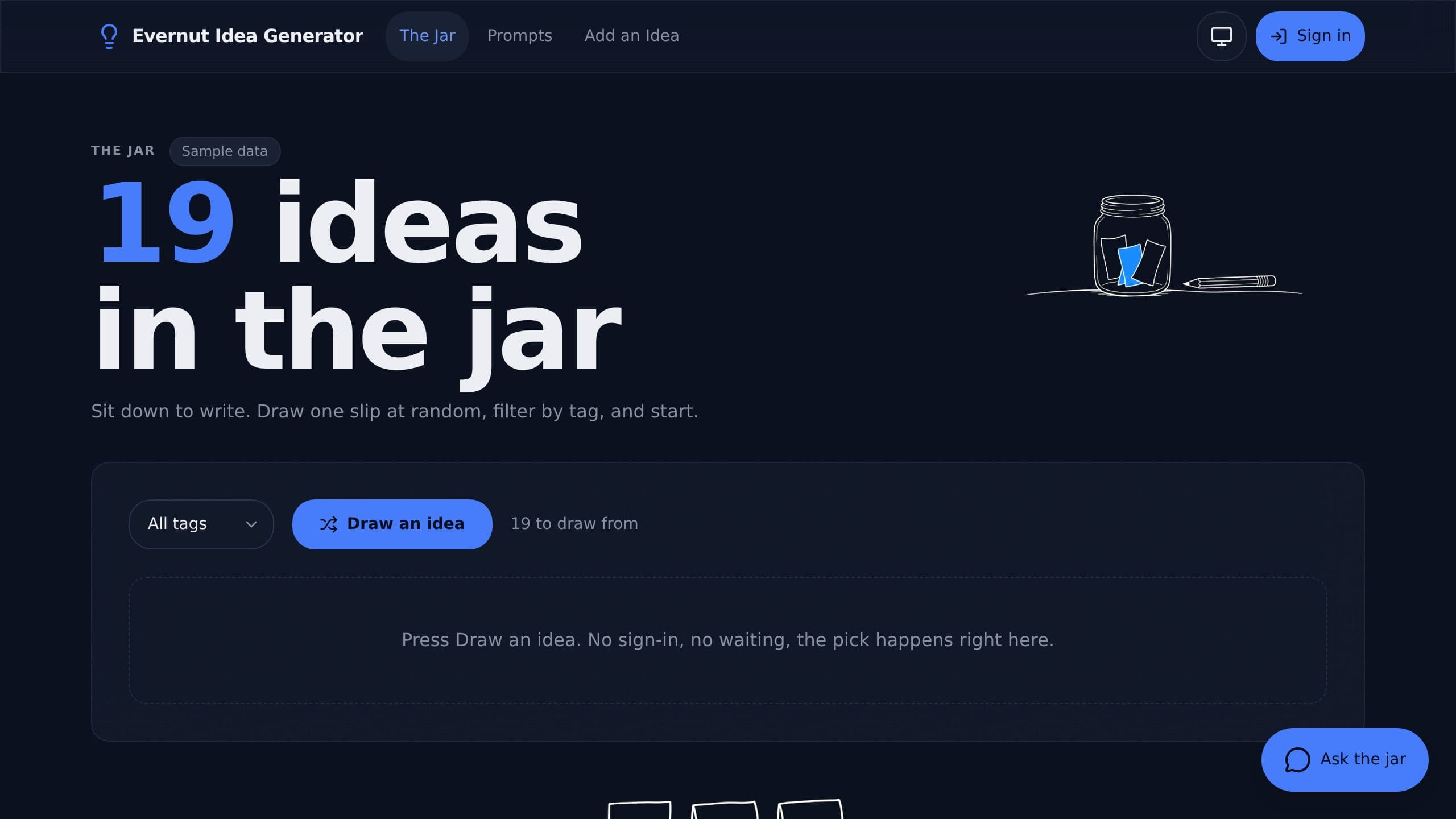
Drop in quick ideas, tag them and draw one at random when you sit down to write. Free to clone. A playful parody, not affiliated with Evernote.
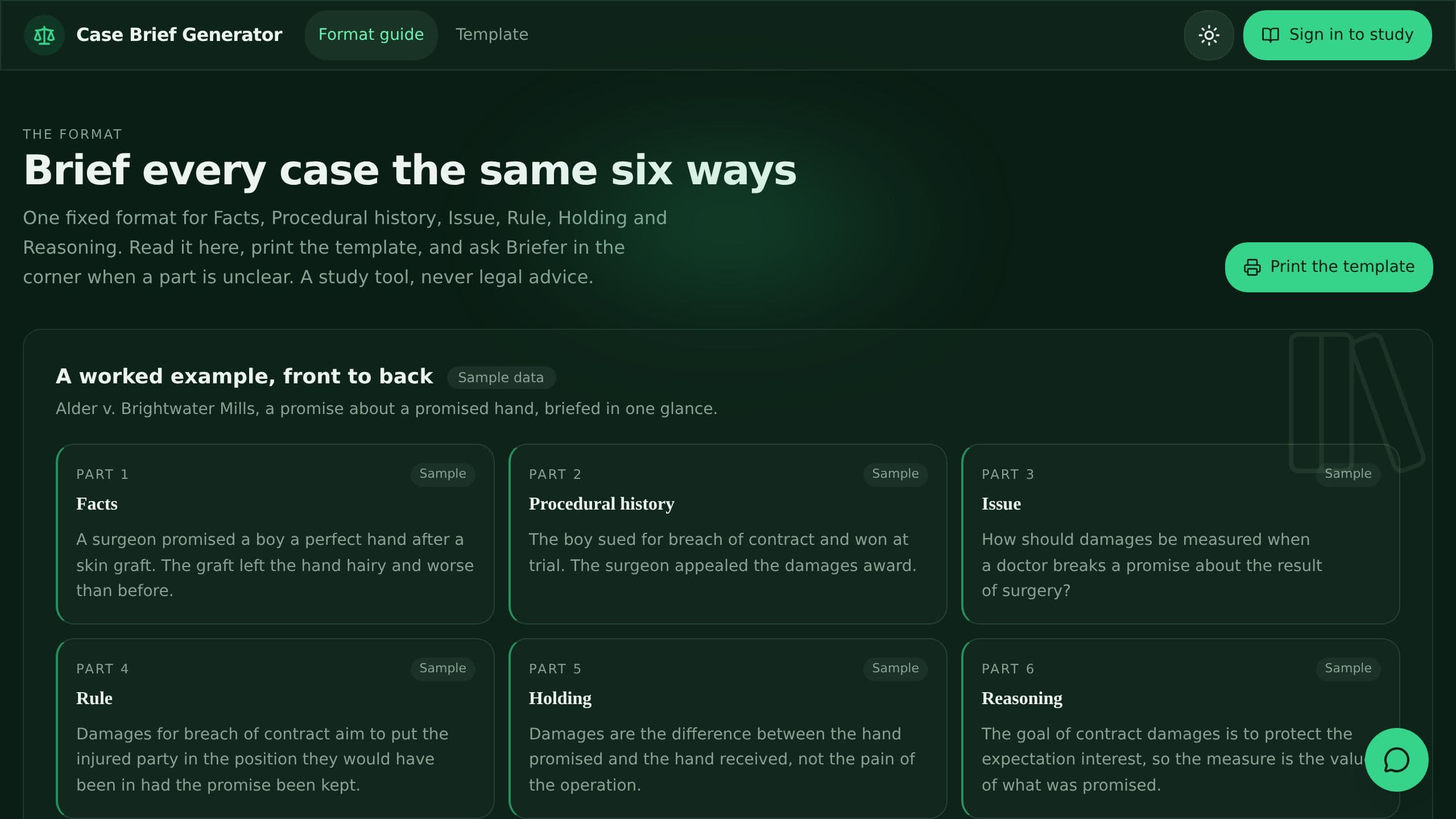
Write case briefs in a fixed format, link them to courses and rules, and find them for exams. Study tool, not legal advice.
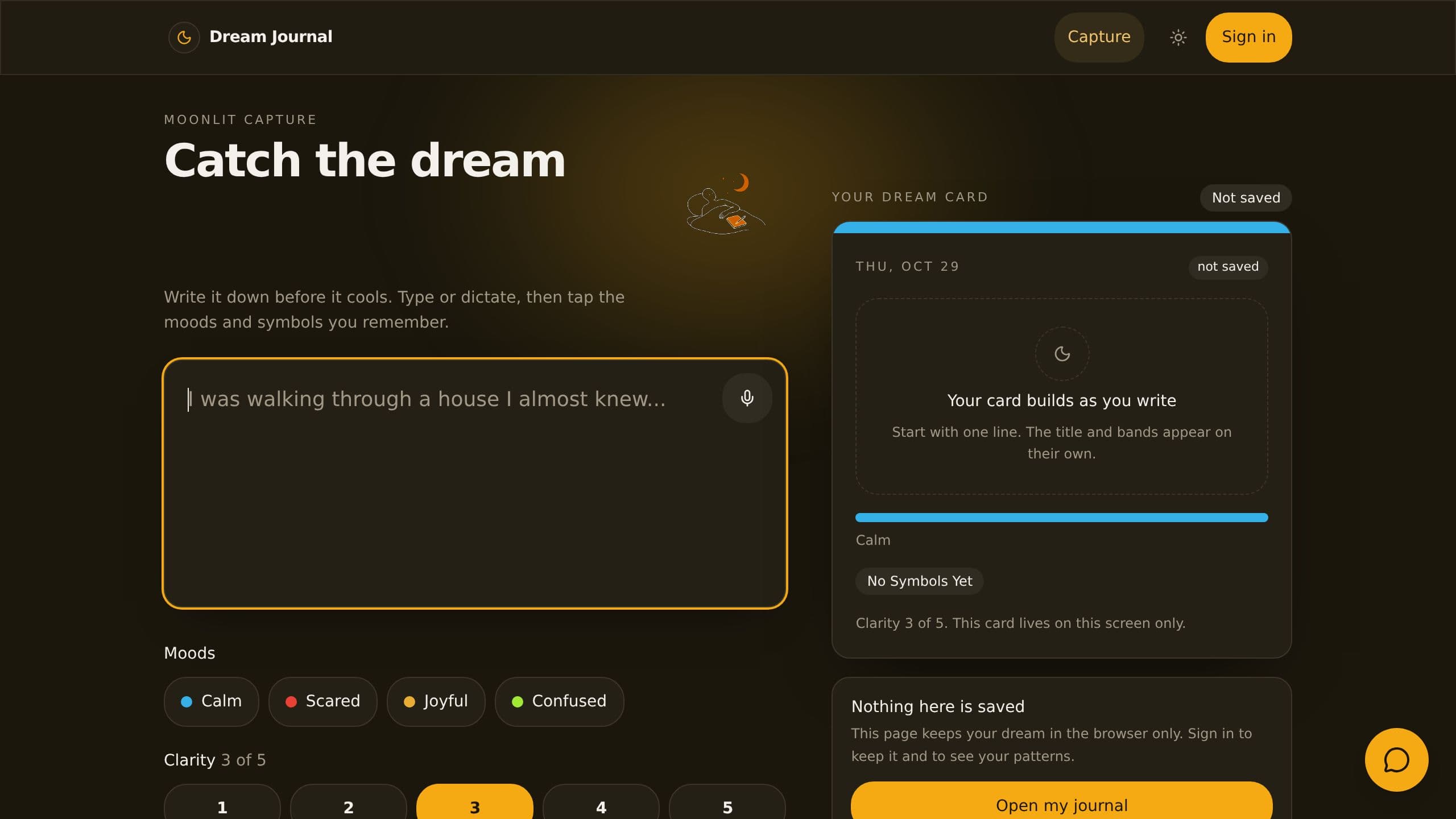
Type a dream half asleep on a dim screen, tag moods and symbols, get a dream card, and see monthly patterns. Private.
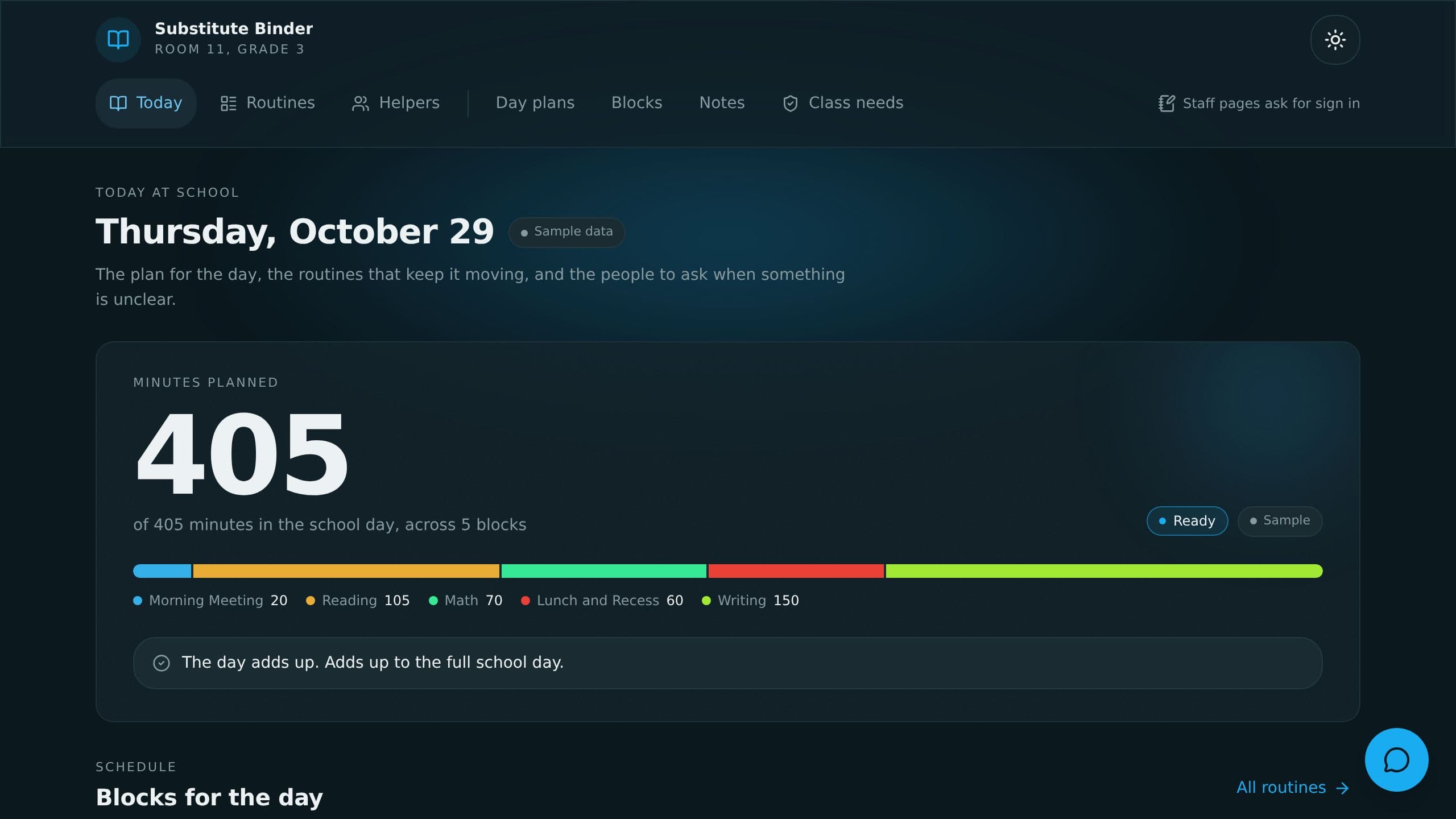
Keep routines, the daily schedule, class helpers and plans in one page a substitute opens, without student details.
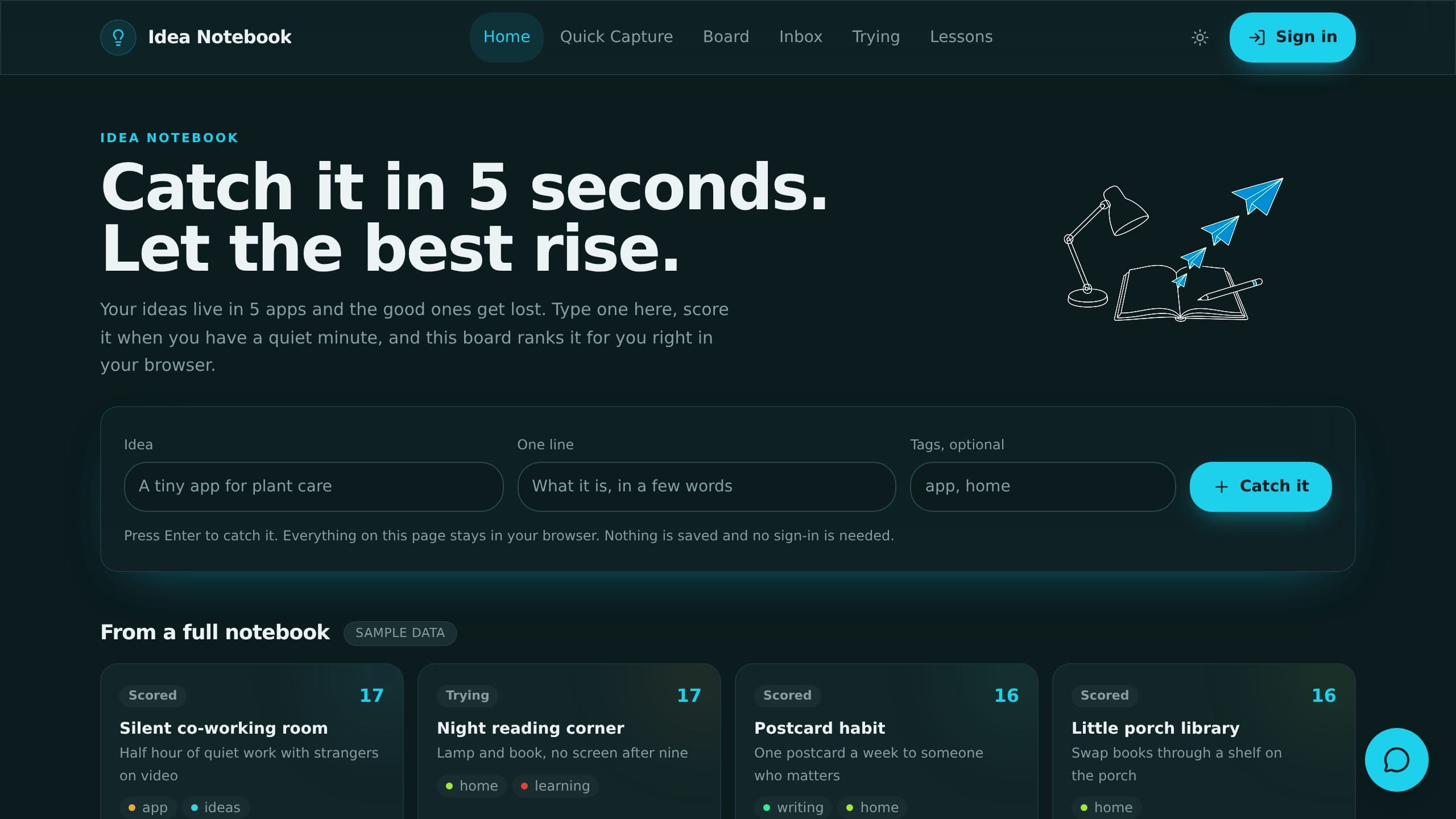
Catch an idea in 5 seconds, score it on excitement, ease and impact, and watch the best ideas rise on a board.
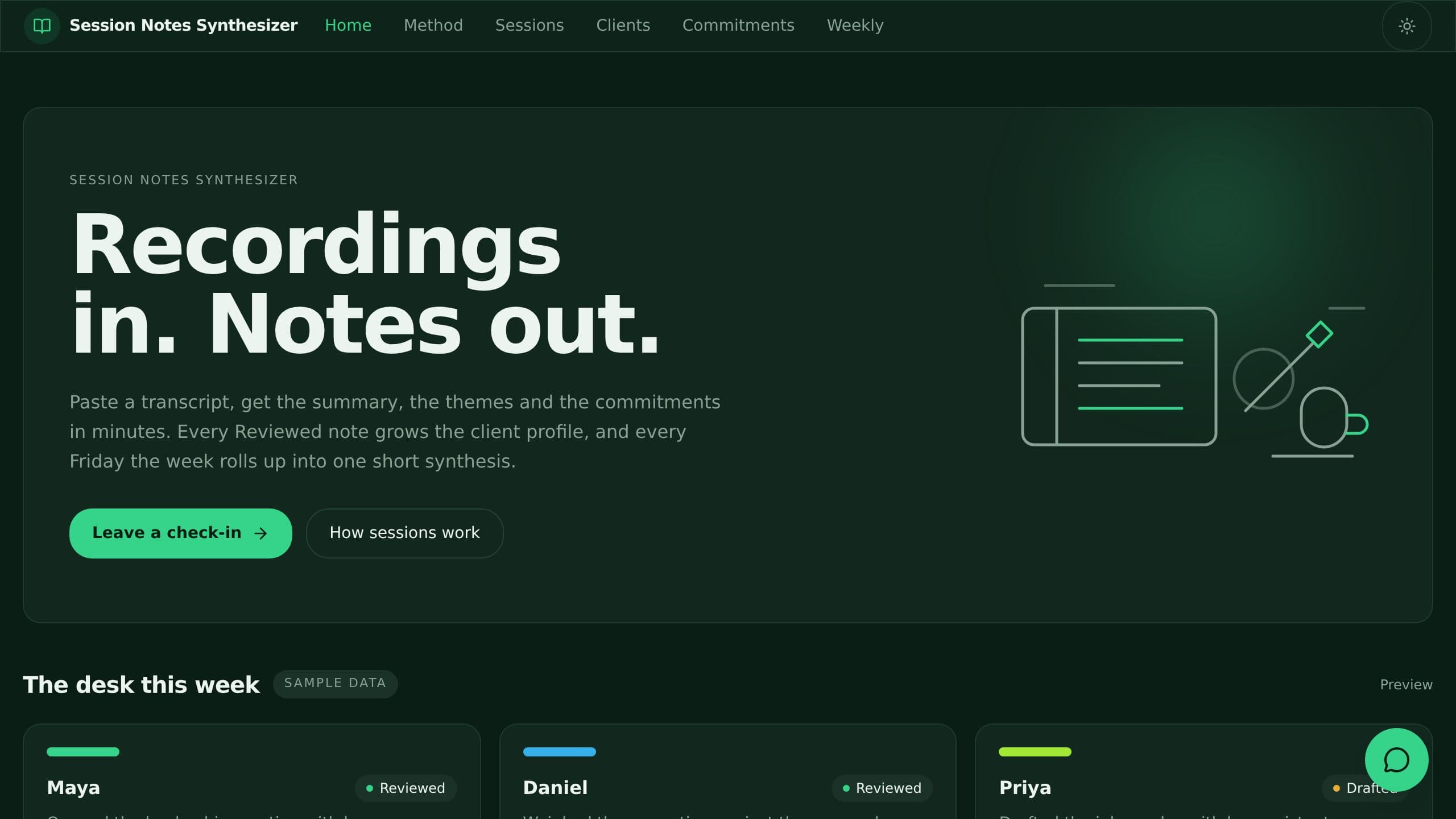
Paste a session transcript and get structured notes, commitments and a growing client profile. Weekly synthesis across clients.
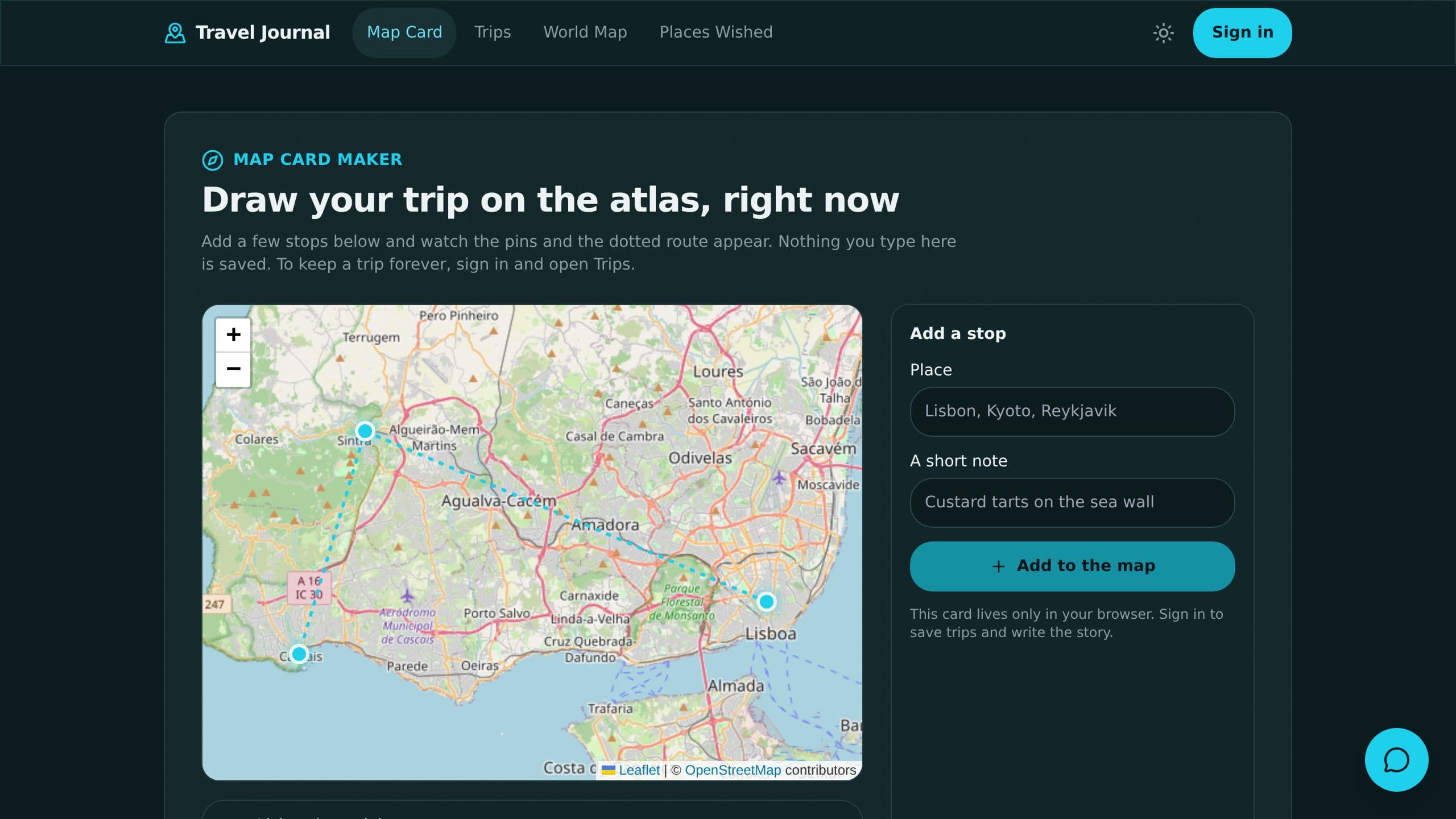
Log each day's stops with photos and notes, see a map with your route, and share a trip story read-only.
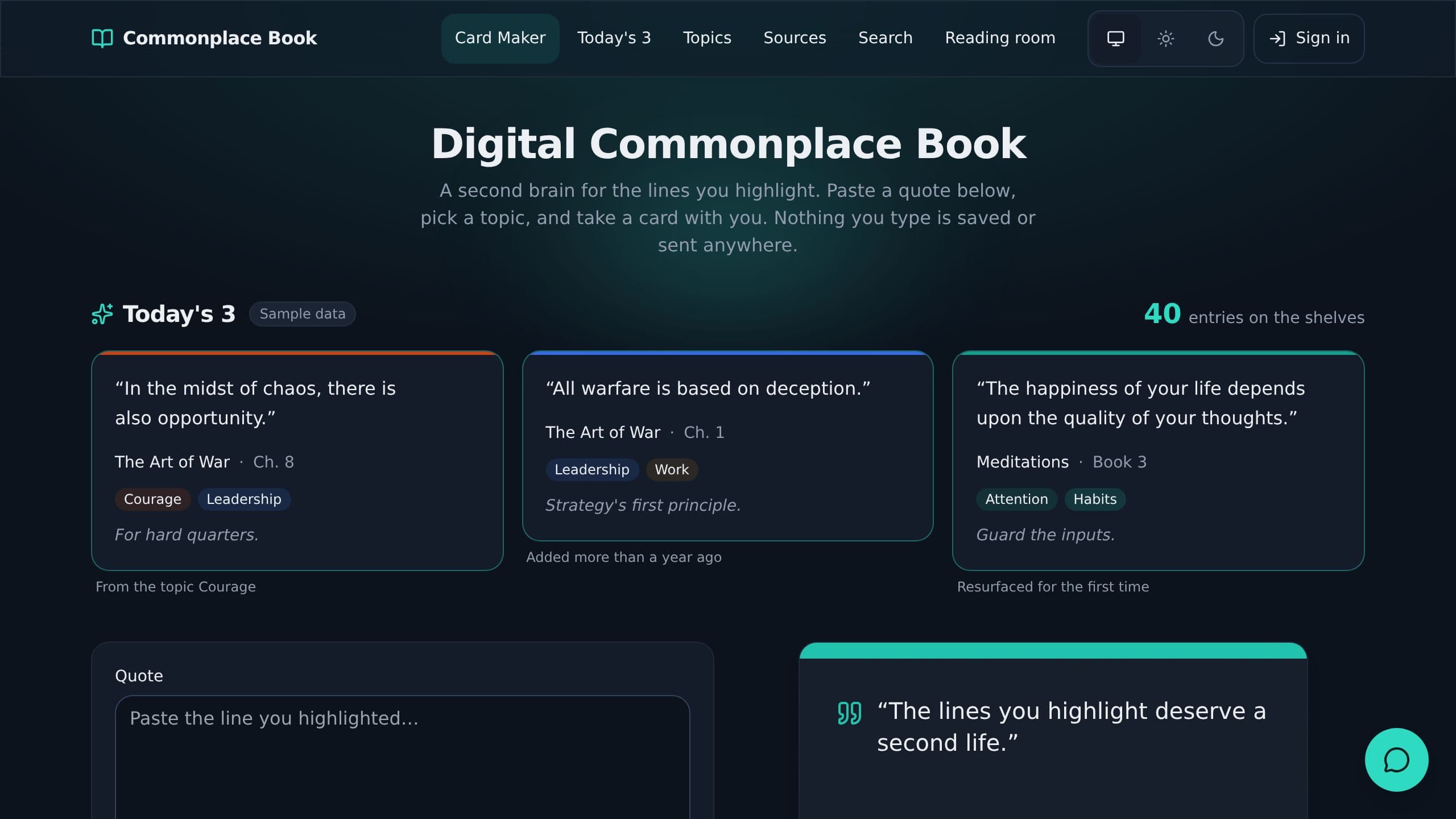
It replaces the notebook and the loose screenshots of quotes. A free page turns any quote into a styled card. Signed in, you keep entries and import a block of highlights. Clone it free and start with sample data.
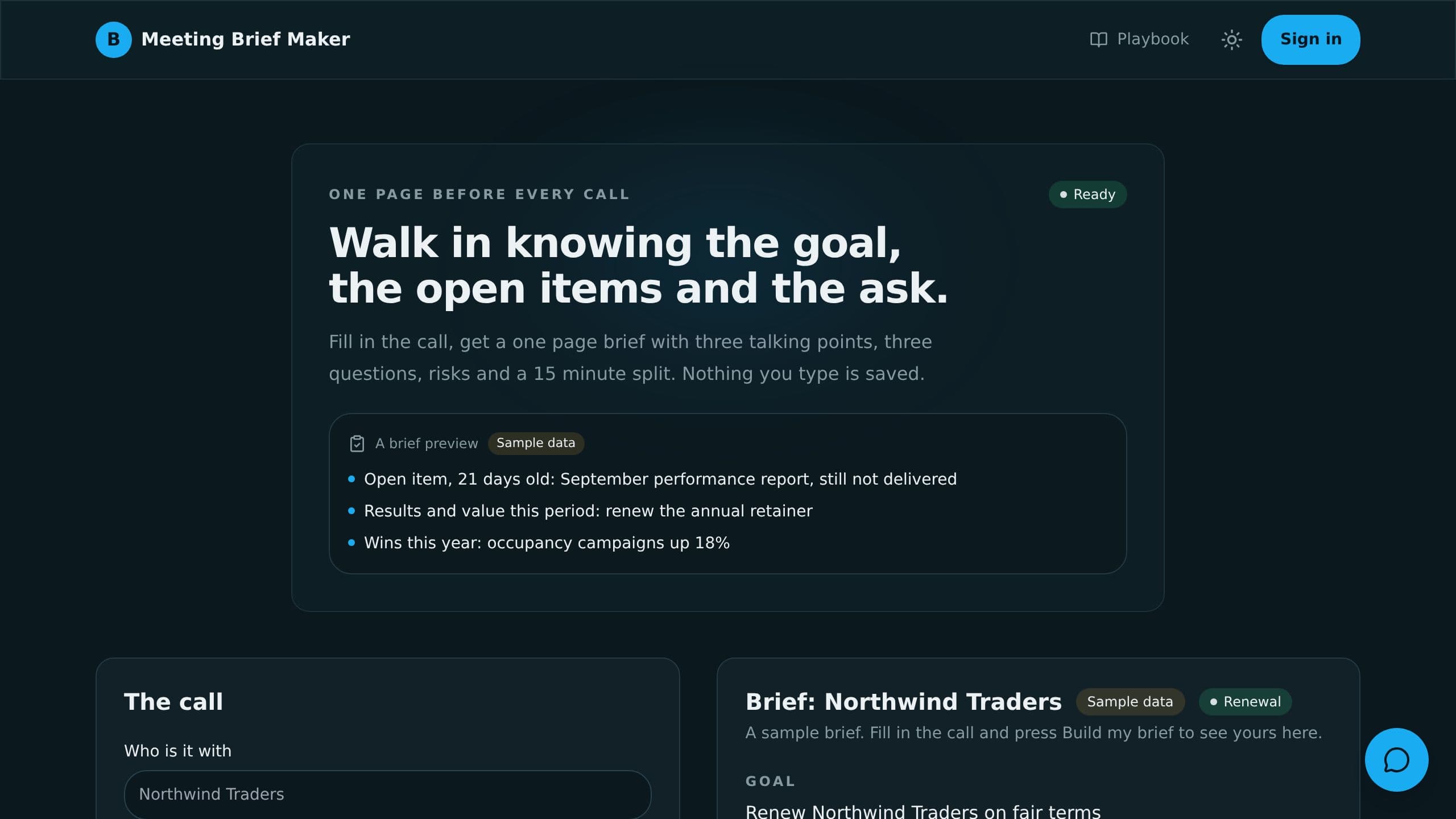
Prepare for every client call with one page: goal, open items, talking points and the ask.
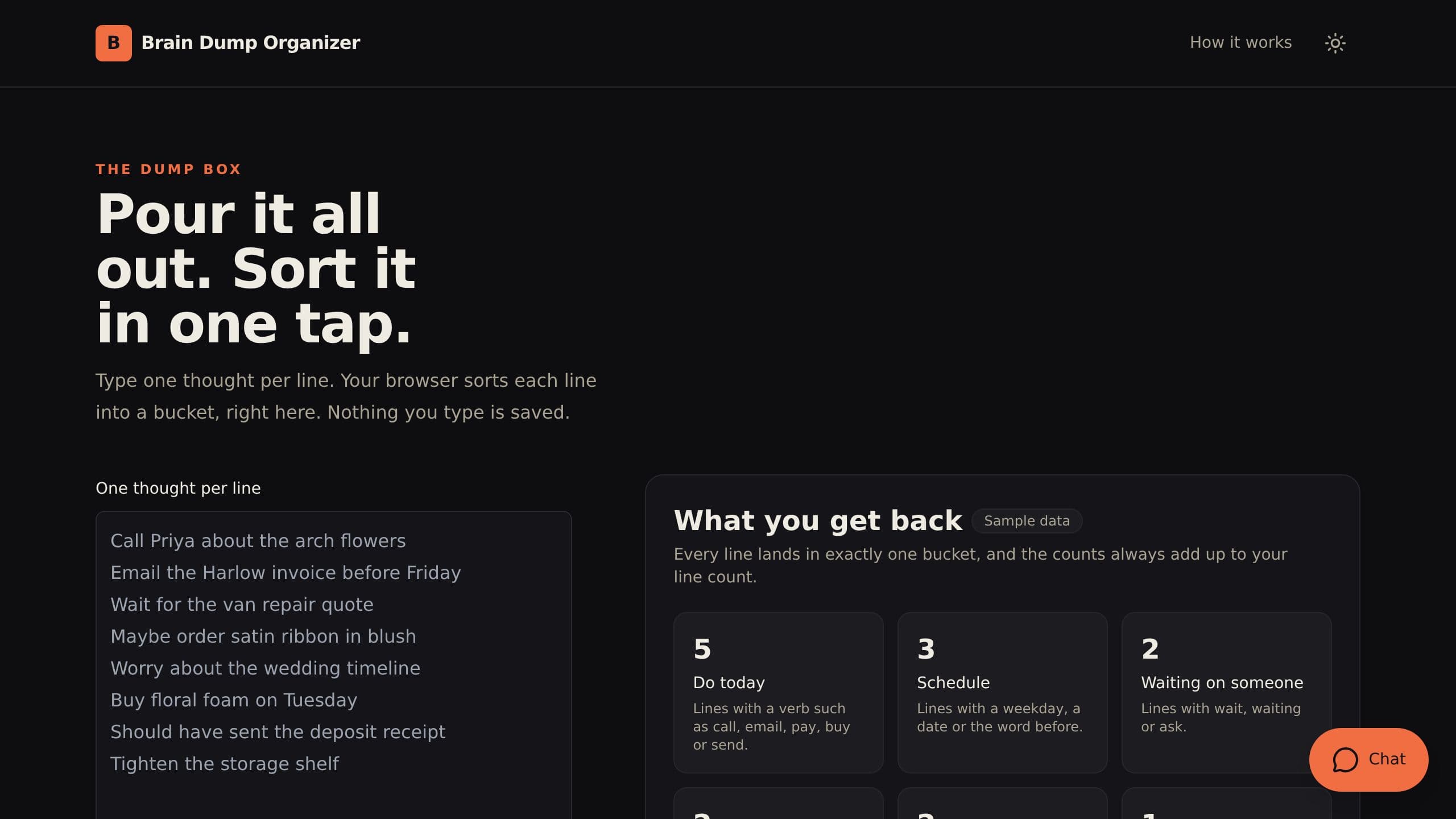
Type every thought, sort it into Do today, Schedule, Waiting, Someday or Let go, and start the week clear.
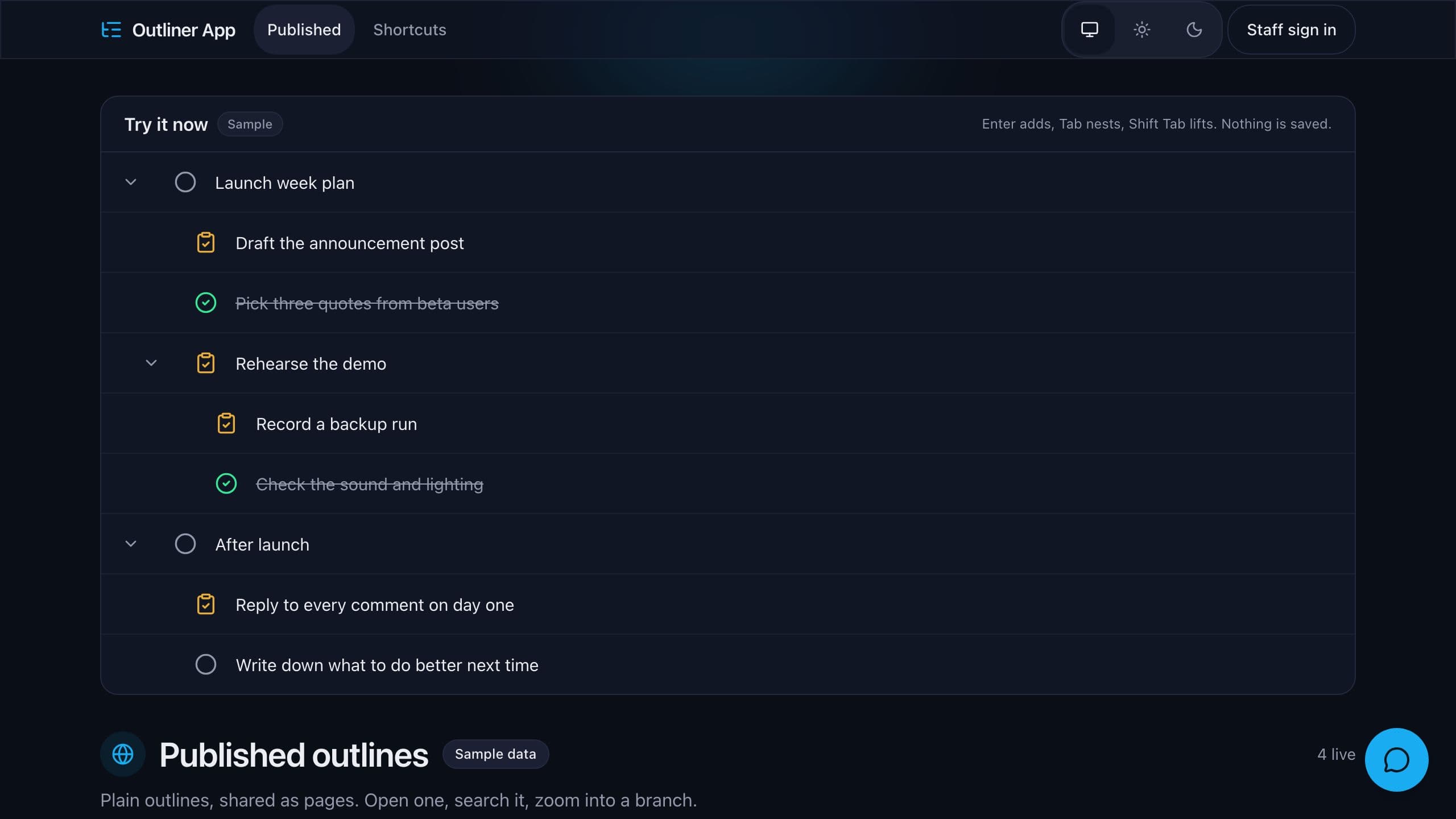
Write nested bullets, collapse and zoom, count tasks, and publish any outline on a public page.
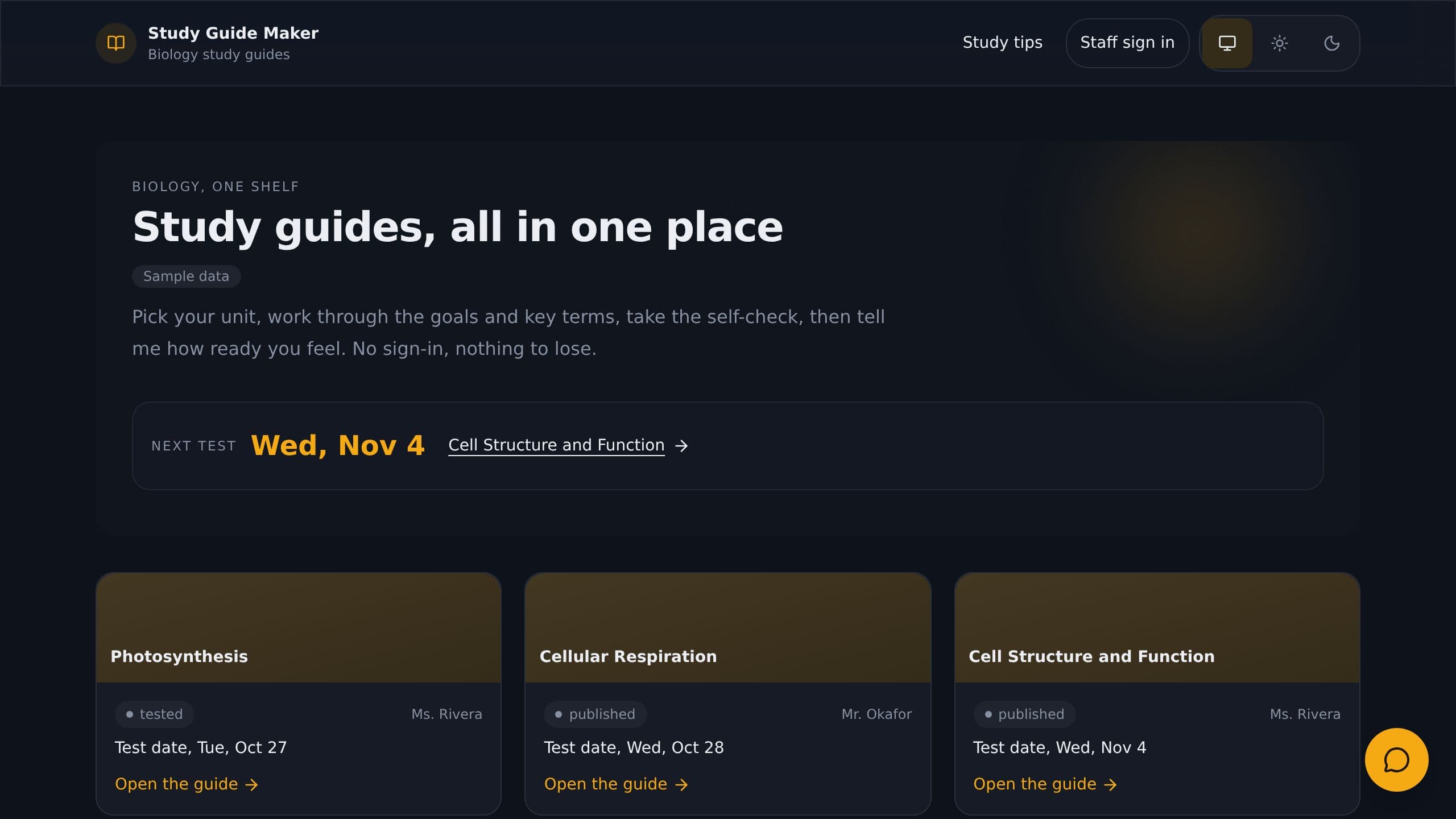
Publish a study guide per unit with key terms, a practice check and a confidence poll, and see where students struggle.
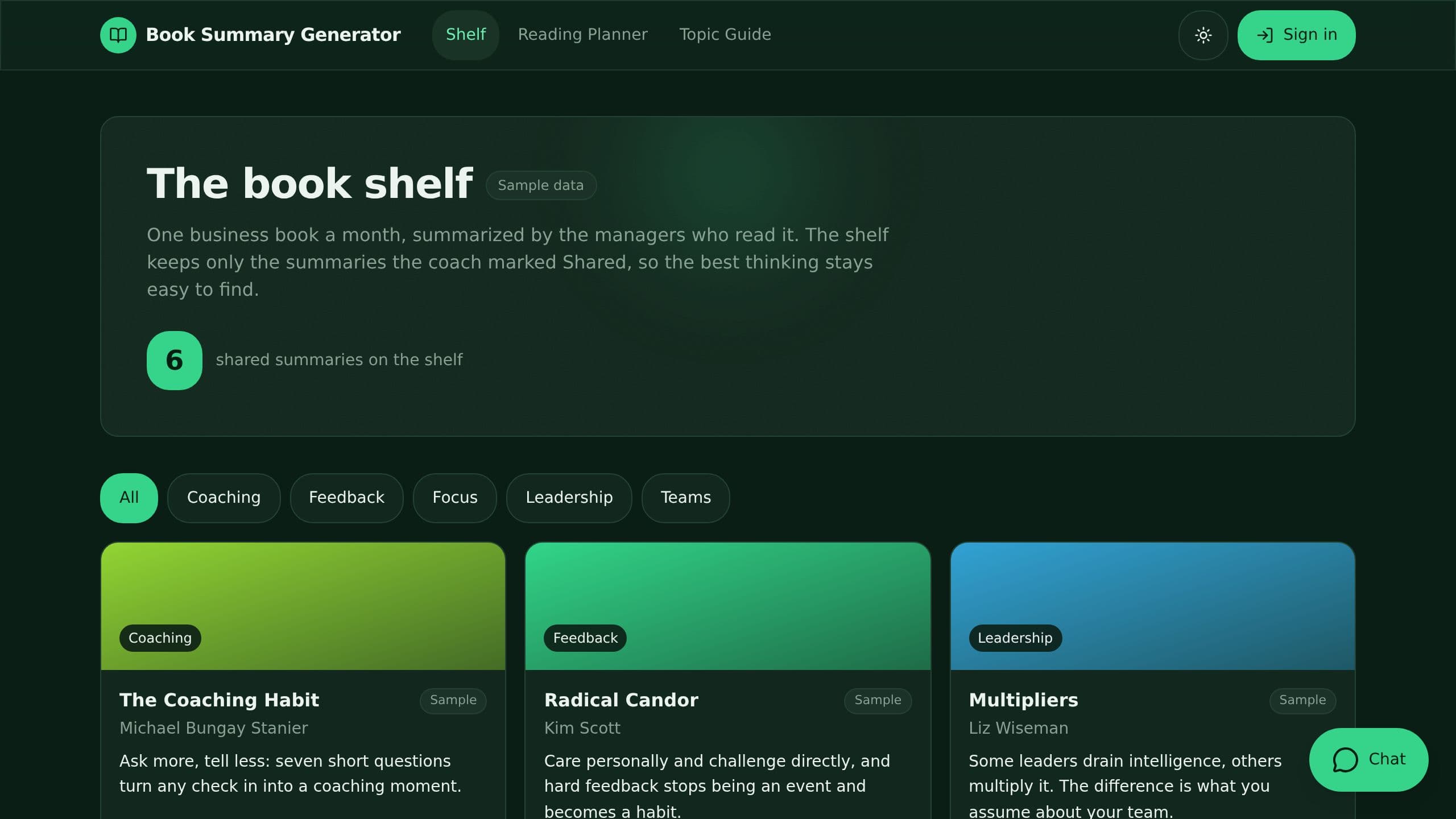
Assign a book, collect a one-page summary from each reader and share the best on a public shelf.
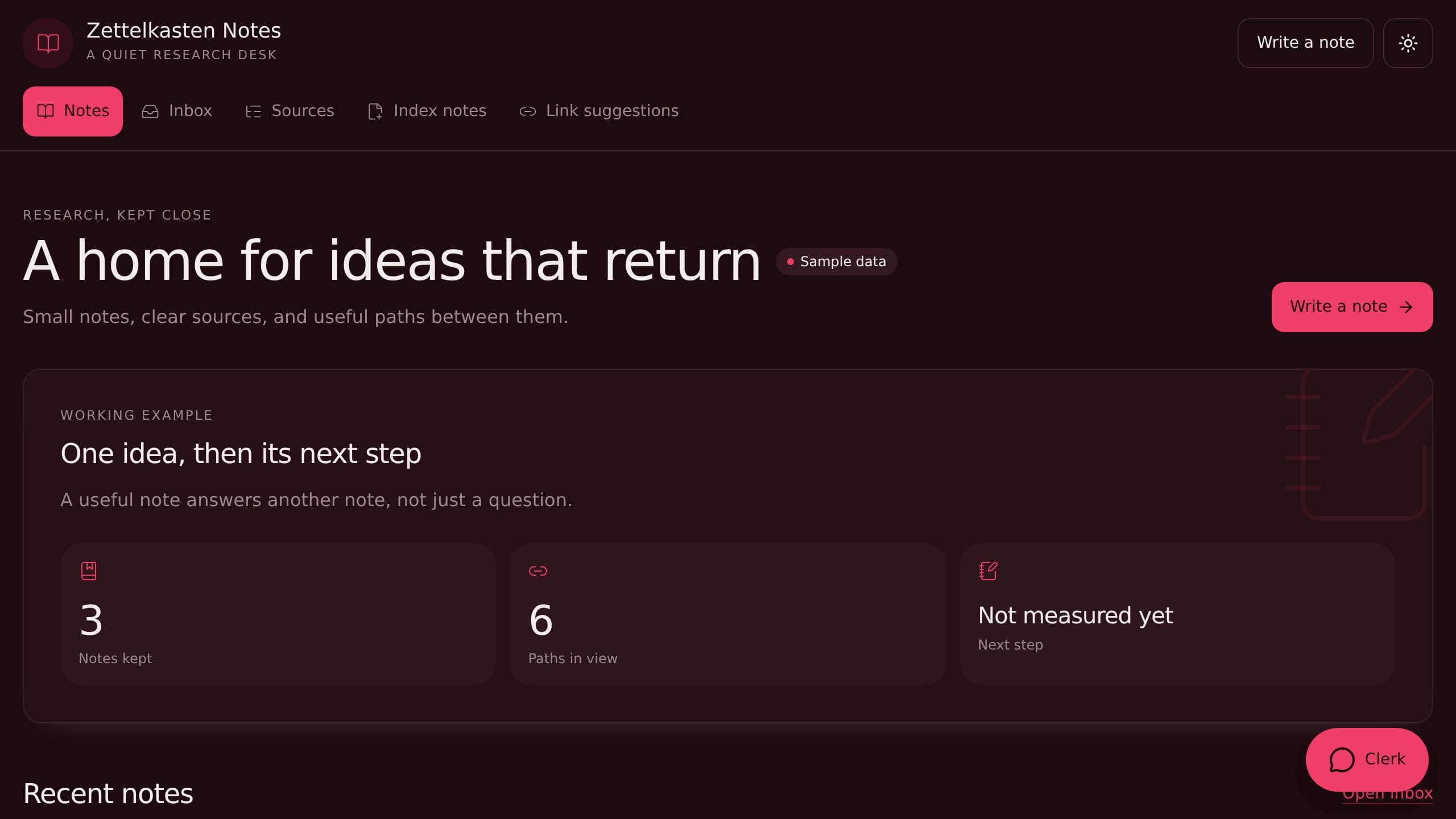
Paste a long note and get atomic note drafts with links, see unlinked mentions, and grow index notes from fleeting to permanent.
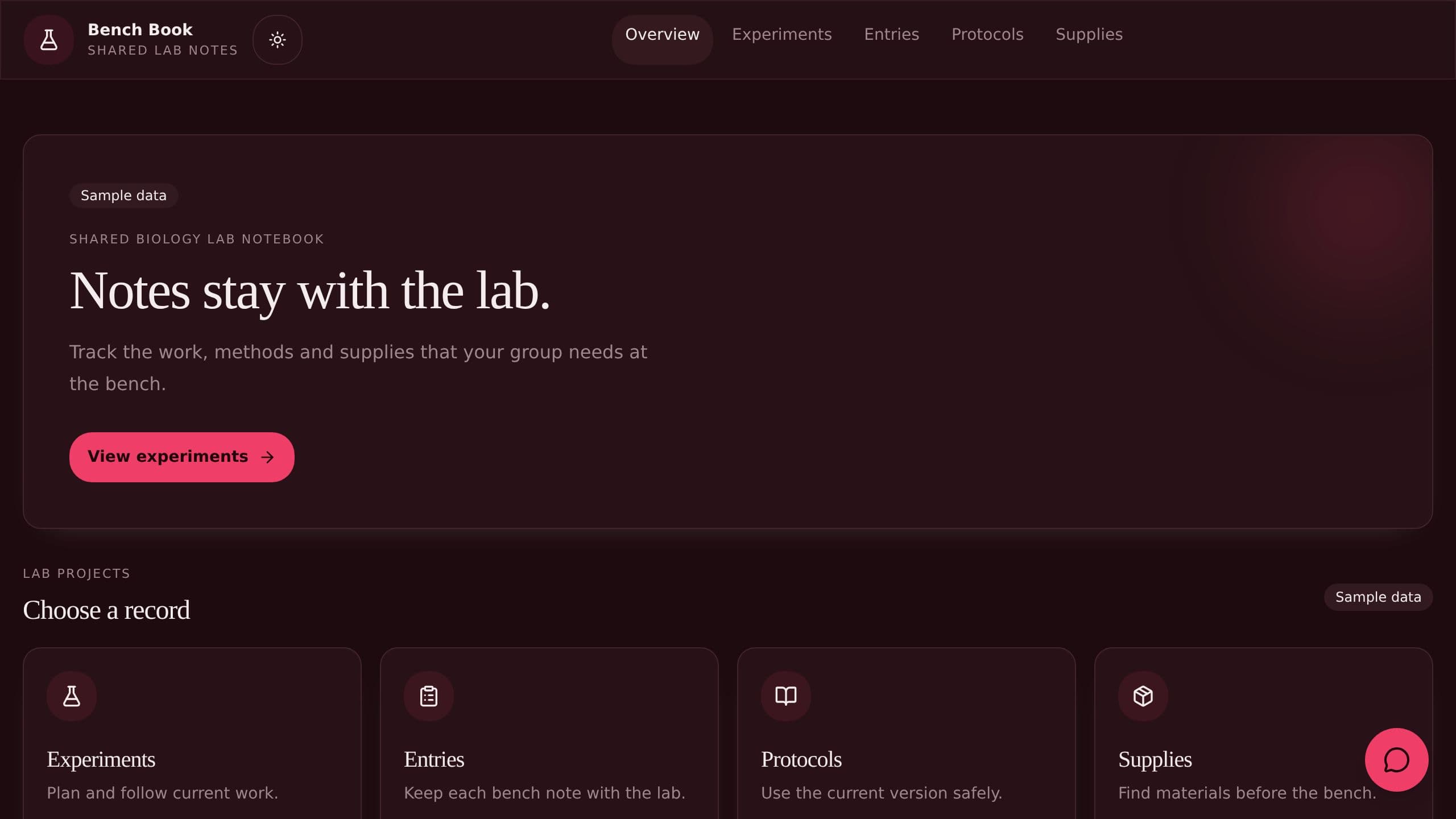
A shared lab notebook with locked entries, protocols with versions, supplies with low stock alerts and a Friday email.
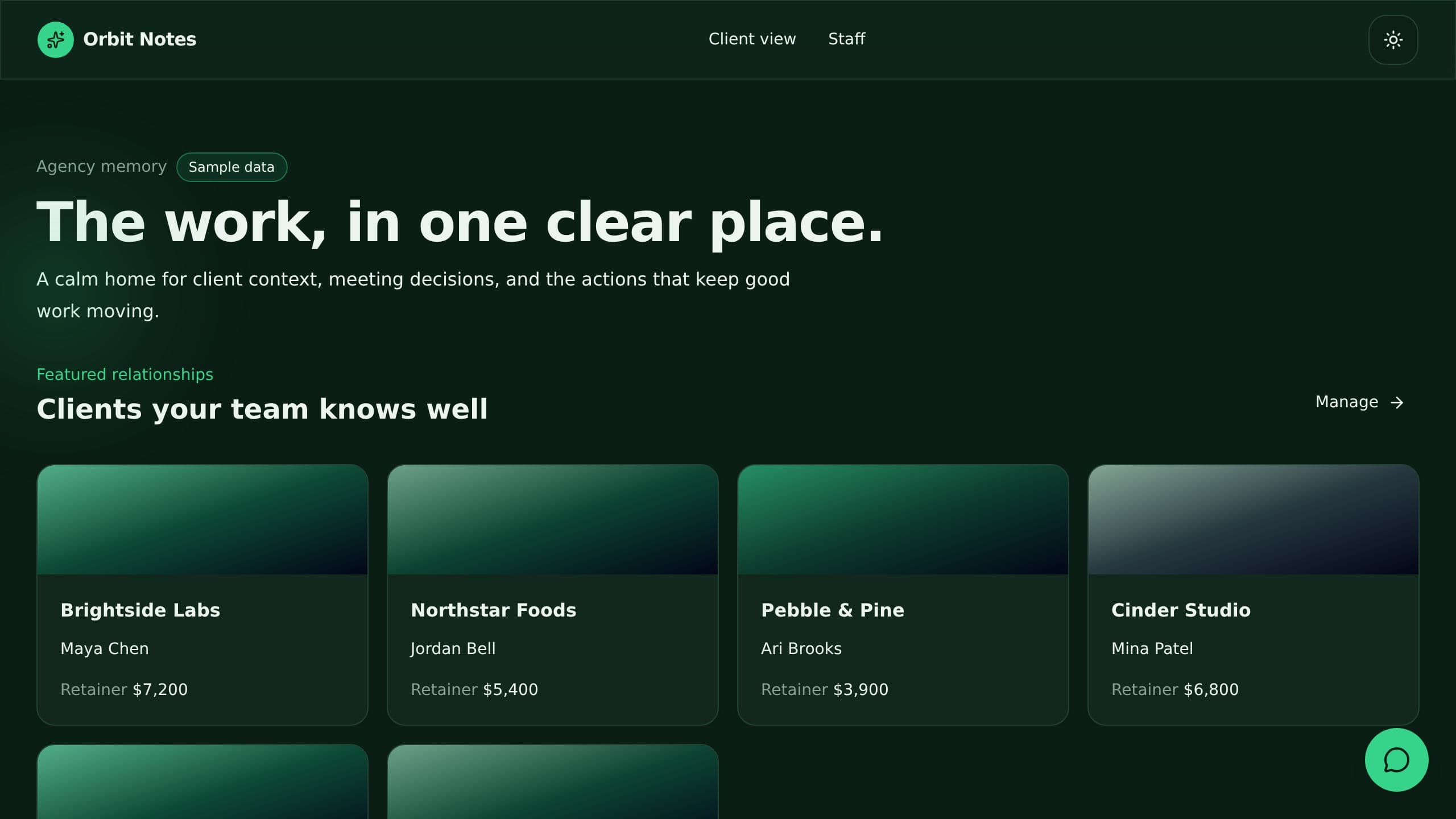
Client meeting notes with decisions and action items, a client portal and Monday overdue reminders.
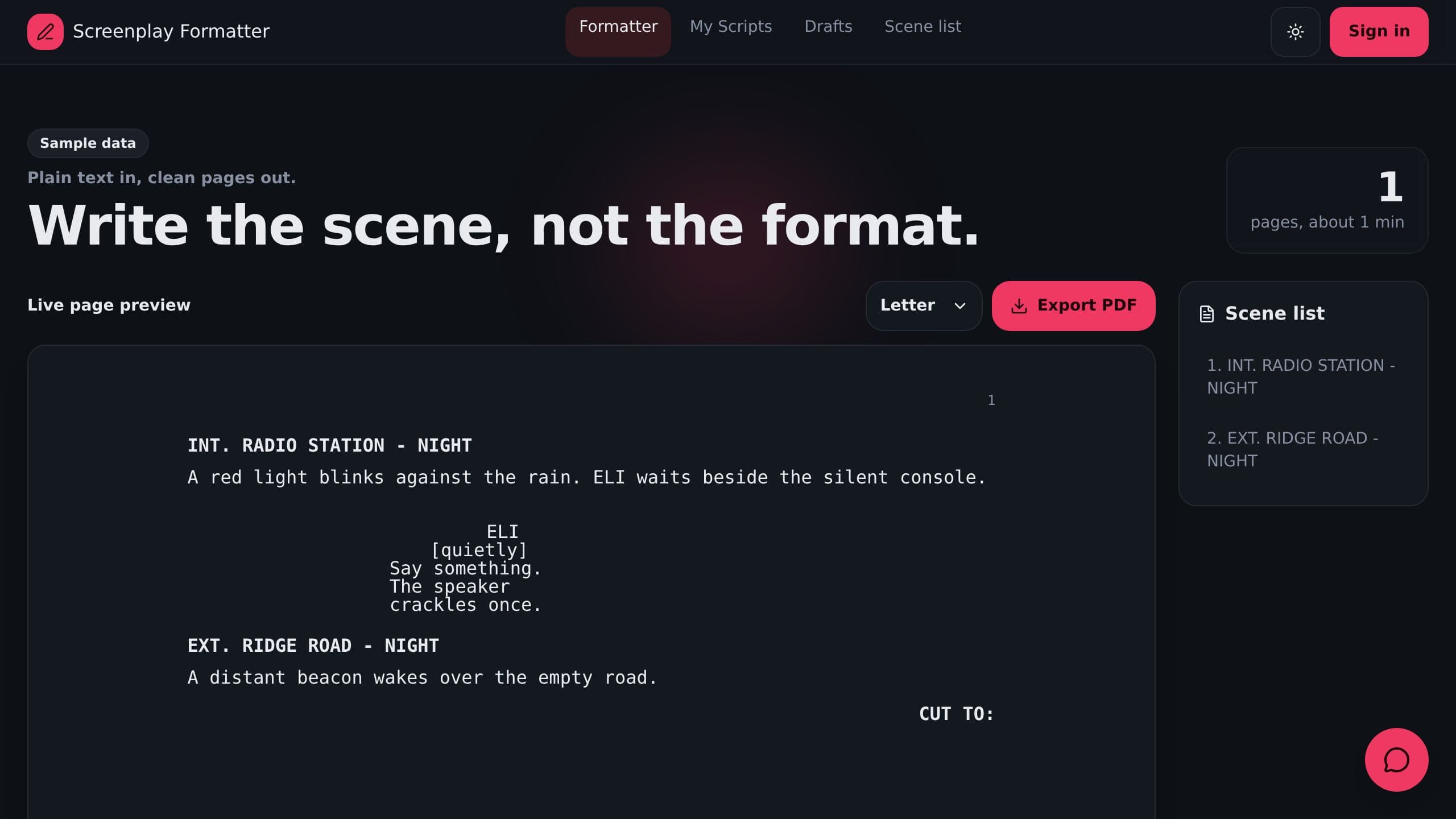
Paste plain text with simple marks and get industry style screenplay pages at once, with a scene list and page count.
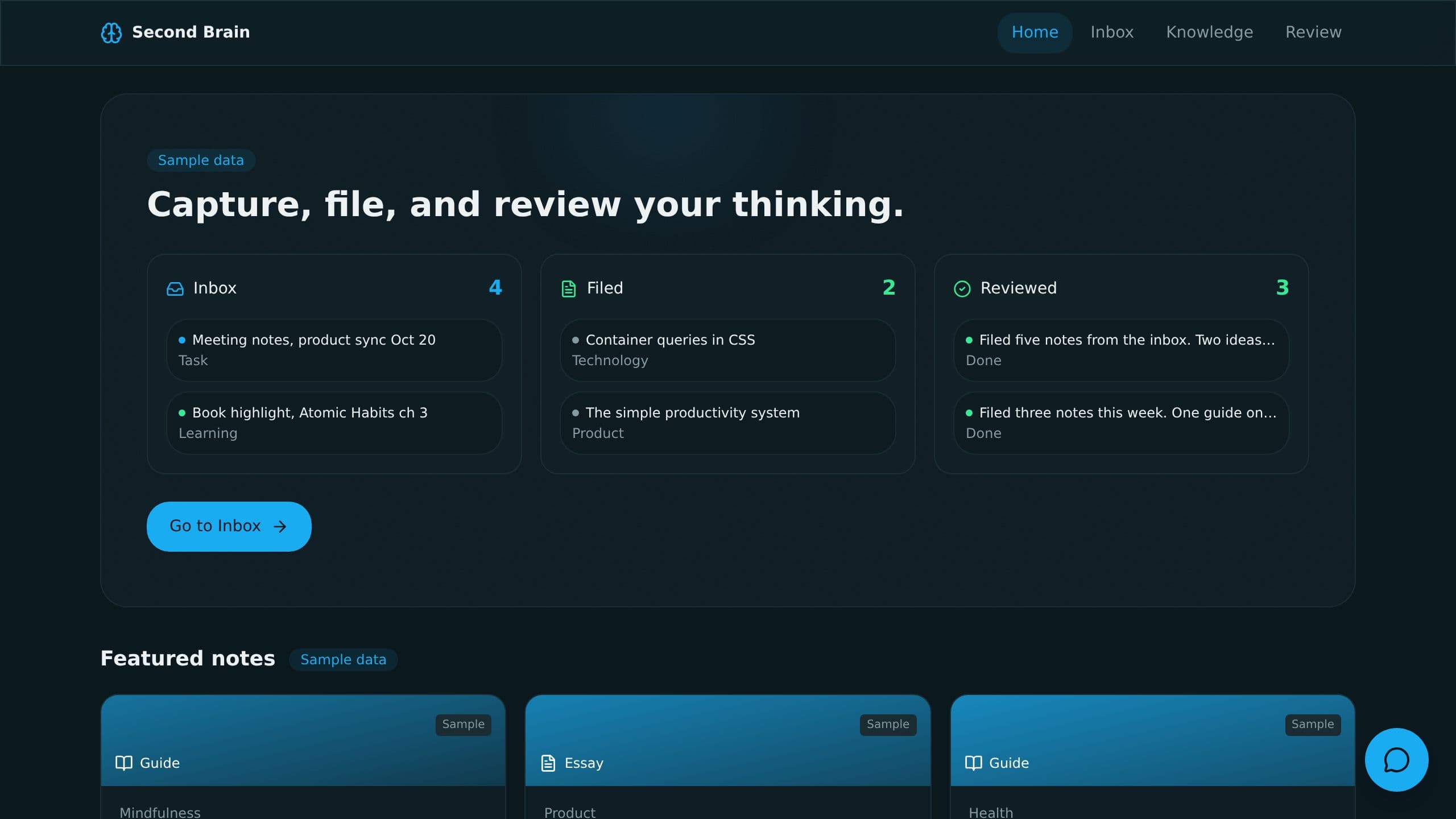
Capture quick notes in an inbox, file the ones worth keeping into a searchable knowledge base, and log a weekly review, with a note assistant that answers from your own notes.
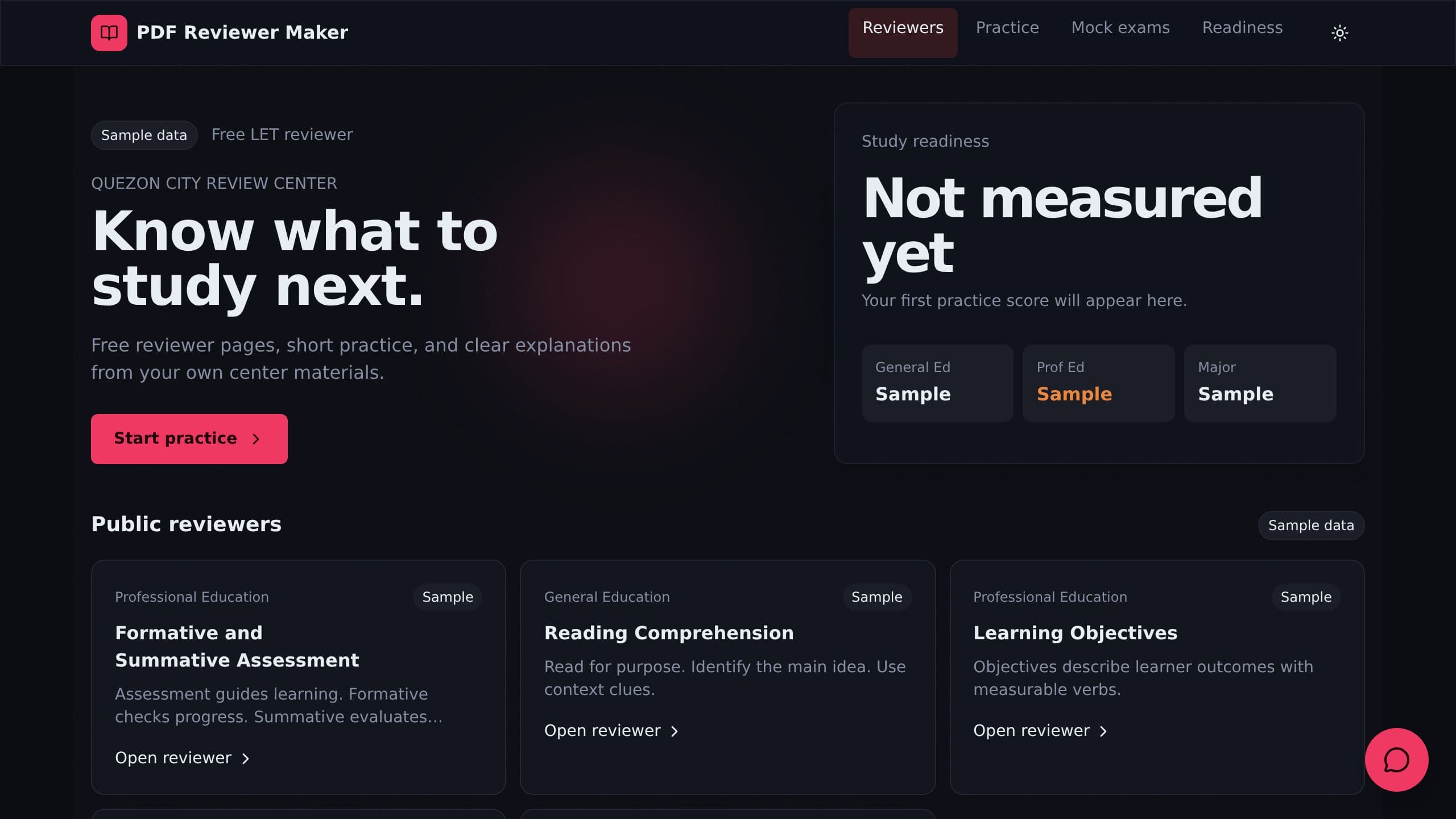
It replaces the hours a review center spends typing handouts into reviewers by hand. An AI assistant writes key points, commonly confused pairs and 20 questions. Students take timed mock exams, and a readiness board shows each student's average by subject against a 75 percent target. Clone it free and start with sample data.
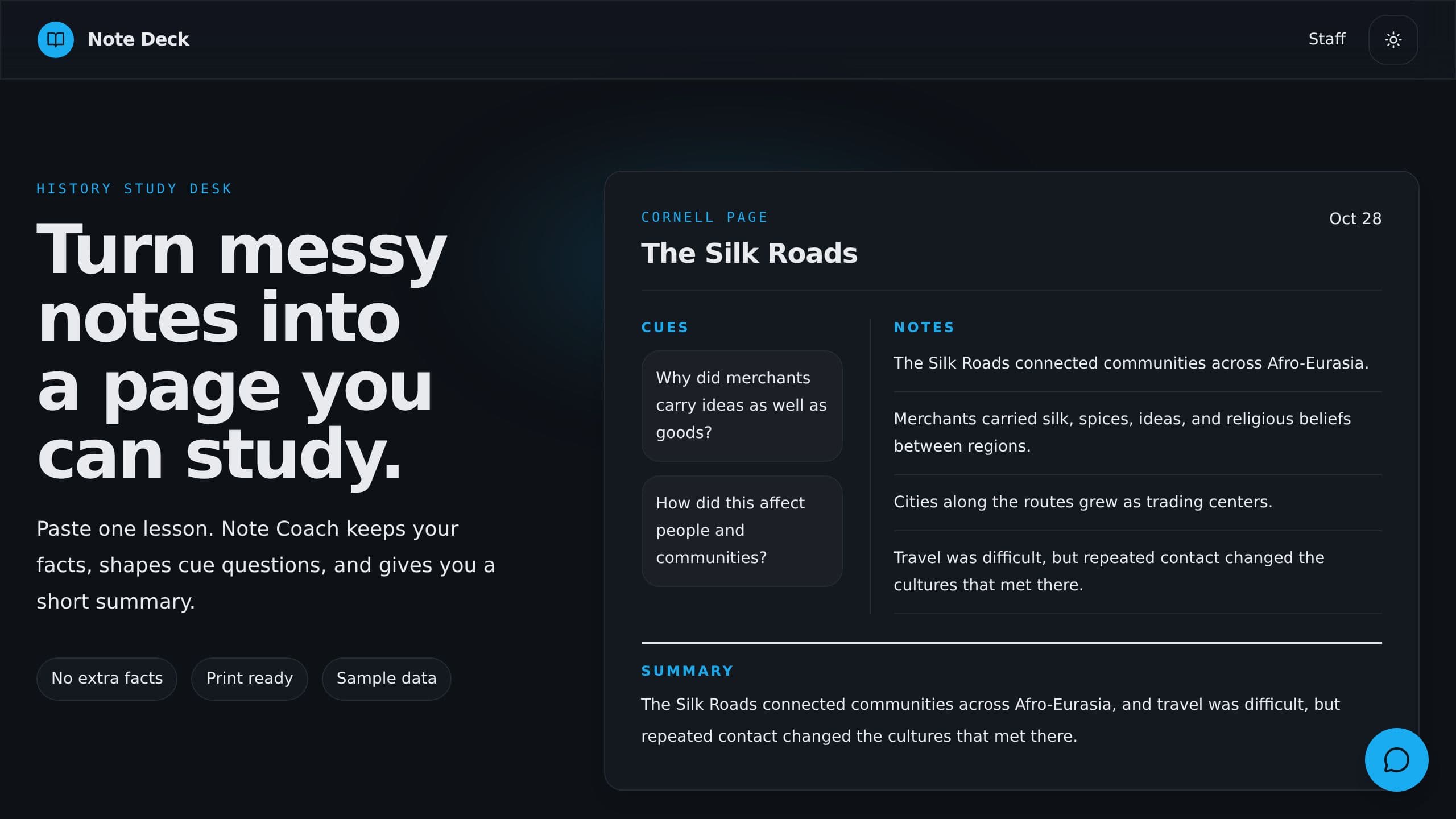
Paste class notes and get a Cornell page with cue questions, clean notes and a short summary, ready to print.
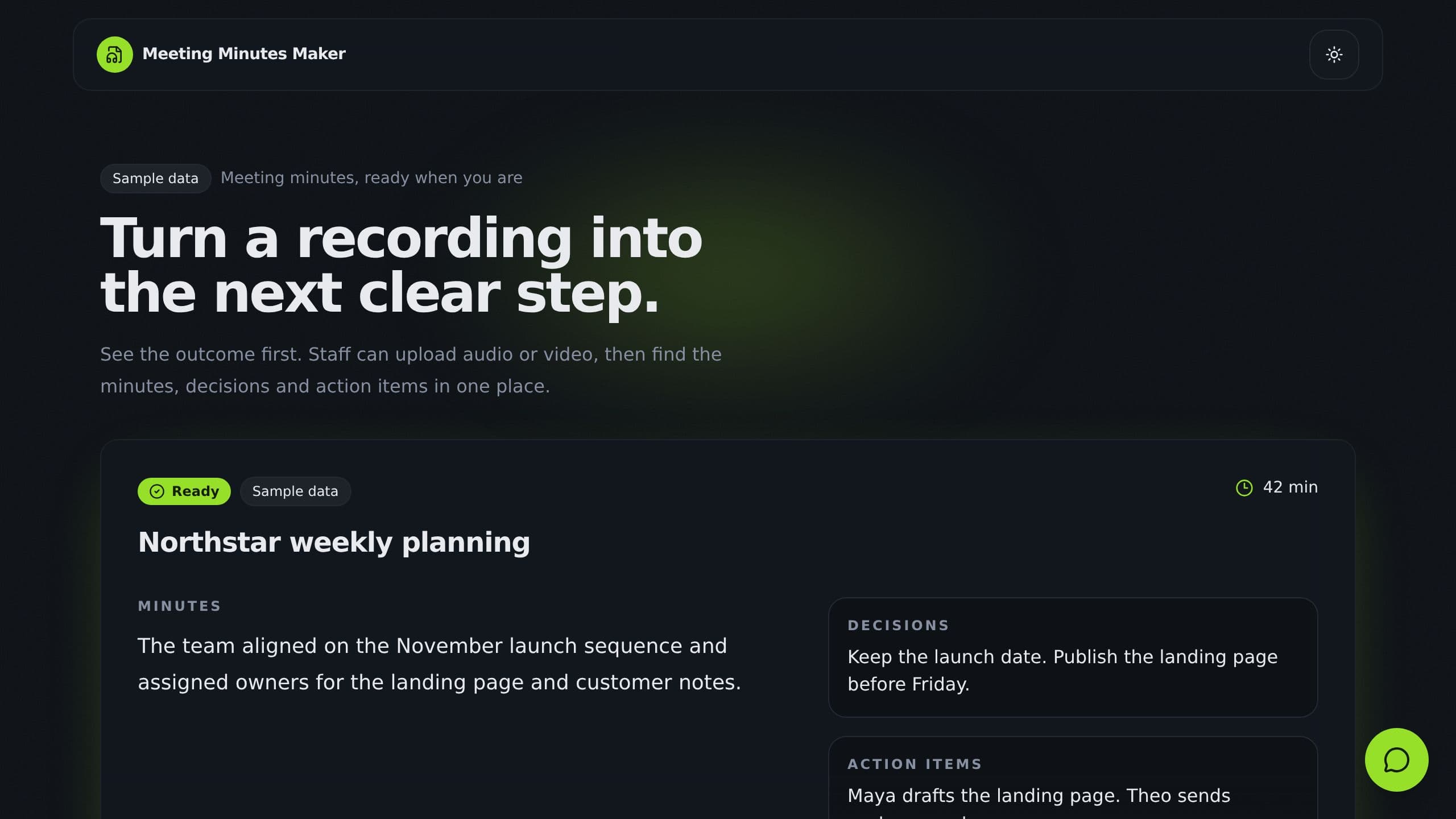
Upload a recording, get minutes with decisions and action items in one place.
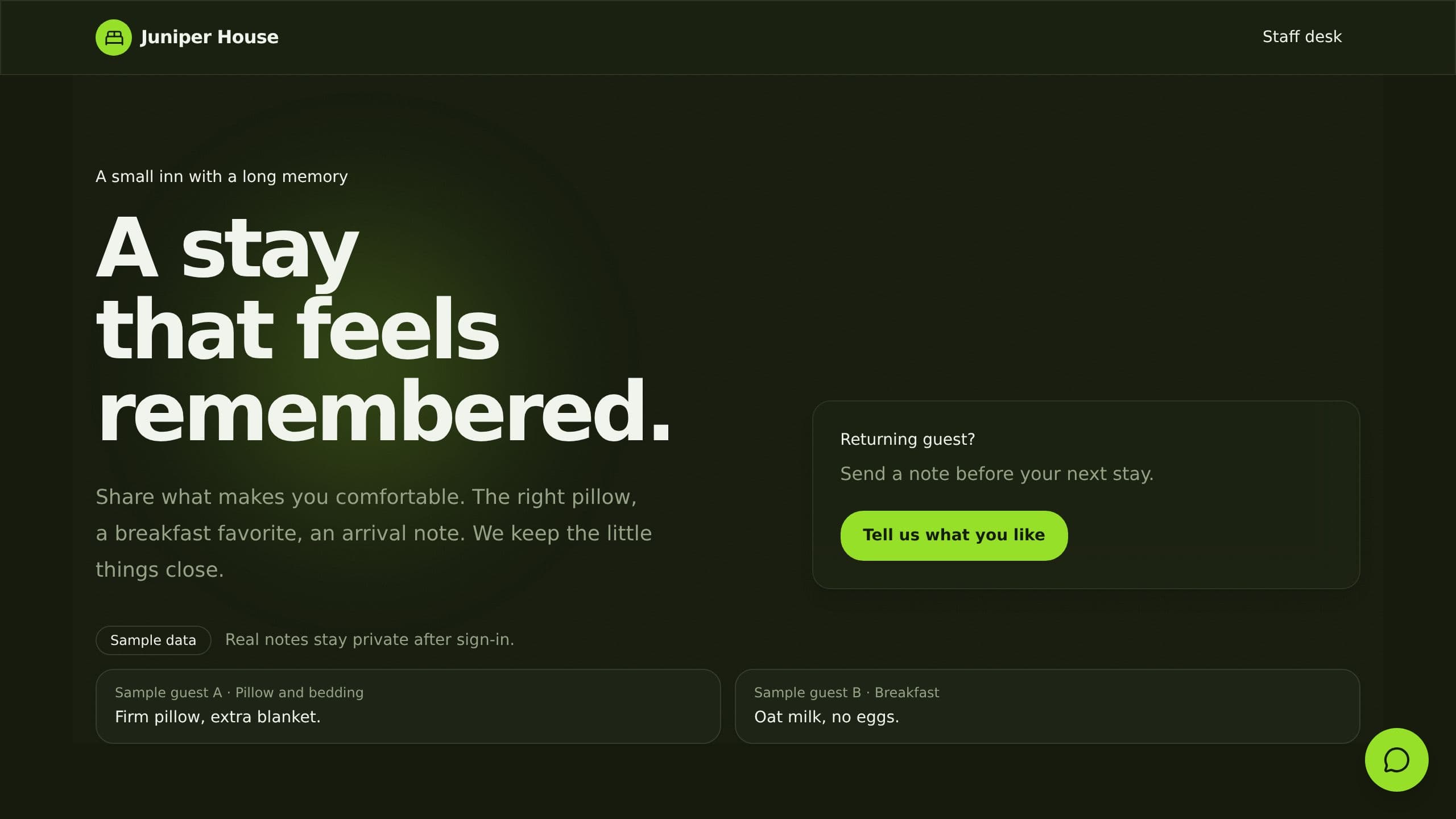
Remember every returning guest: preferences, allergies and celebrations, with a morning arrivals brief.
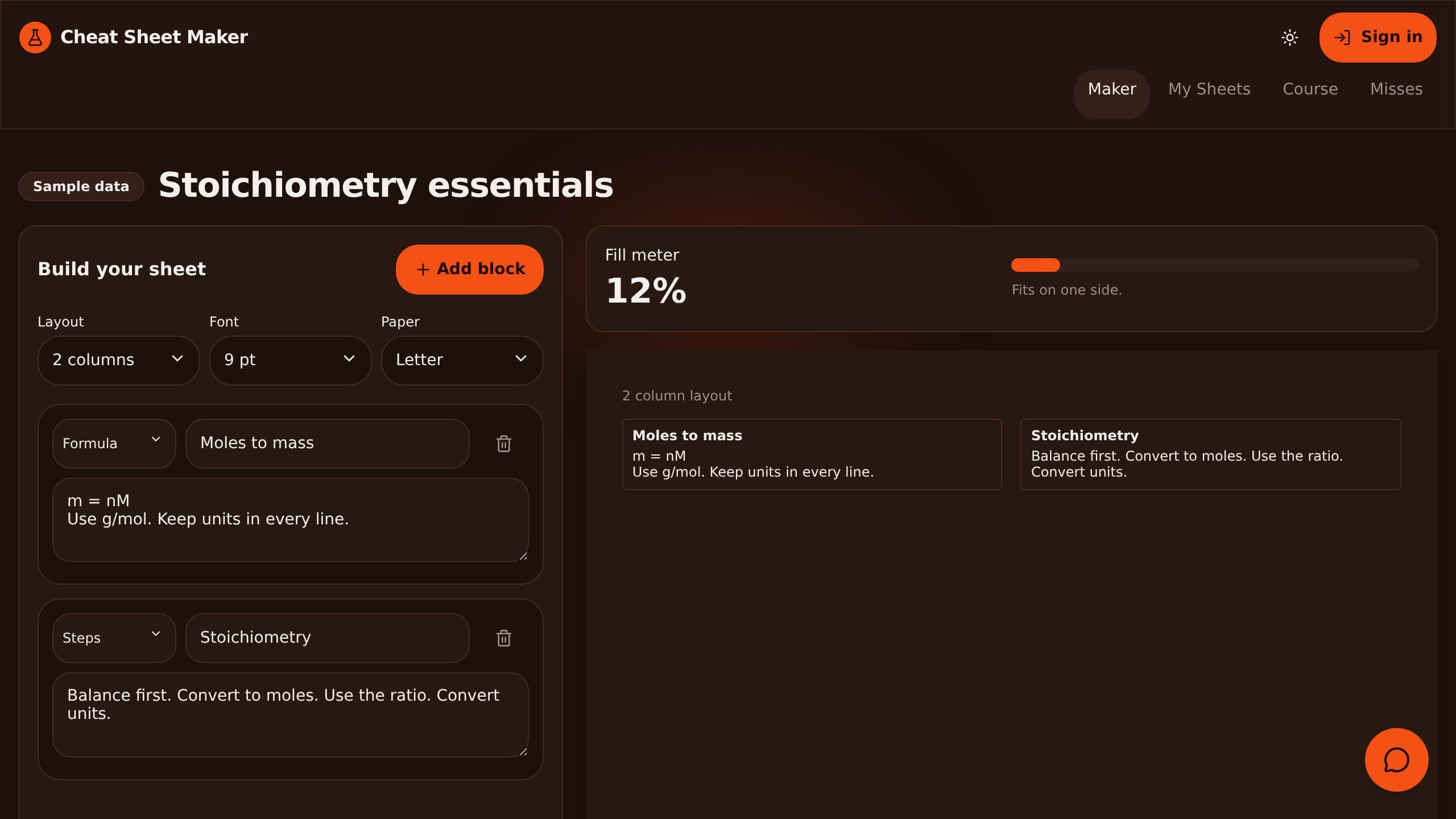
Build a one-page cheat sheet that fits: live print preview, fill meter, and AI that condenses your notes without touching formulas.
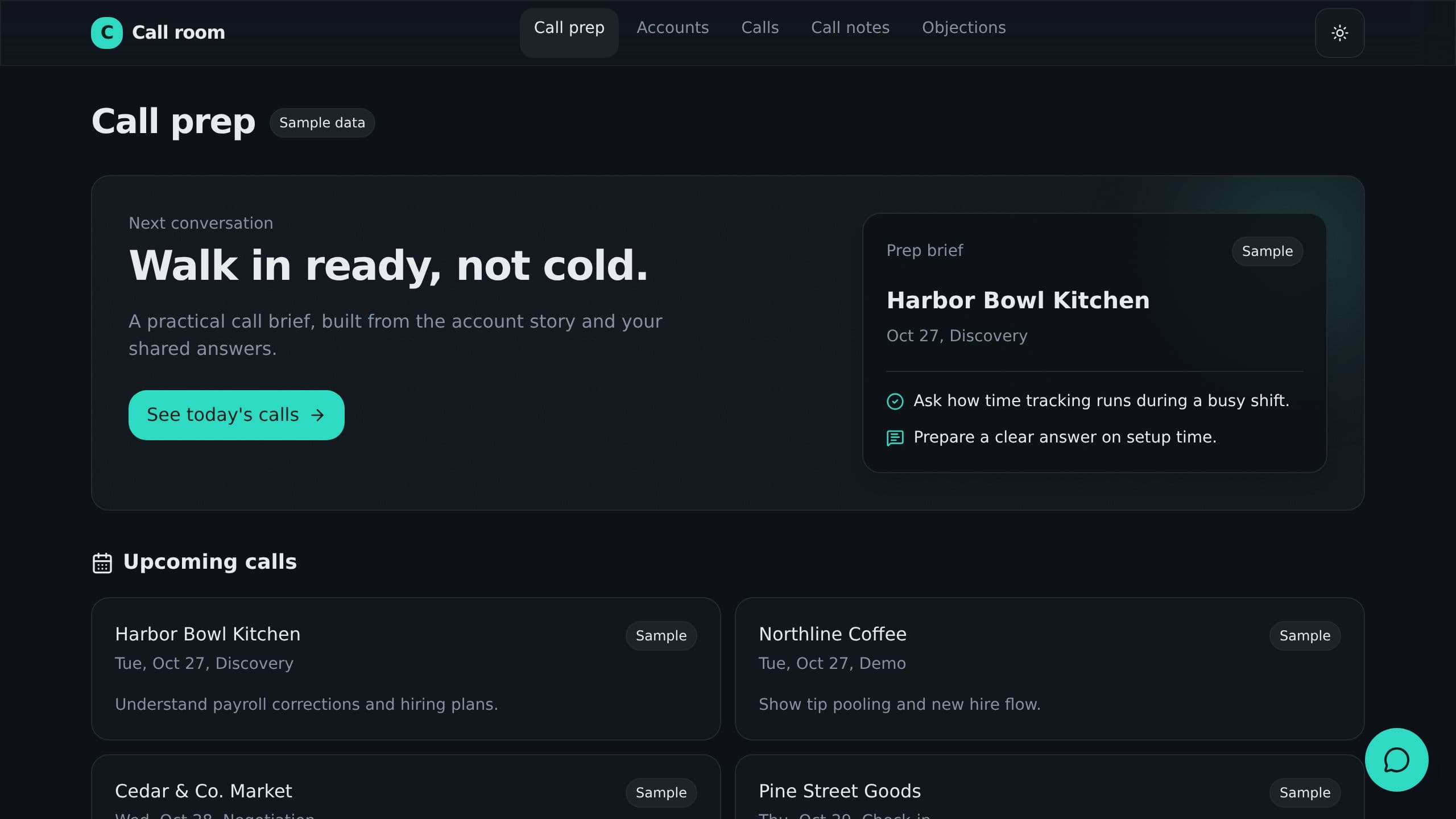
Get a one-page prep for every sales call, pull pains and next steps from rough notes, and see the objections your team hears most.
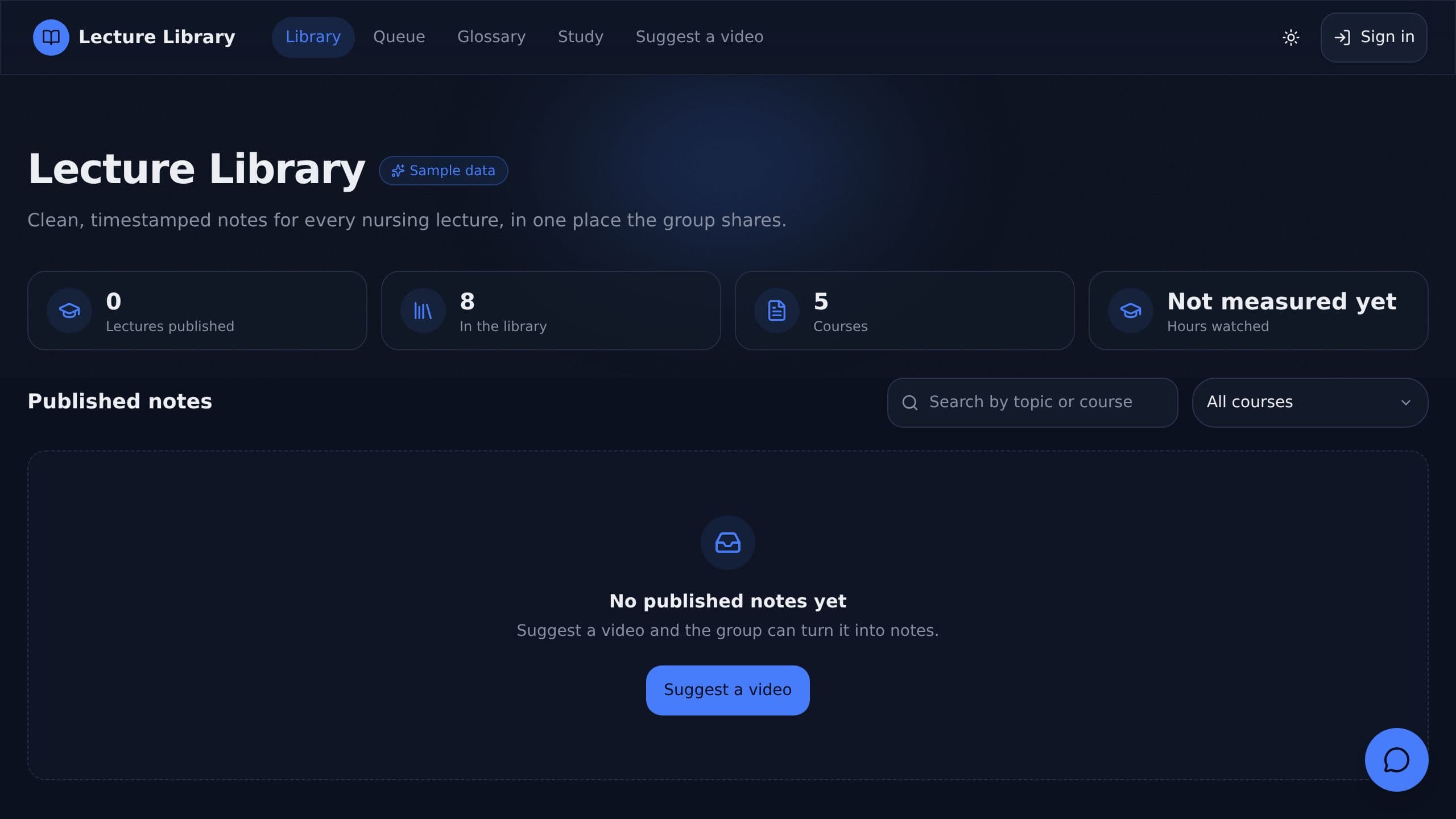
Paste a YouTube link and get notes with clickable timestamps, key terms and practice questions in a shared study library.
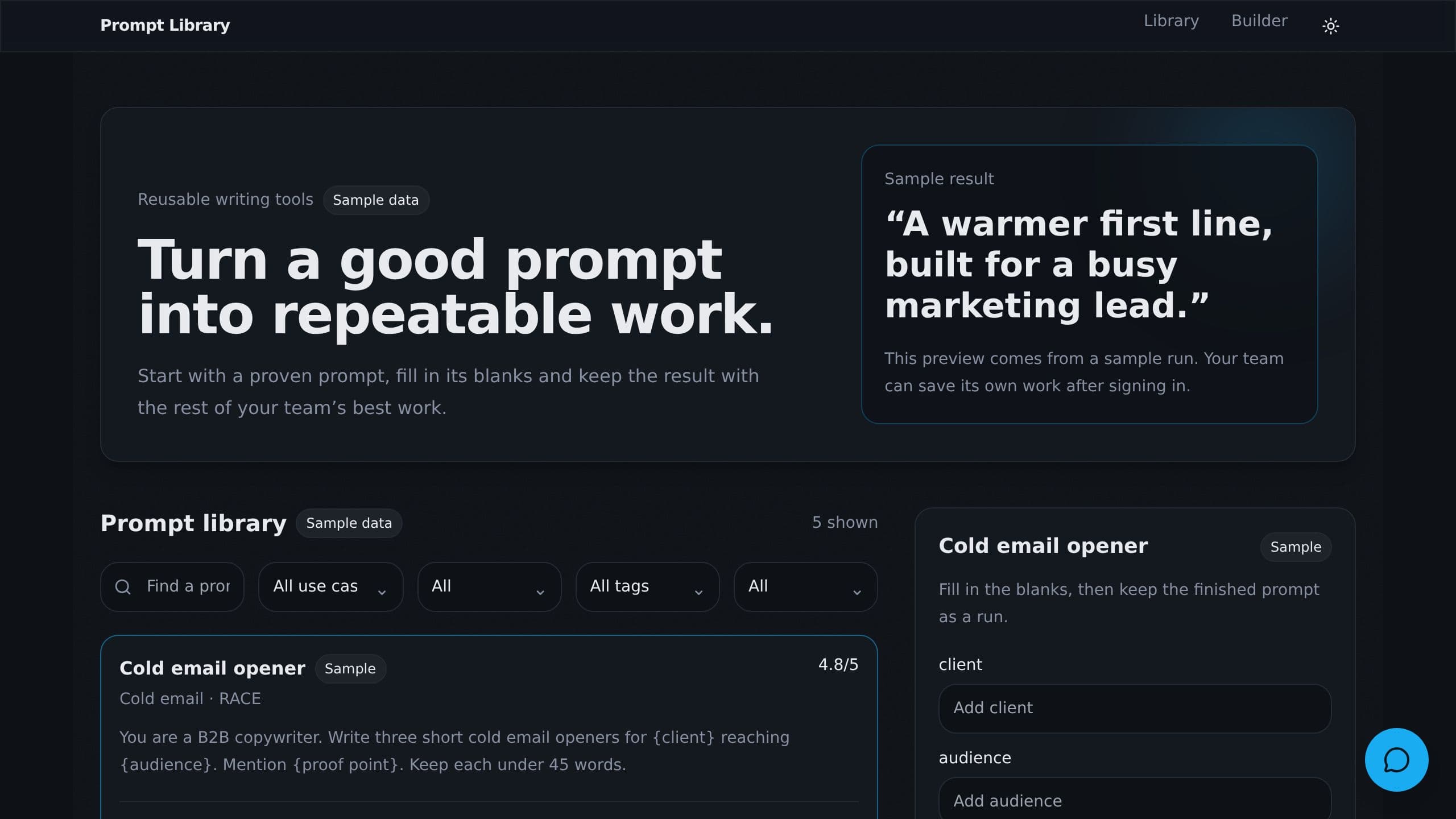
It replaces the shared doc of pasted prompts that nobody can find. Inside: a form for each blank, a builder with the RACE, CARE, APE and RISE frameworks, and a rating on every run. Clone it free and start with sample data.
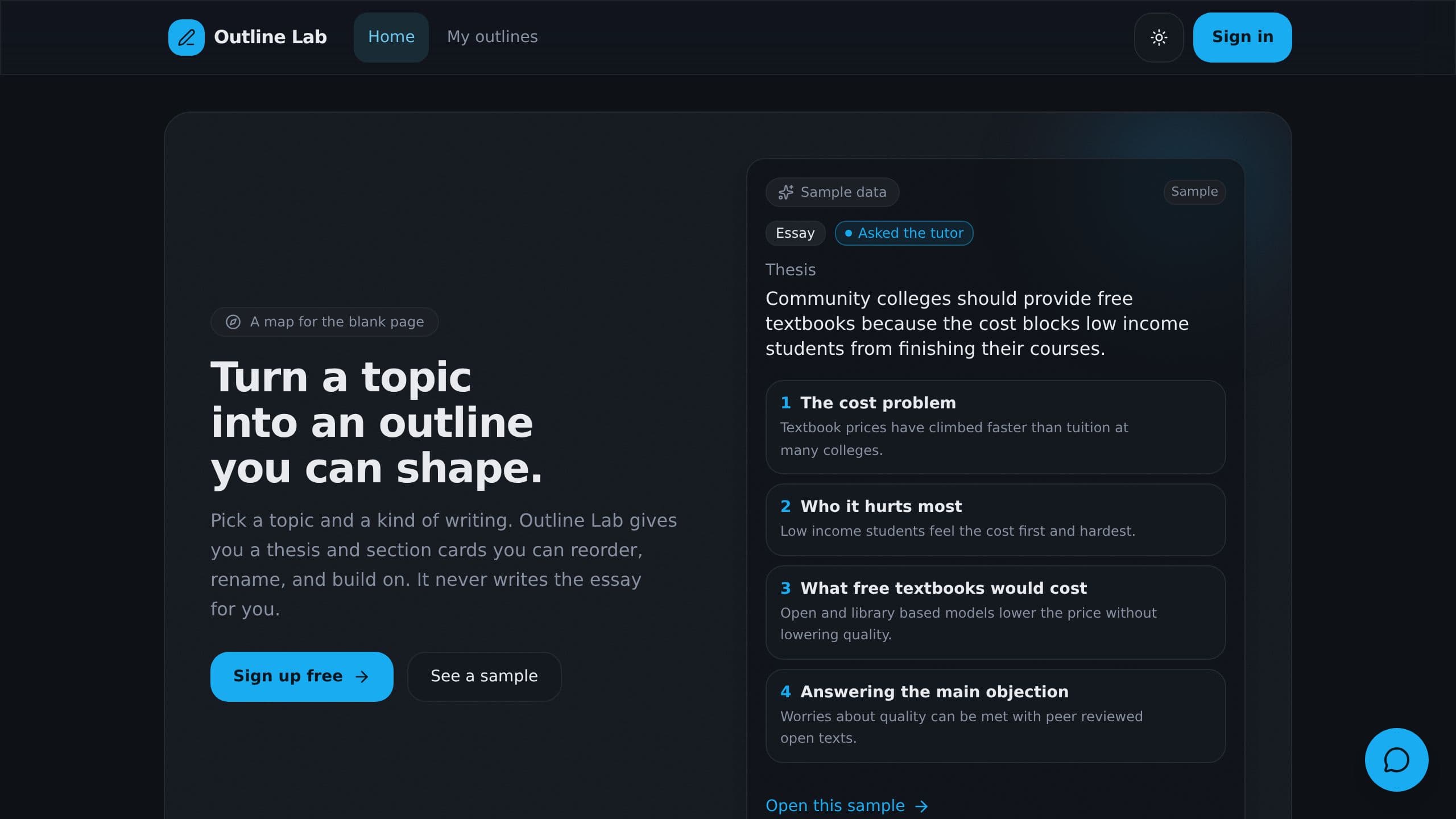
Type a topic and get an essay or research outline you can reorder, with a tutor queue and a weekly email.
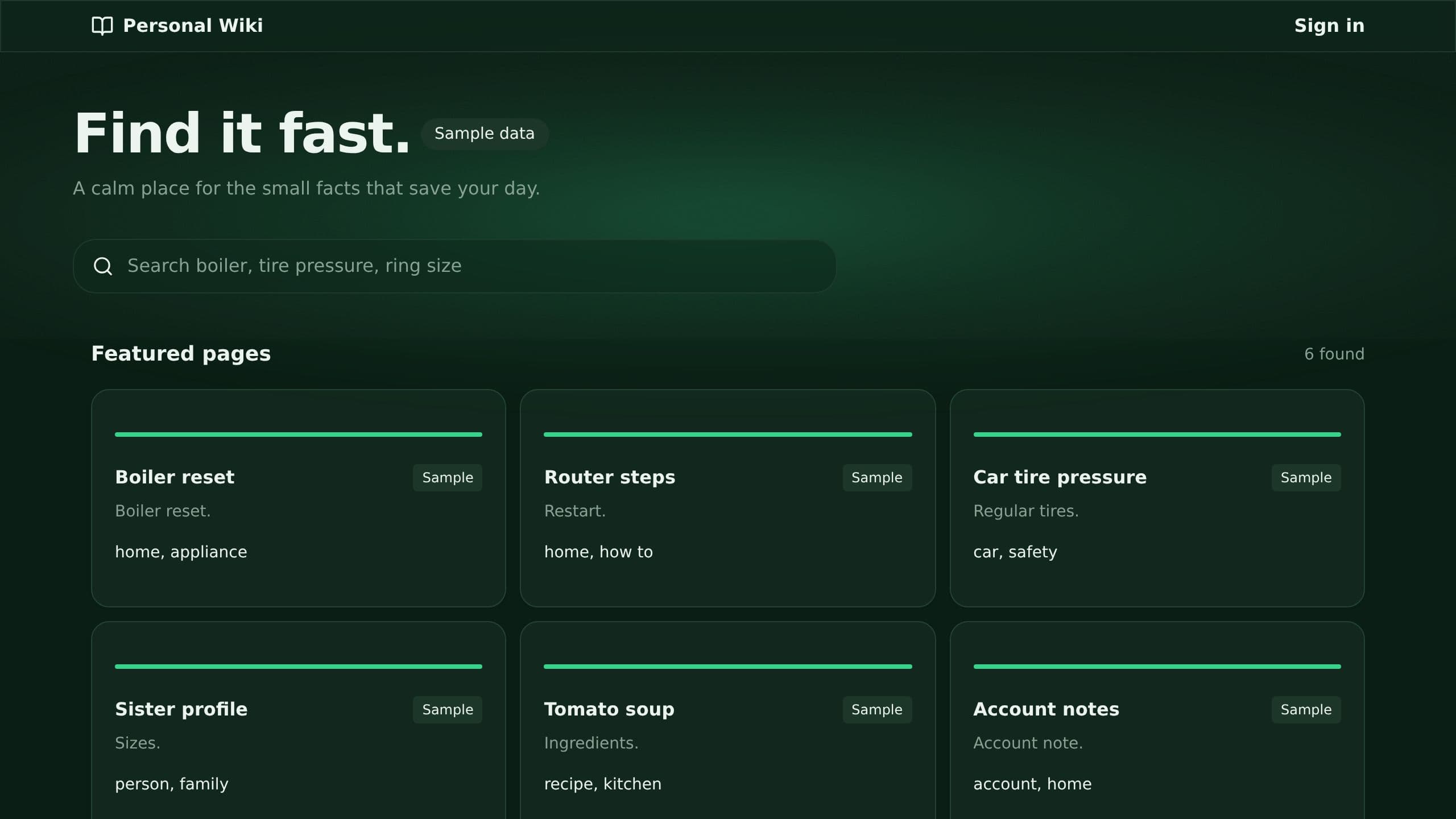
Keep life facts and how-tos in one private wiki with templates, page links and instant search. A second brain for the house and family.
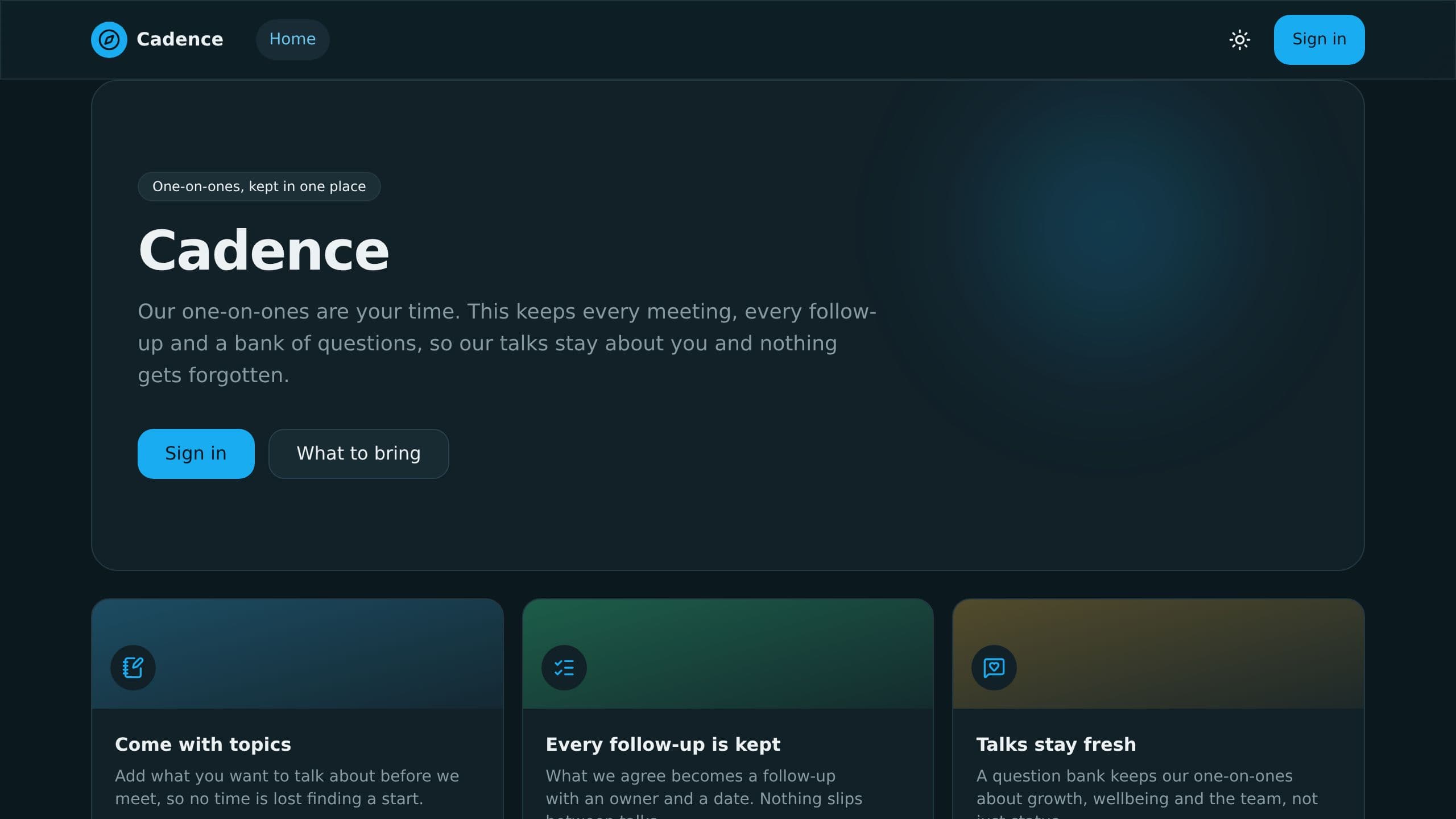
Keep every 1:1 with shared and private notes, follow-ups, a question bank and a Monday prep email.
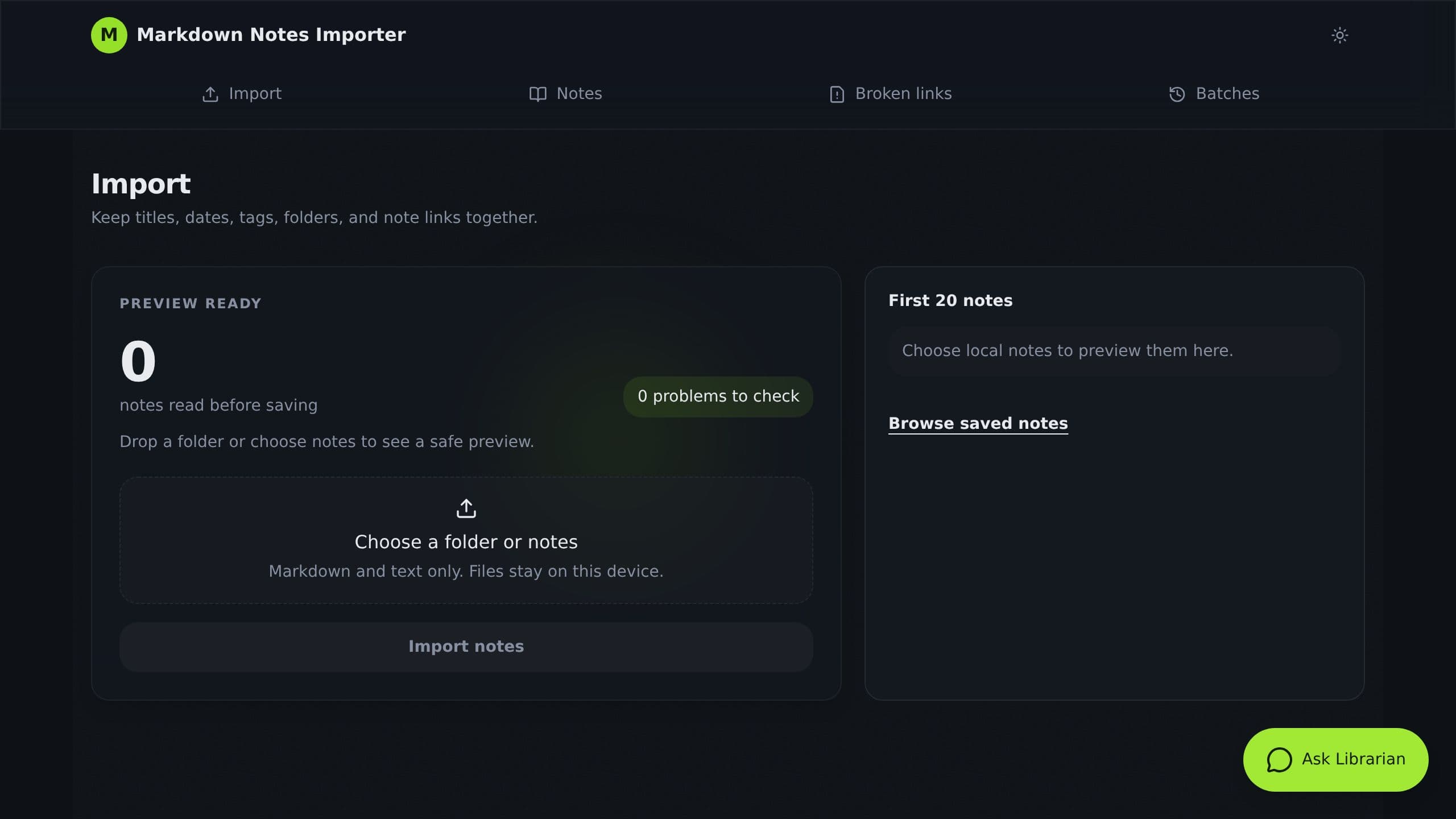
Drop a folder of markdown notes, keep titles, tags, dates and links, find broken links, and search everything in one place.
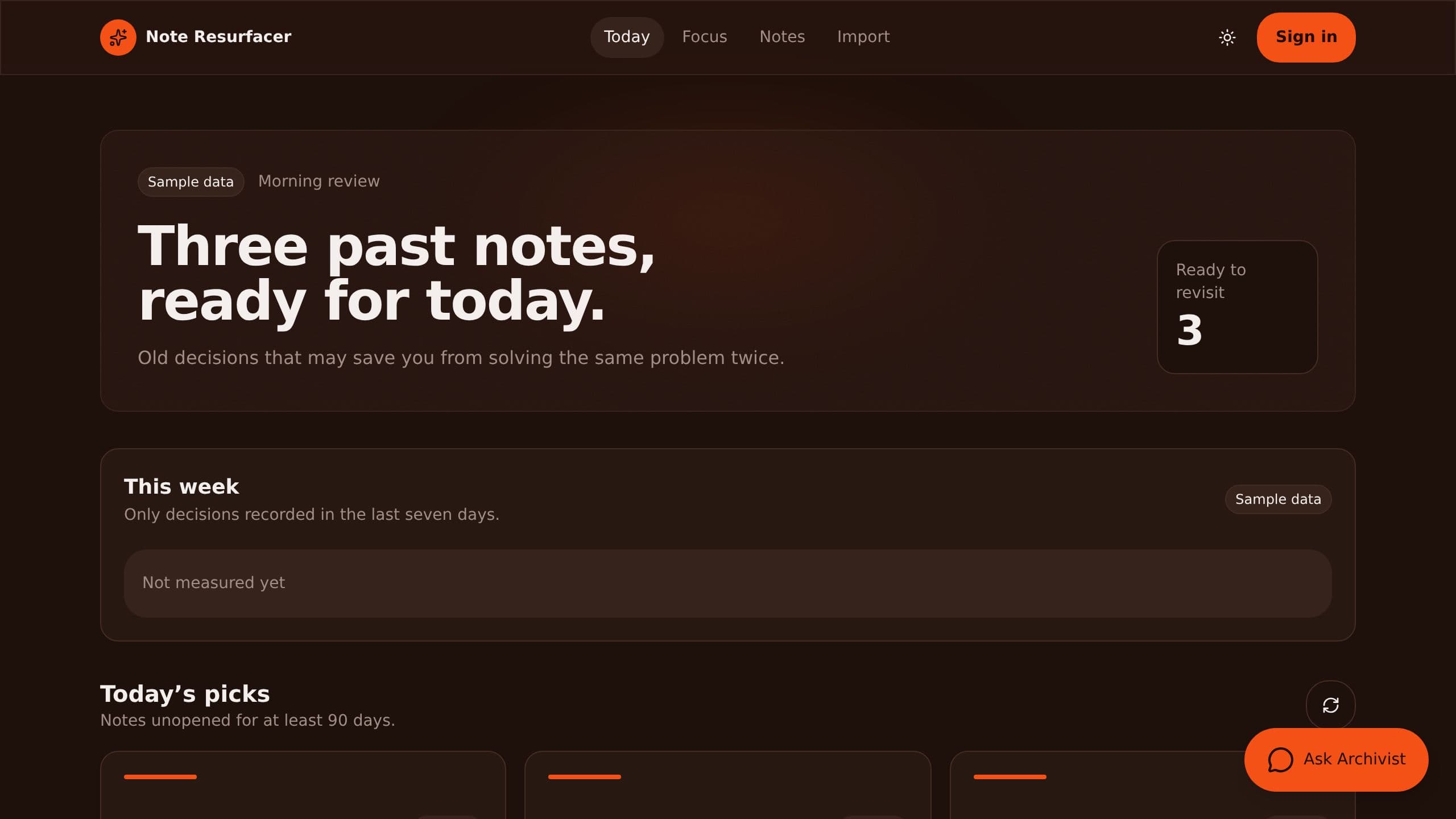
Every morning get three old notes you forgot, picked to match what you work on now, and keep, merge, archive or act on each.
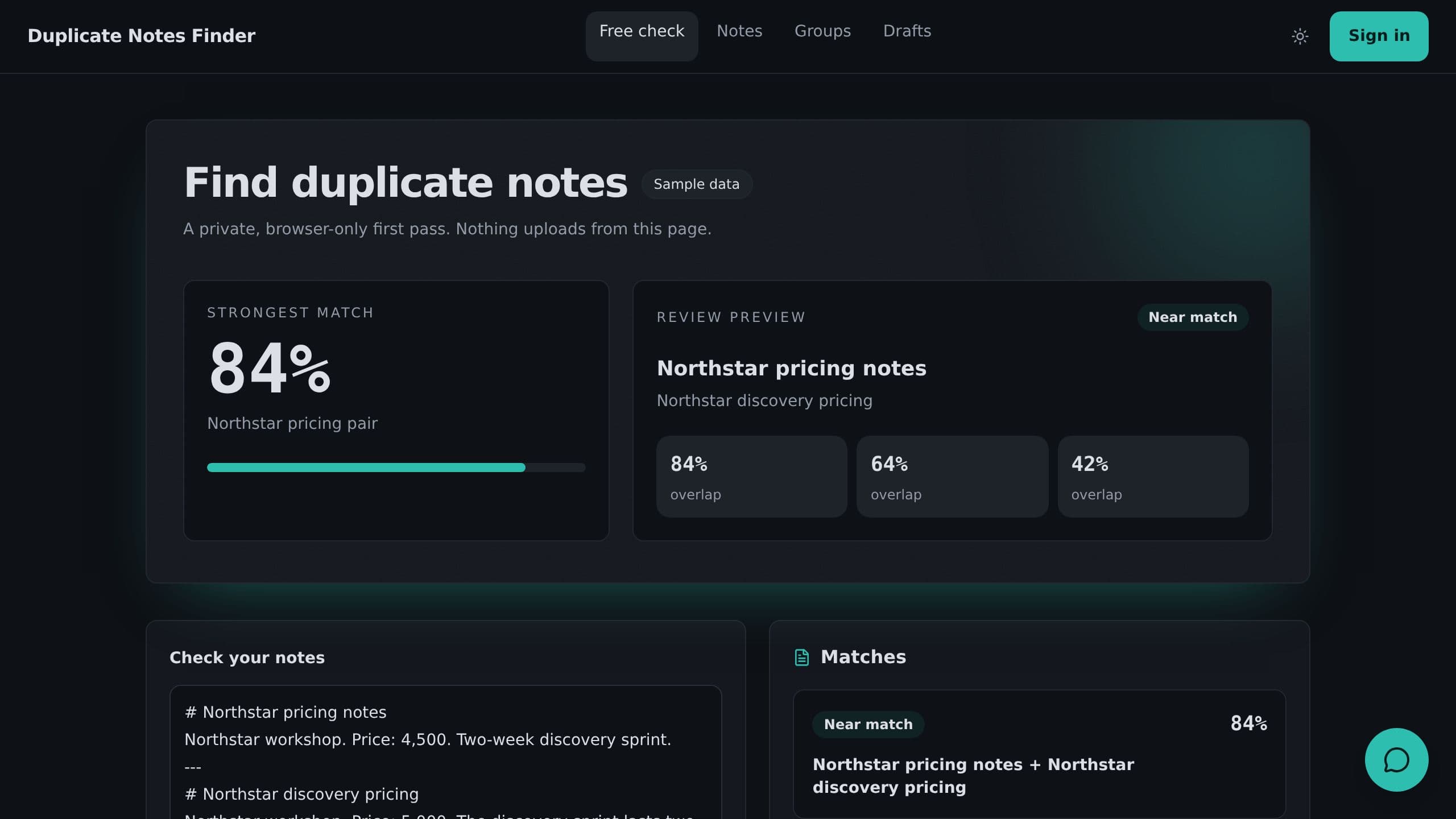
Paste or import your notes, see exact and near duplicates grouped, and merge each group into one clean note you approve.
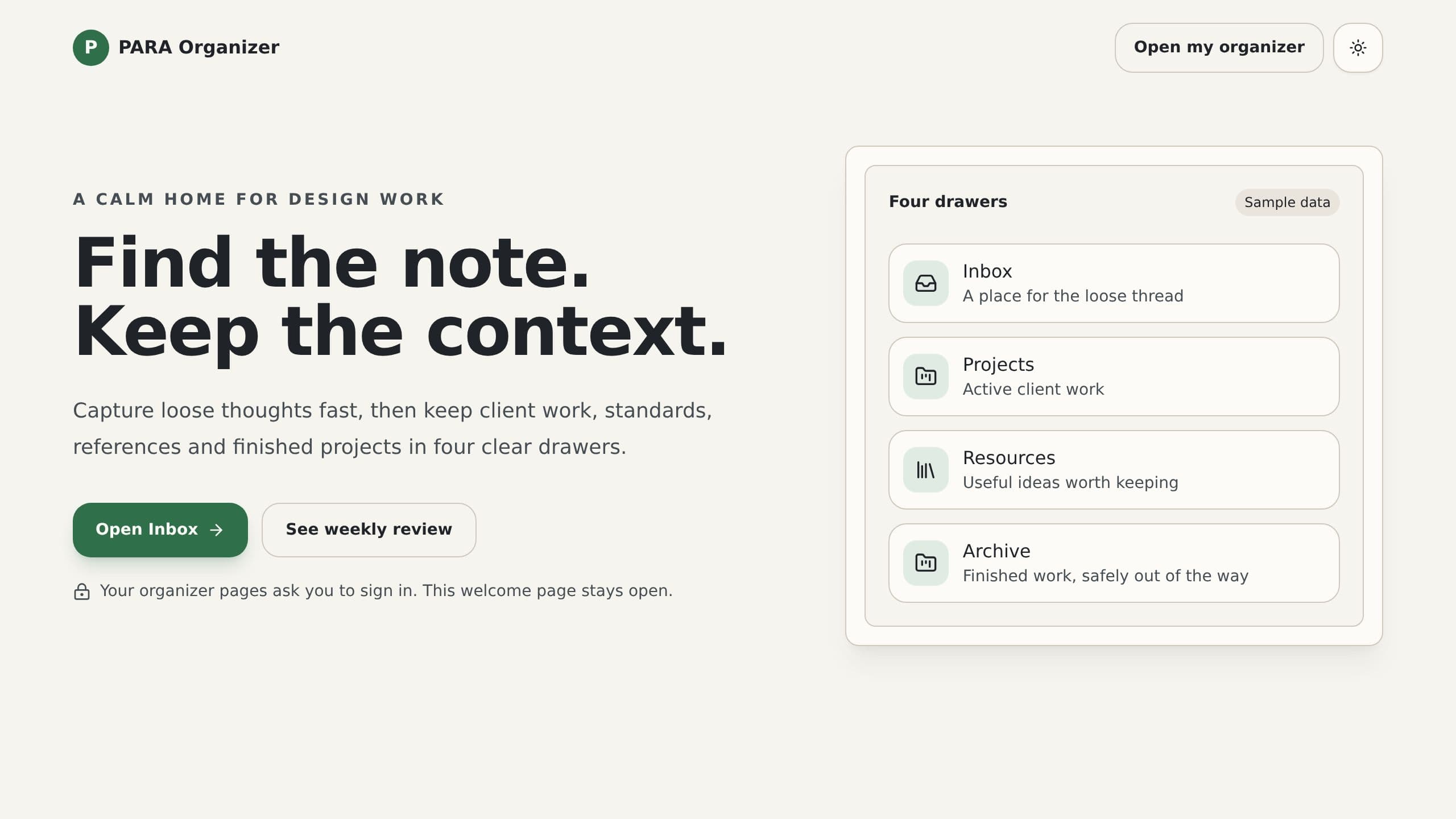
Capture notes to one inbox, sort them into Projects, Areas, Resources and Archive with a helper, and get a Friday review.
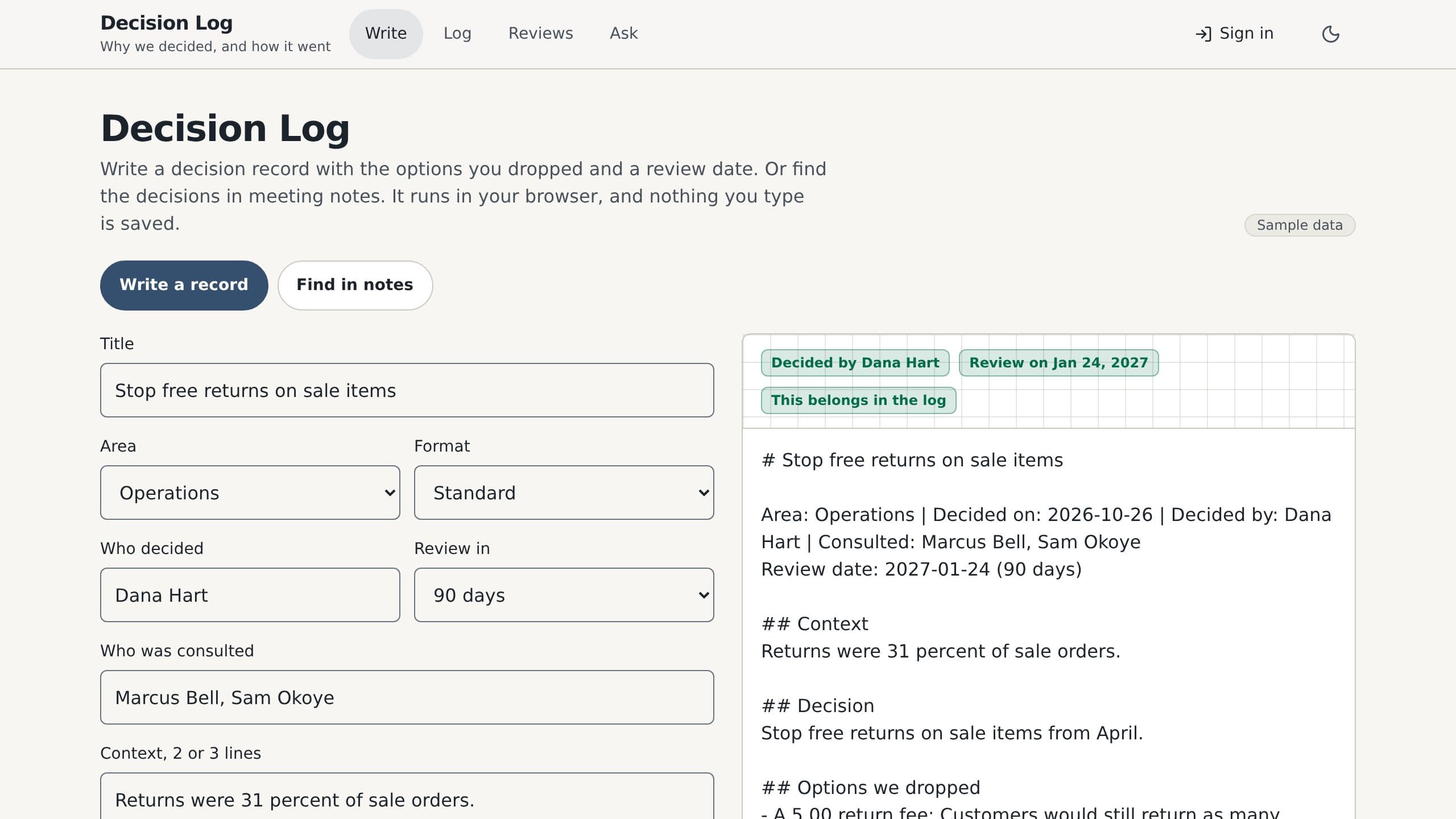
Write a decision record with the options you dropped and a review date, or find the decisions in meeting notes. Then keep a log your team can search.
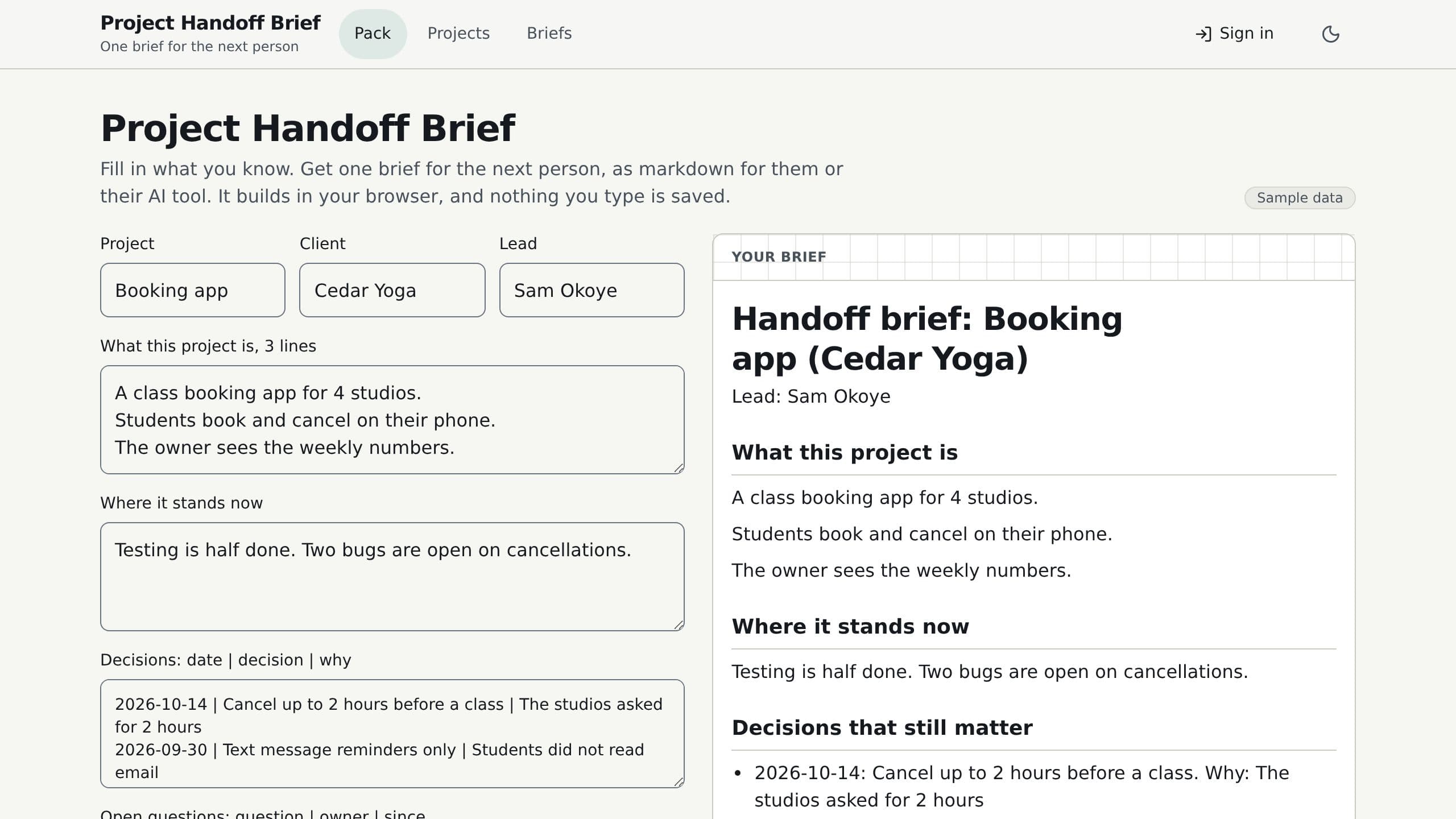
Turn decisions, open questions, people, links and changes into a markdown brief for a new teammate or their AI tool. Empty sections say Not recorded.
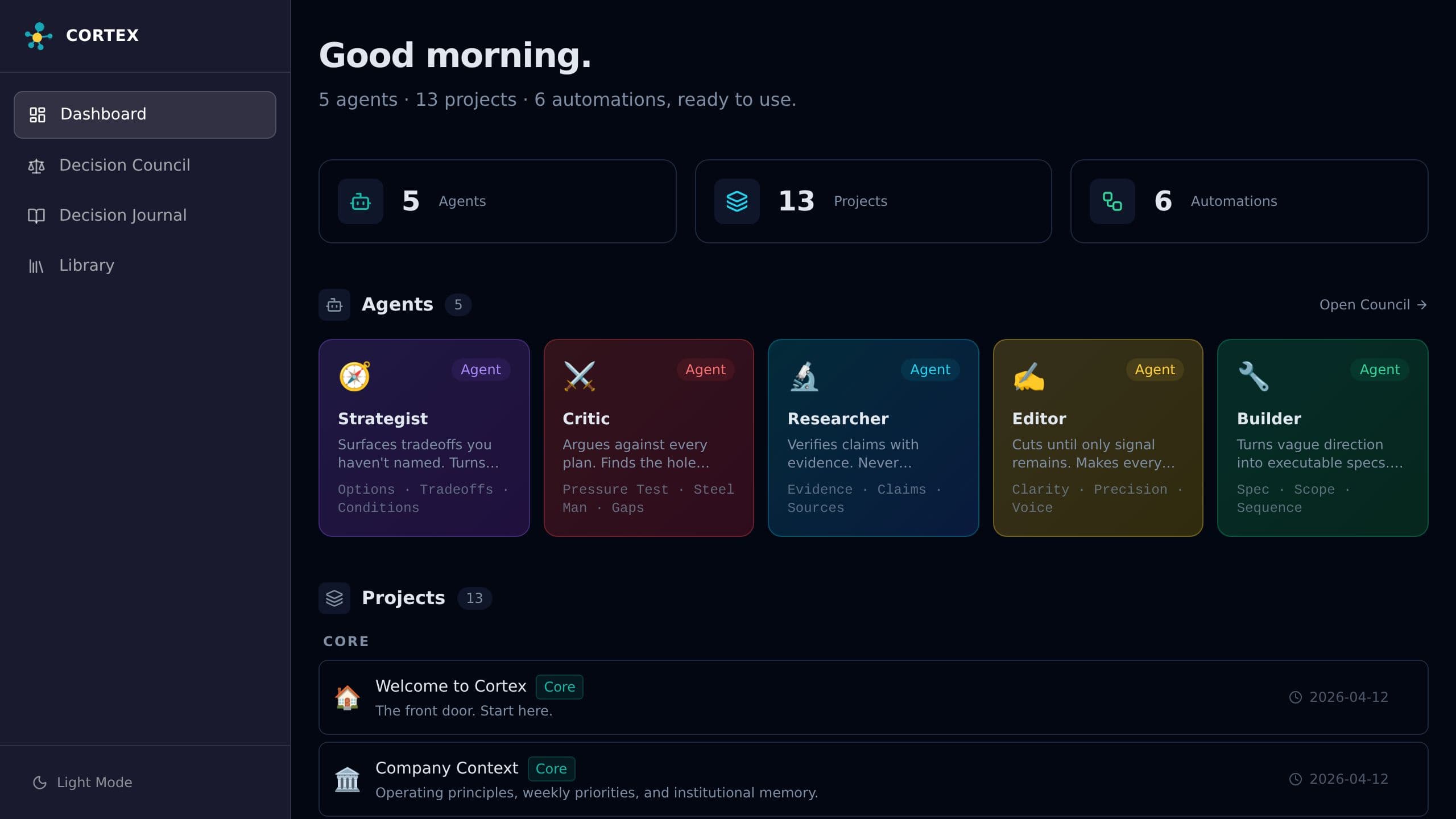
It replaces scattered notes, to-do lists and the weekly review you keep in your head. Inside are 13 projects and three AI assistants: a researcher, a builder and a strategist. Automatic updates run a daily standup and a weekly review, and a decision council weighs your choices. Clone it free, then switch on the automations you want.
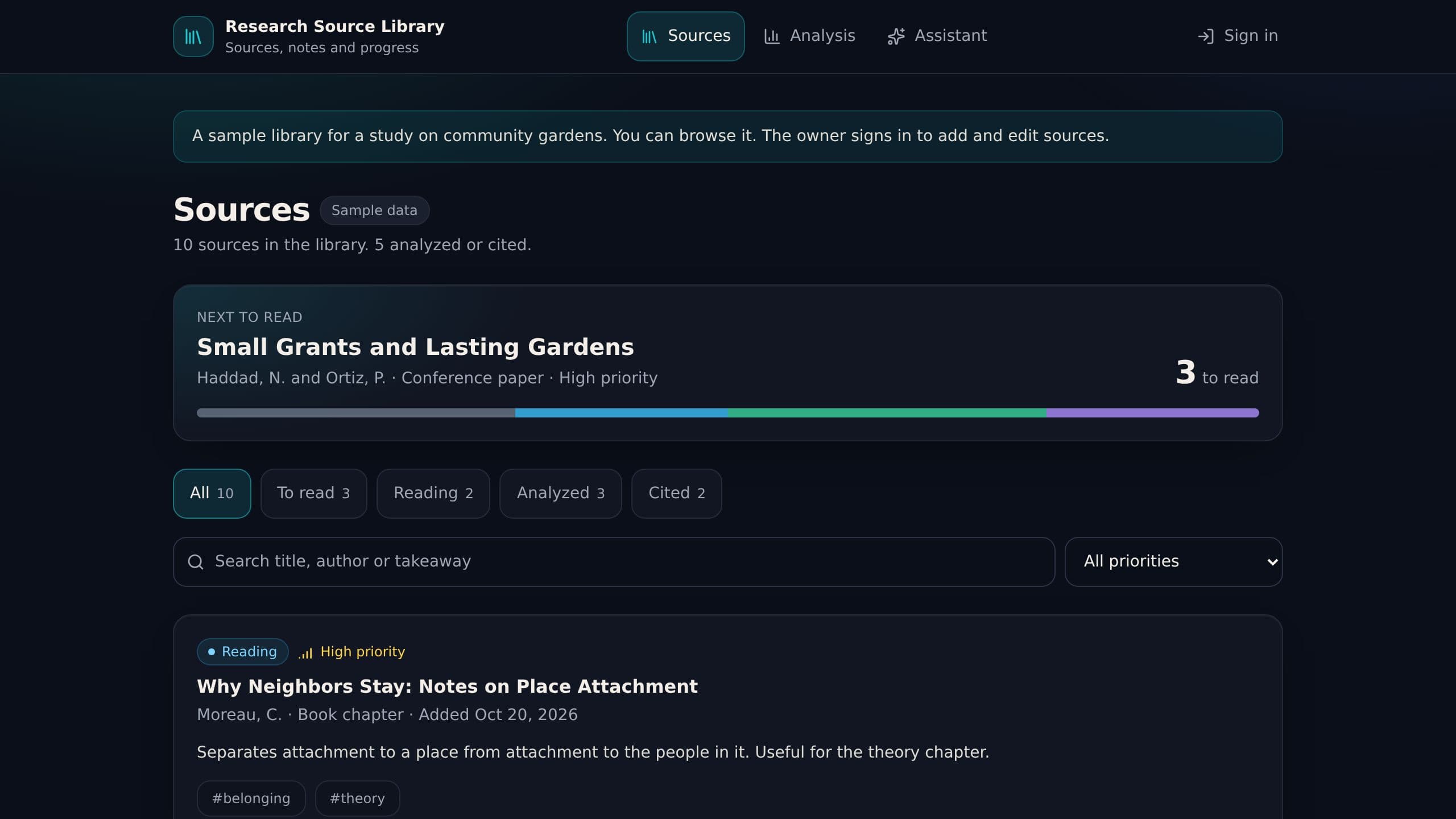
A calm library for every paper, book, report and dataset in your research. Track each source as To read, Reading, Analyzed or Cited, set a priority, tag it and keep one key takeaway. The Analysis page counts your progress from the rows, notes group by theme, and a research assistant answers from your own library.
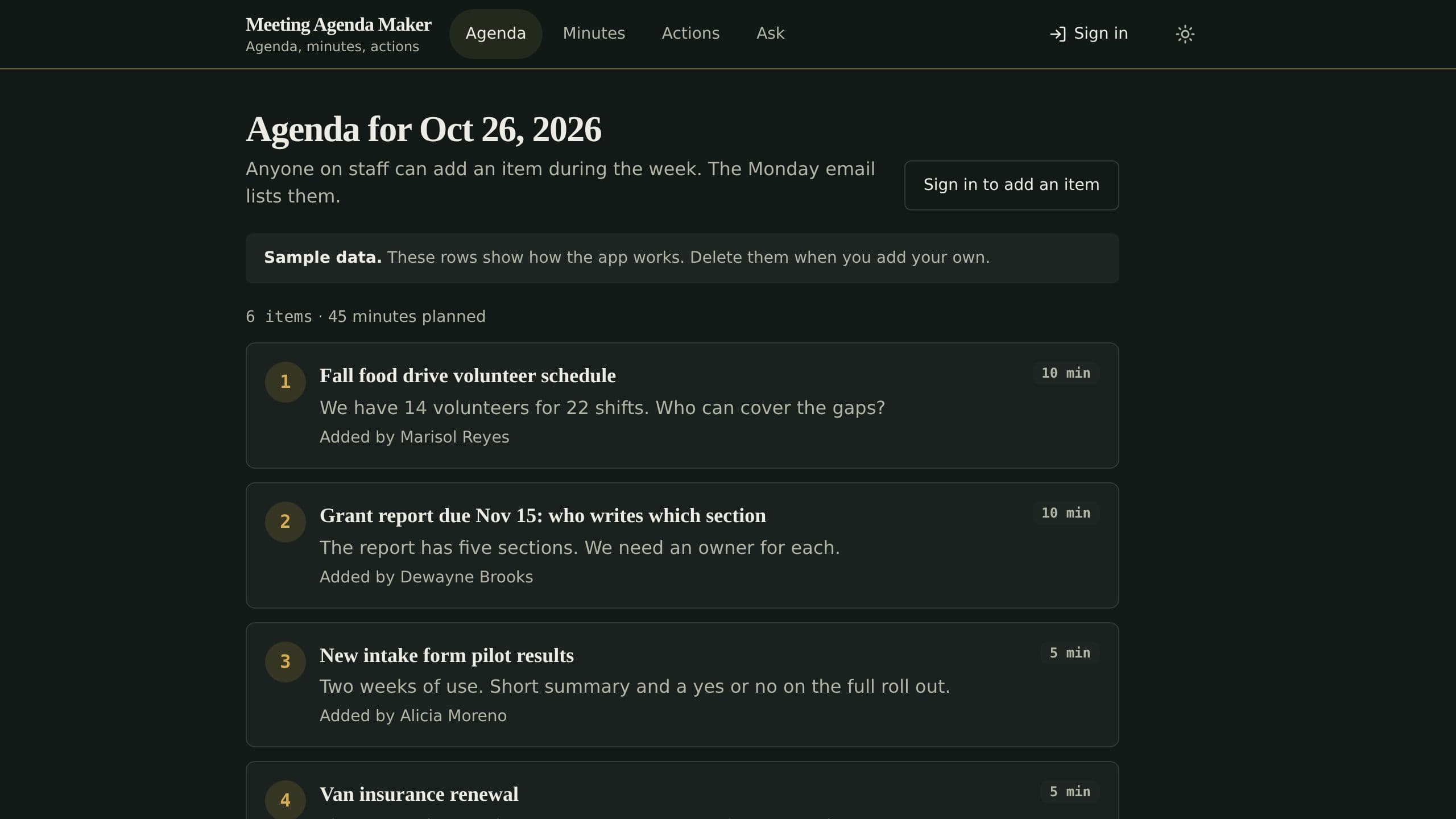
It replaces the blank document and the hunt for who agreed to what. Anyone adds agenda items during the week, then the organizer pastes rough notes after the meeting. Built for a weekly staff meeting. Clone it free and start with sample data.
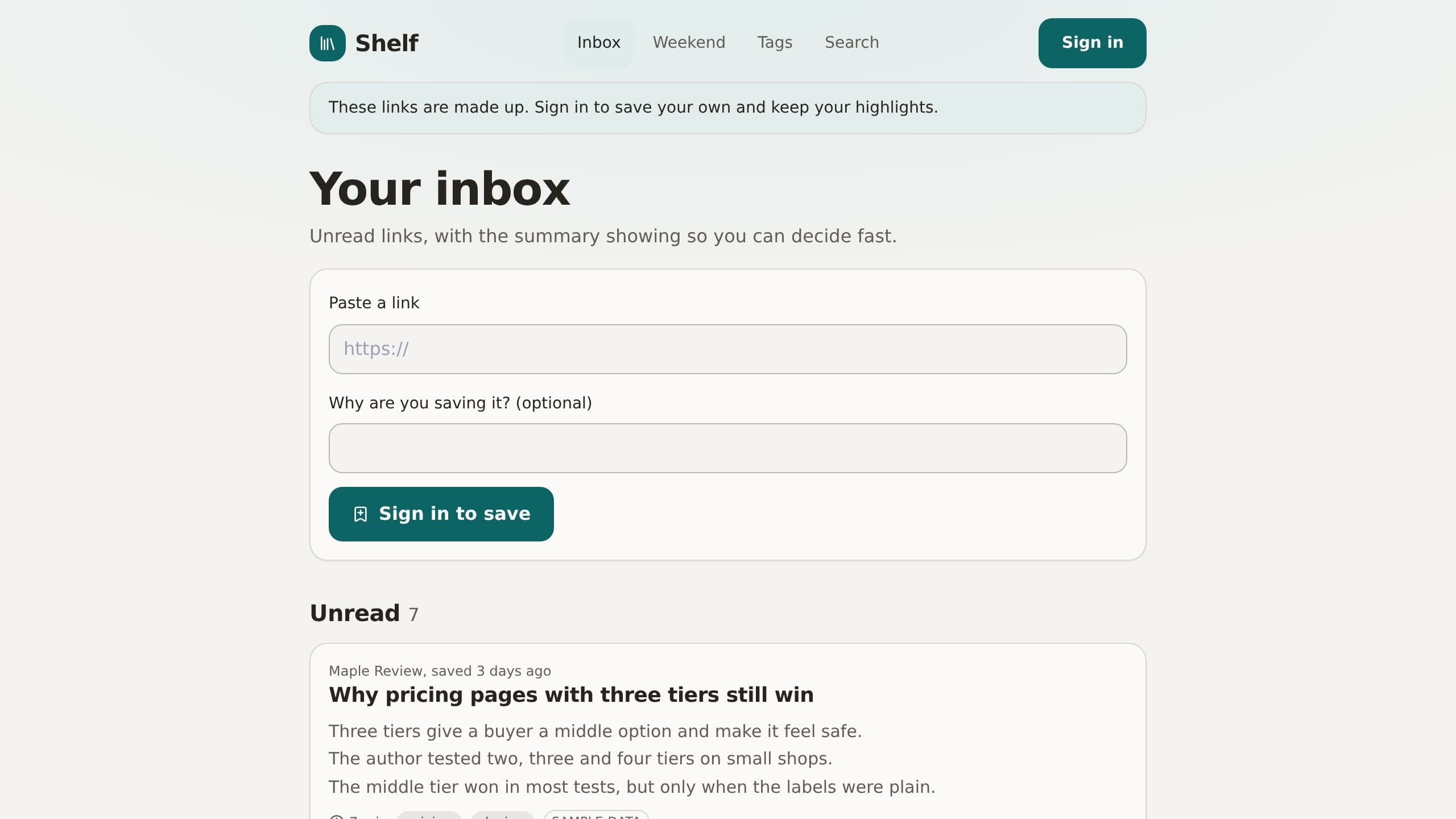
Paste a link and get its title, a three line summary and reading time, plus a Saturday email of the five links worth reading.
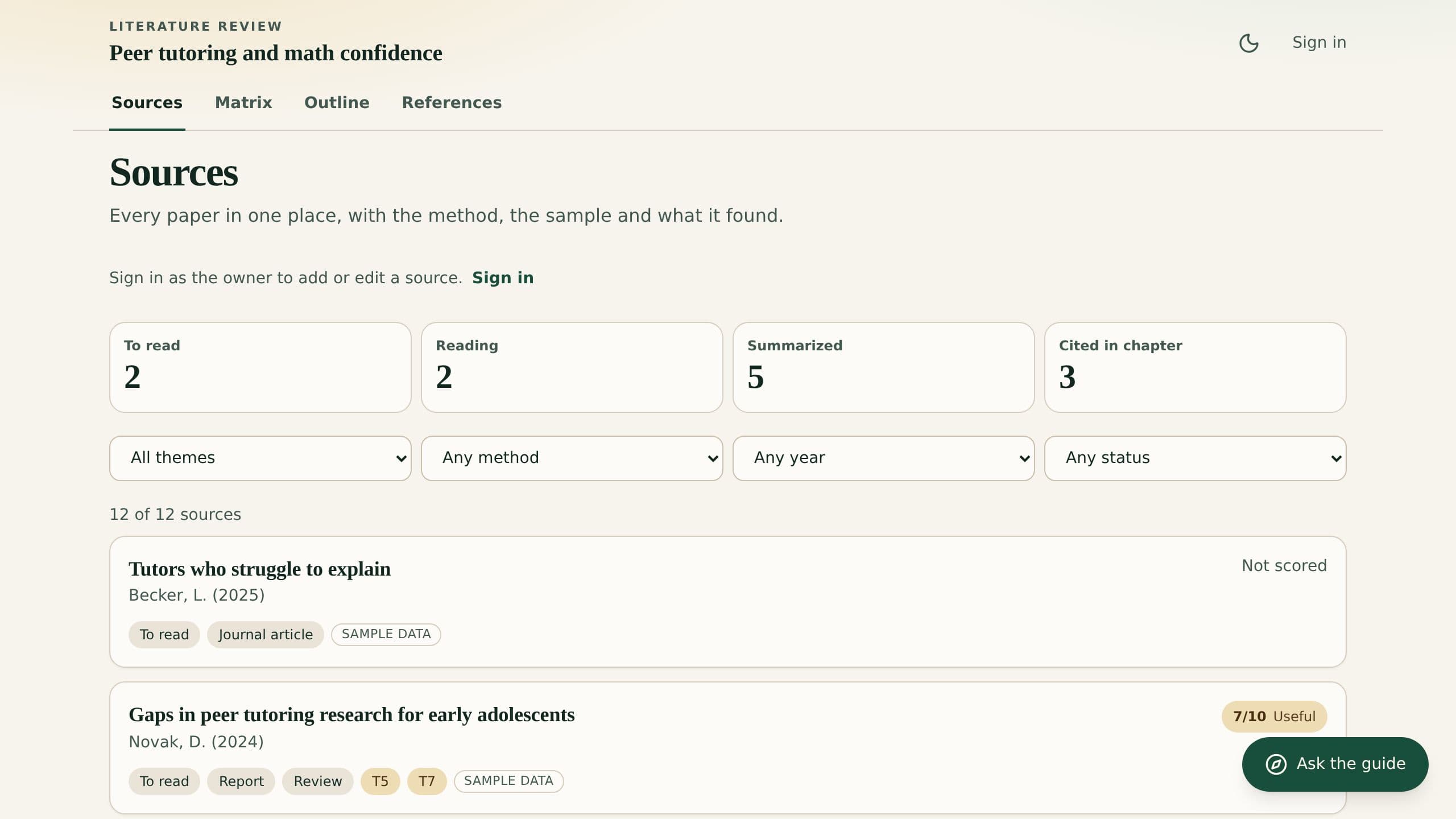
It replaces the spreadsheet of pasted paper notes. Add papers or upload PDFs, score quality with your own rule and map sources against themes. The kit drafts a chapter outline and APA references. Clone it free and start with sample data.
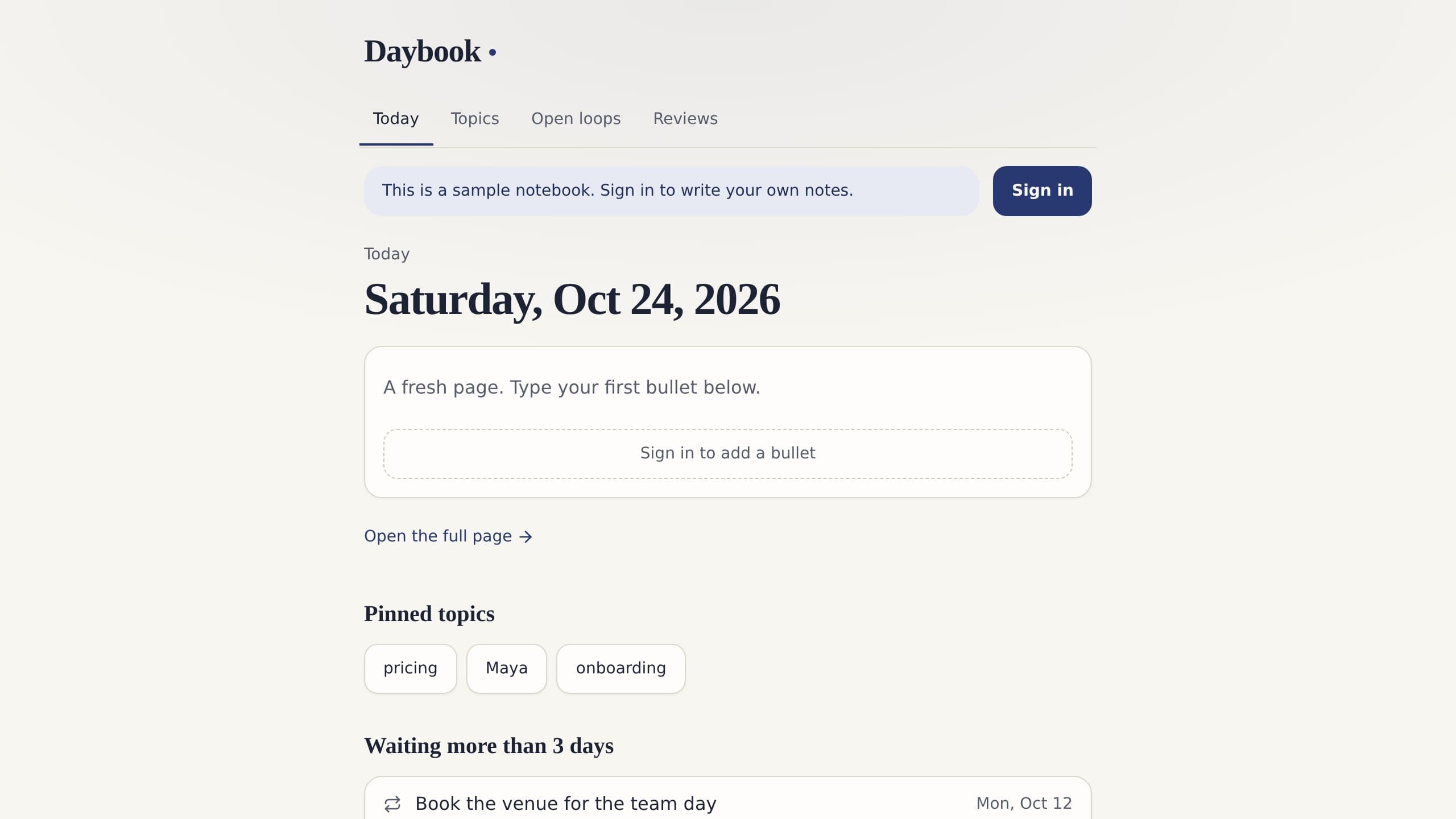
Daily notes with nested bullets and topic pages, promises pulled into a to-do list, and a weekly review written for you.
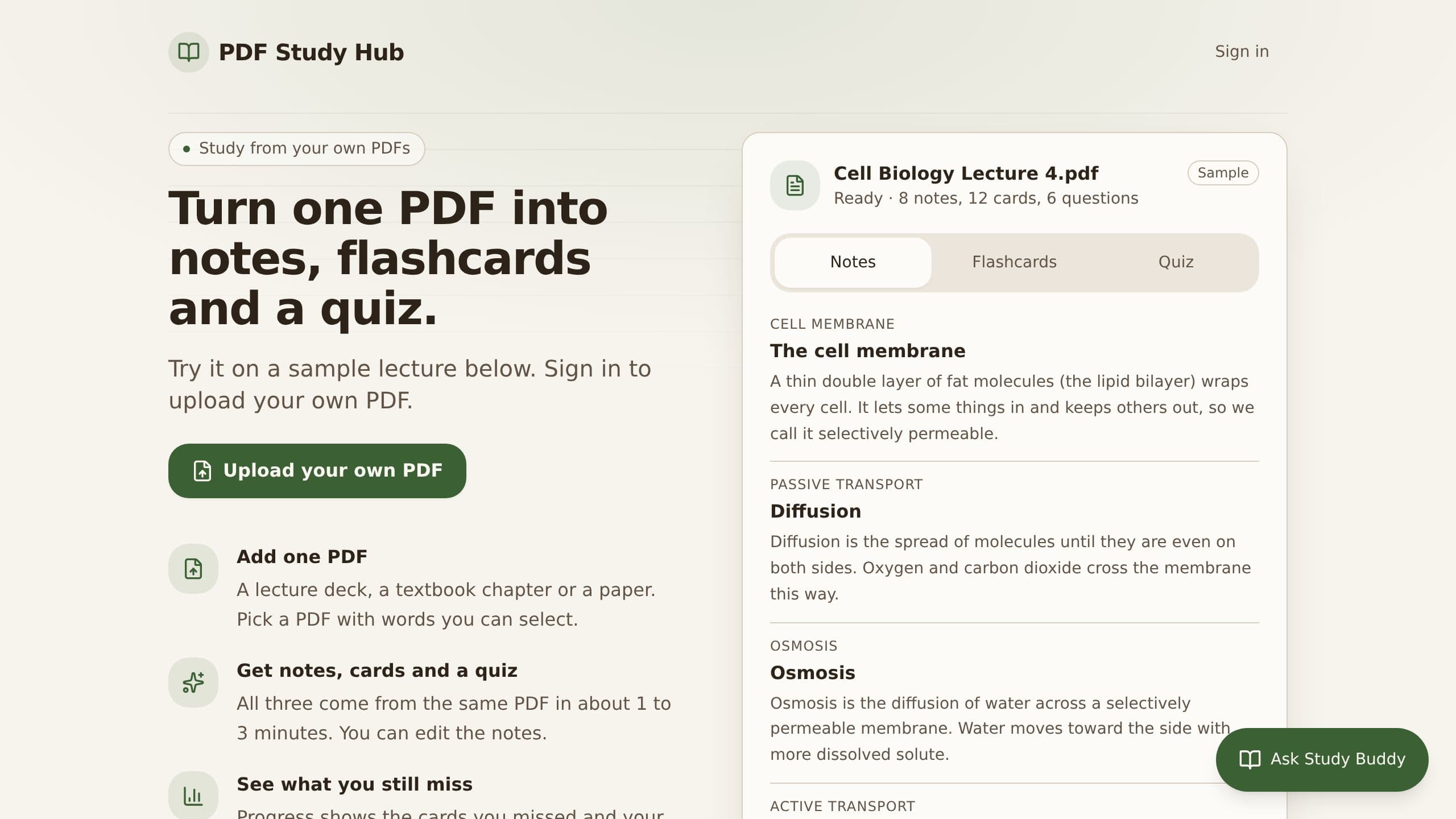
Drop in a lecture PDF and get notes you can edit, flashcards and a short quiz, plus a Sunday email of the cards you keep missing.
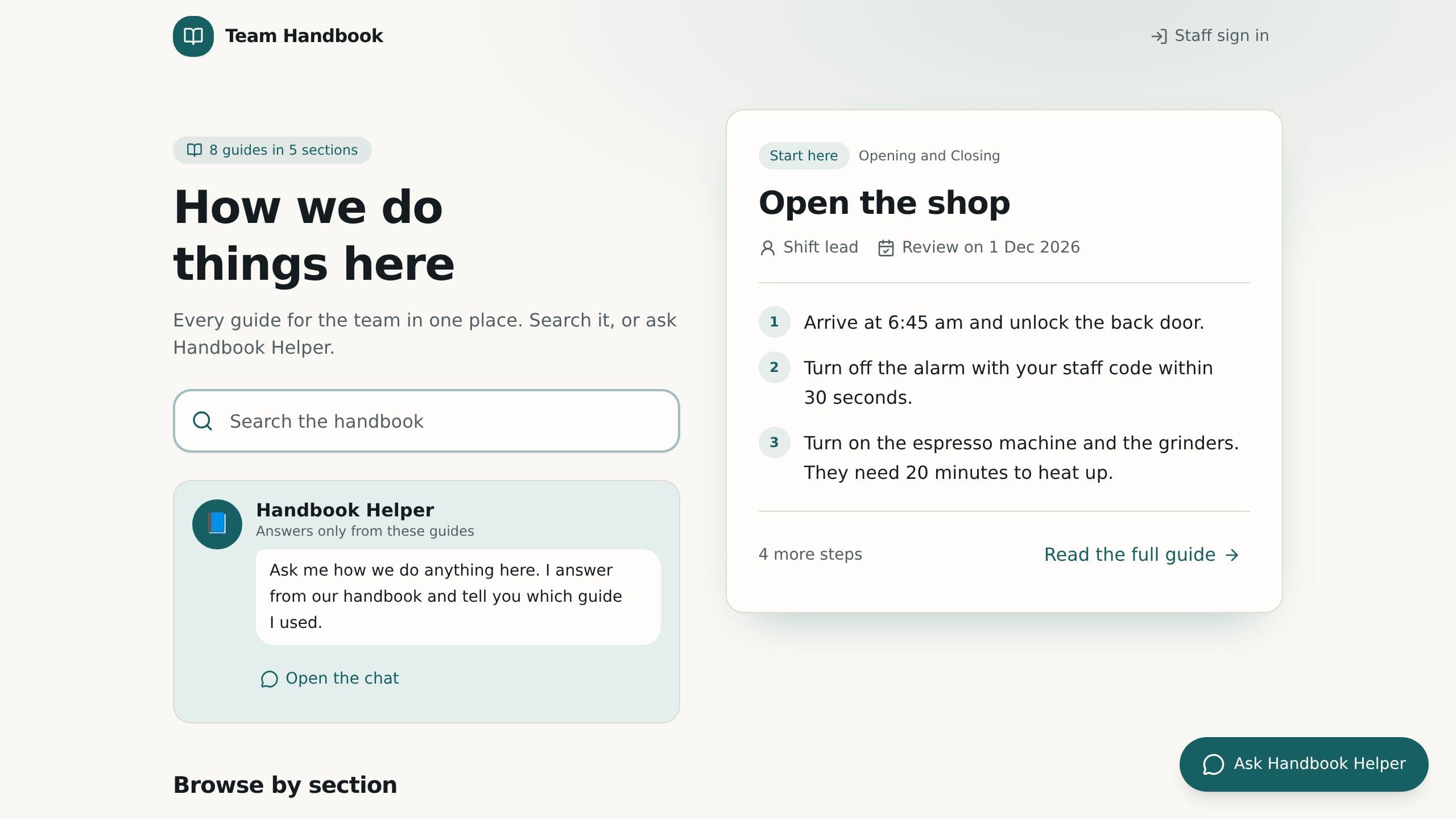
It tells you which guide it used, so you can check the answer. It replaces the shared folder of documents and the questions your team asks you again and again. New staff find answers on their own, and you answer fewer of the repeat questions. Clone it free and make it yours.
 @digiteller
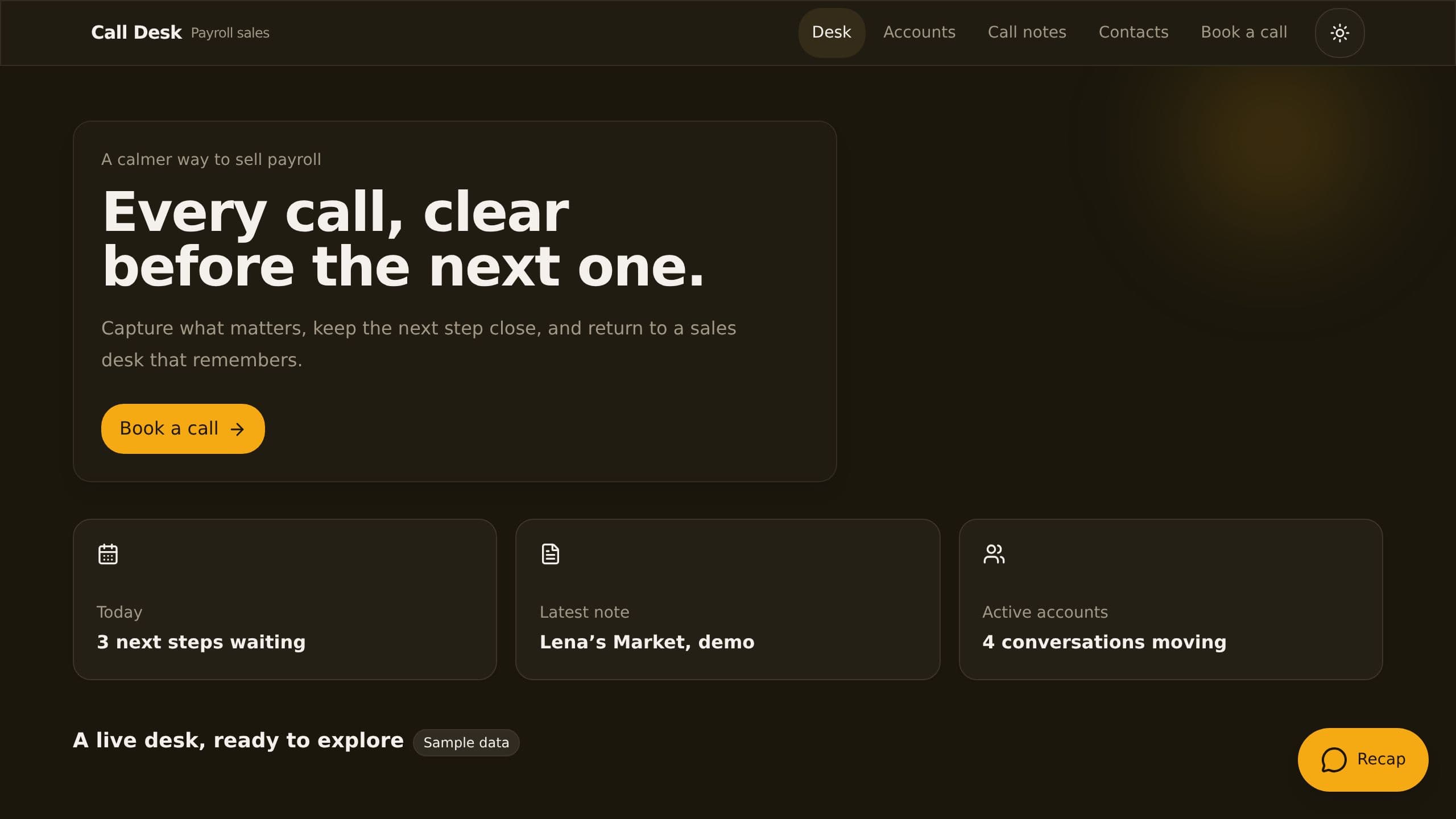
Log every sales call by account, get a summary and follow-up email draft, and a morning list of next steps.
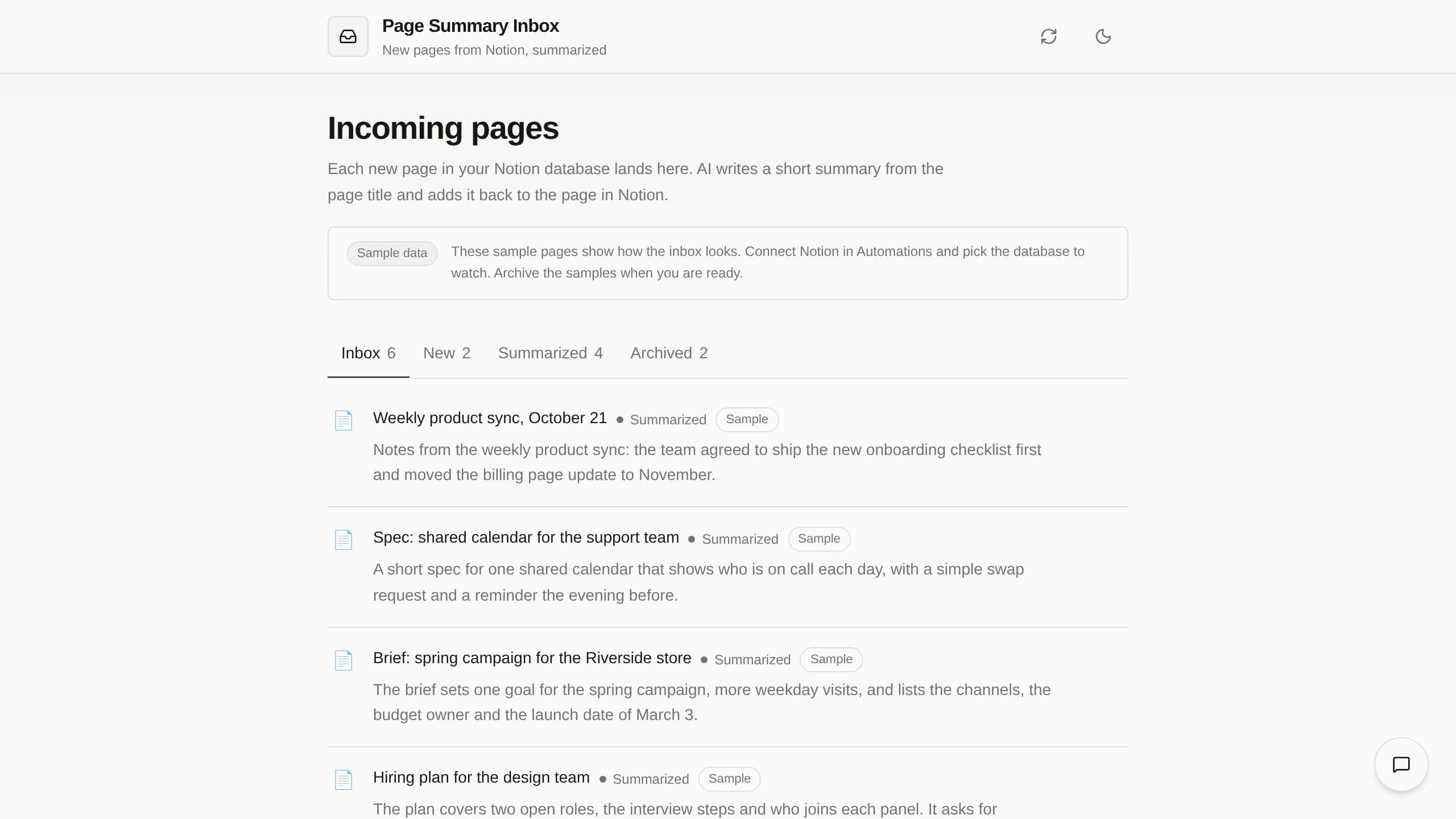
One calm inbox for the pages you want to read. Add a page with the inbox form, and AI writes a short summary from its title. Filter by New, Summarized and Archived, and ask the Page Summarizer to group pages by topic. Setup: open Automations and share the form "Add a page to the inbox (form)". Comes with sample pages that you can archive.
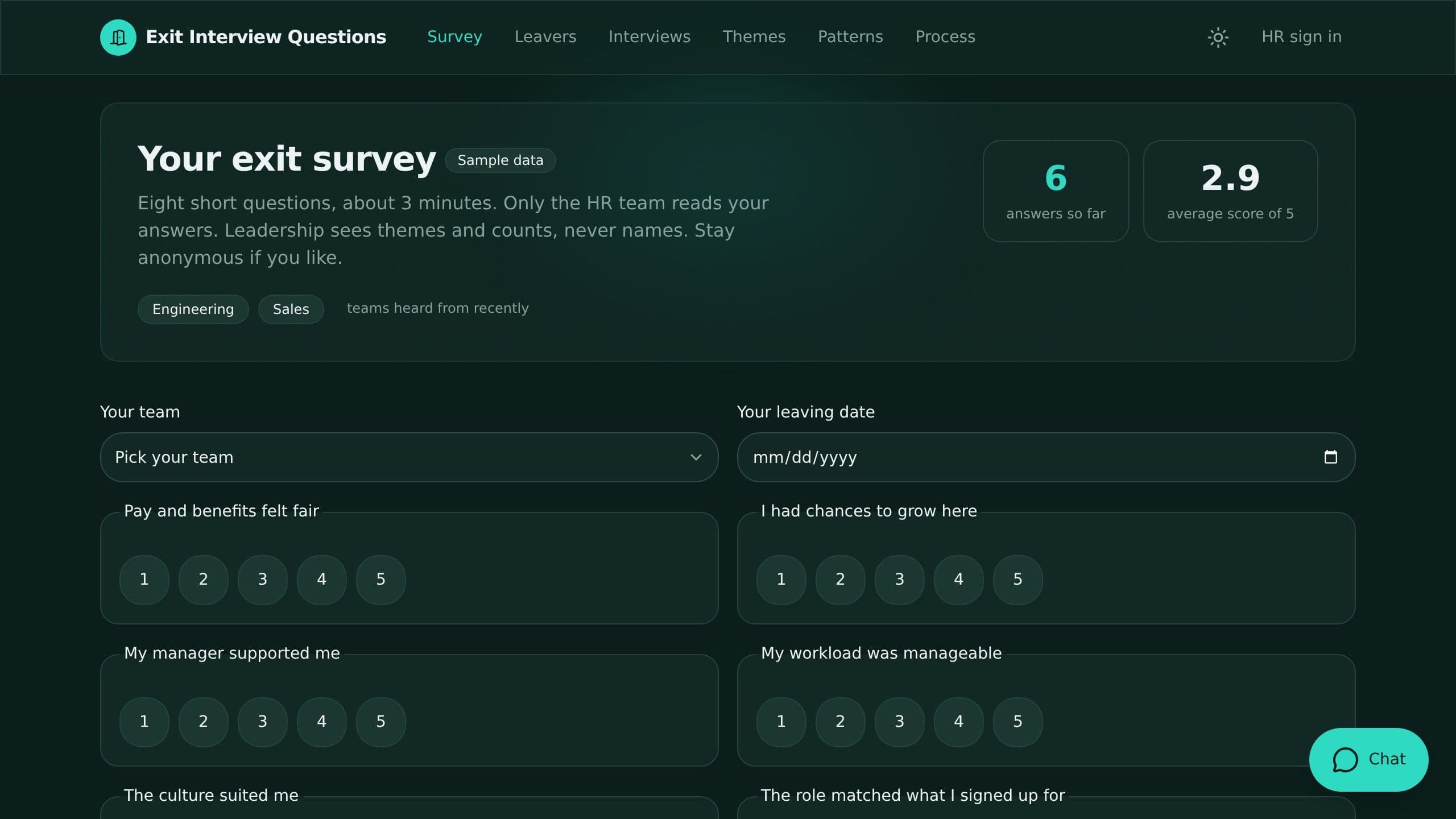
Hold an exit interview with every leaver, tag the reasons, and see the themes by team and tenure.
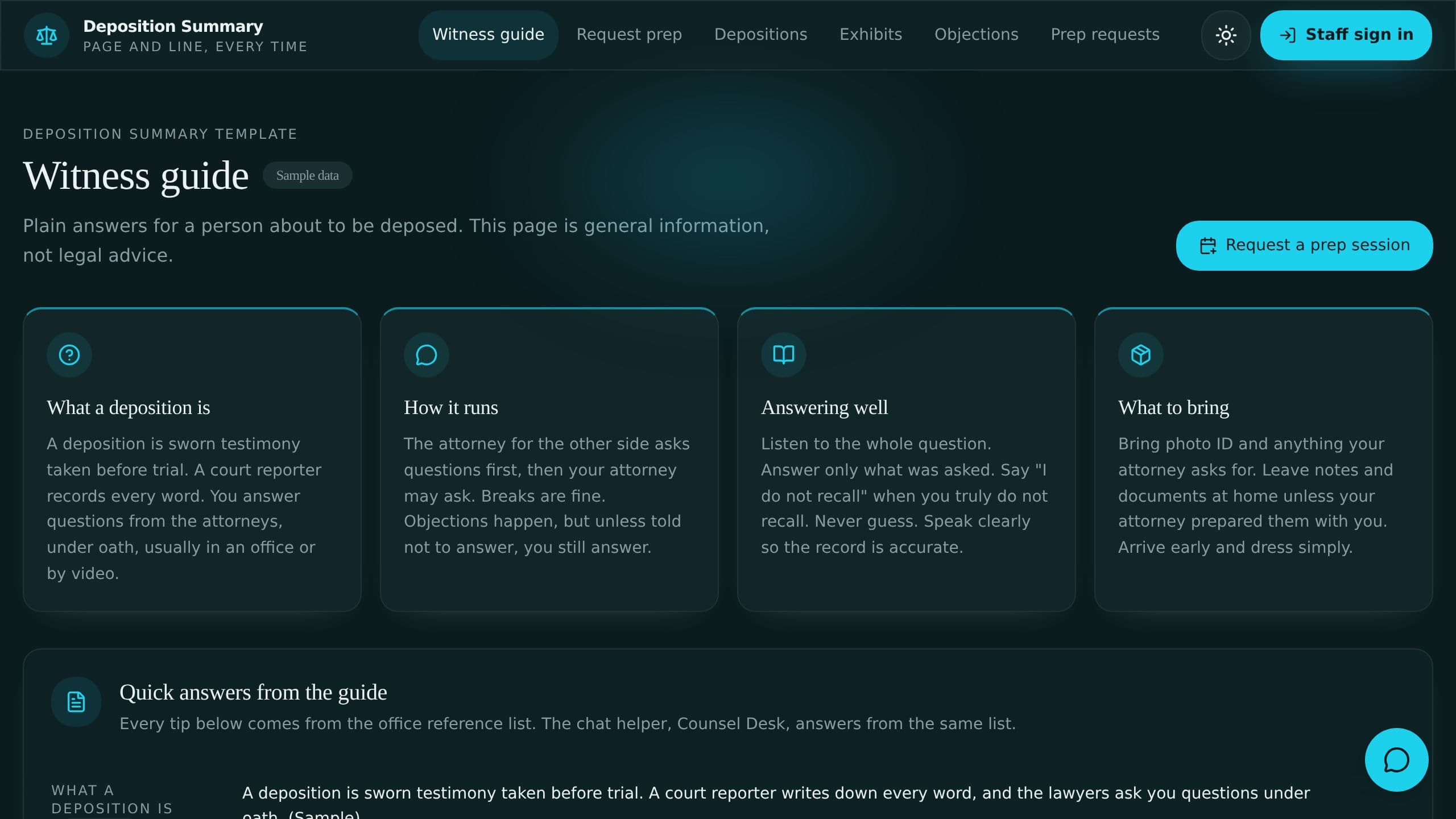
Summarize each deposition by topic with page and line cites, track exhibits and objections, and prepare witnesses. Not legal advice.
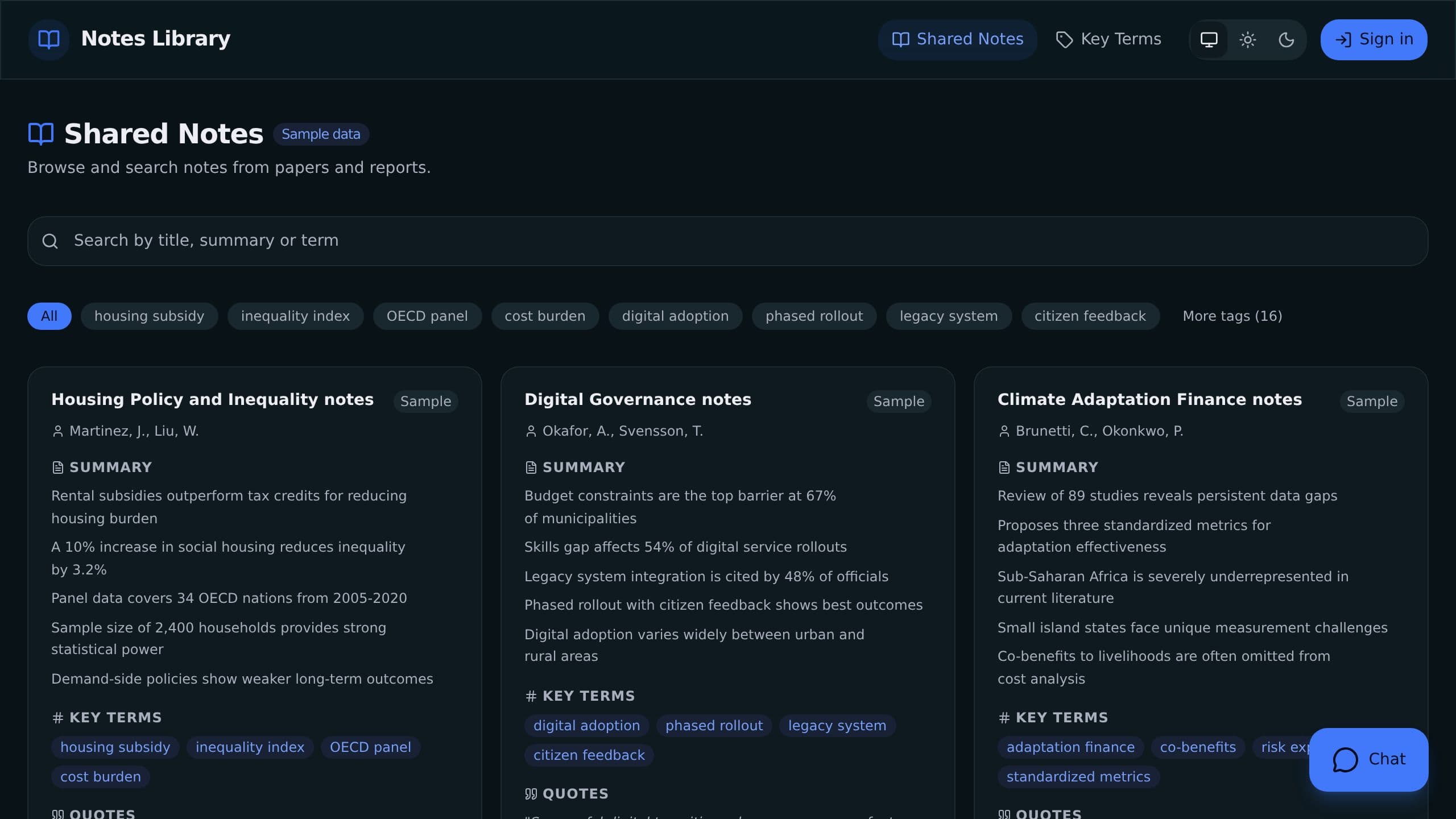
Turn the PDFs you read into clean notes with bullets, key terms and quotes with pages, then share the best ones.
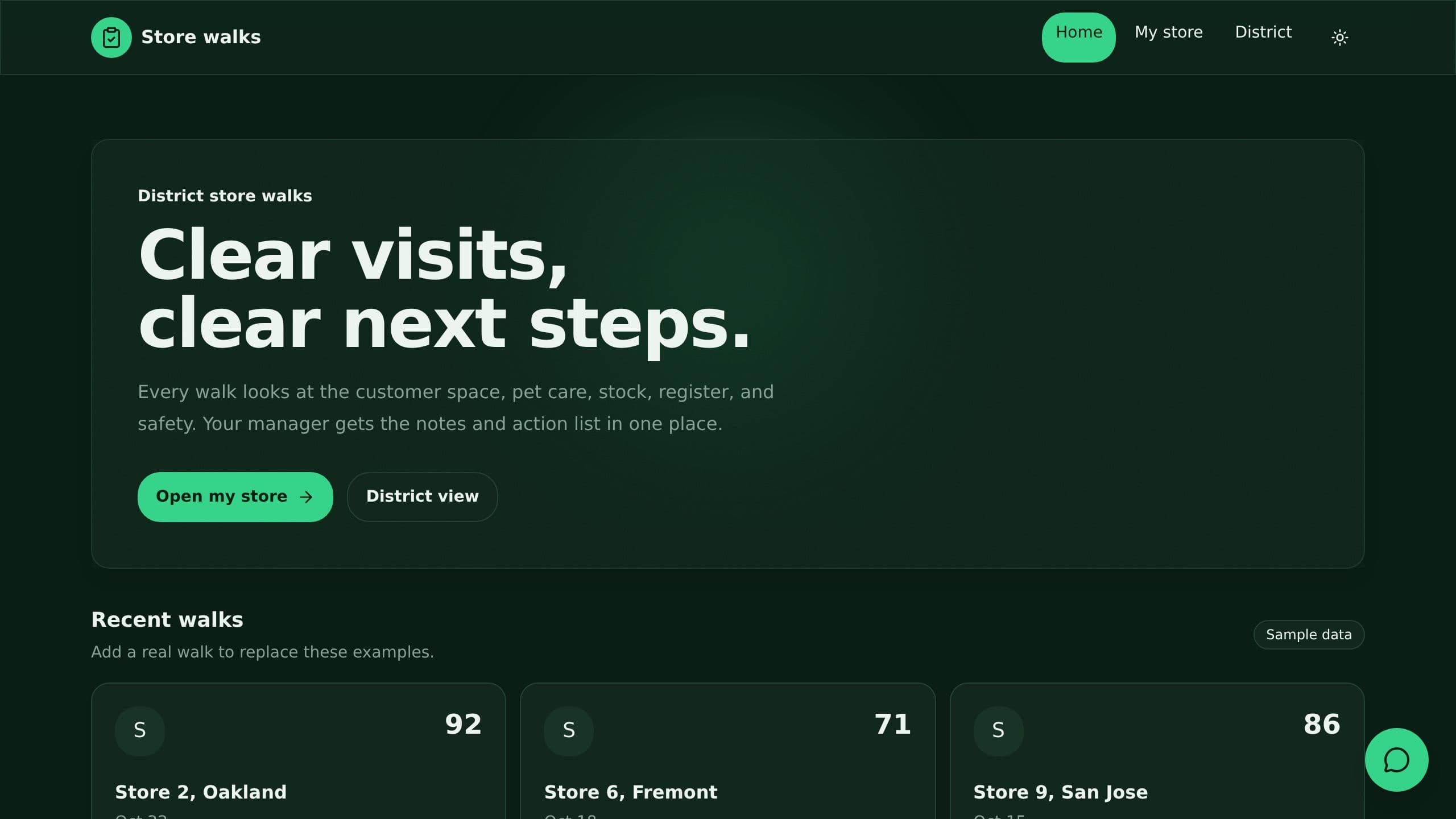
District manager store visits with scored checklists, photos, action items and weekly late action alerts.
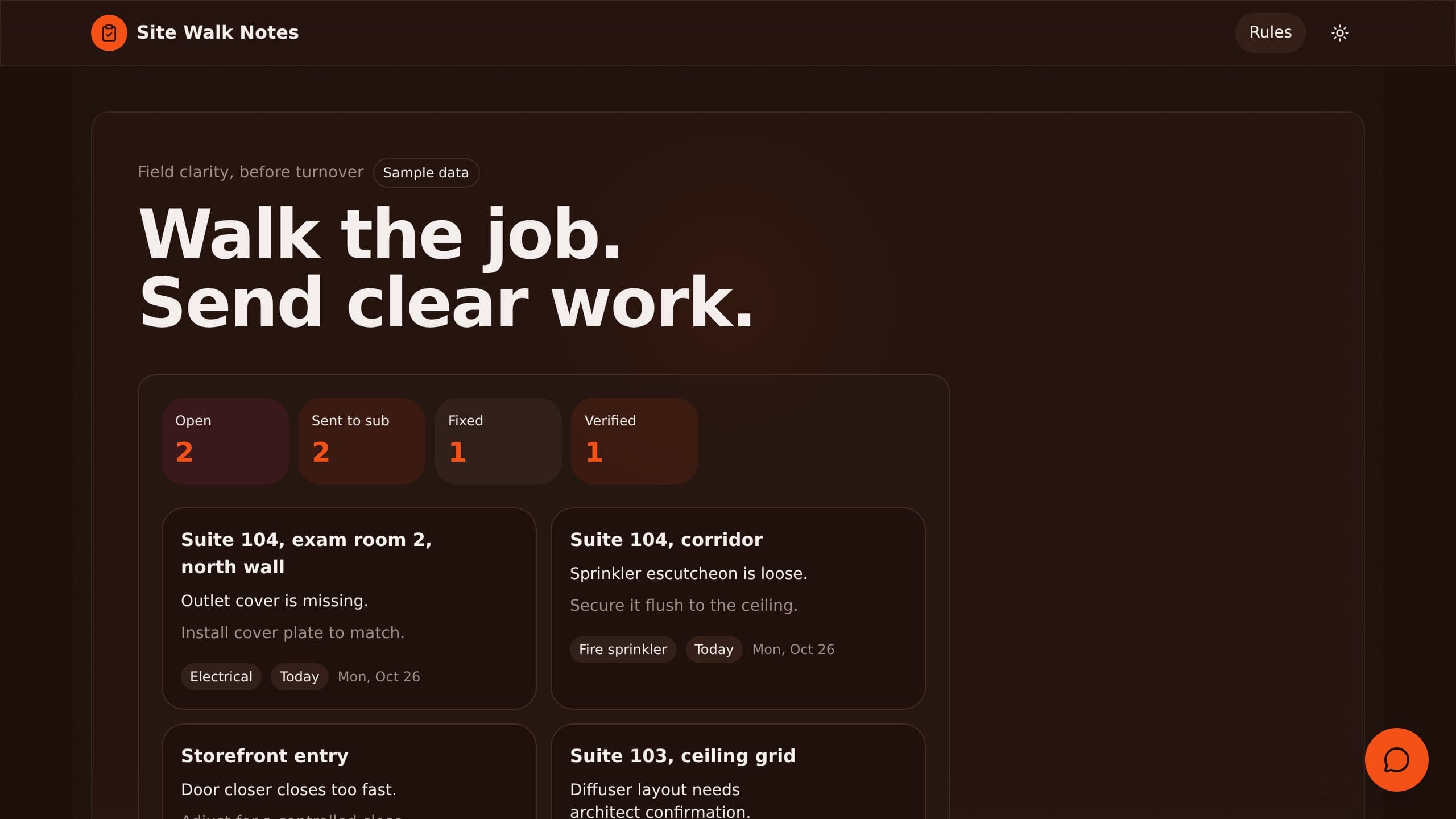
It replaces handwritten notes, photos in a camera roll and the email to each sub afterward. Each sub sees only their trade's items, and an AI assistant splits messy notes and rewrites them in house wording. Supers can review open items. Built for a construction project manager. Clone it free and start with sample data.
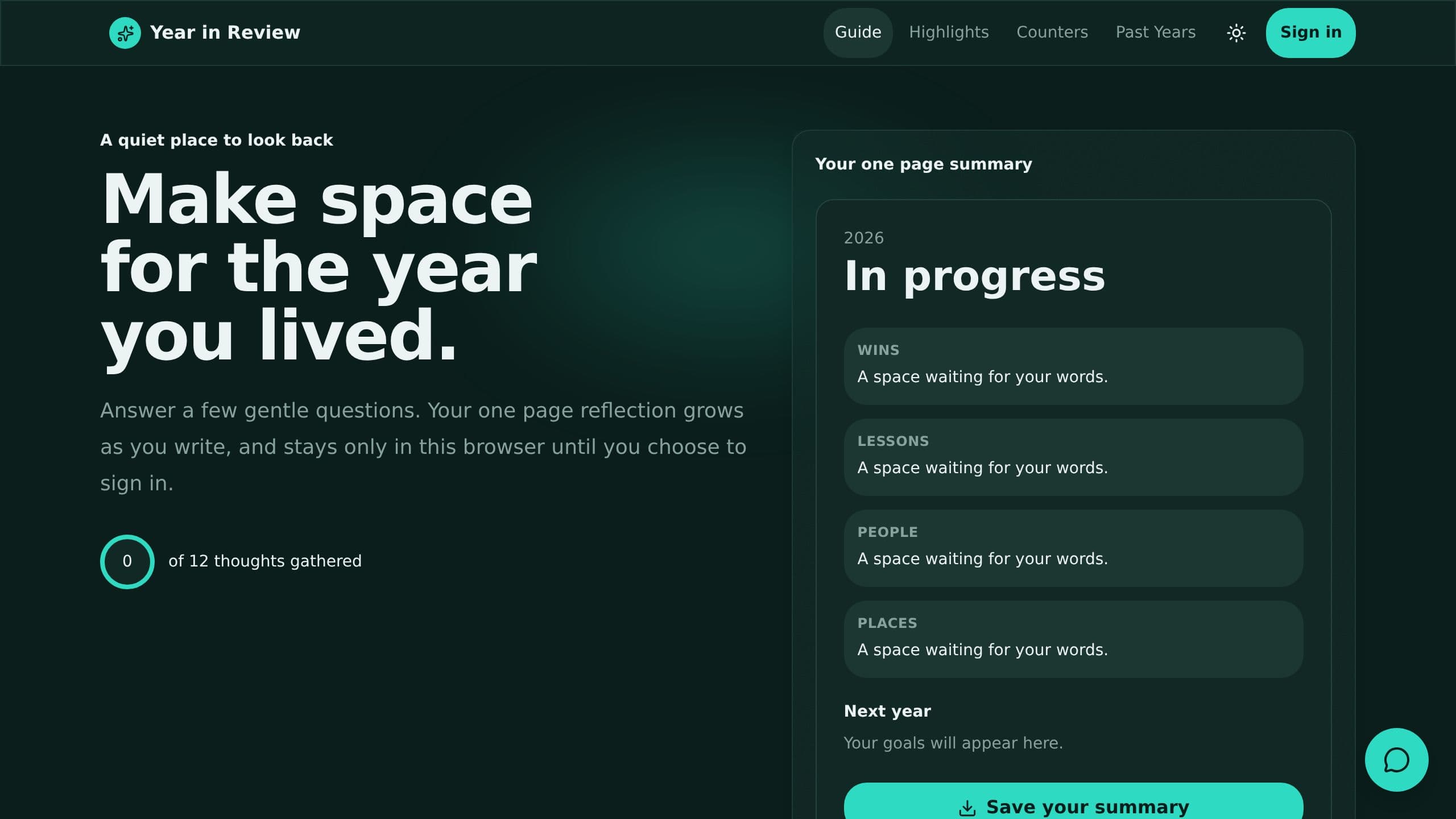
Answer 12 guided questions, get a one page year summary card, and collect monthly highlights so next December writes itself.