

A great YouTube video contains enough insights for a week of social media content. The problem is distilling 20 minutes of video into punchy, tweet-sized posts that capture attention and drive engagement. Taskade's AI YouTube to Twitter Thread Converter does the heavy lifting: paste any YouTube URL and get a ready-to-post thread with a hook tweet, supporting points, and a compelling CTA.
How to Convert YouTube to Twitter Thread With Taskade
After importing your YouTube video into Taskade, our AI Assistant transcribes the content, identifies the most shareable insights, and formats them into a tweet thread structure.
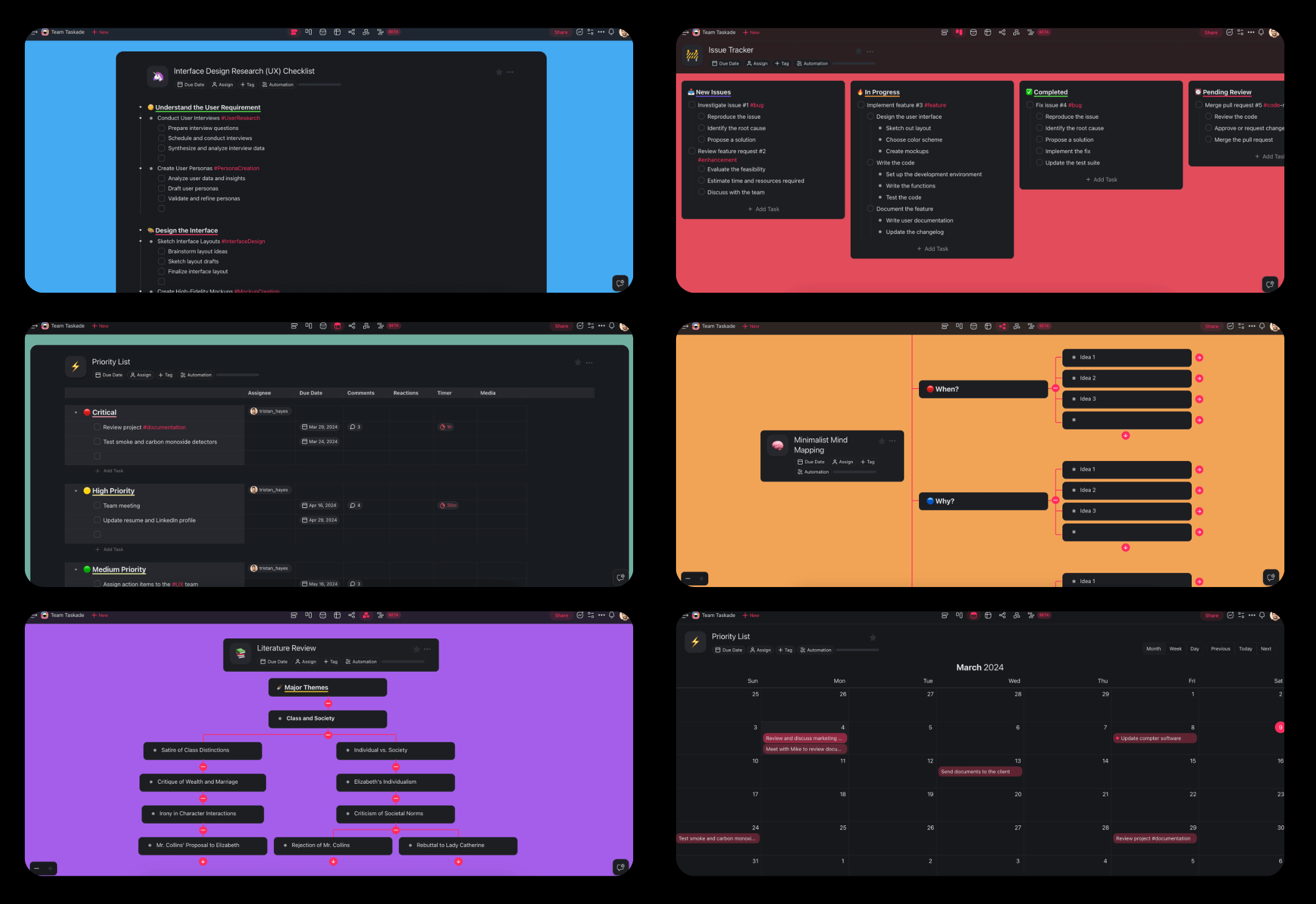
Use AI Agents with built-in tools to adjust tone, add hashtags, or create multiple thread variations from the same video. Switch between multiple project views to organize your social media content calendar.
Try Taskade for free today and start converting YouTube videos to Twitter threads.
Use Cases for YouTube to Twitter Thread Conversion
Influencers and Personal Brands
Maximize the social reach of every video you publish.
Convert YouTube explainer videos into educational threads that build authority.
Transform video commentary into hot-take threads that drive engagement.
Repurpose video Q&A sessions into FAQ-style threads for followers.
Marketing Teams
Scale social media content production from existing video assets.
Convert product launch videos into feature highlight threads.
Transform customer testimonial videos into social proof threads.
Repurpose webinar recordings into tip threads that nurture leads.
Thought Leaders and Educators
Spread ideas further by adapting video content for Twitter audiences.
Convert conference talk recordings into condensed insight threads.
Transform tutorial videos into step-by-step instructional threads.
Repurpose interview appearances into key-quote threads.
News and Media
Break down long-form video content into digestible social updates.
Convert news analysis videos into breaking-news-style threads.
Transform documentary clips into informational threads with sources.
Repurpose panel discussion recordings into debate summary threads.
Frequently Asked Questions
Can I convert a YouTube video to a Twitter thread for free?
Yes. You can start on Taskade's free tier. On Free, you earn free AI credits with referrals and invites to run AI-powered YouTube to Twitter thread conversion, and you can upgrade any time. Paste any YouTube URL, click "Convert now," and receive a thread-ready output. No credit card required.
How does the AI decide what to include in the thread?
Taskade's frontier AI models from top AI labs analyze the video transcript and identify the most engaging, shareable, and insightful points. The AI structures them into tweet-length segments with a hook opening, supporting points, and a closing CTA.
Can I customize the thread tone and length?
Yes. After conversion, every tweet is fully editable. Use AI Agents with custom slash commands to adjust tone (professional, casual, provocative), add or remove tweets, insert hashtags, or create multiple variations targeting different audiences.
Can my team review threads before posting?
Yes. Share with team members using permissions (Owner to Viewer). Editors can suggest changes, managers can approve, and social media managers can finalize, all in real time.