







Every Taskade Genesis app is alive.
Not "smart." Not "automated." Alive -- in the sense that it remembers, thinks, and acts. This is not marketing language. It is architecture.
Workspace DNA is the system behind this. Three pillars -- Memory, Intelligence, Execution -- working together as one living organism. Every Genesis app inherits this architecture, and every interaction strengthens it.
TL;DR: Workspace DNA is Taskade Genesis's core architecture: Memory (Projects with multiple views), Intelligence (AI Agents with built-in tools), and Execution (Automations with 100+ integrations) form a self-reinforcing loop. Execution creates Memory, Memory feeds Intelligence, Intelligence triggers Execution. The result is living software that adapts and grows through use. Build your first living app -->

This article is the definitive guide to how Workspace DNA works, why it matters, and how to design systems that take full advantage of all three pillars.
The DNA at a Glance
| Pillar | Component | What It Does | Scale |
|---|---|---|---|
| Memory | Projects and Databases | Stores and structures data across multiple views | Unlimited projects |
| Intelligence | Custom AI Agents | Reasons, decides, and acts with built-in tools | Frontier models |
| Execution | Automations and Workflows | Executes multi-step actions on triggers | 100+ integrations |
These pillars do not operate in isolation. Their power comes from connection.
The Three Pillars in Depth
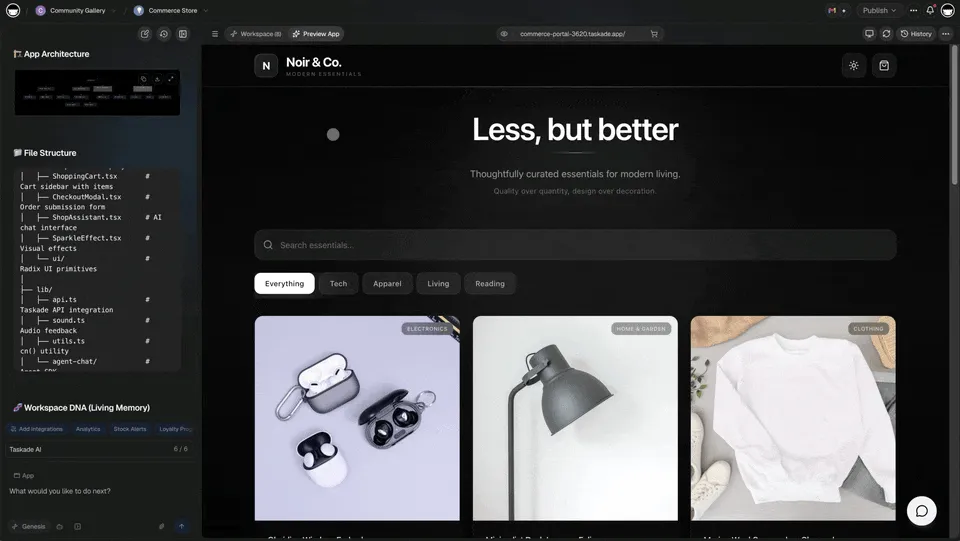
Memory: Projects and Databases
Memory is your data foundation. Everything your system knows lives in Projects.
Taskade Projects store structured information visible across multiple views: List, Board, Calendar, Table, Mind Map, Gantt, and Org Chart. Each view shows the same underlying data from a different perspective. Switch between views without losing context, assignments, or status information.
Memory stores:
- Records -- rows of structured data with custom fields
- Relationships -- connections between records, projects, and workspaces
- Views -- multiple ways to visualize the same data
- History -- every change tracked over time
- Context -- the accumulated knowledge that agents and automations draw from
Memory is not passive storage. It is living context. Every new entry enriches the system's understanding. Every update refines what agents know and what automations can act on.
Think of Memory as the workspace's long-term brain. It retains what matters, connects related information, and provides the raw material for intelligent action.
Intelligence: Custom AI Agents
Intelligence is your reasoning layer. AI Agents powered by frontier models from top AI labs think alongside your team.
Agents provide:
- Reasoning -- break down complex problems using chain-of-thought analysis
- Knowledge -- trained on your specific documents, URLs, and project data
- Tools -- built-in tools including web search, document analysis, and task management
- Memory -- persistent memory that survives across conversations
- Personality -- consistent voice, behavior, and decision-making frameworks
- Collaboration -- multiple agents working together on complex tasks
- Public deployment -- embed agents on websites or share with clients
Agents are not chatbots that answer questions. They are digital teammates that read your Memory, reason about it, and trigger Execution. An agent monitoring a CRM project can score a new lead, draft a follow-up email, and trigger an automation to schedule a meeting -- all from a single signal.
| Agent Capability | What It Does | Example |
|---|---|---|
| Knowledge training | Learns from uploaded docs and URLs | Agent trained on product specs answers customer questions |
| Slash commands | Responds to structured triggers | /summarize generates weekly progress report |
| Multi-agent collaboration | Agents work together | Research agent finds data, writing agent drafts report |
| Persistent memory | Remembers across conversations | Agent recalls past customer interactions |
| Public embedding | Deploy on external websites | Support agent on your marketing site |
Learn how to train effective agents: AI Agent Training Best Practices -->
Execution: Automations and Workflows
Execution is your action layer. Automations carry out multi-step workflows triggered by events, schedules, or agent decisions.
Automations handle:
- Triggers -- time-based, event-based, webhook, or agent-triggered
- Actions -- create tasks, send messages, update records, call APIs
- Logic -- branching, looping, and filtering for conditional workflows
- Integrations -- 100+ connections across 10 categories (communication, CRM, payments, development, productivity, content, analytics, storage, calendar, e-commerce)
- Sequences -- multi-step processes that execute reliably with durable workflows
Execution is not just automation. It is the heartbeat of your workspace. When an automation fires, it writes results back to Memory, creating new data that agents can reason about in the next cycle.
How the Pillars Connect: The Living Loop
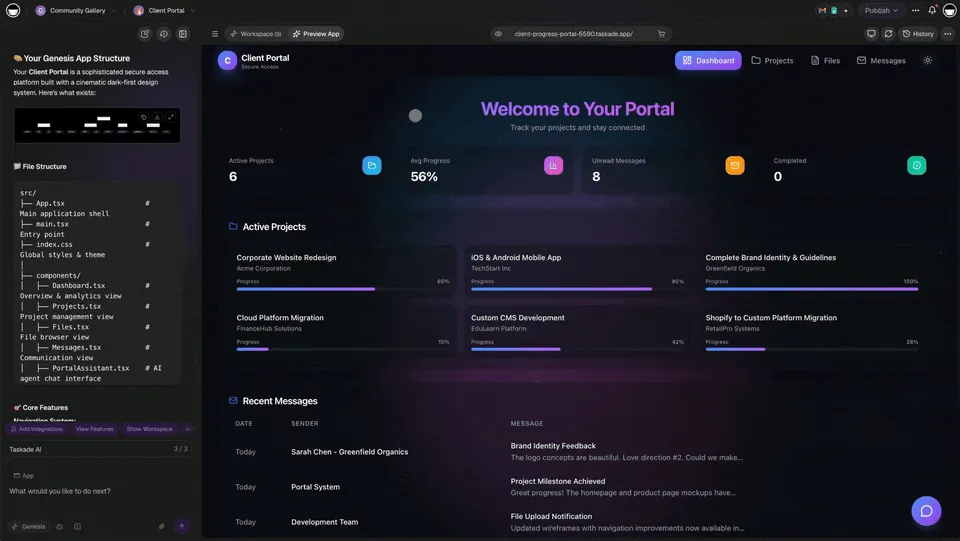
The power of Workspace DNA comes from connection, not isolation. The three pillars form a self-reinforcing loop where each pillar feeds the next.
The loop works like this:
- Memory stores context -- projects, documents, conversation history, structured data
- Intelligence reasons with that context -- agents analyze, decide, and generate insights
- Execution takes action -- automations fire, integrations connect, workflows run
- Actions update Memory -- results flow back into projects, enriching the data
- The cycle repeats -- each iteration makes the system smarter
This continuous loop is what makes Genesis apps "alive." They do not just store data. They learn, adapt, and improve through every interaction.
Why the Loop Matters
Traditional tools break this cycle. Your project data lives in Asana, your AI chat lives in ChatGPT, and your automation rules live in Zapier. Data flows out but never comes back in a meaningful way.
Workspace DNA keeps everything in one system. An agent's insight becomes a project update. A project update triggers an automation. An automation result enriches the knowledge base. Nothing gets lost between tools.
| Traditional Stack | Workspace DNA |
|---|---|
| Data in PM tool, AI in chat tool, automation in Zapier | All three in one workspace |
| Manual copy-paste between tools | Automatic data flow between pillars |
| Static rules that never learn | Adaptive intelligence that improves |
| Isolated features | Connected living system |
| Point-in-time snapshots | Continuous operation and learning |
Practical Example: CRM System
Let's trace Workspace DNA through a complete CRM implementation.
Memory (What It Knows)
The CRM project stores structured data across multiple views:
- Contacts database -- every lead, customer, and partner with custom fields
- Deal pipeline -- stages, values, owners, and probability scores
- Interaction history -- emails, calls, meetings, and notes
- Company records -- linked to contacts with relationship mapping
Clone a working example: Neon CRM Dashboard -->
Intelligence (How It Thinks)
A custom AI agent trained on your sales playbook:
- Scores leads based on engagement signals and fit criteria
- Suggests next actions by analyzing interaction patterns
- Drafts follow-up emails using relationship context and communication history
- Answers pipeline questions -- "Which deals are at risk this quarter?"
- Identifies upsell opportunities by cross-referencing customer usage data
Execution (What It Does)
Automations handle the operational work:
- Send follow-up sequences when deals stall for more than 7 days
- Alert the sales team via Slack integration when high-value leads engage
- Update deal stages based on email responses and meeting outcomes
- Create tasks when milestones hit and deadlines approach
- Sync with CRM tools via Salesforce and HubSpot integrations
The Living System in Action
All three pillars work together in a continuous flow:
The CRM runs itself. Humans focus on relationships. The system handles scoring, routing, follow-ups, and data updates continuously.
Workspace DNA Across Use Cases
Workspace DNA adapts to any domain. Here is how the three pillars map across common applications:
| Use Case | Memory | Intelligence | Execution |
|---|---|---|---|
| Finance Dashboard | Transactions, budgets, forecasts | Spending analysis, anomaly detection | Budget alerts, report generation |
| Support Portal | Tickets, ratings, resolution history | Issue triage, priority scoring | Escalation workflows, SLA notifications |
| Content Publisher | Content calendar, drafts, analytics | Topic suggestions, SEO analysis | Multi-channel scheduling, distribution |
| RSS Newsroom | Articles, sources, trends | Feed summarization, classification | Alert routing, dashboard updates |
| HR Onboarding | Employee records, training materials | Onboarding guidance, Q&A | Task assignment, document distribution |
| Product Roadmap | Features, user feedback, priorities | Impact scoring, dependency analysis | Sprint creation, stakeholder notifications |
Every one of these systems follows the same pattern: Memory stores, Intelligence reasons, Execution acts, and the results flow back to Memory.
Building Effective Systems With Workspace DNA
When you create in Taskade Genesis, you are defining a living system. The quality of your system depends on how well you address all three pillars.
Weak vs. Strong Prompts
Weak prompt:
"Build a project tracker."
This creates a basic task list with no intelligence or automation. The system stores data but does not think or act.
Strong prompt:
"Build a project tracker with: a database of projects, tasks, and team members with status fields and due dates (Memory); an AI assistant that summarizes weekly progress, identifies blocked tasks, and suggests priority changes (Intelligence); and automations that send Monday status updates via Slack and create follow-up tasks when deadlines pass (Execution)."
This creates a living system where all three pillars operate together.
The Pillar Checklist
Use this checklist when designing any Genesis app:
| Pillar | Design Question | Implementation |
|---|---|---|
| Memory | What data does the system need to store? | Define projects, fields, relationships, and views |
| Memory | How will users interact with that data? | Choose from multiple views (List, Board, Calendar, Table, Mind Map, Gantt, Org Chart) |
| Intelligence | What decisions should the system make? | Configure agent knowledge, tools, and reasoning patterns |
| Intelligence | What questions should the system answer? | Train agents on relevant documents and domain context |
| Execution | What actions should happen automatically? | Define triggers, conditions, and integration workflows |
| Execution | How do results feed back to Memory? | Map automation outputs to project updates |
Advanced Pattern: Multi-Agent Systems
For complex use cases, multiple agents can collaborate within the same Workspace DNA framework:
- Research agent gathers information from external sources and writes findings to Memory
- Analysis agent reads Memory, identifies patterns, and generates recommendations
- Communication agent drafts messages based on recommendations and sends them via automations
- Monitoring agent tracks results and flags items that need human attention
Each agent specializes in one function, but all share the same Memory and trigger the same Execution layer. This mirrors how effective human teams work: specialists collaborating through shared context.
Why DNA Architecture Matters for the Future
Traditional software is static. You build it, deploy it, and it stays that way until a developer changes the code.
Workspace DNA is dynamic. The system evolves through use:
| Dimension | Static Software | Workspace DNA |
|---|---|---|
| Logic | Fixed at deploy time | Adapts through agent learning |
| Data | Manual updates required | Auto-updating from 100+ integrations |
| Features | Isolated modules | Connected pillars feeding each other |
| Operation | Point-in-time execution | Continuous 24/7 operation |
| Intelligence | Programmed responses only | Contextual reasoning from Memory |
| Growth | Requires developer intervention | Self-improving through the DNA loop |
This is why Genesis apps feel "alive" -- they truly are. Every interaction adds to Memory, sharpens Intelligence, and refines Execution. The workspace becomes more capable the longer you use it.
The implications extend beyond individual apps. As the Taskade Community grows, the patterns that work in one app can be cloned and adapted for new use cases. Workspace DNA is not just an architecture -- it is an ecosystem of living software that evolves collectively.
Getting Started With Workspace DNA
Create your first living system in five steps:
- Open Taskade Genesis and describe your system with all three pillars in mind
- Define Memory -- what data your system needs, which views matter most
- Configure Intelligence -- train AI agents on your domain knowledge
- Build Execution -- set up automations with triggers and integrations
- Close the loop -- ensure automation outputs flow back into projects
Start with a simple system and expand. The DNA loop gets stronger with every iteration.
Resources to go deeper:
- Create Your First App -- Step-by-step tutorial
- Custom AI Agents Guide -- Build intelligent teammates
- Automation Getting Started -- Wire up your first workflow
- Project Views Guide -- Master all views
Frequently Asked Questions About Workspace DNA
What is Workspace DNA?
Workspace DNA is the foundational architecture powering every Taskade Genesis app. It consists of three interconnected pillars: Memory (Projects that store data across multiple views), Intelligence (AI Agents with built-in tools that think), and Execution (Automations with 100+ integrations that act). Together, these pillars create living software -- apps that adapt, learn, and operate autonomously through a self-reinforcing loop.
What are the three pillars of Workspace DNA?
The three pillars are: (1) Memory -- Projects and databases that store and organize your data, visible across List, Board, Calendar, Table, Mind Map, Gantt, and Org Chart views; (2) Intelligence -- Custom AI agents trained on your knowledge that reason, decide, and act using built-in tools; (3) Execution -- Automations and workflows that take action based on triggers and conditions, connected to 100+ integrations.
How do the three pillars work together?
The pillars form a continuous loop: Memory stores context that Agents can access. Agents process requests using that context and intelligence, then trigger Automations. Automations execute actions that update Memory. This creates self-sustaining systems that do not require constant human intervention. The key formula: Execution creates Memory, Memory feeds Intelligence, Intelligence triggers Execution.
Why is Workspace DNA different from traditional app architecture?
Traditional apps have static logic -- they do exactly what they are programmed to do. Workspace DNA creates dynamic systems that adapt based on stored context, learn from interactions through persistent agent memory, and autonomously execute workflows via 100+ integrations. The architecture evolves as your workspace grows, making the system more capable over time.
Can I see Workspace DNA in action?
Yes. Every app in the Taskade Community demonstrates Workspace DNA. Clone any app and explore how Projects, Agents, and Automations work together. The 10 AI Dashboard Examples and 10 AI Client Portals are good starting points that showcase all three pillars in production use.
How does Workspace DNA compare to using separate tools?
Separate tools create data silos. Your project data lives in one app, AI chat in another, automation rules in a third. Workspace DNA eliminates silos by running all three pillars in the same workspace. An agent reads your project data, reasons about it, triggers automations, and the results flow back to projects -- no API integrations or manual transfers needed.
What AI models power the Intelligence pillar?
Taskade agents are powered by frontier models from top AI labs. The Pro plan at $10/month includes a generous monthly AI credit allowance across all models. Agents also include built-in tools, persistent memory, slash commands, and multi-agent collaboration capabilities.
How many integrations does the Execution pillar support?
The Execution pillar connects to 100+ integrations across 10 categories: communication (Slack, Teams, Discord), email and CRM (Salesforce, HubSpot), payments (Stripe, Shopify), development (GitHub, GitLab), productivity, content, analytics, storage, calendar, and e-commerce. Automations support branching, looping, and filtering for complex conditional workflows.
Genesis Deep Dives:
- The Origin of Living Software -- Where it all began
- The Anatomy of a Genesis App -- Memory, Agents, Automation
- Build Your First AI App -- 12 beginner examples
- Build Without Permission -- The Genesis Manifesto
- RSS Isn't Dead, It's Learning -- Living workflows from feeds
Genesis Showcase:
- 10 AI Dashboards -- Finance, CRM, ops
- 10 AI Client Portals -- Deploy instantly
- 10 AI Booking Systems -- Clone for business
Explore Taskade AI:
- AI App Builder -- Build complete applications
- AI Agent Builder -- Create intelligent assistants
- AI Workflow Automation -- Automate any process
Build with Genesis:
- Browse All Generator Templates -- Apps, dashboards, websites, and more
- Browse Agent Templates -- AI agents for every use case
- Explore Community Apps -- Clone and customize