






"Collaboration" was the easy word in 2025. By 2026 it has fractured, and the category map just changed twice in a month.
AutoGen quietly went into maintenance mode in early 2026 as Microsoft consolidated under the Microsoft Agent Framework (GA Q1 2026), retiring the conversational-loop pattern that defined three years of multi-agent posts. CrewAI shipped CrewAI Enterprise alongside the open-source repo. LangGraph carved out the production-state-machine niche. Every existing "best multi-agent framework" listicle on Google is now at least one major-version stale.
That's the buyer's surface in 2026. A team of three agents in a CrewAI Crew is a Python class doing structured group chat. A flow in Lindy is a single agent talking to itself across steps. A "team" in ChatGPT Teams is three people sharing a billing plan and a custom GPT. None of these is what an operator means when they ask for agent teams that actually collaborate with my team.
This post names the four modes of agent collaboration, the one problem nobody outside the workspace-native category is solving, and the six cloneable proofs you can run in your free workspace today.
TL;DR: AI agent teams collaborate in 4 modes, handoff, parallel, hierarchical, peer review. The unsolved 2026 problem is real-time co-edit between humans and agents on the same Project. Taskade Genesis runs both on one workspace OT engine. Clone any of 6 live agent-team apps →
What Collaboration Even Means for Agents
When two humans collaborate on a document, three things are true at once. They see each other's cursors. They share the same memory of what's been edited. They can take over from each other without warning. Pull any one of these out and you have a worse experience, file passing, email relays, merge conflicts, lost context.
When most platforms claim "agent collaboration" in 2026, they ship one of those three at most.
┌────────────────────────────────────────────────────────────────────────────┐
│  What "collaboration" means at each tier                                   │
├────────────────────────────────────────────────────────────────────────────┤
│  Chat tools         Agents see the same documents — read-only.             │
│  (Claude Projects)  No shared cursor. No writing. No handoff.              │
│  ──────────────                                                            │
│  Frameworks         Agents pass typed messages in a Python loop.           │
│  (CrewAI/AutoGen)   No human cursor. No real-time. No UI at all.           │
│  ──────────────                                                            │
│  Visual builders    One agent runs at a time on a canvas.                  │
│  (Lindy/Dust)       Humans review downstream — never alongside.            │
│  ──────────────                                                            │
│  Workspace-native   Agents AND humans share cursors, memory, and triggers. │
│  (Taskade Genesis)  Real-time co-edit. Handoffs are page edits.            │
└────────────────────────────────────────────────────────────────────────────┘
The collaboration test is not "can two agents talk to each other?" Every framework passes that. The collaboration test is can a human reach into the agent's working document and change it without breaking the run? That is the test most of the category fails.
The Four Modes of Agent Collaboration
Across every production deployment in 2026, agent teams collaborate in one of four modes, or a mix. Each mode answers a different question about how work moves through the team.
| # | Mode | Question it answers | Canonical example |
|---|---|---|---|
| 1 | Handoff | "Who's next?" | Sales SDR → CRM update → calendar booking |
| 2 | Parallel | "How do we cover this faster?" | Three research agents hitting different sources |
| 3 | Hierarchical | "Who is in charge of quality?" | Lead agent delegates to specialists, reviews their work |
| 4 | Peer Review | "Did anyone check this?" | Critic agent reads writer agent's output pre-commit |
1. Handoff: The Most Common Mode
A sales agent enriches a lead. It hands off to a CRM agent that writes the lead to HubSpot. The CRM agent hands off to a calendar agent that books a meeting. Each agent finishes its turn before the next starts. Handoff is sequential, deterministic, and the easiest mode to wire.
The catch: in frameworks, the "handoff" is a typed message in a Python loop. The receiving agent never sees what the sender saw. It sees only what the sender chose to forward. In a workspace-native platform, the receiving agent reads the same Project the sender wrote to. The handoff is the write.
2. Parallel: Coverage Through Concurrency
Three research agents fan out: one queries the web, one queries internal docs, one queries the CRM. They run concurrently, write findings to the same Research Project, and a synthesizer agent merges. Parallel collapses wall-clock time on independent subtasks.
The catch: parallel-mode bugs are the worst category of multi-agent bug. Two agents writing to the same field, two cursors overlapping, two automations triggering on the same event. Operational Transform, the algorithm that lets two human cursors edit the same document, is the same algorithm that makes parallel agents safe. Most platforms ship neither.
3. Hierarchical: Specialists With a Reviewer
A lead agent breaks a brief into subtasks, dispatches each to a specialist agent (writer, designer, researcher), and reviews their outputs against the brief. Hierarchical maps cleanly to how human teams work, manager, individual contributor, deliverable.
The catch: hierarchical mode requires durable orchestration. Specialist agents take seconds to minutes. The lead agent needs to know what's done, what failed, and what to re-dispatch. In frameworks this is a job for a queue plus a scheduler plus retries. In a workspace-native platform it is built-in, durable automations on a workflow engine.
4. Peer Review: The Quality Gate
A writer agent drafts the post. A critic agent reads the draft, flags weak claims, and writes an edit list. The writer revises. The critic re-reads. Peer review is the under-appreciated mode, the one that prevents the "first draft of mediocre slop" problem that haunts single-agent runs.
The catch: peer review is a state machine. Writer state, review state, revision state, commit state. Frameworks need explicit state graphs (LangGraph's strength). Workspace-native platforms turn each state into a Project status; the state machine is the Project view.
The Real-Time Co-Edit Problem Nobody's Solving
Here is the underdiscussed gap in the 2026 multi-agent market.
Every framework, every visual builder, every chat tool assumes agents and humans take turns. The agent runs, the human reviews, the human edits, the agent runs again. This is fine for a research task with a five-minute turn time. It breaks for any operational workflow where the human wants to reach in and steer.
┌──────────────────────────────────────────────────────────────────────────┐
│  Turn-based vs. co-edit — the same task, two paradigms                   │
├──────────────────────────────────────────────────────────────────────────┤
│                                                                          │
│  Turn-based (frameworks, chat tools, visual builders)                    │
│  ────────────────────────────────────────────────────                    │
│  Agent runs 4 min → produces draft → human opens → edits → re-runs      │
│  Total wall-clock: 4 min run + 6 min review + 4 min re-run = 14 min      │
│  Failure mode: human doesn't see partial progress, can't intervene.      │
│                                                                          │
│  Co-edit (workspace-native)                                              │
│  ──────────────────────────                                              │
│  Agent writes line 1 → human edits line 3 in parallel → agent reads      │
│  human's edit on next turn → agent continues line 4 with new context     │
│  Total wall-clock: 4 min, with human-shaped output by minute 2.          │
│  Failure mode: requires real OT engine — most platforms ship none.       │
│                                                                          │
└──────────────────────────────────────────────────────────────────────────┘
The reason "human in the loop" lost its meaning in 2026 is that most vendors slap the phrase on a Slack notification. A real human-in-the-loop is a cursor in the same document the agent is writing.
Operational Transform, the algorithm that powers Google Docs and Figma multiplayer, was published in 1989. It's been production-grade for two decades. The gap is not technical; it's positioning. Frameworks were designed for backend developers. Chat tools were designed for readers. Visual builders were designed for solo operators. Nobody outside the workspace category designed for teams in the human sense.
A Short History of How Agents Learned to Work in Teams
Every "multi-agent" idea in 2026 has a citation forty years deep. The category did not appear with LangChain in 2023. It accreted across four academic generations before any of it shipped to operators. Naming the lineage matters because it tells you which problems are solved (and which the current crop still hasn't touched).
The 1980s blackboard architecture (Hayes-Roth, 1985) gave us the shared-memory metaphor: independent "knowledge sources" read and write to a common surface, taking turns based on opportunism rather than sequence. Workspace DNA is the modern descendant, the Project is the blackboard, the agents are the knowledge sources, and the human cursor is just one more reader/writer.
The 1990s BDI (Belief-Desire-Intention) agents added explicit cognitive state, each agent carries beliefs about the world, desires it wants to satisfy, and intentions it has committed to. Persistent memory in Agents v2 inherits this lineage.
The 2000s actor model (Hewitt, Erlang) gave us message-passing as a first-class primitive. FIPA-ACL defined a wire format for agent communication a decade before MCP did the same thing for tool calls.
The 2010s multi-agent reinforcement learning wave (OpenAI Five for Dota 2, DeepMind's AlphaStar for StarCraft II) proved that agents could coordinate at superhuman speed if they trained on a shared environment. The lesson the 2024 generation forgot: coordination is an emergent property of shared state, not a message protocol you bolt on after the fact.
Then 2023 happened. LangChain shipped ReAct loops. Function calling landed in GPT-4. Suddenly "agent" meant a single LLM in a tool-using loop, and "multi-agent" meant several of those loops talking to each other through Python. The blackboard, the BDI, the actor model, all of it got compressed into a while True: loop with a prompt.
| Era | Academic concept | 2026 production analogue | What it solved | What was missing |
|---|---|---|---|---|
| 1980s | Blackboard systems | Workspace Memory (Projects) | Shared state | No durable persistence, no UI |
| 1990s | BDI agents | Persistent agent memory | Cognitive state | No multi-agent coordination |
| 2000s | Actor models / FIPA-ACL | MCP, A2A protocols | Message passing | No shared environment |
| 2010s | Multi-agent RL | Coordinated agent teams | Emergent coordination | Required training, not deployment |
| 2023 | LangChain ReAct | Tool-using agents | Practical LLM agents | Single-agent only |
| 2024 | CrewAI / AutoGen | Role-based crews | Multi-agent ergonomics | No human co-edit |
| 2025 | LangGraph / OpenAI SDK | State-machine agents | Durable orchestration | Backend-only, no UI |
| 2026 | Workspace-native teams | Taskade Genesis | Human + agent co-edit | (the current frontier) |
The pattern that hasn't shipped in any prior generation: humans and agents reading and writing to the same memory surface, in real time, with operational-transform-grade merge guarantees. That is the gap workspace-native fills.
How Taskade Solves It (the Workspace DNA Loop)
Workspace DNA is the connective tissue that makes the four modes work without DIY plumbing. Memory, Intelligence, and Execution interlock so that every agent action is a workspace event, and every workspace event is something the team can see and edit.
The diagram is busy because real collaboration is busy. The point is that every arrow goes to the same M, one shared Workspace Memory that humans and agents both edit. There is no if message.from == 'human' then ... branch in the agent code. The agent reads the Project at the start of each turn. Whatever the human wrote in the last 30 seconds is already context.
See the Workspace DNA loop in the canonical essay →
Mode coverage by framework: the matrix nobody else has
Every "best multi-agent framework" listicle on Google in May 2026 lists the frameworks but doesn't say which COLLABORATION MODES each one actually supports. That's the missing column. Here it is.
| Framework | Handoff | Parallel | Hierarchical | Peer Review | Human co-edit |
|---|---|---|---|---|---|
| CrewAI | native (Task delegation) | manual threadpool | sub-crews | via LangGraph addon | no |
| AutoGen → Microsoft Agent Framework 1.0 (GA Apr 3, 2026) | GroupChat | conversational | manager pattern | code-review pattern | no |
| LangGraph | state edges | parallel branches | nested graphs | state-node gate | no |
| OpenAI Agents SDK | explicit handoff | n/a | n/a | n/a | no |
| Google ADK | hierarchical tree | parallel agents | native | n/a | no |
| Lindy / Dust | sequential | no | no | no | no |
| Claude Projects | n/a | n/a | n/a | n/a | read-only |
| Taskade Genesis | Project write | OT-merged | lead + built-in tools | critic agent | YES — same OT engine |
The last column is the wedge. Seven of eight frameworks ship zero real-time human co-edit. Taskade is the only platform where the human cursor lives in the same document the agent is writing, same Operational Transform engine that powers Google Docs, applied to agent-and-human co-authorship.
The four modes, visualized
The four modes nest. Solo is the base case. Handoff is sequential composition. Hierarchical is recursive composition. Workspace DNA is the meta-loop where Memory feeds Intelligence feeds Execution feeds back to Memory, the only mode where humans co-edit alongside agents at every step.
The MCP graph: who connects to whom
Multi-vendor agent teams stitch together via the Model Context Protocol. In MCP terms a client calls tools on a server, and the direction decides who initiates. Taskade Genesis runs the server side: Claude Desktop, Cursor, and VS Code connect IN over OAuth to read and write Taskade workspaces, on every paid plan. It runs the client side from automations: the MCP Client step calls OUT to an external server's tools, on every plan including Free. Which agent initiates is the part to get right — a Taskade agent supplies the reasoning and triggers the flow, and the flow makes the call.
In practice that means an agent running in Cursor can read a Taskade Project, write back to it, and trigger a Taskade Automation, all through the hosted MCP server. Reaching third-party systems from inside Taskade is a different job with a different tool: the built-in agent tools and 100+ native integrations, where triggers pull events in and actions push data out.
The 12-Axis Framework Matrix
The earlier mode-coverage matrix is the entry point. Operators evaluating a multi-agent stack need twelve dimensions, not five. Here they are, with verdicts for each of the nine players.
| Axis | CrewAI | MS Agent Framework 1.0 | LangGraph | OpenAI Agents SDK | Google ADK | Lindy | Dust | Claude Projects | Taskade Genesis |
|---|---|---|---|---|---|---|---|---|---|
| Persistence | external (Postgres) | external | external (checkpointer) | external | external | bundled | bundled | bundled (chat-only) | bundled (Projects) |
| Memory model | scratchpad | conversational | state graph | session | session | flow state | conversational | chat history | shared Project + agent memory |
| Tool calling | LangChain tools | MS-native | LangChain tools | OpenAI tools | Google tools | proprietary | proprietary | MCP | built-in tools |
| MCP support | via adapter | native | via adapter | via adapter | via adapter | none | none | client only | hosted server, every paid plan |
| Public embedding | DIY hosting | DIY hosting | DIY hosting | DIY hosting | DIY hosting | shareable links | shareable links | none | custom domains, SSO, gallery |
| Durability | DIY queues | Durable Functions | Postgres checkpoints | DIY | DIY | bundled | bundled | none | durable automations |
| Observability | LangSmith addon | App Insights | LangSmith bundled | OpenAI traces | Cloud Logging | bundled UI | bundled UI | none | audit log per workspace |
| Cost model | OSS + tokens | OSS + Azure | OSS + LangSmith | tokens | tokens + GCP | seat + tokens | seat + tokens | seat | flat seat (annual) |
| License | Apache 2.0 | MIT | MIT | Apache 2.0 | Apache 2.0 | proprietary | proprietary | proprietary | proprietary |
| Ecosystem | LangChain + crewAI hub | MS + Azure | LangChain | OpenAI | none | small marketplace | Claude | Community Gallery + hosted MCP server | |
| Learning curve | medium | medium | high | low | medium | very low | low | very low | very low (clone-first) |
| Prod-readiness | medium | high | high | medium | medium-high | high | medium | low (no execution) | high (workspace SLAs) |
A few observations the matrix surfaces:
Memory model is the real bifurcation. Most frameworks treat "memory" as conversational history, a list of messages or a scratchpad. Workspace-native treats memory as the Project itself: structured, queryable, view-switchable, multi-cursor. The difference compounds over a long-running team.
MCP support went from optional to table stakes in five months. In January 2026 only three of these nine had real MCP support. By May, eight do, and most of them ship only the client half, an agent runtime that calls out to somebody else's server. Taskade is one of the few running both: an external client connects in and works the workspace directly on every paid plan, and an MCP Client automation step calls out to other servers on every plan.
Public embedding remains DIY for every framework. Frameworks ship the runtime, not the surface. If you want a customer-facing UI on top of your agent team, you write a Next.js app, you stand up auth, you wire SSO. Workspace-native ships the surface with the runtime, custom domains, SSO, OIDC, the Community Gallery, in the same product.
Cost model is where the marketing collapses. "Free framework" is true if engineering hours are free. They aren't.
Side-By-Side: Same Brief, Four Modes, Four Platforms
The buyer brief: Three agents, a sales SDR, a researcher, a CRM updater, work a new lead. The sales manager wants to step in if the qualification looks wrong.
| Mode | Framework (CrewAI) | Visual Builder (Lindy) | Chat Tool (Claude Projects) | Workspace-Native (Taskade Genesis) |
|---|---|---|---|---|
| Handoff | typed message passing in Python | Slack relay between agents | n/a — no write capability | next agent reads the Project the prior agent wrote |
| Parallel | thread pool, manual merge | n/a — single-agent runs only | n/a | concurrent agents on same Project, OT merges |
| Hierarchical | sub-crews in code | n/a | n/a | lead agent + tool-equipped specialists, automations review |
| Peer Review | LangGraph state node | n/a | n/a | critic agent reads writer's Project section |
| Human takeover mid-run | stop the script, edit code, restart | wait for run, then edit | n/a | edit inline; agent picks up next turn |
Three of the four platforms simply don't have a mode column to fill in. That's the gap.
Six Real Agent Teams You Can Clone Today
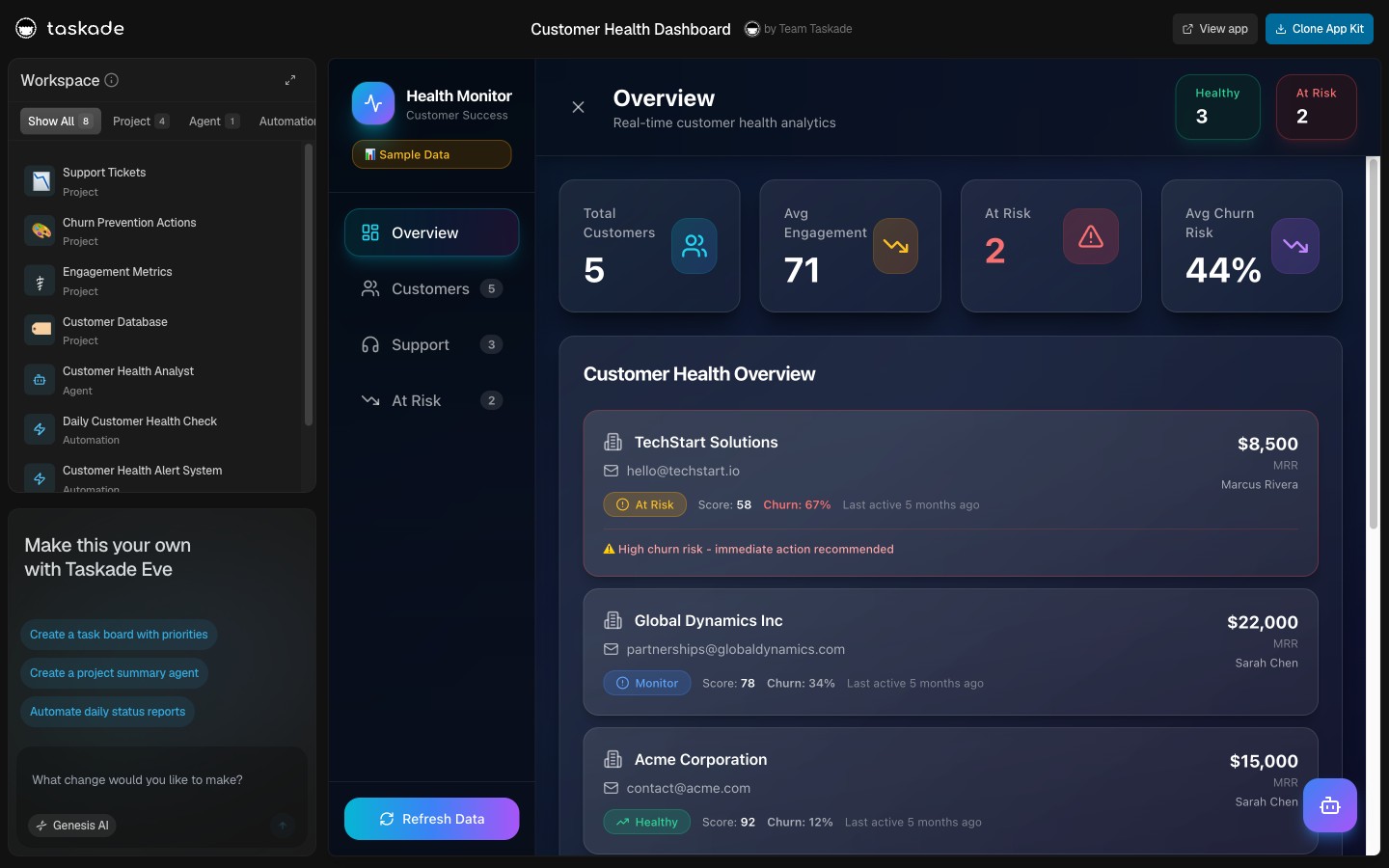
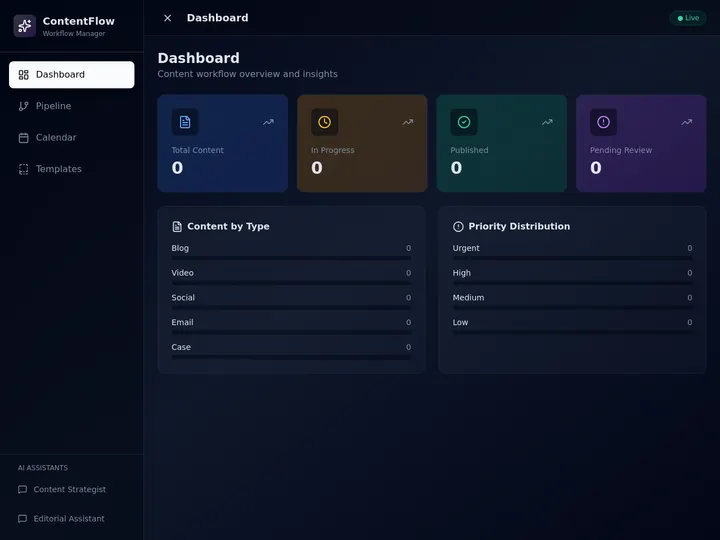
Each card below is a working multi-agent team running on Workspace DNA. Click any image to open the live cloneable app, clone into your free workspace in 60 seconds. Each team arrives with its agents, automations, connected tools, role assignments, and shared memory intact.
| # | Kit | Mode mix | Replaces |
|---|---|---|---|
| 1 | Sales Pipeline Workflow | Handoff + peer review | SDR + qualifier + CRM updater |
| 2 | Growth Dashboard | Parallel + hierarchical | Analyst + data team lead |
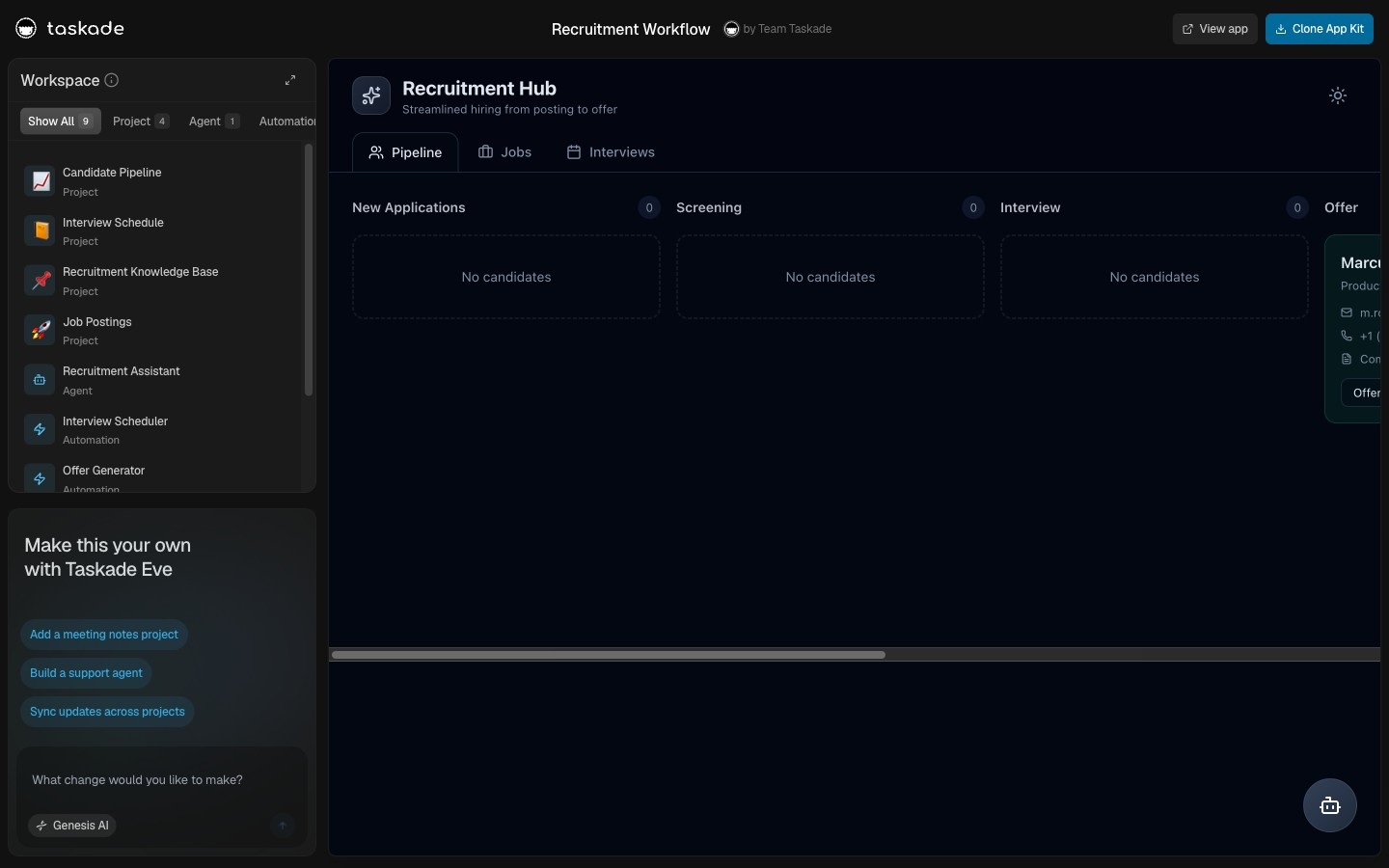
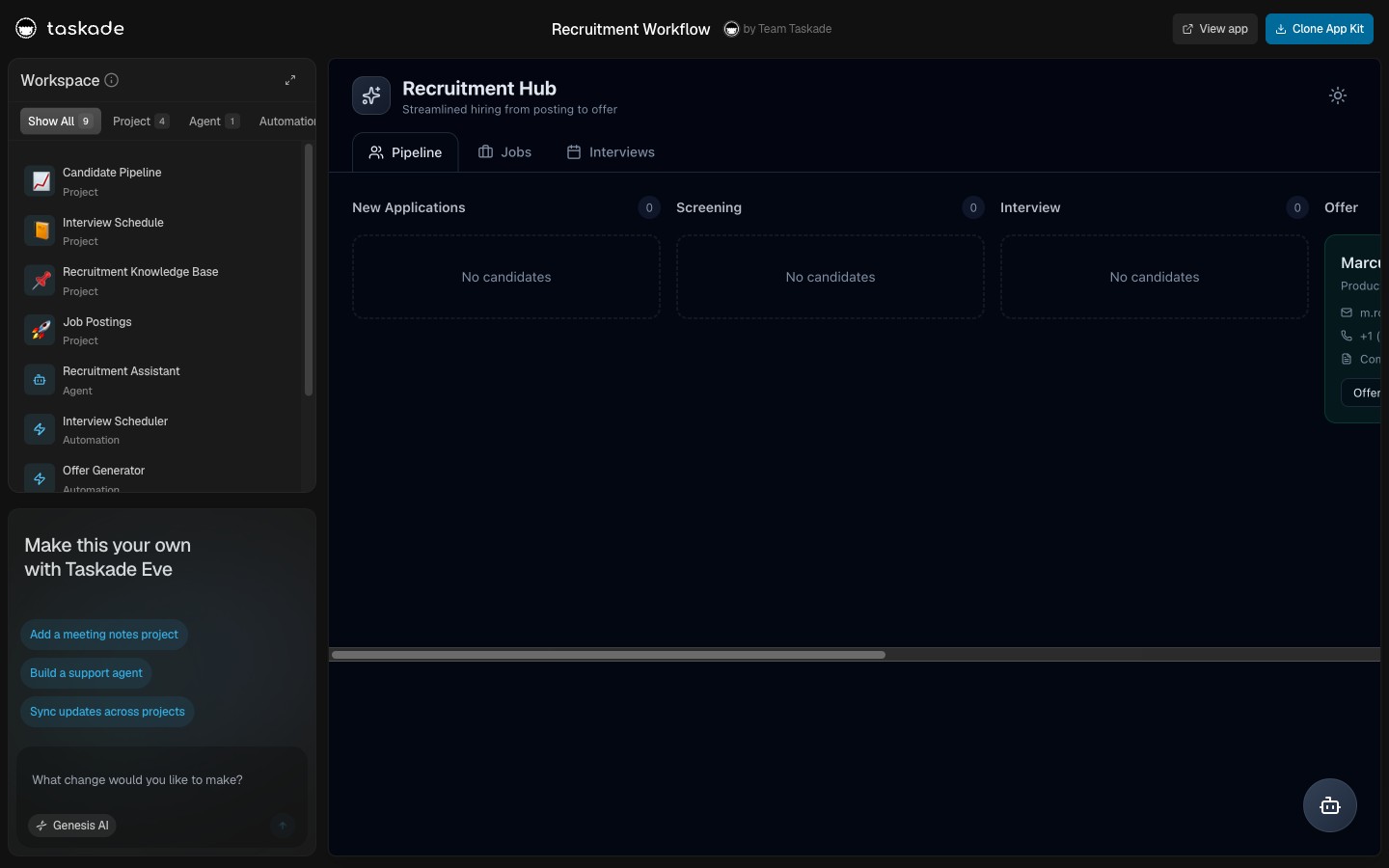
| 3 | Recruitment Workflow | Handoff + human override | Sourcer + screener + scheduler |
| 4 | Support Agent | Peer review + approval gate | Tier-1 support + reviewer |
| 5 | Customer Health Dashboard | Parallel + hierarchical | CS analyst + CS lead |
| 6 | Content Workflow Hub | Hierarchical + peer review | Editor-in-chief + writers + SEO |
Each app demonstrates a different mode mix because real operational work is a mix. Cloning teaches the pattern faster than any abstract architecture diagram.
Time and Cost: What It Actually Takes to Ship an Agent Team
The "free framework" framing collapses once you count the engineering hours. Here is what shipping a 3-agent collaborating team, with shared memory, real-time UI, role-based access, and durable automations, looks like across platforms, normalized to 90 days of operational use.
| Platform | Setup time | Engineering hours | Hosting + infra | Total 90-day cost (est.) |
|---|---|---|---|---|
| Taskade Genesis (Business) | 30 min operator | 0 | bundled | ~$120 |
| Lindy Pro | 4 hr/agent × 3 + Slack glue | 0 | bundled | ~$200 |
| Dust Pro (3 users) | 1 day | 0 | bundled | ~$300 |
| CrewAI (self-host) | 10–14 day | ~$15K eng | $50/mo + models $200–400/mo | ~$16K |
| AutoGen (self-host) | 7–10 day | ~$11K eng | $50/mo + models | ~$11K |
| LangGraph (self-host) | 10–14 day | ~$15K eng | $50/mo + LangSmith $39 | ~$16K |
| ChatGPT Teams (3 seats) | minutes | 0 | bundled | ~$270 — but no execution layer |
The 90-day total tells the honest story. Workspace-native is two orders of magnitude cheaper than the framework path once engineering hours are counted at market rate. Read the full multi-agent platform buyer guide for the seven-capability scorecard behind these numbers.
When You Outgrow the Loop (Honest Limits)
Workspace-native is not the answer to every multi-agent question. Compliance audits at FedRAMP scope, custom model fine-tuning on proprietary data, on-premise deployments with no cloud egress, multi-region data residency, GPU-resident inference pipelines. These still need a framework, an engineering team, and a custom build.
What workspace-native takes off the table is the generic operational team, sales ops, support ops, content ops, recruitment ops, customer health, growth analytics, project ops. That work, in 2026, is workspace-native by default. The Replace-a-Team playbook maps each of those operational functions to a cloneable agent stack.
Workspace DNA Signature
┌──────────────────────────────────────────────────────────────────┐
│  ▲ MEMORY            ■ INTELLIGENCE       ● EXECUTION            │
│  ──────────          ───────────────      ─────────────          │
│  Projects            AI Agents v2         Automations            │
│  Custom fields       34 built-in tools    100+ integrations      │
│  Shared by all       Hosted MCP server    Bidirectional triggers │
│  7 project views     Persistent memory    Durable workflows      │
│  RBAC permissions      Slash commands       Real-time co-edit    │
└──────────────────────────────────────────────────────────────────┘
Memory feeds Intelligence. Intelligence triggers Execution. Execution writes back to Memory. Every agent on every team participates in the loop by default. Humans co-edit the Memory layer alongside agents. That single architectural choice is what makes the four collaboration modes feel native instead of bolted-on.
Read Next: The May 2026 Wave
Multi-agent teams ship in every Taskade Genesis kit. The wave that landed this week shows how that pattern compounds across the product surface.
- 24 New App Kits, Agents, and Workflows →, every kit in the May 21 drop demonstrates one or more of the four collaboration modes.
- Taskade Genesis vs Claude Live Artifacts →, Claude Projects can't co-edit; Genesis runs multi-agent teams on a real OT engine.
- The Solo Operator's Stack →, the project-manager primitive solo operators replace IS an agent team running on Workspace DNA.
▲ ■ ● Memory · Intelligence · Execution, the team is the workspace; the workspace is the team.
Try Taskade Genesis free → · Read the multi-agent platform buyer guide → · Workspace-native AI agents, the category → · Replace a whole team with one Genesis app → · The ultimate guide to Taskade Genesis → · Browse cloneable agent apps →
Frequently Asked Questions
What does AI agent teams collaboration mean?
AI agent teams collaboration is the pattern where multiple specialized AI agents work together on a single outcome, handing off, running in parallel, escalating, or peer-reviewing, while sharing the same memory and co-editing the same projects with their human teammates. The 2026 standard is agents that read and write the same workspace data humans do, in real time, with workspace-scoped role-based access.
What are the four modes of agent collaboration?
Handoff (one agent finishes and passes context to the next), parallel (multiple agents work the same task from different angles and merge), hierarchical (a manager agent delegates to specialist agents and reviews their work), and peer review (one agent critiques another's output before commit). Workspace-native platforms support all four out of the box because every agent sees the same Workspace Memory.
How is human-agent collaboration different from human-human collaboration?
It is closer than most people expect. Workspace-native platforms like Taskade Genesis use the same real-time co-editing engine for humans and agents, both produce cursors, both write to the same Project, both trigger automations the same way. The difference is permission scope and audit. Humans inherit a role (Owner to Viewer); agents inherit the role of the workspace member who deployed them.
Why do most multi-agent platforms fail at real-time human co-edit?
Frameworks like CrewAI, AutoGen, and LangGraph were designed as backend systems with no UI. Visual builders like Lindy and Relevance AI ship single-agent UX with no live multi-agent canvas. Chat tools like ChatGPT Teams and Claude Projects can read context but cannot write to a project document. None of them solve operational transform, the decades-old problem of merging concurrent edits, for human and agent cursors on the same document.
Can a human take over from an AI agent mid-task?
In a workspace-native platform, yes. The human drops into the same Project the agent is working on, edits the output inline, and the agent picks up from the new state on its next turn. There is no Slack relay, no copy-paste, no re-prompting. In a framework or visual builder, the human typically waits for the agent to finish and reviews the output downstream.
What is the Workspace DNA loop and how does it enable team collaboration?
Workspace DNA is the self-reinforcing loop of Memory, Intelligence, and Execution. Projects hold the shared Memory. Agents v2 are the Intelligence layer with built-in tools and a hosted MCP server that external AI clients connect into. Automations are the Execution layer with 100+ integrations, triggers pull events in, actions push data out. Every agent on a team participates in the loop by default. Humans co-edit the Memory layer alongside agents.
Which agent teams can I clone today to see this work?
Sales Pipeline Workflow, Growth Dashboard, Recruitment Workflow, Support Agent, Customer Health Dashboard, and Content Workflow Hub are six live agent teams in the Community Gallery. Each clones into your free workspace in one click. The agents arrive with their memory, automations, connected tools, and role assignments intact.
Do agent teams need a dedicated DevOps stack?
Workspace-native agent teams do not. Memory storage, identity, real-time sync, automation scheduling, audit logs, and integrations all ship inside the workspace. Framework teams typically need Postgres or a vector database, Redis for ephemeral state, a queue for jobs, a hosting plan, and an observability layer before the first agent runs.
How does role-based access apply to agent teams?
Taskade Genesis uses a role-based access model, Owner to Viewer, that applies to humans and agents equally at the workspace level. An agent deployed by an Editor has Editor permissions. The same audit log tracks both human and agent actions.
What is the time-to-first-team for an agent collaboration setup?
Workspace-native takes roughly thirty minutes for a three-agent team with shared memory, role-based access, and native automations. Visual builders take two to four hours per agent with no team coherence. Frameworks take seven to fourteen days including hosting, memory wiring, UI, and audit. The gap is shipping infrastructure that workspace-native ships by default.
Can I mix vendors on the same team?
Yes, via the Model Context Protocol, in both directions. Taskade Genesis runs a hosted MCP server, available on every paid plan, so Claude Desktop, Cursor, and VS Code connect in over OAuth and read and write the same workspace your agents use. External clients participate in the same Workspace DNA loop. Going the other way, the MCP Client step in an automation calls tools on a third-party MCP server, on every plan including Free. An agent cannot reach a remote server on its own, so it hands that call to an automation. The built-in agent tools and 100+ native integrations reach the systems that do not speak MCP.
What happens when an agent team output is wrong?
Three layers catch it. First, peer-review agents can critique each other's work before commit. Second, humans co-edit the output inline because every agent writes to a real Project the team can see. Third, every agent action is logged with the role that produced it, so reverting is one click. The workspace is the audit surface.