






Brainstorming is the lifeblood of creativity. It’s that magical process where raw ideas turn into something real. But… staring at a blank page can be more draining than inspiring. That’s why we compiled a list of the best brainstorming apps that will help you get ahead. 🧠
Short on time? Here’s a quick comparison of the tools we review in this guide. Click the links in the table to jump to a detailed breakdown, complete with pros, cons, and pricing.
| Taskade | AI-powered collaborative workspace |
|---|---|
| Miro | Infinite canvas for collaborative ideation |
| ChatGPT + DALL·E 3 | AI text & image generation |
| AutoDraw | AI-assisted doodling and sketching |
| Gamma | AI-generated slide decks to flesh out ideas |
| Canva | Visual whiteboards with templates |
| MindMeister | Real-time collaborative mind mapping |
Now, let’s dive into each tool one by one and see what makes it special. 👇
What Are Brainstorming Apps?
Brainstorming tools are anything that helps you generate and organize ideas. It can be an AI-powered software application (wink, wink Taskade). Or it can be the good ol’ whiteboard plastered with sticky notes. The common thread? They help ideas flow, take shape, and stick.
“So, why can’t I, you know, wing it?”
Well, you can. But chances are, you'll either lose track of your best ideas or spend way too much time trying to wrangle them later. The right tool can take you a long way by:
Making it easy to catch ideas in the moment, before they vanish into thin air.
Helping you see the big picture, not just a mess of disconnected thoughts.
Bringing everyone into the brainstorm, in the same room or across the world.
Keeping the chaos organized, so nothing gets lost in the shuffle.
Turning your sparks of genius into something you can act on.
Now, let’s take a look at how they can actually do that.
Key Features to Consider for Brainstorming Apps
Not all brainstorming tools are created equal. Some are beautifully simple, others are packed with power features, and a few try to do it all (sometimes too much).
So how do you pick the one that’s right for you or your team?
It helps to know what to look for.
AI Support
Like it or not, AI has become almost synonymous with creativity these days. The best brainstorming tools now come with built-in AI features that help jumpstart ideas, reframe problems, even surprise you with something you hadn’t thought of. What’s not to like?
User-Friendly Interface
If the tool makes you feel like you need a user manual for every action... it’s probably not the one. Look for an app that feels “just right,” where you can jump in, drop ideas, and figure things out as you go. Bonus points if your teammates don’t need a science degree to chip in.
Collaboration Options
Brainstorming isn’t a solo sport. You might be on call, across the hall, or huddled around the same coffee-stained table. Either way, real-time collaboration is key. Think live multi-user editing, synced updates, comments, and integrated video calls.
Customization & Flexibility
Every brainstorm is different. Sometimes you want a simple list. Other times, you need a sprawling mind map for a more visual approach. The best tools adapt to your style, not the other way around, so make sure you won’t feel limited, today or in a few months.
Integration with Other Apps
Brainstorming sessions don’t happen in a vacuum; you’ll need access to different tools, resources, and data sources for a wider context. Ideally, your brainstorming tool of choice should be able to connect and “talk” to your existing tech stack without hiccups.
6 Best Brainstorming Apps in 2026
Taskade
Are you new here? Wondering what Taskade is? 🤔
Taskade began as a tool for real-time, distributed collaboration, but it’s evolved into the execution layer for AI-driven workflows. We’ve built a no-code environment where humans and AI agents communicate, coordinate, and collaborate in harmony, in the same space, at the same time.
At its core, Taskade combines essential project & task management tools with AI insights. Each component allows you to simplify a specific part of your task management game.
⭐ Best for:
Structuring and running focused brainstorming sessions with outlines, mind maps, and task lists
Collaborating in real time with teammates and AI Agents in shared workspaces
Using AI to expand, refine, or organize ideas directly inside projects or chat
Turning brainstorming output into actionable plans without switching tools
🤔 What to know:
- Interface has a learning curve due to its flexibility and feature depth
AI Agents
Brainstorming works best when ideas just flow, but sometimes you need a little extra help.
Taskade’s AI Agents are designed to make idea generation more productive. Think of them as fully customizable assistants that live where you work — everywhere inside your Taskade workspace.
So, what makes AI Agents special?
⭐ Expert personas: You can create different types of AI Agents for specific brainstorming needs, like a product strategist or content creator, each persona with a unique perspective.
🛠️ Fine-tuning: Train your AI Agents on your existing projects, tasks, notes, spreadsheets, and multimedia content to synthesize insights and spark fresh ideas.
🔄 Access to pre-existing knowledge: Agents have direct access to your Taskade projects, which means they can instantly reference previous brainstorming sessions or recycle existing ideas.
🤝 Team synergy: You can brainstorm collaboratively with your team members and AI Agents together, in the same shared space for more natural and interactive idea development.
AI Automations
Brainstorming thrives when your attention stays on creativity, not busywork.
Taskade’s AI Automations simplify your idea-generation process by automating repetitive or routine tasks. These automations help you stay organized and keep momentum without manual effort.
Key brainstorming benefits of AI Automations:
📝 Automated idea capture: Don't have the time to run after inspiration with a hatchet? You can set up an automation to pull ideas from RSS feeds, YouTube channels, and other sources.
📤 Distribute brainstorm results: Automatically send summaries, task lists, or outcomes to the right team members or channels once a session wraps up.
⏰ Time-based triggers: Set automations to kick off brainstorming prompts at scheduled interval — daily, weekly, or after certain events — to keep creativity consistent.
🪄 Image generation: Generate images with DALL·E 3 when visual ideas are needed. For example, automatically generate concept art, mood boards, or mockups based on prompts.
Miro
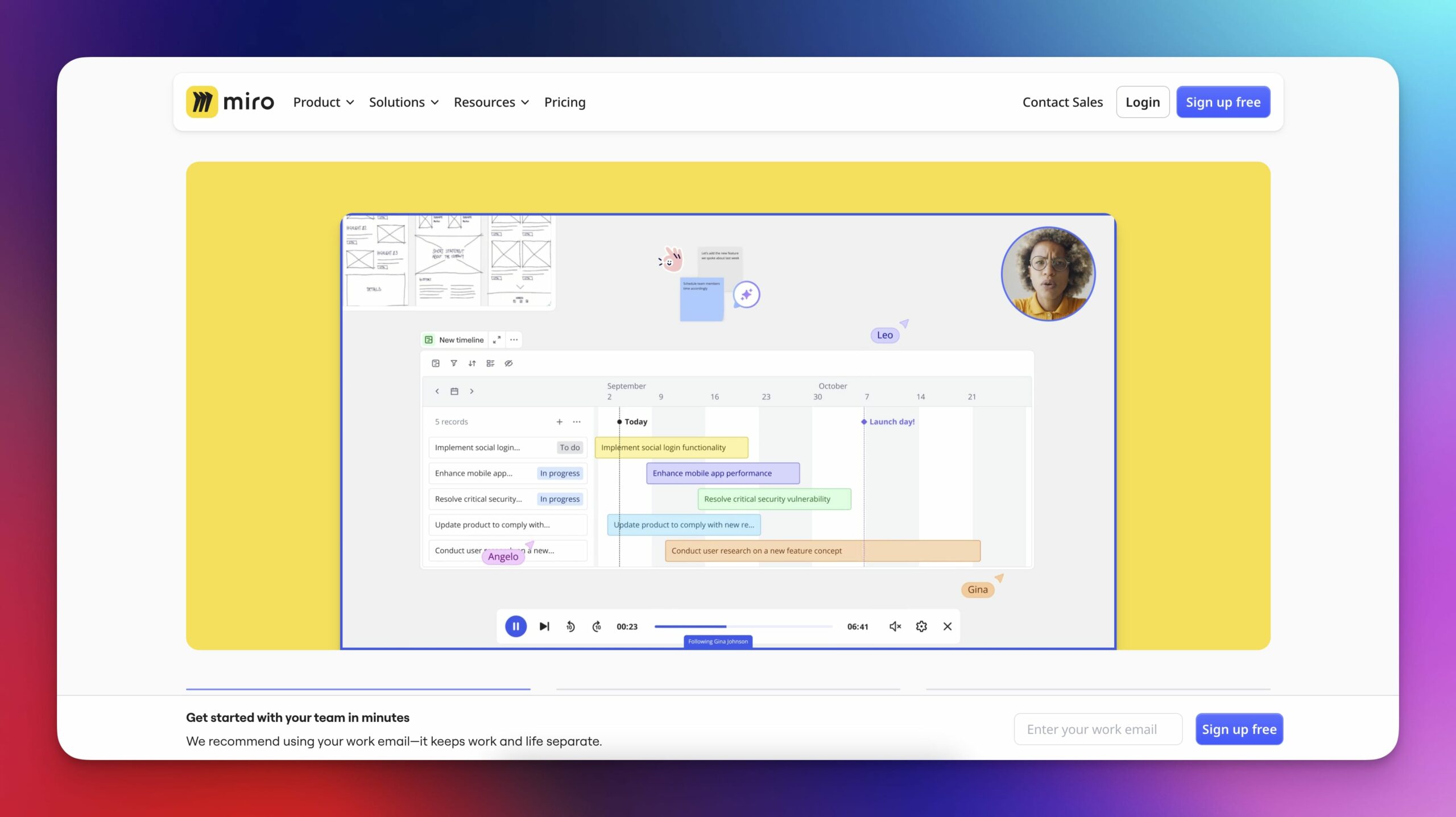
Miro is a digital whiteboard tool built for distributed teams. It started as RealtimeBoard in 2011, founded by Andrey Khusid and Oleg Shardin. Khusid was running a design agency at the time and needed a better way to organize client feedback and team input visually. The tool evolved from a simple canvas into a fairly robust brainstorming platform.
These days, Miro is primarily used for brainstorming, planning, workshops, and diagramming. The main appeal, though, is the infinite canvas where you can drop sticky notes, draw flows, build wireframes, or run retros. Everything’s live, so if your team’s remote, it replicates the feel of being in the same room. You’ll see teammates’ cursors and inputs in real time.
⭐ Best for:
Mapping out ideas or flows visually
Design sprints and workshops
Remote brainstorming with multiple contributors
Clustering and prioritizing input during planning
🤔 What to know:
The free plan limits you to 3 editable boards
Large boards can slow down on older machines
Can feel overwhelming at first
Integrates well with tools like Jira, Slack, and Google Drive
ChatGPT + DALL·E 3
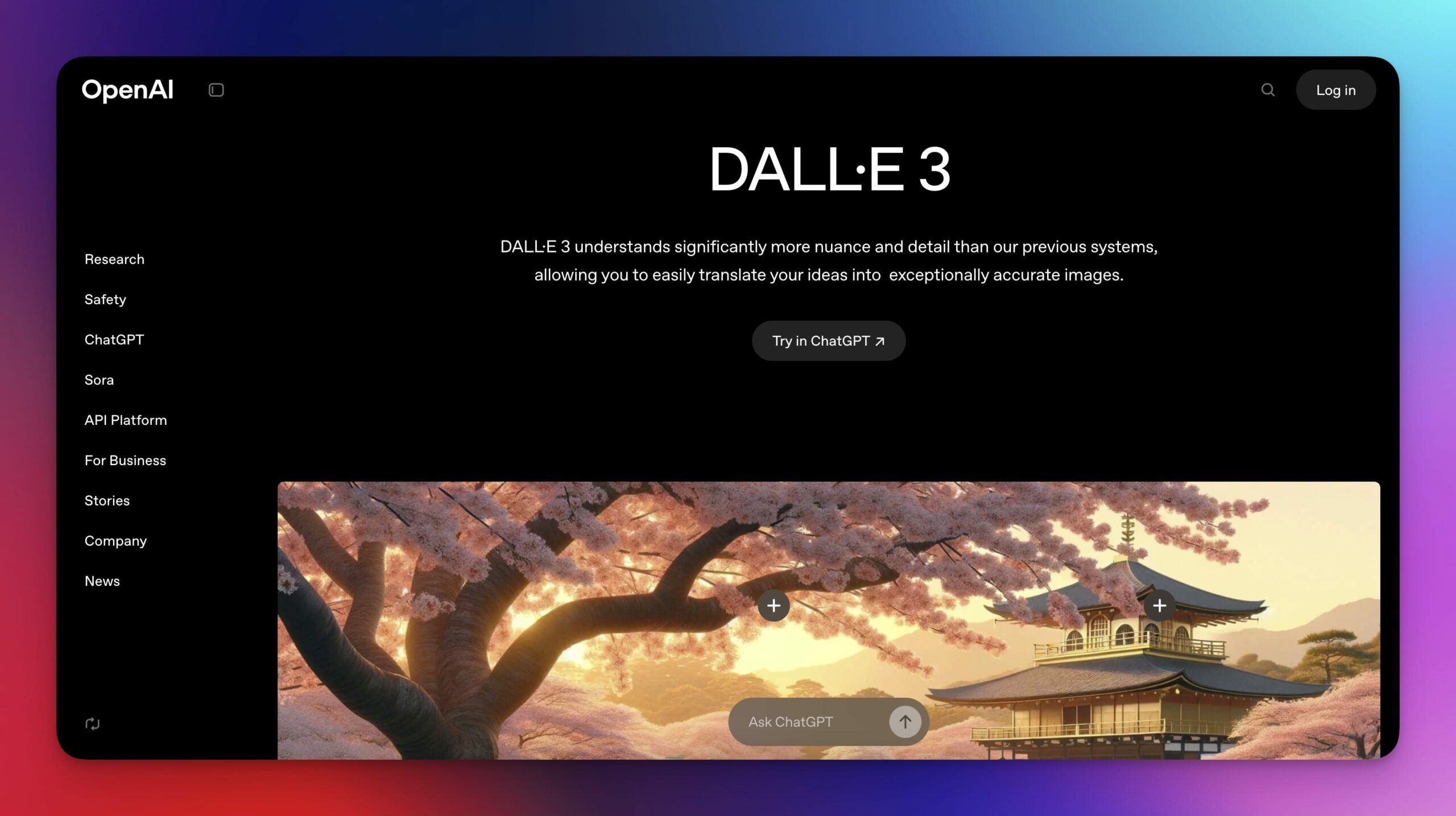
ChatGPT is OpenAI’s AI-powered chatbot. DALL·E 3 is their image generator. Both tools come from OpenAI, which started in 2015 with backing from Elon Musk and Sam Altman. The original mission was to build safe, open AI. Over time, they shifted toward commercial tools.
Used together, ChatGPT and DALL·E 3 cover plenty of ground when it comes to brainstorming. One helps you ideate, organize, mix, and recycle ideas. The other generates images in a variety of styles based on natural-language instructions.
⭐ Best for:
Writers and creatives looking to unblock or explore new ideas.
Designers who want fast, first visual drafts for further refining.
Preparing for meetings, pitches, or concept decks.
🤔 What to know:
Output varies so some ideas or images will be off or generic.
You get the best results with very specific prompts (takes practice).
The latest, more powerful models are only available in the paid plan (~$20/mo).
Not ideal for anything that requires painstaking fact-checking.
AutoDraw
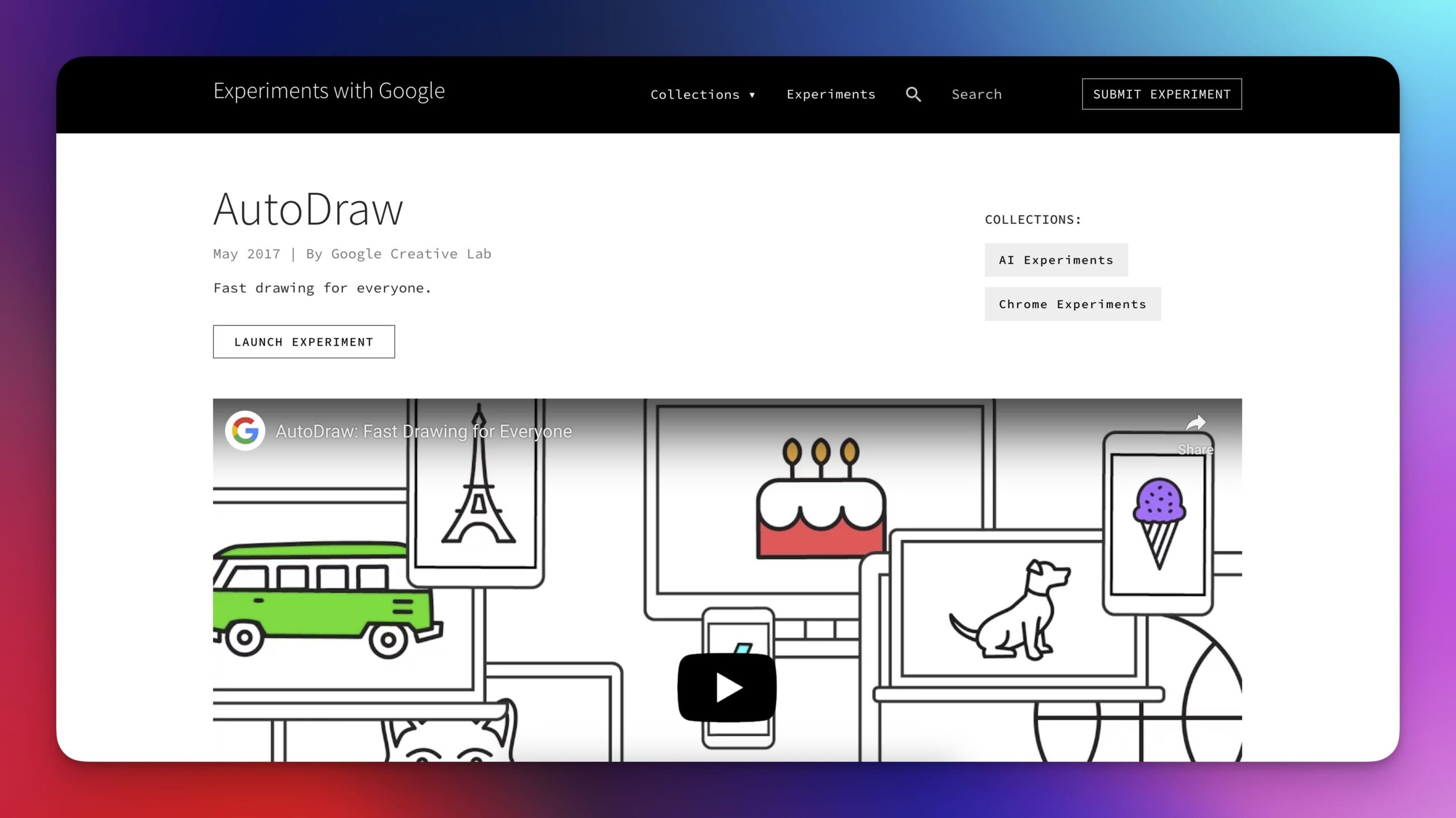
AutoDraw is a browser-based sketch tool released by Google’s Creative Lab in 2017 as part of an AI experiment. It uses machine learning to recognize rough sketches and suggest clean, vector-style icons to replace them. You draw freehand, and the tool tries to “guess” your input.
While not a full brainstorming solution, AutoDraw is useful for quickly generating simple visuals including icons, symbols, or diagrams that can support other tools like whiteboards or mind maps. It requires no login, works on desktop and mobile, and is entirely free.
⭐ Best for:
Replacing rough sketches with polished visuals
Creating icons for use in other brainstorming tools
Fast visual ideation without needing design skills
🤔 What to know:
Designed for one-off images, not multi-page or collaborative use
Works best on touch devices; mouse input can be clumsy
Suggestions may miss the mark with abstract or niche drawings
Drawings can be downloaded as PNGs and added to other tools
Gamma
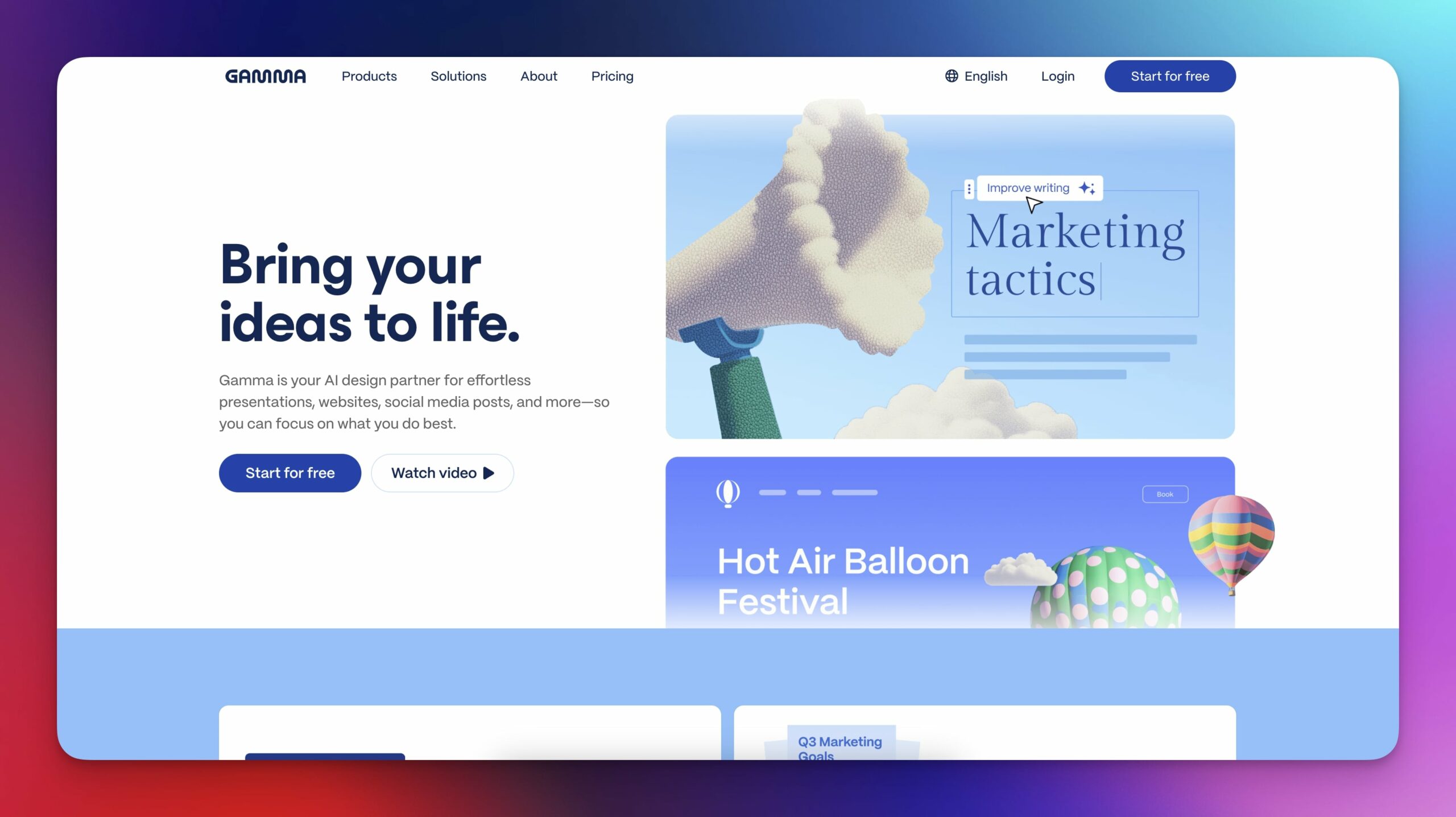
Gamma is a web-based tool designed for generating structured documents and presentations using AI. Founded in 2020 by Grant Lee, James Fox, and Josh Hough, the platform is positioned between a slide editor and a collaborative, AI-powered doc.
Gamma is useful when you need to shape a rough idea into something structured like a pitch early concept deck. You start with a short prompt, and it generates a project with text and visuals. The output is slide-based, but easy to edit and reorganize like a document.
⭐ Best for:
Generating product pitches and content outlines.
Putting together first drafts to iterate on with a team.
Turning concepts into presentable, shareable formats fast.
🤔 What to know:
Best for narrative-style brainstorming, not for spatial workflow
Free plan includes a monthly limit on AI generations
Supports collaboration, commenting, and versioning
Can export or share documents easily; also supports embeds
Canva
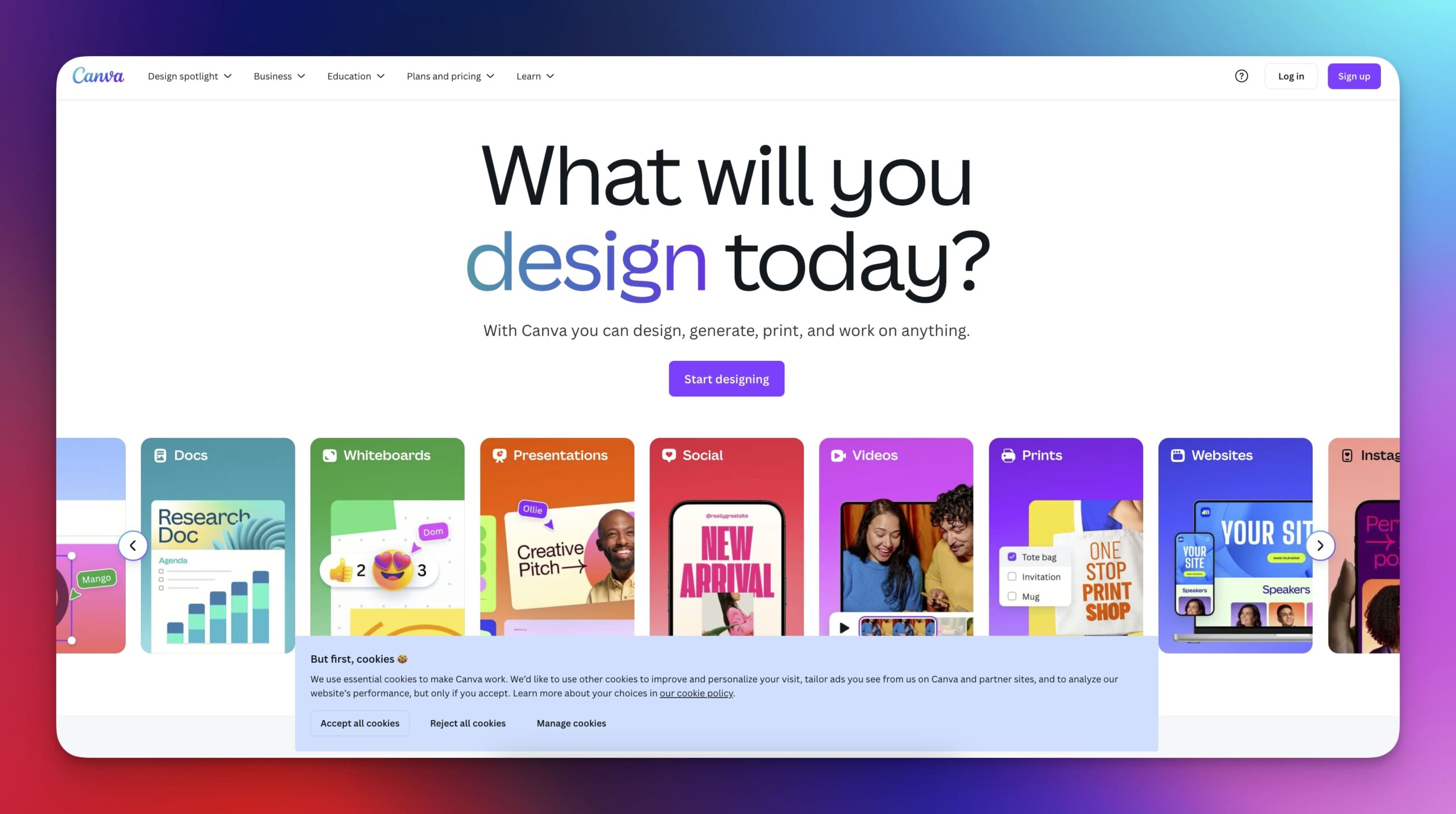
Canva started as a graphic design platform in 2013, founded by Melanie Perkins, Cliff Obrecht, and Cameron Adams. It was built to make design accessible to non-designers. Over time, Canva added more collaborative features, including a whiteboard mode and AI-assisted design.
Canva Whiteboards give you an infinite, scrollable space to drop notes, sketches, and diagrams. What sets it apart is the built-in access to Canva’s full design library which makes it especially useful for visual brainstorms like campaign planning, branding, or mood boards.
⭐ Best for:
Visual brainstorming and ideation
Mood boards and marketing planning
Teams already using Canva for design work
🤔 What to know:
Canva’s free plan includes Whiteboards, but collaboration features are limited
Not as specialized as tools like Miro or FigJam, with fewer built-in facilitation tools
Easy to clutter the board, especially when using multiple elements
Works well across web and mobile and integrates with the rest of Canva’s ecosystem
MindMeister
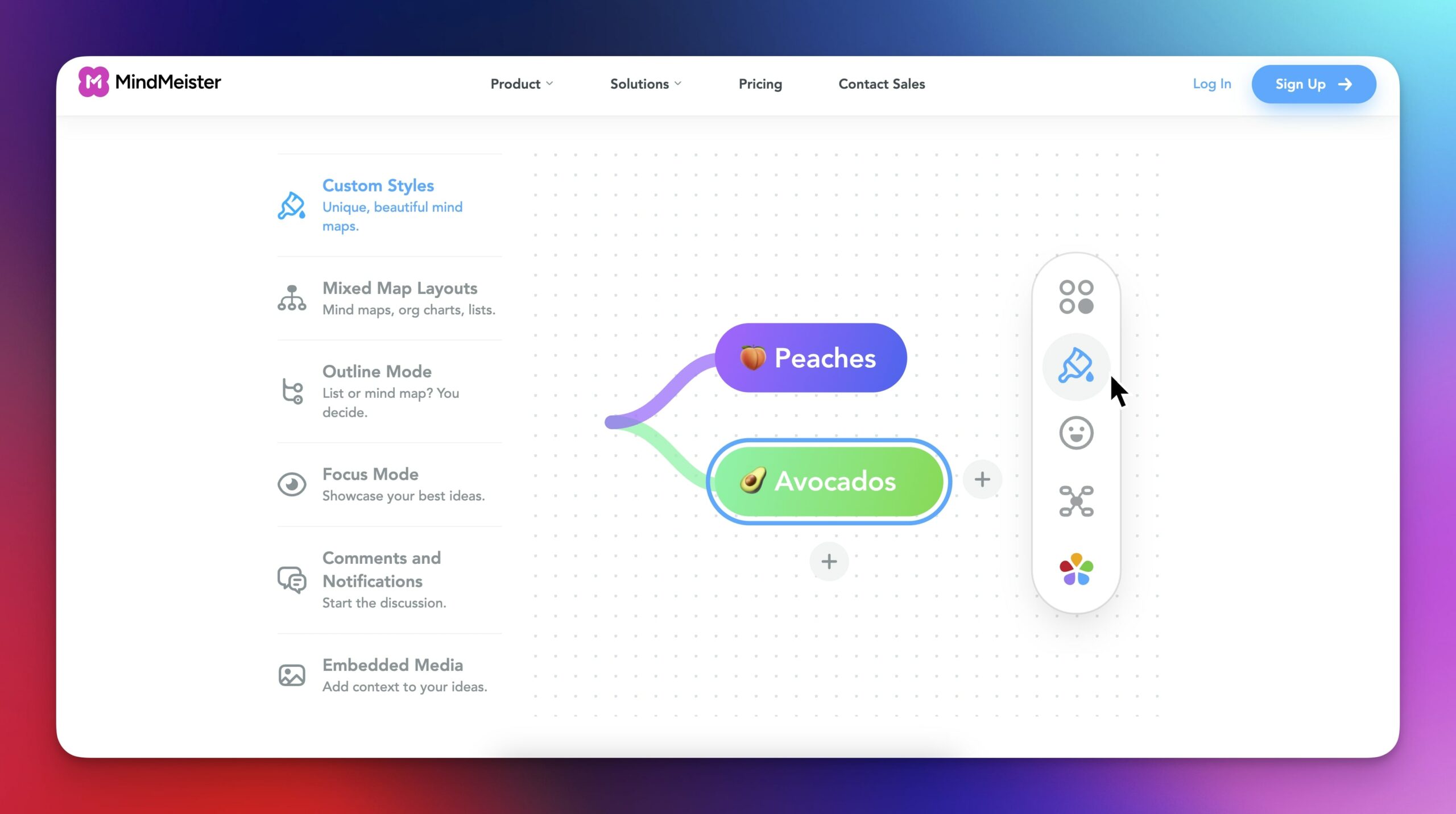
MindMeister is a browser-based tool for creating collaborative mind maps. It was launched in 2007 by Michael Hollauf and Till Vollmer. The idea was simple: replace hand-drawn mind maps with something digital and shareable, especially for remote teams or students.
You start with a central idea and branch outward. Nodes can contain text, links, images, or notes, and you can color-code or rearrange them freely. It’s real-time, so others can join in and edit with you, …although the app is designed specifically for mind mapping.
⭐ Best for:
Structured idea mapping
Visual outlining for writing or projects
Remote brainstorming that needs clarity and hierarchy
Students, teachers, product planners
🤔 What to know:
Free plan is limited to 3 mind maps
Real-time collaboration is available on all plans
Built-in templates help if you're stuck on how to begin
Exports to PDF, image, Word, or integrates with MeisterTask to turn nodes into tasks
Parting Words
Brainstorming today is faster, more visual, and more collaborative than ever. AI can help break through blank-page moments. Digital whiteboards let remote teams work like they’re in the same room. And mind mapping or structured tools help bring order to chaos when needed.
But before you pick your tool and ride into the sunset, here are a few things to remember:
Different tools suit different thinking styles, e.g. visual, linear, exploratory, structured.
AI is great for speed and variety, but still needs human judgment.
Visuals make concepts easier to grasp, even rough ones.
Good collaboration needs more than live cursors; it needs good coordination.
Sometimes mixing tools helps. Other times, one is all you need.
Before the ideas even start flowing, though, you still need a place to start, something lightweight, flexible, and built for fast thinking. That’s where Taskade fits.

Frequently Asked Questions
What is the best brainstorming app in 2026?
The best brainstorming app depends on your workflow. Taskade combines AI-powered idea generation with mind mapping, real-time collaboration, and task management in one tool. Miro and FigJam are strong for visual whiteboarding. For solo brainstorming, simple mind map tools work well.
Can AI help with brainstorming?
Yes. AI brainstorming tools generate ideas from prompts, expand on concepts, find connections between topics, and organize thoughts into structured plans. They work best as a complement to human creativity — generating starting points that you refine and build upon.
What features should a brainstorming app have?
Essential features include: mind mapping or visual canvas, real-time collaboration for team sessions, AI idea generation, easy organization of ideas into actionable tasks, and multiple view types (list, board, mind map). The best apps combine brainstorming with execution.
Is Miro or Taskade better for team brainstorming?
Miro excels at visual whiteboarding with sticky notes and drawings. Taskade excels at turning brainstorming into action — AI generates ideas, organizes them into tasks, and automates follow-up workflows. Teams that need brainstorming plus execution prefer Taskade; pure visual brainstorming favors Miro.