Free
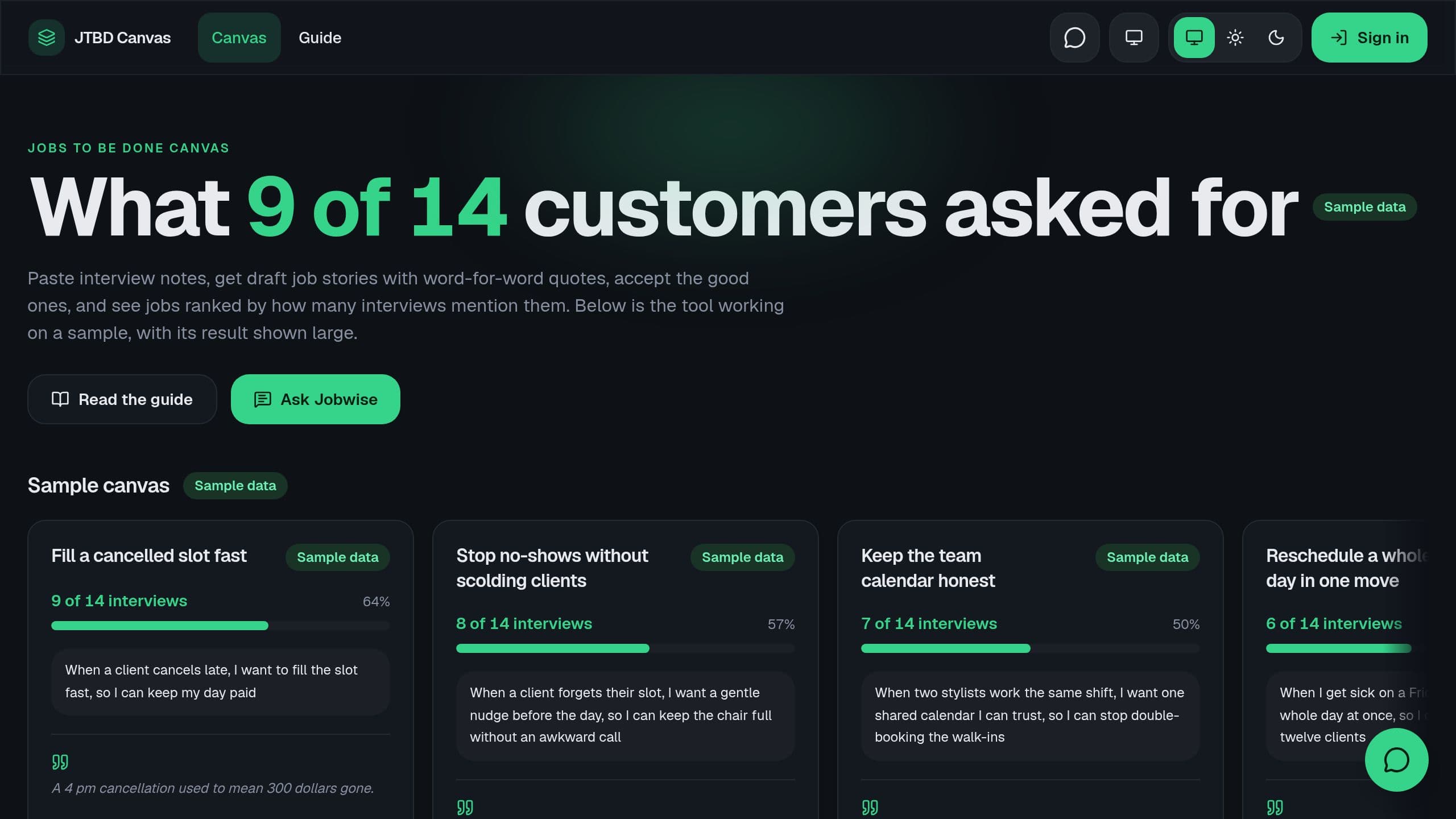
Paste customer interview notes and get draft job stories with word for word quotes, review them, and see a canvas of jobs ranked by how many interviews mention them. A free Taskade Genesis kit. Clone it and make it yours.
Free to start. Browse apps to clone.
78 kits
Paste customer interview notes and get draft job stories with word for word quotes, review them, and see a canvas of jobs ranked by how many interviews mention them. A free Taskade Genesis kit. Clone it and make it yours.
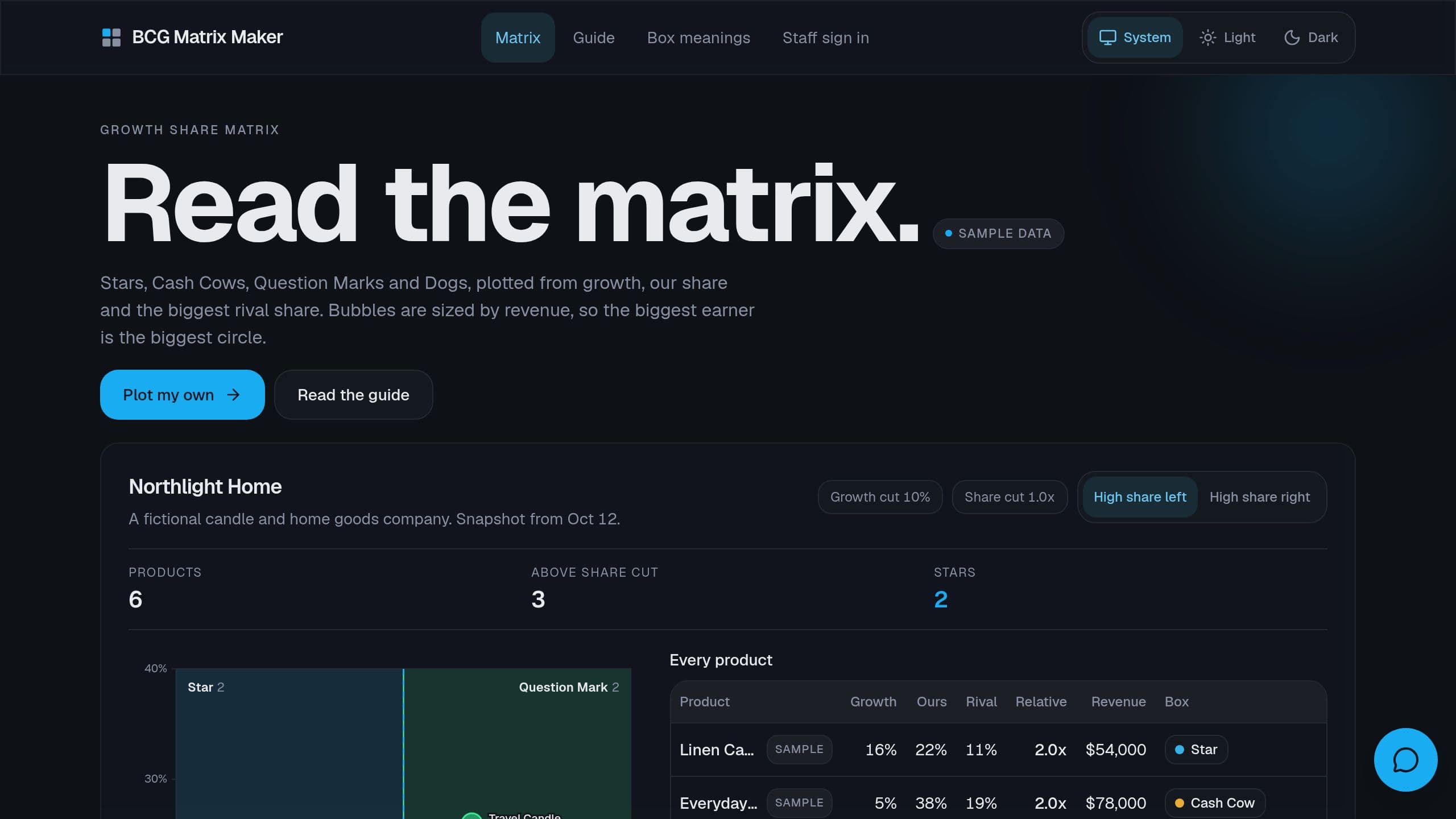
List products with market growth, your share and the biggest rival's share and get the 4 box growth share matrix with bubbles sized by revenue, the box of each product and a note per box. A free Taskade Genesis kit. Clone it and make it yours.
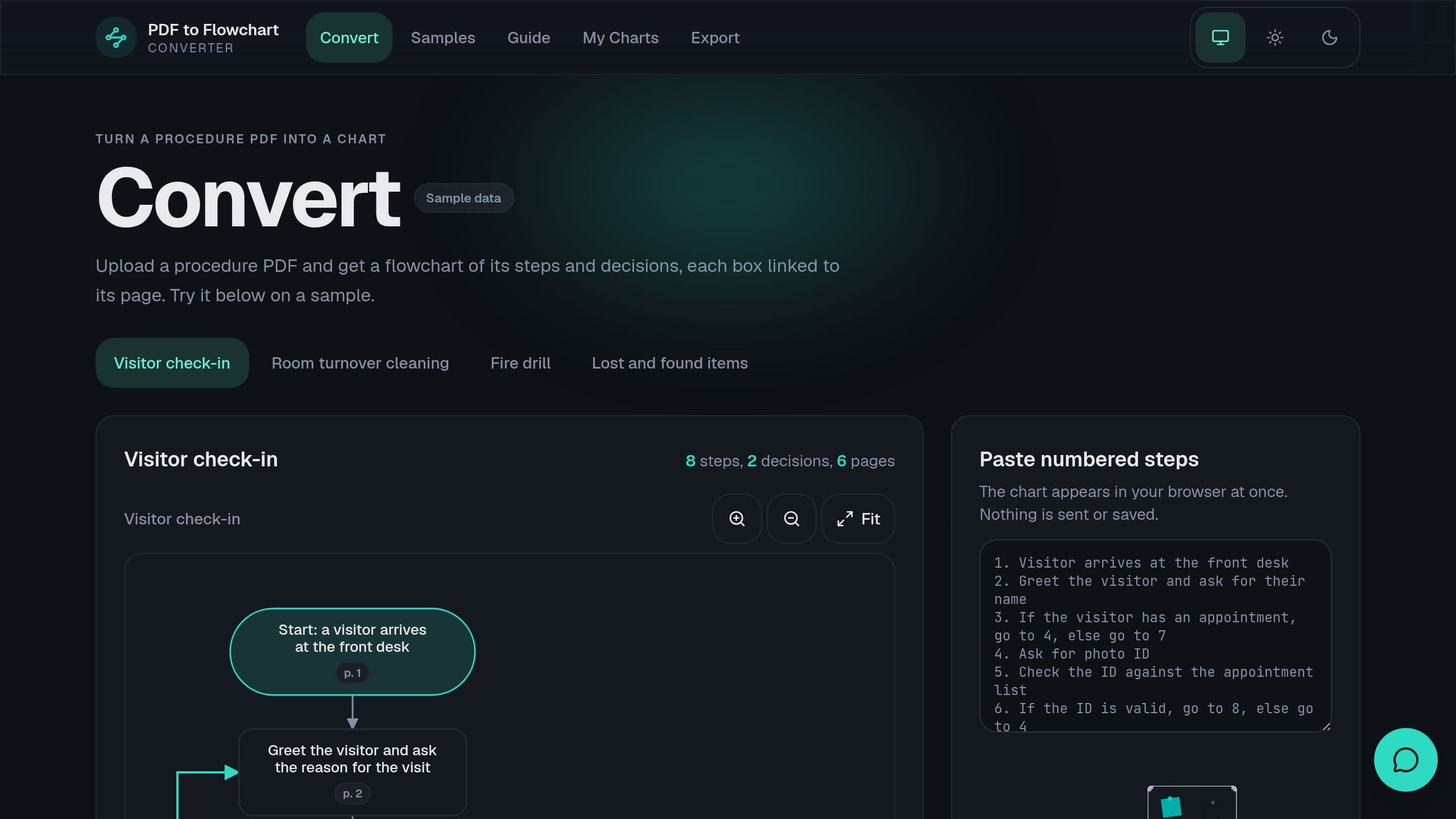
Upload a procedure PDF and get a flowchart of its steps and decisions, each box linked to its page, ready to edit and export as SVG or PNG. A free Taskade Genesis kit. Clone it and make it yours.
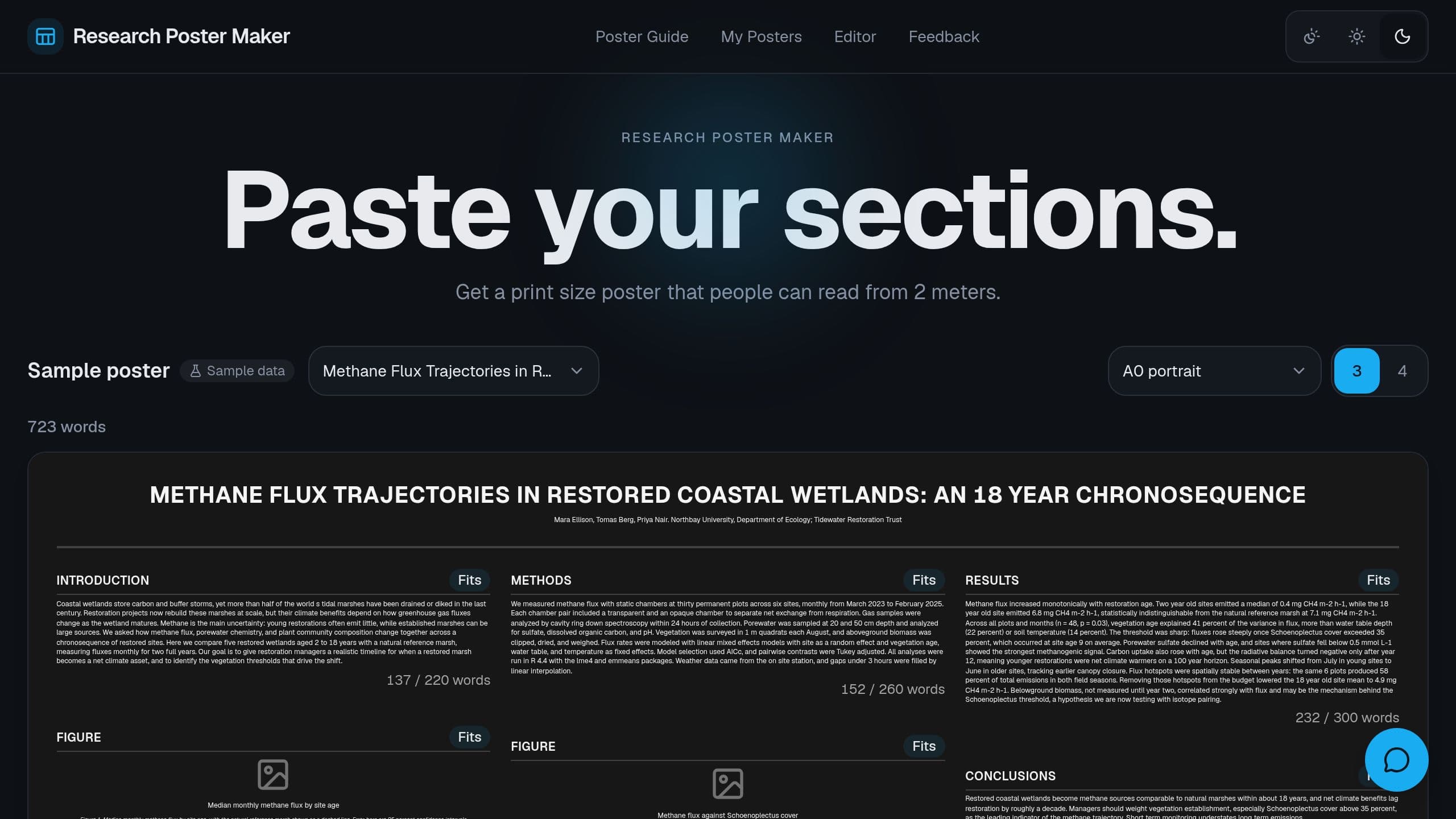
Research Poster Maker is a free Taskade Genesis kit that lays out an academic conference poster at true print size from your paper sections, shows which block is too long, and takes co-author notes on each block. Clone it and make it yours.
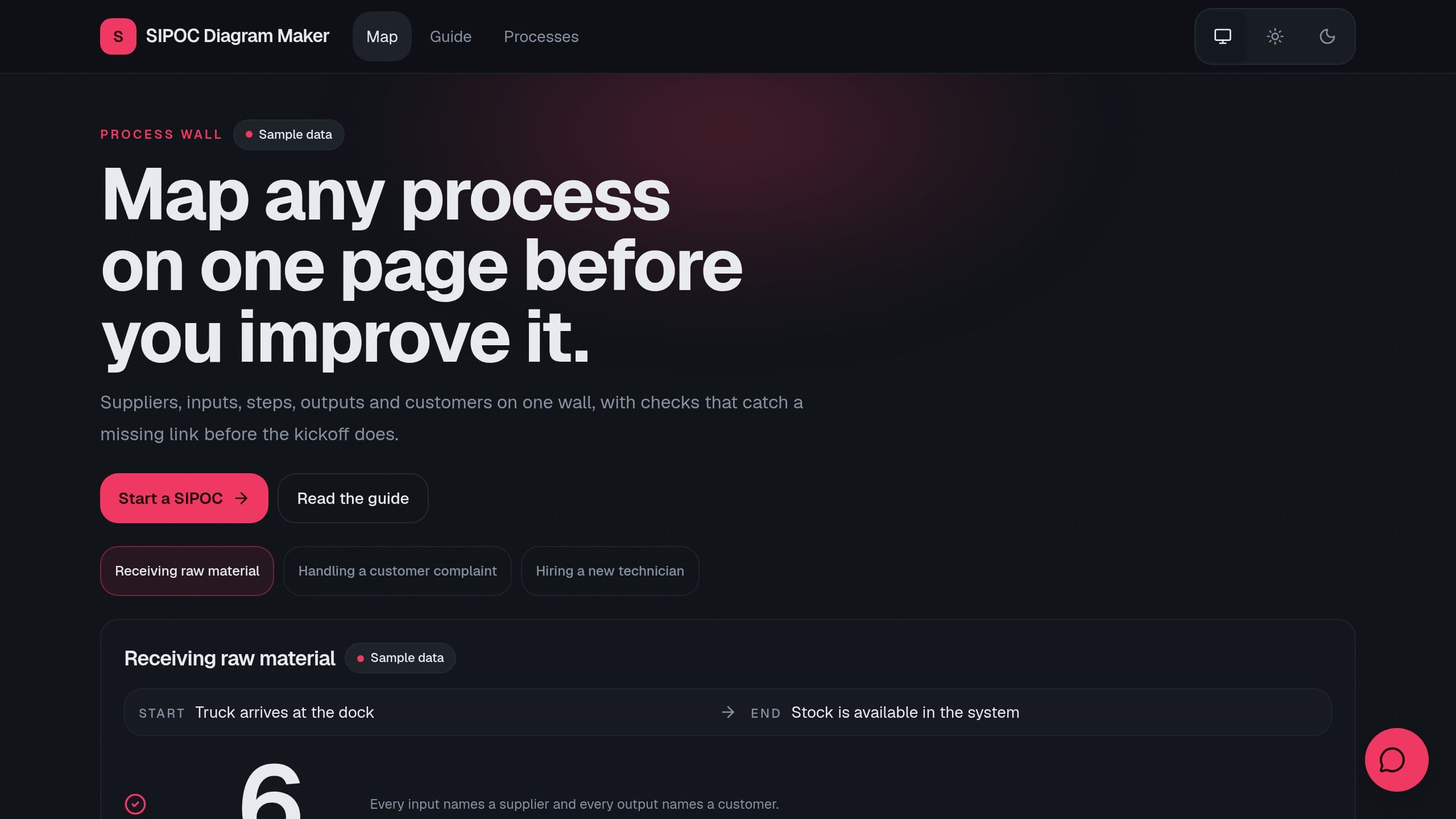
SIPOC Diagram Maker is a free Taskade Genesis kit that maps a process as a SIPOC before an improvement project, checks for missing links, drafts a first version from a short description, and keeps one per process. Clone it and make it yours.

Playing Time Tracker is a free Taskade Genesis kit for volunteer youth coaches that drafts fair lineups by inning or quarter, rotates positions and bench turns, and keeps season totals per player. Clone it and make it yours.
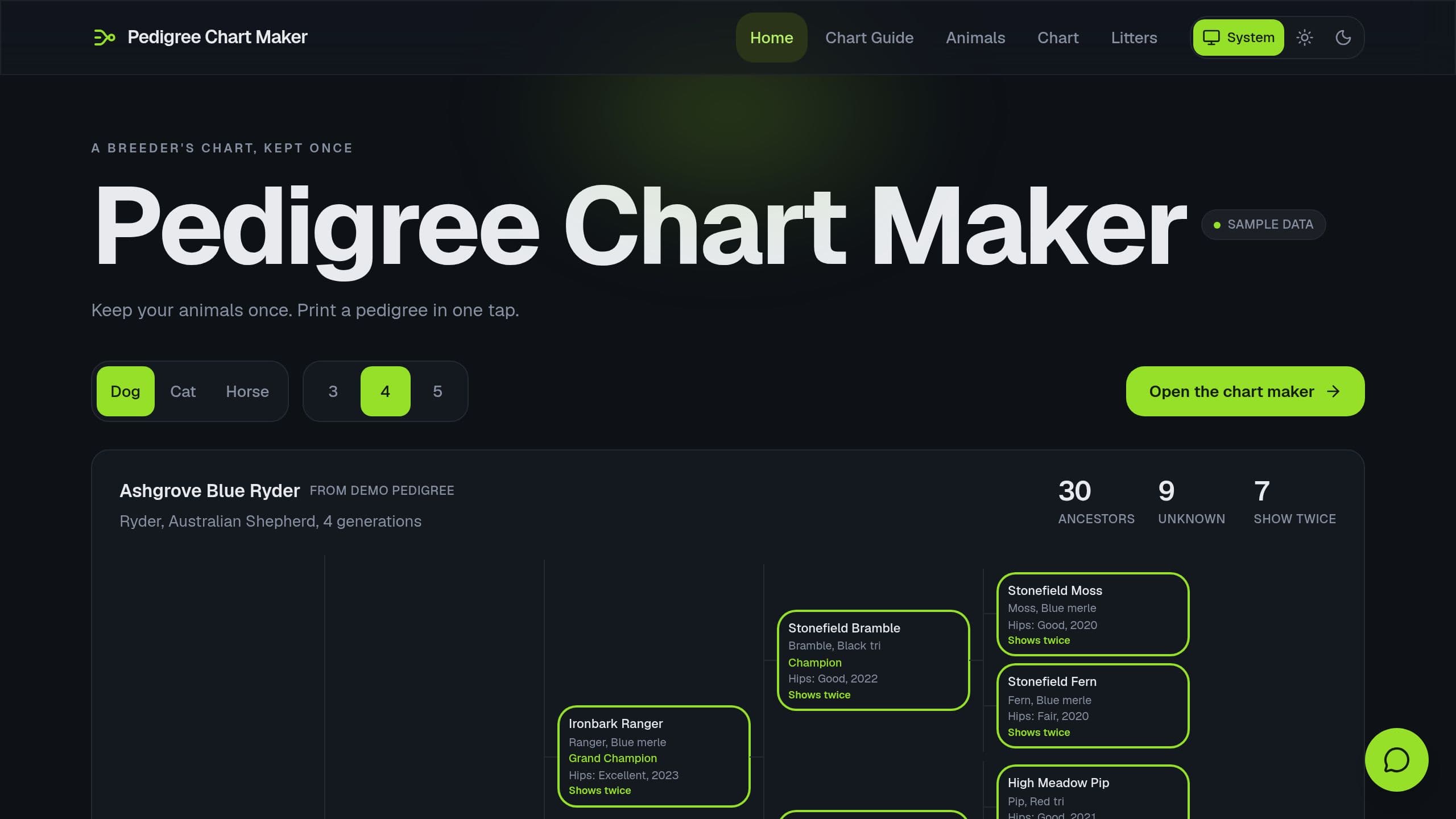
Pedigree Chart Maker is a free Taskade Genesis kit for small breeders that draws a 3 to 5 generation pedigree for a dog, cat or horse with titles and health test notes, marks repeated ancestors, and prints a clean copy. Clone it and make it yours.
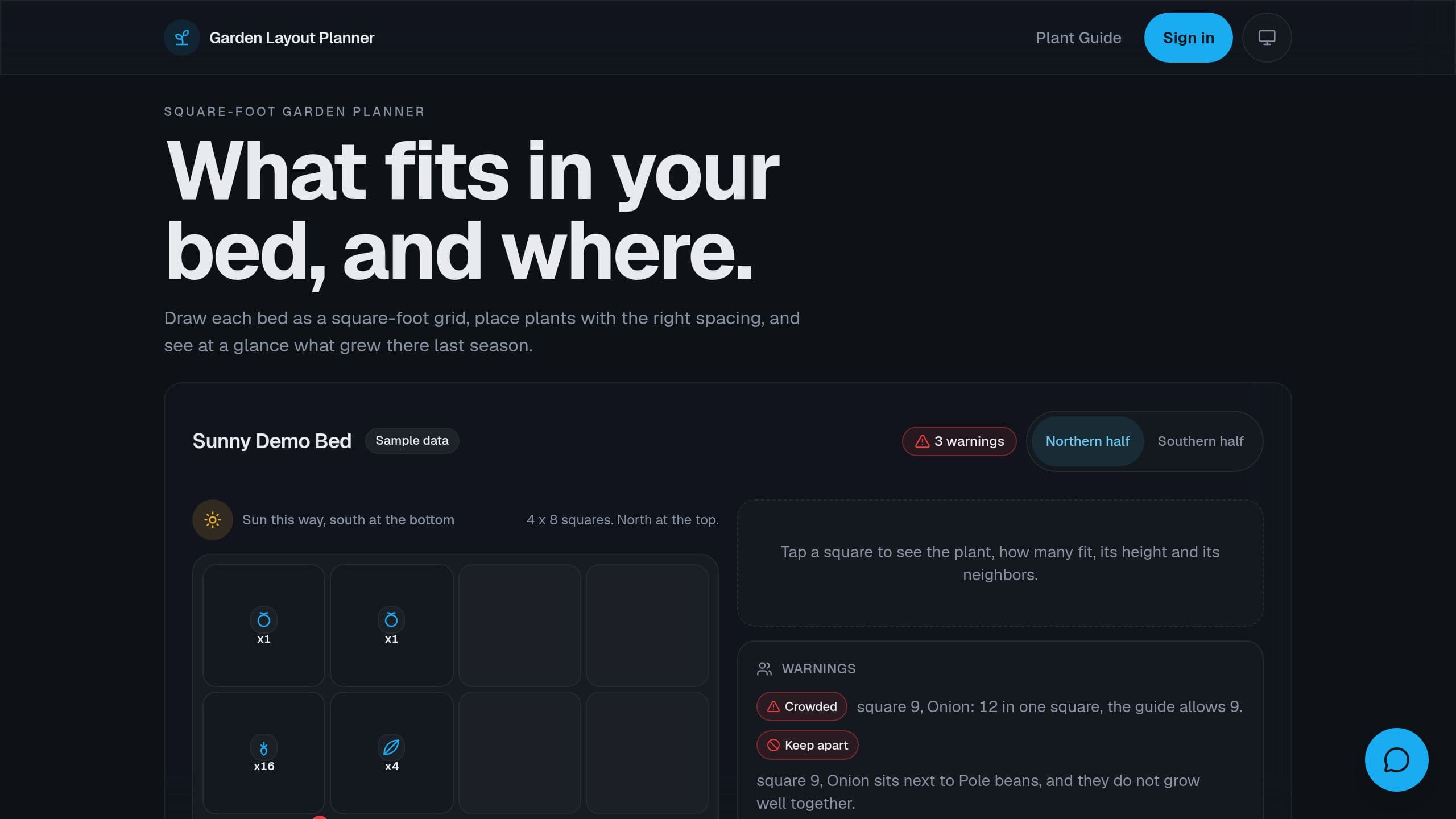
Draws each raised bed as a square foot grid, places plants with the right spacing, warns about crowding, shade and bad neighbors, and keeps one layout per season so you can rotate. Clone it and make it yours.
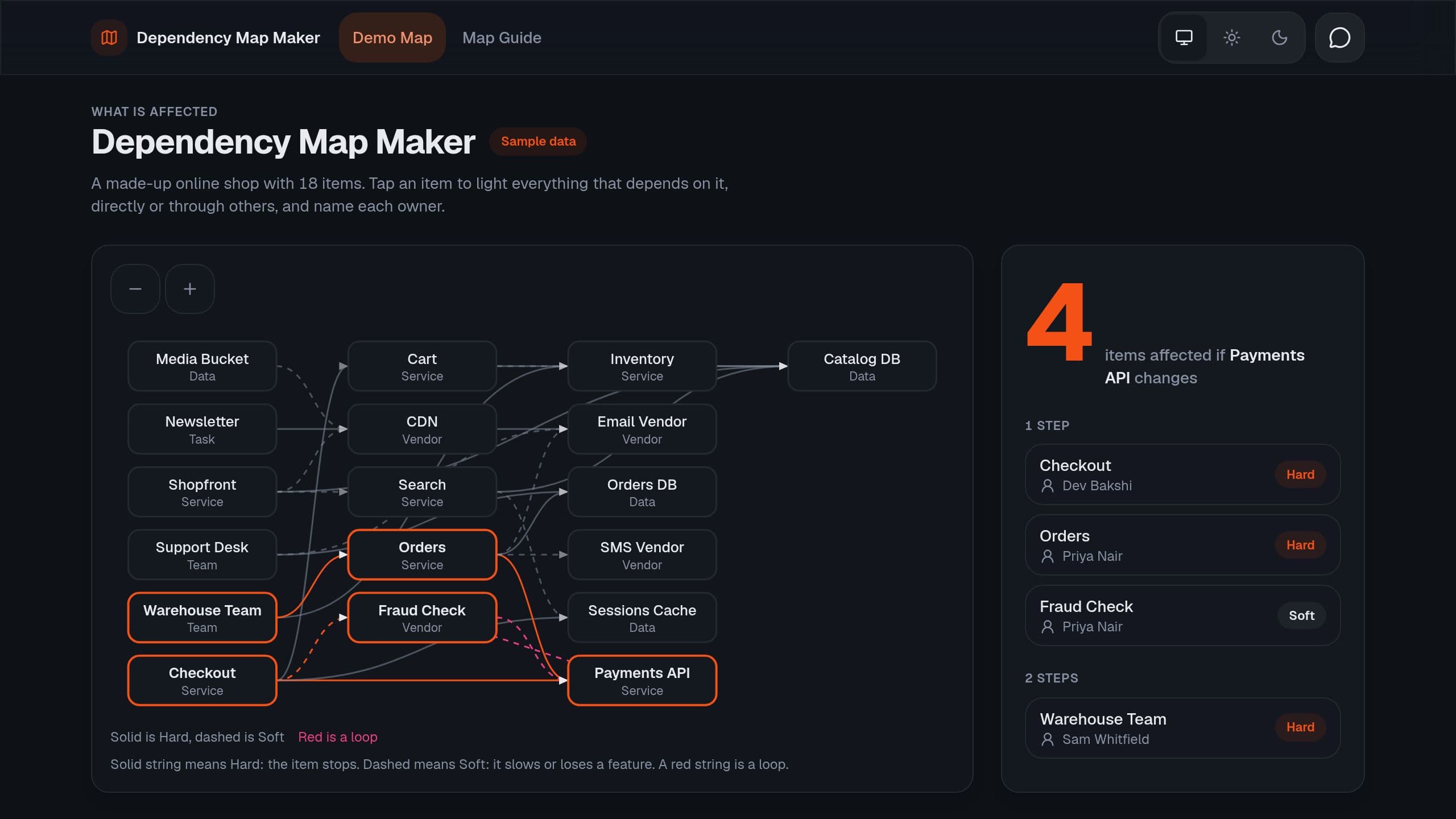
Dependency Map Maker is a free Taskade Genesis kit that maps what depends on what, lights every item downstream when you pick one with its owner, and drafts a heads-up note for each planned change. Clone it and make it yours.
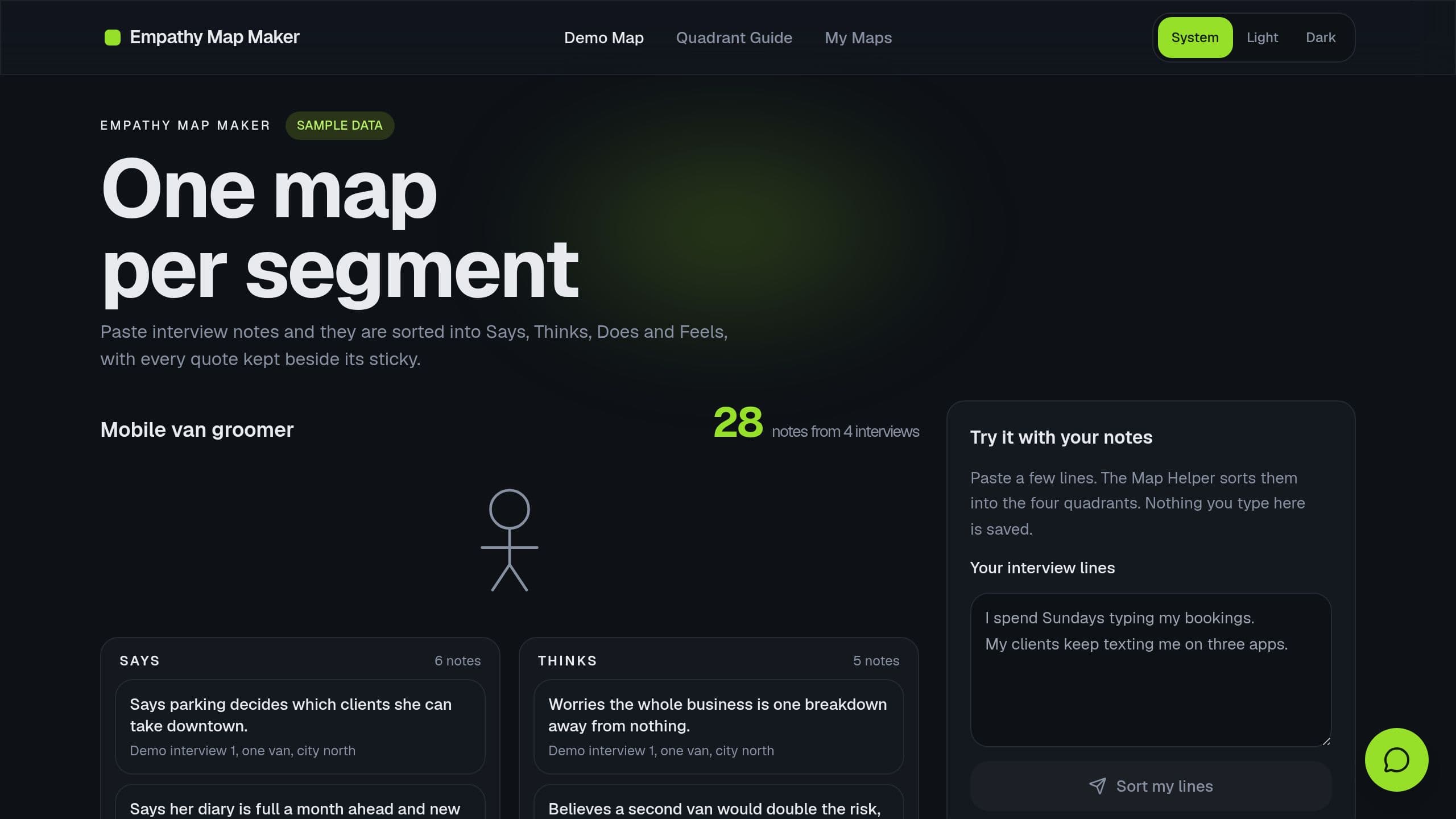
Empathy Map Maker is a free Taskade Genesis kit that sorts pasted interview notes into Says, Thinks, Does and Feels per user segment, keeps the source quote on every sticky, and writes a short summary with pains and gains. Clone it and make it yours.
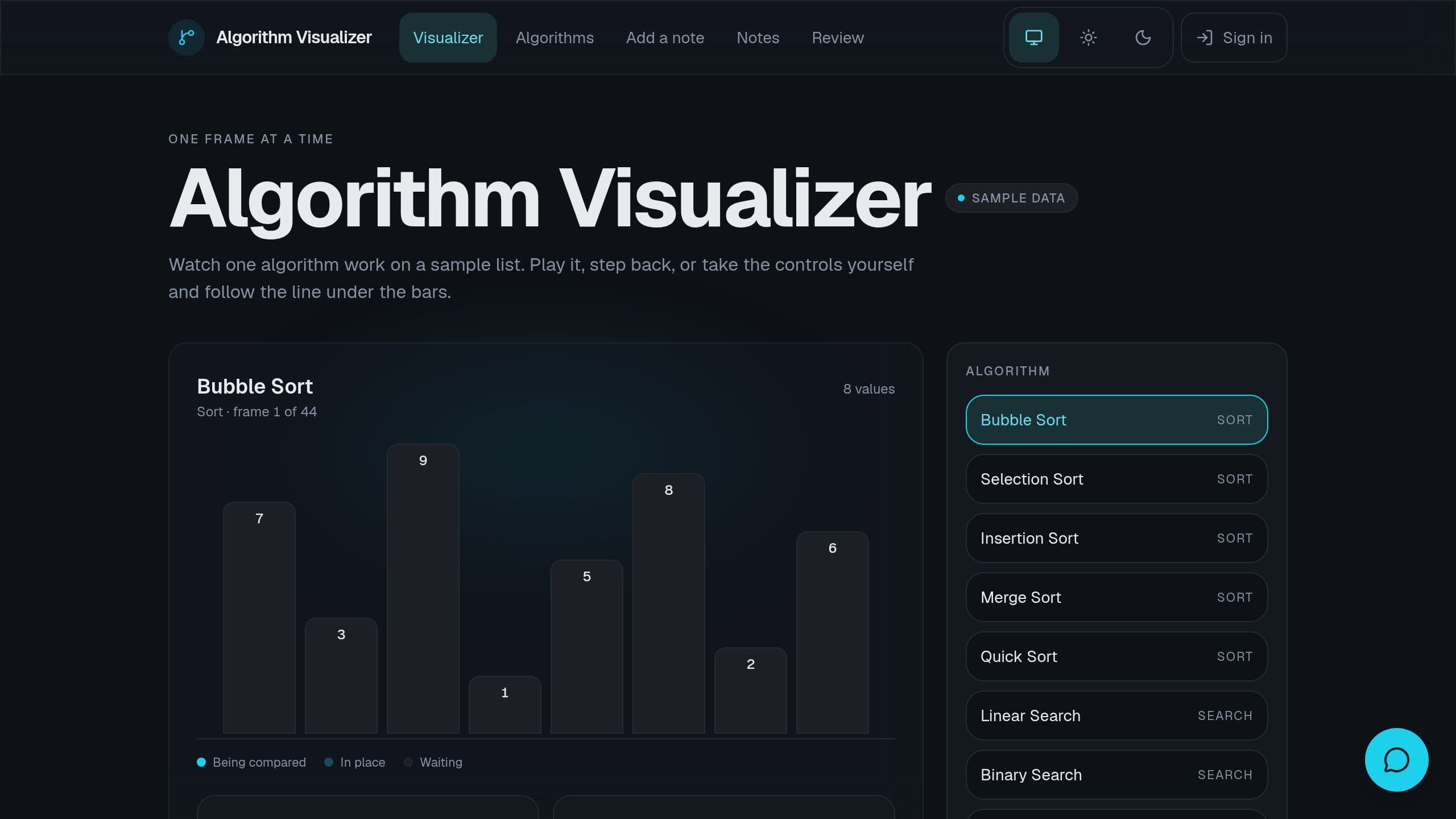
Algorithm Visualizer is a free Taskade Genesis kit that steps through sorting, search and graph algorithms frame by frame on your own input, and keeps study notes with review dates for the exam. Clone it and make it yours.
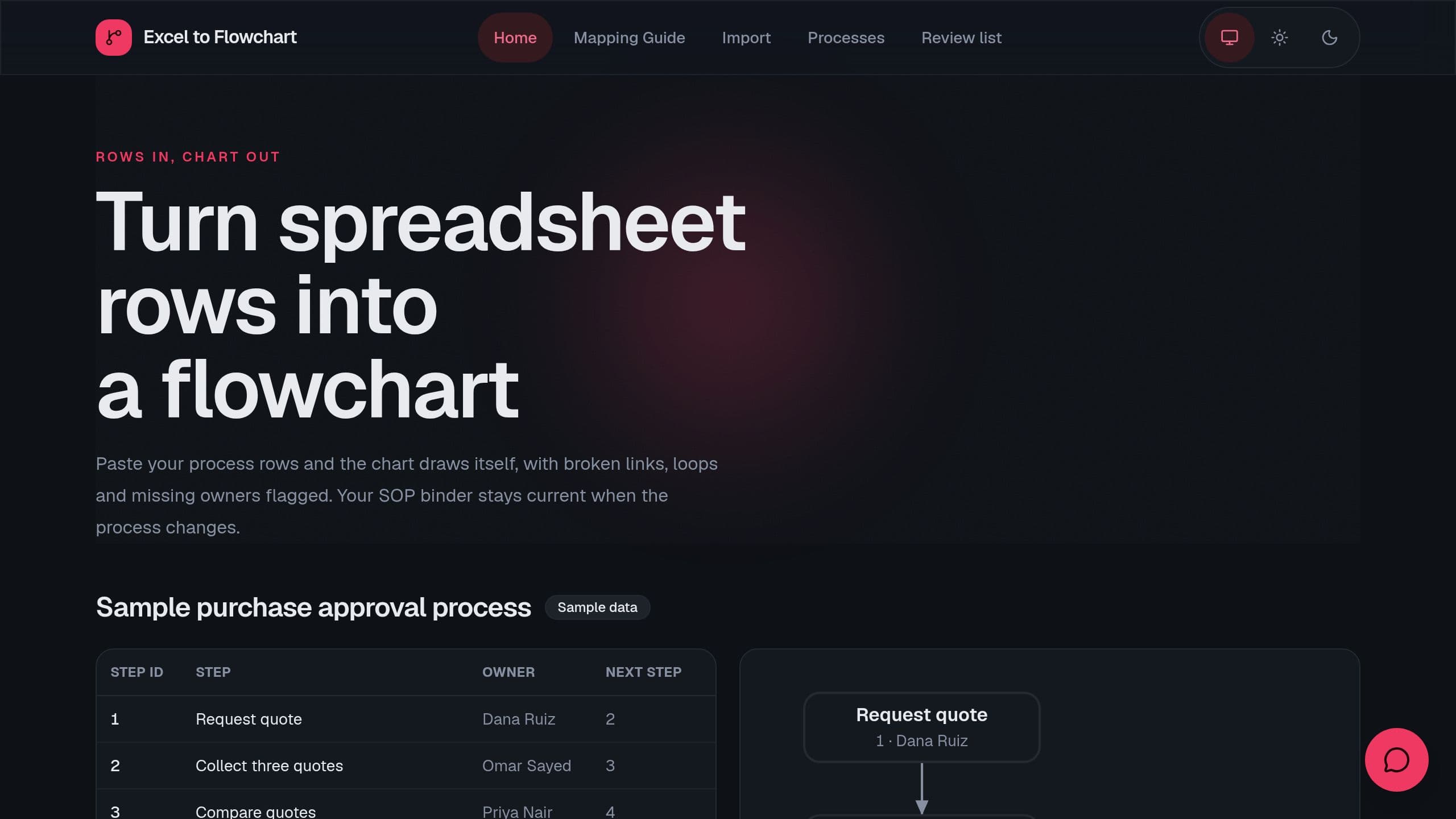
Excel to Flowchart is a free Taskade Genesis kit that turns process rows from Excel or CSV into a flowchart, flags broken links, loops and missing owners, and reminds you when a process is due for review. Clone it and make it yours.
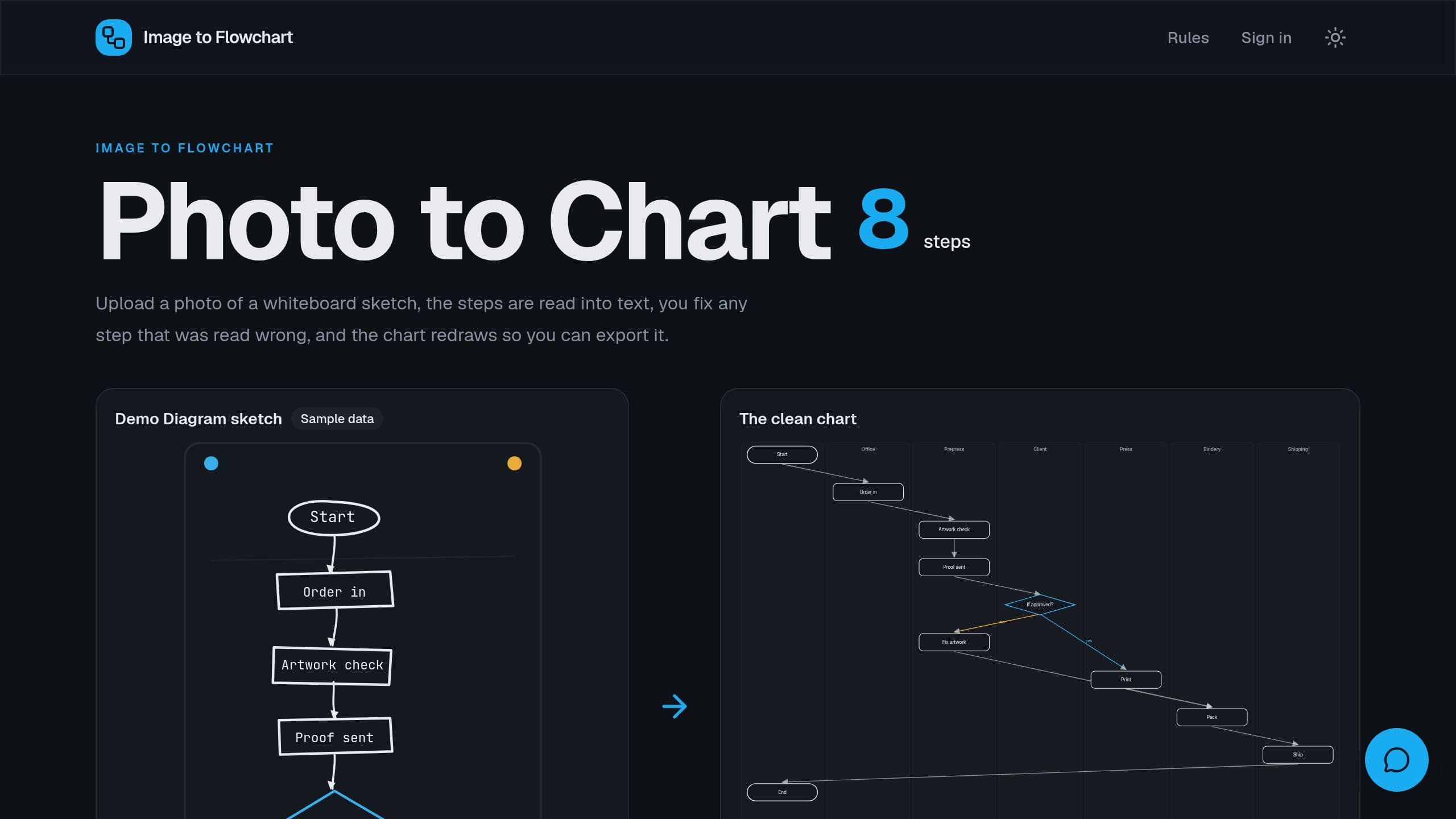
Image to Flowchart is a free Taskade Genesis kit: upload a photo or a screenshot of a diagram, get the steps as text, fix any step, and export a clean flowchart as SVG.
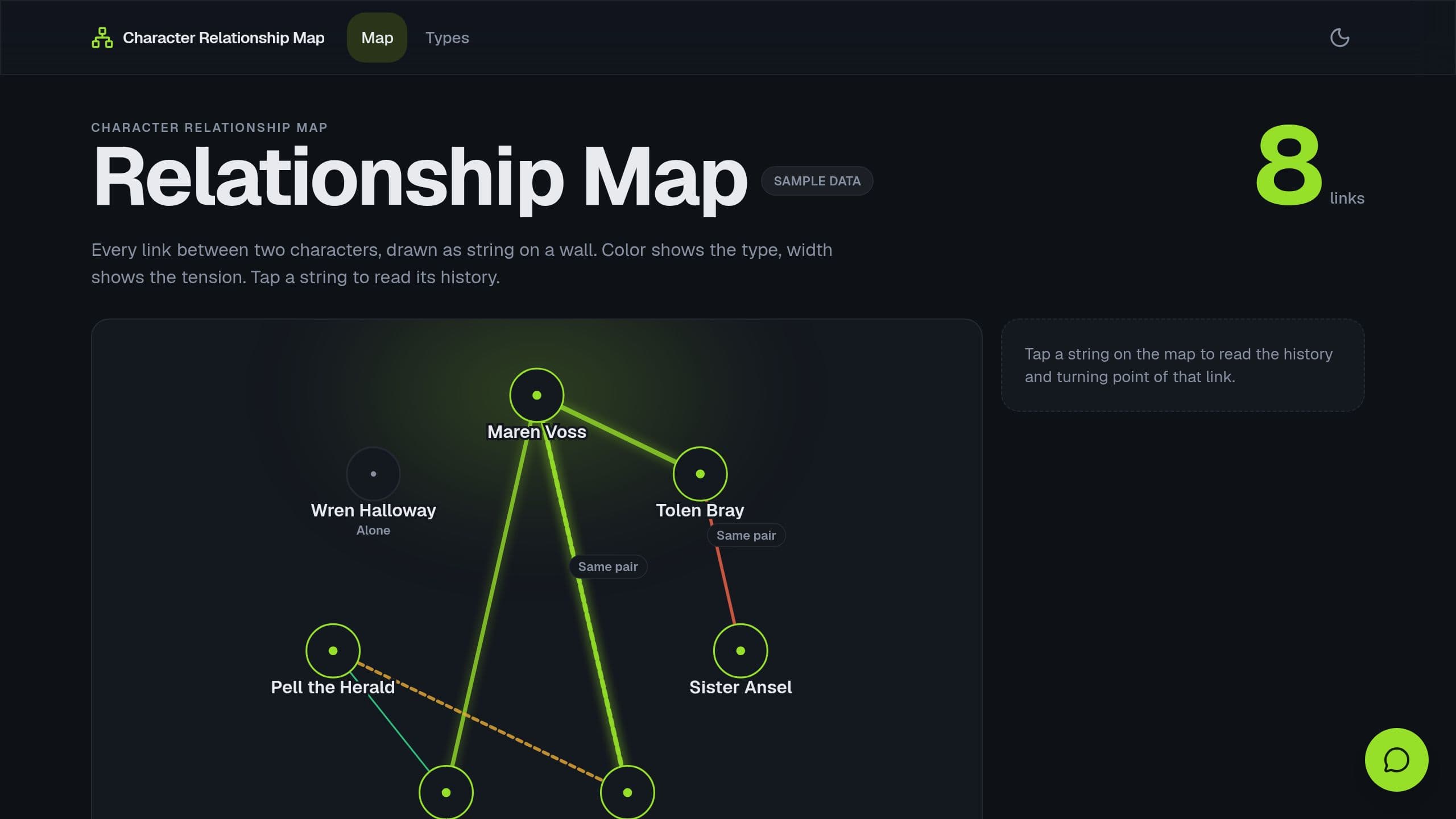
Character Relationship Map is a free Taskade Genesis kit for writers: generate character dynamics with history and a turning point, track tension and change, and see your cast as a relationship diagram.
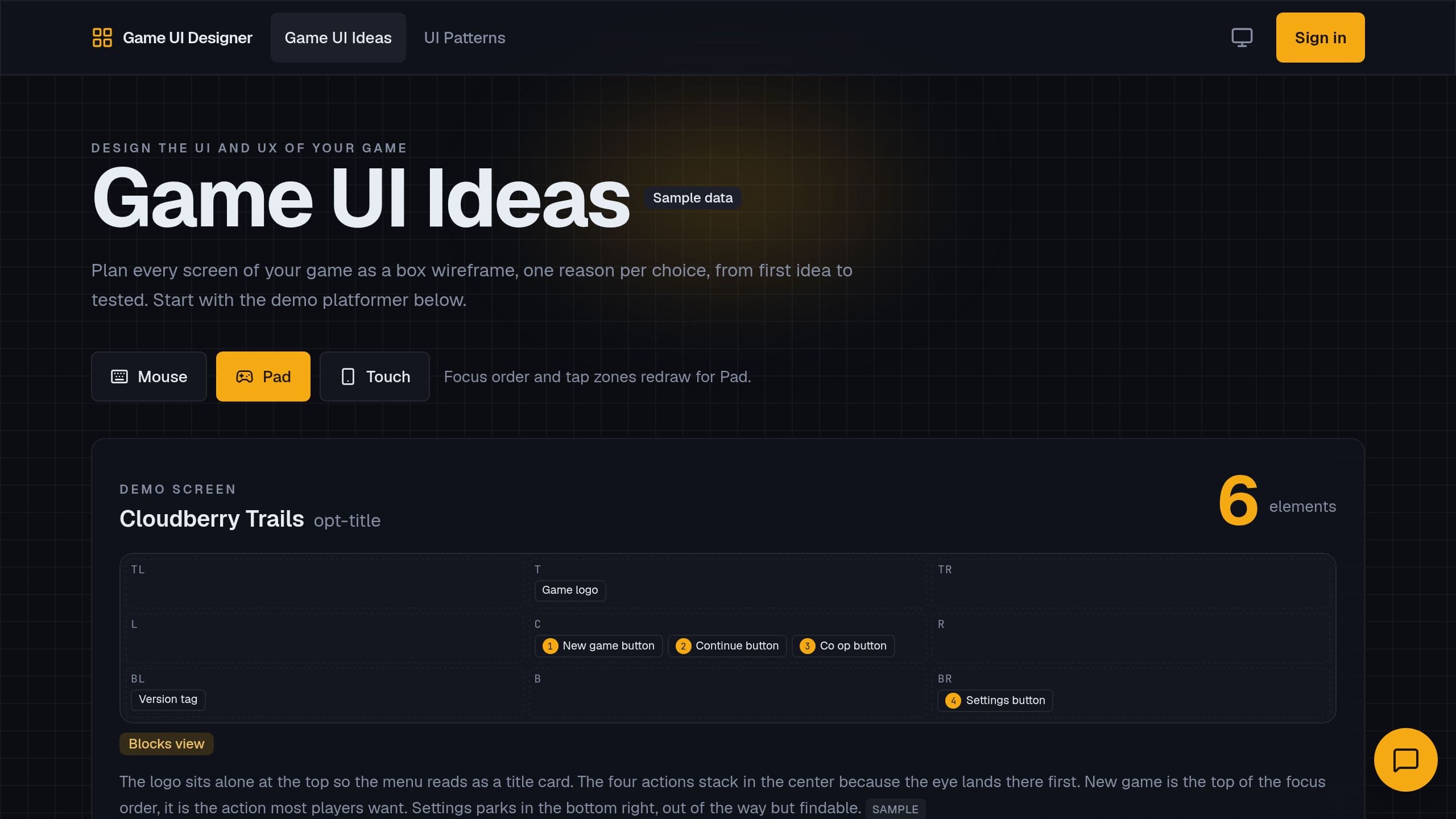
Clone it, then track every screen from idea to tested.
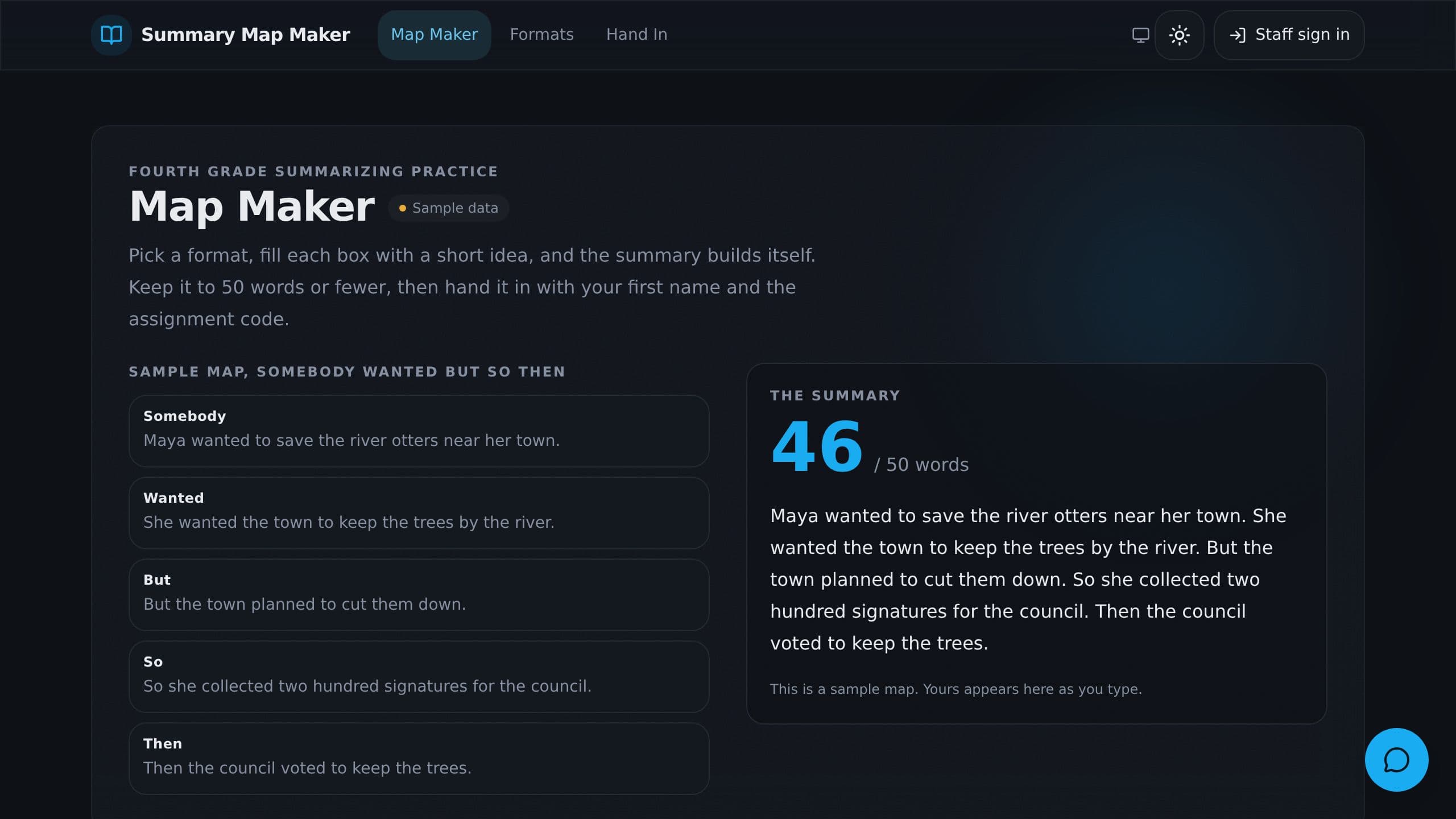
Fill a summary organizer, keep the summary under 50 words and hand it in.
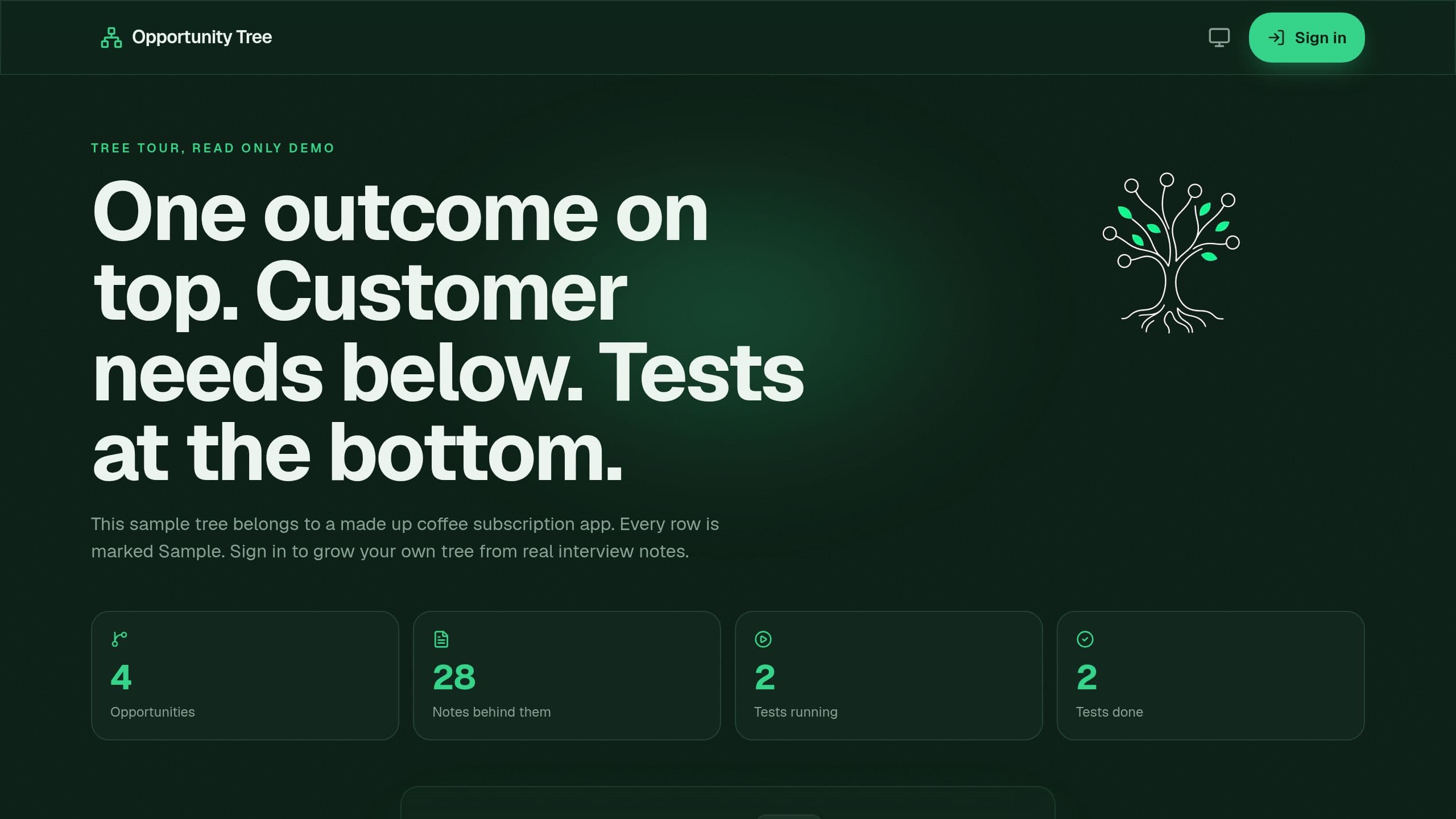
Map one outcome to customer needs, ideas and tests, with an evidence count from interview notes on every opportunity.
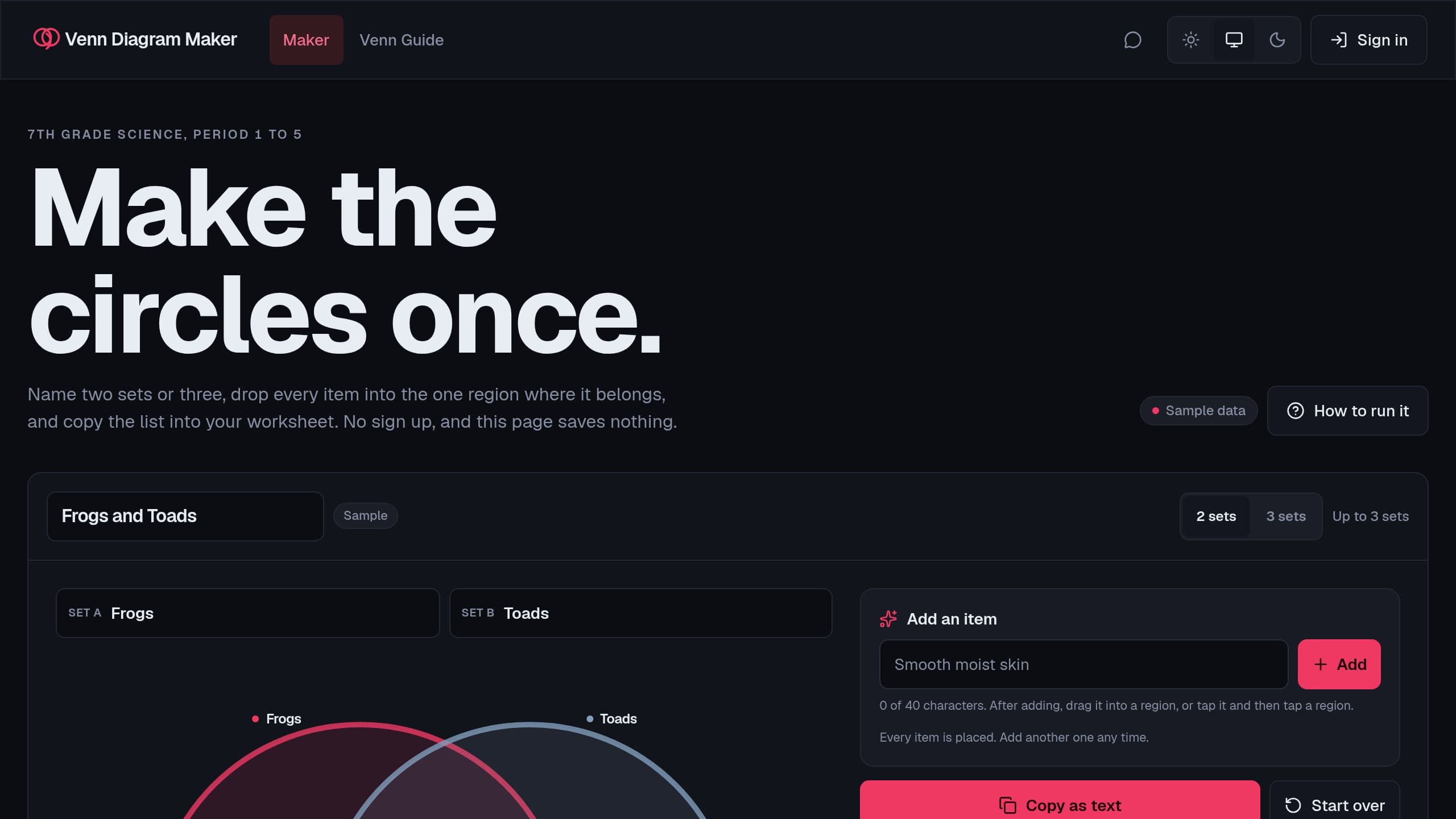
Make a 2 or 3 circle Venn diagram in the browser, drag items into regions, copy the list as text and save diagrams per class.
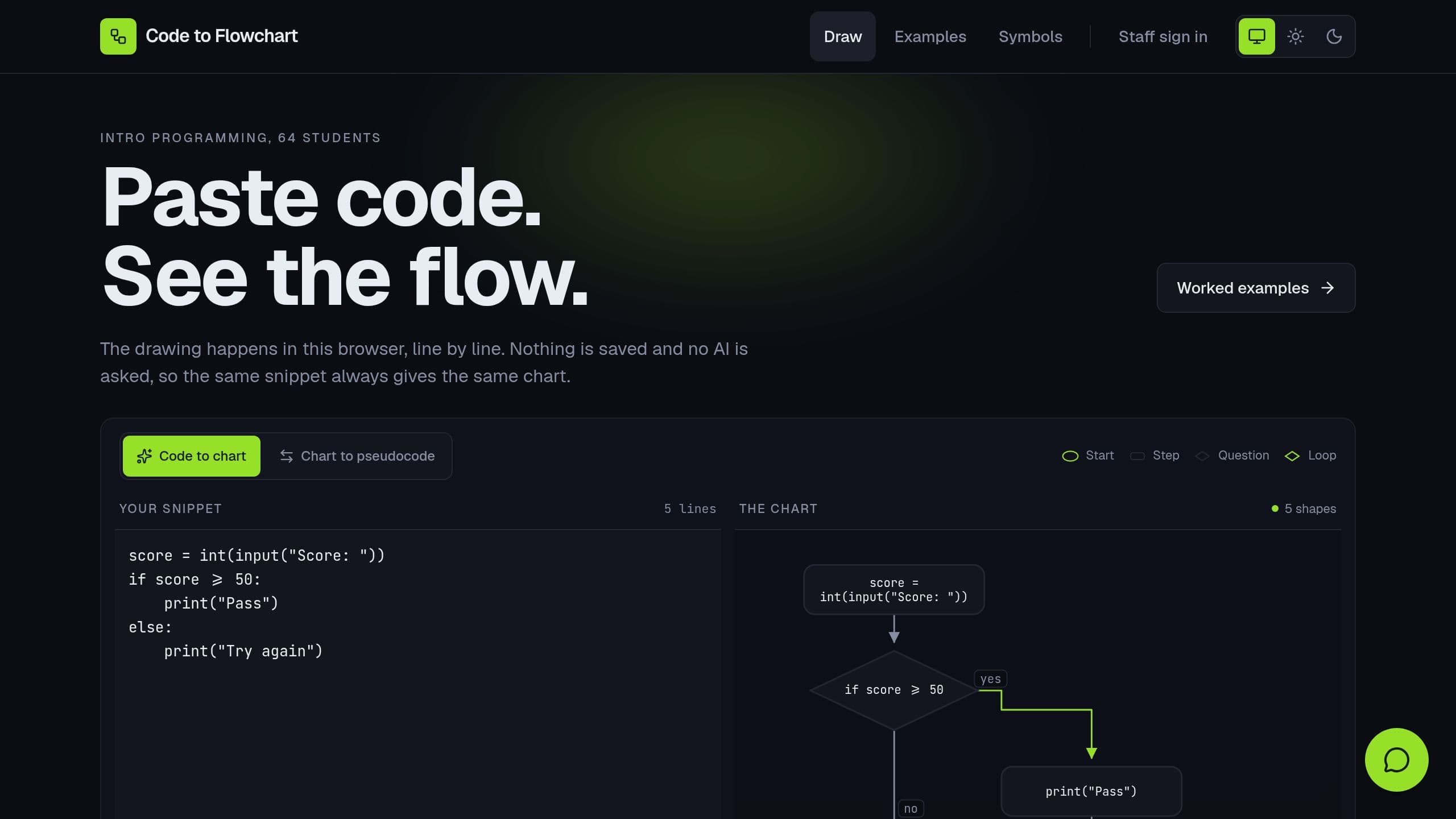
Paste Python, JavaScript or pseudocode and see a flowchart drawn in the browser, or turn a flowchart back into pseudocode.
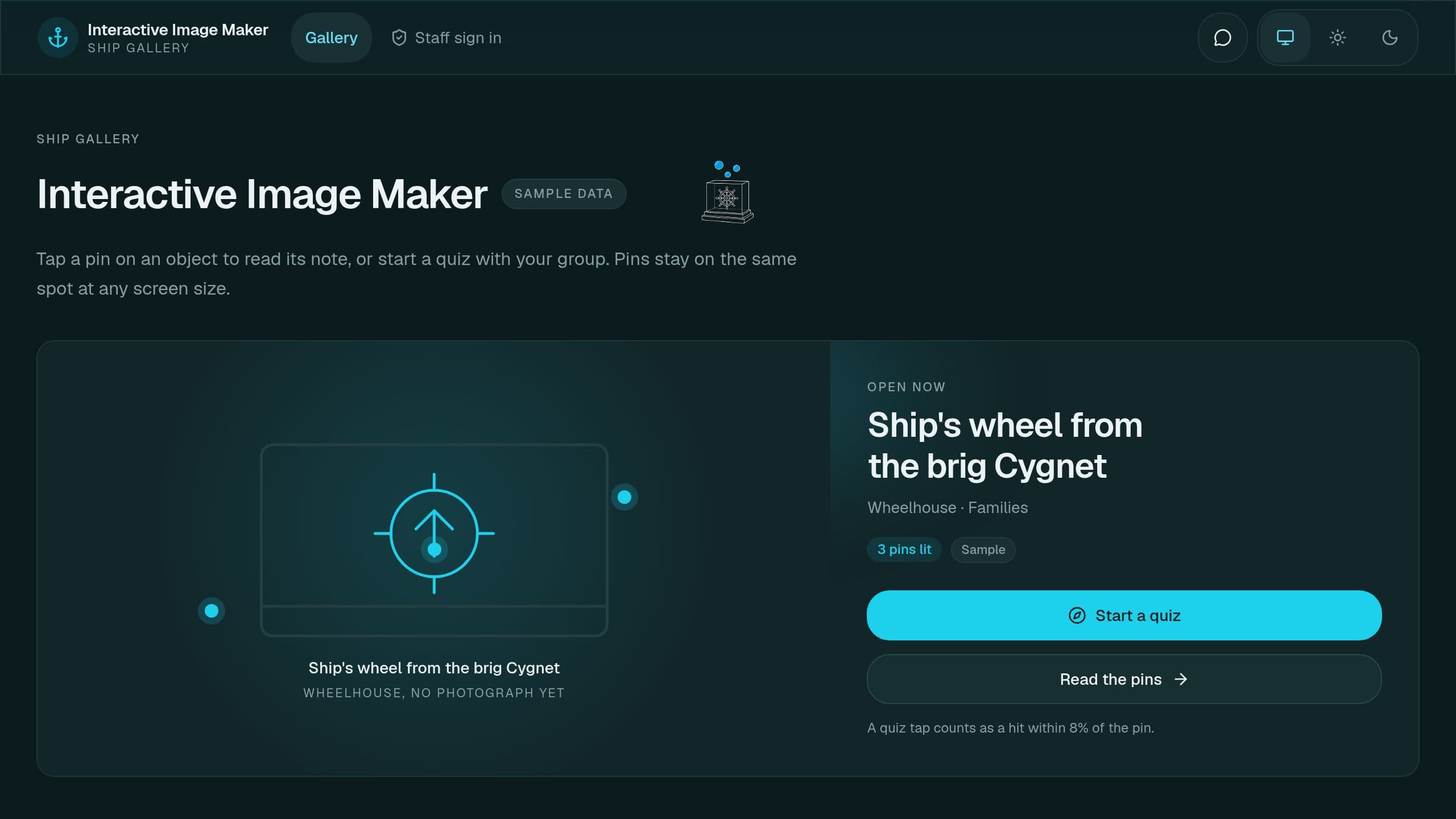
Put clickable pins on an image that open short notes, add a find-the-spot quiz mode, and let visitors ask a question.
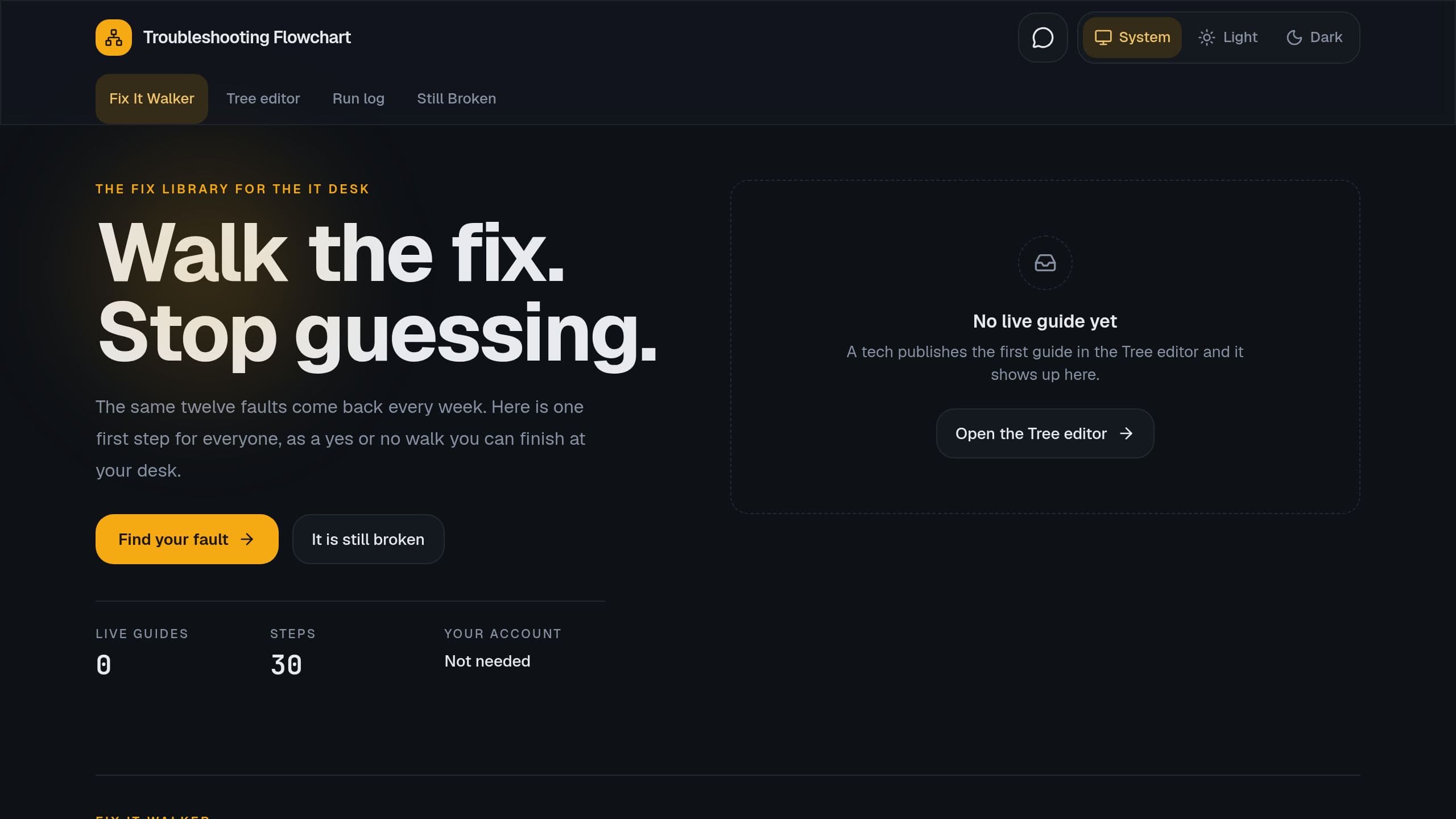
Build yes or no troubleshooting guides that techs and staff walk step by step, log each run, and catch the guides that fail.
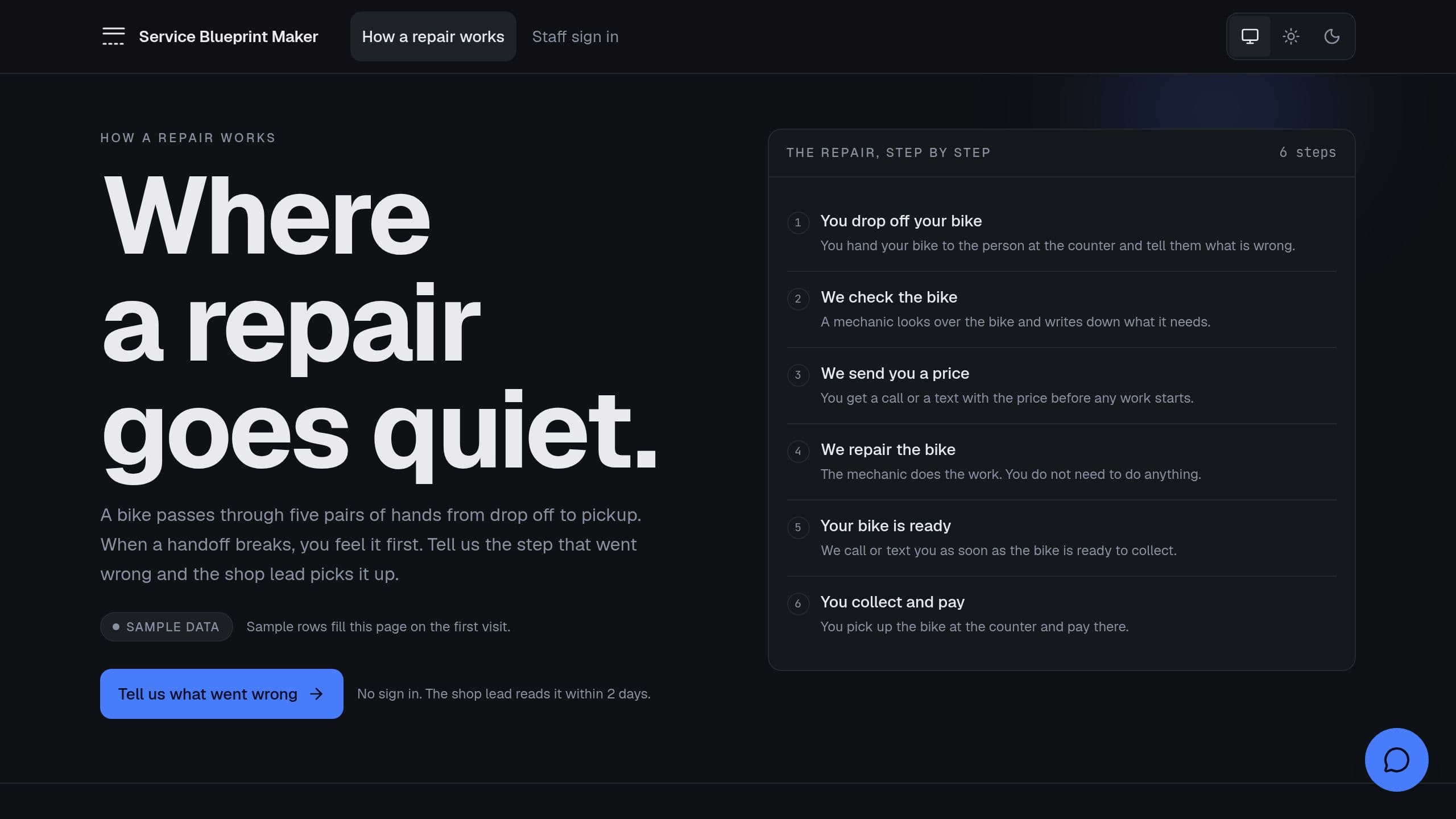
Map a service blueprint in 5 lanes, from customer action to systems, mark fail points and gaps, and collect customer notes.
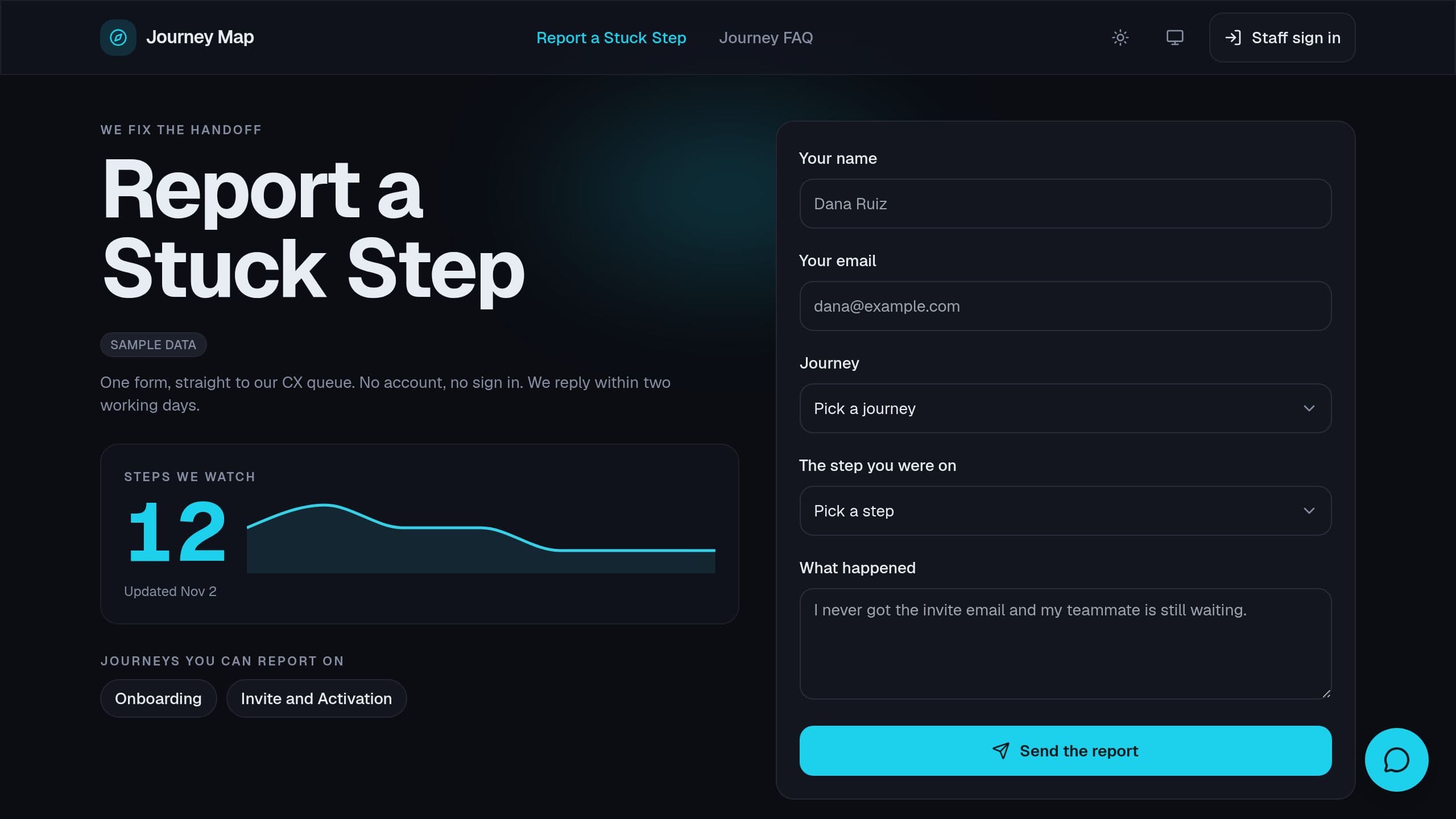
Journey Map: Diagrams for a live operator desk. Journey Map is a Taskade Genesis kit: projects, a grounded helper, internal notify flows and a public page.
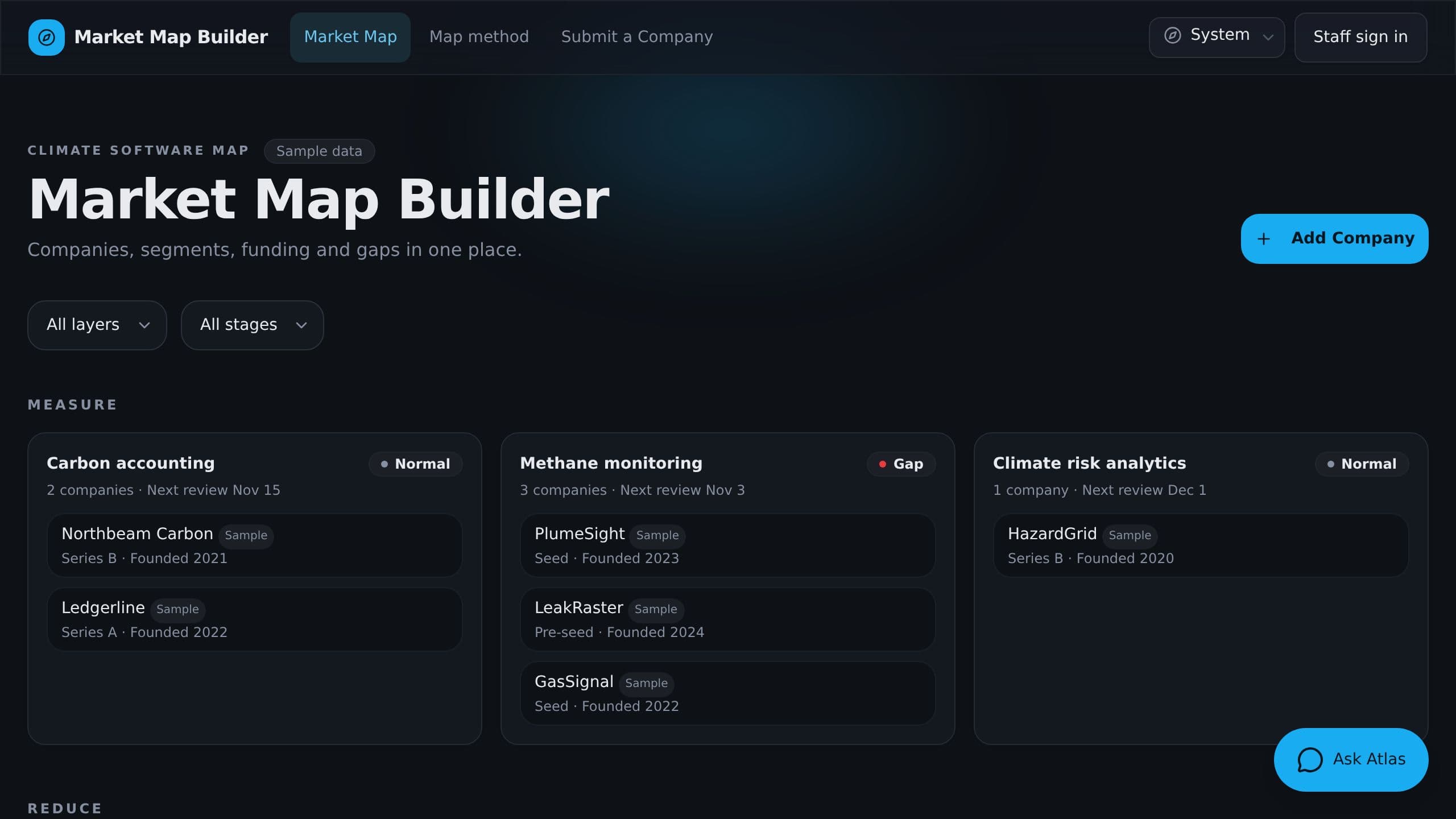
Map companies by segment and stage, log funding rounds, and flag thin, cold or gap segments in one live market map.
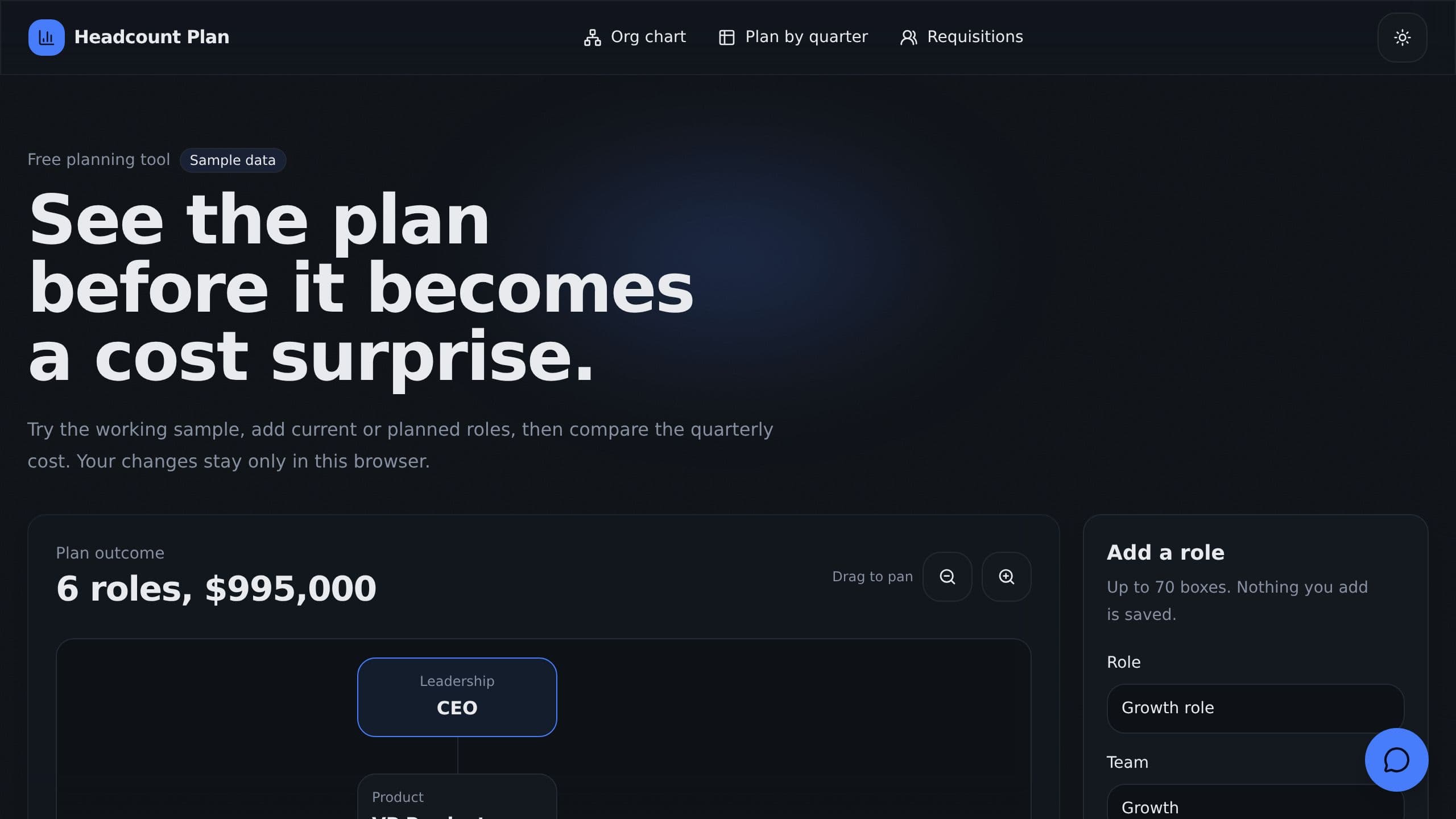
Draw the org chart with planned roles by quarter and see the cost of the hiring plan.
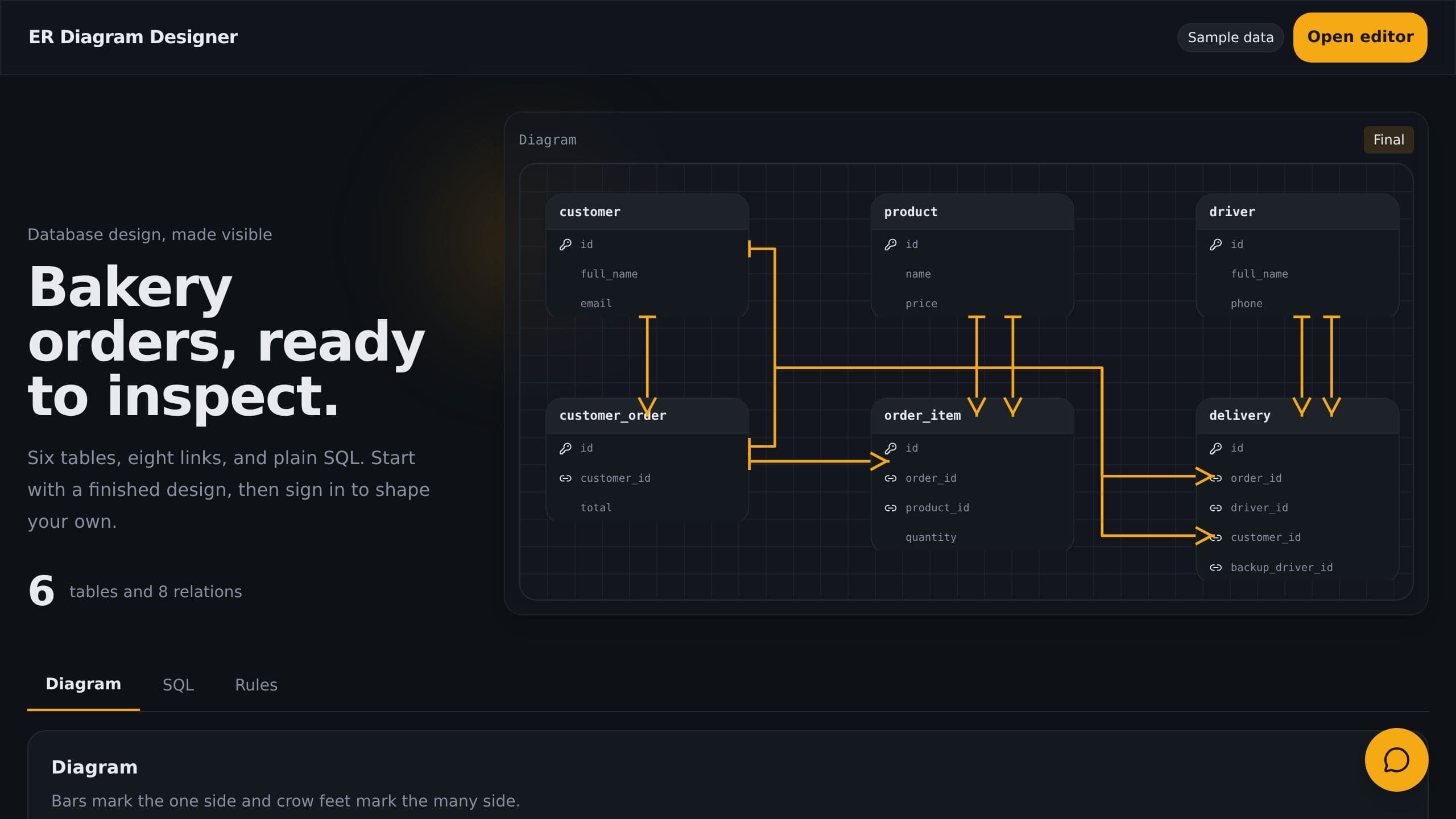
Describe your database in a sentence, get tables and links drawn for you, check the rules, and copy the SQL.
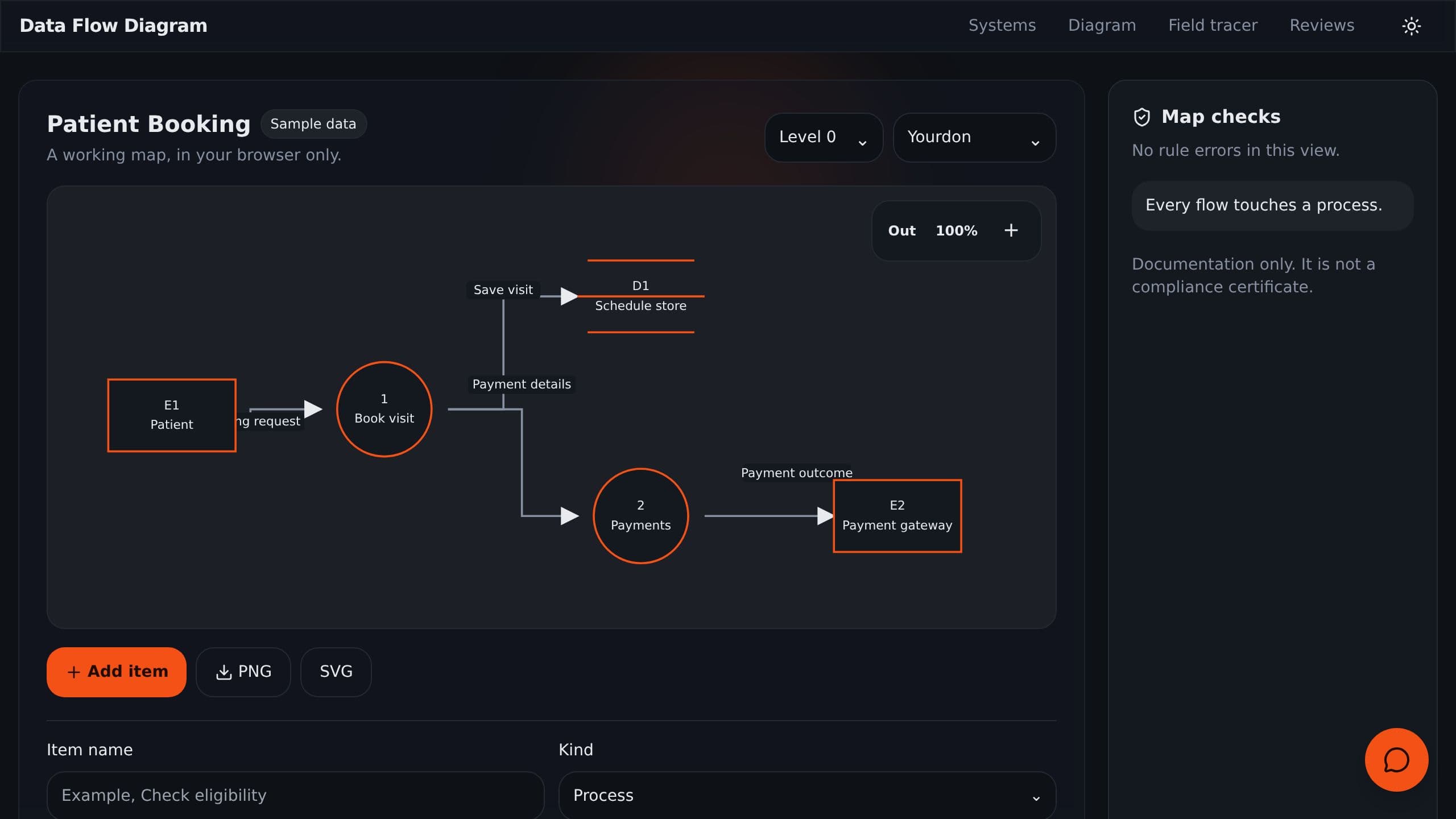
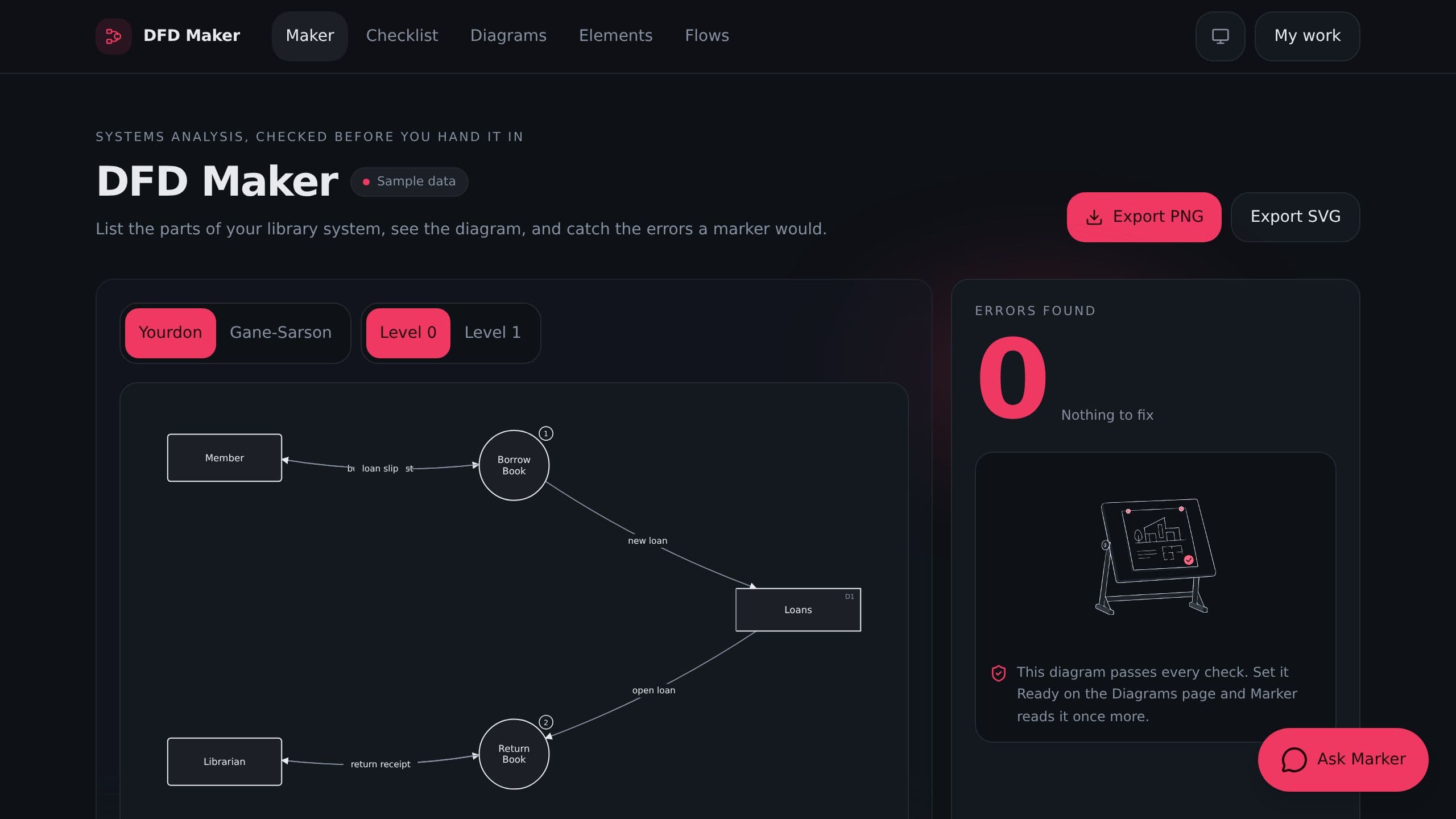
Draw DFDs from a list of entities, processes, stores and flows, catch rule errors, and trace where every personal data field goes.
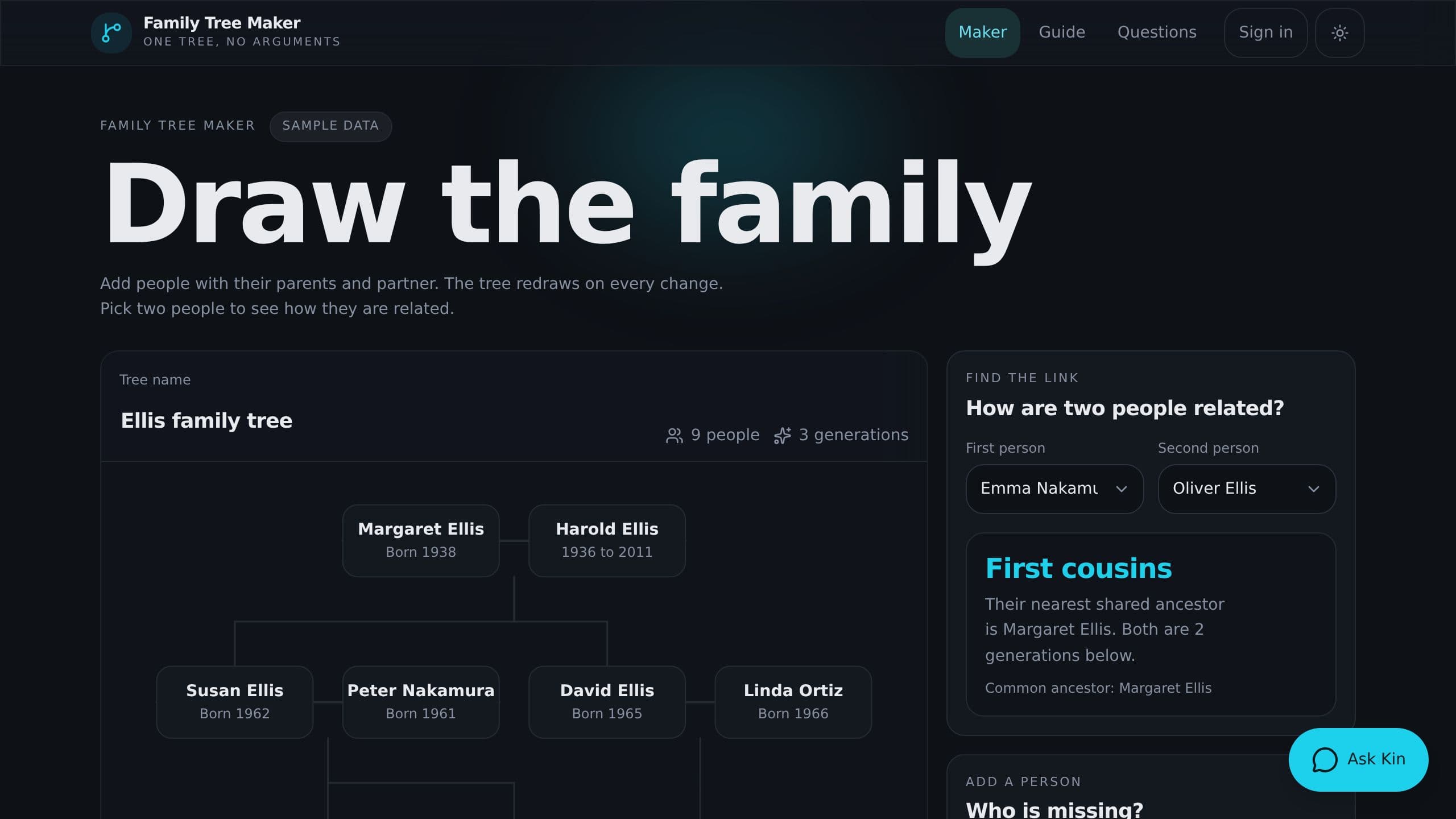
Add people with parents and partners, see the family tree draw by generation, and pick two people to see how they are related.
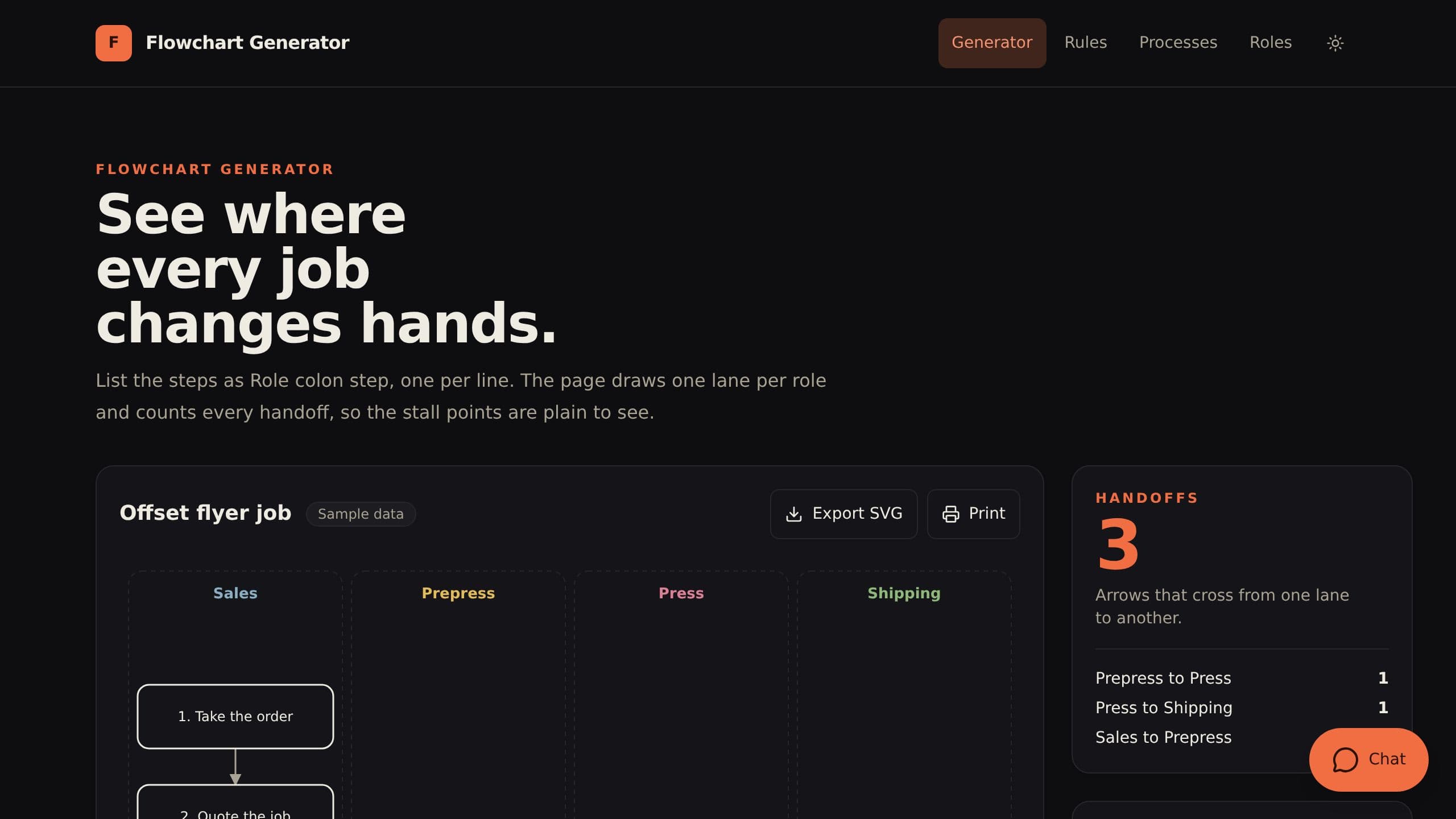
Type steps as Role: step lines and get a swimlane flowchart with a handoff count and flags. Export SVG or print.
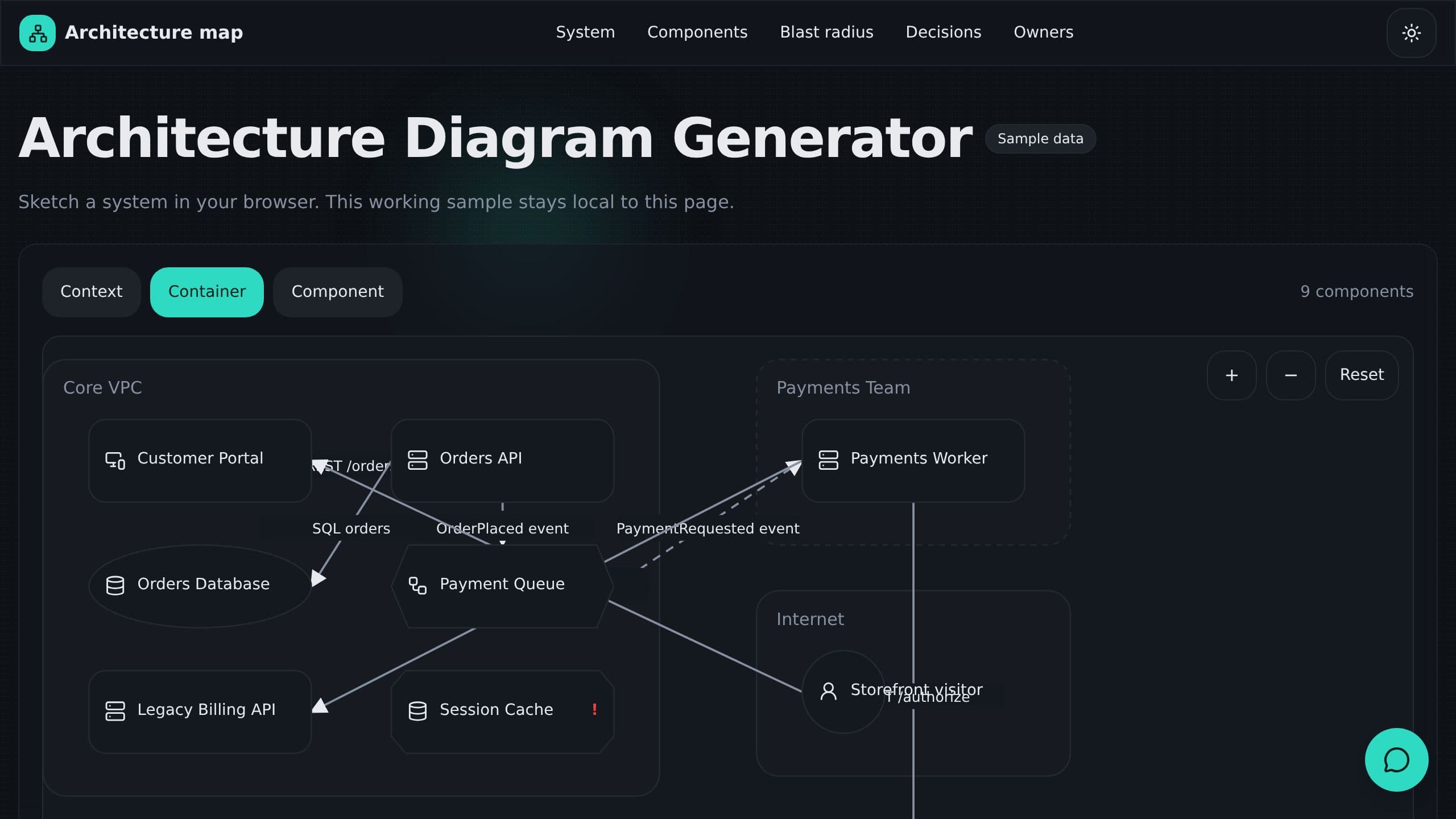
List components and connections once and get context, container and component diagrams, blast radius, owners and decision records.
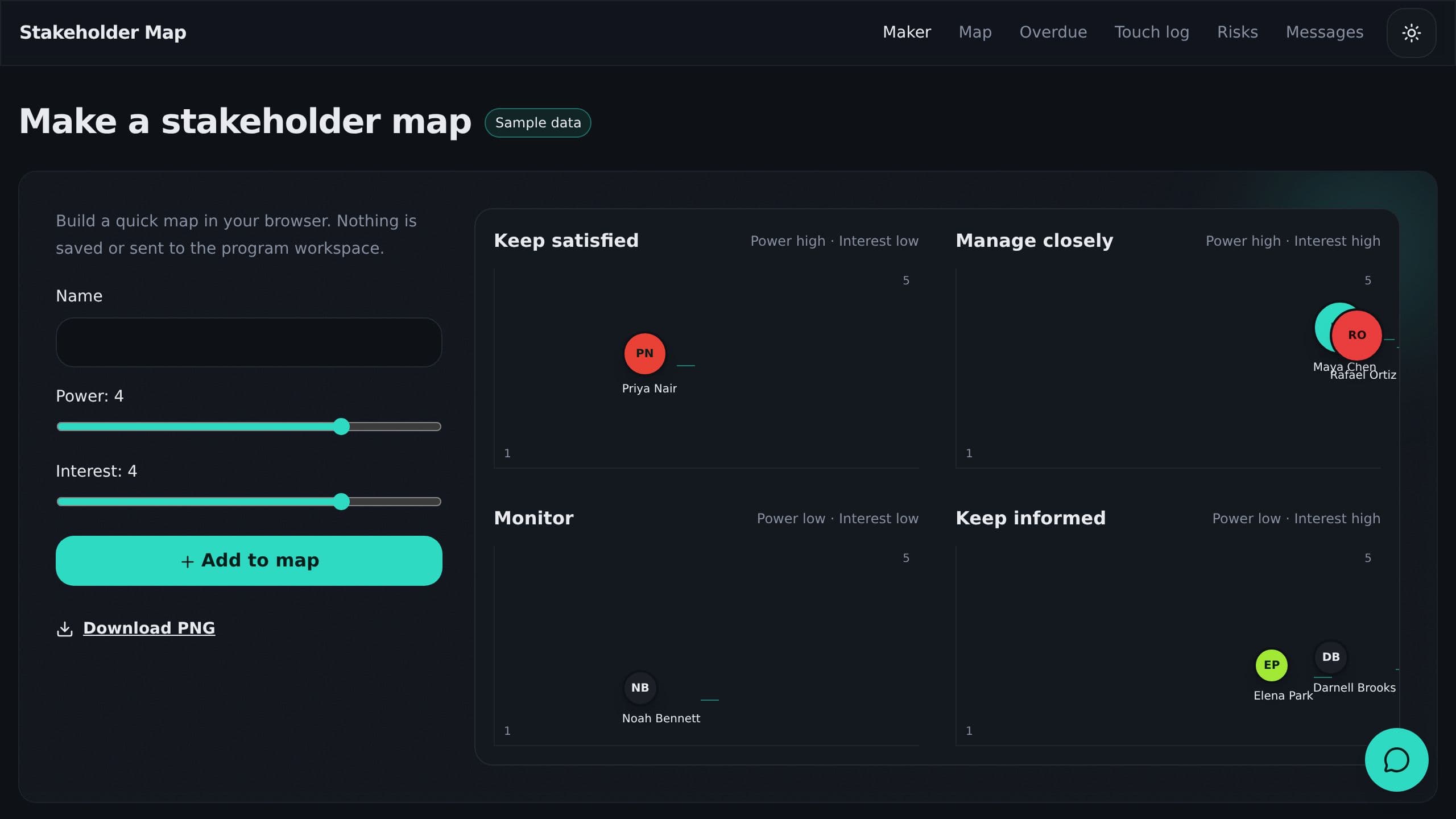
Place every stakeholder on a power and interest grid, log each touch, and get alerts when someone goes quiet or turns.
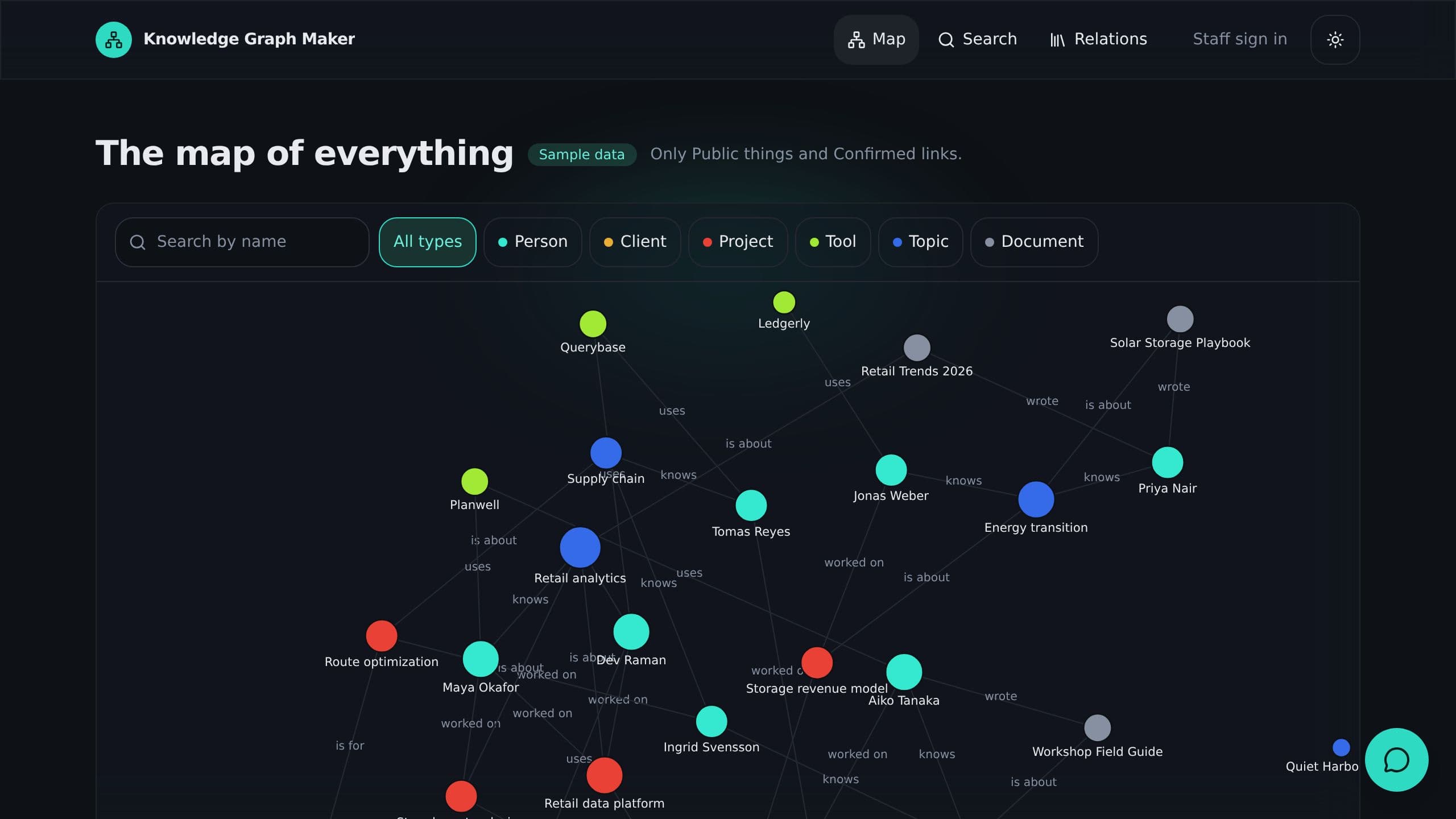
Keep things and links, draw them as an explorable map and find the shortest path between two.
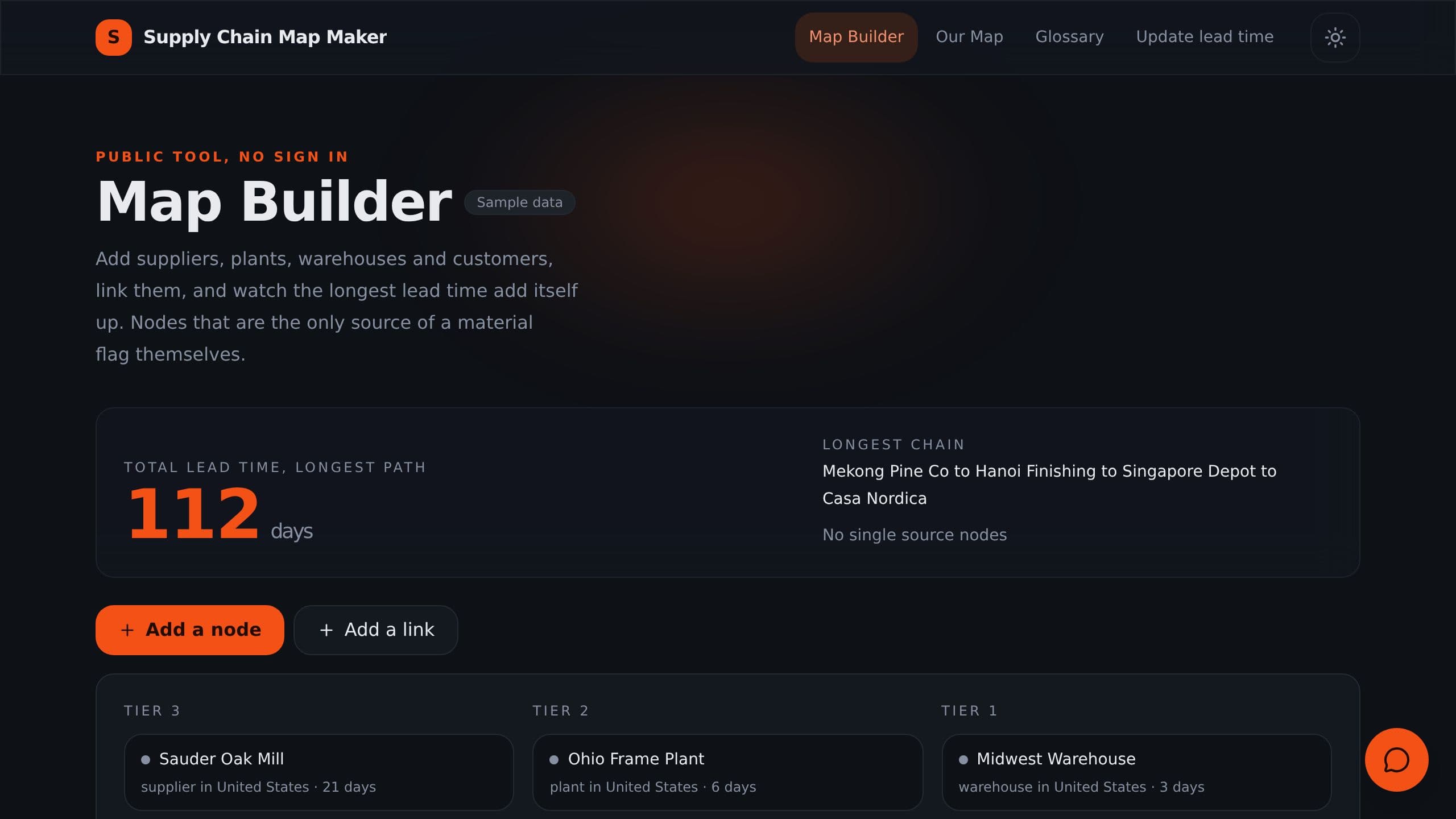
Map suppliers from raw material to customer, add up lead time and flag single-source nodes.
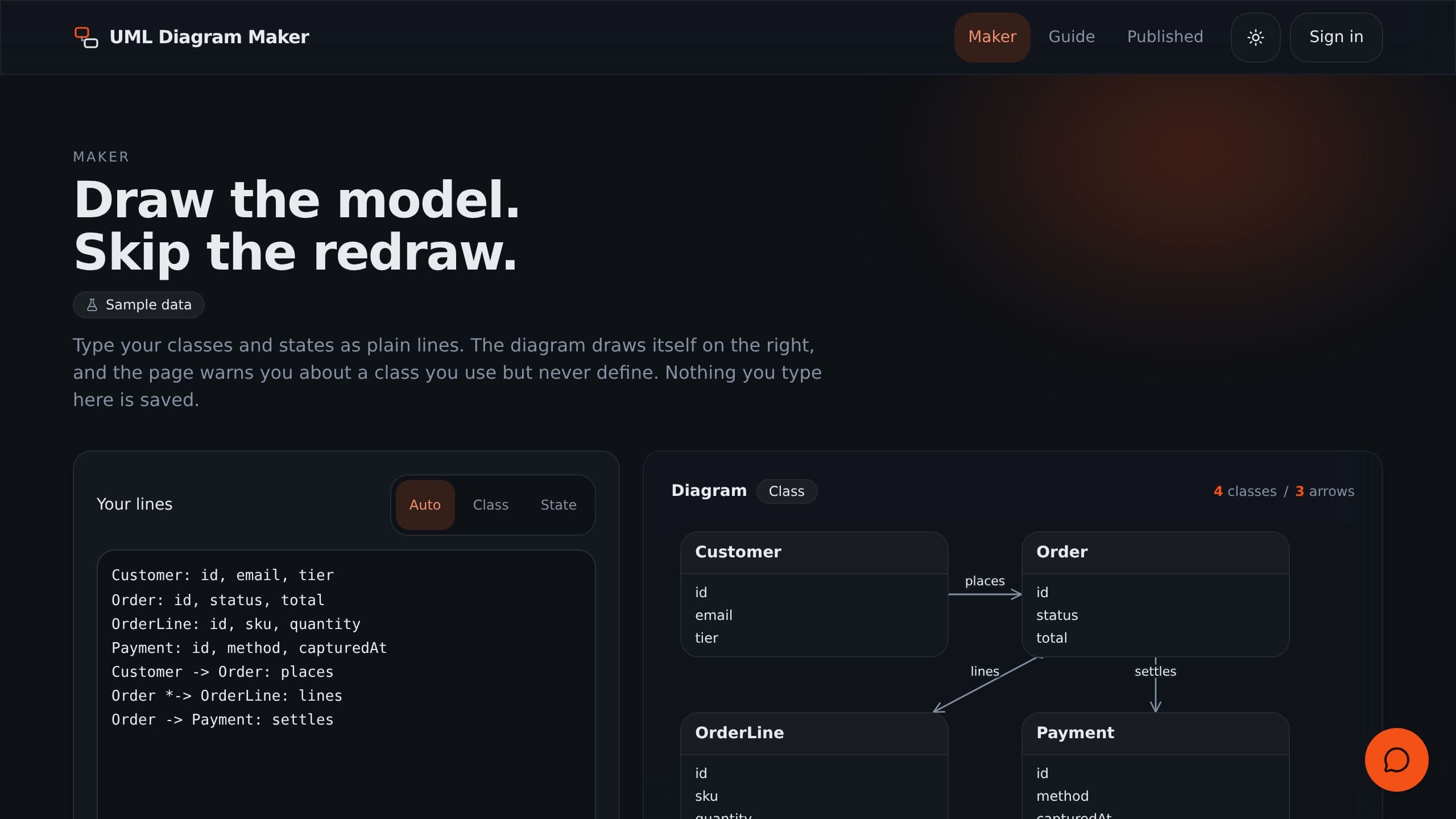
Type a short text and see a class or state diagram drawn in the browser, then save and share it.
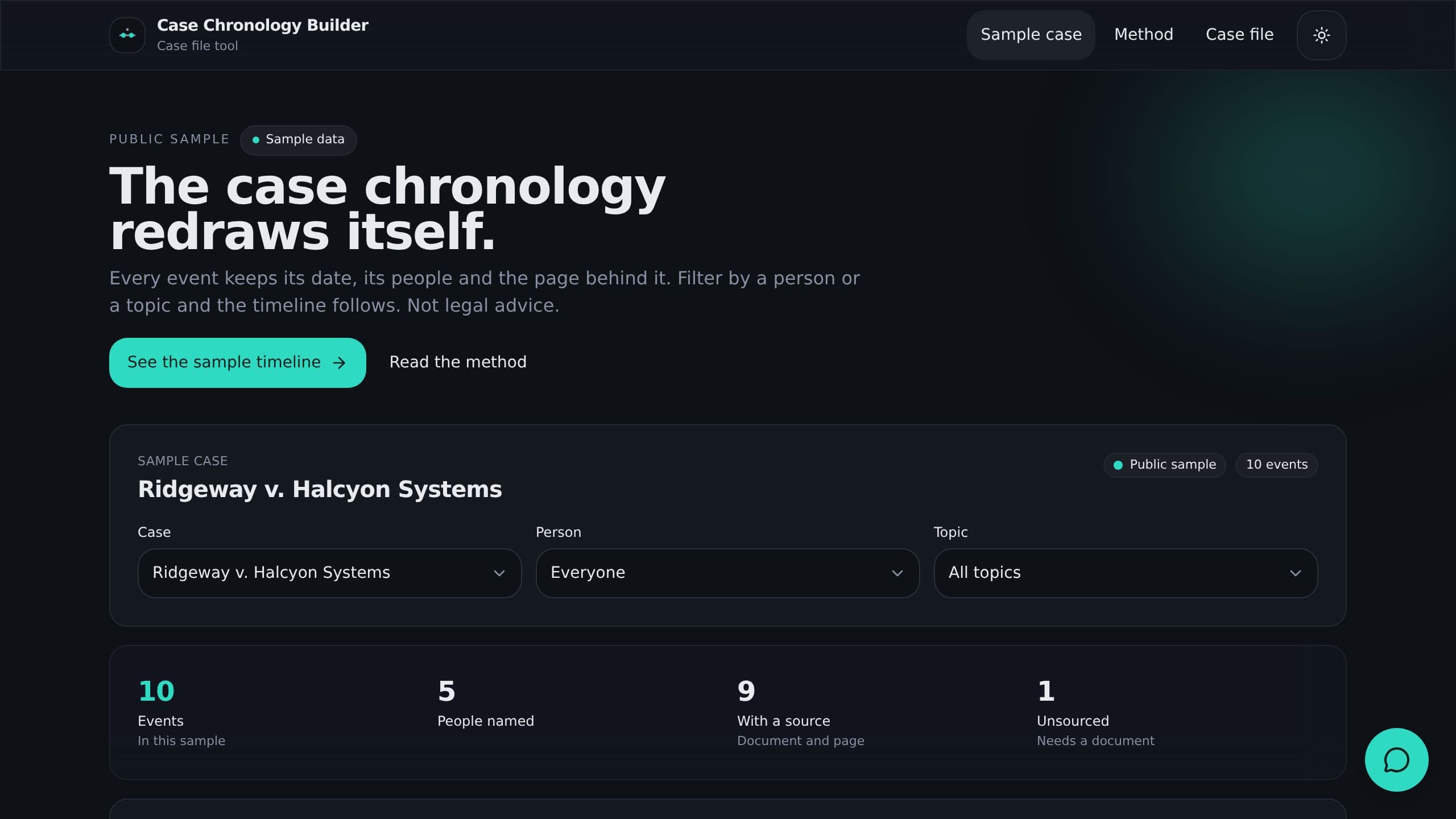
Build a dated chronology of case facts, link each event to its source, and draw the timeline. Not legal advice.
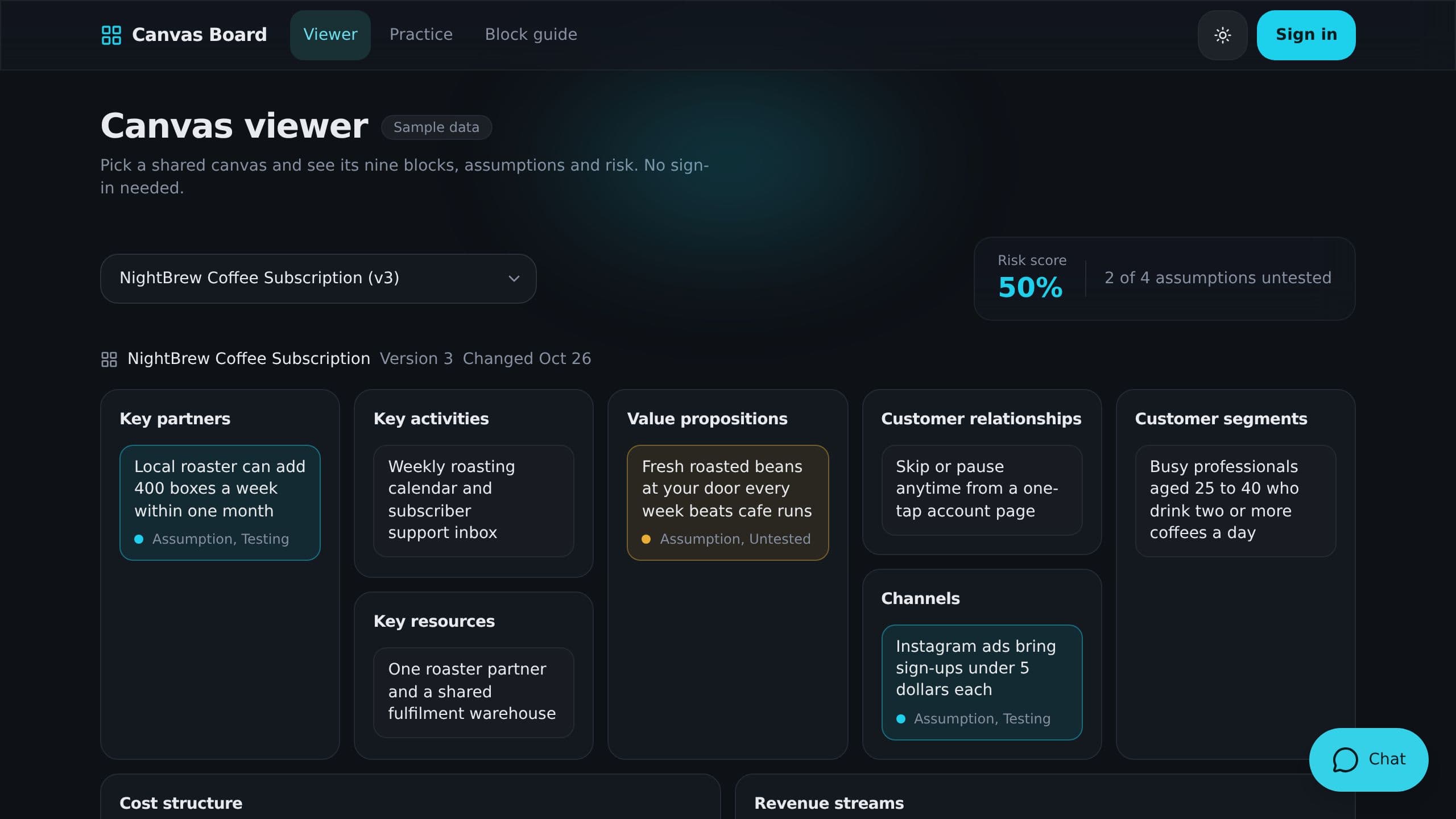
Fill the nine blocks of a business model canvas, mark the riskiest assumptions, and share a clean canvas page.
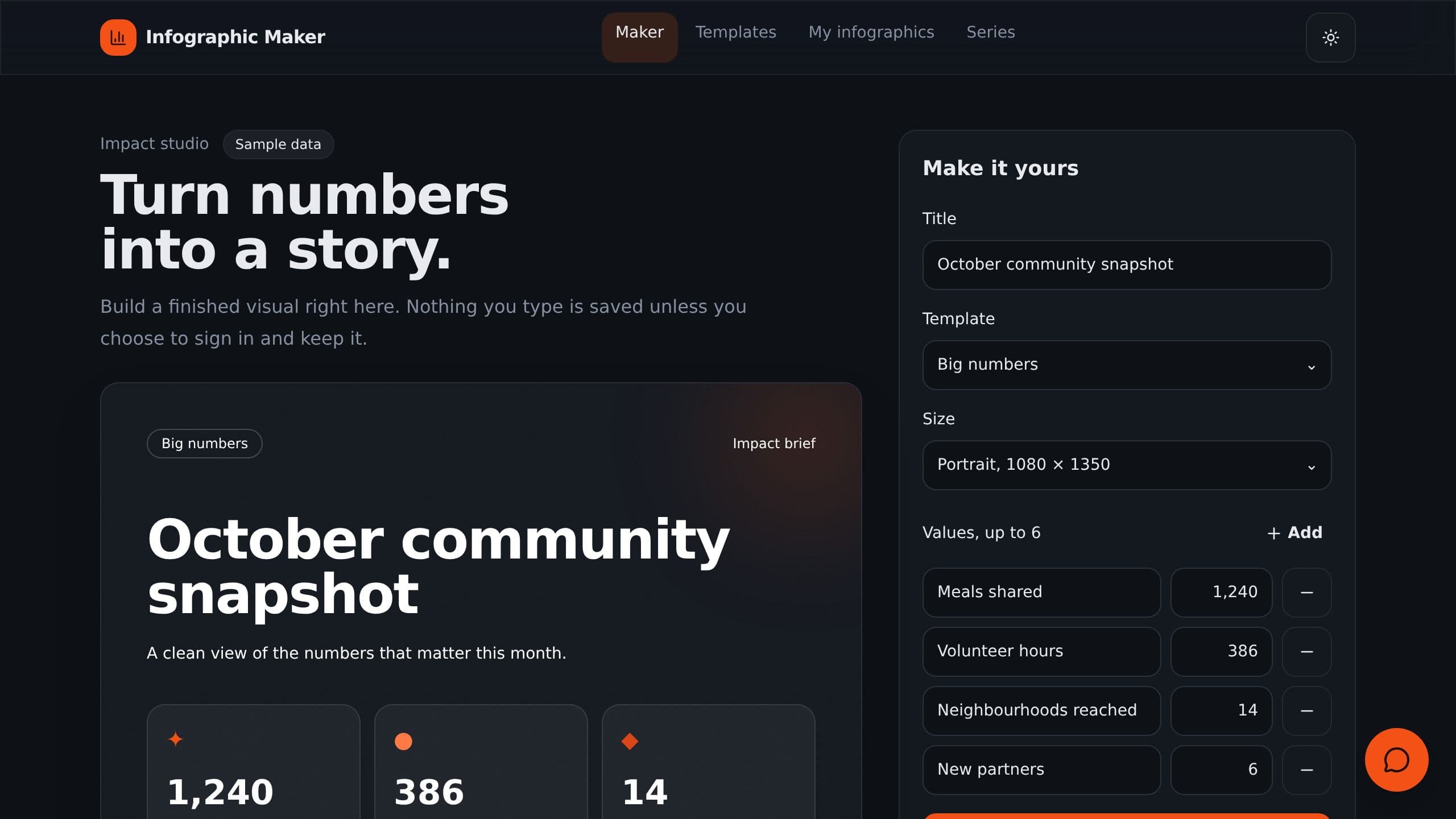
Pick a template, type numbers and labels, and get a clean infographic at once in post, story or print size. Monthly series.
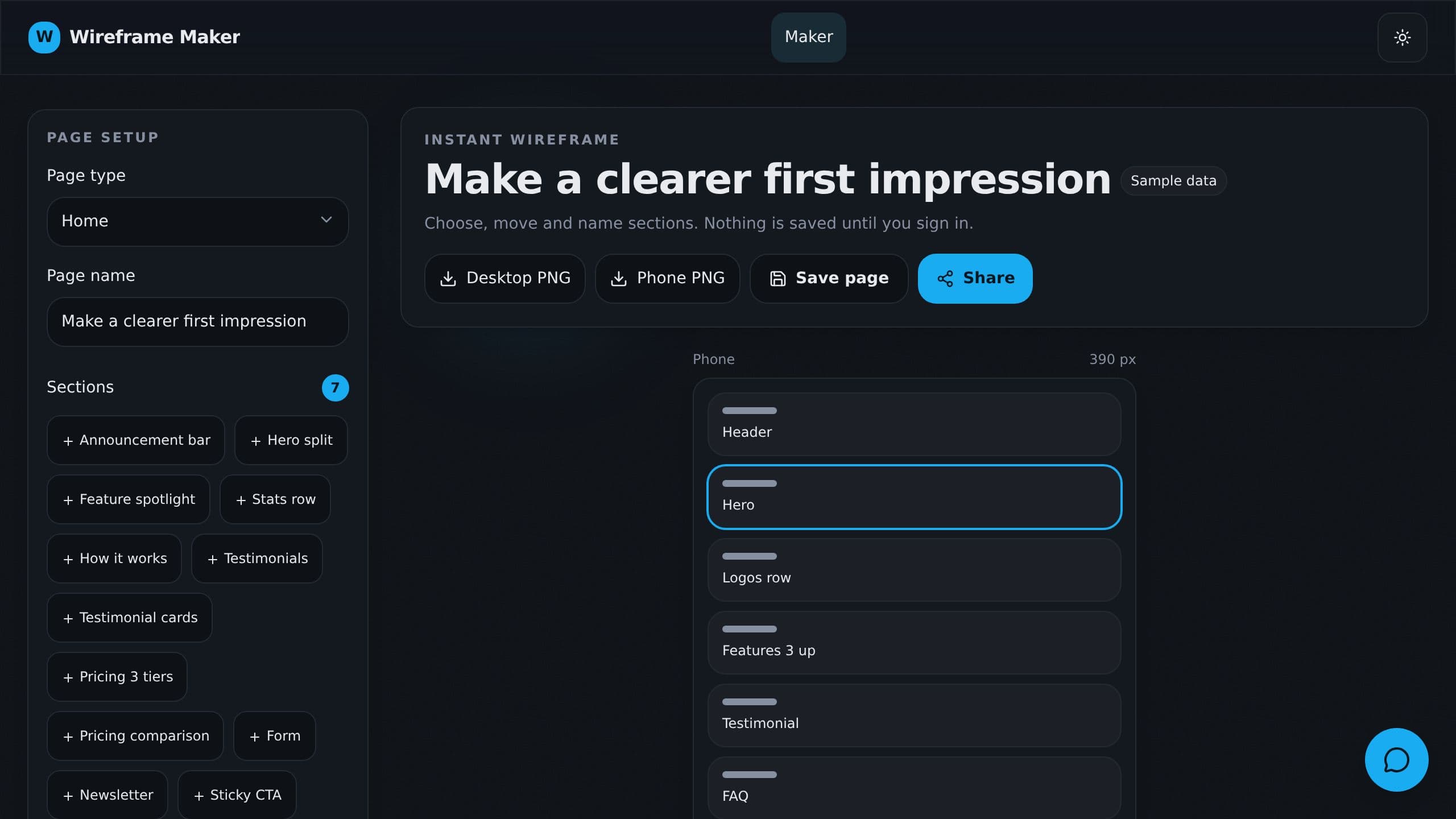
Pick a page type and get a desktop and phone wireframe at once from 40 section blocks. Reorder, label and share for comments.
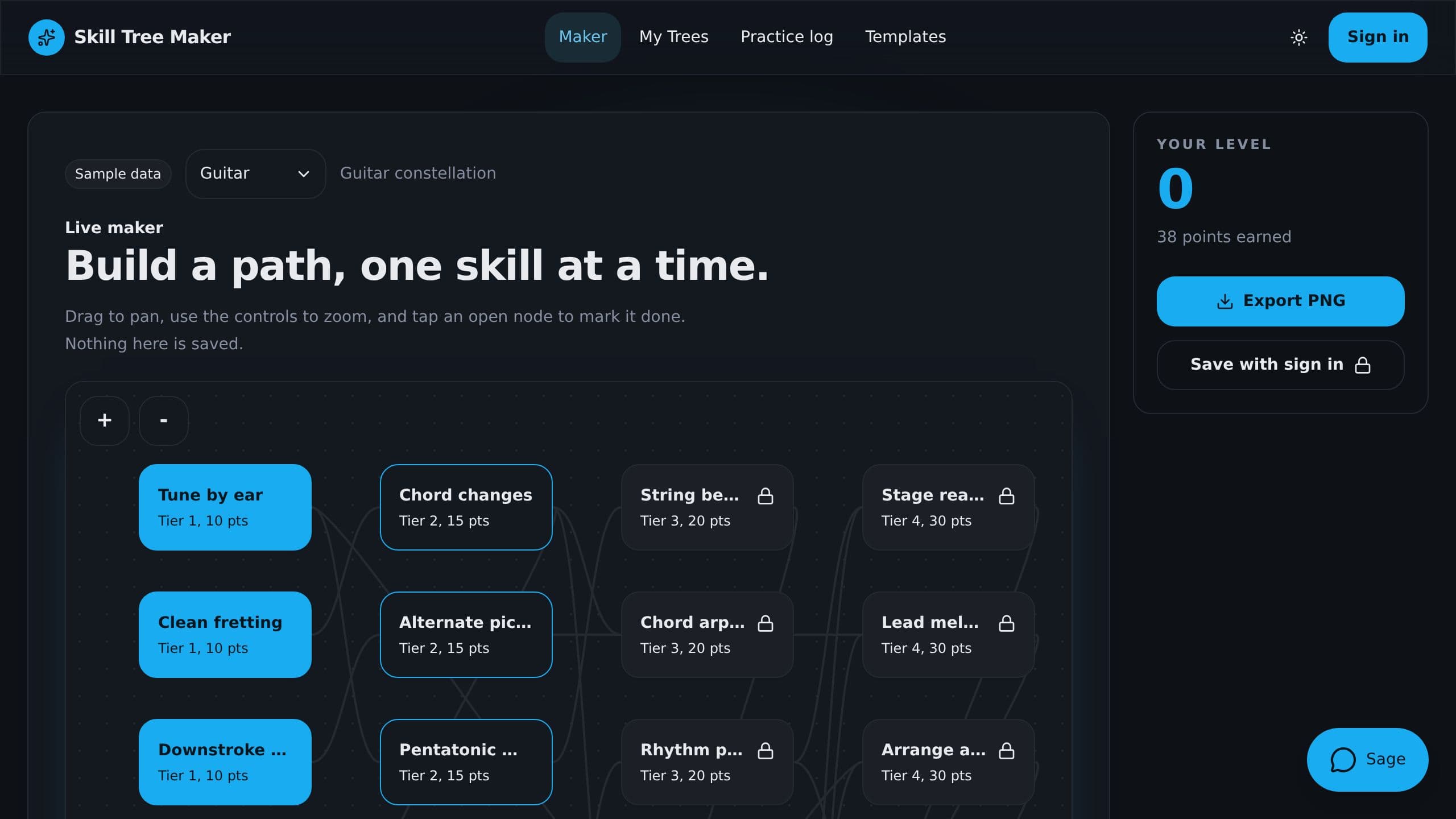
Turn any goal into a skill tree, tap nodes as you master them, track practice and export your tree as an image.
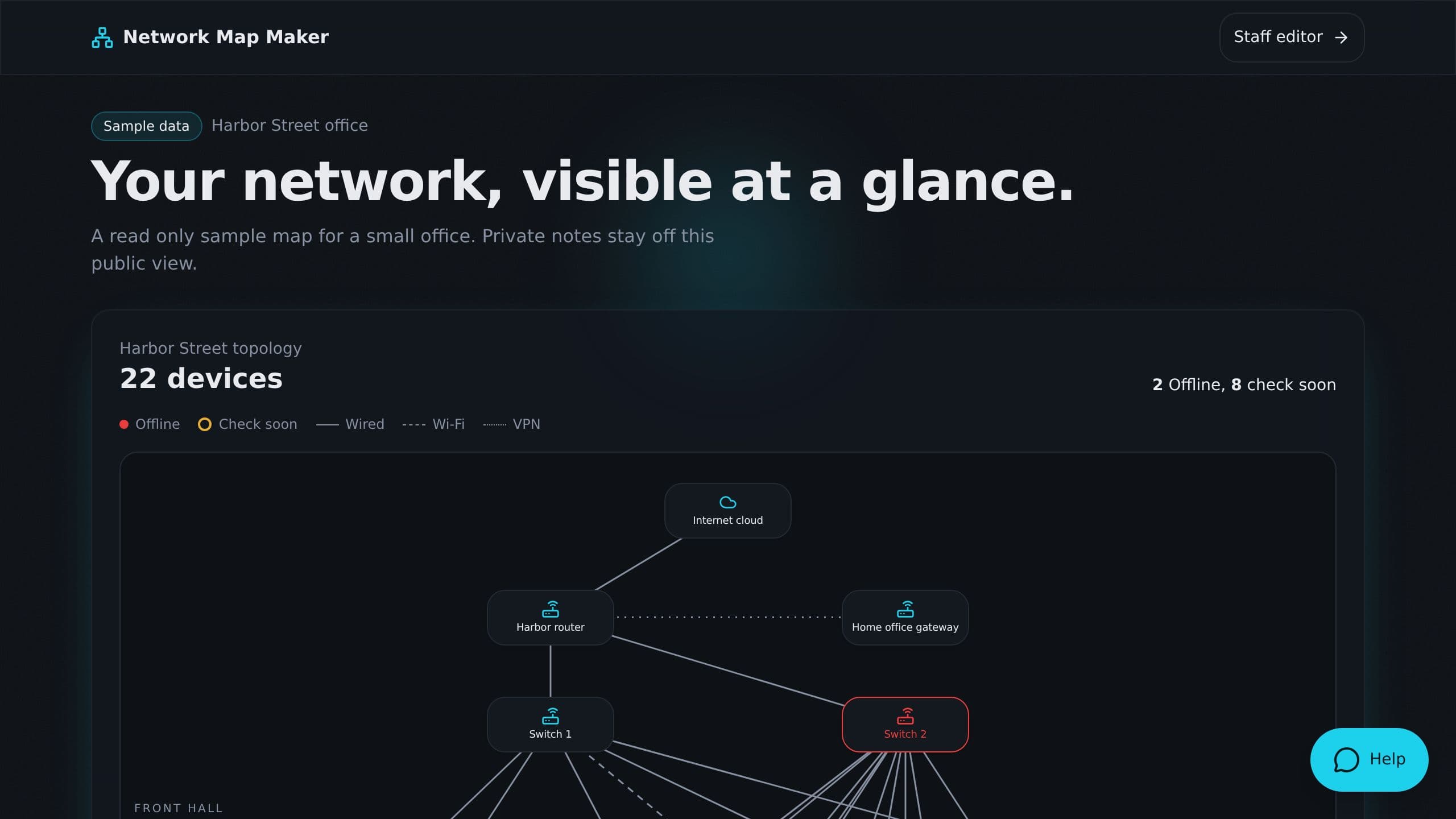
List devices and links, or describe them in a sentence, and get a network map with offline and stale checks.
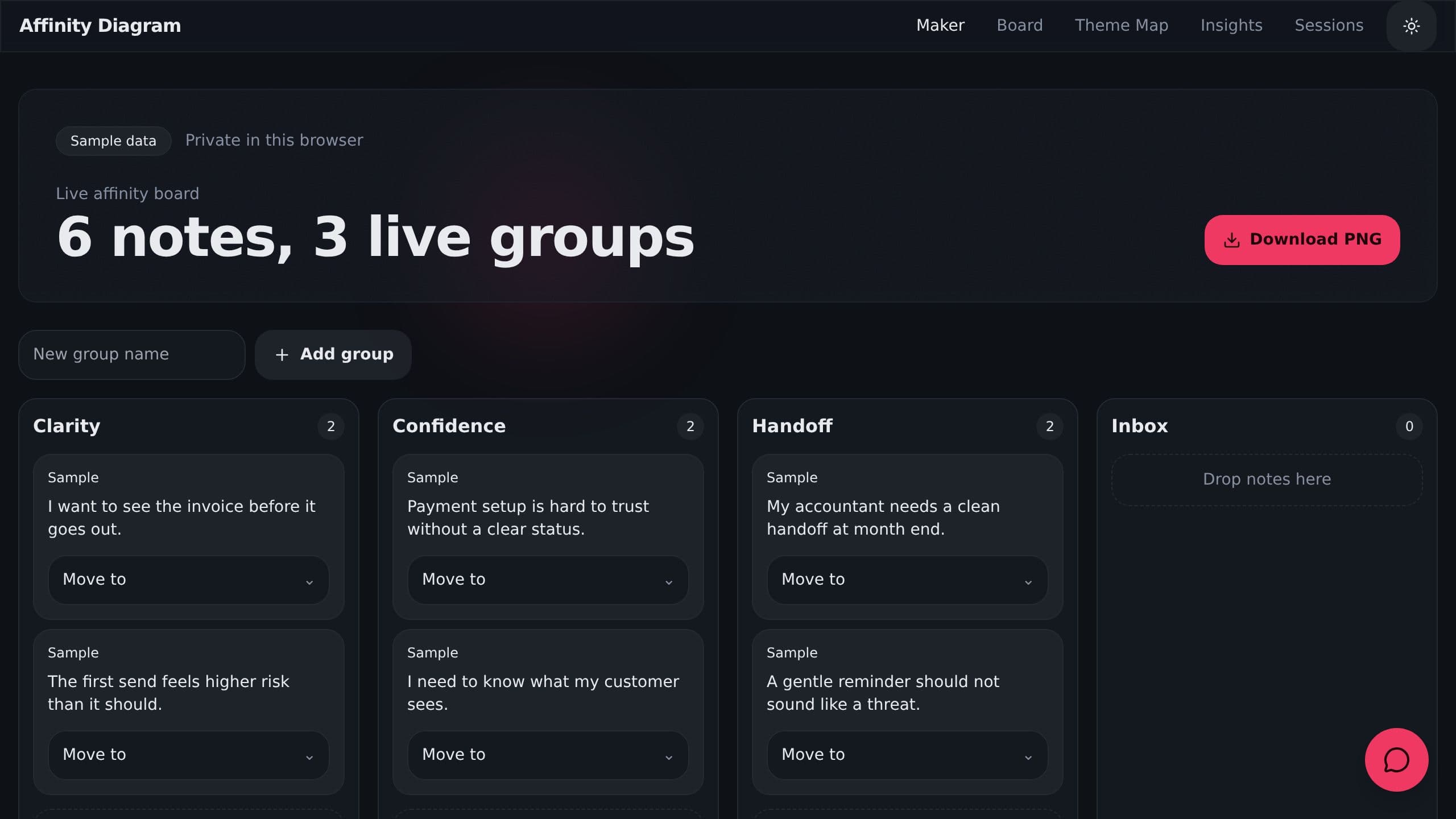
Paste interview notes, group them into themes on a live board, and keep counts, quotes and insights for the product team.
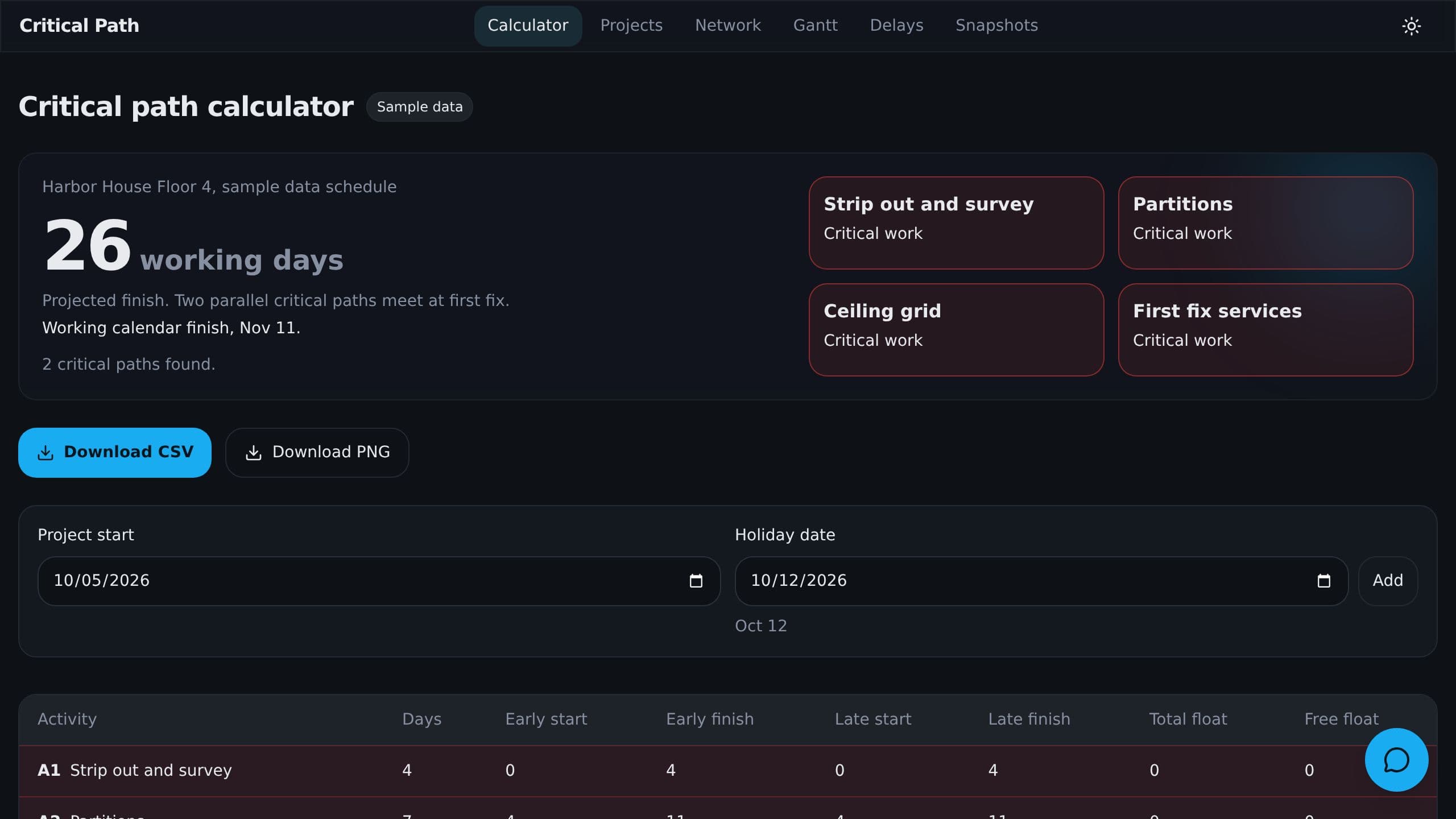
Enter activities, durations and dependencies to draw the CPM network, find the critical path and float, and see when delays move handover.
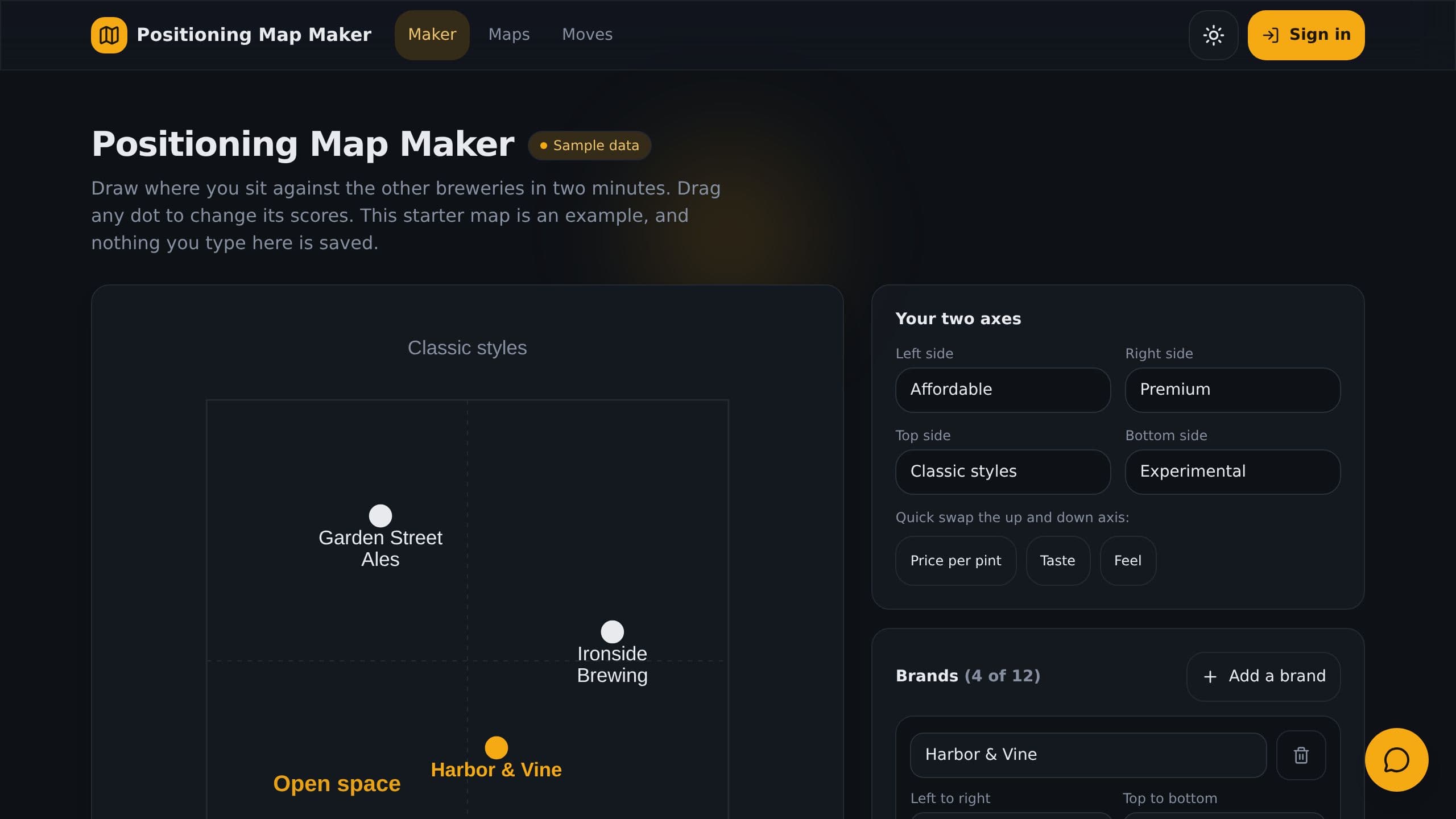
Draw a perceptual positioning map in minutes, drag brands into place, find open space and keep the evidence.
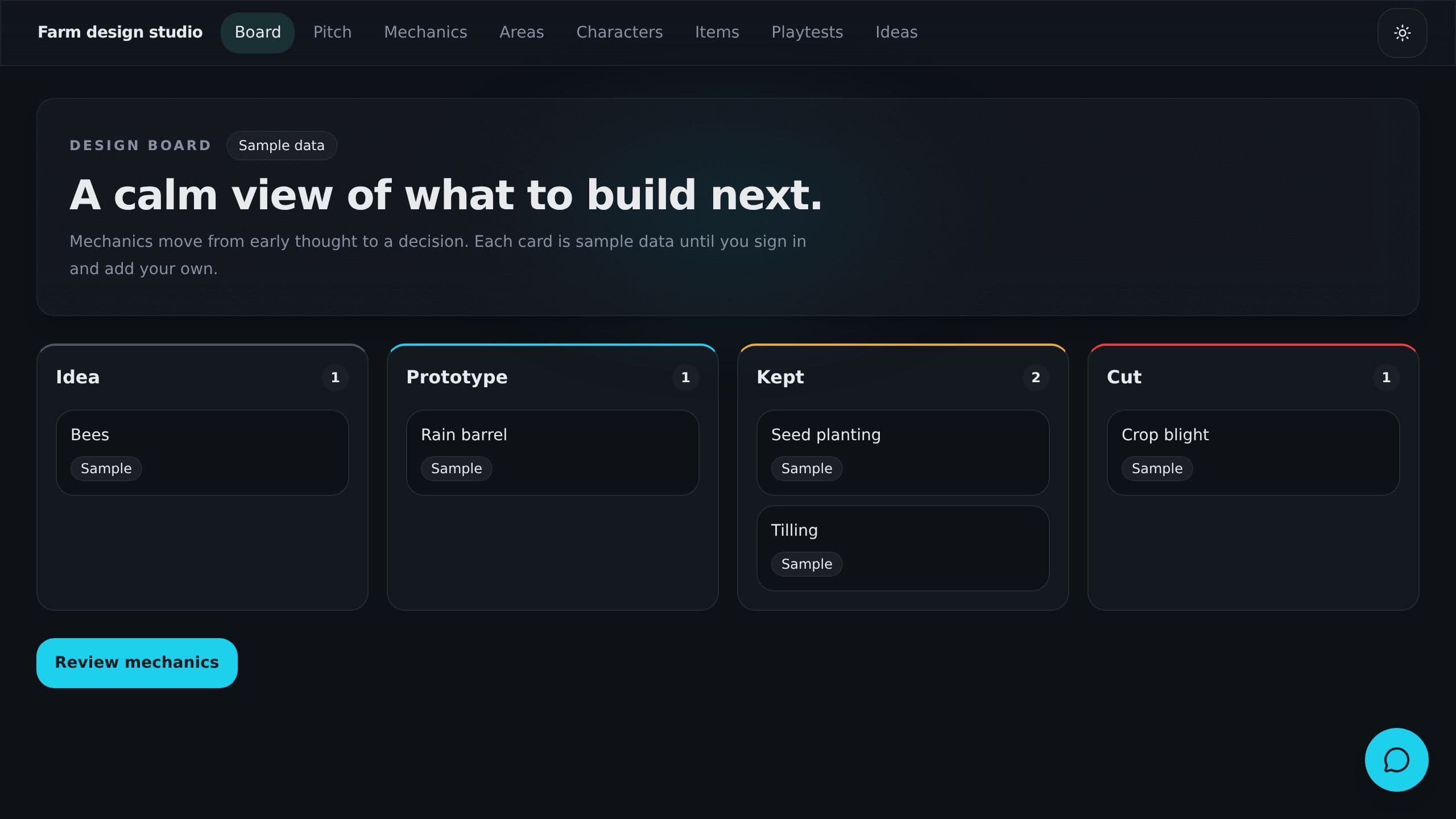
Plan your game with a mechanics board, an area flow, an items economy check and a playtest log, plus a helper that spots gaps.
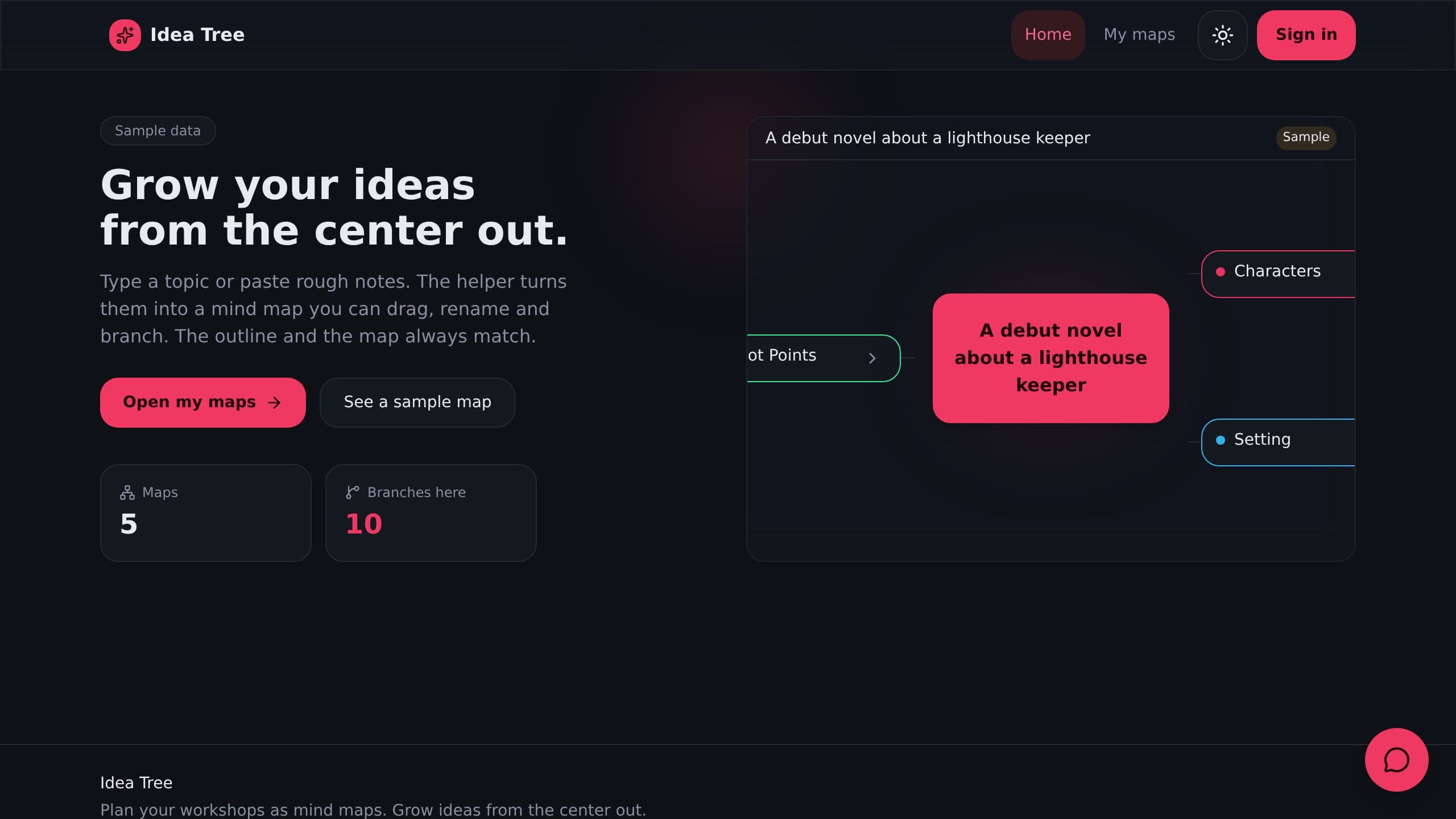
Type a topic or paste notes, get a mind map you can edit, and switch to an outline view. Weekly email of your maps.
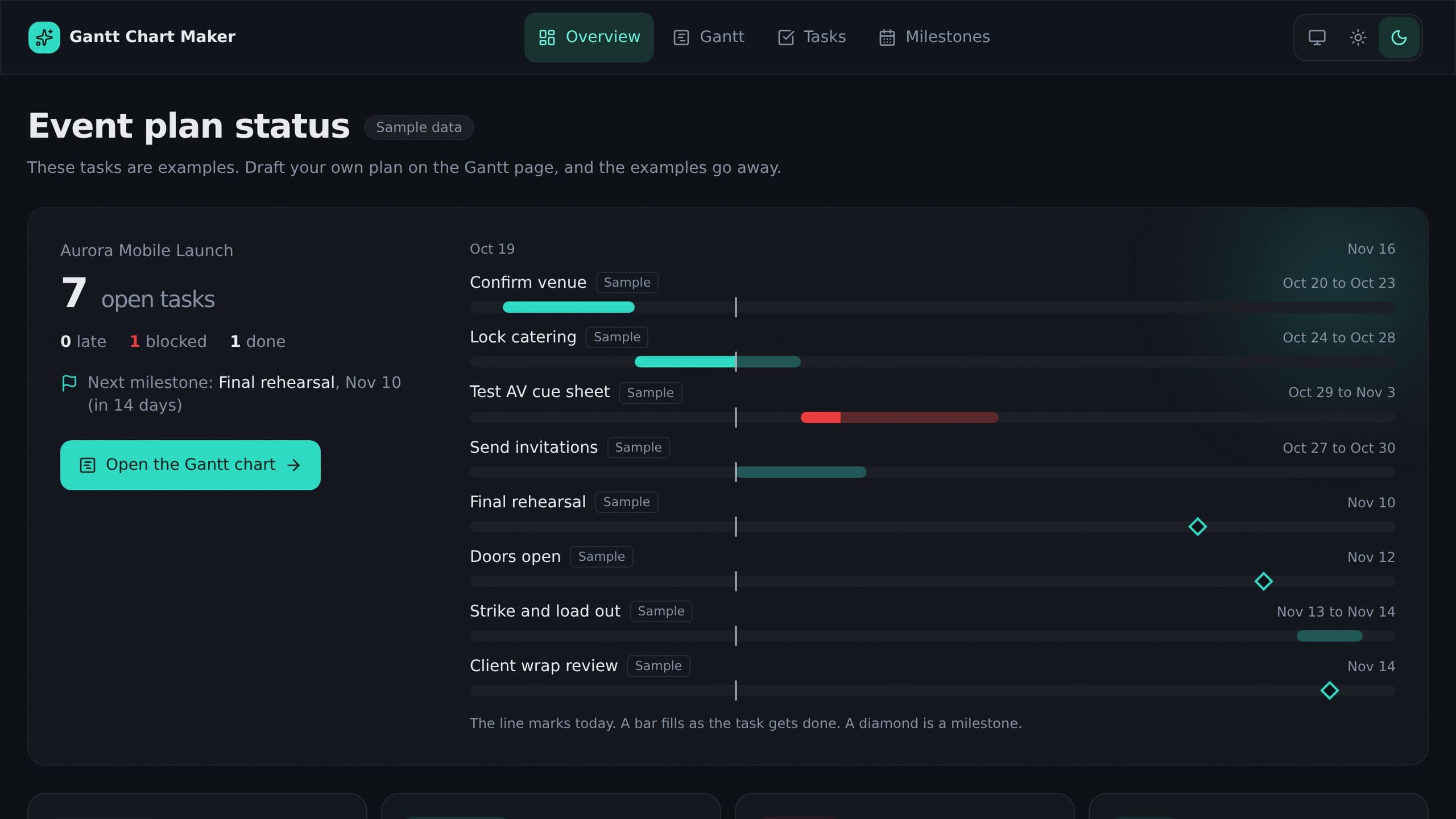
Turn a brief into a dated plan, see it as a Gantt chart with dependencies, and get a Monday list of late tasks.
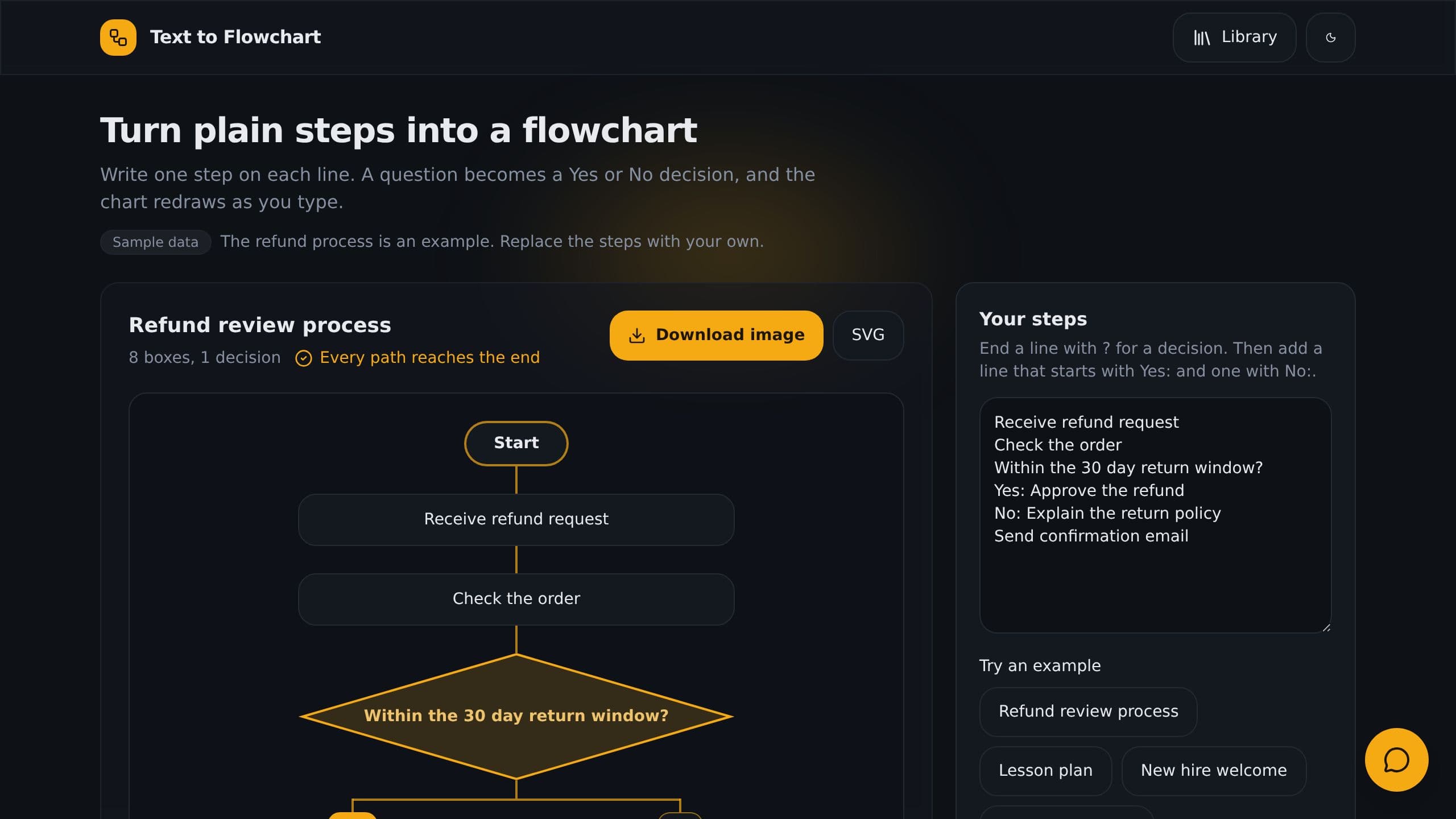
It replaces redrawing a process by hand in a diagram tool. You paste steps, such as a refund process, and it draws a start, steps, yes or no decisions and an end. You edit the steps to change the chart, save charts to a library and download PNG or SVG images. Clone it free and start with sample data.
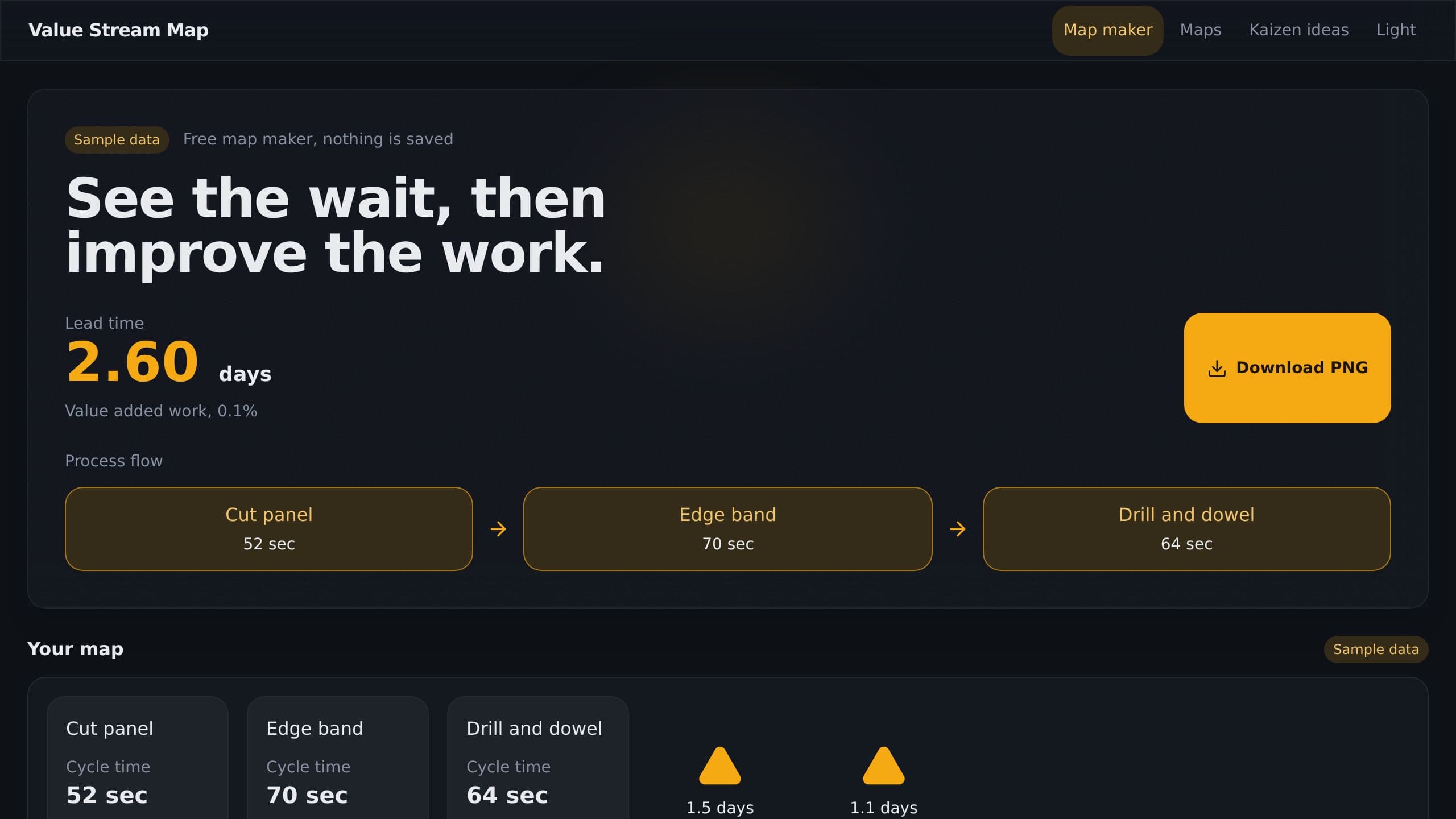
Draw a value stream map with cycle times and inventory, see lead time and value added percent.
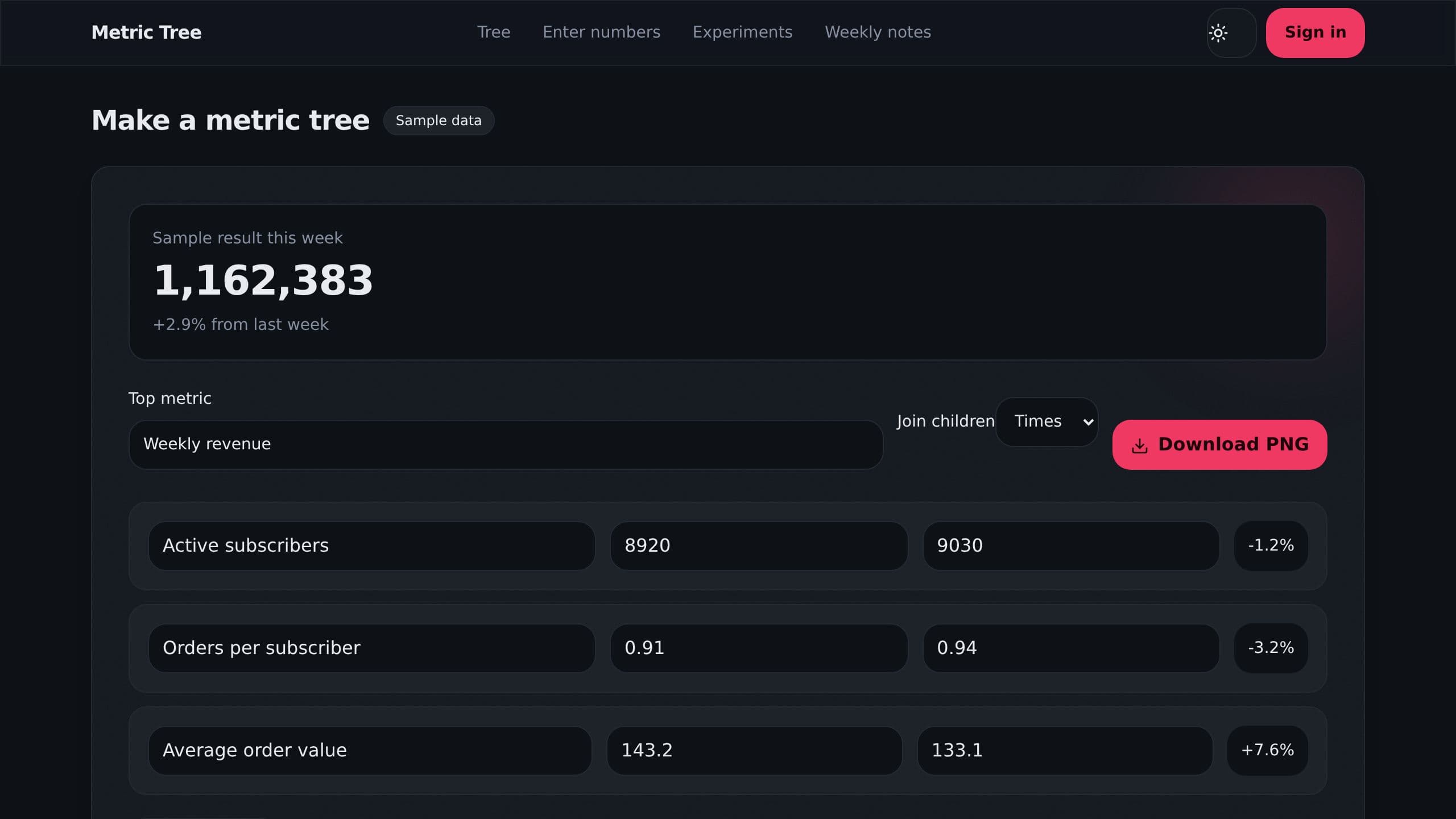
Break revenue into the numbers that drive it, owners enter values weekly, and the tree shows which branch moved.

It replaces the skills spreadsheet that goes stale after the first review. A free page draws a skills heat map. Signed in, each person self-rates skills from 0 to 4 and the manager confirms. The app shows coverage per skill, single points of failure and growth goals. Clone it free and start with sample data.
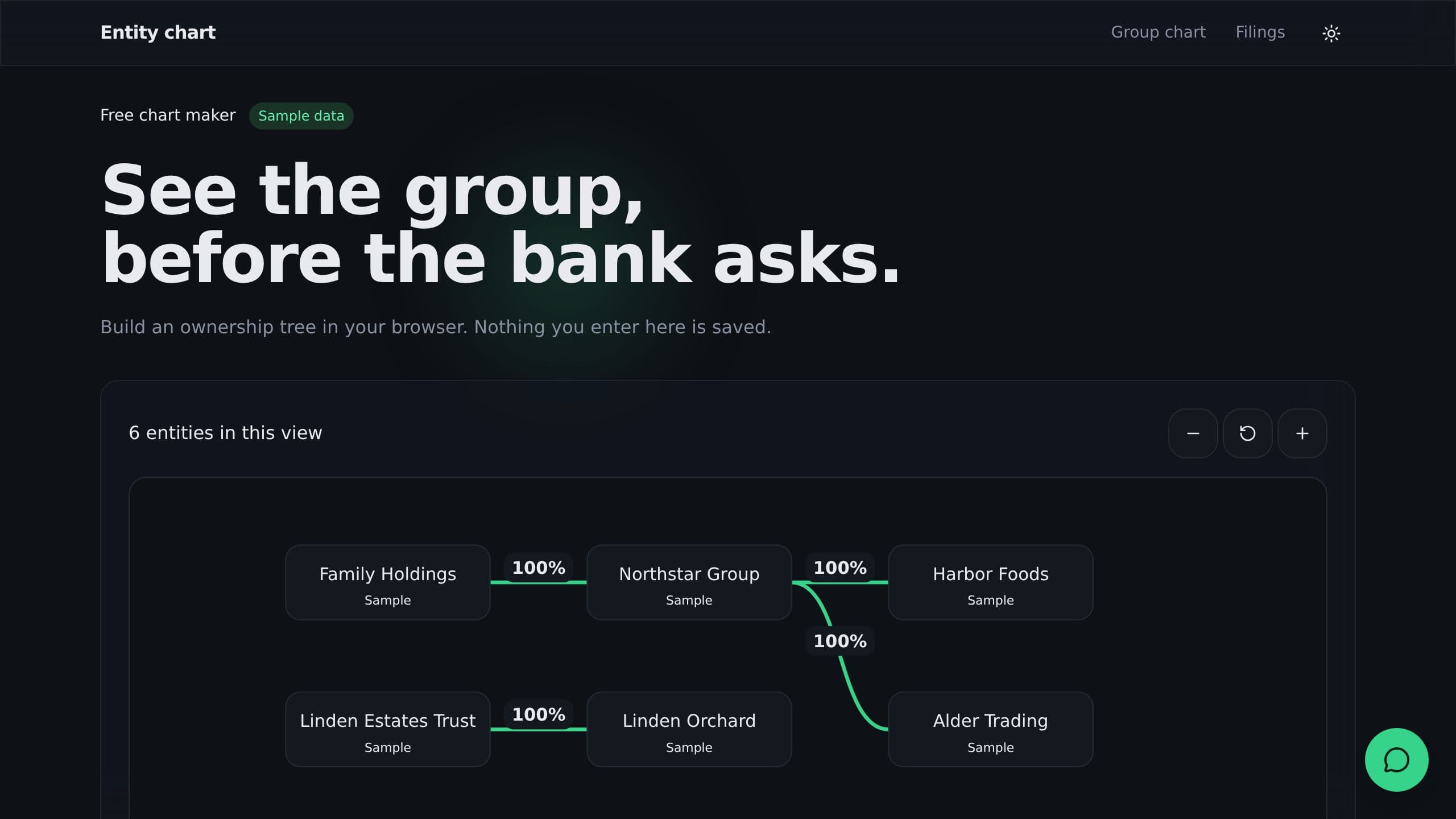
Draw your group's ownership tree with percents, then keep officers and filing dates per entity.
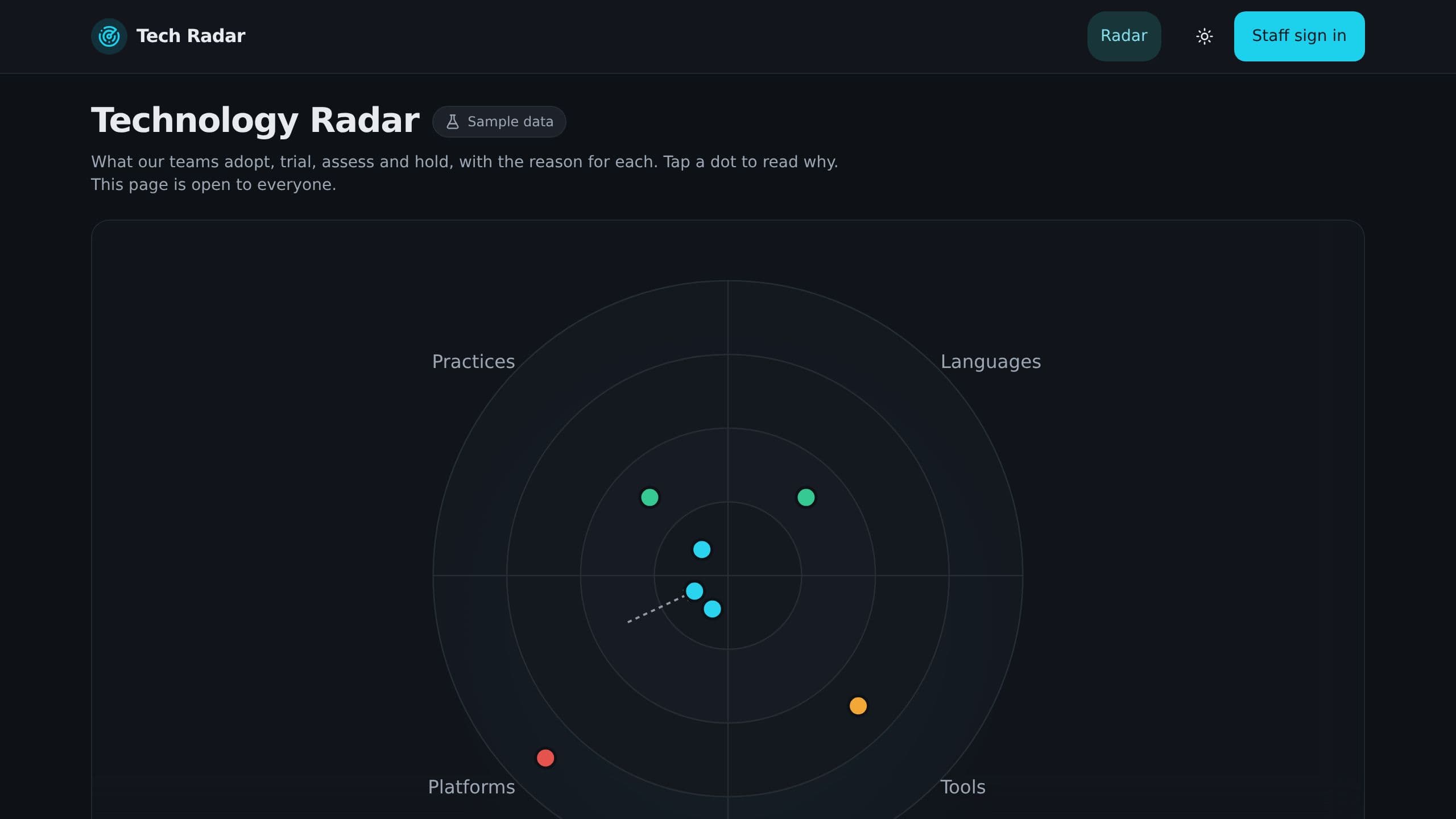
Publish your team's tech radar with Adopt, Trial, Assess and Hold rings, and get weekly news on each entry. Engineers propose ring moves and vote.
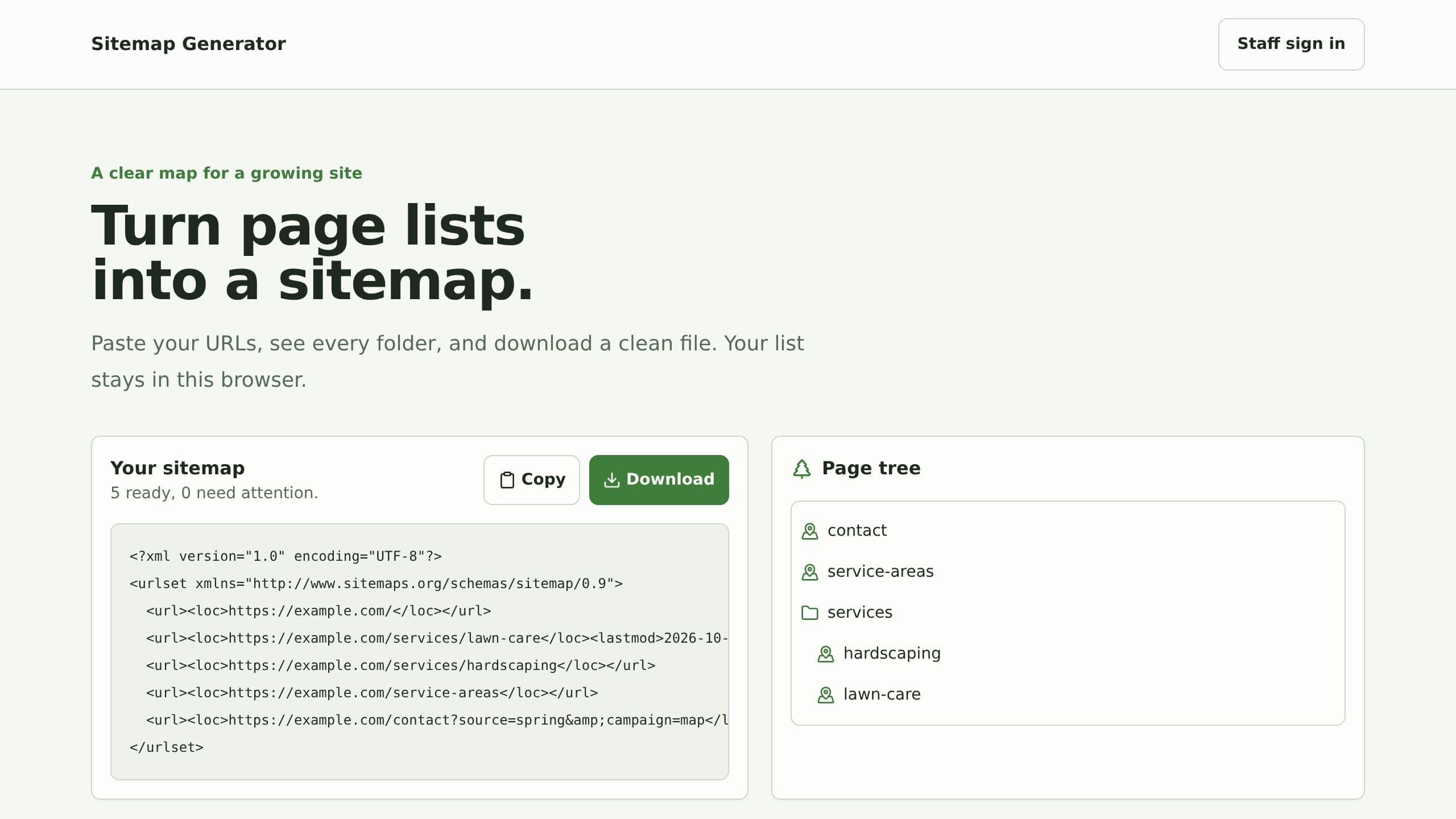
Paste your page list to get a valid sitemap.xml and a page tree, then plan a redesign with statuses and redirects.
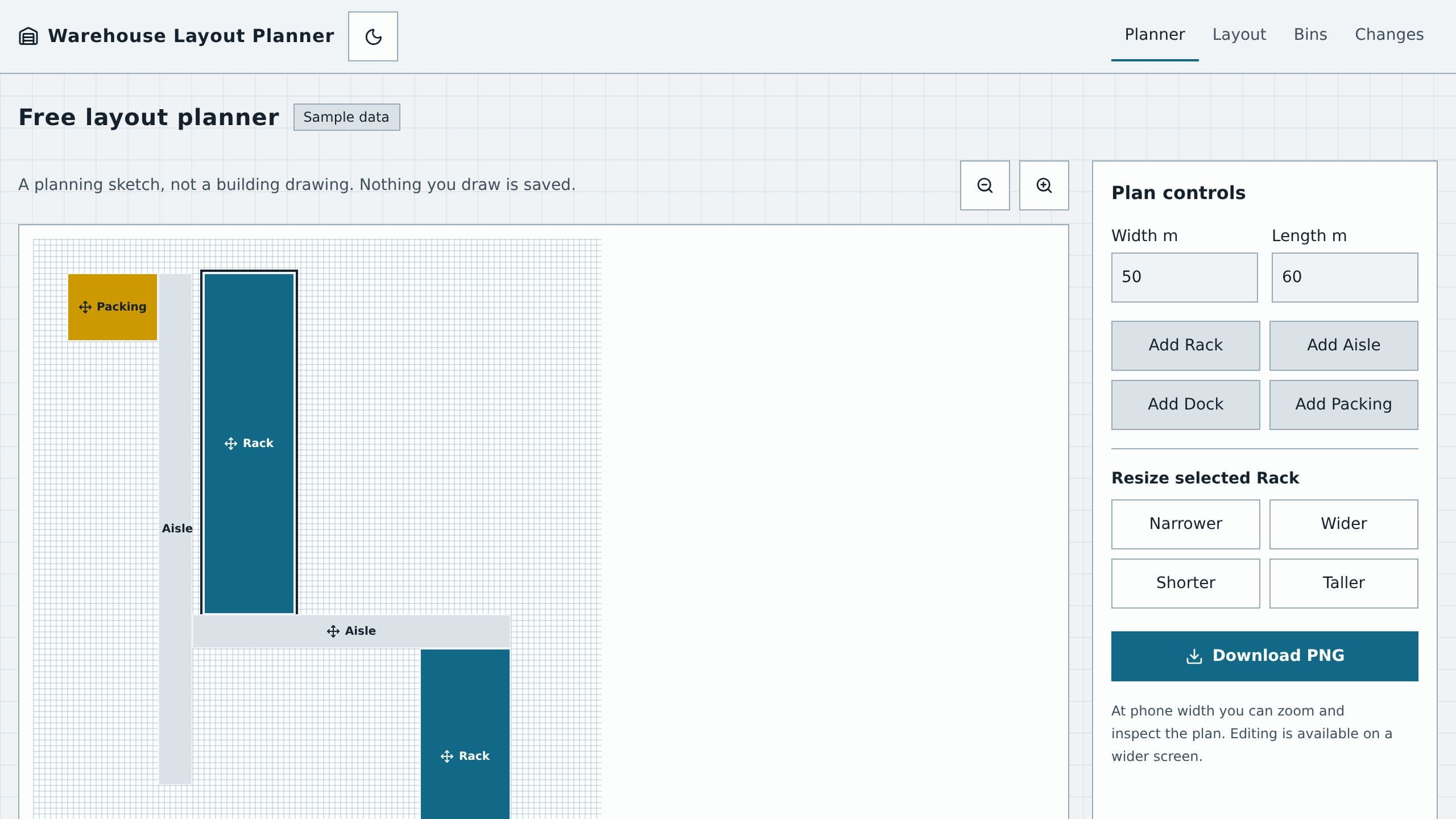
Draw racks, aisles and docks on a grid, see walk distance to packing, and keep bins by picks.
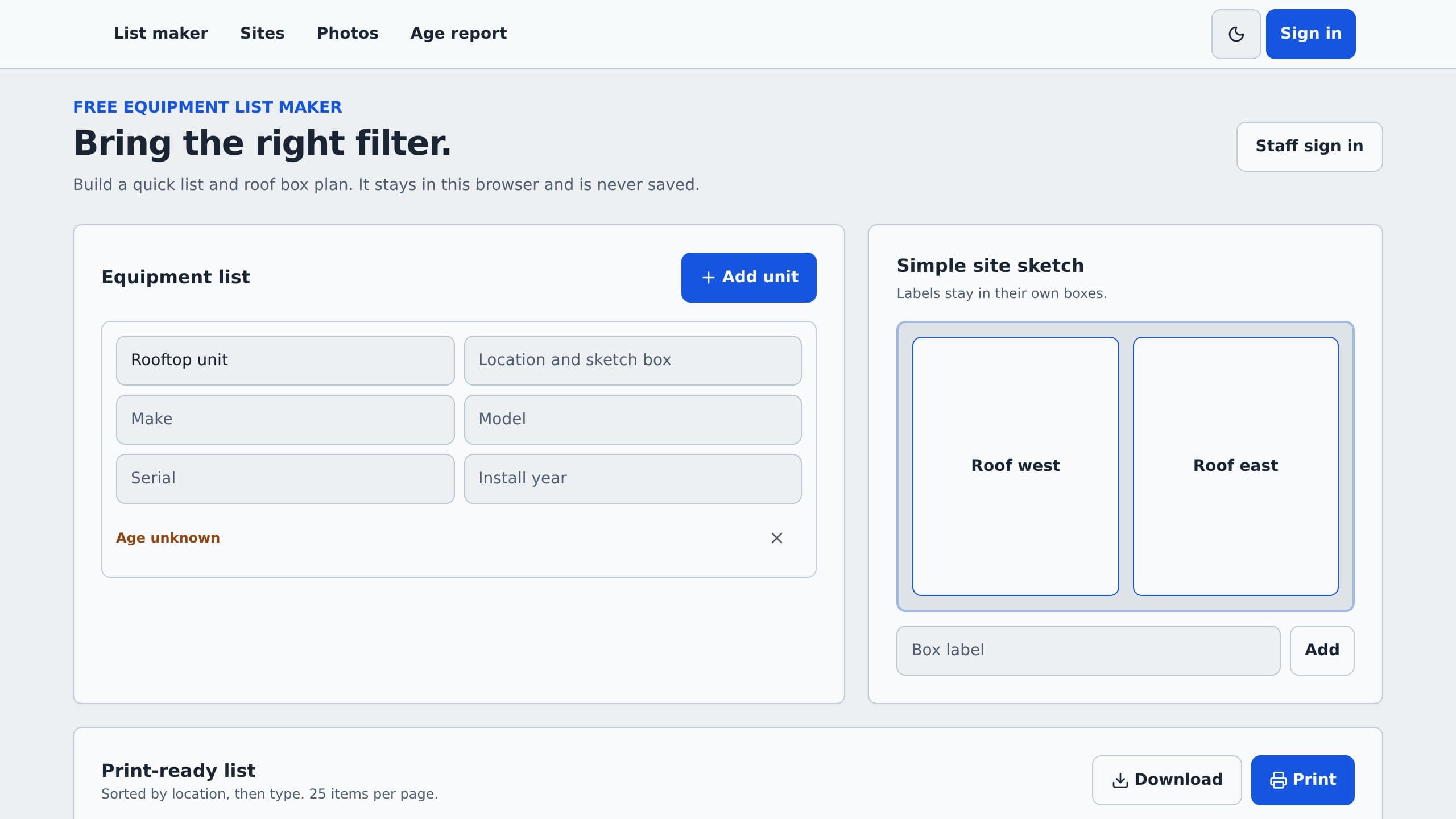
It replaces the clipboard notes and the phone photo roll. The survey shows what needs repair. Made for the owner of a commercial HVAC service company that services 60 buildings. The public page needs no sign-in. Clone it free and start with sample data.
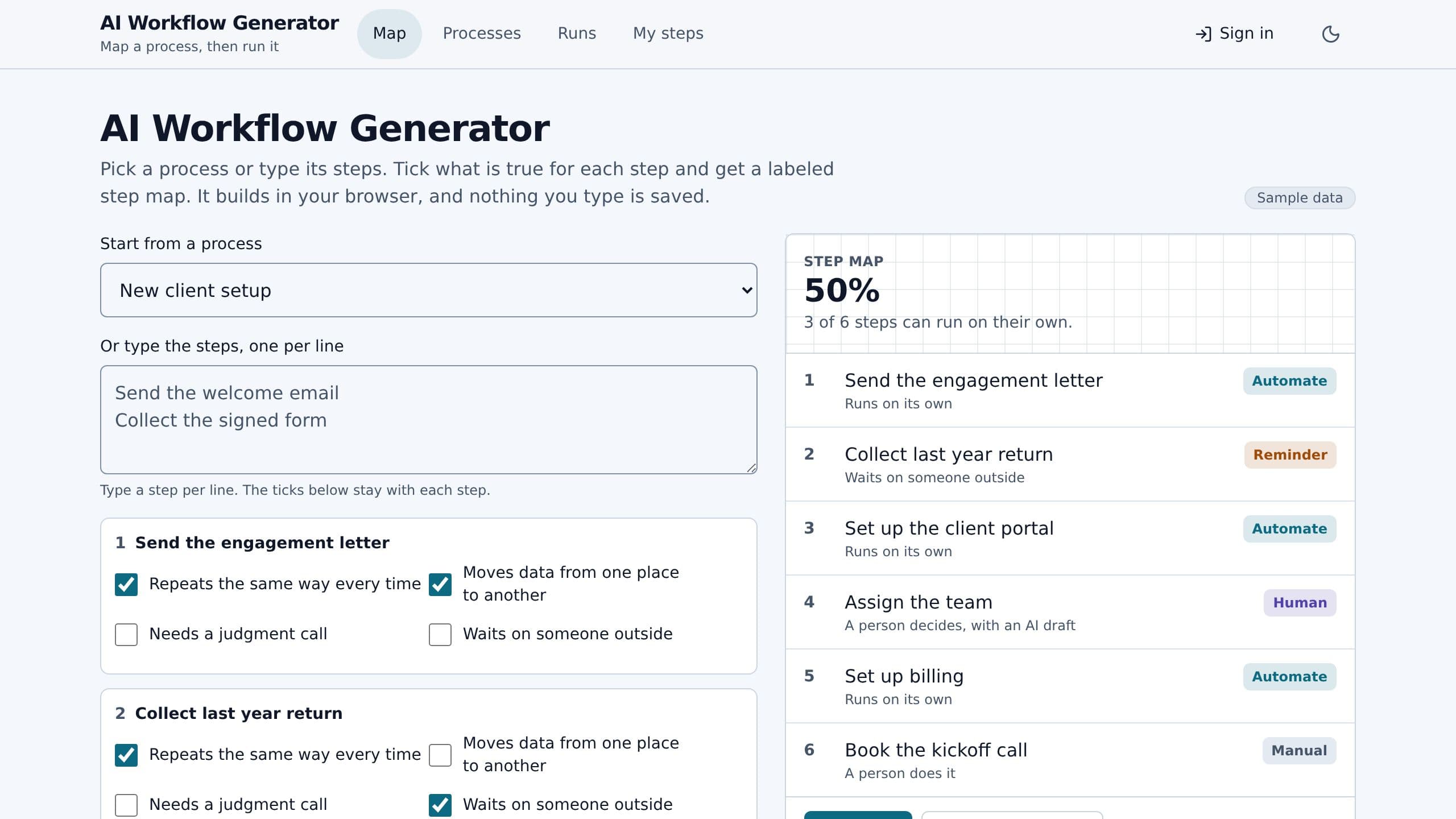
Pick or type the steps of a process and get a numbered map that labels each step Automate, Human, Reminder or Manual. Then run it as a checklist every time.
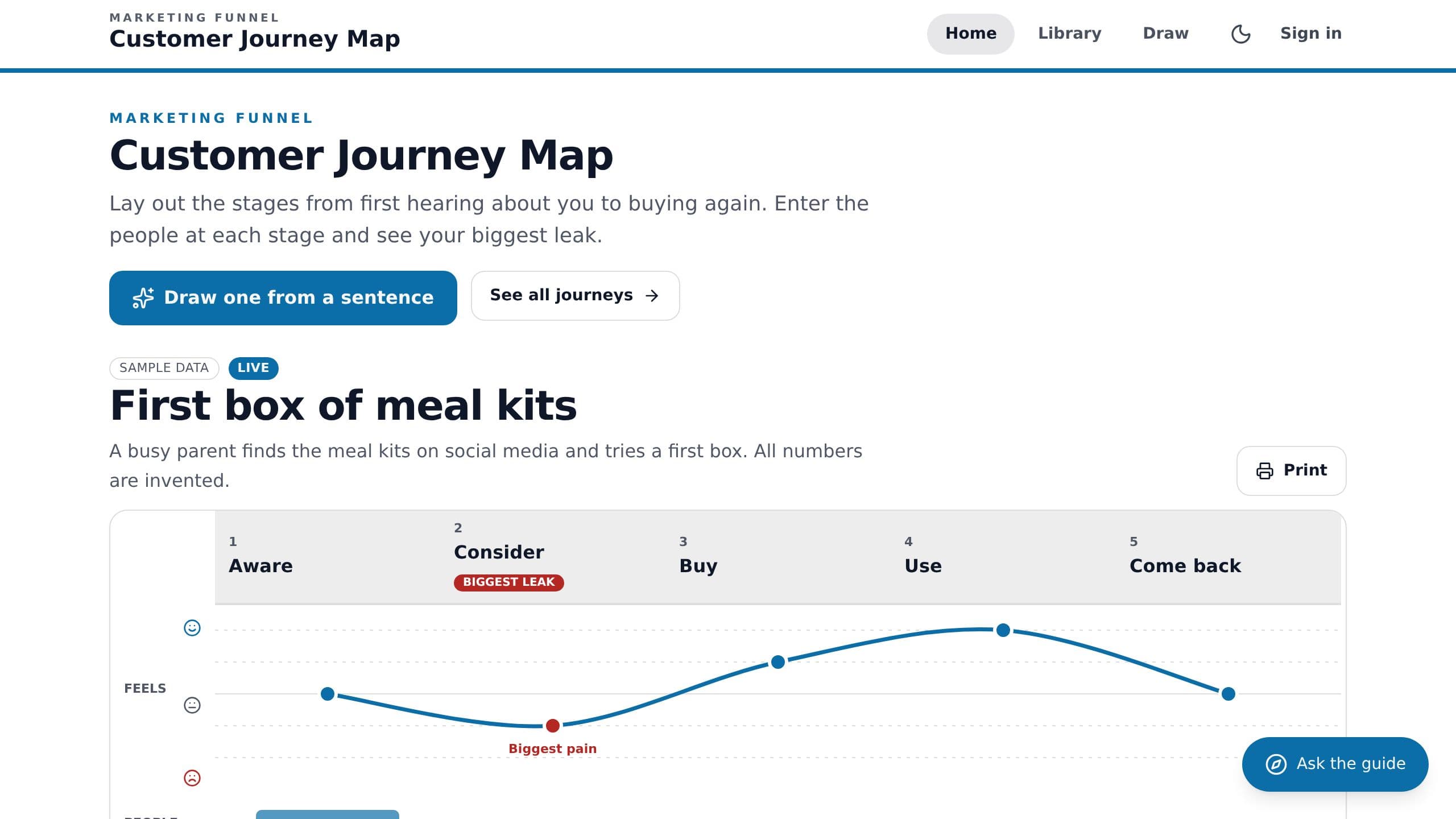
Lay out stages from Aware to Come back, with touchpoints, feelings and the number of people at each stage. It draws a funnel, marks the biggest leak and ranks ideas by lift and effort. A Monday email shows each live journey. All sample numbers are invented.
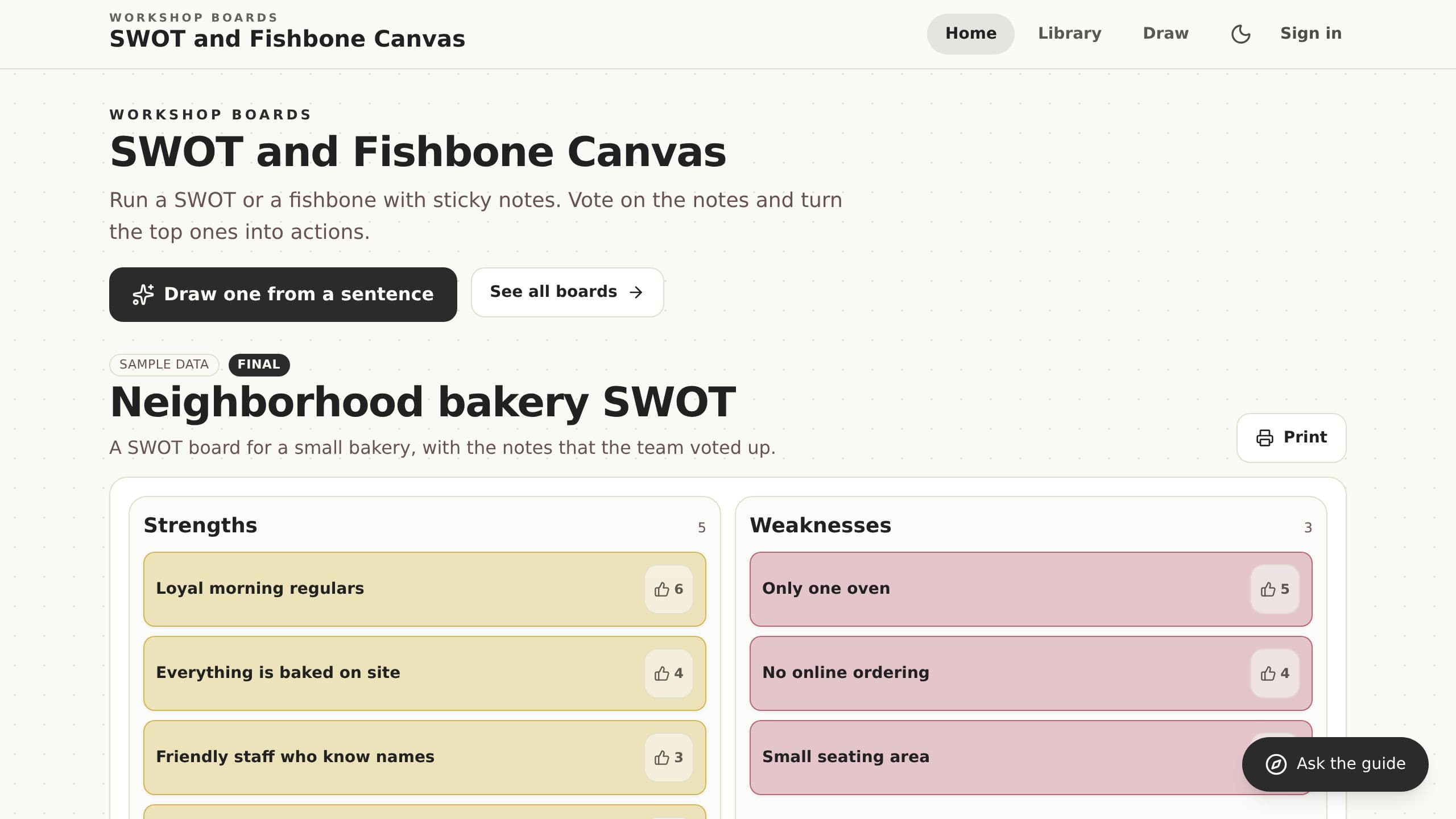
A canvas for workshops with two boards: a SWOT with four boxes and a fishbone with six cause bones. Add sticky notes, vote on them and turn the top ones into actions. A helper drafts a board from one sentence, and a Friday email lists open actions.
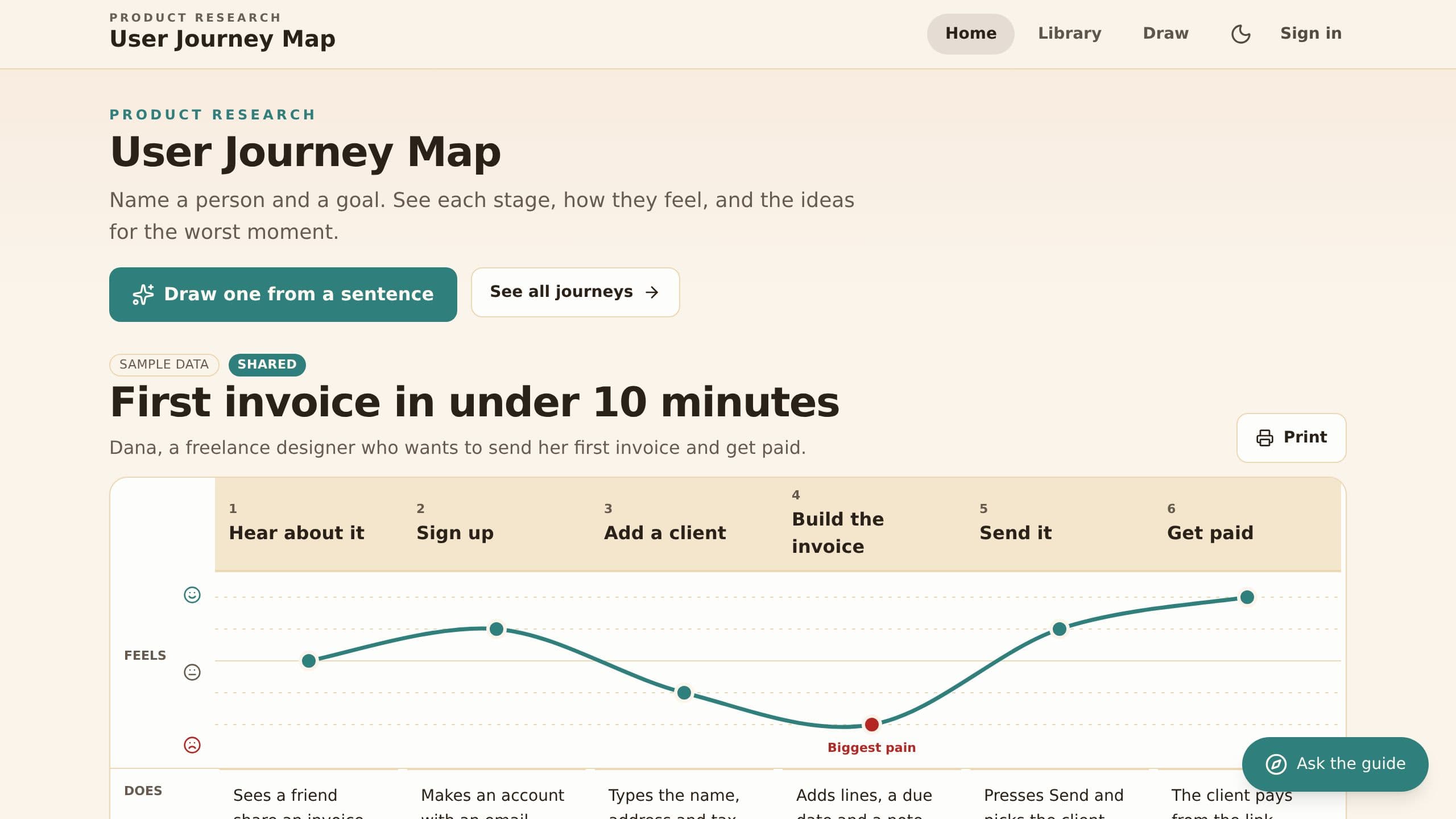
Name a persona and a goal, and a helper drafts the stages with what the user does, thinks and feels. A feeling line marks the lowest point as the biggest pain. Ideas for each stage sit on a board, with small ones first. A Monday email lists quick ideas.
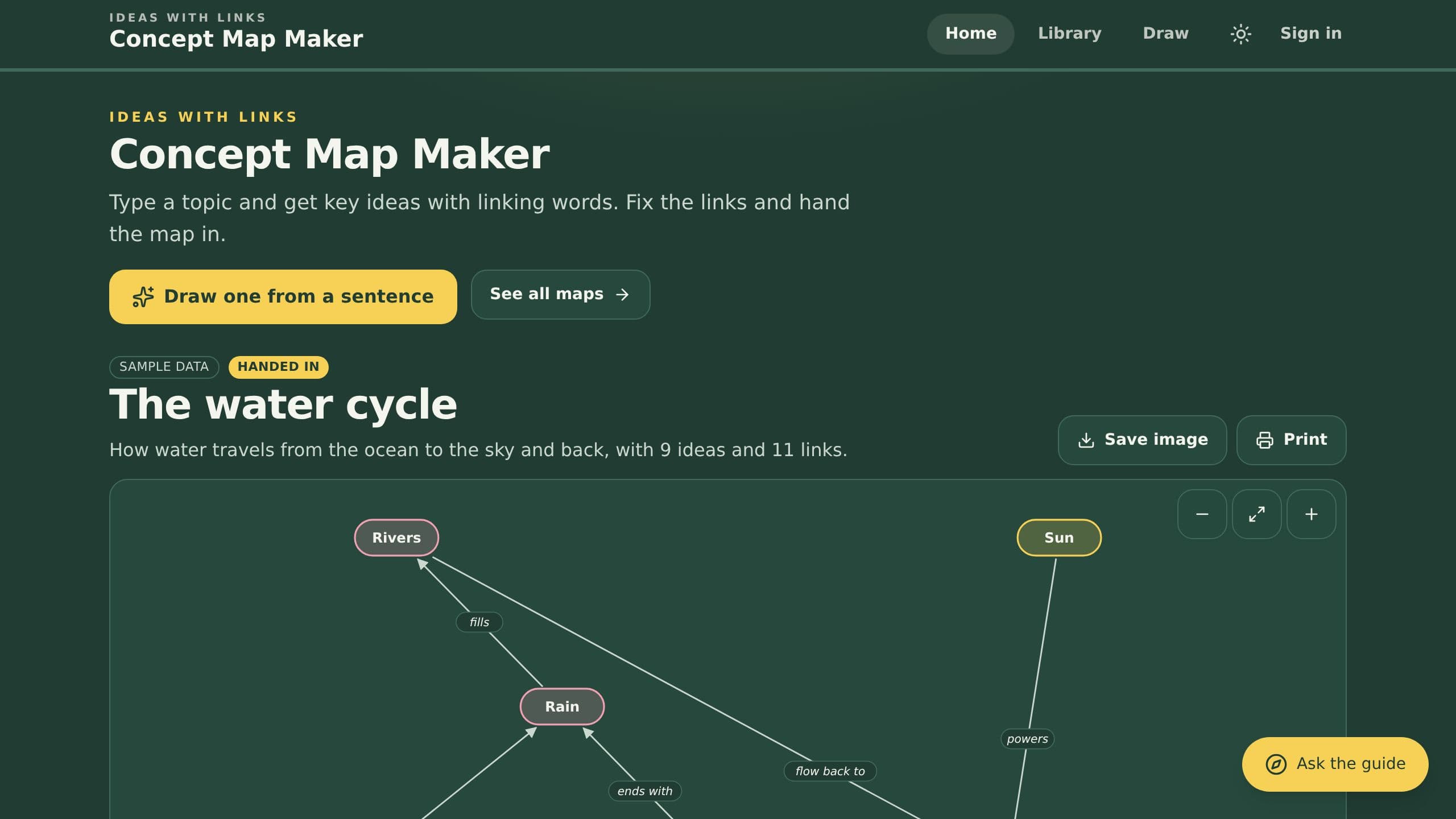
A student types a topic and a helper suggests key ideas with linking words. The map draws itself from the center out, with the words on the lines. Fix a link, add an idea, print it or save it as an image. A Friday email tells the teacher which maps were handed in.
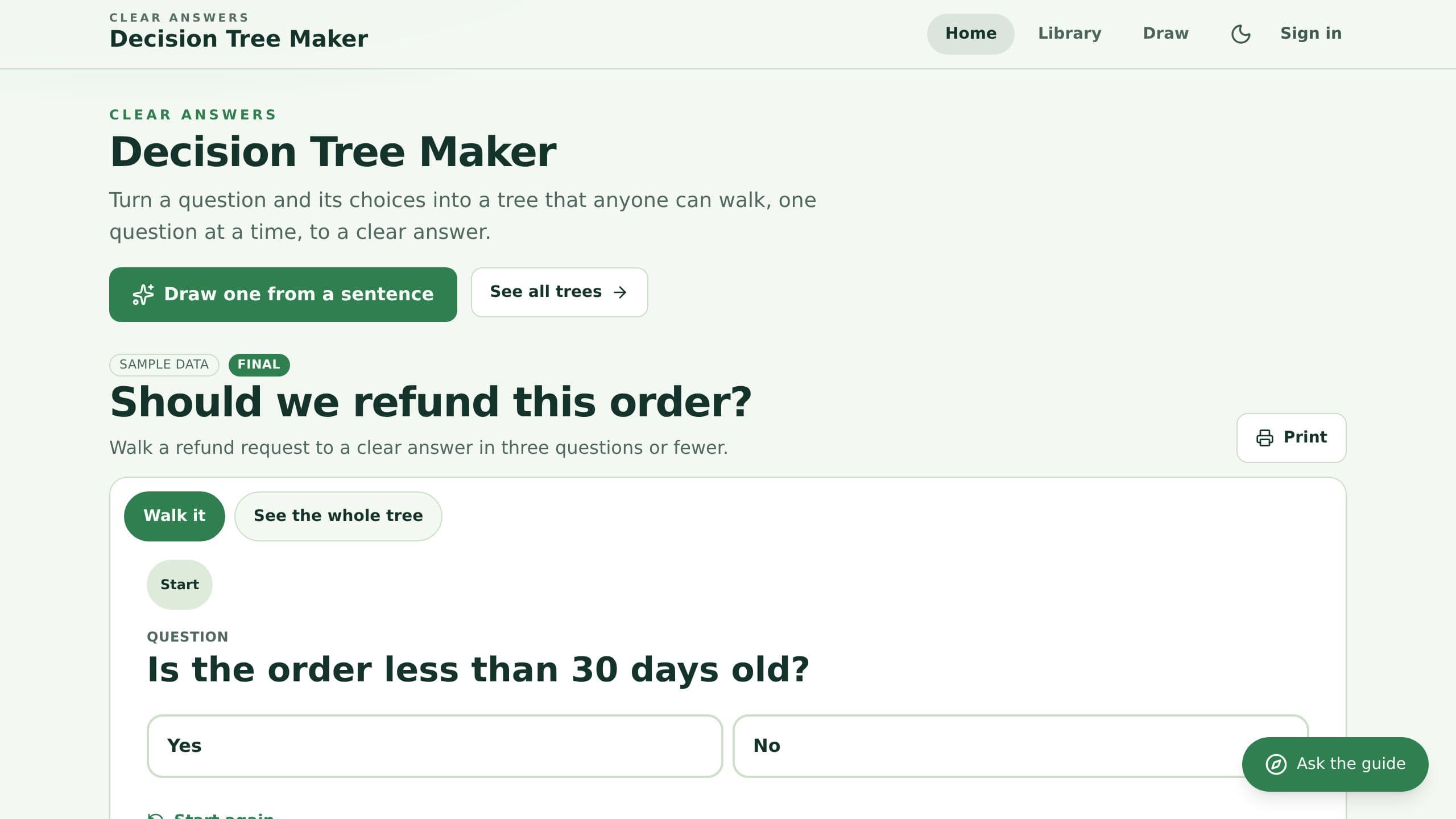
Type a question and its choices, and a helper lays out the branches. Anyone can click through the tree to an answer, and you can see the whole tree on one page. Each finished walk is kept, and a Monday email shows what people reached.
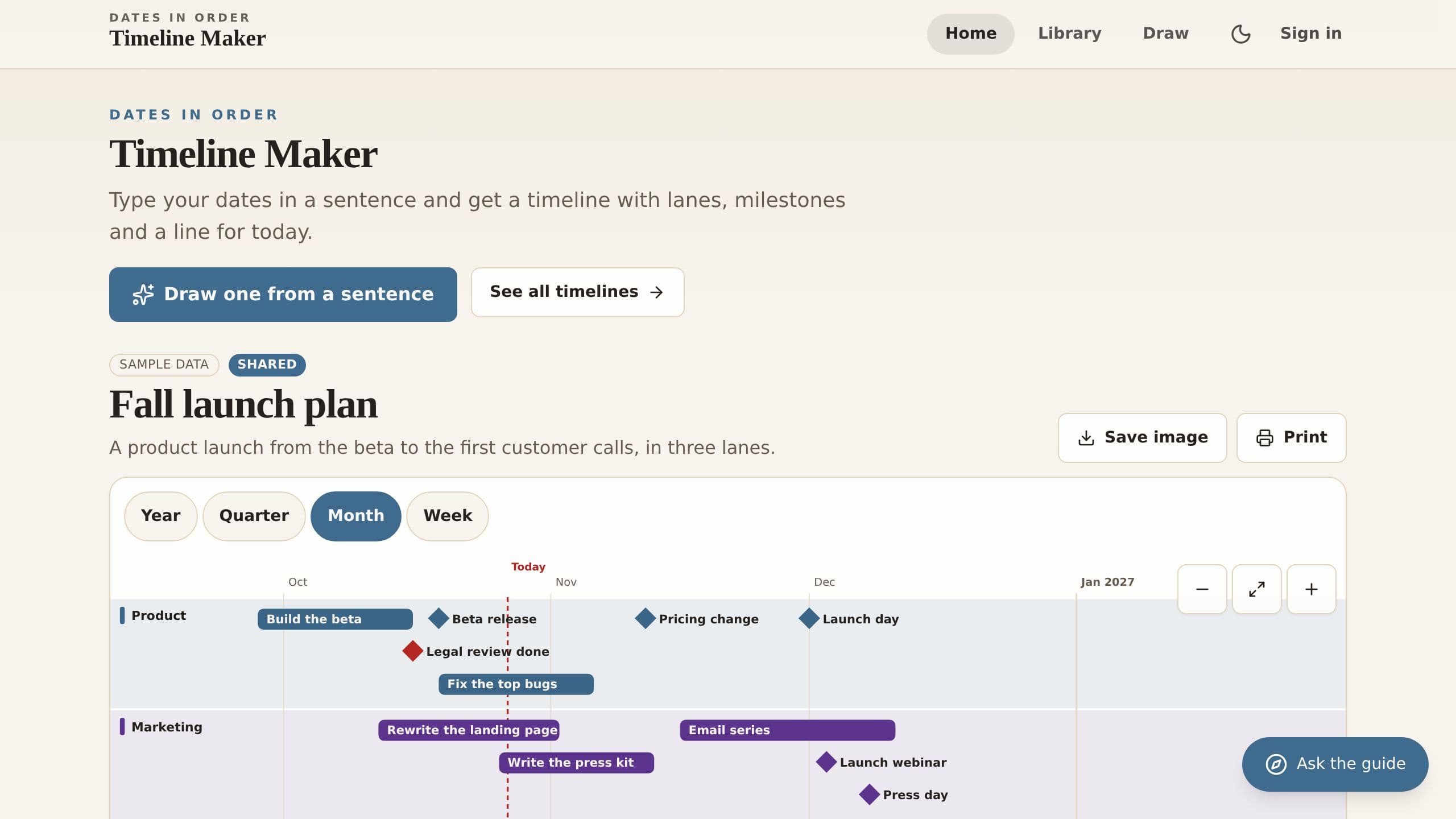
Type your dates in a sentence and a helper draws a timeline with lanes, bars, milestones and a today line. Zoom from year to week, print one page or save an image. A Monday email lists milestones due soon and the late ones.
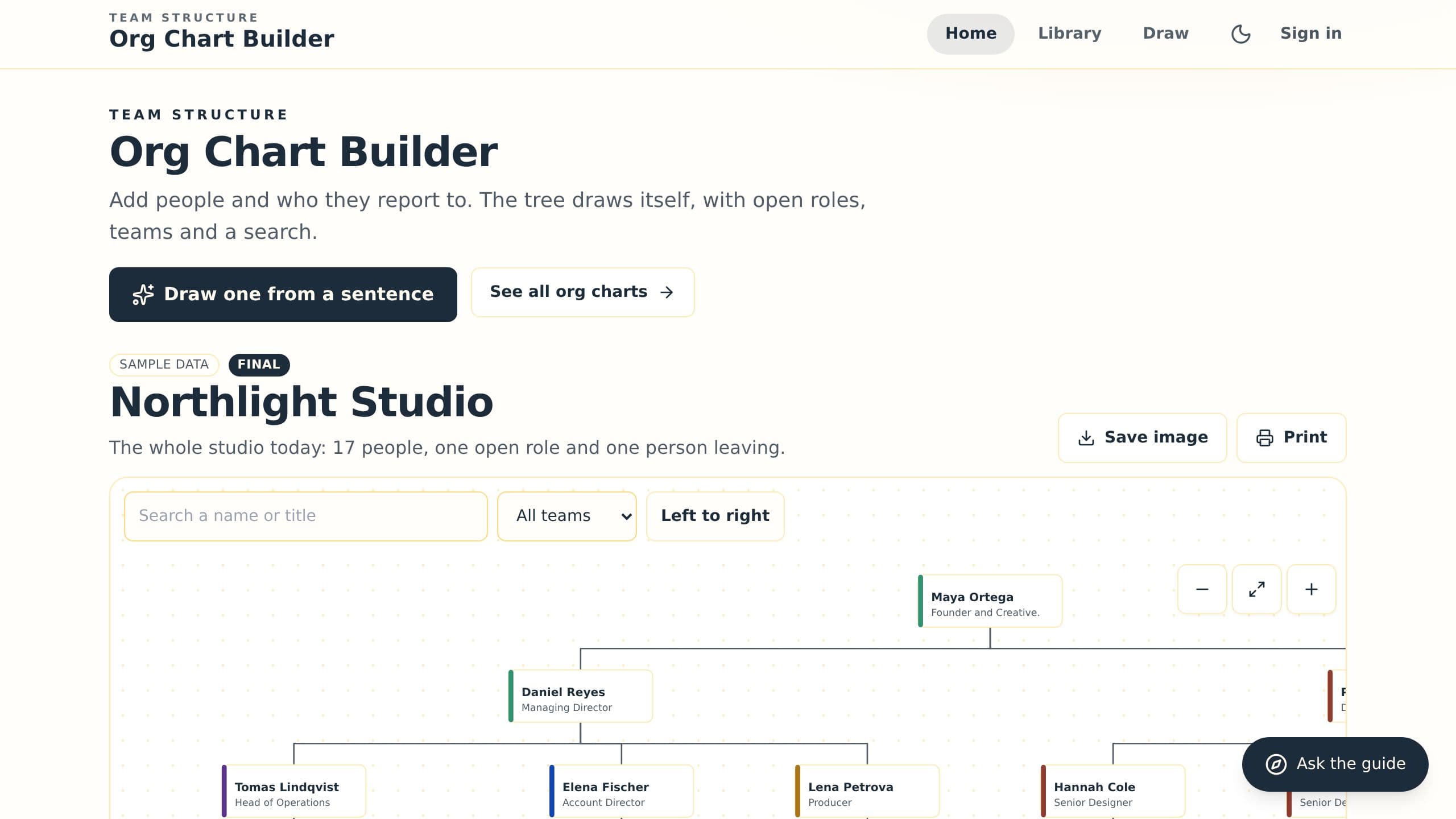
Add people and who they report to, and get a clean org chart that draws itself. Open roles show as dashed boxes, teams get a color, and you can search, print one page or save an image. A Friday email lists new starts, open roles and people leaving.
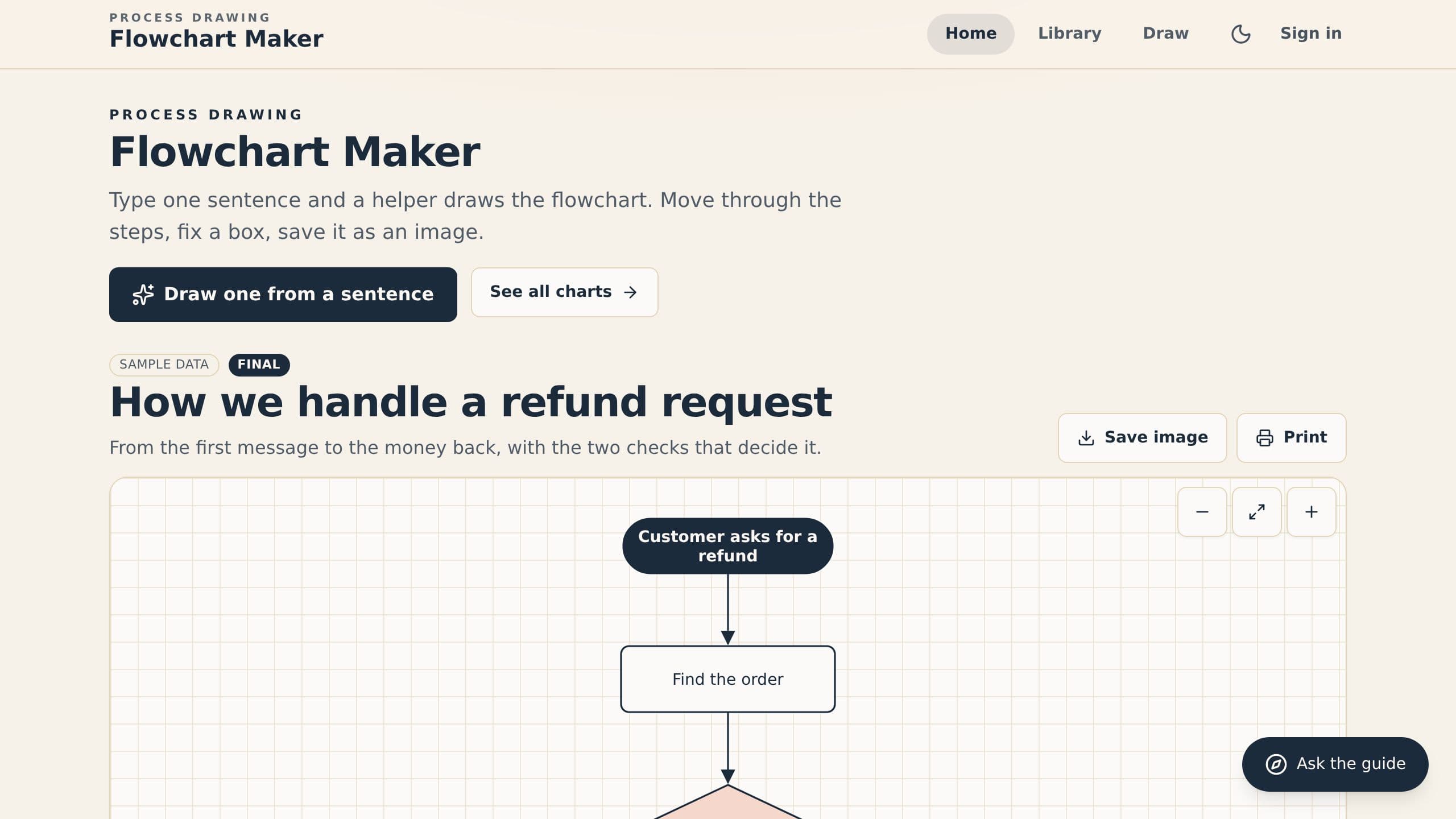
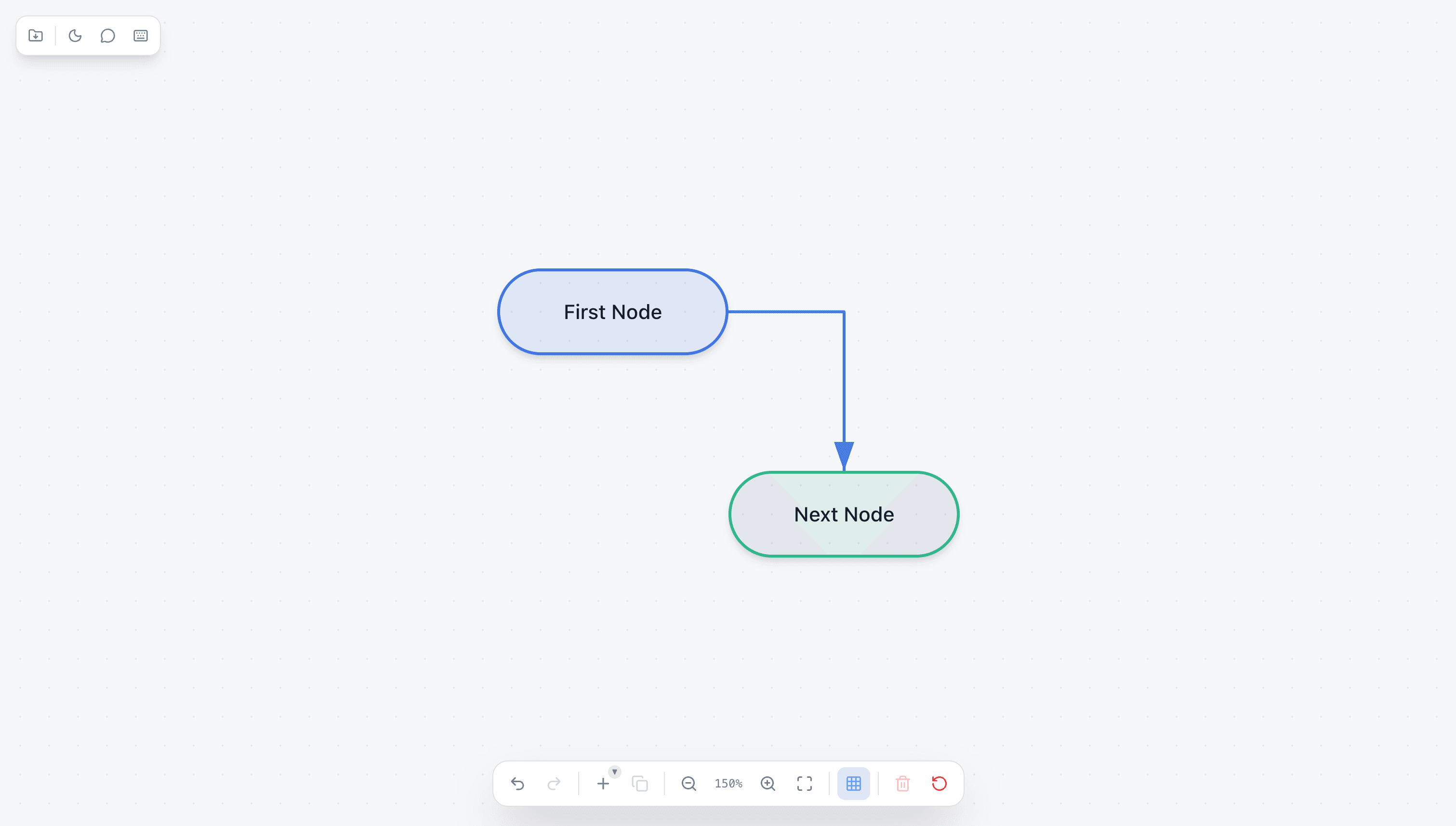
Type one sentence and a helper draws a clean flowchart with start, step, decision and end boxes. Edit any box or arrow, check for dead ends, print it or save it as an image. A Monday email lists the charts you edited.

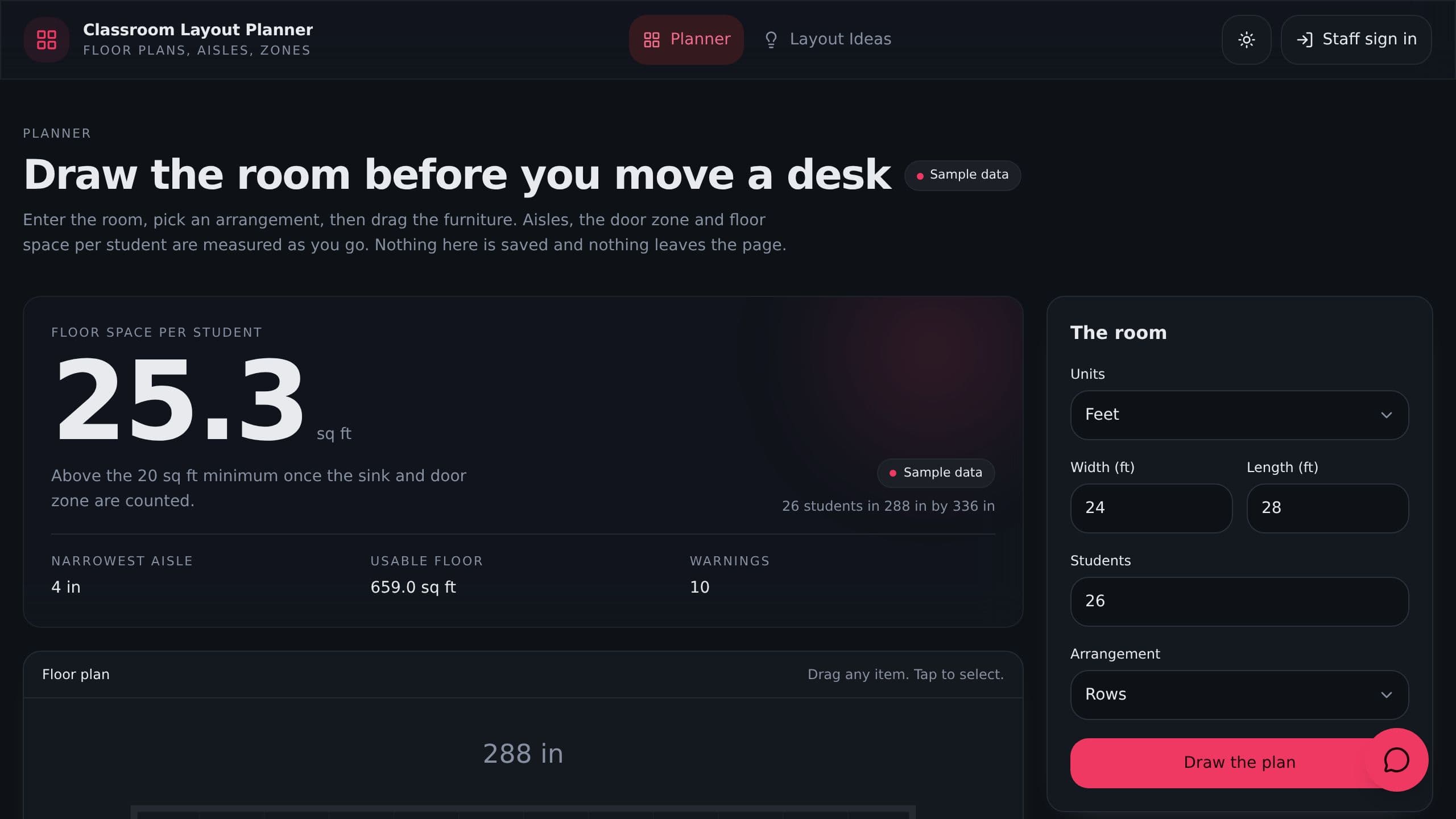
Draw your room, place desks and zones, and check aisle width and floor space per student.
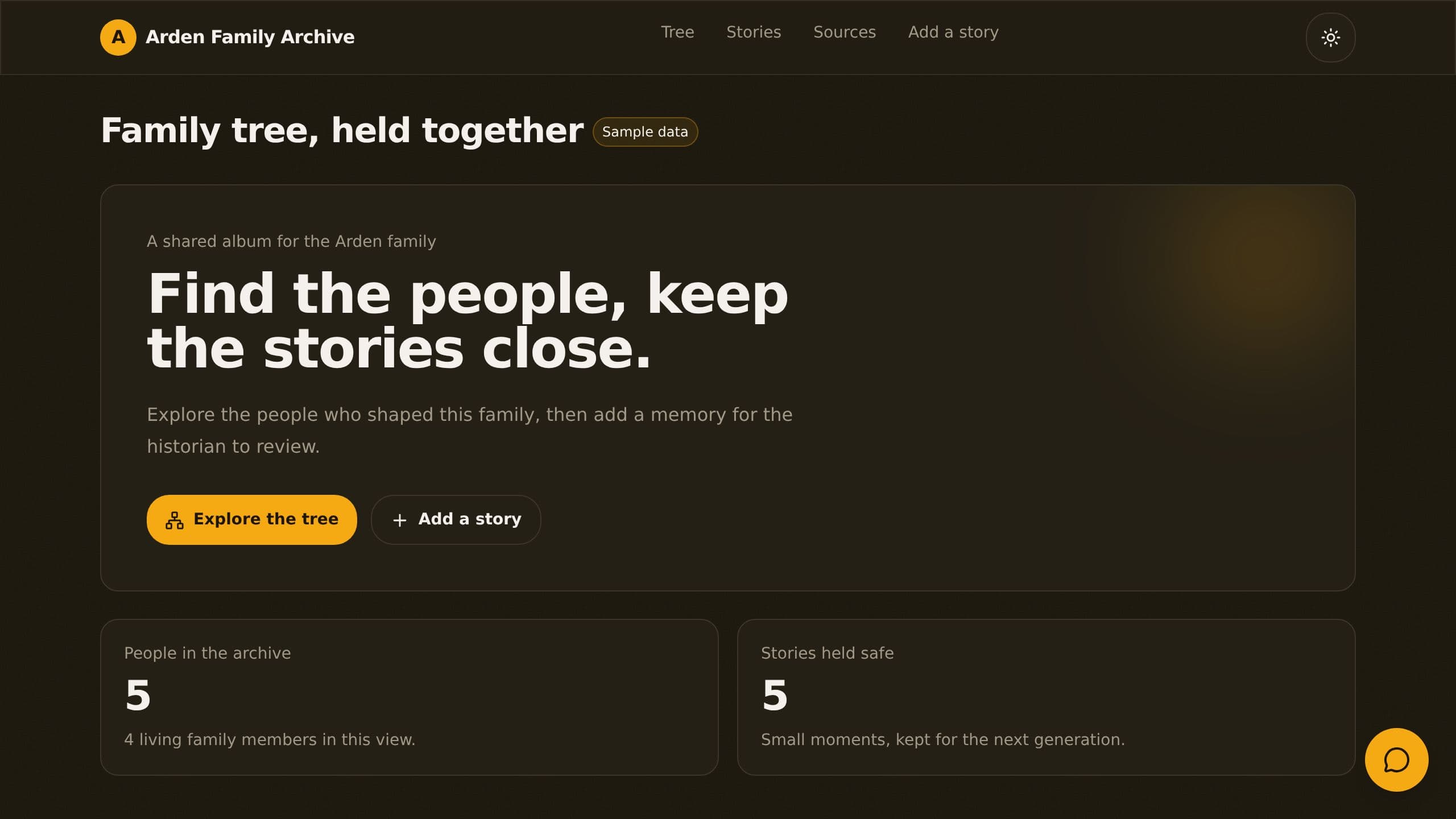
Draw your family tree, give every person a page of stories and photos, and let relatives add memories that you approve first.
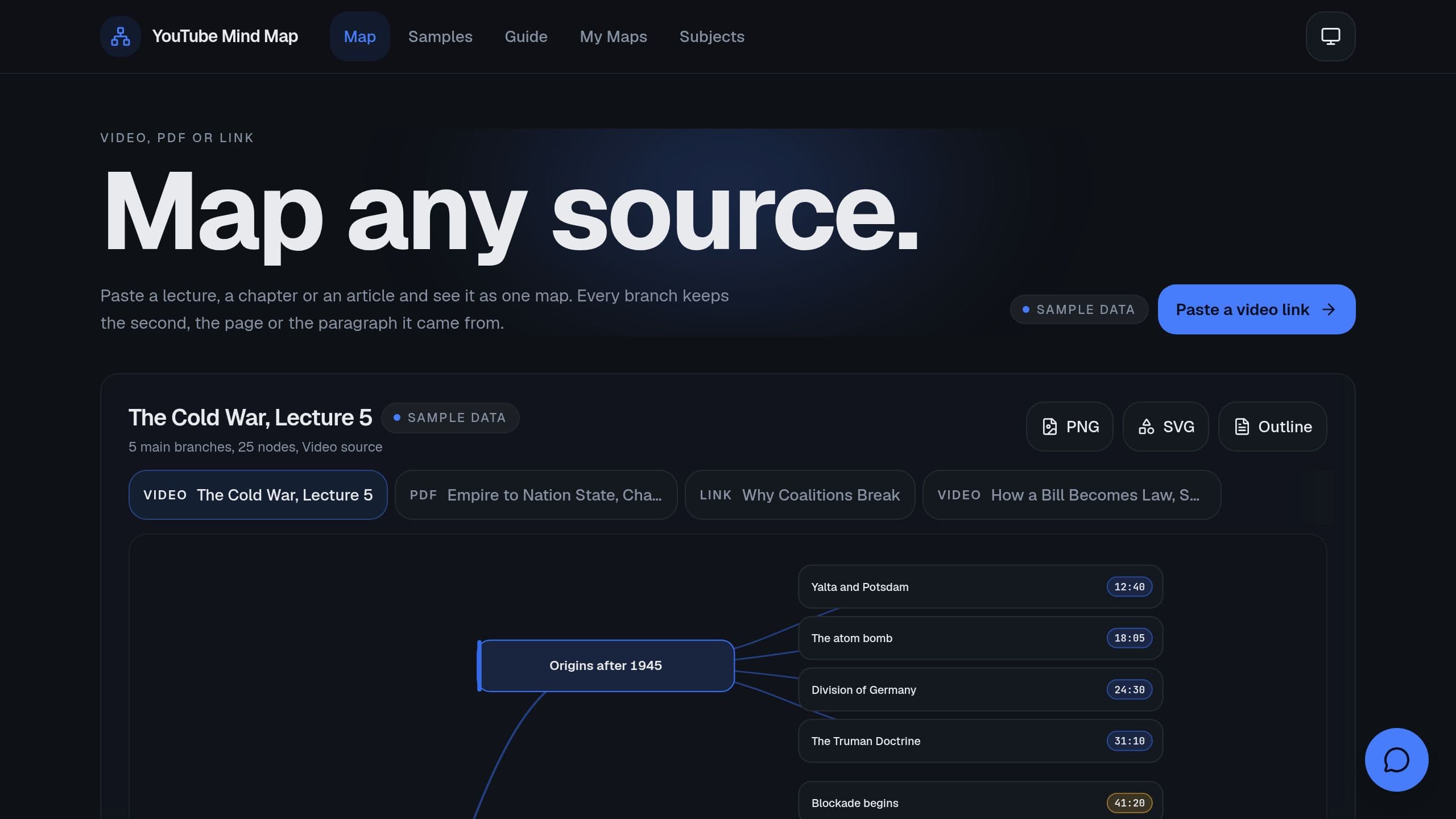
Paste a YouTube link, upload a PDF or paste an article link and get a branching mind map where every node keeps its timestamp, page or paragraph. Export PNG, SVG or an outline. A free Taskade Genesis kit. Clone it and make it yours.
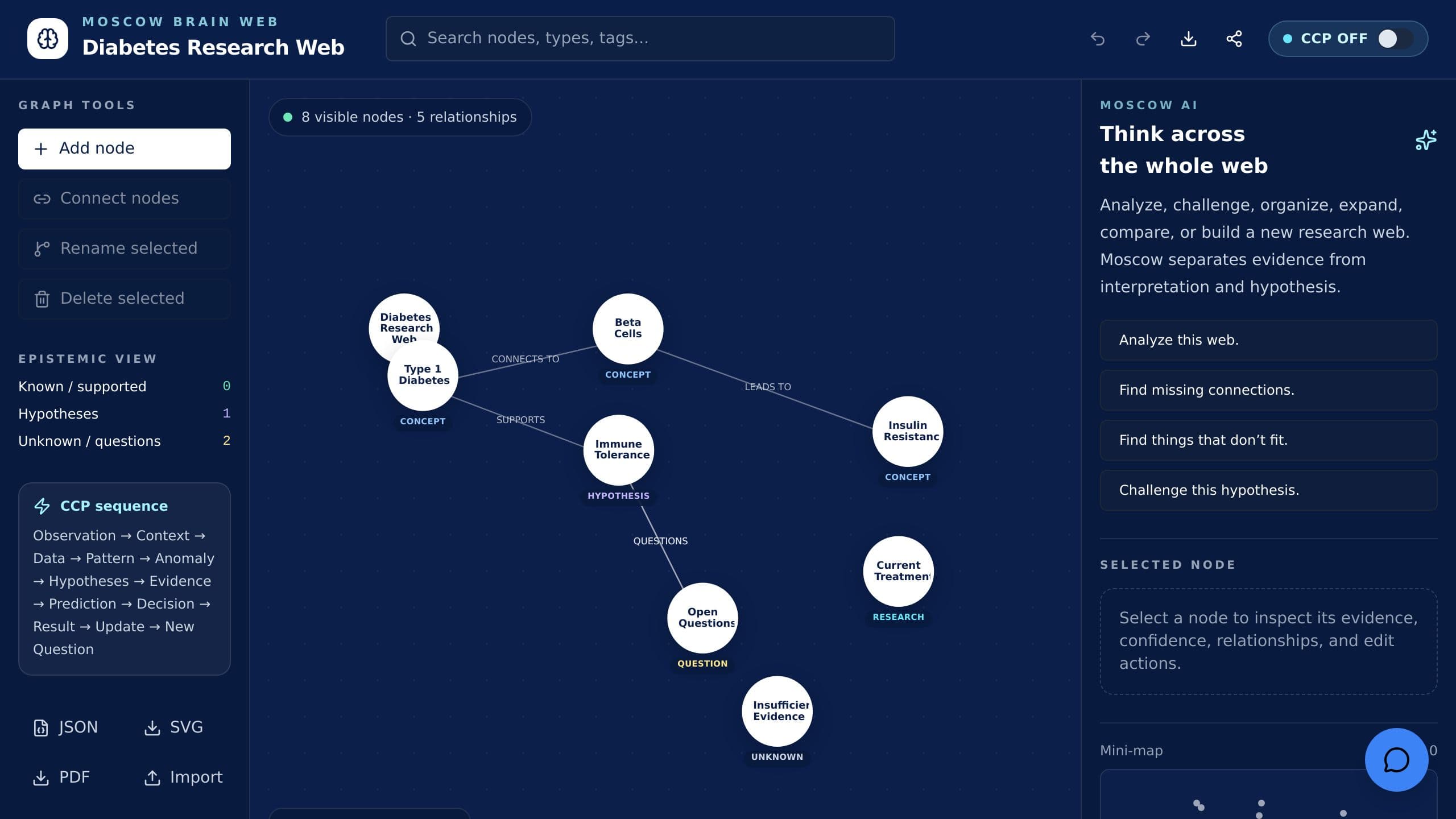
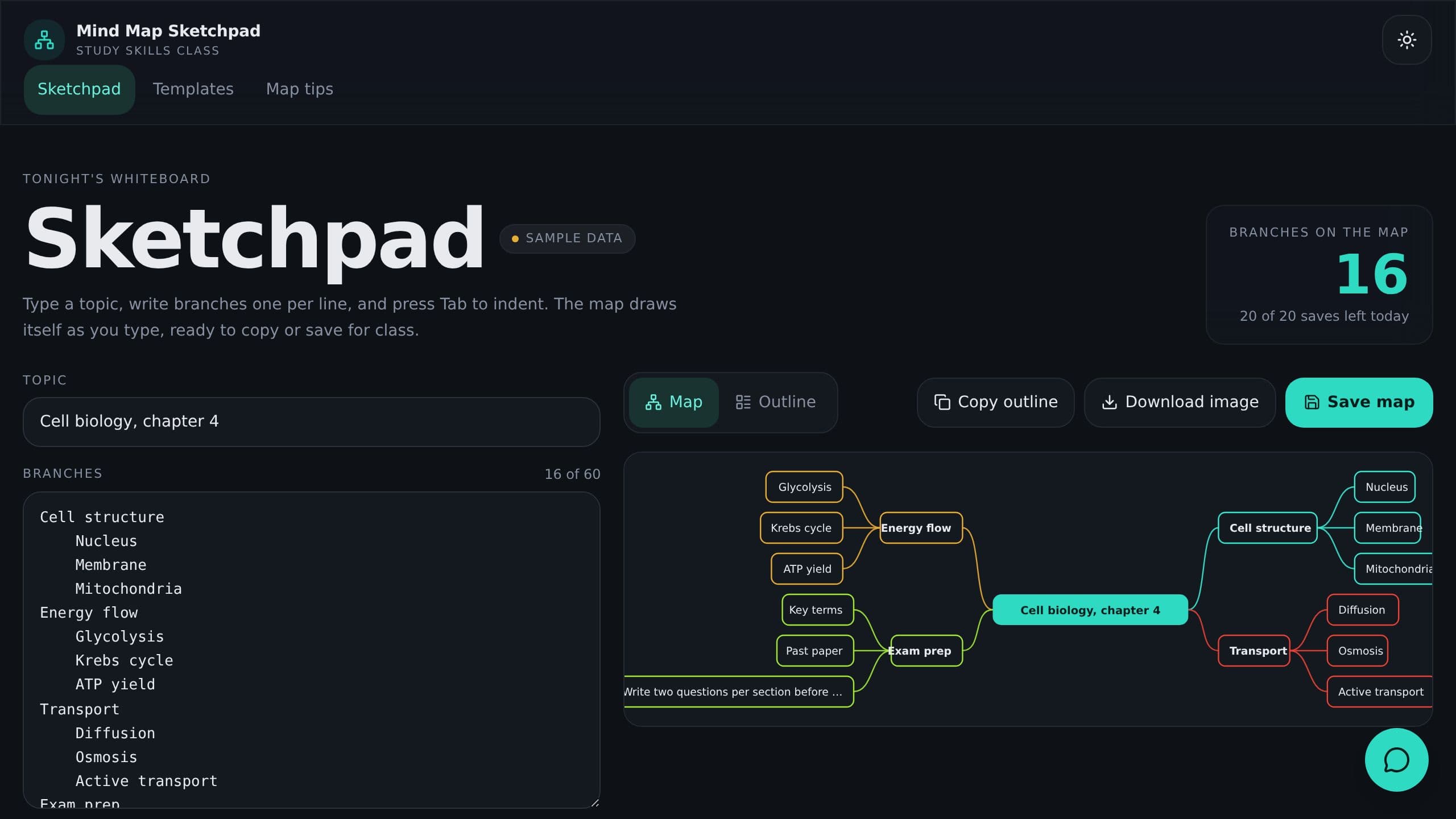
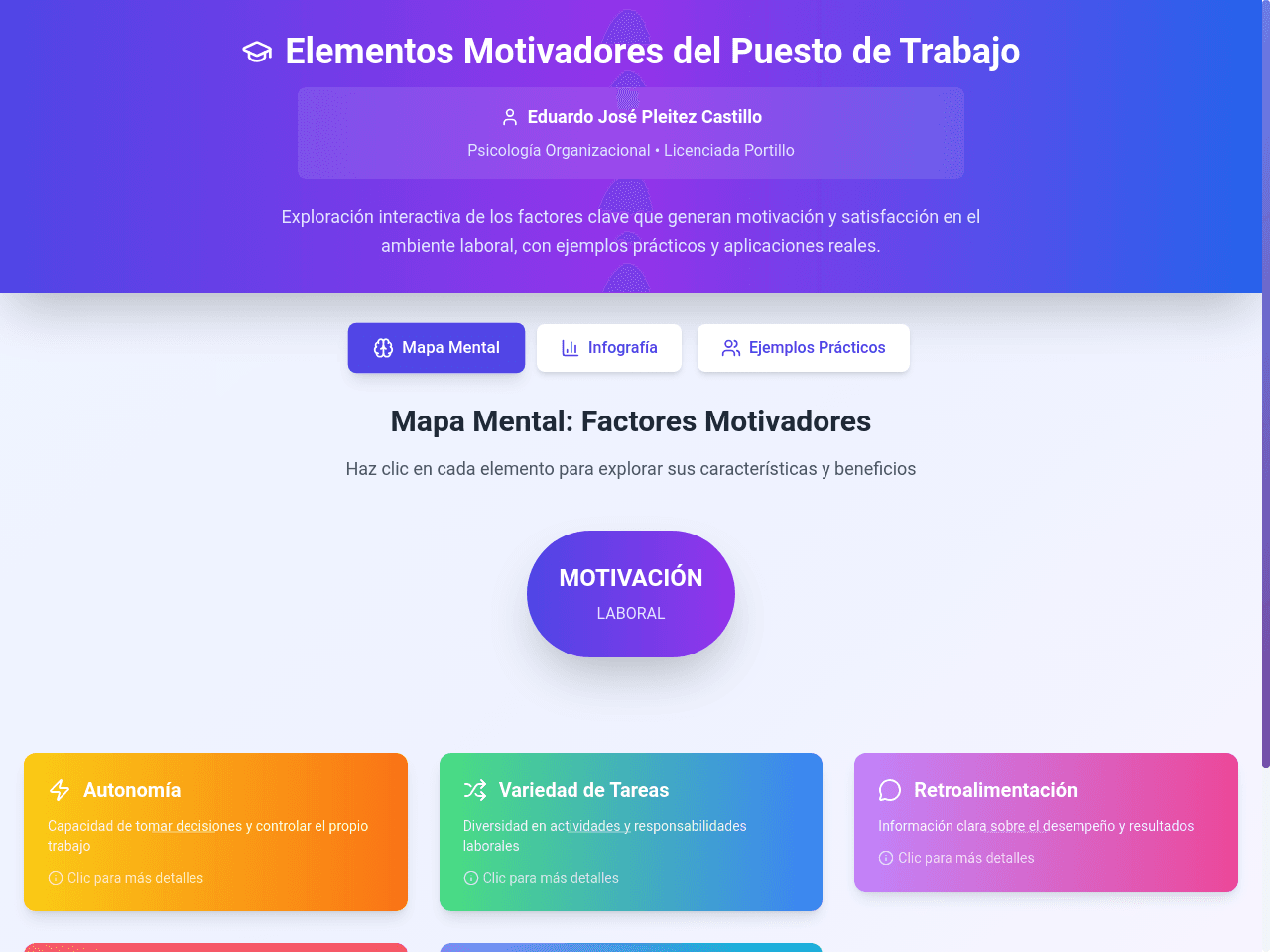
Type a topic and indented branches and see a mind map draw at once. Collapse branches, switch to an outline and copy it.
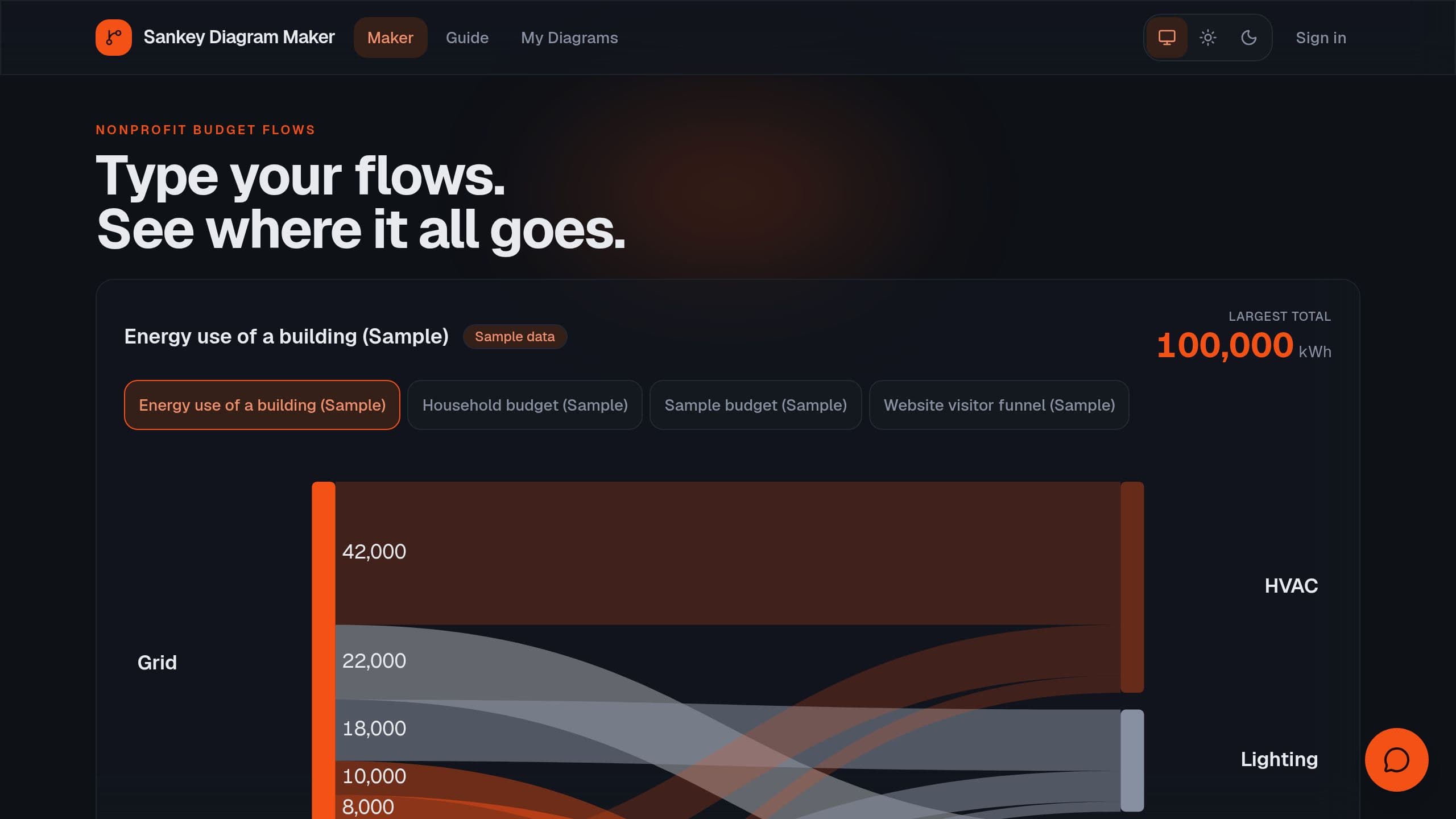
Sankey Diagram Maker is a free Taskade Genesis kit that draws a Sankey diagram from a table of from, to and amount, lets you edit flows inline, and warns when a node does not balance. Clone it and make it yours.
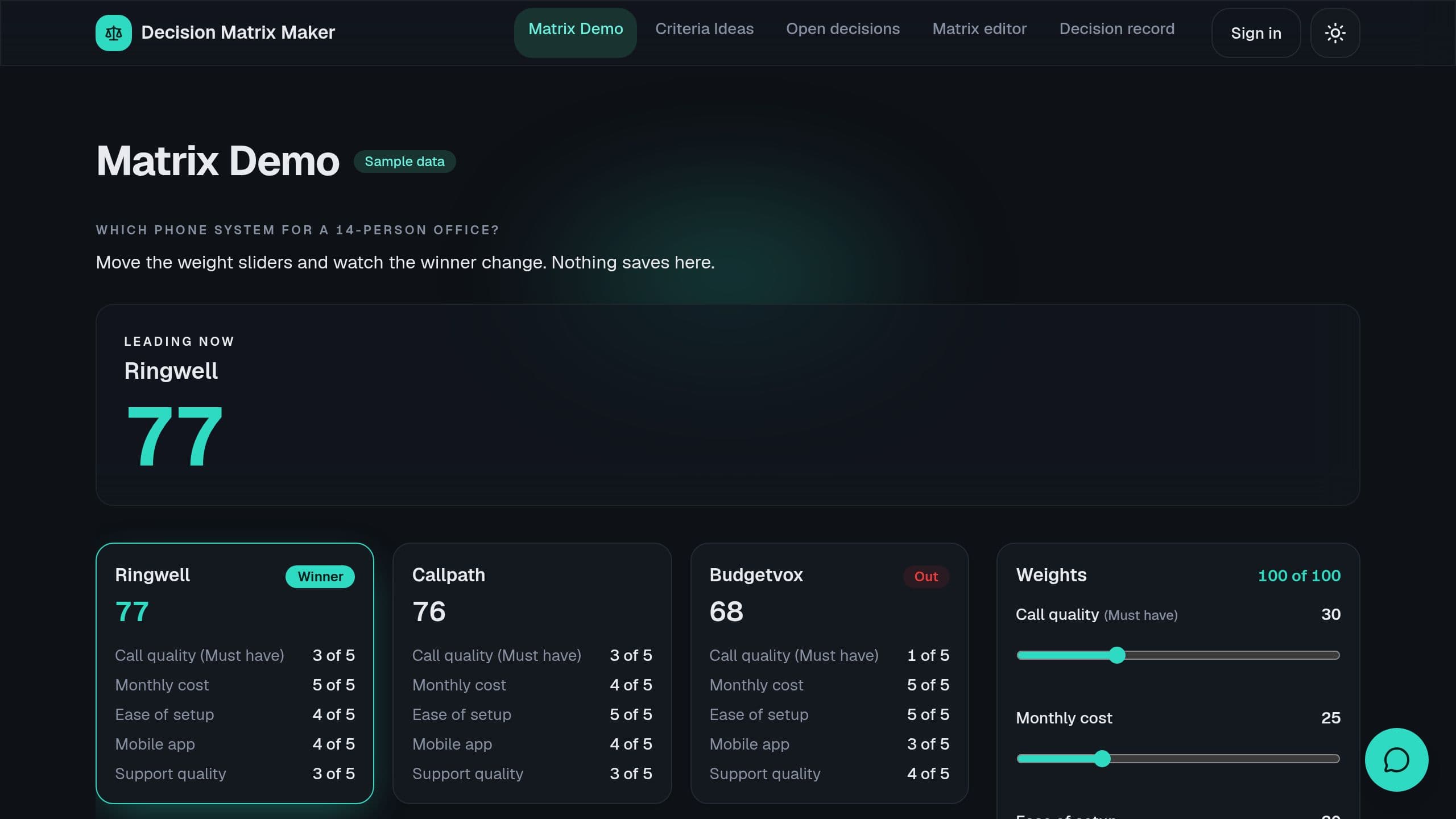
Compare 3 to 6 options on weighted criteria, see the winner live, and get a flag when it only wins by a hair or a Must have fails.
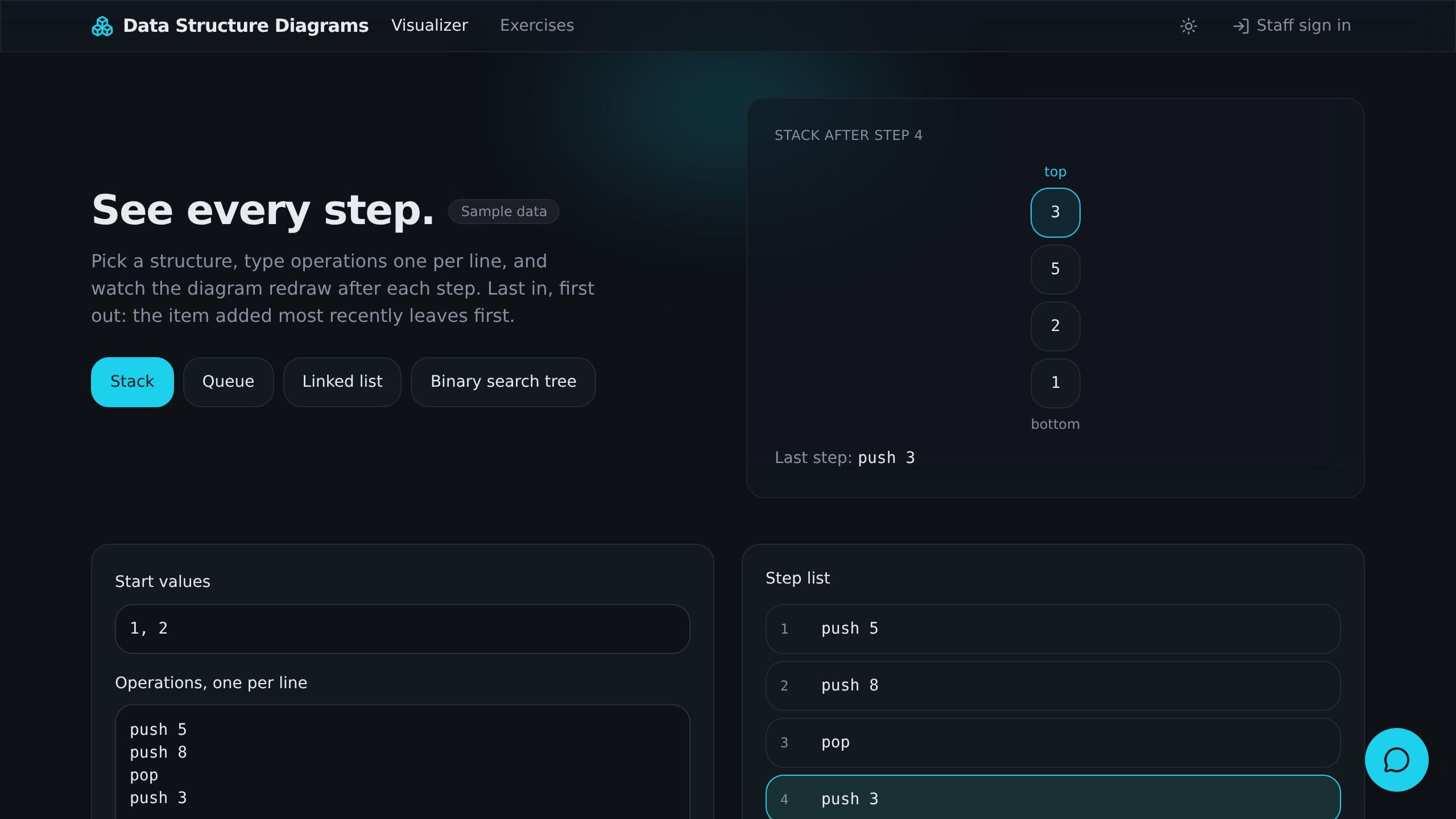
Type operations and see a stack, queue, linked list or binary search tree after every step. Practice exercises included.
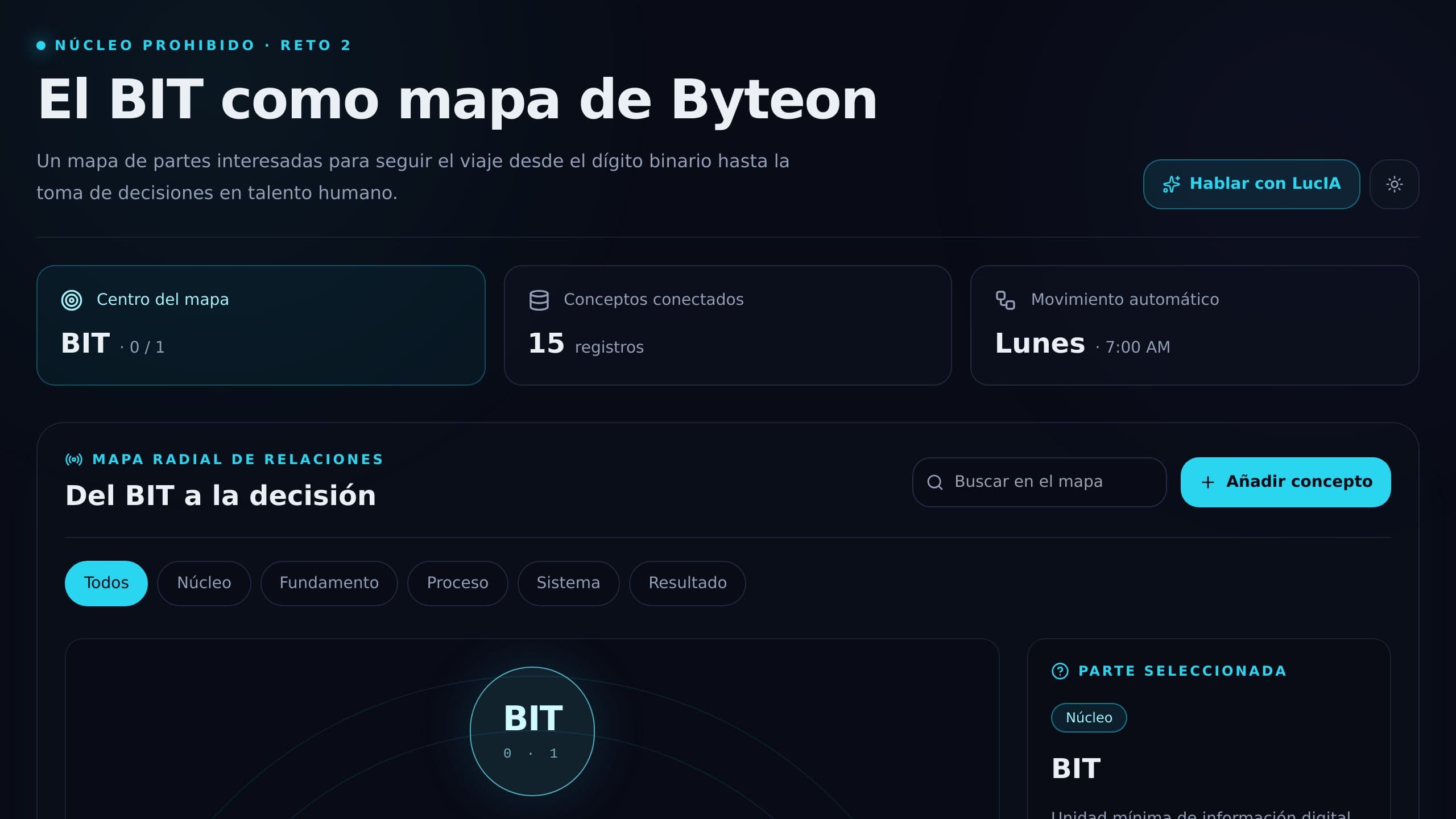
Diagram kits draw the picture for you. Type the steps of a process in plain words, and a flowchart kit lays them out as a chart you can edit. The kits here cover flowchart makers, text to flowchart, org chart builders, value stream maps with lead times, SWOT and fishbone canvases for workshops, competency matrices, tech radars, sitemap planners and family trees with stories and photos. Each diagram reads from a project, so the chart changes when the list behind it changes, and an AI agent can suggest a missing step or a clearer order. Clone the kit for the diagram you draw most often, then type in your own process.
Related: Quick AI App Templates, HR App Templates, AI Dashboard Templates, AI Form Builder Templates
Yes. The flowchart kits take the steps of a process in plain words and lay them out as a chart. An AI agent can turn one sentence into a first set of steps, which you then edit. Change a step in the list and the chart changes with it, so the diagram stays current.