Free
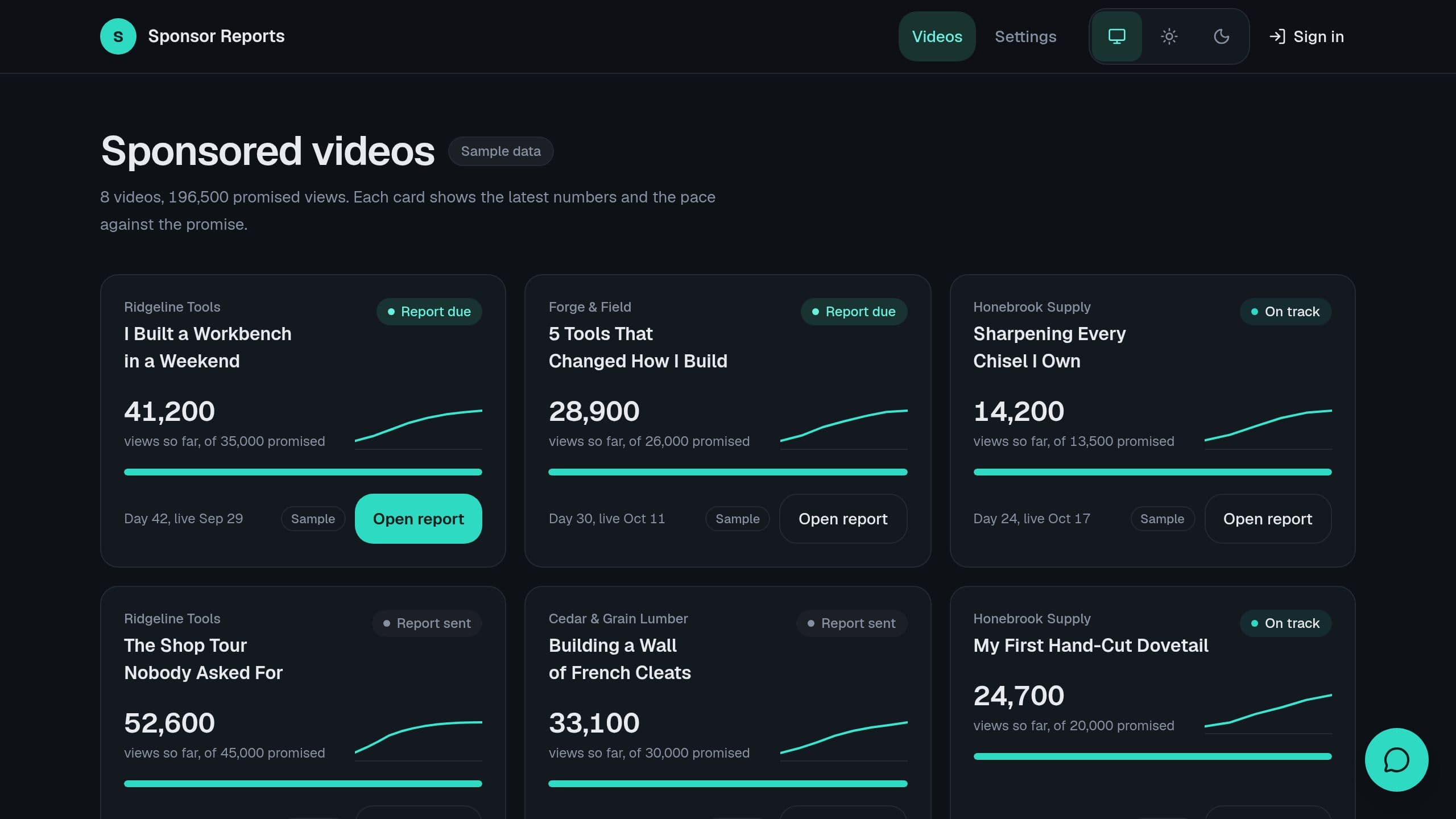
Each sponsored video gets weekly view counts, and at day 30 you copy a sponsor report in one paste. Includes sample data. The weekly YouTube snapshot needs Starter or higher; the Monday email runs on Free.
Free to start. Browse apps to clone.
78 kits
Each sponsored video gets weekly view counts, and at day 30 you copy a sponsor report in one paste. Includes sample data. The weekly YouTube snapshot needs Starter or higher; the Monday email runs on Free.
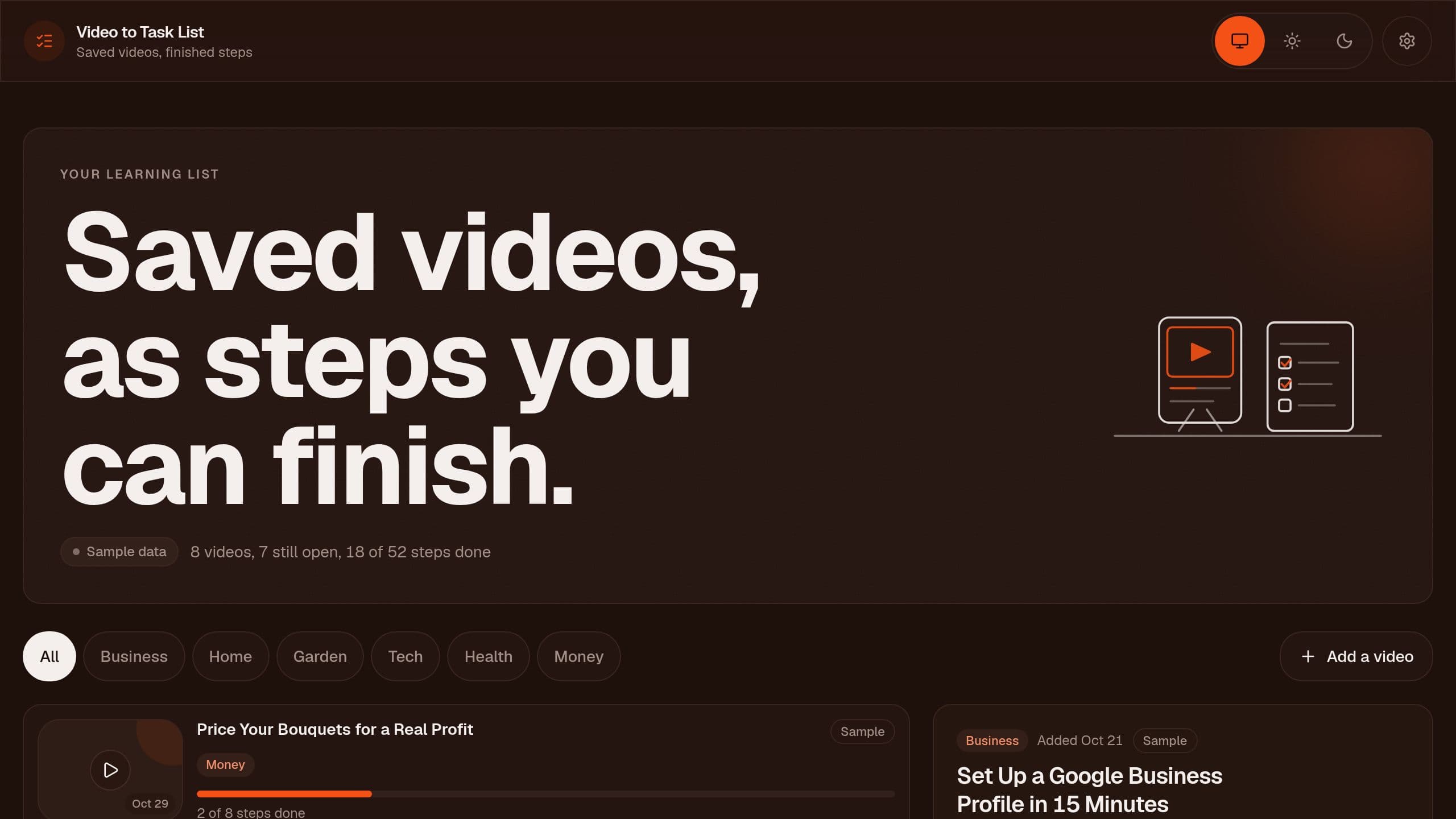
YouTube Video to Task List: turn videos into action steps. Save a how-to video to your playlist and it becomes a checklist of action steps with a short summary. The playlist trigger needs Starter or higher. Writing the summary and the steps uses AI credits. Only an app Admin sees videos and steps.
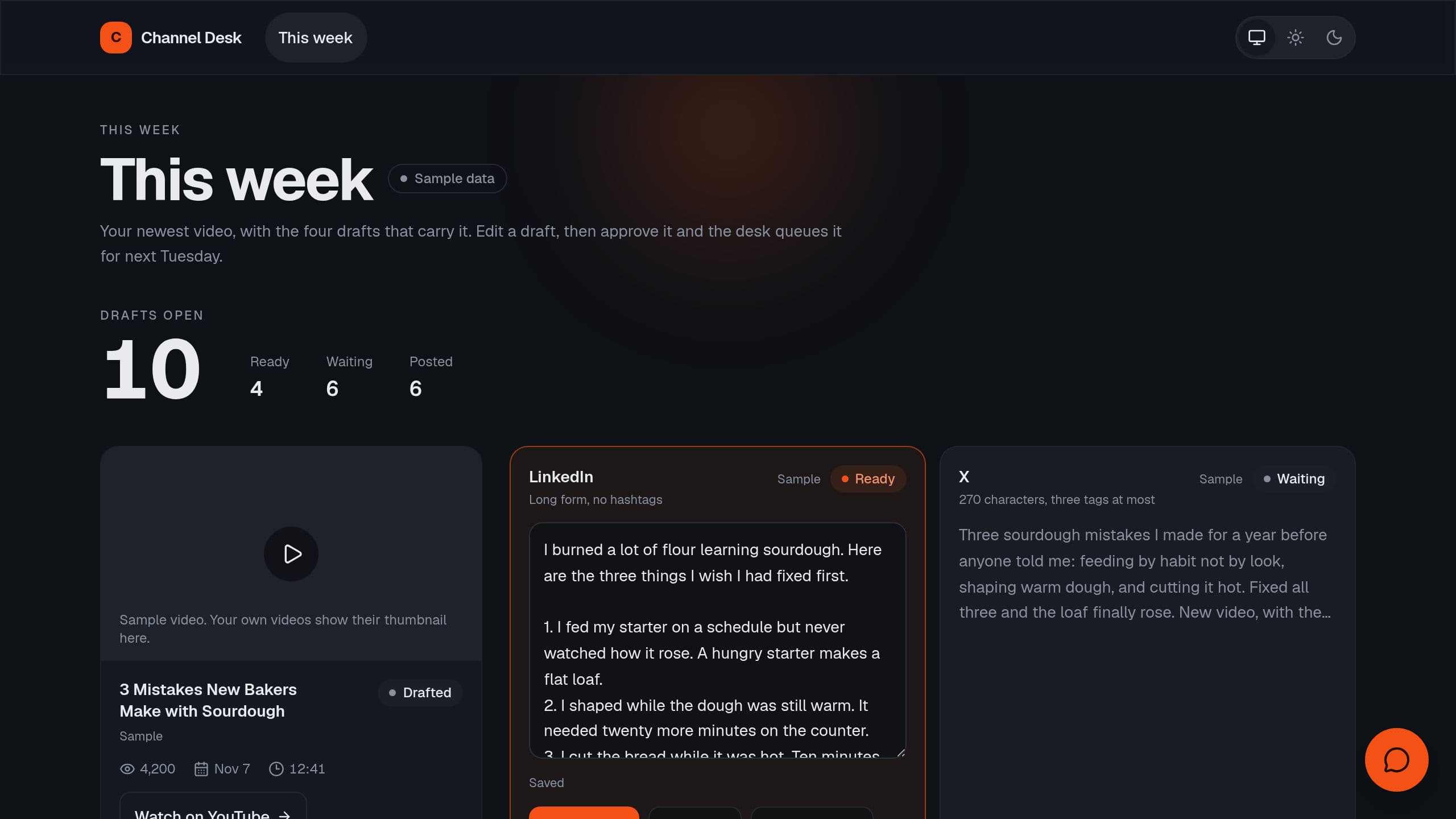
Each new video on your YouTube channel becomes a LinkedIn post, an X post, a newsletter blurb and chapters. Approve each draft and it posts on the day. A free Taskade Genesis kit with sample data.
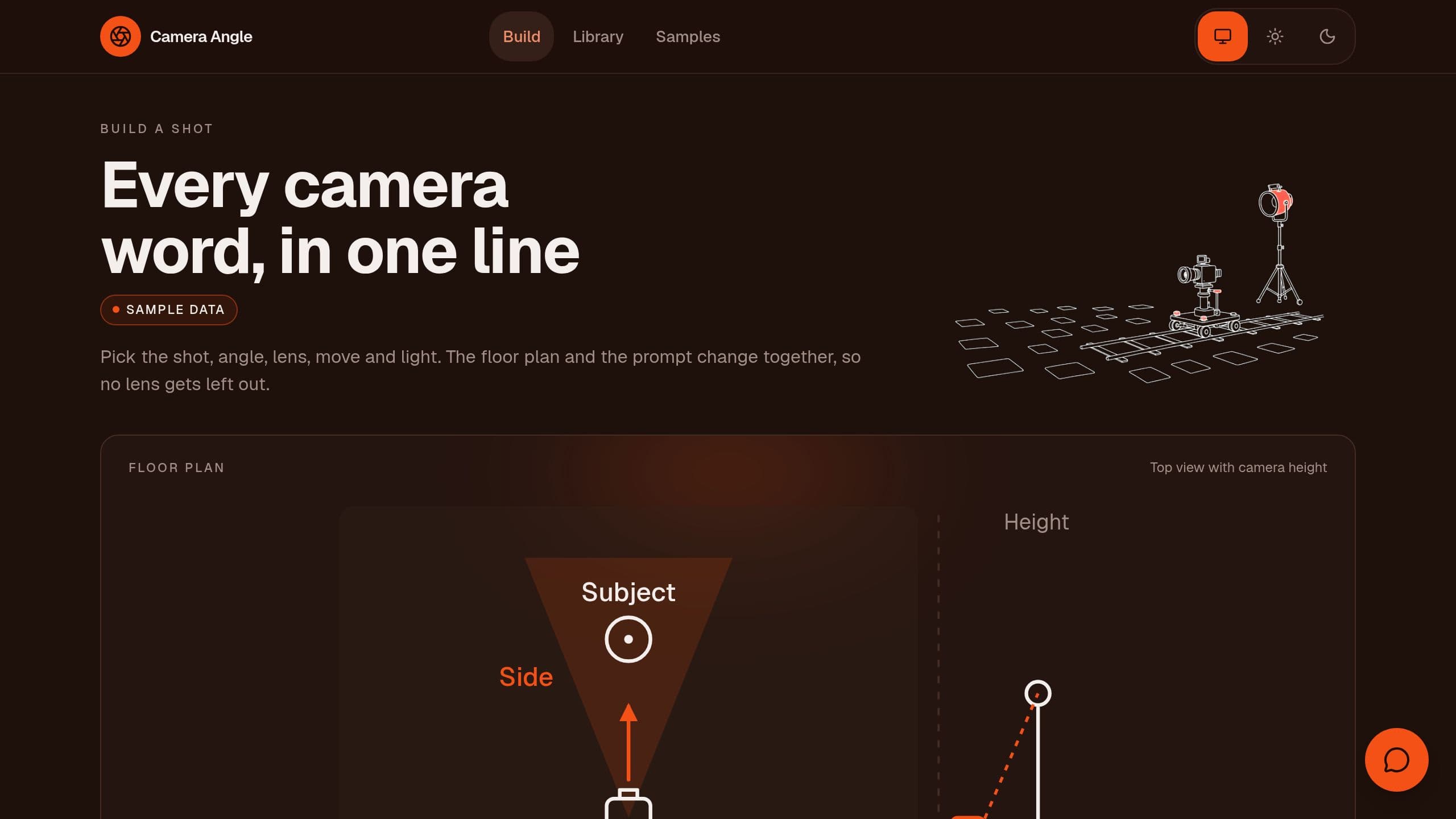
Pick a shot size, angle, lens, camera move and light, and get one prompt line per shot with a top down diagram of the camera. Camera Angle Prompts is a free Taskade Genesis kit. Clone it and make it yours.
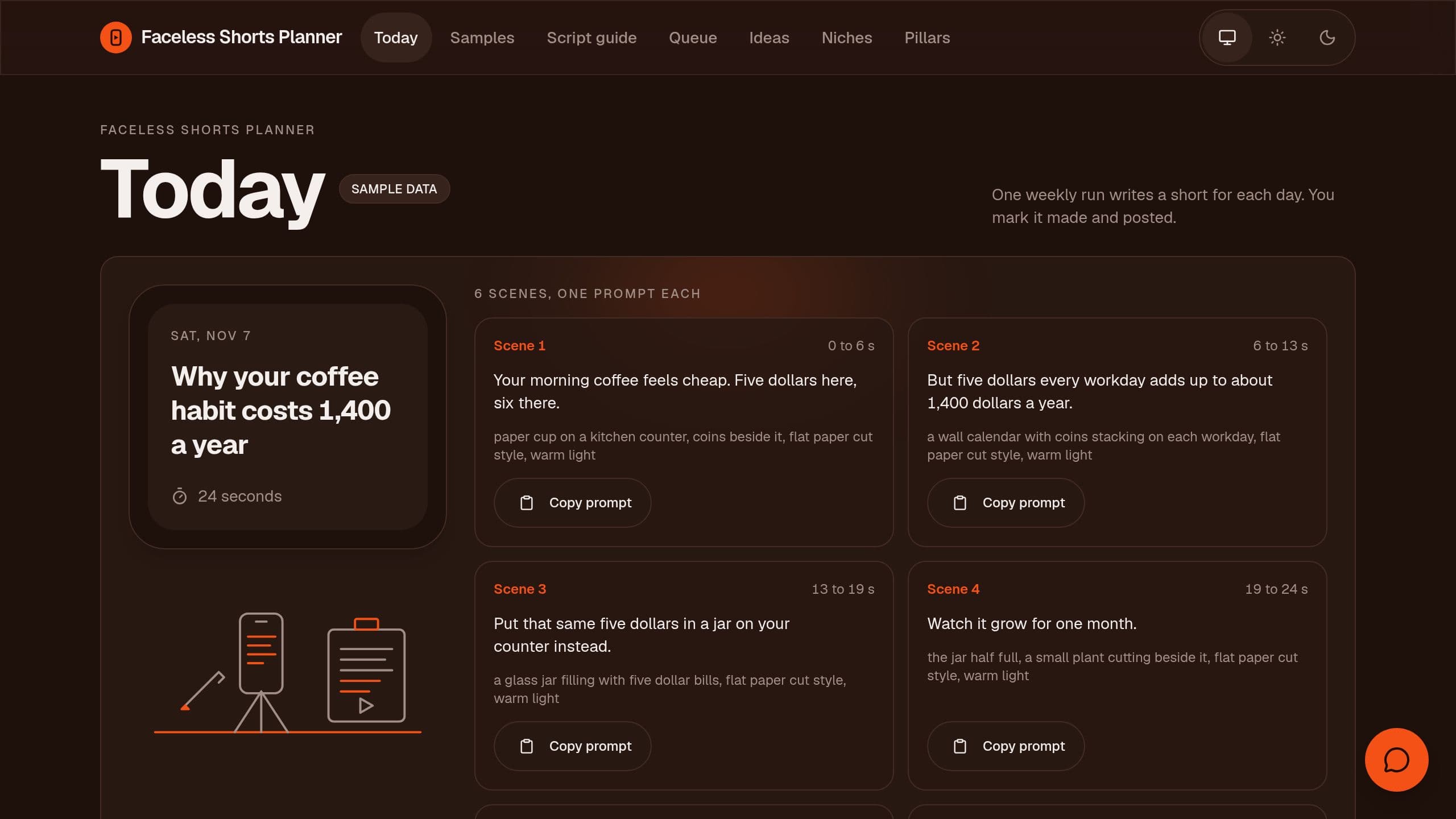
Each week, get a short for every day: a hook, a 90 to 120 word script, a scene list with one image or video prompt per scene, a caption and hashtags, then mark each one made and posted. A free Taskade Genesis kit. Clone it and make it yours.
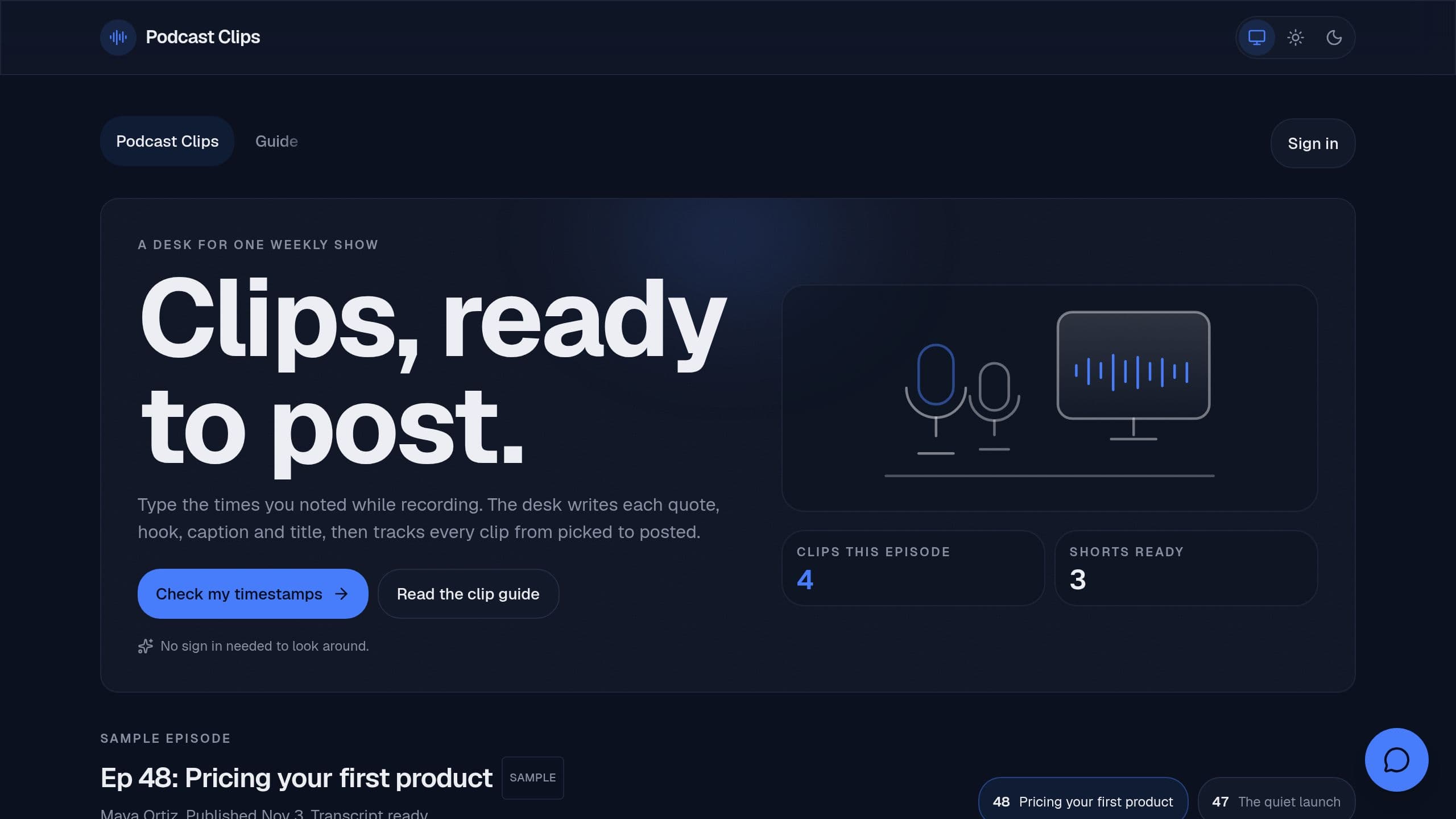
Podcast Clips is a free Taskade Genesis kit for podcasters: type the timestamps you noted, get each clip quote from the YouTube transcript, a hook, a caption and a title, and track each clip to posted. Clone it and make it yours.
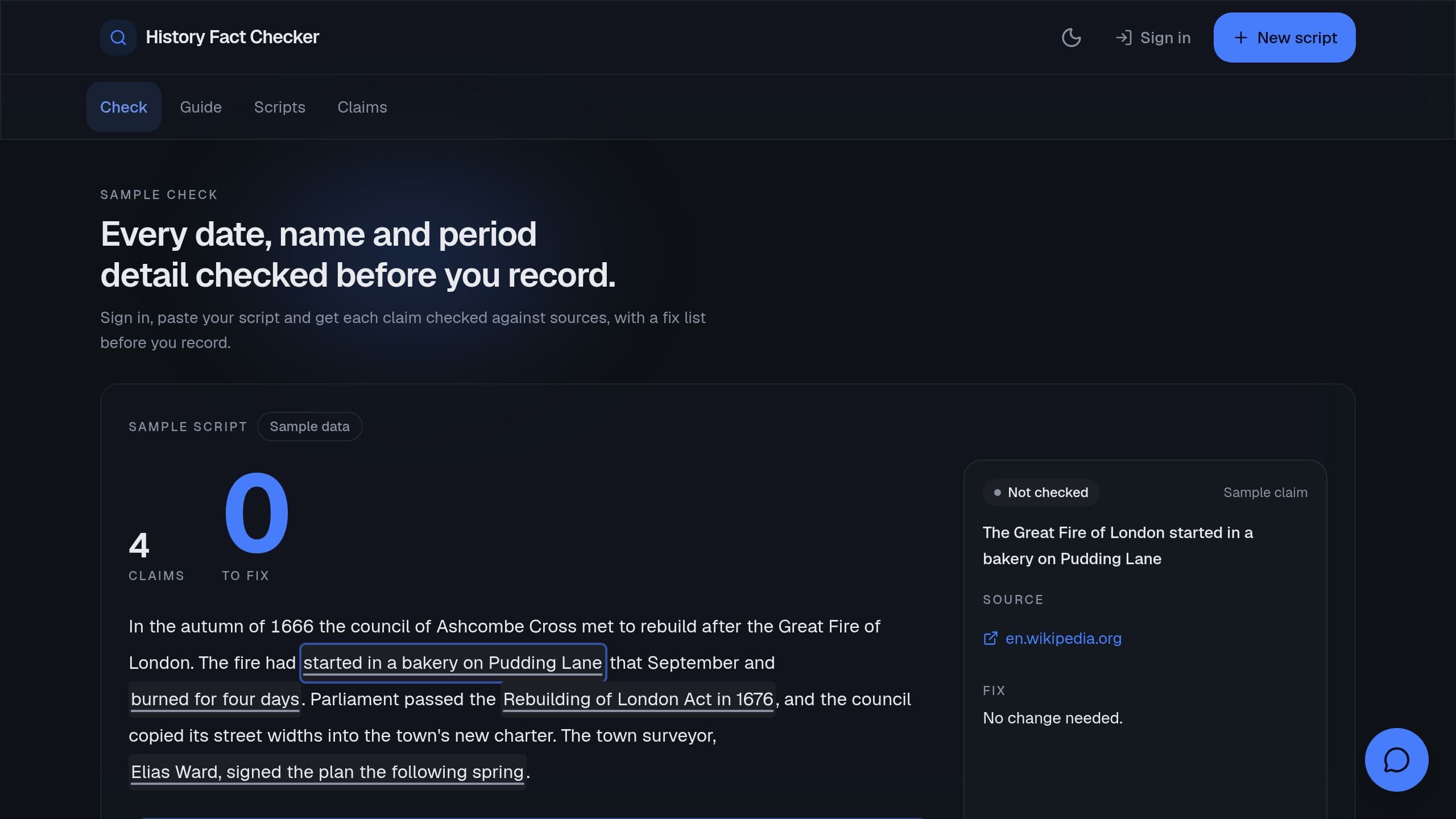
Paste a history video script and get every date, name and period detail checked against sources, with a verdict of Supported, Wrong or Unsure and a fix list before you record. A free Taskade Genesis kit with a public sample check and a source guide. Clone it and make it yours.
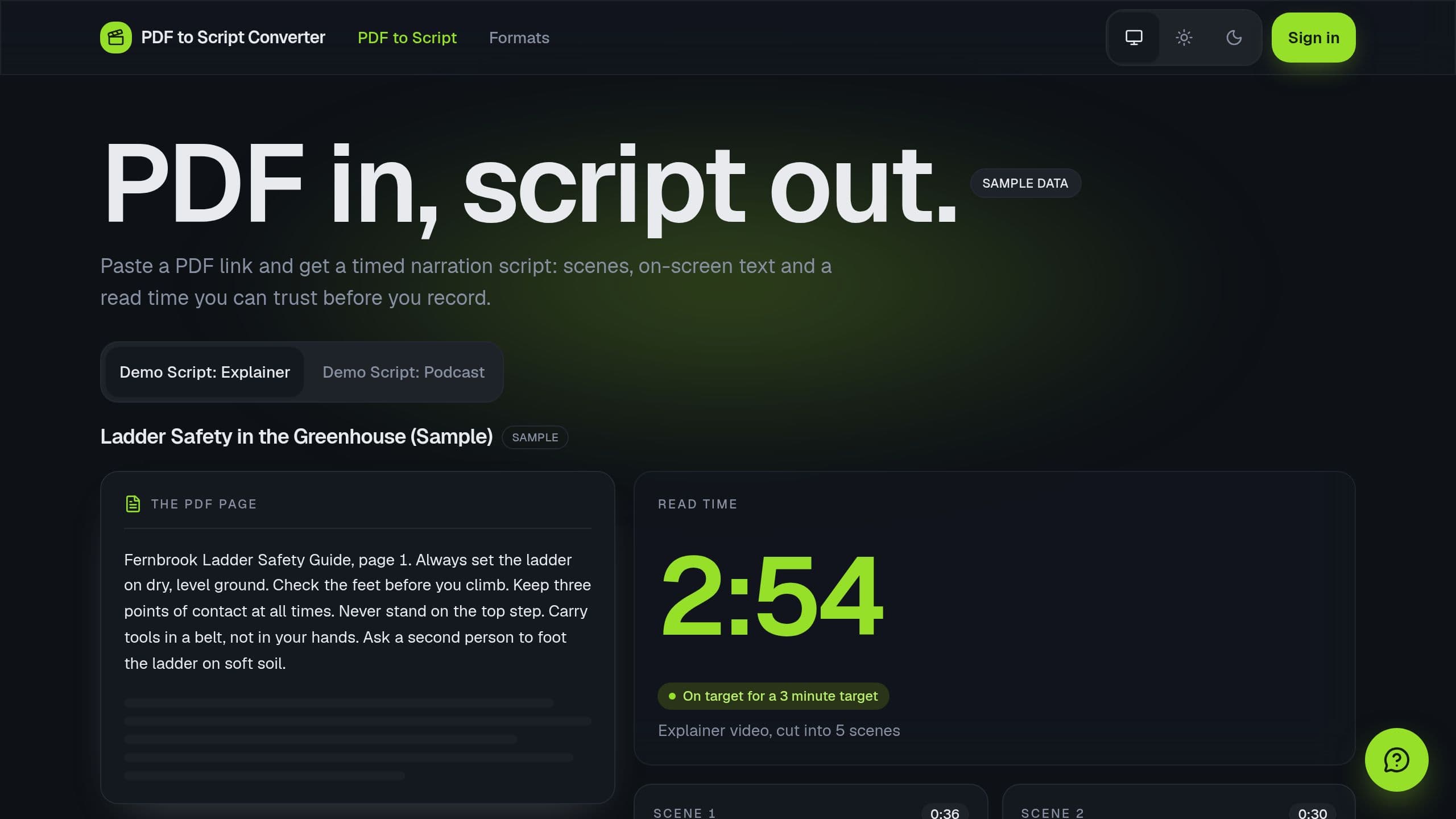
PDF to Script Converter is a free Taskade Genesis kit that turns a PDF into a timed narration script for a short video or podcast, with scenes, on-screen text and a read time, and tracks each script to recorded. Clone it and make it yours.
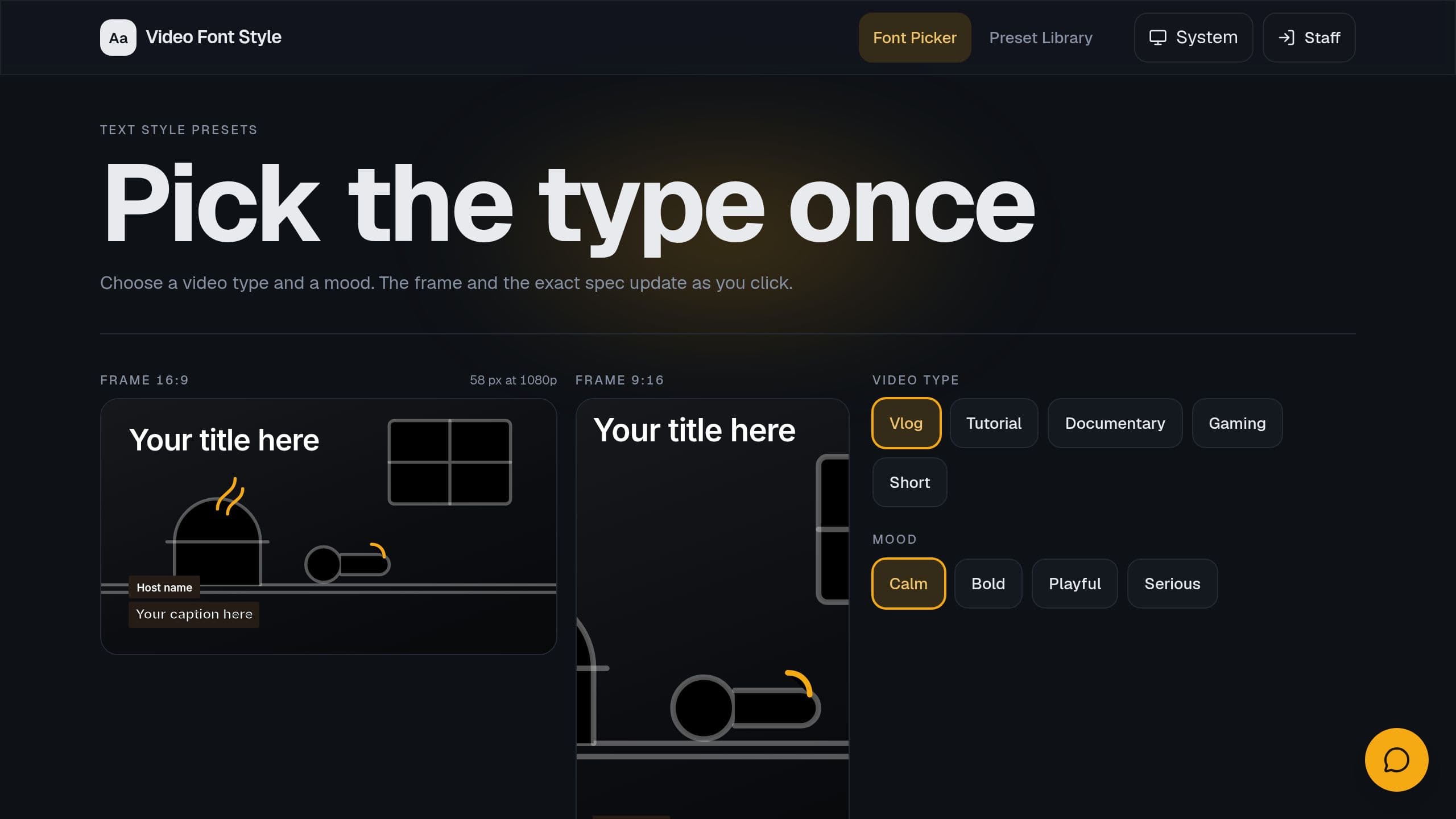
Video Font Style is a free Taskade Genesis kit: pick fonts for video titles, captions and lower thirds by video type and mood, preview them on a 16:9 and a 9:16 frame, and keep one style sheet per channel.
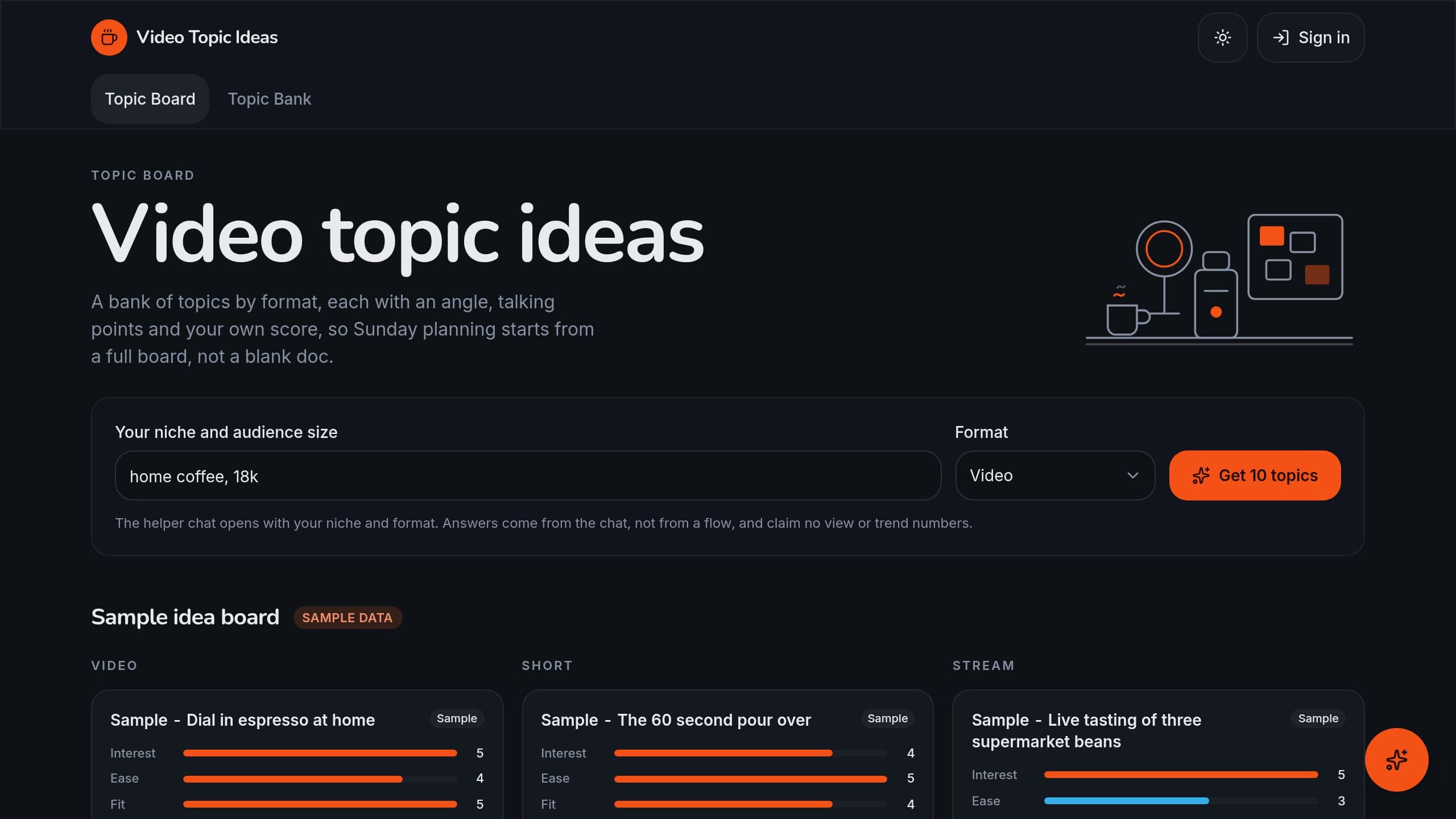
Video Topic Ideas is a free Taskade Genesis kit: get 10 video, short or live stream topics for your niche with talking points, score your ideas, plan the month and stop repeating a topic.

Animation Script Writer is a free Taskade Genesis kit that writes a short animation script in two columns with scene timing that fits the target length, and turns a locked script into a shot list. Clone it and make it yours.
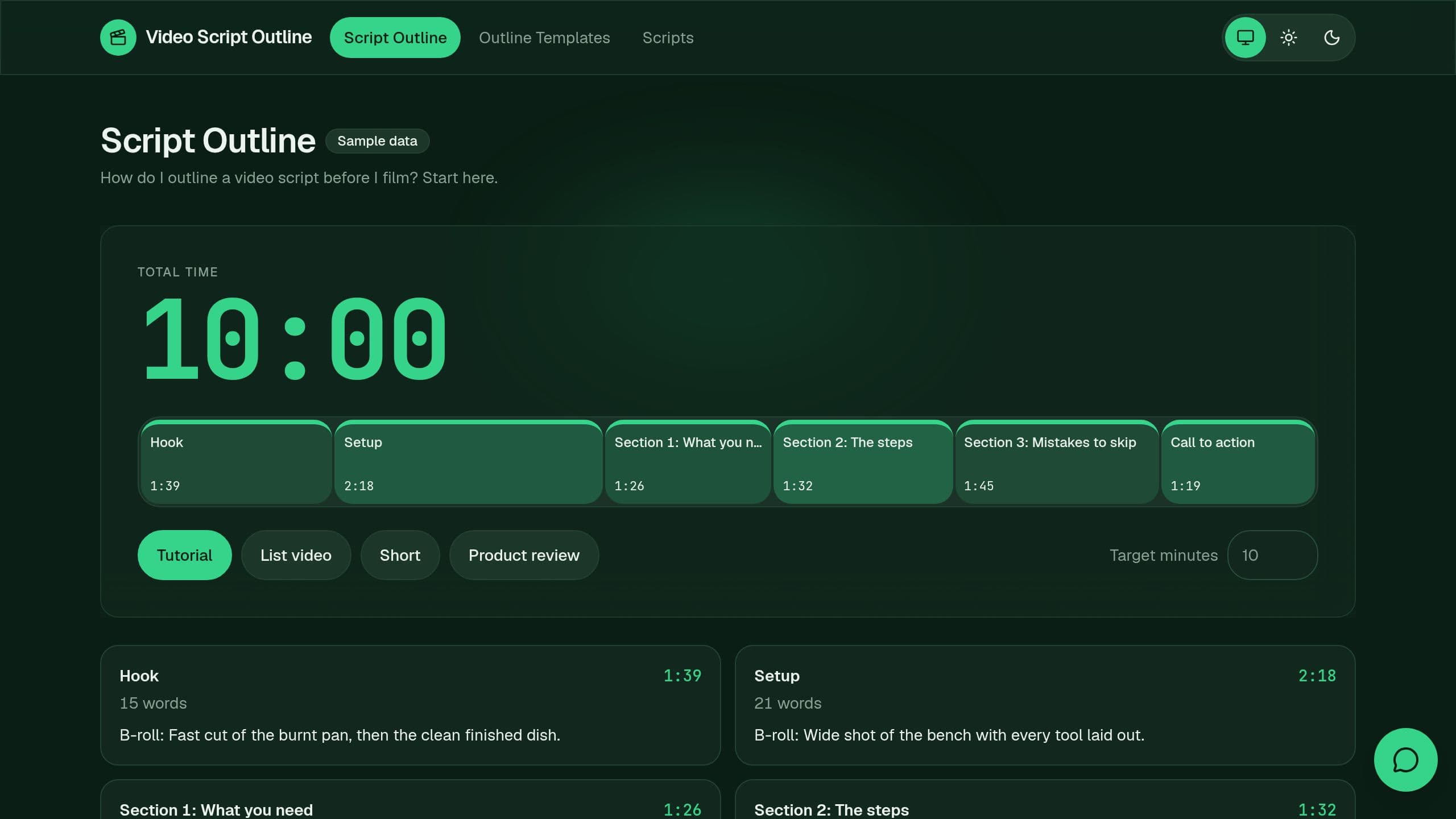
Video Script Outline is a free Taskade Genesis kit that outlines a YouTube video, a short or an affiliate product review with a hook, timed sections, B-roll notes, a call to action and a disclosure line. Clone it and make it yours.
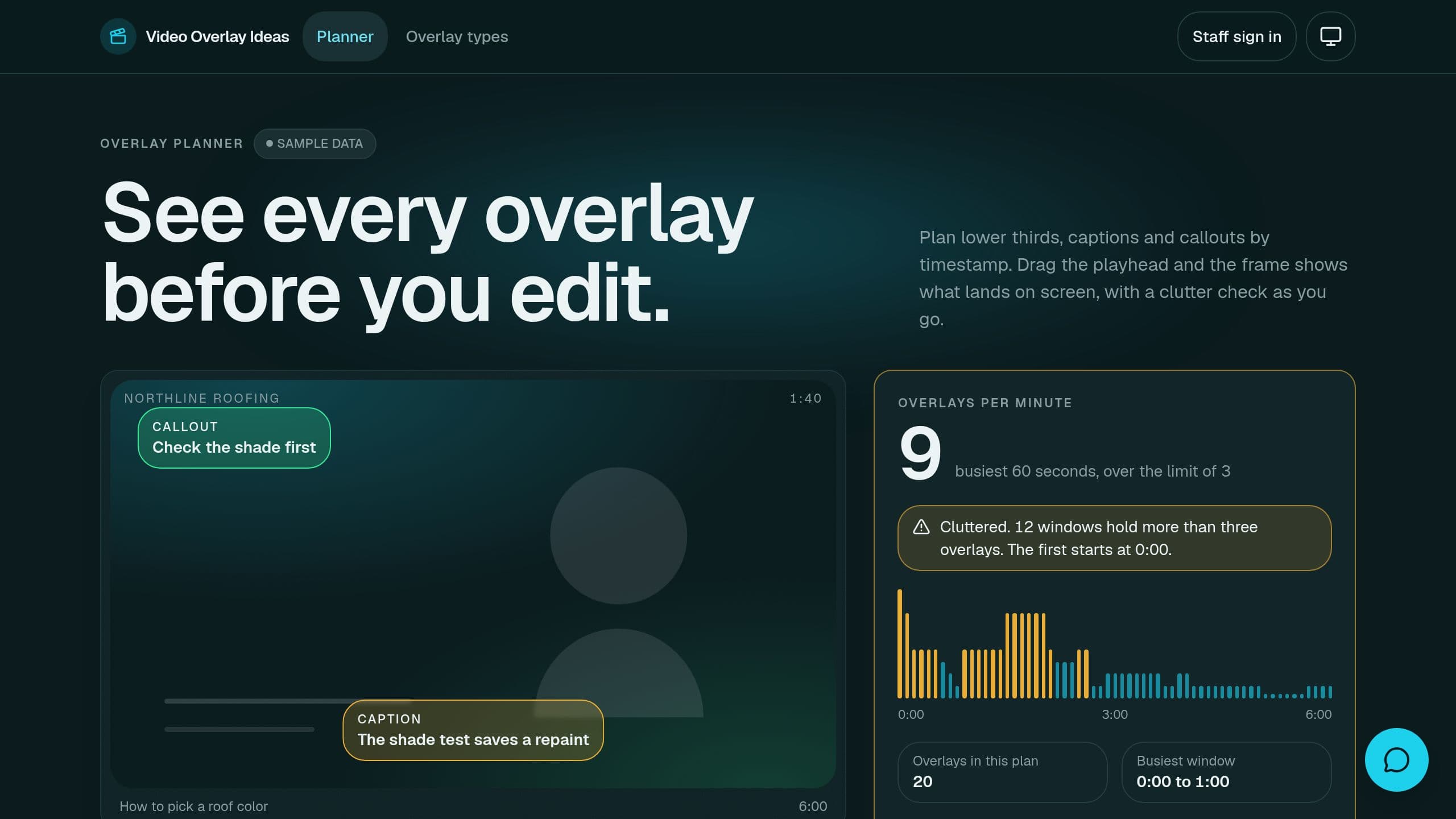
Video Overlay Ideas is a free Taskade Genesis kit: turn a video brief into overlay ideas by timestamp, keep each text short enough to read, and catch cluttered or stacked overlays before you export.
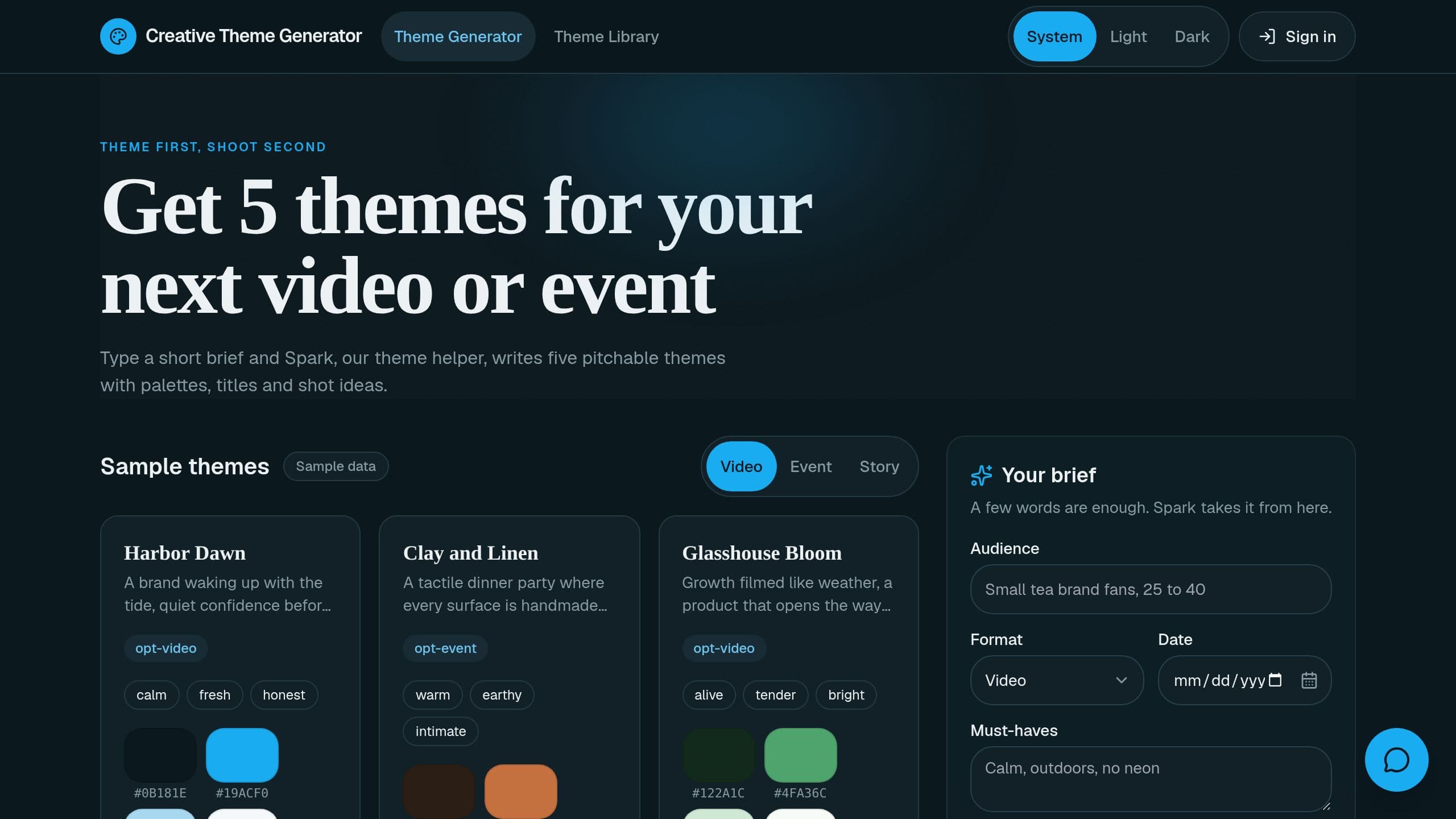
Creative Theme Generator is a free Taskade Genesis kit that turns a short brief into 5 creative themes with a concept line, mood words, a palette, title ideas and shot or decor ideas. Clone it and make it yours.
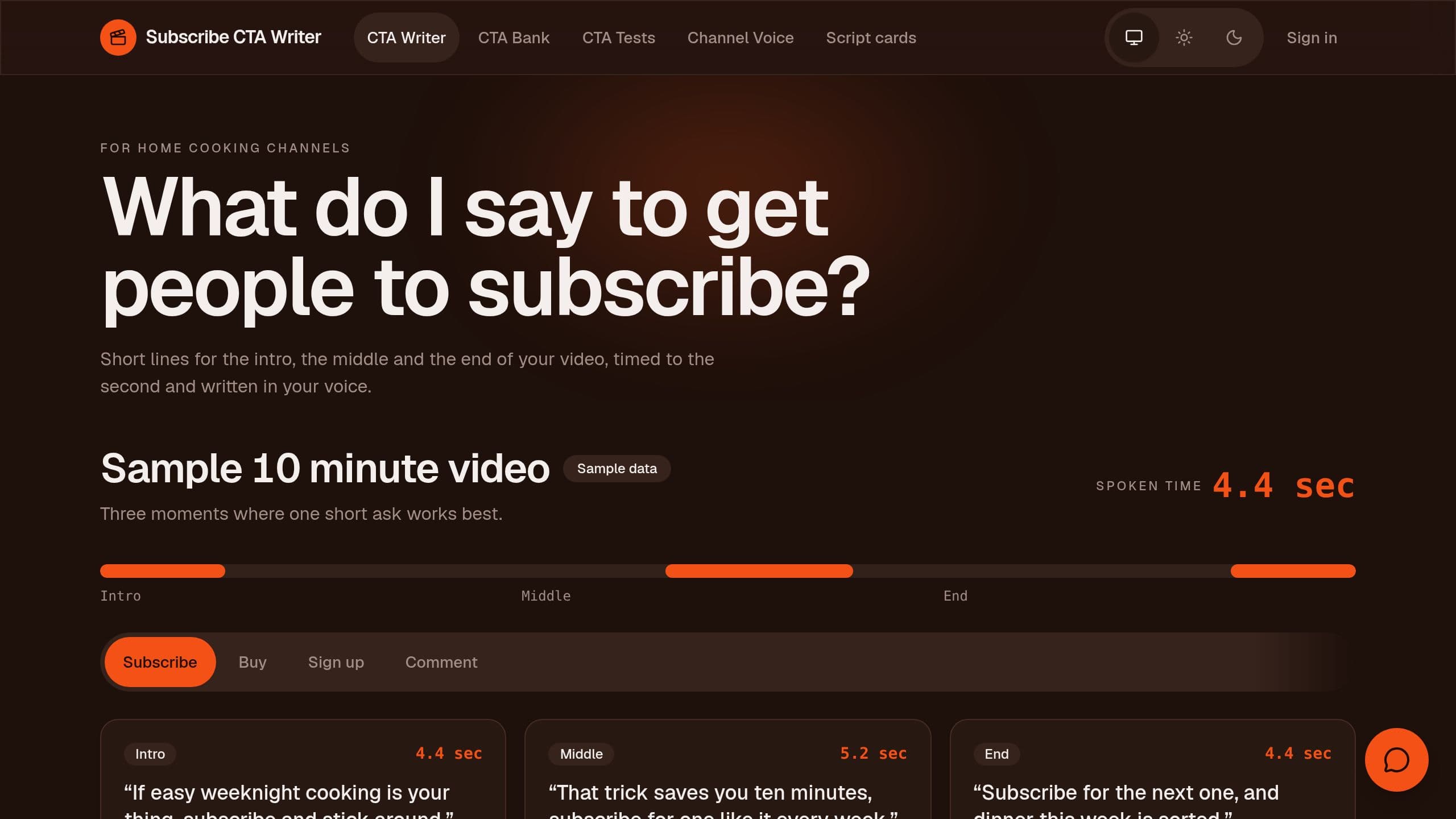
Subscribe CTA Writer is a free Taskade Genesis kit that writes YouTube subscribe and call to action lines for the intro, middle and end of a video, timed to under 8 seconds, with a test log. Clone it and make it yours.
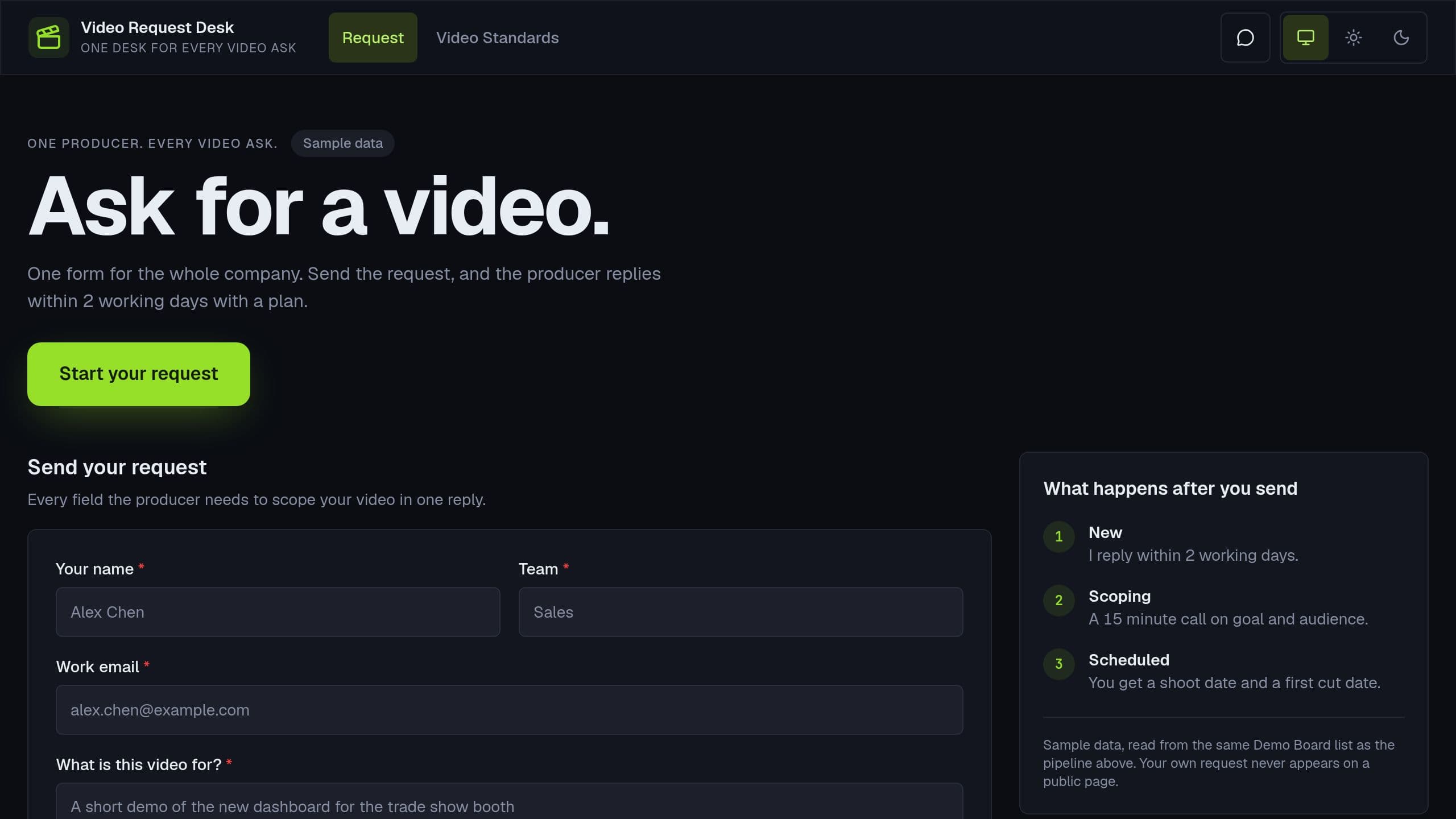
Video Request Desk is a Taskade Genesis kit: one company request form with a Rush warning from your lead times, a producer board, briefs, and a Monday list of untouched requests.
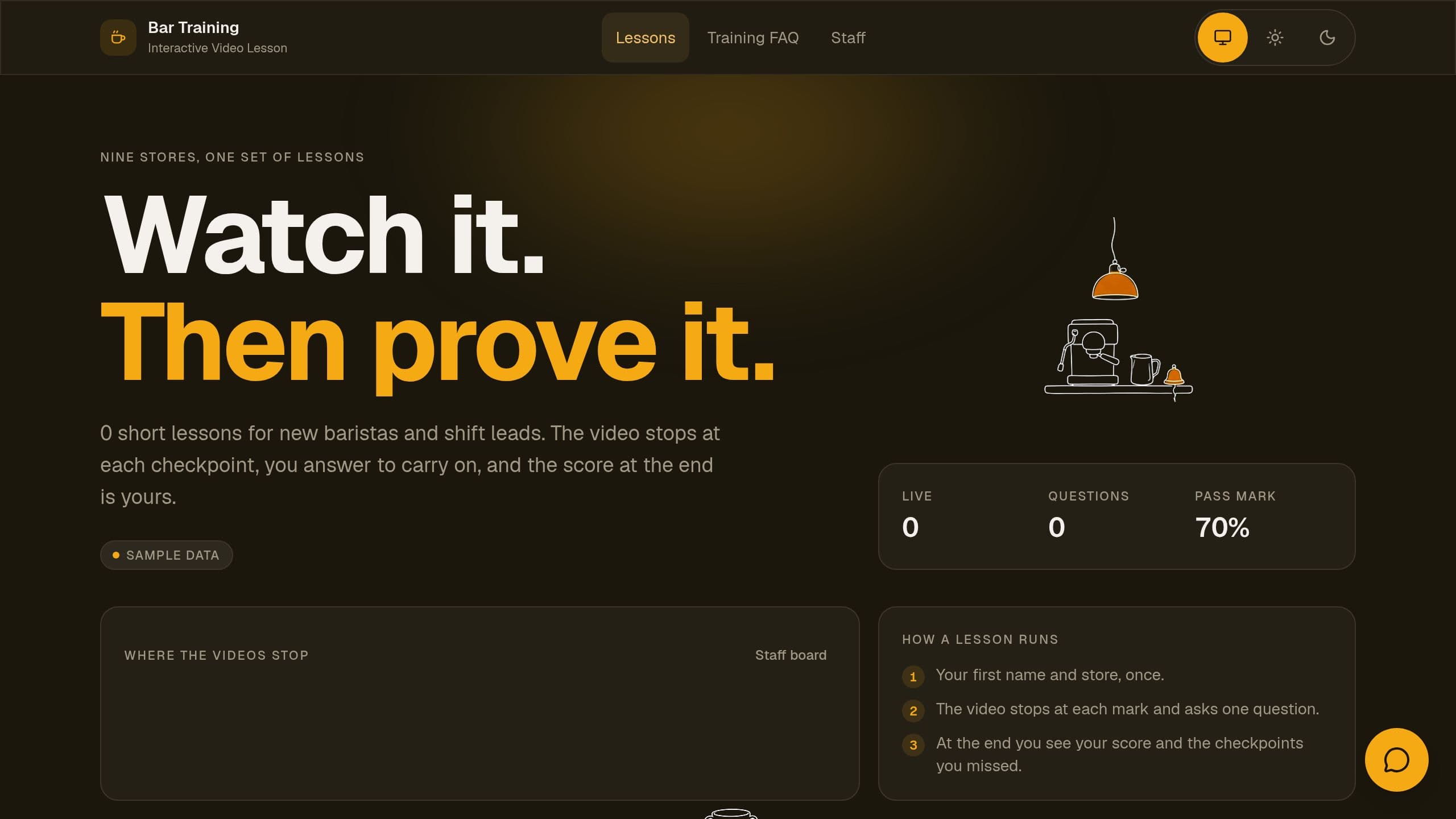
Turn a training video into a lesson that pauses at set times to ask a question, with a score and questions drafted from the video.
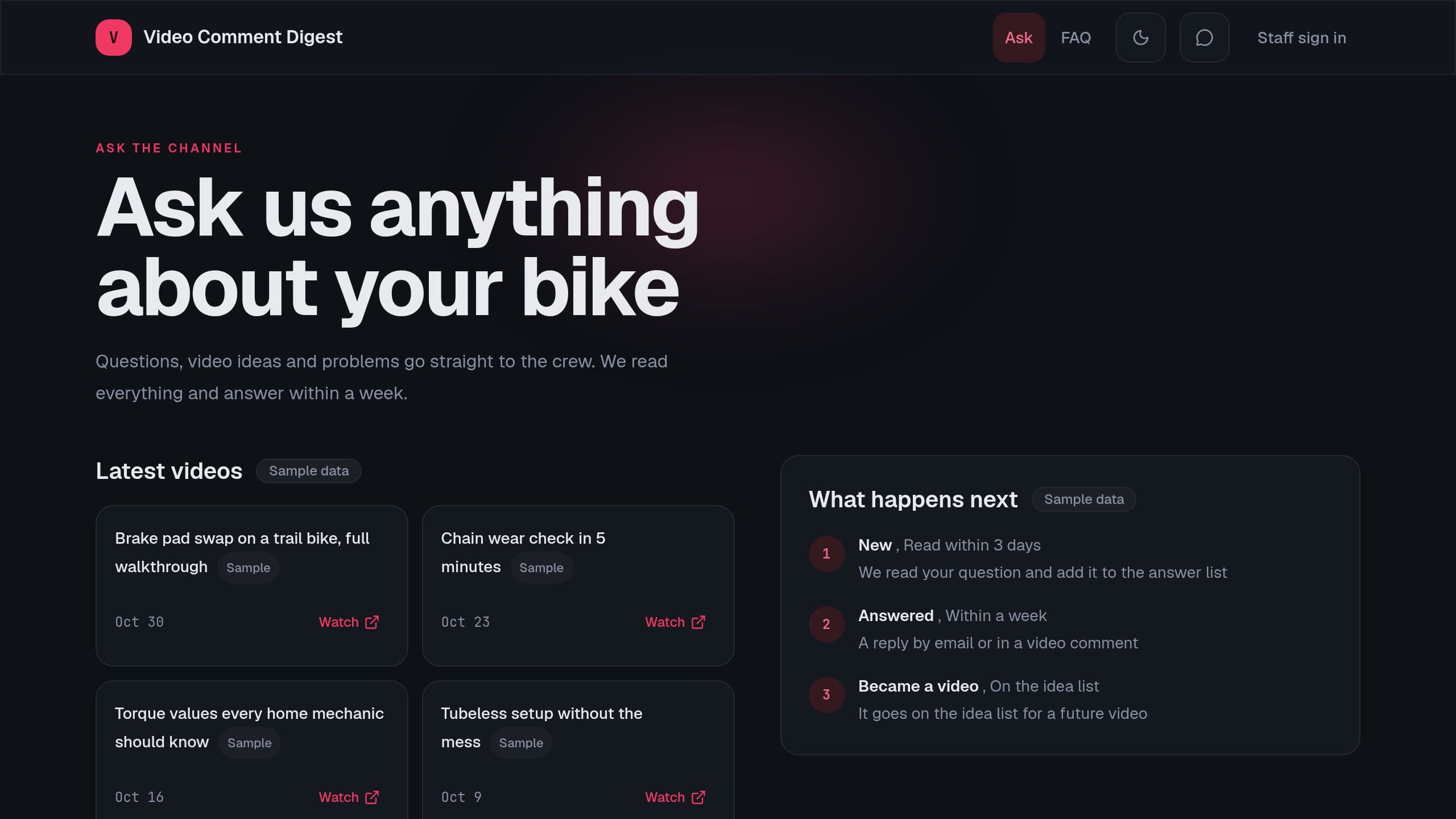
Sort video comments each week into questions, requests, praise and complaints, list the ones to answer, and take viewer questions.
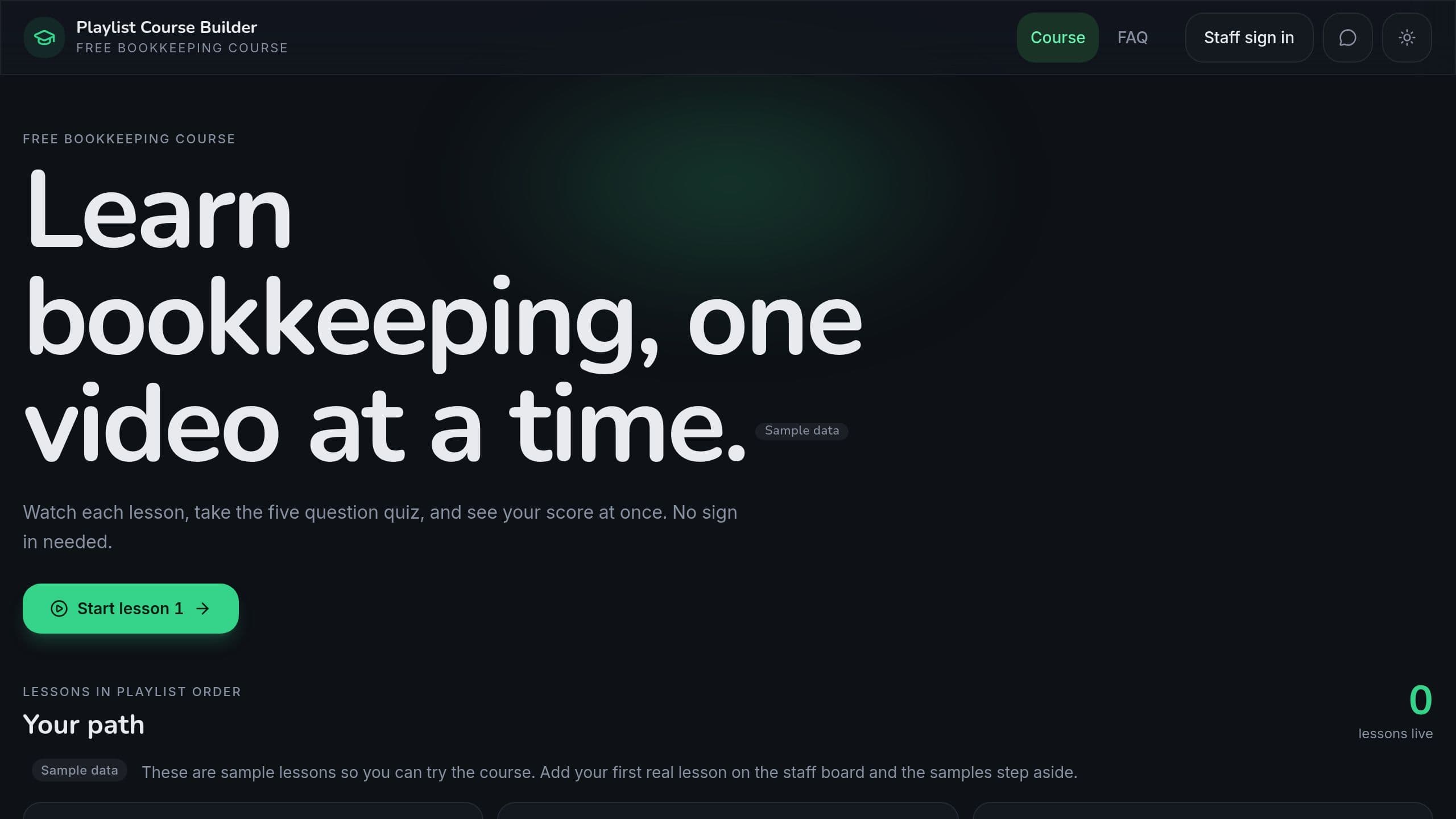
Turn each video of a YouTube playlist into a lesson with a summary, a 5 question quiz and a tutor chat that knows the lessons.
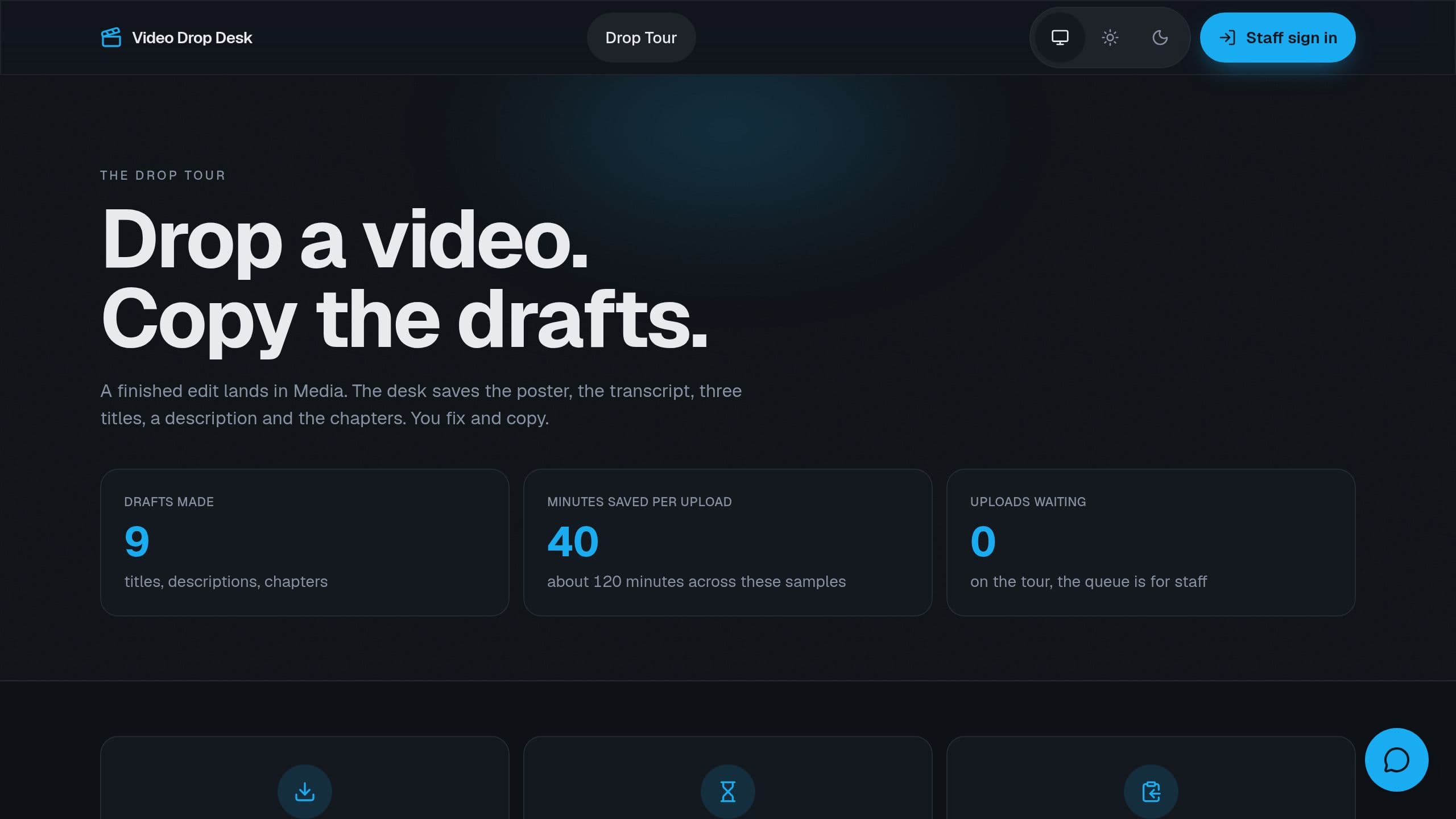
Drop a finished video into Media and get a poster frame, a transcript, title options, a description and chapters to fix and copy.
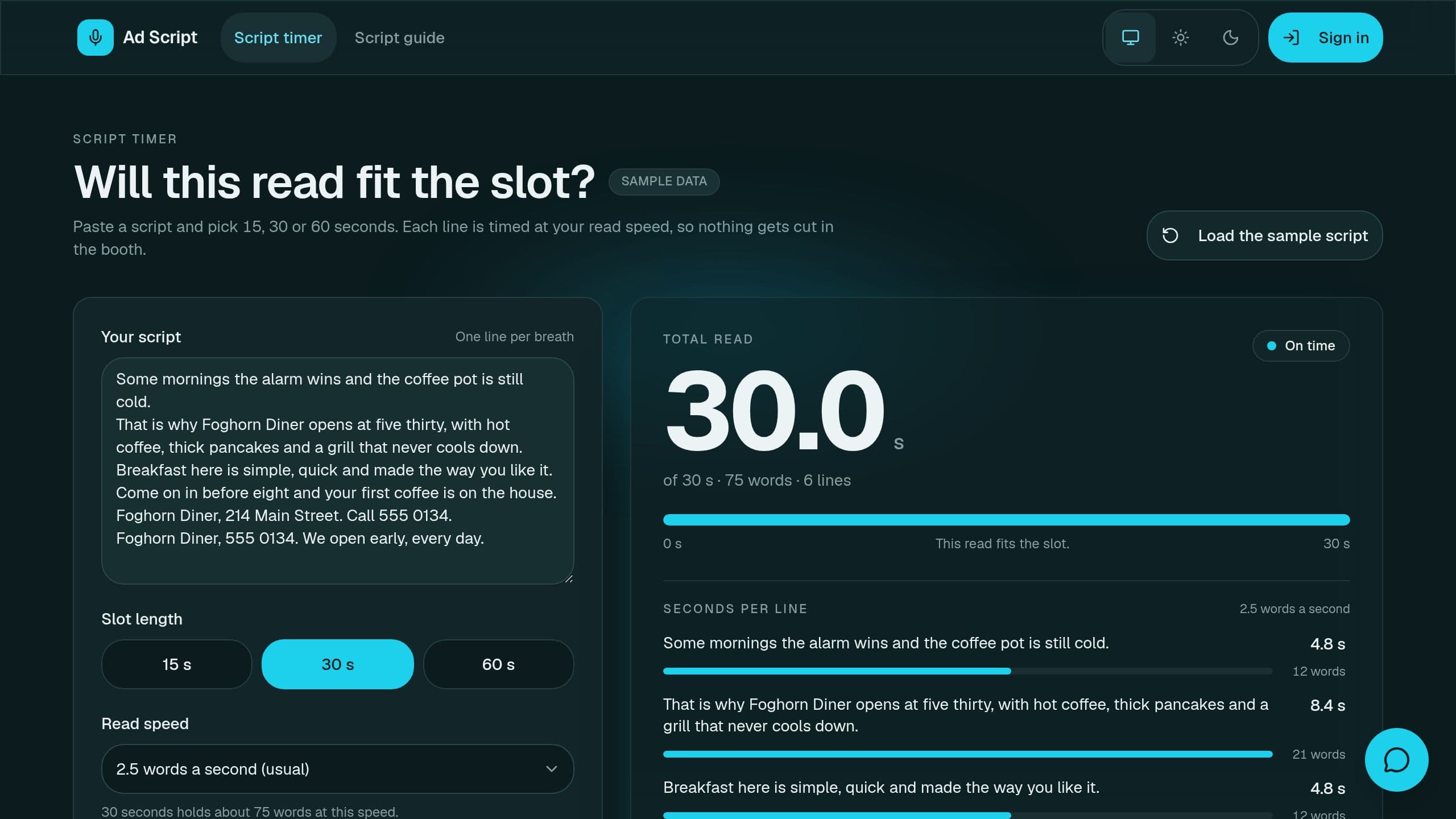
Ad Script Generator is a free Taskade Genesis kit for timed 15, 30 and 60 second ad scripts for radio, video and podcast reads, with seconds per line. Clone it and make it yours.
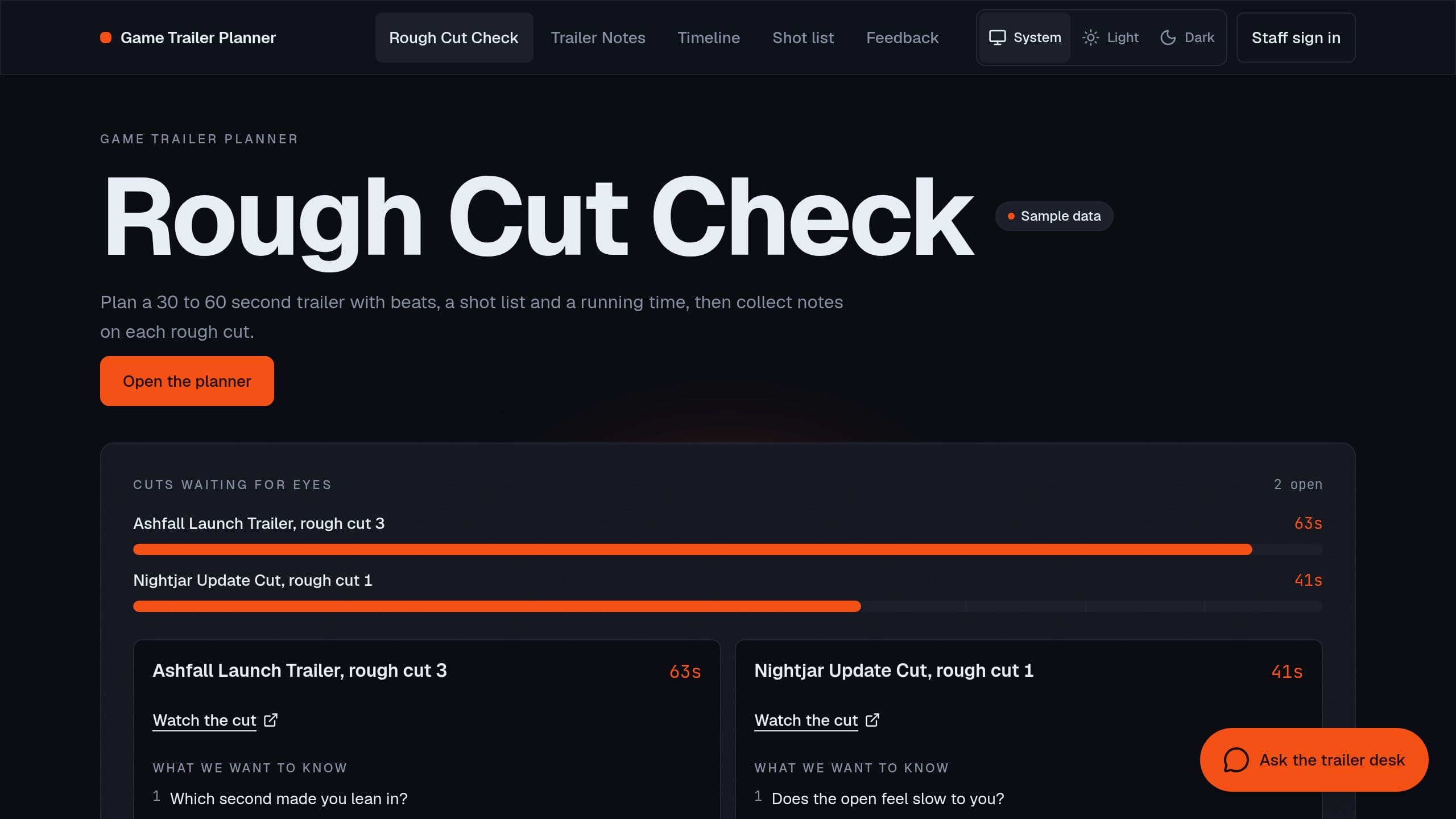
Game trailer planner: map the beats and shots of a 30 to 60 second cut with a live running time, then collect the second where friends stop watching.
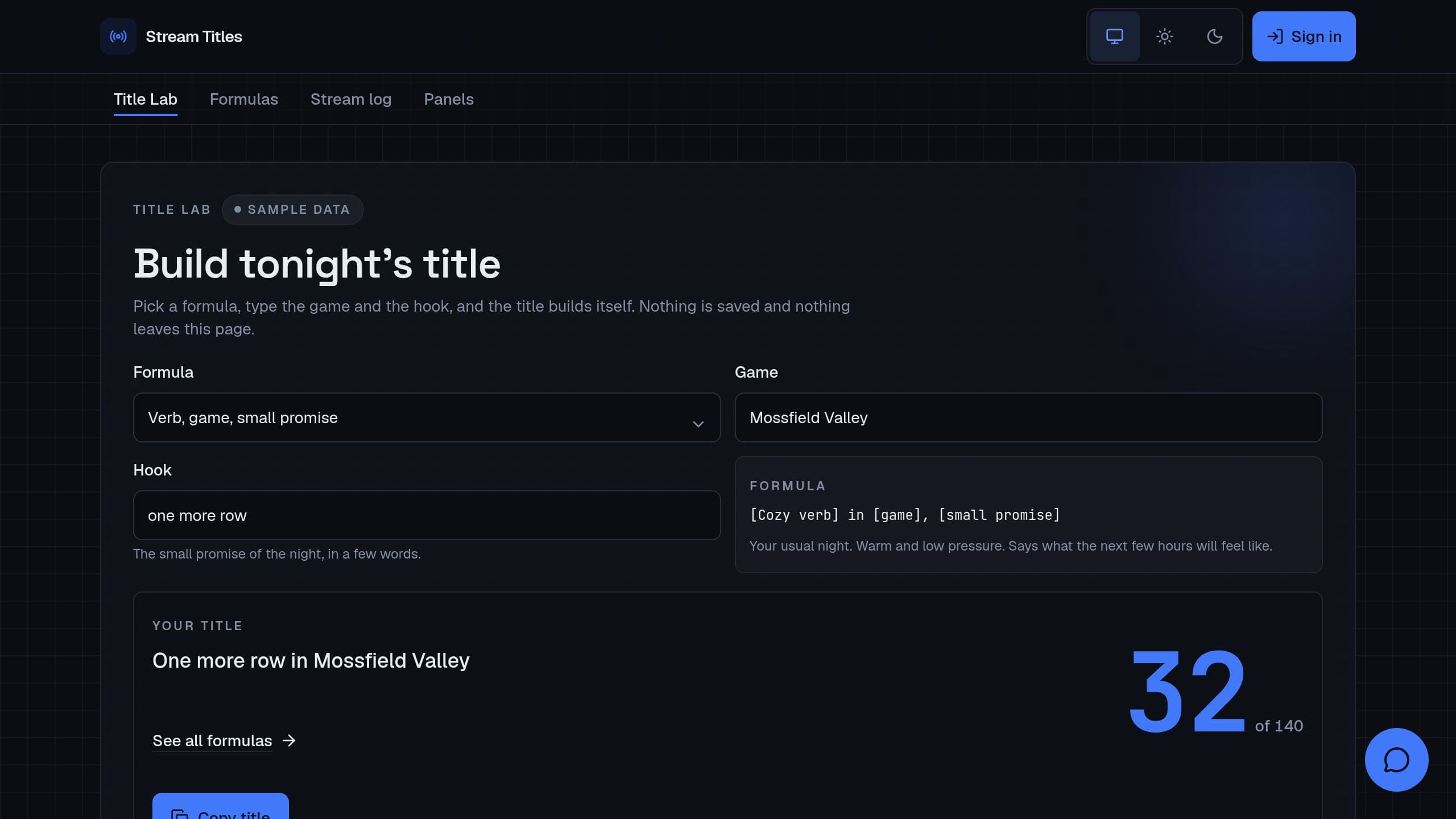
Stream Title Generator is a free Taskade Genesis kit for stream titles with a character count, plus a channel bio, about panels and chat rules in one place. Clone it and make it yours.
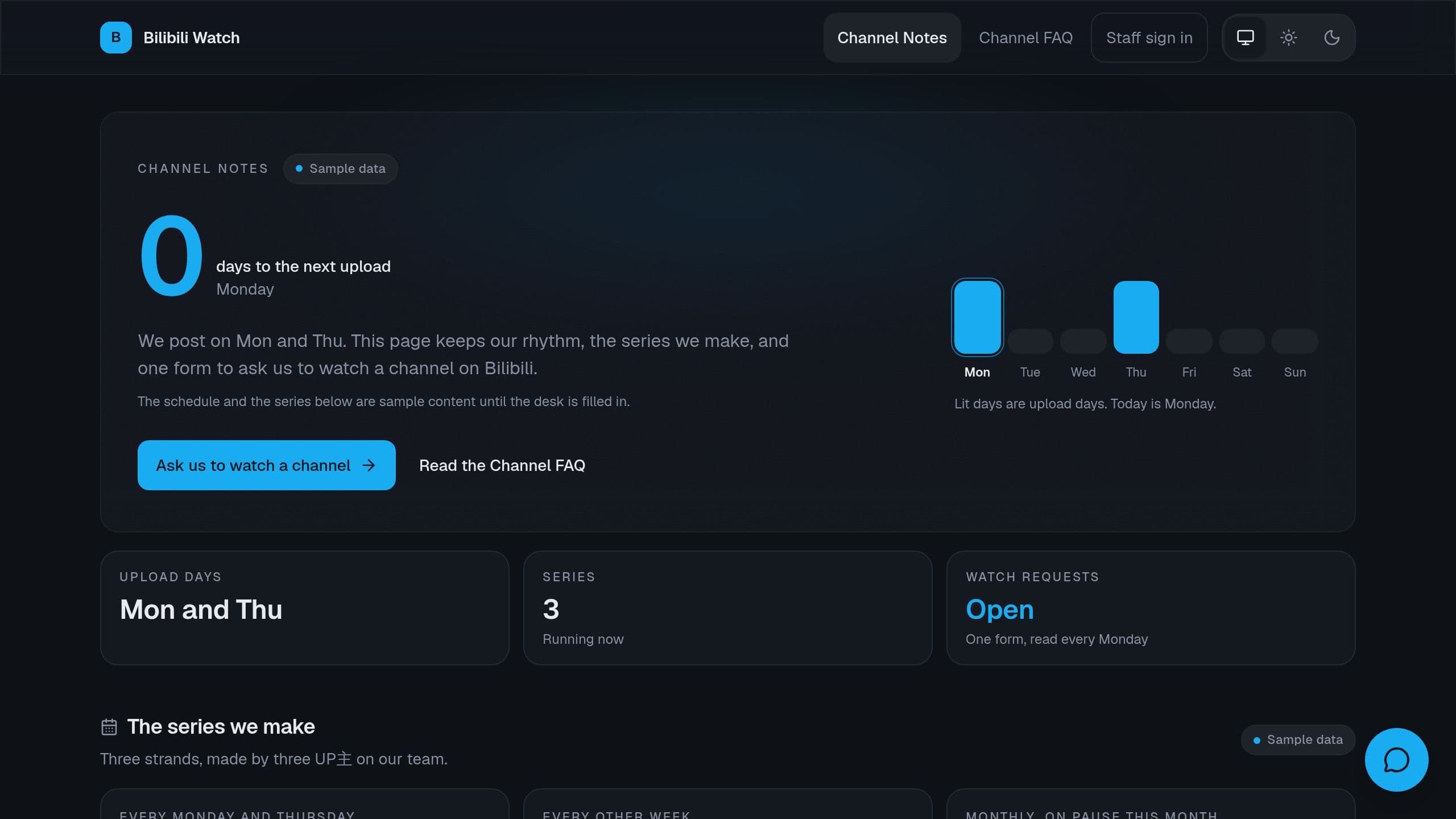
Keep your upload rhythm and series in one place, and take requests to watch a Bilibili channel.
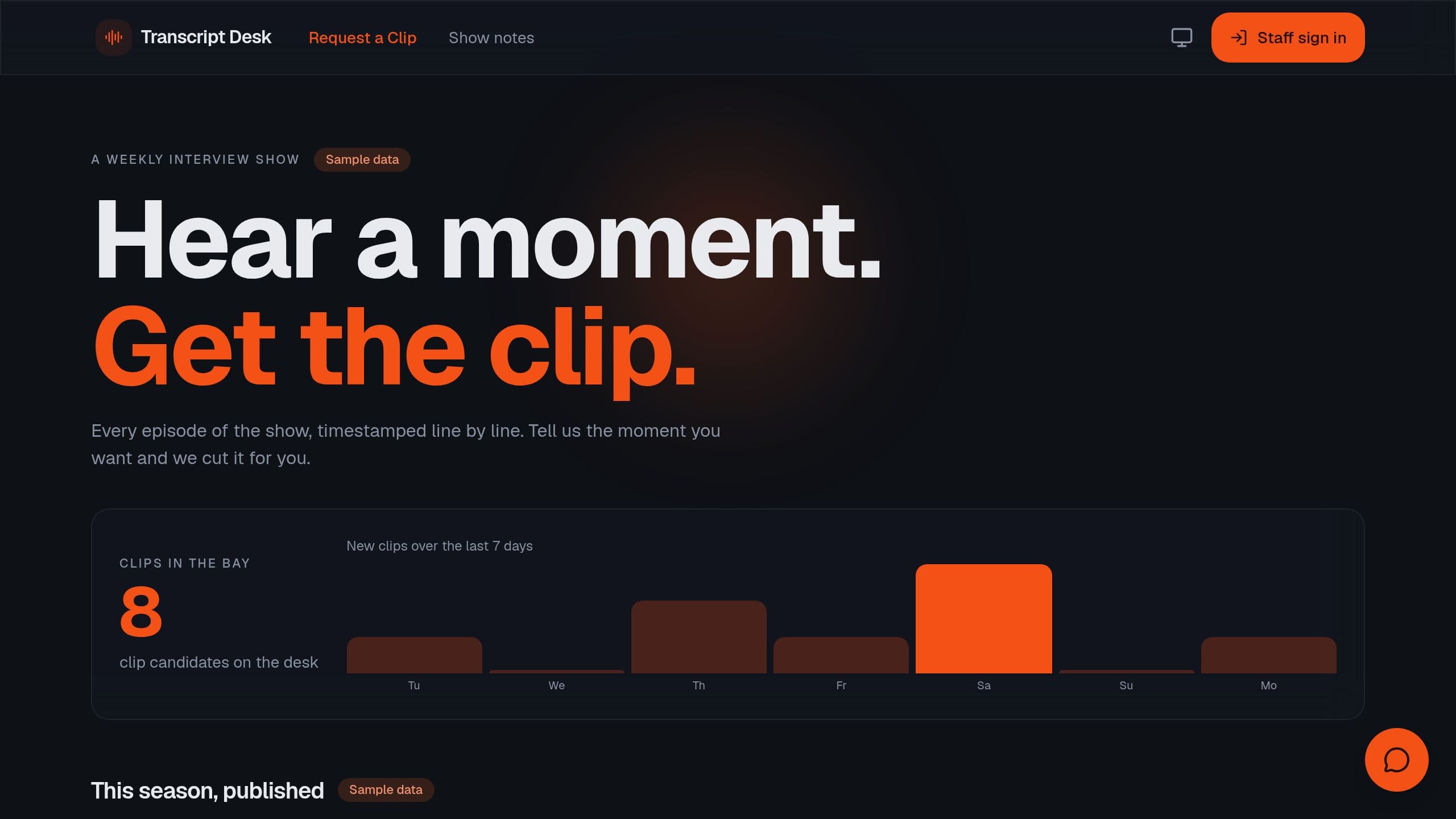
Keep timestamped episode transcripts, take clip requests from listeners, and track clips through the edit.
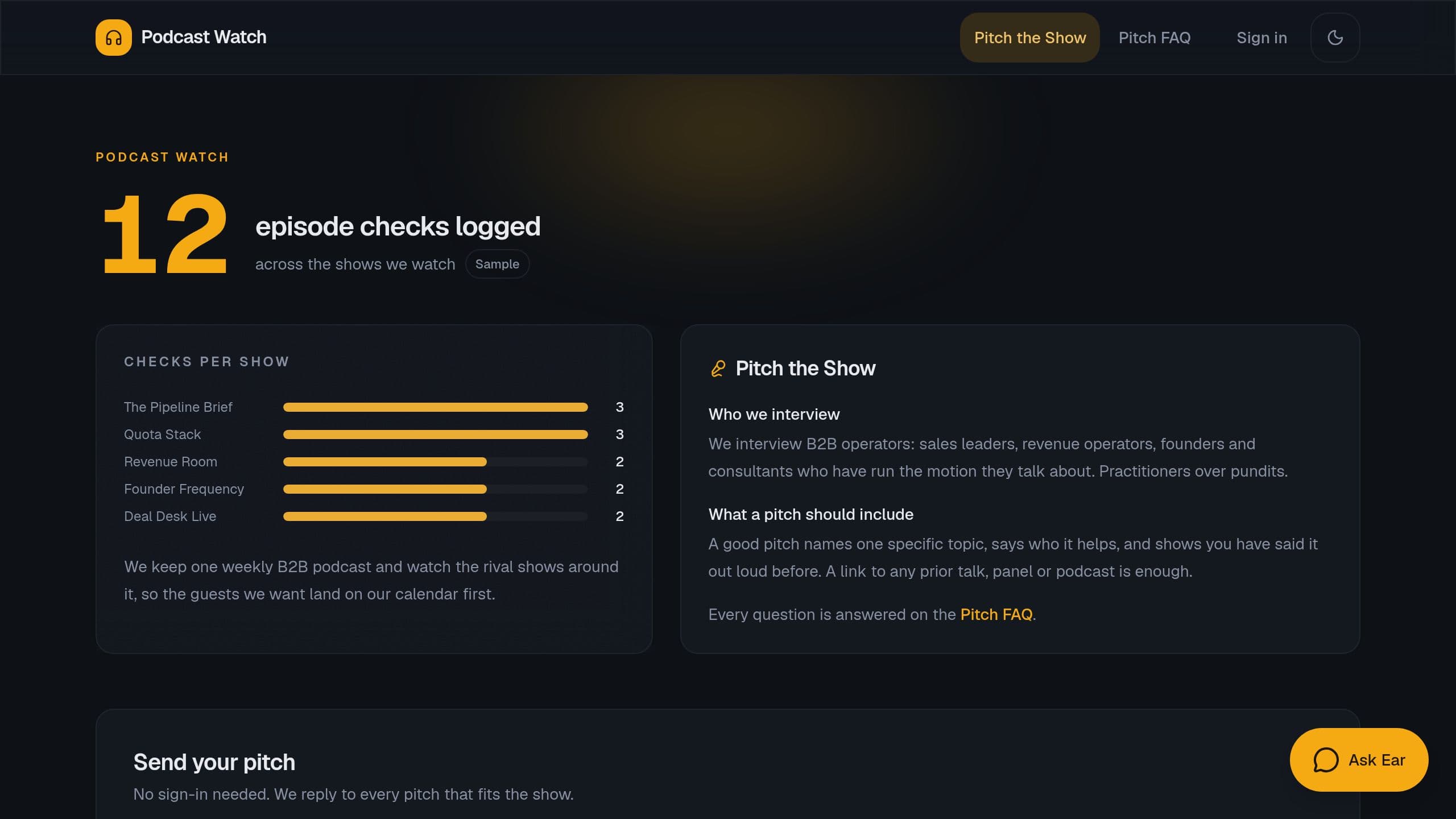
Log episode checks on rival podcasts and take guest pitches for your own show.
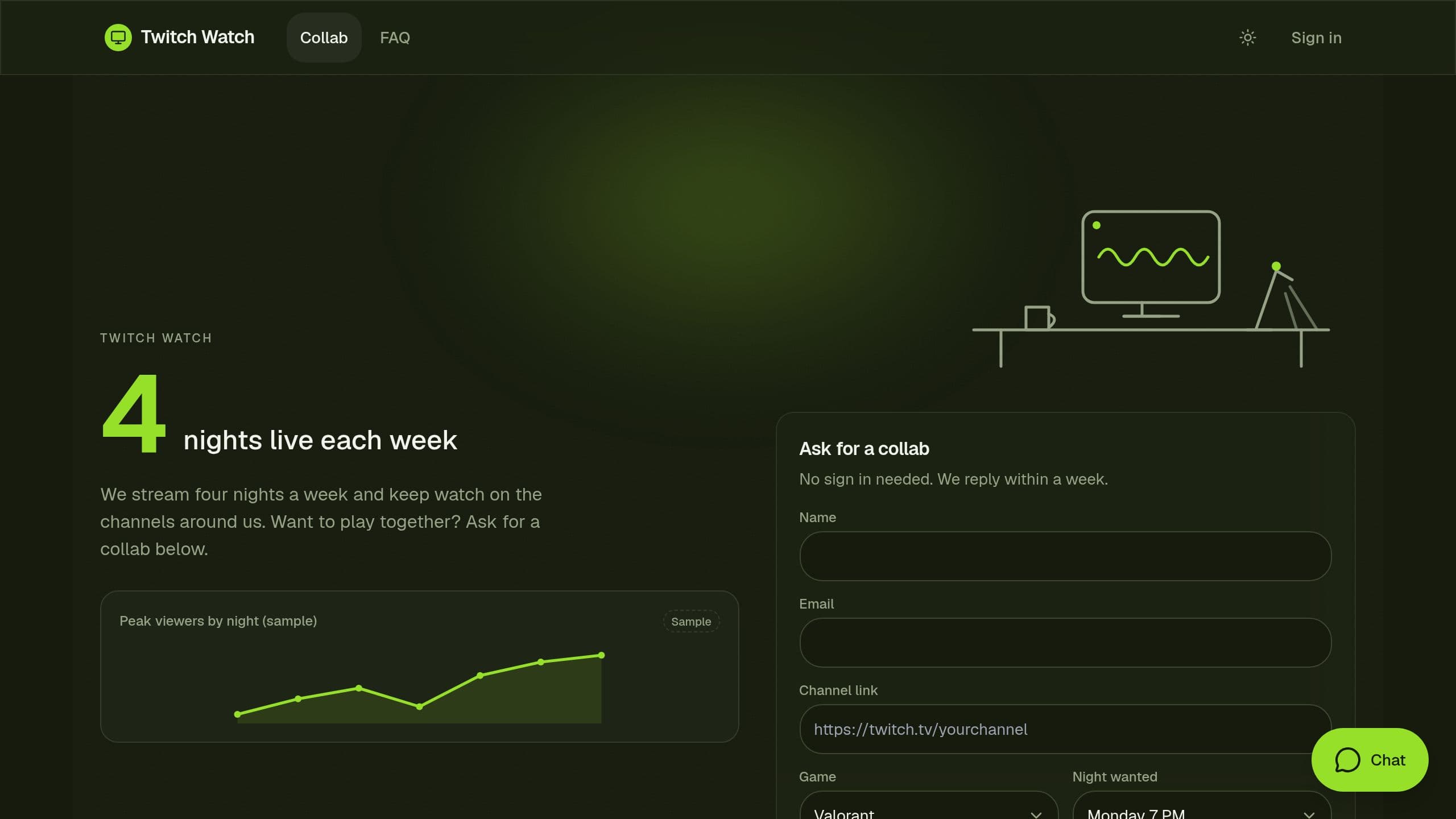
Plan your weekly stream nights, keep a watch list of nearby channels, and take collab requests.

Break a script into scenes, cast, props and locations, count pages in eighths, build the stripboard and catch items not sourced.
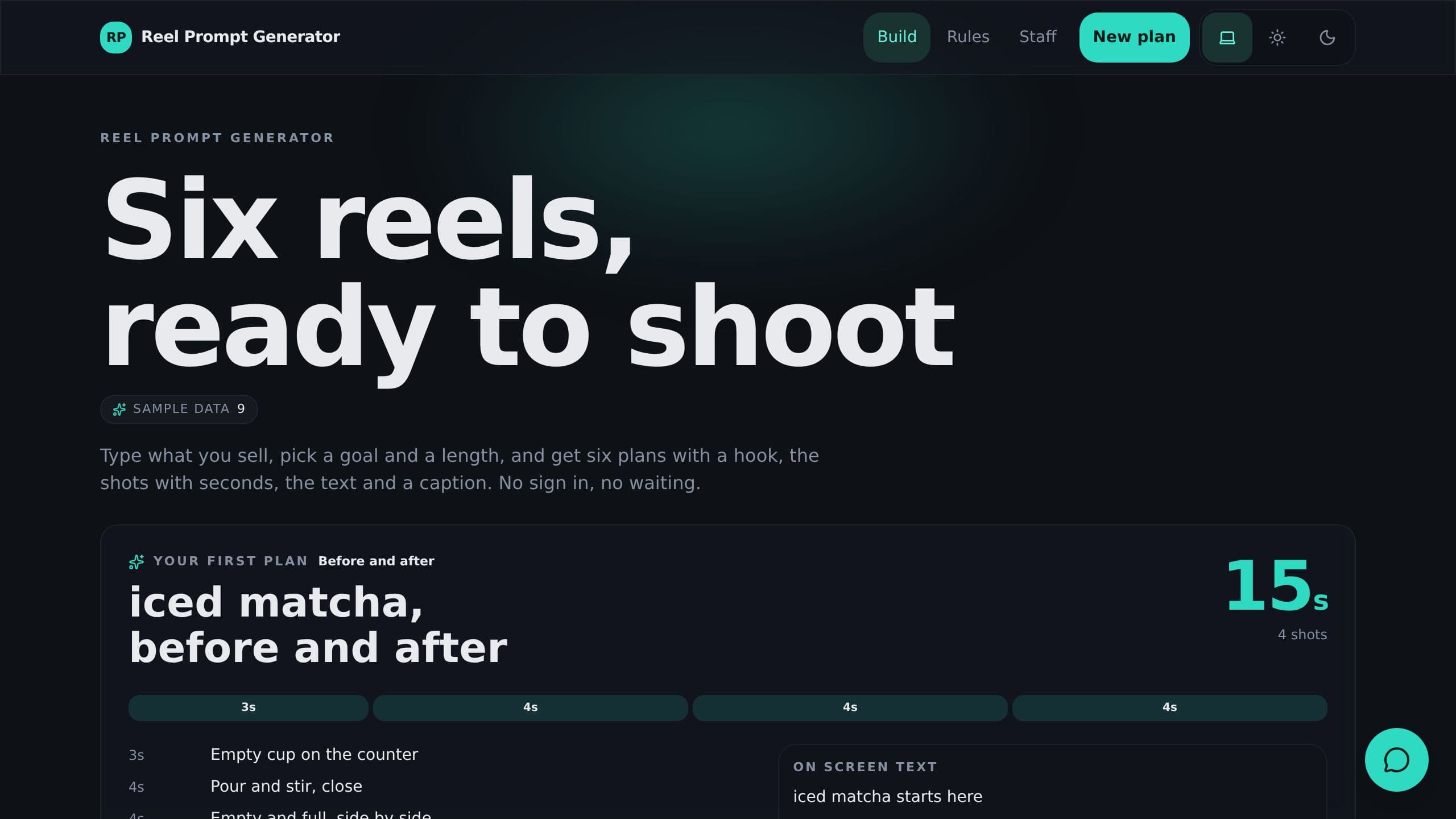
Type what you sell and get 6 reel plans with a hook, timed shots, on-screen text and a caption.
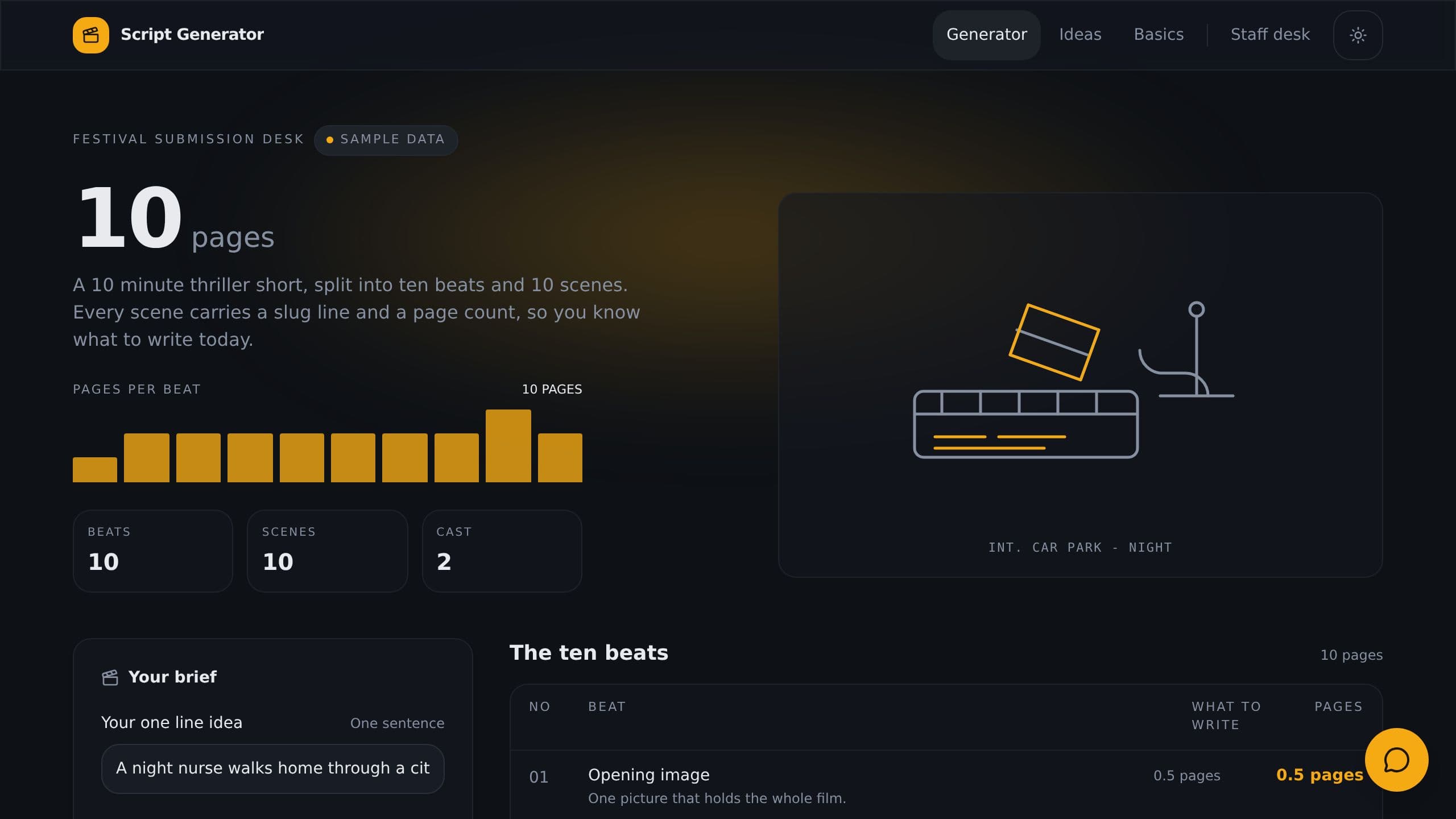
Type one idea, pick a genre and a length, and get a 10-beat outline with page counts and slug lines.
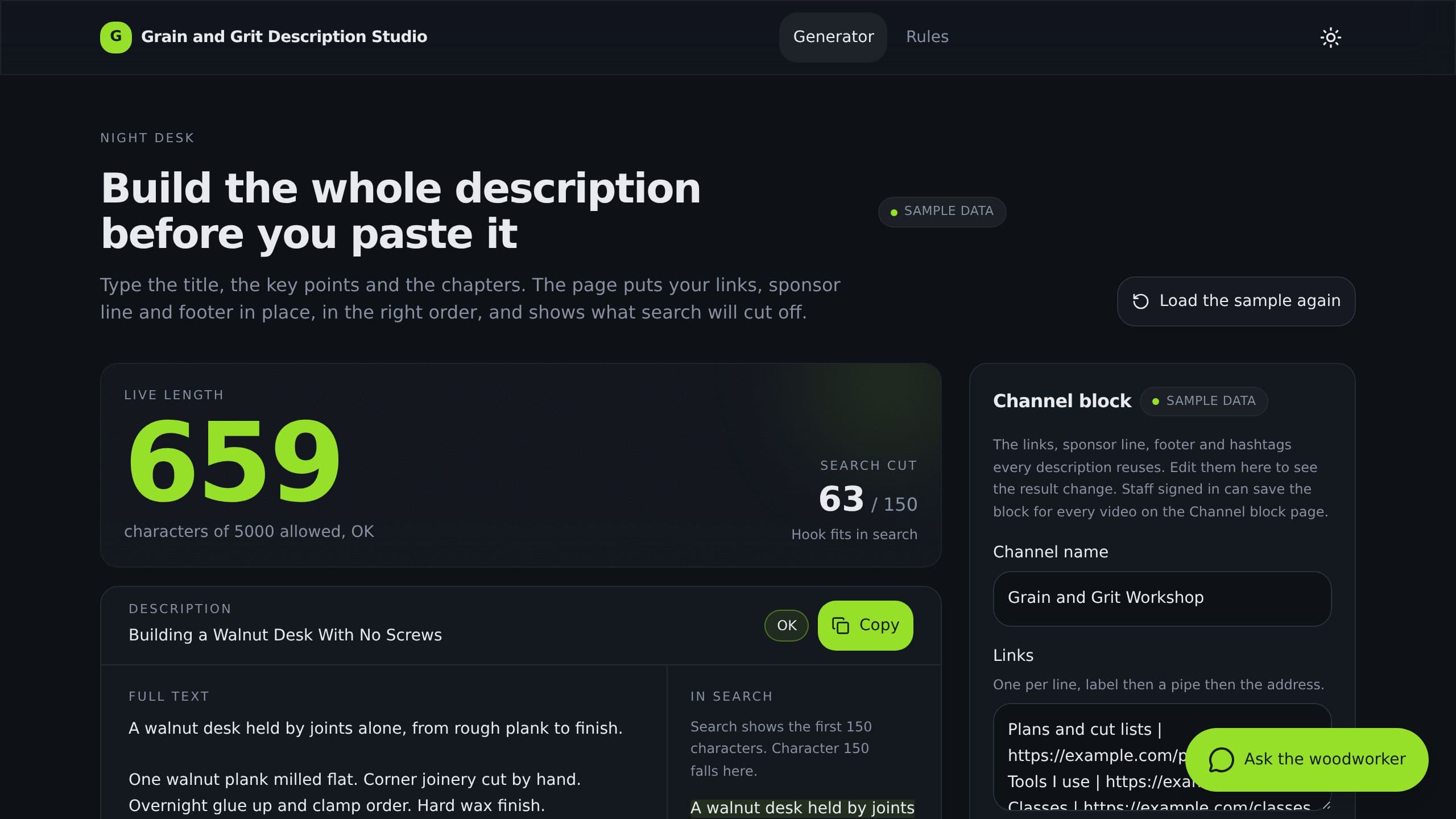
Build a full YouTube description from a title, key points and chapters. See the first 150 characters and a live counter.
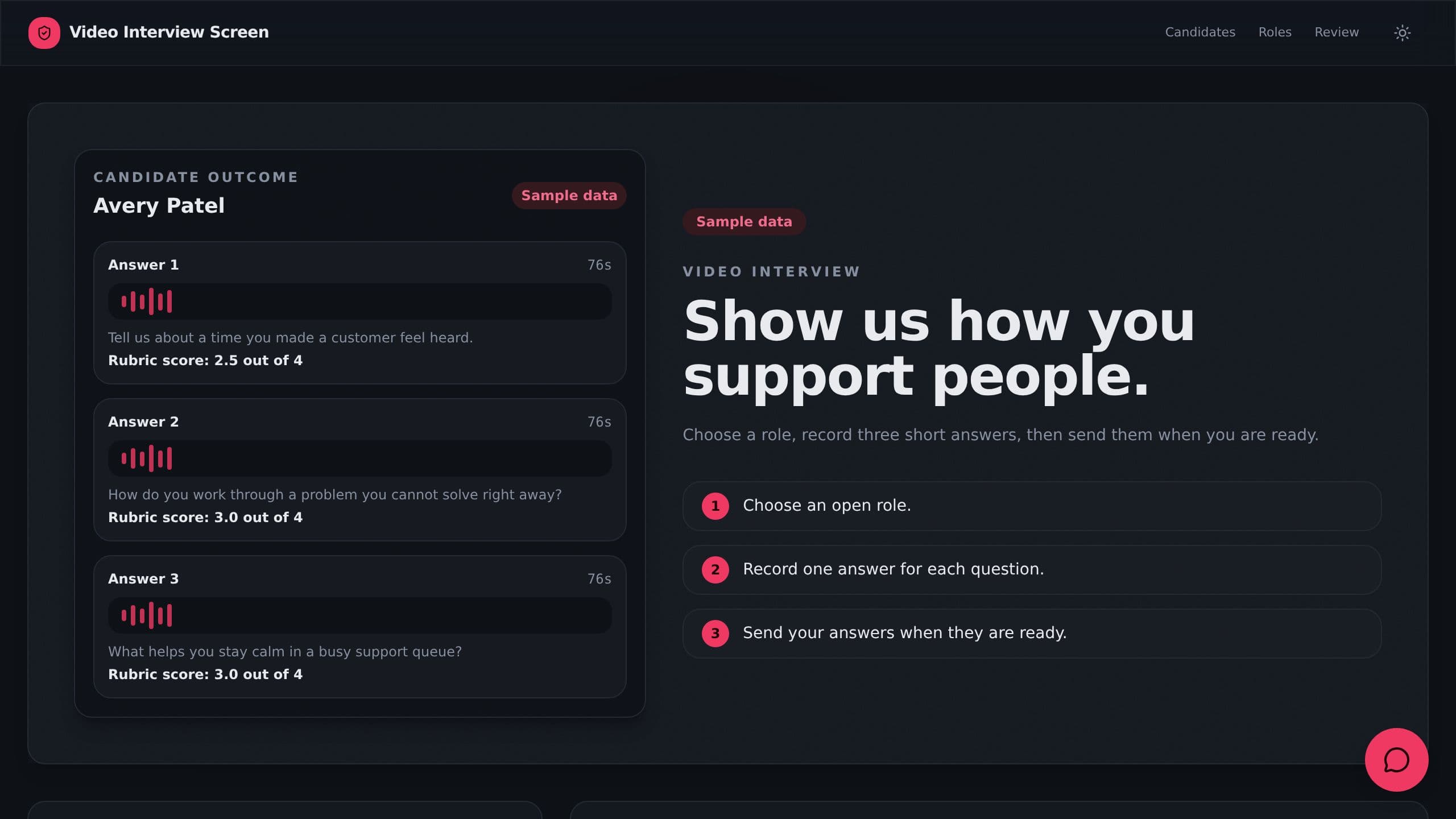
Candidates upload short video answers to 3 questions, reviewers score them with a rubric.

Webinar sign-ups, host question lists, replay pages with takeaways from the video, and sales follow-ups.
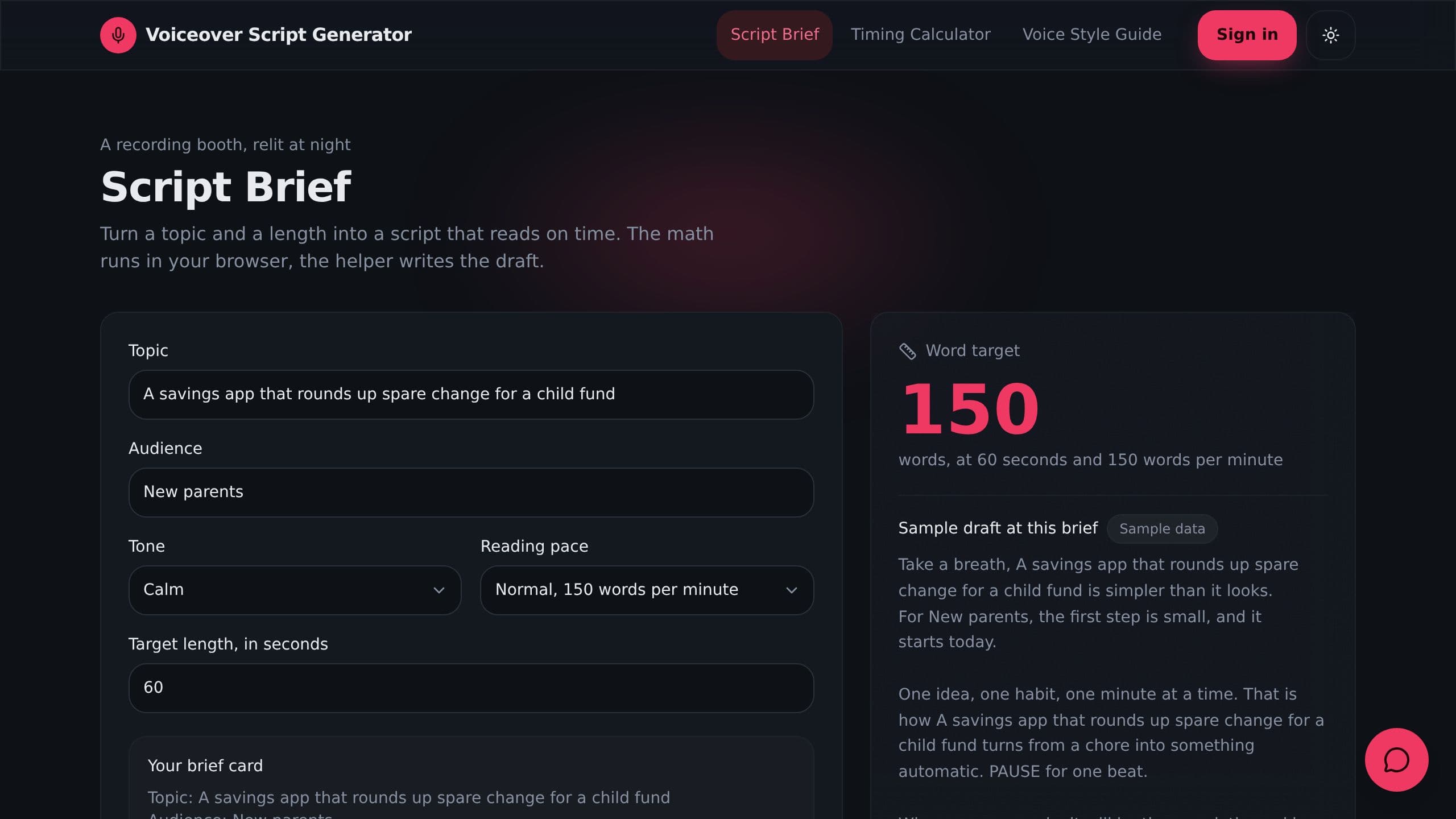
Set topic, tone and length, get a voiceover script draft, and check the read time in the browser.
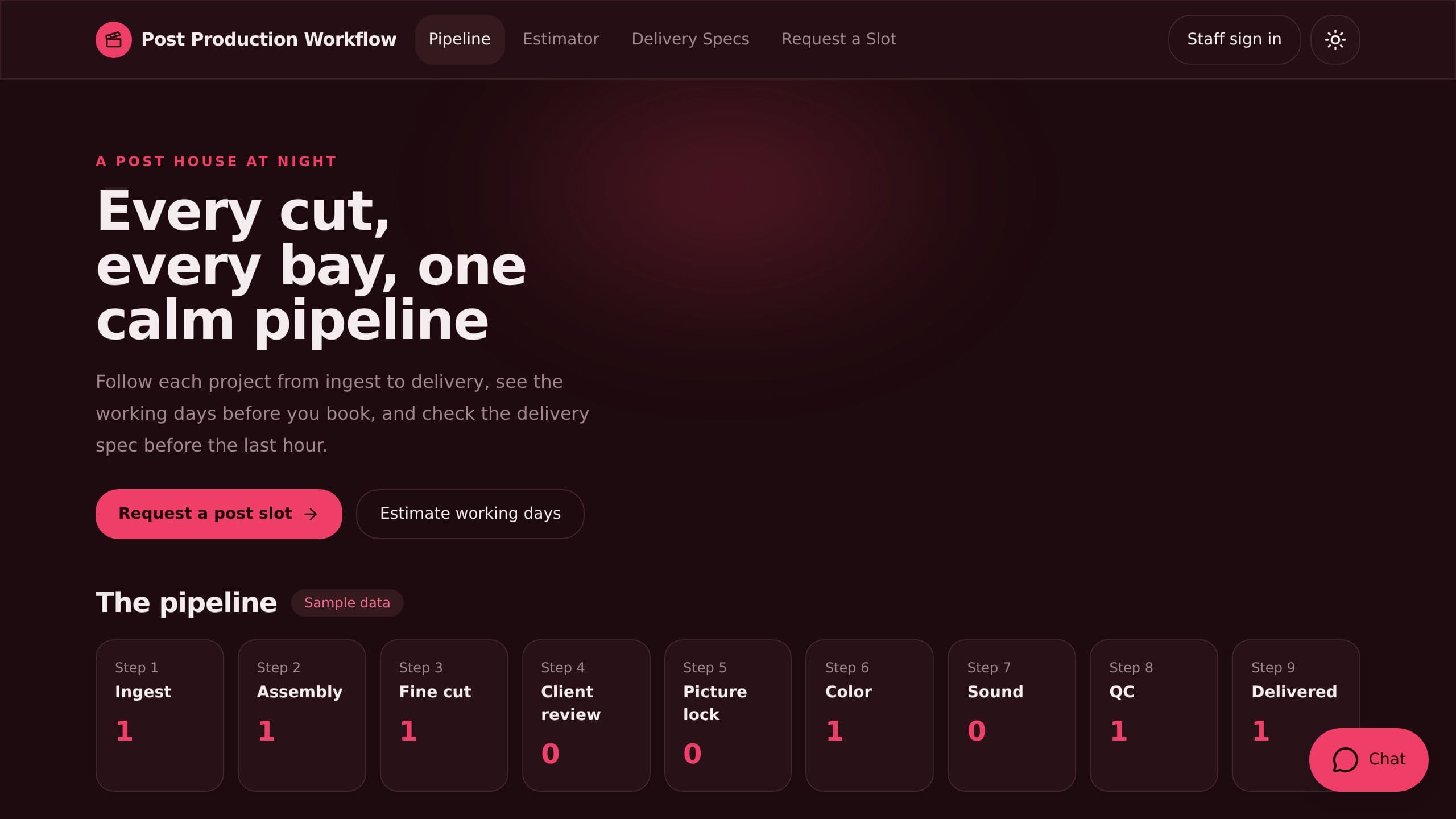
Track every project through edit, color, sound and QC, with bay schedules, client notes and public delivery specs.
Quote subtitles by minute and language, take requests and track a job per language and translator.
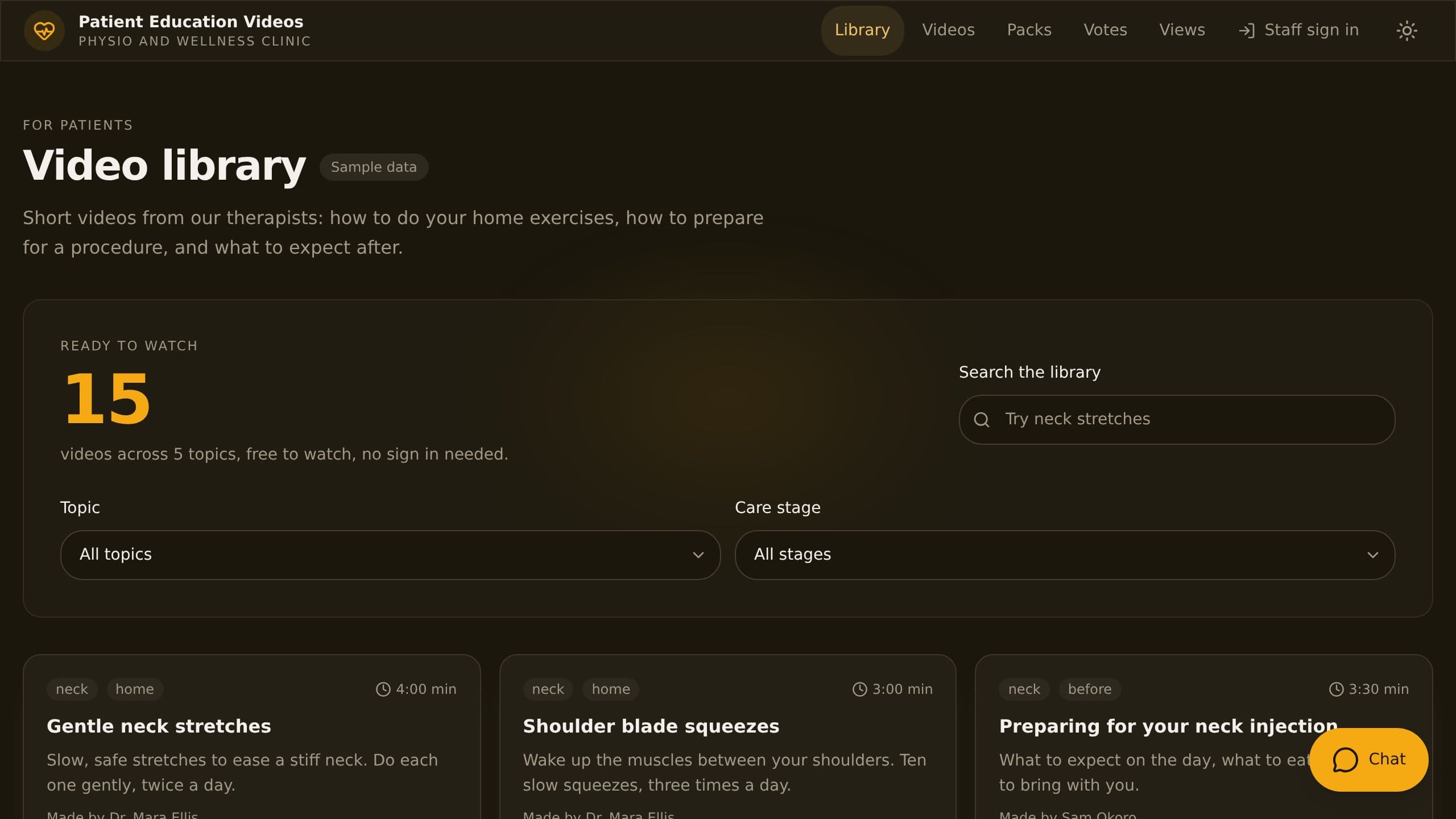
Publish short patient videos by topic, send care pack links after a visit and see which videos help.

Log drone flights by site on a map with footage, pre-flight checks and battery cycles, and plan batteries per job.
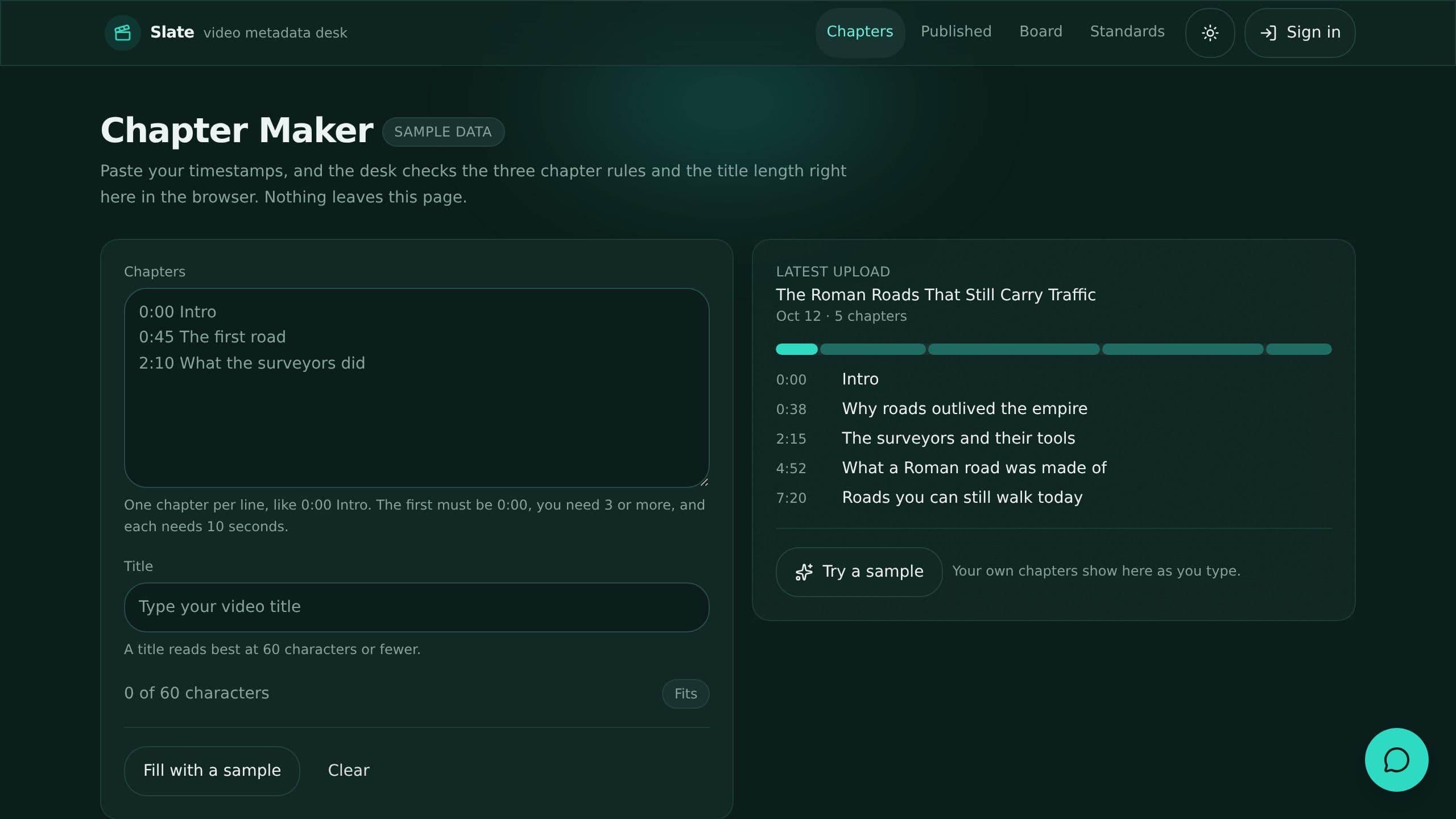
Check titles, chapters, tags and links before every upload, with a free chapter checker.
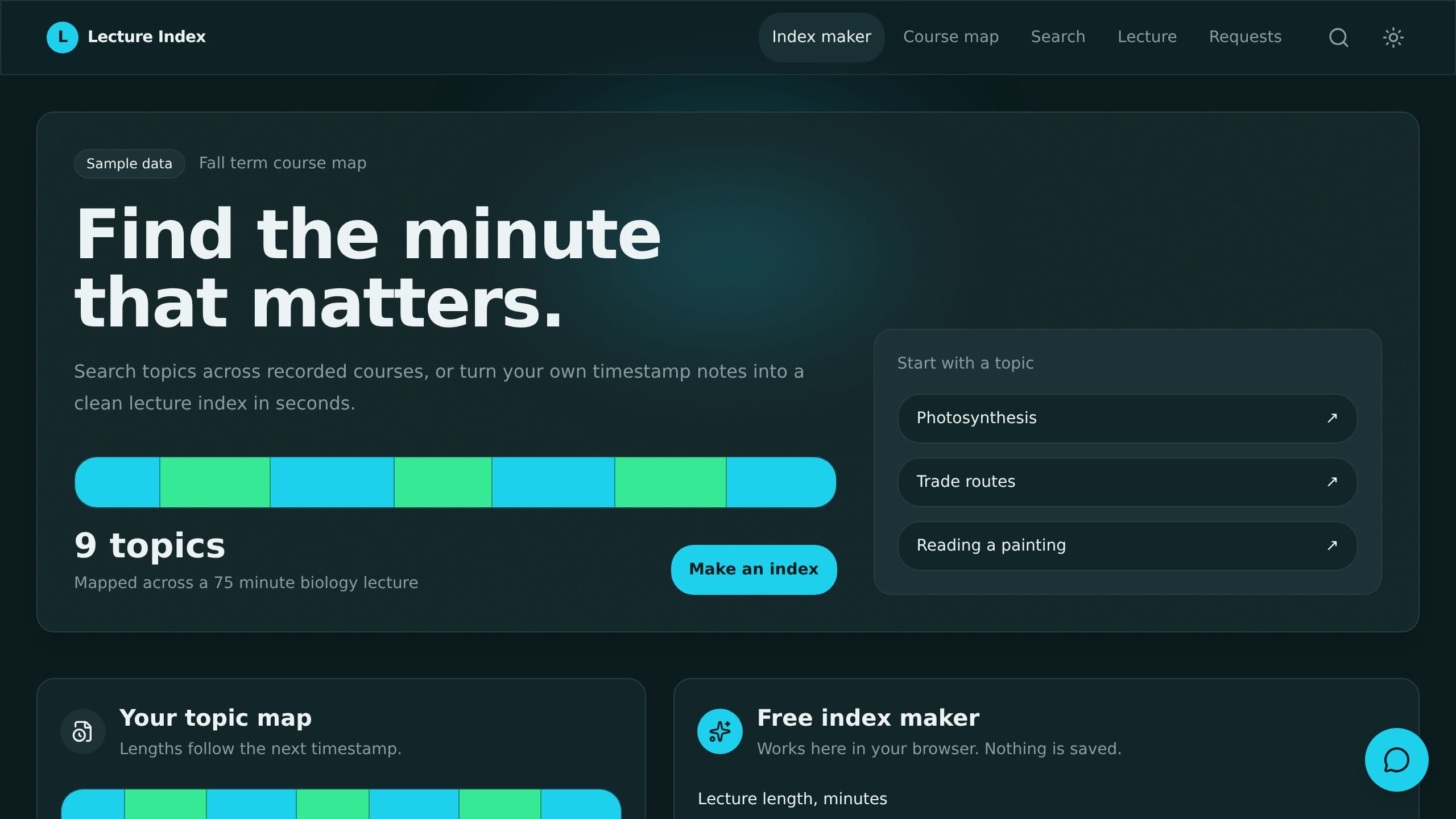
Split recorded lectures into topics with timestamps, search a whole course, and jump to the right minute.
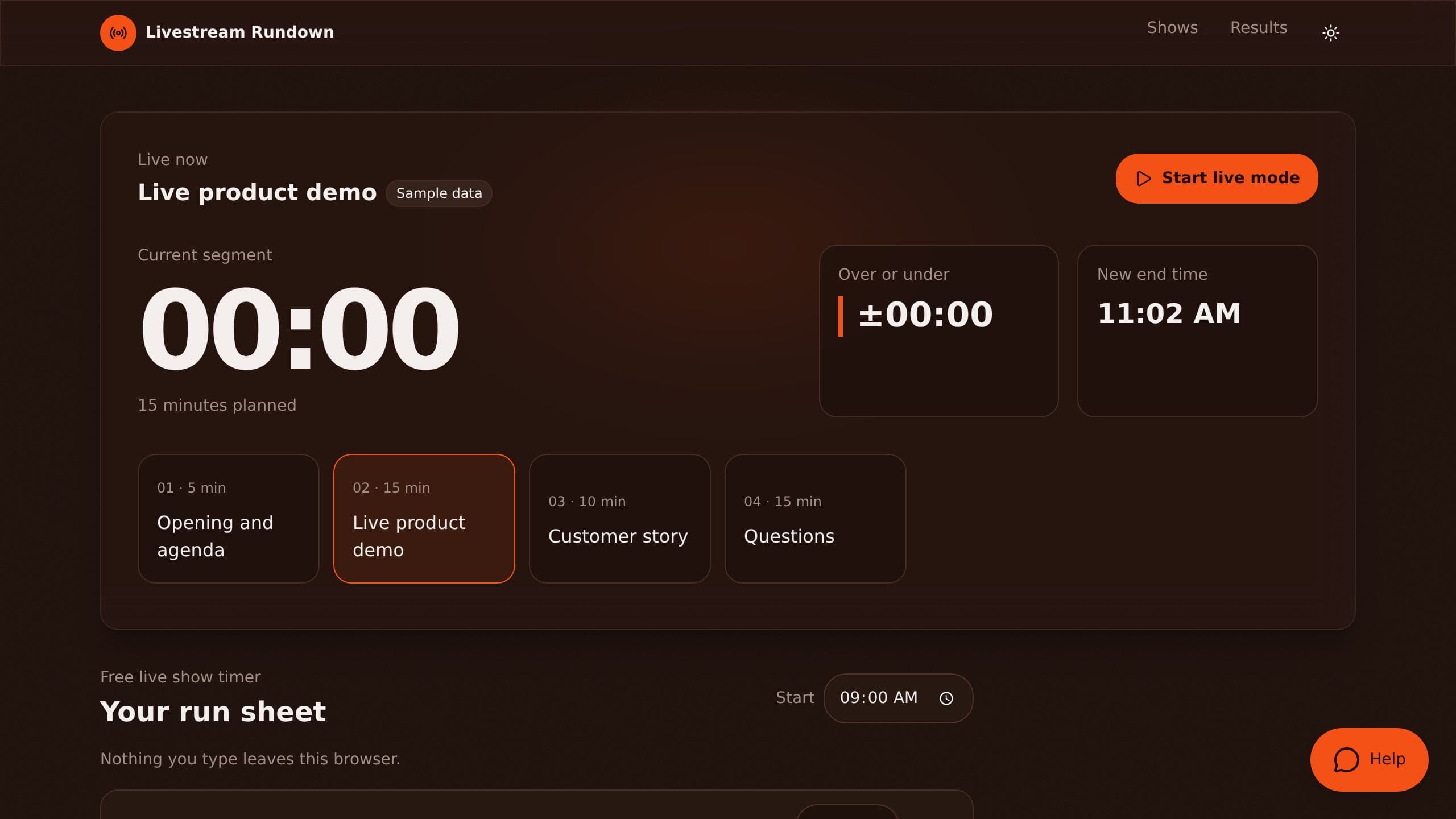
Plan livestream segments, run the show with a live over and under timer, and compare plan with actual after.
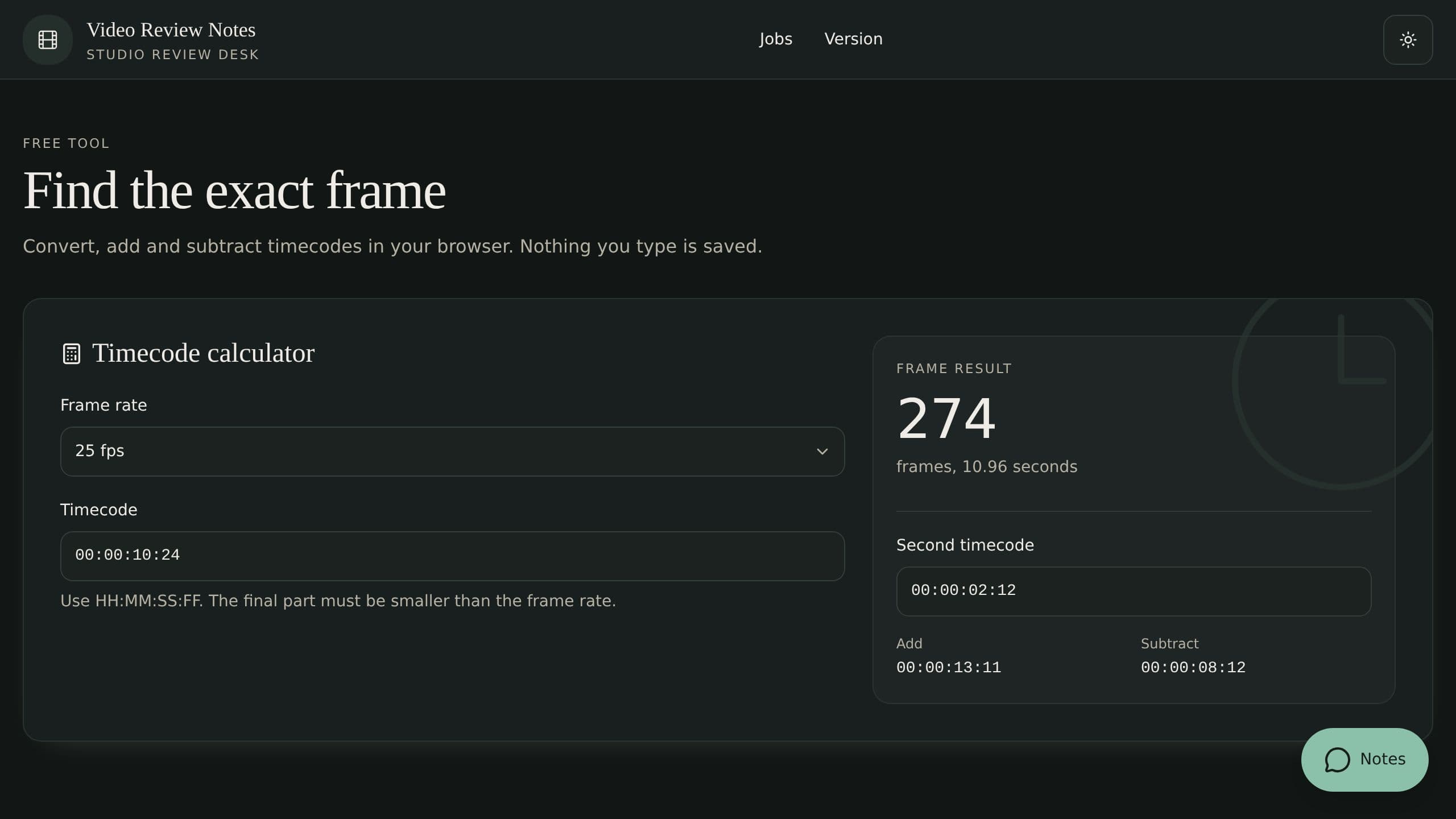
Pin client notes to a timecode on each video version, sort them into tasks, and record the final approval.
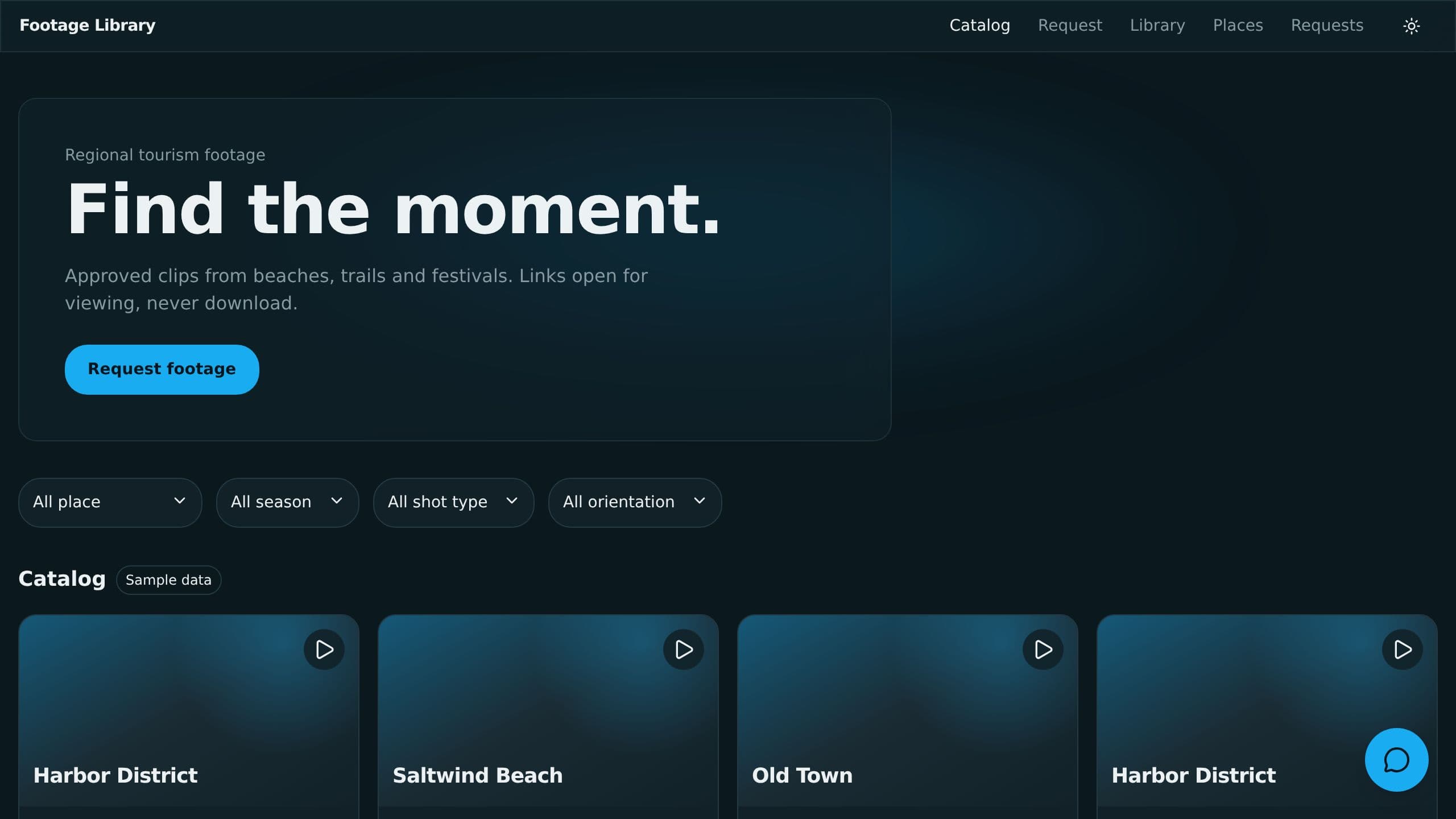
Tag video clips by place, season and license, share a public catalog with partners, and hide clips when licenses end.
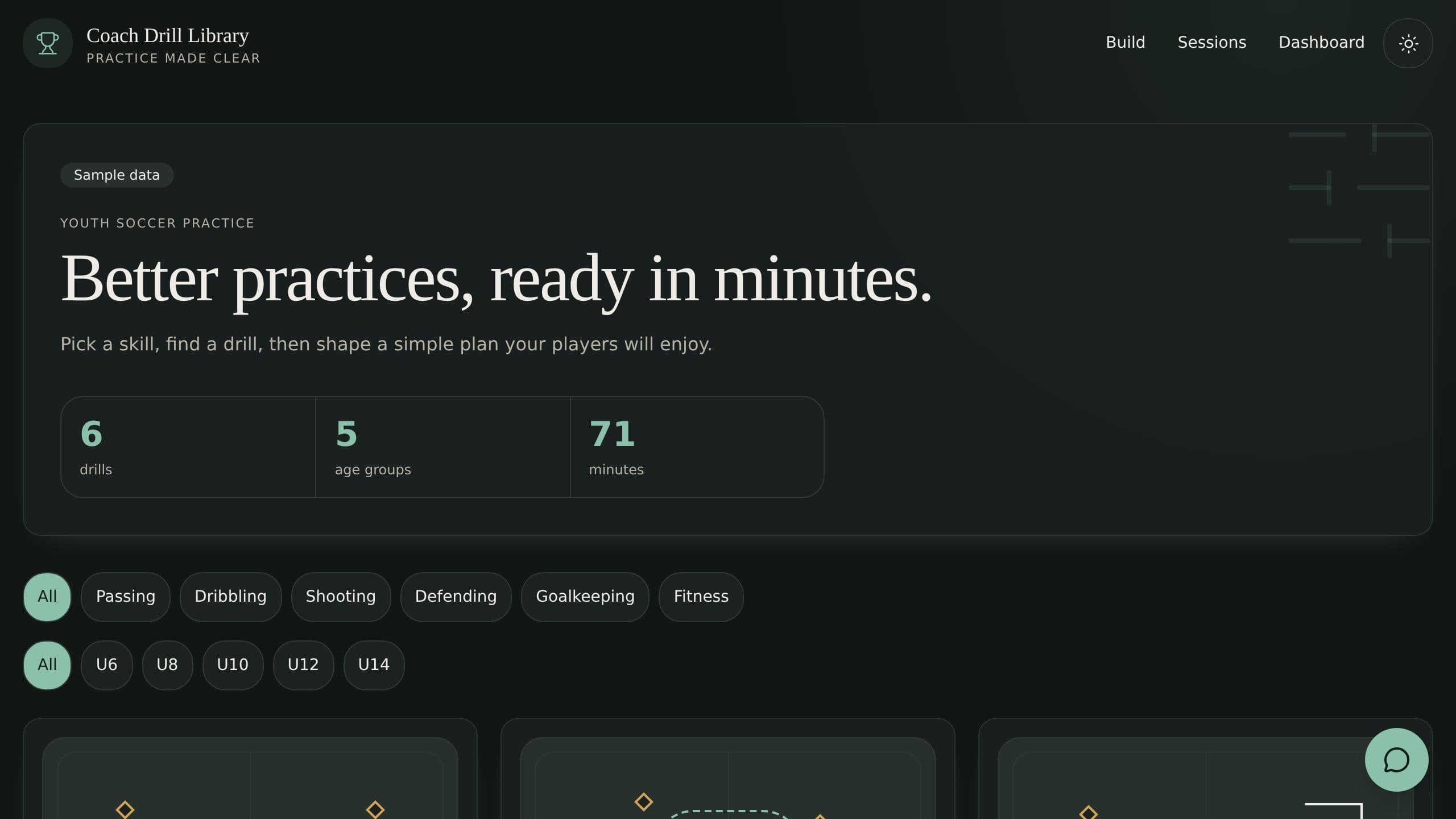
Share youth sports drills with diagrams, age levels and clips, and build a timed practice session in minutes.
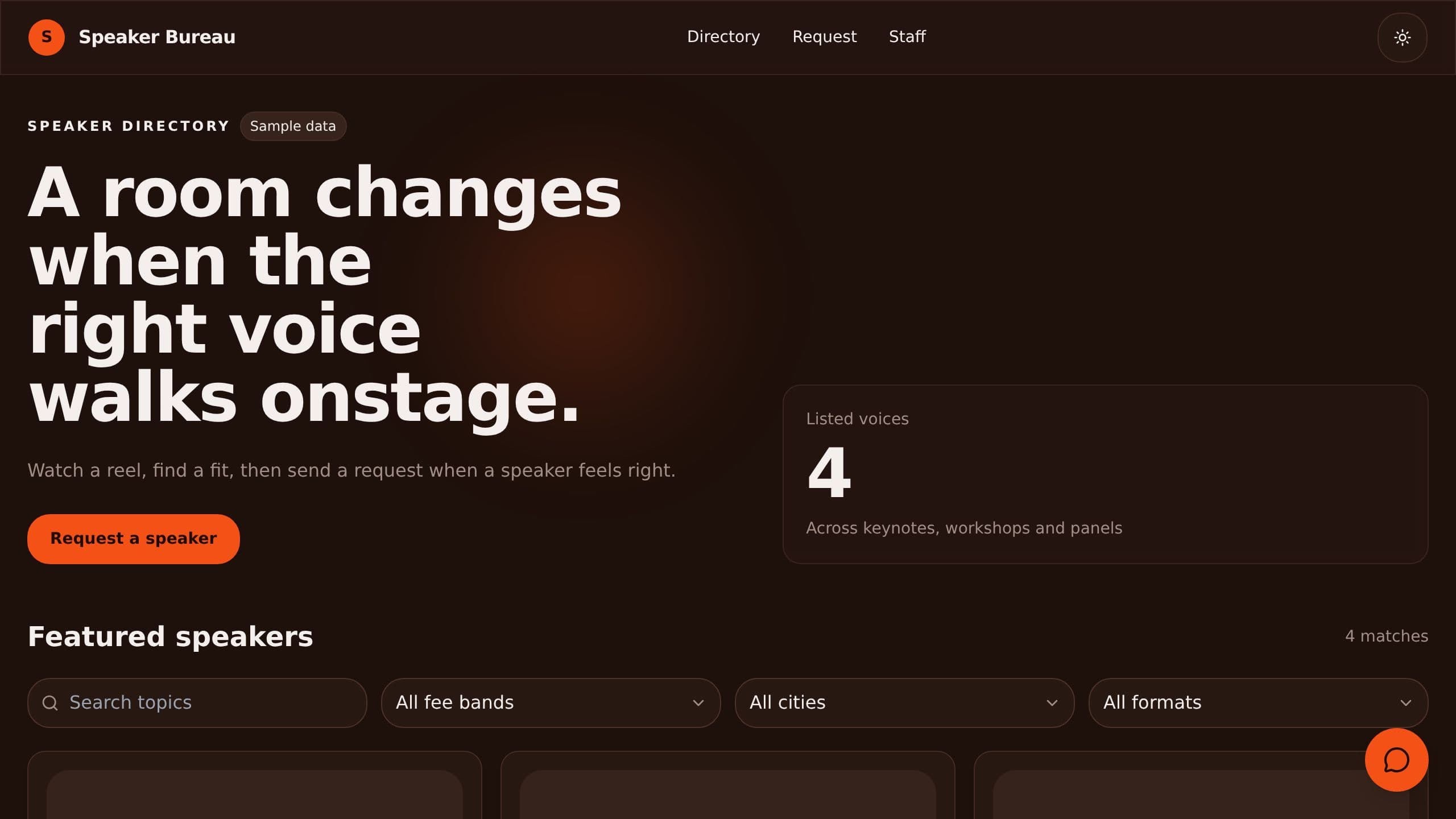
A speaker directory with topics, fee bands and video reels, plus booking requests that come to your bureau.
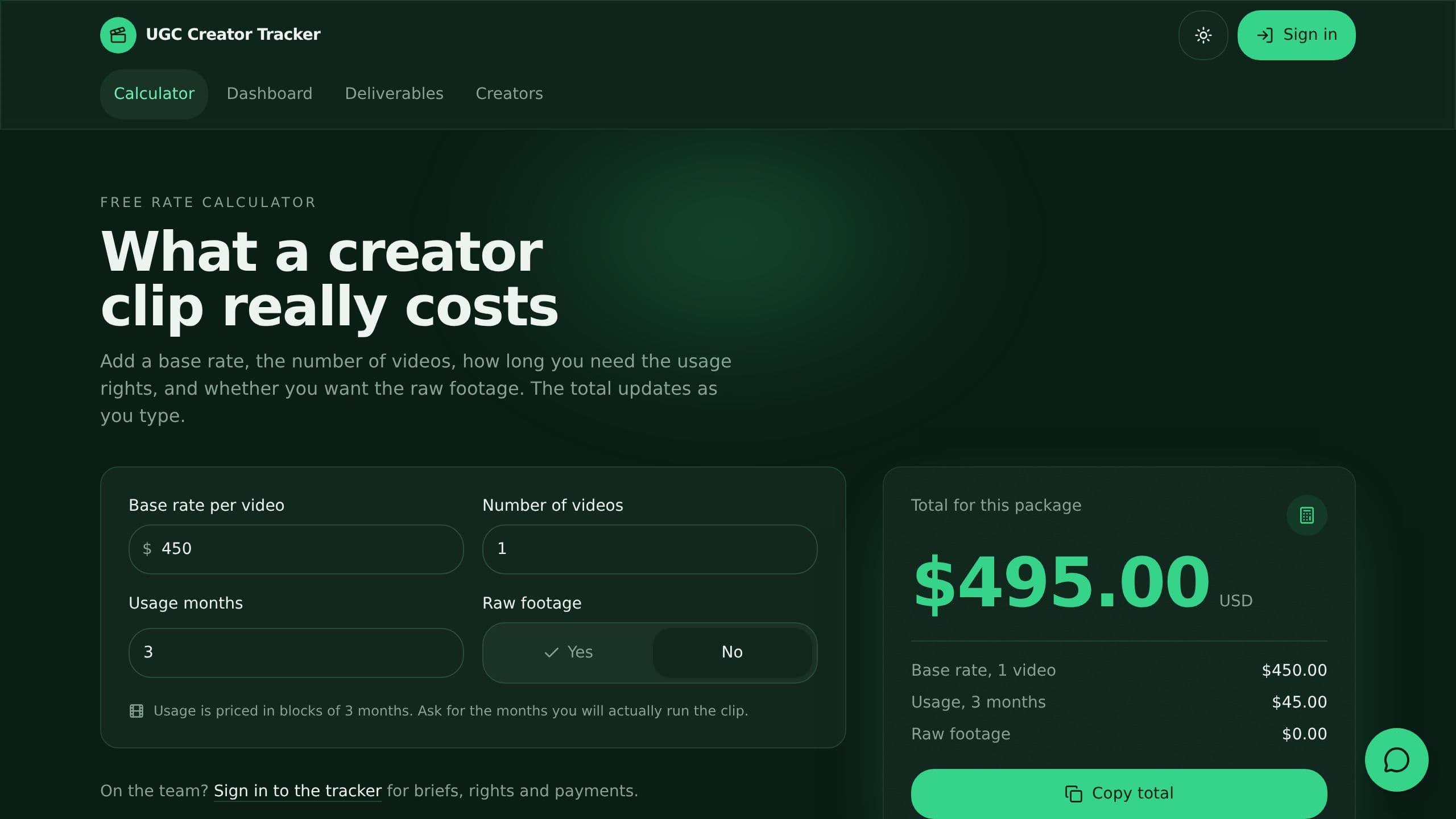
Track creator briefs, deliverables from brief to live in ads, usage rights end dates and what you owe, with a free creator rate calculator and a brief checker assistant.
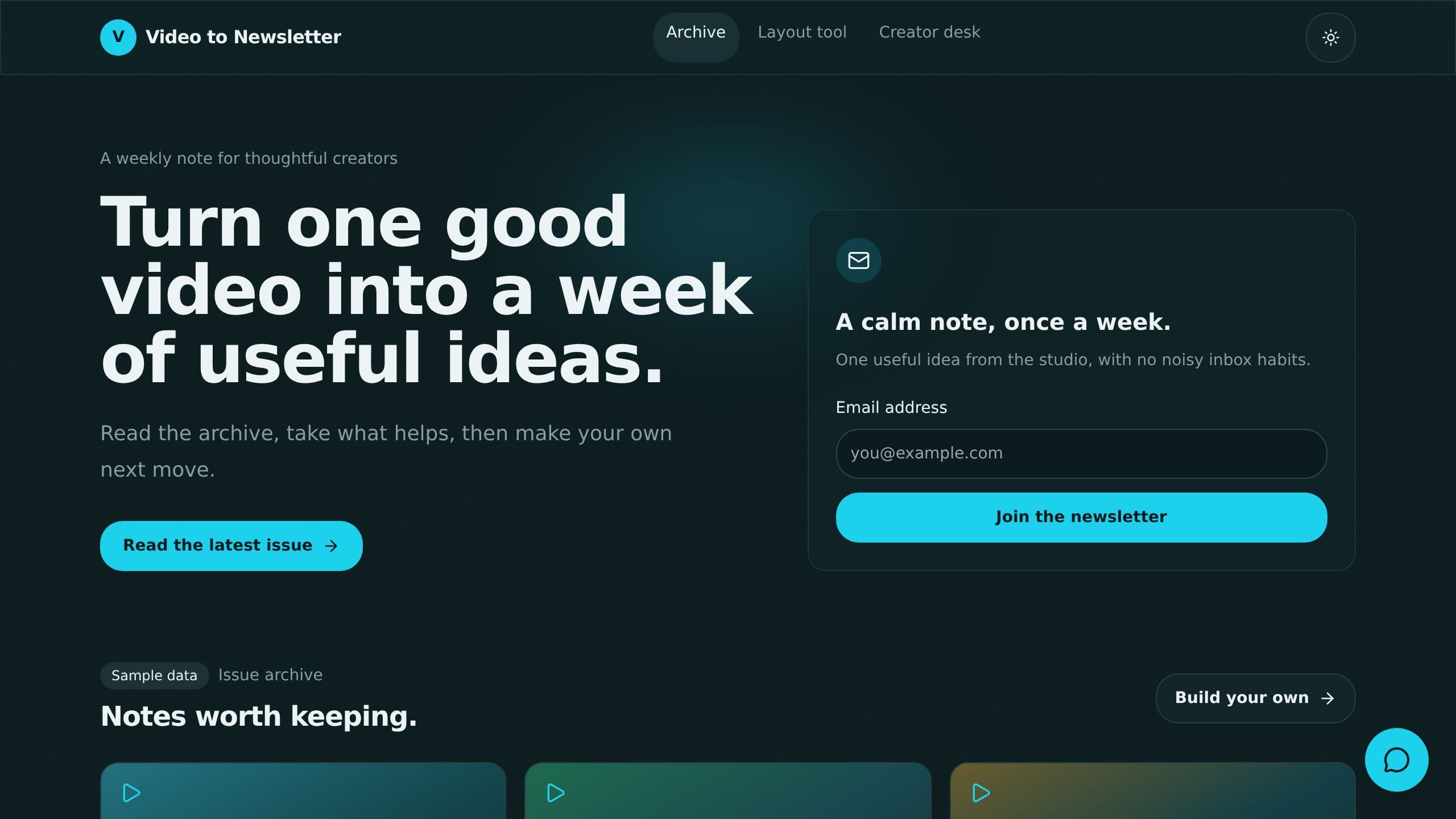
Turn each week's videos into newsletter sections with takeaways and real quotes.
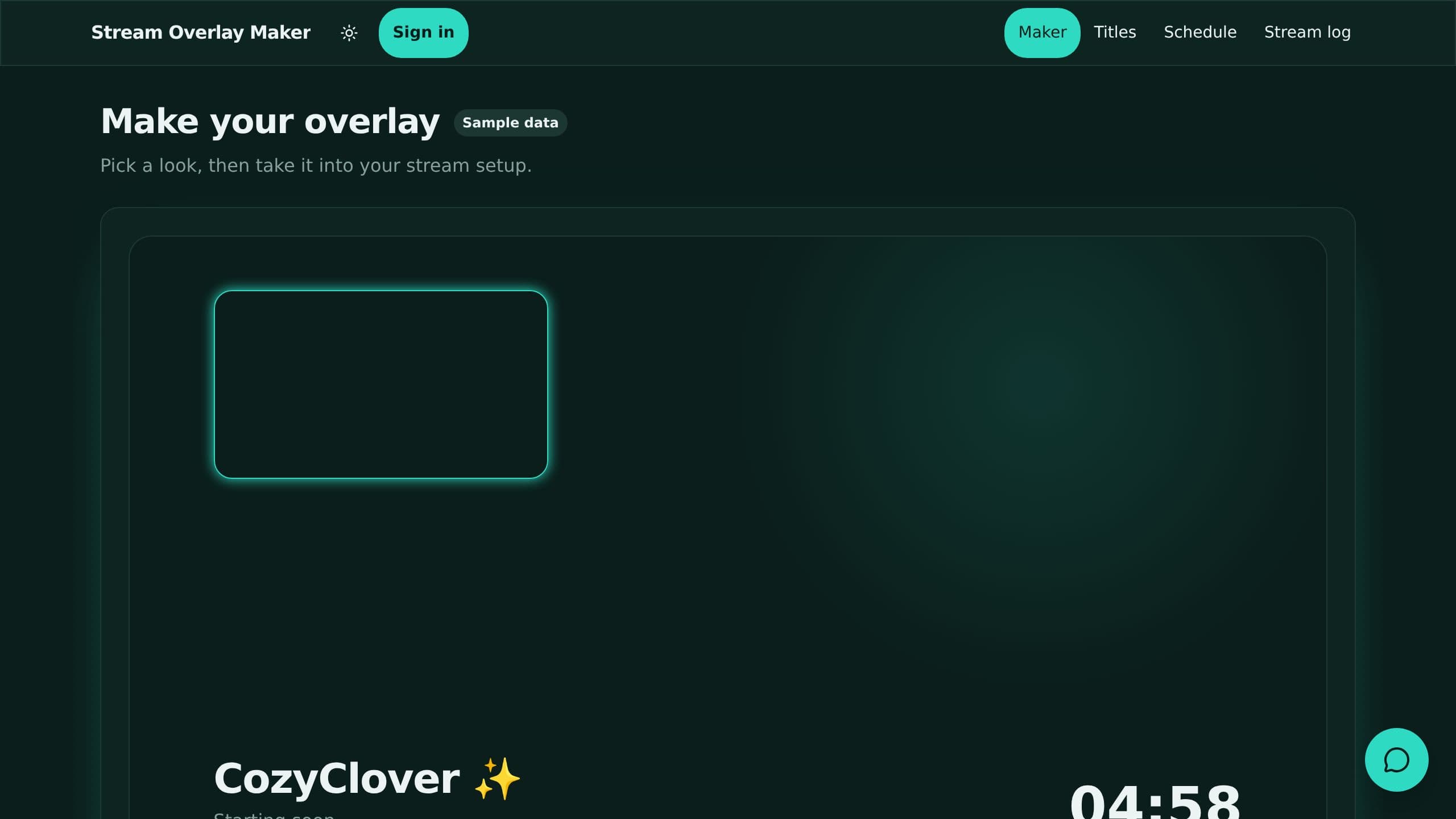
Make stream overlays and starting soon screens at once in your colors, plus 10 stream titles. Plan streams and log viewers.
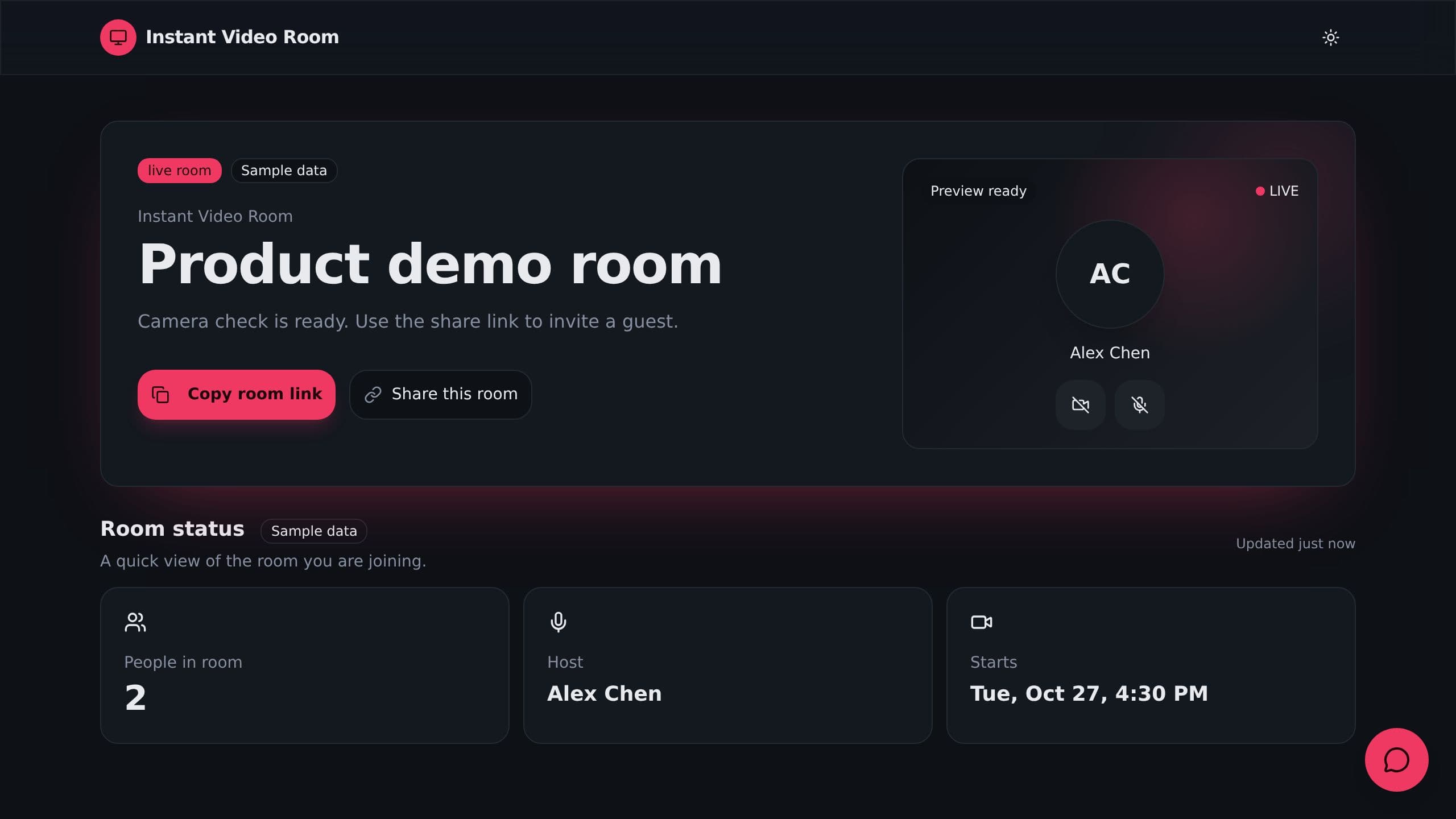
Start a video room in one click, preview your camera and share a guest link.
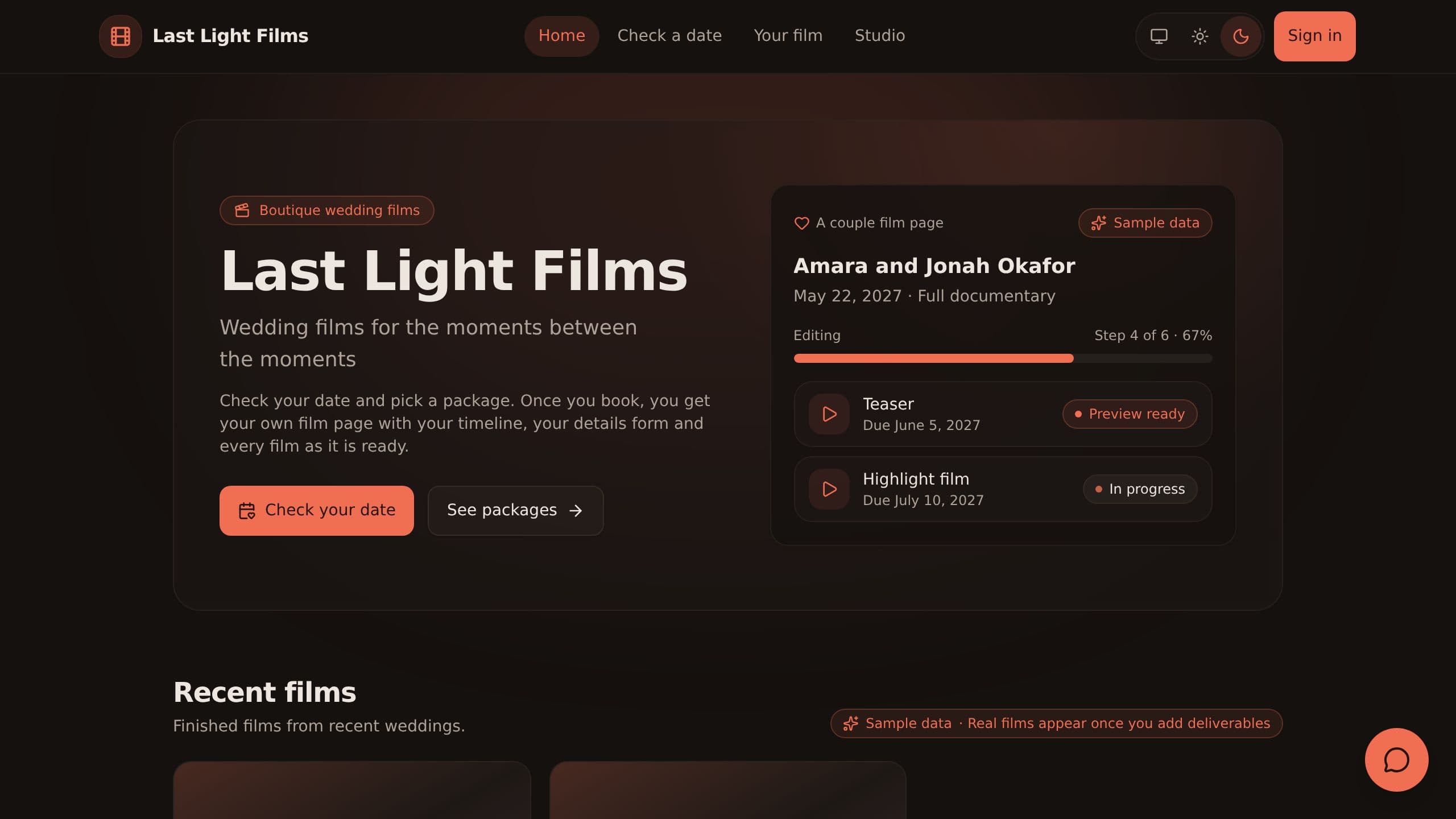
Invited couples sign in to follow their film timeline, fill in wedding details and get their films in one portal.
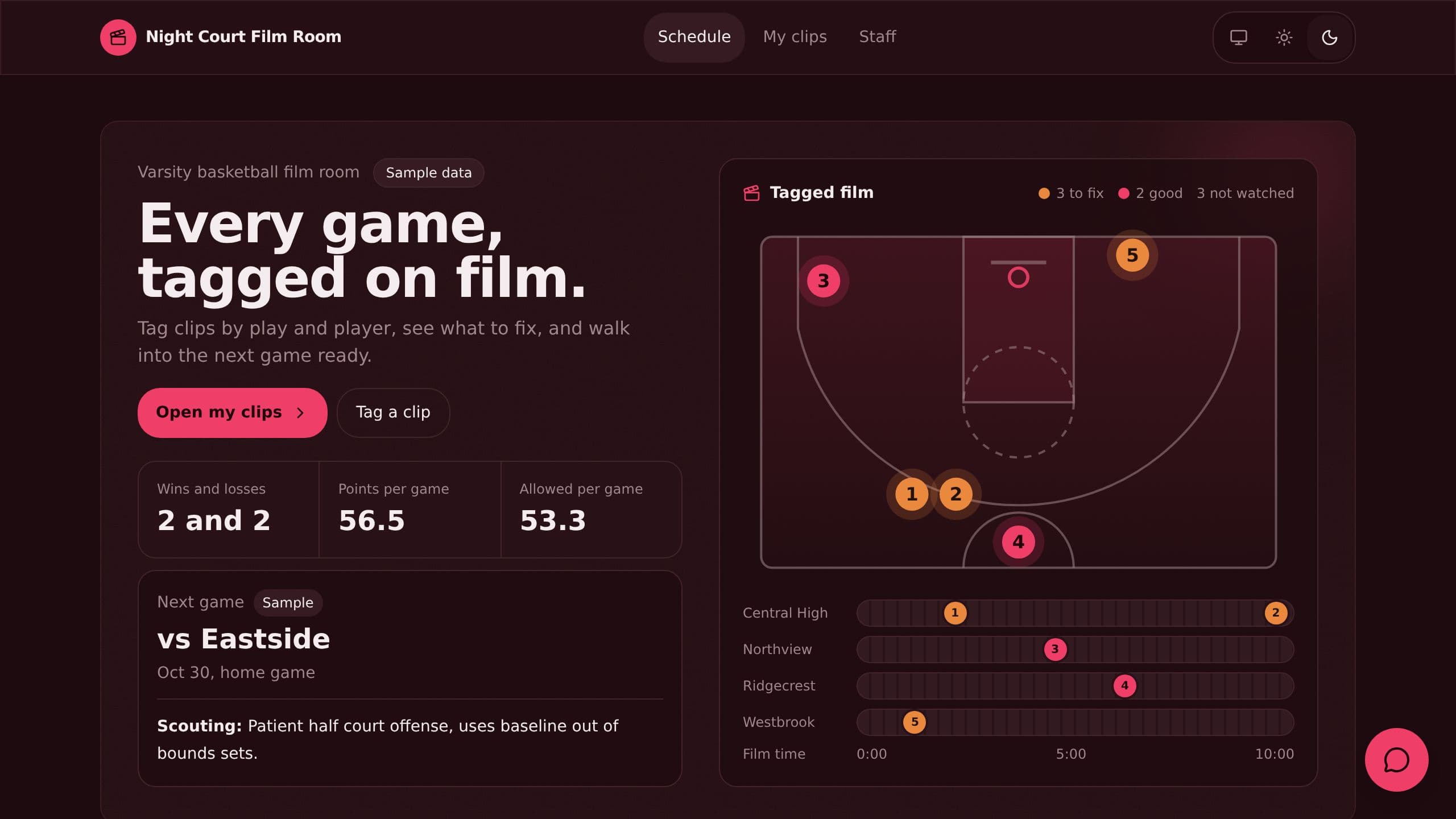
Tag game clips by play type, player and film time, let players check off their clips, and get a weekly scouting sheet.
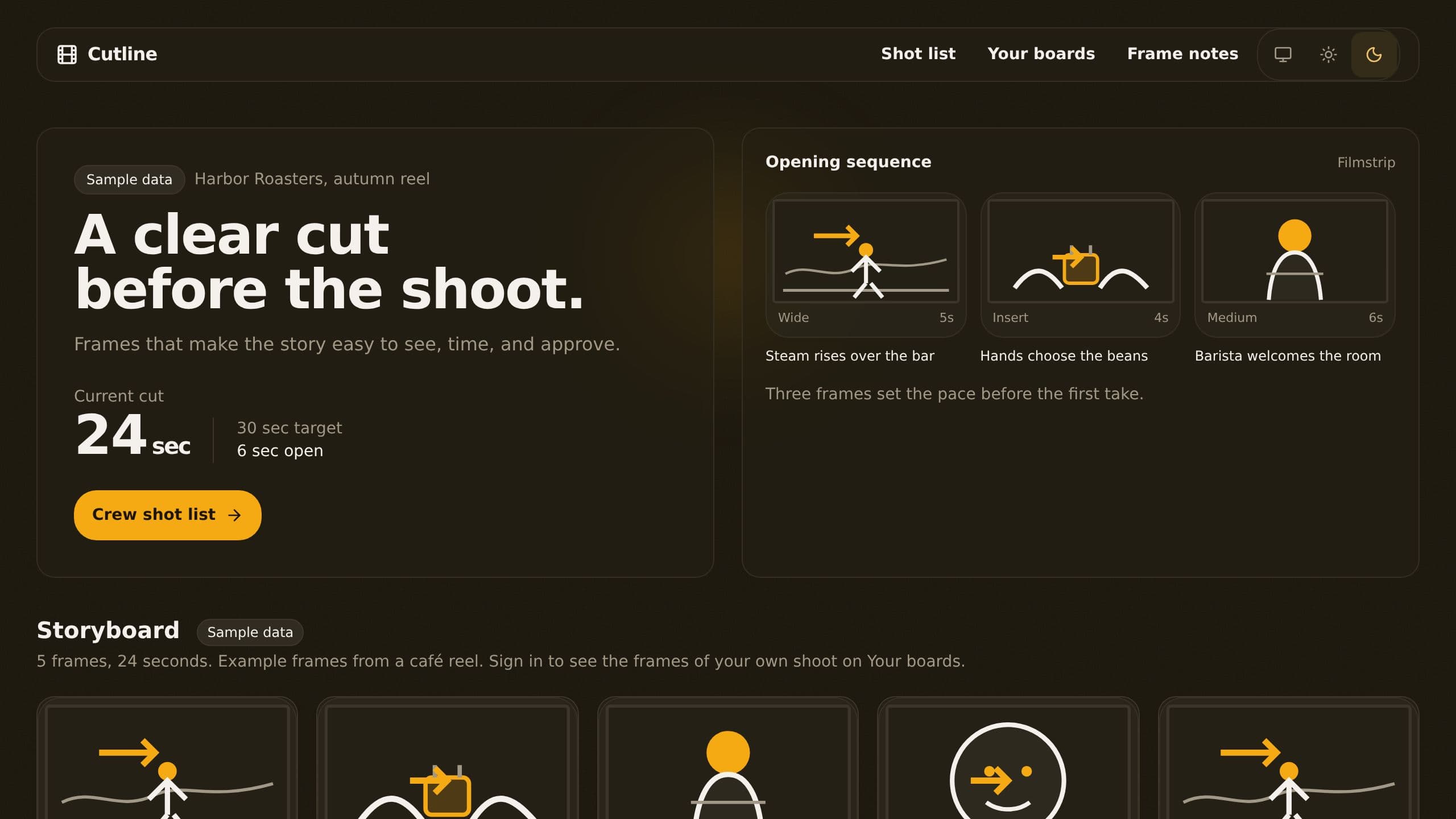
Lay out frames with shot size, camera move and timing, print a crew shot list by location and collect client comments.
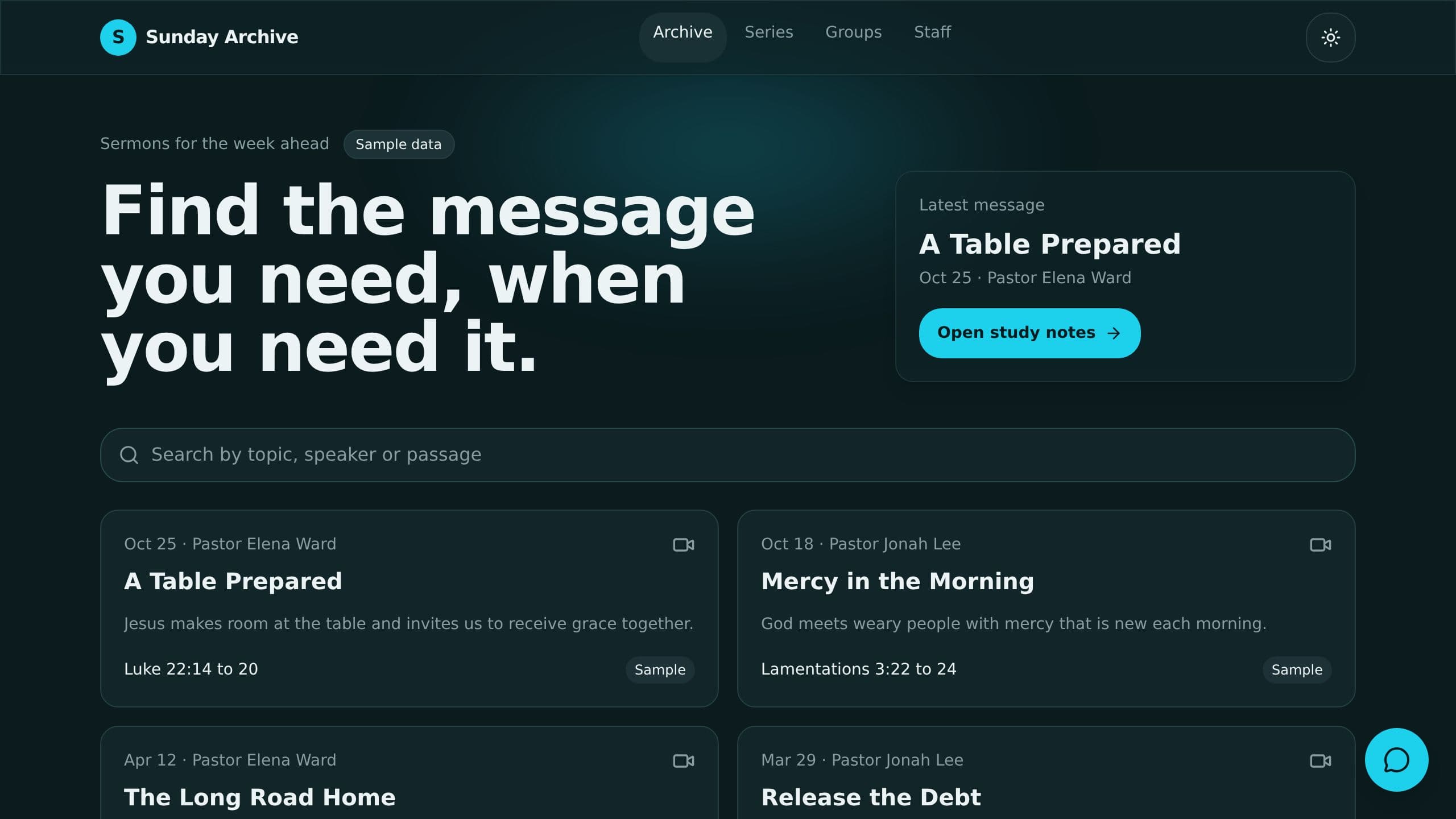
Post each sermon with a summary, discussion questions and key quote drafted from the video, searchable by topic.
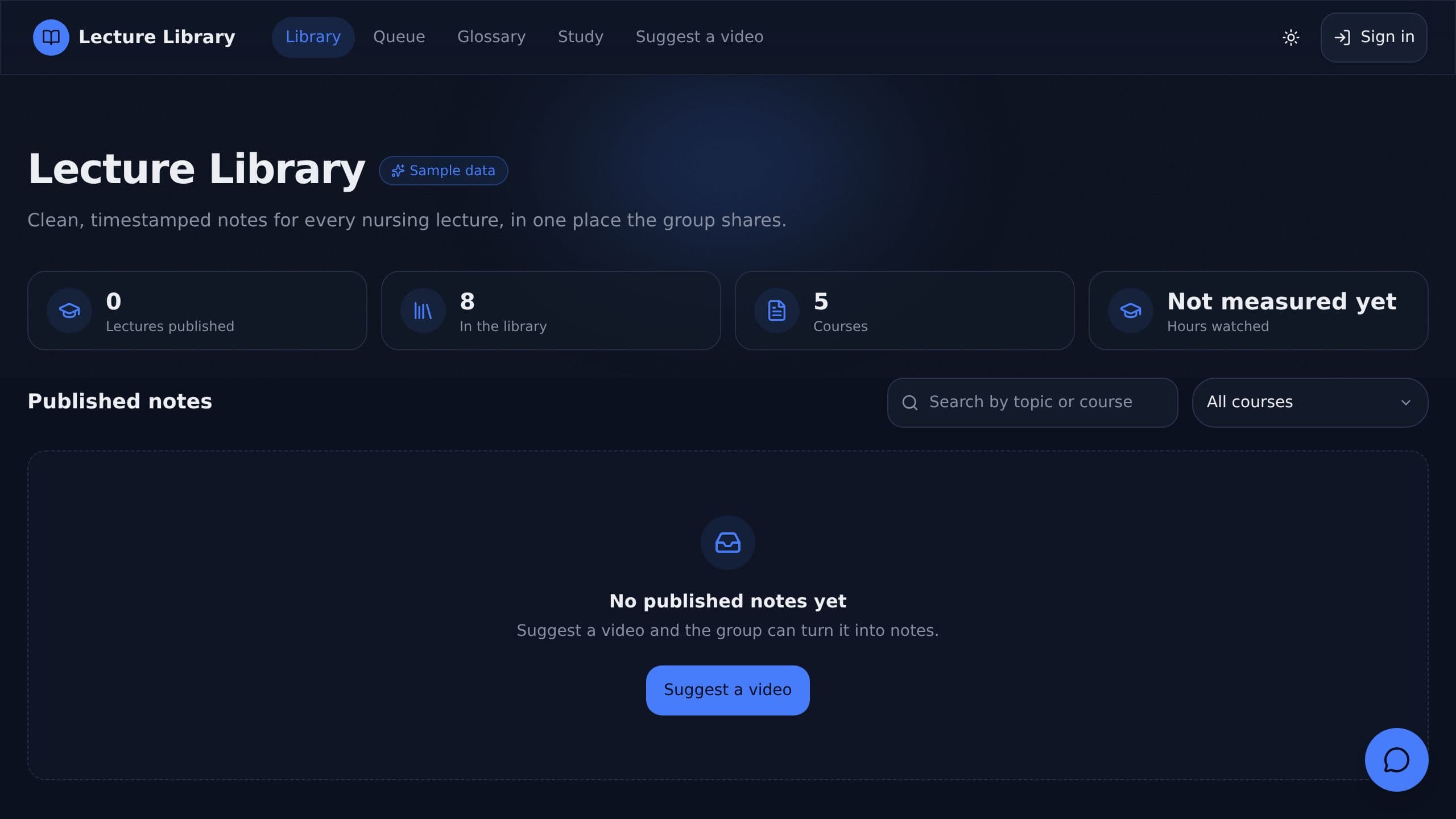
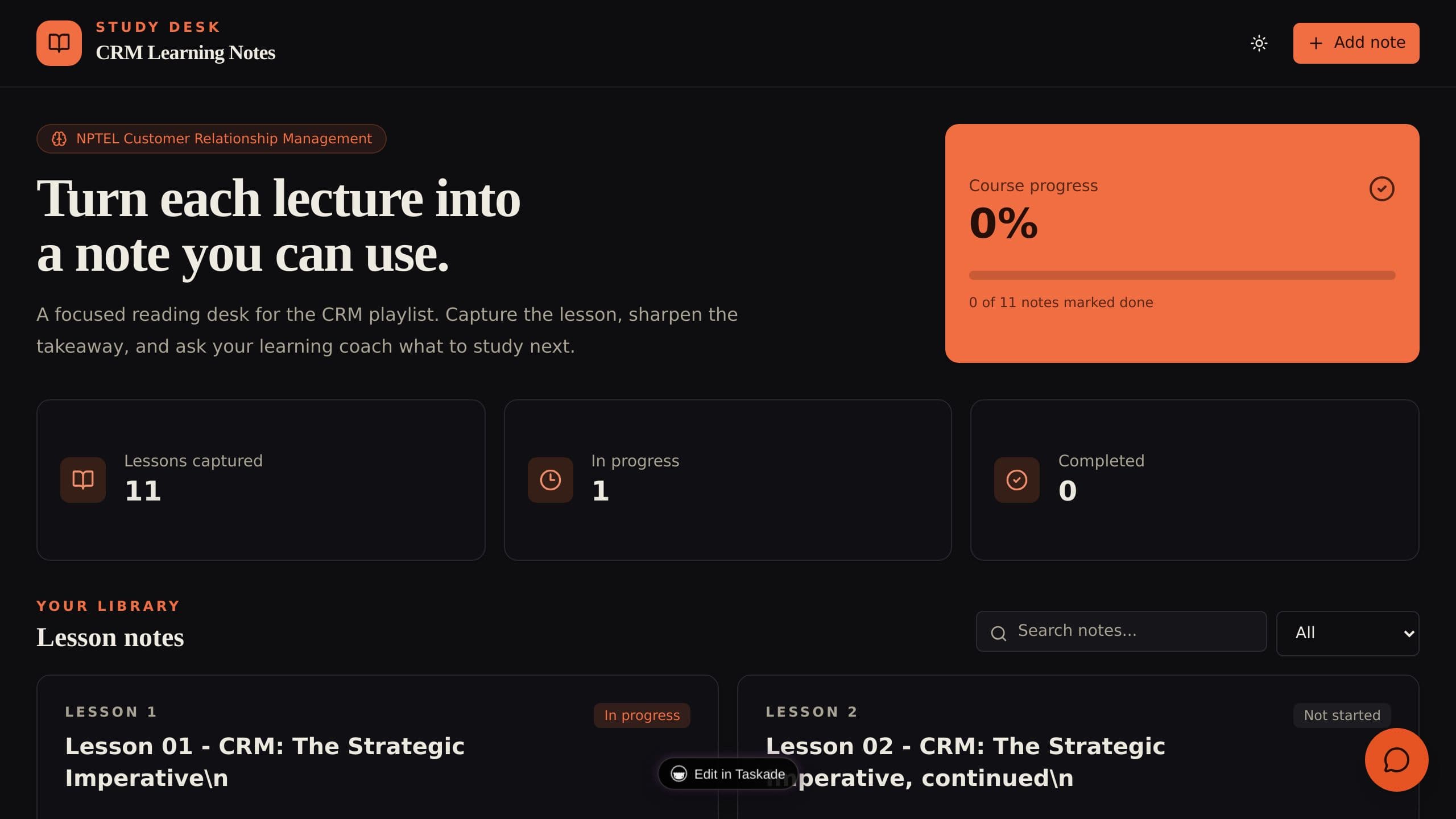
Paste a YouTube link and get notes with clickable timestamps, key terms and practice questions in a shared study library.
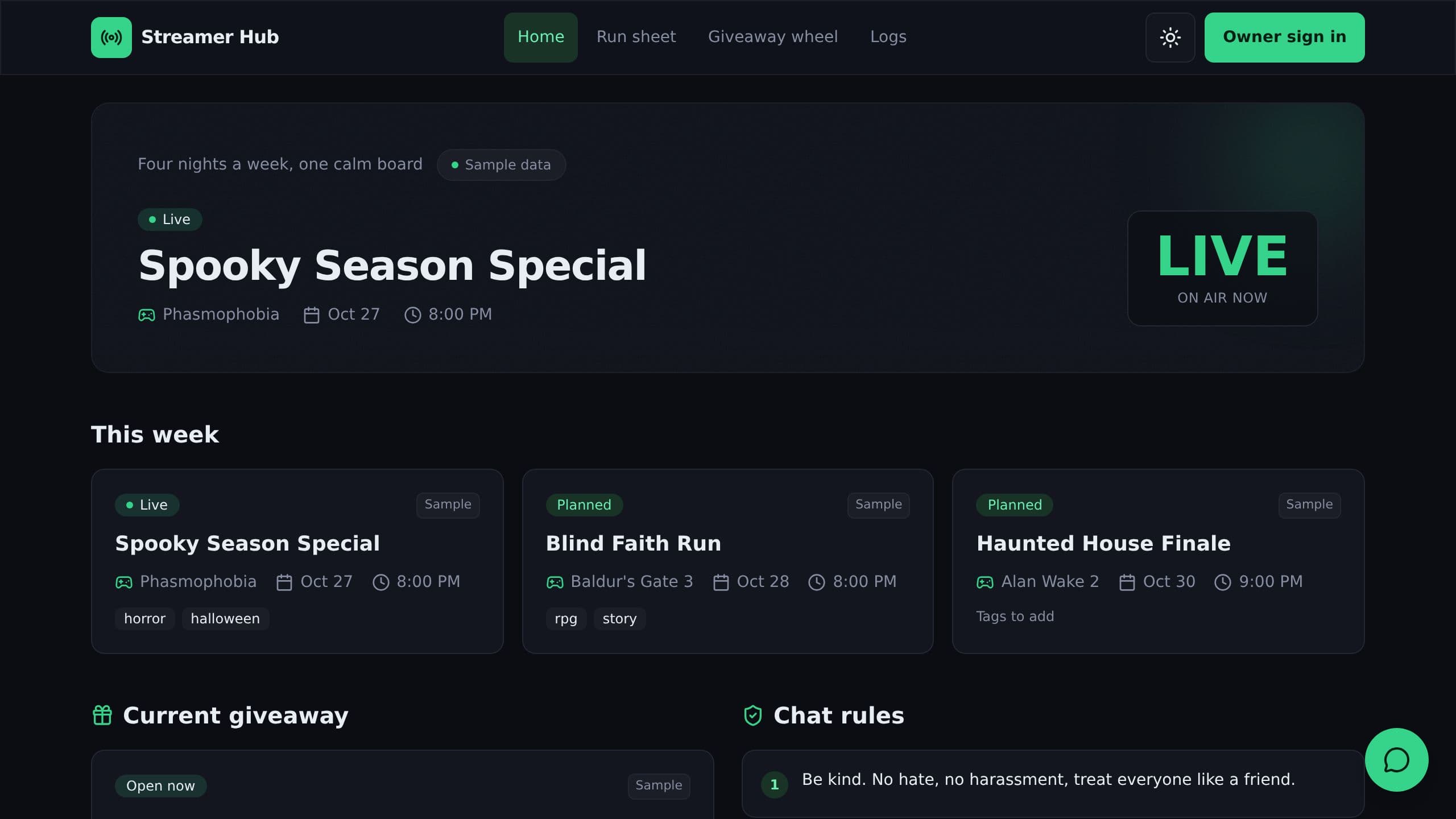
Plan your stream week, run a phone run sheet, pick fair giveaway winners with a wheel and log clips with captions.
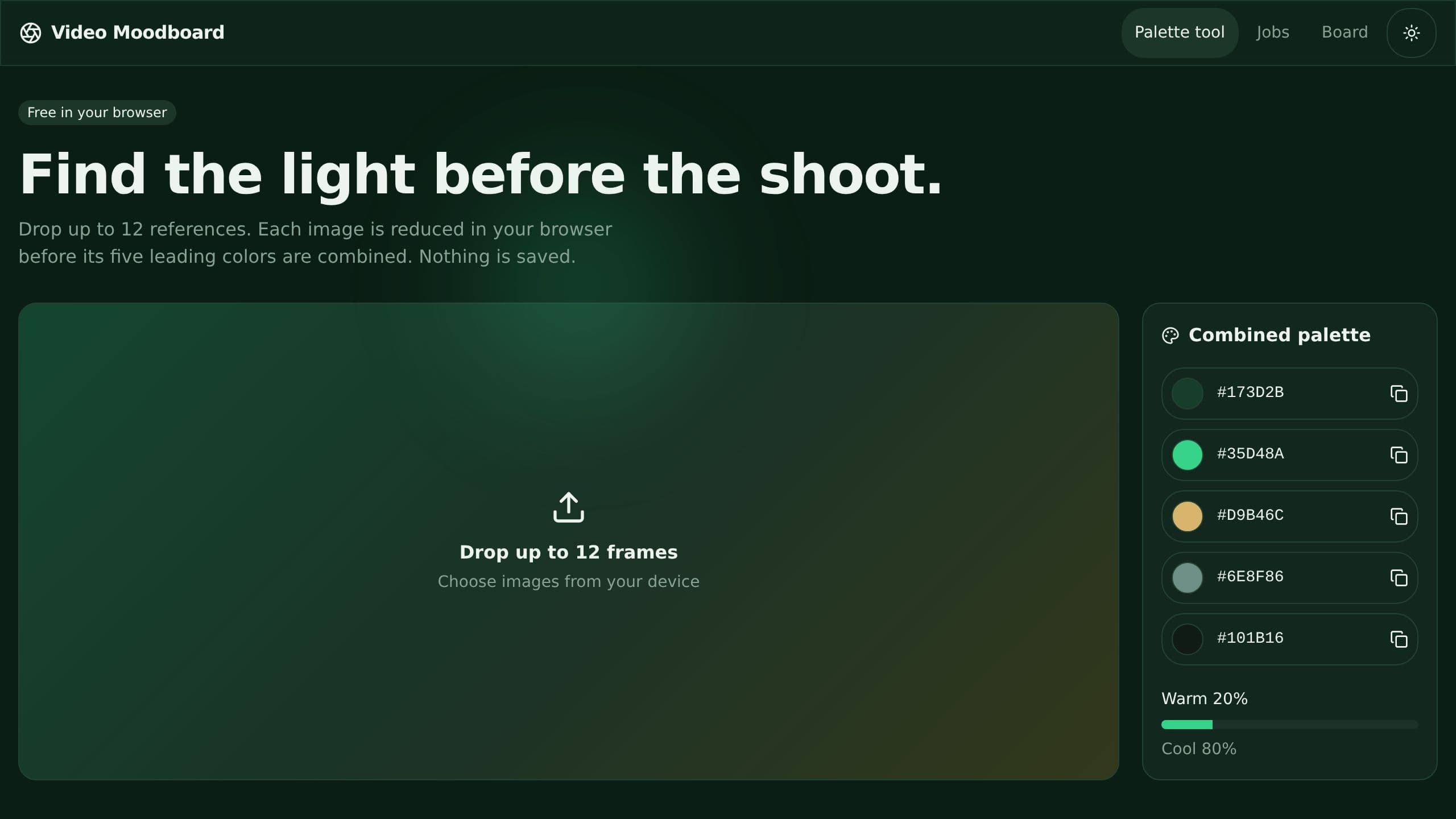
Build a video moodboard with frames, a color palette and shot types, then get client sign-off before the shoot.
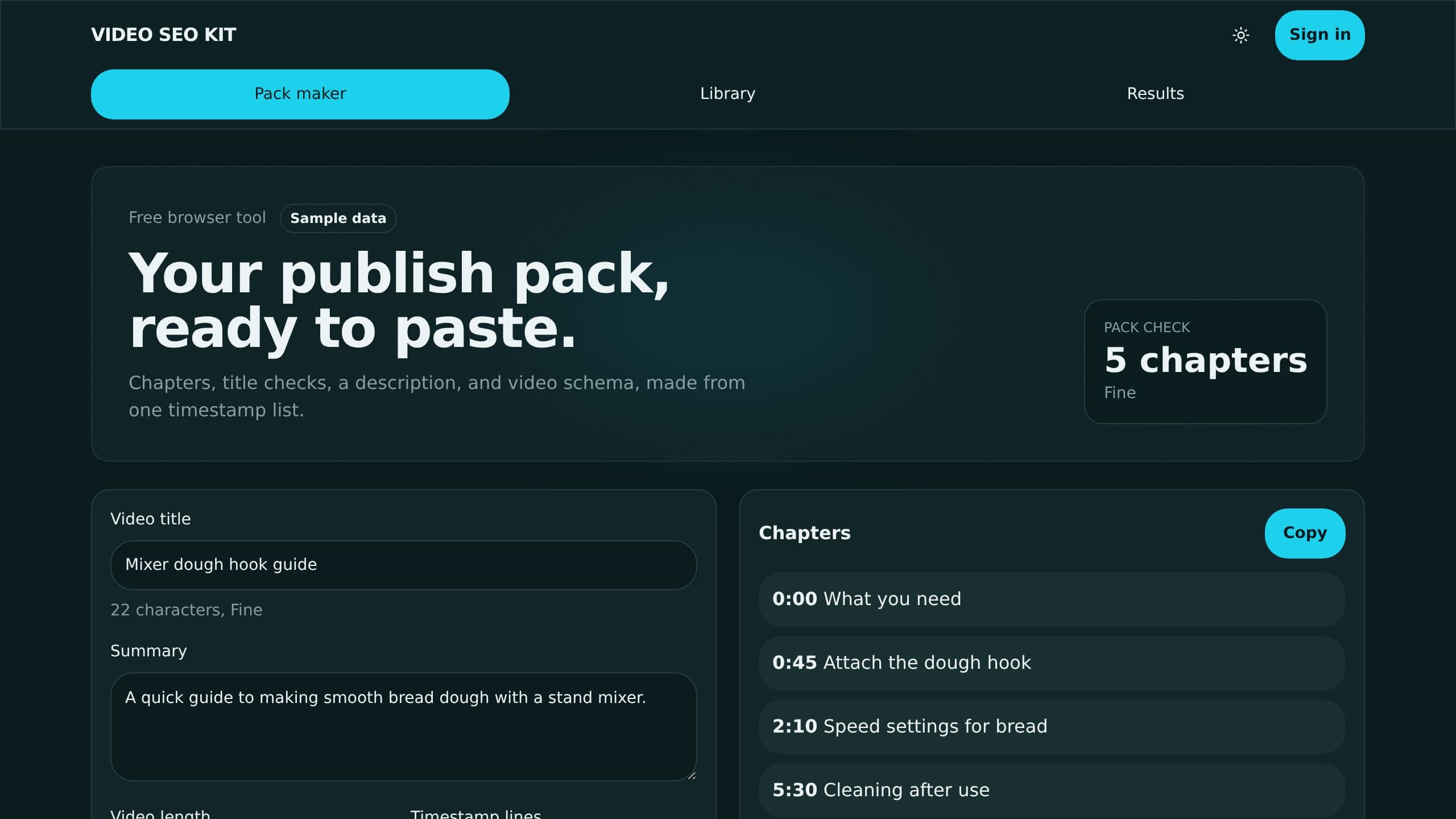
Paste timestamps and get chapters, a description with counts, a title check and video schema to copy.

Techs ask with a photo or video, peers reply, and solved fixes become a library.
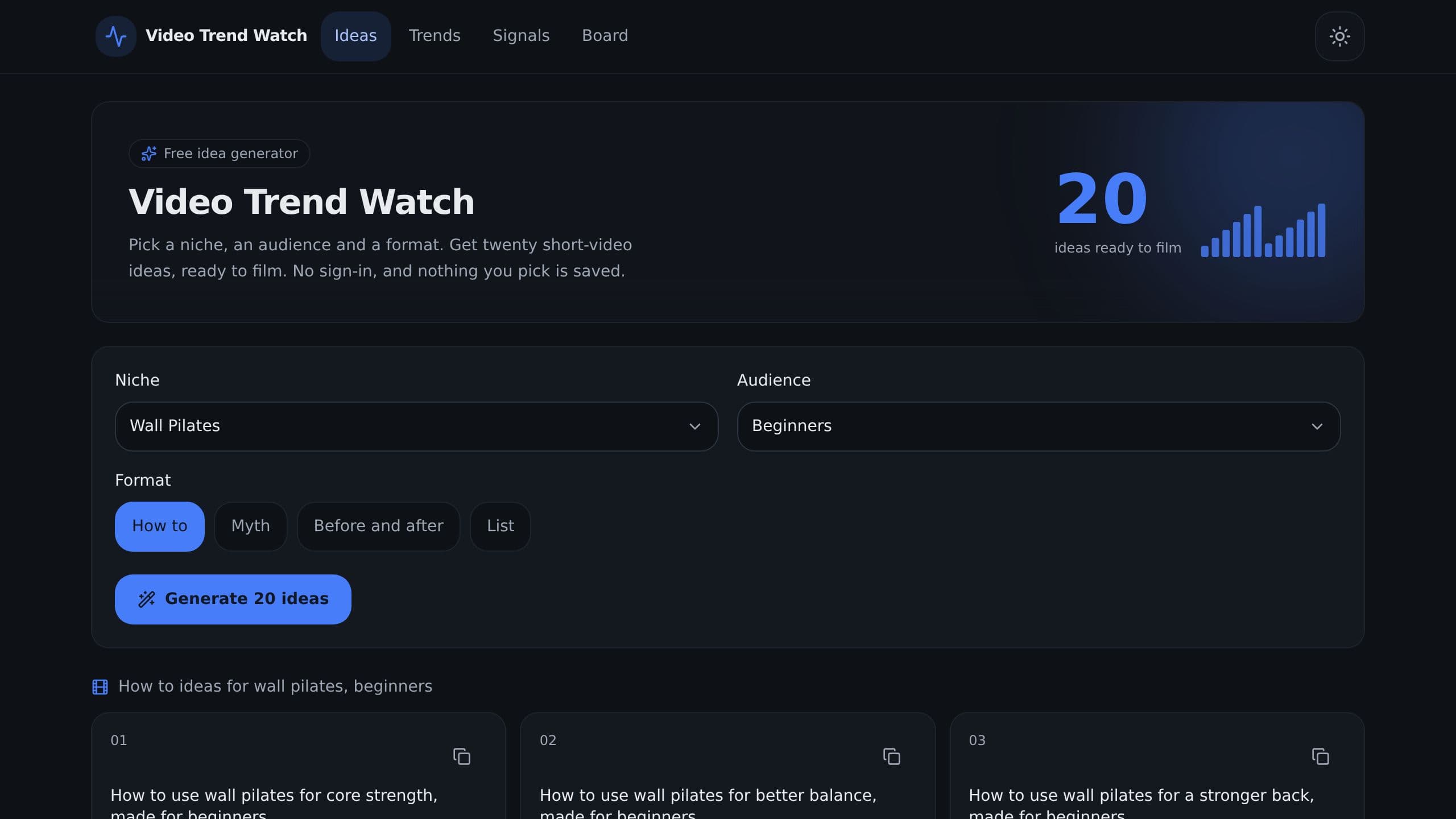
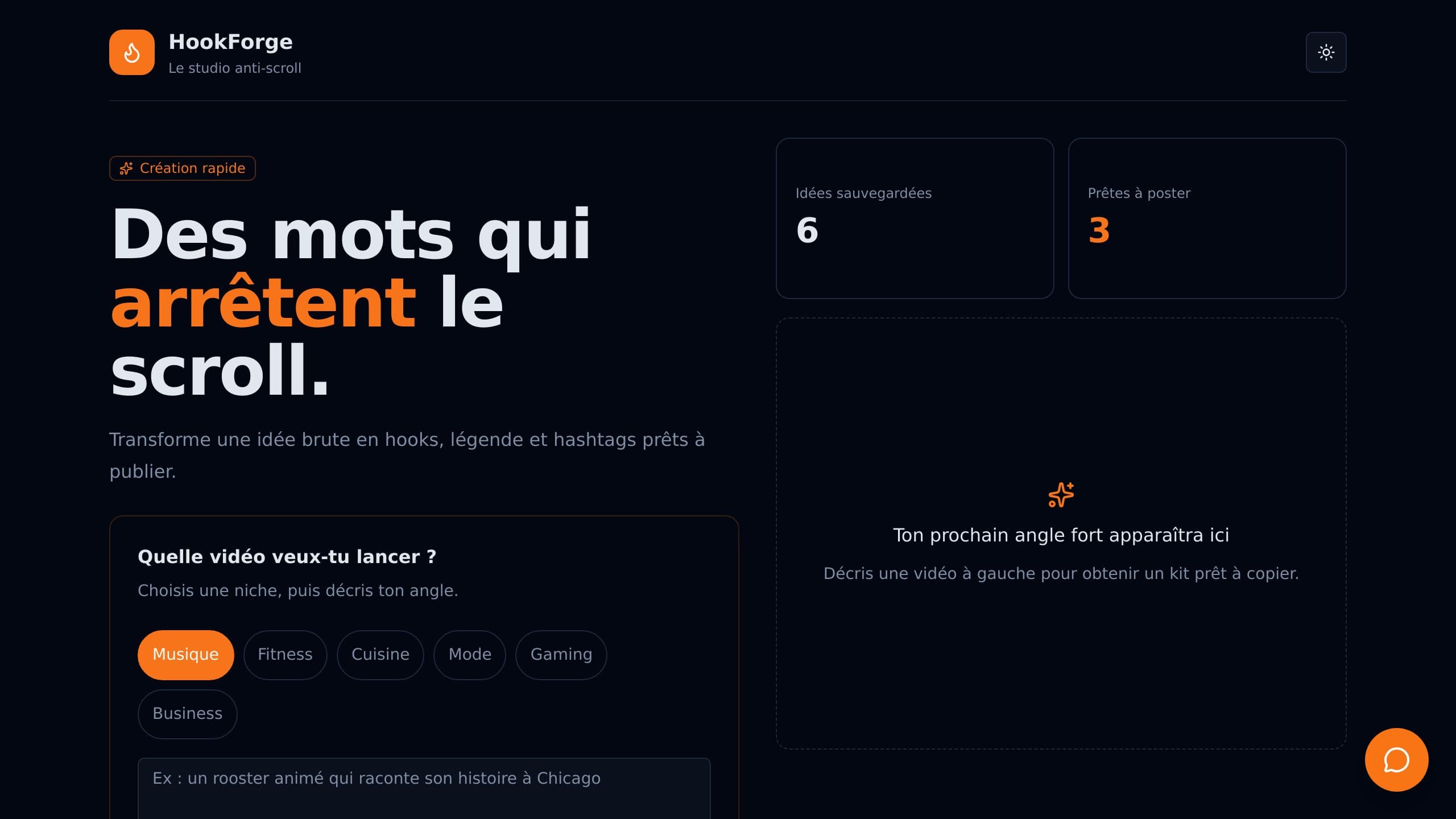
Video Trend Watch is a trend tracker that shows rising topics for fitness brands that publish short videos. It replaces the habit of scrolling feeds for ideas. Pick a niche, an audience and a format, and turn rising topics into video ideas on an ideas board. A trend dashboard and a signals page keep the evidence in one place. Clone it free and start with sample data.
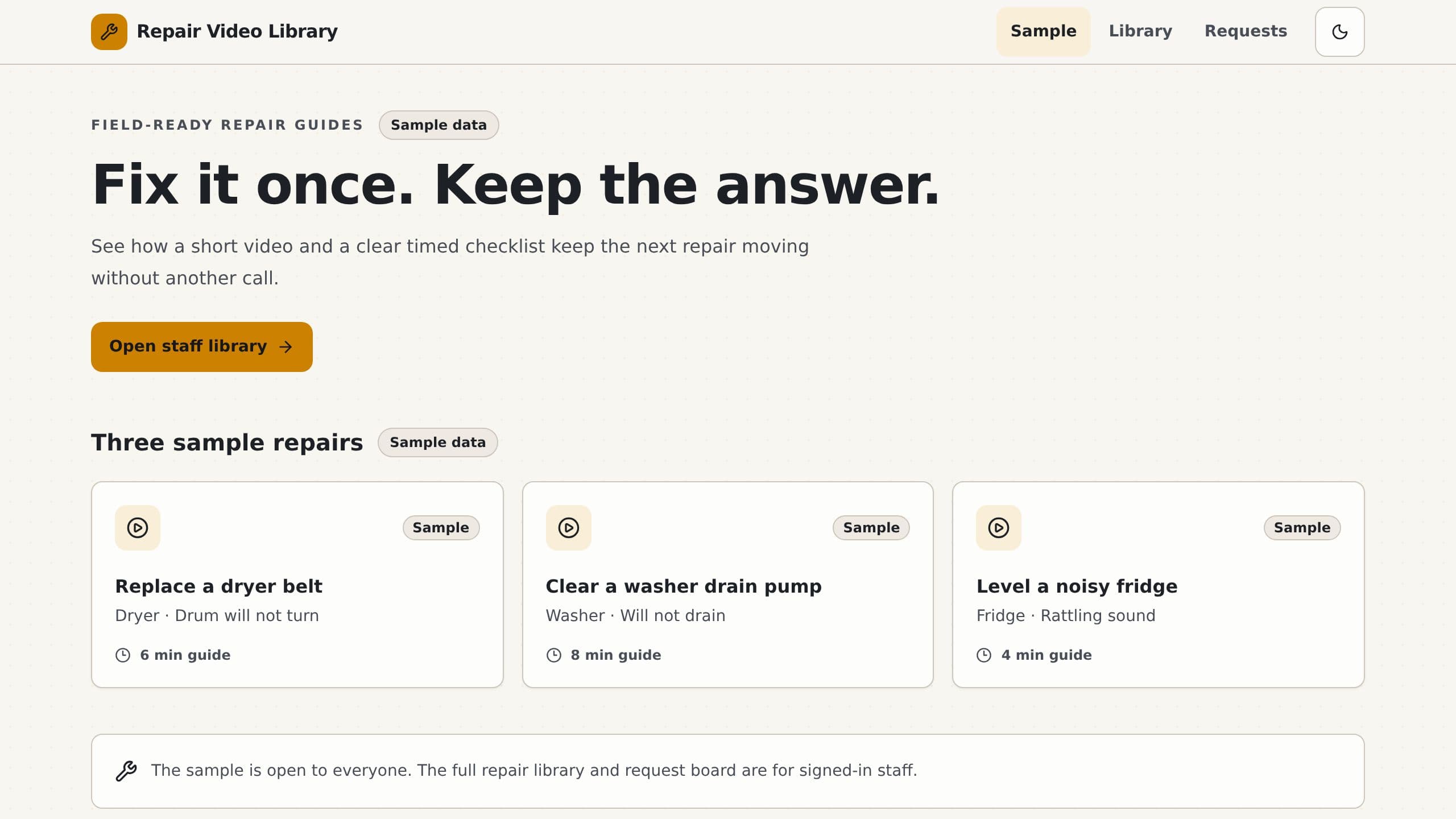
Keep short repair videos with step lists by appliance, and let techs ask the library.
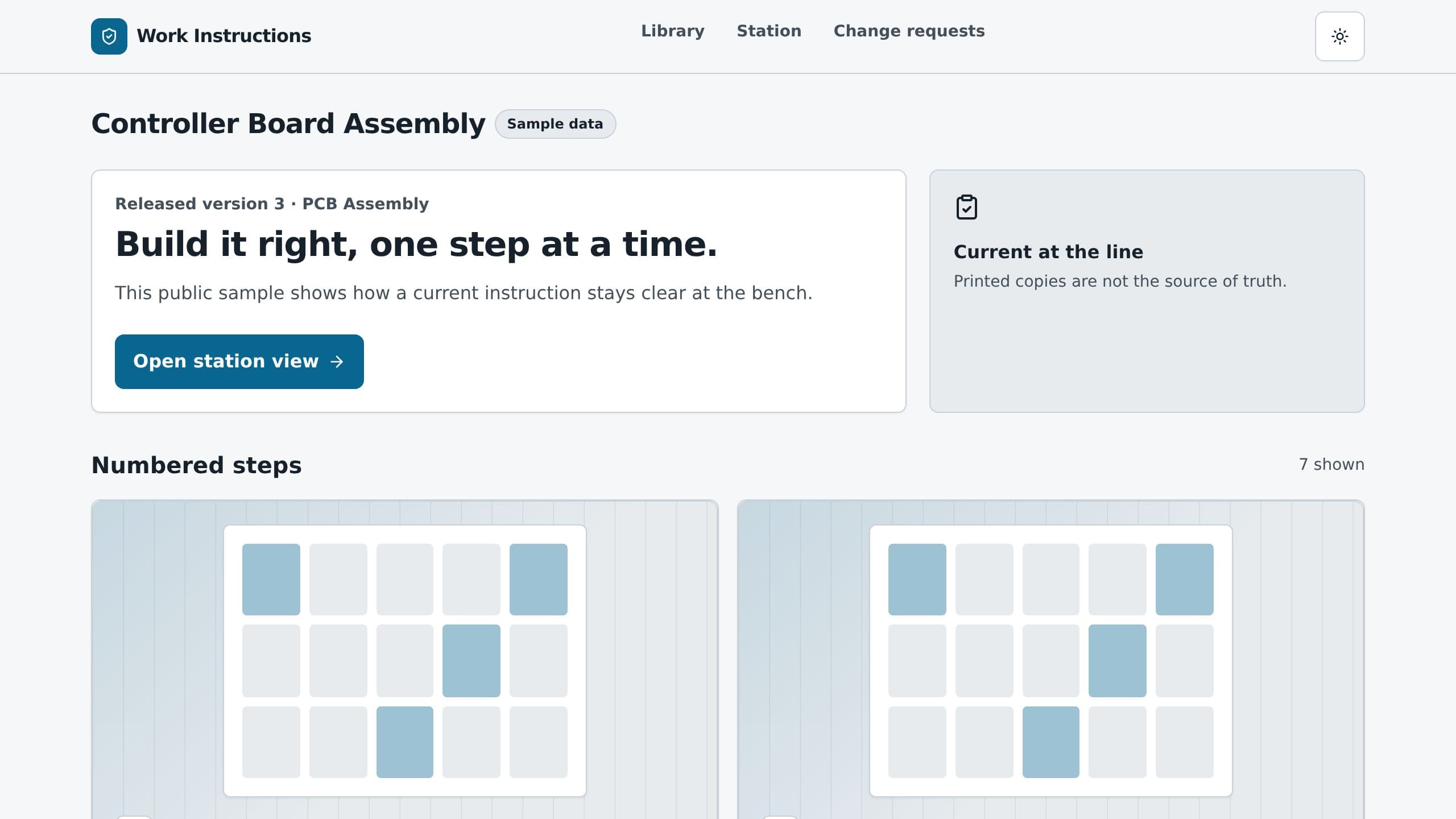
Write step by step work instructions with photos and short clips, release versions and track sign offs.
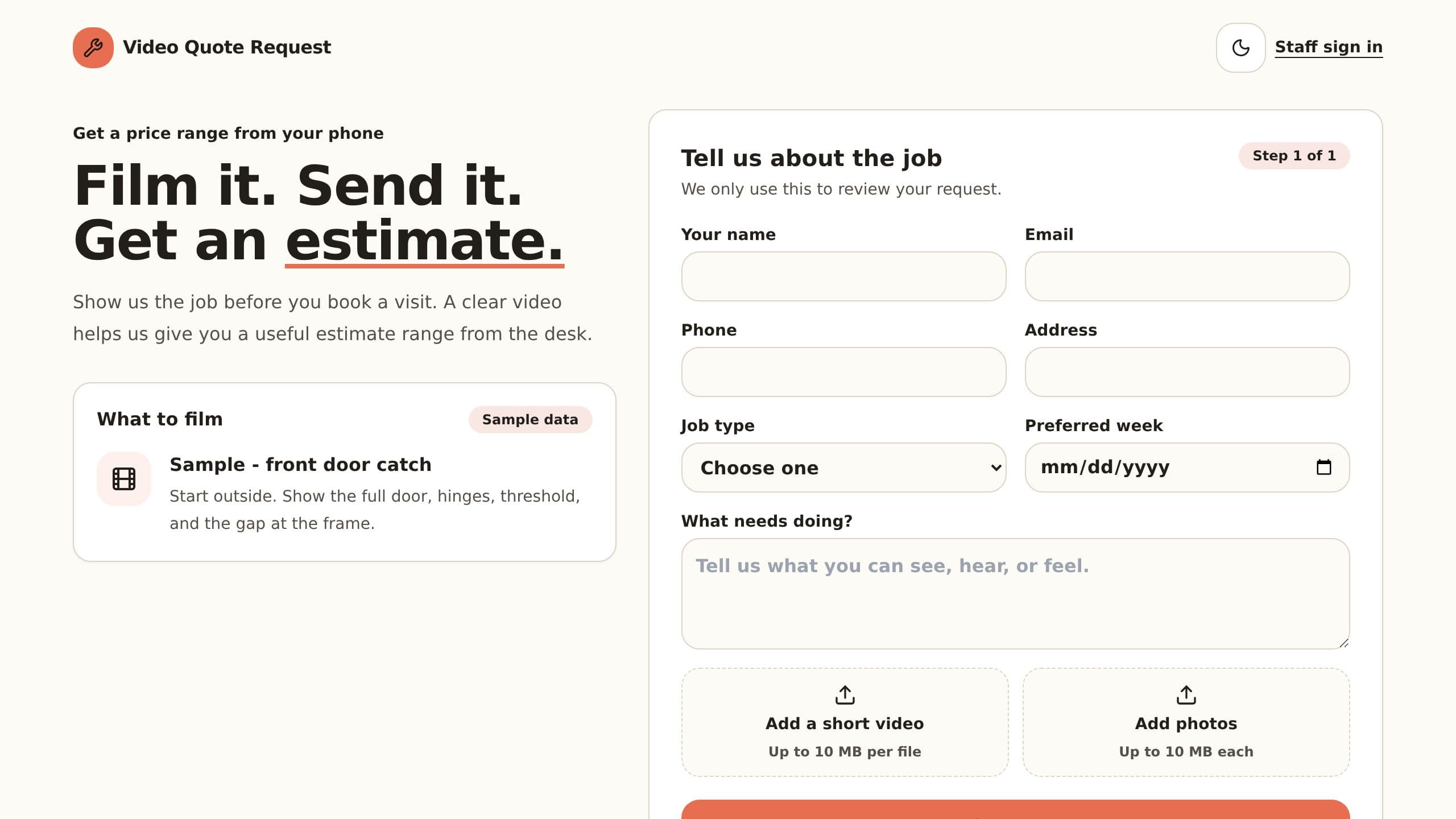
Customers send a short video of the job, you get a size and price range and reply with a quote.
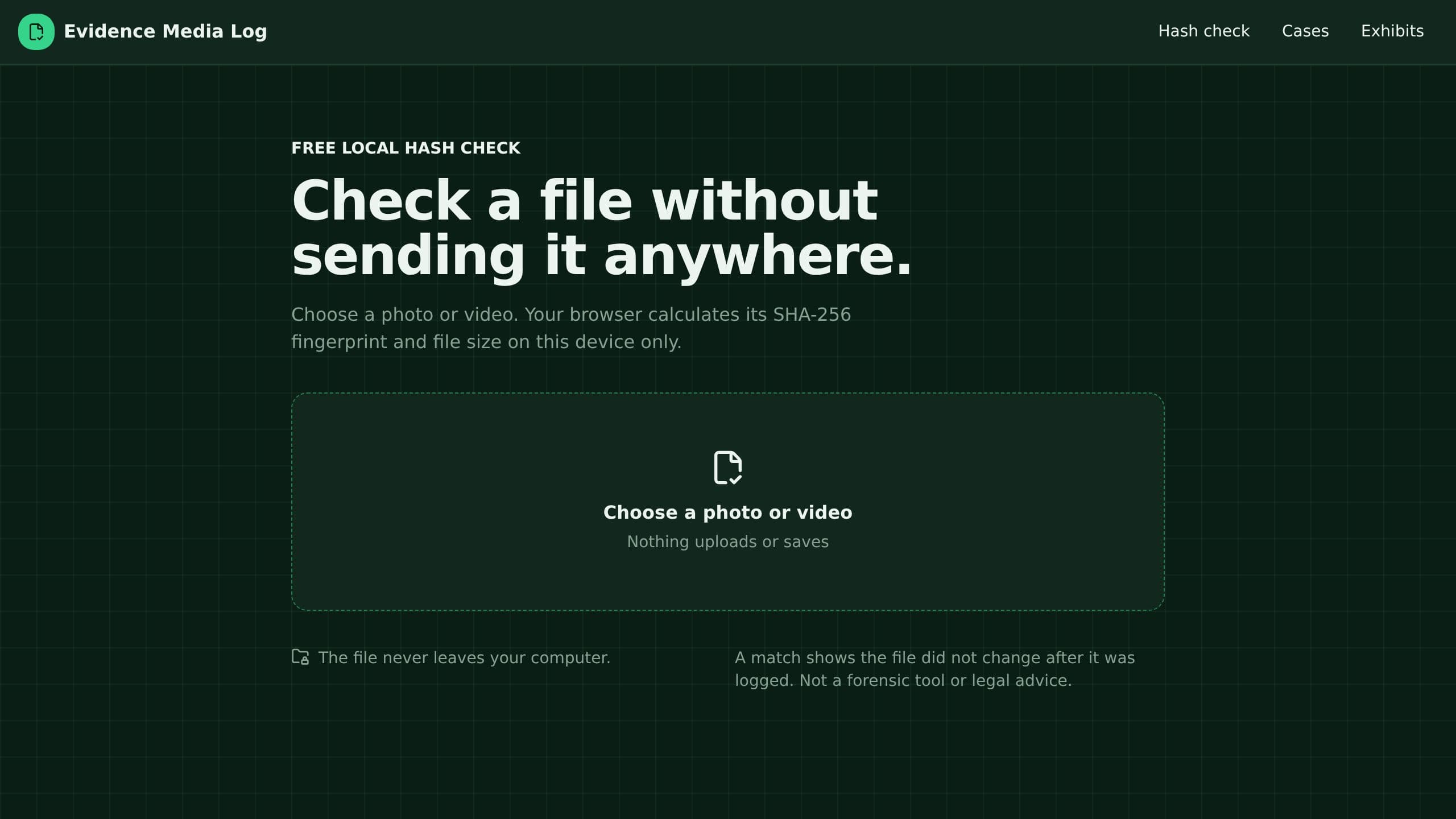
Log photos and videos per case with a fingerprint and a custody timeline, and print the exhibit list.
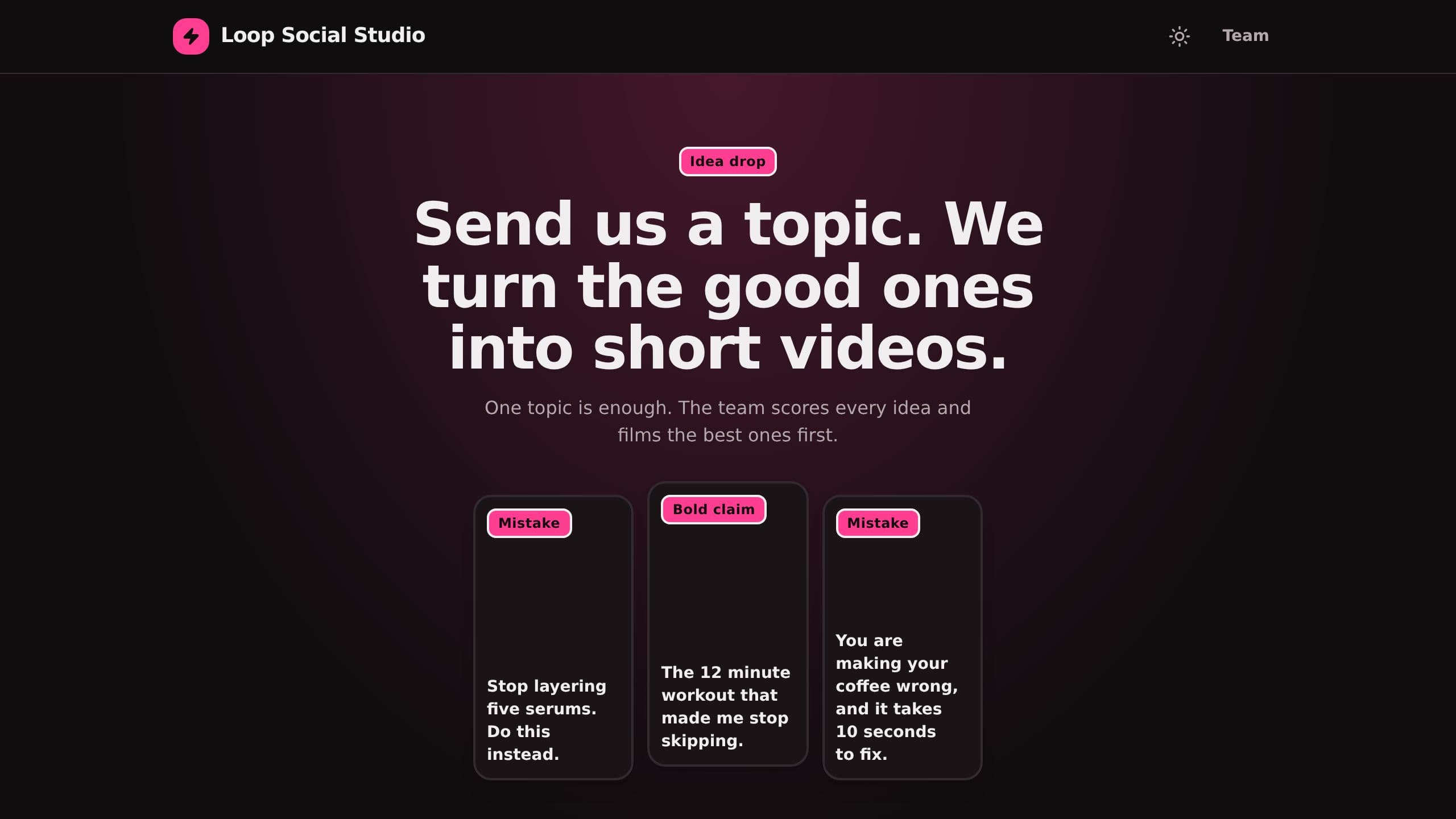
Score Reels, TikTok and Shorts ideas, get three alternate hooks learned from your past winners, and film the best ideas first. Clients can drop a topic on a public page.
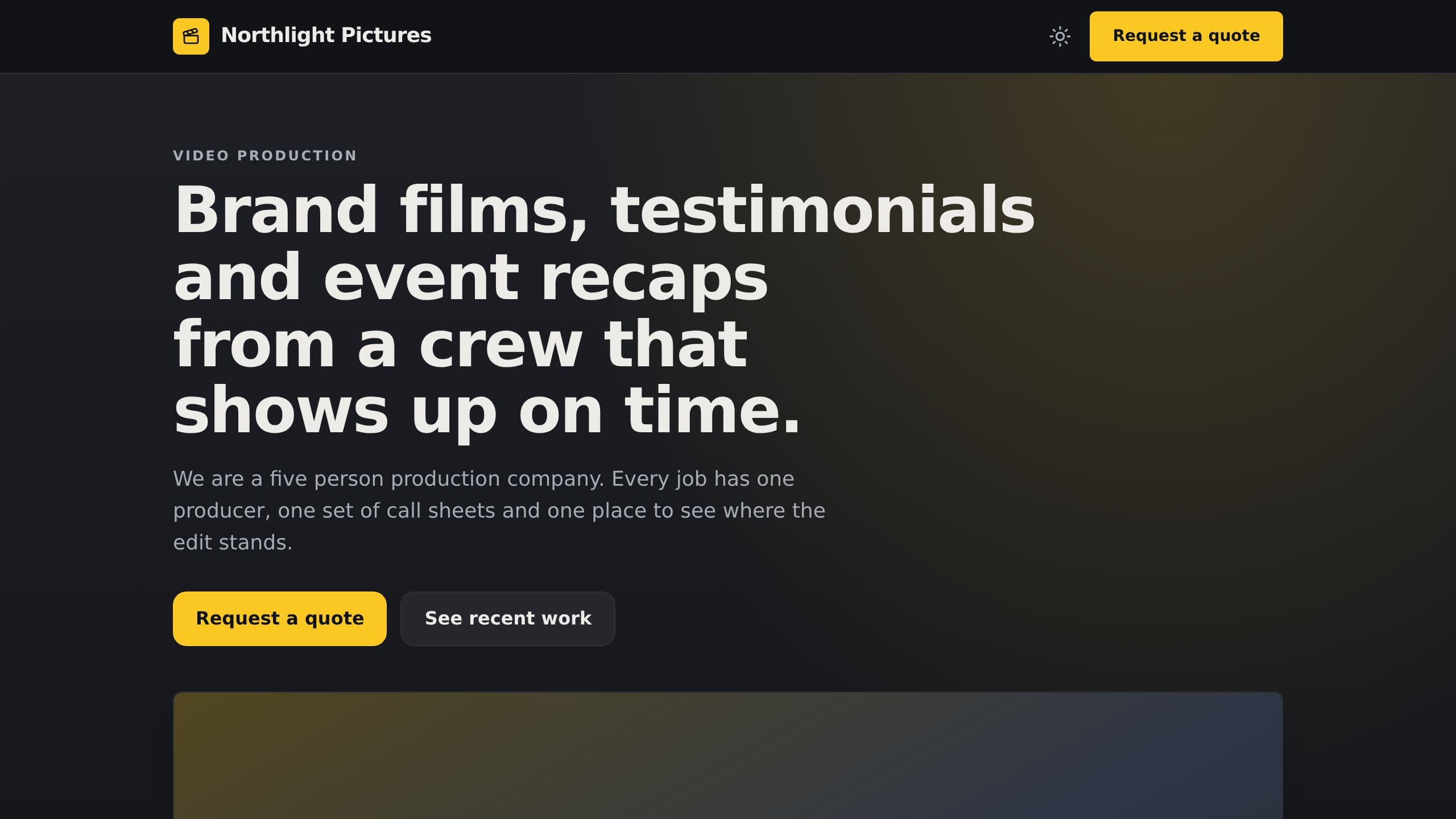
Track jobs, shoot days, crew and deliverables, and print a clean call sheet for each shoot day. Daily crew checks, weekly review alerts and a change round counter.
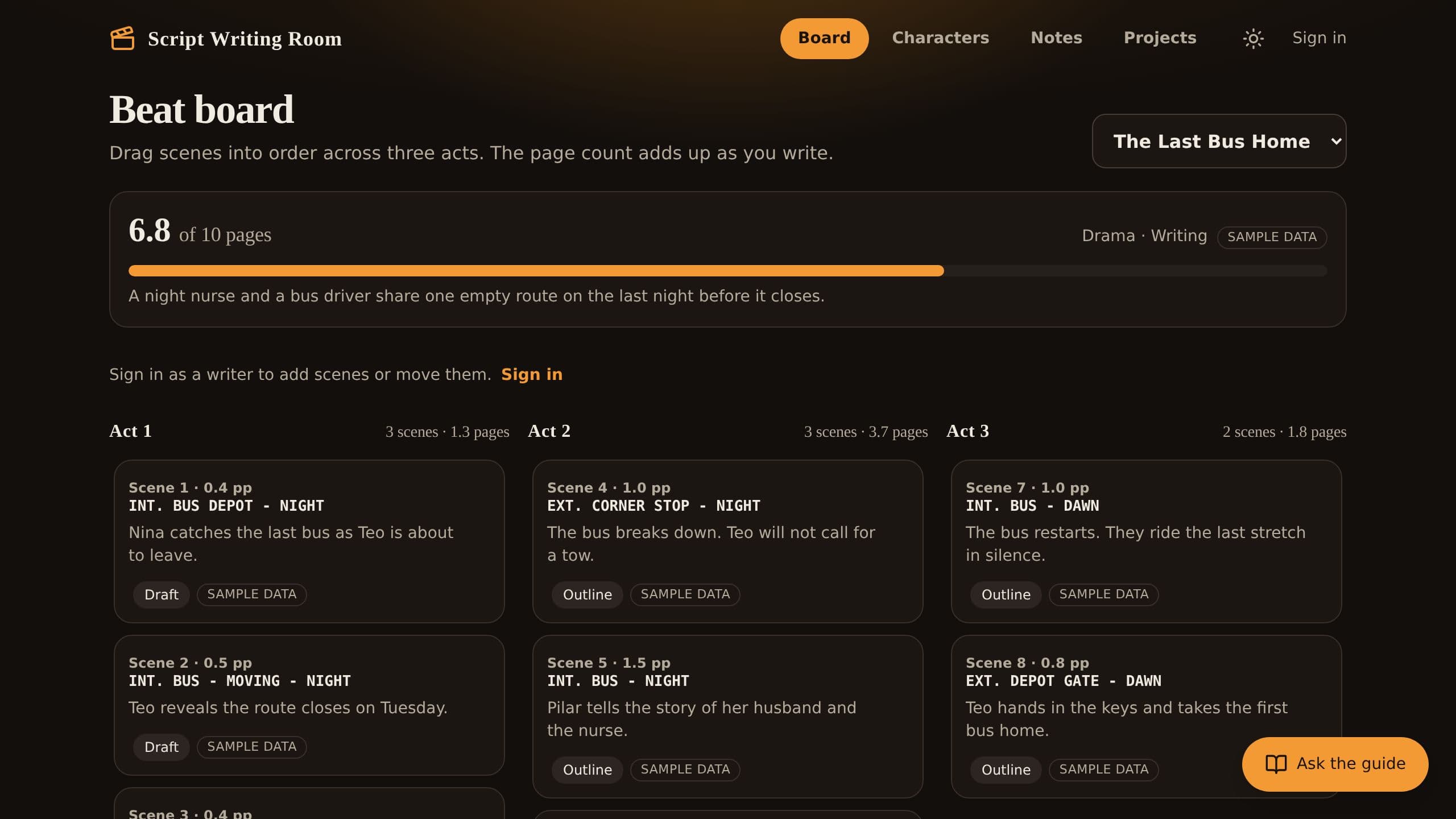
Move scenes across three acts, write each scene in screenplay layout, keep a running page count, draft a first pass from a scene goal, and get a suggested fix for every note. Includes a Sunday progress email.
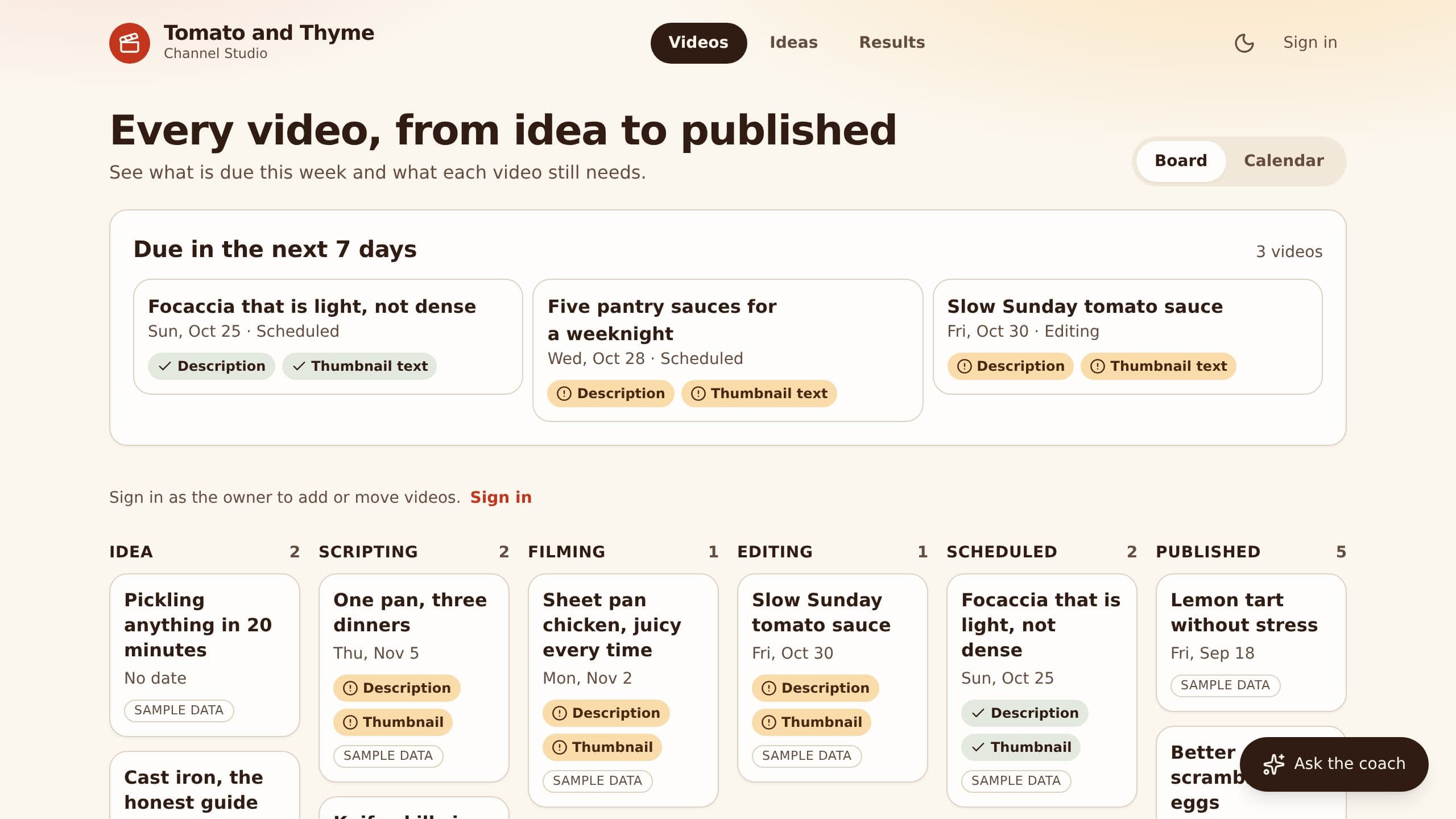
It replaces the spreadsheet and the notes app a creator keeps for videos and sponsors. Move videos through stages, log sponsors and record 48 hour results. Paste a script to draft a description with chapters, titles and thumbnail text. Clone it free and start with sample data.
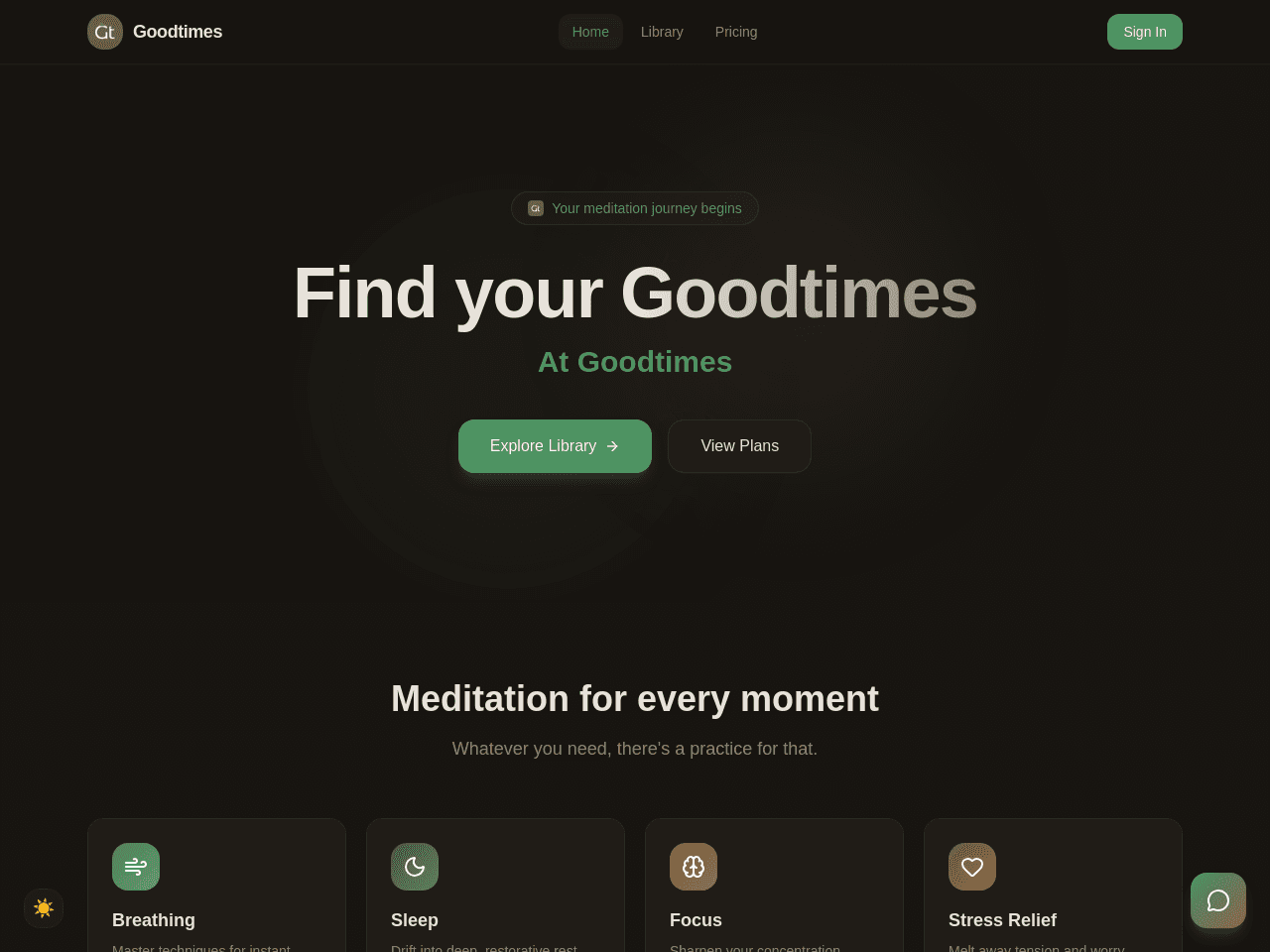
Goodtimes is a calm meditation app with a session library, a Zen Coach chat, member sign-in and a paid Premium plan through Stripe Checkout. Free sessions play for every visitor. Premium sessions unlock after payment. Setup: connect Stripe, then put your own price in the Stripe Checkout flow. Set the price that the Pricing page shows in the Subscription Plans project.
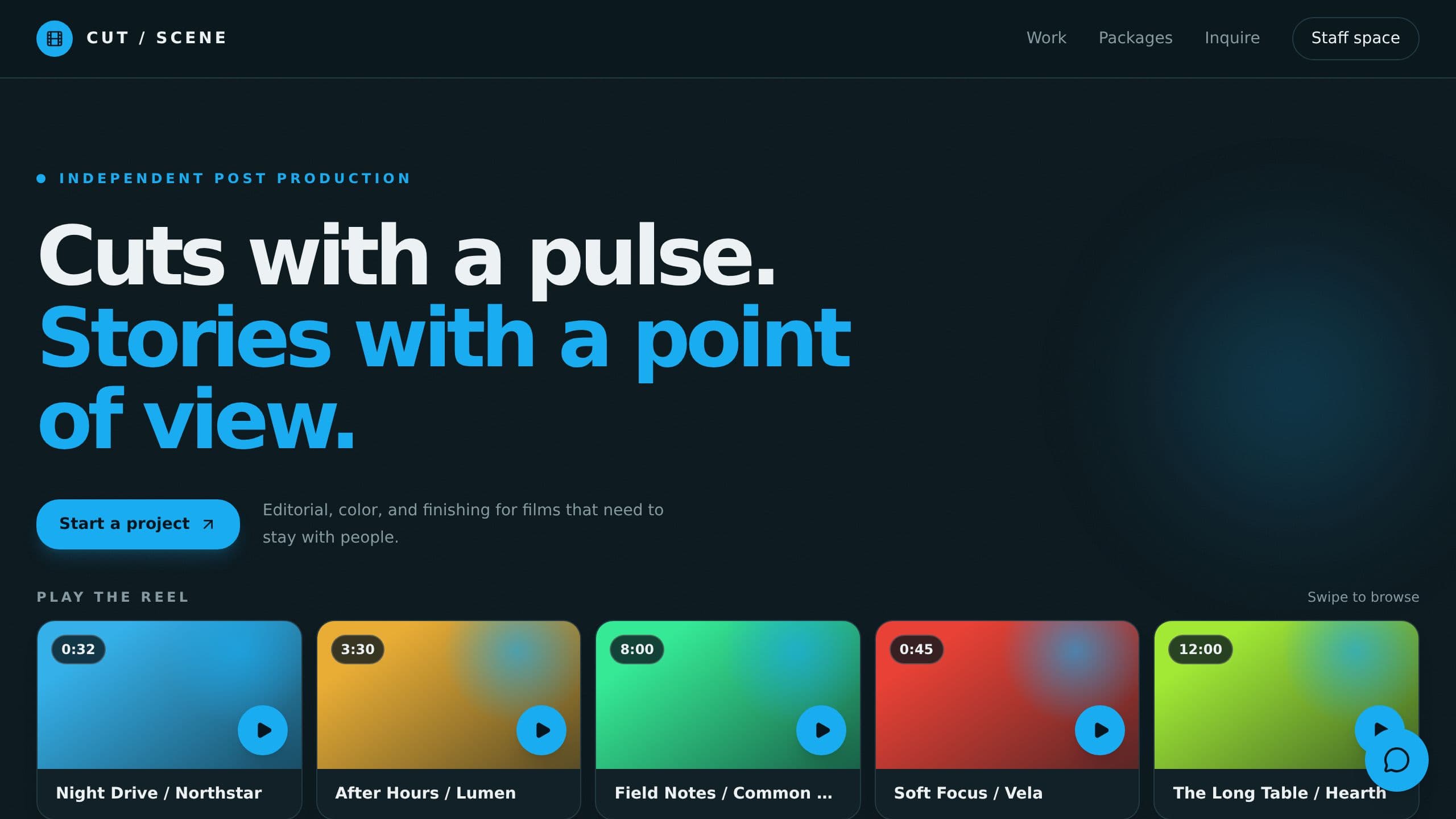
A showreel site for video editors with an inquiry form, quote drafts and a weekly list of leads waiting on you.
Collect client video testimonials with a share form and consent, approve the best, and show them on a wall.

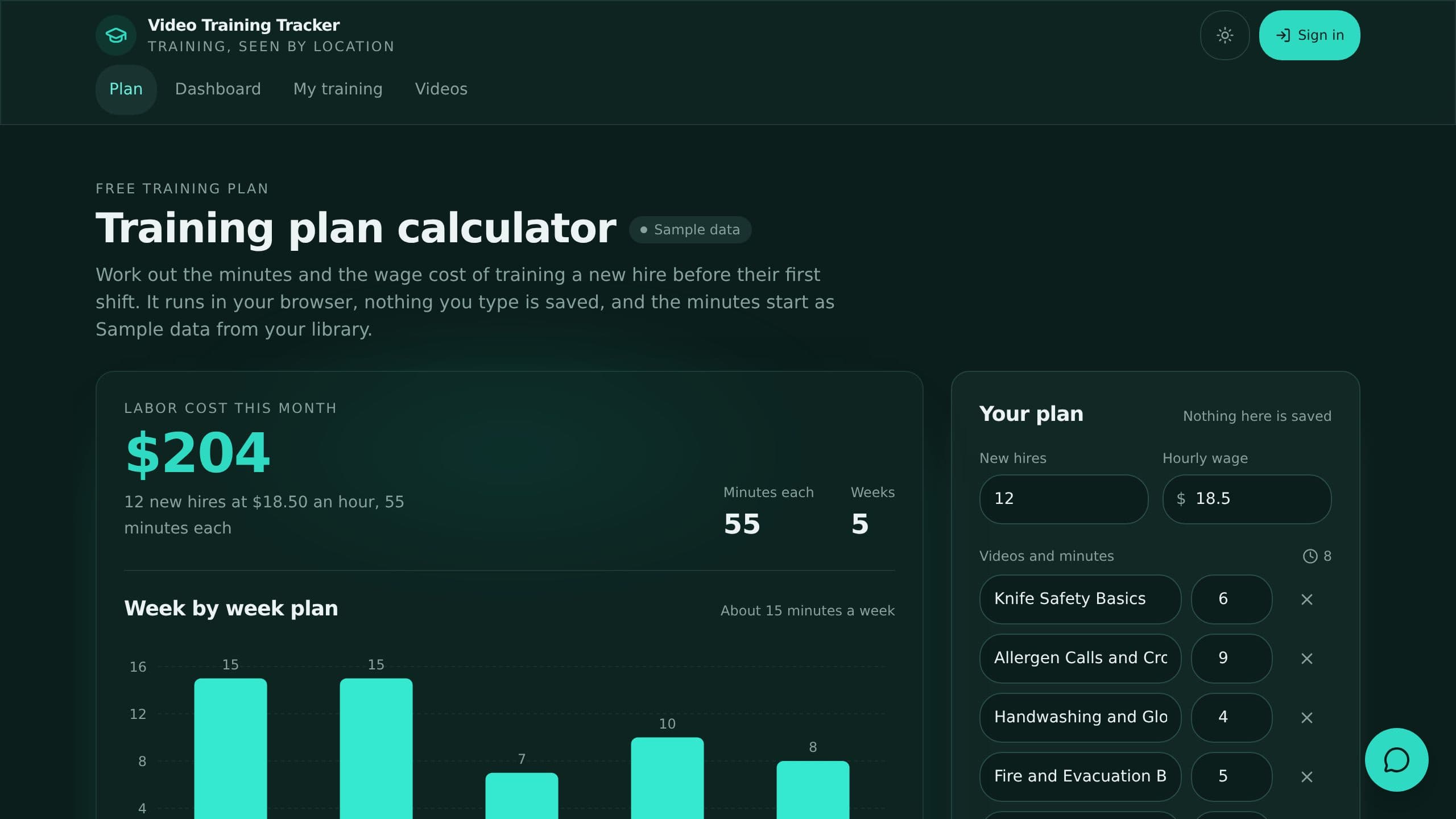
A free training plan calculator for a restaurant group: pick the videos, set minutes and wage, and see the weekly plan and labor cost. Staff track completions and quiz checks by location.