FeaturedFree
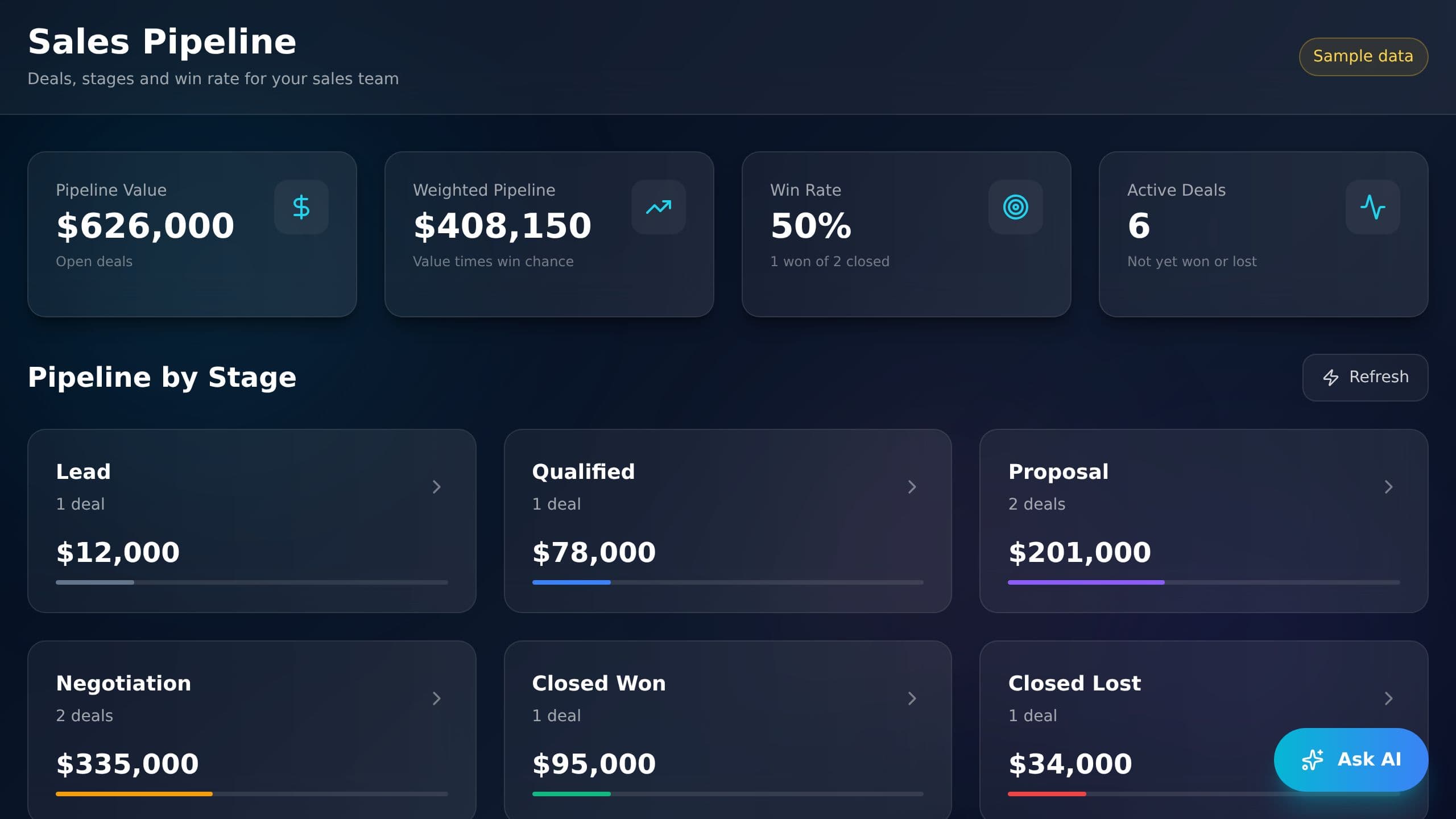
See pipeline value, weighted value, win rate and deals by stage on one screen. Add a deal and every total updates.
Free to start. Browse apps to clone.
See pipeline value, weighted value, win rate and deals by stage on one screen. Add a deal and every total updates.


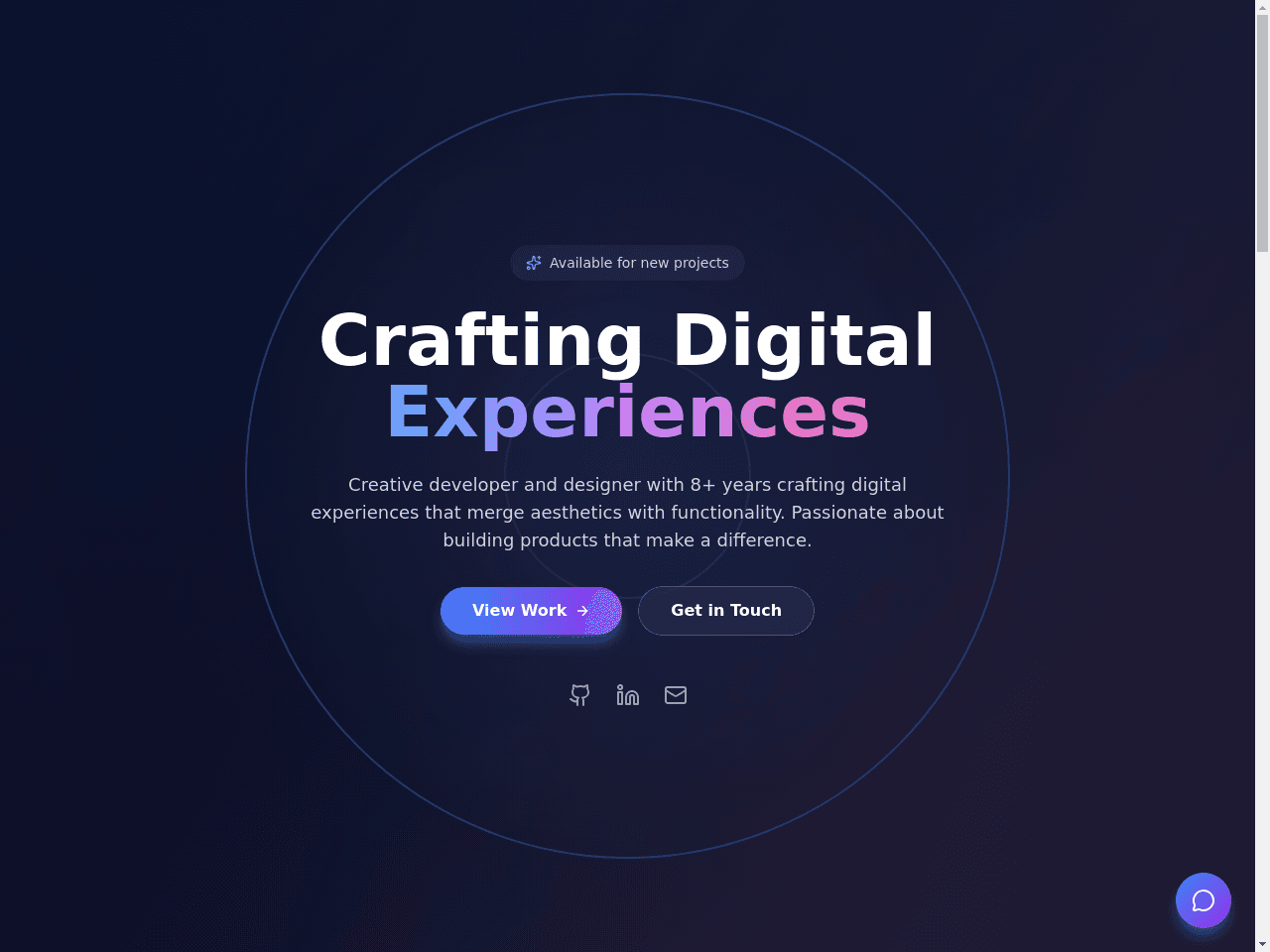
A calm daily task list with Today, Inbox and Archive. Each task has a status, a priority and repeat days, and a bar shows how much of today is done.


Free invoice generator. Add your line items, tax and a discount, see the total at once, then print the invoice or save it as a PDF, copy it or download a CSV. No sign-up needed to make one. Clone the app to keep every invoice and client in one place, mark invoices sent, paid or overdue, see your revenue, and save invoices from reusable templates.



It replaces the spreadsheet where you note renewals and costs by hand. You log renewals, upgrades and audits as they happen. An AI assistant called License Assistant answers your license questions. Automatic reminders watch for expiring licenses and record each new license. Clone it free, then switch on the automations you want.

Write a post once, pick X, Facebook or LinkedIn, and schedule it. The Up next list and the calendar show every post that is waiting to go out.

It replaces the spreadsheet and the scattered emails you use to keep investors informed. Inside are 5 projects and two AI assistants, one for investor relations and one for investor research. Automatic updates sync your pitch deck, refresh your key numbers and run investor research. Clone it free, then switch on the automations you want.

Pick what to write, a blog post, article, newsletter, case study or press release, and get a draft from the writing agent. Keep the drafts you like in Saved.


A friendly chat buddy for young kids. Ask Bluey about Bingo, games and family, and pick a bigger text size for easy reading.
 @alex.xuzeyu85

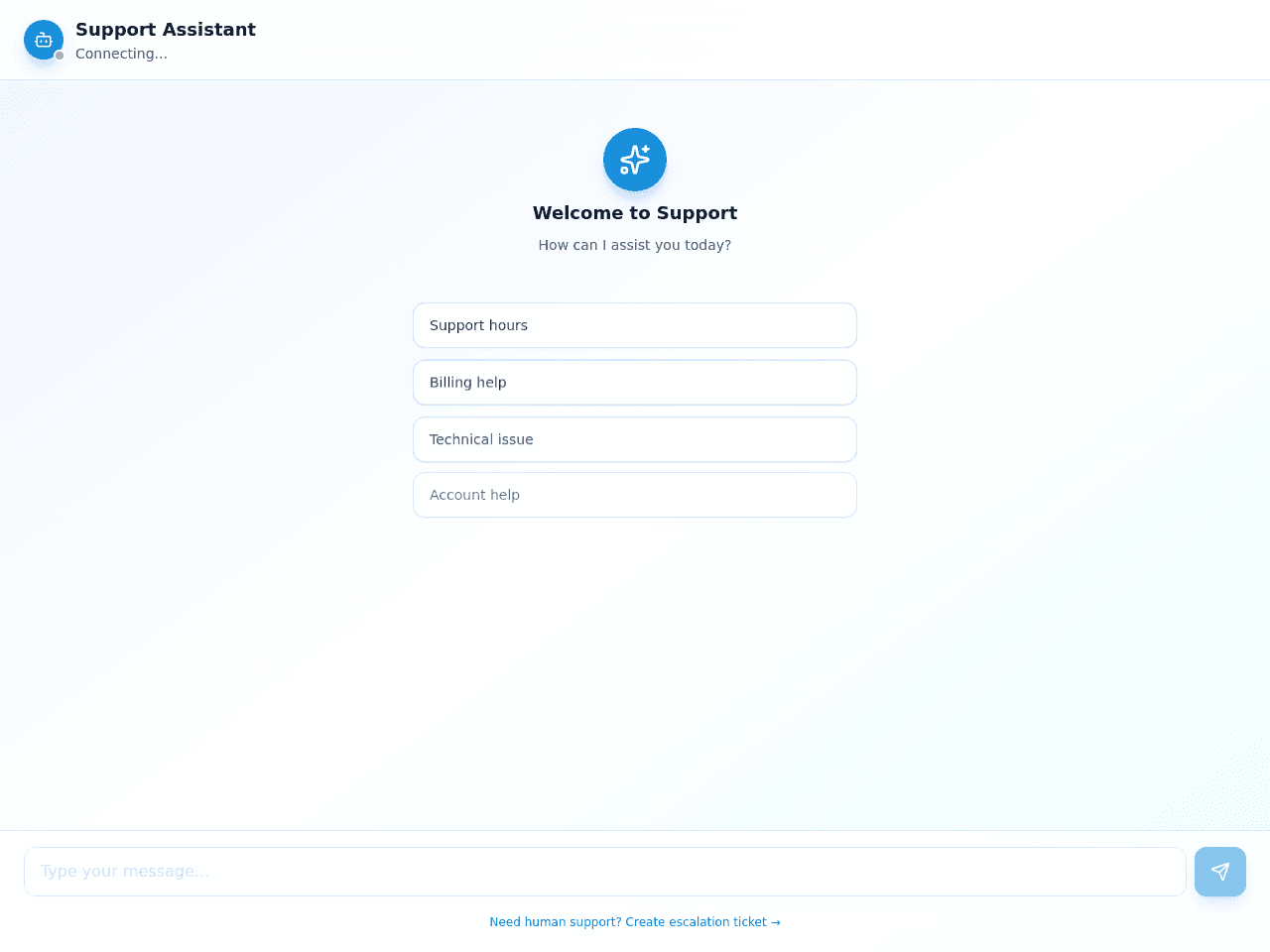
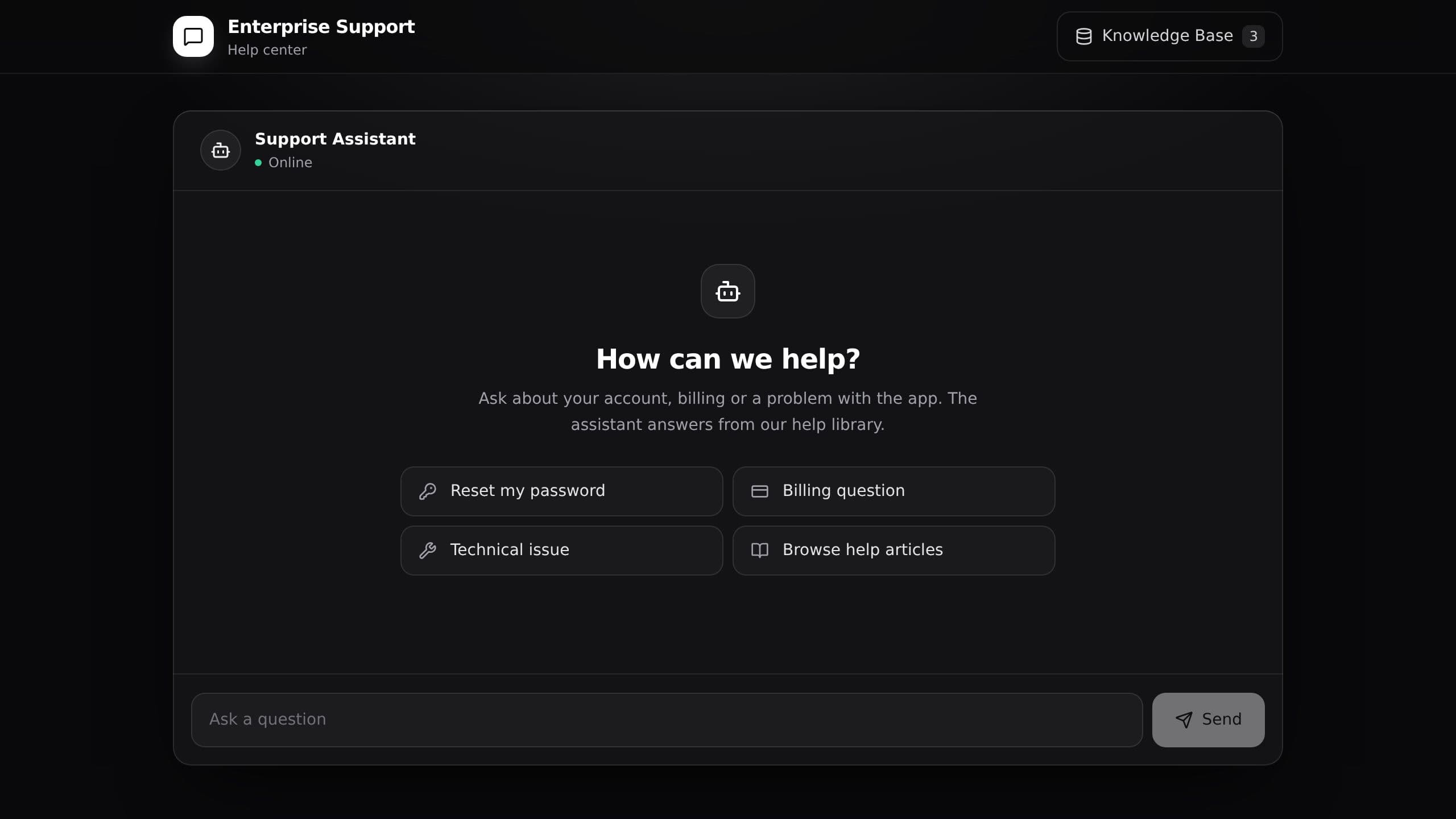
It replaces the shared inbox and the manual follow-up on every question. An AI assistant called Support Assistant answers customers. When a question needs a person, an automatic update creates an escalation ticket for your team. Clone it free, then switch on the automations you want.
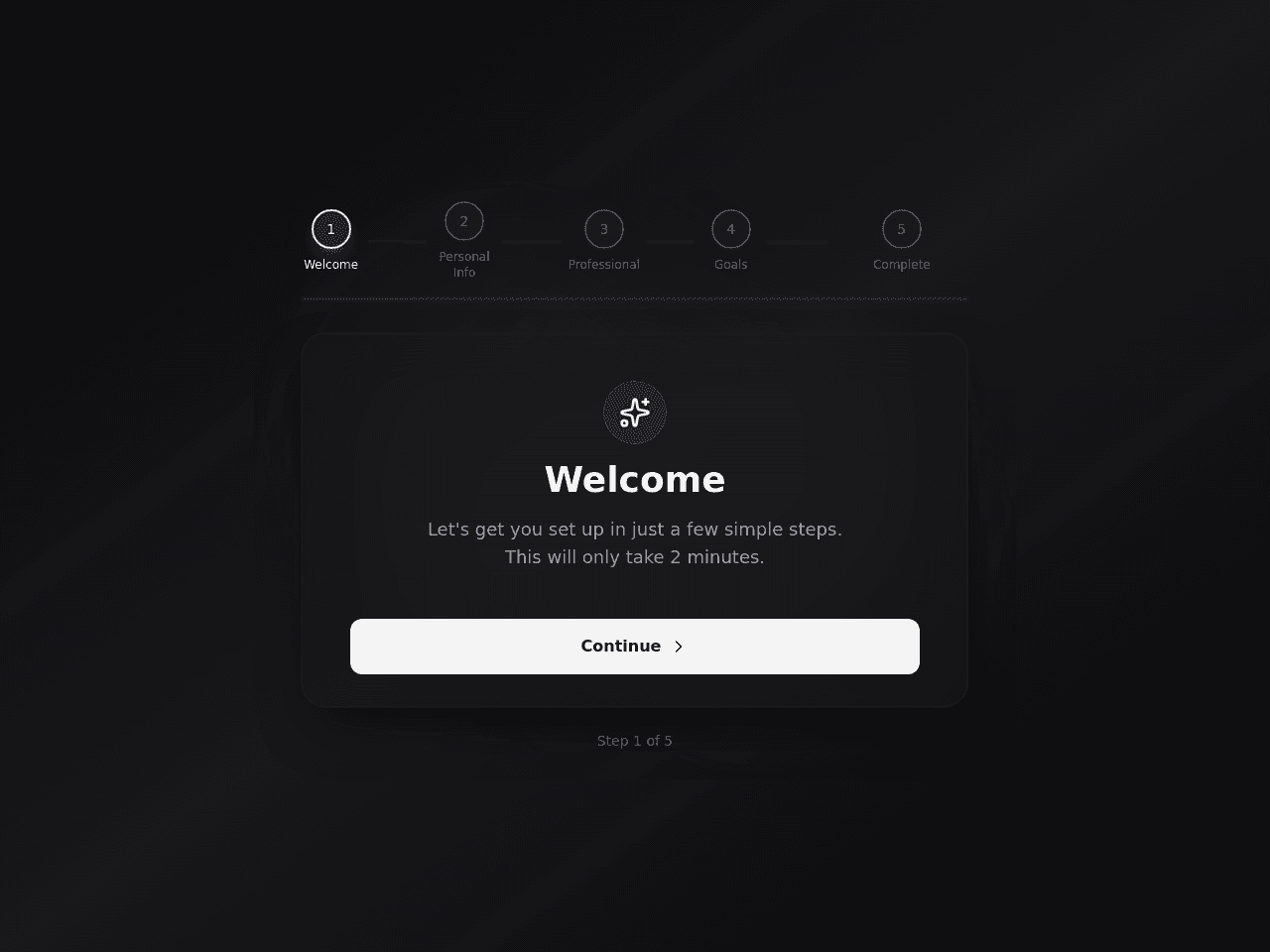

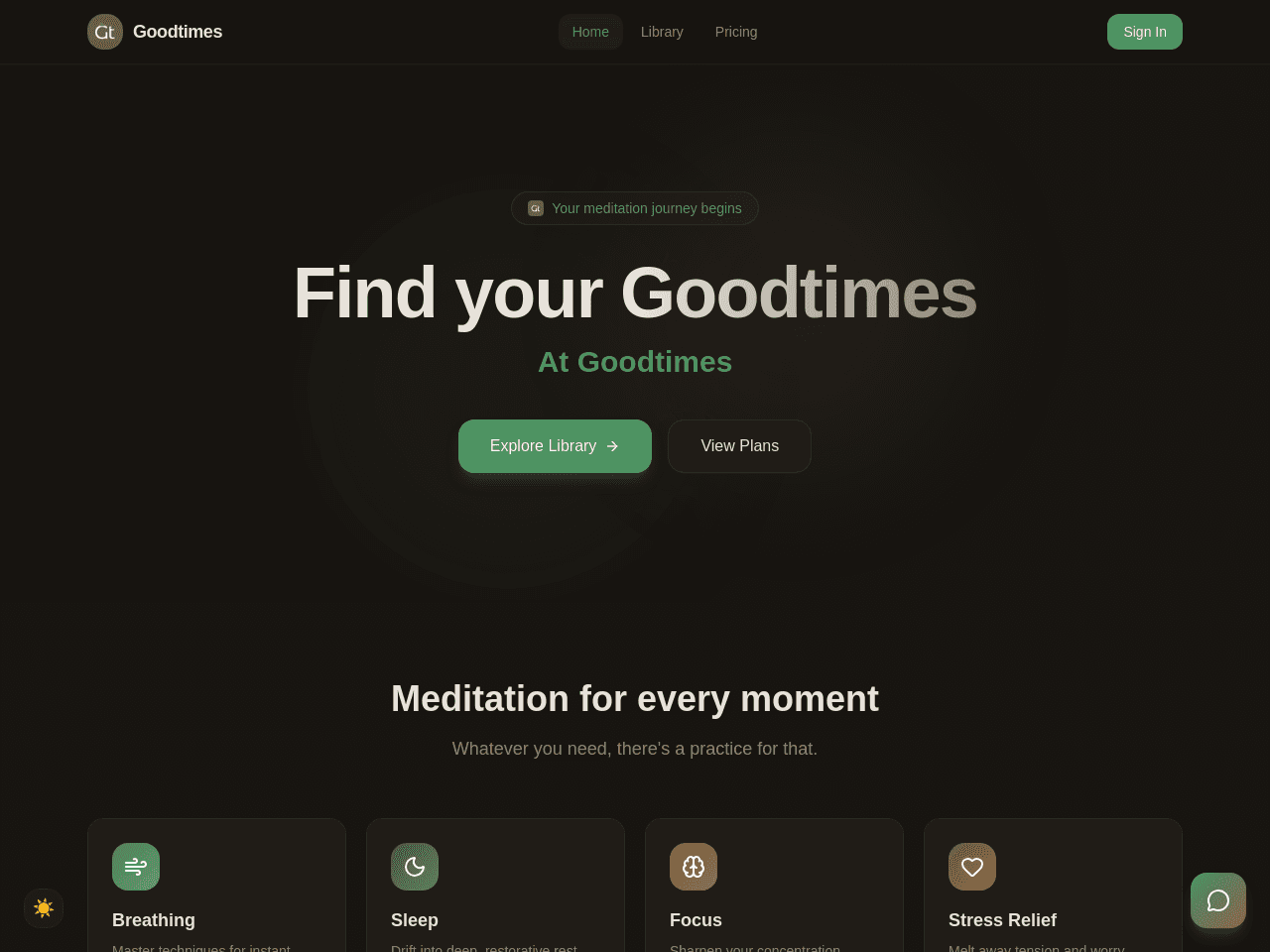
Goodtimes is a calm meditation app with a session library, a Zen Coach chat, member sign-in and a paid Premium plan through Stripe Checkout. Free sessions play for every visitor. Premium sessions unlock after payment. Setup: connect Stripe, then put your own price in the Stripe Checkout flow. Set the price that the Pricing page shows in the Subscription Plans project.


Pick a breathing pattern, press Start and follow the circle. Box breathing and 4-7-8 presets are ready, and History keeps your past sessions.


It replaces the email thread of back-and-forth messages and the paper intake form. An AI assistant guides each new client through intake. Automatic updates qualify new leads and send invoice payment reminders. Clone it free, then switch on the automations you want.


It replaces the paper habit chart or the spreadsheet. An AI assistant called Progress Coach suggests a next step. Automatic updates process each habit you complete and create a weekly progress report. Inside are 3 projects. Clone it free, then switch on the automations you want.

It replaces selling by email and tracking orders in a spreadsheet. Orders and customers land in your copy. Inside are 3 projects and a Shop Assistant AI assistant. You can connect Gmail and Stripe. It sends an order confirmation email, and updates inventory when an order comes in. Clone it free, then switch on the automations you want.
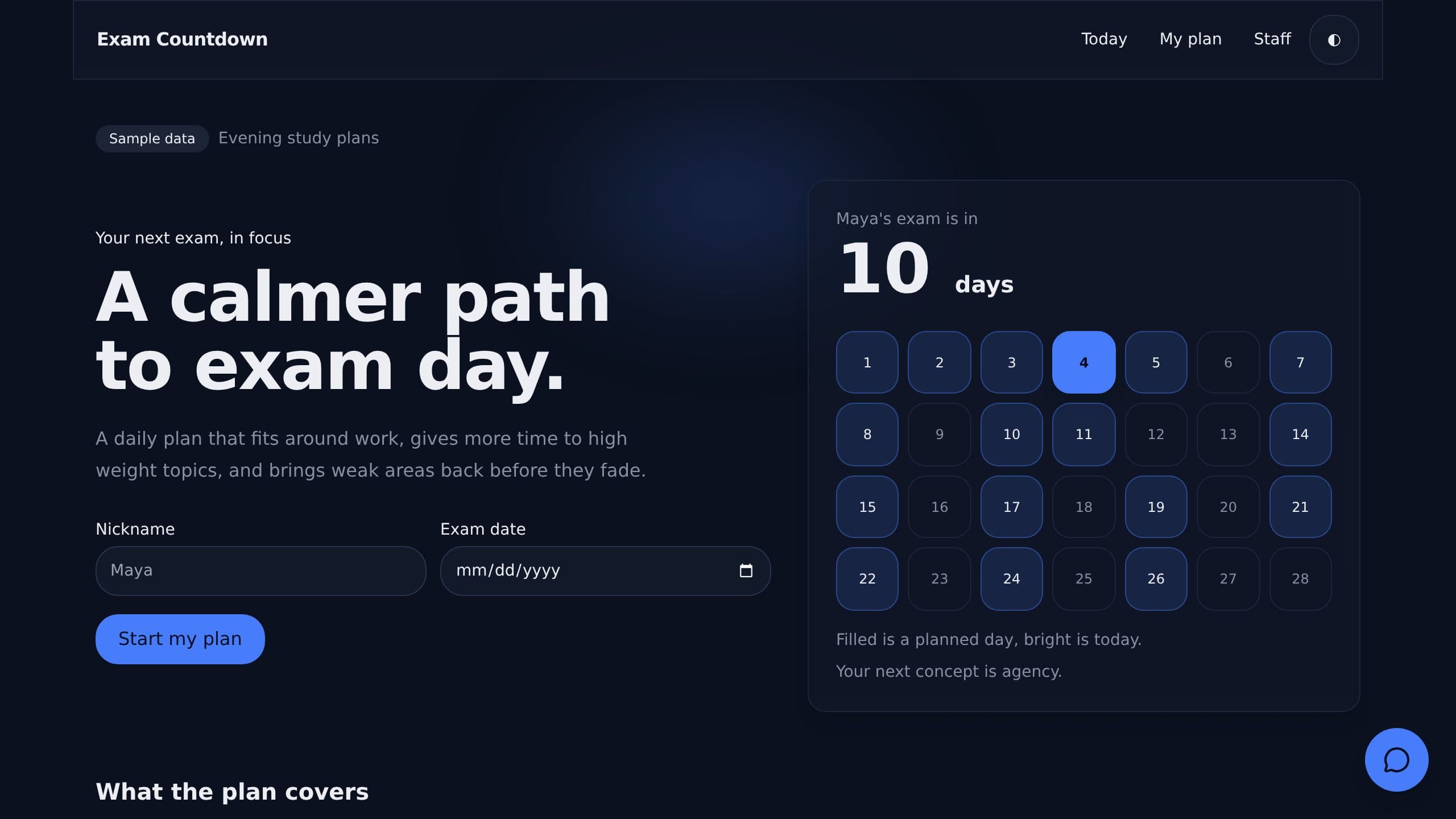
It replaces the printed syllabus and the guesswork about what to study next. Enter an exam date and weekly hours. Each day shows one concept and a check question, weak topics return within 3 days, and the last 5 days are review only. Clone it free and start with sample data.

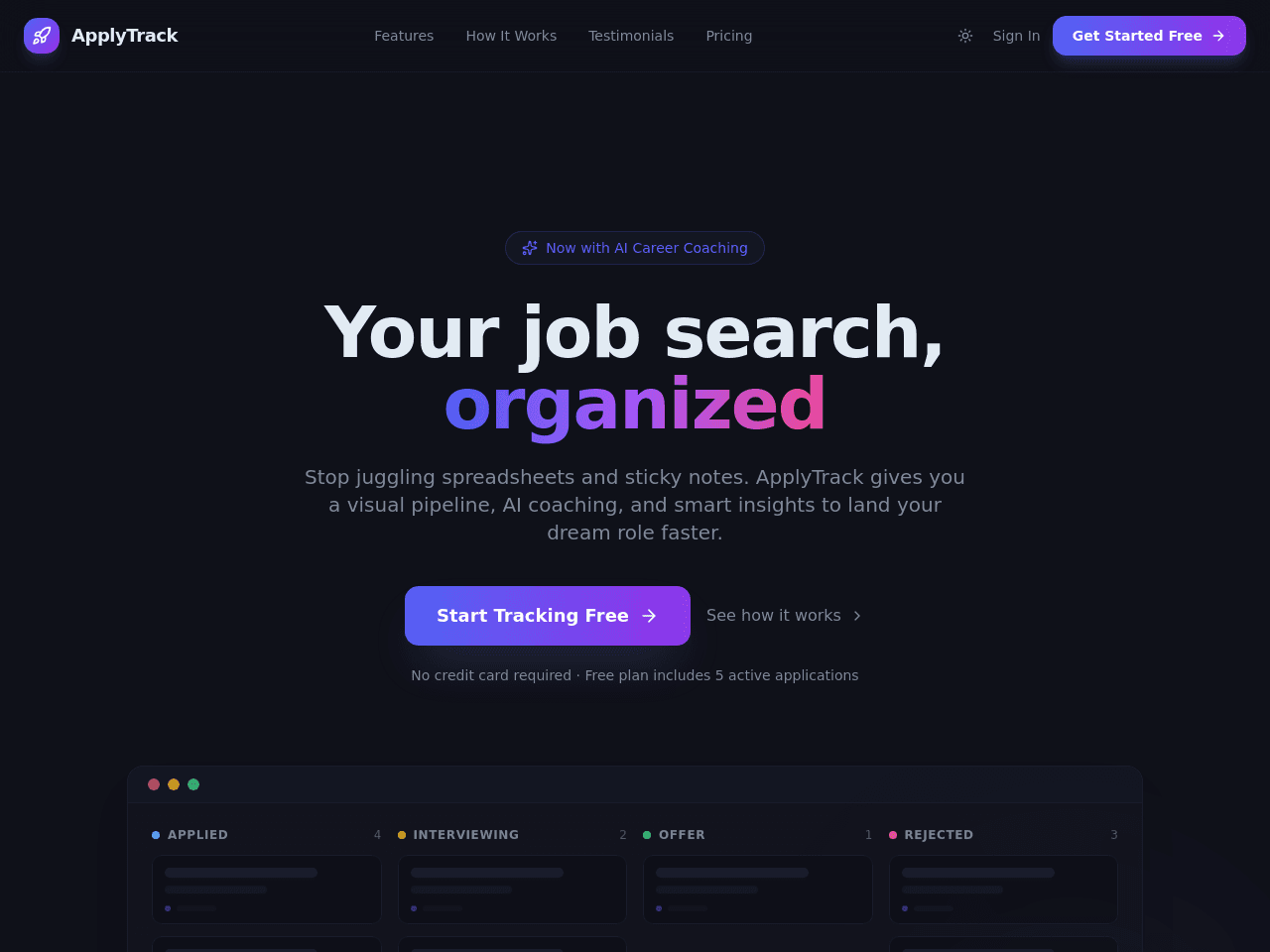
It replaces the spreadsheet and the calendar reminders you keep by hand. It has 4 projects and an AI assistant called Coach. Automatic updates add a prep note when a job moves to Interviewing, email you each Pro request, and stamp the date when a plan changes. Clone it free, then switch on the automations you want.
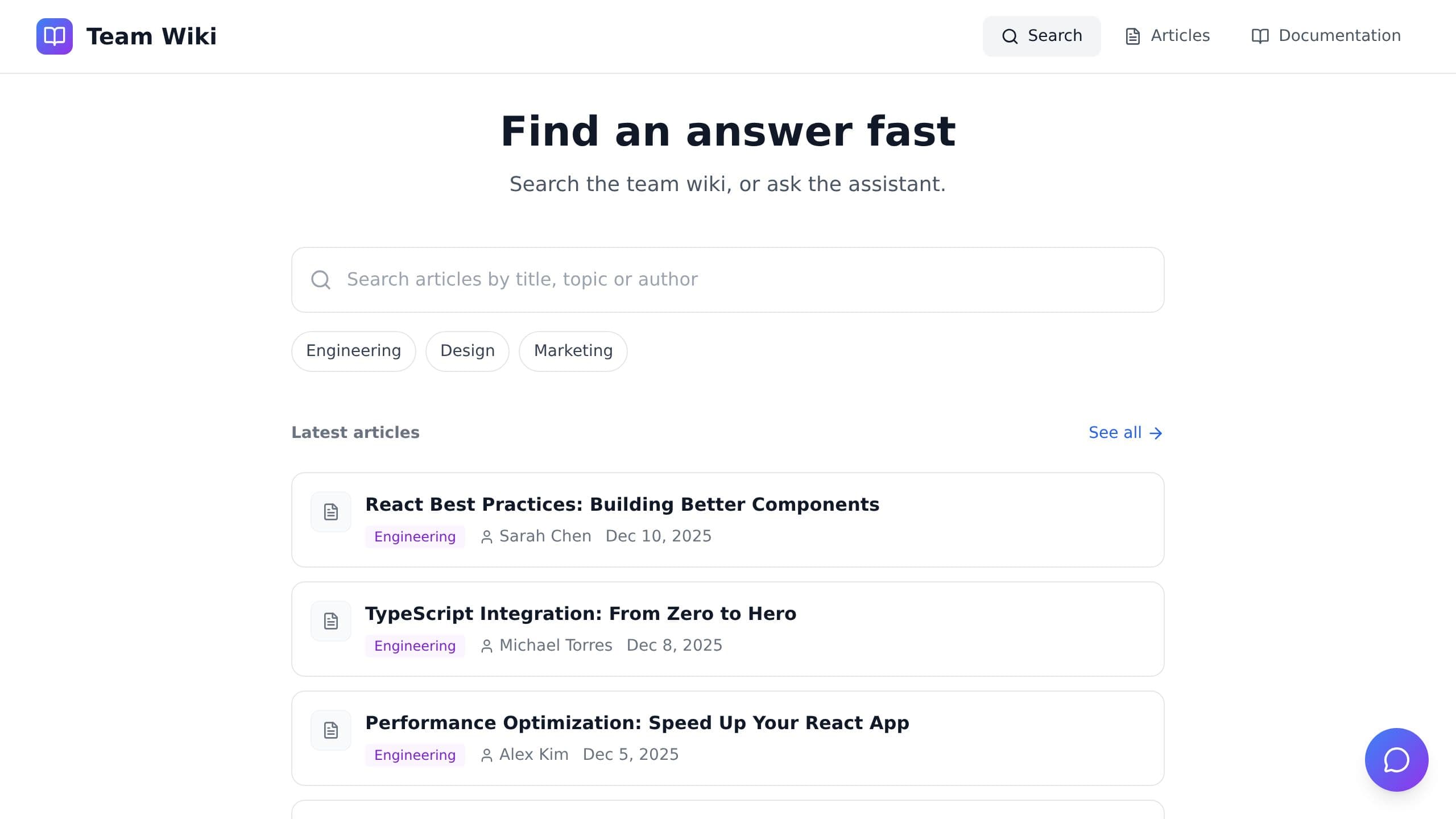

It replaces the pricing spreadsheet and the quotes you search for in old emails. Inside are 2 projects and a Pricing Assistant AI assistant. Automatic alerts flag a high-value quote, and every quote is archived and followed up for you. Clone it free, then switch on the automations you want.

It replaces the spreadsheet and the sticky notes you use to remember where you applied. An AI assistant called Coach helps you through your job search. Automatic reminders arrive each day for your open applications. Clone it free, then switch on the automations you want.
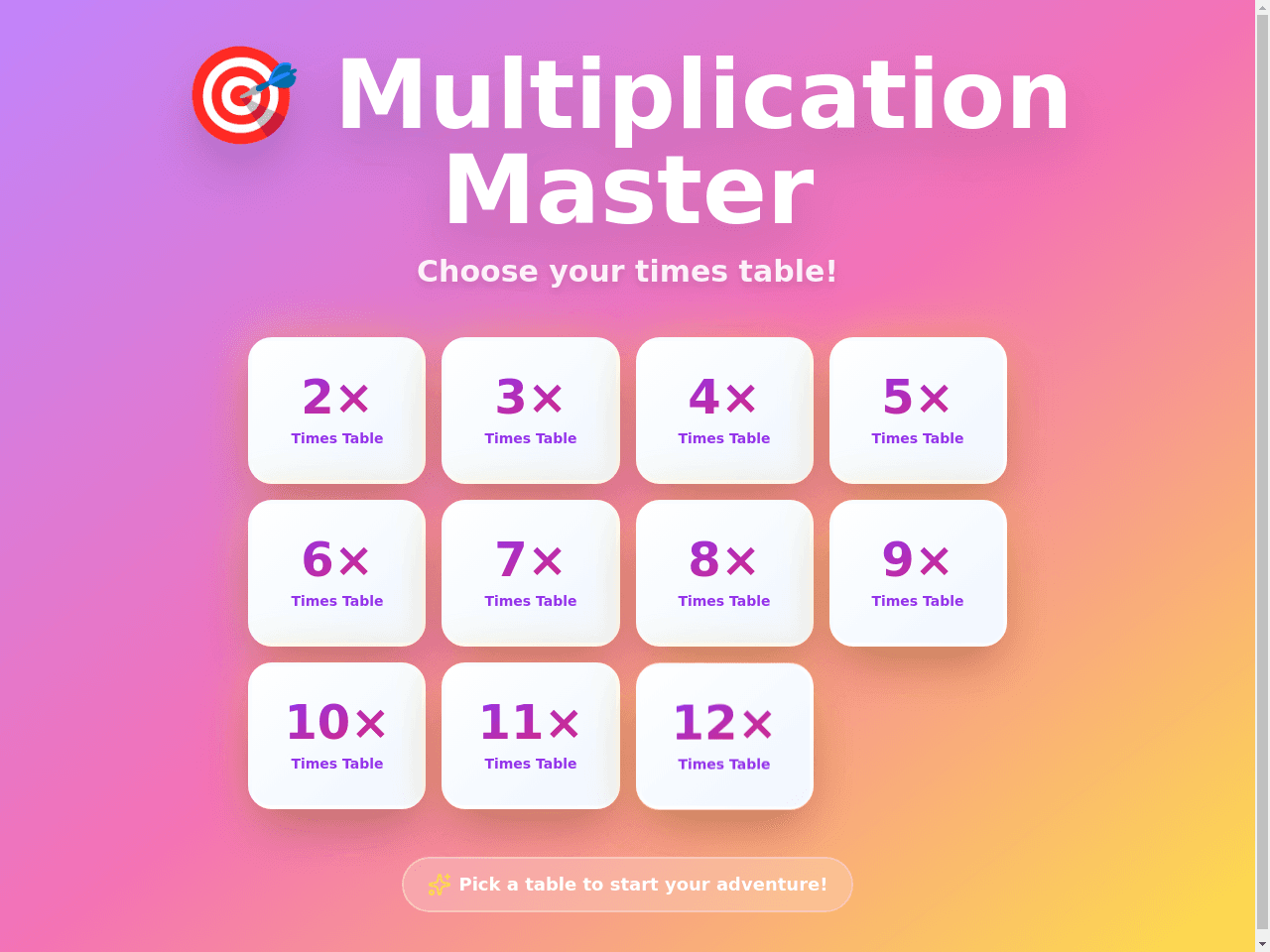

It replaces the spreadsheet you dig through by hand. An AI assistant called DataMind Analytics answers questions about your data. Clone it free and make it yours.


 @crabstyxgaming
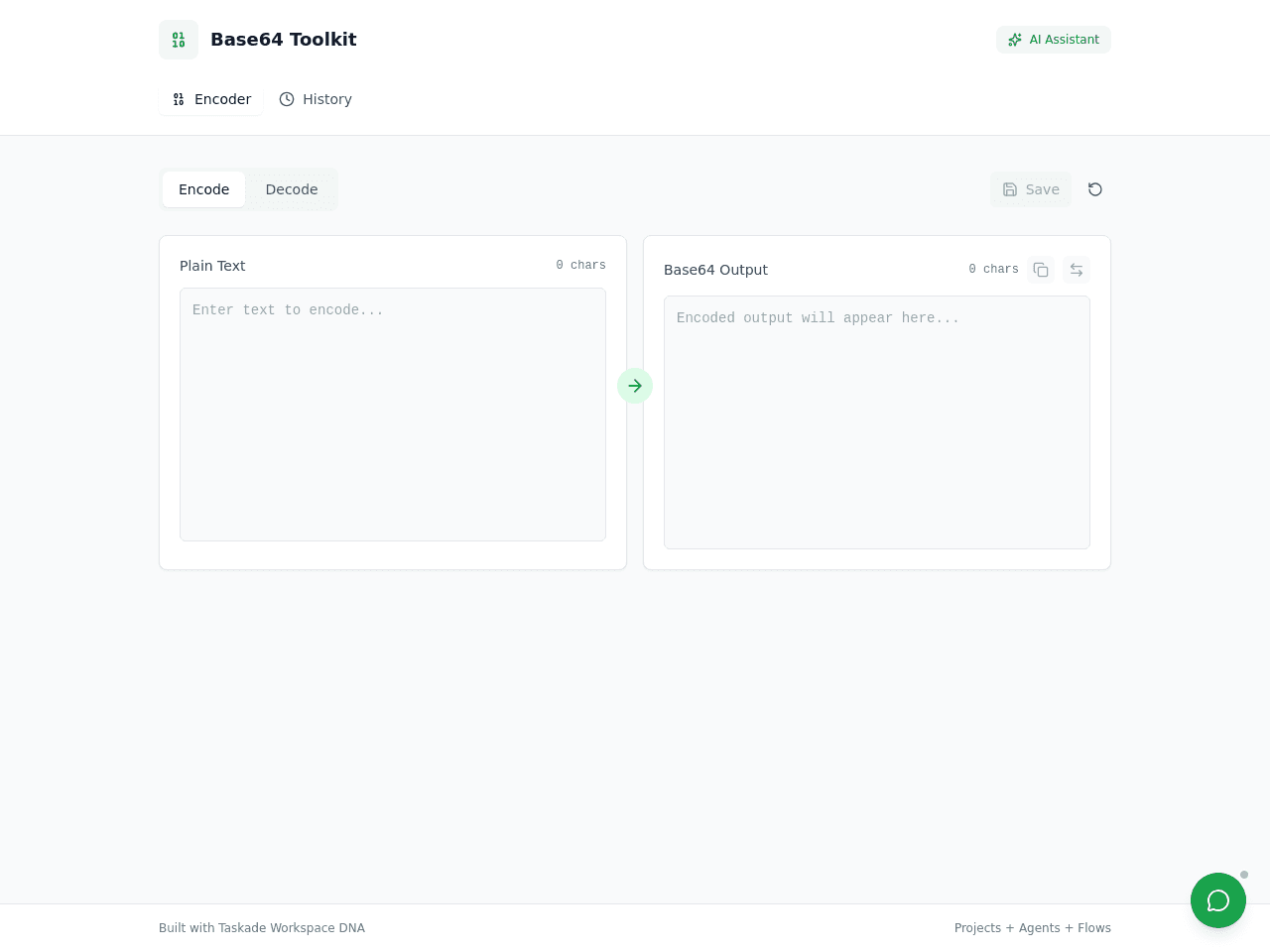

It replaces the rough math on a napkin or the spreadsheet nobody updates. Inside are 4 projects and two AI assistants, one for budgets and one that advises on meeting cost. Automatic alerts warn you when a budget is passed, your calculations save on their own, and a weekly cost report is written for you. Clone it free, then switch on the automations you want.
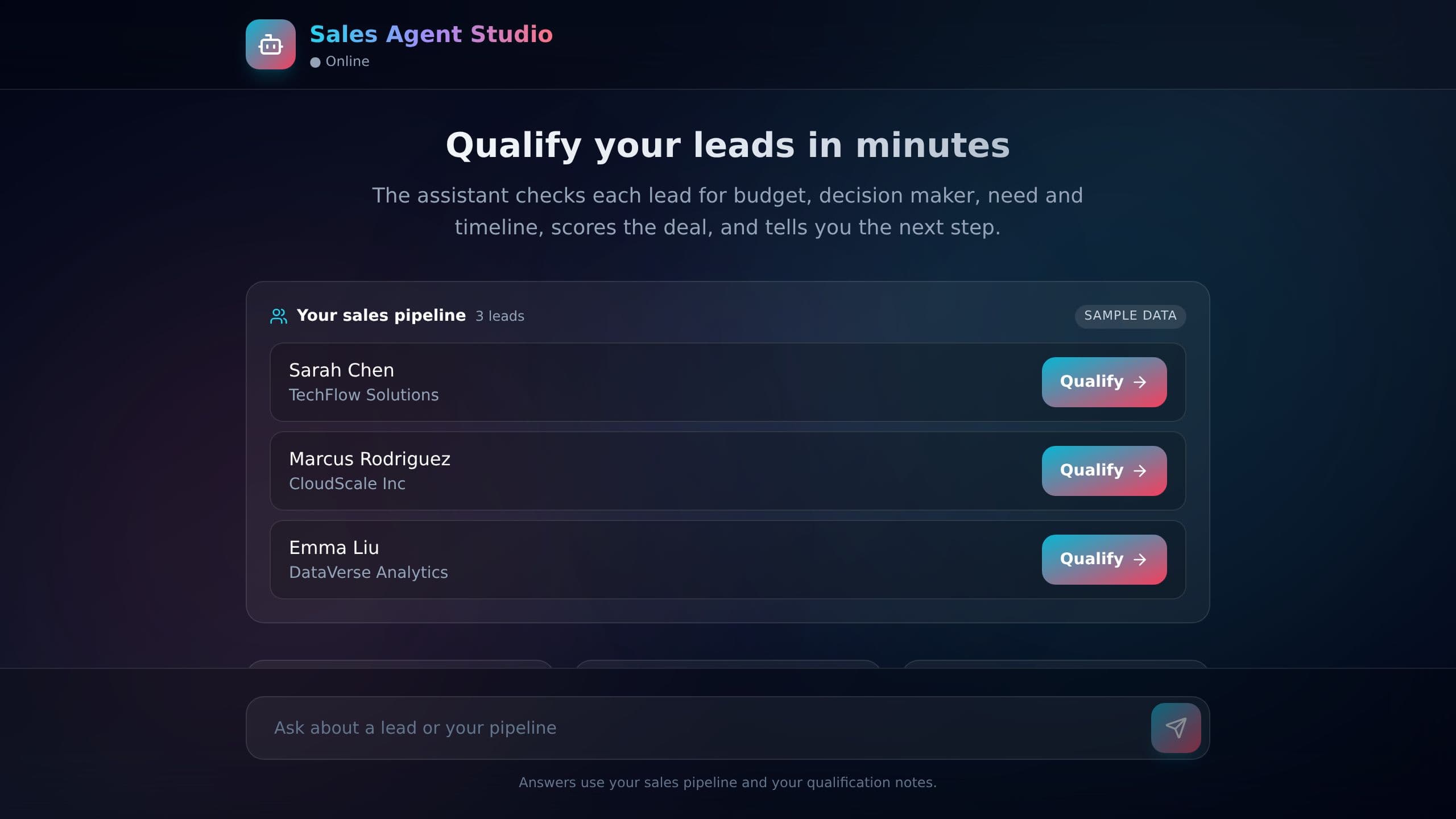
It replaces the manual follow-up and the spreadsheet where you rank leads by hand. An AI assistant talks to each new lead. Automatic updates capture and qualify new leads and send a daily pipeline health report, so you know where your deals stand. Clone it free, then switch on the automations you want.
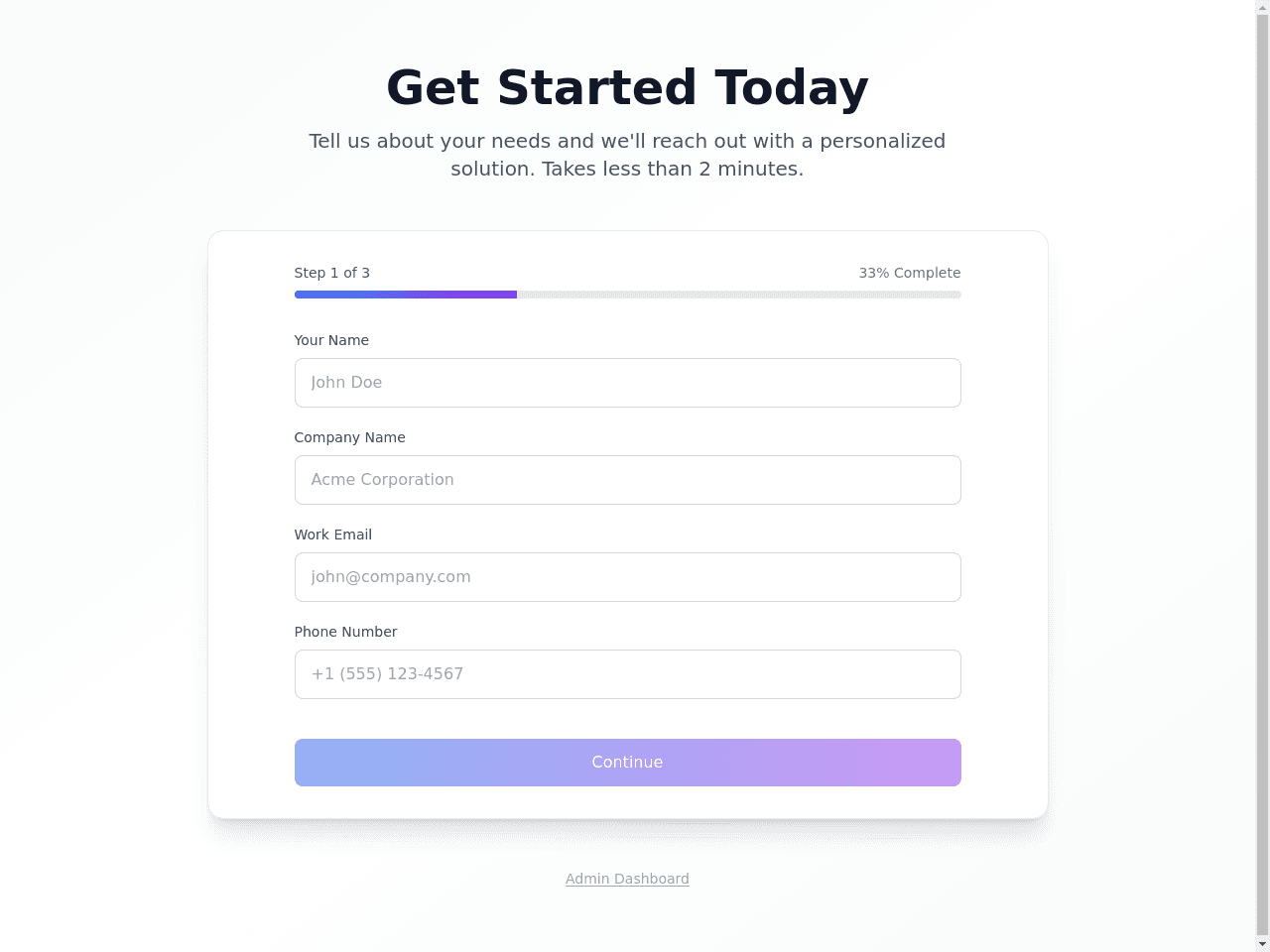

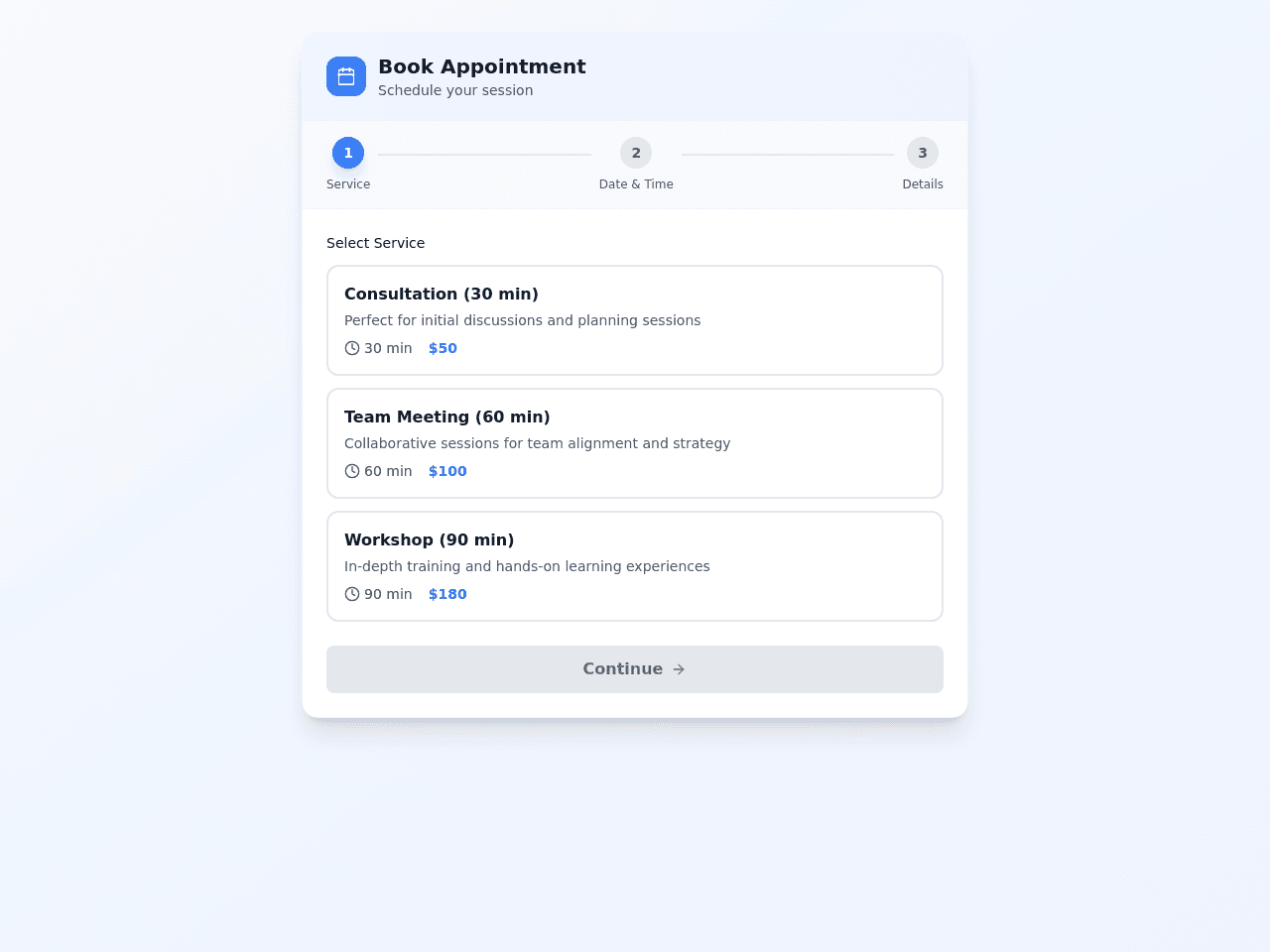

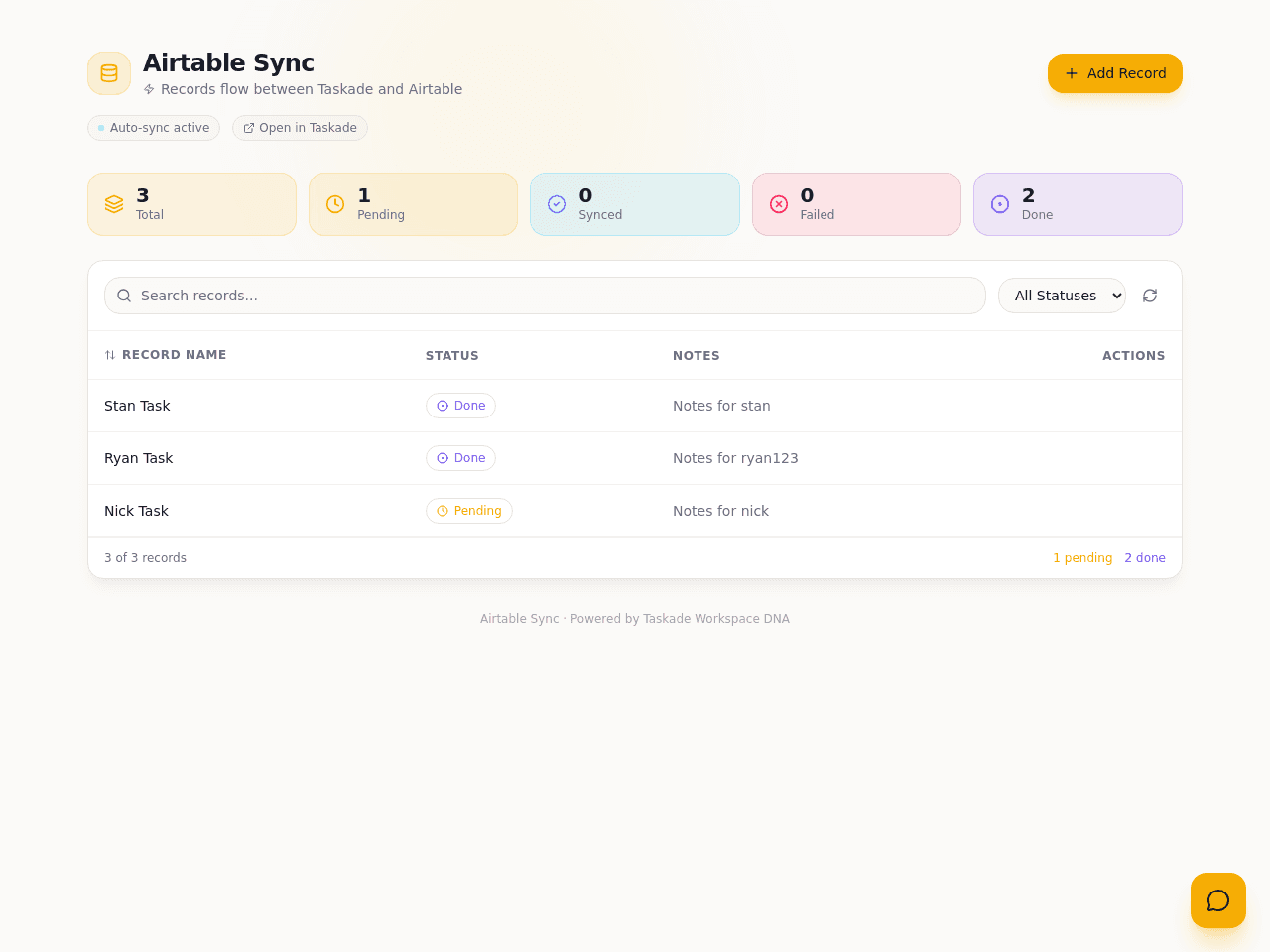
It replaces checking Airtable by hand and the spreadsheet of what went through. Add a record here and it appears in your Airtable table. Check the task off and the record is marked Done there. Search, filter, and ask the AI assistant to tidy names and notes. Clone it free, connect your own account and switch on the automation.

It replaces the HR spreadsheet and the email thread about who is off and who starts next. Inside are 3 projects and an AI assistant for HR questions. Automatic summaries arrive each day, new members get an onboarding flow, and leave requests sync to Google Calendar. Clone it free, then switch on the automations you want.

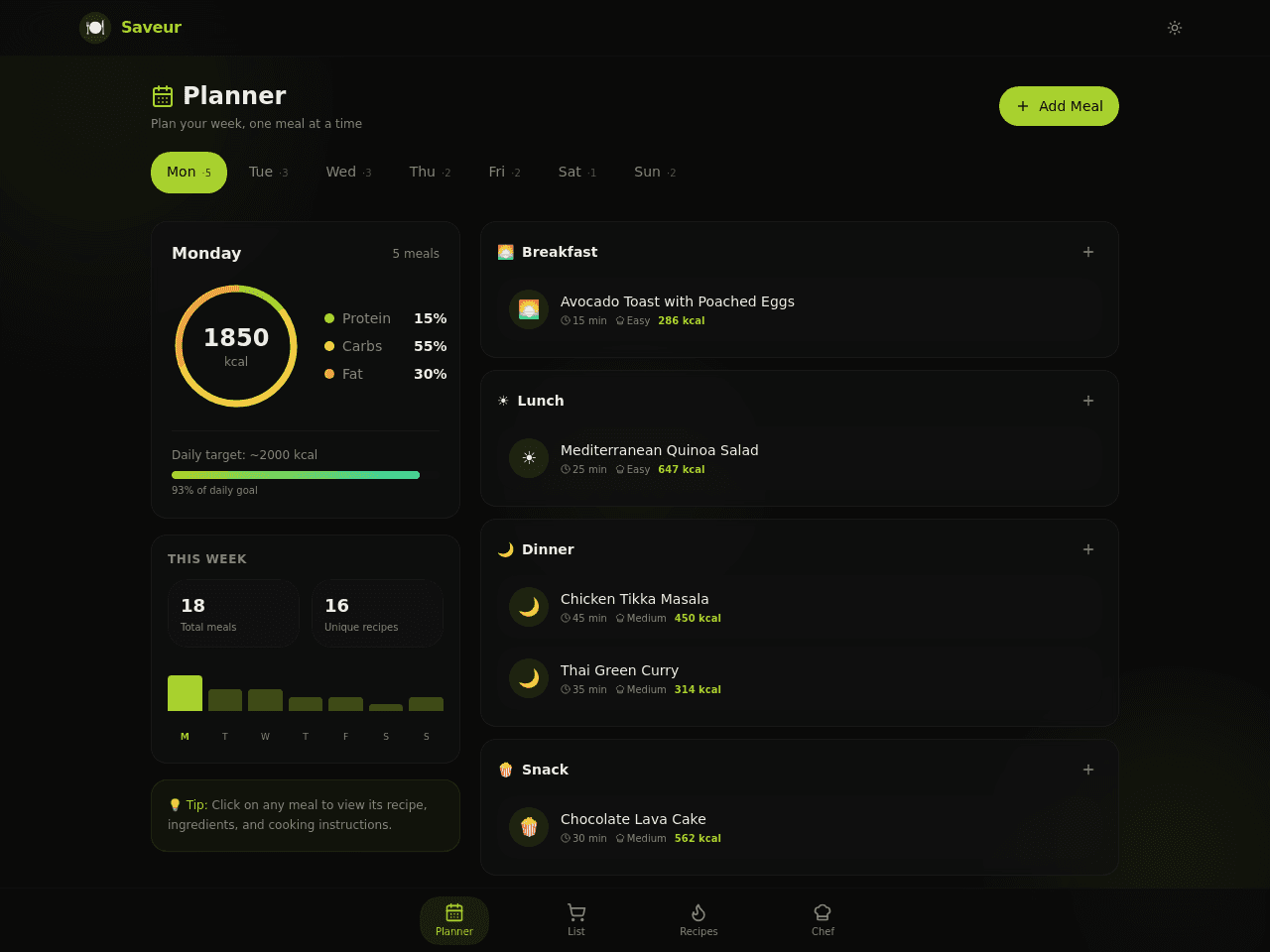
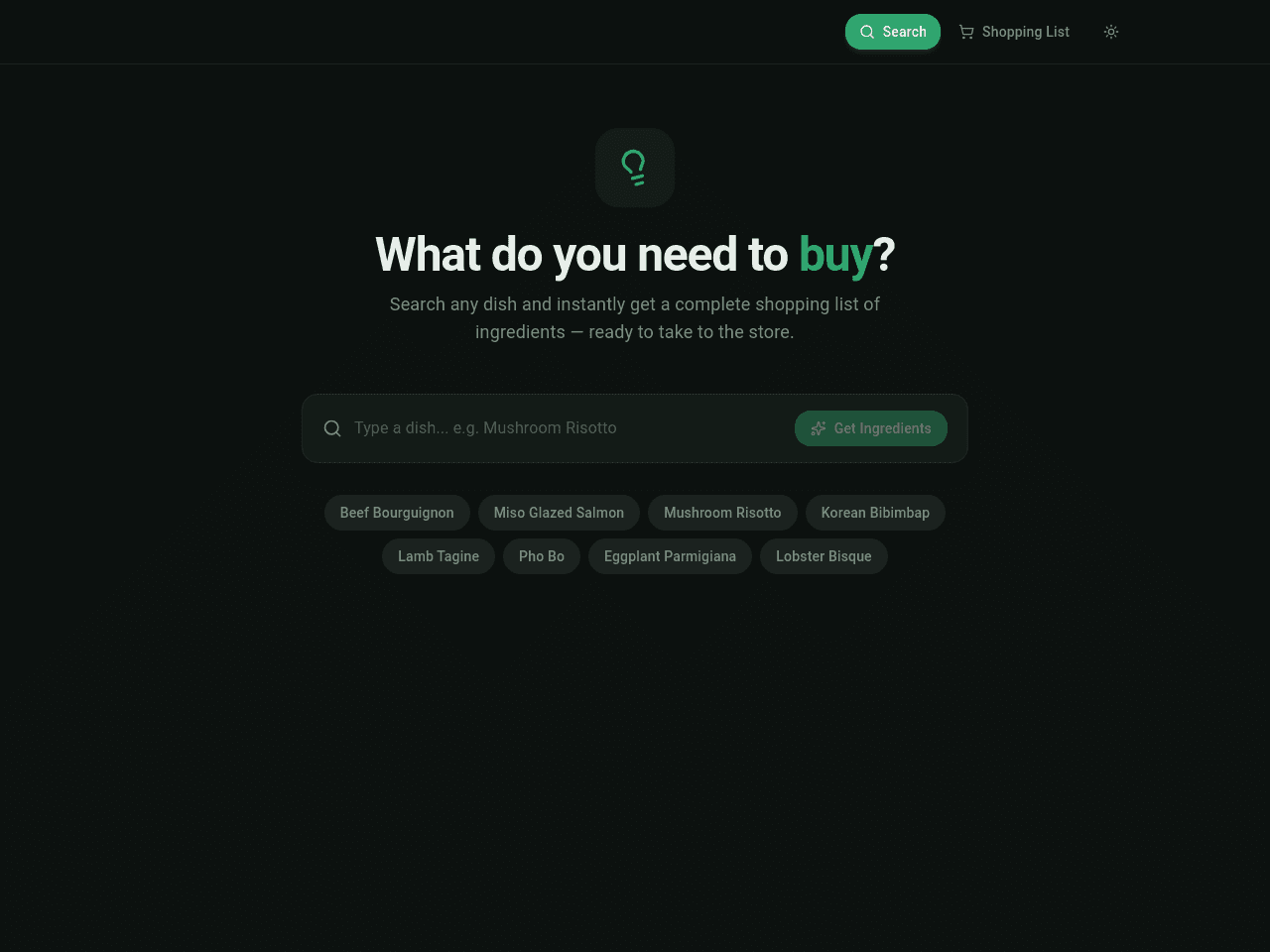
It replaces recipe bookmarks, sticky notes and the grocery list you write by hand. Inside are 3 projects and an AI assistant called Chef Assistant. Automatic updates give cooking tips when you add a recipe, send a weekly meal plan digest and make a shopping list from your meal plan. Clone it free, then switch on the automations you want.

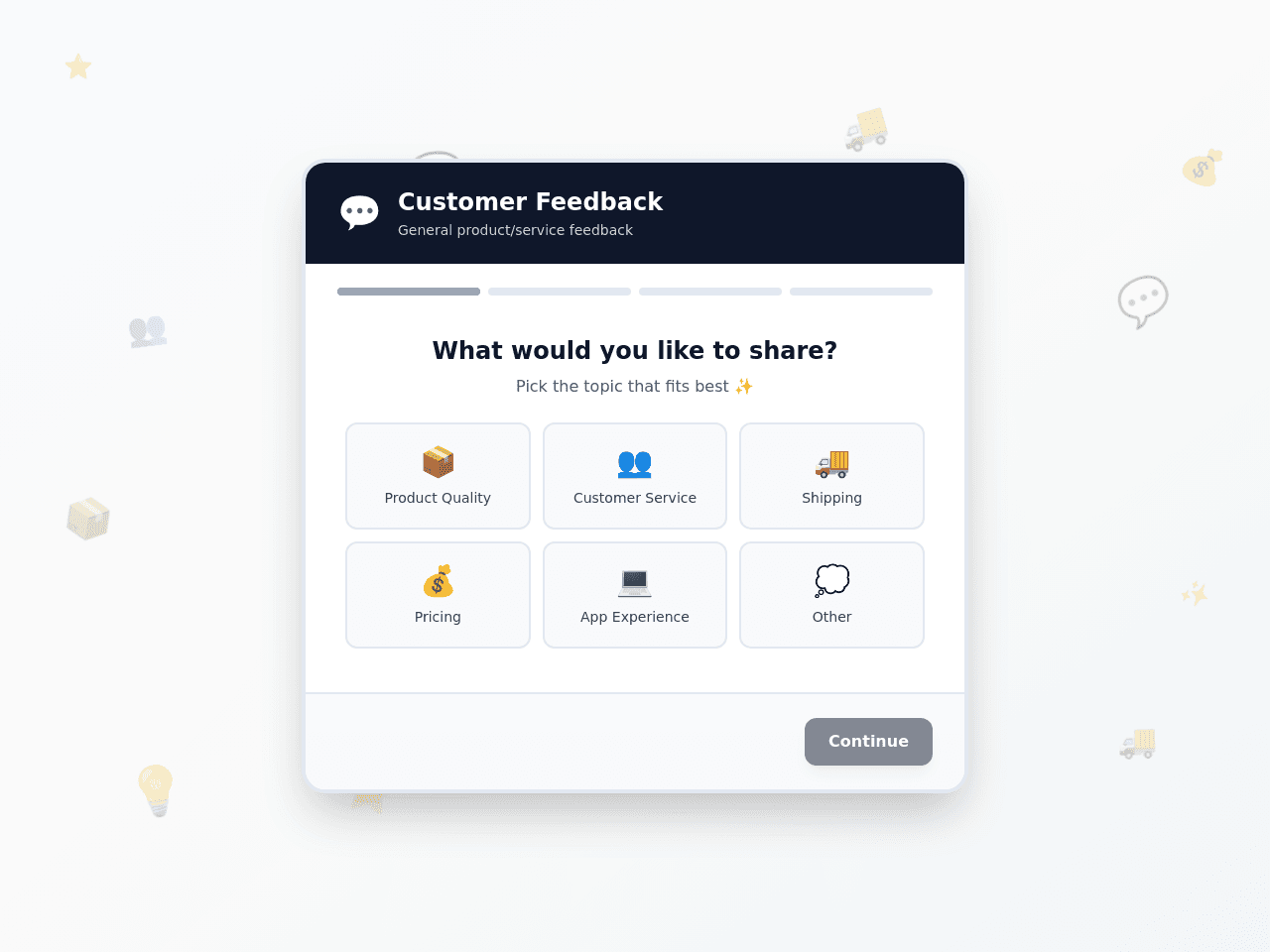


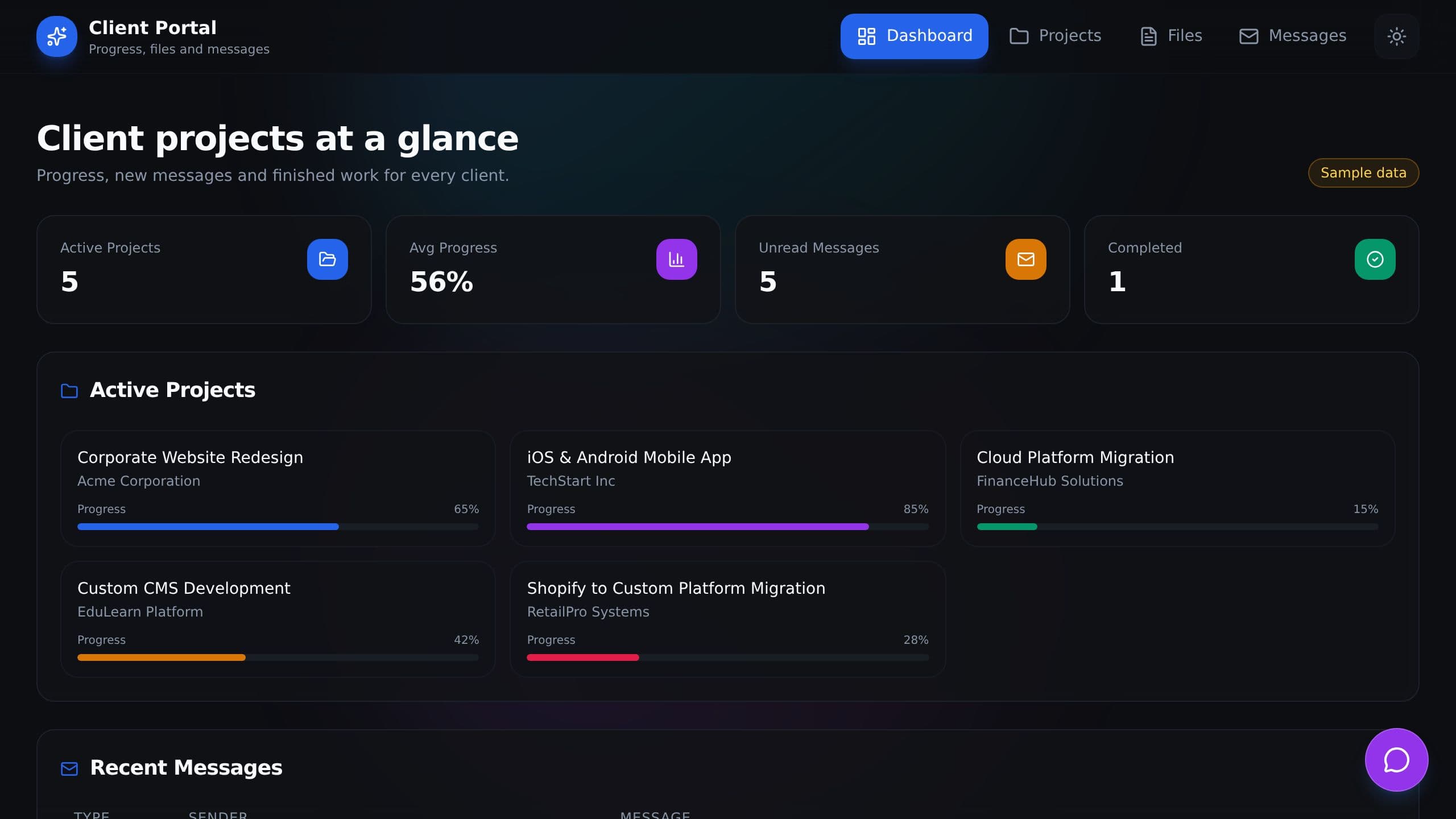
It replaces the email thread of status questions and invoice reminders. Inside are 3 projects and an AI assistant for your studio. Automatic reminders send a new invoice notice, a project milestone alert and a weekly status digest, so clients stop asking where things stand. Clone it free, then switch on the automations you want.


It replaces the spreadsheet of vehicle records and the manual check for overdue maintenance. An AI assistant called Fleet Assistant answers your fleet questions. Automatic updates track vehicle status and send maintenance alerts through Gmail. You spot overdue service before a van leaves the road. Clone it free, then switch on the automations you want.


It replaces the notebook and the text messages used to book visits. Inside are 6 projects and a Pet Care Assistant AI assistant. Automatic updates route each booking, plan the holiday season and schedule follow-ups with owners after a visit. Clone it free, then switch on the automations you want.
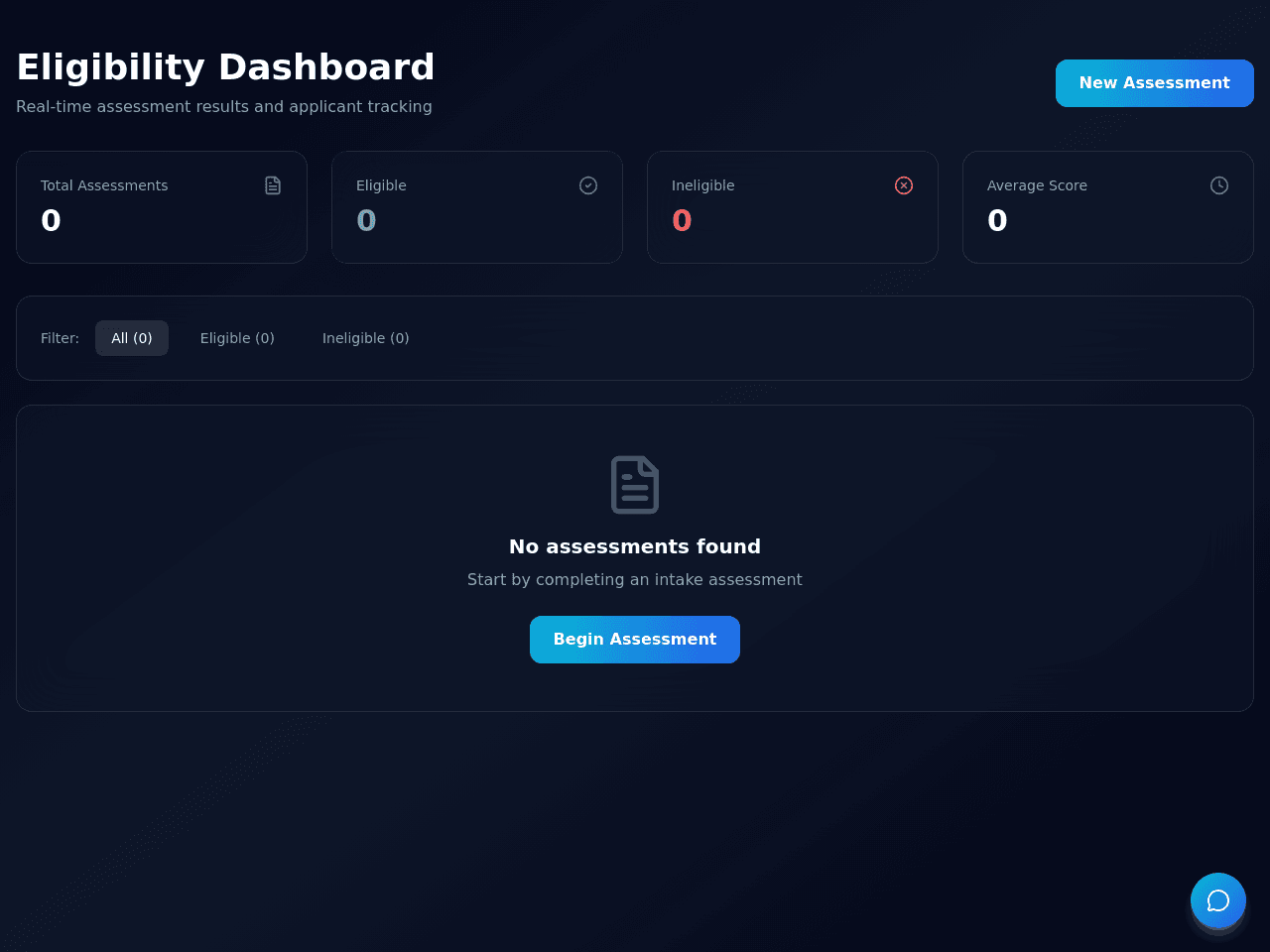
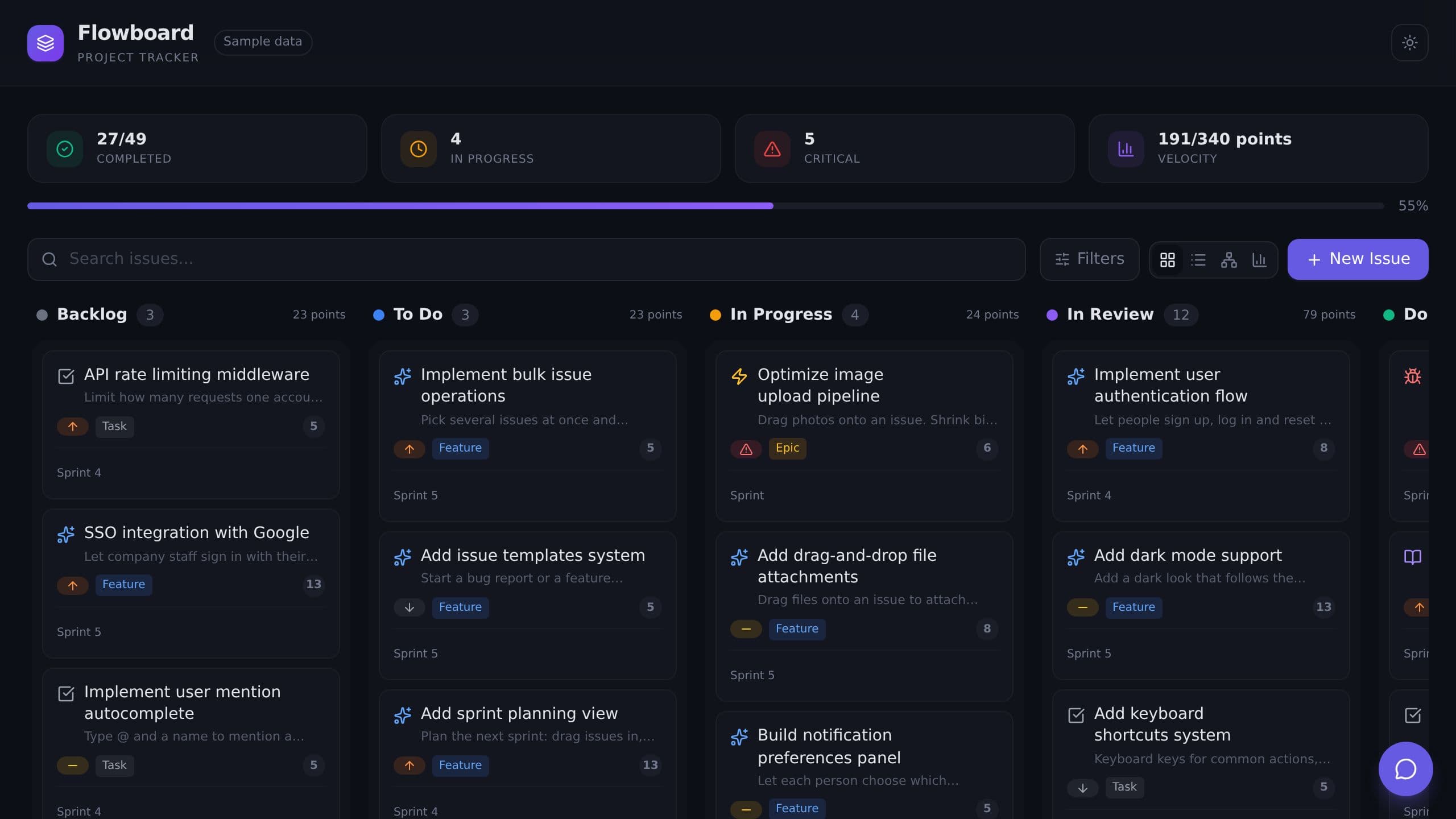


It replaces the spreadsheet where you track invoices by client. Record hours, rates and amounts for each client. An AI assistant helps with your invoices. The Sync panel sends work items to an automatic update that classifies each one and creates the invoice. Clone it free, then switch on the automations you want.
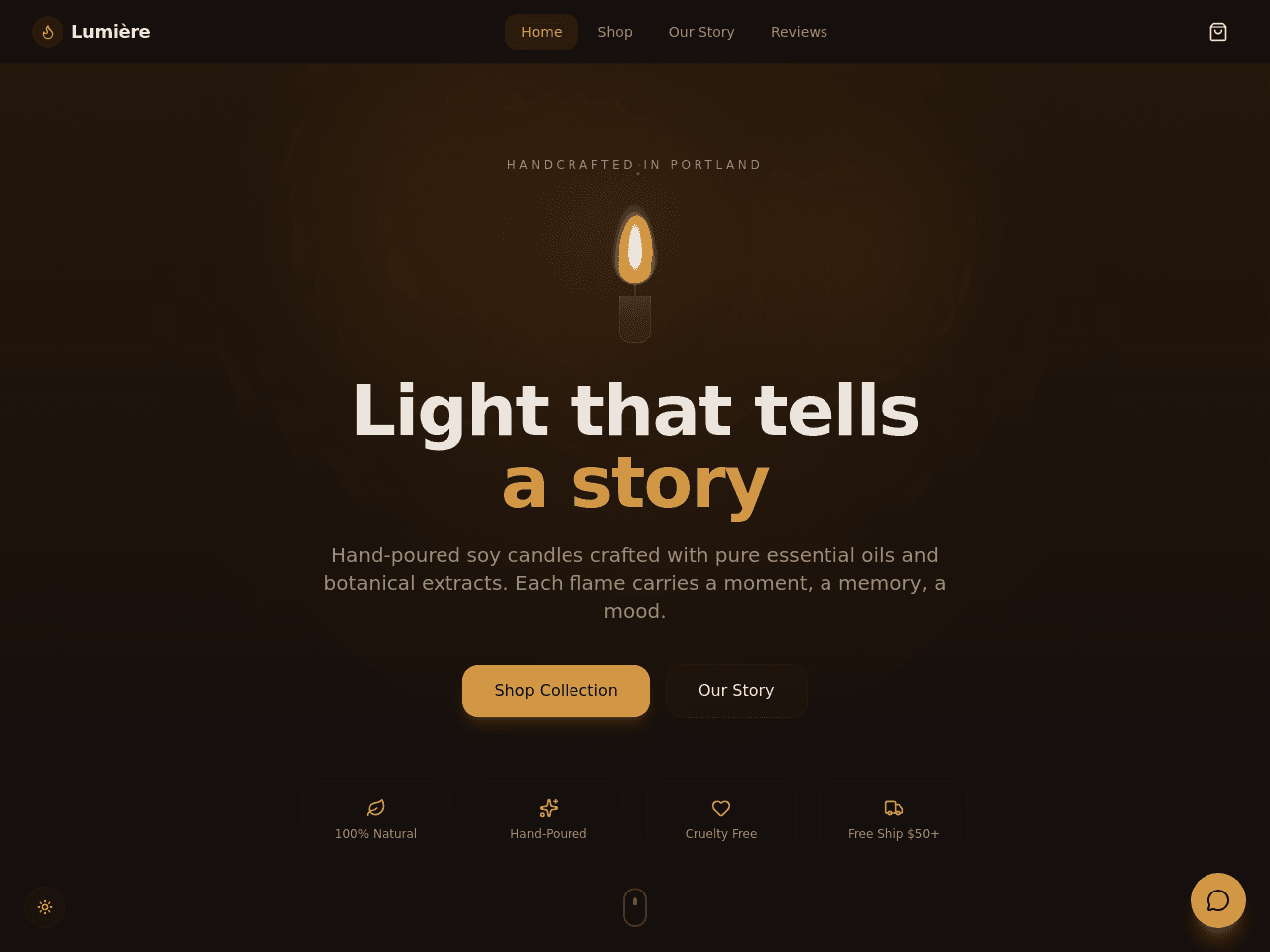
It replaces the hand-built shop page and the manual order emails. The sample shop sells candles. An AI assistant called Lumière Candle Concierge helps shoppers. Automatic updates handle new orders and Stripe payments. Clone it free, then switch on the automations you want.

It replaces the blank document and the long email threads where ideas get lost. The AI assistant works with you on the plan. It gives you a clear starting point for every new campaign. Clone it free and make it yours.
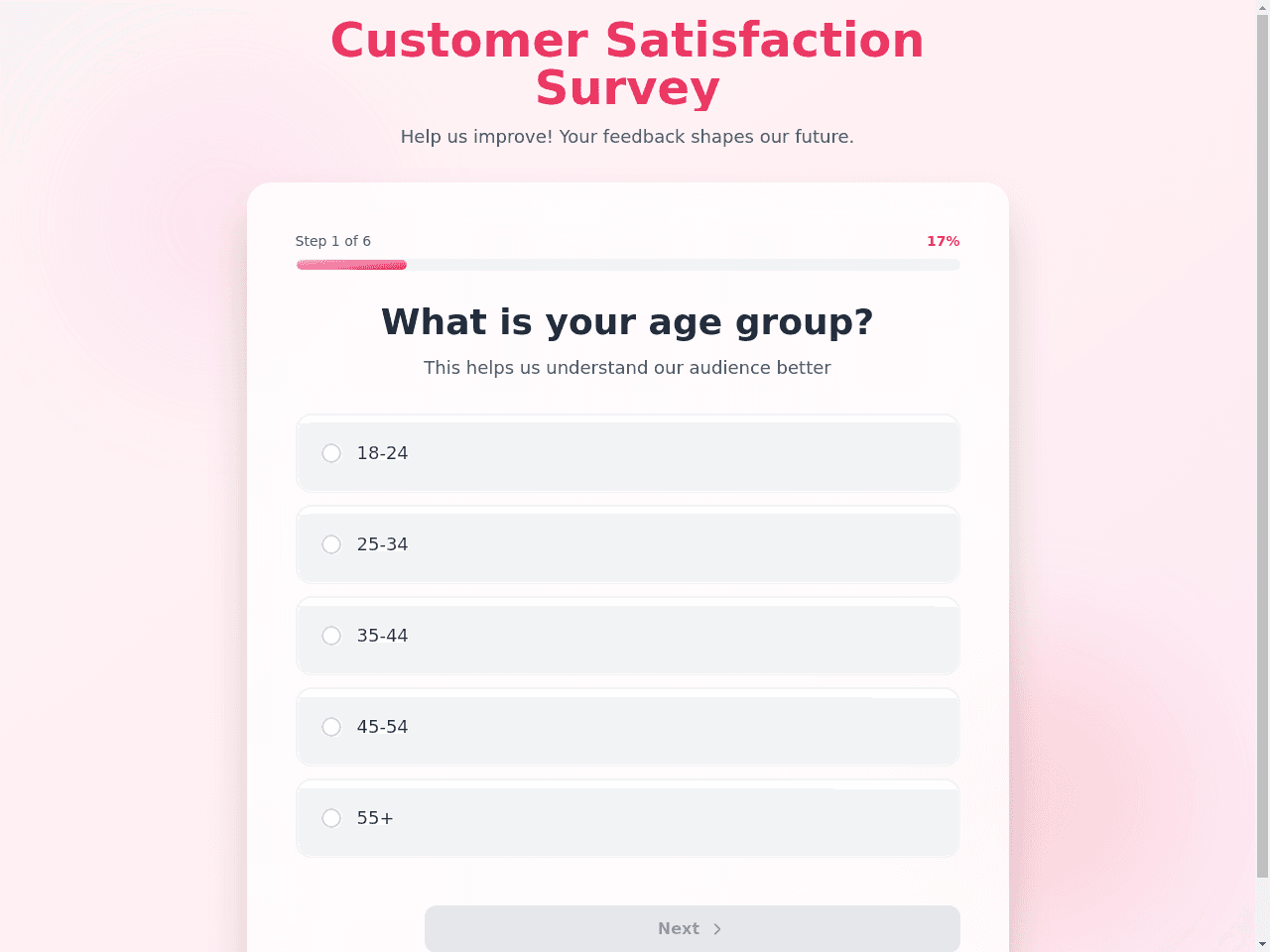
Visitors rate your product and answer five quick questions. It replaces the paper form and the email asking for feedback. Each answer lands in your Survey Responses project. An automatic step processes every response as it arrives, so you can read the results without sorting through replies. Clone it free, then switch on the automations you want.

It replaces the spreadsheet and the sticky notes you use to plan posts. An AI assistant called Content Calendar Assistant gives you caption ideas. Automatic updates sync your content with Airtable. You see the whole plan in one place. Clone it free, then switch on the automations you want.

It replaces the blank page and the old letter you rewrite by hand for every application. Inside are three AI assistants: a cover letter writer, a career advisor and a job search assistant. An automatic step also drafts the letter for you. It comes with 5 projects to keep your job search in one place. Clone it free, then switch on the automations you want.

It replaces the saved links, notes and group texts you use to pick a restaurant. Inside are 12 projects and an AI assistant called Bay Area Dining Guide. Automatic summaries send you a weekly dining digest, so new ideas reach you without a search. Clone it free, then switch on the automations you want.
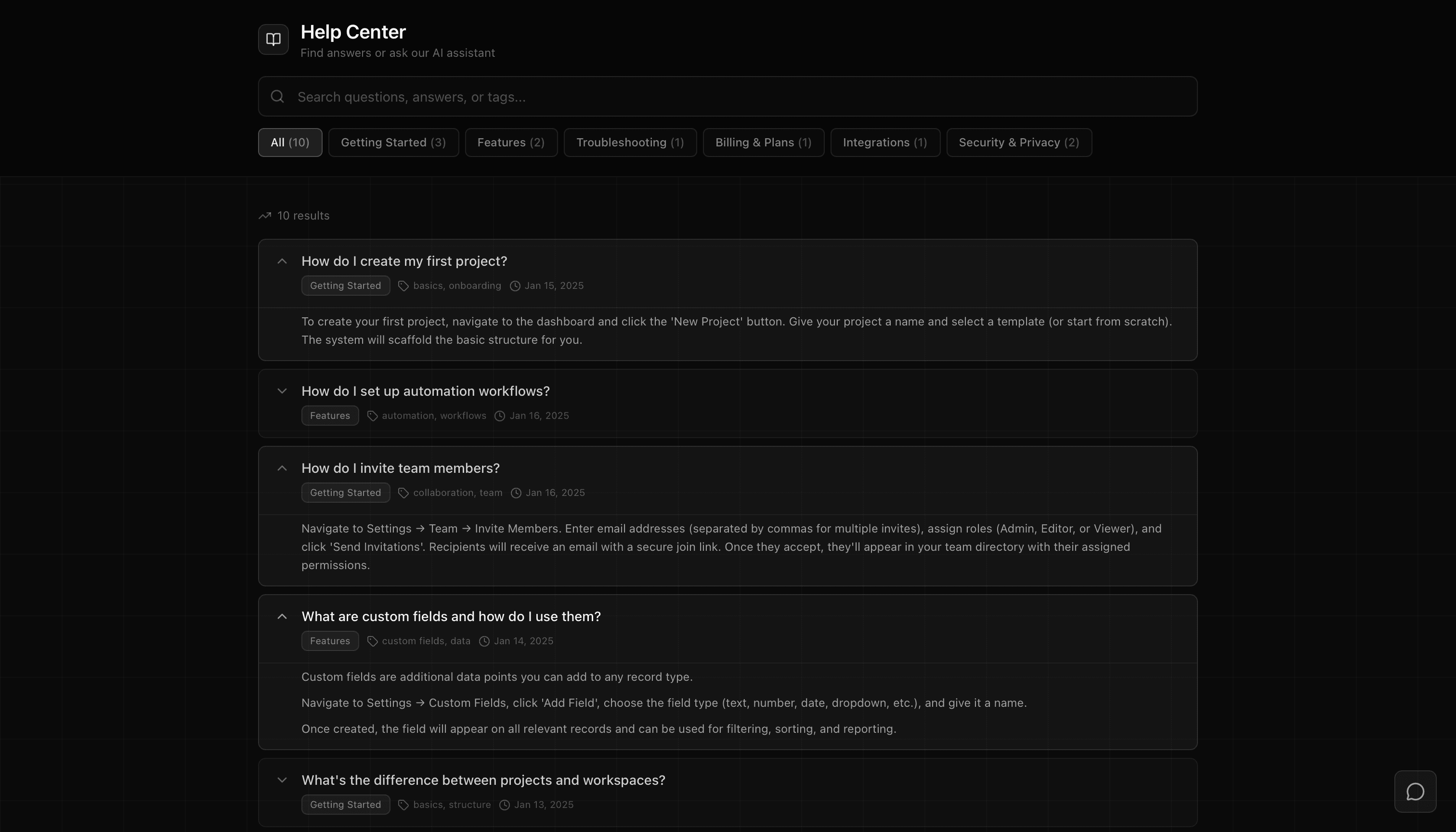
It replaces the email you answer again and again. Visitors search and browse your FAQ by category, and an AI assistant called FAQ Assistant answers the rest from the same answers. Inside is 1 project that holds your questions and answers, ready for you to edit. Clone it free and make it yours.

It replaces the spreadsheet chart you rebuild each time you need a quick picture of your data. Add a label and a value, then switch between 10 chart styles. An AI assistant called Neon Analyst tells you what the data says, and automatic summaries create data insights. Clone it free, then switch on the automations you want.

 @jeanine_aureliano


It replaces the paper sign-up sheet and the email thread of RSVPs. Inside are 3 projects, an AI assistant for event registration and an AI assistant for analytics. Automatic reminders send a registration confirmation and a task reminder, so you do not chase each guest by hand. Clone it free, then switch on the automations you want.
 @crabstyxgaming
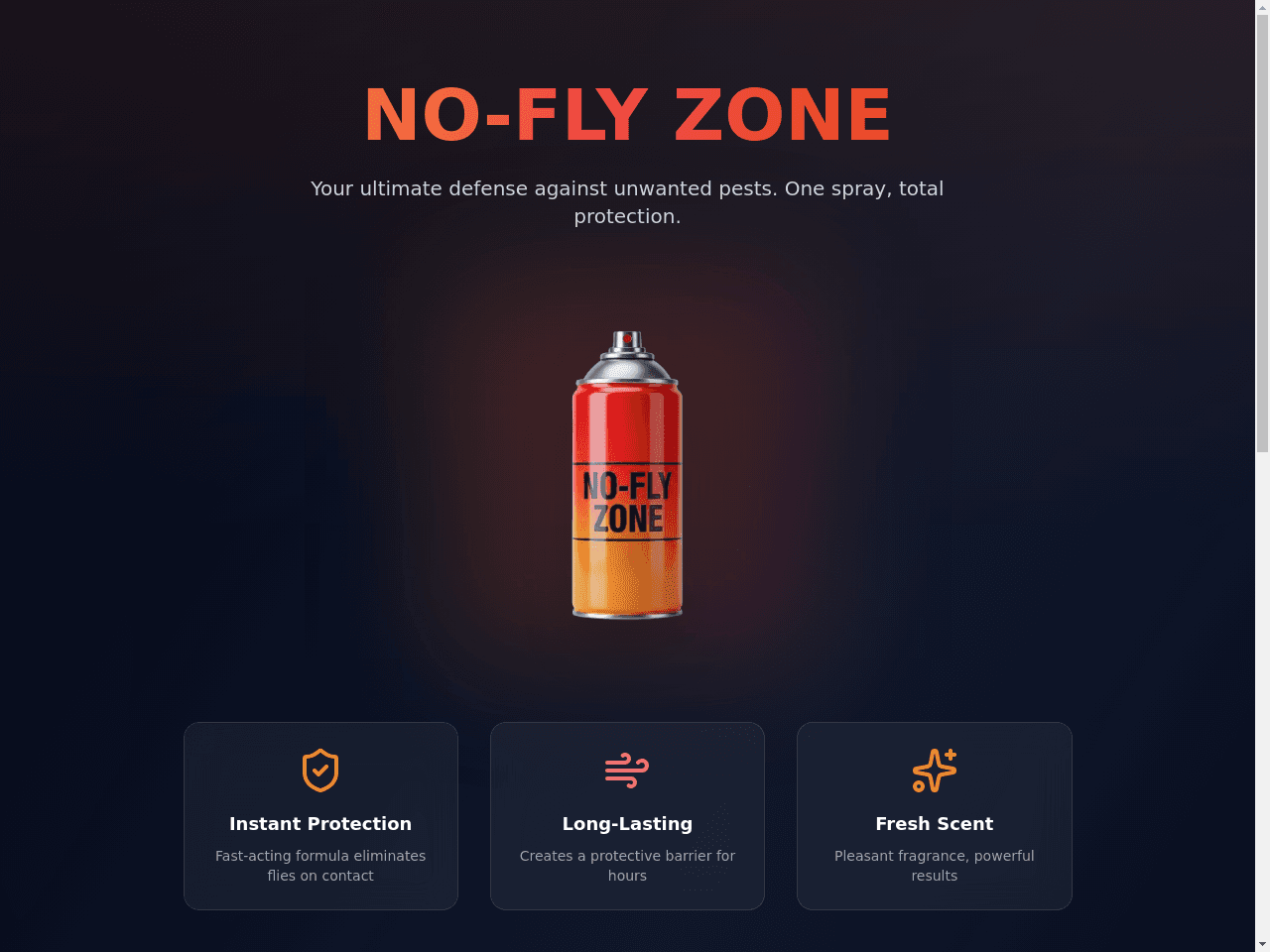


It replaces the shared spreadsheet and the email thread about who owns each piece. Inside are 3 projects and two AI assistants, a content strategist and an editorial assistant. New content is assigned to a person on its own, so nothing waits for a manual hand-off. Clone it free, then switch on the automations you want.


A booking page for a dental practice. Patients pick a service, a dentist, a date and a time, and see their upcoming visits.
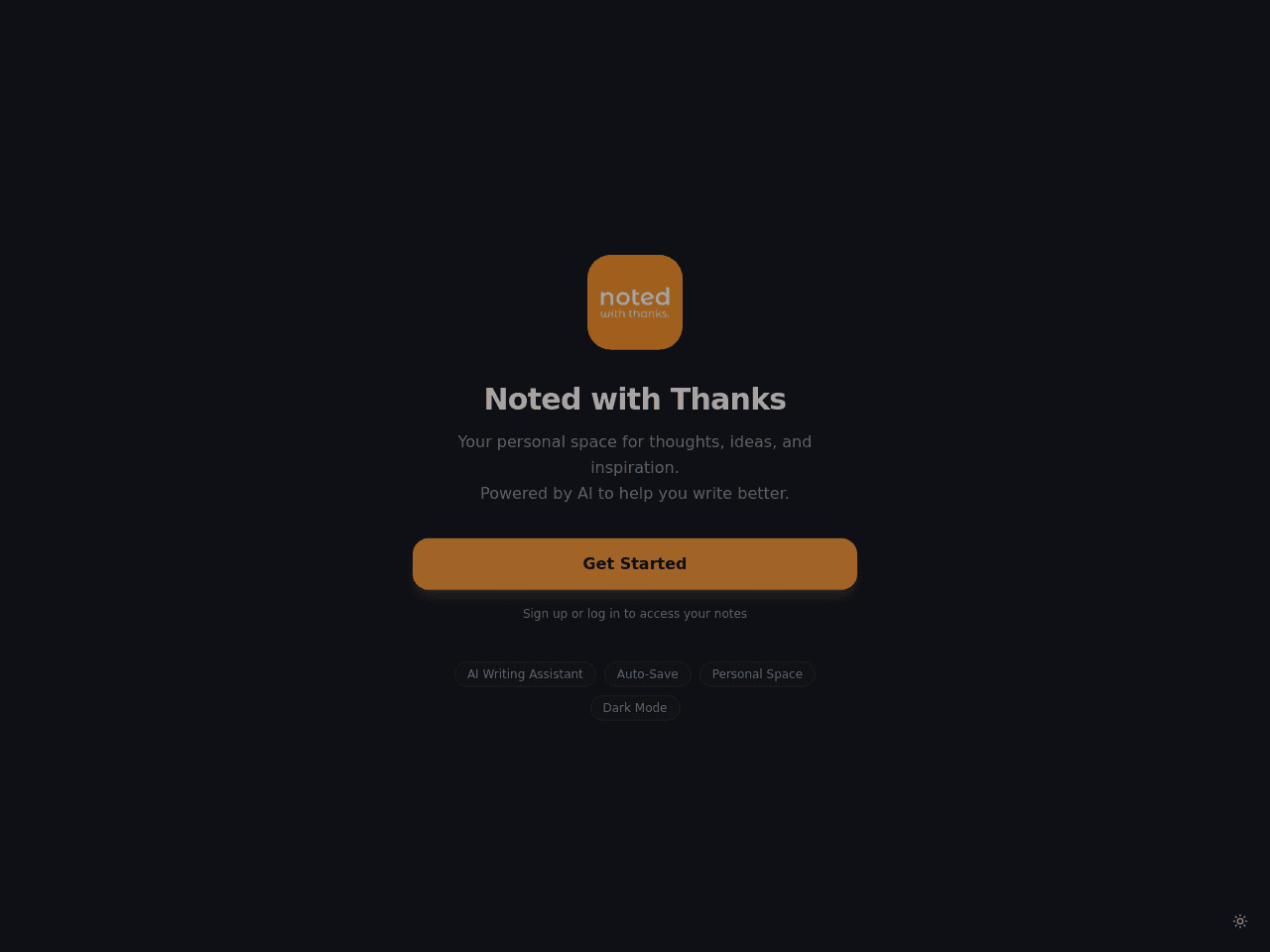


It replaces the paper sign-up sheet. An AI assistant called FitStudio Assistant answers member questions about classes and times. Automations log each signup, payment and check-in in your Bookings project. Clone it free, then switch on the automations you want.

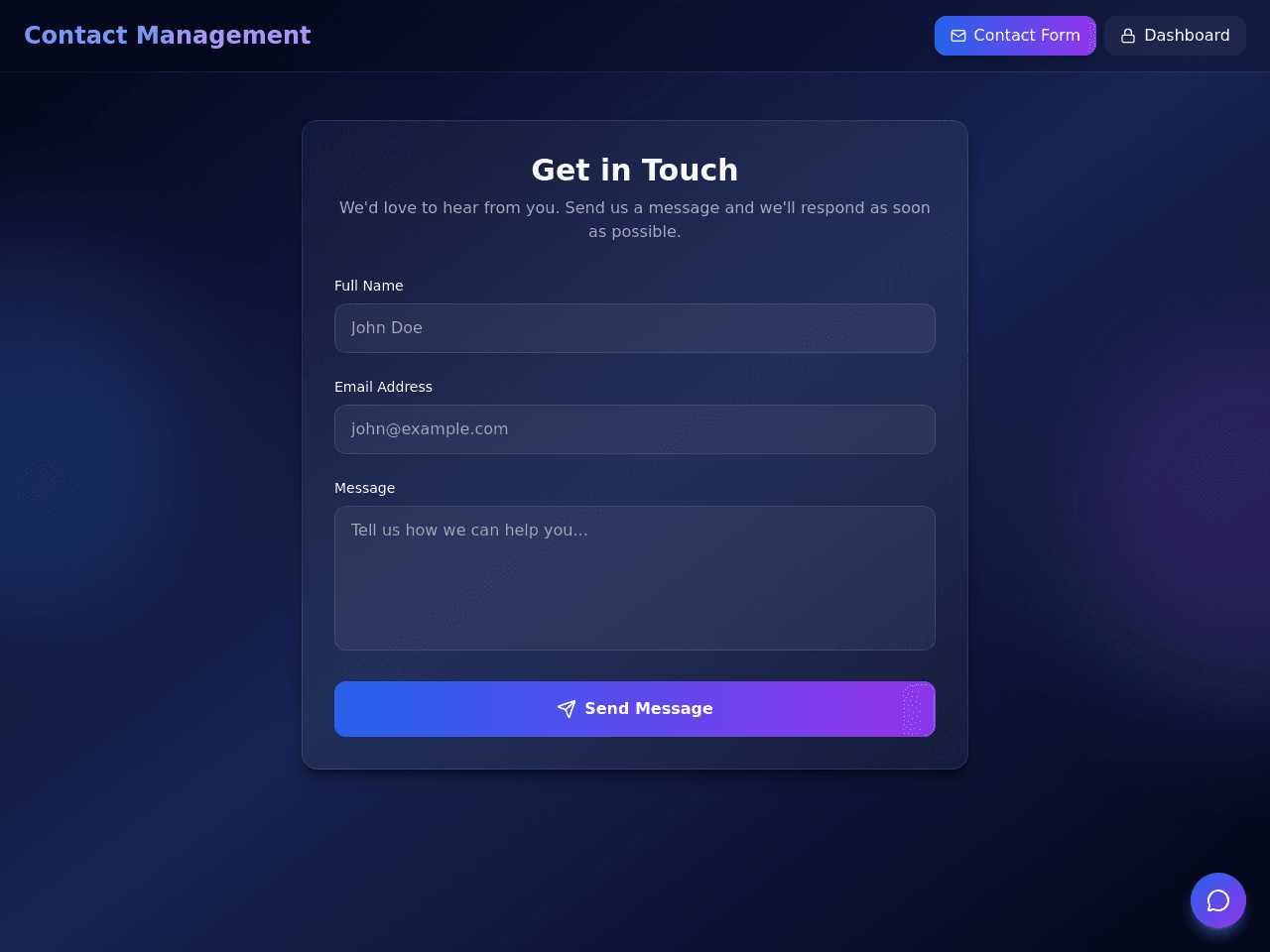
It replaces the inbox where website messages get lost. Your team also gets follow-up tasks. Inside are 2 projects and a Contact Assistant AI assistant. Each form submission is handled for you, and urgent messages are routed first. Clone it free, then switch on the automations you want.

Pick a content type, such as a blog post, newsletter or video script, and chat with a writing assistant that drafts it with you.

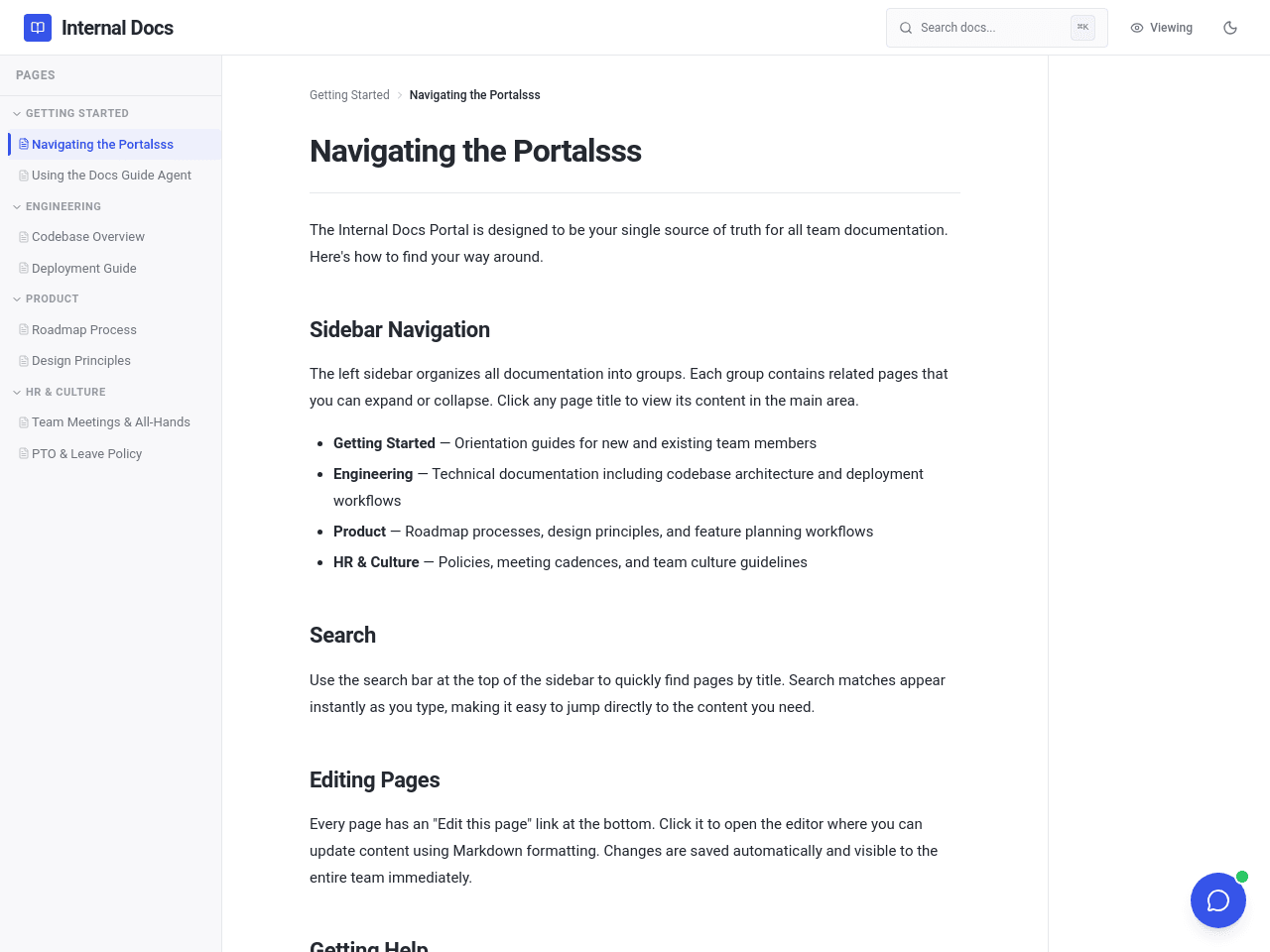
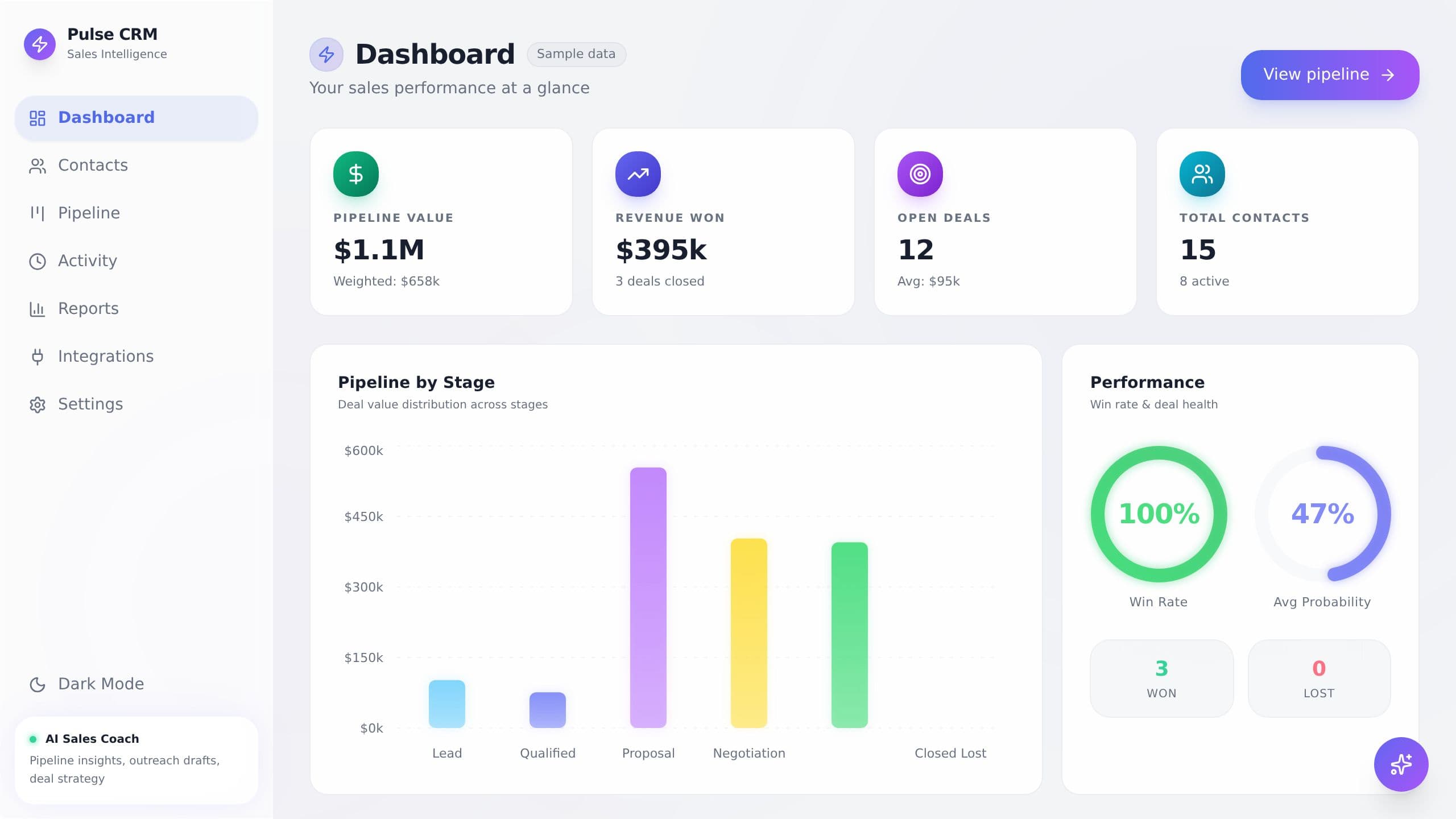
It replaces the spreadsheet of leads and the scattered email threads about each deal. You get a pipeline board and reports. An AI sales coach helps you move deals forward. Automatic updates add details to contacts, track deal stages and send a weekly pipeline health report. Clone it free, then switch on the automations you want.
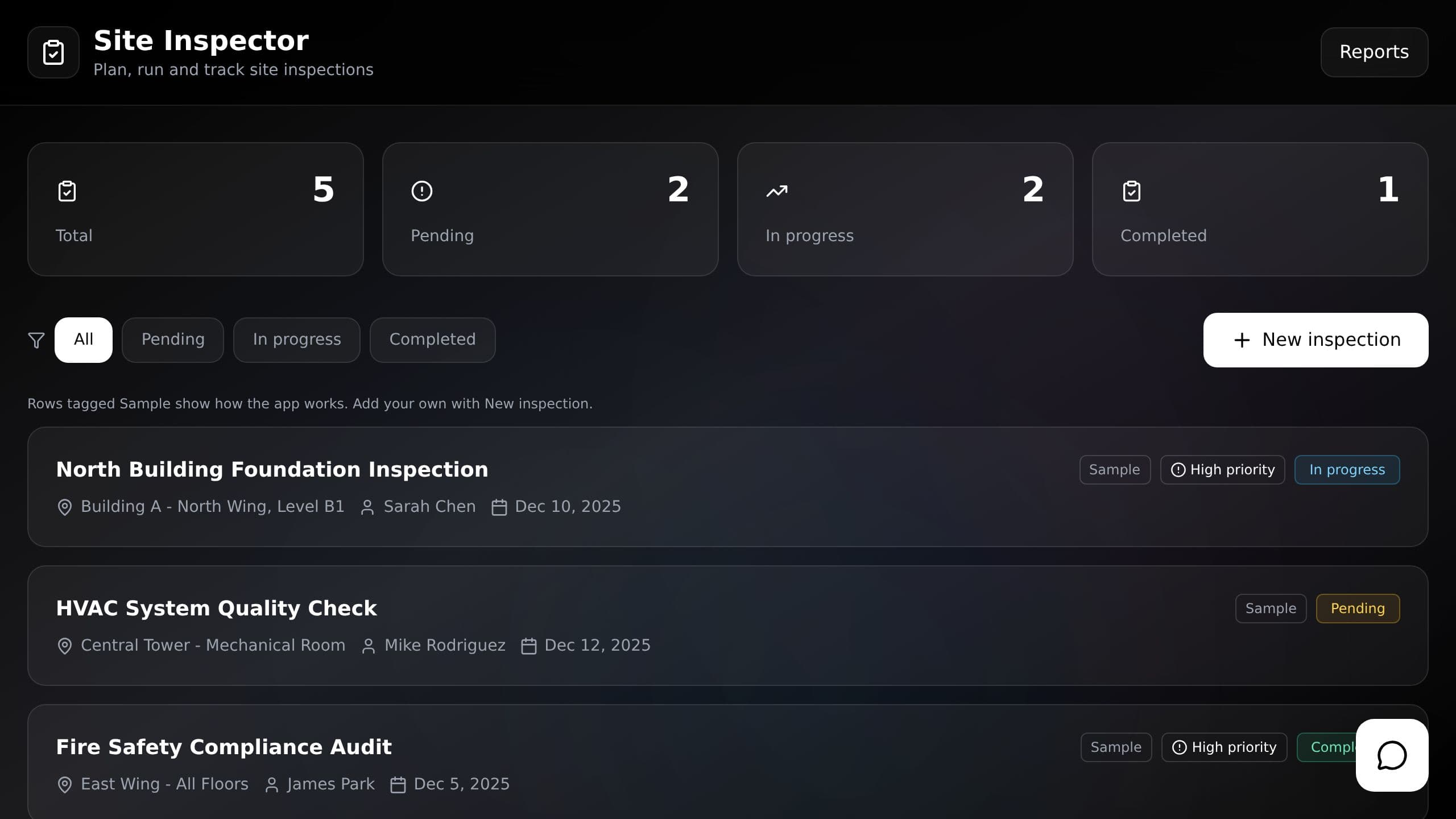
It replaces the paper checklist and the typed-up report afterward. Inside are 3 projects and a Site Inspector Assistant AI assistant. A completion report is written for you once the inspection is done, so you do not retype your notes. Your team uses one checklist each time. Clone it free, then switch on the automations you want.
The Taskade App Factory is open to every builder. Build an app with Taskade EVE, publish it, and turn on Let others clone. Anyone can then clone your App Kit.
Meet the creatorsAn app kit is a working Taskade Genesis app that its creator shares in the Taskade App Factory for others to clone. It holds the app interface, the projects that store its data, the AI agents that work on that data and the automations that connect them. You get a live app, not a blank file.