






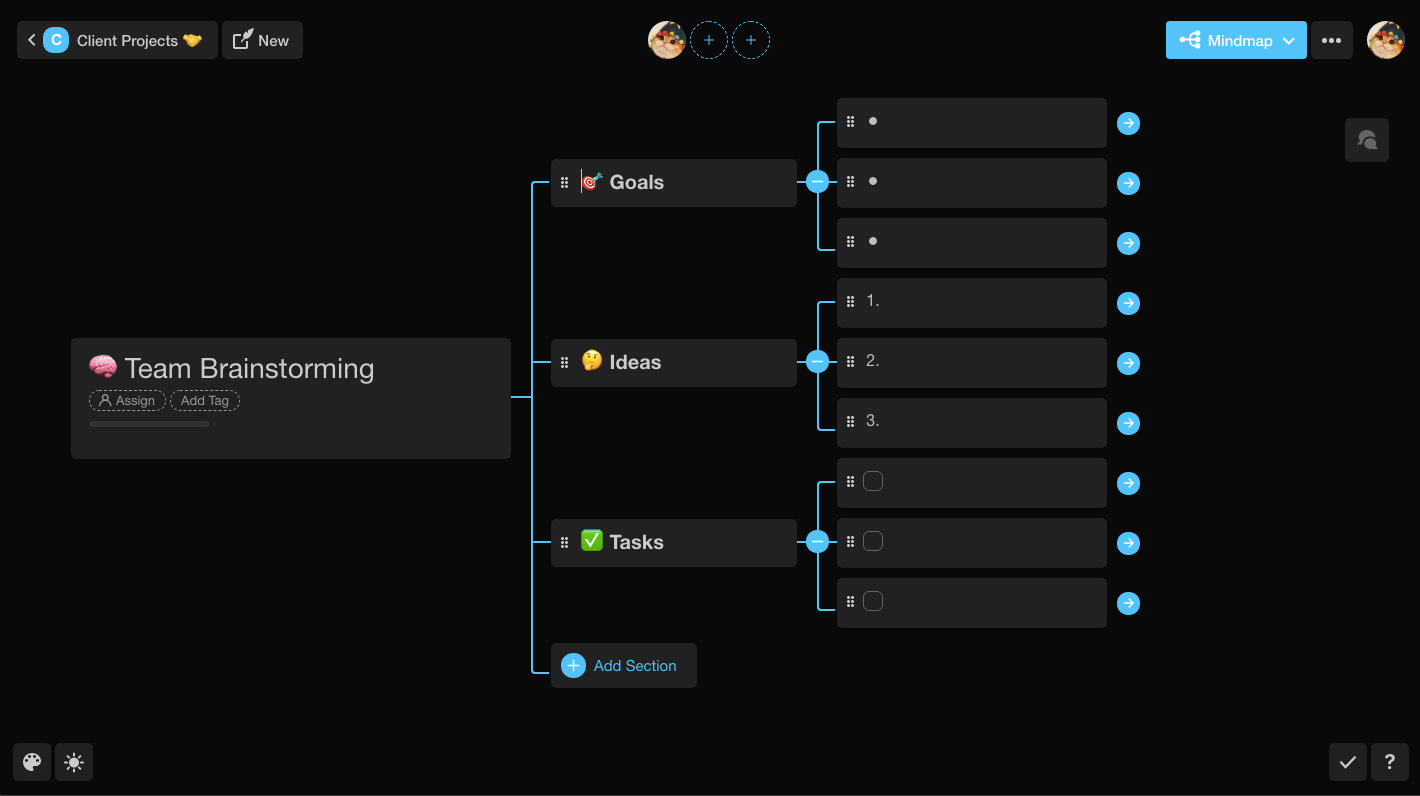
Taskade 2.5 is here with three exciting updates!
TL;DR: In 2019 Taskade 2.5 added Mind Map view, global search, and native Mac/Windows apps. Today the platform has grown into multiple project views, 15+ frontier AI models, and 100+ integrations — and Taskade Genesis builds entire living apps from one prompt.
| Capability | 2019 (v2.5) | Today (2026) |
|---|---|---|
| Mind Map | Manual node editing | Mind Map + AI-suggested branches |
| Search | Tasks + comments + projects | Full-text + semantic + file OCR |
| Desktop apps | Mac + Windows | Mac + Windows + Linux |
| Brainstorm power | Real-time collab | Real-time collab + AI agents |
Then → Now: 2019 Mind Map view → today's multiple project views including Mind Map, with AI agents brainstorming alongside you and automations executing the next steps.
1) Mindmap view - Brainstorm with your team, and see the big picture.
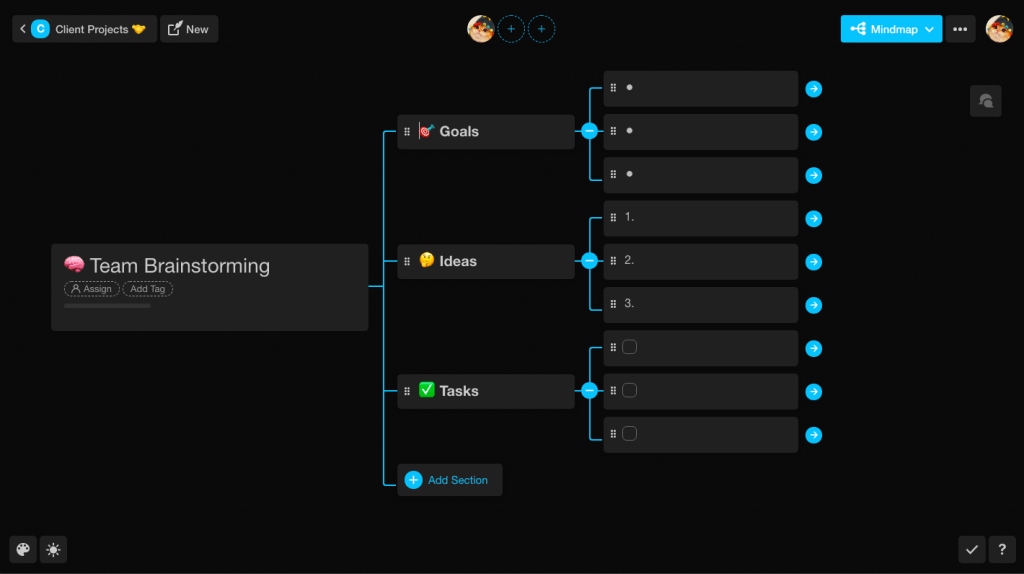
2) Search anything - Tasks, comments, and projects, from all workspaces.
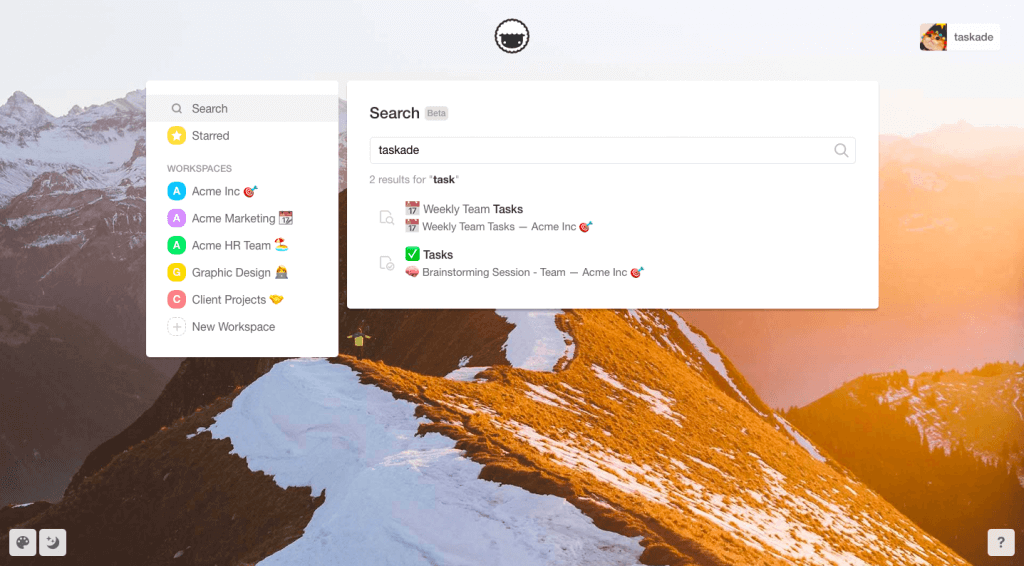
3) Native apps - Download our new native apps for Mac and Windows.
  ╭──────────────────────────────────────────╮
  │  ⌘K  Search "Q2 launch checklist"     ⏎  │
  ╰──────────────────────────────────────────╯
       │
       ├─▶ full-text  · titles, body, comments
       ├─▶ semantic   · HNSW vector match
       └─▶ file OCR   · PDFs, images, docs  results stream back ranked → jump in one keypress
Enjoy, have fun, and get work done! 🙂
Read more: Learn: Mind Map view · Learn: Search · Downloads · AI Agents · Templates
Frequently Asked Questions
Does Taskade have a Mind Map view?
Yes. Taskade's Mind Map view lets you brainstorm ideas and visualize project structures as an interactive node-based diagram. Every task and sub-task becomes a node you can drag, expand, and edit in real time with your team. Mind Map is one of Taskade's project views alongside List, Board, Calendar, Table, Gantt, and Org Chart.
How does search work in Taskade?
Taskade provides global search that finds tasks, comments, and projects across all your workspaces from a single search bar. Results appear instantly as you type, letting you jump directly to any item regardless of which workspace or project it lives in. Search covers task content, comments, and project names.
Does Taskade have native desktop apps for Mac and Windows?
Yes. Taskade offers native desktop apps for Mac, Windows, and Linux, available from the downloads page. The desktop apps provide system tray integration, native notifications, multi-tab support, and full offline access. All data syncs automatically when you reconnect, keeping your projects up to date across every device.
What project views does Taskade support for brainstorming?
For brainstorming, Taskade offers the Mind Map view for visual node-based ideation and the Board view for kanban-style idea organization. Both views support real-time collaboration, so teams can brainstorm together from anywhere. You can switch between views instantly — start brainstorming in Mind Map, then organize in Board or List view.