






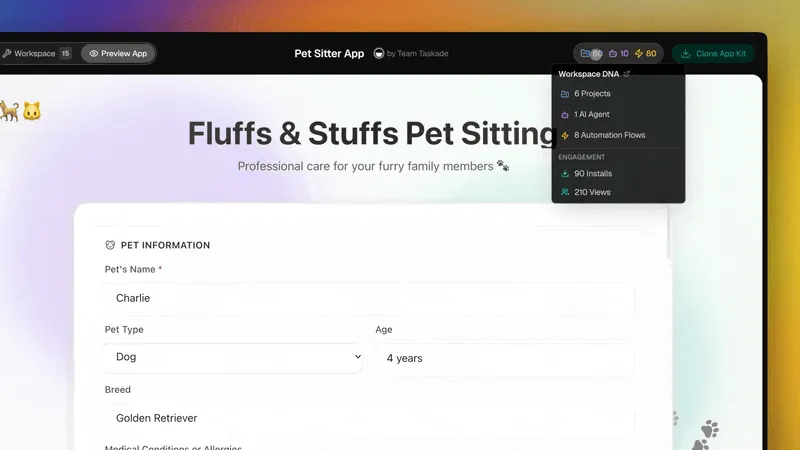
You can now create a public profile on Taskade — your storefront for app kits, agents, workflows, and automations. Claim your username, publish apps, earn credits, and get featured.
TL;DR: Community profiles are live at taskade.com/@yourname. Plus 4 AI thinking modes (Standard, Thinking, Reasoning, Auto), multi-model agent support from 3 providers (OpenAI, Anthropic, Google), and a new credit rewards system. Claim your profile →
👤 Publish Apps. Own Your Page.
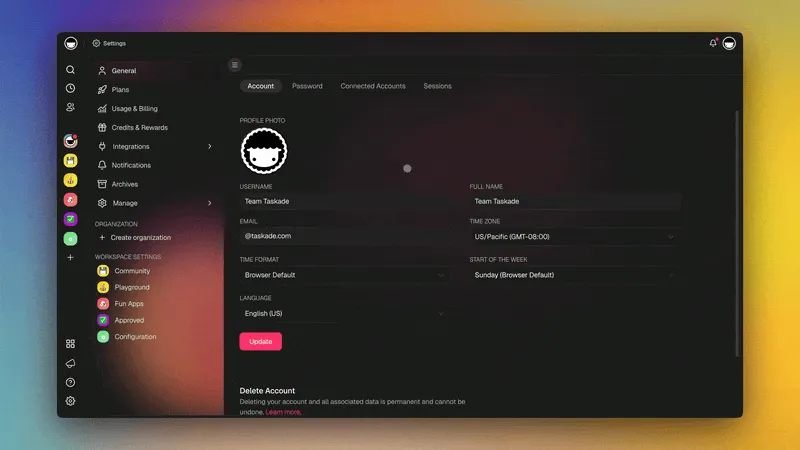
Create your public profile: taskade.com/@yourname
Publish your Genesis app kits, link your bio and socials, and get discovered by other builders. Top creators are ranked on the leaderboard.
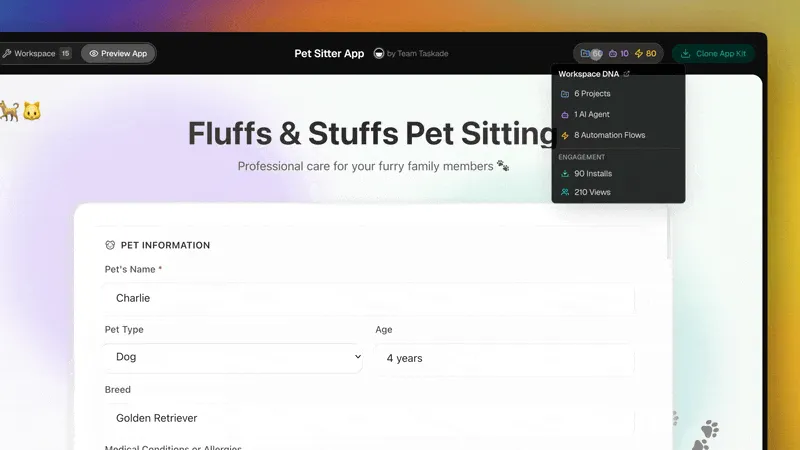
What's included:
- Your Public Page — Publish apps and own your corner of Taskade
- Bio, Socials & Links — Connect your website, social profiles, and services
- Community & Marketplace — Browse apps, earn XP, climb the leaderboard, and grow your audience
This is the beginning of a creator ecosystem inside Taskade. Build once, publish to the Community Gallery, and let your apps reach thousands of builders worldwide.
🧠 AI Thinking Modes
Your agents and the Genesis app generator now support four thinking modes. Pick the right depth for the task — from quick edits to multi-step reasoning. Learn more →
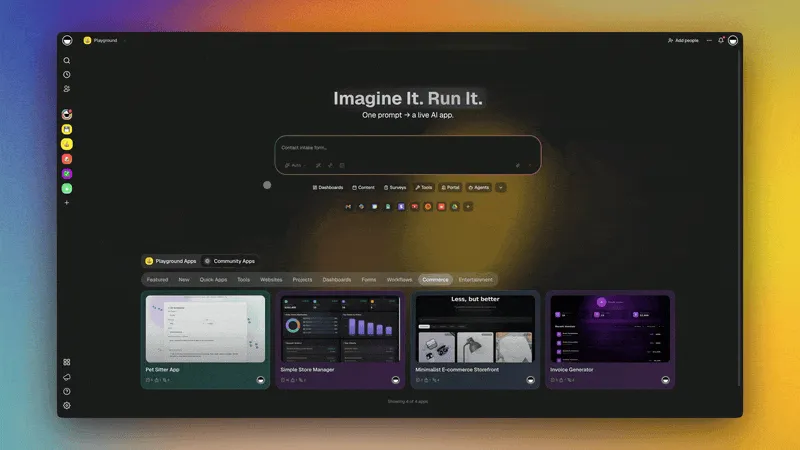
Available modes:
- ⚡ Standard — Fast responses for routine tasks, or let Auto pick for you
- 🧠 Thinking — Deeper analysis for complex questions and plans
- 🔬 Reasoning — Step-by-step logic for multi-step problems
Auto mode detects the complexity of your request and selects the right thinking depth automatically. For most tasks, Auto is the best default — it saves credits on simple requests and activates deeper reasoning when it matters.
🤖 Build AI-powered apps with Taskade Genesis — Train agents, automate workflows, and deploy live apps from a single prompt. No code required.
🧠 15+ AI Models from OpenAI, Anthropic, and Google — choose the right model for every task.
🎬 Watch: New in Taskade Genesis: Community Profiles Are Live
🤖 Pick Your Model. Per Agent.
Every custom AI agent and the Genesis app generator now let you select from frontier models across three providers. Train agents with your own knowledge, embed them in live apps, and connect them to automations. All models support extended thinking.
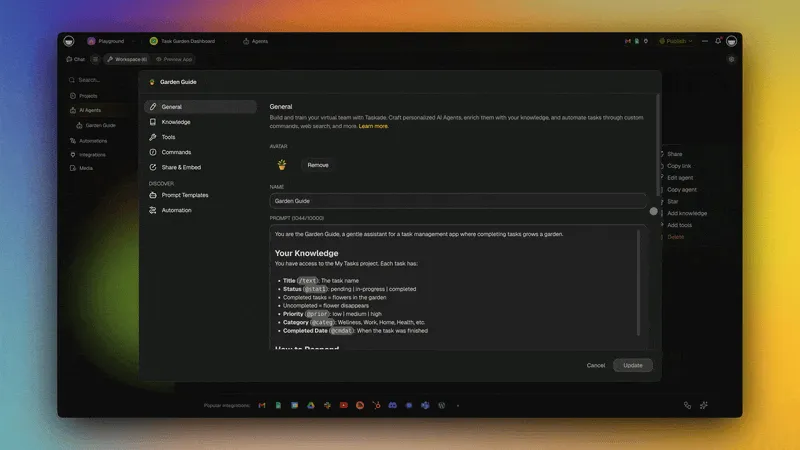
Models from three providers:
- Anthropic — Claude Opus, Claude Sonnet, Claude Haiku (all with thinking support)
- Google — Gemini Pro, Gemini Flash
- OpenAI — GPT Codex, GPT High, GPT Mini
Choose the right model for each agent based on the task. Use a fast model for quick triage agents and a powerful model for deep research agents — all within the same workspace.
🎁 Earn Credits for Building
Share your apps, invite friends, and grow your reputation. Earn AI credits with every contribution to power your agents and automations. Learn more →
Ways to earn:
- 🎁 Invite Friends — Earn credits for every successful signup
- 🔗 Share & Follow — Credits for sharing on social and following Taskade
- 🏆 Community XP — XP and badges for active builders
🌱 Your Workspace, Alive
Every app in the Community Gallery is built on the same three pillars:
- 🧠 AI Agents think and get smarter with every interaction
- 📋 Projects remember from your apps, agents, and workflows
- ⚡ Automations execute continuously, connecting your system
- 🚀 Genesis deploys live apps, powered by your Workspace DNA
🐑 Build with Taskade Genesis — The AI-powered workspace where agents think, projects remember, and automations execute.
🤖 Custom AI Agents — built-in tools, persistent memory, 15+ models
🧠 Multiple Project Views — List, Board, Calendar, Table, Mind Map, Gantt, Org Chart
⚡ 100+ Integrations — Slack, Gmail, Shopify, Stripe, and more
💬 Frequently Asked Questions
What are Taskade community profiles?
Community profiles are public pages at taskade.com/@yourname where you can publish Genesis app kits, add your bio and social links, and get discovered by other builders. Top creators are ranked on the community leaderboard.
What are the four AI thinking modes in Taskade?
Standard mode gives fast responses for routine tasks. Thinking mode provides deeper analysis for complex questions. Reasoning mode uses step-by-step logic for multi-step problems. Auto mode lets the system choose the right depth automatically — saving credits on simple tasks and activating deeper reasoning when needed.
Can I choose different AI models per agent in Taskade?
Yes. Every custom AI agent and the Genesis app generator support frontier models from Anthropic, Google, and OpenAI. You can select a different model for each agent based on the task — fast models for triage, powerful models for research.
How do I earn credits in Taskade?
Earn AI credits by inviting friends (credits per successful signup), sharing apps on social media, following Taskade on social platforms, and contributing to the Community Gallery. Credits power your agents, automations, and Genesis app generation. Taskade starts you with 11,000 one-time free credits (1,000 when you verify your email + 10,000 on your first build).
How do I claim my community profile?
Go to your Taskade settings, choose a username, and your profile becomes live at taskade.com/@yourname. Add your bio, social links, and start publishing Genesis app kits. Published apps appear on your profile and in the Community Gallery.