






The world is evolving, and so are we.
TL;DR: The 2020 free pivot opened Taskade to everyone — and six years later it powers 15+ frontier AI models, 100+ integrations, and multiple project views across millions of users. Taskade Genesis turns prompts into living apps, while pricing now spans Free, Pro $10, Business $25, and Enterprise (annual).
Then → Now: A free workspace in 2020 became today's tiered ladder — Free for makers, Pro $10 (10 users), Business $25, and Enterprise. See Learn Taskade: Account for plan details.
| Plan | 2020 (Aug 25 launch) | 2026 (annual billing) |
|---|---|---|
| Free | Unlimited projects + members, no AI | Free plan + up to 6,000 credits |
| Starter | n/a | Legacy plan, not offered to new signups |
| Pro | n/a | $10 / mo — 10 users included, full agents |
| Business | n/a | $25 / mo — workspace controls + SSO |
| Enterprise | n/a | Custom — SAML, SCIM, dedicated support |
| Intelligence | None (no AI yet) | 15+ frontier models + Genesis |
With the pivot to remote work and the rising demand for an all-in-one collaboration platform, Taskade has become an essential tool for thousands of teams across the globe. Each day, we’ve been helping you and fellow Taskaders get work done remotely, and we love it! Now is the time for us to take the next step in our journey, together.
Starting today, you can use Taskade for free indefinitely without any workspace restrictions. Create as many projects and templates as you like, collaborate with as many people as you need, across all our platforms. To learn more about these changes, drop by our pricing page.
But that’s not all! We rolled out amazing updates to our mobile app.👇
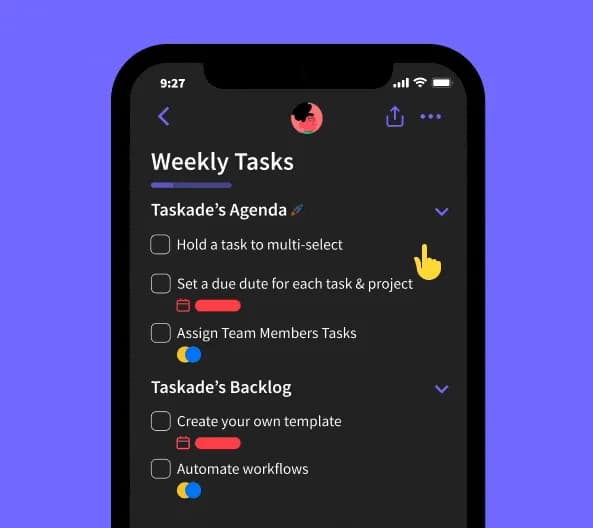
⚡️ Mobile Multi-Select Enhancements
You can now select and drag multiple tasks to highlight, format, or reorder.
⚡️ Mobile Offline Mode
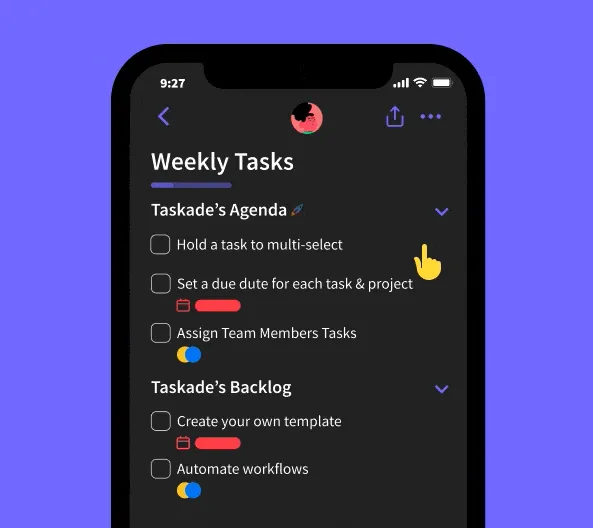
Take Taskade with you anywhere you go, even when you have no internet connections available. This version of offline mode is read-only.
⚡️ Recurring Tasks on Mobile and Web
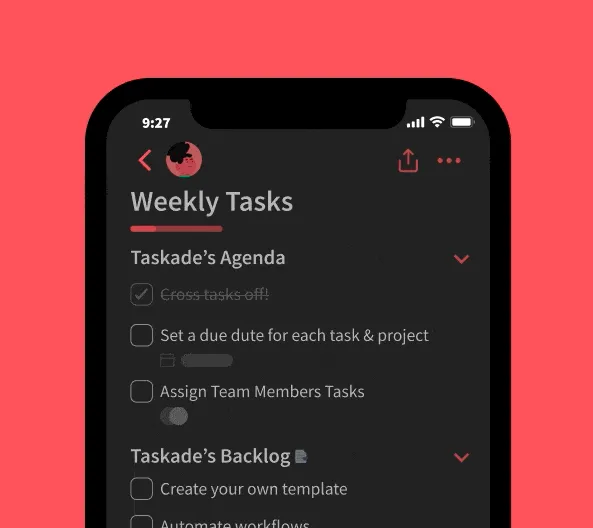
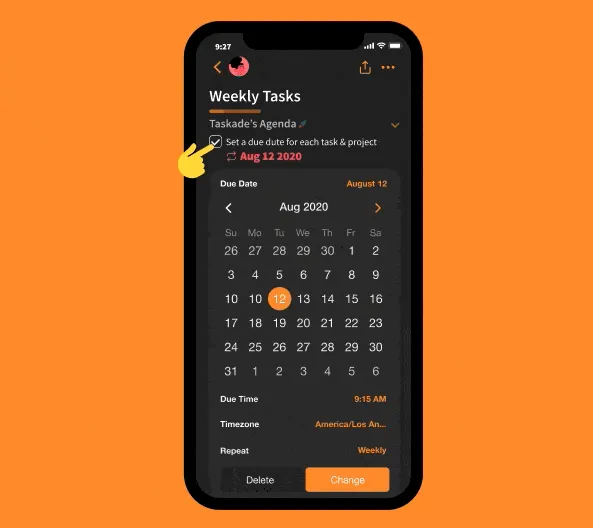
You can now automate your repetitive tasks and workflows when adding a due date. Recurring tasks are now available across web, mobile, and desktop — the early ancestor of today's Automations and AI Agents that triage your work in the Community Gallery.
💸 The Pricing Ladder, Visualized
In 2020 there was one tier: free. Six years later the ladder is wider, but the bottom rung is still free for makers — and now ships with up to 6,000 credits.
   $40 ┤                              ┌──────────┐
       │                              │ Business │
   $30 ┤                              └──────────┘
       │                ┌──────┐
   $20 ┤                │ Pro  │ 10 users
       │                │ $10  │ included
   $10 ┤                └──────┘
       │
    $0 ┤  ┌──────────┐
       │  │   Free   │  ◄── 2020 launched here, still here
       │  └──────────┘
       └────────────────────────────────────────────────
          Free            Pro           Business
                                        + Enterprise
Related Reading:
- The Origin of Living Software
- Best AI Project Management Tools
- Taskade is #1 Product of the Month — three months later
- Recurring Tasks, Duplicate Nodes, Desktop Widget — the automation seed
- Learn Taskade: Free plan · Billing FAQ · Pricing page
- Try Taskade Genesis free, browse the Community Gallery, or wire up 100+ integrations.
Thanks again for supporting Taskade, and as always, don’t hesitate to reach out if you need help. We’re here for you! 😊
— Team Taskade 🐑
Frequently Asked Questions
Is Taskade free for individuals and teams?
Yes. Taskade offers a free plan with no workspace restrictions. Create unlimited projects and templates, collaborate with any number of team members, and use all core features across web, mobile, and desktop. Premium plans add AI credits, increased storage, and advanced enterprise features.
Does Taskade support recurring tasks on mobile?
Yes. Recurring tasks are available across web, mobile, and desktop platforms. When adding a due date on any device, you can set the task to repeat on a custom schedule (daily, weekly, monthly, or yearly). Completed recurring tasks automatically generate the next occurrence.
Does Taskade have an offline mode on mobile?
Yes. Taskade's mobile apps support offline mode so you can view your projects and tasks without an internet connection. Offline mode ensures you always have access to your task list even when traveling or in areas with no connectivity.
Can I select and drag multiple tasks on Taskade mobile?
Yes. Mobile multi-select lets you tap and hold to select multiple tasks, then drag to reorder, highlight to apply formatting, or bulk-complete. This brings the same multi-select power available on web and desktop to your phone and tablet.