






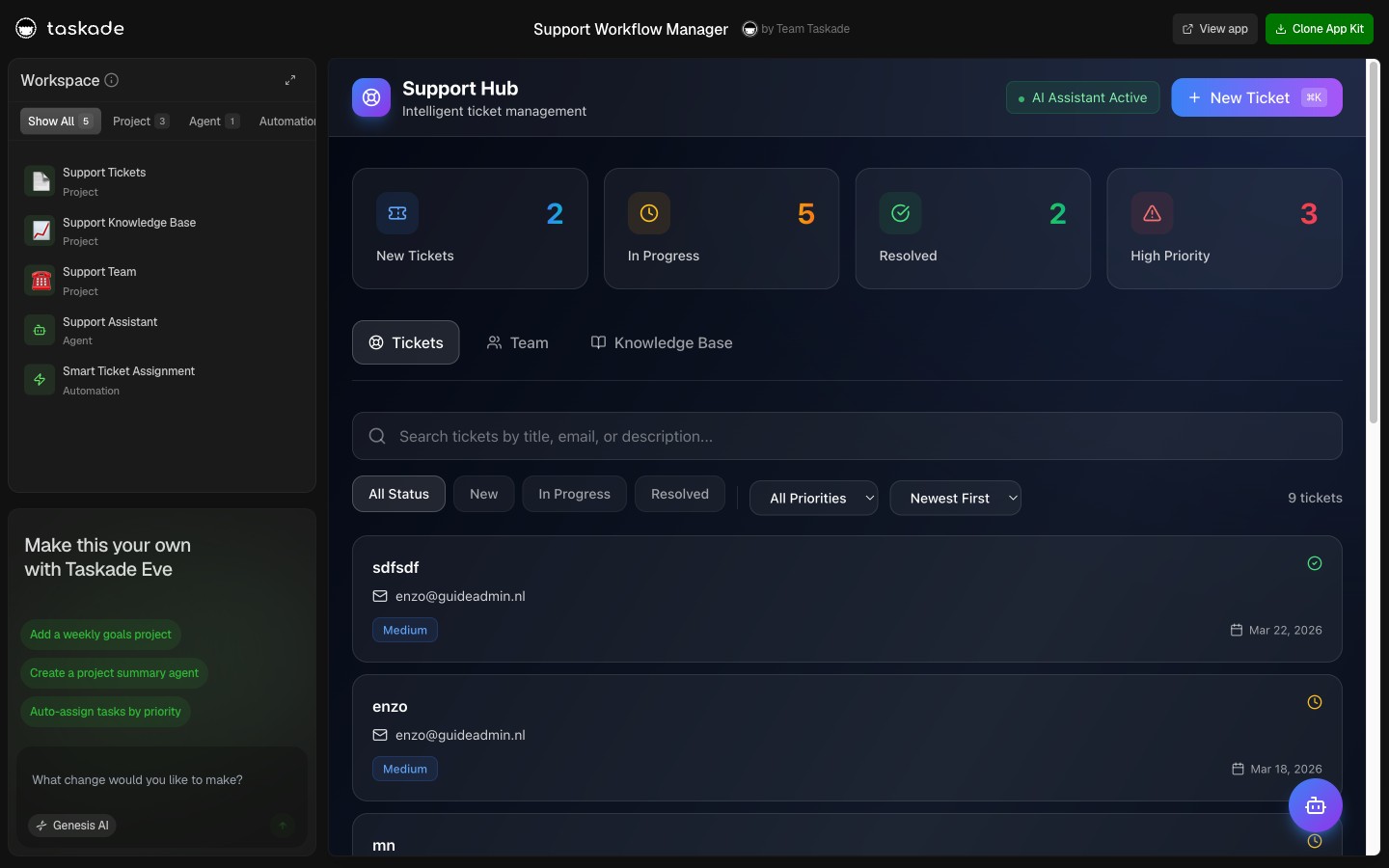
Most of running a business is busywork. Following up with a lead before it goes cold. Reminding a client about tomorrow's session. Sending the invoice the moment a deal closes. With Taskade Genesis you describe that busywork once, in plain language, and your app runs it while you work. This is the other half of the David pattern: a non-technical operator who does not just build a business app, but lets it run the repetitive work for them. Build yours with AI or clone a working one in a click.
TL;DR: A Taskade Genesis app does not just hold your data, it runs the busywork around it. Describe a rule in plain words ("when a lead comes in, follow up") and an automation fires across 100+ connected tools: follow-ups, reminders, invoices, file intake, reorders. Set it once, it runs while you work. Clone a live one free, then build your own.
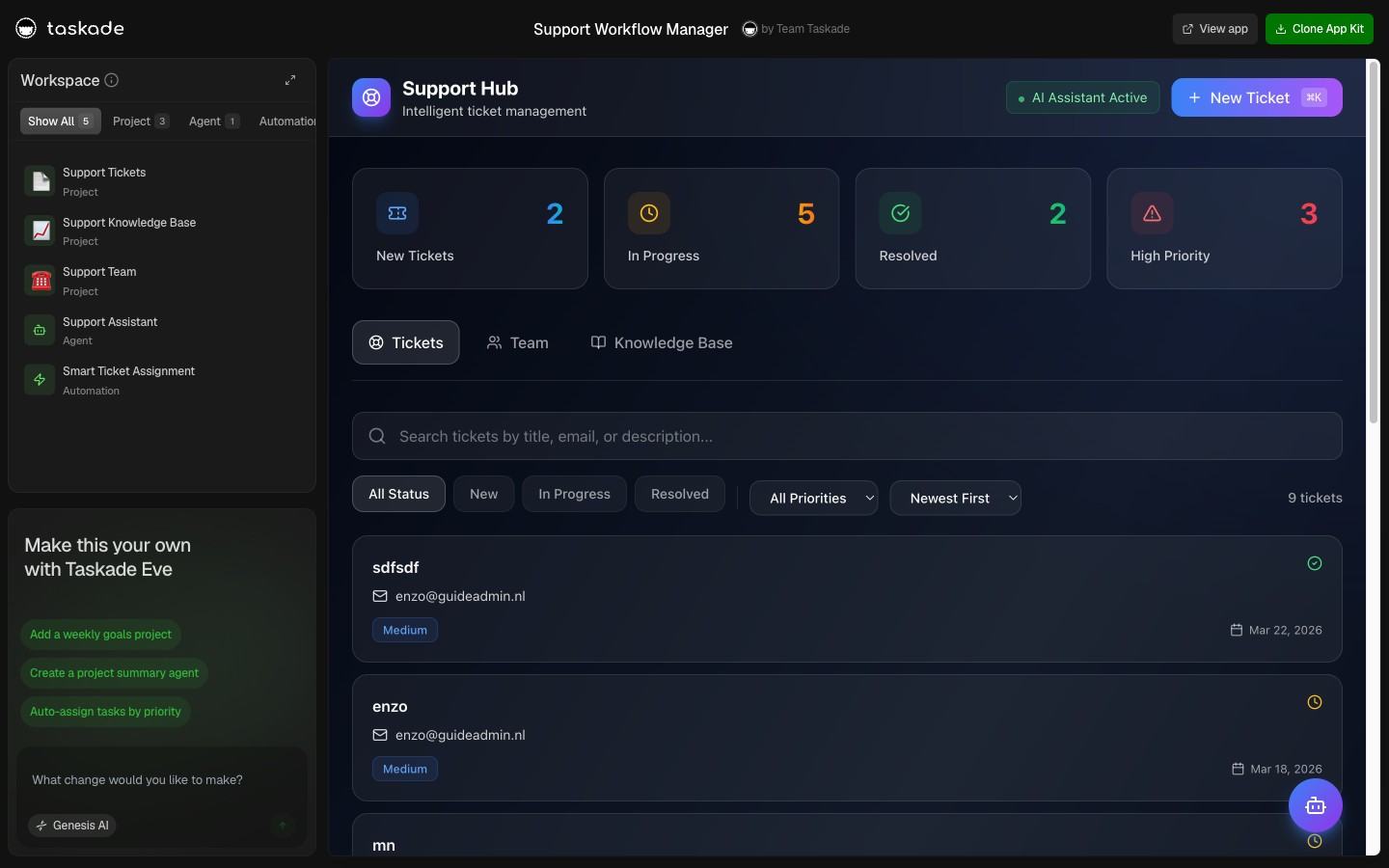
What Does It Mean to Let Your App Run the Busywork?
Letting your app run the busywork means the repetitive steps of running a business happen on their own, inside the same app that holds the work. You describe a rule, "when a new lead arrives, send a follow-up," and an automation carries it out across 100+ bidirectional integrations. A trigger pulls an event in, an AI agent reads your connected projects, and an action pushes the result back out. No copy-paste between tabs, no second tool to reconcile.
This is the difference between an app that shows your data and an app that runs the work. A spreadsheet front-end lists your leads. A Taskade Genesis app follows up with them, logs the reply, and tells you who to call. The busywork is described once and then it is handled.
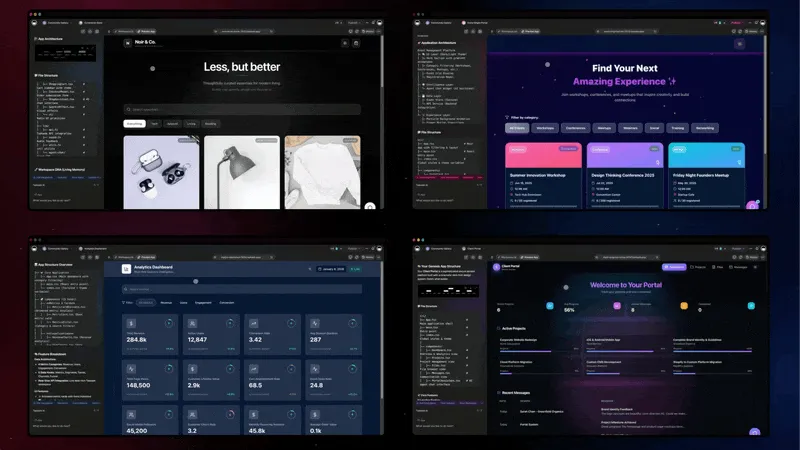
The three layers below are Workspace DNA, the same loop behind every app in the run-your-whole-business wave: connected projects remember, agents think, automations execute.
Follow Up With Every Lead, Automatically
A Taskade Genesis CRM follows up with new leads on its own, so none of them go cold while you are out on a job. A lead-capture form drops a contact straight into the pipeline, an automation sends the first follow-up, and the reply is logged against the same record. You set the rule once and the pipeline works the inbound book for you.

The Neon CRM above is free to clone. Because it runs on connected projects, the contact, the follow-up, and the next task are one linked record, not three copies you chase by hand.
| The busywork | What the automation does |
|---|---|
| Chasing new leads | Sends the first follow-up the moment a lead lands |
| Logging replies | Writes the reply back to the same contact record |
| Remembering who is next | Surfaces the stale leads so nobody slips through |
For the published-app version of this pipeline, read clone, login, automate. The full step-by-step lives in Taskade as a CRM.
Send Reminders Before Every Session
A Taskade Genesis booking app reminds clients before a session, a renewal, or a deadline, so you stop sending those messages by hand. Clients book straight into your calendar, and a scheduled automation sends the reminder ahead of time. Fewer no-shows, zero manual nudging.
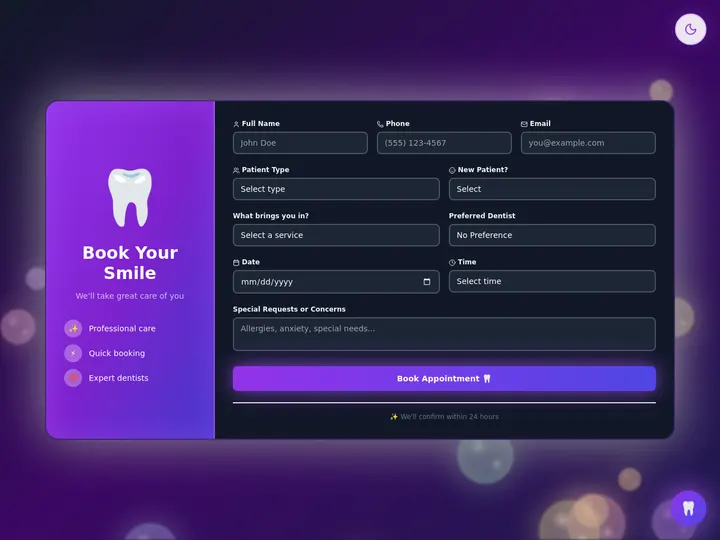
The Appointment Booking app above is free to clone. Reminders run on the Schedule trigger, which now fires as often as every few minutes or on the exact days you pick. See book classes and schedule clients for the booking pattern in full.
Invoice the Moment a Deal Closes
A Taskade Genesis app sends the invoice the second a deal is won, then marks it paid when the money lands, no second tool to copy into. The invoice references the deal it came from, so your client-to-cash workflow stays in one place. The sequence below shows exactly how it fires.

The Invoice Generator above is free to clone. For the deeper revenue stack, see the CRM, invoice generator, and client portal update and automate invoices, licenses, and calculators.
Drop a File. Let the App Sort It.
A Taskade Genesis app can react the moment a file lands, with no one watching the inbox. The File Added trigger starts an automation as soon as a receipt, a contract, or an intake form arrives in a project. The file gets sorted, logged, and routed to the right person, and your team gets an update by email automatically.
| When a file lands | What runs on its own |
|---|---|
| A receipt drops in | Logged to the right project and filed |
| A contract arrives | Sorted, tagged, and routed for review |
| An intake form comes in | The right person is notified by email |
This is exactly what operators running real businesses asked for, and the agent memory and connected tools update shows how the app reads those files and acts on them. The full how-to is in automation triggers and automation actions.
Set the Rhythm: Every Few Minutes, or Every Monday
You decide how often the busywork runs, and Taskade EVE can run it on command. The Schedule trigger now offers an Every X Minutes option for time-sensitive checks, and Every Week can span several days, so "every Monday and Thursday" is one rule. More of your tools are in the loop too, with Microsoft Outlook, Google Tasks, and ClickUp joining the 100+ integrations.
- Run checks and reminders as often as every few minutes
- Schedule a single rule across several days of the week
- Ask Taskade EVE to run a saved automation on the spot, or build one from a template, right in chat
- Quick-test any trigger before it goes live, and archive the automations you have outgrown
There is more where these came from. Every system below is a live app whose busywork runs on its own, and each one is cloneable in a click.
| Live app | The busywork it runs | Clone it |
|---|---|---|
| Inventory Manager | Flags low stock and prompts a reorder | Clone → |
| Finance Tracker | Builds the report overnight, ready by morning | Clone → |
| Smart Feedback Form | Sorts and routes each response as it arrives | Clone → |
| Maintenance Tracker | Schedules recurring jobs before they are due | Clone → |
| Event Portal | Handles RSVPs and sign-ups as they come in | Clone → |
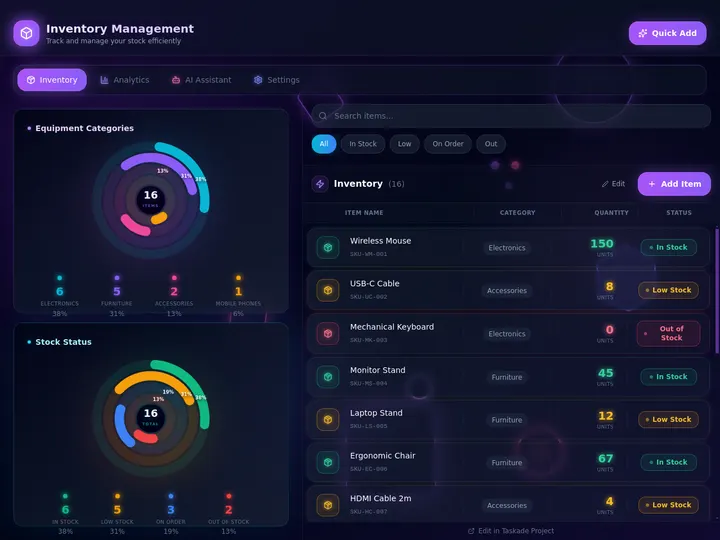

Browse hundreds more live apps in the Community Gallery, or read agent teams and automated workflows and CRM, storefront, and analytics for the patterns behind them.
What It Costs to Automate the Busywork
You can build and run automations free, then upgrade only when you want client logins on your own domain. Pricing is flat per plan, not metered per task, so a busy automation never surprises you with a bill.
| Plan (annual billing) | Price | Best for |
|---|---|---|
| Free | $0 | Building and running your first automations |
| Pro ★ | $10/mo | Up to 10 users, the popular choice |
| Business | $25/mo | Client portals and custom domains, with App Users |
The math is simple. One Pro seat at $10/month costs less than an hour of the help you would otherwise hire to chase follow-ups and send reminders by hand, and the Business plan is what turns an internal app into a client-facing portal on your own domain.
Describe the Busywork. Let It Run.
One prompt. One app. The repetitive work, handled. Connected projects remember the data, AI agents read and act on it, and automations keep everything moving across 100+ integrations. That is your Workspace DNA, and it is why the work keeps happening after you close the laptop.
Ready to hand off the busywork? Start in Taskade Genesis, or clone a live app and have it running before your coffee is cold. For the full step-by-step, read the complete guide to automating your busywork with Taskade.
Read Next: The Run-Your-Business Wave
- Run Your Whole Business in One App →, the ops dashboard, CRM, and client portal behind this automation story.
- Agent Teams & Automated Workflows →, how multiple agents split the work and run it together.
- Agent Memory, Connected Tools, Automated Flows →, the update that wired agents to your tools.
- Clone, Login, Automate →, the published-app version: clone a live app, add logins, and wire the automations.
▲ ■ ● Memory · Intelligence · Execution
The three-layer architecture behind every Taskade Genesis app, connected projects remember, agents think, automations run. Clone any live app above to feel the busywork handle itself, or build your own on the same primitives.
Frequently Asked Questions
What can I automate inside a Taskade Genesis app?
The repetitive parts of running a business: follow up with new leads, remind clients before a session, send an invoice when a deal closes, sort a dropped file, and reorder stock when it runs low. You describe the rule in plain language and your app runs it across 100+ connected tools.
Do I need to know how to code to build an automation?
No. You write what should happen in plain words, like "when a lead comes in, follow up," and Taskade Genesis turns it into a working automation. Non-technical operators build these every day with no developer, and you can test any trigger before it goes live.
How often can a Taskade automation run?
As often as every few minutes, or on the exact days you choose. The Schedule trigger now offers an Every X Minutes option for time-sensitive checks, and Every Week can span several days, so "every Monday and Thursday" is a single rule. Great for live dashboards and same-day follow-ups.
Which tools can a Taskade automation connect to?
100+ bidirectional integrations. Triggers pull events in from tools like Stripe, Gmail, Slack, and Calendar; actions push data back out to the same set. Recent additions include Microsoft Outlook, Google Tasks, and ClickUp, so more of the apps your team already uses are now in the loop.
Can Taskade EVE run an automation for me?
Yes. You can ask Taskade EVE to run a saved automation on the spot and it sums up what happened, or build a new one from a template, all in chat. It reads your request and picks the right move: run it, build it, or ask first.
What happens to a dropped file in a Taskade Genesis app?
The File Added trigger starts an automation the moment a file lands in a project, ideal for intake, receipts, and contracts. A dropped file can sort itself, log itself, and alert the right person, with no one copying data by hand.
How much does it cost to automate with Taskade Genesis?
You can build and run automations on the free plan, with paid tiers at $10/month (Pro, the popular choice for 10 users) and $25/month (Business) on annual billing. Pricing is flat per plan, not metered per task. Client logins work on every plan, and custom domains unlock on Business.
Is a Taskade automation reliable enough to run my business on?
Automations run on a connected-projects backbone, so a follow-up or invoice acts on the same live record your team sees. You can quick-test any trigger before launch, archive automations you have outgrown, and one broken connector no longer blocks you from building new ones.