






Happy Holidays 🎉
Taskade 2.9 is here. We have a big update for you this time around, so let's get right to it!
TL;DR: Taskade 2.9 (2019) shipped dark mode, Apple/Google Calendar sync, 12 new languages, and screen sharing. Today the platform has multiple project views, 15+ frontier AI models, and 100+ integrations — and Taskade Genesis builds living apps from a single prompt.
| Platform | 2019 (v2.9) | 2026 |
|---|---|---|
| iOS | Dark mode + calendar sync | Full feature parity, multiple views |
| Android | Dark mode + calendar sync | Full feature parity, multiple views |
| Mac | Tray + notifications | Native + AI agents |
| Windows | Tray + notifications | Native + AI agents |
| Linux | Snapcraft beta | Stable native app |
| Web | Dark mode | Dark mode + Genesis app builder |
Then → Now: 2019 calendar sync + integrations → today's 100+ integrations plus AI agents and automations running across your templates.
   iOS ─┐                                ┌─ Mac
        │                                │
   And ─┼──▶ ☼/🌙 theme  ◀─── Real-time ─┼─ Win
        │      sync hub      sync         │
   Web ─┘                                └─ Linux
                  │
                  ▼
         Apple Cal + Google Cal
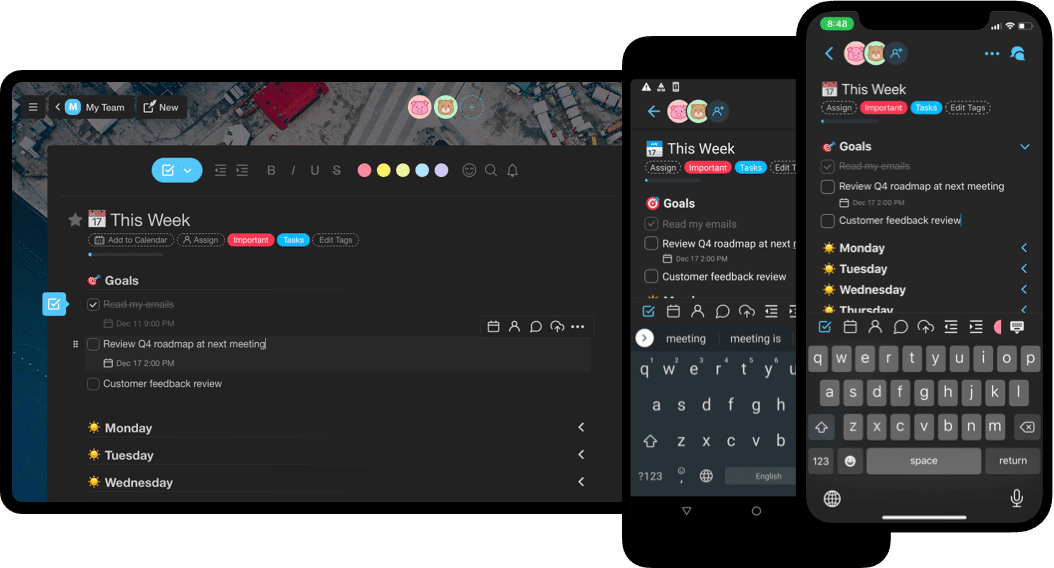
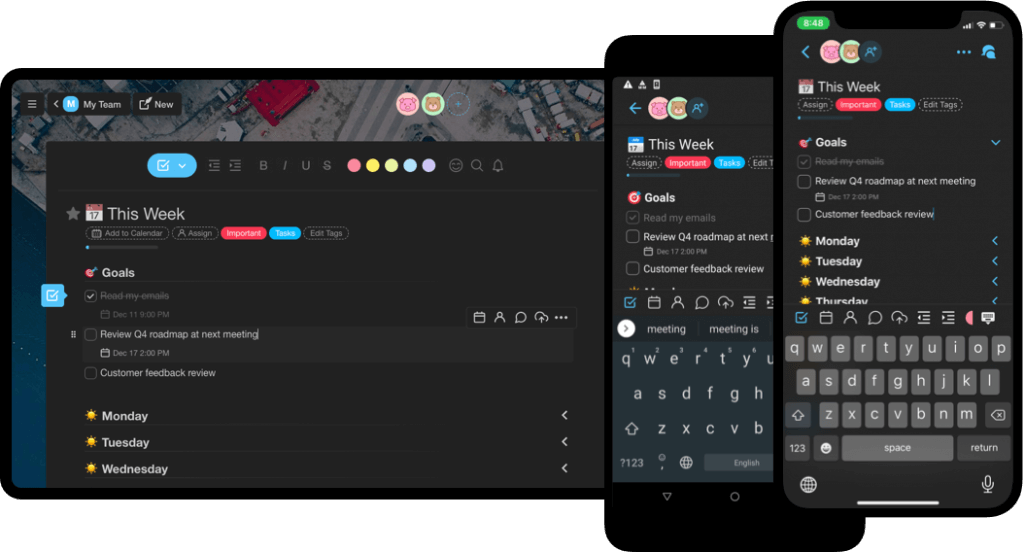
1. Dark Mode for iOS & Android
Experience Taskade in the dark across all platforms.
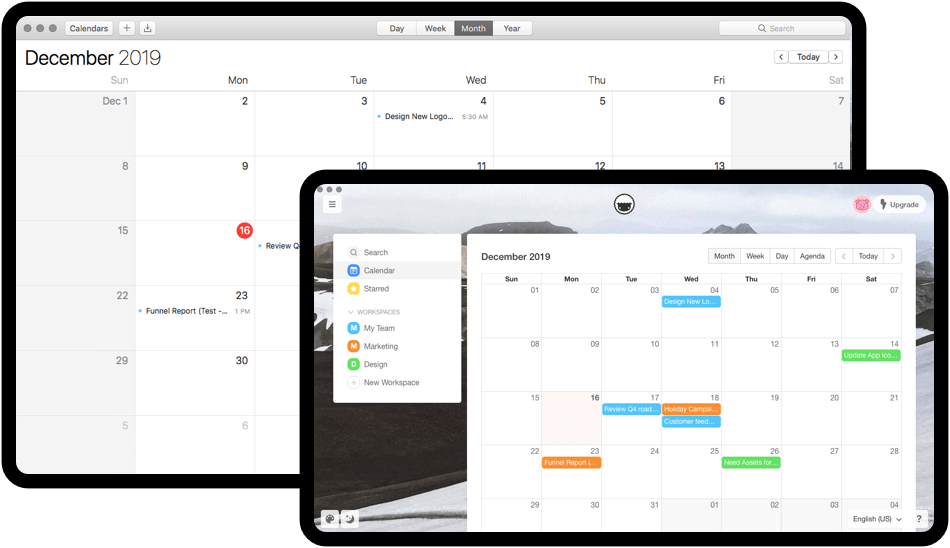
2. Calendar Syncing
Sync with your Apple and Google Calendar, learn more by visiting integrations.
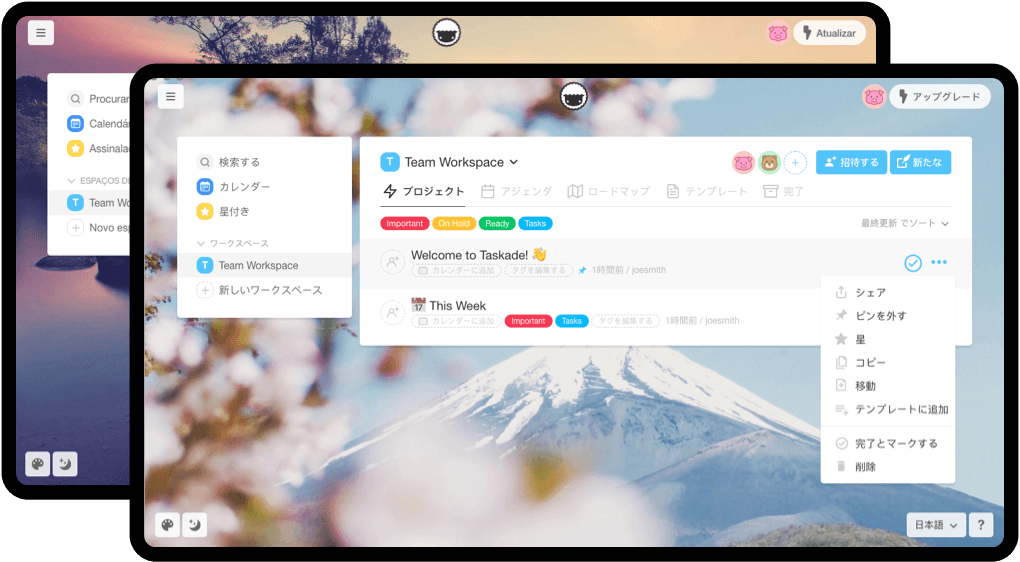
3. Translation
Taskade now supports 12 new languages.
4. Mobile Apps
- Create quick lists for tasks, bullets, or notes using blocks.
- Check or uncheck all tasks in a project.
- Collapse or expand all sublists in a project.
- Set a start date and time range for tasks.
- Archive your inactive workspaces.
5. Desktop Apps
- Notifications are now supported on all desktop apps.
- Minimize Taskade to your system tray on Mac & Windows.
- Performance improvements and new support for Snapcraft & Linux.
6. Other Updates
- Sort workspaces by project name, last updated or date created.
- Screen share in video chat, no plugins needed.
- Bug fixes and performance improvements.
If you have any feedback or questions, let us know. We'll be sure to follow up. 🙂
We are hiring! Work remotely.
Frequently Asked Questions
Does Taskade support dark mode on mobile and desktop?
Yes. Taskade offers a native dark mode across all platforms — iOS, Android, Mac, Windows, Linux, and web. Dark mode applies to every view including List, Board, Calendar, Mind Map, and Org Chart, reducing eye strain during extended work sessions and saving battery on OLED screens.
How do I sync Taskade tasks with my Apple or Google Calendar?
Taskade supports calendar syncing with both Apple Calendar and Google Calendar. Connect your calendar from the Integrations page to see Taskade tasks with due dates appear directly in your external calendar. This 2-way sync keeps deadlines visible across all your scheduling tools without manual re-entry.
What languages does Taskade support?
Taskade supports 12+ languages in addition to English, covering major world languages for international teams. Language settings can be changed from the Settings page, and the interface updates immediately. This makes Taskade accessible for distributed teams working across different regions and time zones.
Can I screen share during Taskade video calls?
Yes. Taskade includes built-in screen sharing within its video chat feature — no plugins or browser extensions required. During a live video call, click the screen share button to present your screen to teammates while simultaneously collaborating on tasks, making remote stand-ups and project reviews seamless.