






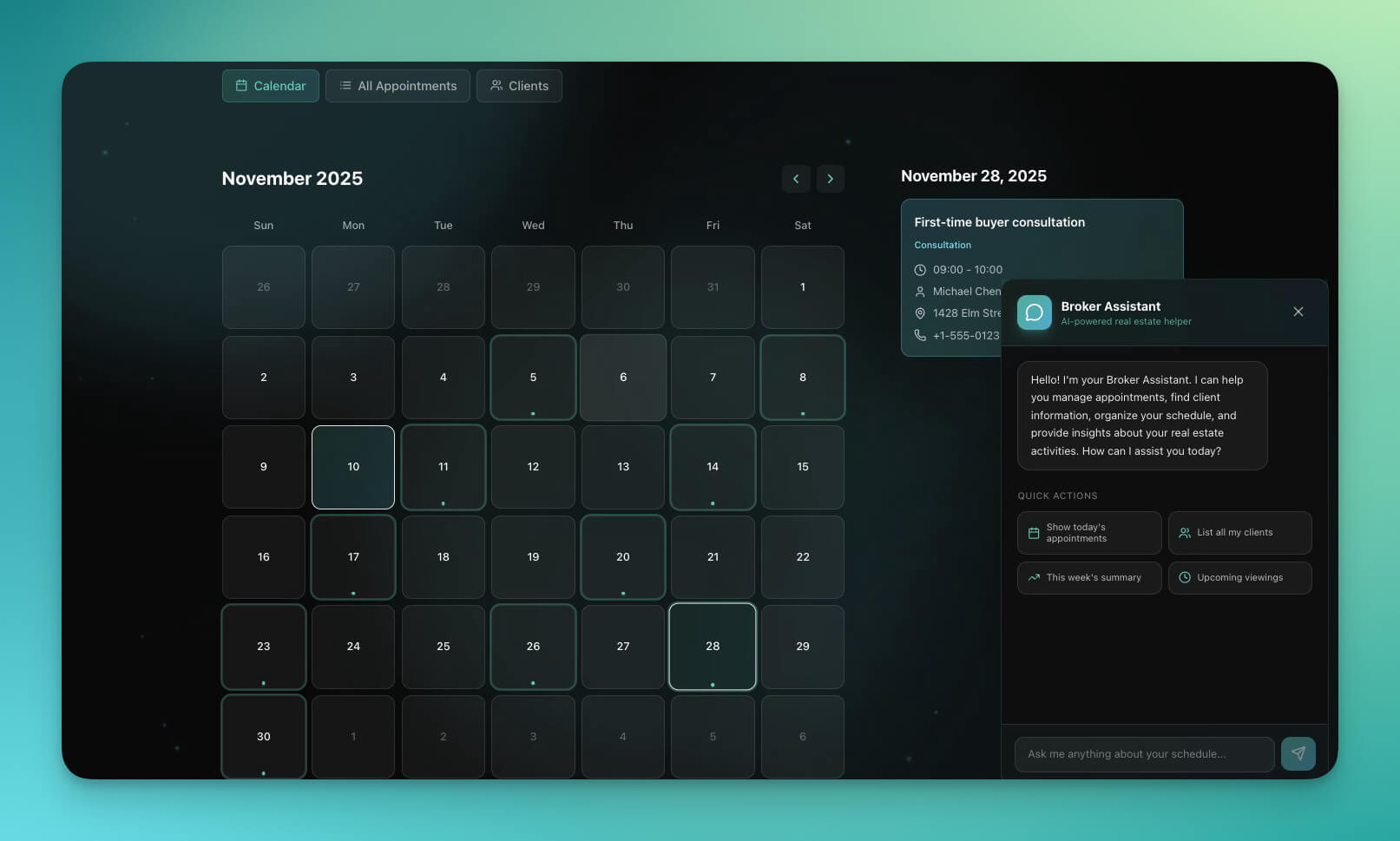
Taskade 2.7 is here with another three exciting updates!
TL;DR: Taskade 2.7 (2019) added Calendar view, Org Chart view, and refreshed iOS/Android apps. Today the platform has multiple project views, 15+ frontier AI models, and 100+ integrations — and Taskade Genesis builds entire living apps from a prompt, with agents and automations keeping work moving.
| Project Views | 2019 (v2.7) | Today (2026) |
|---|---|---|
| Total views | 5: List, Action, Mind Map, Calendar, Org Chart | 8 views |
| New in v2.7 | Calendar + Org Chart | — |
| Added since | — | Board/Kanban (Sep 2021), Gantt (Feb 2024), Table (Mar 2025), Timeline |
| Mobile parity | iOS + Android refresh | Full feature parity, all views |
Then → Now: 2019 Calendar + Org Chart → today's Calendar, Org Chart, Gantt, and Timeline views, part of Taskade's full Workspace DNA.
  Mon   Tue   Wed   Thu   Fri   Sat   Sun
 ┌────┬────┬────┬────┬────┬────┬────┐
 │    │ ▣  │    │ ▣▣ │    │    │    │   ← Calendar view
 │ ▣  │    │ ▣  │    │ ▣  │    │    │
 └────┴────┴────┴────┴────┴────┴────┘
              │
              ▼
       ┌──────────┐
       │   CEO    │                            ← Org Chart view
       └────┬─────┘
        ┌───┴───┐
     ┌──▼─┐  ┌──▼─┐
     │ PM │  │ENG │
     └────┘  └────┘
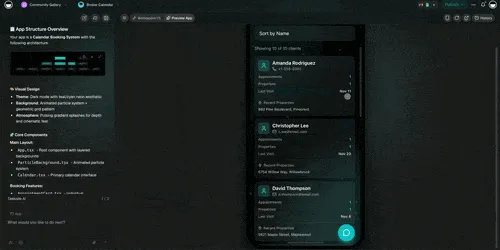
1) Calendar - Visualize your upcoming tasks in a simple, unified overview.
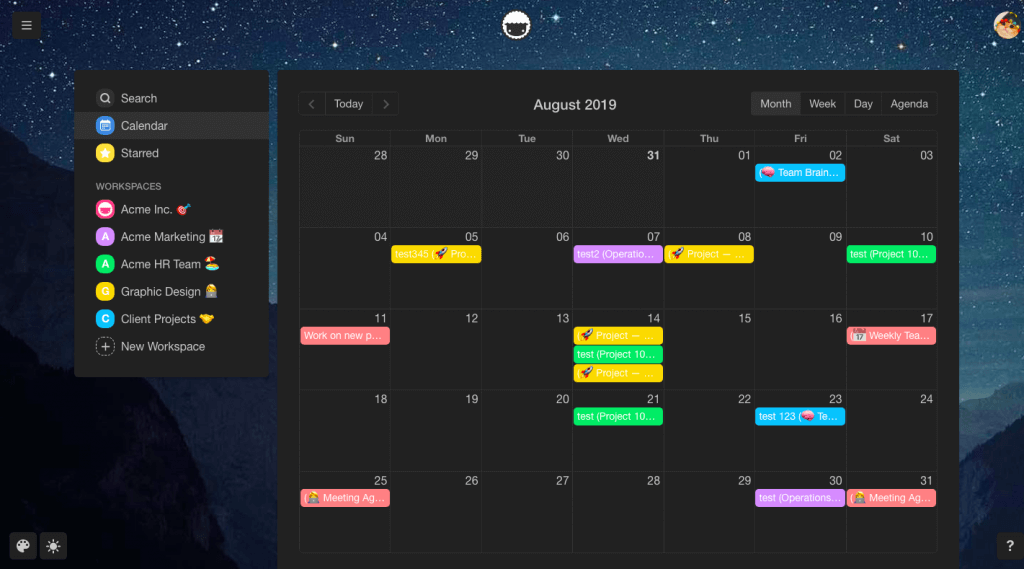
2) Org Chart View - Map out organizational structures easily and visually.
3) iOS & Android apps - Download our latest updates for iOS & Android.
● Assign projects to multiple team members
● Tag projects to organize and prioritize
● Templates are now easier to manage
Have fun and let us know what you think about the new features, improvements, and many bug fixes. Contact us any time.
One More Thing - You can now add blocks!
Frequently Asked Questions
What is the Calendar view in Taskade?
Taskade's Calendar view visualizes all upcoming tasks with due dates in a simple, unified overview. It aggregates tasks from across your workspaces into a single calendar, so you can see deadlines, scheduled work, and team commitments without switching between projects. Calendar supports day, week, and month views.
How does the Org Chart view work in Taskade?
Taskade's Org Chart view lets you map out organizational structures, team hierarchies, or any parent-child relationship visually. Each node represents a task or item, and nested sub-tasks become child nodes in the chart. You can drag to rearrange, click to edit, and collaborate in real time with your team on the same chart.
Can I assign projects to multiple team members in Taskade?
Yes. Taskade supports assigning both individual tasks and entire projects to multiple team members simultaneously. On mobile (iOS and Android) and desktop, you can select multiple assignees for any project, ensuring everyone involved is notified and can track their responsibilities from their My Tasks view.
What are blocks in Taskade?
Blocks are content elements you can add to any Taskade project — including headings, checklists, bullet lists, numbered lists, paragraphs, and more. The block-based editor lets you mix different content types within a single project, giving you flexibility to create structured documents, task lists, and notes in one unified workspace.