
User Flow Diagram

- Price: Free
- 5 projects
- 1 AI agent
- 2 automations
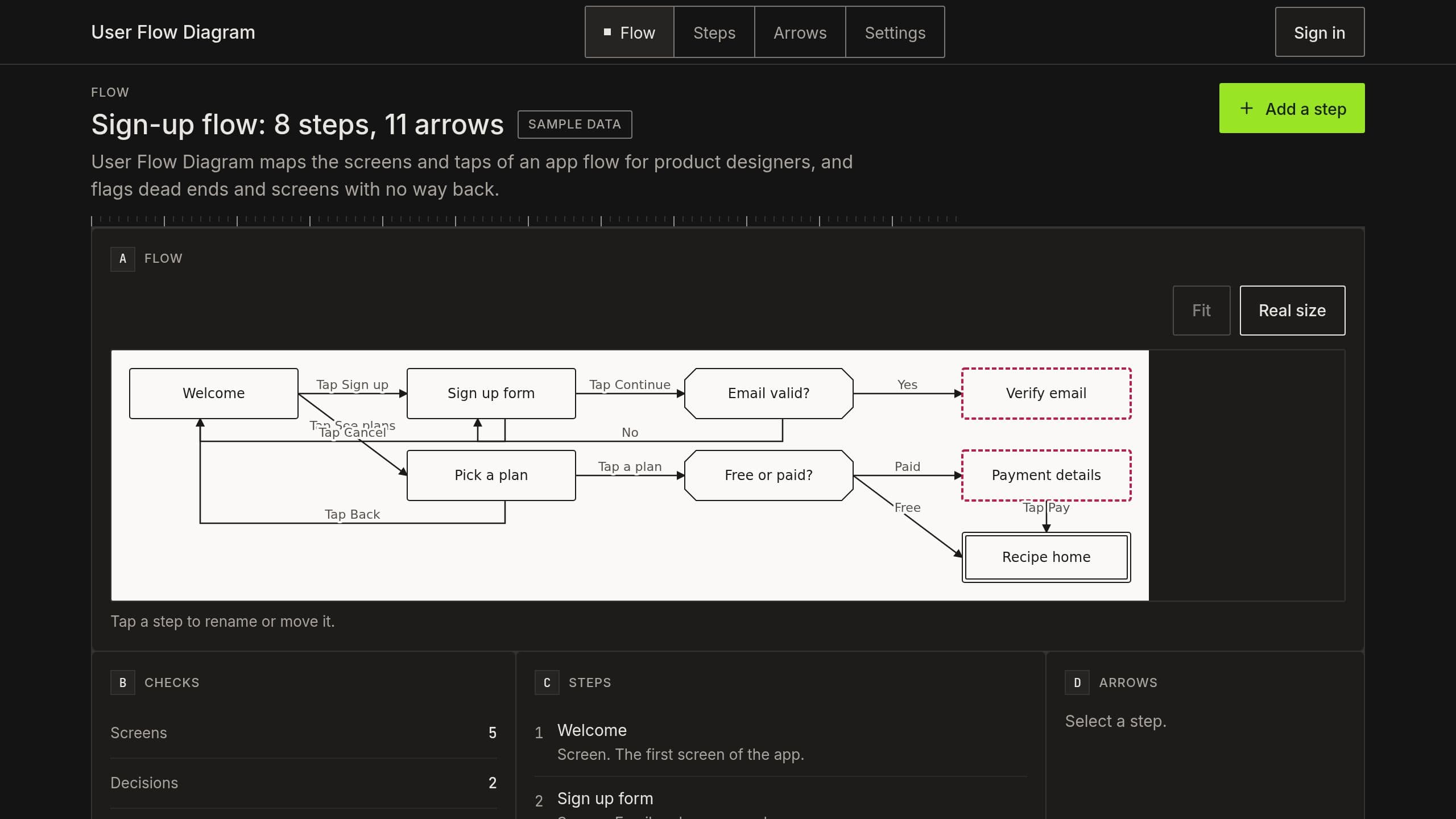
User Flow Diagram: add the steps of a flow (a screen, a decision or an end) and the arrows between them, each arrow with the user action.
What User Flow Diagram does
User Flow Diagram: add the steps of a flow (a screen, a decision or an end) and the arrows between them, each arrow with the user action. The kit draws the flow in SVG and flags each dead end, each screen with no way back, each decision with one exit and each step that no arrow reaches. Sample data, no sign-in and no AI credit.
Questions about User Flow Diagram
Categories and tags
- Tags
- Full workspaceMulti-project
More from @taskade
View profile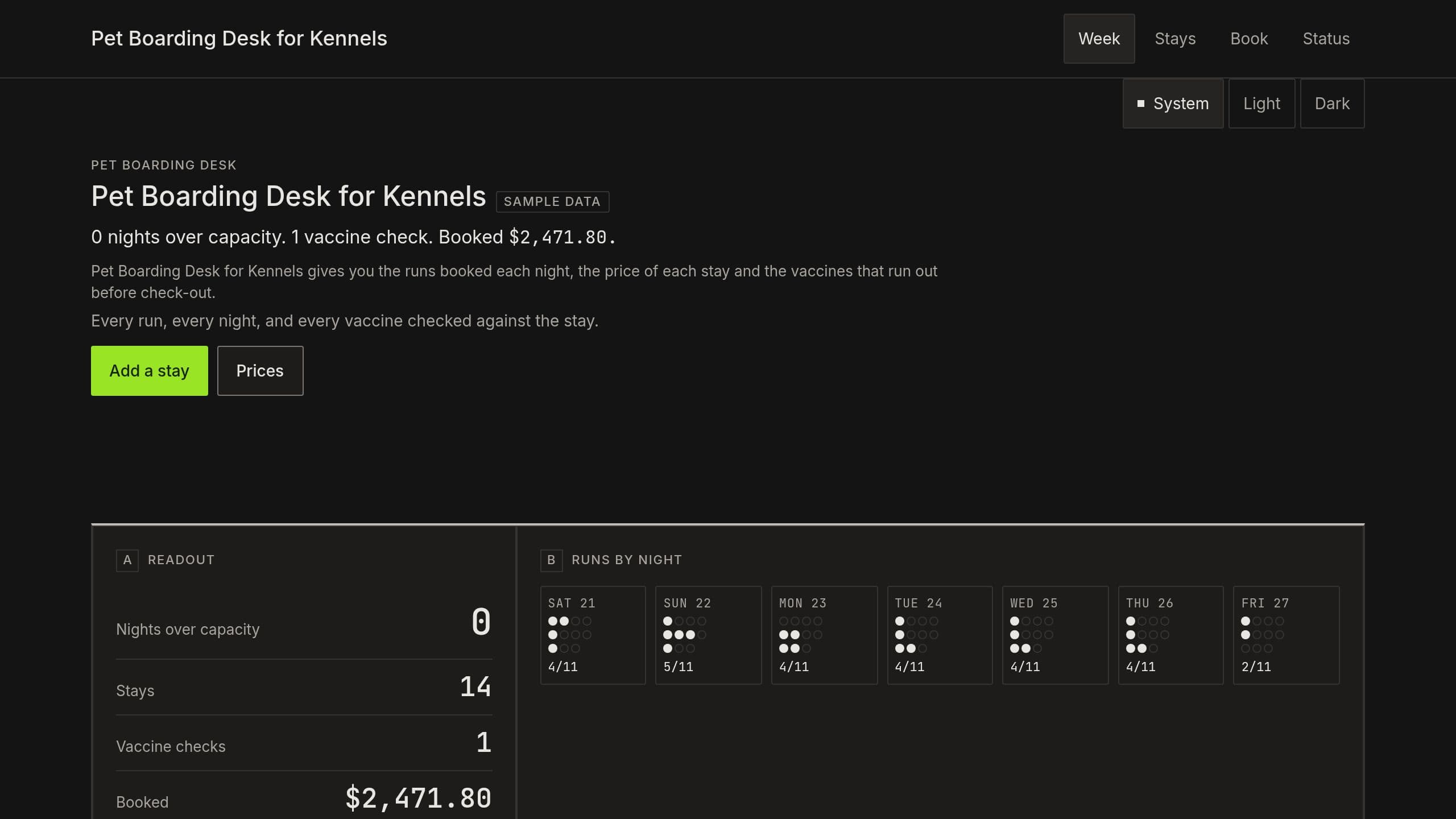
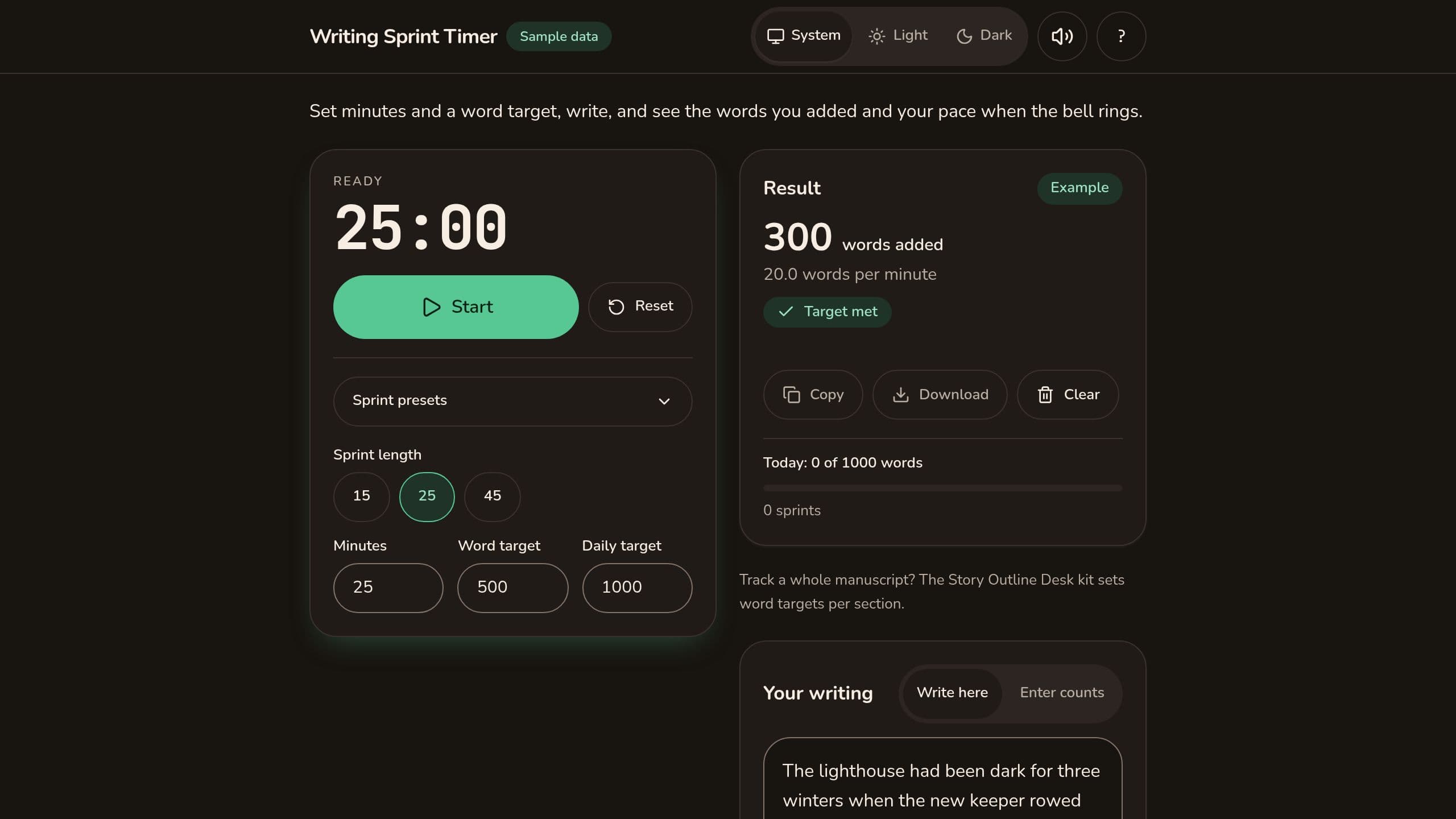
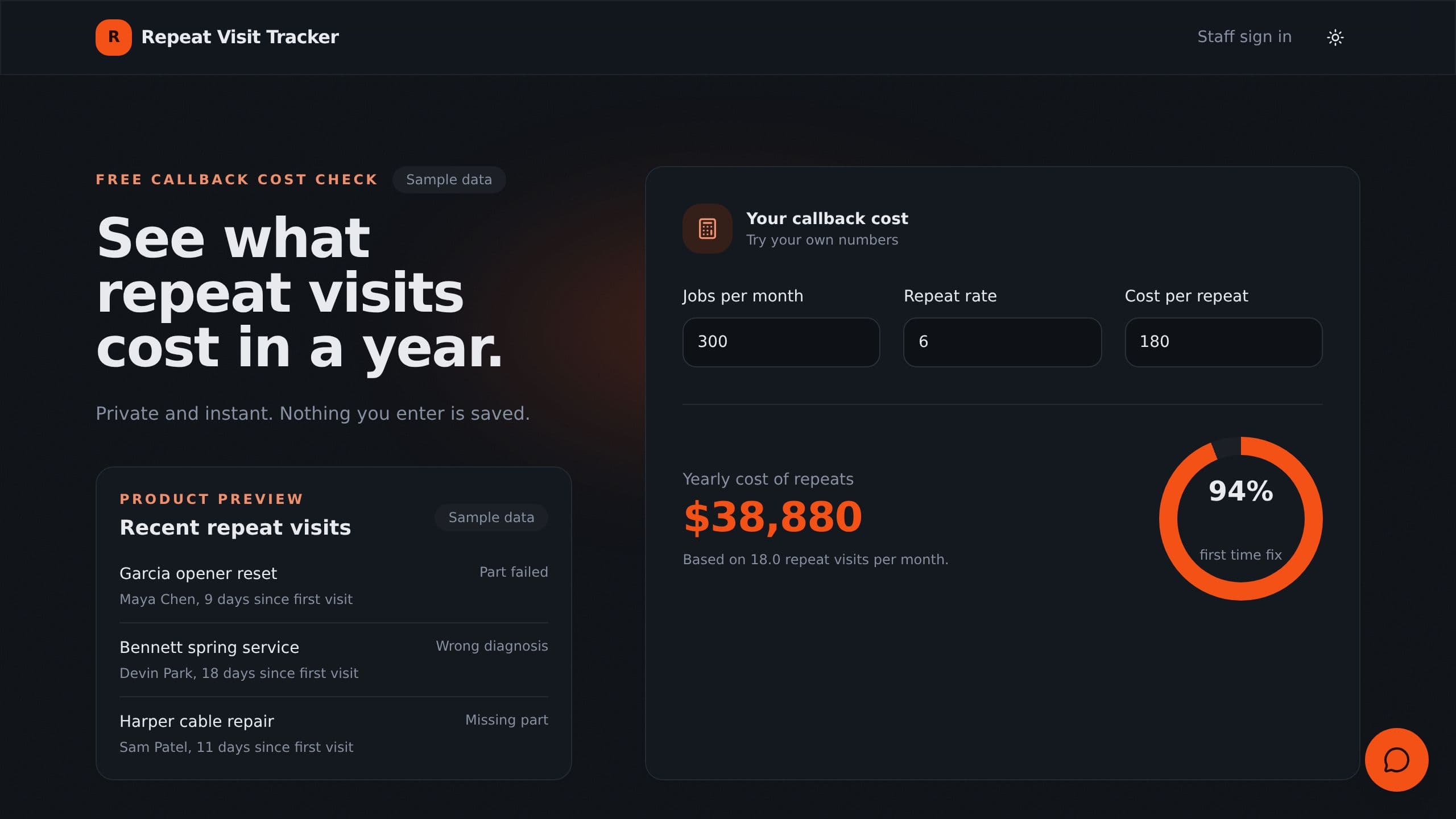
More like this
View all
Build an app, agent, or workflow from a prompt
Free to start. Browse apps to clone.