






Hey Taskaders 🐑
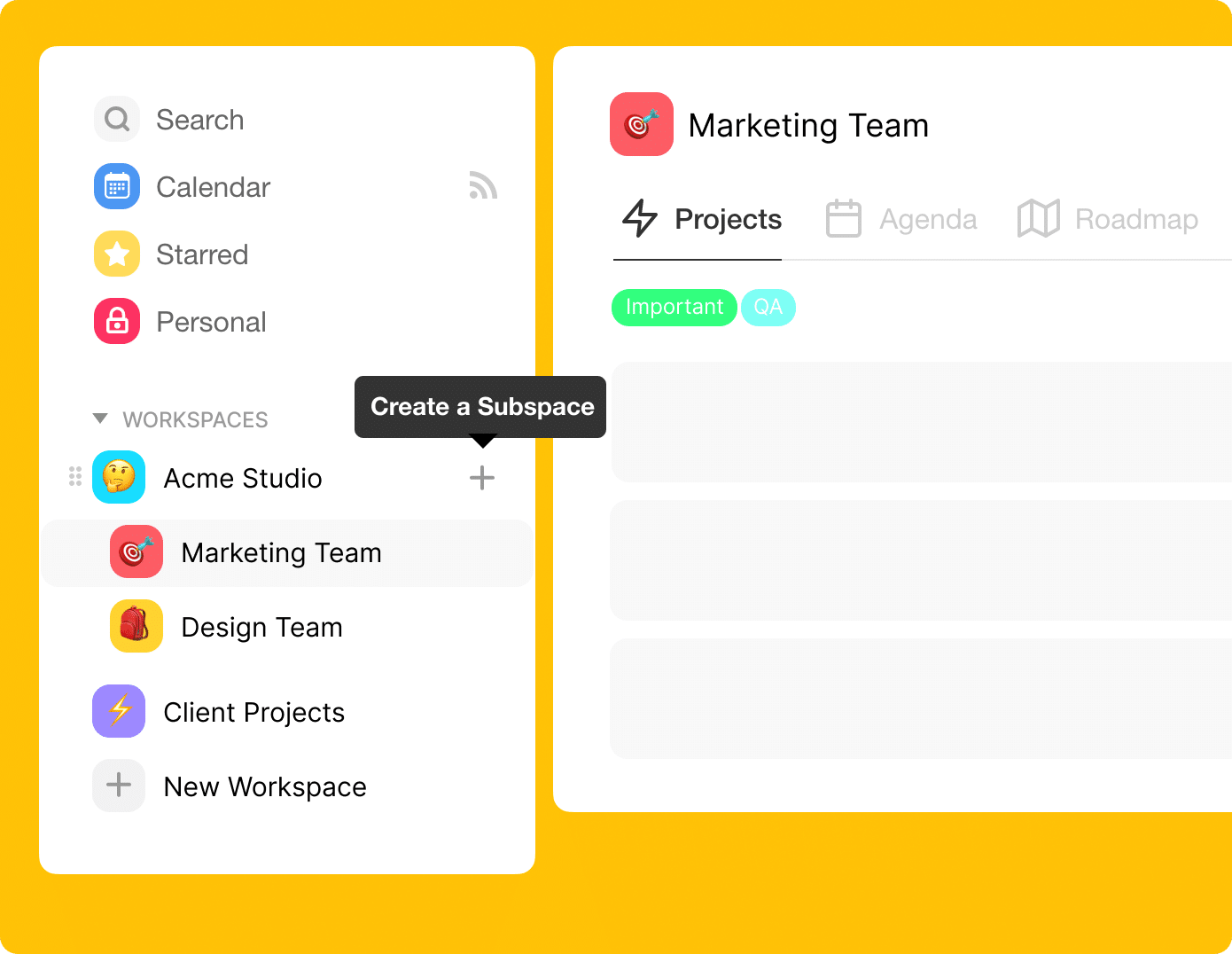
We started this journey to build the unified workspace for distributed teams, and today, we are thrilled to announce the launch of subspaces and team permissions, a new way to organize and manage your teams on Taskade.
TL;DR: Subspaces launched in 2020 as Taskade's first organizational layer. Six years on, that idea has grown into a role-based access system, multiple project views, and 100+ integrations powering Workspace DNA — Memory, Intelligence, Execution. Taskade Genesis now turns any prompt into a living app backed by your workspace, AI agents, and automations.
Then → Now: What we shipped as three fixed levels of access is now a full system: role-based access from Owner to Viewer, applied across workspaces, folders, and individual projects. Pair that with AI agents and community-shared apps and the original "subspace" concept has become the backbone of Taskade Genesis.
| Capability | 2020 | Today (2026) |
|---|---|---|
| Organization unit | Subspaces | Workspaces + Folders + Subfolders |
| Permission levels | Three fixed levels | Role-based access from Owner to Viewer |
| Invite methods | Email, @username, link | Email, link, SSO, domain allowlist |
| Templates on launch | 100+ categorized | 1,000+ templates + curated community apps |
| Intelligence layer | None | AI agents, automations, Workspace DNA |
  Access ladder:   2020 (3 levels)      →      2026 (Owner to Viewer)
  ──────────────────────────────────────────────────────────────────
                                                Owner
   Full configuration     ───────▶              Workspace management
   Create and edit        ───────▶              Project editing
                                                Assigned work
   Comment and chat       ───────▶              Viewer
Historical note: in 2020 we shipped three fixed levels of access. The ladder above is the modern equivalent — role-based access from Owner to Viewer.
👩💻 Subspaces
Create subspaces to organize projects and teams under one unified workspace.
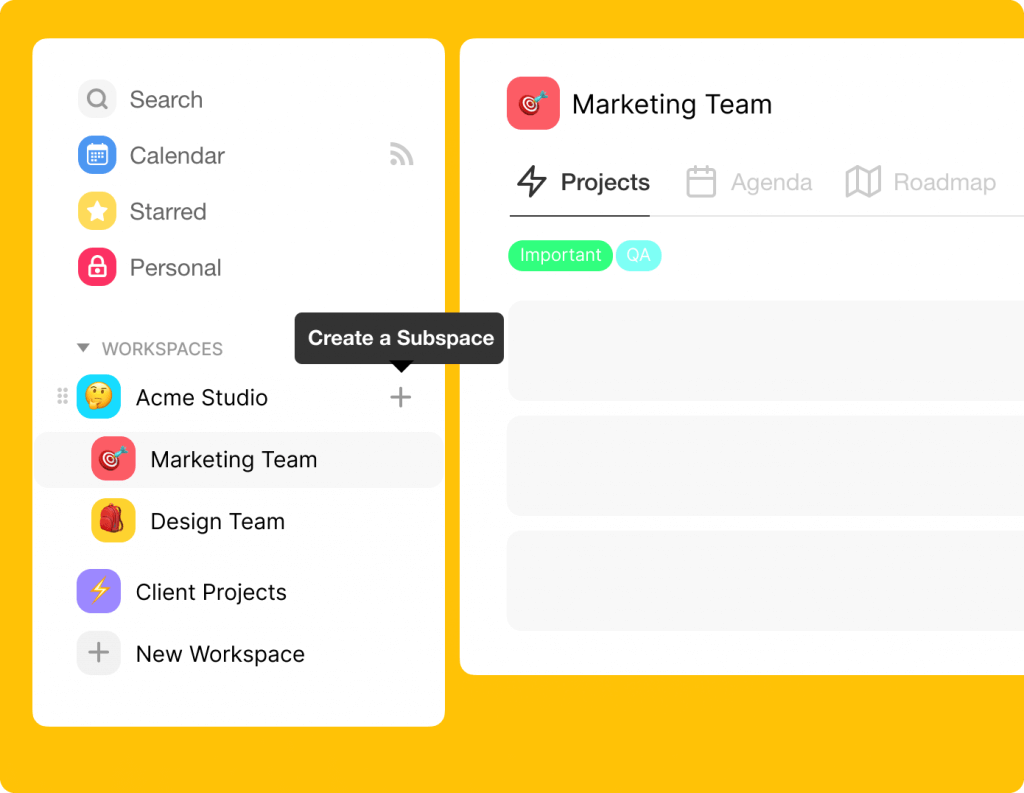
Instantly invite anyone to a subspace via email, @username, or an invite link. Projects and templates inside are shared automatically!
Work faster, smarter, and keep your team in sync with subspaces.
✍️ Team Permissions
With team permissions, you can now limit or expand access for each member at the workspace, subspace, or project level.
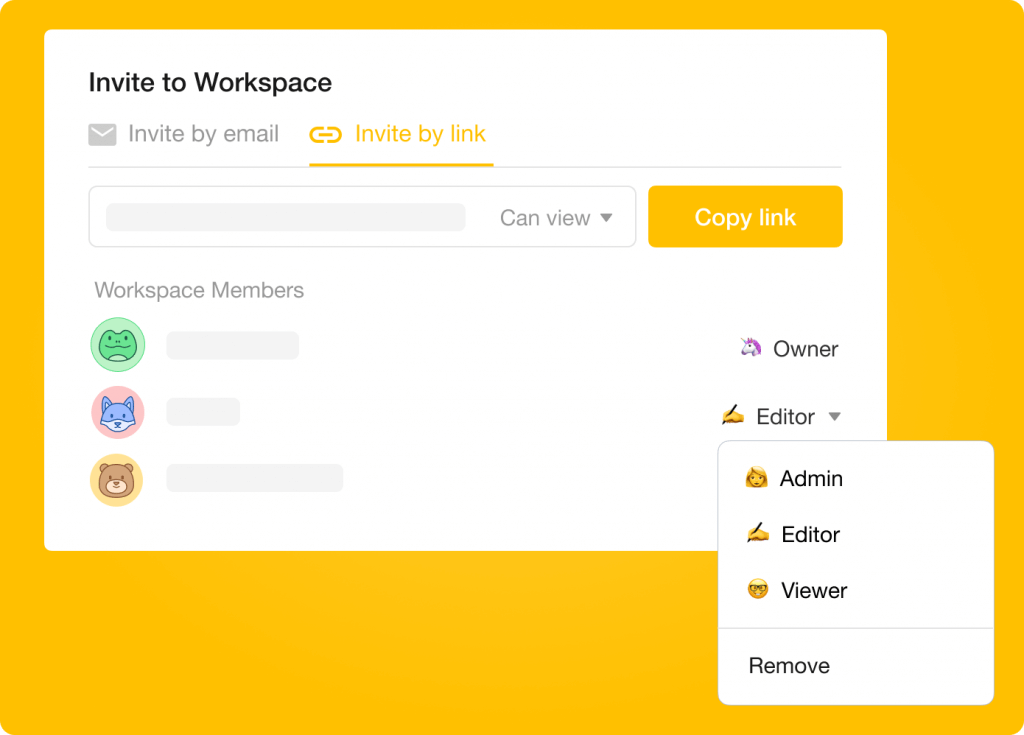
- 👩💻 Full configuration — Can fully configure and edit projects and templates, and manage projects and workspace settings.
- ✍️ Editing — Can create and edit projects and templates in the workspace. Cannot manage projects or workspace settings.
- 🤓 Comment only — Can only comment and chat in projects. Cannot create or edit projects or templates in the workspace.
🎒 Templates
We've added 100+ new templates. Some new categories include:
We will continue to improve Taskade and send regular updates. If you have any suggestions or feedback, simply hit reply to this email or contact us. 🙂
Thanks,
Team Taskade
Frequently Asked Questions
What are subspaces (folders) in Taskade?
Subspaces (now called Folders) are organizational units within a workspace that let you group related projects and teams together. Each folder has its own members, permissions, and templates — providing granular access control so different teams can work independently under the same workspace.
What team permission roles does Taskade offer?
Taskade offers a permission system: Owner to Viewer. Permissions can be set at the workspace, folder, or individual project level, giving you fine-grained control over who can view, edit, or manage your content.
Can I invite team members to a folder in Taskade?
Yes. Invite anyone to a folder via email, @username, or a shareable invite link. All projects and templates inside the folder are automatically shared with invited members, eliminating the need to share each project individually.
Does Taskade have workflow templates?
Yes. Taskade offers hundreds of pre-built workflow templates across categories like Meetings, Remote Work, Startups, Education, and more. Browse the template catalog when creating a new project to find a ready-made structure for your workflow, then customize it to fit your needs.