






Taskade 2.8 is here and we have more exciting updates for you!
TL;DR: Taskade 2.8 (2019) added task assignment, date ranges, and a Roadmap timeline. Today the platform has multiple project views, 15+ frontier AI models, and 100+ integrations — and Taskade Genesis builds living apps from a prompt with agents and automations baked in.
| Workflow | 2019 | Today (2026) |
|---|---|---|
| Assignment | Manual click-to-assign | Manual + AI agent auto-assign |
| Date ranges | Start + end date | Start + end + auto-scheduled by agents |
| Roadmap | Static Gantt | Gantt + Timeline + auto-replan |
| Notifications | Push + email | Push + email + Slack + automation triggers |
Then → Now: 2019 Roadmap → today's Gantt + Timeline views plus AI agents and automations that plan and execute work for you.
  Q2 Launch Roadmap
                Apr        May        Jun
  Design       ████████░░░░░░░░░░░░░░░░░░    @alice
  Build            ░░░░████████████░░░░░░    @bob, @carol
  Test                 ░░░░░░░░░░██████░░    @dave
  Launch                              ████    @everyone
                                       ▲
                                       └ ship date
✍️ Assignment — Assign tasks and projects to team members.
📅 Date Range — Add a start date and time to your tasks.
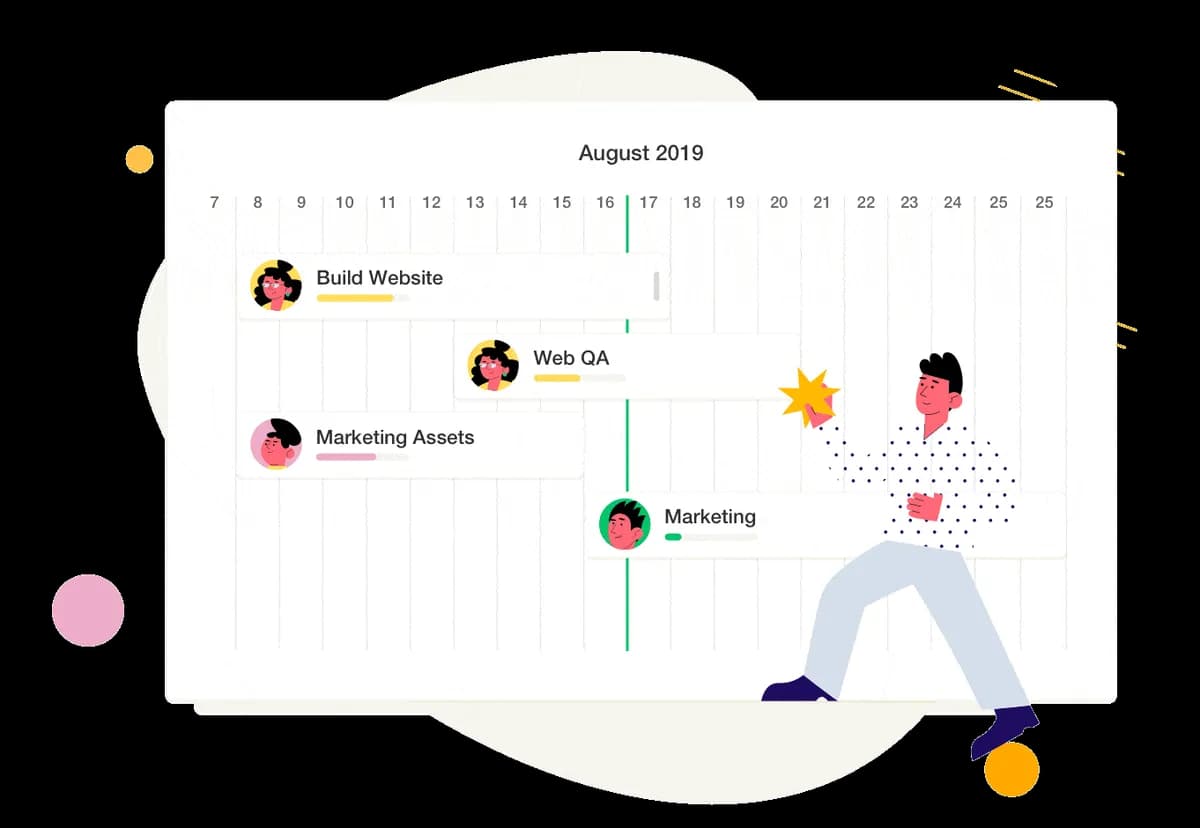
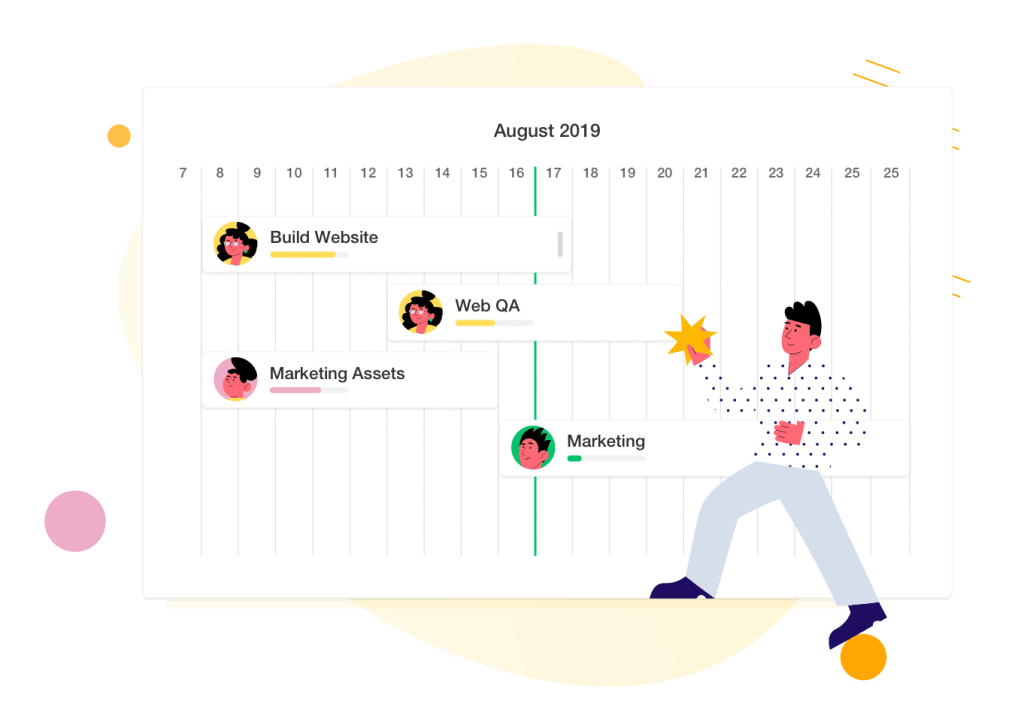
🎯 Roadmap — Plan, manage, and visualize projects in a timeline.
New mobile update is live for iOS & Android. 🍎🤖

✅ Calendar — View your upcoming tasks in a simple, unified overview.
🔎 Search — Find tasks, comments, and project across all workspaces.
⚡️ Performance — Improved speed and bug fixes.
Do you ❤️ Taskade? Got suggestions to make it even better? Let us know!
Enjoy, have fun, and get work done! 🙂
☝️ One More Thing — We are hiring! Work remotely.
Frequently Asked Questions
How do I assign tasks in Taskade?
Taskade lets you assign individual tasks and entire projects to team members directly from the editor. Click on any task and use the assign option to delegate it to one or more teammates. Assigned tasks appear in each member's My Tasks view, keeping ownership clear and accountability visible across the workspace.
What is the Roadmap view in Taskade?
Taskade's Roadmap view (now called Gantt view) is a timeline visualization that lets you plan, manage, and track projects across a horizontal timeline. Each task appears as a bar spanning its start and end dates, making it easy to see overlapping deadlines, project phases, and team workloads at a glance.
Can I set start and end dates for tasks in Taskade?
Yes. Taskade supports date ranges on tasks — you can set both a start date and an end date with specific times. Date ranges appear in the Gantt view as timeline bars and in the Calendar View as events spanning multiple days, giving you full control over task scheduling and duration planning.
Does Taskade have a mobile calendar for task management?
Yes. The Taskade iOS and Android apps include a Calendar view that displays all upcoming tasks with due dates in a unified, easy-to-navigate interface. Tasks from all workspaces appear in one calendar, and you can tap any task to view details, update progress, or reassign it directly from your phone.