






Nature has its rhythm, and so does our thinking. But in today's world, where information overload is a constant challenge, capturing and organizing thoughts effectively can be challenging. In today's article, we review the best AI note-taking apps designed to tackle this problem. We'll explore how these tools help manage the torrent of information and ideas you encounter every day.
But before we get to that, let’s start with some basic stuff. 👇
🤖 Exploring the Impact of AI on Note-Taking
AI has been around for a long time. But the GPT-3 and GPT-4 language models have introduced a completely new quality to the world of text generation. If you’re an avid note-taker, AI will give you more than a convenience; it will revolutionize how you capture and organize your notes.

By integrating natural language processing and machine learning, note-taking apps are not just storing data but also organizing it. They're transforming the once passive act of note-taking into an interactive, dynamic process. Here's how AI is taking note-taking to a whole new level:
🌳 Planning and Outlining: Before you dive into any topic, a solid plan is essential. AI will help you create structured meeting notes outlines and detailed project plans. Whether it's a business proposal, an academic paper, or even a personal project, it can assist you in developing a clear roadmap and breaking big, complex topics into smaller chunks.
🔎 AI-Assisted Research: Let’s face it, research can be daunting. But AI changes the game. Now, you can sort through mountains of data in a snap. AI sifts, sorts, and brings you exactly what you need. It can browse the web and connect the dots, synthesizing knowledge and streamlining research and information gathering.
🎤 Voice-to-Text Transcription: Working in a team setting? Some AI note-taking apps act as a meeting assistant and can transcribe meetings in real-time, extract key talking points, and even generate summaries of meeting notes. This can also come in handy for lectures or situations when you just don’t feel like writing and prefer quick voice notes instead.
🔍 Smart Note Organization: It’s one thing to take copious notes spanning pages. But organizing them can be tough. AI note-taking apps can organize notes by themes, topics, or in any other way that makes sense for your workflow. Whether you're editing meeting notes or personal scribblings, you can do it smarter with the power of AI.
⚡ Blazing Fast Summarization: You can’t take good notes without solid input material. Books, documents, reports, data — AI takes it all in stride. It can crunch through lengthy content, summarizing it into concise, digestible nuggets. Whether you're a student needing or a professional, AI-powered summarization is your shortcut to clarity.
Ok, now that we know what AI can do, let’s find the right tool for the job. 👇
🥇 Best AI Note-Taking Apps to Try in 2026
Taskade
Imagine jotting down ideas, and they instantly find their place in a neatly structured plan. Every note has a purpose and it fits into a larger piece inside a true second brain. Taskade is a powerful, AI-powered note-taking app that makes the act of taking digital notes fun and engaging.
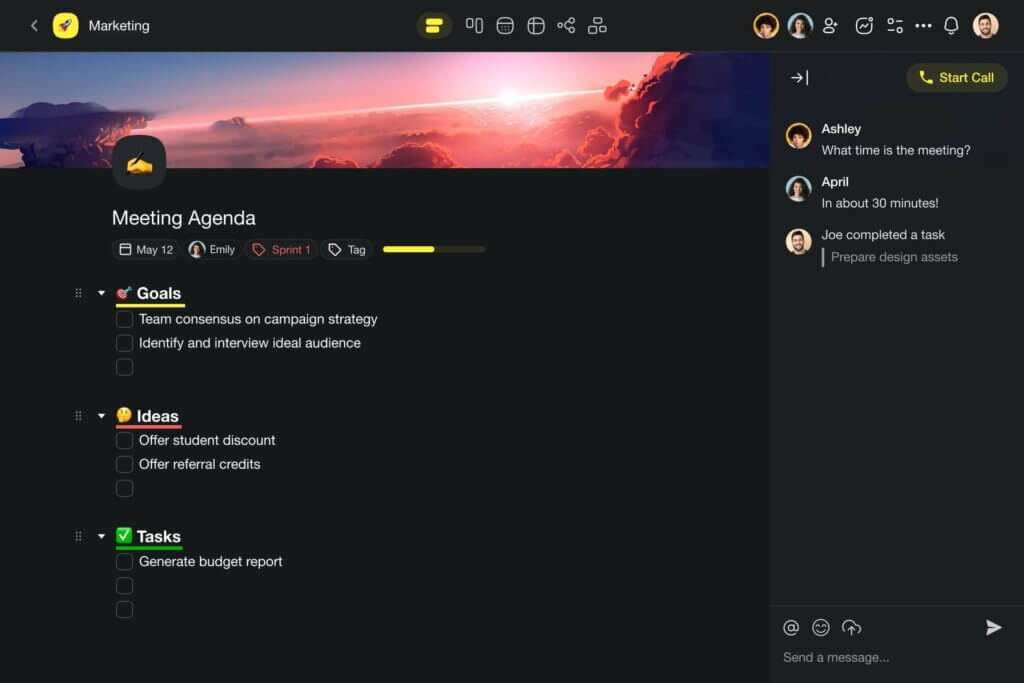
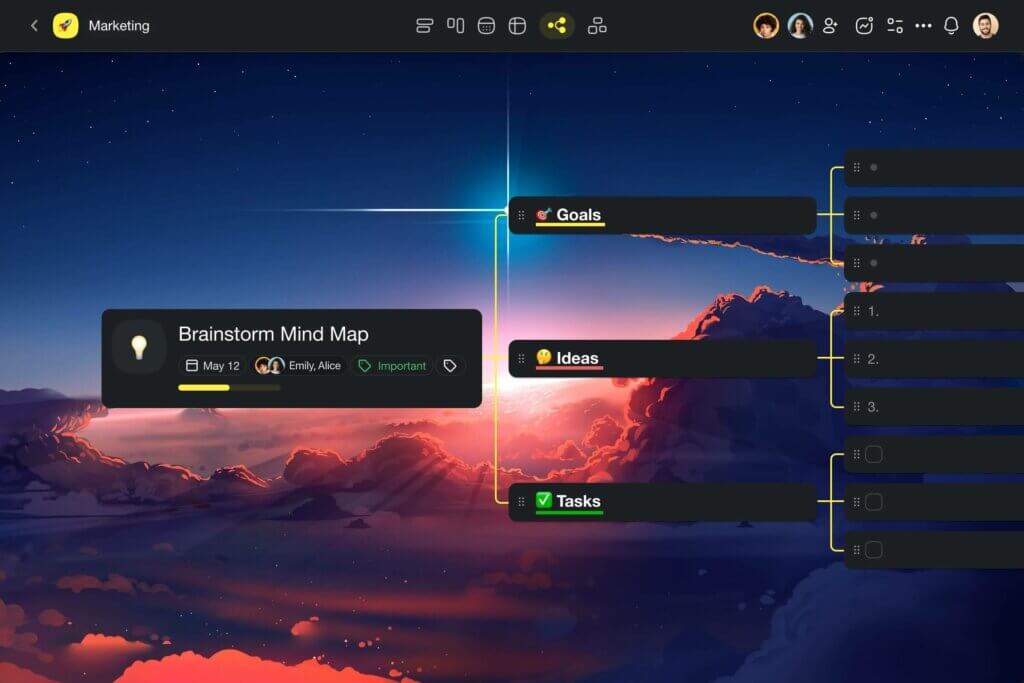
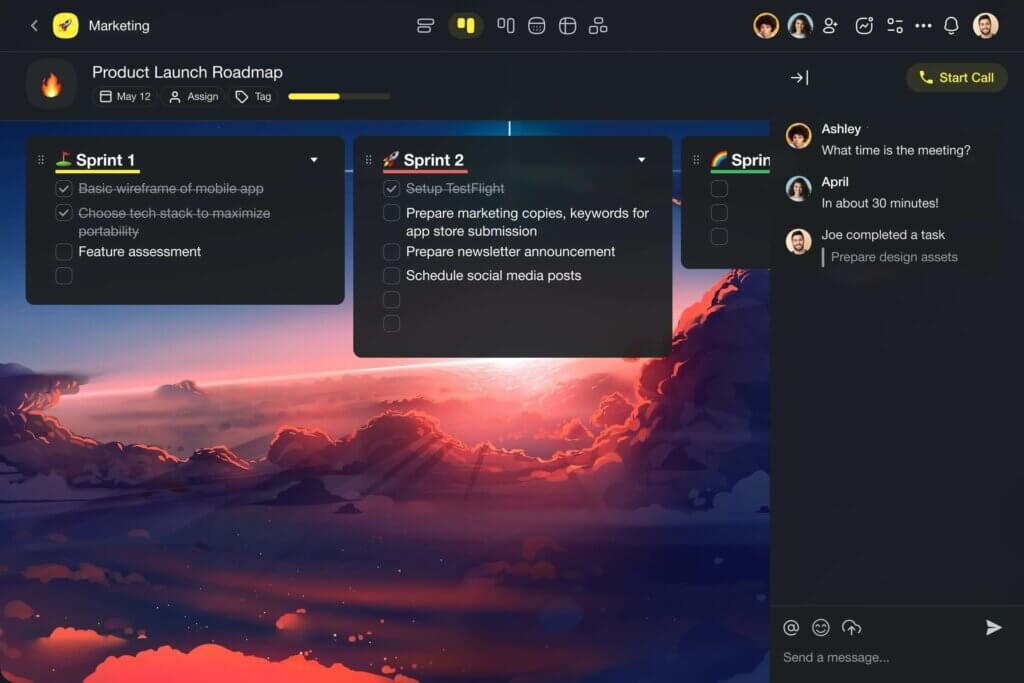
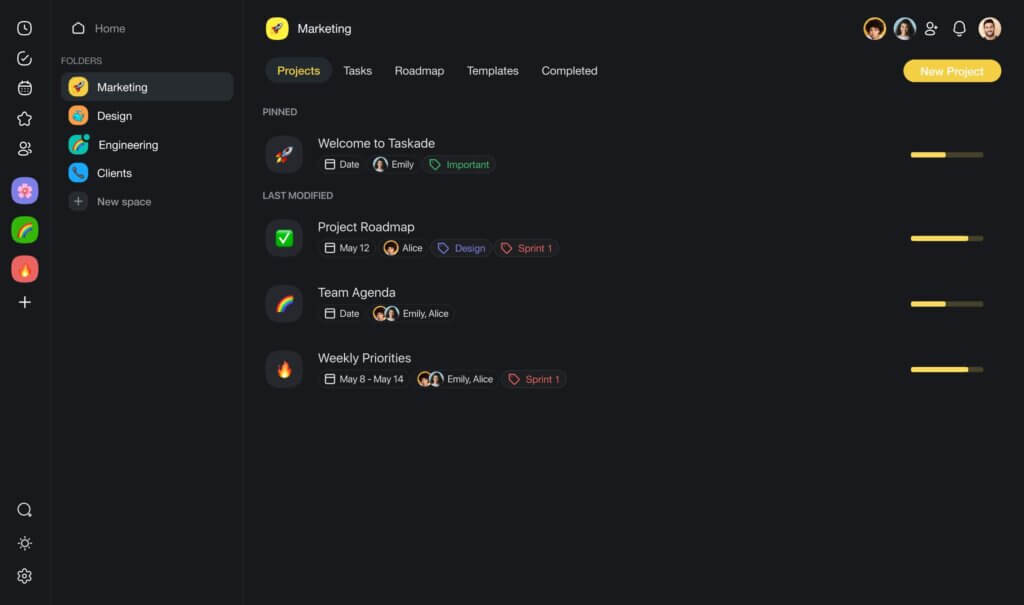
It all starts with a project, a blank canvas for all your thoughts and ideas. A project can store everything and become anything, from a simple list to a spanning mind map or a perfectly organized board. It can hold to-dos, images, videos, documents, and embedded online content, wrapped in a minimalist, distraction-free interface.
But the real magic of Taskade lies in its AI integration.
The AI Assistant in Taskade is like a writing sidekick, ready to help you develop ideas, and improve your writing. The AI Chat is your conversation partner, always there to offer advice. And when you need extra help, you can use the Workflow Generator to create complete document outlines and workflows in seconds. Magic! 🪄
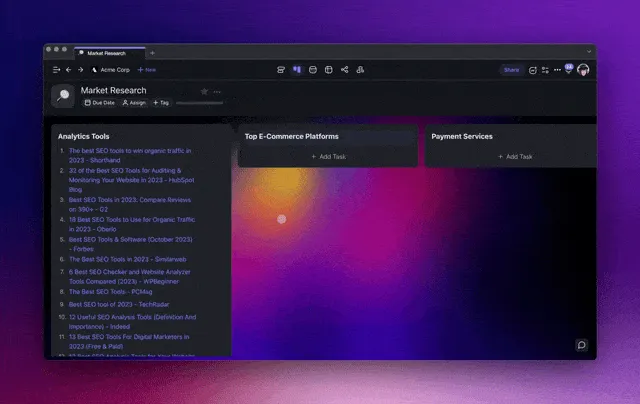
🤖 AI Note-Taking Features in Taskade
✏️ AI Assistant: Call the AI Assistant from the editor using /ai commands. Develop ideas, edit documents, generate outlines, adjust tone, and improve your writing with smart insights powered by OpenAI GPT (frontier models), the latest model from OpenAI.
🔄 Workflow Generator: Generate document outlines and complete workflows from scratch in seconds. Train Taskade AI with your own documents to get more tailored results and make your business and personal notes more engaging and relevant.
💬 AI Chat: Take a deep dive into complex topics and problems with AI as your conversation partner. Run Q&A sessions based on AI's training data or upload your own documents like meeting notes to extract key insights and flesh out ideas.
🤖 Custom AI Agents: Deploy powerful, custom AI agents to automate routine tasks like research, SEO, and proofreading. Create personalized AI commands to speed up editing or run them in the background while enjoying your morning coffee.
Supercharge your notes with Taskade AI! 🐑
❌ Taskade Cons
- Offline mode is only available in mobile apps
OneNote with Copilot
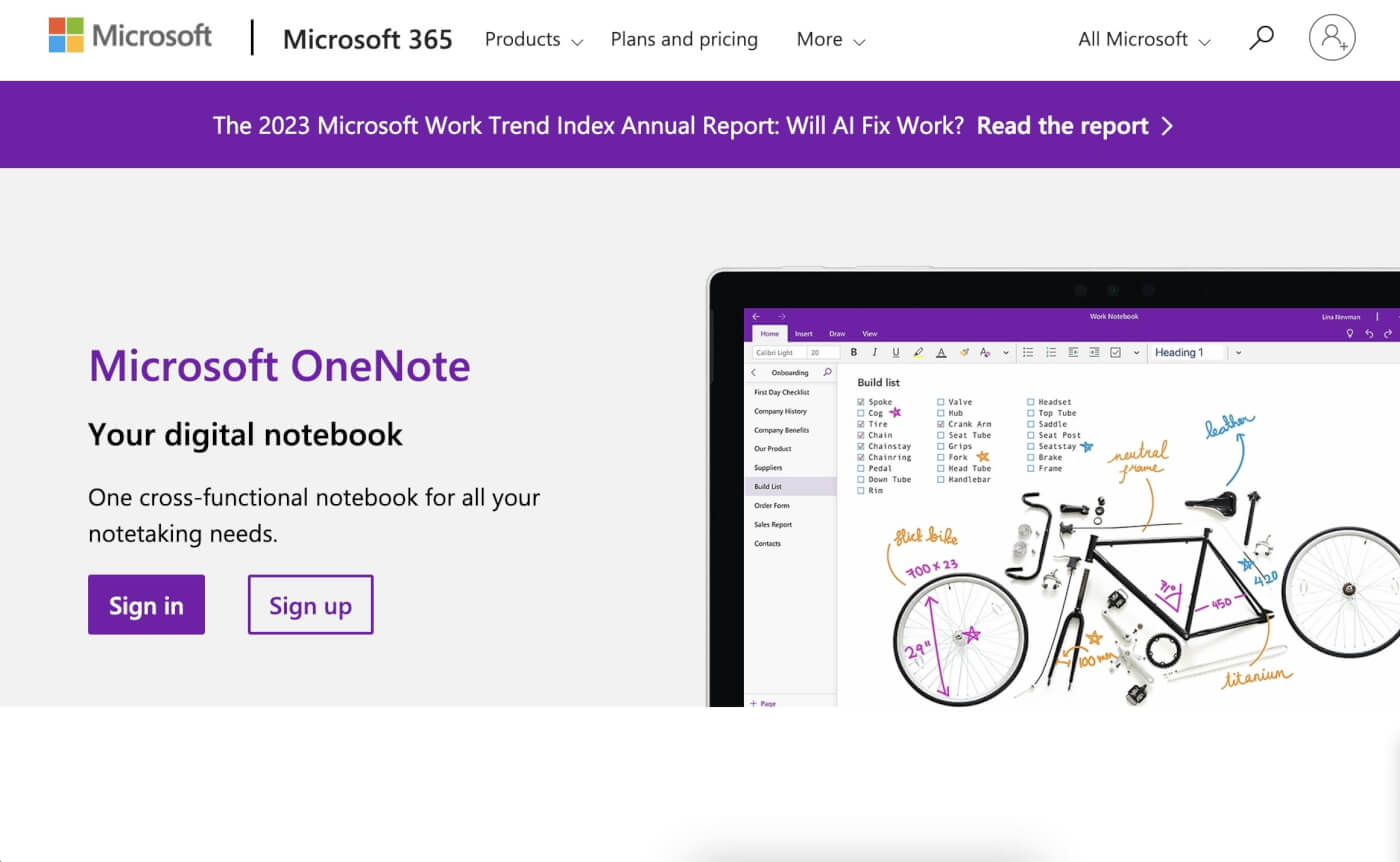
Part of the Microsoft 365 suite, Microsoft OneNote offers a flexible space for your note-taking and information organization needs. Think of it as your digital notebook where you can easily sort your thoughts, whether they're for personal reflection or professional planning. What makes OneNote stand out is its ability to handle a mix of content types—text, visuals, and even your handwritten notes come together seamlessly.
OneNote has a classic notebook-like interface, a good match for those who love jotting down business and personal notes by hand. Its ability to convert handwritten text into digital form is a standout, merging the traditional with the modern. This feature, along with tools for drawing makes OneNote a popular choice among diverse groups, from creatives to students.
OneNote integrates a range of AI features through Microsoft’s own 365 Copilot, enhancing the way you create and manage your notes. That includes document generation, text summarization, outlining, and even an AI chat.
🤖 AI Note-Taking Features in OneNote
Generating note summaries
Outlining and generating new content
Chat with AI Copilot to brainstorm and develop ideas
AI-powered content editing features
❌ OneNote Cons
- You need to take a deep dive into Microsoft 365 to get the full benefits
Notion
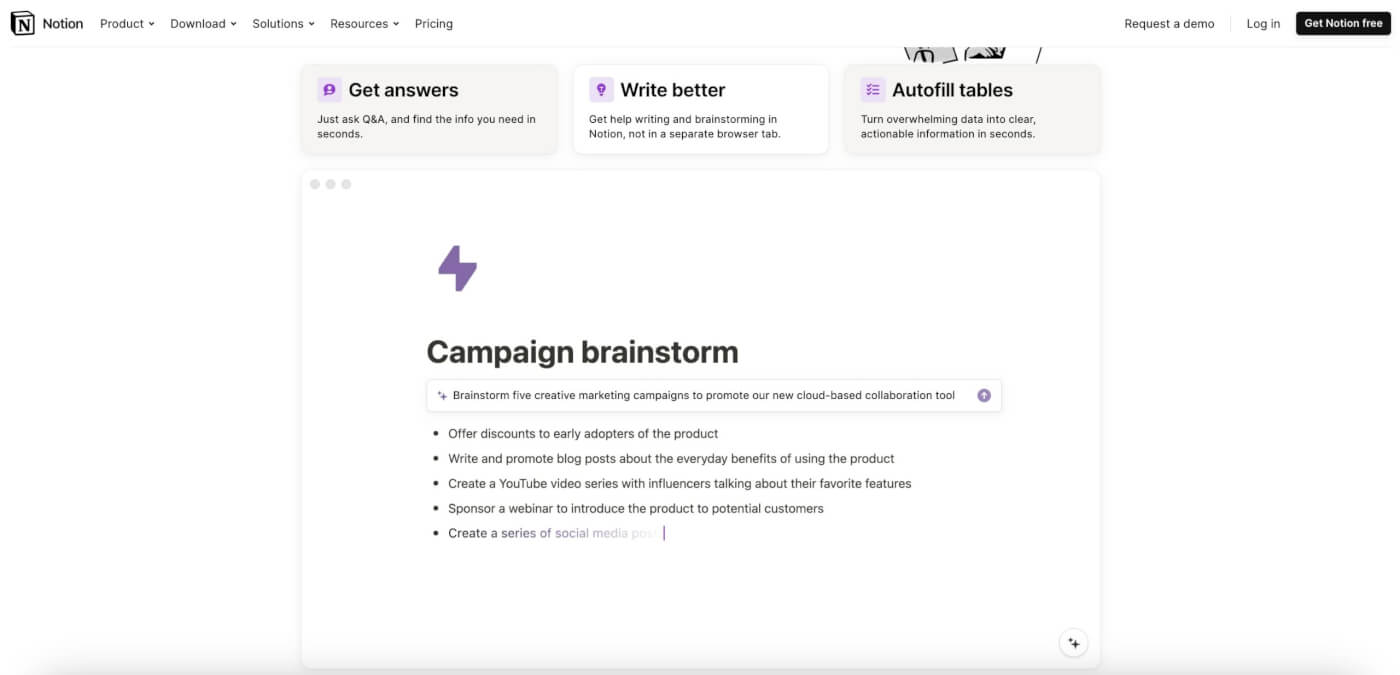
Notion is a customizable AI note-taking app that adapts to personal and professional note-keeping needs. Its straightforward interface, combined with a range of templates, simplifies the process of capturing and organizing notes. One of its standout features is the Notion AI, which significantly enhances note-taking efficiency.
Notion AI's capabilities extend to summarizing text, crafting outlines for blogs or emails, and translating between languages. The AI integration is particularly helpful for refining notes and extracting key insights. For instance, you can ask the AI to summarize information in a table or identify the main themes from a large set of data.
Notion AI can also transform existing content, making it more suitable for different contexts. It can adapt the tone of writing, check grammar and spelling, find synonyms, and even translate content into multiple languages. This makes it a valuable tool for anyone looking to streamline their note-taking process and improve the quality of notes.
🤖 AI Note-Taking Features in Notion
Summarizing long notes
Outlining and generating documents
Brainstorming and developing ideas with AI
Editing and refining notes with AI
❌ Notion Cons
- The number of features may be an overkill for simple note-taking needs
Mem.ai
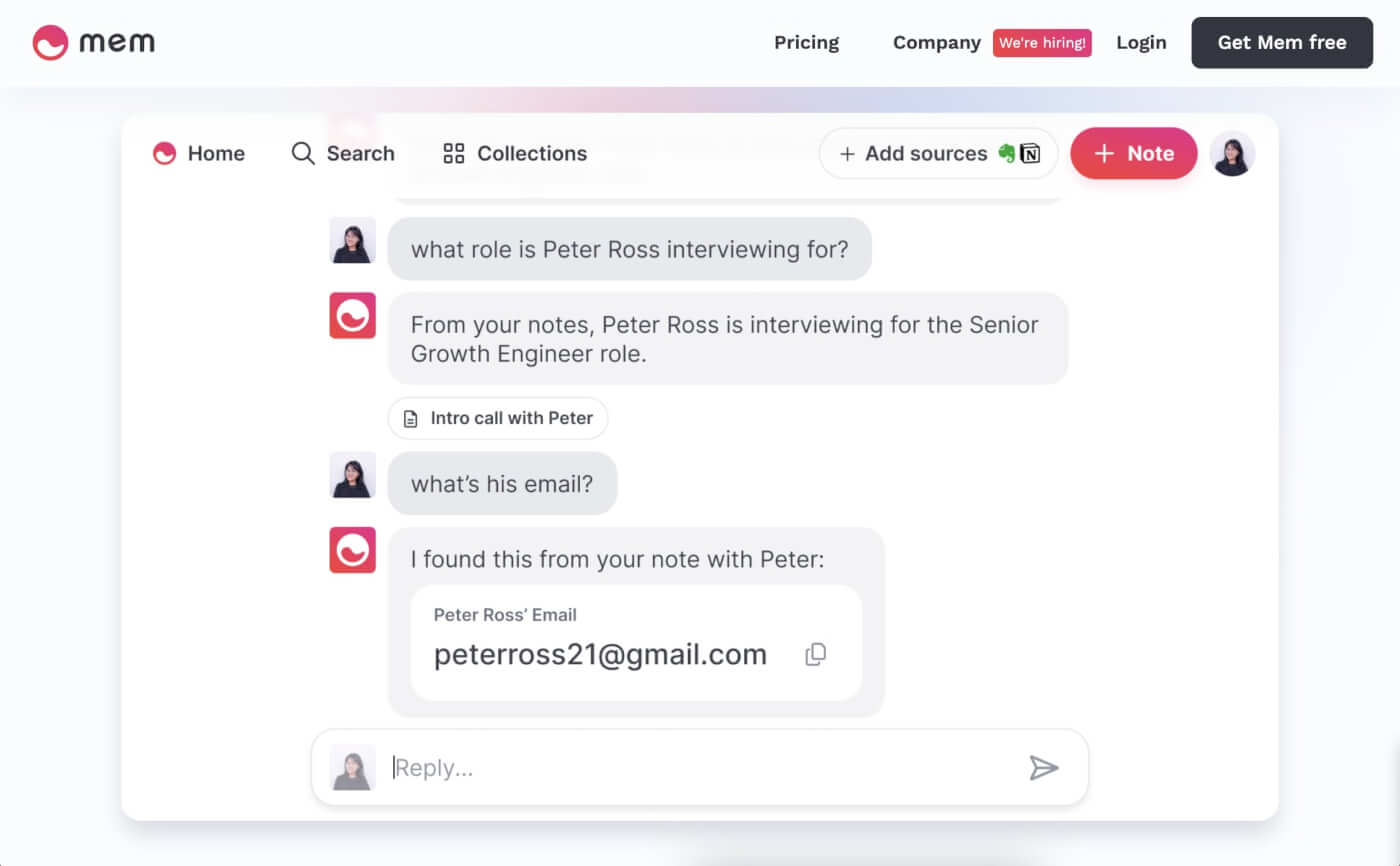
Mem.ai is an AI-powered note-taking tool designed to function as your "second brain," ideal for various types of work including notes and planning. Its AI features enhance the experience by allowing automatic tagging of notes, enabling natural language searches, and generating new text based on the knowledge accumulated in your workspace.
The app requires a bit of commitment to harness its power, as it works best when you fully integrate your habits and content. Once set up, Mem.ai provides a command center-like feeling, pulling up content without the need for manual searching. There can be a learning curve, though, and getting the most out of Mem requires an "all-in" approach.
Mem's unique approach to note-taking offers a fresh perspective on capturing, storing, and retrieving information. It's well-suited for individuals looking for an app that goes beyond traditional note-taking, providing a more integrated way to handle knowledge.
🤖 AI Note-Taking Features in Mem AI
Integrated AI Chat feature
MemX feature for discovering contextual insights
AI-powered search experience
Intelligent note tagging
❌ Mem AI Cons
- The non-traditional note-taking experience may require getting used to
Reflect Notes
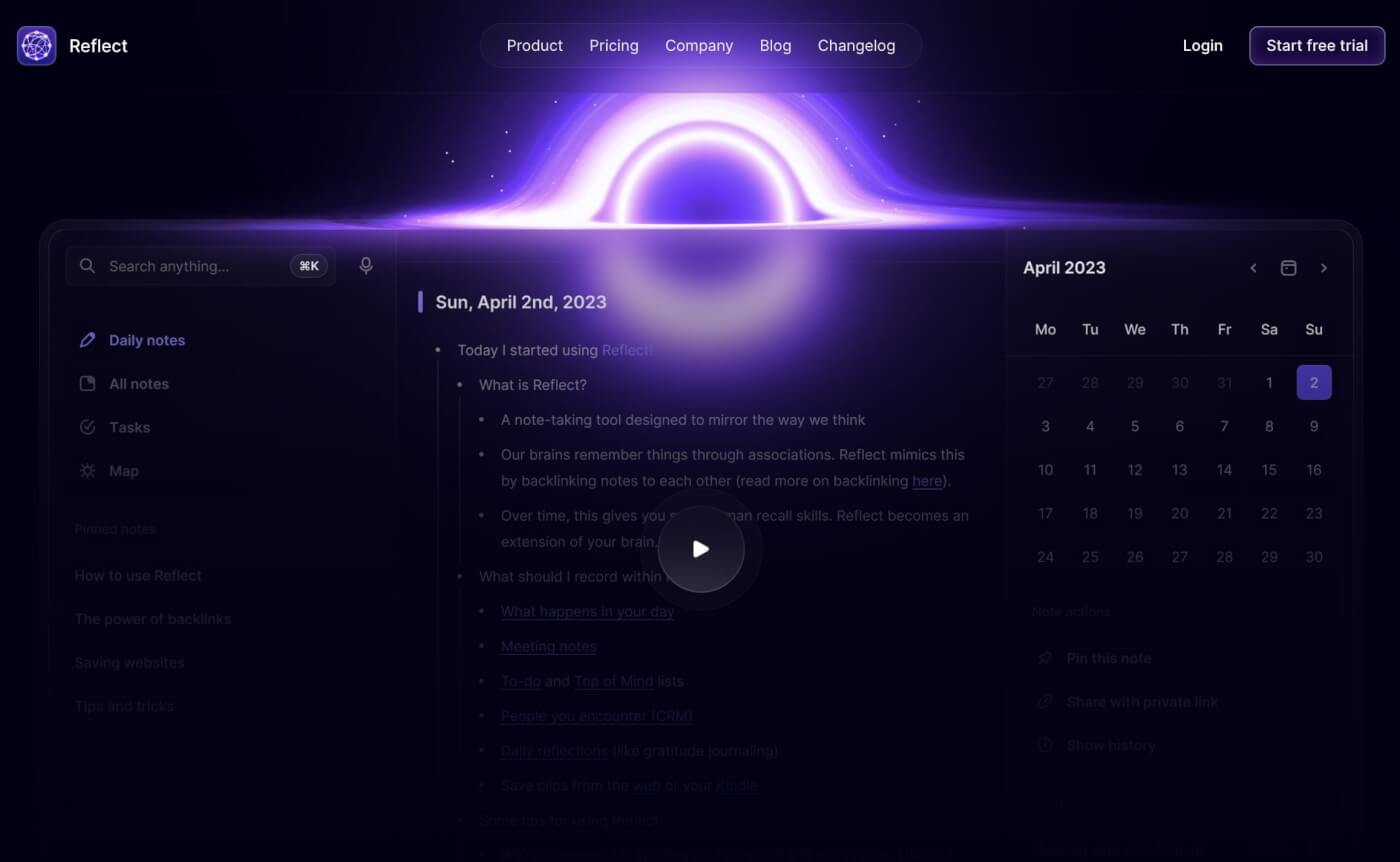
Reflect is an AI-powered note-taking app that mirrors the way your mind works by using backlinks to create a "second brain." This approach allows you to connect and search through your notes, making it easier to organize and find information. The app focuses on frictionless thought capture, enabling you to record ideas and tasks the easy way
The integration of AI in Reflect improves the note-taking and writing process. It allows you to highlight text and perform various transformations such as summarizing notes, fixing grammar, adjusting the tone, or extracting key points. Other features, powered by OpenAI's GPT models, include creative rewriting and generating counterarguments.
Reflect AI stands out for its ability to create more useful notes by generating summaries, outlines, and action lists. It helps in writing better by simplifying, rephrasing, and condensing your writing, along with fixing spelling and grammar errors. The AI can also act as an intellectual sparring partner, helping you generate more content faster.
🤖 AI Note-Taking Features in Reflect AI
OpenAI’s GPT-4 and Whisper
Transcribing voice notes
Generating outlines and notes
Extracting key takeaways and action items
Fixing grammar and spelling
❌ Reflect AI Cons
- Not available on Android devices
Craft
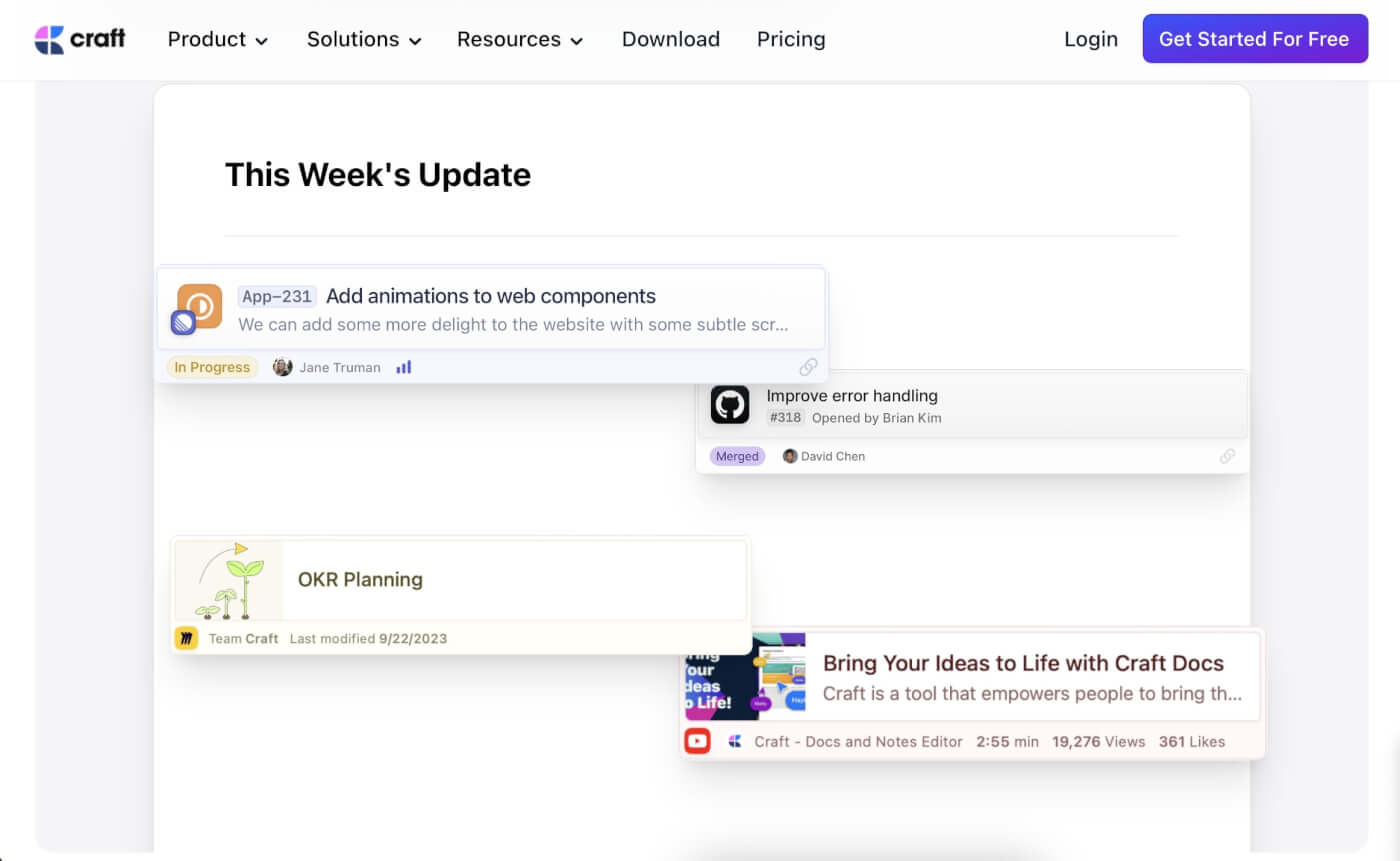
Craft is a modern note-taking app that blends style with functionality. Its appeal lies in how it caters to both personal and professional note-taking needs, offering a platform that's not just visually attractive but also efficient for organizing thoughts and ideas.
The app provides a user-friendly interface that simplifies the process of capturing and organizing notes. Craft allows for a high degree of customization in how you structure your notes, with features that support everything from quick memos to comprehensive project planning. This flexibility makes it suitable for a wide range of users, from students and freelancers to professionals managing complex projects.
A key feature of Craft is its AI integration, which adds a layer of intelligence to the note-taking process. The AI Assistant in Craft helps to summarize updates, check spelling and grammar, and even generate ideas. This AI functionality is particularly useful for refining notes, extracting key insights, and enhancing productivity. It's like having an intelligent partner that not only stores your thoughts but also helps process and improve them.
🤖 AI Note-Taking Features in Craft
Generating content ideas
Creating documents from scratch
Writing summaries and distilling key takeaways
Smart rewrites and tone adjustment
Fixing spelling and grammar
❌ Craft Cons
- Limited features for free accounts
Evernote
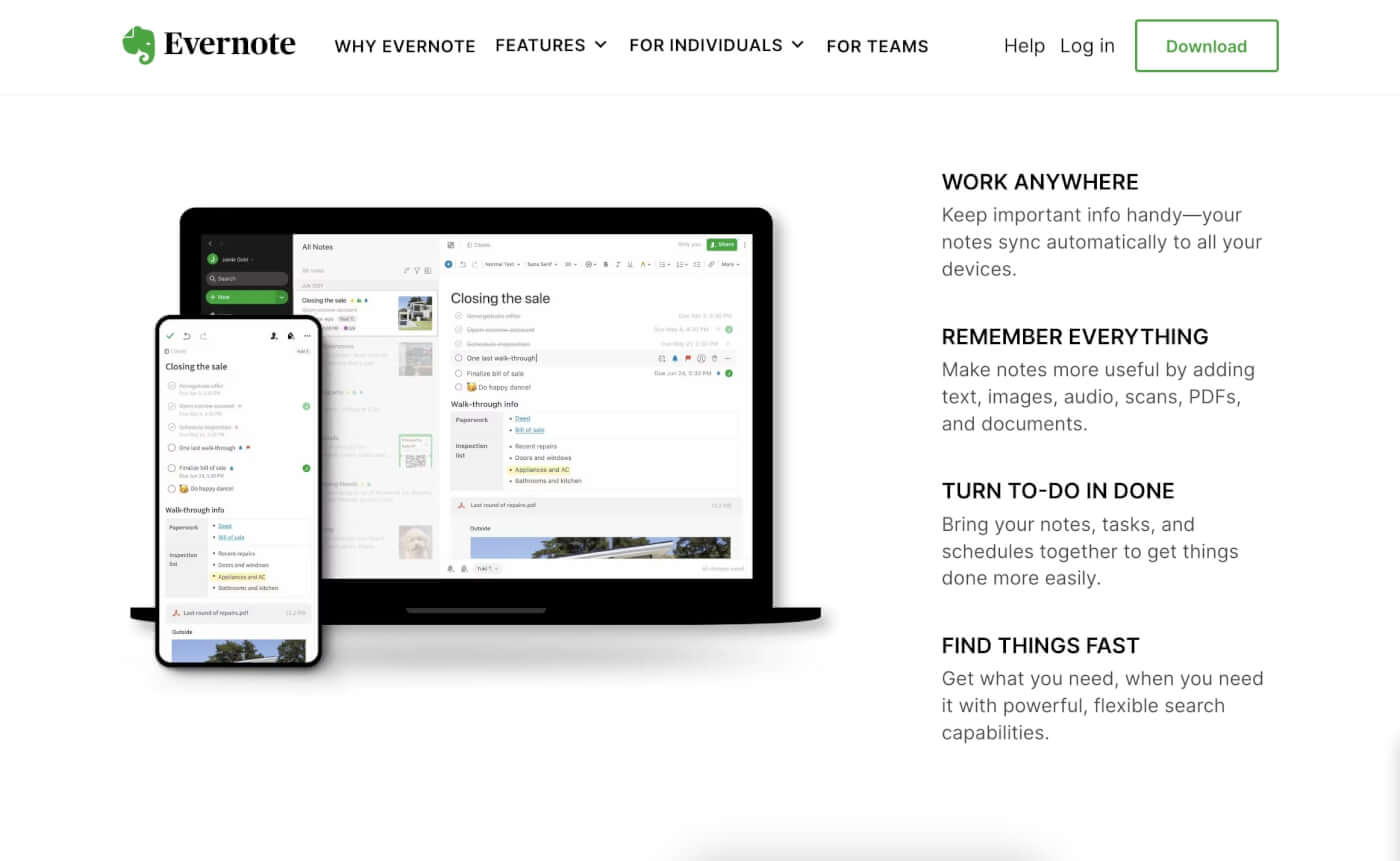
Evernote is a long-standing player in the note-taking app arena, recognized for its comprehensive features that cater to a diverse range of note-taking styles. It's a popular choice for users who value organization and the ability to access notes from anywhere.
At its core, Evernote excels in helping users capture thoughts and ideas in various formats — whether it's text, images, or voice notes. The app's organizational tools, including notebooks and tags, make it easy to keep track of notes. This is especially beneficial for professionals managing multiple projects, students juggling notes for different subjects, or anyone who needs to keep their thoughts well-ordered.
While Evernote has traditionally focused on note-taking and organization, recent updates have started to incorporate AI elements. The new AI features aim to streamline tasks such as note cleanup, summarization, and organization. However, Evernote's approach to AI is more about enhancing the user experience rather than transforming the core workflow.
🤖 AI Note-Taking Features in Evernote
AI-powered note cleanup
Intelligent note search
❌ Evernote Cons
- Limited AI features compared to other tools in the category
Tana
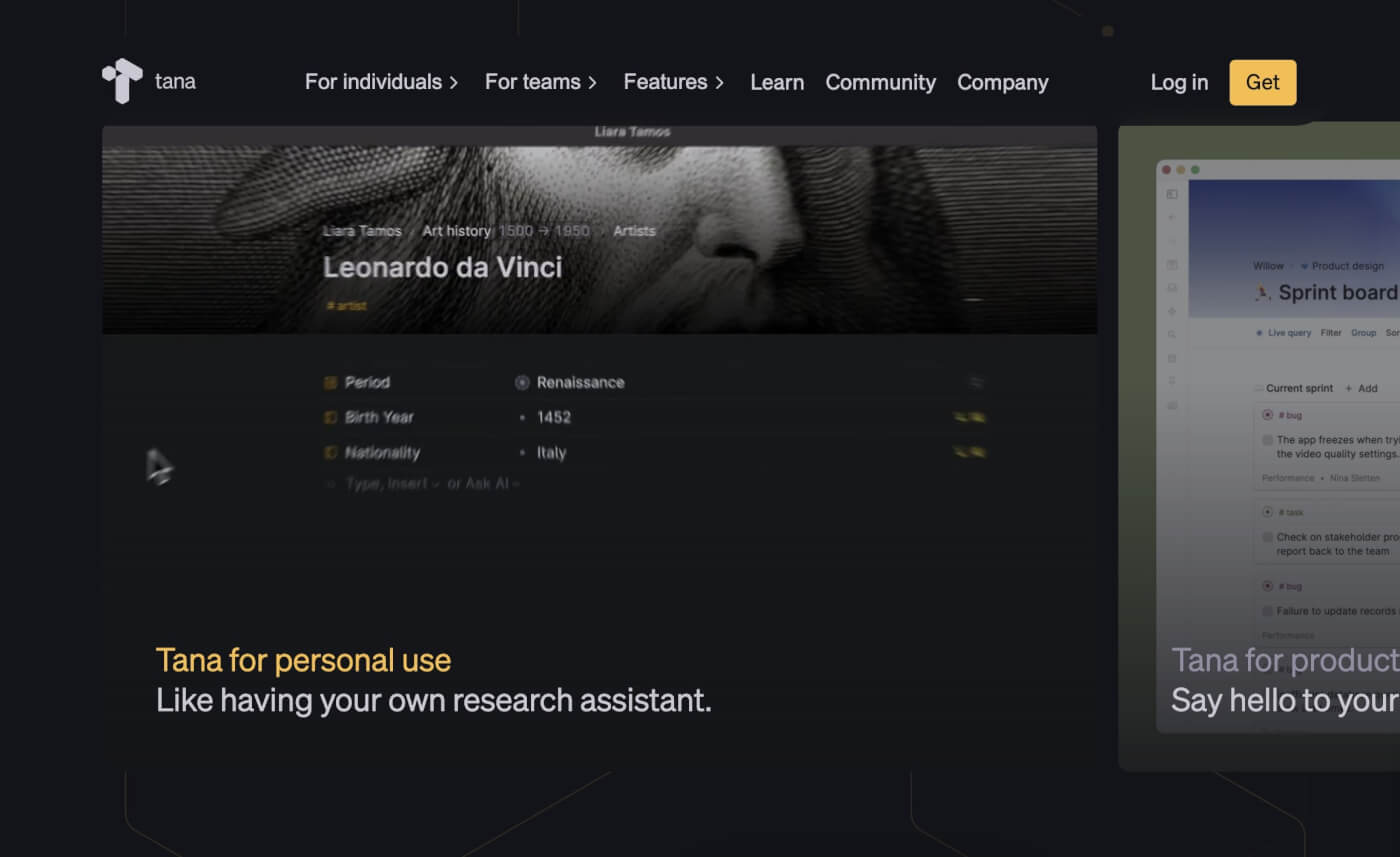
Tana is an AI-powered note-taking and task-management tool that aims to transform the way you organize and interact with your information. Positioned as a workspace where tasks and notes coexist, Tana stands out for its ability to capture the interconnectedness of your ideas and tasks, replicating the complexity of human thought.
At the heart of Tana is its emphasis on connections and context. Unlike traditional note-taking apps, Tana enables you to link tasks and notes in a way that reflects how these elements naturally relate to each other in your mind. This interconnected approach helps in creating a more intuitive and comprehensive workspace.
The AI integration in Tana plays a crucial role in enhancing its functionality. The AI assists in automatically categorizing information and suggesting connections between different pieces of data. This feature is particularly useful for managing large amounts of information, as it helps to surface relevant notes and tasks based on context.
🤖 AI Note-Taking Features in Tana
Smart tagging and search
Answering questions and generating content
Organizing related content with Supertags
Autofill feature
❌ Tana Cons
- Support for mobile devices could be better
👋 Parting Words
In the realm of AI note-taking apps, simplicity meets sophistication. After exploring various options, one thing is clear: the best tools are more than digital notepads. They are seamless extensions of your thought process, enhancing productivity without noise.
In the end, it's not just about taking notes; it's about making every word count. 📝✨
So, what are you waiting for?
Sign up and take smarter notes with Taskade AI 🐑
Frequently Asked Questions About AI Note-Taking
Is there an AI that can take notes?
Yes, there are several AI tools that can take notes for you. Apps like Taskade utilize advanced large language models (LLMs) to speed up outlining, making it easier to organize your notes. Beyond outlining, AI-powered tools can transcribe meetings, highlight key points, and generate summaries. They also help with organizing tasks, setting reminders, and even collaborating with others in real-time. Using AI note-taking tools can simplify your workflow and ensure that you never miss an important detail.
What is the best AI for taking notes in meetings?
The best AI tool for taking notes in meetings is one that seamlessly integrates with your existing workflow. Some of the key features to consider include the ability to quickly structure and develop ideas, highlight critical points, and generate concise summaries. Taskade is an excellent option that not only excels at note-taking but also integrates smart project management features.
