






Your content is piling up. YouTube videos to repurpose. Blogs to track. Industry news you never have time to read. Taskade now handles it all — monitor channels, transcribe videos, summarize feeds, and repurpose content. One prompt. One app. One living workspace. Start building →
TL;DR: New YouTube and RSS automation triggers let you monitor channels, transcribe videos, aggregate feeds, and build full content pipelines — all on autopilot. Chain with AI agents and 100+ integrations. Try it free →
📺 YouTube New Video Trigger
Monitor multiple YouTube channels at once. When a new video drops, your automation fires. No manual checking, no missed uploads. Learn more →
What you get:
- 📺 Multiple Channels — Monitor many channels with one trigger
- 🔗 Channel URLs — Just paste YouTube channel links
- 📄 Video metadata — Title, description, URL, thumbnail
- ⚡ Instant trigger — Fires as soon as a new video is detected
This is the foundation for every content repurposing workflow. New video drops → your automation kicks in → content flows into your workspace automatically.
▶ Build Your YouTube Automation
📝 YouTube Transcribe & Import
Turn any YouTube video into searchable text. Transcribe automatically, then let AI do the rest — summarize it, pull out key points, or spin it into something new. Learn more →
What you get:
- 📝 Transcribe Video — Convert speech to text automatically
- 📊 Summarize Outline — AI creates structured summary
- 📦 Import to Project — Save transcripts as project content
- 🤖 Chain with AI — Feed transcript to any AI agent action
Pair this with the New Video trigger for fully autonomous pipelines. A 30-minute podcast becomes a blog draft, a set of social clips, and a knowledge base entry — without you lifting a finger.
🤖 Build AI-powered apps with Taskade Genesis — Train agents, automate workflows, and deploy live apps from a single prompt. No code required.
🧠 15+ AI Models from OpenAI, Anthropic, and Google — choose the right model for every task.
🎬 Watch: Automate Content Creation
📰 Multiple RSS Feeds Trigger
Monitor multiple RSS feeds with a single trigger. Blogs, news sites, podcasts — aggregate, process, and repurpose automatically. Learn more →
What you get:
- 📰 Multiple Feeds — Add unlimited RSS feed URLs
- 📋 Item data — Title, link, description, publish date
- 🔍 Content extraction — Full article text when available
- 🔴 Real-time monitoring — Fires when new items appear
Stop checking bookmarks. Your automations watch the web for you and pipe everything into your workspace — filtered, summarized, and ready to act on.
⚡ What You Can Automate
Mix and match YouTube, RSS, AI Agents, and your tools. Here are six pipelines you can build today:
- Video to blog — YouTube → Transcribe → Ask AI → Saved to project
- Social clips — YouTube → Transcribe → AI summary → LinkedIn post
- Research hub — RSS feeds → AI summarize → Knowledge base
- Competitor intel — RSS blogs → AI insights → Tasks
- Newsletter curation — RSS + YouTube → AI curate → Draft
- Podcast notes — YouTube → Transcribe → AI takeaways → Slack
All of these come pre-built in Taskade Genesis. Or generate your own in minutes. Clone ready-made apps from the Community Gallery:
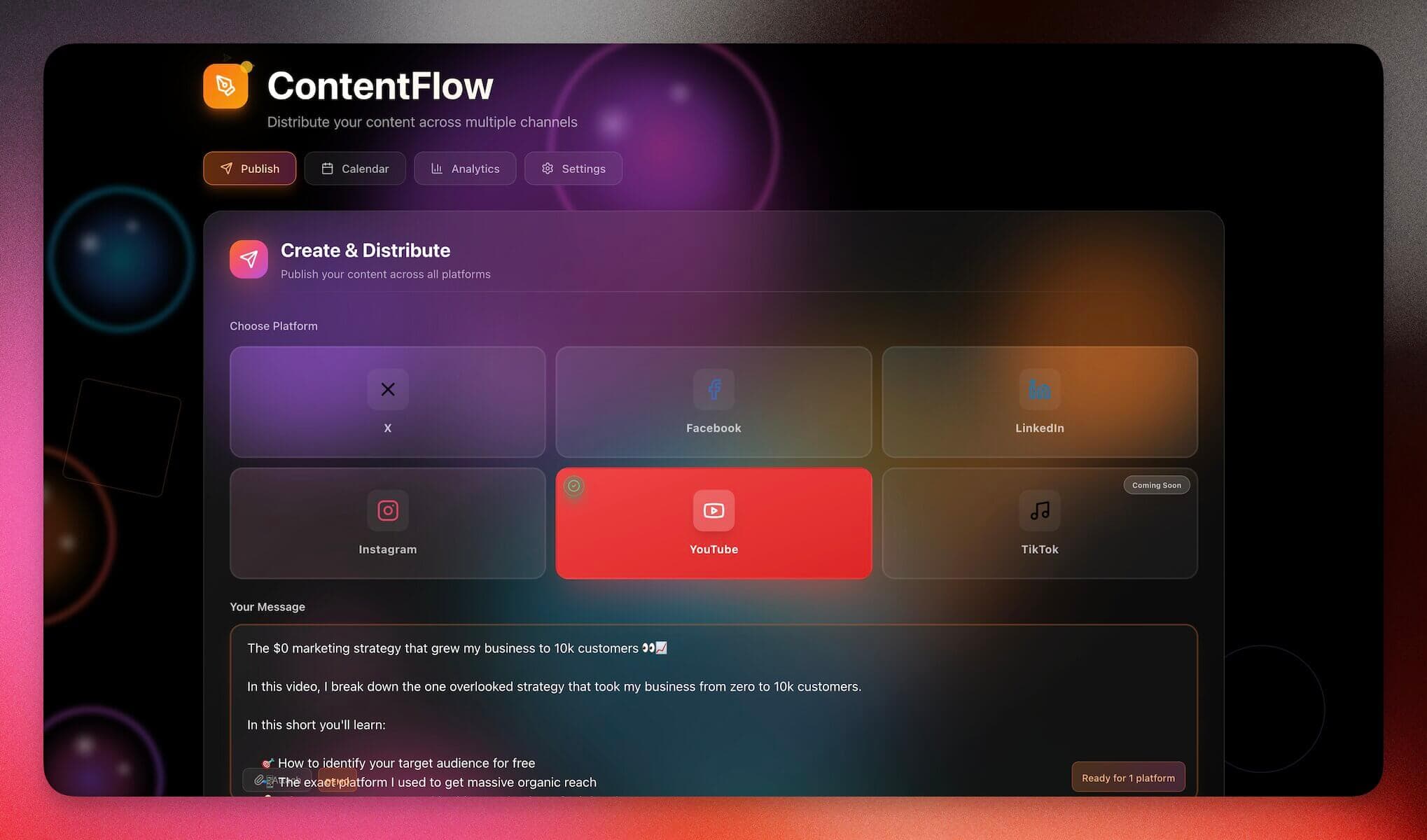
- 📦 Multi-Platform Publisher Dashboard — Build and publish content across YouTube, LinkedIn, and Twitter/X
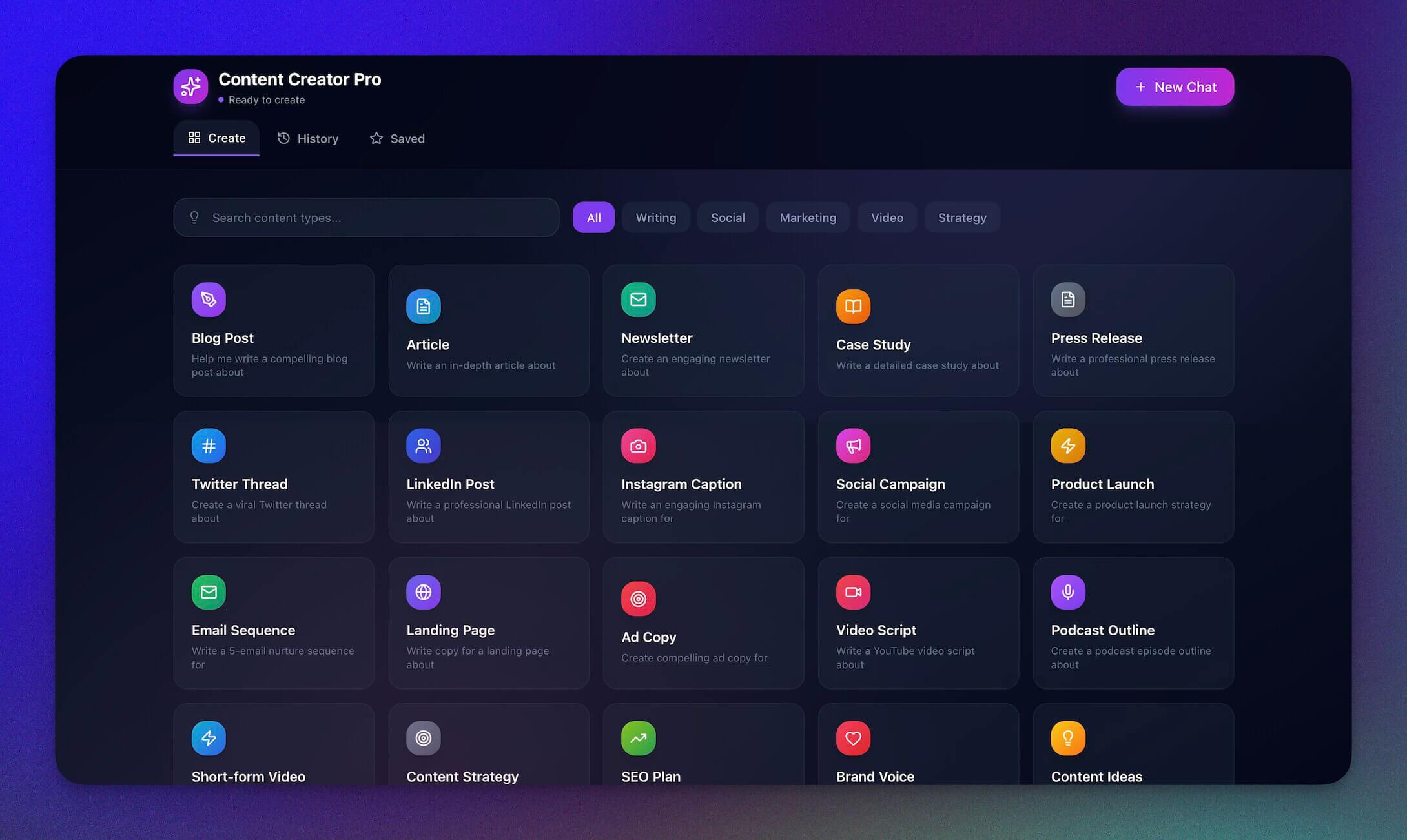
- 🤖 Content Agent Chatbot — An AI agent that chats and updates your content library
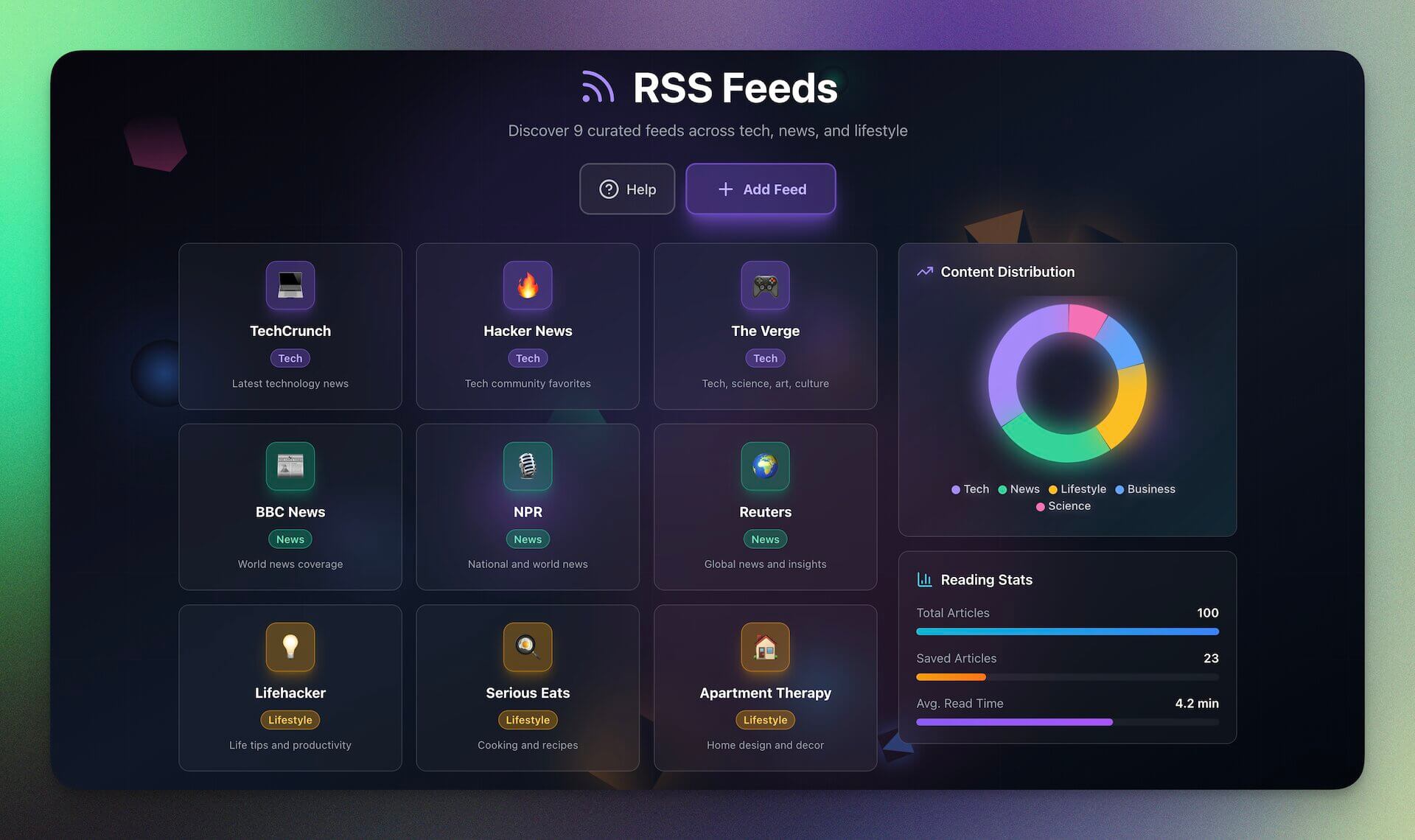
- 📰 RSS-Feed Inbox Tool — Aggregate RSS feeds with personalized AI summaries
🔌 100+ Tools. One Unified Workspace.
YouTube and RSS are just the start. Taskade connects your entire stack — communication, storage, eCommerce, and more. Trigger automations from any tool and send results anywhere.
Connect to tools you already use: Slack, Gmail, Google Drive, GitHub, LinkedIn, Stripe, Shopify, Calendly, HubSpot, WordPress, and 100+ more →
🌱 Your Workspace, Alive
Every update makes your workspace more powerful. AI Agents think and act. Projects remember and learn. Automations power your workflows 24/7.
This is Workspace DNA — Memory, Intelligence, and Execution in one living workspace.
🐑 Build with Taskade Genesis — The AI-powered workspace where agents think, projects remember, and automations execute.
🤖 Custom AI Agents — built-in tools, persistent memory, 15+ models
🧠 Multiple Project Views — List, Board, Calendar, Table, Mind Map, Gantt, Org Chart
⚡ 100+ Integrations — Slack, Gmail, Shopify, Stripe, and more
💬 Frequently Asked Questions
How does the YouTube New Video trigger work in Taskade?
The YouTube New Video trigger monitors multiple YouTube channels simultaneously. When a new video is detected, your automation fires instantly — capturing the title, description, URL, and thumbnail as structured data. Just paste channel URLs and your workflow runs on autopilot.
Can Taskade transcribe YouTube videos automatically?
Yes. The Transcribe Video action converts speech to text automatically. You can then chain it with AI agent actions to summarize, extract key points, or repurpose the transcript into blog posts, social clips, or project notes. All transcripts are saved as searchable project content.
How does the RSS feed trigger work?
The RSS trigger monitors multiple feed URLs with a single automation. When new items appear, it captures the title, link, description, publish date, and full article text when available. It fires in real time — no polling delays.
What content pipelines can I build with Taskade automations?
You can build video-to-blog pipelines, social clip generators, research hubs, competitor intelligence feeds, newsletter curators, and podcast note extractors by combining YouTube, RSS, AI agents, and 100+ integrations. Each pipeline is a Taskade Genesis app you can share or sell.
How many integrations does Taskade support?
Taskade supports 100+ integrations across 10 categories including communication (Slack, Discord), email (Gmail), CRM (HubSpot), payments (Stripe, Shopify), development (GitHub), storage (Google Drive, Dropbox), and more. All integrations work as automation triggers and actions.