






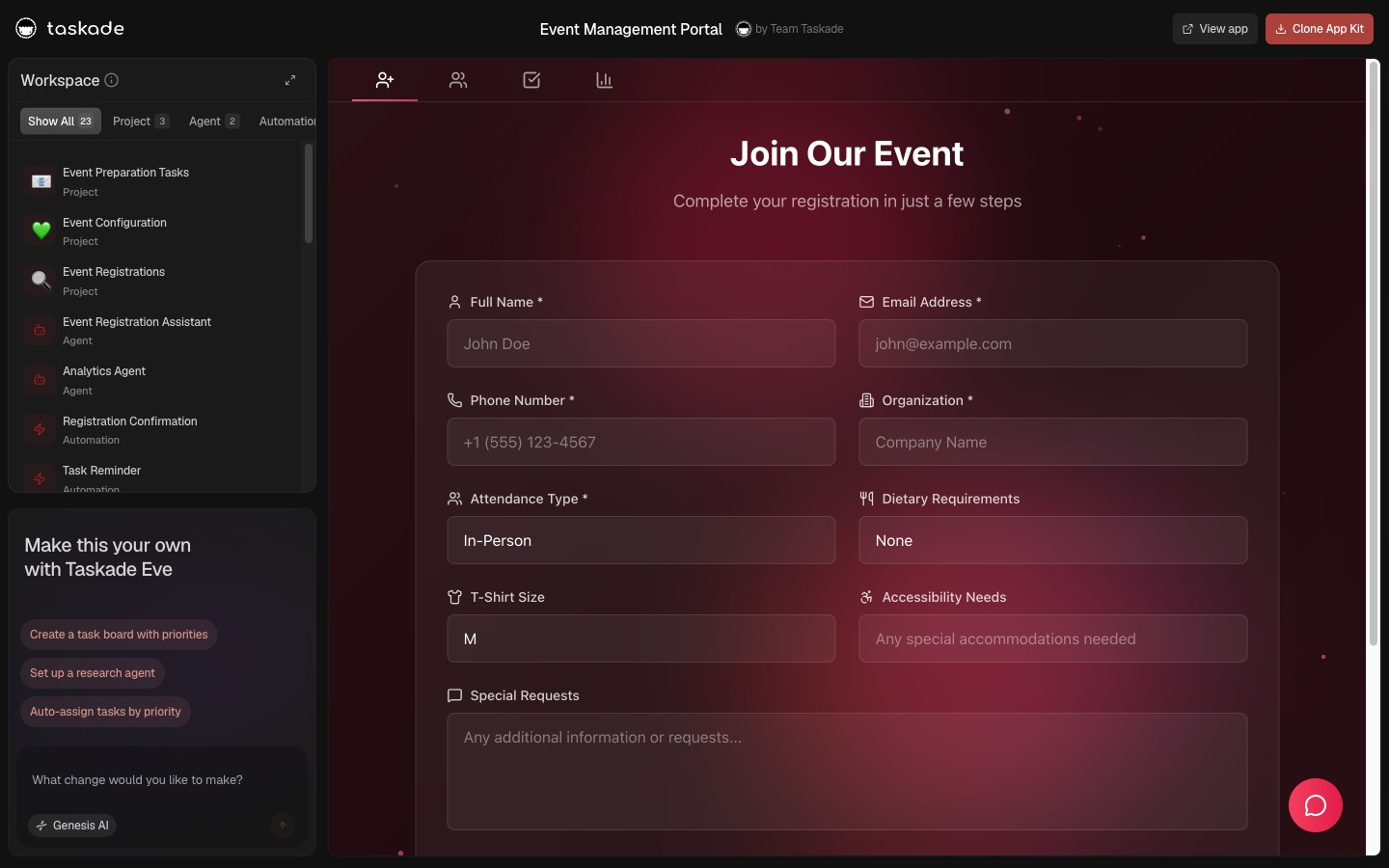
In 2024, "AI app builder" was the entire category. Bolt.new, Lovable, v0 by Vercel, Cursor, Replit Agent, Windsurf, all of them shipped code. You typed a prompt, you got React. You deployed it somewhere. You maintained it.
By 2026, a second category emerged: AI workspace builders. The output isn't code. It's a living system inside a workspace. Memory, agents, automations, real-time collaboration all wired by default.
This is the category split.
TL;DR: AI app builders ship code (Bolt, Lovable, v0, Cursor). AI workspace builders ship working systems (Taskade Genesis). The seven differences that matter, the platforms that fit each category, and the migration path from one to the other. Clone any of 78 live workspace-built apps to see the workspace-native pattern firsthand.
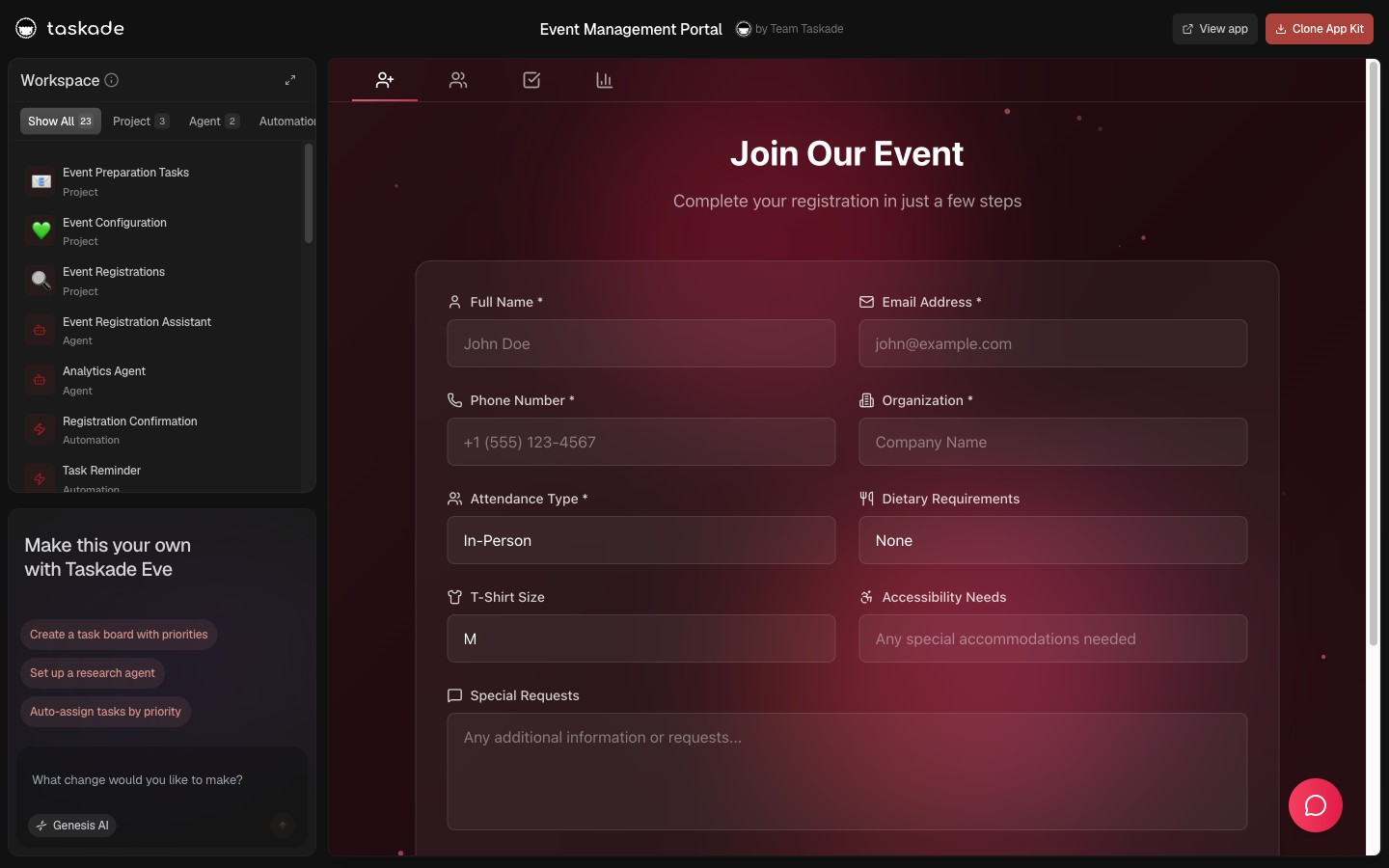
What Changed in 2026
In 2024, code-generation was hard, and the differentiating skill was getting an LLM to produce deployable React. By 2026, code-generation is solved, frontier models output working frontends reliably. The differentiating skill moved to what happens AFTER deploy: does the app participate in a workspace, or does it sit alone? Does it remember? Does it act?
Two reasons the split is happening now:
- Deployment is cheap. Generation made it cheap. The new hard part is operational embedment.
- Non-developers are the new builders. They don't want a repo; they want a working system that other team members can use the same day.
The Seven Differences That Matter
1. Deployment vs Operational Embedment
App builders end at deploy. The CI pipeline runs, the app goes live, you're done. Workspace builders begin at deploy, the live app participates in the workspace's memory + agents + automations loop from minute one.
2. Static Output vs Living System
The app builder output is static, same UI, same data shape until you re-deploy. The workspace builder output is alive, agents read live data, automations fire on events, humans co-edit projects in real time.
3. Codebase vs Workspace DNA
App builders give you a Git repo. Workspace builders give you a workspace. The repo is dead weight without engineers; the workspace is operational the day it ships.
4. Engineer-Owned vs Operator-Owned
App builder outputs require ongoing engineering. Workspace builder outputs require ongoing operator attention. Different team-cost profiles entirely.
5. Sequential vs Continuous
App builders: build → deploy → maintain. Three distinct phases with handoffs. Workspace builders: build = deploy = operate. One continuous activity.
6. Generative Output vs Self-Updating
App builders generate output once. Workspace builders generate output continuously as the workspace data evolves.
7. Standalone vs Integrated
App builder outputs run alone. They have no concept of "the rest of the team's work." Workspace builder outputs run inside a workspace that already has the team's projects, knowledge, agents, and automations.
The Tools, Categorized
AI App Builders (code-generating)
| Platform | Strength | Output |
|---|---|---|
| Bolt.new | Full-stack code gen | Next.js apps |
| Lovable | Frontend code gen | React/Vue/Svelte |
| v0 by Vercel | UI components | shadcn/ui components |
| Cursor | IDE-resident editing | Per-file edits |
| Replit Agent | Replit-native projects | Replit projects |
| Windsurf | Cascade editing | IDE refactors |
AI Workspace Builders (workspace-native)
| Platform | Strength | Output |
|---|---|---|
| Taskade Genesis ★ | Memory + Agents + Automations | Live cloneable workspace apps |
| Notion AI | Workspace-aware AI | Chat scoped to docs |
| ClickUp Brain | Workspace-aware AI | Chat scoped to projects |
| Dust | Multi-LLM workspace chat | Read-mostly assistants |
| Glean Agent Builder | Enterprise workspace agents | Read-mostly assistants |
★ Only platform implementing all seven workspace-native criteria. See Workspace-Native AI Agents for the full test.
Deep Dive: What Each Tool Actually Ships
The categorization is clean. The actual ship surfaces are different. Here is what you walk away with when each tool says "done."
AI App Builders (code-generating cohort)
| Tool | What you walk away with | What you wire next | Time to "live for a non-developer" |
|---|---|---|---|
| Bolt.new | Next.js codebase + Bolt-hosted preview URL | Custom domain, auth provider, database persistence, ongoing maintenance | hours-to-days |
| Lovable | React/Vue/Svelte code + Lovable-hosted URL | Same as Bolt | hours-to-days |
| v0 by Vercel | shadcn/ui components | The entire app around the components | days |
| Cursor | Per-file edits to your existing codebase | Everything (it's an editor, not a builder) | n/a (developer tool) |
| Replit Agent | A Replit project | Replit-hosting maintenance, custom domain, scale-up | hours-to-days |
| Windsurf | Cascade-driven IDE edits | Same as Cursor | n/a (developer tool) |
Common pattern: the code generator hands you a generated artifact and stops. You own everything after that, deployment, hosting, custom domain, auth, persistence, scale, maintenance.
AI Workspace Builders (workspace-native cohort)
| Tool | What you walk away with | What you wire next | Time to "live for a non-developer" |
|---|---|---|---|
| Taskade Genesis ★ | Live workspace app at taskade.com/share/apps/{id} with Memory + Agents + Automations wired |
Optional: custom domain, GenesisAuth sign-in (both built-in toggles) | minutes |
| Notion AI | Chat scoped to existing Notion workspace docs | Read-only assistant — no execution layer to wire | minutes (but no app) |
| ClickUp Brain | Chat scoped to ClickUp tasks/docs | Read-only assistant | minutes (but no app) |
| Dust | Multi-LLM assistants over corpora | Read-only — no execution | minutes (but no app) |
| Glean Agent Builder | Enterprise search-grounded agents | Read-mostly enterprise tool | days (enterprise rollout) |
★ Only platform shipping a live cloneable app (not a chat scoped to data). See the workspace-native seven-test criteria for what separates Taskade Genesis from "workspace-aware" tools.
Why the Category Split Now (And Not Earlier)
The split happened in 2026 for the same reason every category split happens: the constraint moved.
| Year | Hard constraint | What was easy | What was hard |
|---|---|---|---|
| 2020 | Frontend code | Designing the UI | Writing the React |
| 2022 | Backend logic | Drag-and-drop builders | Wiring a database |
| 2024 | LLM reasoning | API calls | Getting reliable structured output |
| 2026 | Workspace integration | Code generation (LLMs solved it) | Making the deployed app participate in the work |
App builders won 2024 because code generation was the hard part. Workspace builders win 2026 because the hard part is what happens after deploy. The new hard part is shared memory, real-time collaboration, automation triggers, role-based access, exactly what Workspace DNA productizes.
Side-by-Side: Build a Customer Portal
   App Builder Path (Bolt / Lovable)              Workspace Builder Path (Taskade Genesis)
   ──────────────────────────────────              ──────────────────────────────────────────
   1. Prompt → React code                          1. Prompt → live portal
   2. Configure auth provider                       2. Sign-in built in (GenesisAuth)
   3. Wire database                                 3. Project IS the database
   4. Deploy to Vercel/Netlify                      4. Already live at /share/apps/...
   5. Set up custom domain                          5. Custom domain in settings
   6. Add team via SSO                              6. RBAC built in
   7. Engineer maintenance loop                    7. Operator-only loop   Total: 4-8 hours + ongoing eng time             Total: 20-30 minutes, operator-owned
How Workspace DNA Makes the Difference
┌──────────────────────────────────────────────────────────────────┐
│  ▲ MEMORY              ■ INTELLIGENCE        ● EXECUTION         │
│  ──────────            ───────────────       ─────────────       │
│  Projects              AI Agents v2          Automations         │
│  Custom fields         15+ frontier models   100+ integrations   │
│  Knowledge base        34 built-in tools     Bidirectional       │
│  7 project views       Persistent memory     Reliable workflows  │
└──────────────────────────────────────────────────────────────────┘
The shift is from dead artifacts to living systems. Read the full Workspace DNA explanation for the seven-test criteria.
A Live Workspace-Built App You Can Clone
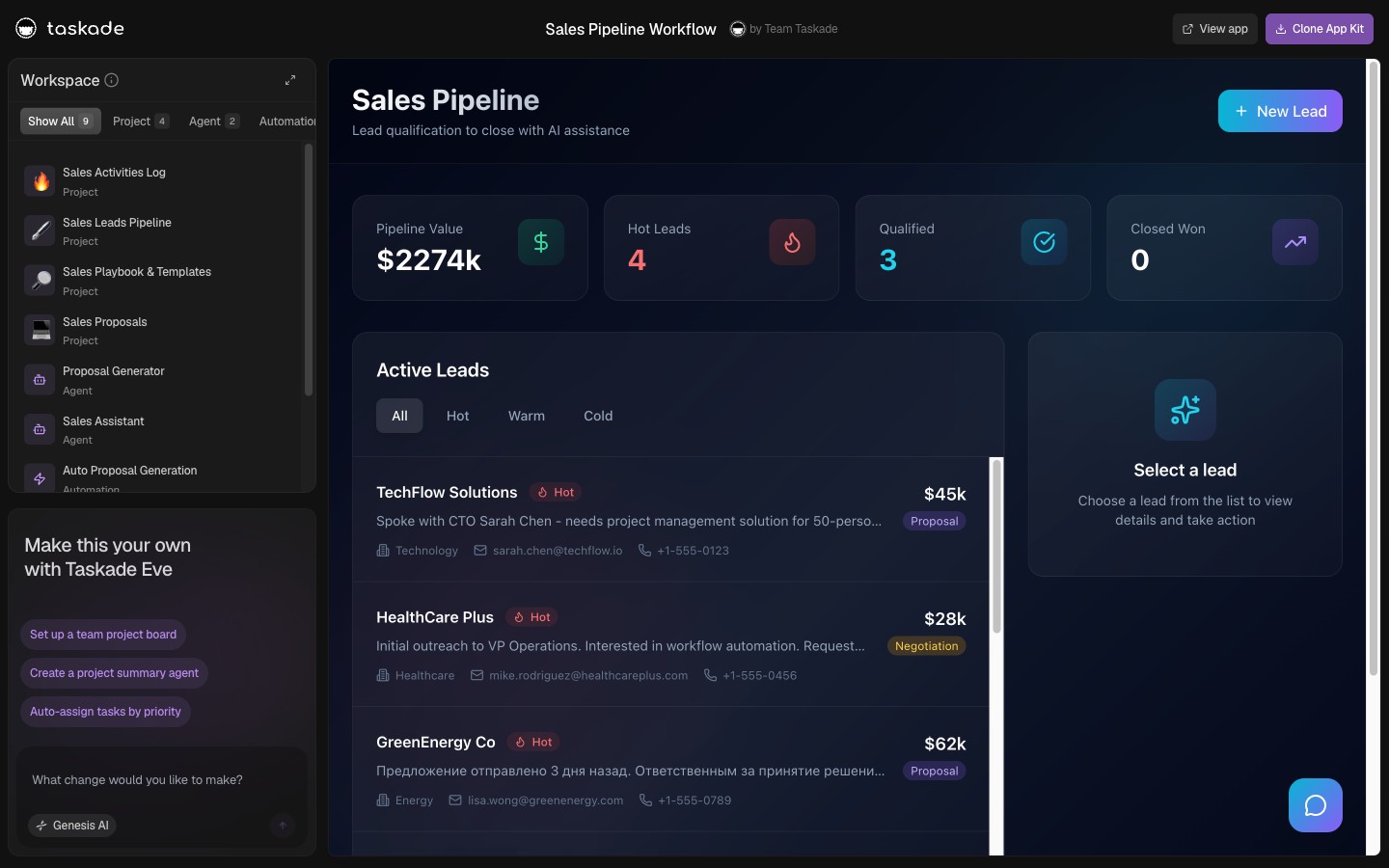
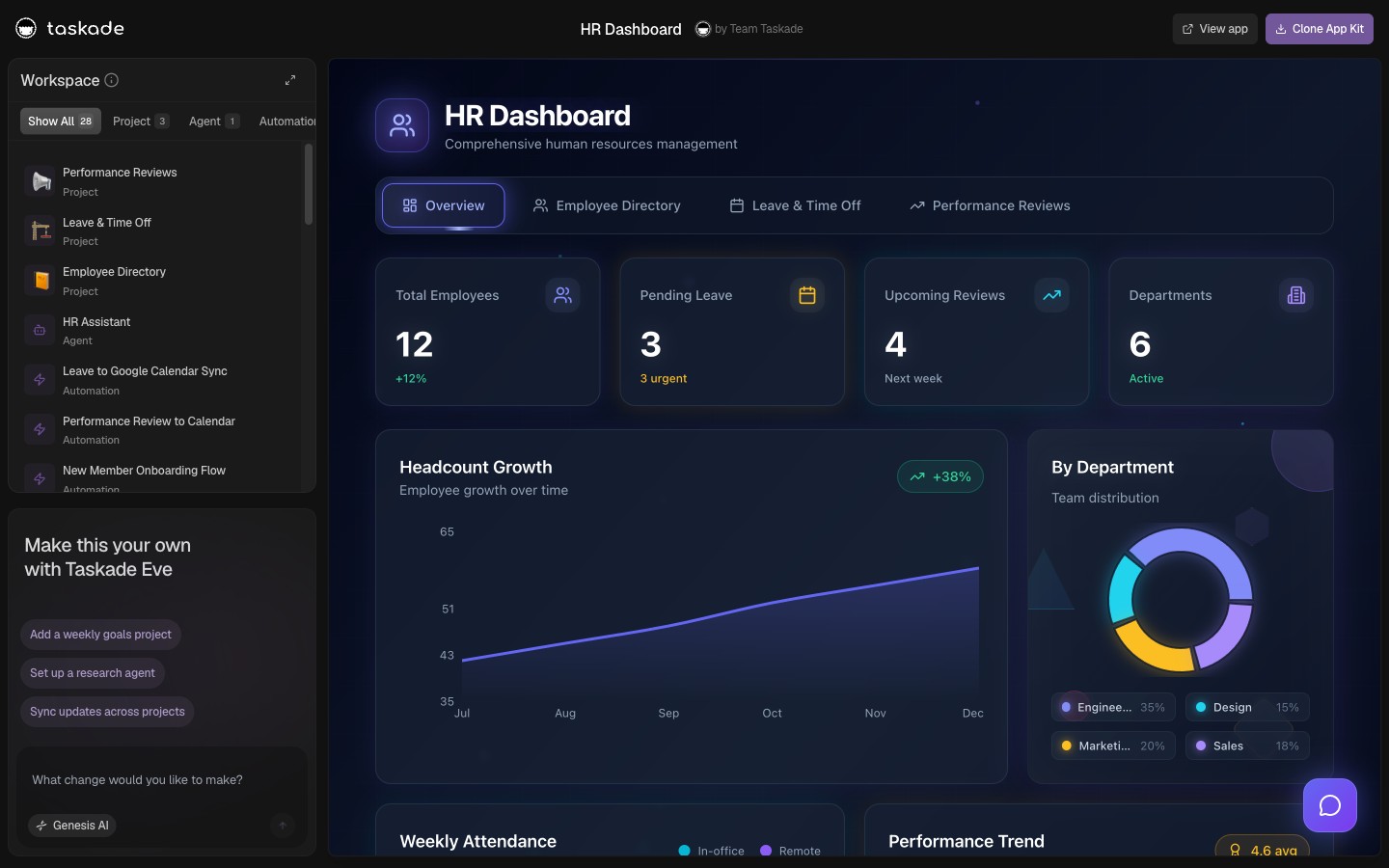
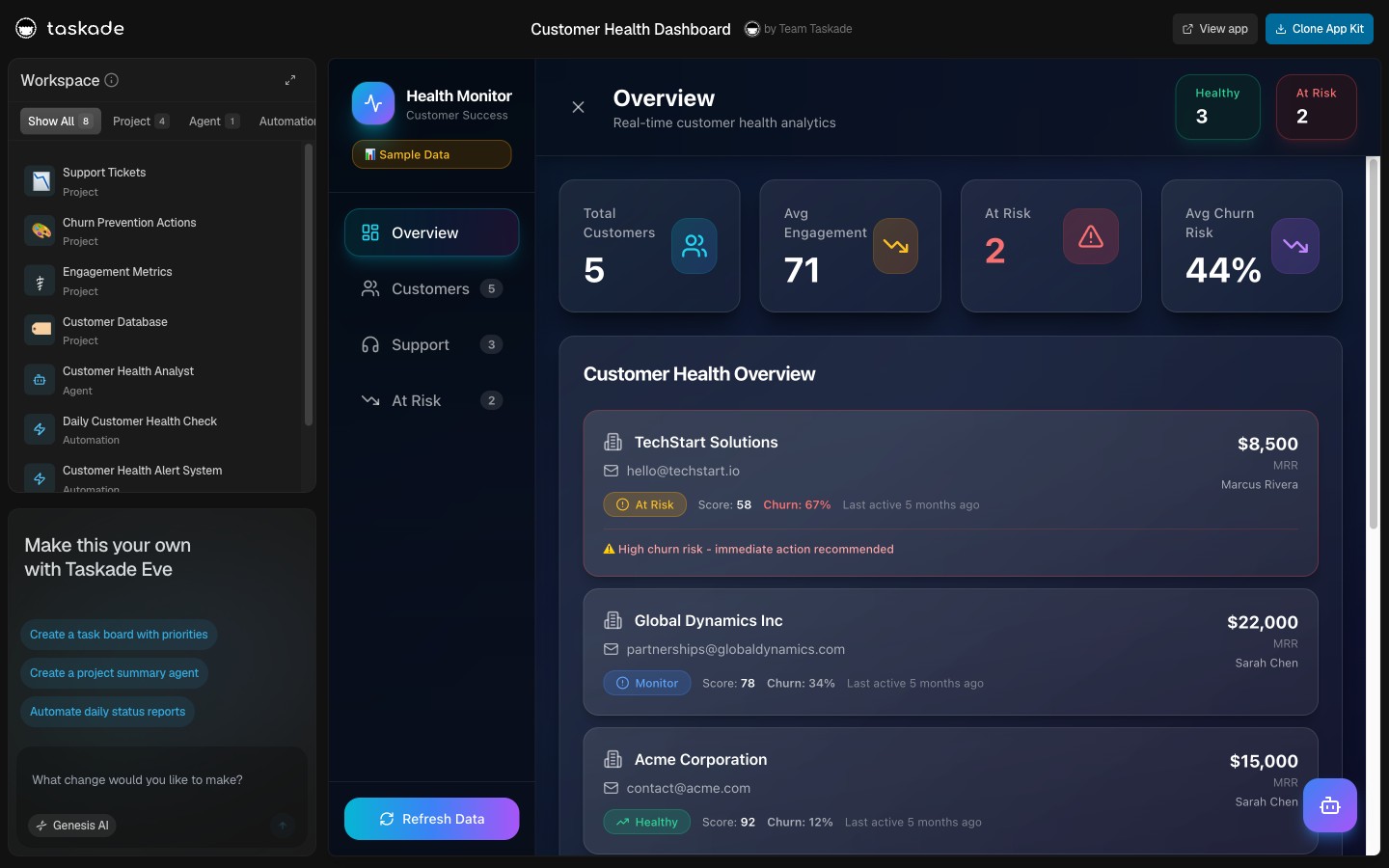
Three apps. Three workspace-built systems. Each one ships with its agents, its memory, and its automations wired. Each one clones in one click.
When to Pick Each (Honest)
App builders win when:
- You're shipping consumer-facing software with bespoke UX
- You need custom infrastructure (specific compliance, edge cases)
- You have an engineering team and a runway
- You want the output to evolve as a codebase
Workspace builders win when:
- You're shipping operational tools, CRMs, portals, dashboards, trackers
- You want the output to be operational the day it ships
- You don't have an engineering team (or want to free it for harder work)
- You want clone-and-share virality
For most small businesses and internal-tool builders in 2026, the workspace builder wins. For consumer product teams with engineering depth, the app builder wins. The categories converge slowly; in 2026 they remain distinct.
How to Move From App Builder to Workspace Builder
- List the apps you've built (or planned to build) on Bolt / Lovable / v0 / Cursor
- For each, ask: what is it supposed to DO operationally after deploy?
- If the answer is "CRM hygiene," "dashboard updates," "client portal sign-ins," "invoice generation", try cloning a Taskade Genesis equivalent first
- If the cloned app does 80% of what you wanted, you've saved 80% of the engineering
- If it does less, that's where bespoke code earns its keep
Frequently Asked Questions
What is the difference between an AI app builder and an AI workspace builder?
App builders ship code (Bolt, Lovable, v0, Cursor, Replit Agent). Workspace builders ship working systems wired to memory + agents + automations (Taskade Genesis).
Which AI app builders are popular in 2026?
Bolt.new, Lovable, v0 by Vercel, Cursor, Replit Agent, Windsurf, all code-generating.
Which platforms qualify as AI workspace builders?
Taskade Genesis is canonical. Notion AI, ClickUp Brain, Dust, Glean Agent Builder are workspace-aware but read-mostly.
When do I want each?
App builders for consumer-facing UX or custom infra. Workspace builders for operational tools.
Can a workspace builder replace an app builder?
For operational and internal apps, increasingly yes. For complex consumer software, app builders still win.
What is Workspace DNA?
The persistent state a Taskade workspace carries, Memory, Intelligence, Execution wired together so every app ships with the loop intact.
Why is the category split happening in 2026?
Deployment is cheap (LLMs solved it). The new hard part is what the app DOES after it ships. Plus non-developers are the new builders.
Can I see both side by side?
Yes, clone a Taskade Genesis app at /share/apps/* and compare to a Bolt.new demo.
Is workspace-native a real category?
Emerging. Taskade coined it; Notion AI and ClickUp Brain validate the direction.
How do I migrate?
List your app-builder plans. For each, ask what it should DO after deploy. Clone the Taskade Genesis equivalent first; bespoke code only where 80% isn't enough.
▲ ■ ● Memory · Intelligence · Execution, the workspace IS the app; the app is alive.
Try Taskade Genesis free → · Browse 78 workspace-built apps → · Read the Workspace-Native authority post →