






What are the best startup tools? Well, the ones that A) work as advertised, and B) your team actually wants to use. Simple enough, except compiling a well-integrated digital toolbox can be tricky. Here's how to avoid common mistakes when building a dream startup stack.

🚀 Before you launch… We’ve covered a fair bit of startup ground on the blog. Be sure to check other similar articles when you’re done reading.
📙 Y Combinator Fieldnotes: How to Grow and Thrive During a Crisis
👾 Text-Based Adventure Games: The Startup Guide to Storytelling
⚡️ Team Productivity Guide: How to Build Faster Remote Teams
🤔 How to Evaluate Startup Ideas (50+ Questions and 16 Templates)
🛒 Best Startup Tools: A 7-Step Buyer’s Anti-Guide
“Simplicity is a great virtue but it requires hard work to achieve it and education to appreciate it. And to make matters worse: complexity sells better.”
Edsger W. Dijkstra
Mistake #1: Hush… Just Ignore the End-Users
Lo and behold, you finally found a great project management suite for your team! It’s not exactly what your team asked for, but hey, it’s cheap (obviously). On top of that, it packs a bunch of cool features. Who cares if nobody’s going to use them?

What Could Possibly Go Wrong?
We get it. Finding the best startup tools ain’t a love story. There’s cold calculation involved, especially when you’re on a shoestring budget. But as a startup, you have to move fast, and your team needs the right tools to get work done.
A 2019 State of Software Happiness Report (seriously) found that 60% of employees blame poor productivity on bad software. Over 50% of the respondents admitted mismatched apps and tools made them feel plain unhappy with their work.(1)
To make your team happy, involve them in the process. Before you invest in a tool, round up the team members who will use the new software and let them weigh in.
What You Can Do
Consider the pain points of your end-users.
Involve the entire team in the buying process.
Bring everybody on board for a live demo.
Choose natural early adopters for a trial run.
Encourage honest feedback on the new tool.
Mistake #2: Three Is Always Better Than One
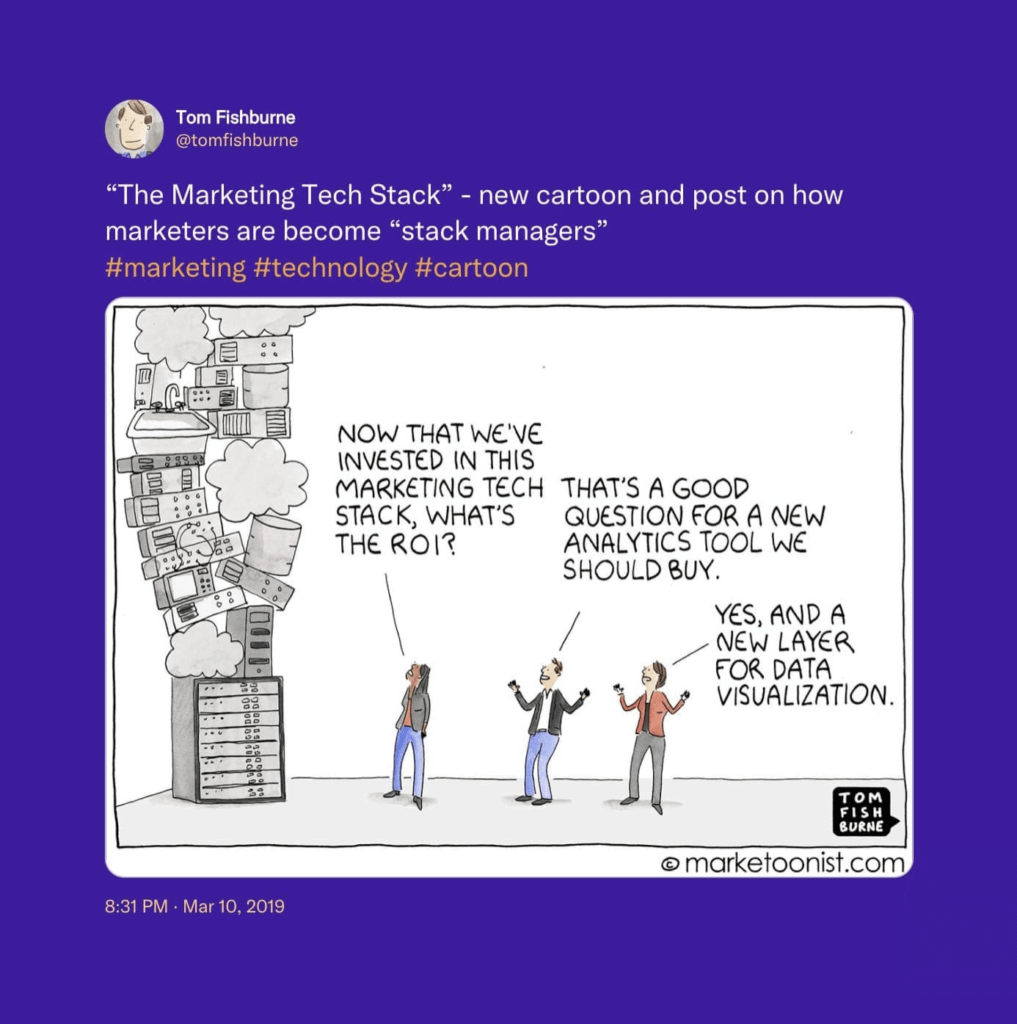
You’re serious about making a mark on the industry, so play like the grown-us do. Why use one app when you can use three (or more)? Research says that small and medium-sized businesses use at least 70 different tools to get work done.(2)
What Could Possibly Go Wrong?
The truth is, adopting too many tools, especially early on when you’re still running the workflow in, will bog your team down. A “lite” stack can get you much farther and induce less downtime than an all-encompassing digital toolbox.
The awful truth is, 53% of business professionals are overwhelmed with the number of apps they’re using. 67% would welcome more integrated and centralized solutions so they can see all the moving parts and important data in one place.(3)
Of course, the cost argument is still valid. A lean startup toolkit means fewer active subscriptions and smaller overhead. And that’s a few extra bucks in your pocket.
What You Can Do
Focus on the essential set of features your team needs.
Use as few tools as possible to reduce context switching.
Opt for unified and centralized platforms whenever possible.
Look for tools that integrate well with your current workflow.
Choose long-term solutions with headroom for scaling.
Mistake #3: “Complexity Means Sophistication, Right?”
Your new piece of software has to be versatile, custom-made, and complex. It should also pack all the dope tech like AI automation, VR, motion-based UI, and haptic feedback. Dress to impress and show everybody your business is going places.
What Could Possibly Go Wrong?
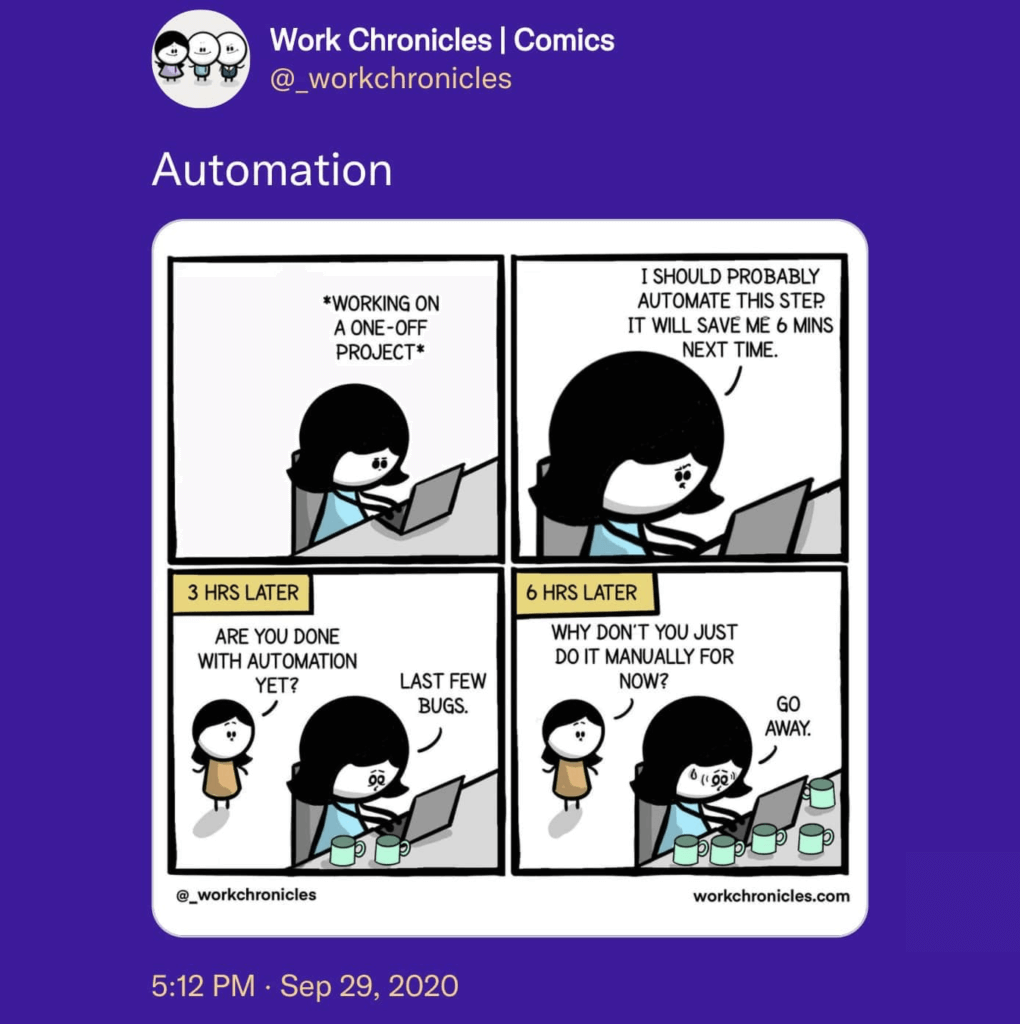
A light bulb powered by a portable fusion reactor is cool, as long as it works. When something breaks, you’re left with a very expensive piece of junk. The same is true for overengineered startup tools that need constant maintenance and oversight.
“- Creator: I love the power of Unix/AJAX/C#/whatever.
- Customer: I want to finish my work and go play outside.”“Why Software Sucks,” Scott Berkun(4)
Your team doesn’t care if they’re using a state-of-the-art accounting or CRM tool. If it has the right feature set and offers a no-nonsense UX, it’ll get the job done.
What You Can Do
Choose low-maintenance startup software with good support.
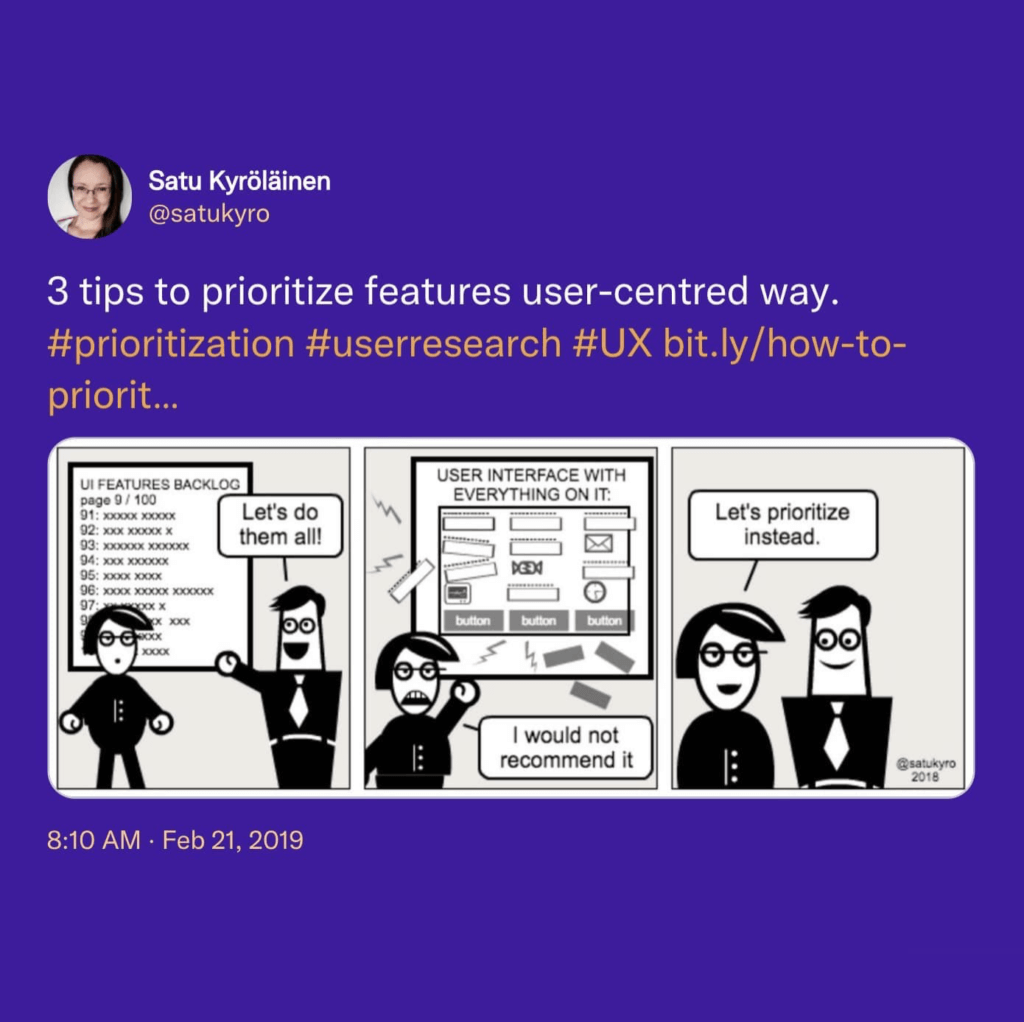
Prioritize essential over “nice-to-have” features.
Use solutions with (user) error-tolerant design.
Invest in plug-and-play tools with minimal onboarding.
Build workflows that are easy to replace (if it comes to that).
Mistake #4: Utility Beats Good UI/UX Design
The cardinal rule of business-grade software is: “Business tools have to be ugly.” After all, you don’t want to spoil your team with mellow color palettes, micro-interactions, and neuromorphic UI elements. Nothing beats good ol’ text.
What Could Possibly Go Wrong?
The best startup tools, whether it’s a simple video conferencing app or an invoicing platform, are built with the end-user in mind. That means they pair utility with intuitive UI/UX design that helps get work done instead of getting in the way.
“Historically, developers tended to forget about the end-user and many companies forced business units to use cumbersome, monolithic software. Today, however, the focus has shifted from features to a user experience closer to those chosen outside the office.”
“User Experience: Reimagining Productivity and Business Value”(5)
Sure, it’s difficult to expect TikTok-esque filters in enterprise-grade software. But there are tons of startup tools that are on par with consumer apps in terms of UX/UI.
What You Can Do
Never sacrifice user interface/experience for pure utility.
Provide a reasonable degree of personalization.
Don’t expect your team to love the software you don’t.
Mistake #5: Don’t Waste Time on Trying Things Out
Remember what we said about moving fast? Time is money, and spending it on hunting for the best startup tools won’t make you any richer. The solution? Choose the one with the longest list of features and the lowest price. It’s that simple!

What Could Possibly Go Wrong?
Comparing (too) many SaaS options before buying can feel like overkill. After all, it’s a low-risk investment and you can always switch if things don’t pan out. But breaking up means even more time spent on (re)training people and rebuilding your workflow.
“The test of the machine is the satisfaction it gives you. There isn't any other test. If the machine produces tranquility it's right. If it disturbs you it's wrong until either the machine or your mind is changed.”
Robert M. Pirsig, Zen and the Art of Motorcycle Maintenance
Be sure to sign up for live demos and presentations with multiple vendors. It will help you find the best match for your business and save time and money in the long run.
What You Can Do
Always sign up for a trial period/demonstration
Involve your end-users in the demo run.
Test the new tool in real-life scenarios.
Check online reviews and compare your options.
Test the quality of customer service and support.
Make sure your trial includes a full set of features.
Mistake #6: Tools Over Processes
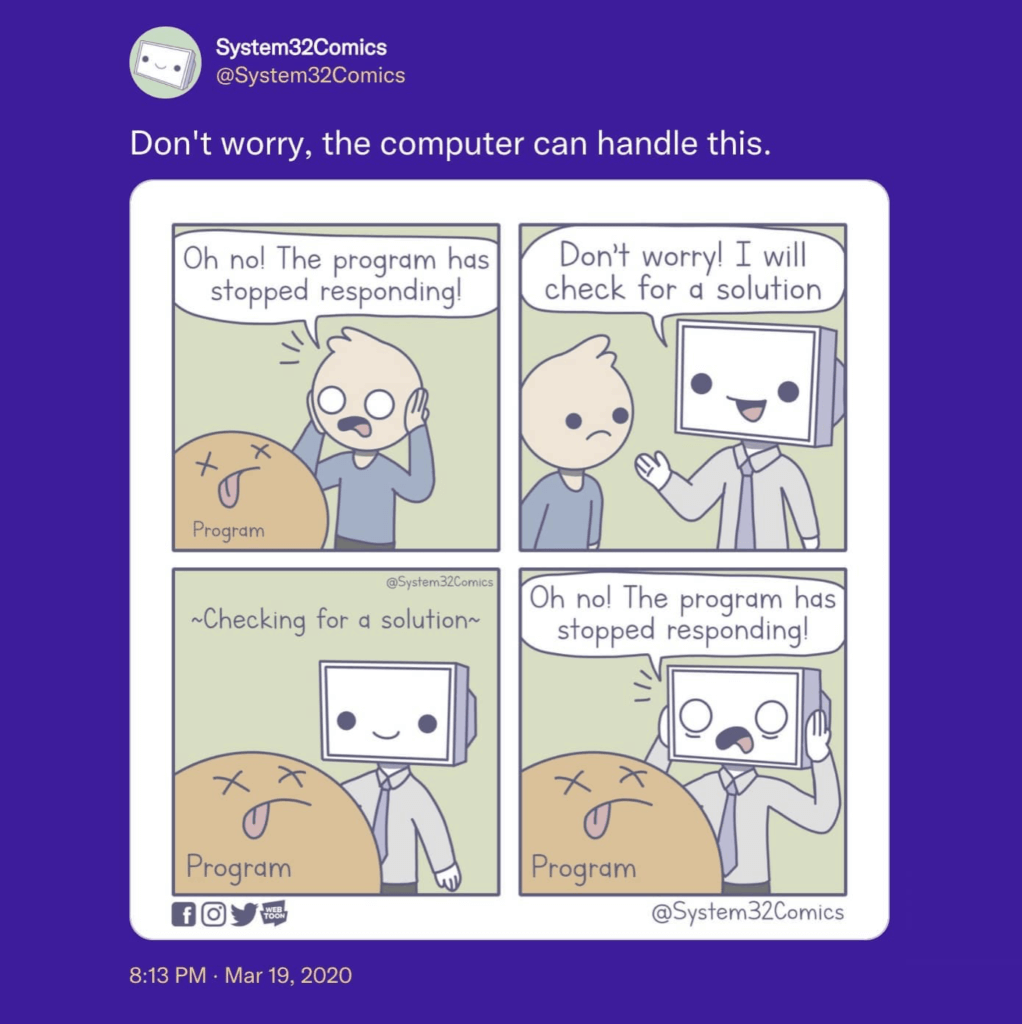
Sometimes—if you’re a startup, it’s “all the time”—things don’t go as planned. Limping team communication, poor planning, ineffective marketing, you get the idea. Whenever you hit a roadblock, just slap another band-aid app on the problem and see if it helps.
What Could Possibly Go Wrong?
Business software won’t fix organizational inadequacies, especially if you don’t find the root cause of a problem first. You can’t fix the talent gap with a talent acquisition tool alone. You also won’t boost team camaraderie by investing in a video conferencing app.
“The first rule of any technology used in a business is that automation applied to an efficient operation will magnify the efficiency. The second is that automation applied to an inefficient operation will magnify the inefficiency”.
Bill Gates
To get the benefits of a fitness tracker, you have to get your ass moving. If you want more apps to get work done, proof your workflow and only then gear up.
What You Can Do
Build your toolbox around the workflow, not vice versa.
Fix existing processes before adopting new startup tools.
Make sure you have compatible hardware and infrastructure.
Embrace gradual change instead of an overnight revolution.
Don’t stick with bad tools only because you paid for them.
Mistake #7: “We Don’t Need Tools After All”
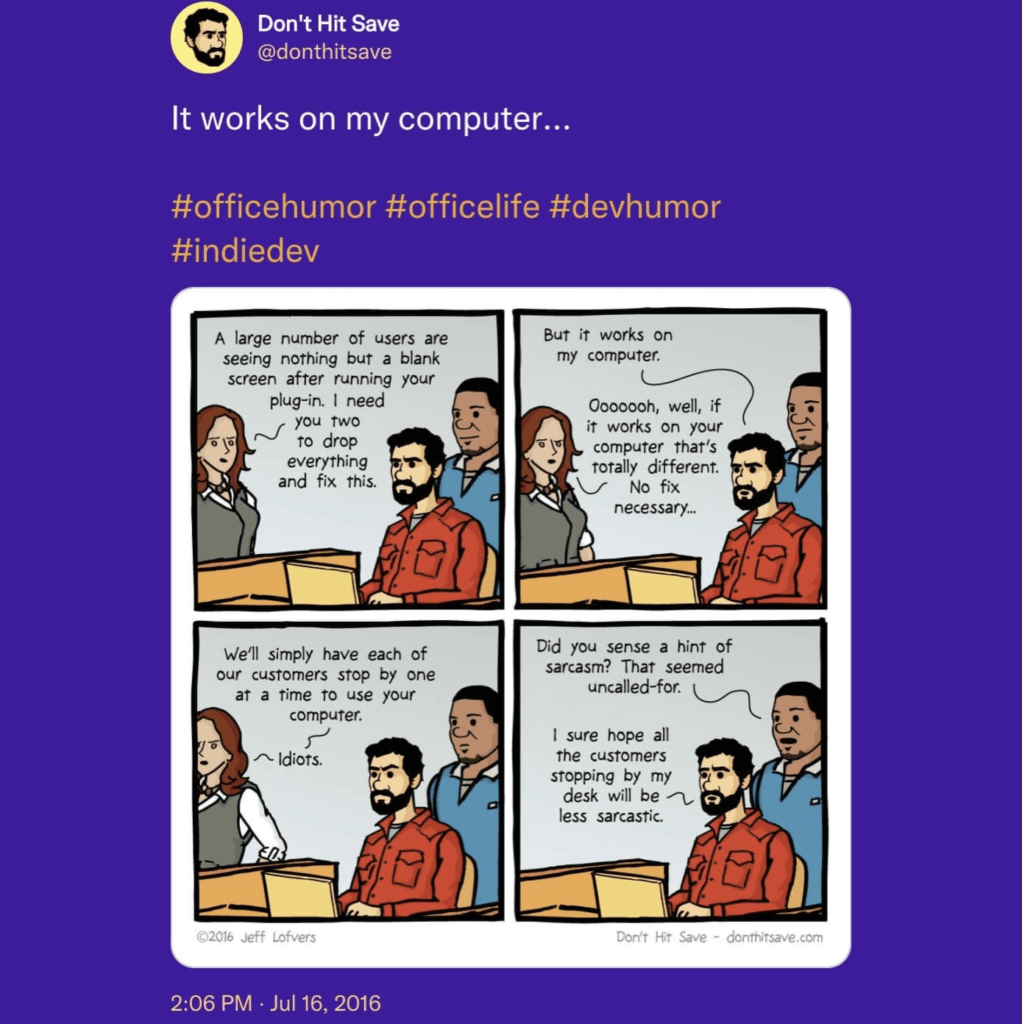
You’re tight on money, with a half-baked product, too few hours in a day, and bloodthirsty competition knocking at your door. Fixing a kitted-out startup stack isn’t very high on your to-do list. So… frig it and focus on more important things.
What Could Possibly Go Wrong?
Hey, don’t give up just yet! Compiling and refining a solid app stack is a marathon, not a sprint. But getting it right will help you move much faster in the digital world.
“Due to several barriers, tech adoption at an organizational level is often slow or even nonexistent. This keeps old legacy systems alive and hinders an organization from achieving its full potential efficiently.”
”Why Do Your Employees Resist New Tech?” via HBR(7)
Look for opportunities for incremental improvements with potential long-term benefits. Automate repetitive tasks and streamline your current processes to increase velocity.
What You Can Do
Build a solid business case before putting money on the table.
Set short-term and long-term workflow-building goals.
Define what problems the new tech will help you solve.
Keep track of industry-specific opportunities for disruption.
Factor in upgrade and data migration costs.
If needed, source expert help to put everything together.
👋 Parting Words
So, what’s your dream startup stack?
We bet it’s nothing like what your team’s currently using. But before you go on a wild software buying spree, uno-reverse the tips from our article to guide you. 👇
💬 Ask your team what they need to get work done.
☝️ Whenever possible, use one tool instead of three.
🍰 Keep your workflow as simple as possible.
🎮 Never underestimate the value of good UI/UX.
🕵️♂️ Always test things out before buying.
🚧 Don’t try to fix broken processes with shiny new tools.
📈 Seek opportunities for continuous improvement.
Ok, let’s get serious for a moment.
If you’re looking for a holistic, AI-powered collaboration and communication platform, try Taskade, a unified workspace that’ll help you and your team work smarter and faster.
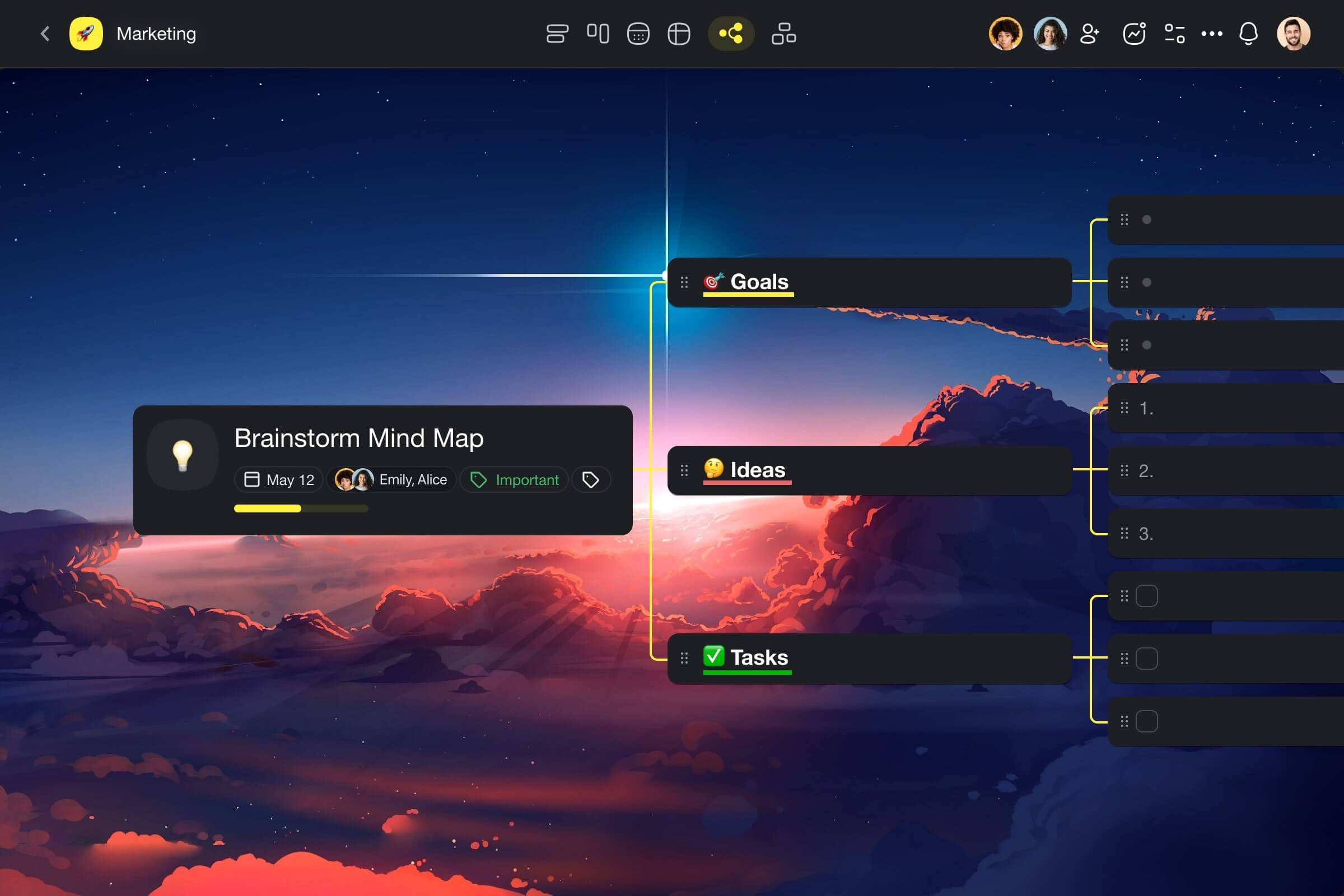
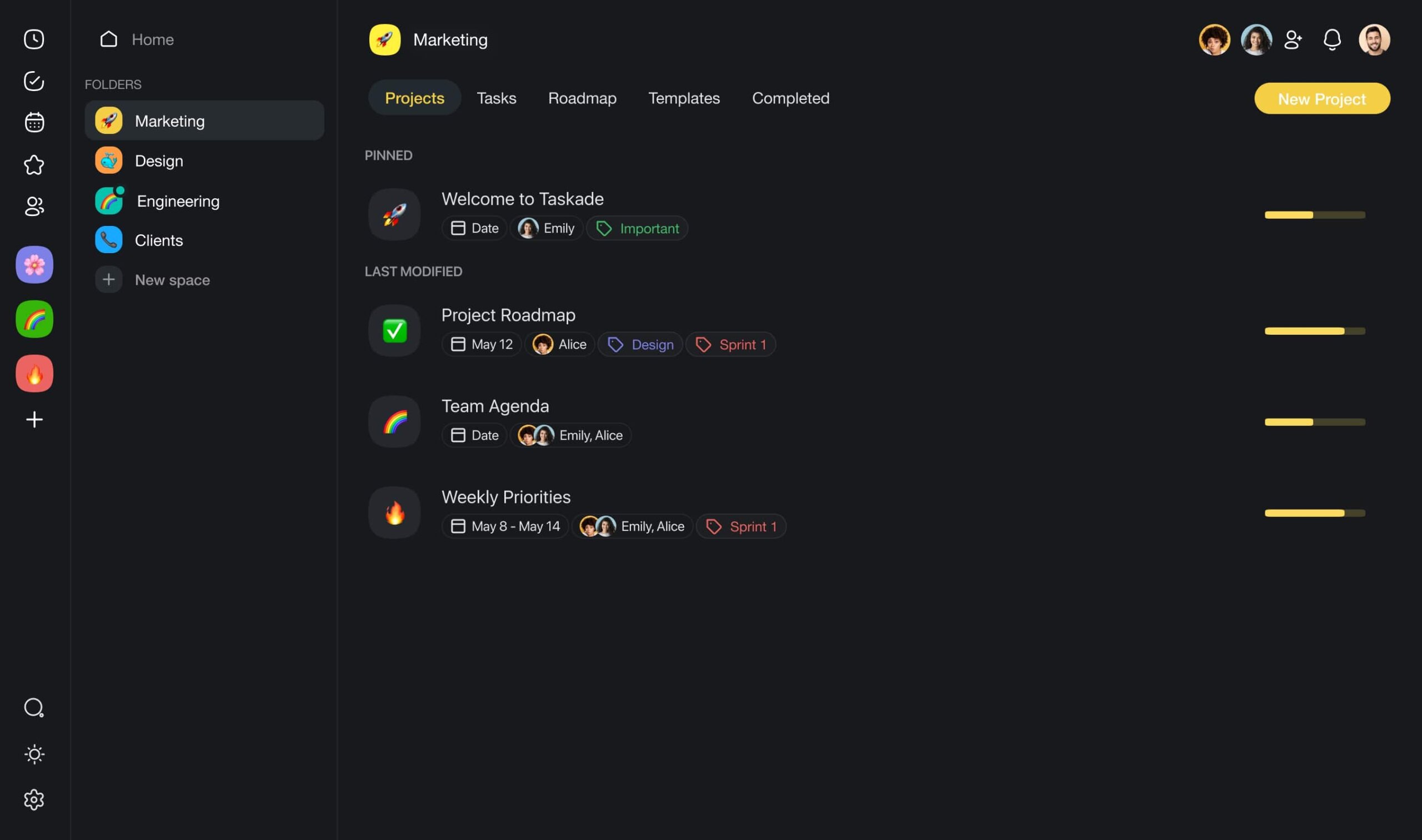
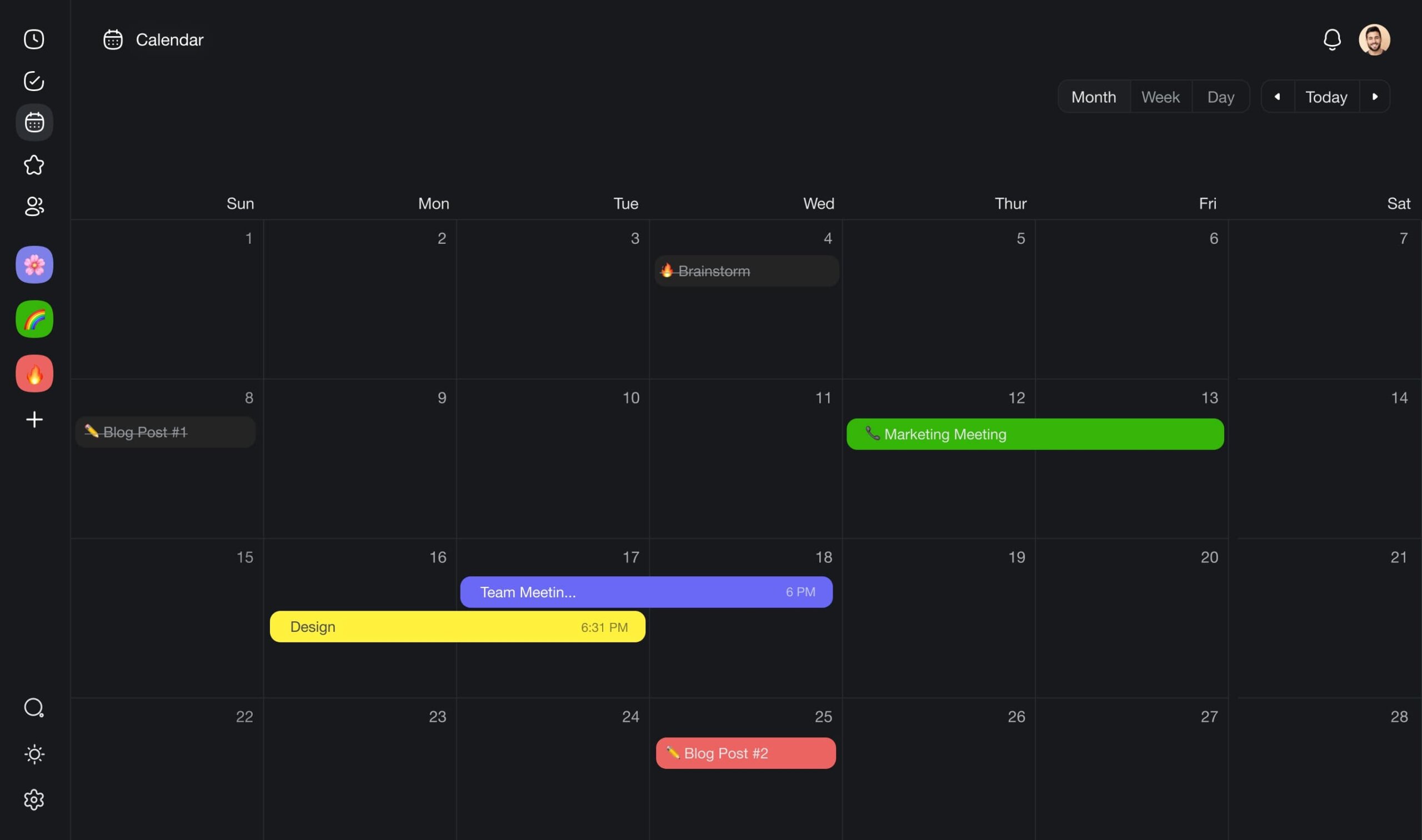
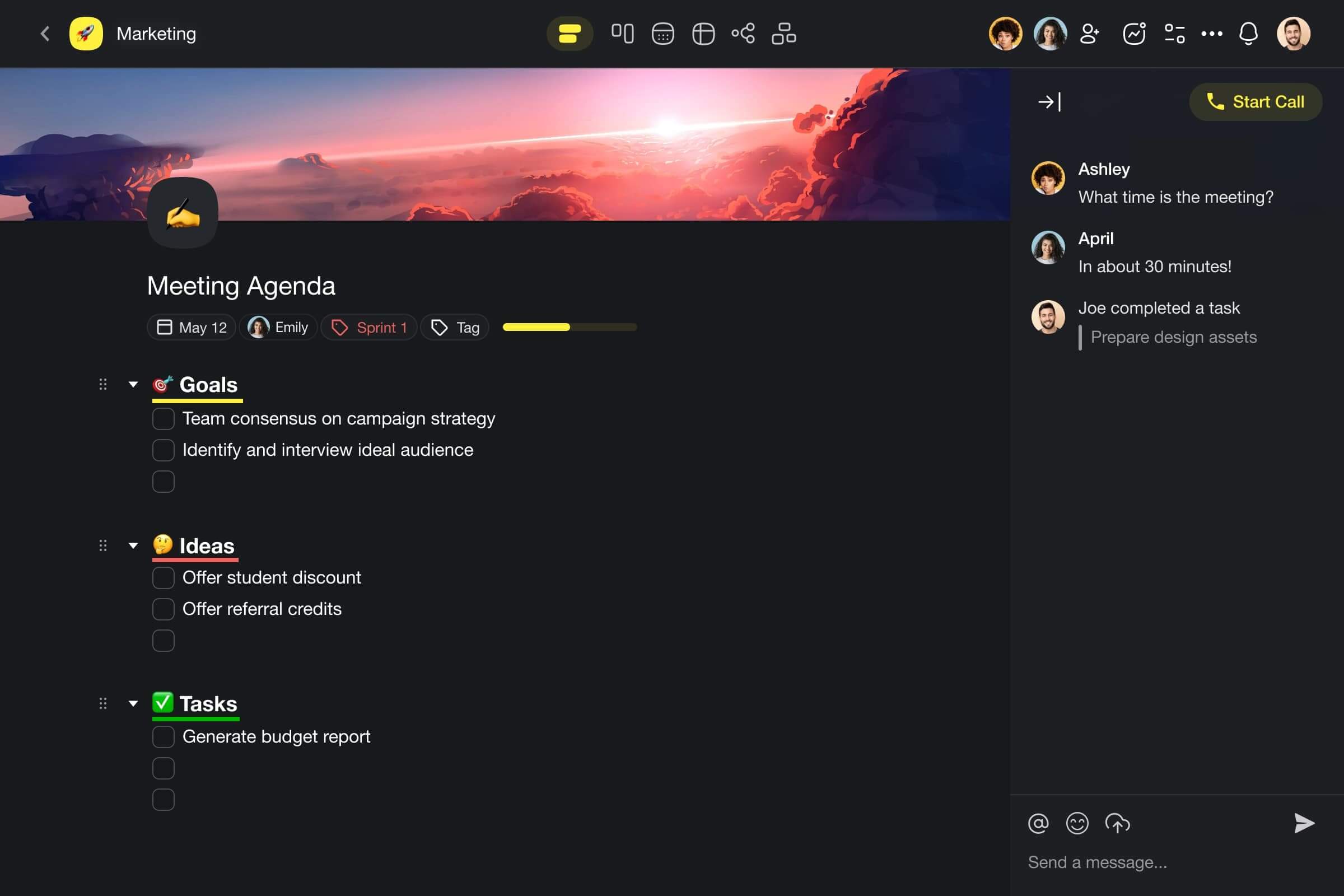
Taskade offers a streamlined solution for task and project management that uses OpenAI GPT (frontier models) to supercharge team productivity. It blends notes, tasks, projects, outlines, and real-time communication features in a clutter-free and functional package.
Here are a few AI features you can use in Taskade to supercharge your work:
🪄 AI Generator: Say goodbye to manual planning, scheduling, and structuring tasks every time a new project starts. Define your goals, and the generator will create a comprehensive plan, complete with steps, tasks, milestones, and resources.
🤖 Custom AI Agents: Agents work in the background, automating tasks and collecting insights, while you focus on high-level thinking. You can train agents with specific documents and customize their skills to handle your unique workload.
✏️ AI Assistant: The AI Assistant lives where you work, always ready to enhance your productivity. Use convenient /ai commands to brainstorm, organize tasks, and boost your writing. It's like having a co-pilot for your day-to-day work.
💬 AI Chat: Cut your research time and find all the answers with the AI Chat. Ask any question and receive context-relevant answers. The AI Chat is designed to simplify decision-making and offer insights when you need to connect the dots.
And much more!
Sign up and start working smarter with Taskade AI! 🤖
🔗 Resources
https://learn.g2.com/state-of-software-happiness-report-2019
https://hbr.org/2020/08/why-do-your-employees-resist-new-tech

Frequently Asked Questions
What tools do remote startups actually need?
Remote startups need surprisingly few tools if chosen wisely: an all-in-one workspace for project management, docs, and communication (like Taskade), a code repository, a design tool, and a financial tool. The mistake most startups make is over-tooling — adding specialized apps for every function before the team is large enough to justify them.
Why do startups struggle with choosing the right tools?
Startups get caught in the trap of chasing 'best-in-class' tools for each category — separate apps for tasks, docs, chat, video, and notes. This creates fragmentation, increases costs, and slows down small teams that benefit most from simplicity and integration over specialization.
How many tools should a startup use?
Fewer than you think. Early-stage startups should consolidate into 3-5 core tools maximum. An all-in-one platform like Taskade can replace a project tracker, docs app, chat tool, mind mapper, and AI assistant — saving money and reducing the complexity that kills startup velocity.
What should startups prioritize when picking collaboration tools?
Prioritize integration (does it consolidate workflows?), simplicity (can the team start using it today?), scalability (will it grow with you?), and cost-efficiency (can you afford it at startup budgets?). Avoid tools that require extensive setup or training — every hour spent configuring tools is an hour not spent building your product.