







The best Cursor alternative in 2026 depends on where you want the AI to live. GitHub Copilot keeps your current editor and costs $10 a month. Devin Desktop, the editor formerly called Windsurf, is the closest Cursor-style IDE. Claude Code and OpenAI Codex move the agent into the terminal. Cline and Aider are free and open source. And if you do not want to write code at all, Taskade Genesis builds the app for you.
Price check, 2026-10-19: cursor.com/pricing says Cursor subscriptions "are only sold directly through X Subscription Corp.", and the $8 Plus plan includes Grok models only.
What does Cursor cost now, and why are developers switching?
Cursor now sells five individual plans through X Subscription Corp.: Free, Plus at $8, Premium at $30, Super at $100 and Ultra at $200 a month. Plus runs Grok models only. Other models need Premium or higher, and third-party models are billed by usage. A developer who wants Claude or GPT models in Cursor now starts at $30 a month, not the former $20 Pro price.
| Cursor plan (2026-10-19) | Monthly price | What the page says it adds |
|---|---|---|
| Free | $0 | Limited agent and Chat requests |
| Plus | $8 | Shared usage pool for Grok products. "Only Grok models are available on this plan." |
| Premium | $30 | 4x usage, cloud agents, third-party models at API list price |
| Super | $100 | 15x Plus usage, priority model access at peak times |
| Ultra | $200 | 50x Plus usage, earliest access to products and models |
| Teams | $30+ per user | Central billing, usage analytics, SAML and OIDC single sign-on |
Source: cursor.com/pricing, read on 2026-10-19. The page lists no annual prices and says prices exclude tax.
Three reasons send developers to look elsewhere:
- Model choice. The cheapest paid plan locks you to one model family.
- Price per seat. A team that wants Claude or GPT models in the editor pays $30 or more per developer.
- Form factor. Many developers now run agents in the terminal or in the cloud, and do not need a forked editor at all.
9 best Cursor alternatives at a glance
The quick answer is in the table: Copilot for the lowest-friction switch, Devin Desktop for the closest Cursor feel, Claude Code or Codex for terminal agents, Zed for speed, Kiro for spec-first work, Cline and Aider for $0 open source, and Taskade Genesis for people who want the app, not the code.
| # | Tool | Best for | Free plan | Paid from (2026-10-19) |
|---|---|---|---|---|
| 1 | GitHub Copilot | Keeping your current editor | Yes, 2,000 suggestions/mo | $10/mo (Pro) |
| 2 | Devin Desktop (formerly Windsurf) | The closest Cursor-style IDE | Yes, light quota | $20/mo (Pro) |
| 3 | Claude Code | Terminal-first agent work | No (needs Pro) | $17/mo annual, $20 monthly |
| 4 | OpenAI Codex | Developers who already pay for ChatGPT | Limited access | $20/mo (ChatGPT Plus) |
| 5 | Zed | A fast native editor with AI | Yes, with your own keys | $10/mo (Pro) |
| 6 | Kiro | Spec-driven agent work | Yes, 50 credits | $20/mo (Pro) |
| 7 | Cline | Open-source agent inside VS Code | Yes, free extension | Model cost only |
| 8 | Aider | Open-source terminal pair programming | Yes, free tool | Model cost only |
| 9 | Taskade Genesis | Building an app without code | Yes, 3 apps, 1 agent | $10/mo billed annually (Pro) |
How we picked these tools
We read each vendor's own pricing page and product page on 2026-10-19 and kept only tools that a developer can buy or install today. We ranked them by how well each one replaces the job Cursor does: AI edits across a real codebase, in a place the developer already works. We did not run a timed benchmark, so this list ranks fit and price, not speed scores.
Three tools left this list in October 2026, and the reason for each is on the vendor's own site:
| Tool | Status on 2026-10-19 | Source |
|---|---|---|
| Tabnine | tabnine.com/pricing redirects to a Tricentis contact page, with no public price | tabnine.com/pricing |
| Continue | The site says "Continue has joined Cursor" | continue.dev |
| Cody | The Sourcegraph pricing page lists only Enterprise, from $16K a year, and does not name Cody | sourcegraph.com/pricing |
1. GitHub Copilot: Best for keeping your current editor
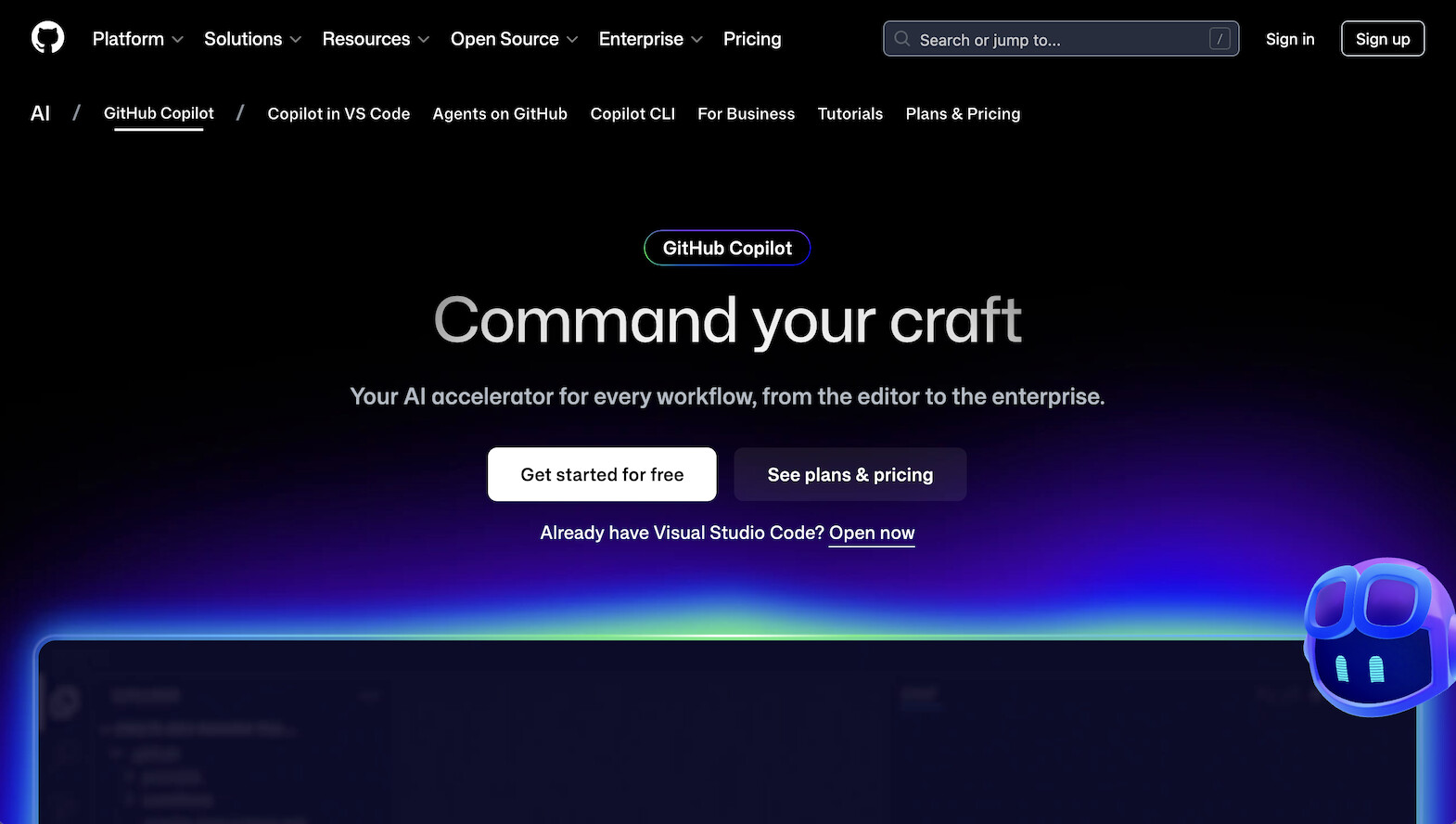
GitHub Copilot is the best Cursor alternative for most developers because you do not switch editors. It installs as an extension in VS Code, JetBrains IDEs and other editors, and adds inline suggestions, chat, agent mode and a cloud agent. Pro costs $10 a month, a third of Cursor Premium.
Strengths
- No migration. Your editor, keybindings and extensions stay the same. That is the lowest-cost switch on this list.
- GitHub workflow. The cloud agent and code review sit next to your pull requests and issues, so an agent task ends as a reviewable change.
- Credit-based plans. Each paid plan includes base AI credits equal to its price, so a heavy month does not surprise you with a new plan.
- Agent delegation. Pro+ can hand a task to third-party coding agents (in preview on 2026-10-19).
Limitations
- Agent work in the editor is less central than in Devin Desktop or Cursor. Copilot grew out of autocomplete, and parts of the product still feel that way.
- Business and Enterprise prices are not on the plans page. You must contact sales.
Pricing (github.com/features/copilot/plans, 2026-10-19)
| Plan | Price | Includes |
|---|---|---|
| Free | $0 | Limited chat and agent use, 2,000 inline suggestions a month, CLI and agent mode |
| Pro | $10/mo | $10 in base AI credits, unlimited inline suggestions, cloud agent, code review |
| Pro+ | $39/mo | $39 in base AI credits, delegation to third-party agents (preview) |
| Max | $100/mo | $100 in base AI credits for long agent workflows |
Who it fits: a developer or team on GitHub who wants Cursor-level help without a new editor. Who it does not fit: a developer who wants the editor itself rebuilt around an agent. Read more in our GitHub Copilot alternatives guide.
2. Devin Desktop: Best for the closest Cursor-style IDE
Devin Desktop is the editor that used to be Windsurf. On 2026-10-19, windsurf.com/pricing redirects to devin.ai/pricing. It is the closest swap for a Cursor user: a full AI editor with Tab completions, inline edits and an agent that works across files. Pro costs $20 a month, $10 less than Cursor Premium. Which is better, Cursor or Windsurf? Pick Devin Desktop for the lower price and Cursor for its larger extension ecosystem.

Strengths
- Same mental model as Cursor. An editor with an agent panel, completions and multi-file edits. A Cursor user is productive on day one.
- Unlimited Tab completions on Free. The free plan also includes unlimited inline edits and a light agent quota, so you can try it on a real repository.
- Team plan with real seats. Teams costs $80 a month plus $40 per full developer seat, up to 200 users, and each seat gets its own quota.
- More models on paid plans. Free has limited model availability, and the Teams plan lists first-class support for every major model provider.
Limitations
- Quotas, not credits. A heavy agent month on Pro can push you to Max at $200.
- The rename is new. Some docs, extensions and third-party guides still say Windsurf, which can confuse a new team member.
Pricing (devin.ai/pricing, 2026-10-19)
| Plan | Price | Includes |
|---|---|---|
| Free | $0 | Light agent quota, limited models, unlimited inline edits and Tab completions |
| Pro | $20/mo | Everything in Free, plus a larger quota and more models |
| Max | $200/mo | Everything in Pro, with much higher quotas |
| Teams | $80/mo + $40 per full seat | Up to 200 users, a quota for each seat |
Who it fits: a Cursor user who likes the editor and wants a different vendor and price. Who it does not fit: a developer who wants to keep VS Code or JetBrains as is. See our Windsurf alternatives roundup.
3. Claude Code: Best for terminal-first agent work
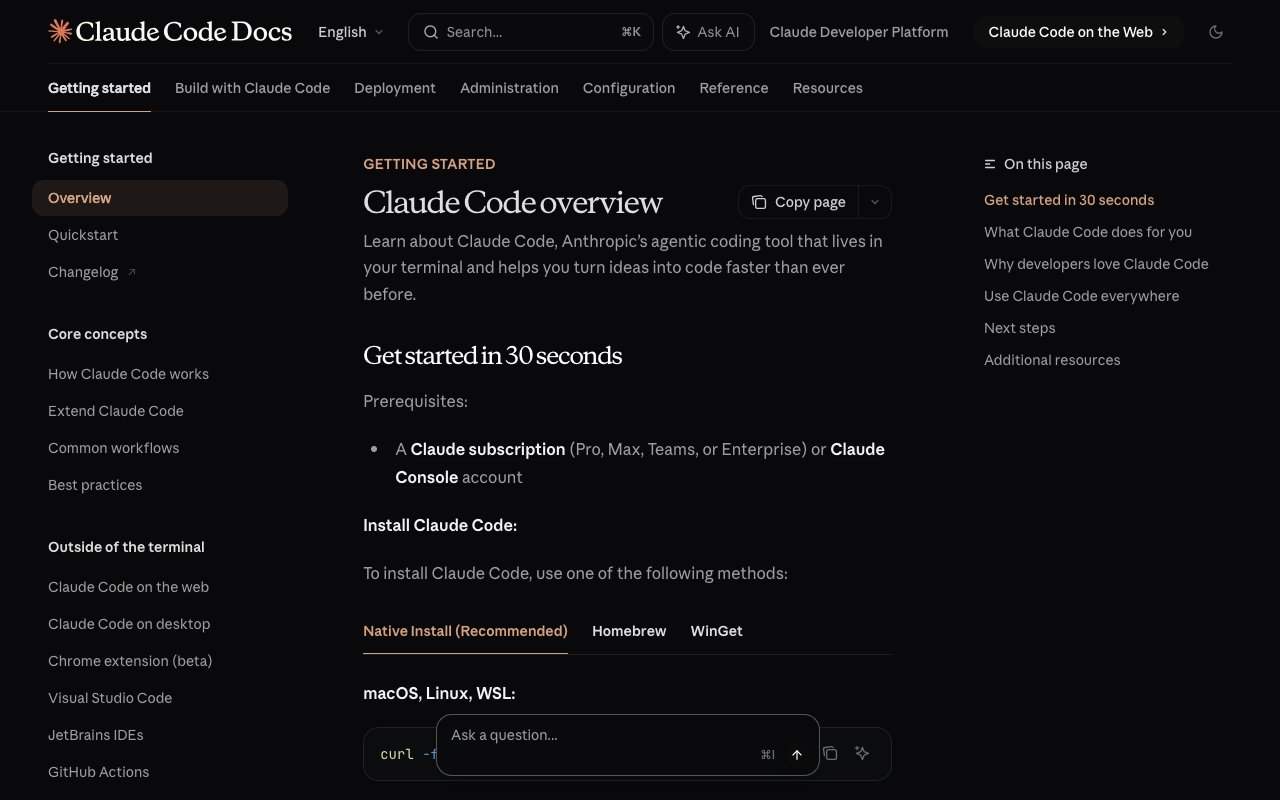
Claude Code is Anthropic's coding agent. It runs in your terminal, reads the repository, plans a change, edits files and runs commands. It is included in the Claude Pro plan, at $17 a month billed annually or $20 billed monthly, and in Max from $100. For many developers, the terminal agent replaces most of what they used Cursor's agent for.
Strengths
- Long agent tasks. Claude Code is built to plan and finish a multi-step change, not to suggest the next line.
- Works with any editor. Because it runs in the terminal, you keep VS Code, JetBrains, Vim or Zed for reading and review.
- One subscription. The same Claude plan covers chat on the web and desktop, and the agent in your terminal.
- Team seats. A Team Standard seat costs $20 a month billed annually or $25 monthly, and includes Claude Code.
Limitations
- One model family. Claude Code runs Claude models. If you want to switch models per task, Cline, Aider or Zed give you more choice.
- The Free Claude plan does not include Claude Code, so there is no $0 way to try it.
Pricing (claude.com/pricing, 2026-10-19)
| Plan | Price | Claude Code |
|---|---|---|
| Free | $0 | Not included |
| Pro | $17/mo annual, $20 monthly | Included |
| Max (5x or 20x Pro usage) | From $100/mo | Included |
| Team Standard seat | $20/seat annual, $25 monthly | Included |
Who it fits: a developer who is comfortable in the terminal and wants an agent to do whole tasks. Who it does not fit: a developer who wants AI inside the editor UI. For the history behind the models, read the history of Anthropic and Claude, and compare options in our Claude Code alternatives guide.
4. OpenAI Codex: Best for developers who already pay for ChatGPT
OpenAI Codex is OpenAI's coding agent. It runs in the terminal, in the editor and on the desktop, and it comes with a ChatGPT plan. ChatGPT Free lists limited Codex access, Plus at $20 a month lists expanded Codex usage, and Pro at $100 lists longer Codex sessions. If you already pay for ChatGPT, Codex costs you nothing extra.
Strengths
- No new bill. For a ChatGPT Plus subscriber, Codex is already paid for.
- A free way in. ChatGPT Free lists limited Codex access, so you can try it on a side project before you pay.
- Long sessions on Pro. The $100 plan is built for long agent sessions, the same job Cursor's higher plans serve.
- One account for chat and code. Your research, planning and coding agent share one subscription.
Limitations
- Usage limits are set by plan, not by a visible credit count, so heavy users can hit a limit mid-task.
- It runs OpenAI models. If your team standardizes on another model family, Codex is not the one tool for everyone.
Pricing (chatgpt.com/pricing, 2026-10-19)
| Plan | Price | Codex on the pricing page |
|---|---|---|
| Free | $0 | Limited Codex access |
| Plus | $20/mo | Expanded Codex usage |
| Pro | $100/mo | Longer Codex and ChatGPT Work sessions |
Who it fits: a ChatGPT subscriber who wants a coding agent without a second subscription. Who it does not fit: a team that wants to pick a model per task. For the story of the company, read the history of OpenAI and ChatGPT, and see our OpenAI Codex alternatives guide.
5. Zed: Best for a fast native editor with AI
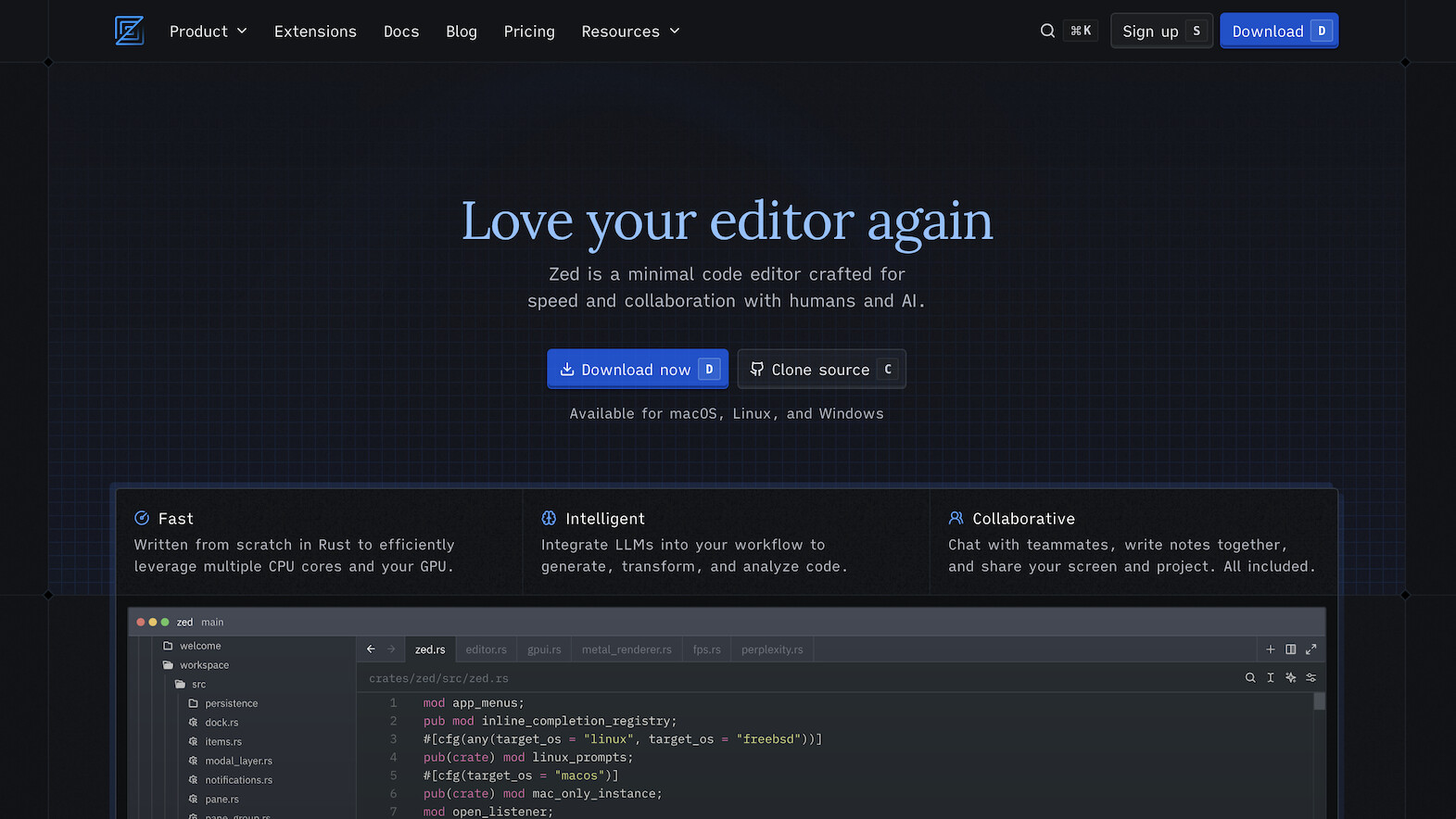
Zed is an open-source code editor built in Rust, with AI built in. It starts fast and stays fast on large files, which is the main complaint developers have about editors built on Electron, such as VS Code and its forks. The Personal plan is free with your own model keys, and Pro costs $10 a month.
Strengths
- Speed. A native editor opens files and searches a large repository with less delay than an Electron editor.
- Bring your own keys or agents. The free Personal plan has no usage caps when you use your own model keys or outside coding agents, such as Claude Code.
- Open source. The editor source is public on GitHub, so you can read what runs on your machine.
- Low team price. Business costs $30 per seat a month, with organization-wide model rules and spend controls.
Limitations
- The extension ecosystem is smaller than VS Code's. A team that depends on niche extensions must check each one first.
- Zed's own agent features are newer than Cursor's, so a Cursor power user can miss some workflows.
Pricing (zed.dev/pricing, 2026-10-19)
| Plan | Price | Includes |
|---|---|---|
| Personal | $0 | No usage caps with your own keys or outside coding agents |
| Pro | $10/mo | Unlimited predicted edits, $5 of included token usage, then metered |
| Business | $30/seat/mo | Org-wide model rules, data controls, one view of total spend |
Who it fits: a developer who wants a fast editor and plans to bring Claude Code or Codex into it. Who it does not fit: a developer who needs the VS Code extension catalog.
6. Kiro: Best for spec-driven agent work
Kiro is an agentic IDE and CLI that starts from a spec, not a prompt. It turns your request into requirements and tasks, checks the requirements for gaps, and writes property-based tests that check the code against those rules. Kiro Pro costs $20 a month for 1,000 credits, and there is a free plan with 50 credits.
Strengths
- Specs before code. Kiro writes the requirements and a task list first, so a reviewer can check the plan before the agent edits files.
- Tests that follow the spec. Property-based tests check a rule across many inputs, not a few examples, which catches bugs a quick unit test can miss.
- Clear credit ladder. Each plan lists its credits, and add-on credits cost $0.04 each on paid plans.
- AWS sign-in. You can sign in with an AWS Builder ID, which suits teams that already work on AWS.
Limitations
- The spec step adds time. For a one-line fix, Copilot or an inline edit is faster.
- Credits run out on long agent days, and the top plans cost $100 and $200 a month.
Pricing (kiro.dev/pricing, 2026-10-19)
| Plan | Price | Credits |
|---|---|---|
| Kiro Free | $0 | 50 |
| Kiro Pro | $20/mo | 1,000 |
| Kiro Pro+ | $40/mo | 2,000 |
| Kiro Pro Max | $100/mo | 5,000 |
| Kiro Power | $200/mo | 10,000 |
Who it fits: a team that wants an agent to work from written requirements, with tests as proof. Who it does not fit: a solo developer who wants quick edits with no planning step. For the method behind it, read what agentic engineering is.
7. Cline: Best for an open-source agent inside VS Code
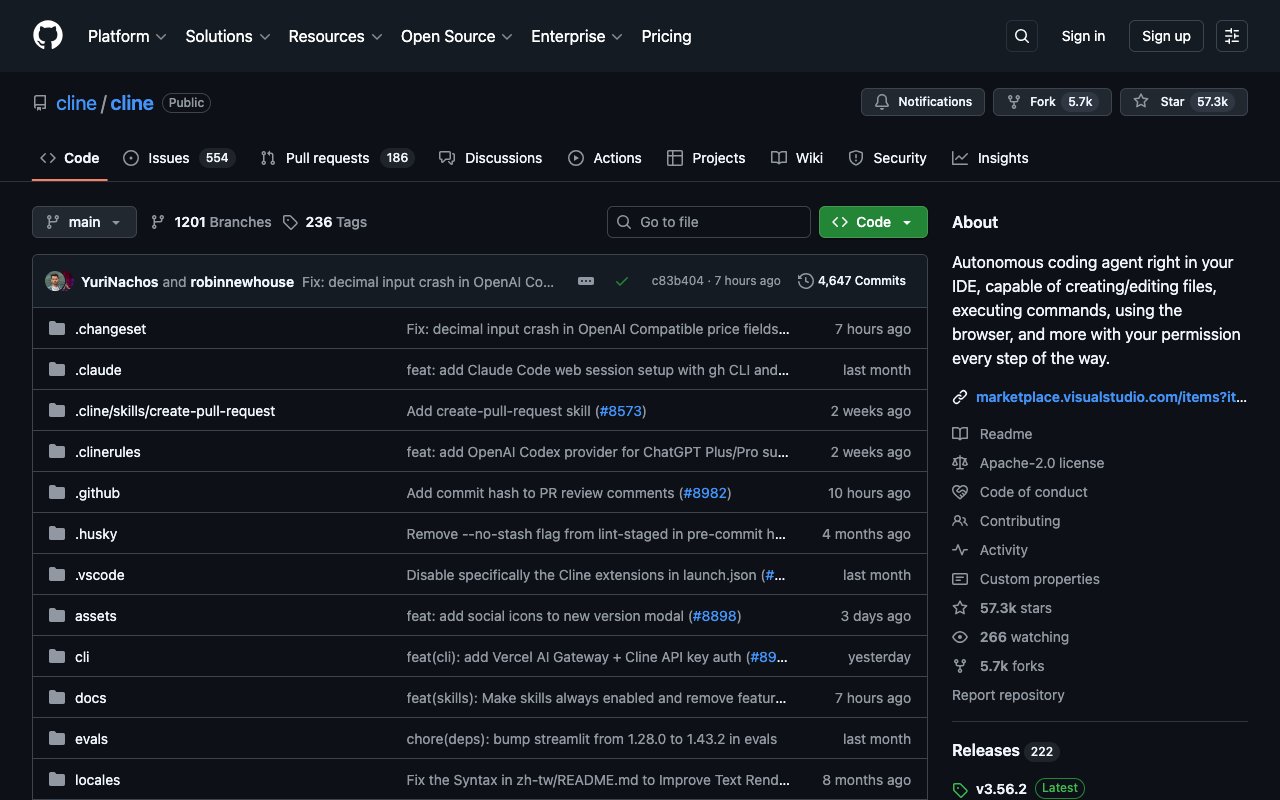
Cline is a free, open-source coding agent for VS Code, with a CLI and an MCP marketplace. It plans a task, edits files and runs commands, and asks before each step. You pay only for model calls, at cost or with your own API keys. For a developer who wants Cursor's agent without a subscription, Cline is the direct answer. For no-code builders that also run on your own key, see the best BYOK AI builders.
Strengths
- $0 for the tool. The Cline FAQ says the open-source extension is "completely free for individual developers".
- Any model. Bring your own keys and pick the model per task, including cheaper models for simple edits.
- Approval at each step. Cline shows the plan and asks before it writes a file or runs a command, which suits careful teams.
- Open source. The code is on GitHub under the Apache 2.0 license.
Limitations
- Your model bill is your cost control. A long agent task on a top model can cost more than a flat subscription.
- SSO, a JetBrains extension and central billing are on the Enterprise plan only, at a custom price.
Pricing (cline.bot/pricing, 2026-10-19)
| Plan | Price | Includes |
|---|---|---|
| Open Source | Free | VS Code extension, CLI, MCP marketplace, community support, inference at cost or your own keys |
| Enterprise | Custom | SSO, SLA, dedicated support, JetBrains extension, central billing |
Who it fits: a developer who wants an agent in VS Code and full control of the model bill. Who it does not fit: a developer who wants one flat price and no API keys.
8. Aider: Best for open-source pair programming in the terminal
Aider is a free, open-source tool for AI pair programming in your terminal. You point it at a repository, give it your model key, and ask for a change. It edits the files and records each change in git, so you can review or undo it. It connects to almost any model, including local models.
Strengths
- $0 for the tool. Aider is open source on GitHub under the Apache 2.0 license.
- Git-first. Each change lands as a git change you can read, revert or squash, which keeps agent work easy to audit.
- Any model, including local. The site shows setup for DeepSeek, Anthropic and OpenAI keys, and says Aider "can connect to almost any LLM, including local models".
- Light. It runs next to any editor, with no new IDE to learn.
Limitations
- Terminal only. Developers who want a visual diff panel and buttons will prefer Cline or an AI editor.
- Release activity is slower than the venture-backed tools on this list. On 2026-10-19, the newest push to the main GitHub repository was dated 2026-05-22.
Pricing (aider.chat, 2026-10-19)
| Item | Cost |
|---|---|
| Aider | Free, open source (Apache 2.0) |
| Models | Your provider's API price, or $0 for a local model |
Who it fits: a terminal-first developer who wants an open-source agent and full control of models. Who it does not fit: a developer who wants a graphical editor.
9. Taskade Genesis: Best for building apps without code
Taskade Genesis is not a code editor. It is the pick for people who searched for Cursor because they want a working app, not a codebase. You describe the app in one prompt, and Taskade Genesis builds it live, with its own database, AI agents and automations. There is no terminal and no deploy step. On Pro and above you can also edit the app source in the Code tab and export the app to GitHub.

Strengths
- One prompt, a live app. Dashboards, client portals, forms and trackers come out ready to use and share by link.
- Agents and automations inside the app. AI agents answer from your data, and automations connect 100+ integrations, with triggers that pull events in and actions that push data out.
- Ready-made kits. Clone a working app from the app gallery and change it, instead of starting from a blank page.
- Edit in chat. Taskade EVE builds and changes the app when you ask in plain language.
Limitations
- It is a hosted, no-code-first builder, not a code editor. Source editing in the Code tab and export to GitHub need Pro or above. If you build and deploy from your own repository, use one of the eight tools above.
- Custom domains for apps are on Pro and higher plans.
Pricing (taskade.com/pricing, 2026-10-19)
| Plan | Price | Includes |
|---|---|---|
| Free | $0 | 2 members, 3 apps, 1 agent, starts with no AI credits |
| Pro | $10/mo billed annually ($120/yr) | Up to 10 members, more apps and agents, up to 10 custom domains |
| Business | $25/mo billed annually ($300/yr) | Unlimited custom domains for apps, single sign-on |
Who it fits: a founder, operator or team lead who wants the tool, not the code. Who it does not fit: a developer who ships a product from a repository. Compare it with other no-code options in our best AI app builders list and free AI app builders.
Which form factor is the best Cursor replacement?
The form factor matters more than the brand. Cursor is an AI-first fork of an editor. You can replace it with a plugin in your current editor, another AI editor, a terminal agent, an open-source agent, or, if you do not need code, an app builder. Each step to the right gives up more control of the code for more done for you.
FORM FACTORS FOR AI CODING, 2026  PLUGIN           AI EDITOR          TERMINAL AGENT       OPEN SOURCE         NO-CODE APP
──────           ─────────          ──────────────       ───────────         ───────────
GitHub Copilot   Devin Desktop      Claude Code          Cline               Taskade Genesis
Zed                OpenAI Codex         Aider
Kiro
  Keep your        Swap the editor,   Agent does whole     $0 tool, you pay    No code. The app,
editor           keep the GUI       tasks in the shell   for model calls     its data, agents
and automations
  <── more control of the code ─────────────────────────── more done for you ──>
| Form factor | Tools | You give up | You get |
|---|---|---|---|
| Plugin | GitHub Copilot | A UI built around the agent | No migration |
| AI editor | Devin Desktop, Zed, Kiro | Your current editor | An agent at the center of the UI |
| Terminal agent | Claude Code, OpenAI Codex | A visual editor for the agent | Long, whole-task agent runs |
| Open source | Cline, Aider | A flat monthly price | $0 tool and any model |
| No-code app | Taskade Genesis | A repository-first workflow (source editing and GitHub export need Pro) | A live app with no code |
What does each Cursor alternative cost for one developer a year?
At the entry paid tier, Copilot and Zed cost $120 a year, and Claude Code costs $204 a year with annual billing. Devin Desktop, Kiro and Codex cost $240 a year. Cursor Premium, the cheapest Cursor plan with non-Grok models, costs $360 a year. Cline and Aider cost only your model bill.
| Tool and plan | Monthly | Per year | Note |
|---|---|---|---|
| GitHub Copilot Pro | $10 | $120 | $10 in base AI credits each month |
| Zed Pro | $10 | $120 | $5 of token usage, then metered |
| Claude Code (Claude Pro, annual) | $17 | $204 | $20 a month if billed monthly |
| Devin Desktop Pro | $20 | $240 | Quota-based |
| Kiro Pro | $20 | $240 | 1,000 credits a month |
| OpenAI Codex (ChatGPT Plus) | $20 | $240 | Also covers ChatGPT |
| Cursor Premium | $30 | $360 | Third-party models billed by usage on top |
| Cline, Aider | $0 | $0 + models | You pay your model provider |
| Taskade Genesis Pro | $10 billed annually | $120 | An app builder, not an editor |
Monthly prices are from each vendor's pricing page on 2026-10-19. The yearly figure is the monthly price times 12, except where a vendor lists an annual rate.
How do you move off Cursor in a week?
The safe way to switch is to run the new tool next to Cursor for one week on real work, then cancel. Most of the work is moving your rules and prompts, not your code, because every tool on this list reads the same repository.
| Day | Task | Done when |
|---|---|---|
| 1 | Install the new tool and open your main repository | It answers a question about your code correctly |
| 2 | Copy your Cursor rules into the new tool's project instructions | Style and test rules show up in its edits |
| 3 | Give it one real bug | The fix passes your tests |
| 4 | Give it one small feature across several files | The change passes review |
| 5 | Compare the week's cost with your Cursor bill | You know the real monthly cost |
| 6-7 | Decide, then cancel the plan you do not keep | One bill left |
Which is the best AI code editor in 2026?
For most developers, the best AI code editor in 2026 is the one they already use, with GitHub Copilot added. If you want a new editor, Devin Desktop is the closest to Cursor, Zed is the fastest, and Kiro is the most structured. The best terminal agents are Claude Code and OpenAI Codex.
| If you want | Pick | Why |
|---|---|---|
| The cheapest complete seat | GitHub Copilot Pro | $10/mo with credits, agent and code review |
| The Cursor experience from another vendor | Devin Desktop | Same editor-plus-agent model |
| Speed on large files | Zed | Native Rust editor |
| Agents that work from requirements | Kiro | Specs and property-based tests |
| An agent that finishes whole tasks | Claude Code or OpenAI Codex | Terminal agents with long sessions |
| $0 for the tool | Cline or Aider | Open source, any model |
| An app without code | Taskade Genesis | Prompt to live app |
Limitations: when Taskade is not the right fit
Taskade Genesis is the last entry on this list on purpose. Most people who search for Cursor alternatives write code, and for them a code tool is the right answer.
- You ship a product from a repository. Taskade Genesis is a hosted builder. On Pro and above it lets you edit the app source and export it to GitHub, but it is not a code editor for a repository you already own and deploy yourself. Use Copilot, Devin Desktop, Claude Code or one of the open-source agents.
- You need a custom frontend. If the product needs a hand-built interface or a specific framework, write it in a code editor.
- You need to run code locally or offline. Taskade Genesis apps run in Taskade. Aider with a local model can run on your own machine.
- You want a free custom domain. Custom domains for apps start on the Pro plan.
Why we built Taskade differently
We built Taskade Genesis for the person who does not want a code editor at all. Cursor and every tool above make writing code faster. Taskade Genesis removes the code step: you describe the tool you need, and you get the working tool.
- One prompt builds a live app with its database: a dashboard, a client portal, a form or a tracker.
- AI agents with knowledge and tools work inside the app or on their own.
- Automations connect 100+ integrations. Triggers pull events in, and actions push data out.
- Workspace DNA ties it together: projects are the memory, agents are the intelligence, automations are the execution.
- Kits from the app gallery clone in one step, share by link, and take a custom domain on Pro and up.
- Taskade EVE builds and edits the app in chat.
Free includes 2 members, 3 apps and 1 agent, and starts with no AI credits. Pro is $10 a month billed annually. See the full plans, read the Taskade Genesis wiki, or learn how runtime apps differ from generated code.
The bottom line
Cursor's move to X Subscription plans, with Grok-only Plus, gives developers a reason to compare. For the lowest-friction switch, add GitHub Copilot to your current editor. For the closest Cursor feel, try Devin Desktop. For whole tasks, run Claude Code or OpenAI Codex in the terminal. For $0, install Cline or Aider. If you came here for an app and not a codebase, build it with Taskade Genesis.
▲ ■ ● Memory, intelligence and execution, in one workspace.
Related reading
- Best Vibe Coding Tools 2026: the full market, from code editors to app builders
- Claude Code vs Cursor vs Taskade Genesis: terminal vs editor vs workspace
- Cursor Review: a closer look at Cursor itself
- Taskade Genesis vs Cursor: code editor vs app builder
- What Are AI Agents?: how coding agents and workspace agents work
- Free Cursor Alternative: Taskade Genesis and Cursor side by side
- Codex vs Cursor: the OpenAI agent and the AI editor side by side
Frequently Asked Questions
What is the best Cursor alternative in 2026?
For most developers, GitHub Copilot is the best Cursor alternative, because it keeps your current editor and its Pro plan costs $10 a month. If you want an editor that feels like Cursor, pick Devin Desktop, the editor formerly called Windsurf, at $20 a month. If you prefer a terminal agent, pick Claude Code or OpenAI Codex. If you do not want to write code at all, Taskade Genesis builds a working app from a prompt.
How much does Cursor cost in October 2026?
On 2026-10-19, cursor.com/pricing lists Free at $0, Plus at $8 a month, Premium at $30, Super at $100 and Ultra at $200, plus Teams from $30 per user a month and custom Enterprise pricing. The page says subscriptions are only sold through X Subscription Corp., and that only Grok models are available on the Plus plan. Third-party models are billed separately by usage.
Is Cursor still worth paying for after the X Subscription change?
It depends on the models you use. The $8 Plus plan includes Grok models only, so a developer who wants other frontier models needs Premium at $30 a month, and third-party models are billed by usage on top. If you mainly want other models, GitHub Copilot Pro at $10, Claude Code inside Claude Pro at $20 monthly, or Devin Desktop Pro at $20 can cost less for the same daily work.
What is the best free Cursor alternative?
Cline and Aider are free and open source under the Apache 2.0 license. You pay only for the model calls, with your own API keys. Zed's Personal plan is free when you bring your own keys. GitHub Copilot Free includes 2,000 inline suggestions a month and limited chat and agent use. Devin Desktop and Kiro also have free plans with a small quota.
What happened to Windsurf?
Windsurf is now Devin Desktop. On 2026-10-19, windsurf.com/pricing redirects to devin.ai/pricing, which lists Free at $0, Pro at $20 a month, Max at $200 a month, and Teams at $80 a month plus $40 per full developer seat for up to 200 users.
Is GitHub Copilot cheaper than Cursor?
Yes, if you want models other than Grok. Copilot Pro costs $10 a month and includes $10 in base AI credits, unlimited inline suggestions, the cloud agent and code review. Cursor's cheapest paid plan is Plus at $8 a month, but it includes Grok models only. The Cursor plan with other models, Premium, costs $30 a month.
Which Cursor alternative works in the terminal?
Claude Code, OpenAI Codex and Aider all run in the terminal. Claude Code is included in Claude Pro and Max. Codex is included in ChatGPT Plus and Pro, with limited access on Free. Aider is free and open source and connects to almost any model, including local models. Cline and Kiro also ship a CLI next to their editor extension.
What is the best open-source Cursor alternative?
Cline is the most complete open-source agent inside VS Code, with a CLI and an MCP marketplace. Aider is the open-source choice for terminal pair programming. Both use the Apache 2.0 license. Zed is an open-source editor with built-in AI. Continue, an earlier open-source pick, says on its own site that it has joined Cursor.
Can I build an app without code instead of using Cursor?
Yes. If you searched for Cursor because you want an app, not a code editor, Taskade Genesis builds a live app with its own database from one prompt, with AI agents and automations inside it. The Free plan includes 3 apps and 1 agent and starts with no AI credits. Pro is $10 a month billed annually.
Which Cursor alternative is best for large codebases?
Claude Code and OpenAI Codex suit large repositories, because they read the project from the terminal and run long agent tasks. Kiro adds specs and property-based tests that check code against stated requirements. Devin Desktop and Copilot index the repository inside the editor. For a codebase that must stay on your own infrastructure, Cline and Aider run with your own model keys.