






As a product developer, you're all too familiar with the challenges of bringing a visionary concept to life. You grapple with tight deadlines, shifting market demands, and the constant pressure to innovate—all while ensuring your product is both feasible and aligned with customer expectations.
Today, we’re giving you a list of AI-powered tools to help you navigate these challenges and turn them into opportunities for creativity and efficiency.
This article dives into the top AI tools that support every phase of product development, from ideation to launch, showing you how to enhance your processes, improve outcomes, and transform your innovative ideas into successful products.
🤔 What is Product Development?
Product development is the process of bringing a concept to market readiness. This takes place through several stages:
Ideation: This stage marks the inception, where ideas are sparked by creative visions or identified customer needs.
Design: In this phase, initial ideas are transformed into detailed plans and technical specifications, laying the groundwork for physical realization.
Prototyping: Here, concepts are brought to life through prototypes, which allow for practical testing and refinement based on real-world feedback.
Testing: The product undergoes rigorous evaluations to ensure it meets high-quality standards and effectively addresses user requirements.
Launch: The culmination of the development process, where the product is strategically introduced to the market to maximize impact and reach.
Furthermore, it’s important to note that product developers are not the same as product managers, although their roles might sound similar.
Product developers focus on the technical aspects of creating the product, turning designs into functional items. In contrast, product managers oversee the project's trajectory based on market research and strategic objectives.
Collaboration between these roles is crucial. Effective communication ensures that product features are both technically feasible and aligned with market demands, paving the way for a successful product launch.
🧑💻 8 Best AI Tools for Product Development
Let's now explore a list of our favorite AI tools that can help with product development, focusing on how they optimize efficiency, creativity, and responsiveness.
Taskade
Picture this: a tool that revolutionizes product development by simplifying collaboration and infusing every stage with powerful AI—from brainstorming to launch. That's Taskade. It's designed to streamline complex workflows and supercharge team productivity, making it an essential asset for product developers who need to move fast and innovate constantly. With Taskade, every interaction, whether with marketers, engineers, or stakeholders, is not just managed but optimized for success.
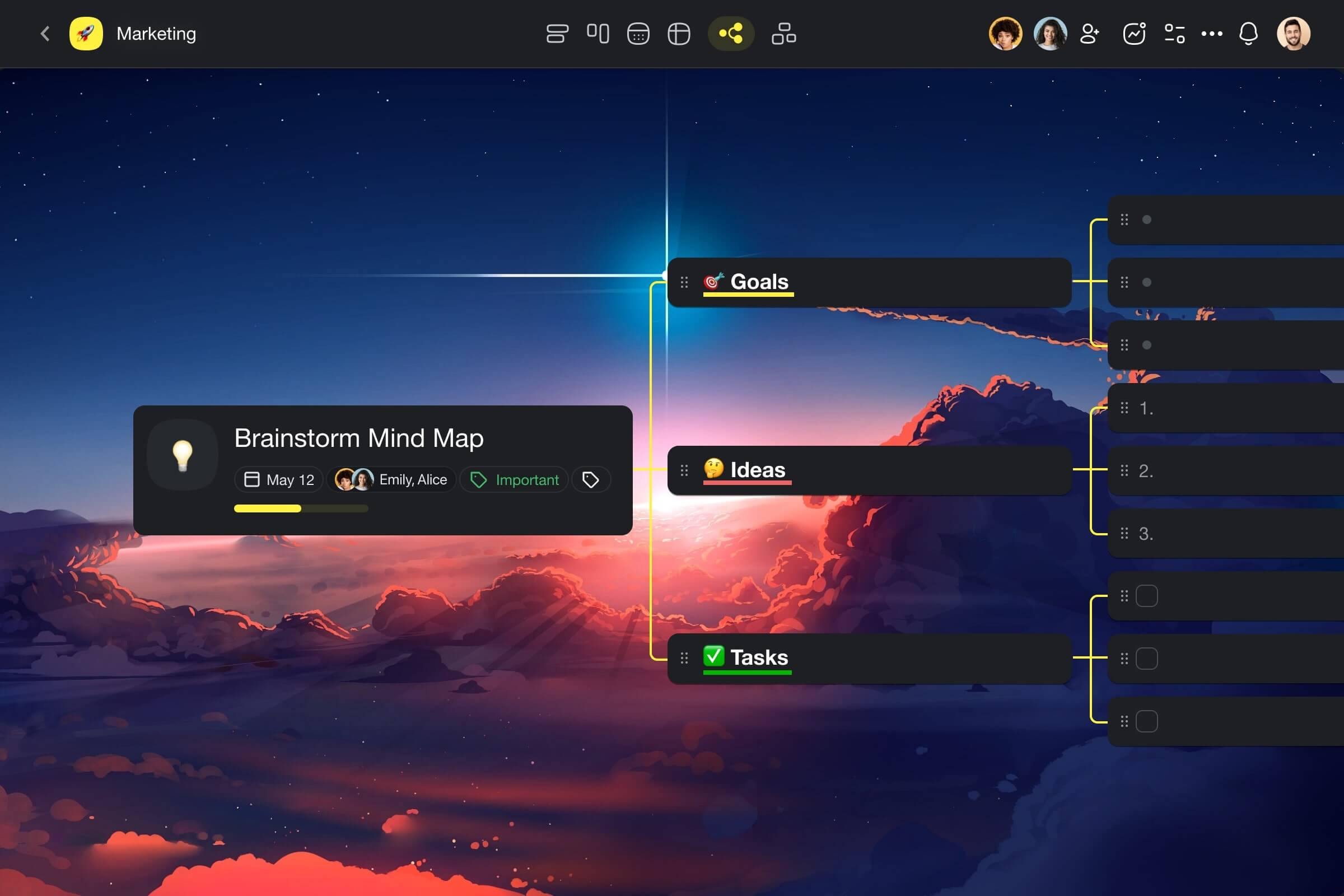
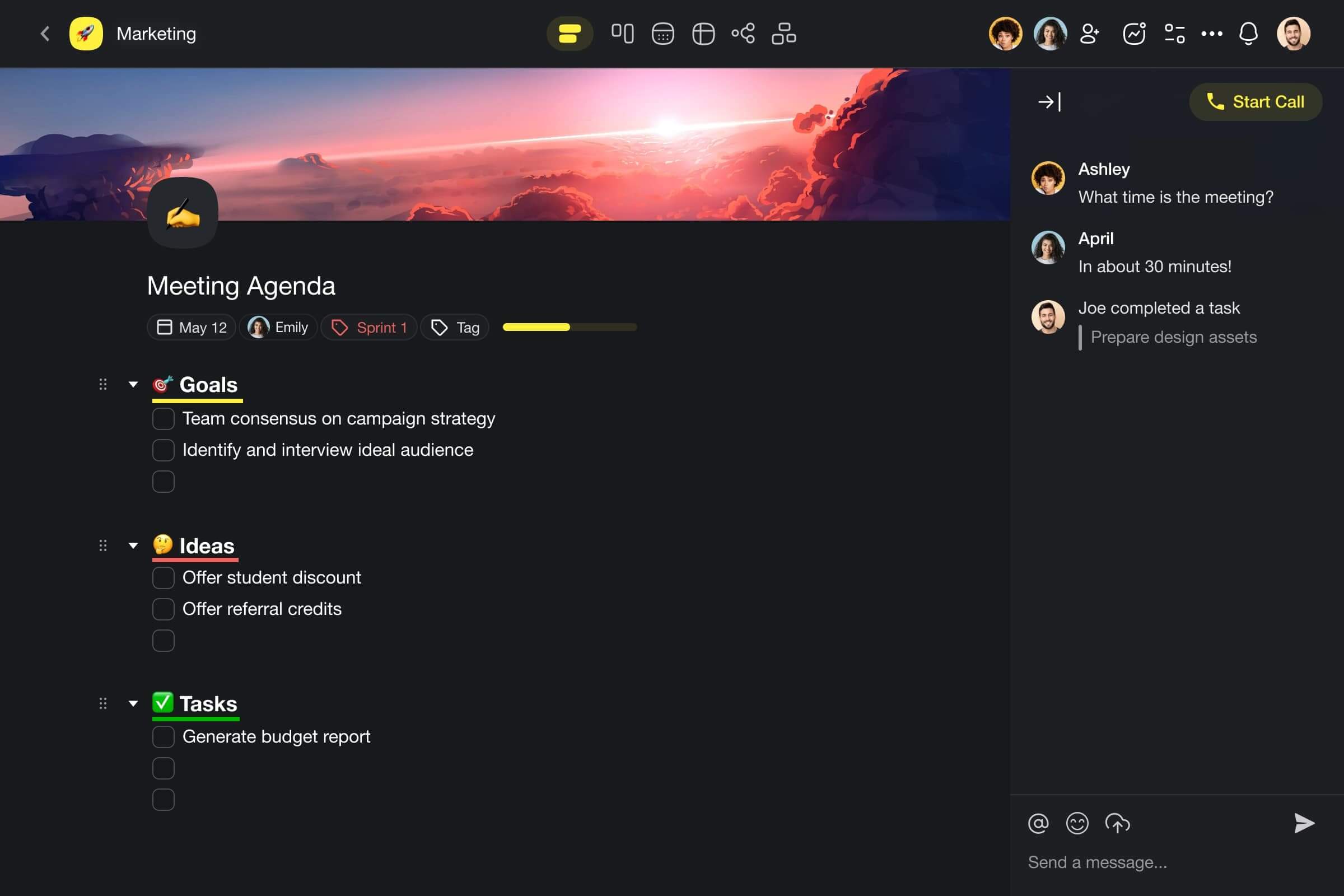
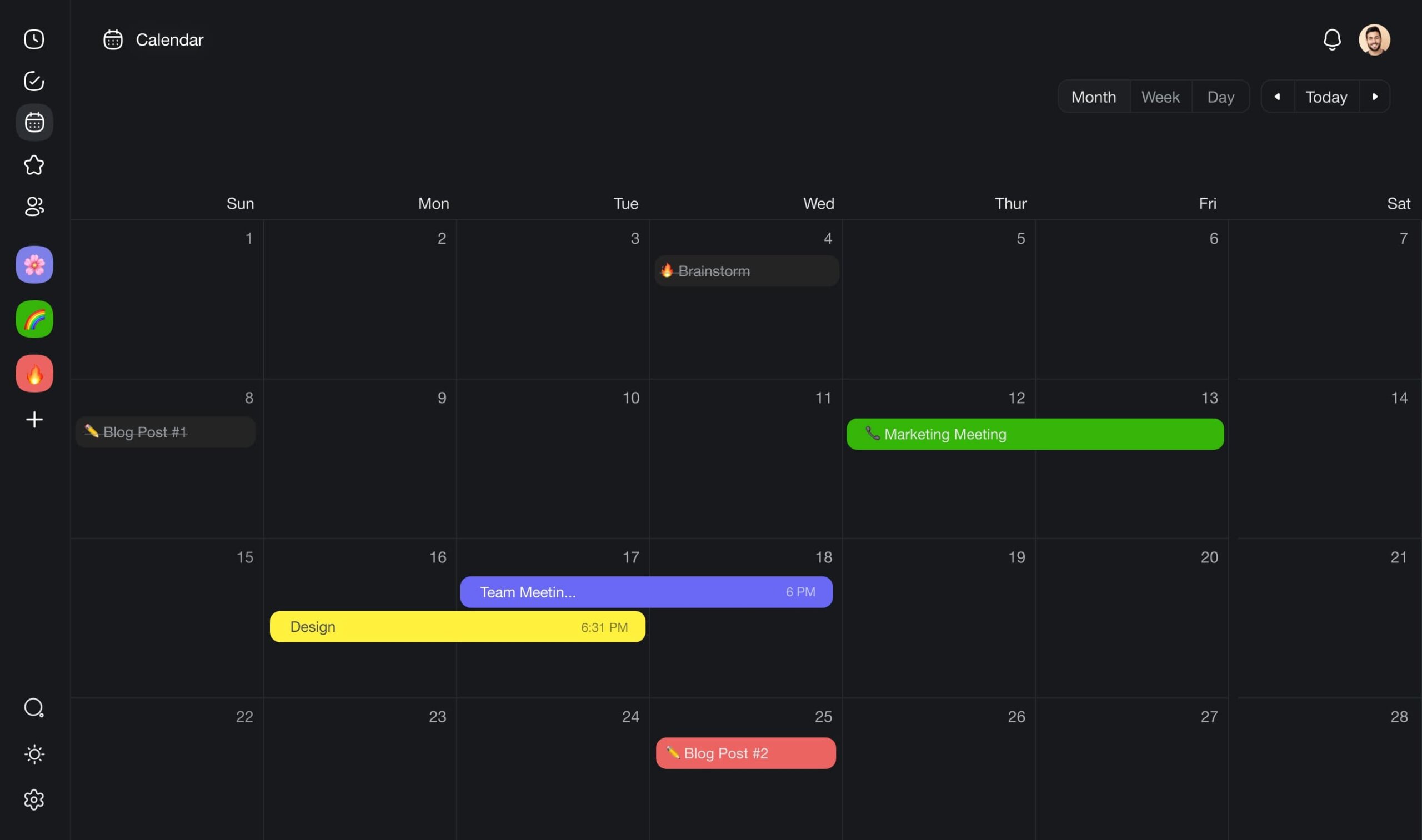
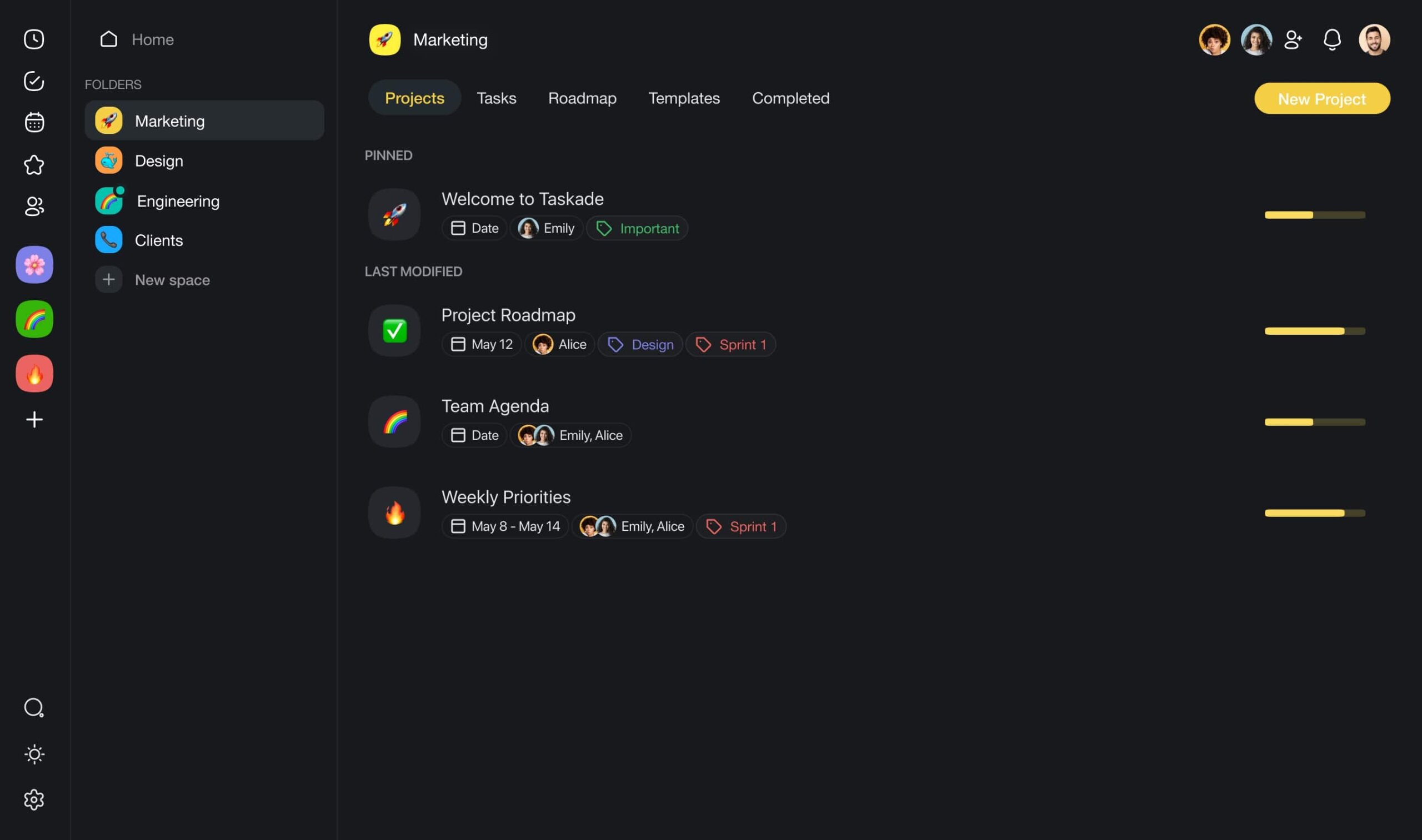
Key Features of Taskade and Their Impact on Product Development
Real-Time Collaboration and Communication
Pain Point Addressed: Team coordination across departments.
Product development requires seamless collaboration among diverse teams—marketing, technical, manufacturing, and design. Taskade's real-time collaboration tools, including integrated video conferencing and document editing, ensure that communication barriers are eliminated. Teams can share updates, modify project details, and make decisions together in real-time, maintaining alignment from concept to production.
Flexible and Dynamic Project Management
Pain Point Addressed: Managing complex product development processes.
The multifaceted nature of product development demands a dynamic project management approach. Taskade’s adaptable project views—be it task lists, mind maps, or kanban boards—allow teams to visualize and manage their workflows effectively. This adaptability is crucial for keeping track of multiple stages of product development and for adapting quickly to new insights or changes in project scope.
Workflow Automation Powered by AI
Pain Point Addressed: Streamlining repetitive tasks and scheduling.
Product developers often grapple with the challenge of managing repetitive tasks efficiently. Taskade’s wide range of pre-built AI-driven automation helps streamline these processes by handling routine tasks like scheduling and reminders. Automation not only saves time but also reduces the likelihood of human error, allowing developers to focus more on creative and critical aspects of product development.
Enhanced Productivity with Custom AI Agents
Pain Point Addressed: Market and competitor research.
Understanding market needs and competitor benchmarks is crucial. Taskade’s custom AI agents can automate and enhance the research process by gathering data, analyzing market trends, and comparing competitor products. These AI agents act as an extension of the team, providing data-driven insights that are critical for developing products that meet market and production requirements.
Curious how Taskade’s custom AI agents hook into live product data and external services? Check out our deep-dive on the Model Context Protocol (MCP) to see the wiring in action.
AI-Powered Task Scheduling and Reminders
Pain Point Addressed: Keeping projects on track.
Product development involves stringent deadlines and multiple overlapping tasks. Taskade uses AI to optimize task scheduling and send intelligent reminders, ensuring that every phase of the product development cycle progresses smoothly and on schedule. This feature is particularly useful in maintaining momentum and ensuring that all team members are aware of their deadlines and deliverables.
Interactive Templates and Tools
Pain Point Addressed: Standardizing the design and development process.
From initial concepts to detailed production specifications, Taskade’s customizable templates help standardize the development process. These templates provide a structured framework that guides teams through each step of product development, ensuring that nothing is overlooked and that all design and technical requirements are met.
Taskade Pricing
Taskade’s pricing structure is designed to accommodate teams of all sizes and budgets. The platform offers a free version which includes basic features suitable for small teams or individual developers. For larger teams or enterprises needing more advanced features, premium options are available. These premium plans include additional AI capabilities, more extensive collaboration tools, and advanced support, ensuring that teams can scale their operations efficiently and effectively.
Miro
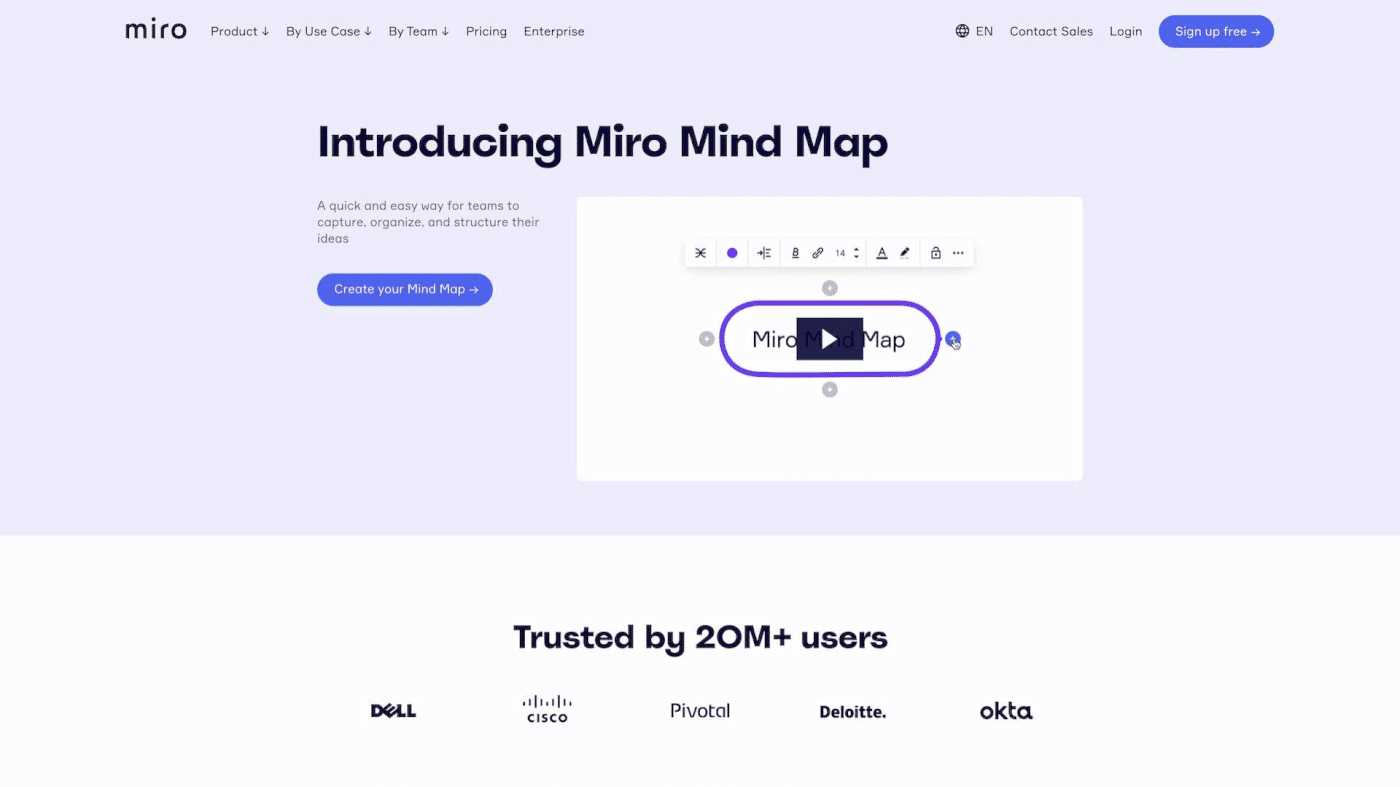
Miro is a highly interactive whiteboard platform that is essential for teams during the brainstorming and planning stages of product development. It enables real-time collaboration and visualization of ideas, which is crucial when mapping out product concepts and workflows. With its intuitive design and user-friendly interface, Miro helps teams synthesize information, design user flows, and create wireframes collaboratively, ensuring that all team members are aligned and can contribute effectively from any location.
Key Features of Miro
Digital Whiteboards: Support diagrams, sticky notes, and freeform drawing, ideal for brainstorming and planning.
Real-Time Collaboration: Allows team members to work together simultaneously, regardless of location.
Extensive Template Library: Provides a variety of pre-built frameworks that help accelerate the design and ideation processes.
Integration with Video Conferencing: Seamlessly combines with tools like Zoom to enhance remote collaboration during meetings.
Miro Pricing
Miro offers several pricing tiers, starting with a basic free plan that includes limited boards and templates. Paid plans provide additional features like unlimited boards, high-level security options, and advanced integrations with enterprise systems.
Common Reviews of Miro
Users often praise Miro for its ability to foster collaboration among remote teams and its ease of use in organizing thoughts and projects visually. Some criticisms typically involve the navigation of its more complex features without adequate training.
Amplitude
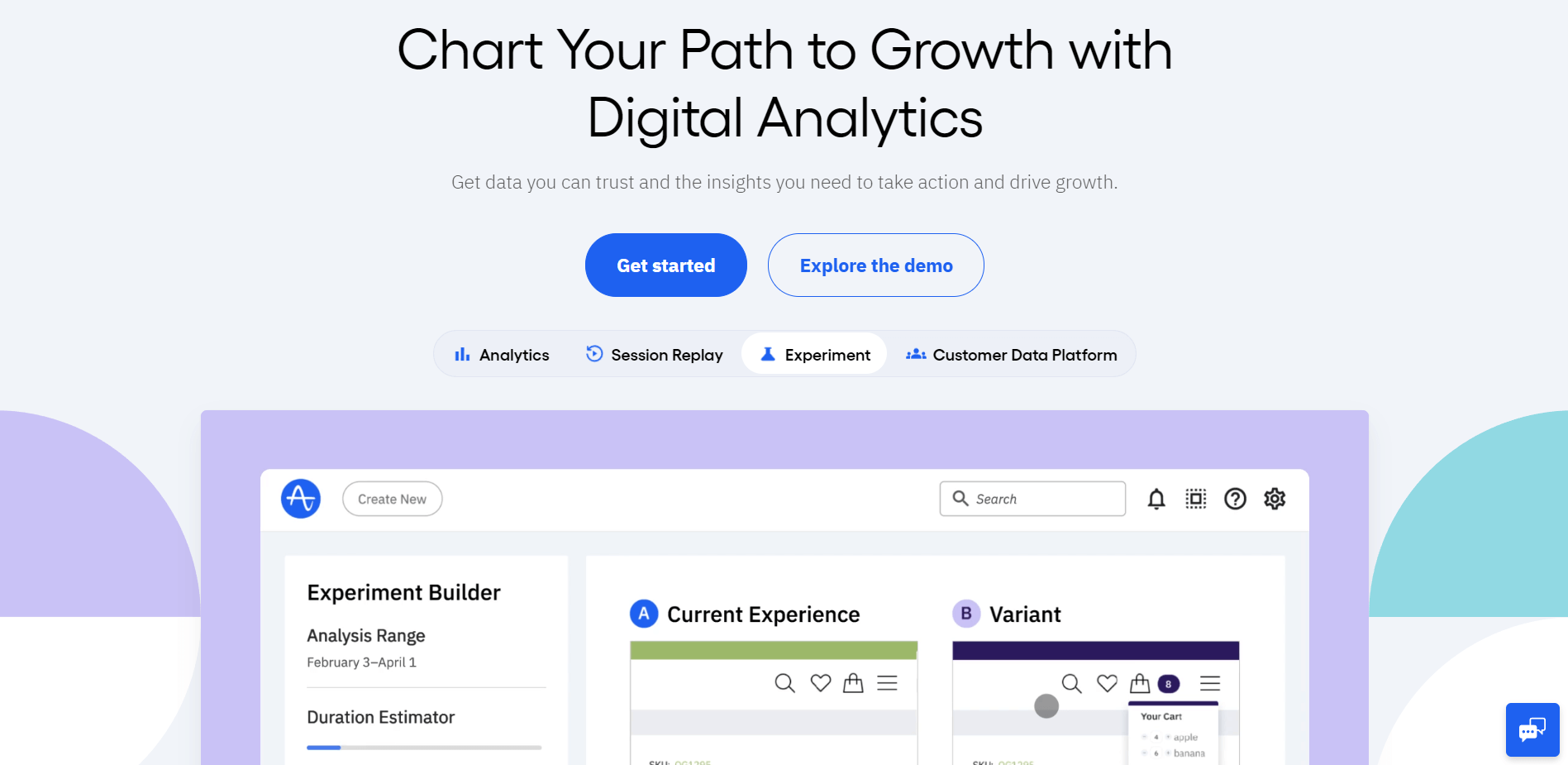
Amplitude is distinguished by its powerful product analytics capabilities, enabling product developers to deeply understand user behavior and product performance. By leveraging data from multiple sources, Amplitude helps teams make data-driven decisions, optimize product features, and ultimately build products that resonate well with users.
Key Features of Amplitude
Advanced Behavioral Analytics: Provides deep insights into how users interact with your product, helping to drive development focused on user engagement.
Automatic Syncs with 3rd Party Software: Enhances productivity and data consistency by integrating with tools like Salesforce and Marketo.
Unlimited Data Sources and Destinations: Allows for extensive data integration, ensuring comprehensive analytics coverage.
Dashboard Templates and Collaboration Tools: Facilitates sharing insights across teams with customizable dashboards that highlight key metrics and trends.
Amplitude Pricing
Amplitude offers various pricing tiers, including a free starter plan that provides basic analytics capabilities. More advanced features, such as unlimited data history and accounts, are available in its premium plans, which are tailored to larger organizations needing extensive analytics.
Common Reviews of Amplitude
Amplitude is frequently commended for its depth of analytics and the clarity it brings to product usage patterns. However, some users find its advanced features somewhat complex and feel that there could be a steeper learning curve for those not familiar with data analytics.
Unleash
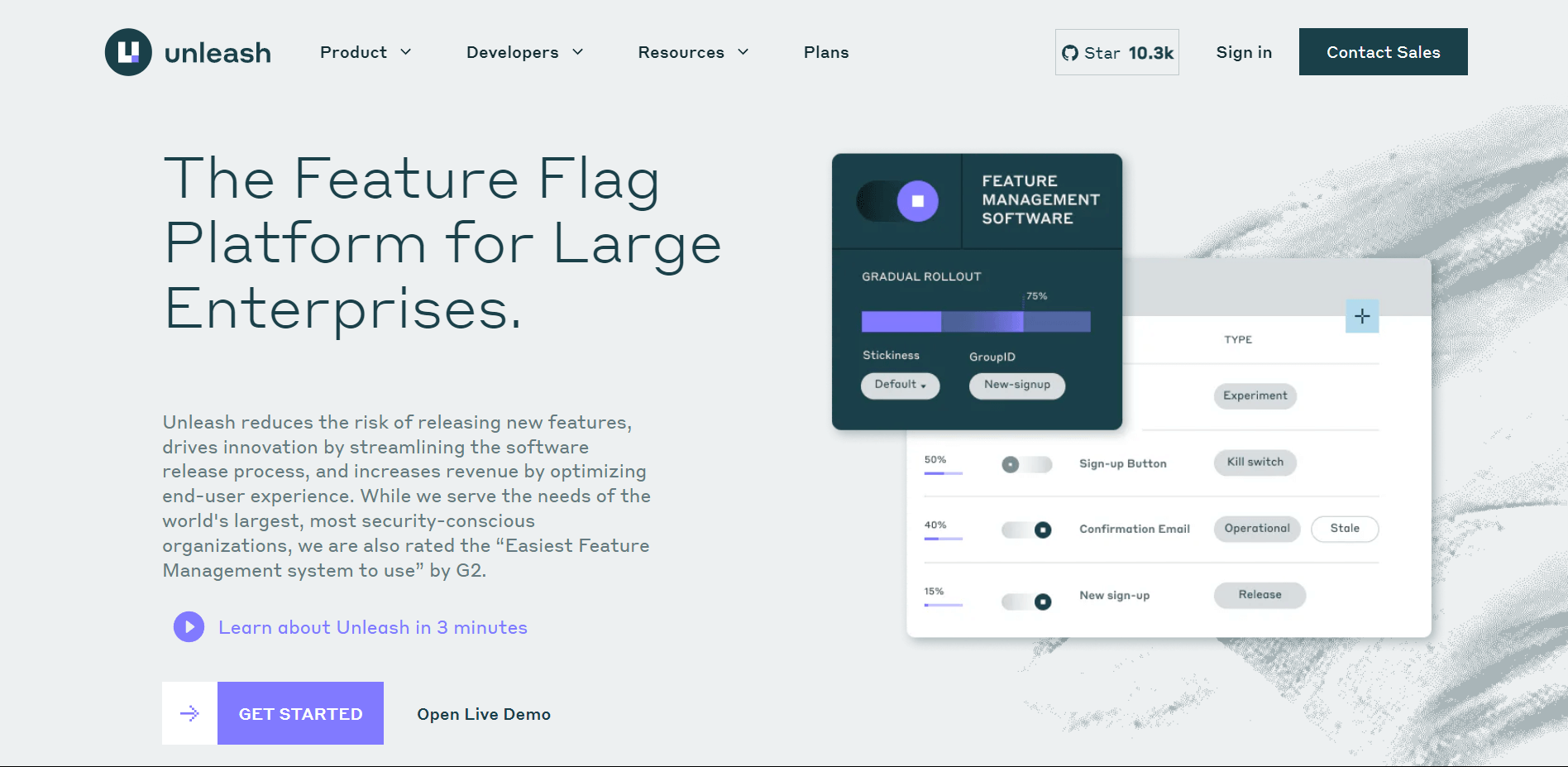
Unleash is an open-source feature management tool designed to help development teams deploy new features safely and efficiently by using feature flags. This approach allows teams to control who sees a new feature and when, which is critical for testing and incremental rollouts in product development.
Key Features of Unleash
Robust Feature Flagging Capabilities: Enables teams to toggle features on or off without deploying new code, increasing flexibility in testing.
Easy Integration with Existing Workflows: Integrates smoothly into current development processes, minimizing disruption.
Support for Multiple Programming Languages: Compatible with various programming languages, making it versatile for different tech stacks.
Precise User Targeting and A/B Testing: Offers detailed control over feature release segments, facilitating effective testing and user feedback collection.
Unleash Pricing
Unleash provides a free version with basic feature flagging capabilities, while its more comprehensive plans include advanced targeting, team management features, and priority support, catering to larger teams and enterprises.
Common Reviews of Unleash
Users appreciate Unleash for its ability to reduce risks associated with deploying new software features. However, newcomers to feature flags may require some time to fully grasp the benefits and best practices for implementing them effectively.
Linear App
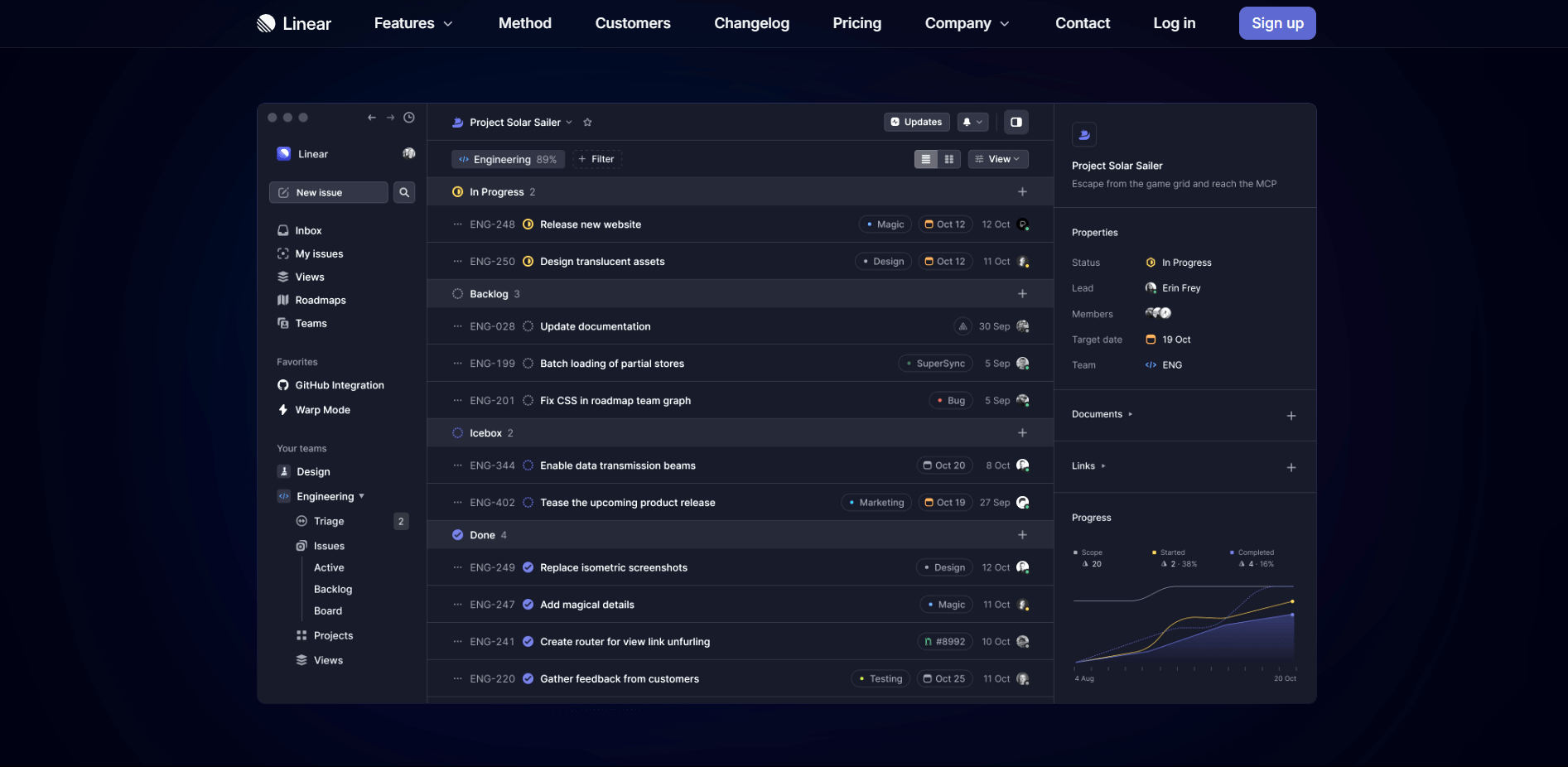
Linear helps streamline software project management, focusing on speeding up issue tracking and project organization with a clean, intuitive interface. It's particularly suited for teams that prioritize efficiency and a straightforward workflow to manage their product development cycles.
Key Features of Linear App
Efficient Issue Tracking: Linear simplifies tracking and managing software development issues, ensuring that nothing gets overlooked.
Intuitive User Interface: Designed to minimize clutter and enhance user focus, Linear's interface is clean and straightforward.
Automated Workflow Sequences: Supports automated transitions in task statuses, reducing manual work and keeping the project flow smooth.
Integration with Version Control Systems: Easily integrates with systems like GitHub and GitLab, aligning code changes with task tracking.
Linear App Pricing
Linear offers a free version for small teams, with premium features available in paid plans which include advanced project tracking tools and more comprehensive support.
Common Reviews of Linear App
Users often highlight Linear's speed and simplicity as key advantages. Some feedback points to a desire for deeper integration features and more customization options in reporting and tracking.
Trello
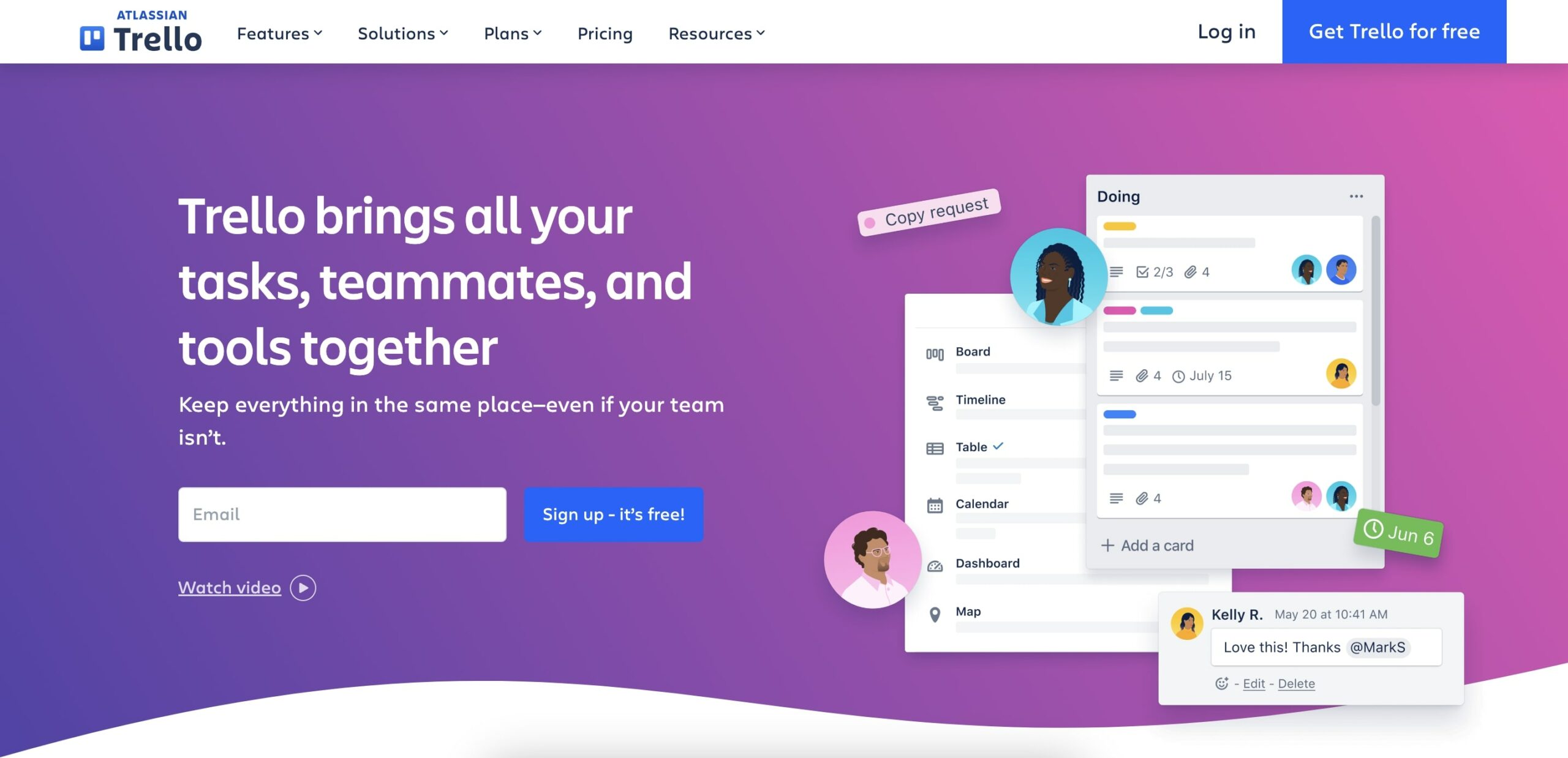
Trello is known for its visually-organized design and user-friendly approach to task management, making it a favorite among teams looking for a flexible and intuitive tool for managing various stages of product development.
Key Features of Trello
Kanban Boards: Allows teams to visualize project workflows in a flexible, easy-to-navigate format.
Customizable Cards: Each task or project can be detailed with cards that can be customized with attachments, checklists, and deadlines.
Automation via Butler: Trello’s built-in automation tool, Butler, helps automate common tasks, reducing repetitive manual work.
Wide Range of Integrations: Connects with various other tools like Slack, Google Drive, and Jira, ensuring that Trello fits into any workflow seamlessly.
Trello Pricing
Trello offers a free basic plan with core features, while its premium plans include advanced board and card functionalities, larger file uploads, and more robust automation capabilities.
Common Reviews of Trello
While Trello is praised for its simplicity and flexibility, some users find it less suitable for very complex projects that require more detailed project management features.
Proto.io
Proto.io empowers teams to prototype products with a user-friendly, drag-and-drop interface that simplifies the creation of interactive and high-fidelity prototypes. It is particularly valuable for designers and developers who need to quickly turn ideas into testable prototypes without writing any code.
Key Features of Proto.io
Drag-and-Drop Interface: Allows users to build prototypes quickly and efficiently, without the need for programming skills.
Interactive Prototyping: Enables the creation of highly interactive prototypes that mimic the final product, allowing for better feedback and testing.
High-Fidelity Prototypes: Supports detailed and visually rich prototypes that give stakeholders a realistic preview of the end product.
User Testing and Feedback Tools: Includes built-in tools for user testing and collecting feedback directly on the prototype, streamlining the iteration process.
Proto.io Pricing
Proto.io offers several pricing tiers, starting with a free trial that includes full-feature access. Following the trial, there are tiered pricing options ranging from basic to enterprise levels, designed to accommodate teams of different sizes and project demands.
Common Reviews of Proto.io
Users often praise Proto.io for its ability to create complex, high-fidelity prototypes that are nearly indistinguishable from the final application. However, some note that there is a learning curve involved in mastering all the features offered by the platform, particularly for those new to prototyping tools.
Jira
Jira is a powerhouse in agile project management, specifically designed for software development teams. It supports teams to plan, track, and release software, making it a go-to tool for those involved in intricate product development environments.
Key Features of Jira
Agile Project Management: Provides comprehensive tools for managing scrum and kanban projects, supporting agile methodologies fully.
Advanced Reporting: Generates detailed reports and dashboards to help teams track progress, understand trends, and make data-driven decisions.
Customizable Workflows: Allows teams to tailor workflows to their specific project needs, enhancing productivity and alignment.
Integration with Developer Tools: Seamlessly integrates with tools across the Atlassian ecosystem as well as external services like GitHub and Bitbucket.
Jira Pricing
Jira's pricing varies based on the size and needs of the team, with a free plan for small teams and several tiered options providing more extensive features and support for larger organizations.
Common Reviews of Jira
Jira is widely recognized for its robust feature set and flexibility in handling complex software development projects. However, some users mention that its extensive customization options can sometimes result in a steep learning curve.
👋Parting Words
AI tools like Taskade transform product development into a more efficient and innovative process. Taskade streamlines collaboration and integrates smart automation, enhancing productivity and precision throughout your project.
From seamless team coordination to effective deadline management, Taskade adapts to your specific needs, helping you achieve your development goals.
Try Taskade for free today.🐑
Frequently Asked Questions
What are the best AI tools for product development?
Top AI tools for product developers include Taskade (project management with AI agents for planning and automation), GitHub Copilot (AI-powered code completion), Figma with AI plugins (design prototyping), and ChatGPT (brainstorming and documentation). The best tools support the full product development cycle from ideation through prototyping to launch.
How is AI changing the product development process?
AI accelerates every stage of product development: ideation (generating and validating concepts), design (creating prototypes from descriptions), development (code generation and debugging), testing (automated QA and user behavior analysis), and launch (market analysis and optimization). Teams using AI tools report faster iteration cycles and better alignment with user needs.
What is the difference between a product developer and a product manager?
Product developers focus on the technical execution of building the product — turning designs into functional features through engineering and prototyping. Product managers oversee strategy, market research, and the product roadmap. While their roles overlap, developers handle the 'how' (technical feasibility) and managers handle the 'what' and 'why' (market fit and business goals).
Can AI tools help with product prototyping?
Yes. AI tools can generate UI mockups from text descriptions, create interactive prototypes, suggest design improvements based on UX best practices, and even generate functional code from wireframes. This dramatically reduces the time between concept and testable prototype, enabling faster user feedback and iteration.