
Definition: Project Views in Taskade use the underlying tree-structured database to display project contents in several different ways. Each of the workflows available in Taskade is designed to enhance productivity by providing a fresh perspective for engaging with tasks, notes, and documents.
Where Will You Find Project Views Inside of Taskade?
Once you're in a project, you can switch between projects views and transform your projects using the buttons located at the top of the project window. Four views sit in the toolbar as tabs — List, Board, Table, and Mind Map — and five more live under the More Views menu: Docs (Beta), Gantt Chart, Calendar, Actionsheet, and Org Chart. Gantt Chart, Actionsheet, and Org Chart need a paid plan.
For More Information About Project Views
For more information about project views visit our Help Center at: /learn/projects/project-views
Frequently Asked Questions About Project Views
How many views does Taskade include? There are multiple unique views available in Taskade:
List / Outline view: Organizes tasks in a linear, top-down way and allows for a hierarchical structure of main tasks and subtasks.
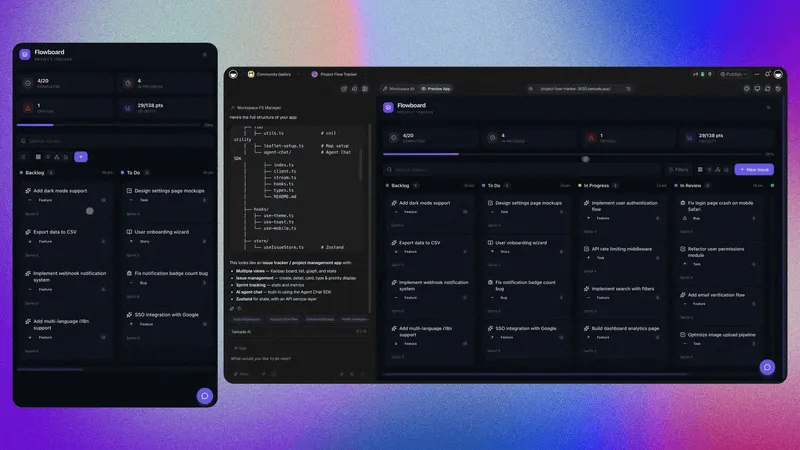
Board / Kanban view: Uses columns to represent stages of a process. Tasks are displayed as cards you can move across columns.
Table view: Displays information in a grid format, similar to a spreadsheet. It provides an overview of tasks and their associated data.
Mind Map view: Represents ideas and tasks as interconnected nodes. It helps explore relationships and hierarchies within a project.
Calendar view: Integrates tasks with a time-based interface. Allows for effective planning and deadline management.
Gantt Chart view: Provides a timeline view of project tasks. Showcases start and end dates and task durations for easy planning.