
Definition: Custom Fields in Taskade let you attach structured data to any project node, transforming free-form projects into lightweight databases with typed columns. They bridge the gap between flexible task management and structured data entry.
Field Types
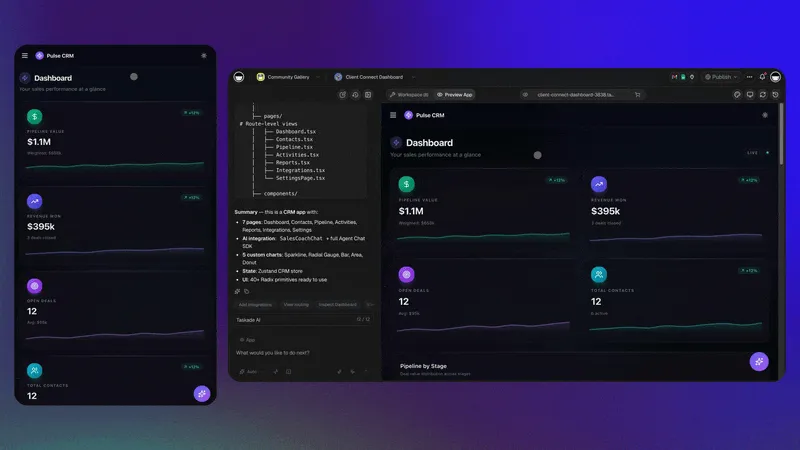
Taskade supports four custom field types that cover common data needs:
Select Field: Dropdown menus with predefined options. Use for status tracking, priority levels, categories, or any fixed set of values. Supports single selection from your defined options.
Number Field: Numeric values for quantities, scores, budgets, ratings, or any measurable data. Enables sorting and filtering by numeric value.
Text Field (String): Free-form text for notes, descriptions, URLs, reference IDs, or any unstructured information that doesn't fit other field types.
Password Field: Masked input for sensitive data like API keys, credentials, or confidential reference numbers. Values are hidden by default in the UI.
Using Custom Fields
Adding Fields:
- Open any project in Table View or List View
- Click the "+" column header to add a new field
- Choose the field type (Select, Number, Text, Password)
- Name the field and configure options (for Select fields, define your dropdown values)
Where Fields Appear:
- Table View: Fields appear as sortable, filterable columns - the most natural view for structured data
- List View: Fields display inline with tasks for quick reference
- Other Views: Field data persists across all views even when not visually displayed
Practical Use Cases
Project Tracking:
- Priority field (Select: Critical, High, Medium, Low)
- Story Points field (Number: 1, 2, 3, 5, 8, 13)
- Sprint field (Select: Sprint 1, Sprint 2, Backlog)
CRM / Contact Management:
- Company field (Text)
- Deal Value field (Number)
- Stage field (Select: Lead, Qualified, Proposal, Closed)
Inventory / Asset Tracking:
- Quantity field (Number)
- Location field (Select: Warehouse A, B, C)
- SKU field (Text)
Taskade Genesis App Backends:
Custom Fields power the database layer of Taskade Genesis apps. When you build an app, your project's custom fields become the data schema that agents can read, write, and automate against.
Related Concepts: Universal Views, Database Projects, Taskade Genesis