
Definition: Project Collaboration in Taskade means several people, and AI agents, work in the same project at the same time. Edits sync as they happen, teammates see who else is present, and roles from Owner to Viewer decide who can edit, comment, or only read. Chat, comments, an activity feed, and version history keep everyone informed.
TL;DR: In Taskade, teammates edit one project together in real time on web, desktop, and mobile. You see who is online and who is typing, chat in the project, comment on tasks, assign work, and review or restore earlier versions. Role-based access from Owner to Viewer controls each person. Start a shared project free.
What is Project Collaboration?
Project collaboration is several contributors changing one shared body of work at the same moment, without emailing copies. It covers human-to-human work and human-with-AI work. Because every project view reads the same data, a manager on the calendar and a contributor on the list are looking at the same live state.
Why does real-time collaboration matter in 2026?
Distributed teams lose time on version confusion: which file is current, who changed the date, why the status is stale. A single live project removes those questions. It also gives AI agents the same shared context as your team, since an agent reads the project instead of a stale export.
Project Collaboration Features
Real-Time Editing: Multiple team members can edit projects simultaneously with instant synchronization
Presence and Typing Indicators: See who is online, and see teammates' profile pictures next to the task they are typing in
Shared Workspaces: Organize related projects in shared workspaces with team-based access control and permissions
AI Agent Collaboration: AI agents work alongside human team members and can act on the same projects
Communication: Team chat in every project, task comments, and video calls keep teams coordinated
Role-Based Access: Role-based access from Owner to Viewer controls what each person can view, edit, and manage
Activity Tracking: The activity feed shows who changed what, and version history lets you review or restore earlier states
How does collaboration work in a project?
- Invite. Share the project or its workspace with teammates. See share a project.
- Set roles. Give each person a role from Owner to Viewer. See roles and permissions.
- Work together. Edit, assign tasks, and chat in the same project.
- Comment. Use project comments when people work at different times.
- Review. Open the activity feed or version history to see or undo changes.
Which collaboration tool fits which need?
| Need | Use | Best when |
|---|---|---|
| Quick question | Team chat in the project | Everyone is online |
| Feedback on one task | Task comment | People work at different times |
| Face-to-face talk | Video call | The discussion needs voices |
| Who changed this? | Activity feed | You need an audit trail |
| Undo a bad edit | Version history | Concurrent edits caused a mistake |
A worked example
A three-person agency runs a client launch in one project. The designer and copywriter edit the same list at once and see each other's avatars beside the tasks they touch. The account lead assigns review tasks, and a client with the Viewer role reads progress without changing anything. When a task moves to the wrong column, the lead opens version history and restores the earlier state.
Common mistakes in team collaboration
- Giving everyone the same role. Match access to the job, from Owner to Viewer.
- Chatting when a comment fits. Comments stay on the task and survive after the chat scrolls away.
- Skipping version history. Concurrent edits sometimes need a rollback, and history makes that safe.
- Exceeding the plan seat cap. Free includes 2 workspace members. Pro includes up to 10 seats.
Connection to Taskade
In Taskade, humans and AI agents share one workspace. Multi-agent teams can work on the same projects your people use. For the how-to, read Real-Time Collaboration in Learn Taskade. For access rules, see security and sharing.
What You Would Build in Taskade
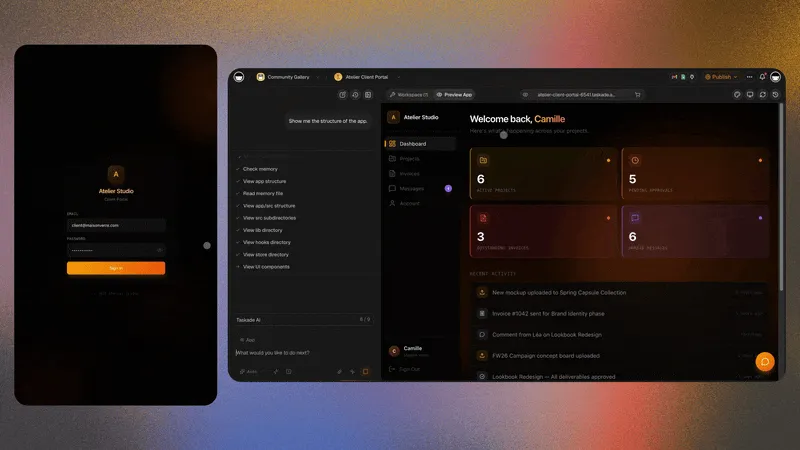
A consultancy asks Taskade EVE for a client portal. Each client logs in with email, the team edits the shared project live, and an agent answers status questions from the project data. Describe yours and build it free →
Related Concepts
- Project Organization
- Universal Views
- Security and Sharing
- Workspaces
- Tasks
- Taskade AI Agents
- Multi-Agent Teams
Frequently Asked Questions About Project Collaboration
How does real-time collaboration work in Taskade?
Everyone edits the same project and changes sync as they happen across web, desktop, and mobile. You also see who is online and who is typing.
Can I chat with my team inside a project?
Yes. Each project has a chat box. Choose Team Chat, type your message, and press Enter.
What roles can I give teammates?
Role-based access runs from Owner to Viewer. It controls who can edit, comment, or only read.
Can I undo a teammate's change?
Yes. Open version history to review or restore an earlier state of the project.
Can AI agents collaborate with my team?
Yes. AI agents work in the same workspace and can act on the same projects your team uses.
How many people can collaborate on the Free plan?
The Free plan includes 2 workspace members. Pro includes up to 10 seats.
Can I collaborate without being online at the same time?
Yes. Use project comments and assigned tasks. Teammates see them when they open the project.