






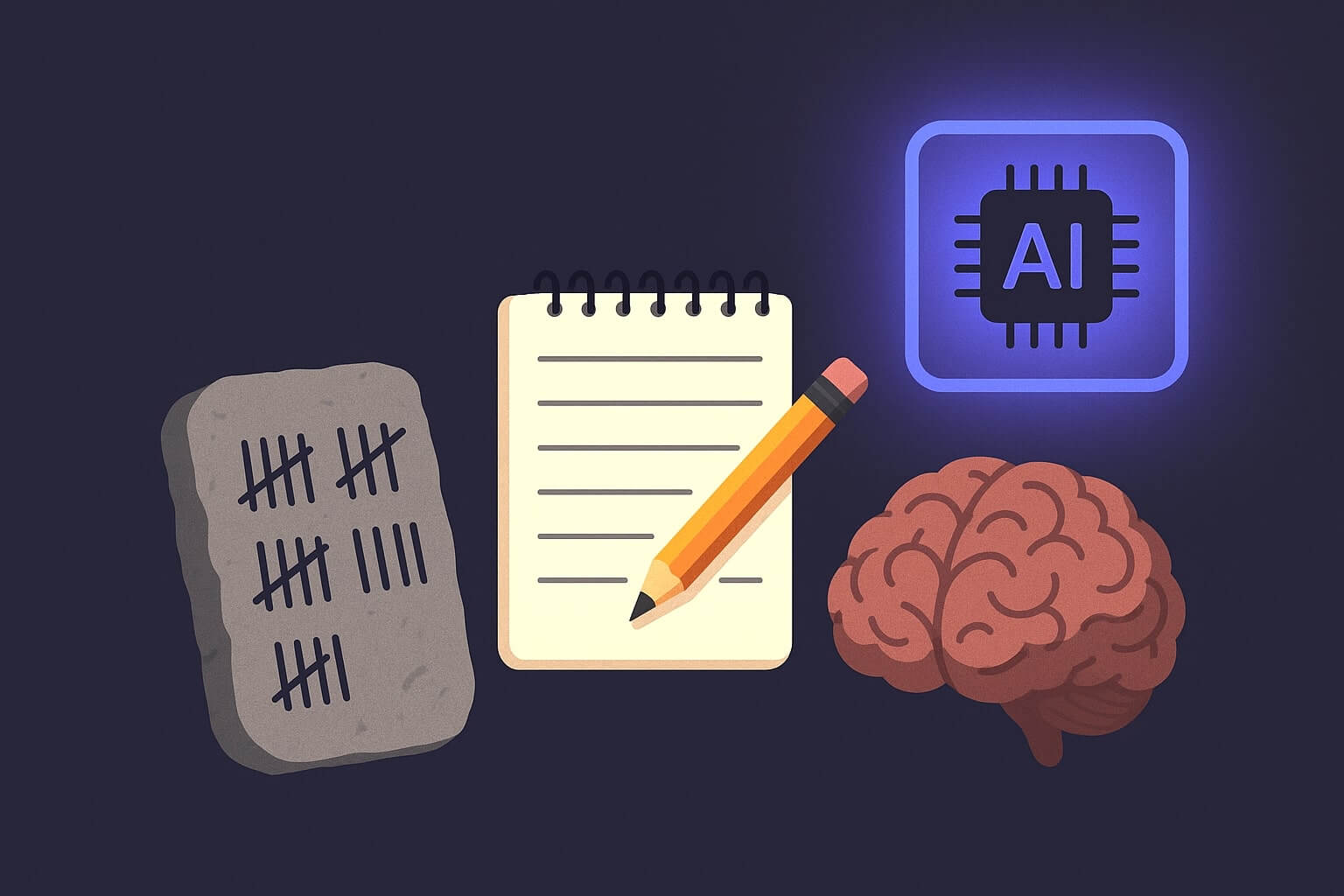
When was the last time you remembered a phone number? No, seriously, without looking it up. That’s called cognitive offloading, outsourcing mental effort to something “outside” your head. Stone tablets, note-taking apps, artificial intelligence, we do it because brains like shortcuts.
In this article, we’ll explain the science of cognitive offloading, show off some tools, and maybe make you question how much of your brain you’re still actually using.
TL;DR: What You’ll Learn
Cognitive offloading is how we lighten our mental load by using a variety of tools.
In this article, you'll learn:
🧠 What cognitive offloading is and why your brain loves it
📜 How it evolved from goat-counting on rocks to using AI agents
🔍 The science behind offloading and how it boosts memory, focus, and clarity
🤖 How smart tools like Taskade AI agents work as thinking partners
🧭 When to offload, what to offload, and what to keep human
💡 Tips to offload smarter, so you keep depth while gaining speed
A Brief History of Offloading: From Paper to Pixels
The human brain’s been delegating a good chunk of its operations since the day it met a pen.
Fine, let us take that back. It’s been doing that for much longer, since someone first scratched a few symbols on a rock to avoid forgetting how many goats they had. 🐐
Of course, with technological advancements, cognitive offloading evolved too.
As we moved into more complex societies, the ways we stored information had to change. Clay tablets gave way to scrolls, then parchment, then paper. Journals tracked ideas, ledgers kept accounts, calendars scheduled time, and maps showed the way forward.
Economist and cognitive scientist Herbert A. Simon captured this centuries-old instinct well:
“[...] a wealth of information creates a poverty of attention and a need to allocate that attention efficiently among the overabundance of information sources that might consume it.”(1)
In the late 20th century, tools like spreadsheets, word processors, and early personal digital assistants allowed us to delegate structure and logic on top of memory.
A calendar app could hold your schedule and remind you of your obligations.
A search engine could replace hours of memorization.
That shift marked the difference between external memory and external cognition, two distinct concepts explored by cognitive scientists like Donald Norman and Edwin Hutchins. While the first simply stores information, external cognition actively helps us think.
And now? We’re neck deep in the age of silicone brains. But before we discuss how the unfolding AI revolution affects our brains, let’s find out how cognitive offloading works.
The Psychology Behind It: Why Offloading Works
Unlike many phenomena brought about by discovering new tools, cognitive offloading already has strong scientific backing and ample evidence to go with that.
Experiments have shown that people perform better on memory tasks when they're allowed to offload information, especially when the amount exceeds the usual working memory capacity.
One study, for example, found that performance significantly improved when participants could write things down during high-load memory tasks - those involving six, eight, or even ten items.(2)
Similar findings have come from earlier research. Offloading becomes more likely when tasks get harder or when attention is divided, which makes it a sound strategy when mental resources are stretched.(3)
The takeaway? Offloading gives your brain room to do better work.
First, it reduces cognitive load, the mental strain caused by juggling too much information at once. Your working memory can only hold a few items, and offloading things frees up your brain’s “RAM.”
Second, it extends our functional memory. Writing things down or using tools helps build more complex thought structures. Instead of trying to remember every detail, we can work with higher-level ideas.
Third, it boosts focus and decision-making. When your brain isn’t cluttered with things like “email that guy,” you’re more likely to concentrate on deep work and make fewer mistakes.
The Hard Science: Why Your Brain Needs to Offload
Computational neuroscience gives us precise numbers for why offloading isn’t laziness - it’s biologically optimal.
The Hodgkin-Huxley model (1952, Nobel Prize in 1963) showed that individual neurons have hard physical constraints. Each neuron requires a refractory period of 1-2 milliseconds after firing before it can fire again. During this window, no amount of stimulation will produce another signal. The brain’s processing bandwidth is physically bounded.
At the network level, John Hopfield’s 1982 model demonstrated that a neural network can reliably store approximately 0.14 times the number of neurons in distinct patterns. Exceed this capacity, and the network starts producing garbled, blended outputs - the biological equivalent of cognitive overload.
These aren’t metaphors. They are mathematical limits. Your brain has a finite capacity for simultaneous pattern storage and retrieval. When you try to hold too many active concerns in working memory, you are literally exceeding your network’s storage capacity. The result: slower recall, confused associations, and degraded decision-making.
Cognitive offloading doesn’t make you weaker. It keeps your neural network operating within its optimal capacity - freeing up pattern slots for the high-value thinking that only a human brain can do.
Cognitive Offloading in the Age of AI
AI tools are changing how we interact with information. Instead of passively storing data, they actively help us think. They structure raw input, identify patterns, and offer direction.
In a way, AI chatbots are more like conversation partners than filing cabinets.
This isn’t an entirely new idea. In the 20th century, German sociologist Niklas Luhmann developed a system called the Zettelkasten, a slip-box of interconnected notes. Luhmann called his Zettelkasten a “thinking partner” and credited it with his impressive academic output.
Fundamentally, the new breed of “thinking” tools isn’t that different from what we used to have five, ten, or fifteen years ago. At their core, they are still note-taking apps, task managers, and calendars.
What’s changed is what’s been layered on top.
AI models now participate in the thinking process. They can generate outlines from raw notes, extract arguments, isolate key points, and identify gaps in reasoning.
You drop in a rough idea: “Thinking about offering a freemium tier…".
The AI replies: “Here are three pricing models, a competitor snapshot, and a draft pitch.”
You blink. “…also, should I book the investor call?”
The process is dialogic. Your input shapes the output. The output reshapes your thinking.
And that brings us to AI agents.
Taskade AI Agents as Offloading Partners
First things first: “What are AI agents?”
If you haven’t interacted with an AI agent, the experience is quite similar to any other chat-based AI tool. You give it input in natural language, and it responds with structured output. That could be a simple answer to your question, a complete project plan, or a summary of a news article.
But unlike general-purpose chatbots, Taskade AI agents are persistent and customizable. They’re designed to live inside your workspace rather than answer isolated questions.
Each agent can be configured with specific instructions, context, and memory. You can define what it knows, how it should respond, and what kind of tasks it should handle.
You’re not limited to one agent either. You can set up a team of AI specialists, your own AI workforce, to take over specific aspects of your workflow. All that with a smooth handoff.
| Agent Name | Function | Trained On | Task Offloaded |
|---|---|---|---|
| Document Analyst | Extracts key points | Reports, project docs | Scanning, summarizing, identifying relevant information |
| Meeting Summarizer | Processes transcripts | Call notes, transcripts | Processing minutes, recording decisions, identifying next-steps |
| Task Planner | Breaks down goals | Project briefs | Goal decomposition, scheduling, sequencing |
| Content Outliner | Structures content | Raw notes, ideas | Organizing thoughts, structuring arguments or documents |
Think of using AI agents as the next level of cognitive offloading.
But the benefits don’t end there. Every agent comes with a degree of automation, so you don’t need to manually prompt your AI team every time a new task pops up.
You decide when and how much to hand off.
Agents can be triggered by specific events: when a new file is uploaded, when a new task is added to a project, or when a meeting wraps up. They can run on schedules or follow predefined workflows.
One agent’s output can feed directly into another’s input.
This is distributed cognition in practice. Each agent handles a specific mental task - parsing language, sequencing actions - outside your head but within your control.
Build your first AI agent with Taskade! 👈
Not All Offloading Is the Same
When done right, cognitive offloading is godsent. You get more focus, fewer errors, and less mental fatigue. You spend less time juggling information and more time using it.
You don’t memorize directions. You punch it into Google Maps and let it lead you.
You don’t try to remember every task for the week. You dump it into a to-do app.
You record a meeting instead of taking notes. Then you let an agent summarize it for you.
Passive offloading, like writing down a task or bookmarking an article, clears headspace without interfering with your thought process. Active offloading, like delegating analysis or writing to an AI, changes the process itself. It alters how information is used.
This distinction matters more as tools get smarter; not all tasks benefit from automation.
When you outsource too early, before you’ve formed your own opinion, you risk losing depth. You might accept surface-level conclusions, or mistake fluency for comprehension.
That doesn’t mean you should avoid offloading. It means you should time it right.
Tips for Smarter Offloading
Start With Your Own Reasoning
💡 Pro Tip: Offloading works best after you’ve engaged with a problem. Let your brain do the first pass.
🧩 Example: Before asking an AI to draft an email, jot down the core message you want to convey. You’ll get a better, more accurate draft and avoid outsourcing intent.
Use AI to Structure and Organize
💡 Pro Tip: AI is great at turning raw thoughts into usable formats. Give it something to work with.
🧩 Example: You dump a bunch of bullet points into a note. Then let an AI agent turn it into a clear outline or clean summary, faster than you could do manually.
Keep High-Context Decisions Human
💡 Pro Tip: When a task depends on nuance, tone, or real-world consequences, stay in the loop.
🧩 Example: You're preparing a performance review. The agent can draft summaries based on goals, feedback, and metrics. It can even suggest phrasing. But before the email gets sent (agents can do that too!), you review, adjust, and approve the final message.
Don’t Offload Too Early
💡 Pro Tip: Premature automation often leads to generic output. Engage with the material first.
🧩 Example: You just finished a brainstorming session. Now you’re wondering how to connect the dots between disconnected ideas. Instead of asking the agent to take over, highlight what resonates first. Then you let the agent group or reframe the ideas.
Build Your System Incrementally
💡 Pro Tip: Don’t try to offload everything at once. Layer in automation gradually.
🧩 Example: Say you want to lighten your load across key parts of the business. In finance, you start with an agent that reviews monthly expenses and flags outliers. Once that’s working, you add another to generate reports for your accountant. Rinse and repeat.
Let AI Handle the Repetitive Stuff
💡 Pro Tip: Repetitive tasks are a perfect match for offloading. Save your focus for what’s new.
🧩 Example: Each week, your team logs updates on project progress, delays, and upcoming milestones. Instead of piecing it together yourself, you assign agents to collect the data, organize it by project and owner, and generate a structured report. It’s a no-brainer.
Make Your Offloading Transparent
💡 Pro Tip: If others depend on the output, the process shouldn’t be a black box.
🧩 Example: An agent drafts a client proposal based on internal notes. In Taskade, your team can view the full prompt history and see exactly how the output was generated. Everyone can add context, tweak instructions, or revise drafts. Offloading becomes collaborative.
Finding the Balance: Smart Offloading
There’s a quote often attributed to Einstein: “Never memorize something that you can look up.” Whether he said it or not, the sentiment holds. Cognitive offloading has always been about freeing up your brain for better thinking, and AI helps us do that more effectively.
So, what else did we learn today? Here are a few more key takeaways:
🧠 Cognitive offloading is how we reduce mental load by using external tools.
🧭 External memory stores facts; external cognition helps us think.
💡 Offloading boosts clarity, creativity, and focus.
🧩 Passive offloading clears space (like saving a link);
⚡ Active offloading changes how you think (like generating plans).
🤝 Think of AI agents as your thinking partners and collaborate accordingly.
⏳ Don’t rush to delegate; outsourcing too early can lead to shallow results.
🧍 Stay in control. You should be the one doing the strategic thinking.
Smart tools put you in a better position within the process. They let you focus on the 20% of work where your input really moves the needle, while AI handles the predictable 80%.
The good news? You don’t have to build this from scratch. We built Taskade to support this kind of offloading, with persistent, customizable AI agents that work alongside you.
Start creating with Taskade AI! 🤖
🔗 Resources
Related: Offloading done right is externalized metacognition — see what is metacognition for the plan-monitor-evaluate loop behind a healthy second brain.
🧬 Build Your Cognitive Offloading System
Taskade Genesis creates living systems that think, remember, and act for you:
| Cognitive Load | How Genesis Offloads It |
|---|---|
| Remembering tasks | Projects as persistent memory |
| Making decisions | AI Agents as reasoning partners |
| Following up | Automations as action systems |
Your living second brain includes:
- 🤖 Custom AI Agents - Think alongside you
- 🧠 Projects & Memory - Remember everything
- ⚡️ 100+ Integrations - Act automatically
Read more:
- 10 Personal AI Workspaces - Second brain templates
- How Workspace DNA Works - Memory + Intelligence + Execution
- The Cognitive Turn - AI systems that understand
Build with Genesis:
- Browse All Generator Templates - Apps, dashboards, websites, and more
- Browse Agent Templates - AI agents for every use case
- Explore Community Apps - Clone and customize

Frequently Asked Questions
What is cognitive offloading and how does AI enable it?
Cognitive offloading is the practice of reducing mental effort by using external tools to store, process, or manage information - like writing a to-do list instead of memorizing tasks. AI amplifies this by handling complex cognitive tasks: summarizing documents, analyzing data, drafting communications, and managing schedules. The brain treats AI tools the same way it treats notebooks or calculators - as extensions of working memory.
Does using AI tools reduce critical thinking skills?
Research is mixed. A 2025 Harvard study found heavy AI users scored lower on cognitive reflection tests, suggesting over-reliance can dull analytical thinking. However, the effect depends on how you use AI. Using AI to eliminate routine cognitive load (data entry, scheduling) frees mental capacity for higher-order thinking. The risk is offloading decision-making itself, not just information management.
What are the benefits and risks of cognitive offloading with AI?
Benefits: reduced mental fatigue, faster task completion, better focus on creative work, consistent quality on repetitive tasks, and lower error rates on data-heavy operations. Risks: over-dependence (losing the ability to perform tasks without AI), reduced memory retention for offloaded information, and potential erosion of domain expertise if AI handles all analysis. The key is intentional offloading - choosing what to delegate versus what to keep human.
How did cognitive offloading evolve from pen and paper to AI agents?
Humans have always offloaded cognition: cave paintings stored information externally, writing systems replaced oral memory, calculators replaced mental arithmetic, and search engines replaced memorized facts. AI agents represent the latest step - they don't just store information, they process it autonomously. The shift is from passive tools (notebooks) to active collaborators (agents that reason, remember, and act).
What does neuroscience say about the brain's capacity limits and cognitive offloading?
Computational neuroscience provides precise evidence for why cognitive offloading is biologically optimal. The Hodgkin-Huxley model (Nobel Prize, 1963) showed neurons have a mandatory 1-2 milliseconds refractory period after firing - a hard physical ceiling on processing speed. At the network level, Hopfield's 1982 model proved networks can store approximately 0.14 times their neuron count in reliable patterns; exceed that, and outputs become garbled blends. These are mathematical limits, not metaphors. Cognitive offloading keeps your neural network within its optimal capacity, freeing pattern slots for high-value thinking that only human brains can do.
When should you offload tasks to AI versus keeping them human?
Offload to AI: repetitive data processing, scheduling, first-draft content, research synthesis, pattern recognition across large datasets. Keep human: strategic decisions, relationship-building, creative direction, ethical judgment, and tasks where the process of thinking is itself valuable (like brainstorming or learning new domains). The best approach is using AI as a thinking partner, not a thinking replacement.