







Your pipeline is your future.
But most CRMs are graveyards — deals rot in "Contacted" stage forever, follow-ups slip through cracks, and the only person who knows what is happening is the one who forgot to update Salesforce.
Taskade Genesis creates living CRM systems. One prompt builds a complete sales dashboard with deal tracking (Projects), AI assistants that draft follow-ups (Agents), and automated workflows (Automations).
TL;DR: Taskade Genesis builds AI-powered CRM dashboards from a single prompt. AI agents score leads, draft follow-ups, and trigger deal alerts automatically. 79% of leads never convert due to poor follow-up — Genesis CRMs fix this with agents that never forget. 100+ integrations, built-in tools. Clone a CRM dashboard now ->

Why Traditional CRMs Fail Sales Teams in 2026
The CRM industry has a dirty secret: adoption rates hover around 43%. Sales reps spend 65% of their time on non-selling activities — data entry, updating deal stages, writing follow-up emails, generating reports. The CRM was supposed to help them sell. Instead, it became another administrative burden.
| CRM Problem | Industry Stat | Impact |
|---|---|---|
| Poor follow-up | 79% of leads never convert to sales | Massive revenue leakage |
| Manual data entry | 65% of sales rep time on non-selling tasks | Reduced selling capacity |
| Slow response | 27% of deals lost to slow response times | Competitive disadvantage |
| Low CRM adoption | 43% of reps actively use their CRM | Wasted software investment |
| Stale pipeline data | 60% of pipeline deals are "stuck" | Inaccurate forecasting |
Genesis CRMs solve this by making the CRM do the work. AI agents draft follow-ups, score leads, update deal stages, and generate reports. The sales rep focuses on conversations, not administration.
Quick Reference: All 10 CRM Dashboards
| # | Dashboard | Best For | Key Function | Clone Link |
|---|---|---|---|---|
| 1 | Neon CRM Dashboard | Full pipeline | Deal tracking + AI scoring | Clone -> |
| 2 | Investor Dashboard | Fundraising | Investor pipeline + KPIs | Clone -> |
| 3 | Broker Calendar | Appointments | Client scheduling + deals | Clone -> |
| 4 | Support Rating Dashboard | Account health | CSAT + renewal pipeline | Clone -> |
| 5 | BusinessPro Website | Lead capture | Forms + CRM integration | Clone -> |
| 6 | Consultancy Booking Form | Discovery calls | Lead qualification + scheduling | Clone -> |
| 7 | Appointment Booking | Meeting scheduling | Calendar sync + reminders | Clone -> |
| 8 | Real Estate Landing | Property leads | Lead capture + tour booking | Clone -> |
| 9 | Testimonial Portal | Social proof | Client testimonials for sales | Clone -> |
| 10 | Finance Tracker | Revenue tracking | Commission + forecast | Clone -> |
Here are 10 AI sales and CRM dashboards you can clone right now.
1. Neon CRM Dashboard
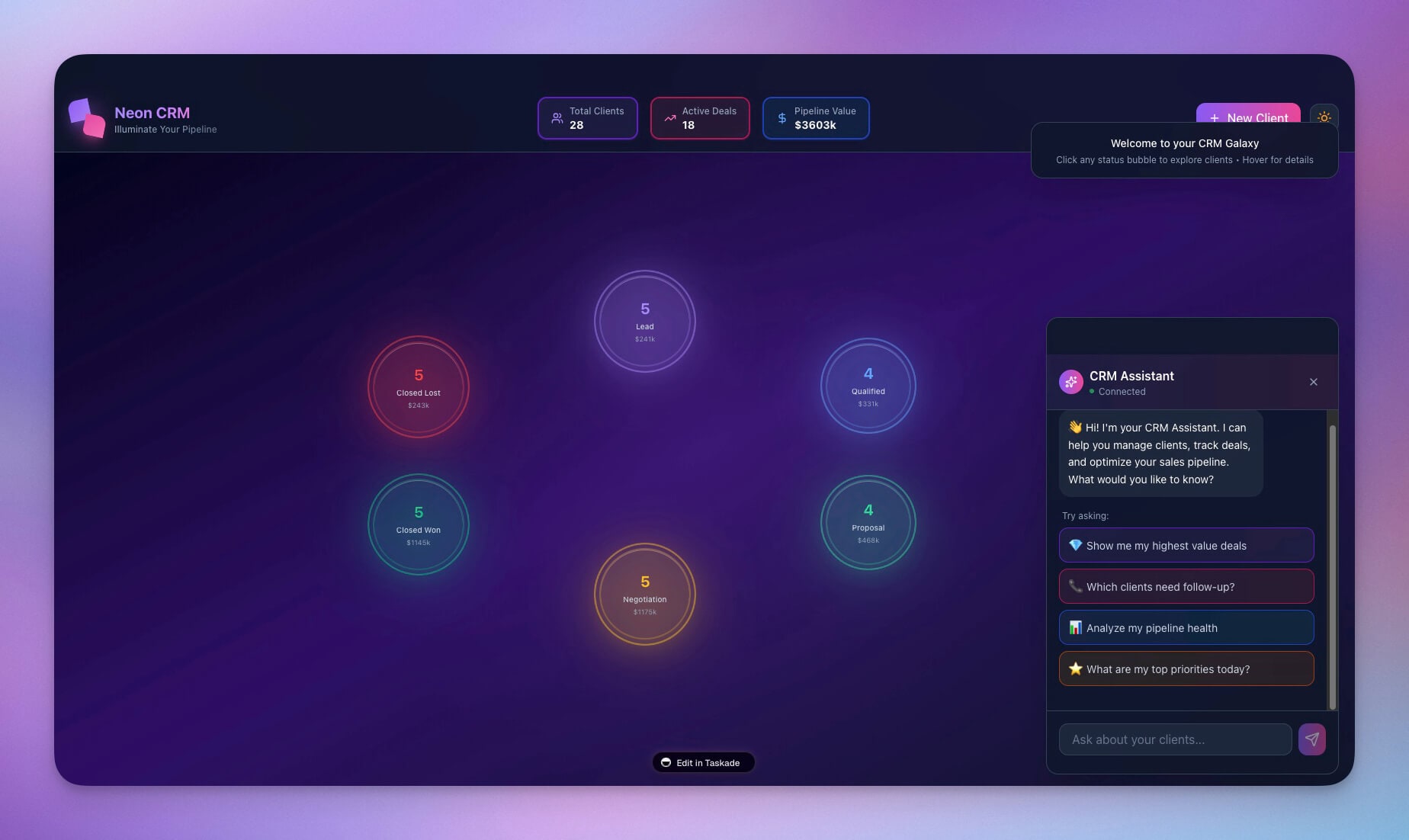
A vibrant, visually striking CRM with full pipeline visibility. AI agents score leads based on engagement signals, draft personalized follow-up emails, and trigger deal alerts when stages change.
Best for: Sales teams, founders, growth teams
Features:
- Deal pipeline stages viewable in Board view (Kanban) plus 6 other views
- Contact database with full interaction history and AI-generated summaries
- Activity tracking with automated follow-up sequences
- Revenue forecasting with AI-powered deal scoring
2. Investor Dashboard
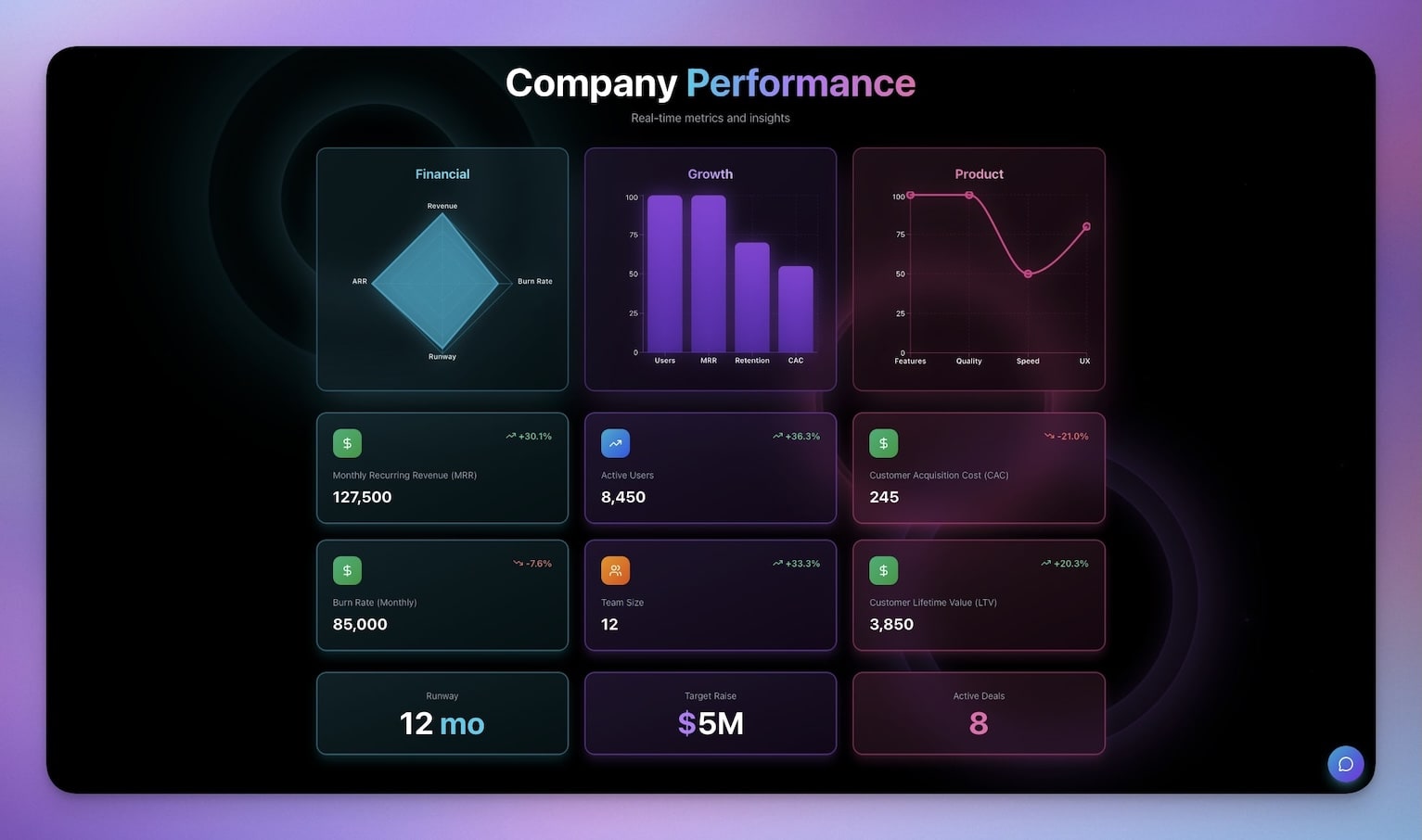
Track fundraising pipeline, investor relationships, and milestone progress. The AI agent generates meeting prep briefs before investor calls and summarizes outcomes after.
Best for: Founders, CFOs, investor relations
Features:
- Investor database with meeting history and sentiment tracking
- Meeting tracking with AI-generated prep notes and summaries
- Term sheet comparisons with side-by-side analysis
- Milestone updates with automated investor communication
3. Broker Calendar
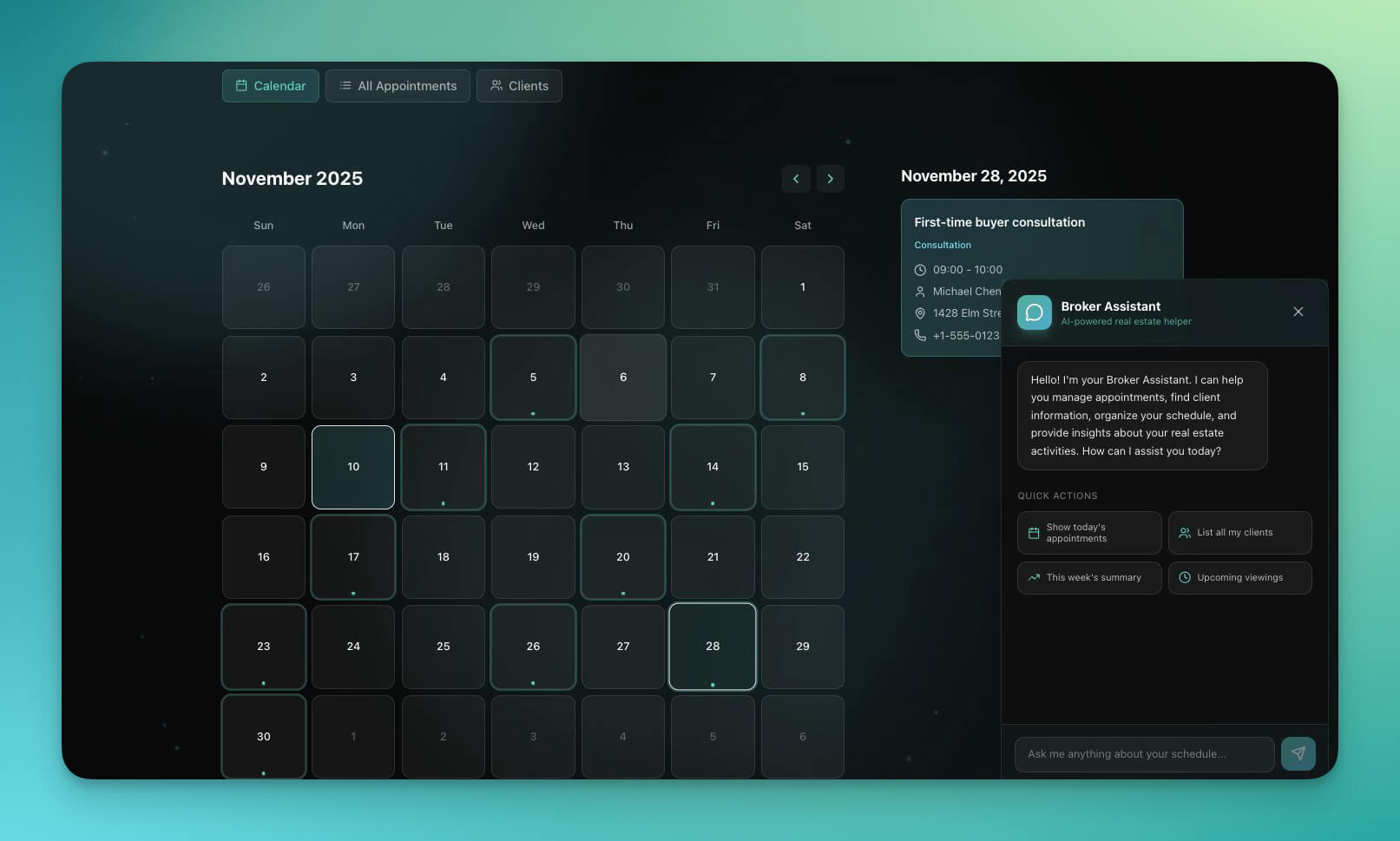
Manage appointments, client meetings, and deal schedules. Automations send reminders, confirm appointments, and log meeting outcomes to deal records automatically.
Best for: Real estate agents, brokers, sales reps
Features:
- Appointment scheduling with conflict detection
- Client database linked to deal pipeline
- Deal linking so every meeting is tied to a revenue opportunity
- Calendar sync with Google Calendar and Outlook
4. Support Rating Dashboard
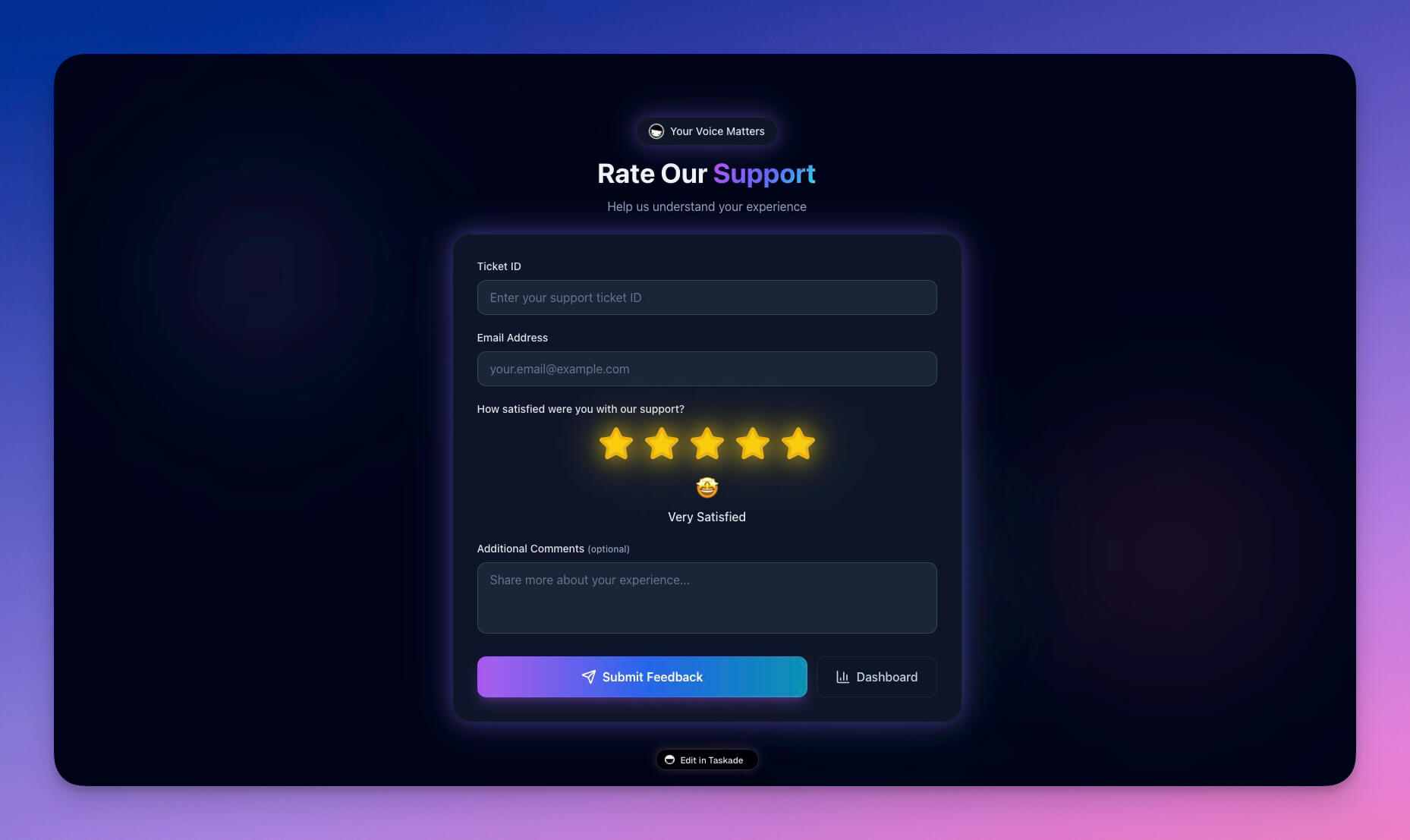
Track customer satisfaction and identify upsell opportunities. AI agents flag at-risk accounts before they churn and highlight expansion signals in satisfied accounts.
Best for: Account managers, customer success, sales ops
Features:
- CSAT tracking with automated post-interaction surveys
- Account health scores with AI-powered churn prediction
- Renewal pipeline with automated reminder sequences
- Expansion signals based on usage patterns and satisfaction trends
Clone Support Rating Dashboard ->
5. BusinessPro Website
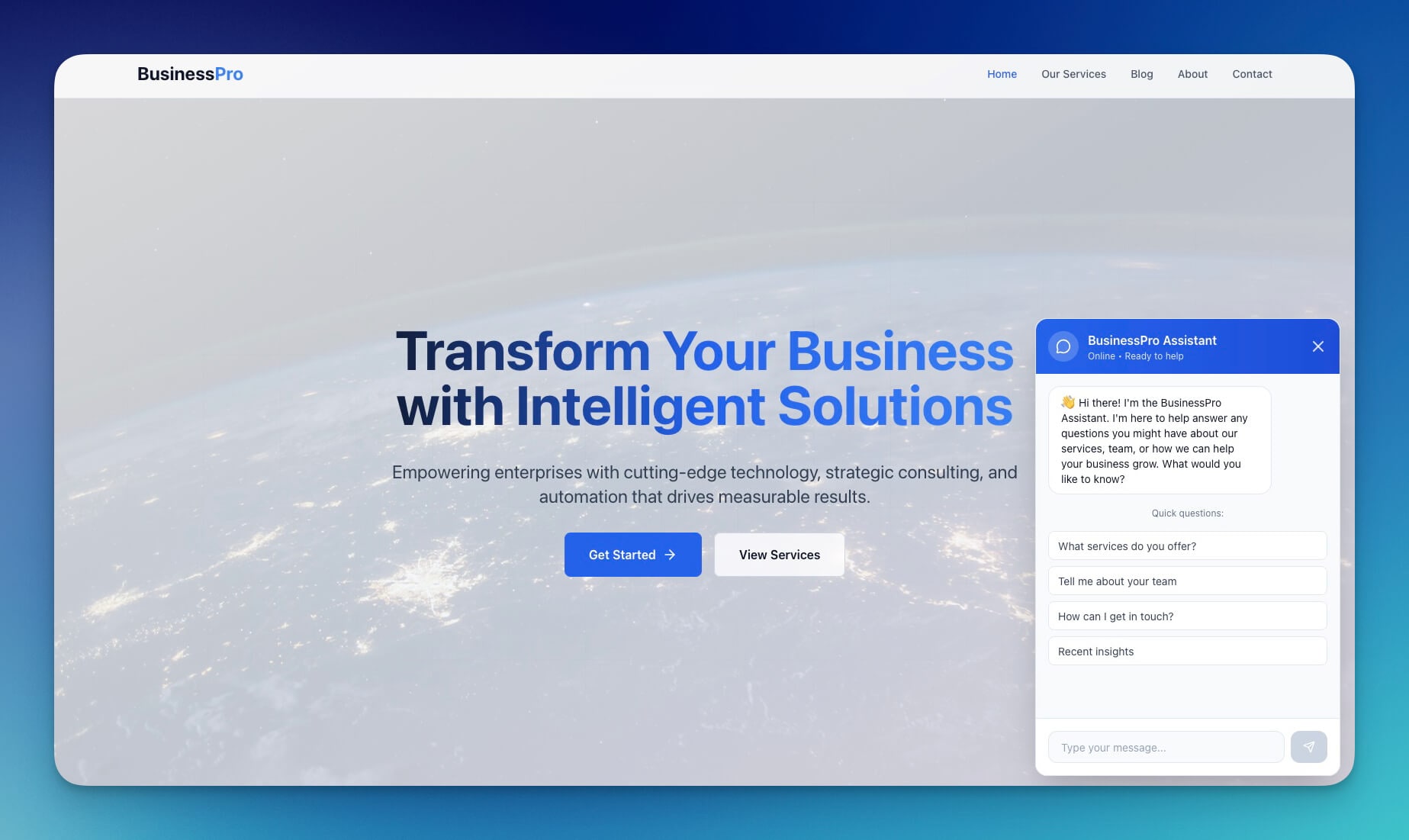
A professional site that captures leads and funnels them into your CRM automatically. Form submissions trigger qualification workflows and assign leads to the right rep.
Best for: B2B companies, consultants, agencies
Features:
- Lead capture forms with progressive profiling
- Service showcase with case studies and social proof
- Contact integration with automated lead routing via automations
- Analytics dashboard for conversion tracking
6. Consultancy Booking Form
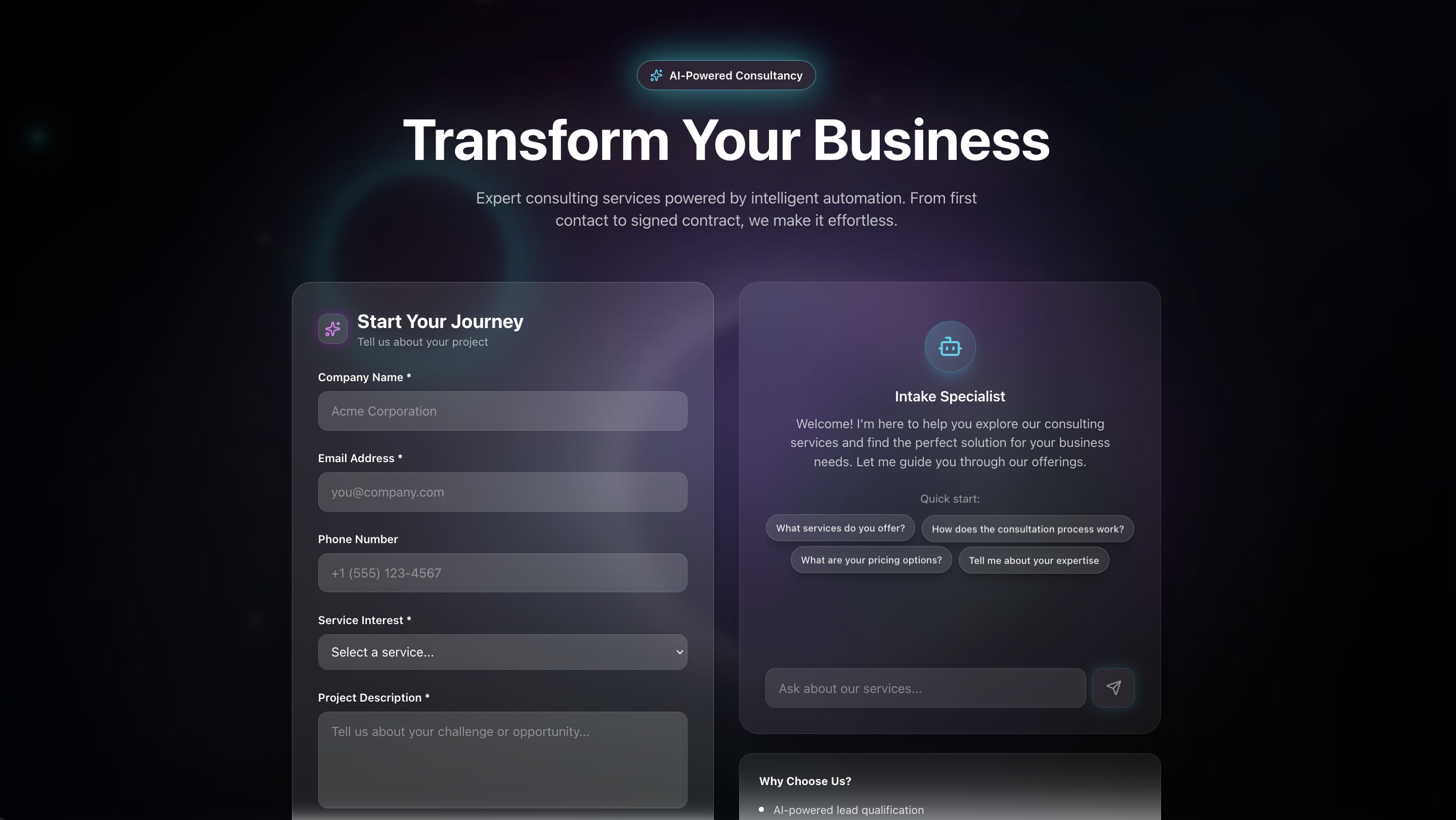
Let prospects book discovery calls directly. The AI agent qualifies leads based on intake form responses and routes them to the right team member before the call.
Best for: Consultants, coaches, sales teams
Features:
- Availability management with team calendar sync
- Booking form with customizable qualification questions
- AI-powered lead scoring based on form responses
- Automated confirmation and prep emails via 100+ integrations
7. Appointment Booking System
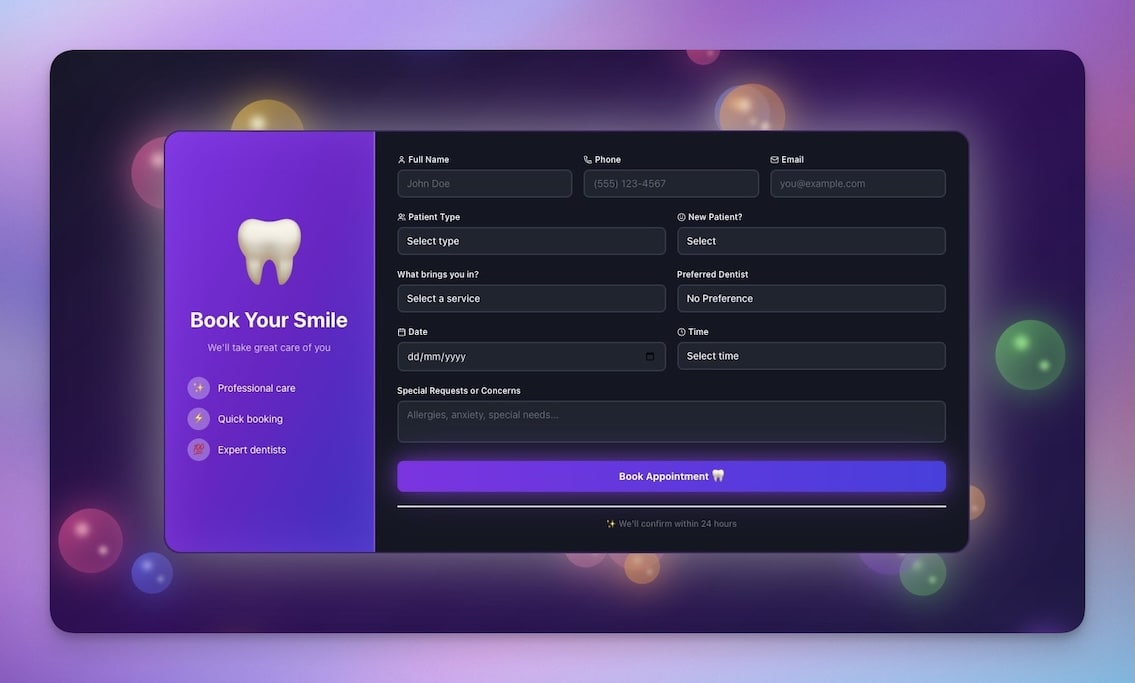
Schedule meetings with leads and customers automatically. Automations handle the entire lifecycle: confirmation, reminder, follow-up, and no-show recovery.
Best for: Sales reps, account managers, service providers
Features:
- Time slot management with availability windows
- Booking confirmations with calendar invites
- Reminder emails at 24 hours and 1 hour before
- No-show tracking with automated reschedule prompts
8. Real Estate Landing Page
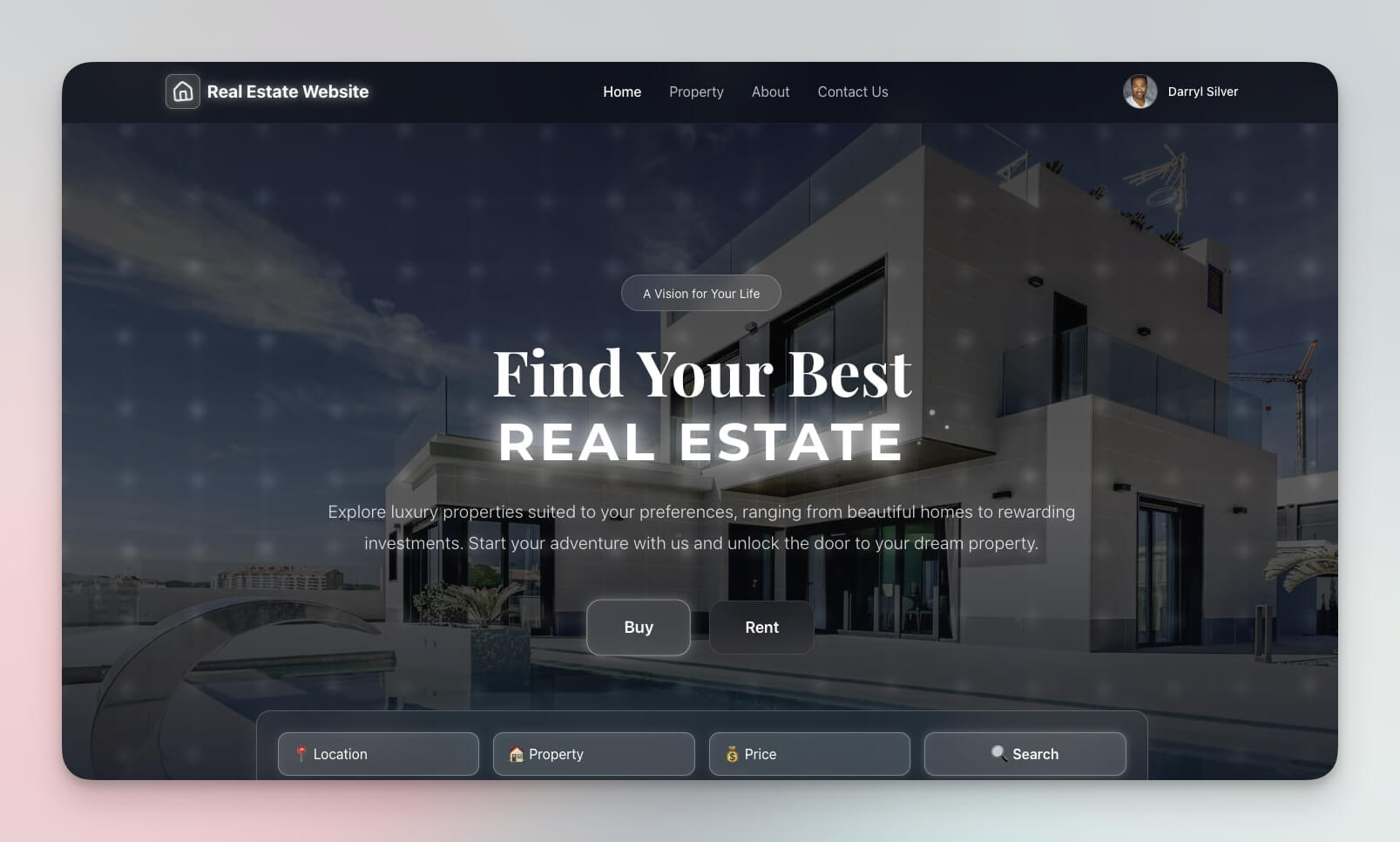
Capture property leads with a professional landing page. Form submissions trigger automated follow-up sequences and schedule property tours.
Best for: Realtors, property managers, developers
Features:
- Property showcase with image galleries
- Lead capture form with property preference matching
- Contact integration with automated drip sequences
- Tour scheduling connected to Broker Calendar workspace
9. Testimonial Portal App
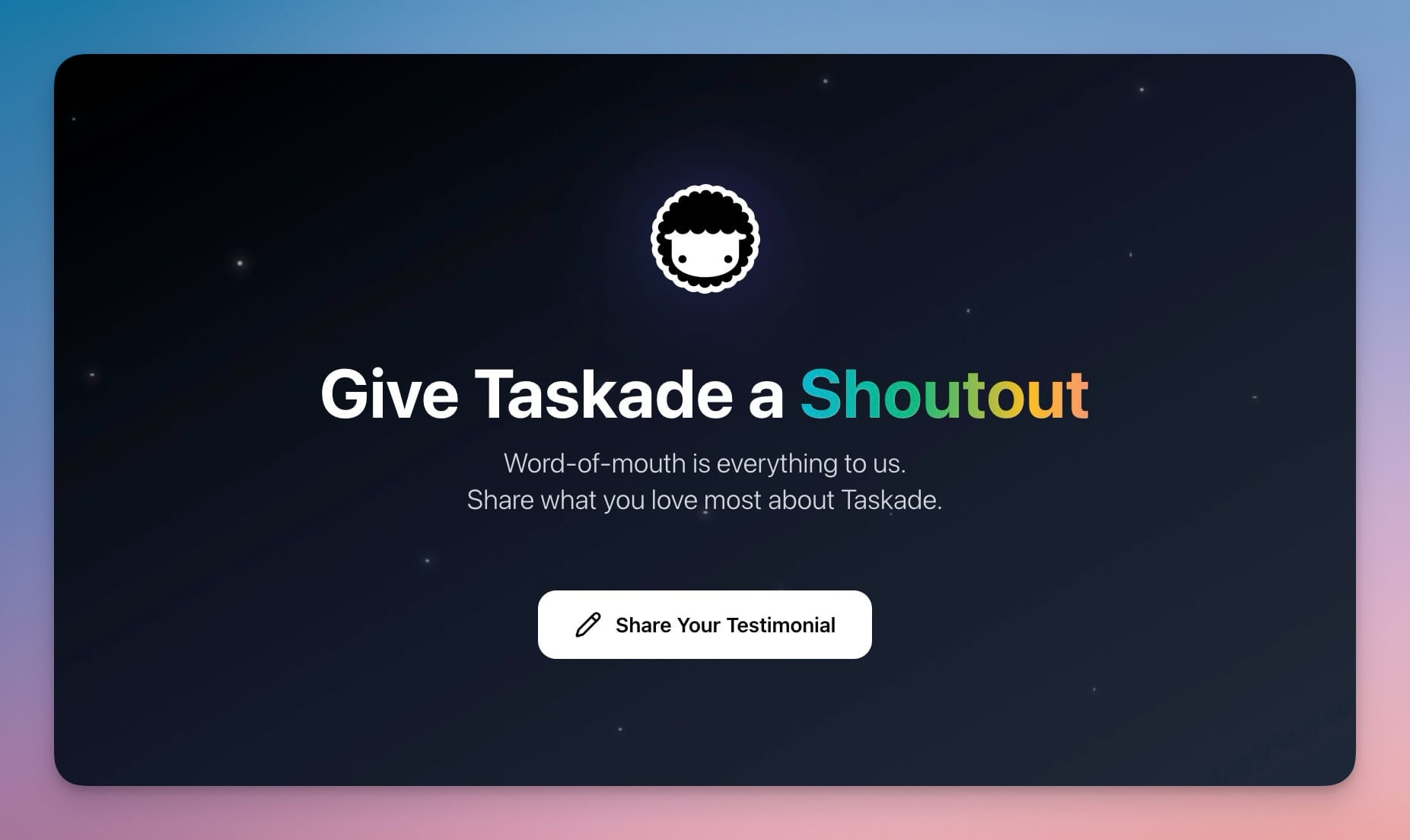
Collect and showcase customer testimonials to close more deals. AI agents identify the right moment to request testimonials and format them for sales collateral.
Best for: Sales teams, marketing, customer success
Features:
- Testimonial collection with automated request triggers
- Approval workflow managed by AI agents
- Display formatting for proposals, websites, and slide decks
- Export for sales decks and marketing campaigns
10. Finance Tracker Dashboard
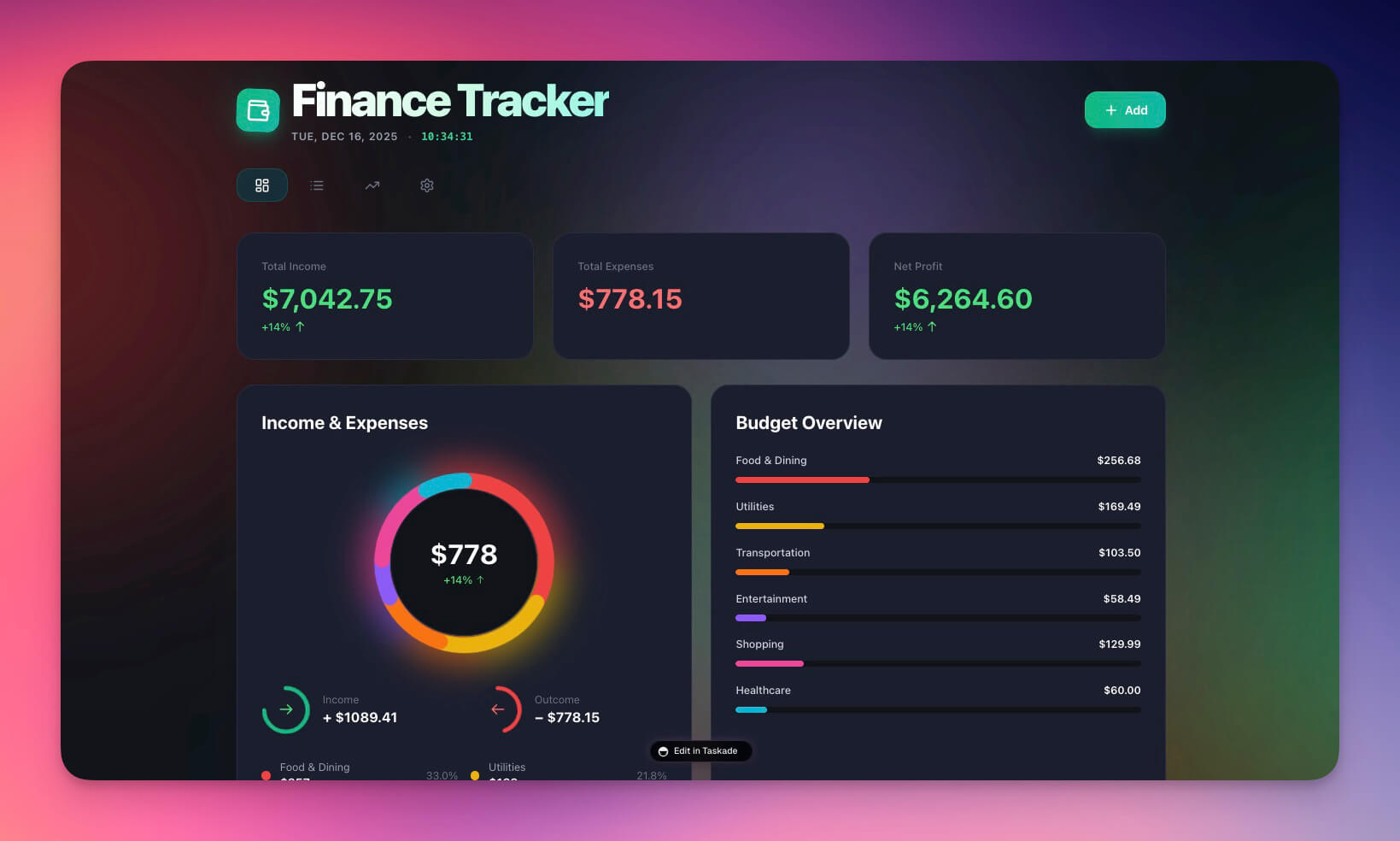
Track deal revenue, commissions, and sales forecasts. AI agents compare forecast vs. actual performance and alert leadership when pipeline health changes.
Best for: Sales ops, finance, management
Features:
- Revenue tracking with deal-level attribution
- Commission calculations with automatic split handling
- Forecast vs. actual comparisons with variance analysis
- Performance analytics with AI-generated insights
The Living CRM Architecture: How Workspace DNA Powers Your Pipeline
Most CRMs are expensive databases. You enter data, but nothing happens. Deals stall. Follow-ups die. The system does not think — it just stores.
Genesis CRMs are living systems built on Workspace DNA:
| Traditional CRM | Genesis CRM |
|---|---|
| Manual data entry | Auto-capture from forms and integrations |
| Static pipeline view | AI-scored deals with priority ranking |
| No follow-up prompts | Automated sequences triggered by inactivity |
| Isolated data in one tool | Connected to 100+ integrations |
| Reports you have to run manually | Insights pushed to you via Slack, email, or dashboard |
Memory (contact data, deal history, interaction logs) feeds Intelligence (AI agents that score, draft, and forecast). Intelligence triggers Execution (automated follow-ups, alerts, and reports). Execution creates new Memory (updated records, logged interactions). Your CRM improves with every deal.
Taskade Genesis vs. HubSpot vs. Salesforce vs. Pipedrive vs. Close
If you are evaluating CRM platforms, here is how they compare for small to mid-size sales teams.
| Capability | Taskade Genesis | HubSpot CRM | Salesforce | Pipedrive | Close |
|---|---|---|---|---|---|
| CRM from text prompt | Yes | No | No | No | No |
| AI agents that draft follow-ups | Yes (built-in tools) | AI assistant (limited) | Einstein (enterprise) | AI assistant (limited) | No |
| Lead scoring | AI-automated | Manual + paid add-on | Einstein (paid) | Manual | Manual |
| Automated follow-up sequences | Native + 100+ integrations | Sequences (paid tier) | Flow Builder (complex) | Basic automation | Built-in |
| Pipeline views | Multiple project views | 3 views | Customizable | Kanban + list | List + board |
| Team collaboration | Real-time, permissions | Basic | Role-based | Basic | Team inbox |
| Custom domains | Yes | Landing pages only | No | No | No |
| Pricing (10-seat team) | $10/month (Pro) | $200/month (Starter) | $250+/month | $149/month | $290/month |
| Setup time | 5 minutes | Hours-days | Weeks | Hours | Hours |
When HubSpot makes sense: You need a mature marketing + sales platform with extensive ecosystem integrations and do not mind per-seat pricing.
When Salesforce makes sense: You are an enterprise with complex sales processes, need deep customization, and have dedicated CRM administrators.
When Pipedrive makes sense: You want a simple, visual pipeline tool without AI and are comfortable with basic automation.
When Taskade Genesis is the better choice: You want a working CRM today — not next quarter — with AI agents that actively help close deals, automated workflows, and team collaboration at a fraction of the per-seat cost.
Sales Automations That Close Deals
Connect your CRM to real workflows using Taskade Automations:
- Lead scoring based on engagement signals — form fills, page visits, email opens
- Follow-up sequences triggered by inactivity — 3 days no response, send sequence
- Deal alerts when stages change — Slack notification when a deal moves to "Negotiation"
- Meeting summaries generated by AI agents after every call
- Weekly pipeline reports sent to leadership with AI-generated insights and risk flags
These connect to 100+ integrations including Slack, Gmail, Google Calendar, HubSpot, Salesforce, Stripe, and more.
How to Build Your Sales System in 5 Minutes
Create a custom CRM from a single prompt:
- Open Taskade Genesis and click "Create App"
- Describe your system: "Build a CRM with deal pipeline, contact database, AI lead scoring, and automated follow-up sequences that trigger when deals stall"
- Use "Enhance Prompt" for customization suggestions
- Genesis creates the CRM with Projects, Agents, and Automations
- Import your existing contacts from CSV or via integrations
- Watch your pipeline come alive with AI-powered insights
Learn more in Create Your First App.
CRM Setup Checklist for Sales Teams
| Setup Step | What to Configure | Why It Matters |
|---|---|---|
| Deal stages | Define your pipeline (Lead, Qualified, Proposal, Negotiation, Closed) | Accurate pipeline tracking |
| Contact fields | Company, role, budget, timeline, last contact date | Complete context for AI agents |
| Lead scoring rules | Configure engagement signals and qualification criteria | AI agents prioritize the right leads |
| Follow-up cadence | Set timing for automated sequences (3-day, 7-day, 14-day) | No lead falls through the cracks |
| Team permissions | Assign roles (Owner to Viewer) | Right access for each team member |
| Integration connections | Link Slack, email, calendar via integrations | Automated cross-platform workflows |
| Reporting schedule | Weekly pipeline report to leadership | Consistent visibility into pipeline health |
Start Building Your Sales System
Ready to replace your dead CRM with a living one?
Resources:
- Explore Community Apps — Clone CRM templates built by other sales teams
- Create Your First App — Step-by-step tutorial
- Workspace DNA Guide — Understand the architecture
Your living CRM includes:
- Custom AI Agents — AI that drafts follow-ups and scores leads
- Projects and Memory — Your contact database across multiple views
- 100+ Integrations — Automated workflows across your entire sales stack
Read more:
- 10 AI Dashboards You Can Clone in One Click
- 10 AI Client Portals You Can Deploy Instantly
- 10 Agentic Workflows for Startups
- 10 AI Finance Workspaces for Founders
- Chatbots Are Demos. Agents Are Execution.
- How to Host Your First AI Agent
Explore Taskade AI:
- AI CRM Builder — Build CRMs from one prompt
- AI App Builder — Build complete apps
- AI Workflow Automation — Automate any process
Explore Taskade Hubs:
- AI Sales Automations — Pipeline workflows
- AI Sales Prompts — Outreach templates
- AI Sales Agents — Deal tracking assistants
- AI CRM Agents — Customer management
- AI HubSpot Automations — CRM integrations
- Browse All Templates — Ready-to-clone CRMs
Build with Genesis:
- Browse All Generator Templates — Apps, dashboards, websites, and more
- Browse Agent Templates — AI agents for every use case
- Explore Community Apps — Clone and customize
Frequently Asked Questions
How is a Taskade Genesis CRM different from a traditional CRM?
Traditional CRMs are static databases that require manual data entry and produce no action on their own. Taskade Genesis CRMs are living systems with AI agents that draft follow-ups, score leads automatically, trigger deal alerts when stages change, and push weekly pipeline reports. All connected through 100+ integrations including HubSpot, Slack, and email services.
Can I build a sales pipeline dashboard with Taskade Genesis?
Yes. Describe your CRM in a text prompt — including deal stages, contact database, and follow-up sequences — and Genesis builds the complete system in minutes with Projects for data, AI Agents for lead scoring and follow-up drafting, and Automations for pipeline workflows. No coding required. Pricing starts with a Free tier.
What sales automations does Taskade support?
Taskade supports lead scoring based on engagement signals, follow-up sequences triggered by inactivity, deal alerts when pipeline stages change, AI-generated meeting summaries, and weekly pipeline reports sent to leadership. These connect to 100+ integrations including HubSpot, Salesforce, Slack, Gmail, and Google Calendar.
Are these CRM dashboards free to clone?
Yes. All 10 CRM dashboard templates are available to clone from the Taskade Community with one click. You can customize deal stages, contact fields, automations, and branding after cloning. Taskade has a Free tier, with paid plans starting at $10/month (Pro) including up to 10 seats, billed annually.
How does Taskade Genesis compare to HubSpot CRM?
HubSpot CRM is a traditional database with contact management, email tracking, and pipeline views. Taskade Genesis creates living CRM systems where AI agents actively draft follow-ups, score leads, and trigger multi-step workflows. HubSpot's free tier has usage limits and paid plans start at $20/month per seat. Taskade Pro covers 10 seats at $10/month total with AI agents and 100+ integrations included.
How does Taskade compare to Salesforce for small sales teams?
Salesforce is an enterprise CRM with extensive customization but requires significant setup time, training, and per-seat licensing starting at $25/month. Taskade Genesis creates a working CRM from a text prompt in minutes, includes AI agents that automate follow-ups and lead scoring, and is free to start, with Pro from $10/month for up to 10 seats. For small teams that need speed over enterprise complexity, Genesis is the faster path.
Can AI agents write follow-up emails for my sales pipeline?
Yes. Taskade AI agents have built-in tools and persistent memory. They analyze deal history, draft personalized follow-up emails based on previous interactions, and trigger send sequences through automations. You review and approve before sending, or set up fully automated follow-up workflows for specific pipeline stages.
What project views are available for CRM dashboards?
Taskade offers multiple project views for CRM data: List (deal tracking), Board (pipeline stages in Kanban format), Calendar (follow-up schedules), Table (contact database), Mind Map (account relationships), Gantt (deal timelines), and Org Chart (team hierarchy). Each view shows the same underlying CRM data from a different perspective.
Can I integrate Taskade CRM with existing tools like Slack and email?
Yes. Taskade connects to 100+ integrations across 10 categories including communication (Slack, Microsoft Teams), email (Gmail, Outlook), CRM (HubSpot, Salesforce), calendar (Google Calendar), and payments (Stripe). Automations can trigger cross-platform actions — like sending a Slack notification when a deal changes stage or creating a calendar event for a scheduled follow-up.
How much does it cost to build a CRM with Taskade Genesis?
Taskade offers a Free tier for individuals. Paid plans include Pro at $10/month for up to 10 seats (most popular for sales teams) and Business at $25/month for unlimited seats, both billed annually. All plans include AI agents, automations, 100+ integrations, and unlimited CRM workspaces. No per-contact or per-deal fees.