






Events are orchestrated chaos.
Attendees, vendors, seating, schedules, catering, AV — a hundred moving pieces that need to converge perfectly at show time. Most event planners live in spreadsheets, hoping nothing falls through the cracks.
Taskade Genesis turns event chaos into automated systems. One prompt creates a complete event workspace with attendee data (Projects), AI coordinators (Agents), and automated workflows (Automations).
TL;DR: Taskade Genesis builds complete event management systems from a single prompt. AI agents coordinate vendors, send reminders, manage seating, and collect feedback automatically. 100+ integrations connect to your existing stack. No per-event fees, no per-attendee pricing. Clone an event system now ->
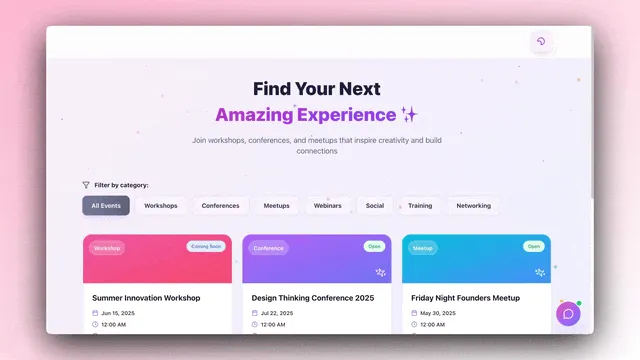
Why AI Event Management Beats Spreadsheets in 2026
Manual event management fails at scale. The more attendees, vendors, and moving pieces you add, the more things slip through the cracks. AI-powered event systems handle the complexity automatically.
| Metric | Manual Planning | AI-Powered System |
|---|---|---|
| Reminder success rate | 60% | 95%+ |
| Post-event feedback collection | 15% response rate | 65%+ response rate |
| Vendor coordination errors | 12-15 per event | Near zero (automated) |
| Time spent on admin tasks | 60% of planning time | 15% (automations handle rest) |
| Seating conflicts | Discovered day-of | Prevented automatically |
The difference is not incremental. It is structural. Spreadsheets are static snapshots. Genesis event systems are living, reactive systems that adapt in real time.
Quick Reference: All 10 Event Systems
| # | System | Function | Best For | Clone Link |
|---|---|---|---|---|
| 1 | Event Management Portal | Full event planning | Conference organizers | Clone -> |
| 2 | Seating Chart Planner | Seating arrangements | Wedding/event planners | Clone -> |
| 3 | Exhibit Flow | Exhibition layouts | Trade shows, museums | Clone -> |
| 4 | Routes Tourism App | Tour planning | Tour operators | Clone -> |
| 5 | Room Booking Dashboard | Space management | Venues, coworking | Clone -> |
| 6 | Class Booking Portal | Session scheduling | Workshop facilitators | Clone -> |
| 7 | Appointment Booking | Individual meetings | Speakers, VIP sessions | Clone -> |
| 8 | Consultancy Booking | Pre-event consultations | Vendor/sponsor calls | Clone -> |
| 9 | Testimonial Portal | Post-event feedback | Event marketing | Clone -> |
| 10 | Support Rating Dashboard | Event support quality | Event ops, QA | Clone -> |
Here are 10 AI event systems you can clone and run on autopilot.
1. Event Management Portal
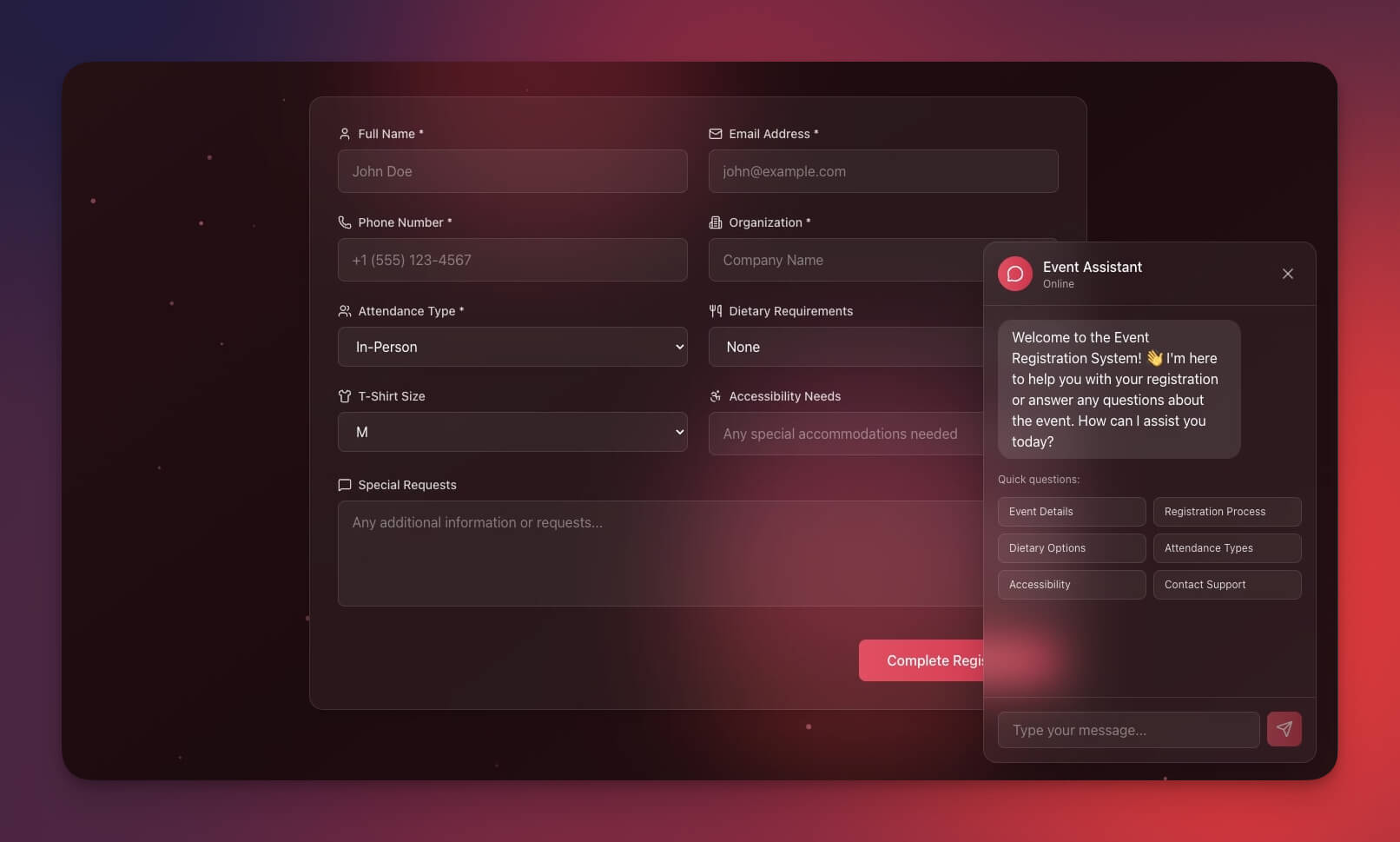
A comprehensive event planning and management system with AI-powered coordination. The agent tracks every moving piece — from vendor contracts to attendee dietary restrictions — and triggers automations when milestones are reached.
Best for: Event planners, conference organizers, corporate events
Features:
- Event calendar with milestone tracking across multiple project views
- Attendee management with automated registration confirmations
- Vendor tracking with contract status and payment schedules
- Budget management with AI-powered variance alerts
Clone Event Management Portal ->
2. Seating Chart Planner
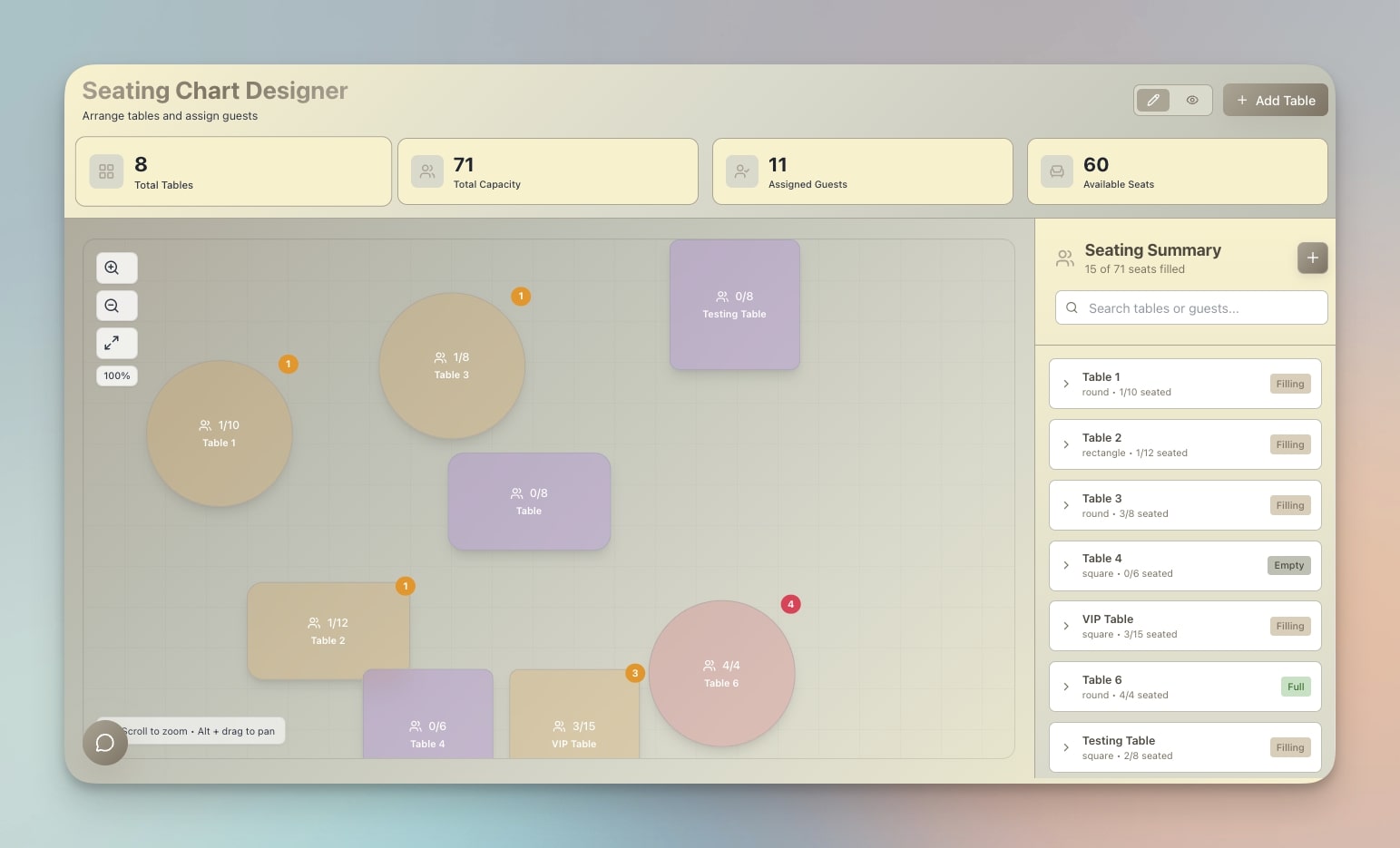
Plan and manage seating arrangements for any event. The AI agent detects conflicts (allergies near certain foods, VIPs needing accessible seating) and suggests optimized layouts.
Best for: Wedding planners, conference organizers, classroom managers
Features:
- Drag-and-drop seating with table and row management
- Guest database with dietary, accessibility, and preference notes
- Conflict detection for seating incompatibilities
- Export and print layouts for day-of coordination
Clone Seating Chart Planner ->
3. Exhibit Flow
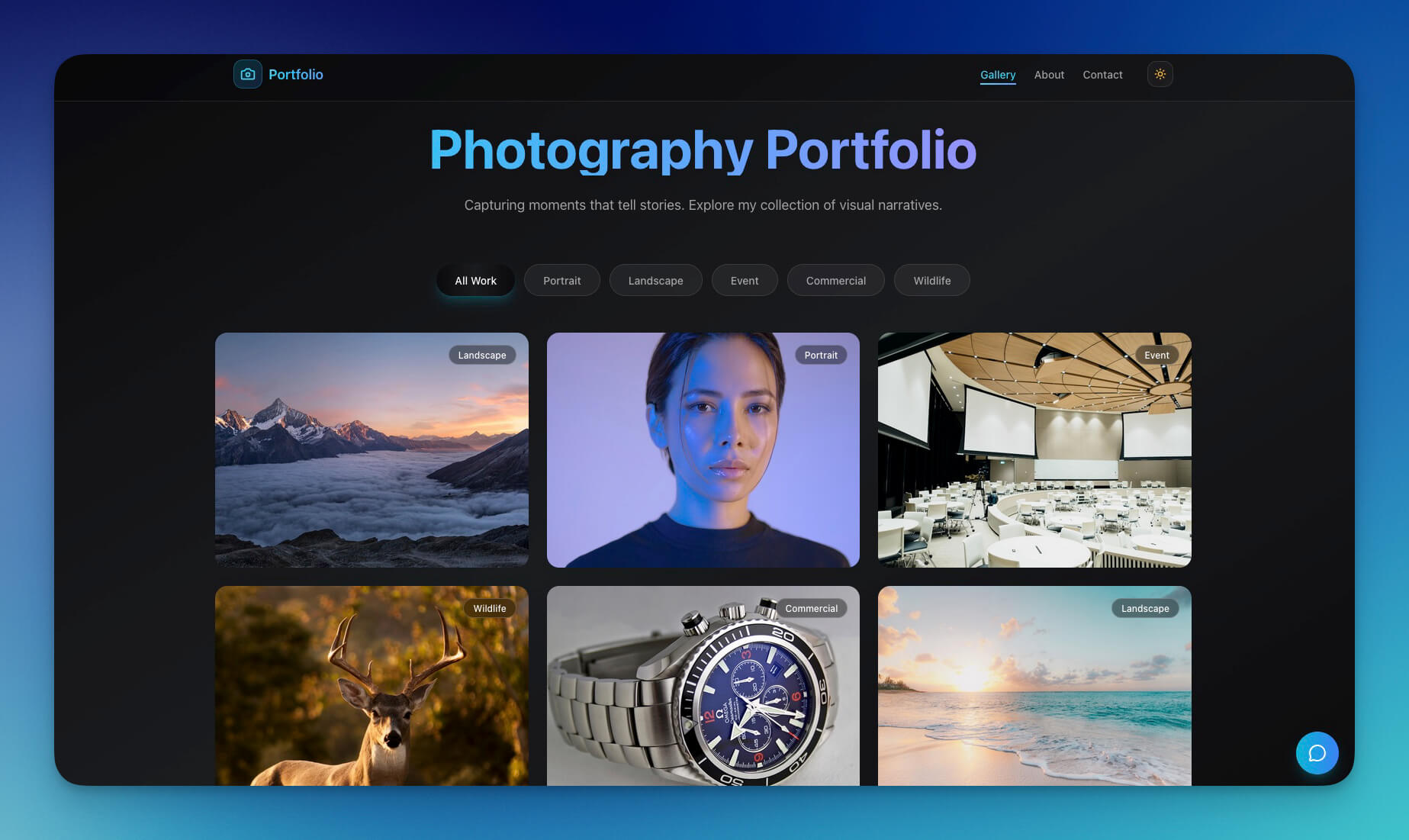
Manage exhibition layouts, booth assignments, and visitor flow. AI agents track exhibitor requirements, coordinate setup schedules, and optimize traffic patterns.
Best for: Trade shows, museums, galleries, pop-ups
Features:
- Floor plan management with booth assignments
- Exhibitor database with setup requirements and deadlines
- Visitor flow tracking and traffic pattern analysis
- Schedule coordination across multiple exhibition zones
4. Routes Tourism App
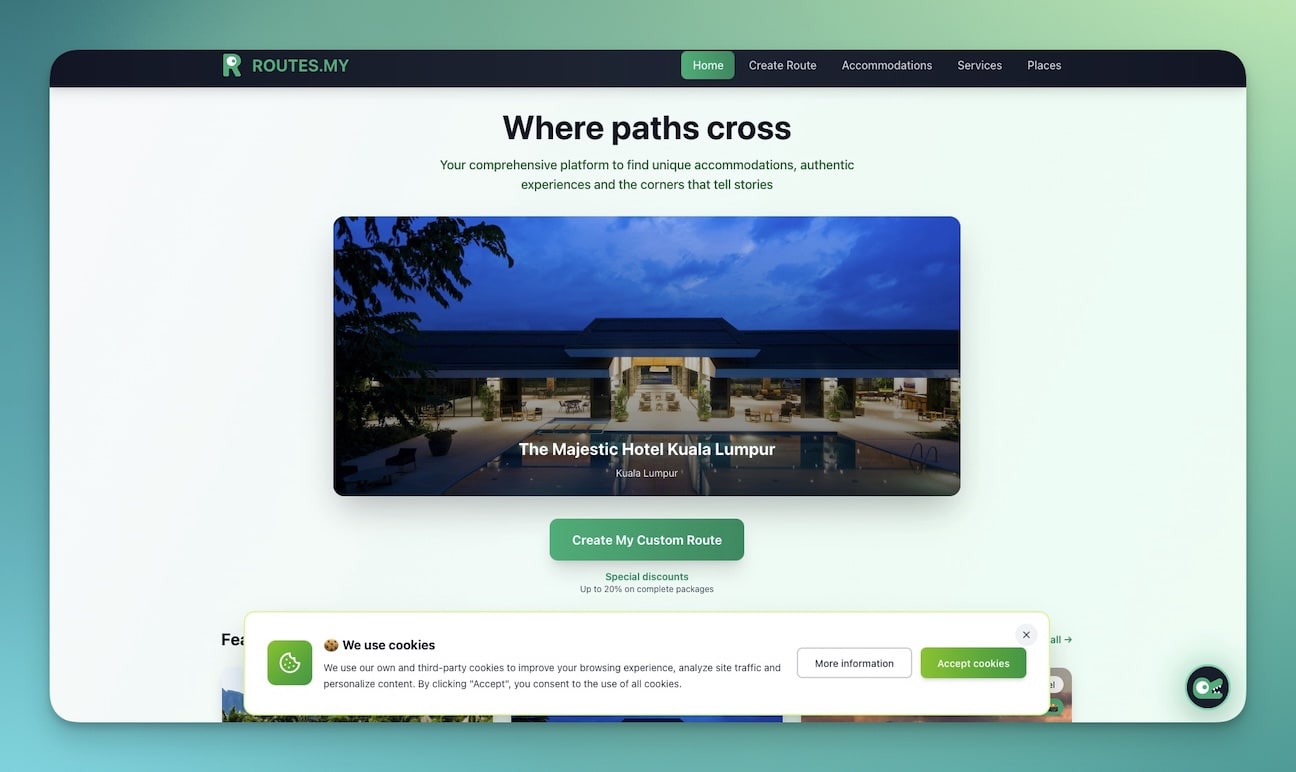
Plan tour routes and experiences for groups. The AI agent optimizes timing between stops, accounts for travel duration, and adjusts itineraries when weather or availability changes.
Best for: Tour operators, travel agencies, destination marketing
Features:
- Route planning with multi-stop optimization
- Stop management with capacity and timing coordination
- Group logistics with automated communication
- Real-time itinerary adjustments via automations
5. Room Booking Dashboard
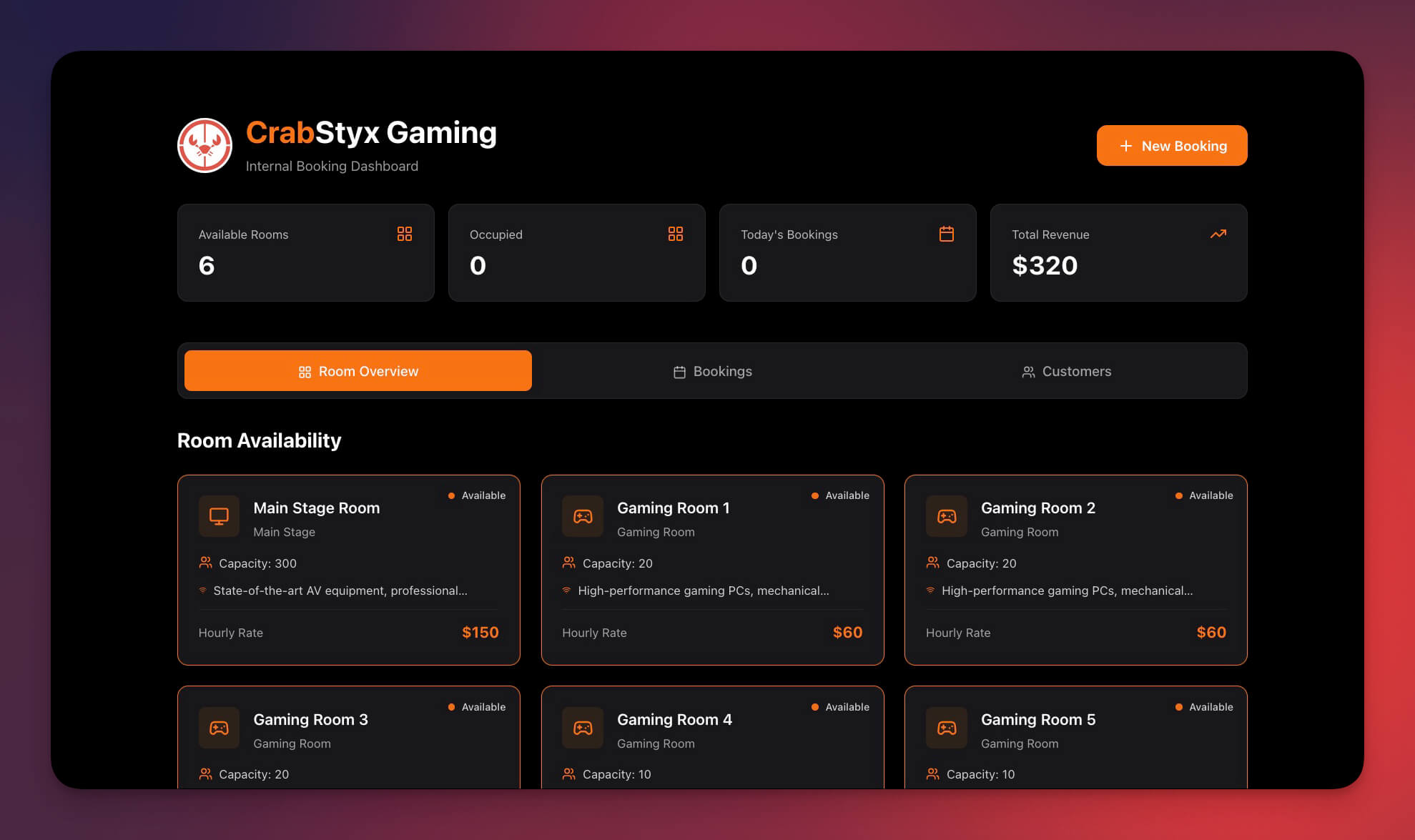
Manage room reservations and space allocation across venues. Automations handle booking confirmations, conflict resolution, and utilization reporting.
Best for: Venues, conference centers, coworking spaces
Features:
- Room availability view with real-time status
- Booking requests with automated approval workflows
- Conflict detection that prevents double-booking
- Utilization reports for space optimization
Clone Room Booking Dashboard ->
6. Class Booking Portal
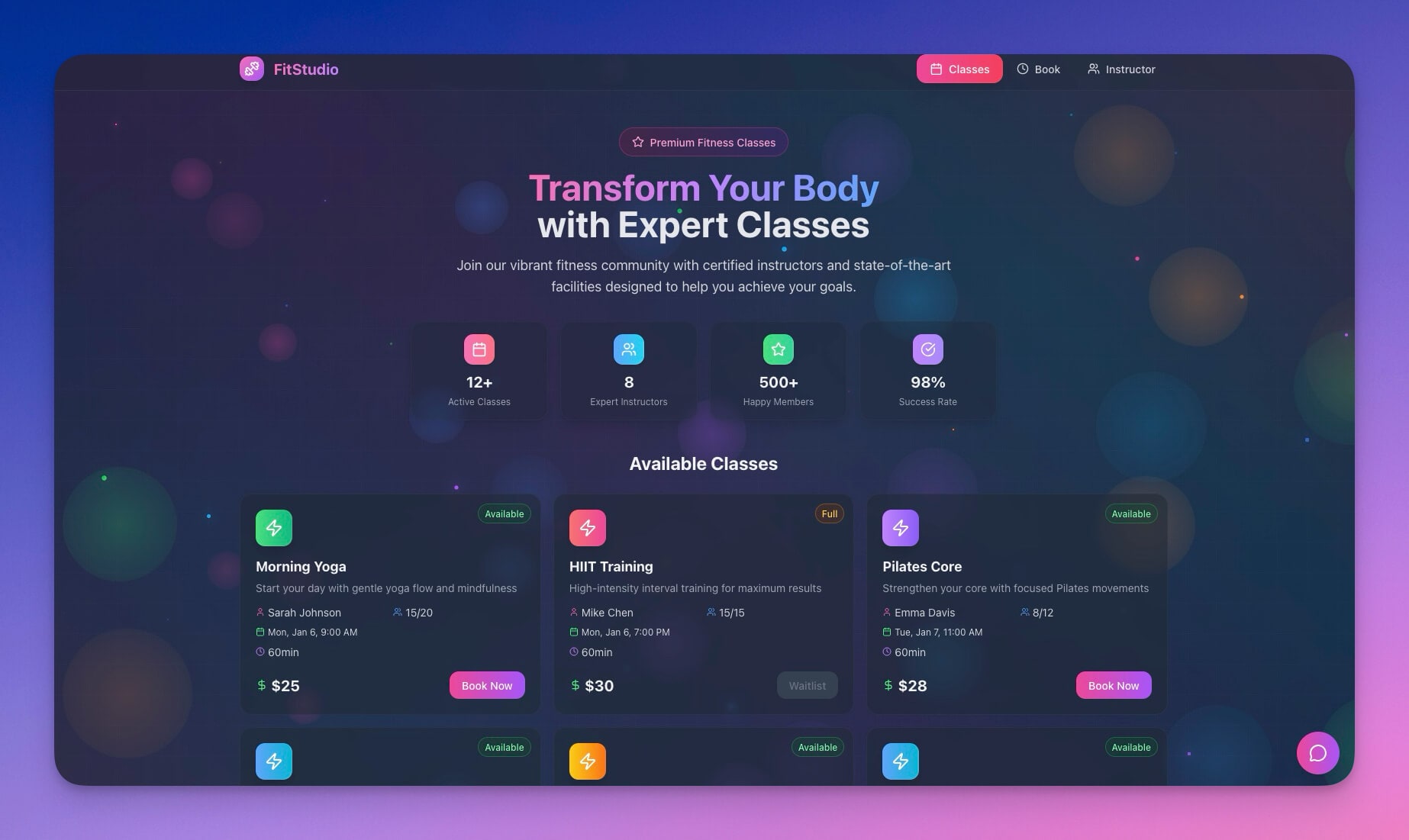
Schedule sessions, workshops, and recurring events. Automations handle registration, waitlists, and reminder sequences. The AI agent monitors capacity and suggests additional sessions when demand is high.
Best for: Workshop facilitators, training companies, fitness studios
Features:
- Class scheduling with recurring session support
- Registration management with automated confirmations
- Waitlist handling with priority-based notifications
- Reminder automation via email, Slack, and calendar
7. Appointment Booking System
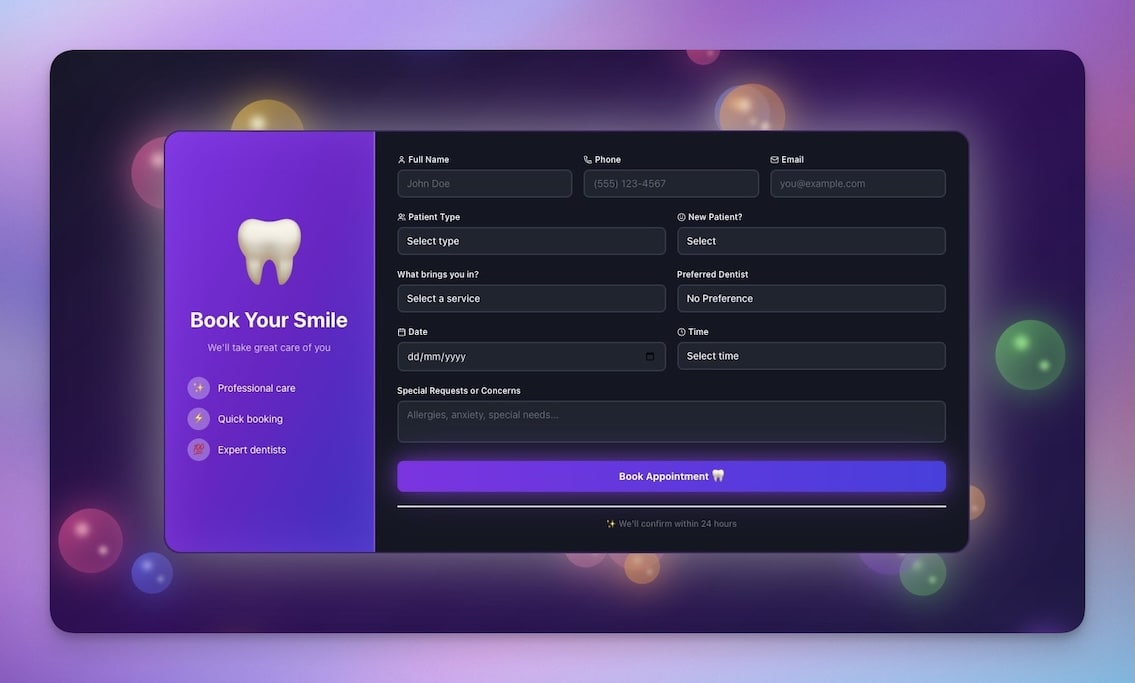
Manage individual appointments and consultations. Calendar sync prevents conflicts, and automations send confirmations, reminders, and no-show follow-ups.
Best for: Speakers, VIP meetings, one-on-one sessions
Features:
- Time slot management with availability windows
- Booking confirmations with calendar invites
- Calendar sync via Google Calendar integration
- No-show tracking with automated reschedule prompts
8. Consultancy Booking Form
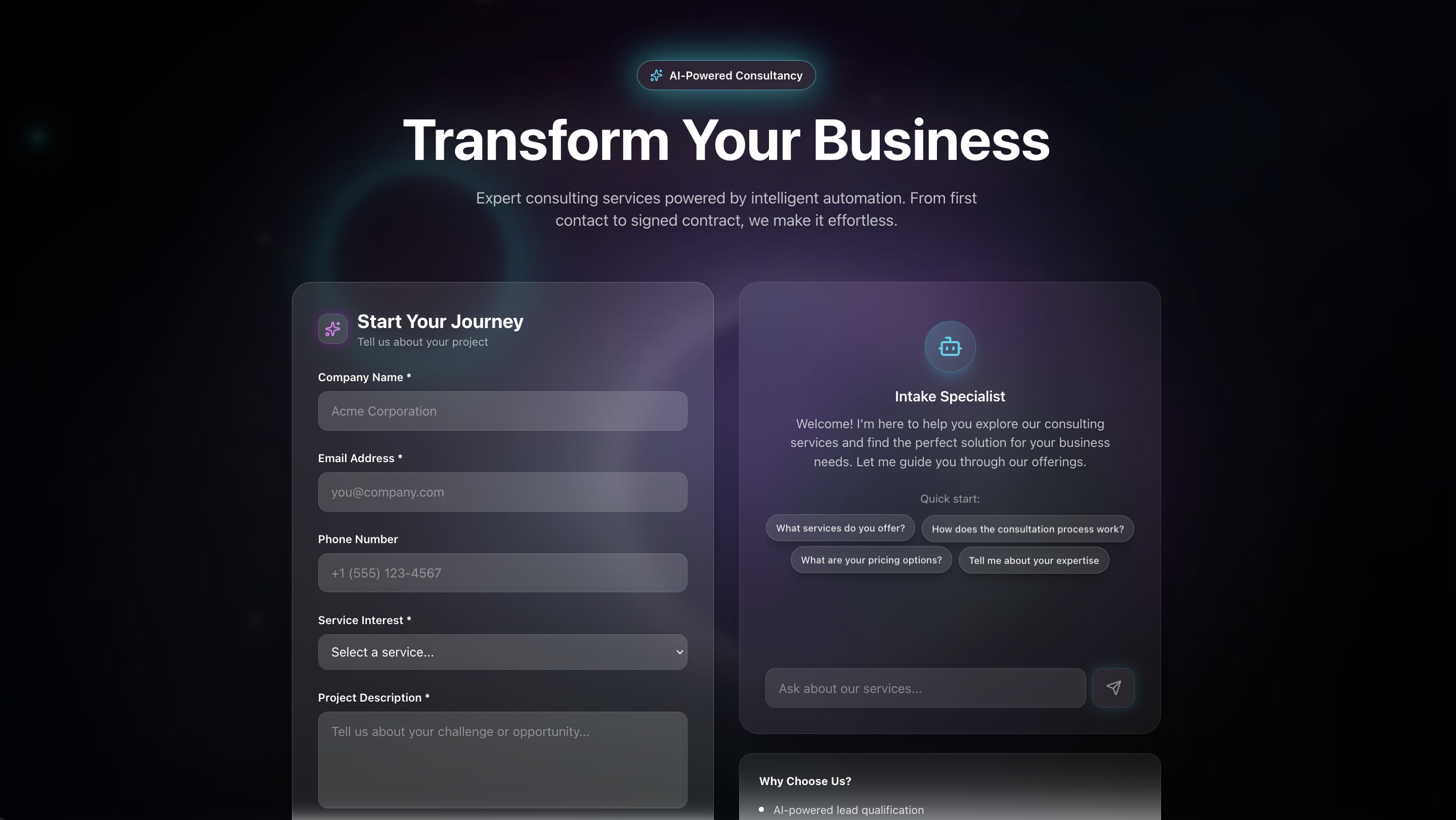
Capture consultation requests with detailed intake questions. The AI agent qualifies inquiries, routes them to the right team member, and schedules follow-ups.
Best for: Pre-event consultations, vendor meetings, sponsor calls
Features:
- Intake form with customizable qualification questions
- AI-powered lead routing based on inquiry type
- Scheduling integration with automated confirmation
- Follow-up automation for post-consultation nurturing
9. Testimonial Portal App
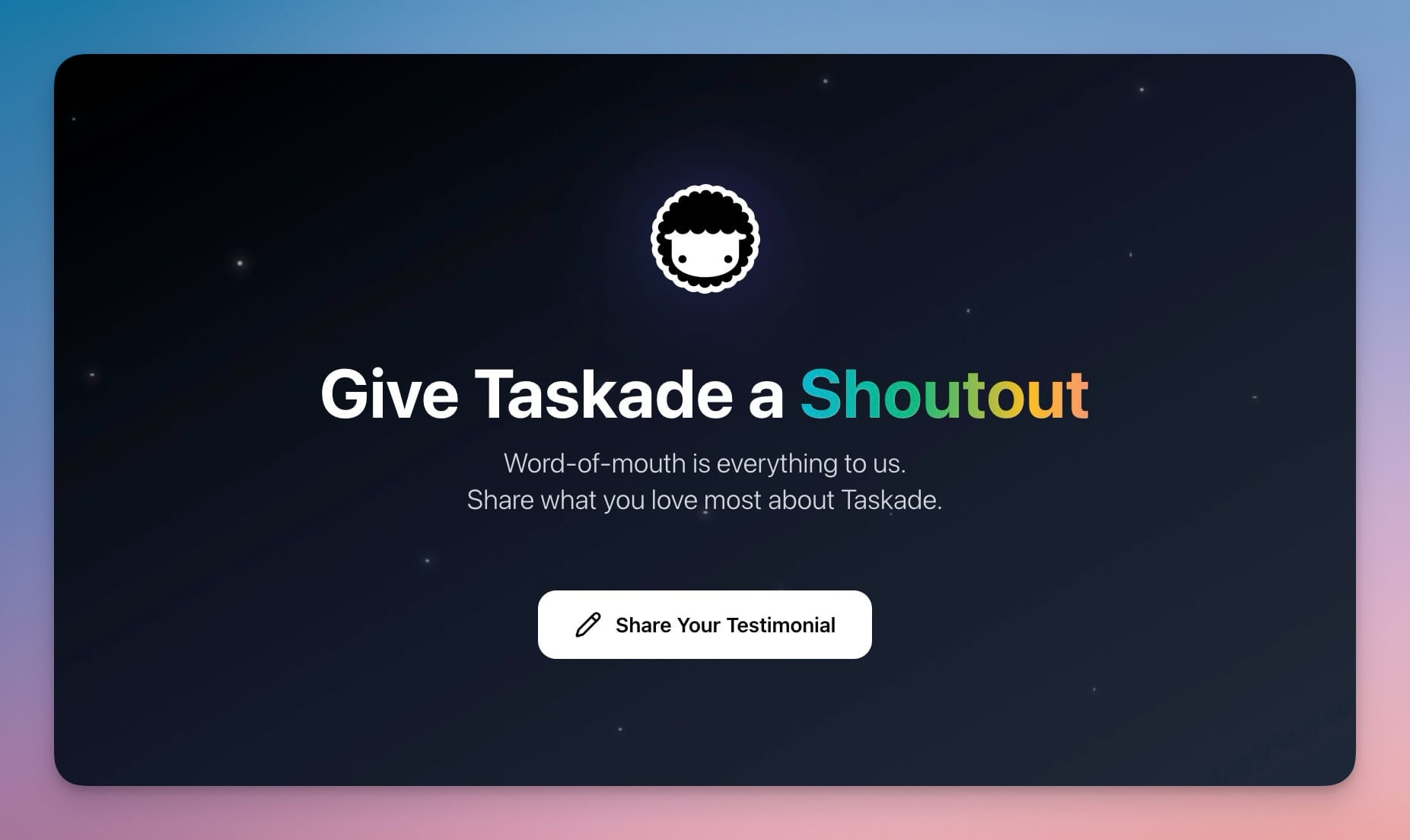
Collect attendee feedback and testimonials post-event. Automations trigger collection requests 24 hours after the event and follow up with non-responders.
Best for: Event marketing, speaker feedback, sponsor reports
Features:
- Feedback collection with rating system and open text
- AI-powered testimonial curation and sentiment analysis
- Export for marketing collateral and sponsor reports
- Automated follow-up sequences for non-responders
10. Support Rating Dashboard
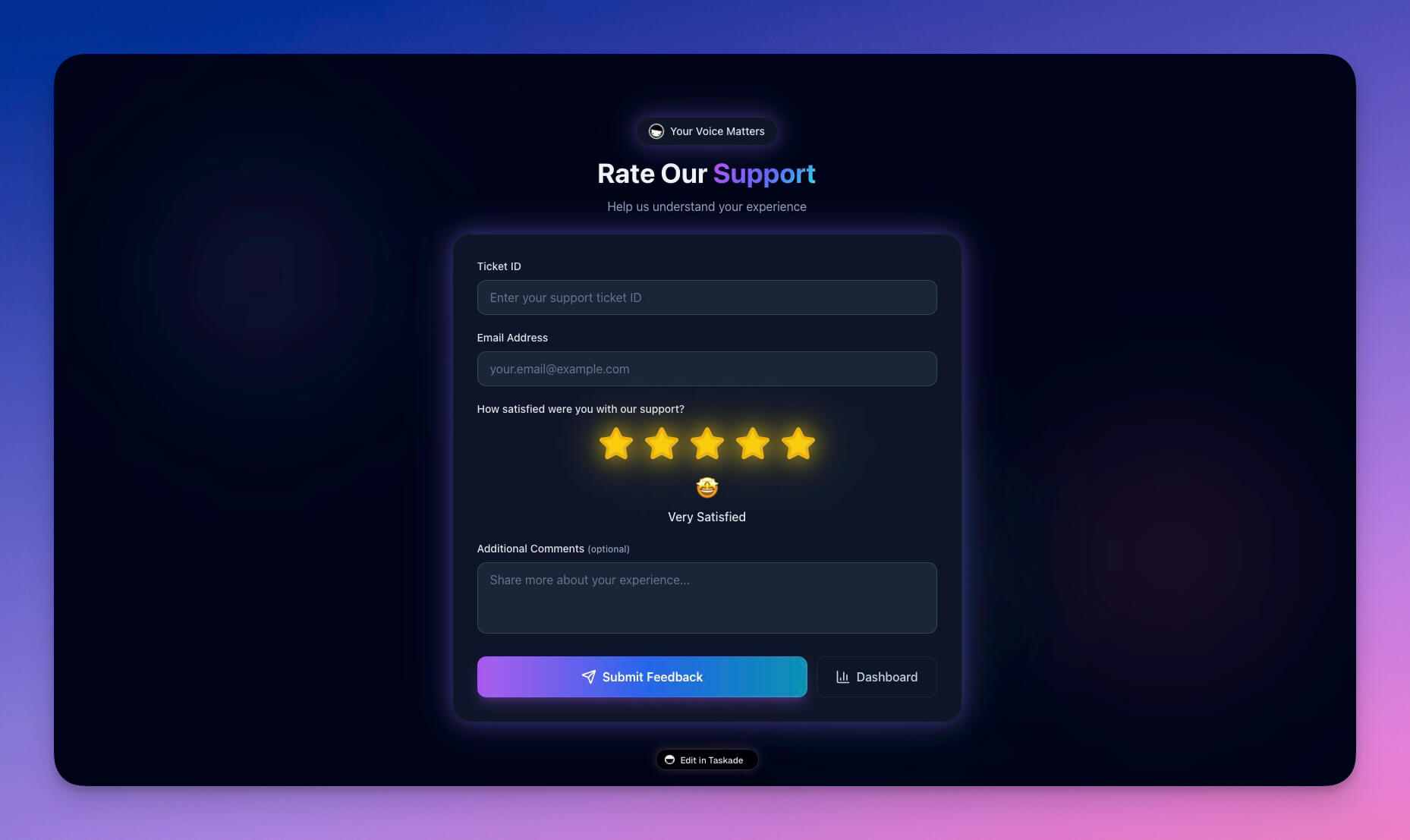
Track event support quality and attendee satisfaction in real time. AI agents flag issues before they escalate and generate post-event quality reports.
Best for: Event ops, customer experience, quality assurance
Features:
- Support ticket tracking with priority categorization
- Satisfaction scores with real-time dashboards
- Response time metrics and SLA monitoring
- AI-generated issue categorization and trend reports
Clone Support Rating Dashboard ->
Events as Living Systems: The Workspace DNA Approach
Events are not spreadsheets — they are ecosystems. Genesis event systems are living systems built on Workspace DNA that adapt in real time.
| Traditional Planning | Genesis Event System |
|---|---|
| Static spreadsheets | Real-time updates across multiple views |
| Manual reminders | Automated notification sequences |
| Paper seating charts | Dynamic arrangements with conflict detection |
| Post-event surveys via email | Automated feedback collection with AI analysis |
| Siloed vendor information | Connected databases with contract tracking |
Memory feeds Intelligence, Intelligence triggers Execution, Execution creates Memory. Every registration, every vendor update, every attendee interaction makes the system smarter.
Taskade Genesis vs. Eventbrite vs. Hopin vs. Cvent
If you are evaluating event management platforms, here is how they compare.
| Capability | Taskade Genesis | Eventbrite | Hopin | Cvent |
|---|---|---|---|---|
| Event system from text prompt | Yes | No | No | No |
| AI event coordinator agent | Yes (built-in tools) | No | Limited AI | No |
| Attendee management | Built-in Projects | Ticketing-focused | Virtual-focused | Enterprise suite |
| Vendor coordination | AI-automated | Not included | Not included | Manual |
| Seating management | Dynamic with AI | Not included | Not included | Manual |
| Automated reminder sequences | 100+ integrations | Email only | Email only | Email + SMS |
| Post-event feedback | AI analysis + automation | Basic surveys | Basic polls | Survey tools |
| Per-event pricing | No (flat monthly) | Per ticket fees | Per-event pricing | Enterprise contract |
| Pricing (small team) | $10-25/month billed annually | Variable (fees per ticket) | $99+/month | Enterprise only |
| Custom domains | Yes | No | Yes | Yes |
When Eventbrite makes sense: You need pure ticketing and registration for public events with payment processing.
When Hopin makes sense: You are running large virtual conferences with networking rooms and expo halls.
When Taskade Genesis is the better choice: You need a complete event operating system — not just ticketing — with AI coordination, vendor management, automated workflows, and team collaboration.
Event Automations That Run Your Event While You Focus
Connect your systems to real workflows using Taskade Automations:
- Registration confirmations sent automatically with personalized details
- Reminder sequences at 7 days, 3 days, 1 day, and 1 hour before event
- Seating updates pushed to attendees when assignments change
- Vendor coordination emails triggered by contract milestones and setup deadlines
- Post-event surveys sent 24 hours after conclusion with follow-up for non-responders
These connect to 100+ integrations including Gmail, Slack, Google Calendar, Zoom, Stripe, and more.
How to Build Your Event System in 5 Minutes
Create a custom event workspace from a single prompt:
- Open Taskade Genesis and click "Create App"
- Describe your system: "Build an event management portal with attendee registration, seating charts, vendor coordination, and automated reminder sequences"
- Use "Enhance Prompt" for customization suggestions
- Genesis creates the workspace with Projects, Agents, and Automations
- Import your attendee list and vendor contacts
- Run your event on autopilot
Learn more in Create Your First App.
Start Building Your Event System
Ready to replace spreadsheets with an AI-powered event operating system?
Resources:
- Explore Community Apps — Clone event tools built by other teams
- Create Your First App — Step-by-step tutorial
- Workspace DNA Guide — Understand the architecture
Your living event system includes:
- Custom AI Agents — AI event coordinators with built-in tools
- Projects and Memory — Attendee and vendor databases across multiple views
- 100+ Integrations — Automated event workflows
Read more:
- 10 AI Booking Systems You Can Clone
- 10 AI Client Portals You Can Deploy Instantly
- 10 AI Dashboards You Can Clone in One Click
- Build Without Permission
- 10 AI Agency Workspaces You Can Clone
- How to Host Your First AI Agent
Explore Taskade AI:
- AI App Builder — Build complete apps from one prompt
- AI Forms Generator — Create registration forms
- AI Workflow Automation — Automate event ops
Build with Genesis:
- Browse All Generator Templates — Apps, dashboards, websites, and more
- Browse Agent Templates — AI agents for every use case
- Explore Community Apps — Clone and customize
Frequently Asked Questions
How can I automate event management with Taskade Genesis?
Taskade Genesis builds complete event management systems from a single text prompt. Each system includes attendee databases (Projects), AI event coordinators (Agents), and automated workflows (Automations) that handle registration confirmations, reminder sequences, seating updates, vendor coordination, and post-event surveys automatically.
What types of event systems can I build with Taskade?
You can build event management portals, seating chart planners, exhibit flow managers, tourism route apps, room booking dashboards, class booking portals, appointment schedulers, consultancy booking forms, testimonial collectors, and support rating dashboards. All are cloneable from the Taskade Community and customizable through a visual editor.
Can Taskade event systems send automatic registration confirmations and reminders?
Yes. Taskade Automations handle the full event lifecycle: registration confirmations sent instantly, reminder sequences as the event approaches, seating assignment notifications, vendor milestone emails, and post-event feedback surveys. These connect to 100+ integrations including email, Slack, and calendar services.
Do I need coding skills to build an event management system?
No. Taskade Genesis creates complete event systems from natural language prompts. Describe your event needs — attendee registration, seating charts, reminder sequences — and Genesis builds the workspace with Projects, Agents, and Automations. You can customize everything through a visual editor with multiple project views.
How does Taskade Genesis compare to Eventbrite for event management?
Eventbrite is a ticketing and registration platform. Taskade Genesis is a complete event operating system. Genesis builds attendee databases, AI coordinators, vendor management, seating charts, and automated workflows from a single prompt. You get the full event lifecycle — not just ticket sales — with AI agents that coordinate logistics automatically.
How does Taskade compare to Hopin or Cvent for conferences?
Hopin and Cvent are specialized conference platforms with high per-event pricing. Taskade Genesis creates custom event systems tailored to your specific needs from a text prompt, starting at $10/month billed annually. Genesis includes AI agents for coordination, 100+ integrations for communication, and multiple project views for visual planning — without per-attendee fees.
Can I manage vendor relationships through an event system?
Yes. Taskade event workspaces include vendor databases with contract tracking, payment schedules, and communication logs. AI agents send automated coordination emails at milestone dates, and automations trigger reminders for deliverables, deposits, and setup schedules.
What is the best way to collect post-event feedback automatically?
Use the Testimonial Portal template connected to automations. Set triggers to send feedback surveys 24 hours after event conclusion, with follow-up reminders for non-responders. AI agents analyze responses, categorize sentiment, and generate summary reports for stakeholders.
Can multiple team members collaborate on event planning in real time?
Yes. Taskade supports real-time collaboration with role-based access (Owner to Viewer). Event teams can work simultaneously across multiple project views — List for task tracking, Board for stage management, Calendar for scheduling, Table for vendor data, Mind Map for brainstorming, Gantt for timelines, and Org Chart for team structure.
How much does it cost to build an event management system with Taskade?
Taskade offers a Free tier to start. Paid plans include Pro at $10/month for up to 10 seats and Business at $25/month for unlimited seats, both billed annually. All plans include AI agents, automations, 100+ integrations, and unlimited event workspaces — no per-event or per-attendee fees.