






9 Best AI Project Management Tools and Software in 2026
Compare the 9 best AI project management tools in 2026. Taskade AI agents, ClickUp Super Agents, Notion 3.2, Monday Agent Factory, and more — with pricing, features, and AI capabilities compared.
On this page (43)
Overwhelmed with endless to-dos, chasing deadlines, and aligning your team's vision? Enter the game-changer: Artificial Intelligence (AI) in project management!
AI-powered tools are revolutionizing how we handle tasks, making project management a breeze. Shed the weight of monotonous chores and embrace more moments of creativity and team camaraderie.
Building remote teams is one of the best ways to drive innovation and collaboration in a modern workplace. The only problem? Many of those aspiring organizations don't have the proper workflows, strategies, and apps to reap the benefits. But don't worry, we did the heavy lifting for you and compared the best AI project management tools for hybrid and fully distributed teams.
Let's dive in! 👇

What to Consider When Choosing an AI Project Management Tool?
Even though AI is being increasingly integrated into our daily lives, AI project management tools are still not mainstream (yet). Before you get started with choosing the perfect AI tool for your project management process, you'll first need to consider a few things.
Intuitive Automation: The tool should effortlessly automate repetitive tasks, ensuring both time-saving and consistent results. Automation is the heart of AI's appeal in project management.
Predictive Analytics: Your chosen tool should offer insights into potential risks and project timelines by analyzing data. This predictive capability is crucial for proactive planning.
Seamless Integration: The AI tool must integrate smoothly with other software your team uses, streamlining workflows and reducing manual data transfers.
User-Friendly Interface: Despite AI's complexity, its interface should be straightforward, allowing team members of varying tech skills to use it with ease.
Data Security: Ensure the tool prioritizes data security, safeguarding your project information and sensitive data.
Relevance to Use Case: It's essential to evaluate if the AI capabilities of the tool align with your specific needs. Not all AI features might be relevant; choose a tool that addresses your unique challenges and enhances your specific workflows.
The AI Agent Revolution in Project Management (2026 Update)
The project management landscape has changed fundamentally since 2024. Every major platform has either launched or acquired AI agent technology:
- Taskade — Production AI agents since 2023 with 22+ built-in tools, persistent memory, multi-agent collaboration, and automation workflows powered by Temporal durable execution. The most mature and cost-effective AI agent system in the category.
- ClickUp — Acquired Codegen in December 2025 to power Super Agents with 500+ work skills. Credit-based AI pricing at $7-12/user/month.
- Notion — Launched Notion 3.2 agents in January 2026 with 20-minute autonomous work sessions. AI requires Business plan at $20/user/month.
- Monday.com — Launched Agent Factory in September 2025 as a separate standalone product ($49/month). Not integrated into the project management boards.
- Asana — AI Teammates still in beta with checkpoint governance. GA expected mid-2026.
The question is no longer "does this tool have AI?" — it's "does the AI actually manage projects, or does it just write text?"
| Platform | AI Agent Status | AI Price (10 Users) | Autonomous Execution? |
|---|---|---|---|
| Taskade | GA (since 2023) | $20/mo total | Yes — agents + automations |
| ClickUp | GA (Super Agents) | $70-120/mo + credits | Workflow-based |
| Notion | GA (3.2) | $200/mo | Document-only (20 min) |
| Monday.com | GA (separate product) | $49/mo (separate) | Template-based |
| Asana | Beta | $110+/mo + add-on | Checkpoint-gated |
The 9 Best AI Project Management Tools and Software in 2026
Taskade
Ever puzzled over why project management tools seem overly complex? How many functions, tabs, and options do you really need to accomplish your goals? If streamlined, AI-powered software is what you're after, Taskade AI is your answer.
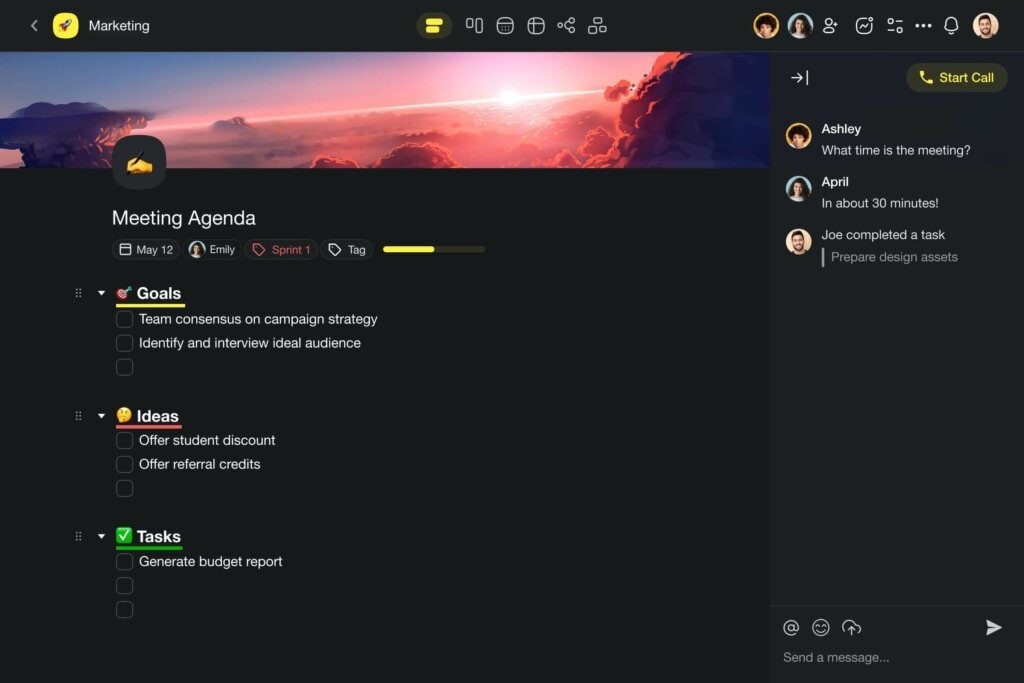
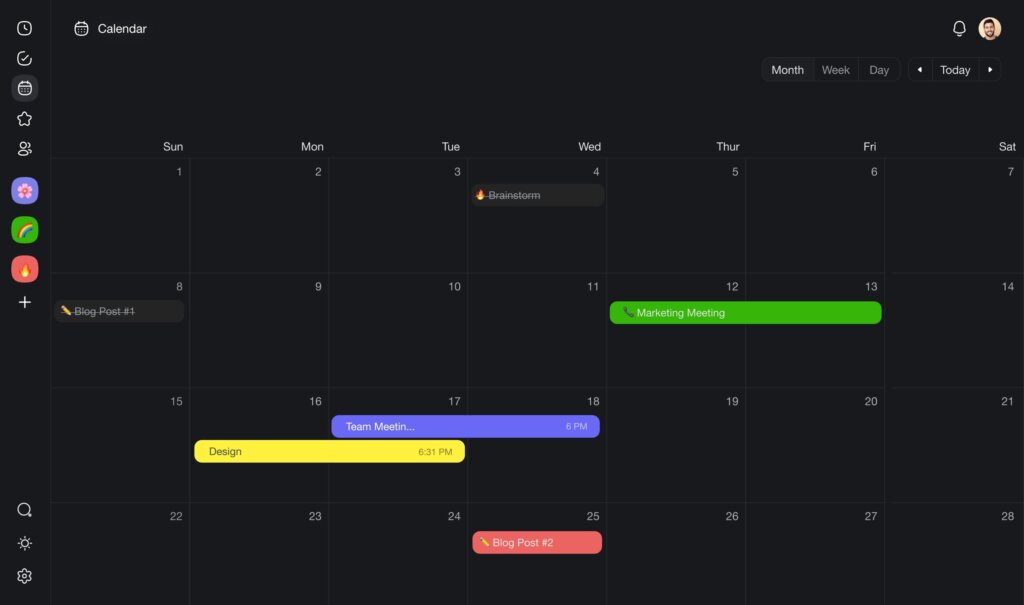
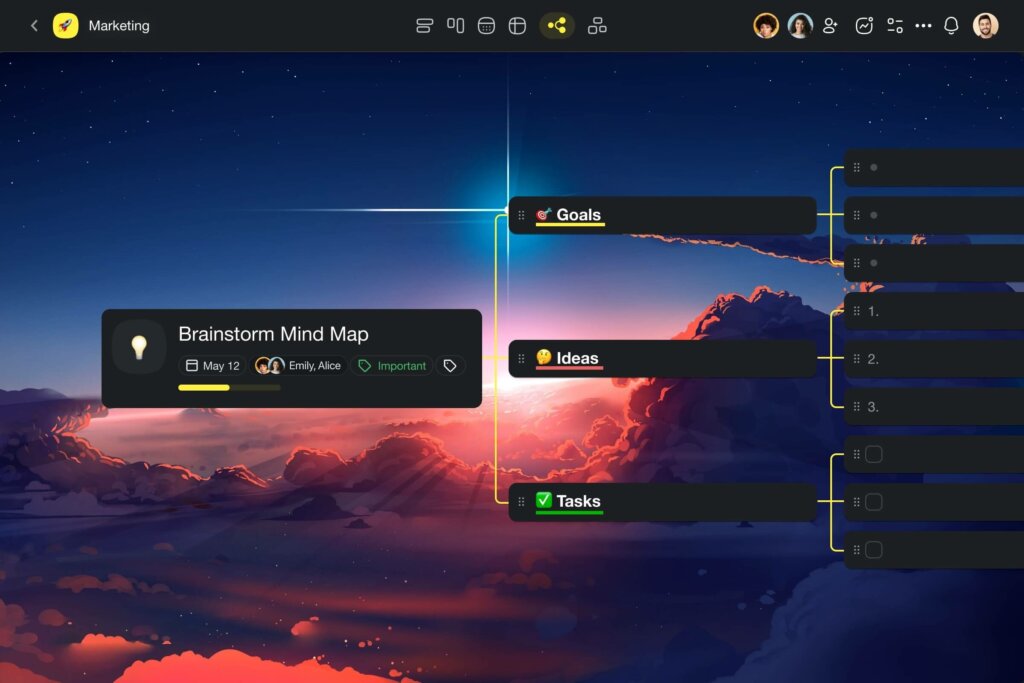
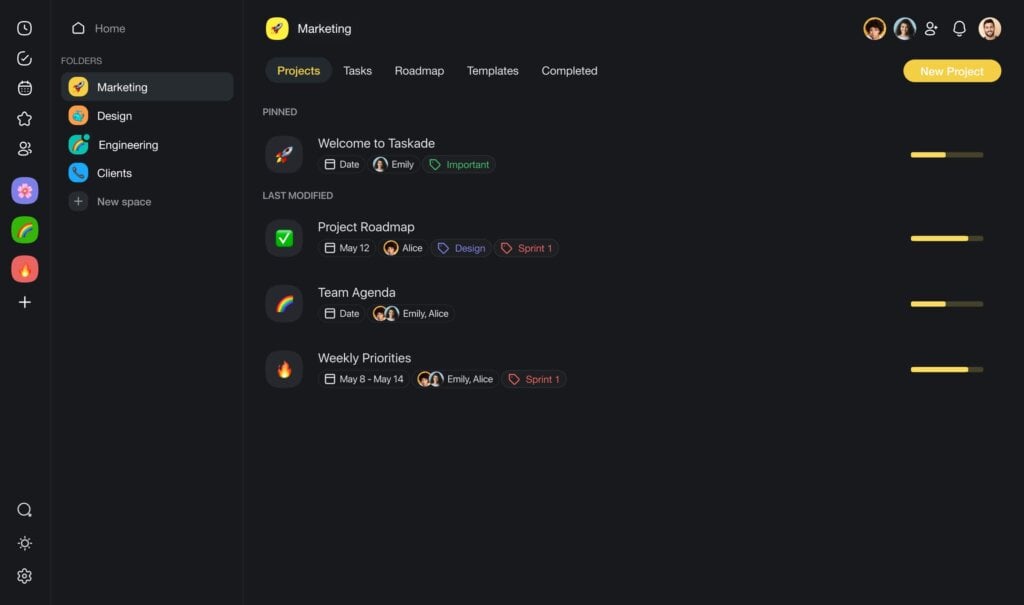
Taskade is a straightforward but effective AI-driven tool for managing projects and tasks, suitable for individuals and teams alike. Whether it's projects, tasks, notes, documents, reminders, or calendars, everything finds its place in Taskade. It's the go-to solution to keep you on track with your tasks, no matter where you are.
By centralizing your tasks, documents, communications, and team, Taskade enhances project transparency and visibility. This integration means you can work and converse within the same space, cutting out the need to switch between various platforms.
Sign up to supercharge your work with Taskade AI 🤖
Why Taskade Works for You
Here's why Taskade stands out as your ultimate collaboration and communication platform:
🤖 Powered by OpenAI's GPT, our intelligent AI assistant streamlines tasks.
👩💻 Seamless video conferencing for efficient communication.
✅ Comprehensive tools for task and project oversight.
👁️ Engage with screen sharing and presentation capabilities.
⚡️ Versatile workflows including mind mapping, outlining, Kanban, and beyond.
💬 Integrated chat and file exchange for smooth collaboration.
Taskade's Best AI Features 🌟
🤖 Custom AI Agents: Picture a team of AIs automating routine tasks and serving insights on diverse subjects. Taskade lets you create, customize, and deploy multiple AI agents, each with a unique personality, skills, and knowledge, and run them in the background so you can focus on the work that matters.
🪄 AI Generator: Streamline project planning with the AI Generator — craft comprehensive project plans and organize tasks based on natural-language instructions. This feature is ideal for both large and small projects, and it provides structured frameworks that will save you a ton of time setting things up.
✏️ AI Assistant: Enhance your writing, brainstorming, and organizational skills with a smart assistant that integrates into your workflow. Use powerful AI commands within the project editor to offload task organization and content creation. The assistant can handle individual and bulk tasks. Available on desktop and mobile.
💬 AI Chat: Get immediate assistance with the AI Chat, a tool designed to answer general and project-related queries. The AI Chat will help you decipher complex subjects, brainstorm ideas, and solve problems, drawing from the AI's training data and the content of your projects and uploaded documents.
🔀 AI Files/Document Converter: Transform your documents using AI. This feature lets you convert documents and spreadsheets into various formats. You can even turn .pdf, .docx, .txt, and .csv files into projects in various workflows, including mind maps, flowcharts, and Kanban boards. No other tools required.
📄 Engage in Media Q&A: Enhance your understanding of documents by using the Media Q&A feature. Simply upload files in formats like .pdf, .docx, .txt, and .csv, and use the AI Chat function to start an interactive Q&A session. This feature provides a direct and efficient way to gain insights from digital resources.
Taskade Limitations
- No Gantt chart view (yet)
How Much Does Taskade Cost?
You can get started with Taskade AI for free. Check our pricing page for details.
Notion
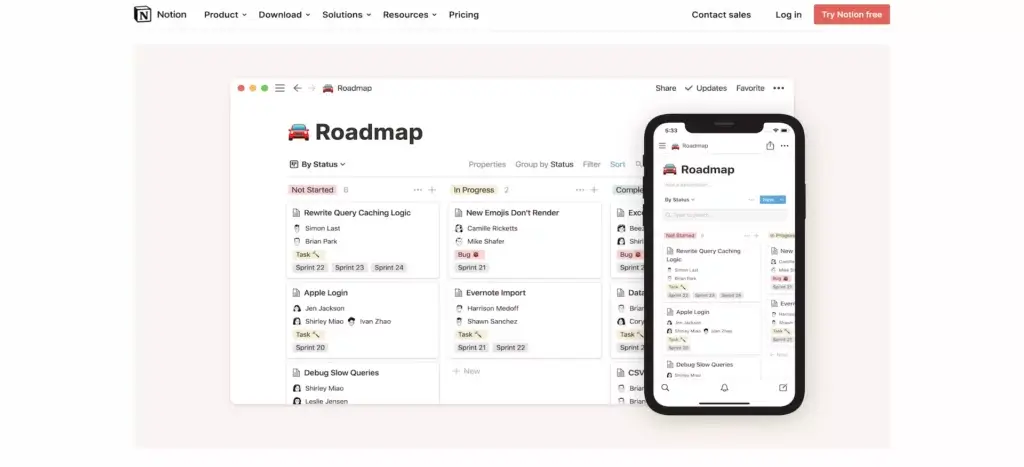
Notion is a versatile workspace app for organizing notes, tasks, wikis, and databases. With Notion, users can create customized databases to track projects, contacts, and more. The platform offers a holistic approach to project management, even if its customizability may be a bit overwhelming at first.
In terms of AI, Notion has a basic assistant that can suggest actions and surface relevant information. However, Notion's focus is more on core productivity features rather than robust AI capabilities.
Notion Best Features
Good for planning, knowledge bases, and team wikis
Includes List, Board, Calendar, Table, and Gallery views
100+ project templates and a databased-oriented workflow
Real-time collaboration with team permissions
Google Drive, Dropbox, and OneDrive integrations
Basic AI assistant in projects to help users.
Notion Limitations
Can be slow and laggy at times
Mobile app lacks some advanced features
Steep learning curve for some users
No custom automations/triggers
No integrated calendar view
Basic AI capabilities only
Notion Pricing
Free
Plus: $8/month per user
Business: $15/month per user
Enterprise: Custom pricing
Asana
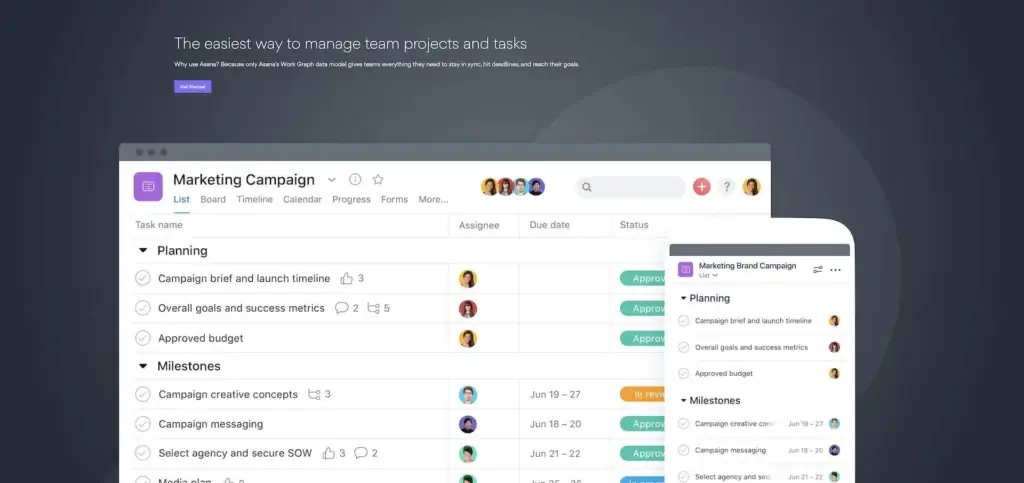
As far as looks are concerned, you can easily mistake Asana for Monday's (older) sibling. Asana supports remote collaboration with a competent lineup of task and project management features. That includes everything from flexible workflows through work automation to real-time reporting.
Asana also has a number of AI capabilities, such as goal-based resource management, project status checks, and self-optimizing workflows.
Asana Best Features
Task lists and boards to visualize work, plan projects, and enable team collaboration
Projects to group tasks, manage dependencies, and track progress
Calendars to view deadlines, schedule work, and coordinate teams
Workload tracking, team management, and private messages
AI for predictions, resource management, and workflow optimization
Mobile apps to access tasks remotely and collaborate on-the-go
Integrations to connect tools, automate, and streamline workflows
Asana Limitations
Can be overwhelming for new users - significant learning curve to utilize all features
Mobile app lacks some functionality compared to web/desktop
Communication tools like chat/video conferencing not natively included
API and integrations could be more robust for custom workflows
Lacks AI customization - Asana's AI functions are pre-defined rather than adaptable.
Asana Pricing
Basic: Free
Premium: $10.99/user per month
Business: $24.99/user permonth
Hive
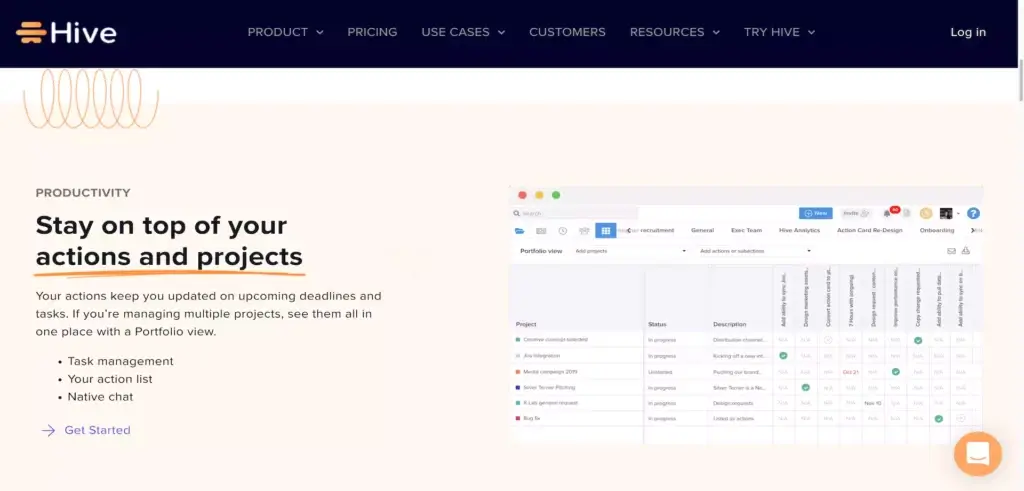
Hive is a communication and collaboration hub for buzzing (no pun intended) distributed teams. The platform has a solid track record with marketing teams, agencies, startups, and in education. Apart from its rich choice of project management tools, Hive packs proofing and approval features for much shorter feedback loops.
Hive has recently introduced HiveMind, which is its AI feature that streamlines workflows, automates project planning, and utilizes data insights for tasks and communication.
Hive Best Features
HiveMind AI for streamlined workflows and automated project planning
Task, project, and collaboration features
Multiple project views including Gantt and Kanban
Time and progress tracking with estimates and timesheets
Chat, comments, proofing, and approvals
Automation, analytics, and project templates
Hive Limitations
Hive does not allow users to create complex task dependencies. This can make it difficult to manage complex projects with multiple interdependencies
The mobile app is not as feature-rich as the desktop app. This can make it difficult to manage projects on the go
Hive's reporting and analytics features are not as robust as those of some other project management tools. This can make it difficult to generate comprehensive reports and track key metrics
Hive can be difficult to learn, especially for users who are new to project management tools
Steep pricing plan
Hive Pricing
Solo: Free
Teams: $18/user per month
Smartsheet
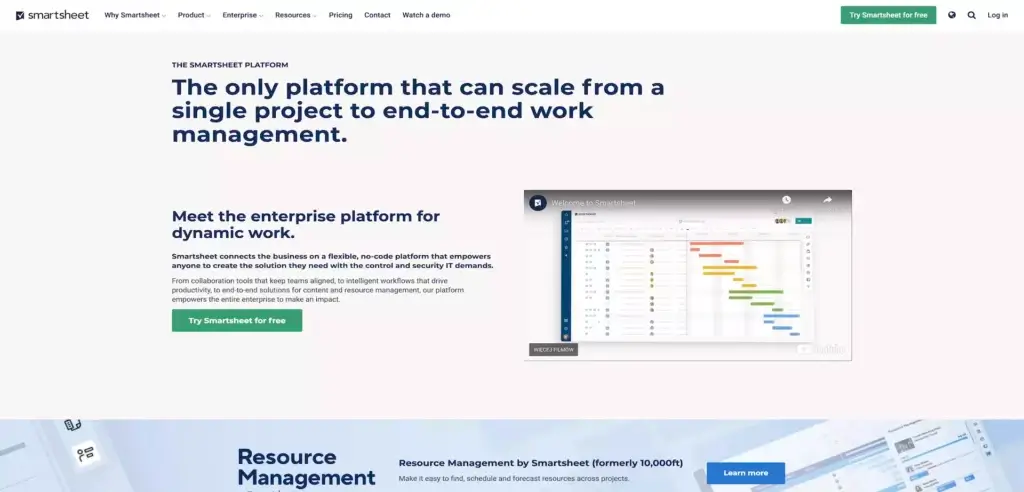
Smartsheet is one of the older platforms in the “remote collaboration” flock, but it still holds up pretty well against other tools on our list. Branded as a “dynamic workspace,” Smartsheet improves the visibility of projects across teams and departments. It also enables automation, content management, data collection, and team communication.
Smartsheet's AI helps users with automated chart creation, formula creation, and as a help assistant.
Smartsheet Best Features 🤝
AI for formula and chart creation
AI help assistant
Dashboards and activity log for project planning
Calendar and reminders for tracking project timelines
Automation, add-ons, and integrations
Permissions and sharing with external users
Flexible workflows, including Gantt charts and Grids
Smartsheet Limitations
AI features limited
Steep learning curve - Can be overwhelming for new users to learn all of the features and functions
No native Gantt charts - Need to use add-on for traditional Gantt view of projects
Email and communication tools lacking - No built-in email or chat functions
Resource management capabilities limited - Hard to visualize resource allocation
Reporting takes time to set up - Not as much ready-made reporting as other project management tools
Mobile app still in progress - Mobile experience not as seamless as desktop
Smartsheet Pricing
Pro: $7/user per month
Business: $25/user per month
Enterprise: Custom pricing
Monday. com
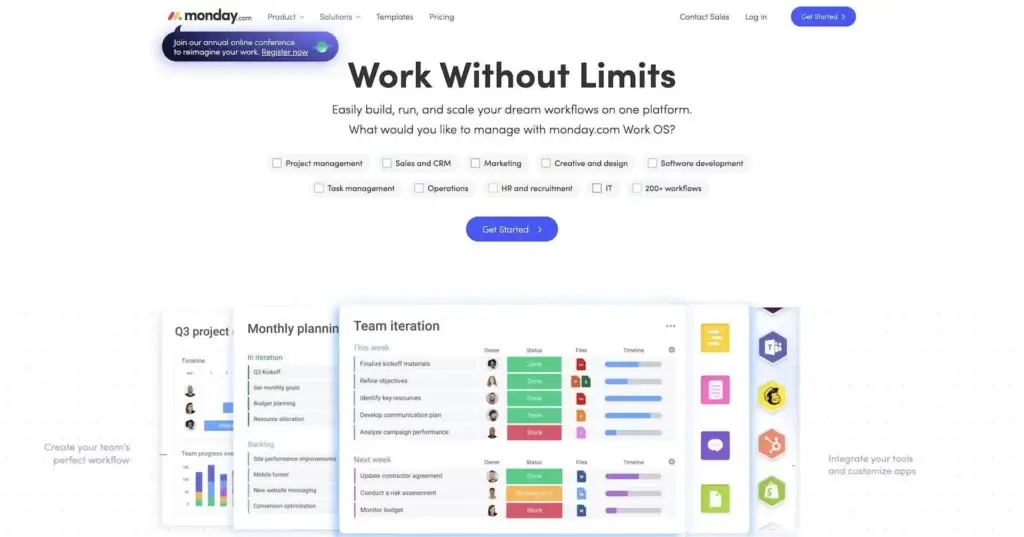
Project management software doesn't have to be purely functional (read: ugly). And Monday delivers on the aesthetic aspect. Your team will appreciate a simple and colorful UI, customizable columns, and the ability to handle all kinds of projects. It's a complete PM package for sales, marketing, and IT teams.
Recently, Monday has introduced some new AI-powered capabilities like predictive insights and automated suggestions to assist teams in small ways, though the core focus remains on ease of use, customization and data visualization.
Monday. com Best Features 🌟
Basic AI features mainly to suggest productivity improvements
Central dashboard for team management
Visual-first workflow with a simple user interface
Customizable columns and 200+ templates
Communication and collaboration on mobile
Real-time collaboration on files and documents
Monday. com Limitations
AI focused on basic suggestions - not advanced automation
No option to customize AI or train for specific workflows
Steep learning curve for some users - platform has a lot of features to learn
Can get pricey for larger teams and extensive use
Mobile app lacks some functionality compared to web
Customization is powerful but can also lead to fragmentation
Monday. com Pricing
Basic: $8/seat per month
Standard: $10/seat per month
Pro: $16/seat per month
Enterprise: Custom
Any.do
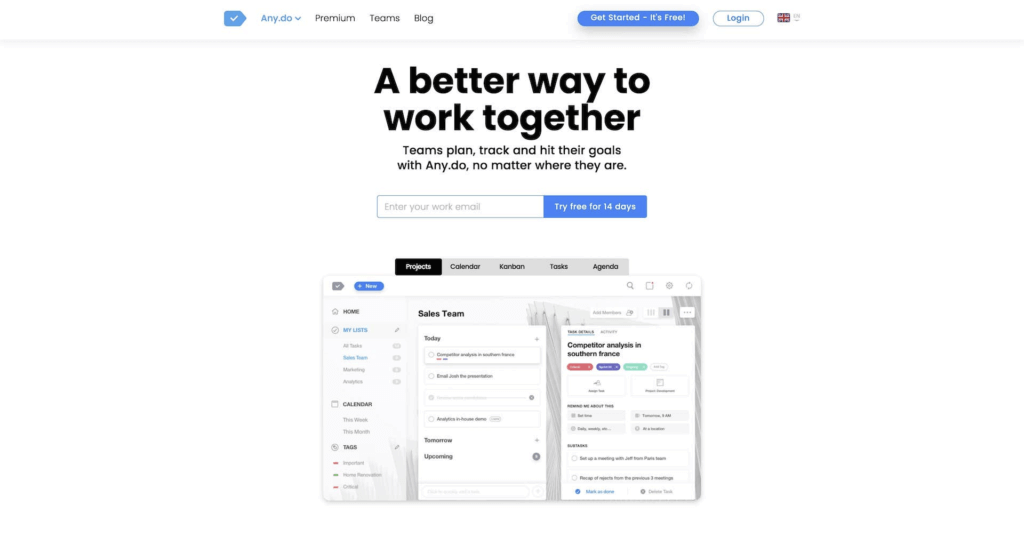
Any.do is a task management app, founded in 2011, that allows users to create to-do lists and break down tasks into subtasks. With Any.do, you can organize responsibilities into customized lists, set reminders for tasks, and mark items as complete. The interface is designed for simplicity. Any.do aims to help people accomplish personal and professional tasks more efficiently.
Additionally, Any.do does utilize some AI to provide features like predictive task suggestions based on your usage history and habits.
Any.do Best Features 🌟
AI for recommending productivity improvements
Recurring reminders
Any.do Moment view
Calendar, Kanban, and Agenda
Chat and notifications
List and file sharing
Integrations with Zapier and WhatsApp
Reminders and event notifications
Any.do Limitations
AI only available on premium plan
AI for predictions and suggestions is basic and limited in scope
Web/desktop versions are quite basic compared to mobile app
Collaboration and team features are limited
Can only add one due date per task
Analytics and reporting capabilities are minimal
Recurring tasks need to be manually repeated
Any.do Pricing
Personal: Free
Premium: $3/month
Teams: $5/user per month
ClickUp
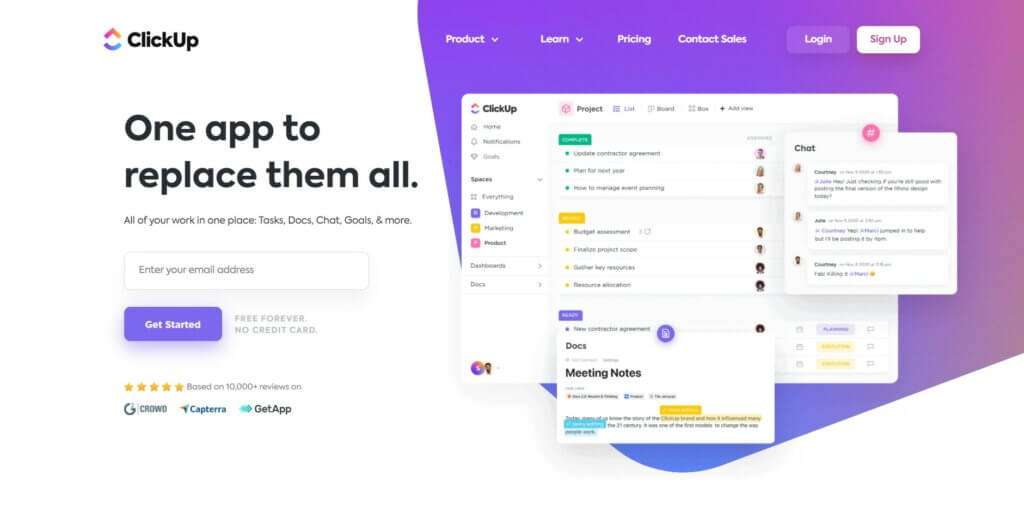
ClickUp is a versatile project management platform, founded in 2017, that aims to be an all-in-one solution for task and workflow management. With customizable views like lists, boards, calendars, and more, it offers powerful tools to organize teamwork and increase productivity. One of ClickUp's strengths is its intuitive interface and flexibility to support many different collaboration styles. It has quickly gained popularity for its robust features accessible even in low-cost plans.
While ClickUp focuses mainly on traditional project management capabilities, it has also recently integrated AI features like automated content generation, summarization and translation directly within its platform to assist users. However, seamless productivity and collaboration remain ClickUp's primary focus.
ClickUp Best Features
AI for content generation, writing, and summarization
Multiple board views
Breaking down tasks into subtasks
Assign tasks
Task status
Basic communication
Turning comments into tasks
Integrates with other apps
ClickUp Limitations
AI features are not free
Can be overwhelming with so many features
Steep learning curve for some users
Reporting capabilities take time to setup
Email integration could be better
AI features are basic compared to dedicated AI tools
Video conferencing not built-in
Clickup Pricing
Free
Unlimited: $7/month per member
Business: $12/month per user
Business Plus: $19/month per user
Enterprise: Custom pricing
Todoist
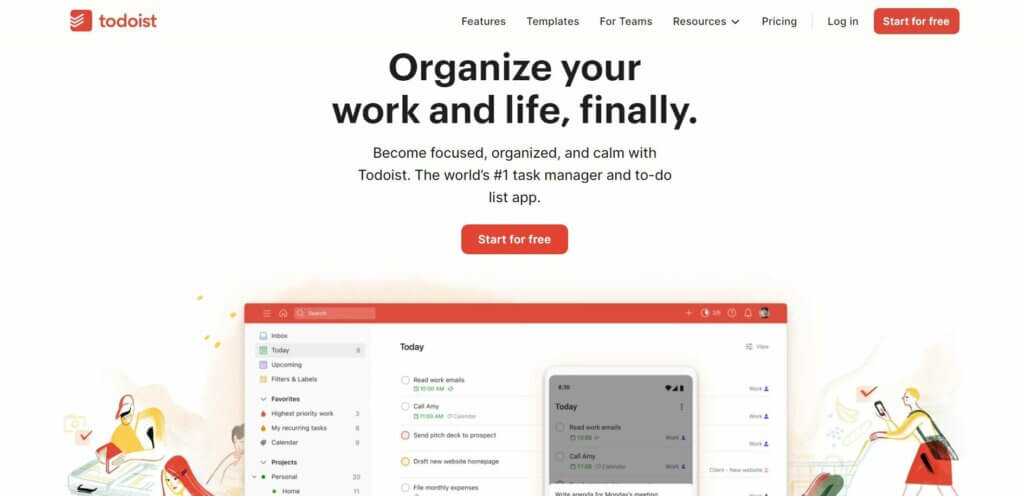
Todoist is a task management software that was developed by its parent company, Doist, in 2007. The main aim of Todoist is to help people stay on top of their tasks by organizing them via a simple task management system.
Todoist now allows users to integrate an AI Assistant to make their goals more attainable. With this integration, users can generate a list of tasks to reach a specific goal, make tasks more actionable, and receive tips on how to complete tasks.
Todoist Best Features 🌟
AI assistant to suggest and give tips on task and project management
Lightweight and simple to use
Breaking down projects into sub-projects
Assigning tasks and due dates
Recurring tasks
Kanban board view
Todoist Limitations
AI assistant only exists as an integration and not built-in
Active tasks per project are limited to 300
Characters per task name are capped at 500
Free accounts can only have 5 active projects
Collaborators per project are restricted to 5 for Free accounts
Todoist Pricing
Beginner: Free
Pro: $4/month
Business: $6/user per month
🚀 Parting Words
AI project management tools help to streamline tasks, boost productivity, and foster collaboration. As you select the right AI project management tool for your team, consider your unique needs and workflows to enhance efficiency and effectiveness.
🧬 The Future of AI Project Management: Living Apps
What if you could build your own AI project management system with one prompt? With Taskade Genesis, you can create complete AI-powered applications — custom dashboards, automations, and AI agents working together as living software. It's called vibe coding — describe what you need, and Taskade builds it. Explore 100+ integrations or browse ready-made AI apps.
At Taskade, we've gone beyond embracing AI. We've built the platform that lets you build your own AI-powered tools.
Get ready for intelligent note linking, autonomous task management, and smart task prioritization features that will take your productivity to the next level.
Ready to embrace AI project management?
🧬 AI Project Management Apps Built with Genesis
Clone these ready-to-use project management tools and customize for your team:
| App | What It Does | Clone |
|---|---|---|
| Neon Task Dashboard | Visual project tracking with AI | Clone → |
| Team Capacity Planner | Resource allocation and workload balancing | Clone → |
| Finance Tracker Dashboard | Project budget and expense tracking | Clone → |
| Client Portal Dashboard | Client-facing project hub | Clone → |
| Monochrome Project Dashboard | Clean, minimalist project tracker | Clone → |
🔍 Explore All Community Apps →
Build your own AI project management system with Taskade Genesis — describe what you need, and watch it come to life.
Your living workspace includes:
- 🤖 Custom AI Agents — The intelligence layer
- 🧠 Projects & Memory — The database layer
- ⚡️ 100+ Integrations — The automation layer
Get started:
- Create Your First App → — Step-by-step tutorial
- Learn Workspace DNA → — Understand the architecture

FAQ
Will project management be replaced by AI?
Project management is unlikely to be fully replaced by AI. While AI can assist in tasks like scheduling, data analysis, and resource allocation, human project managers bring critical skills such as leadership, communication, and problem-solving that are essential for complex projects. AI can complement and enhance the role of project managers, but human oversight and decision-making will remain crucial in project management for the foreseeable future.
Can I use Taskade to manage projects?
Yes you can! You can use Taskade to manage projects of all sizes. What's more Taskade is loaded with useful task management features even on the free plan.
What is the best project management software?
There is a lot of project management software in the market. For an extensive list, read our comparisons between the best project management software.
Is Taskade good?
Taskade is a great tool to use for personal and team projects. Check out this complete review of Taskade and get started today.