






Hi Taskaders! 🎉
We are thrilled to announce the beta launch of Taskade AI. 🤖
TL;DR: December 2022 was the moment Taskade became an AI-native workspace. Taskade AI launched as a beta assistant — and seeded the entire product line that followed: AI Agents v1 (2023), Agents v2 with built-in tools (2024), and today's Taskade Genesis building living apps from a single prompt with 100+ integrations and Automations.
Watch the arc from AI assistant → Workspace DNA — a 3-minute explainer on how the 2022 /ai commands grew into today's self-reinforcing Memory → Intelligence → Execution loop:
The Workspace DNA model is the direct descendant of these five /ai commands — read it once and the rest of this post clicks into place.
The Taskade AI origin story
Then → Now: A single AI assistant in 2022 → today's Taskade Genesis powered by 15+ frontier models from OpenAI, Anthropic, and Google, with AI Agents v2 running built-in tools and Automations handling reliable multi-step workflows across 100+ integrations.
| AI milestone | When | What shipped |
|---|---|---|
| First AI release | Dec 11, 2022 (v4.22) | AI Assistant Commands — /ask, /outline, /expand, /rewrite, /summarize |
| Custom AI Agents | Nov 2023 | Per-workspace agents with personas + knowledge sources |
| Multi-Agent Teams | Sep 2024 (v5.96) | Agent teams + Automation v2 engine |
| Custom tools | Oct 2024 | built-in agent tools + custom tool authoring |
| Taskade Genesis | Aug 2025 (v6.0) | Prompt → living app with custom domains |
            DEC 11, 2022 — TASKADE AI v4.22
   ┌─────────────────────────────────────────────┐
   │   /ai                                       │
   │     ├─ /ask        answer from knowledge    │
   │     ├─ /outline    structured hierarchy     │
   │     ├─ /expand     enrich content           │
   │     ├─ /rewrite    improve clarity          │
   │     └─ /summarize  condense long text       │
   └─────────────────────────────────────────────┘
                       │
              4 years of compounding
                       ▼
   ┌─────────────────────────────────────────────┐
   │   TASKADE GENESIS (2026)                    │
   │     • prompt → living app                   │
   │     • 33 built-in agent tools              │
   │     • 15+ frontier models                   │
   │     • 100+ native integrations              │
   │     • multi-agent collaboration             │
   │     • custom domains + password protect     │
   └─────────────────────────────────────────────┘
The five commands above were the seed crystal. Every later release — Custom AI Agents, Multi-Agent Teams, built-in tools, and Taskade Genesis — grew from this same /ai slash command grammar. If you're starting fresh today, skip the five commands and jump straight to building your first Genesis app, then layer on custom agents with persistent memory once you know what you want to automate. See it in action in the Community Gallery or build your first app at /create.
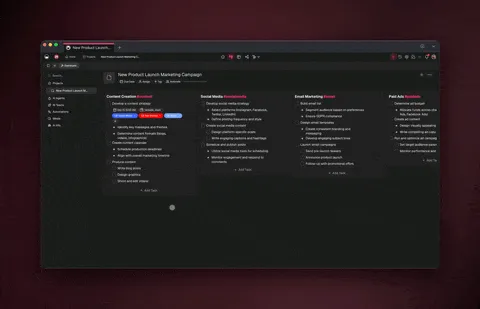
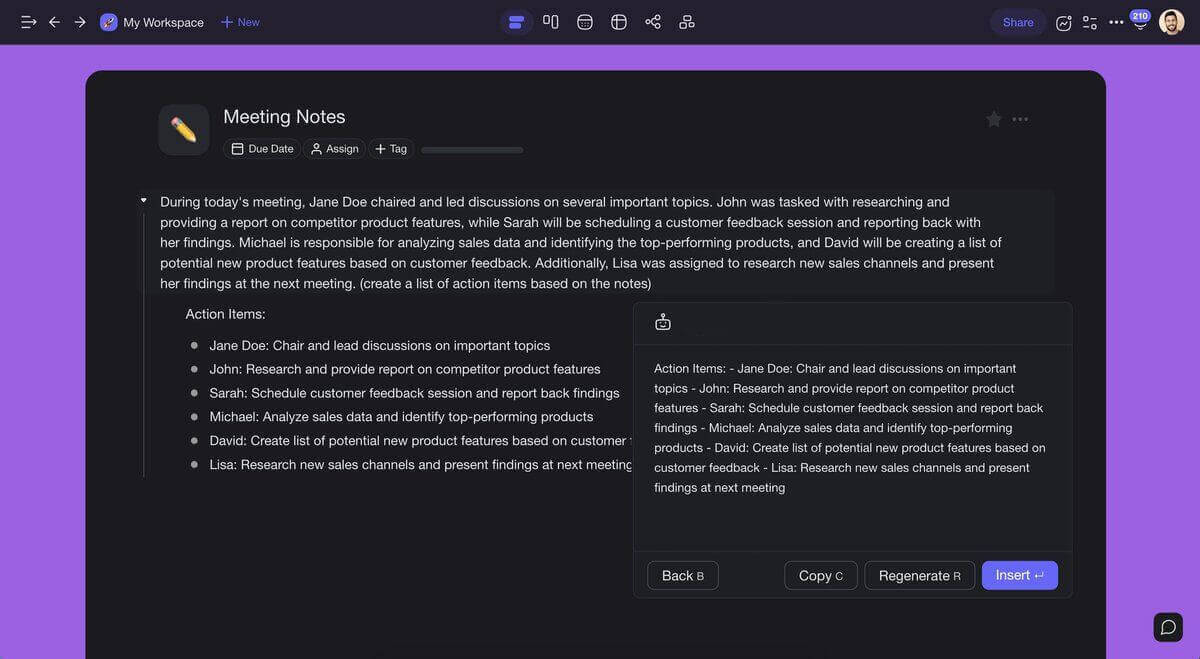
Whether you need answers to complex questions, help with writing and organizing, or assistance with summarizing long-form content, Taskade AI has you covered.
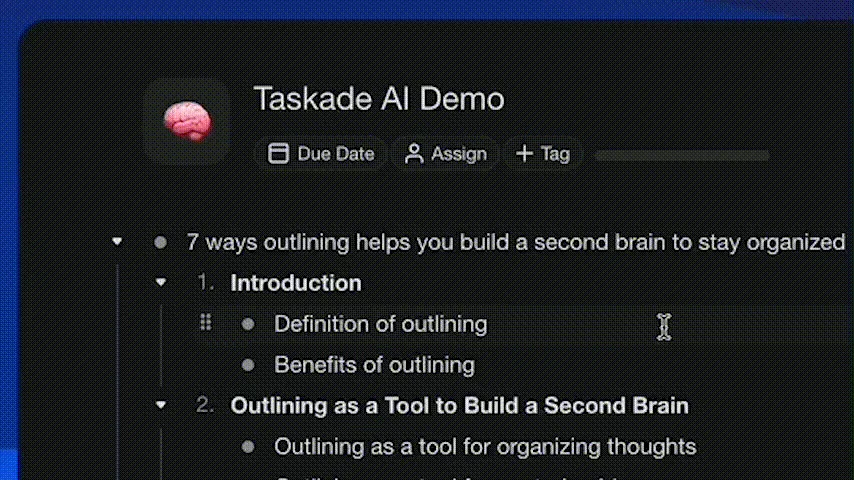
Simply type "/ai", select a command, and hit enter. Work faster and smarter across any project using Taskade AI, and it is completely free!
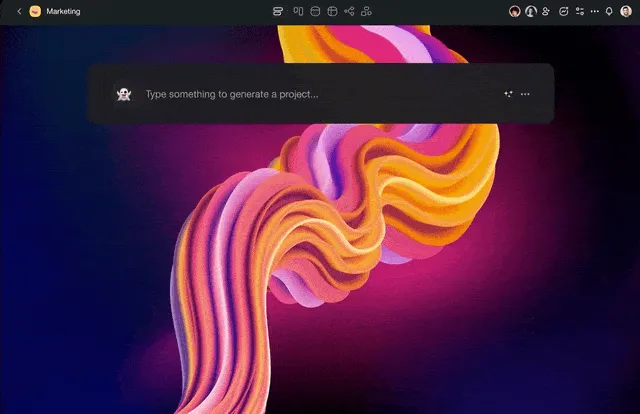
⚡️ Taskade AI Commands
Here is the starting list of /AI commands:
/ask: Answer your question based on AI's existing knowledge.
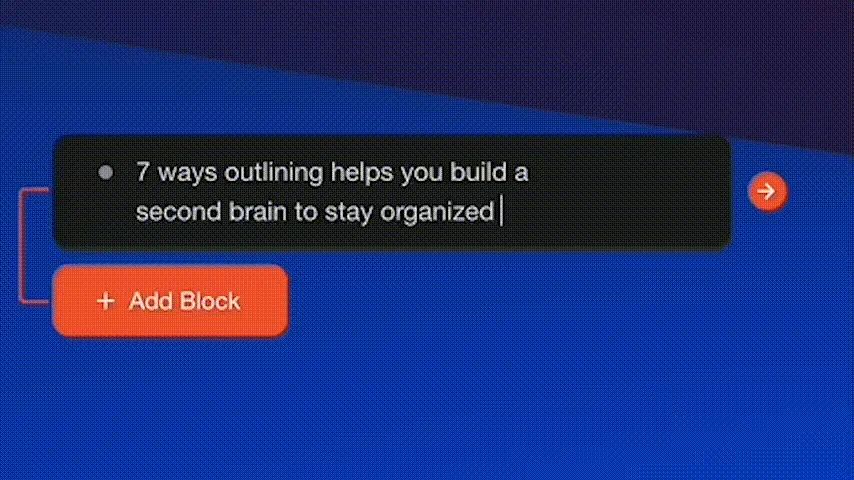
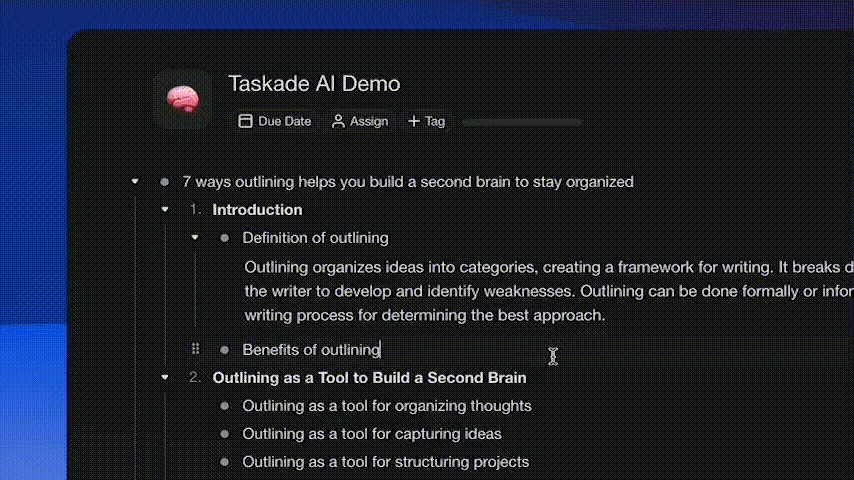
/outline: Generate an outline of your topic or question in structured hierarchy.
/expand: Expand and enrich your content to be more descriptive.
/rewrite: Improve the legibility and clarity of your writing.
/summarize: Turn long content into a quick summary.
Experience the future of work with Taskade AI. Give it a try and let us know what you think—we can't wait to hear from you. Don't forget to try it with your friends, clients, and teams.
In addition to /ai, you can improve your productivity and streamline your workflow using the power of /slash commands for writing, organizing, and managing your tasks. Learn more
We have more exciting announcements coming up in December, so stay tuned!
🎉 Other Improvements
New: Project Chat now highlights the completed task on click
New: Set default notification settings to Mention Only
Fix: Background Upload in project settings errors
Fix: Workspace and folder permissions
Fix: Action View general visual and layout issues
Fix: Guest projects loading incorrect theme color
Fix: Quick Add loading too few number of projects
Fix: Redirect when leaving or deleting a folder / workspace
Fix: My Tasks displaying tasks from non-workspace projects
Fix: Projects missing the "View Only" badge for Viewer Members
Fix: Task due date email notifications misalignment
Various performance improvements and bug fixes
Thanks again for supporting Taskade, and as always, don’t hesitate to reach out or visit our Help Center if you need help. We’re here for you! 😊
— Team Taskade 🐑
P.S. Want to help us improve Taskade? You can also suggest a feature. Follow us and join the discussion on Twitter and Reddit.
💬 Frequently Asked Questions About Taskade AI
What is Taskade AI?
Taskade AI is an advanced productivity assistant that uses machine learning to help you write documents, plan tasks, and organize your work, alone or with your team. With Taskade AI, you can easily create and edit outlines, notes, drafts, and task lists using natural language prompts, right inside your projects.
What version of GPT does Taskade AI use?
Taskade AI uses the GPT-3.5 (Generative Pre-trained Transformer 3.5) version of the GPT language model developed by OpenAI. We're in the process of migrating our mobile and desktop apps to GPT-4, so stay tuned!
How much does Taskade AI cost?
Taskade AI is free for all users on desktop, mobile, and in a web browser. However, we also offer paid plans that increase the number of generations you can perform each month. Visit our pricing page to learn more about available pricing tiers.