







You have a business problem. You can describe it in a paragraph. But turning that paragraph into working software has traditionally required developers, sprints, budgets, and months of waiting.
Text to app changes this. You describe what you need. An AI builds it. The app works.
This is not a future promise. In 2026, millions of people are building software this way. The question is no longer whether text to app works — it is which tools do it best, what the limitations are, and how far you can push it.
This guide covers everything: what text to app actually means, how it works under the hood, the 10 best tools, real prompt examples, and the critical difference between tools that generate static prototypes and tools that create living software.
What Is Text to App?
Text to app is a method of building software by writing a natural language description — a prompt — and having an AI system generate a complete, working application from that description.
The prompt can be as simple as:
Build a client intake form for my consulting business with
fields for company name, project scope, budget, and timeline.
When submitted, create a project in my workspace and notify me.
The output is a functional application: a form with a database behind it, a notification system, and a hosted URL you can share with clients.
This is fundamentally different from the three approaches that came before it:
┌──────────────────────────────────────────────────────────────┐
│               THE EVOLUTION OF APP BUILDING                  │
├──────────────────────────────────────────────────────────────┤
│                                                              │
│  2005-2015  │  TRADITIONAL CODE                              │
│             │  Write every line. Deploy manually.            │
│             │  Time: months. Cost: $50K-$500K+               │
│             │                                                │
│  2015-2022  │  NO-CODE / LOW-CODE                            │
│             │  Drag and drop. Visual builders.               │
│             │  Time: days to weeks. Cost: $30-100/mo         │
│             │                                                │
│  2022-2024  │  AI CODE GENERATION                            │
│             │  Prompt → code → deploy yourself.              │
│             │  Time: hours. Cost: $20-50/mo                  │
│             │                                                │
│  2025-NOW   │  TEXT TO APP (LIVING SOFTWARE)                  │
│             │  Prompt → complete working system.             │
│             │  Time: minutes. Cost: free to $10/mo           │
│             │                                                │
└──────────────────────────────────────────────────────────────┘
The leap from "AI code generation" to "text to app" is not just speed. It is a shift in what you get. AI code generators give you code files. Text-to-app platforms give you working software — with data storage, hosting, and (in the best cases) intelligence built in.
How Text to App Works Under the Hood
When you type a prompt into a text-to-app platform, here is what happens behind the scenes:
┌──────────────┐     ┌──────────────┐     ┌──────────────┐
│   YOUR TEXT  │────▶│  NLP PARSER  │────▶│  ARCHITECT   │
│   PROMPT     │     │  (Understand │     │  (Design     │
│              │     │   intent)    │     │   structure) │
└──────────────┘     └──────────────┘     └──────┬───────┘
                                                  │
                     ┌──────────────┐     ┌───────▼──────┐
                     │   DEPLOYED   │◀────│  GENERATOR   │
                     │   APP        │     │  (Build UI,  │
                     │   (Live URL) │     │   data, API) │
                     └──────────────┘     └──────────────┘
Step 1: Intent Parsing. The LLM analyzes your prompt to identify what kind of app you want, who will use it, what data it needs, and what actions it should perform.
Step 2: Architecture Design. The system decides on the data model (what tables, what fields), the user interface (layout, navigation, forms), and the logic (what happens when a user clicks, submits, or triggers an event).
Step 3: Code/System Generation. This is where platforms diverge:
- Code-export tools (Bolt.new, Lovable) generate React/Next.js source code
- Platform tools (Taskade Genesis, Glide) generate applications within their own runtime
- Hybrid tools (Replit) generate code and host it on their infrastructure
Step 4: Deployment. The app is made available — either as a hosted URL, a code repository you deploy yourself, or a published page within the platform.
The quality of each step varies dramatically between tools. Some platforms nail the first step (understanding your intent) but fail at step 4 (deployment requires technical knowledge). Others deploy easily but generate shallow apps with no real logic behind them.
The Two Types of Text-to-App Output
Not all text-to-app tools create the same thing. The market has split into two categories:
Type 1: Static Prototypes (Code Export)
Tools like Bolt.new, Lovable, and V0 generate source code from your prompt. The code is functional — it renders a UI, handles basic interactions, and sometimes connects to a database (usually Supabase). But once generated, the app is static. It does not learn, adapt, or act on its own.
You get: a snapshot of software at the moment it was generated.
To update it, you re-prompt or edit code manually. To add intelligence, you integrate third-party APIs. To add automation, you connect Zapier or n8n. The app itself is inert.
Type 2: Living Software (Platform-Native)
Taskade Genesis represents a different model. Instead of generating code for you to deploy, it creates applications that run inside a workspace — connected to your data (Projects), powered by AI (Agents), and automated with workflows (Automations).
You get: software that works, thinks, and acts.
This is the Workspace DNA model:
┌──────────────────────────────────────────────┐
│             WORKSPACE DNA                     │
├──────────────────────────────────────────────┤
│                                              │
│   MEMORY          Your projects, documents,  │
│   (Projects)      and data — the app's       │
│                   persistent knowledge base  │
│                                              │
│   INTELLIGENCE    AI agents, built-in tools, │
│   (Agents)        multi-model reasoning,     │
│                   persistent memory          │
│                                              │
│   EXECUTION       Automation workflows with  │
│   (Automations)   triggers, conditions,      │
│                   branching, and looping      │
│                                              │
└──────────────────────────────────────────────┘
When you build a CRM with a code-export tool, you get a CRM interface. When you build a CRM with Taskade Genesis, you get a CRM that can answer questions about your pipeline, send automated follow-up emails, and update deal stages based on triggers — without any additional setup.
The difference matters when you try to use the app in production. Static prototypes require weeks of additional work to become useful. Living software works on day one.
The 10 Best Text-to-App Tools in 2026
| Rank | Tool | Best For | Output Type | Pricing |
|---|---|---|---|---|
| 1 | Taskade Genesis | Complete business apps with AI | Living software | Free / $10/mo |
| 2 | Bolt.new | Quick frontend scaffolding | Code export | Free trial / $20/mo |
| 3 | Lovable | Full-stack prototypes with design | Code export | Free trial / $25/mo |
| 4 | Replit | Cloud development with hosting | Code + hosting | Free / $25/mo |
| 5 | V0 by Vercel | React component generation | Code snippets | Free / $20/mo |
| 6 | Cursor | AI-assisted code editing | IDE augmentation | Free / $20/mo |
| 7 | Bubble | Visual no-code apps | Platform-native | Free / $32/mo |
| 8 | Glide | Spreadsheet-to-app conversion | Platform-native | Free / $60/mo |
| 9 | Base44 | Business app prototyping | Platform-native | Free trial |
| 10 | AppSheet | Google Workspace internal tools | Platform-native | Free (10 users) |
1. Taskade Genesis — Text to Living Software
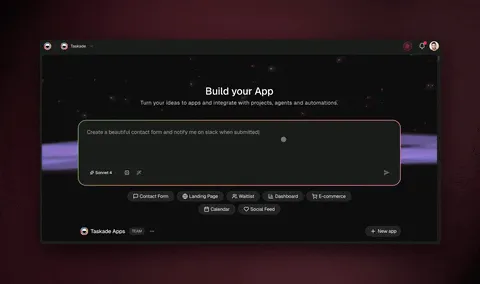
Taskade Genesis is the only text-to-app platform that creates living software — apps with built-in AI agents, automation workflows, and persistent workspace data.
What makes it different:
Every other tool on this list generates something you then need to maintain, host, and extend manually. Taskade Genesis creates applications that are already connected to your workspace. When you build an employee directory, it pulls from your actual team data. When you build a project tracker, it syncs with your actual projects. When you build a customer portal, the embedded AI agent can answer questions by reading your knowledge base.
Prompt example:
Build a product launch command center with: milestone tracker,
team assignments, a content calendar for social media posts,
and an AI agent that can draft launch copy based on our product docs.
What you get: A multi-view app (Board for milestones, Calendar for content, Table for assignments) with an AI agent that reads your product documentation and drafts marketing copy on demand. The automation layer sends Slack notifications when milestones change status.
Key features:
- 3 Taskade Genesis apps on the free tier, unlimited from Pro
- Frontier AI models from top AI labs
- Custom AI agents with built-in tools
- Multiple project views: List, Board, Calendar, Table, Mind Map, Gantt, Org Chart
- 100+ integrations (Slack, Google, HubSpot, Stripe, Shopify)
- Instant publishing with shareable URLs
- Real-time multiplayer collaboration
- RBAC (Owner to Viewer)
Pricing: Free tier with 3 Taskade Genesis apps. Pro at $10/month, billed annually (10 users included), for unlimited apps and advanced AI models. Custom domains on Business at $25/month.
Try these text-to-app examples:
| Prompt Category | Live Example |
|---|---|
| Finance | Expense Tracker Dashboard |
| Booking | Room Booking Portal |
| CRM | Neon CRM Dashboard |
| Landing Page | SaaS Landing Page |
Try text to app with Taskade Genesis →
2. Bolt.new — Text to Frontend Code
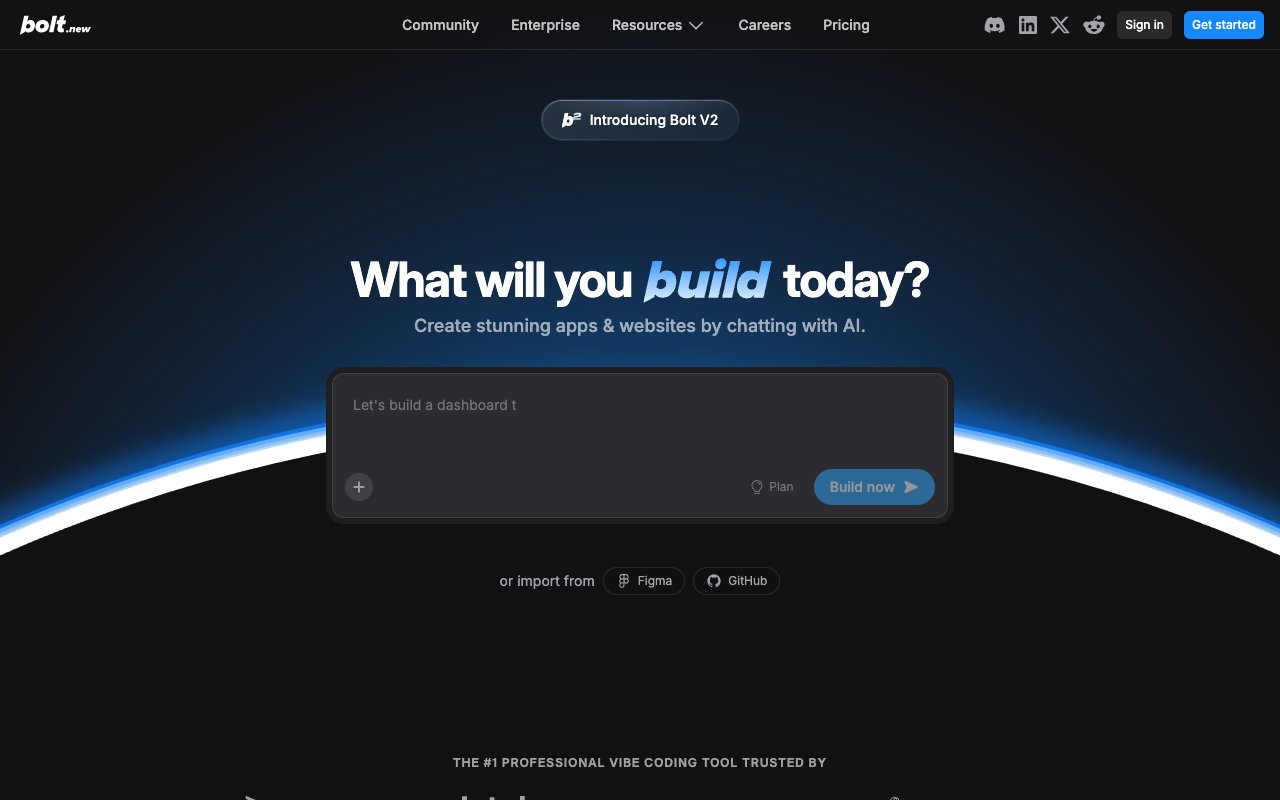
Bolt.new by StackBlitz generates React/Next.js applications in a browser-based environment. You type a prompt, it generates code, and you see a live preview in a WebContainer.
Strengths: Fast generation, good UI quality, in-browser preview without local setup. Strong for frontend-heavy apps.
Limitations: Frontend-focused — no built-in database or backend. You need to connect Supabase manually for data persistence. No hosting — export to GitHub and deploy yourself. No AI agents or automation post-build.
Free tier: ~10 tokens (roughly 3 app generations). After that, $20/month.
Best for: Developers who want AI-scaffolded React code and will handle deployment themselves.
3. Lovable — Text to Full-Stack Prototype

Lovable (formerly GPT Engineer) generates full-stack web applications with React frontends and Supabase backends. Known for producing polished, design-forward UIs.
Strengths: Best-in-class design quality. Full-stack generation including database schema. GitHub sync for version control.
Limitations: 5 free messages — barely enough to build one app. No hosting. No automation. No AI agents. Single-player only.
Free tier: 5 messages. Paid plans start at $25/month.
Best for: Design-conscious builders who want beautiful full-stack prototypes and are willing to pay after trying.
4. Replit — Text to Hosted App

Replit is a cloud IDE with an AI agent mode that can generate and deploy applications from text prompts. Supports 50+ languages with built-in hosting.
Strengths: Full development environment. Free hosting for public projects. Agent mode for autonomous app generation. Large community.
Limitations: AI agent mode consumes credits fast. Free hosting has CPU/RAM limits — apps sleep after inactivity. Everything public on free tier.
Free tier: Unlimited public projects. AI features are credit-based. Paid plans start at $25/month.
Best for: Developers and students who want a free cloud IDE with AI assistance and built-in hosting.
5. V0 by Vercel — Text to React Components

V0 generates individual React/Next.js components from text and image prompts. It is a component generator, not a full app builder.
Strengths: High-quality component output. Image-to-code conversion. 200 free messages per month. Clean shadcn/ui integration.
Limitations: Components only — no complete apps. No database, hosting, or backend. You need an existing project to integrate output.
Free tier: 200 messages/month. Generous for component work.
Best for: Frontend developers who need AI-generated React components for existing projects.
6. Cursor — Text to Code (In Your Editor)

Cursor is an AI-powered VS Code fork. It helps you write code faster with inline completions, multi-file editing, and chat — but it is a code editor, not an app builder.
Strengths: Best AI coding assistant. Works with any language/framework. Multi-file editing with Composer. All VS Code extensions supported.
Limitations: Not a text-to-app tool at all. You still write code. No hosting, no deployment, no preview. Requires developer skills.
Free tier: 2,000 completions/month. 50 slow premium model requests.
Best for: Developers who want AI help writing code, not generating complete apps.
7. Bubble — Text to Visual App (Sort Of)

Bubble is the original visual no-code builder. You build apps by dragging and dropping elements, configuring workflows, and setting up databases visually. It recently added AI features for generating layouts, but the core experience is still manual.
Strengths: Most mature no-code platform. Complex logic handling. Built-in database and hosting. Large plugin ecosystem.
Limitations: Steep learning curve (weeks to become proficient). No true text-to-app generation. Slow performance on shared infrastructure. Bubble branding on free tier.
Free tier: Unlimited development apps. Free hosting with Bubble subdomain and branding.
Best for: Builders who want maximum control over every element and are willing to invest time learning visual development.
8. Glide — Text (Spreadsheet) to App
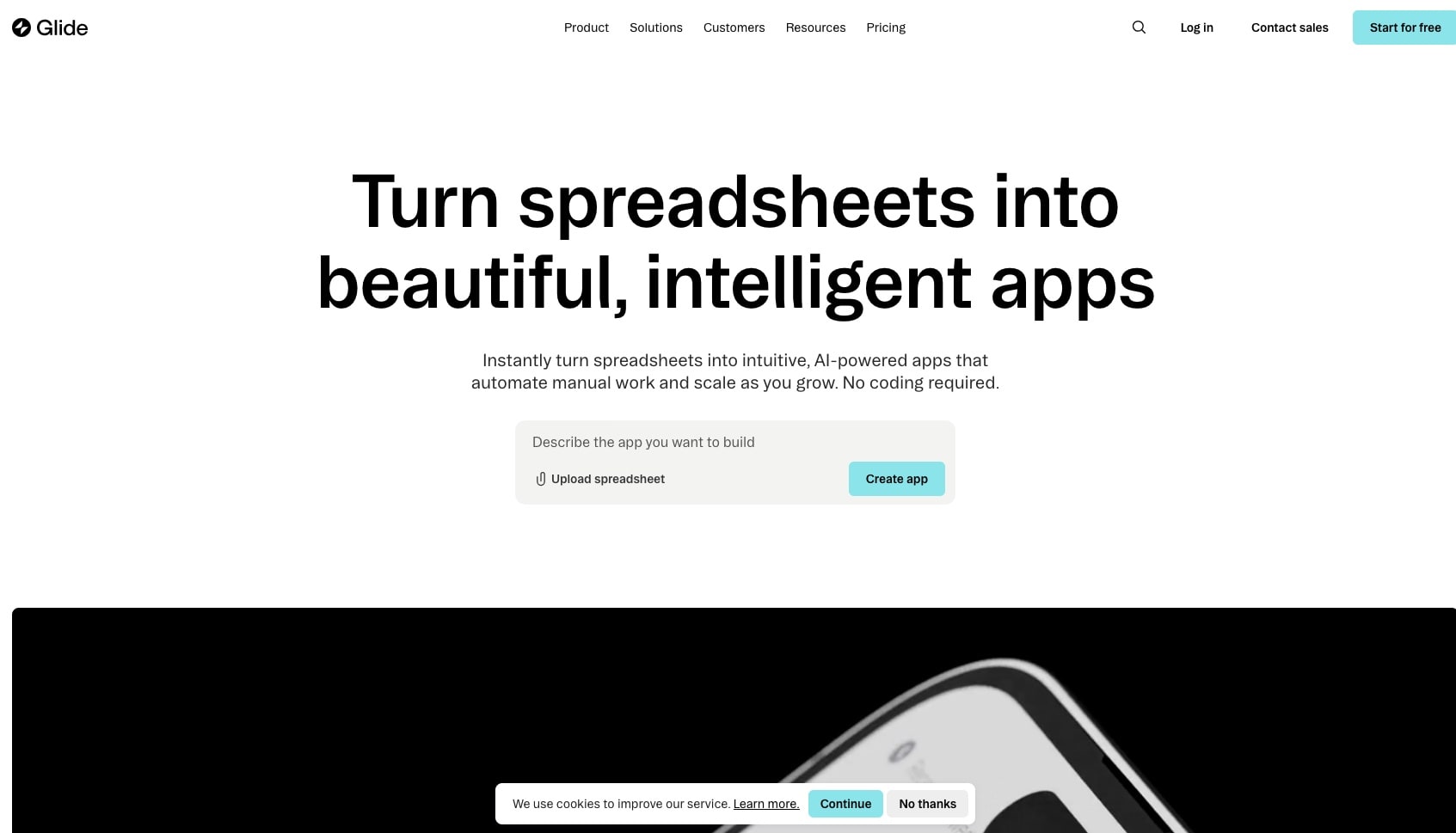
Glide converts Google Sheets and Excel data into mobile-friendly apps. The "text" is your spreadsheet — Glide generates an app interface from your data structure.
Strengths: Dead simple for spreadsheet-based apps. Good mobile output. Google Sheets integration is seamless.
Limitations: 100-row limit on free tier. No AI generation. Limited to data-driven CRUD apps. Glide branding.
Free tier: 3 apps. 100 rows per data source.
Best for: Teams that live in Google Sheets and want to turn data into simple internal apps.
9. Base44 — Text to Business App
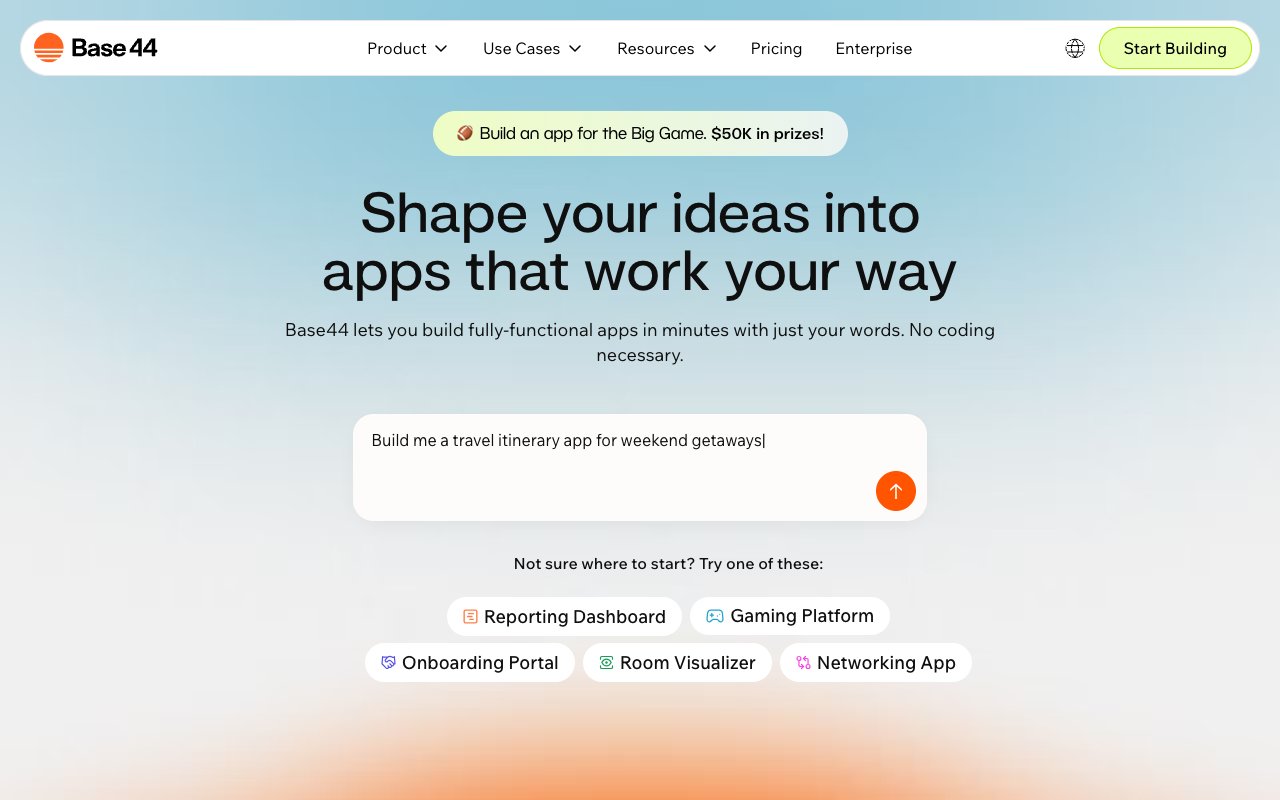
Base44 uses AI to generate business applications from text prompts. Focuses on internal tools, dashboards, and CRUD apps.
Strengths: Clean AI generation for business apps. Built-in database. Simple interface.
Limitations: 3 free apps. Limited AI credits. No agents or automation. Base44 branding.
Free tier: 3 apps with limited credits.
Best for: Business users who want to quickly prototype internal tools before committing to a platform.
10. Google AppSheet — Data to Enterprise App
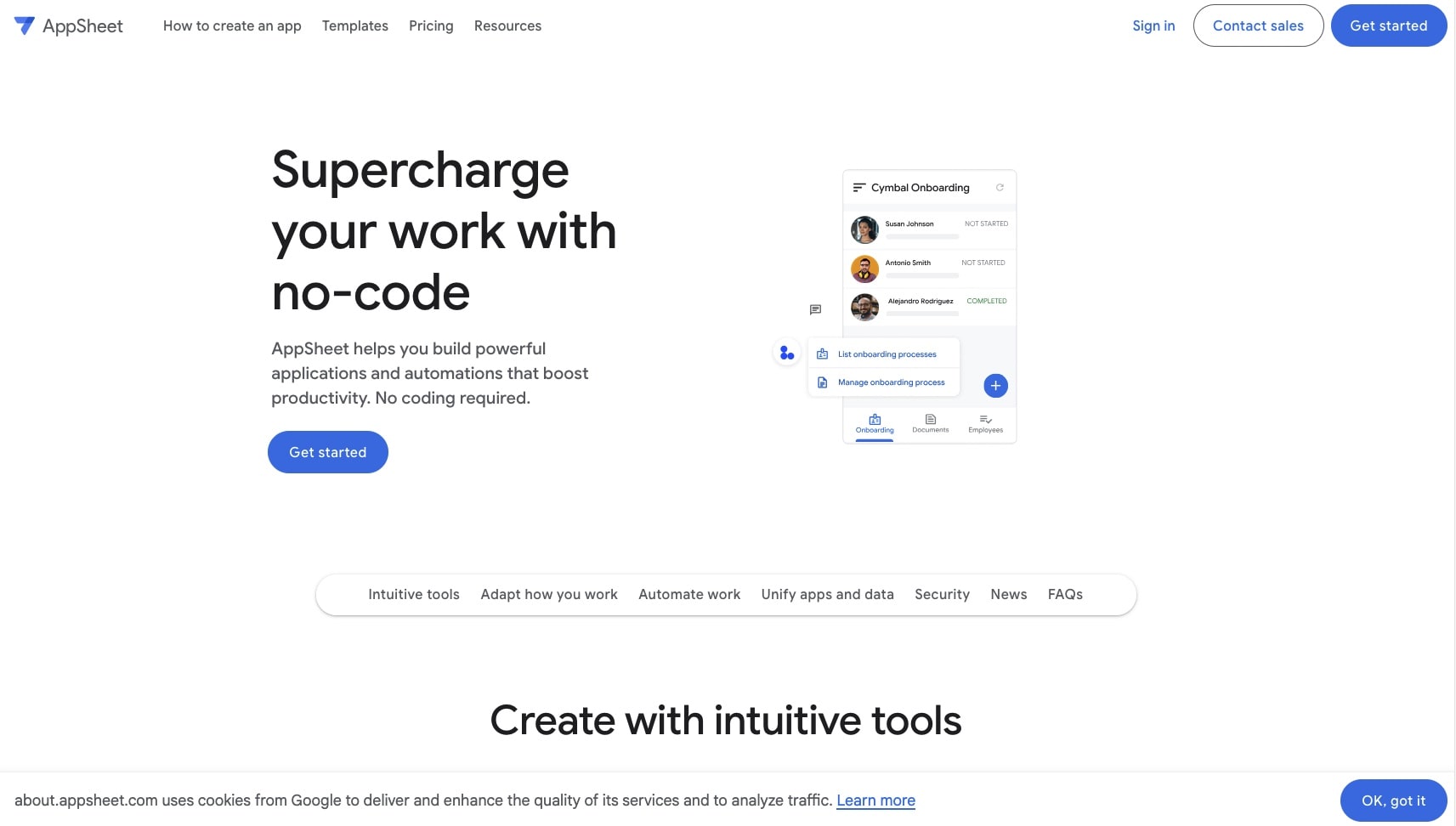
Google's no-code platform generates apps from Google Sheets, Drive, and SQL databases. Tightly integrated with Google Workspace.
Strengths: Free for up to 10 users. Google ecosystem integration. Mobile app generation. Basic automation workflows.
Limitations: No AI text-to-app generation. Manual visual builder. Complex formula language. Google dependency.
Free tier: Unlimited apps for up to 10 users per app.
Best for: Small teams on Google Workspace who need internal tools without paying for additional software.
Writing Better Prompts: The Text-to-App Skill
The quality of your app depends on the quality of your prompt. Here is what separates weak prompts from strong ones:
Weak Prompt:
Build me a CRM
Result: A generic contact list with basic fields. No logic, no automation, no intelligence.
Strong Prompt:
Build a sales CRM for a 5-person B2B SaaS team. Include:
- Deal pipeline with stages: Lead, Qualified, Proposal, Negotiation, Closed
- Contact records with company, role, email, phone, last contact date
- Activity log that tracks calls, emails, and meetings per deal
- Dashboard showing monthly revenue pipeline, close rate, and team leaderboard
- Automated reminder when a deal has no activity for 7 days
- AI agent that can summarize deal history and suggest next steps
Result: A functional CRM with pipeline visualization, activity tracking, automated reminders, and an AI assistant — ready for production use.
The Prompt Formula
┌───────────────────────────────────────────────────────┐
│              TEXT-TO-APP PROMPT FORMULA                │
├───────────────────────────────────────────────────────┤
│                                                       │
│  1. WHO is this for?      (5-person sales team)       │
│  2. WHAT does it do?      (track deals + contacts)    │
│  3. WHAT data?            (pipeline stages, fields)   │
│  4. WHAT logic?           (reminders, calculations)   │
│  5. WHAT views?           (dashboard, list, board)    │
│  6. WHAT intelligence?    (AI agent, automation)      │
│                                                       │
│  The more specific you are, the better the output.    │
│  Think of it as a creative brief, not a wish.         │
│                                                       │
└───────────────────────────────────────────────────────┘
The difference between a weak prompt and a strong prompt is the difference between a toy and a tool. Spend 5 minutes on your prompt. Save 5 weeks of development.
Text to App for Teams: Beyond Solo Building
Most text-to-app content focuses on solo builders — indie hackers, freelancers, side-project creators. But the bigger opportunity is teams.
Marketing teams use text to app to build campaign dashboards, content calendars, and lead capture forms — without filing tickets with engineering.
Operations teams build approval workflows, inventory trackers, and employee onboarding portals — without waiting in a sprint queue.
Sales teams build custom CRMs, proposal generators, and pipeline trackers — tuned to their exact process instead of adapting to Salesforce.
Product teams build prototype apps to validate ideas with real users — in hours instead of sprints.
The collaboration dimension matters more than most articles acknowledge. When a marketing manager builds an app, who else can access it? Can the manager set permissions? Can the team iterate together in real time?
Taskade Genesis handles this with real-time multiplayer editing and role-based access control — from Owner (full control) down to Viewer (read-only). Most competing tools are single-player by default.
After the Prompt: What Makes Apps Stick
The text-to-app moment — the generation — is the beginning, not the end. What determines whether your app succeeds is what happens after you press Enter.
Static apps decay. A CRM built in Bolt.new works on day one. By day 30, the data is stale, no one is updating it manually, and the team has reverted to spreadsheets. The app was never alive — it was a screenshot that ran.
Living software compounds. A CRM built in Taskade Genesis works on day one and gets better on day 30. The AI agent has learned from 30 days of interactions. The automation workflows have processed hundreds of triggers. The data reflects reality because the system updates itself.
This is the core argument for platform-native text to app over code-export text to app:
| Dimension | Code Export (Static) | Platform-Native (Living) |
|---|---|---|
| Day 1 | App works | App works |
| Day 7 | Manual updates needed | Auto-synced data |
| Day 30 | Users abandon the app | AI agents improve from usage |
| Day 90 | App is outdated | Automations have saved 100+ hours |
| Day 365 | App is dead | App is smarter than on day 1 |
The question is not "can I generate an app from text?" The question is "will this app still be useful in 3 months?"
Step-by-Step: Your First Text-to-App Build
Ready to try it? Here is a 5-minute walkthrough using Taskade Genesis.
Step 1: Go to taskade.com/ai/apps (free, no credit card).
Step 2: Enter your prompt. Start specific:
Build a weekly team standup tracker. Each team member logs:
what they did yesterday, what they're doing today, and any
blockers. Show a dashboard view with all standups for the
current week and highlight unresolved blockers in red.
Step 3: Review the generated app. Iterate through conversation:
- "Add a Slack notification when someone logs a blocker"
- "Include a chart showing standup completion rates by team member"
- "Add an AI agent that summarizes the week's blockers every Friday"
Step 4: Publish with one click. Share the URL with your team.
Step 5: Watch it work. Team members log standups. Blockers trigger Slack alerts. The AI agent delivers weekly summaries. The app is alive.
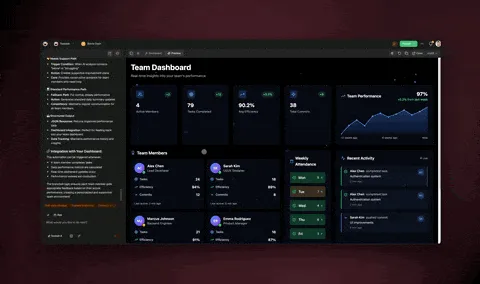
That is text to app. One prompt. One app. One minute to build what used to take one month.
When Text to App Is Not Enough
Text to app is powerful but not universal. Here is when you still need traditional development:
- High-frequency, low-latency systems — trading platforms, real-time gaming, video streaming
- Hardware integrations — IoT devices, embedded systems, custom peripherals
- Regulatory-critical applications — medical devices (FDA), aviation (DO-178C), nuclear systems
- Massive-scale consumer apps — social networks with millions of concurrent users
- Deep OS integration — native mobile apps that need full device API access
For everything else — internal tools, client portals, dashboards, forms, CRMs, project trackers, booking systems, landing pages, AI assistants — text to app is not just viable. It is faster, cheaper, and increasingly better than custom development.
The Future of Text to App
Three trends will define text to app in 2026 and beyond:
1. Multi-agent apps. Today's text-to-app tools create apps with one AI assistant. Tomorrow's will create apps with teams of AI agents — one that handles customer questions, one that analyzes data, one that drafts reports — all collaborating inside a single application. Taskade's multi-agent architecture is already building toward this.
2. Self-healing applications. Apps that detect when something breaks and fix it — without human intervention. When an API changes, the app adapts. When user behavior shifts, the interface reorganizes. Living software that maintains itself.
3. Text to anything. The same prompt that builds a web app will also build a mobile app, an API, a workflow, a document, and a training program. The boundary between "app" and "system" will dissolve. This is the end of the app store — software becomes fluid, personal, and alive.
Further Reading
Go deeper into the text-to-app landscape:
- AI App Builders vs AI Workspace Builders — the category split every text-to-app platform falls into
- The Micro App Economy (2026 State Report) — 150K apps, 5 archetypes, platform comparison
- 15 Best Free AI App Builders in 2026 — honest free-tier comparison
- 17 Best AI App Builders in 2026 — comprehensive platform review
- Best Vibe Coding Tools 2026 — Cursor, Bolt, Taskade Genesis, and more compared
- What Is Vibe Coding? — the philosophy behind prompt-based building
- AI App Builder vs Website Builder vs Agent Builder — understand the three types
- The App Builder Revolution — from idea to working software in 5 minutes
- Anatomy of a Taskade Genesis App — how Workspace DNA powers living software
- The End of the App Store — why apps are becoming living systems
Start Building
Text to app is the fastest way to turn ideas into working software. You do not need a developer. You do not need a budget. You need a clear description of what you want to build.
Try text to app with Taskade Genesis →
Browse 150,000+ community-built apps for inspiration. Clone any app and customize it with your own prompts.
The gap between "I have an idea" and "I have an app" has never been smaller. What will you build?

Frequently Asked Questions
What does text to app mean?
Text to app means describing software in plain language — a natural language prompt — and having an AI system generate a complete, working application from that description. Unlike traditional no-code (drag-and-drop) or low-code (visual forms), text-to-app requires no interface design skills. You write what you need, and the AI handles architecture, UI, data, and deployment.
Can I really build an app just from text?
Yes. Modern text-to-app platforms like Taskade Genesis, Bolt.new, Lovable, and Replit can generate functional web applications from a single text prompt. The quality depends on how specific your prompt is. Simple apps (landing pages, forms, dashboards) work reliably. Complex apps (multi-role systems, real-time data, API integrations) may require iterative prompting.
How is text to app different from ChatGPT?
ChatGPT generates code snippets in a chat window. Text-to-app platforms generate complete, deployed applications — with databases, hosting, user interfaces, and sometimes AI agents and automations included. ChatGPT gives you ingredients. Text-to-app platforms give you the finished meal.
Is text to app the same as vibe coding?
Vibe coding is the broader philosophy of building software by describing what you want rather than writing code. Text to app is the most common implementation of vibe coding — entering a text prompt that generates a working application. All text-to-app tools use vibe coding principles, but vibe coding also includes AI-assisted code editing in tools like Cursor and Windsurf.
What types of apps can I build with text to app?
You can build dashboards, CRMs, booking systems, landing pages, client portals, internal tools, inventory trackers, project management apps, AI chatbots, and more. Taskade Genesis users have built 150,000+ apps across every category — from simple to-do lists to complex multi-agent business systems.
Do I need coding experience to use text to app?
No. The entire point of text to app is that you describe what you need in plain language. Platforms like Taskade Genesis, Lovable, and Bolt.new handle all technical implementation. Coding experience helps with complex customizations but is not required to build and ship a functional app.
What happens after the app is generated?
This is where platforms diverge. Most text-to-app tools generate static code that you deploy and maintain yourself. Taskade Genesis creates living software — apps that include AI agents, automation workflows, and persistent data that continue to operate and evolve after generation. Your app does not just sit there. It works.