
Looking for alternatives to ClickUp AI?
ClickUp has gone all-in on artificial intelligence.
TL;DR: The best ClickUp AI alternatives in 2026 are Taskade Genesis (AI workspace plus app builder), Notion AI, Asana Intelligence, and Monday.com AI. ClickUp's free plan caps storage at 100MB and meters AI credits on top of per-seat pricing. We compare 10 tools by AI features and cost below. Start free with Taskade Genesis.
With Brain (a neural network that understands your entire workspace), Super Agents (autonomous AI teammates that plan, execute, and collaborate alongside your team), and multi-LLM support spanning OpenAI GPT frontier models and Claude, ClickUp is one of the most feature-rich AI project management tools on the market.
But "feature-rich" comes with a catch: complexity, steep learning curves, per-seat pricing, and an AI credits system that makes it hard to predict what you'll actually pay each month.
Many teams don't need the full enterprise weight of ClickUp's platform.
They need AI project management that's simpler to adopt, more affordable to scale, and faster to deliver value. Whether you're a startup that outgrew simple task boards, a growing team tired of per-seat math, or an enterprise looking for a tool that doesn't require a three-month onboarding, there's a better fit out there.
This guide compares the 10 best ClickUp AI alternatives across every category: AI-native workspaces, enterprise project management, developer tools, visual planners, and simple team platforms. We cover features, pricing, AI capabilities, and who each tool is really built for.
📊 Quick Comparison: ClickUp AI vs Alternatives
| Platform | Best For | AI Agents | AI Pricing | Base Pricing |
|---|---|---|---|---|
| Taskade Genesis | AI agents that build complete apps | ✅ Multi-agent teams | Included | Free / $10/mo (annual) |
| ClickUp | Enterprise all-in-one workspace | ✅ Super Agents | Credits system | $7/user/mo |
| Notion | AI-enhanced knowledge workspace | ❌ | +$10/user/mo | $10/user/mo |
| Asana | Enterprise workflow management | ❌ | Included | $10.99/user/mo |
| Monday.com | Visual project management | ❌ | Included | $12/seat/mo |
| Linear | Modern software teams | ❌ | Included | $8/user/mo |
| Jira | Enterprise software development | ❌ | Included | $8.15/user/mo |
| Trello | Simple Kanban boards | ❌ | Included | Free / $5/user/mo |
| Wrike | Enterprise work management | ❌ | Included | $9.80/user/mo |
| Smartsheet | Spreadsheet-based PM | ❌ | Included | $9/user/mo |
| Basecamp | Simple team communication | ❌ | N/A | $15/user/mo |
🤖 What Is ClickUp AI?
ClickUp is a comprehensive project management and productivity platform that has aggressively integrated AI across its entire product. Understanding what ClickUp AI offers helps clarify why you might want an alternative and what capabilities to look for.
ClickUp Brain
ClickUp Brain is a neural network layer that connects across your entire workspace. It understands your tasks, docs, people, and workflows, then surfaces insights and answers based on your actual data. Brain can search across all your workspace content, generate documents, summarize threads, create standups, and answer questions about your projects.
Super Agents
Super Agents are ClickUp's most ambitious AI feature. These are autonomous AI teammates that can plan, execute, and collaborate like real team members. Super Agents have their own memory systems, can be @mentioned in documents, tasks, and chats, run on configurable schedules, and operate using AI credits. They can break down objectives into tasks, update project statuses, and even collaborate with each other.
Multi-LLM Support
ClickUp supports multiple large language models including OpenAI GPT (frontier models) and Claude, allowing users to choose which AI model handles their requests. This gives flexibility in balancing speed, quality, and cost depending on the task.
AI Writing and Content
Built-in AI writing tools help with drafting documents, improving existing text, translating content, and generating structured outputs like project briefs and meeting notes.
Key ClickUp AI Features:
| Feature | What It Does |
|---|---|
| Brain | Neural network over all workspace data |
| Super Agents | Autonomous AI teammates |
| AI Writing | Document generation and editing |
| Workspace Search | AI-powered semantic search |
| Standups/Recaps | Auto-generated team updates |
| Multi-LLM | Choose between OpenAI GPT (frontier models), Claude, and others |
| AI Credits | Token-based usage for AI features |
ClickUp Pricing:
- Free: Limited features, 100MB storage
- Unlimited ($7/user/mo): Unlimited storage, integrations
- Business ($12/user/mo): Advanced features, automations
- Enterprise (custom): SSO, advanced permissions
- AI Credits: Separate consumption-based pricing for Super Agents and Brain
🤔 Why Look for ClickUp AI Alternatives?
ClickUp AI is powerful. But power doesn't always equal the right fit. Here's why teams look for alternatives:
| Limitation | Impact |
|---|---|
| Per-seat pricing | Costs multiply fast as your team grows -- a 50-person team at $12/user/mo is $600/month before AI credits |
| AI credits system | Unpredictable costs on top of base subscription; hard to budget for AI usage |
| Overwhelming complexity | ClickUp has hundreds of features; many teams only need 20% of them |
| Steep learning curve | New users report weeks to months before feeling productive |
| Enterprise-heavy focus | Feature roadmap skews toward large organizations |
| Performance concerns | Heavy feature set can slow down the interface, especially on large workspaces |
| No app building | AI assists within ClickUp but can't create standalone tools or apps |
| Single-platform lock-in | Your data, workflows, and processes live entirely inside ClickUp |
The core tension: ClickUp tries to be everything for everyone. That ambition creates an incredibly powerful tool for teams willing to invest in learning it, but an overwhelming and expensive one for teams that need something more focused.
Some teams want simpler project management with smart AI (Trello, Basecamp). Others want enterprise-grade planning without the bloat (Asana, Linear). And some want to go beyond project management entirely and build AI-native workspaces with autonomous agents (Taskade Genesis).
AI Project Management vs AI Workspace + App Builder
ClickUp is primarily a project management tool with AI features. But there's a category of tools that combine project management with AI-native app building:
AI Project Management Tools (ClickUp, Asana, Monday.com): Manage projects with AI assistance. Per-seat pricing. AI credits systems. No custom app building. Expensive as teams grow.
AI Workspace + App Builder (Taskade Genesis): Project management + custom AI agents + app building from prompts. Flat pricing (from $10/mo billed annually). Build complete apps beyond project management. Taskade Workspace DNA with Memory (Projects) + Intelligence (AI Agents) + Execution (Automations).
Quick Comparison
| What You Can Do | ClickUp AI | Taskade Genesis |
|---|---|---|
| Project management | ✅ Enterprise-grade | ✅ Team-friendly |
| Custom AI agents | Super Agents (credit-based) | Unlimited multi-agent teams (included) |
| Build custom apps | ❌ No | ✅ One prompt |
| Pricing | $7-12/user/mo + AI credits | From $10/mo unlimited apps (billed annually) |
| Cost for 10 users | $70-120/mo + credits | $10/mo flat |
| Cost for 50 users | $350-600/mo + credits | $25/mo flat |
💡 ClickUp manages projects with AI. Taskade Genesis manages projects AND builds AI-powered apps.
Why Teams Switch from ClickUp to Genesis
Real scenarios from teams who made the switch:
Scenario 1: Marketing Agency with 15 Team Members
- ClickUp cost: $12/user/month × 15 = $180/month + AI credits ($50-100/month) = $230-280/month
- Genesis approach: Build client portal app, content calendar with AI agent for research, approval workflow automation = $25/month flat, billed annually
- Annual savings: $2,460-3,060 saved
Scenario 2: Product Team Building Customer Feedback System
- ClickUp approach: Configure custom fields, build automation rules, manually tag and categorize feedback, pay per seat as team grows (8 team members × $12 = $96/month)
- Genesis approach: One prompt: "Build customer feedback portal with AI categorization, sentiment analysis, and weekly summary reports." Complete system in 5 minutes. AI agent processes feedback automatically. $25/month regardless of team size
- Result: 12+ hours/week saved on manual categorization, $71/month cost savings
Scenario 3: Support Team Scaling from 5 to 25 People
- ClickUp scaling problem: Started at $60/month (5 users × $12), grew to $300/month (25 users × $12) + AI credits
- Genesis flat pricing: Same $25/month whether 5 users or 25 users
- Impact: $3,300/year saved as team scaled, plus built custom support ticket app and knowledge base agent
The pattern is clear: ClickUp's per-seat pricing + AI credits system creates escalating costs. Genesis's flat pricing with included AI means predictable budgets and freedom to build unlimited apps as your needs evolve.
This is the power of Workspace DNA: Memory (Projects) + Intelligence (Agents) + Execution (Automations) working as a living system, not just a project management tool with AI bolted on.
🏆 The 10 Best ClickUp AI Alternatives in 2026
#1 Taskade Genesis ⭐ -- Best for AI Agents That Build Complete Apps

ClickUp added AI to an existing project management platform. Taskade Genesis was built AI-native from the ground up. That's not a subtle difference. It changes everything about how the tool works, what it can do, and how fast your team gets value from it.
Where ClickUp Brain searches your workspace data, Genesis agents act on it. Where ClickUp Super Agents operate within ClickUp's interface using AI credits, Genesis agents build complete applications, automate workflows across 100+ integrations, and collaborate with your team in real time -- all on a plan whose AI credit allowance is already included, with no separate credit purchase.
The biggest difference? Genesis doesn't just manage projects. It creates the tools your team needs from a single prompt. Describe a client onboarding portal, a sales CRM, a content pipeline, or a team dashboard, and Genesis delivers a working application in minutes. Not a template. Not a preconfigured ClickUp space. A living, intelligent application with AI agents built in.
Taskade Genesis vs ClickUp AI:
| Capability | ClickUp AI | Taskade Genesis |
|---|---|---|
| AI architecture | AI layer on existing PM tool | AI-native from the ground up |
| AI agents | Super Agents (credits-based) | Multi-agent teams (included) |
| App building | ❌ | ✅ Prompt-to-app |
| Custom agent training | Limited to workspace data | Files, URLs, projects, custom data |
| Automations | Rule-based + AI triggers | AI-powered with 100+ integrations |
| Collaboration | ✅ + Comments, @mentions | ✅ + Video calls, real-time editing |
| Multiple views | ✅ 15+ views | ✅ List, Board, Calendar, Table, Mind Map, Gantt, Org Chart |
| Pricing model | Per-seat + AI credits | Flat rate, AI included |
| Free tier | Limited | ✅ Full AI features |
| Learning curve | Weeks to months | Minutes |
What makes Genesis different:
ClickUp asks: "How can AI help you manage your projects?"
Genesis asks: "Why manage manually at all?"
With Genesis, AI agents don't just assist. They execute. They're trained on your specific knowledge, documents, and workflows. They run autonomously, 24/7, across your workspace. And they collaborate with each other in multi-agent teams to handle complex processes that would require entire departments in a traditional setup.
Example prompts and what Genesis delivers:
| Prompt | What You Get |
|---|---|
| "Build a sprint planning tool with backlog, velocity tracking, and standup reports" | Complete agile workspace with AI-generated standups |
| "Create a client portal with project status, document sharing, and feedback collection" | Full portal with AI-powered status updates |
| "Build a sales pipeline with lead scoring, follow-up reminders, and weekly reports" | CRM with AI agents that score leads and draft outreach |
| "Create an employee onboarding system with checklists, training tracking, and mentor assignments" | HR tool with automated onboarding workflows |
| "Build a content calendar with idea generation, approval workflows, and publishing schedule" | Marketing hub with AI content suggestions |
👍 Taskade Genesis Pros
- Multi-agent teams that collaborate, learn, and execute autonomously
- Prompt-to-app creation: describe it and get a working tool in minutes
- Flat pricing with AI included -- no per-seat math, and the monthly credit allowance comes with the plan
- 100+ native integrations for cross-platform automations
- Real-time collaboration with built-in video calls
- Train agents on your own data (files, URLs, projects)
- 150,000+ community templates and apps to clone and customize
👎 Taskade Genesis Cons
- Smaller brand recognition compared to ClickUp in enterprise
- Fewer traditional PM views than ClickUp's 15+ options
💵 Taskade Genesis Pricing
- 🟢 Free: Build 3 Taskade Genesis apps, AI agents included
- 🔵 Pro ($10/month billed annually): Advanced agents, more storage, priority support
- 🟣 Business ($25/month billed annually): Team workspaces, SSO, admin controls
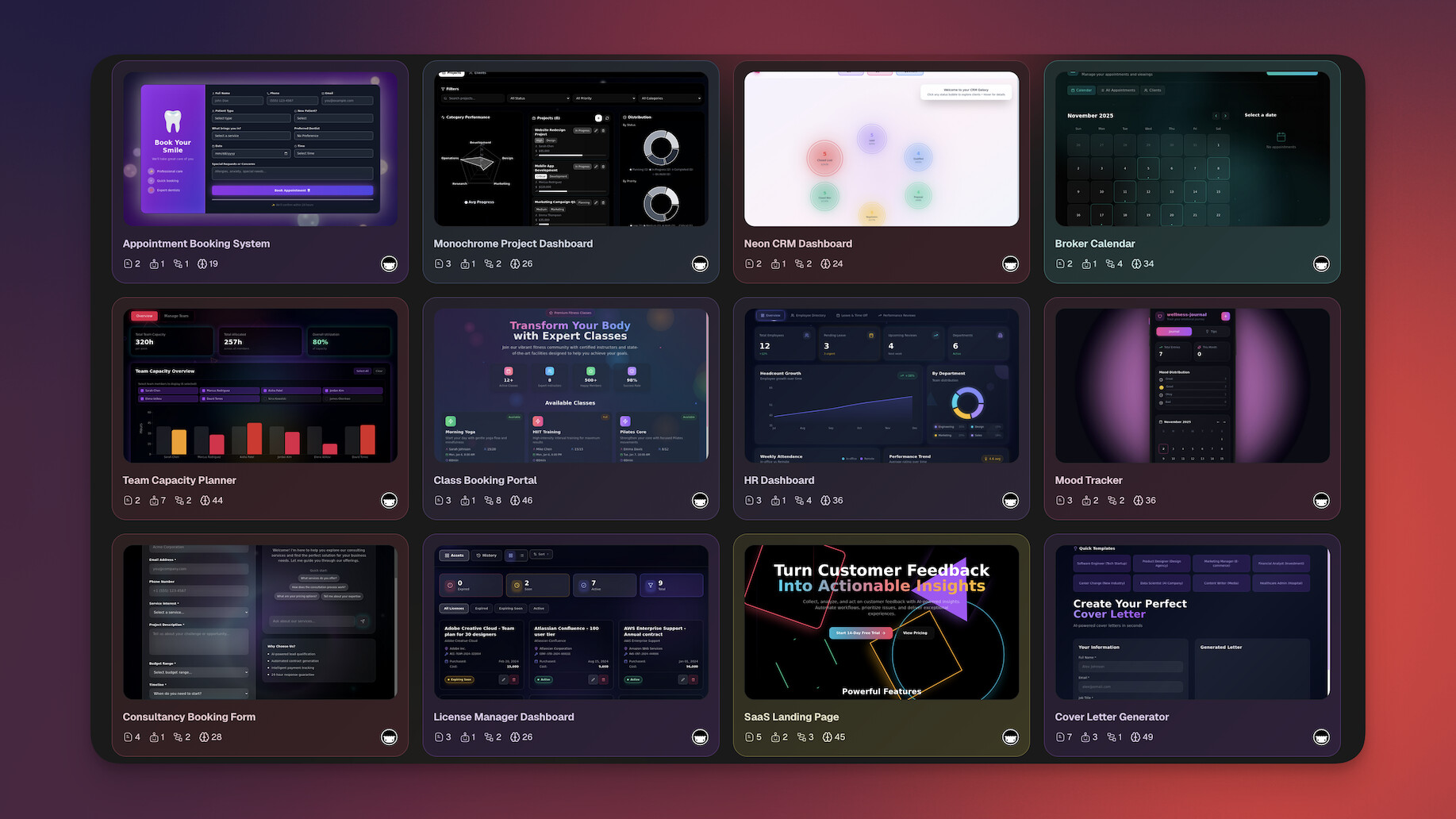
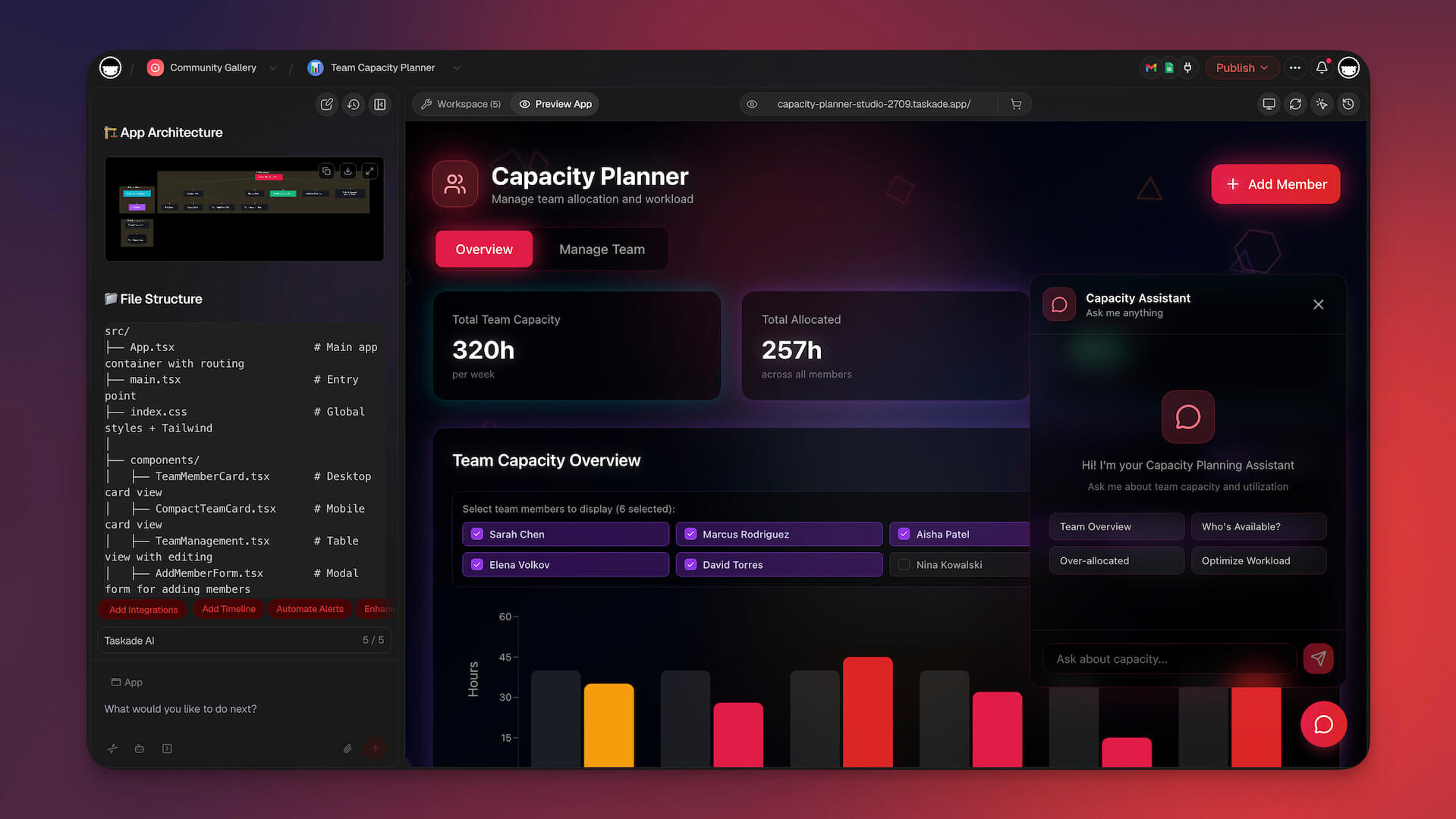
See Taskade Genesis in action:
Key links:
👉 See full Taskade vs ClickUp comparison →
#2 Notion -- Best for AI-Enhanced Knowledge Workspace
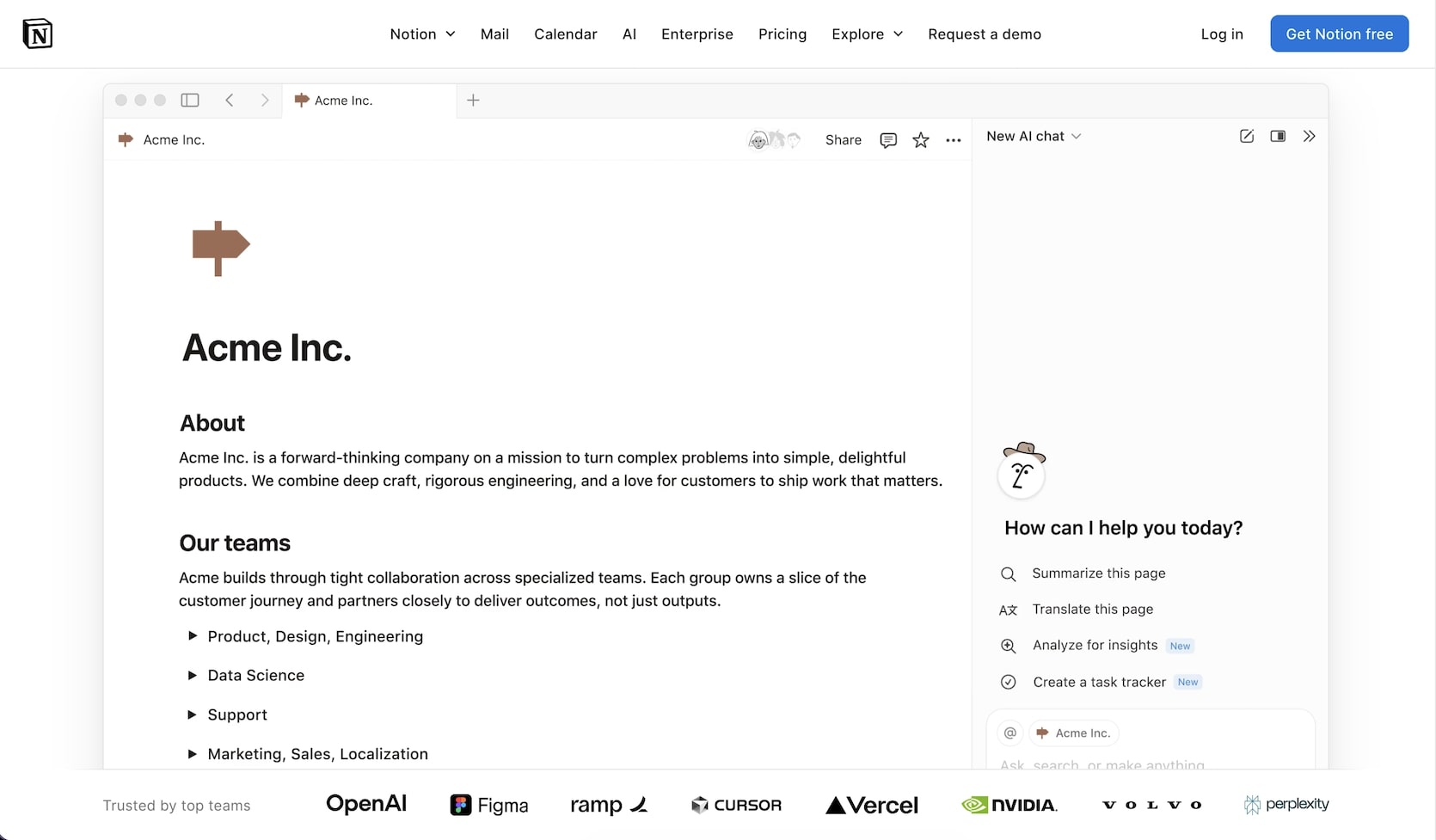
Notion has evolved from a note-taking app into a connected workspace with databases, wikis, docs, and project management. Notion AI adds writing assistance, Q&A over your workspace, autofill for database properties, and AI-powered search to an already versatile platform.
Where ClickUp tries to be a comprehensive project management suite with AI bolted on, Notion takes a different approach: it's a flexible knowledge workspace where you build your own systems using blocks, databases, and relations. Notion AI enhances this flexibility by helping you write faster, find information across your workspace, and automate repetitive database work.
The trade-off is structure. ClickUp comes with built-in project management primitives like sprints, time tracking, and goals. Notion gives you building blocks and lets you assemble your own workflows. For teams that value customization and knowledge management over rigid PM structures, Notion is often a better fit.
👍 Notion Pros
- Incredibly flexible block-based workspace
- Notion AI for writing, Q&A, and database autofill
- Powerful relational databases for custom workflows
- Beautiful wiki and documentation system
- Strong template gallery with community contributions
👎 Notion Cons
- AI is an add-on cost ($10/user/month on top of base price)
- No native AI agents or autonomous AI teammates
- Can feel slow on very large workspaces
- Project management requires manual configuration
💵 Notion Pricing
- 🟢 Free: Basic features for individuals
- 🔵 Plus ($10/user/mo): Team features, unlimited blocks
- 🟣 AI Add-on (+$10/user/mo): AI writing, Q&A, autofill
👉 See full Taskade vs Notion comparison →
#3 Asana -- Best for Enterprise Workflow Management
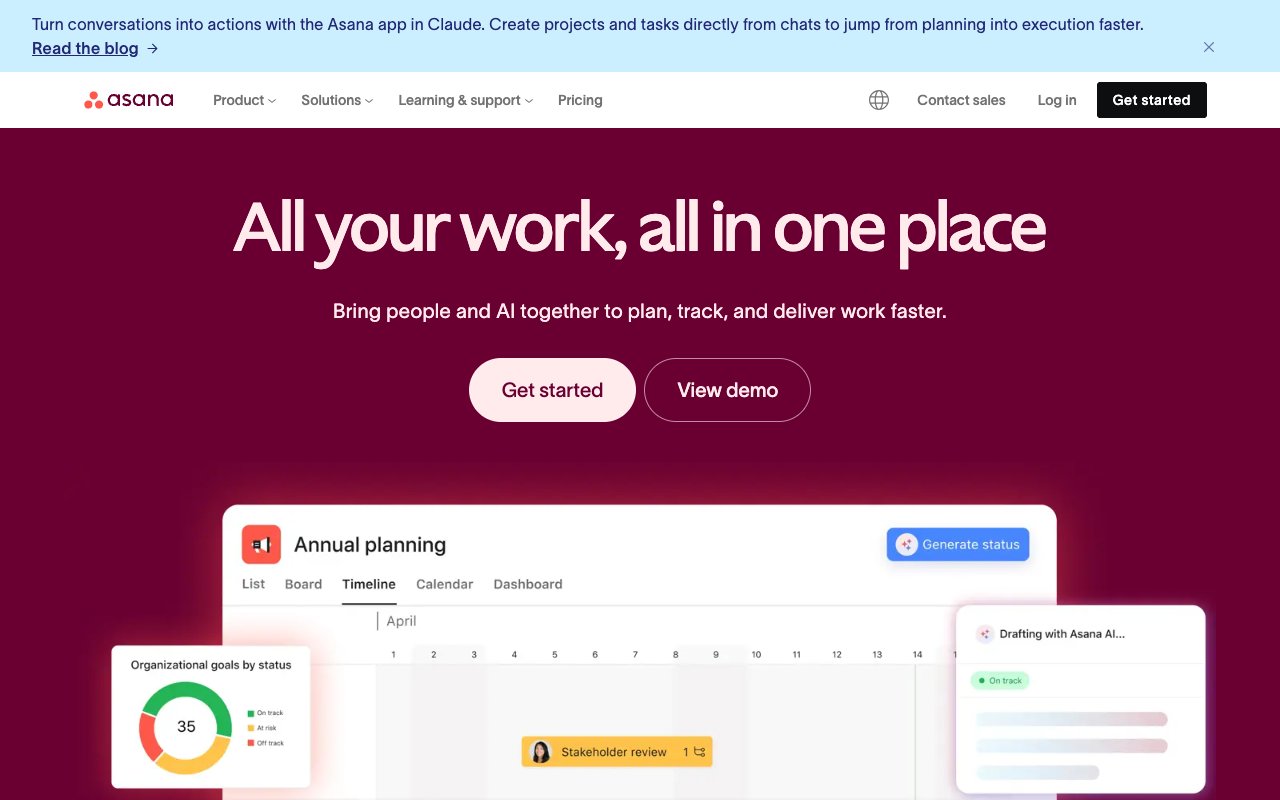
Asana is a mature project management platform built for enterprise workflow management. Asana Intelligence, its AI layer, adds smart status updates, AI-generated task summaries, workflow recommendations, and natural language project creation. It's designed for organizations that need structured goal tracking, cross-functional portfolios, and approval workflows at scale.
Compared to ClickUp, Asana takes a more focused approach. Instead of cramming every possible feature into one tool, Asana emphasizes clarity of workflow. Goals cascade from company objectives down to individual tasks. Portfolios give leadership real-time visibility across projects. Custom fields and rules automate routine work. Asana Intelligence layers AI on top of this structure to surface insights and reduce manual status reporting.
The result is a platform that's easier to adopt than ClickUp for teams that need structured project management without the kitchen-sink complexity. But Asana's AI is assistive, not autonomous. It helps you work faster within Asana's framework, but it doesn't build tools, create applications, or operate as an independent agent.
👍 Asana Pros
- Clean, intuitive interface with minimal learning curve
- Goals and portfolios for strategic alignment
- Asana Intelligence for smart summaries and status updates
- Robust rules engine for workflow automation
- Strong enterprise features (SSO, admin controls, audit logs)
👎 Asana Cons
- Per-seat pricing gets expensive at scale ($10.99/user/mo+)
- AI is assistive only -- no autonomous agents
- Limited customization compared to ClickUp's feature breadth
- No built-in docs or knowledge base (relies on integrations)
💵 Asana Pricing
- 🟢 Free (Personal): Up to 10 users, basic features
- 🔵 Starter ($10.99/user/mo): Timeline, workflow builder
- 🟣 Advanced ($24.99/user/mo): Portfolios, goals, advanced reporting
👉 See full Taskade vs Asana comparison →
#4 Monday.com -- Best for Visual Project Management
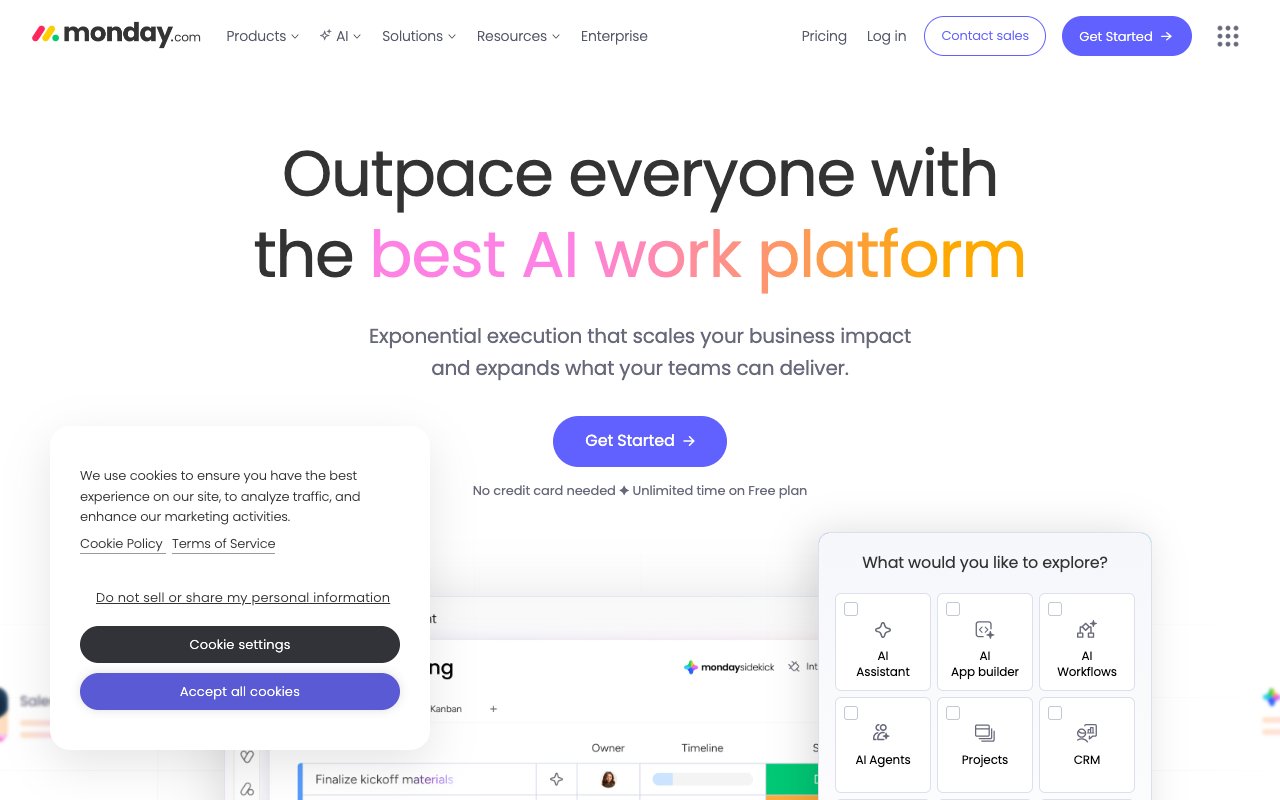
Monday.com is a visual work management platform known for its colorful boards, flexible column types, and extensive automation capabilities. Monday AI adds content generation, formula assistance, task summarization, and predictive insights to an already strong visual project management experience.
Where ClickUp overwhelms with features, Monday.com wins on visual clarity and ease of use. Boards are intuitive, customization is drag-and-drop, and the automation builder lets non-technical users create sophisticated workflows without writing code. Monday AI enhances this with generative features that help teams draft updates, summarize discussions, and extract insights from project data.
Monday.com works best for teams that think visually and need strong cross-departmental visibility. Its dashboards aggregate data from multiple boards, giving leadership a birds-eye view without the complexity of ClickUp's reporting suite. The trade-off is depth: Monday.com's AI is narrower in scope than ClickUp Brain, and there are no autonomous AI agents.
👍 Monday.com Pros
- Highly visual, intuitive board-based interface
- Monday AI for content generation and task summaries
- Powerful no-code automation builder
- Extensive marketplace with 200+ integrations
- Strong dashboard and reporting capabilities
👎 Monday.com Cons
- Per-seat pricing is among the highest ($12/seat/mo+)
- Minimum 3 seats on paid plans
- AI features are surface-level compared to ClickUp Brain
- Can become expensive quickly for larger teams
💵 Monday.com Pricing
- 🟢 Free: Up to 2 seats
- 🔵 Basic ($12/seat/mo): Unlimited boards, 5GB storage
- 🟣 Standard ($14/seat/mo): Timeline, integrations, automations
- 🔴 Pro ($27/seat/mo): Time tracking, formula column, charts
👉 See full Taskade vs Monday.com comparison →
#5 Linear -- Best for Modern Software Teams
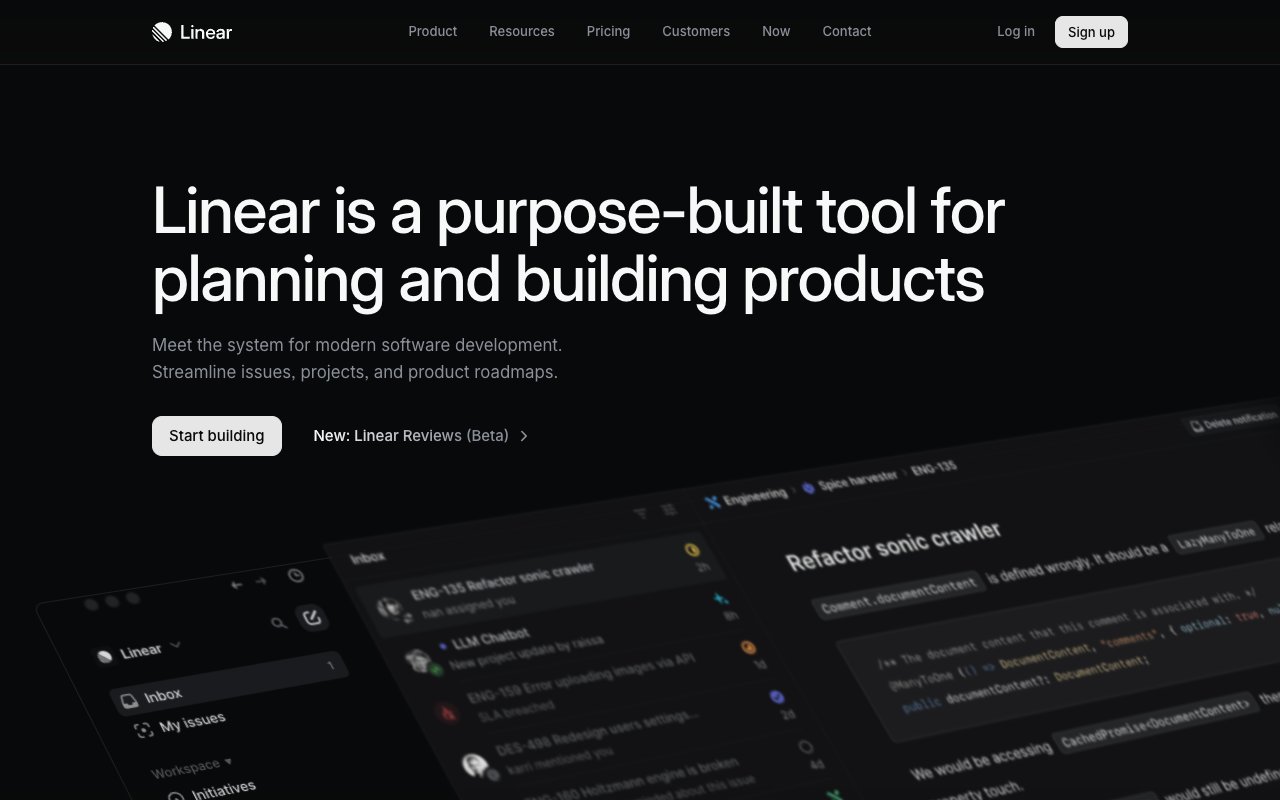
Linear is a project management tool built specifically for software development teams who value speed, keyboard shortcuts, and clean design. It offers issue tracking, cycles (sprints), roadmaps, and project management with a focus on developer experience. Linear has integrated AI features for writing assistance, triage suggestions, and automatic issue labeling.
While ClickUp serves every department, Linear is laser-focused on software development workflows. Everything is designed for speed: the interface loads instantly, keyboard shortcuts cover every action, and the workflow mirrors how engineering teams actually ship software. Cycles replace sprints with a more fluid cadence, and roadmaps give product teams visibility into what's being built and when.
Linear's AI helps with issue triage (automatically categorizing and prioritizing incoming issues), writing assistance for descriptions and updates, and duplicate detection. It's not as comprehensive as ClickUp Brain, but it's tightly integrated into the development workflow and never gets in the way.
👍 Linear Pros
- Blazing-fast interface with keyboard-first design
- AI-powered triage and issue classification
- Cycles and roadmaps built for engineering workflows
- GitHub, GitLab, and Slack integrations
- Clean, opinionated design that reduces decision fatigue
👎 Linear Cons
- Narrowly focused on software teams -- not suited for marketing, HR, or ops
- No AI agents or autonomous AI capabilities
- Limited views compared to ClickUp's flexibility
- Smaller integration ecosystem
💵 Linear Pricing
- 🟢 Free: Up to 250 issues, basic features
- 🔵 Standard ($8/user/mo): Unlimited issues, cycles, roadmaps
- 🟣 Plus ($14/user/mo): Advanced features, priority support
👉 See full Taskade vs Linear comparison →
#6 Jira -- Best for Enterprise Software Development
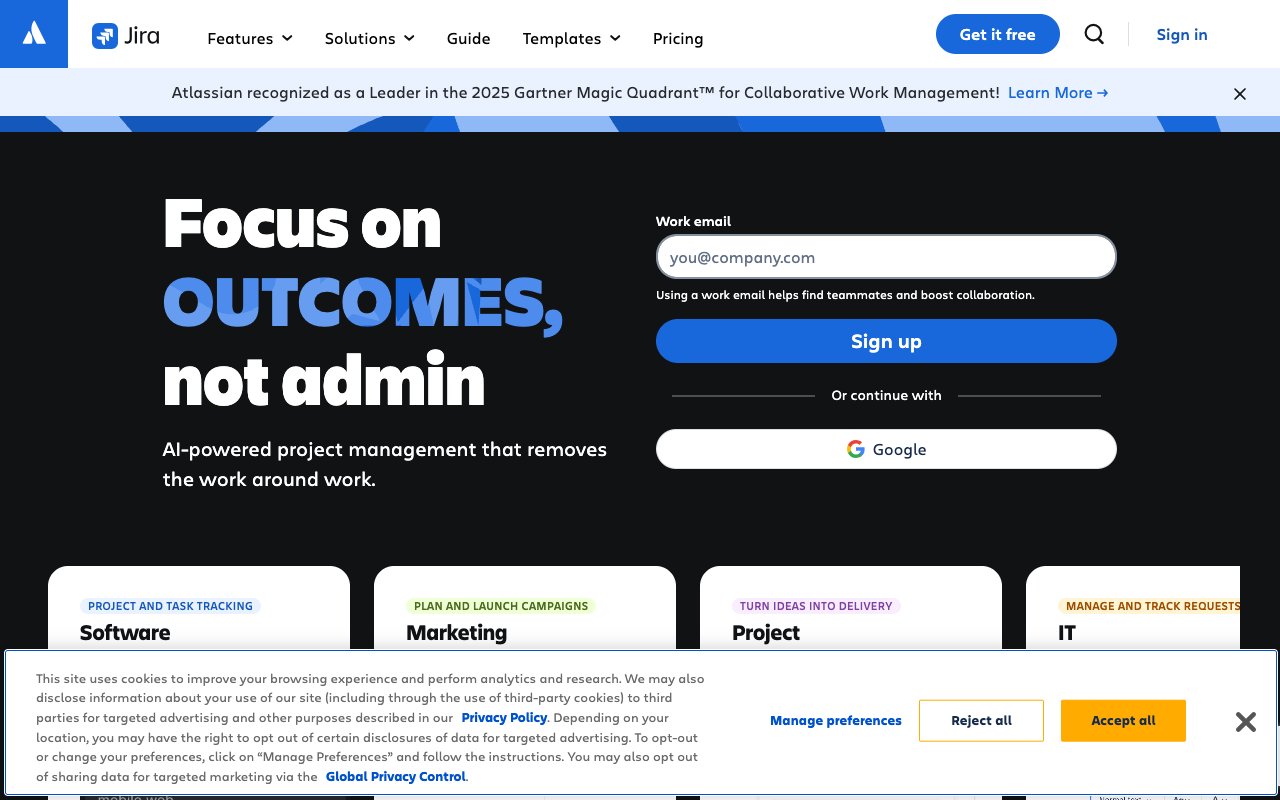
Jira is the industry standard for enterprise software development project management. Backed by Atlassian, Jira offers sprint planning, Kanban boards, advanced reporting, and deep integrations with the entire Atlassian ecosystem (Confluence, Bitbucket, Trello). Atlassian Intelligence adds AI-powered issue summarization, natural language to JQL queries, and smart automation suggestions.
Jira and ClickUp compete most directly in the enterprise space. Both offer comprehensive project management with AI features. The difference is ecosystem: Jira is deeply embedded in Atlassian's suite, meaning teams using Confluence for documentation, Bitbucket for code, and Jira for project management get a tightly integrated experience. ClickUp tries to replace the entire Atlassian suite with one tool; Jira embraces a modular, best-of-breed approach.
Atlassian Intelligence brings AI summarization across issues and pages, converts natural language into JQL searches, suggests automation rules, and helps with content creation in Confluence. It's practical and well-integrated, but like Asana's AI, it's assistive rather than autonomous.
👍 Jira Pros
- Industry-standard for agile software development
- Atlassian Intelligence for AI summarization and smart queries
- Deep integration with Confluence, Bitbucket, and Trello
- Advanced reporting with velocity charts, burndown, and custom dashboards
- Massive marketplace with thousands of add-ons
👎 Jira Cons
- Complex administration and configuration
- Per-user pricing adds up at scale
- Can feel heavy and slow for non-engineering teams
- AI features are narrower than ClickUp Brain
💵 Jira Pricing
- 🟢 Free: Up to 10 users
- 🔵 Standard ($8.15/user/mo): Advanced permissions, audit logs
- 🟣 Premium ($16/user/mo): Advanced roadmaps, AI features
- 🔴 Enterprise (custom): Unlimited sites, analytics
👉 See full Taskade vs Jira comparison →
#7 Trello -- Best for Simple Kanban Boards
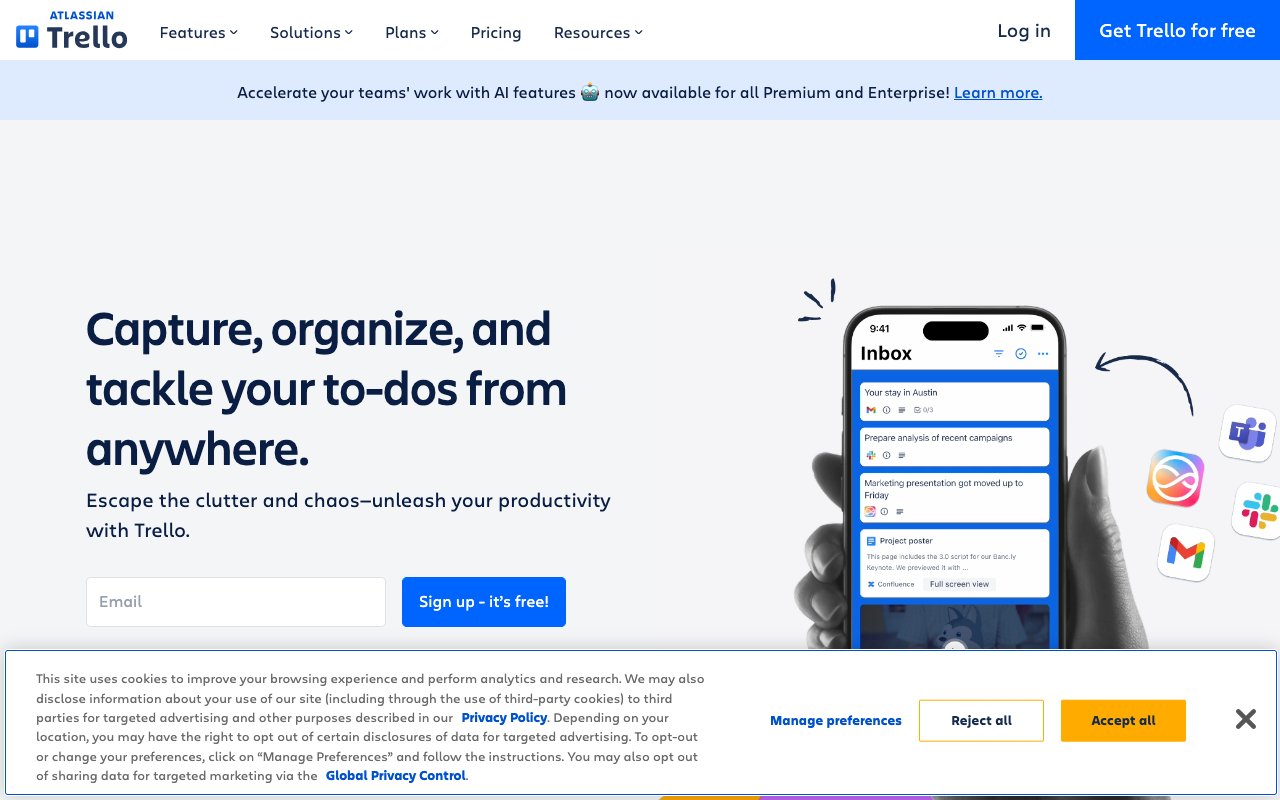
Trello is the original Kanban board tool, now part of the Atlassian family. It offers simple card-based task management with Butler automation (a no-code automation engine), Power-Ups for extended functionality, and Atlassian AI features for content generation and summarization. Trello is the anti-ClickUp: it does one thing well and stays out of your way.
For teams that find ClickUp overwhelming, Trello is a breath of fresh air. Boards, lists, and cards are immediately intuitive. There's no learning curve beyond understanding drag-and-drop. Butler automation adds sophisticated workflow capabilities without sacrificing simplicity, and Power-Ups let you extend Trello with calendars, time tracking, and integrations as needed.
Trello's simplicity is both its greatest strength and its biggest limitation. Teams that need advanced reporting, goal tracking, resource management, or multiple project views will outgrow Trello quickly. And while Atlassian AI adds content generation and summarization, there are no autonomous agents or intelligent automation beyond Butler's rule-based triggers.
👍 Trello Pros
- Simplest, most intuitive project management interface
- Butler automation for no-code workflows
- Atlassian AI for writing and summarization
- Generous free tier with unlimited cards
- Power-Up ecosystem for extensibility
👎 Trello Cons
- Limited to Kanban-style workflows
- No advanced reporting or analytics
- No AI agents or autonomous capabilities
- Outgrown quickly by teams needing more structure
💵 Trello Pricing
- 🟢 Free: Unlimited cards, 10 boards per workspace
- 🔵 Standard ($5/user/mo): Unlimited boards, custom fields
- 🟣 Premium ($10/user/mo): Views, dashboard, admin features
- 🔴 Enterprise ($17.50/user/mo): Organization-wide permissions
👉 See full Taskade vs Trello comparison →
#8 Wrike -- Best for Enterprise Work Management
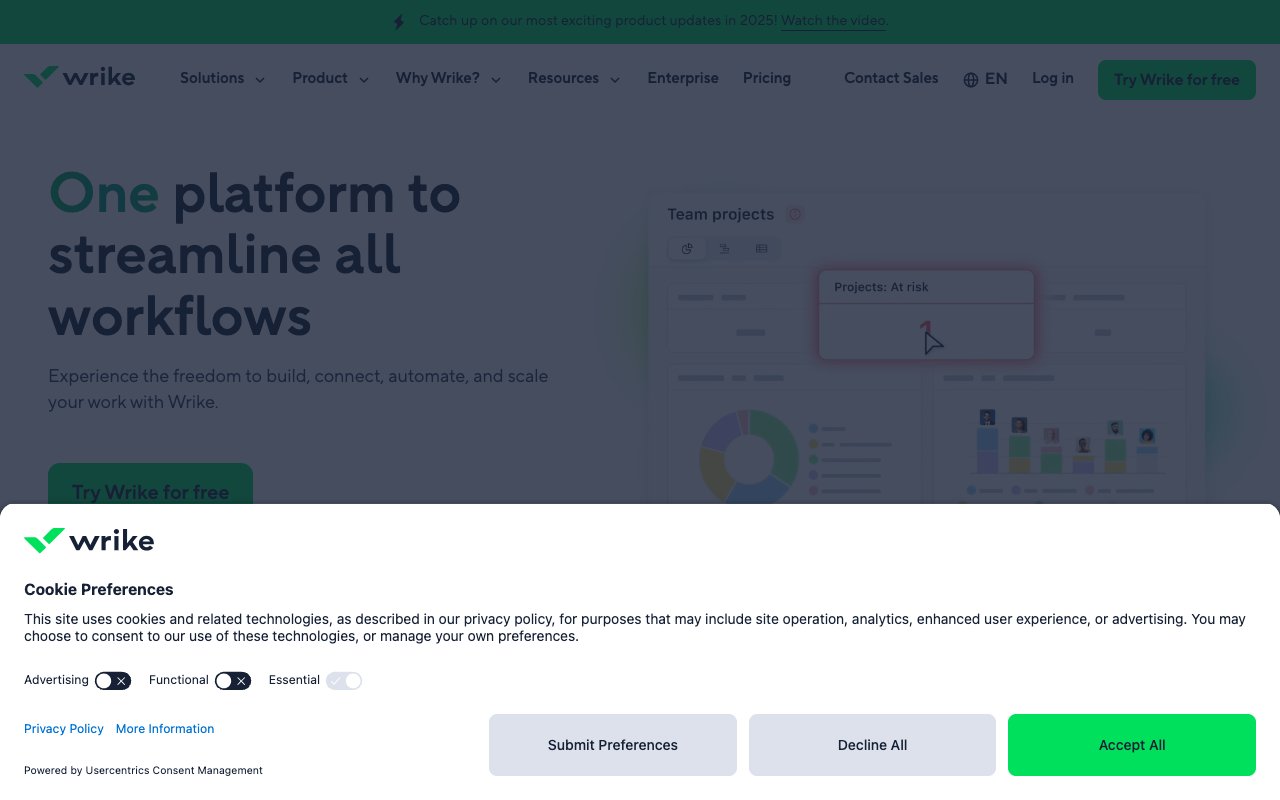
Wrike is an enterprise work management platform with AI-powered project planning, Gantt charts, resource management, and digital asset proofing. Wrike's AI assistant helps with content generation, risk prediction, effort estimation, and intelligent task recommendations. It's designed for large organizations that need structured project management with strong resource allocation capabilities.
Where ClickUp competes on feature breadth, Wrike competes on enterprise-grade resource management and cross-functional visibility. Wrike excels at managing complex projects with dependencies, resource constraints, and approval workflows. The Gantt chart capabilities are among the strongest in the market, and the proofing feature (for reviewing and approving creative assets) is unique among project management tools.
Wrike's AI assistant provides content generation within tasks and documents, predicts project risks based on historical data, estimates effort for new tasks, and suggests intelligent task prioritization. It's practical enterprise AI, focused on reducing manual planning work rather than replacing human decision-making.
👍 Wrike Pros
- Powerful Gantt charts and resource management
- AI assistant for content, risk prediction, and effort estimation
- Digital asset proofing for creative teams
- Cross-tagging for tasks across multiple projects
- Strong enterprise security and compliance features
👎 Wrike Cons
- Per-user pricing is expensive at enterprise tier
- Interface can feel dated compared to modern tools
- Steep learning curve for advanced features
- No AI agents or autonomous teammates
💵 Wrike Pricing
- 🟢 Free: Basic features, limited users
- 🔵 Team ($9.80/user/mo): Gantt charts, dashboards, integrations
- 🟣 Business ($24.80/user/mo): Custom workflows, AI features, proofing
- 🔴 Enterprise (custom): Advanced security, SAML SSO
👉 See full Taskade vs Wrike comparison →
#9 Smartsheet -- Best for Spreadsheet-Based Project Management
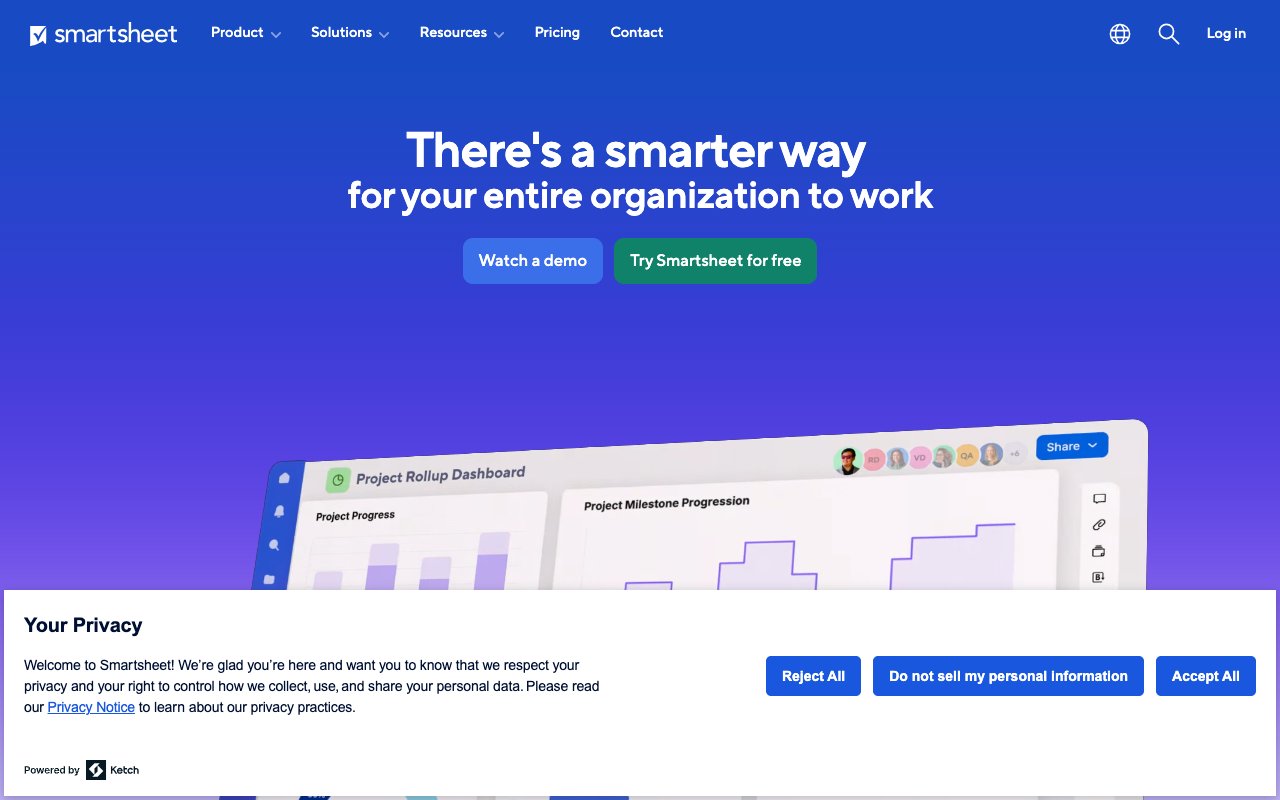
Smartsheet brings project management to the spreadsheet paradigm. It's a grid-first platform with Gantt charts, automation, dashboards, and portfolio management built on top of a familiar rows-and-columns interface. AI-powered features include formula generation, content creation, data summarization, and predictive analytics for project timelines.
For teams coming from Excel or Google Sheets, Smartsheet is the most natural transition into project management. The grid interface is immediately familiar, and you can import existing spreadsheets directly. Automations handle routine work (notifications, approvals, row updates), and dashboards aggregate data from multiple sheets into executive-level views.
Smartsheet's AI helps generate formulas, summarize sheet data, predict project completion dates, and create content within cells. It's focused on making the spreadsheet experience smarter rather than replacing it. Compared to ClickUp, Smartsheet is more accessible for data-heavy teams but less flexible for teams that need Kanban boards, mind maps, or docs.
👍 Smartsheet Pros
- Familiar spreadsheet interface with PM capabilities
- AI formulas and content generation
- Strong portfolio management and dashboards
- Powerful automation engine with conditional logic
- Excellent for data-heavy project tracking
👎 Smartsheet Cons
- Spreadsheet-first paradigm limits flexibility
- Per-user pricing at scale
- Limited real-time collaboration compared to modern tools
- No AI agents or autonomous capabilities
💵 Smartsheet Pricing
- 🟢 Free: 1 user, 2 sheets
- 🔵 Pro ($9/user/mo): Unlimited sheets, Gantt, forms
- 🟣 Business ($19/user/mo): Automation, dashboards, reports
- 🔴 Enterprise (custom): Advanced admin, WorkApps
👉 See full Taskade vs Smartsheet comparison →
#10 Basecamp -- Best for Simple Team Communication
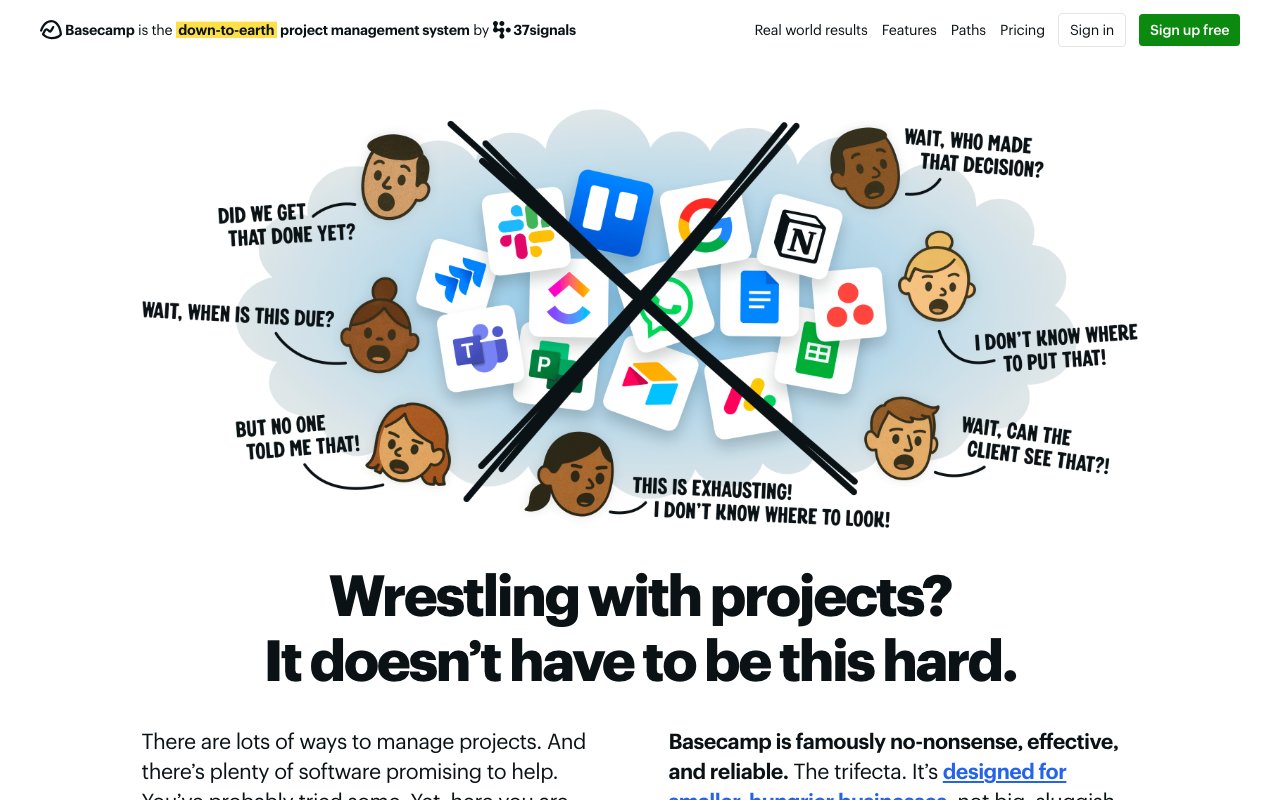
Basecamp takes the opposite approach from ClickUp. Instead of adding every possible feature, Basecamp focuses on six core tools: message boards, to-dos, schedules, docs/files, campfires (group chat), and Hill Charts (a unique progress visualization). There's no AI layer, no automation engine, and no complex views. That's the point.
Basecamp is for teams who believe most project management tools are overbuilt. Its Hill Charts provide a unique way to visualize project progress that goes beyond simple percentage completion. Message boards replace cluttered email threads. Campfires keep conversations organized by project. And the flat pricing model means you know exactly what you'll pay regardless of team size.
The trade-off is obvious: Basecamp has no AI features whatsoever. No writing assistance, no smart search, no automation, no agents. If you're leaving ClickUp specifically because you want better AI, Basecamp is not the answer. But if you're leaving because ClickUp is too complex, too expensive per-seat, and too distracting, Basecamp's simplicity might be exactly what you need.
👍 Basecamp Pros
- Radically simple interface with zero learning curve
- Hill Charts for unique progress visualization
- Flat pricing option ($299/mo for unlimited users) eliminates per-seat anxiety
- Message boards reduce email and chat noise
- Opinionated design keeps teams focused
👎 Basecamp Cons
- No AI features of any kind
- No automation or workflow engine
- Limited views (no Gantt, Kanban, or timeline)
- Not suitable for complex project management needs
💵 Basecamp Pricing
- 🔵 Per user ($15/user/mo): Full features
- 🟣 Pro Business ($299/mo flat): Unlimited users, priority support
👉 See full Taskade vs Basecamp comparison →
📊 Taskade Genesis vs ClickUp AI: Detailed Comparison
The two most AI-forward tools on this list are Taskade Genesis and ClickUp AI. Here's a detailed breakdown across the dimensions that matter most:
AI Architecture
| Dimension | ClickUp AI | Taskade Genesis |
|---|---|---|
| AI foundation | AI layer added to existing PM tool | AI-native platform built around agents |
| Agent system | Super Agents (single-purpose, credits-based) | Multi-agent teams (collaborative, included) |
| LLM support | OpenAI GPT (frontier models), Claude (user selects) | Multiple models, platform-optimized |
| Training | Workspace data only | Custom data: files, URLs, docs, projects |
| Memory | Super Agent memory within ClickUp | Agent memory across entire workspace + custom knowledge |
| Autonomy | Agents work within ClickUp tasks/docs | Agents work across apps, integrations, and automations |
Workspace and Collaboration
| Dimension | ClickUp AI | Taskade Genesis |
|---|---|---|
| Views | 15+ (List, Board, Gantt, Calendar, etc.) | List, Board, Calendar, Table, Mind Map, Gantt, Org Chart |
| Real-time editing | ✅ | ✅ |
| Video calls | ❌ (requires integration) | ✅ Built-in |
| Docs | ClickUp Docs | Built-in with AI |
| App building | ❌ | ✅ Prompt-to-app |
| Community | Templates | 150,000+ apps, templates, agents |
Automation and Integration
| Dimension | ClickUp AI | Taskade Genesis |
|---|---|---|
| Automation engine | Rule-based + AI triggers | AI-powered with agent intelligence |
| Integrations | 1,000+ via marketplace | 100+ native integrations |
| Webhook support | ✅ | ✅ |
| Cross-platform agents | Within ClickUp only | Across all connected tools |
| Scheduled automations | ✅ | ✅ |
Pricing Comparison
| Plan Tier | ClickUp | Taskade Genesis |
|---|---|---|
| Free | 100MB storage, limited features | Full AI features, 3 Taskade Genesis apps |
| Individual/Pro | $7/user/mo (no AI credits) | $10/mo flat (AI included) |
| Team/Business | $12/user/mo + AI credits | $25/mo flat (AI included) |
| 10-person team (annual) | $120+/mo + credits | $10/mo |
| 50-person team (annual) | $600+/mo + credits | $25/mo |
| AI cost | Variable (credits system) | $0 additional |
The pricing difference is dramatic at scale. ClickUp's per-seat model plus AI credits means costs are unpredictable and grow linearly with team size. Genesis's flat pricing means a 15-person team and a 50-person team pay the same $25/month base rate.
🥇 Final Verdict: Which ClickUp Alternative Is Right for You?
| If You Need... | Best Choice | Why |
|---|---|---|
| AI agents that build apps | Taskade Genesis | Multi-agent teams, prompt-to-app, flat pricing |
| Flexible knowledge workspace | Notion | Blocks, databases, wikis with AI writing |
| Enterprise workflow management | Asana | Goals, portfolios, clean interface |
| Visual project boards | Monday.com | Intuitive boards, strong automations |
| Fast software development PM | Linear | Speed-first, keyboard-driven, developer-focused |
| Enterprise dev with Atlassian ecosystem | Jira | Deep Atlassian integration, advanced reporting |
| Simple Kanban task management | Trello | Easiest learning curve, generous free tier |
| Resource management at scale | Wrike | Gantt charts, proofing, enterprise security |
| Spreadsheet-based project tracking | Smartsheet | Familiar grid interface, data-heavy workflows |
| Radical simplicity, no AI needed | Basecamp | Six tools, flat pricing, zero complexity |
By Team Size
| Team Size | Best Choices |
|---|---|
| Solo / Freelancer | Taskade Genesis (free), Trello (free), Notion (free) |
| Small Team (2-10) | Taskade Genesis ($10/mo), Linear, Trello |
| Growing Team (10-50) | Taskade Genesis ($25/mo flat), Asana, Monday.com |
| Enterprise (50+) | Asana, Jira, Wrike, Smartsheet |
By AI Capability
| AI Need | Best Choice |
|---|---|
| Autonomous AI agents | Taskade Genesis |
| AI writing assistance | Notion AI, ClickUp Brain |
| AI-powered search | ClickUp Brain, Notion AI |
| AI workflow automation | Taskade Genesis, Monday.com |
| AI project insights | Asana Intelligence, Wrike AI |
| No AI (simplicity focused) | Basecamp, Trello |
❓ Frequently Asked Questions
Is ClickUp AI free?
ClickUp offers a free plan, but it has very limited storage (100MB) and restricted features. The AI capabilities through Brain are available on paid plans, but Super Agents and advanced AI features use a credits system that costs extra on top of your per-seat subscription. For AI that is bundled into the plan price rather than sold as a separate credit add-on, platforms like Taskade Genesis include an AI allowance in every paid plan.
What is the difference between ClickUp Brain and Super Agents?
ClickUp Brain is the foundational AI layer that connects to your workspace data. It handles search, summarization, writing, and Q&A across your tasks, docs, and projects. Super Agents are autonomous AI teammates built on top of Brain that can plan, execute, and collaborate like real users. They have memory systems, can be @mentioned, and run on schedules. Super Agents consume AI credits beyond what Brain provides.
Which ClickUp alternative has the best AI features?
Taskade Genesis offers the most advanced AI capabilities among ClickUp alternatives. It includes multi-agent teams trained on your custom data, prompt-to-app creation, AI-powered automations across 100+ integrations, and autonomous execution -- all included in the base price without a credits system. For assistive AI within existing workflows, Notion AI and Asana Intelligence are also strong options.
Can I migrate from ClickUp to another tool?
Most alternatives support import from ClickUp via CSV export, API integrations, or dedicated migration tools. Notion, Asana, Monday.com, and Jira all have ClickUp import guides. Taskade supports CSV import and allows you to rebuild workflows quickly using AI-powered project creation. The biggest migration challenge is usually replicating custom automations and workflows, not moving data.
Is per-seat pricing or flat pricing better for project management tools?
It depends on team size and growth trajectory. Per-seat pricing (ClickUp, Asana, Monday.com, Jira) is predictable per person but grows linearly and creates friction when adding new members. Flat pricing (Taskade Genesis, Basecamp's flat plan) is better for growing teams because costs don't increase with headcount. For a 50-person team, the difference between $12/user/month and a flat $25/month is $575/month.
Do I need AI in my project management tool?
Not necessarily. If your team manages straightforward task lists and Kanban boards, tools like Trello and Basecamp deliver excellent results without AI complexity. But if you need intelligent search across large workspaces, automated status reporting, AI-generated content, or autonomous agents that handle routine work, AI-powered tools like Taskade Genesis, Notion AI, and Asana Intelligence save significant time. The question is whether AI adds value to your specific workflows or just adds another feature you won't use.
🚀 Get Started with a Smarter Workspace
ClickUp AI is a powerful tool for teams willing to invest in its complexity and per-seat costs. But for teams that want AI-native project management without the overhead, there are better options.
Taskade Genesis delivers the most AI capabilities at the most accessible price point. Build complete apps from prompts. Deploy multi-agent teams trained on your data. Automate workflows across 100+ integrations. Collaborate in real time with built-in video calls. And pay a flat rate with no per-seat surprises.
Ready to try a different approach?
👉 Build your first app with Genesis → -- Describe it in plain English and get a working app in minutes.
👉 Create custom AI agents → -- Train agents on your data and embed them in your workflows.
👉 Explore automations → -- Connect 100+ tools with AI-powered workflows.
👉 Browse the Community → -- Clone from 150,000+ apps, templates, and workflows.
👉 Sign up free → -- No credit card required.
📚 Related Reading
- 16 Best ClickUp Alternatives for Project Management — Classic PM tools comparison
- Best Notion Alternatives
- Best Zapier Alternatives
- Best Devin AI Alternatives
- Best Bolt.new Alternatives
- Best Vibe Coding Tools
- Taskade vs ClickUp — Side-by-side comparison
- Taskade vs Notion — Workspaces compared
- Taskade vs Monday.com — PM tools compared